Identity Lifecycle Diagram Template for PowerPoint & Google Slides
Identity Lifecycle Management Presentation Template for PowerPoint & Google Slides
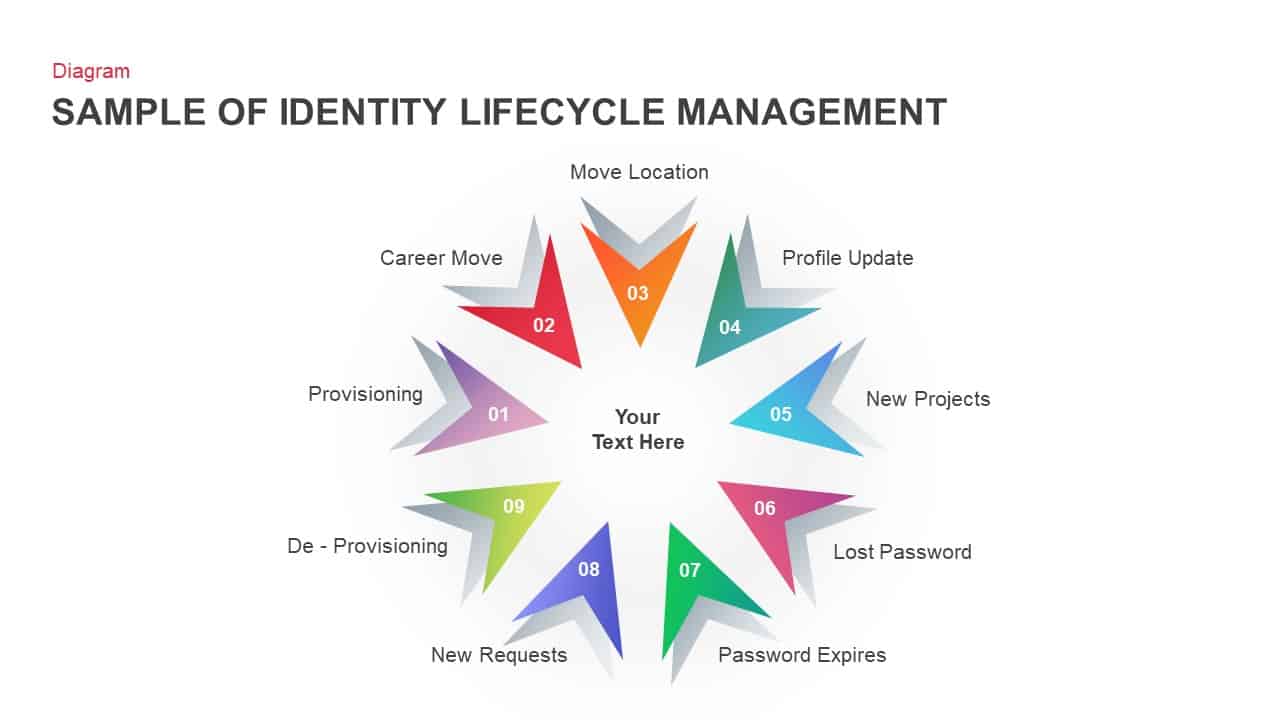
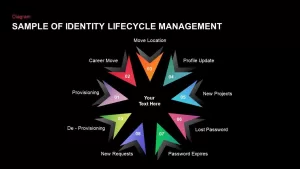
Managing IT security workflows, user access permissions, corporate governance policies, or employee identity lifecycles demands a structured, multi-stage presentation diagram. An identity lifecycle management slide gives cybersecurity teams, IT administrators, HR directors, and system architects an effective visual framework to demonstrate sequential user management phases. Featuring nine 3D folded arrow nodes arranged in a circular starburst pattern, this template simplifies complex identity governance protocols for executive decision-makers.
Illustrate Multi-Stage Security Workflows with a 9-Point Radial Starburst
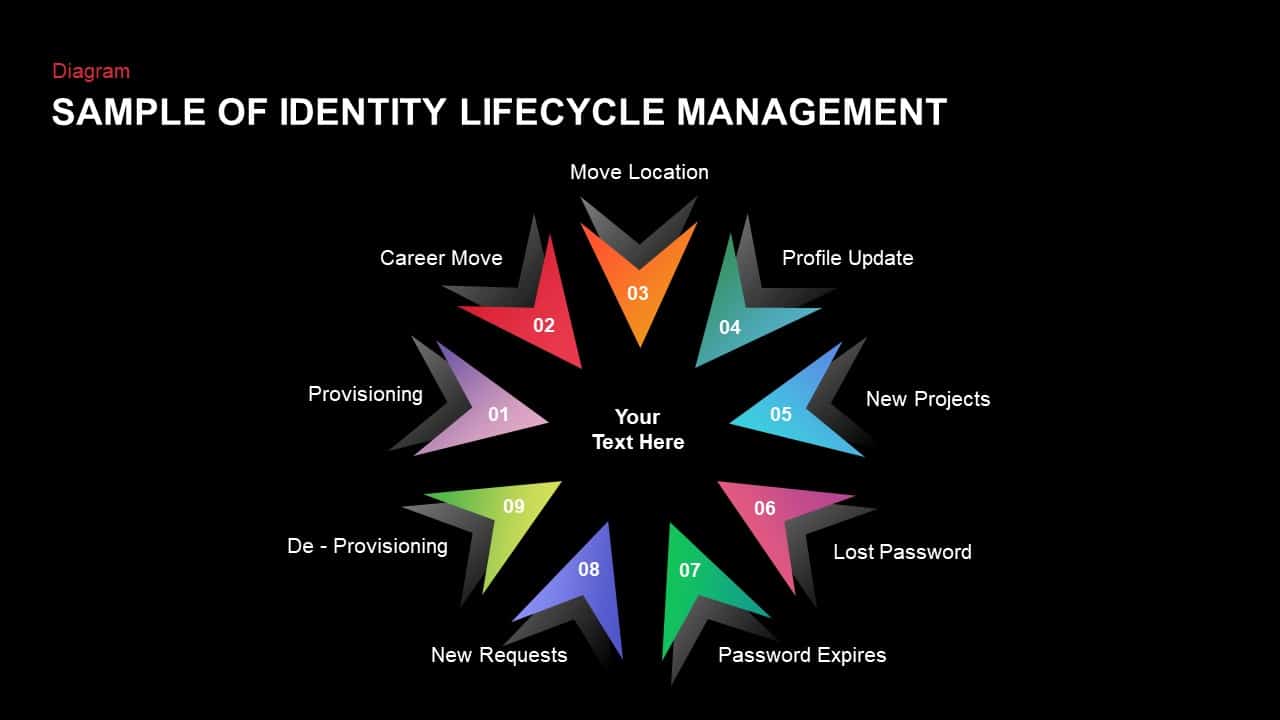
- Nine-Point Folded Arrow Diagram: Connects nine distinct outward-pointing 3D chevron arrows in a starburst layout around a central title hub.
- Numbered Sequential Lifecycle Stages: Displays crisp white numbers from 01 to 09 embedded inside each arrow node to guide your audience through consecutive administrative steps.
- Pre-Labeled IT Access Headers: Comes pre-filled with essential identity management milestones:
- 01 Provisioning: Account creation and initial access setup.
- 02 Career Move: Role transitions and internal role updates.
- 03 Move Location: Geographic shifts and remote access adjustments.
- 04 Profile Update: Personal details and directory maintenance.
- 05 New Projects: Temporary permission grants and project access.
- 06 Lost Password: Credential reset and identity verification.
- 07 Password Expires: Automated security renewals and policy compliance.
- 08 New Requests: Additional software and system entitlement approvals.
- 09 De-Provisioning: Account suspension, offboarding, and access revocation.
- Vibrant Multi-Color Spectrum: Highlights each phase using distinct gradient tones, including purple, red, orange, teal, bright blue, magenta, emerald green, and lime.
- Centered Core Text Hub: Provides a clean white central placeholder (“Your Text Here”) to anchor your main security framework or presentation title.
- Fully Editable Shape Elements: Swap out vector icons, adjust chevron color gradients, edit stage labels, and update text boxes seamlessly across all major slide software.
Whether you need to explain identity and access management (IAM) strategies, map out HR offboarding flows, or pitch enterprise security architectures to stakeholders, this 9-step identity lifecycle slide keeps your technical process clear, organized, and visually compelling.
Login to download this file

Item ID
SB01397


Related Templates

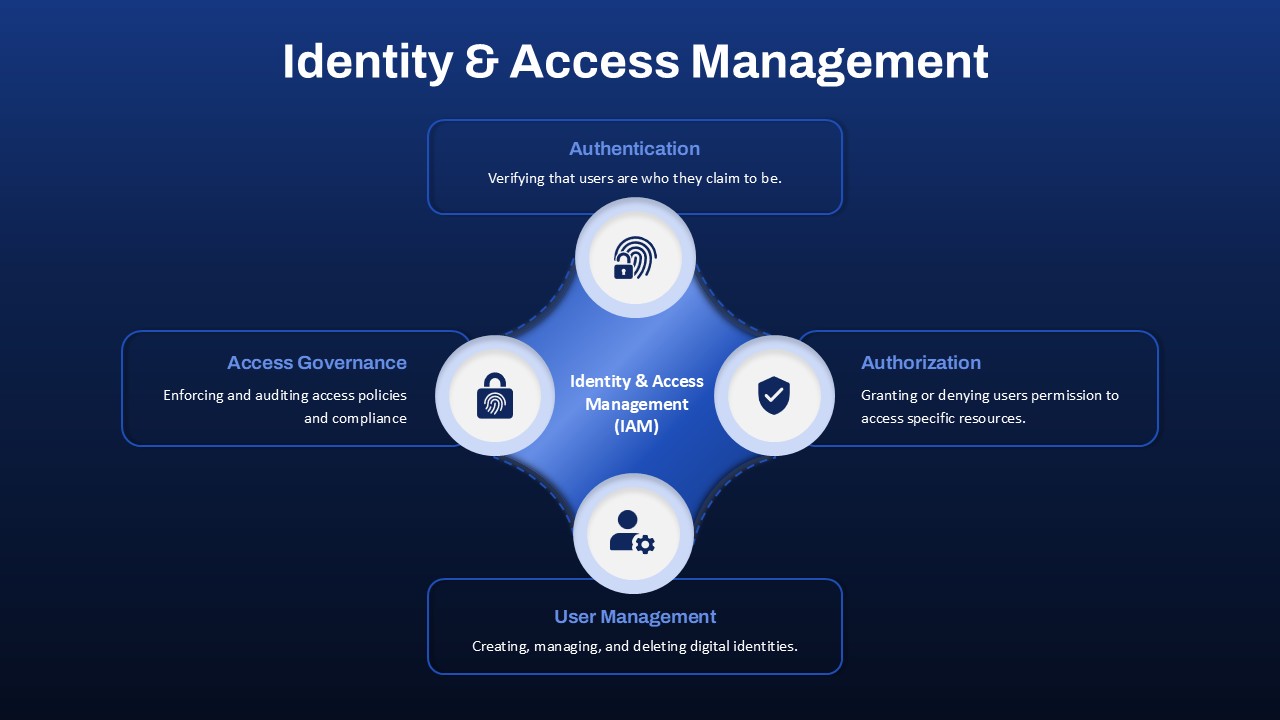
Identity & Access Management template for PowerPoint & Google Slides
Information Technology
Identity Recognition Template for PowerPoint
Technology
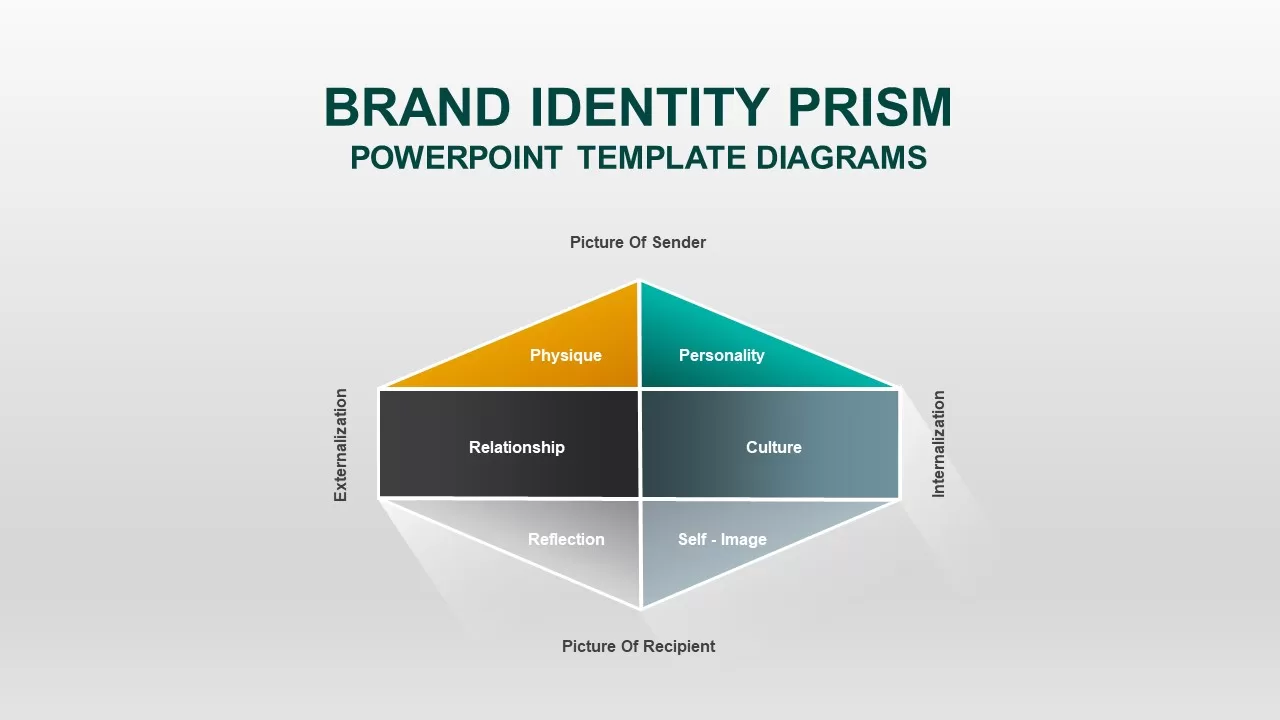
Brand Identity Prism PowerPoint Template
Infographics

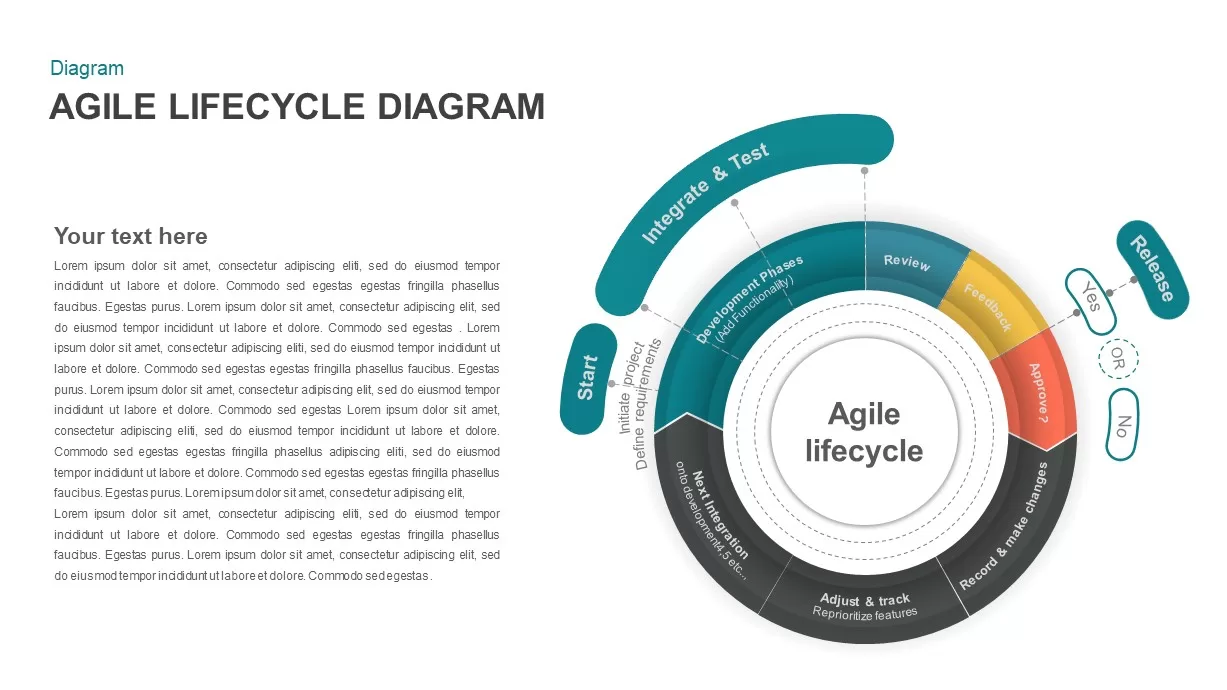
Agile Lifecycle Circular Diagram Template for PowerPoint & Google Slides
Circular
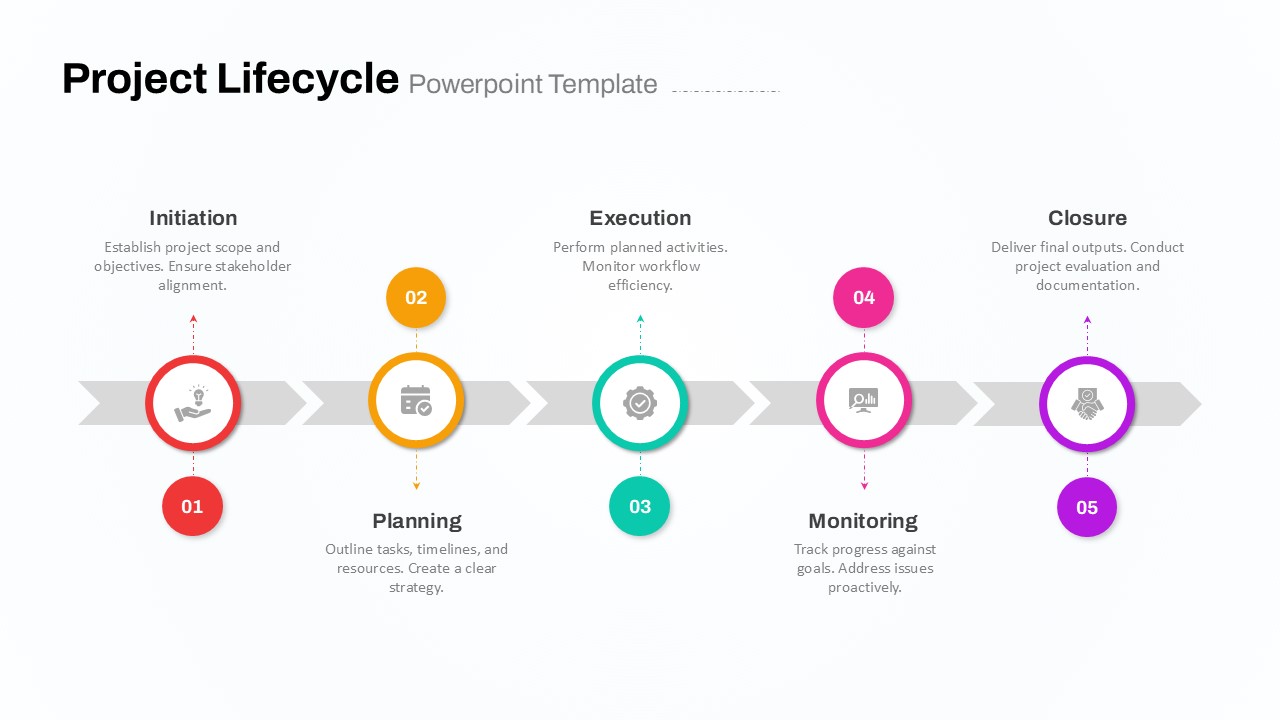
Five-Phase Project Lifecycle Diagram Template for PowerPoint & Google Slides
Infographics
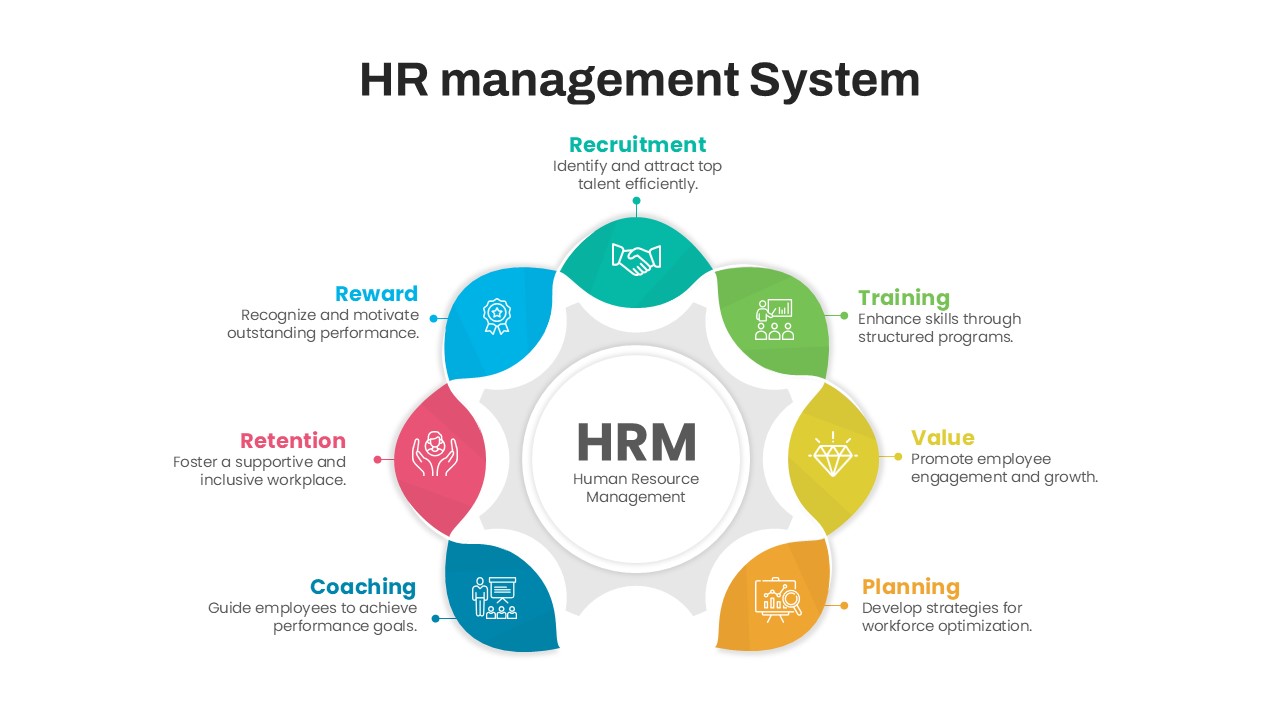
HR Management System Lifecycle Diagram Template for PowerPoint & Google Slides
Recruitment
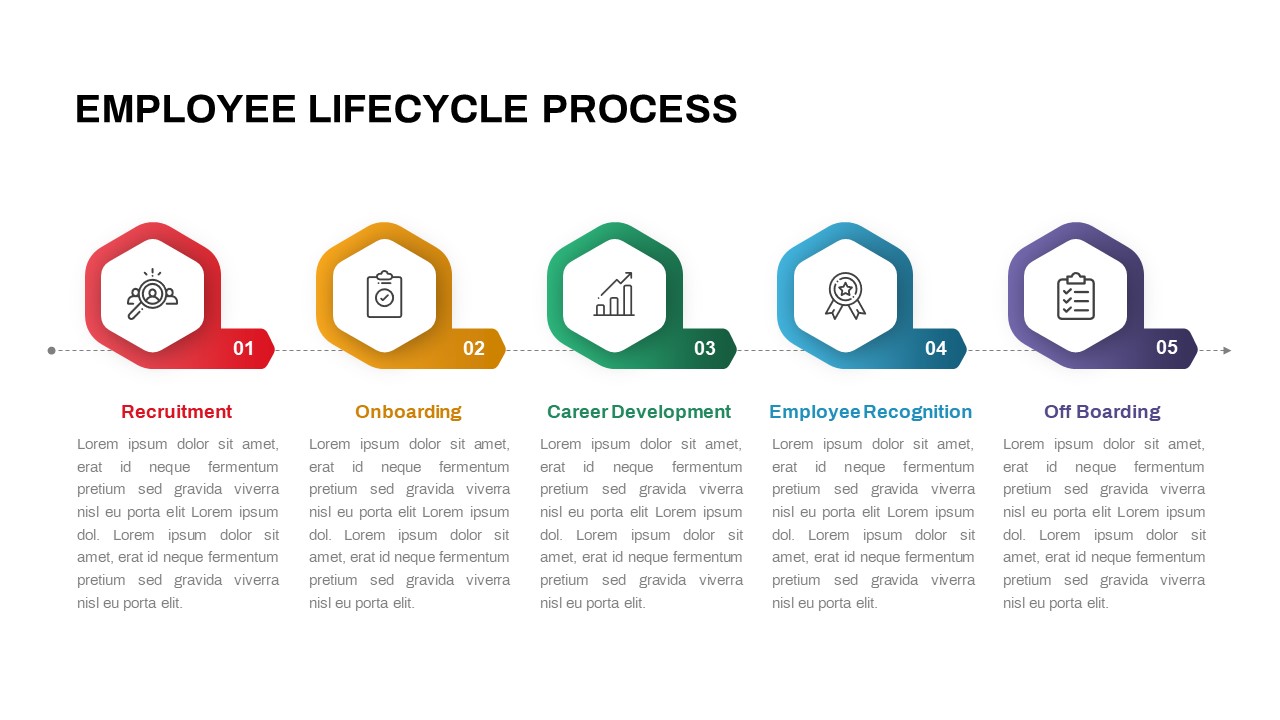
5 Stage Employee lifecycle Process Diagram for PowerPoint
Circular
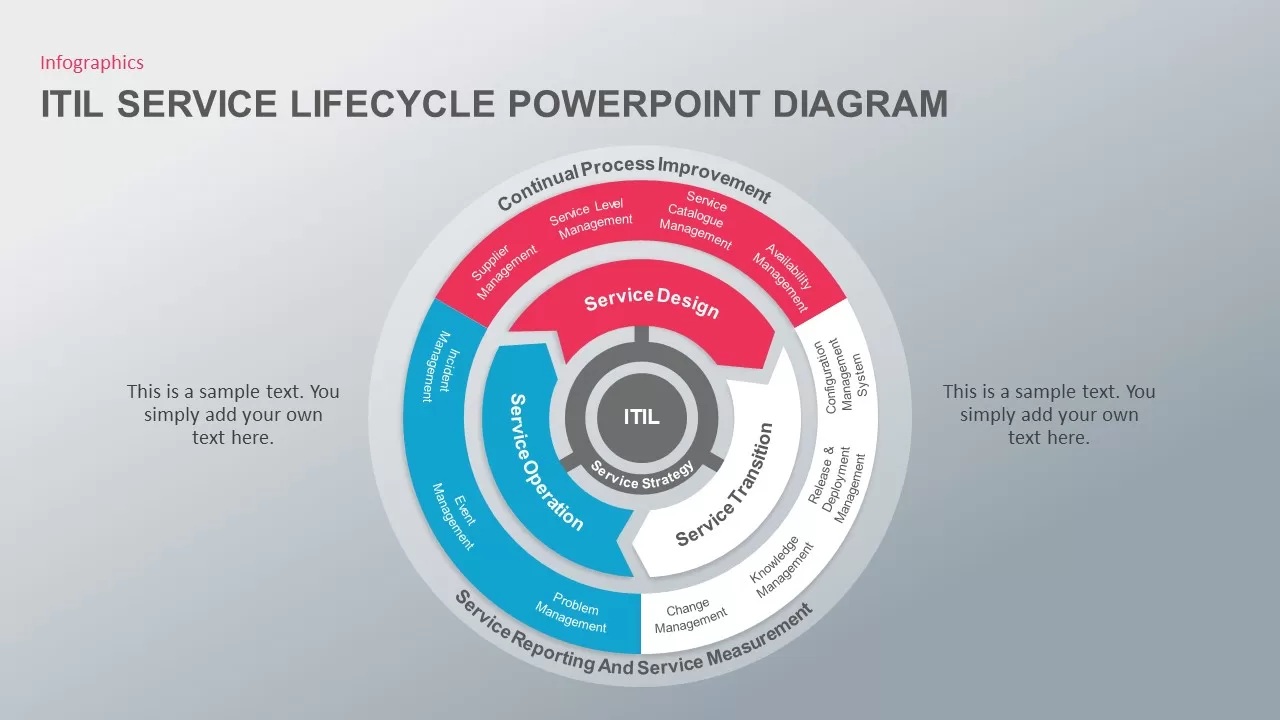
ITIL Service Lifecycle Diagram Template
Circular
Customer Lifecycle Stages Infinity Loop Diagram
Customer Journey
Business Lifecycle Arrow Template for PowerPoint & Google Slides
Infographics
Online Targeting Lifecycle Six-Step Template for PowerPoint & Google Slides
Digital Marketing
Crossing the Chasm: Technology Adoption Lifecycle template for PowerPoint & Google Slides
Business Strategy
Lifecycle Assessment template for PowerPoint & Google Slides
Process
Customer Loyalty Lifecycle PowerPoint Template
Process
AI Development Lifecycle PowerPoint Template
Circular
Customer Experience Lifecycle PowerPoint Template
Customer Journey
Customer 360 Lifecycle Template
Customer Journey