




Presentation Decks for PowerPoint
Looking for a quick way to build a strong presentation? A PowerPoint presentation deck is a complete set of connected slides, designed to tell your story from the first slide to the last. It gives you a clear structure, consistent design, and ready-to-use content areas, so you never start from a blank page.
Our collection of presentation decks for PowerPoint covers business pitches, company profiles, marketing plans, training sessions, and project proposals. Every deck is fully editable, so you can change text, images, icons, charts, and colors to suit your brand. Layouts are professional, balanced, and easy to follow, which helps your message land with any audience.
Compare styles, explore topics, and choose the deck that matches your goal. Then download it instantly, open it in PowerPoint, and start presenting with confidence. One deck can save you hours of planning and design effort.
 Filter


-
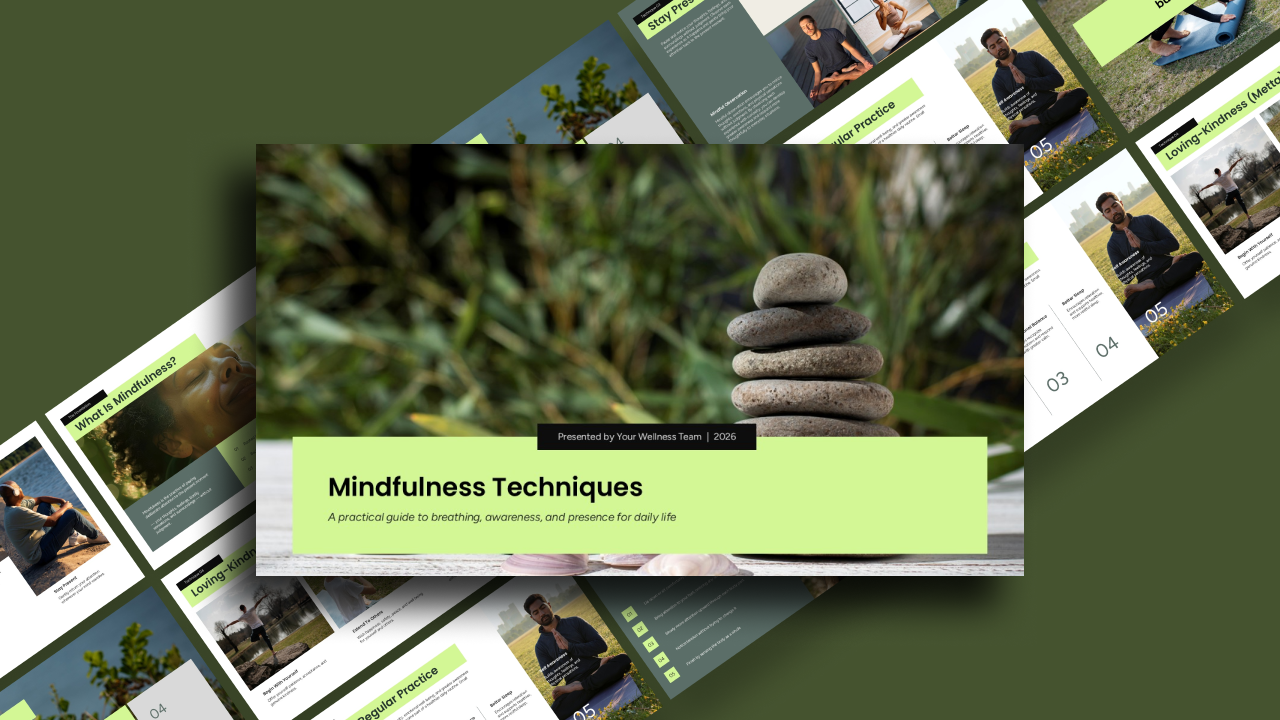
Mindfulness Techniques PowerPoint Template
Pitch Deck
-
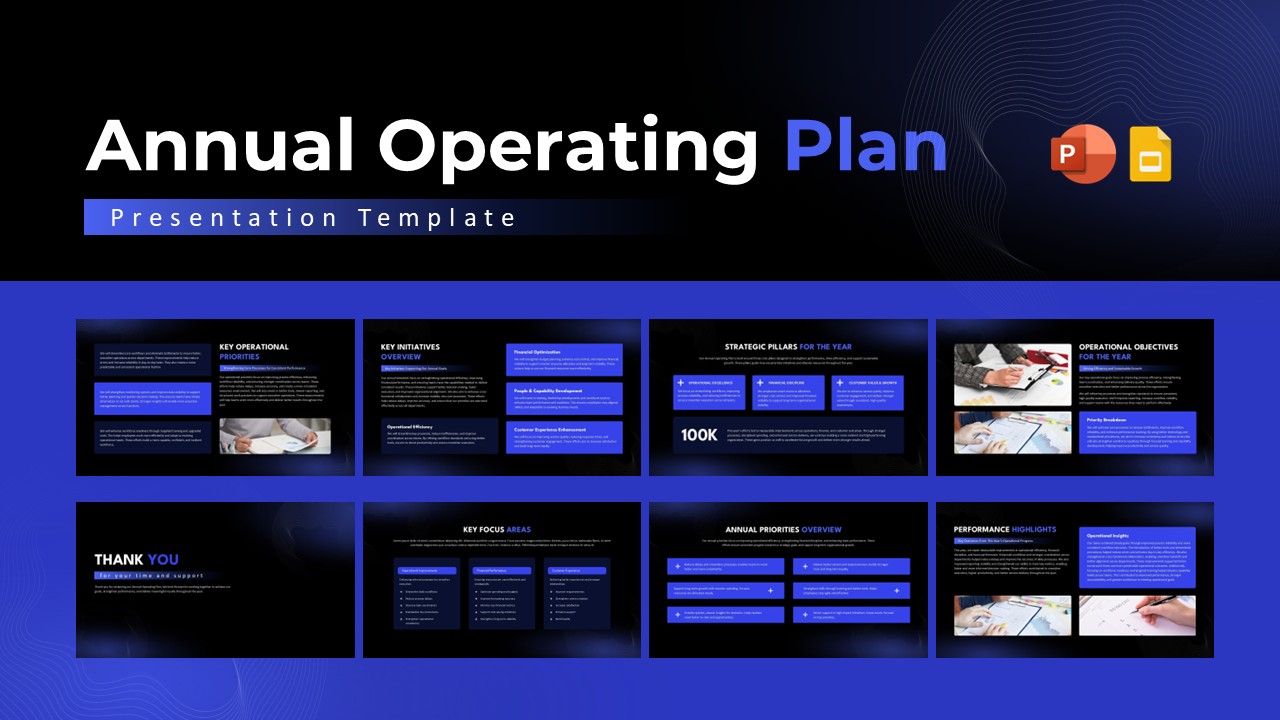
Annual Operating Plan Presentation Template
Business Plan
-

Interior Design Proposal Presentation Template
Business Proposal
-
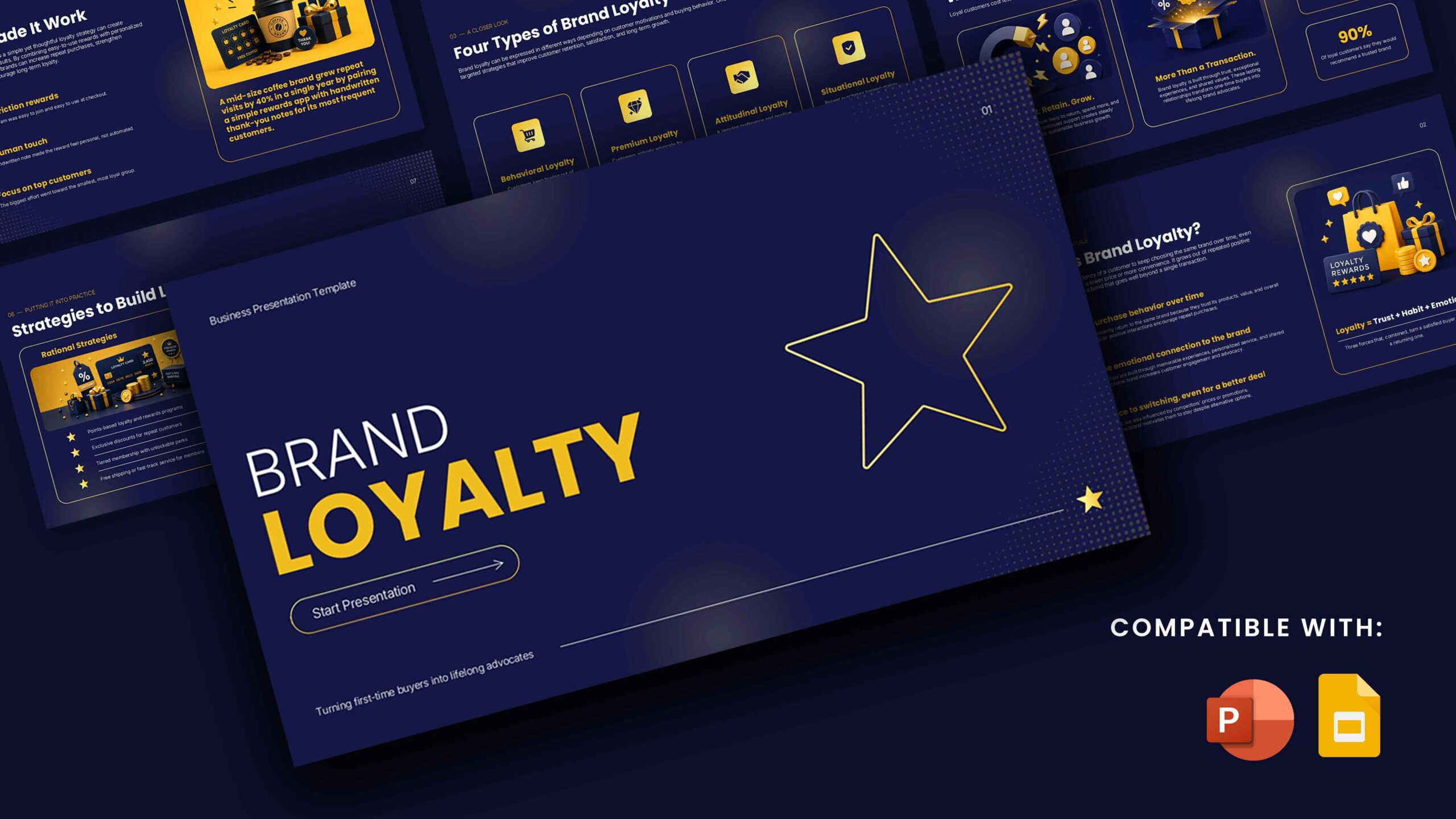
Brand Loyalty Template For PowerPoint
Pitch Deck
-

Home Security Systems PowerPoint Template
Pitch Deck
-
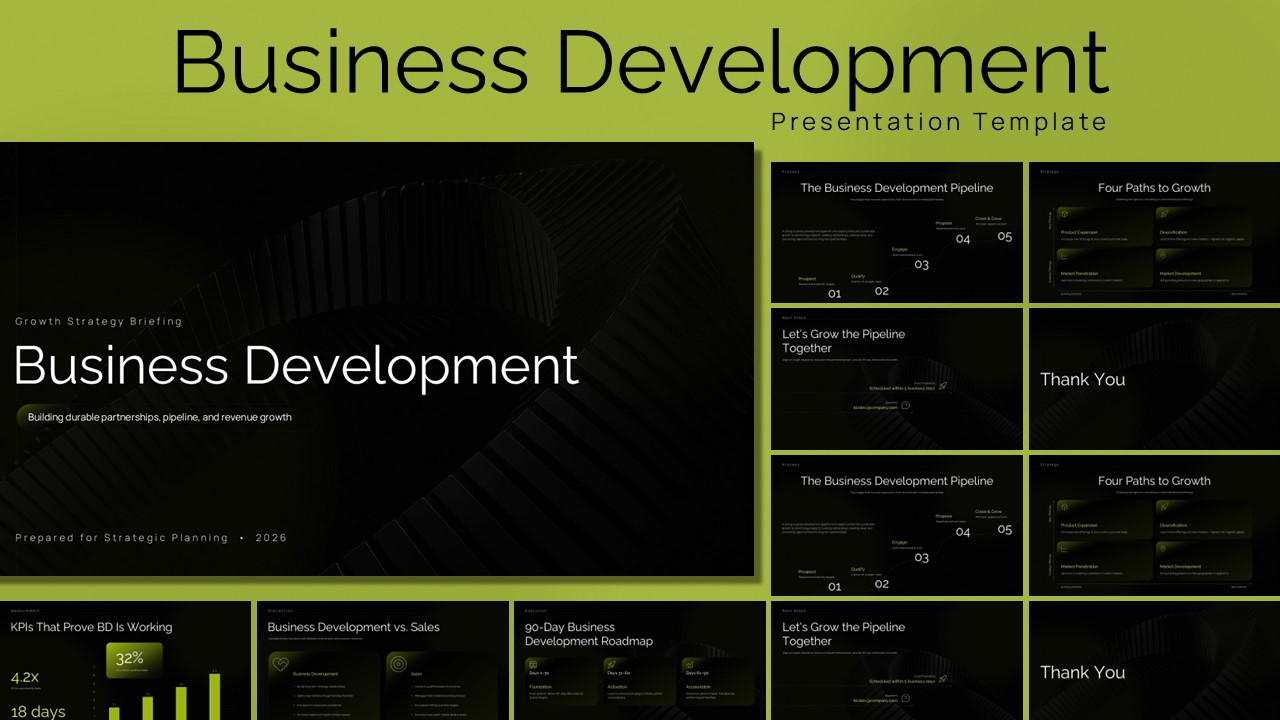
Business Development PowerPoint Presentation Template
Business Strategy
-

Cookie Shop Business Plan Presentation Template
Pitch Deck
-

Pharmaceutical Business Plan PowerPoint Template
Google Slides
-

Physical AI PowerPoint Template
Pitch Deck
-
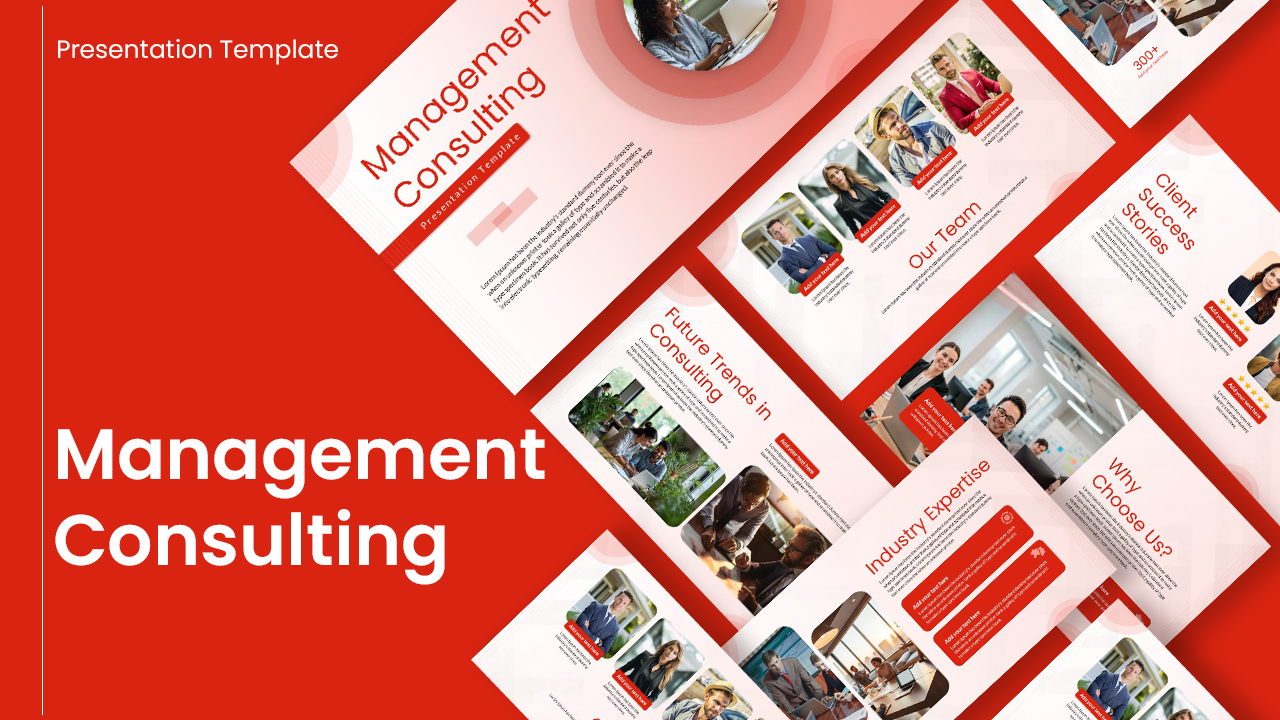
Management Consulting PowerPoint Template
Consulting
-

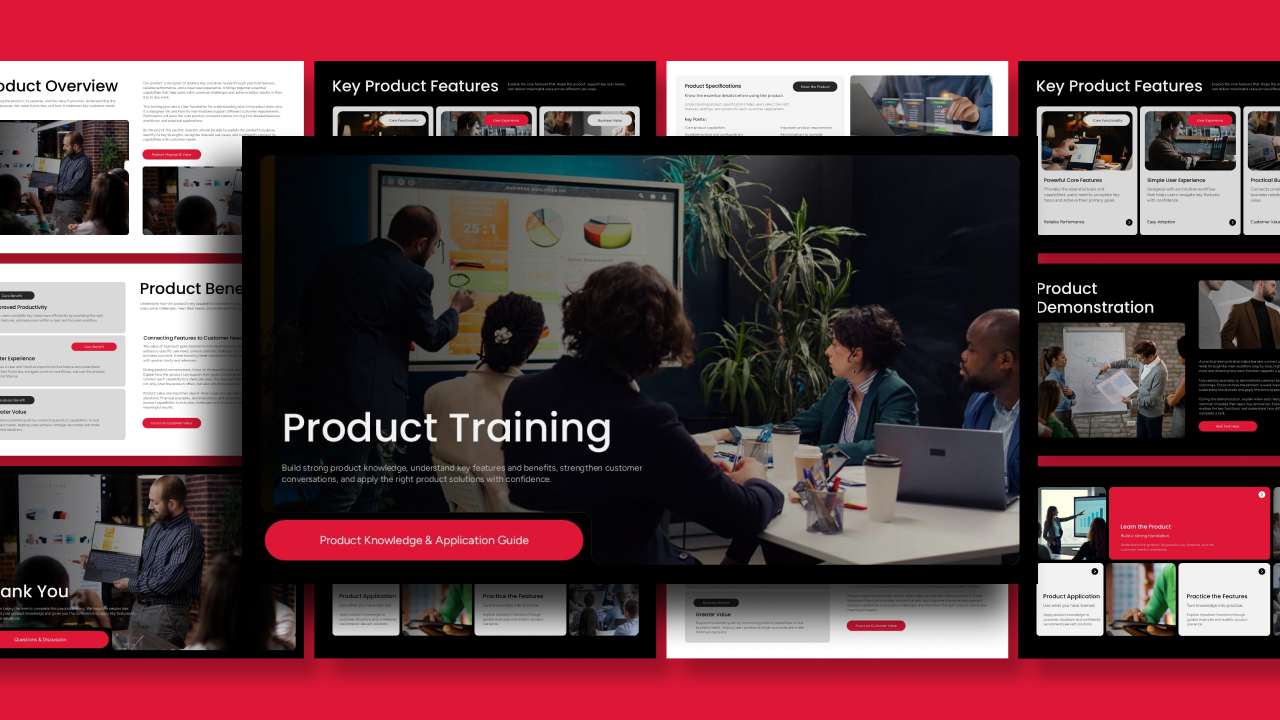
Product Training PowerPoint Presentation Template
Pitch Deck
-
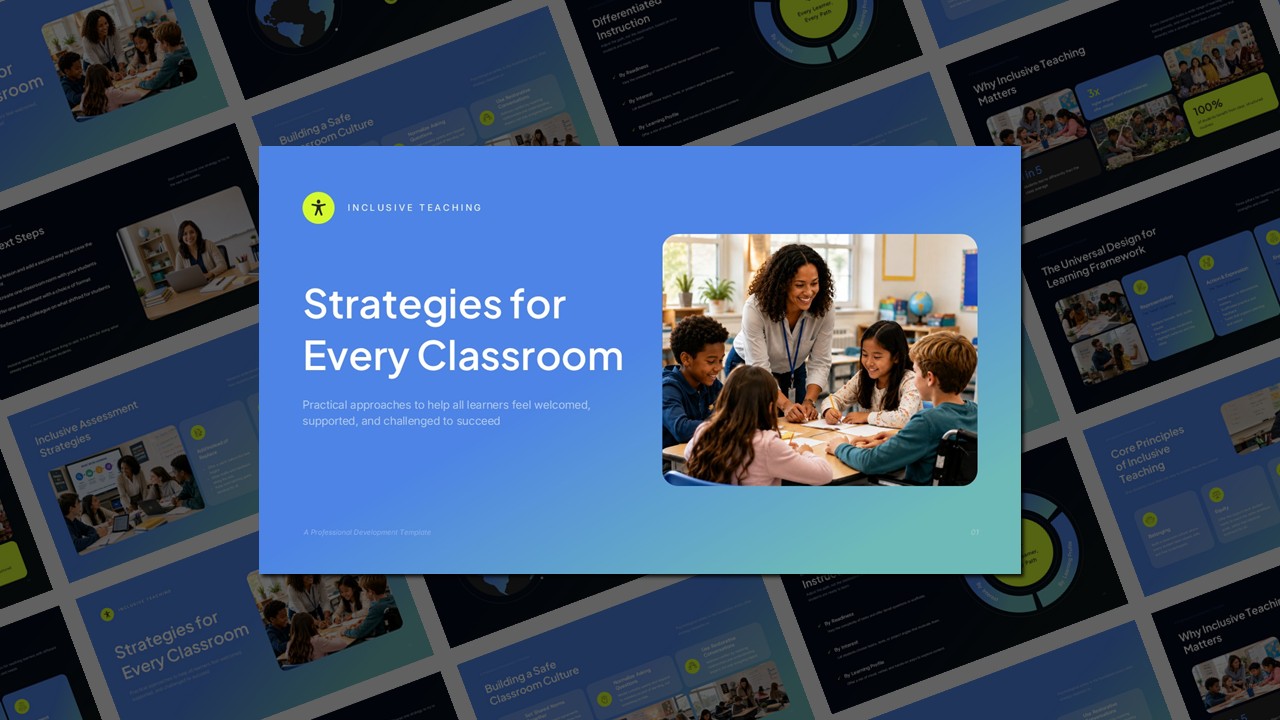
Inclusive Teaching Template for PowerPoint
Company Profile
-
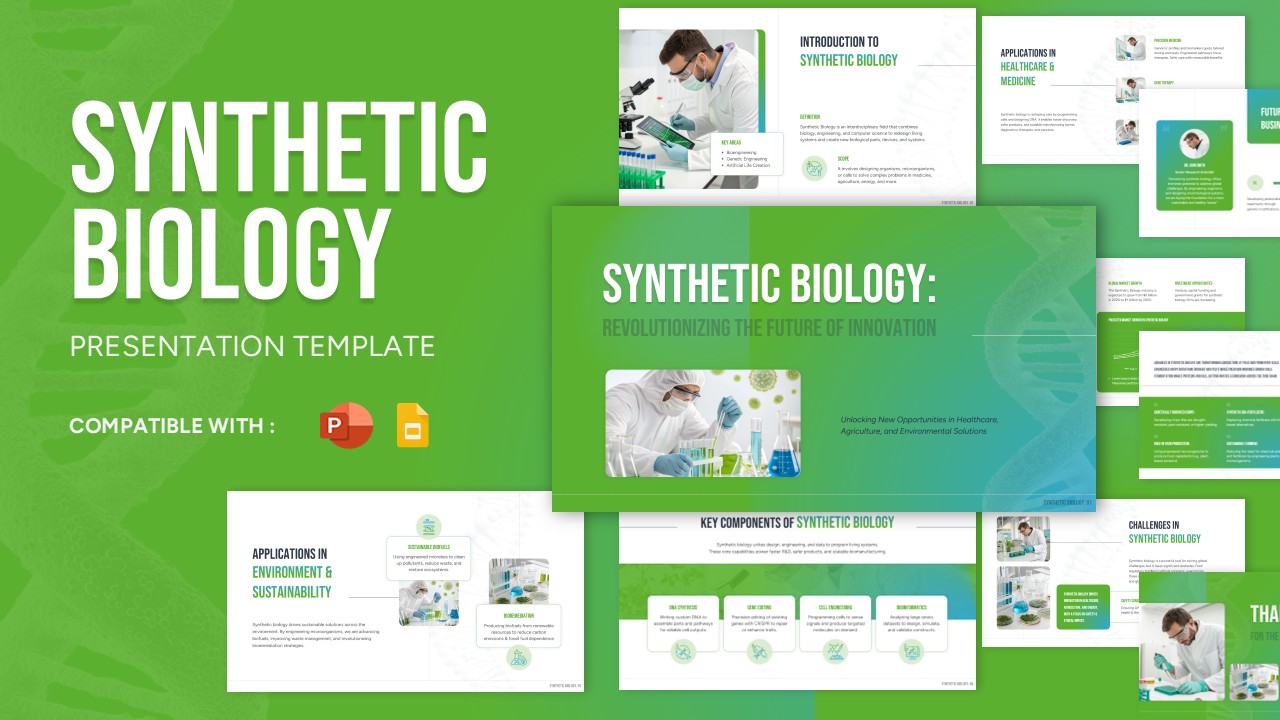
Synthetic Biology PowerPoint Template
Marketing
-
Home Security and Safety Presentation Template
Pitch Deck
-
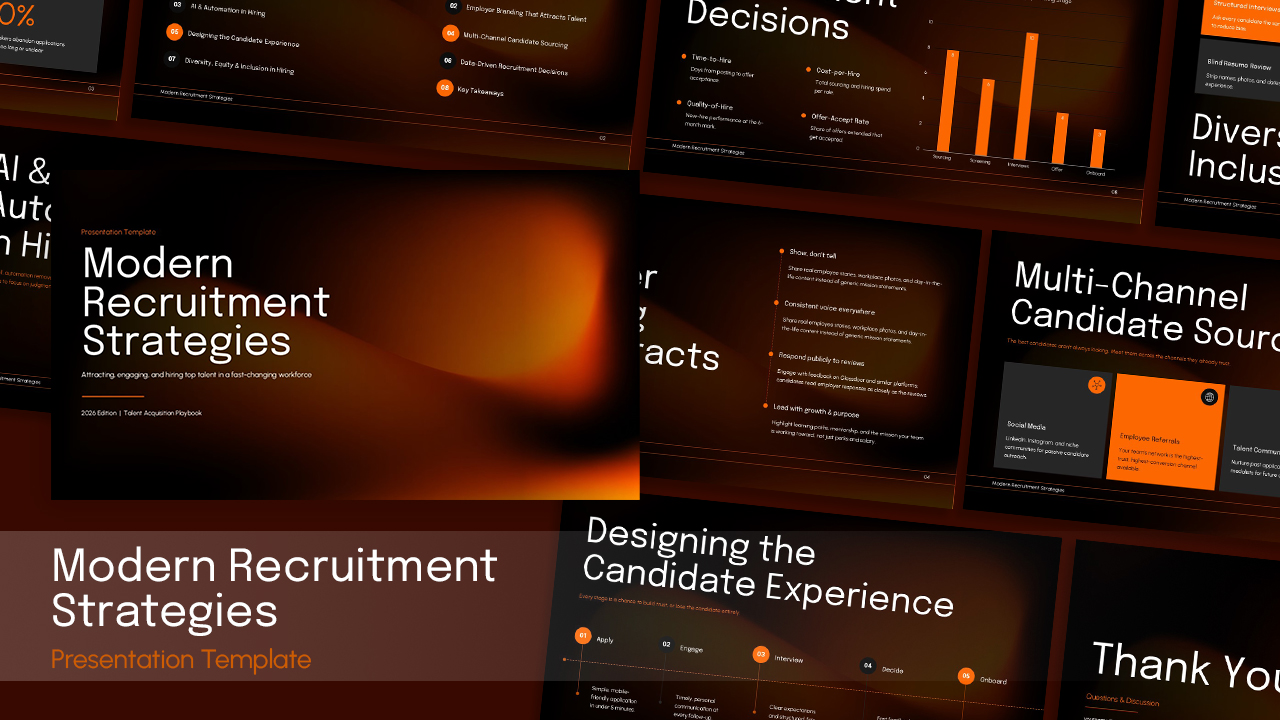
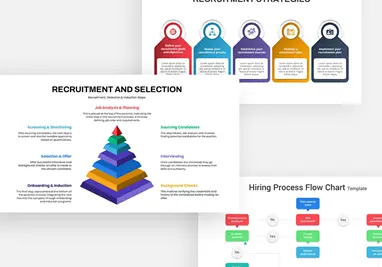
Modern Recruitment Strategies Template for PowerPoint
Recruitment
-

Logistics Company Profile Template for Presentations
Company Profile
-
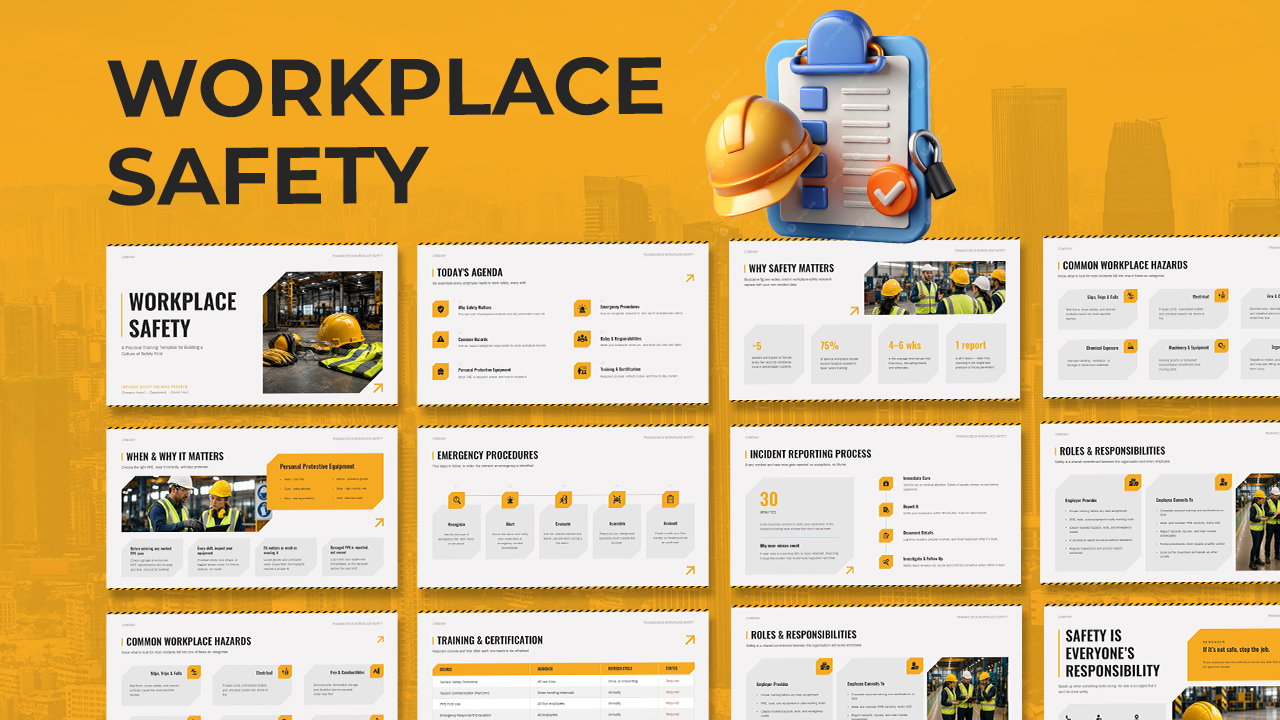
Workplace Safety Presentation Template
Human Resources
-

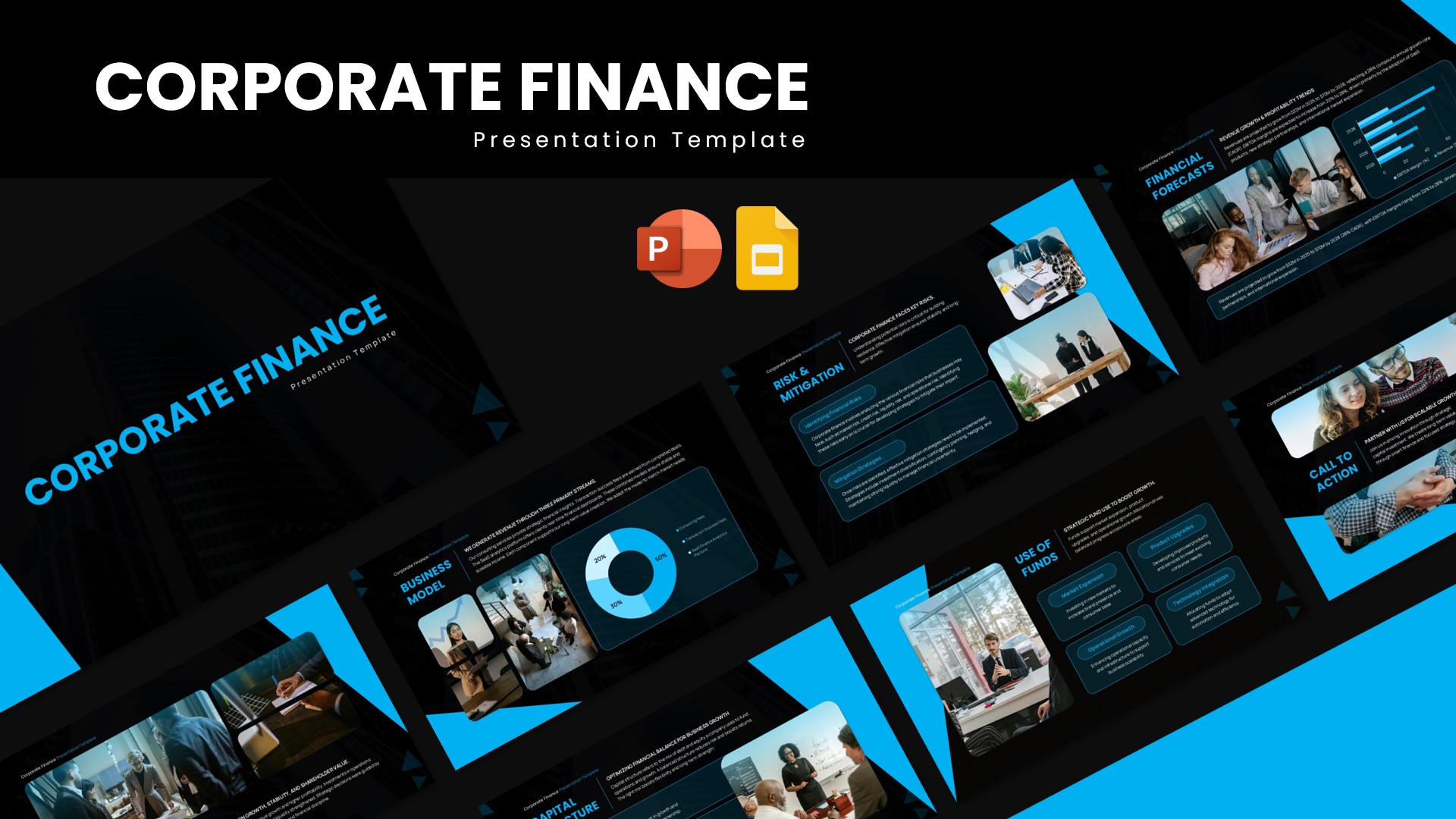
Corporate Finance PowerPoint Template
Pitch Deck
-
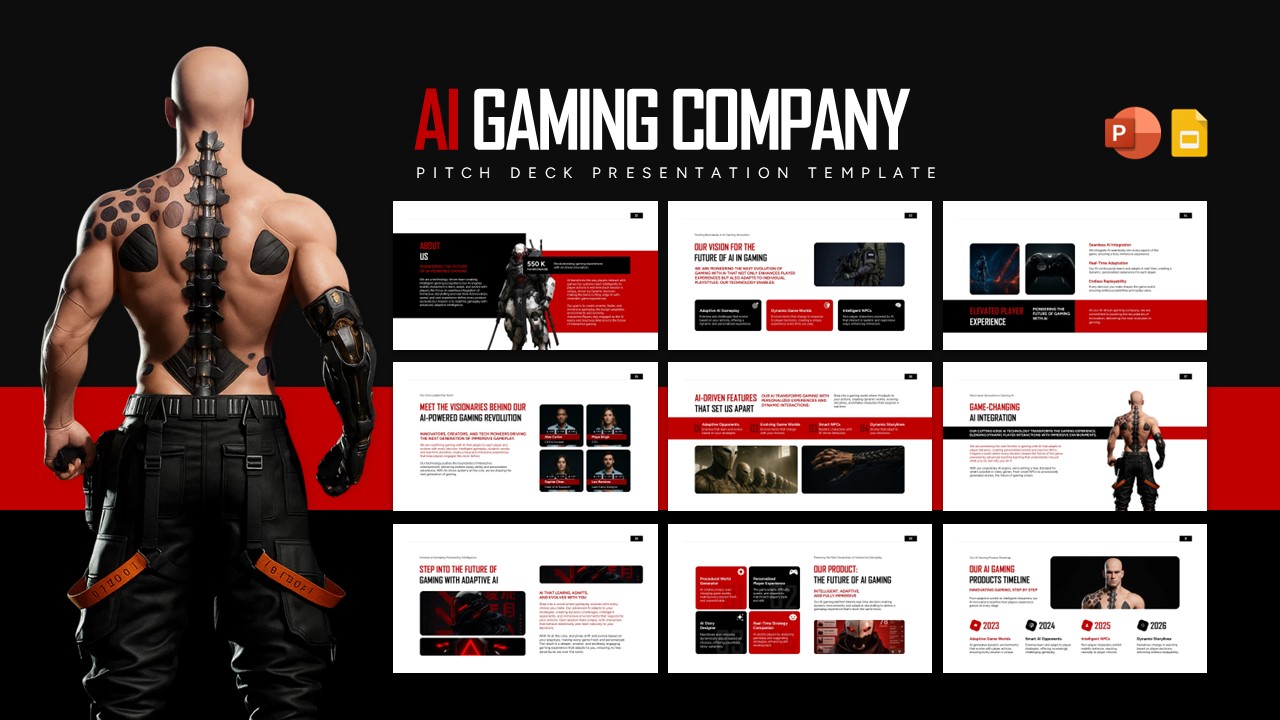
AI Gaming Company Profile Pitch Deck Template for PowerPoint
Pitch Deck
-
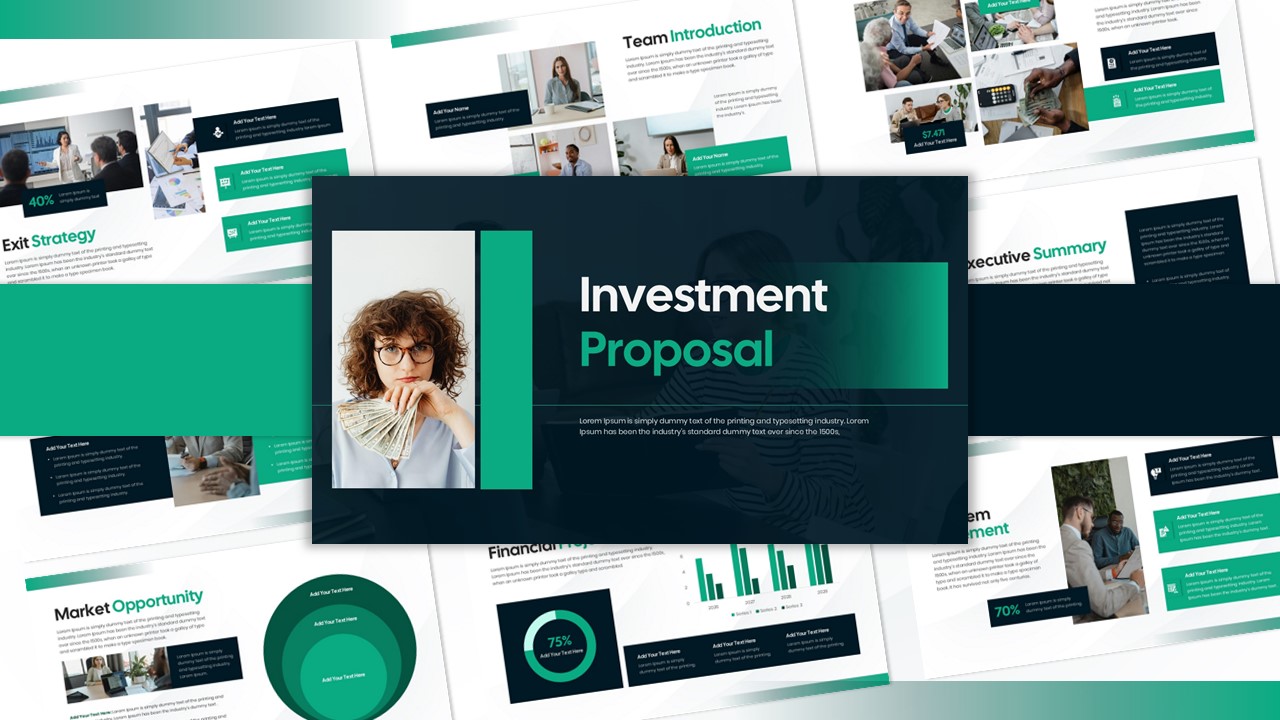
Investment Proposal Template
Pitch Deck
-
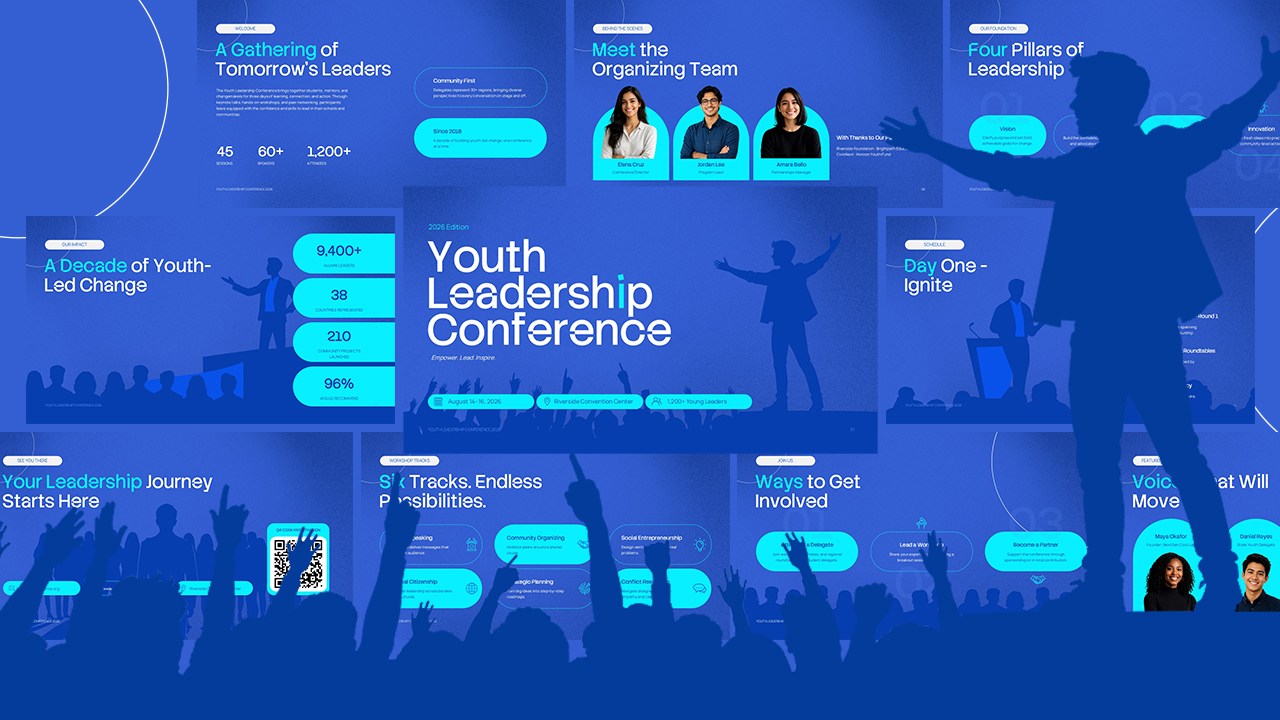
Youth Leadership Conference PowerPoint Template for Event Presentations
Company Profile
-
Agriculture PowerPoint Slide Template
Company Profile
-
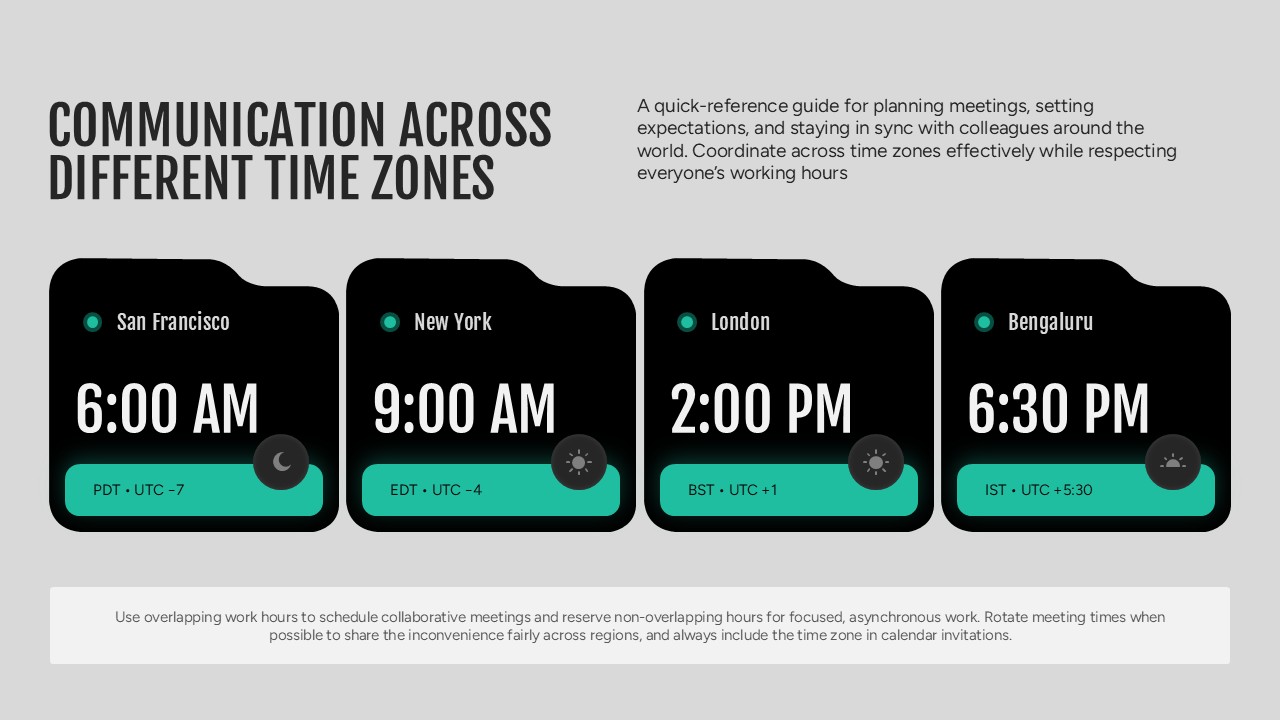
Communication Across Different Time Zones PowerPoint Template
Company Profile
-
Cybersecurity Strategy PowerPoint Presentation Template
Pitch Deck
-
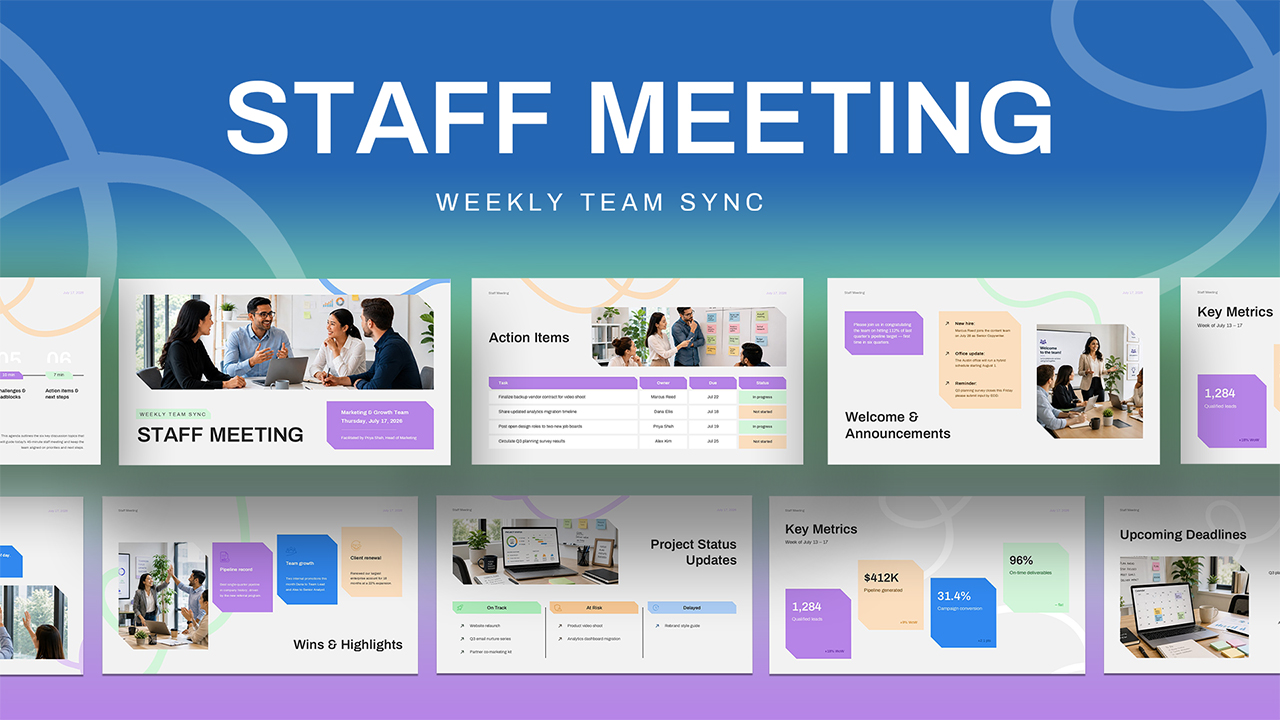
Weekly Staff Meeting PowerPoint Template
Decks
-
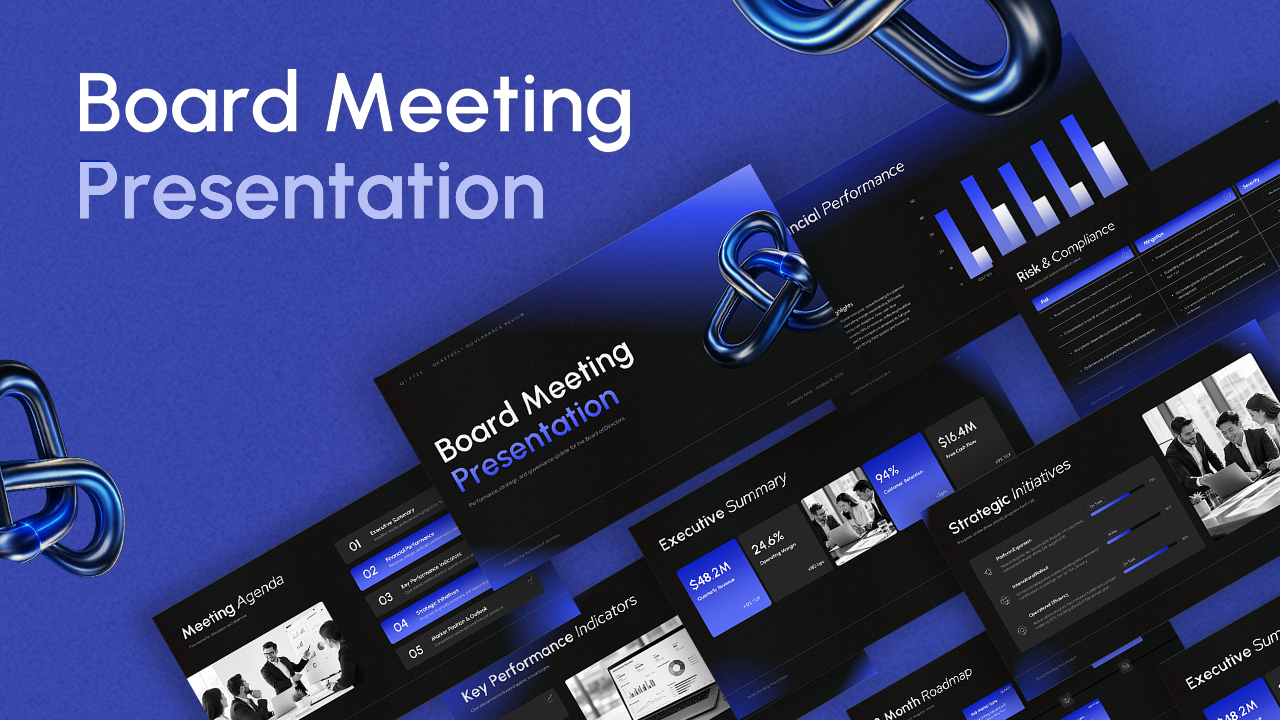
Company Board Meeting Presentation PowerPoint Template
Business
-
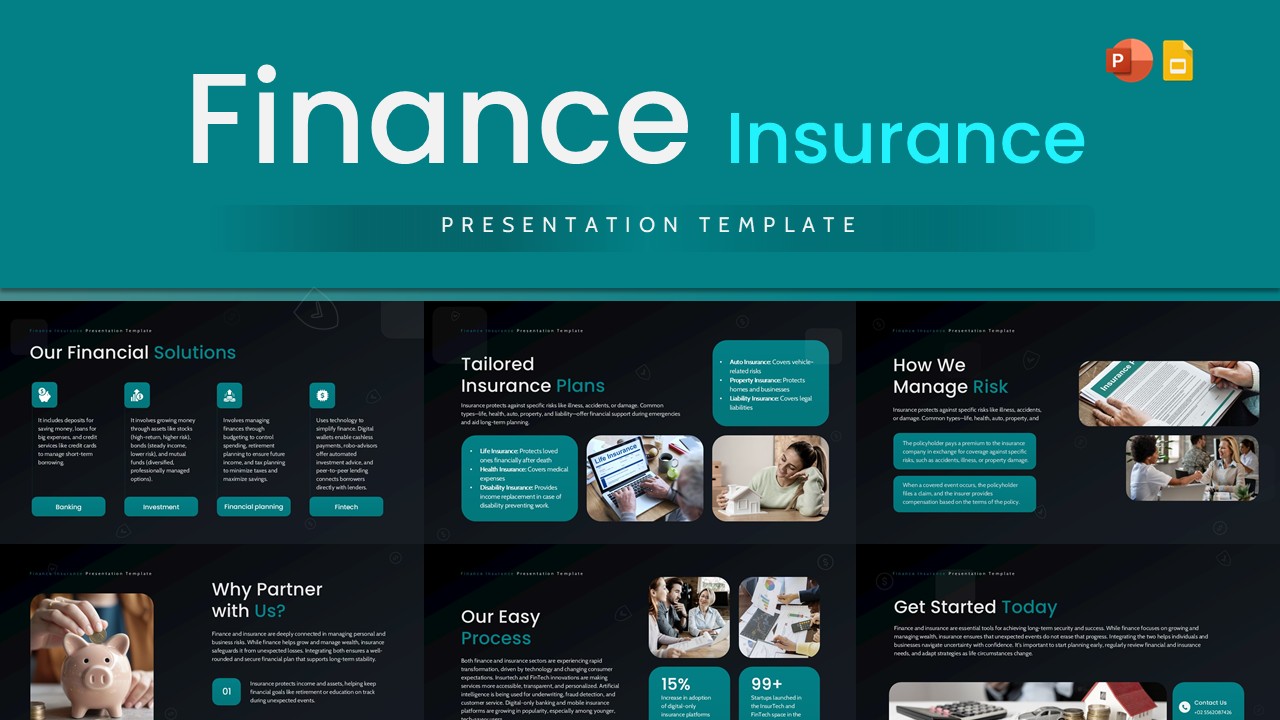
Finance Insurance Presentation Template
Pitch Deck
-
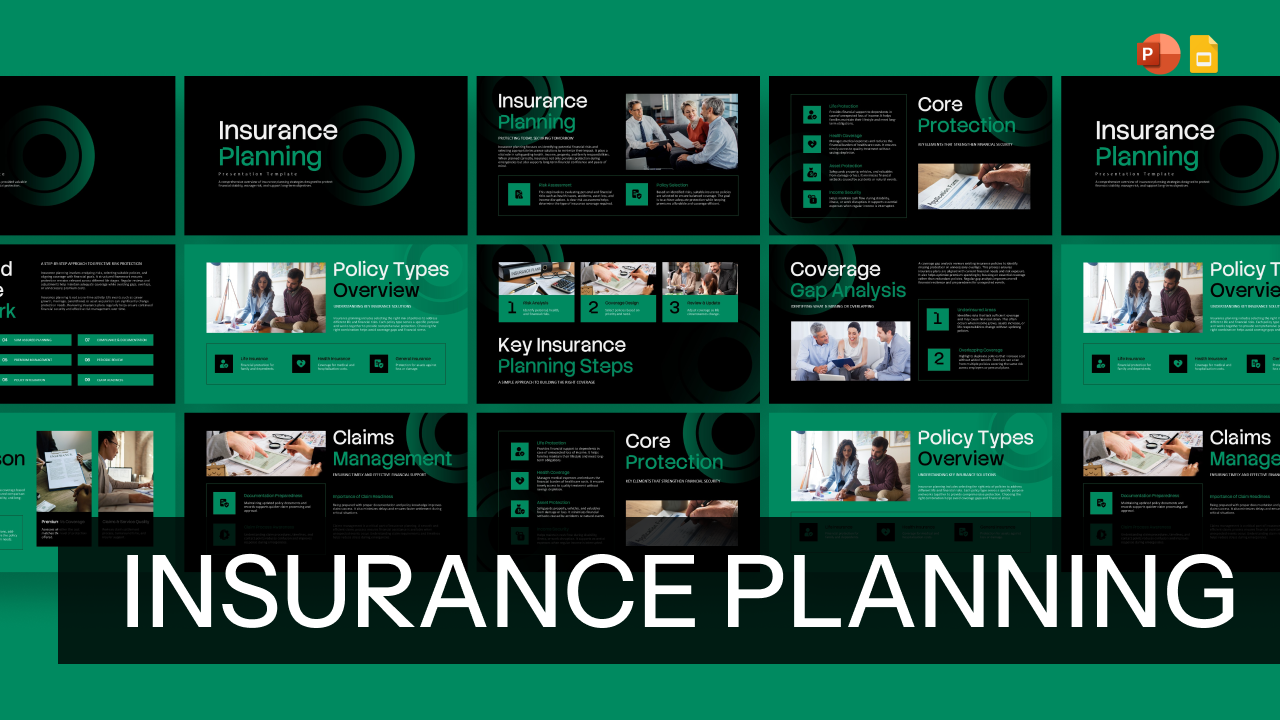
Insurance Planning Template for PowerPoint & Google Slides
Finance
-
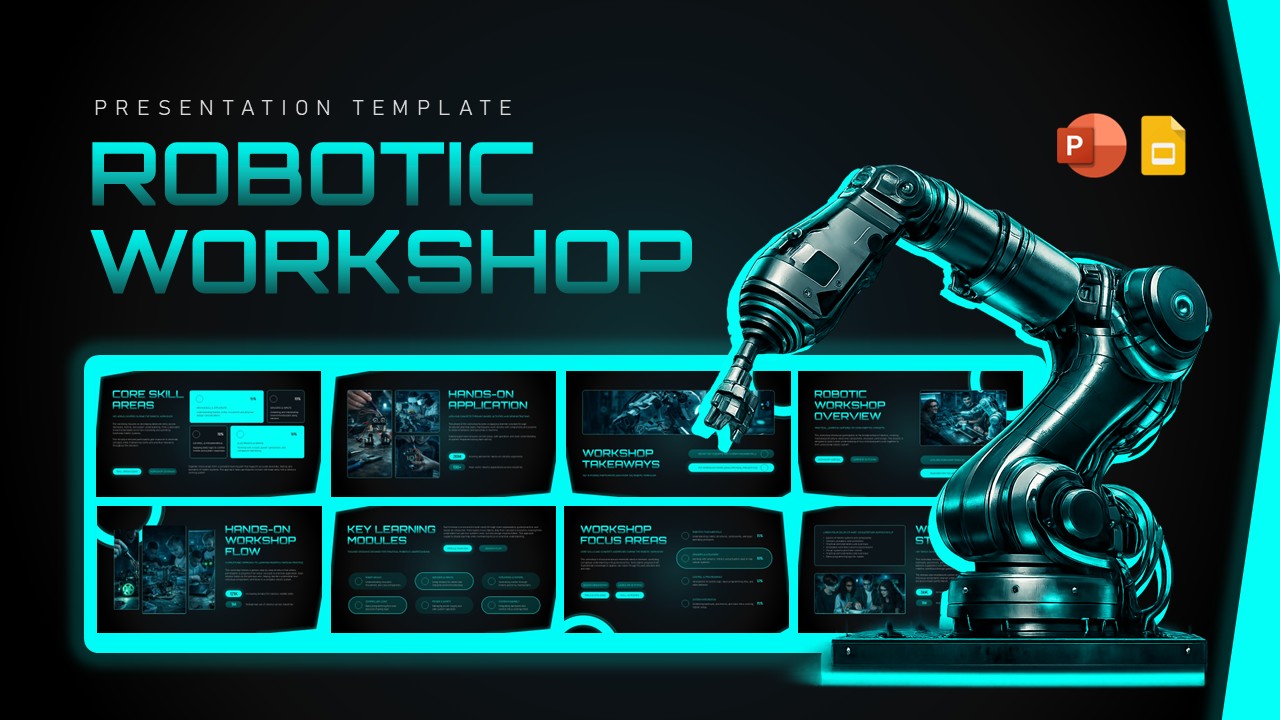
Robotic Workshop Presentation Template
Information Technology
-
Bootstrapping Pitch Deck PowerPoint Template
Pitch Deck
-
Aerospace Industry PowerPoint Template
Information Technology
-
Funding And Finance Presentation Template
Finance
-
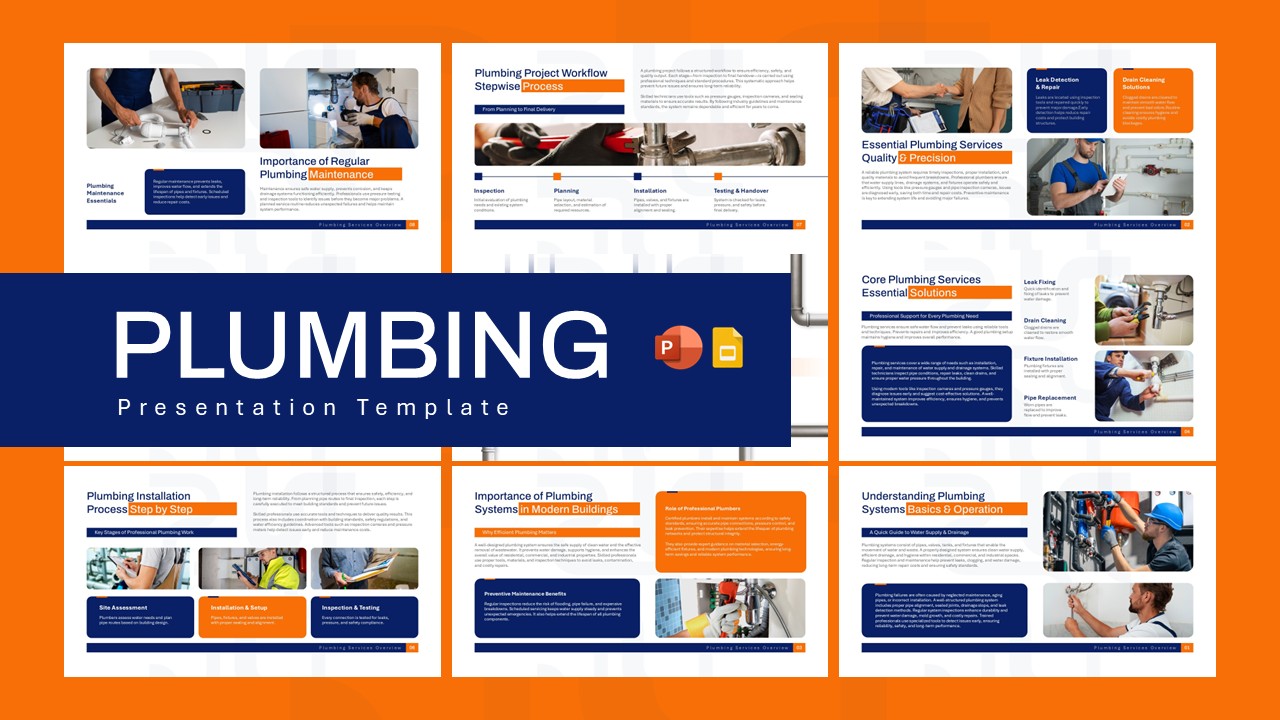
Plumbing Business Plan PowerPoint Presentation Template
Business Plan
-
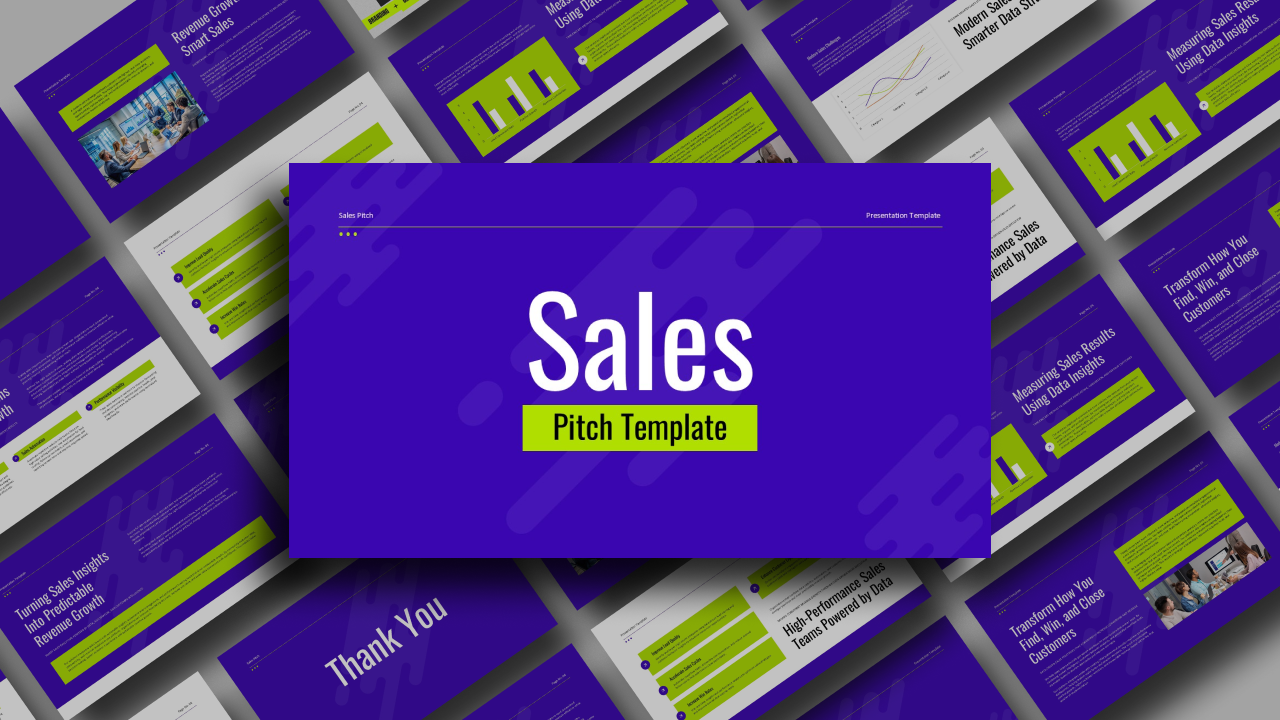
Sales Pitch PowerPoint Presentation Template
Pitch Deck
-
Open Finance PowerPoint Presentation Template
Finance