Weekly Staff Meeting PowerPoint Template
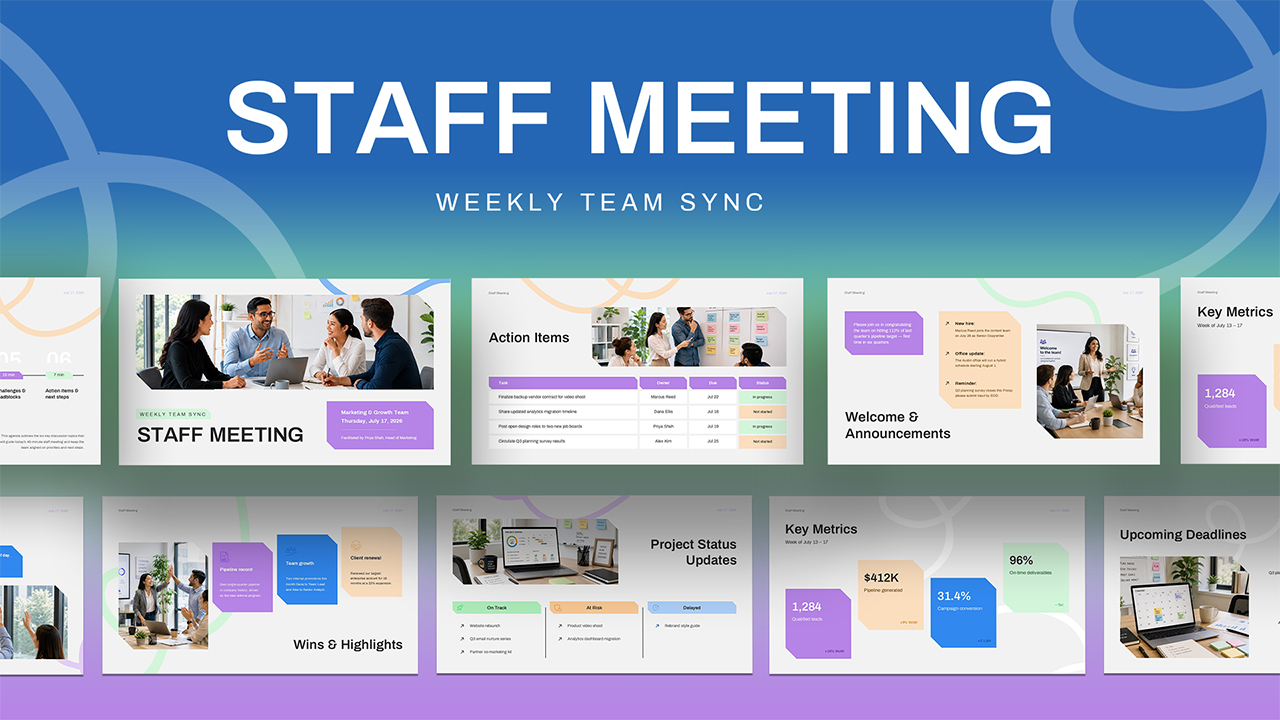





A staff meeting deck is the standing presentation a team uses to run its recurring internal sync, covering the agenda, key metrics, project updates, wins, roadblocks, and action items in one place. This PowerPoint template gives that recurring meeting a complete 10-slide structure, built for team leads, marketing managers, and department heads who run weekly or biweekly staff meetings and want a consistent format they can reuse every cycle.
Staff Meeting PPT Template
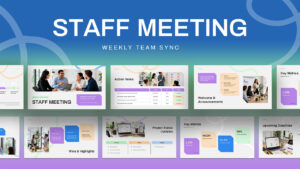
This PPT template is built as a full presentation rather than a single slide, walking through every section a typical staff sync needs to cover. The ten slides include:
- Title Slide – Staff Meeting cover with team name, date, and facilitator, paired with a team photo.
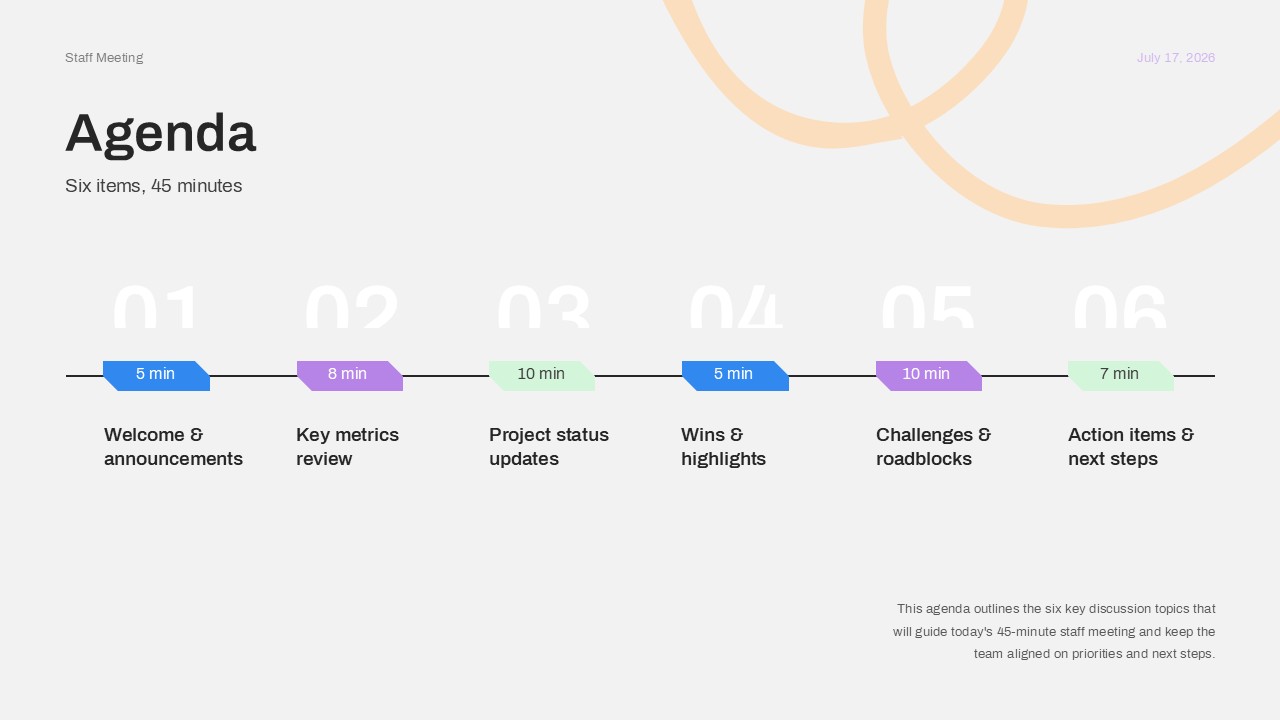
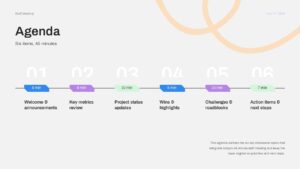
- Agenda – A six-item timeline listing each discussion topic with its allotted minutes.
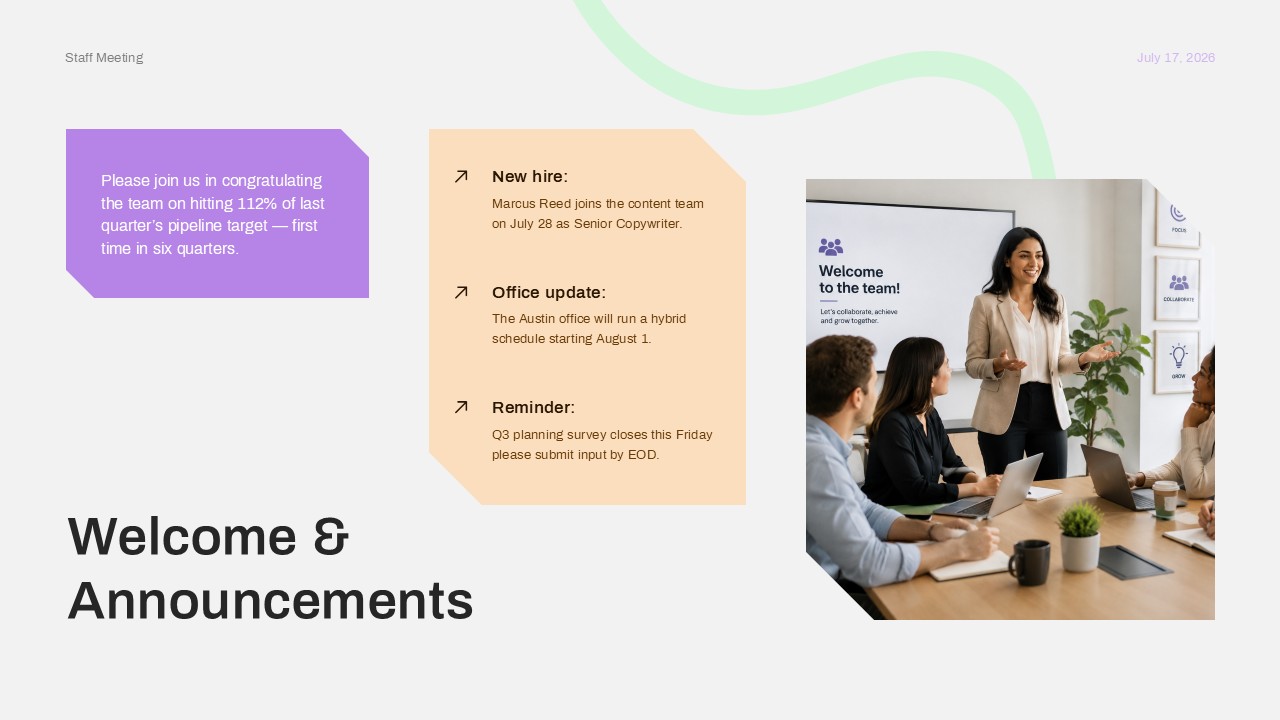
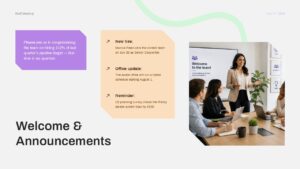
- Welcome & Announcements – New hire updates, office news, and reminders in callout blocks.
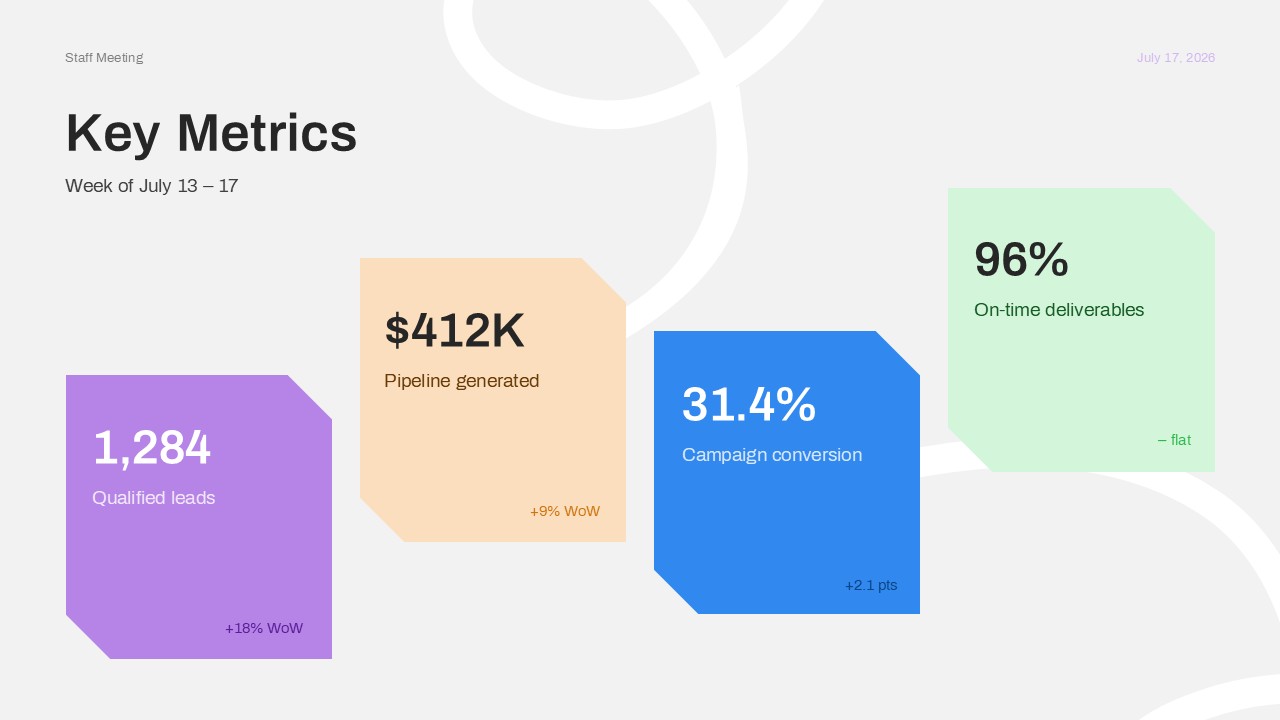
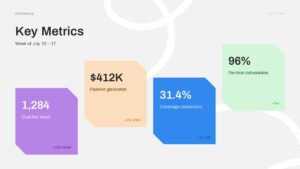
- Key Metrics – Four data cards covering leads, pipeline, conversion, and delivery performance.
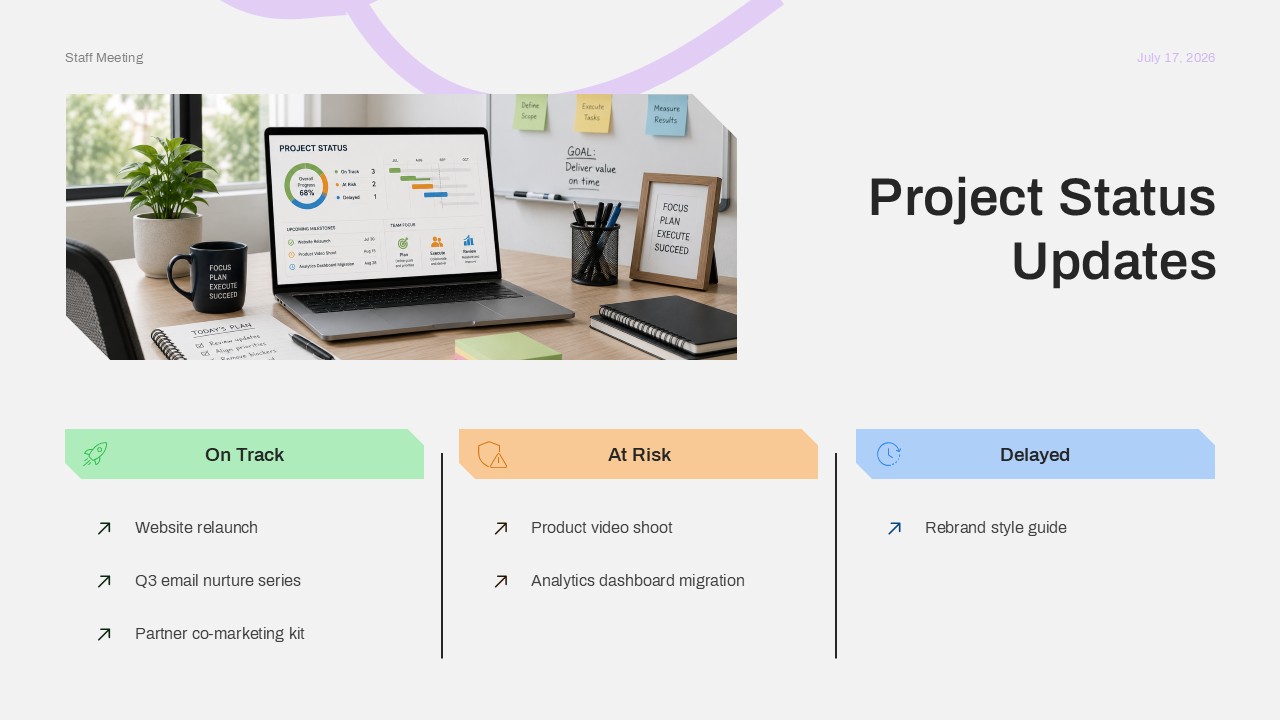
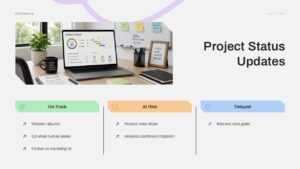
- Project Status Updates – Three-column breakdown of tasks that are on track, at risk, or delayed.
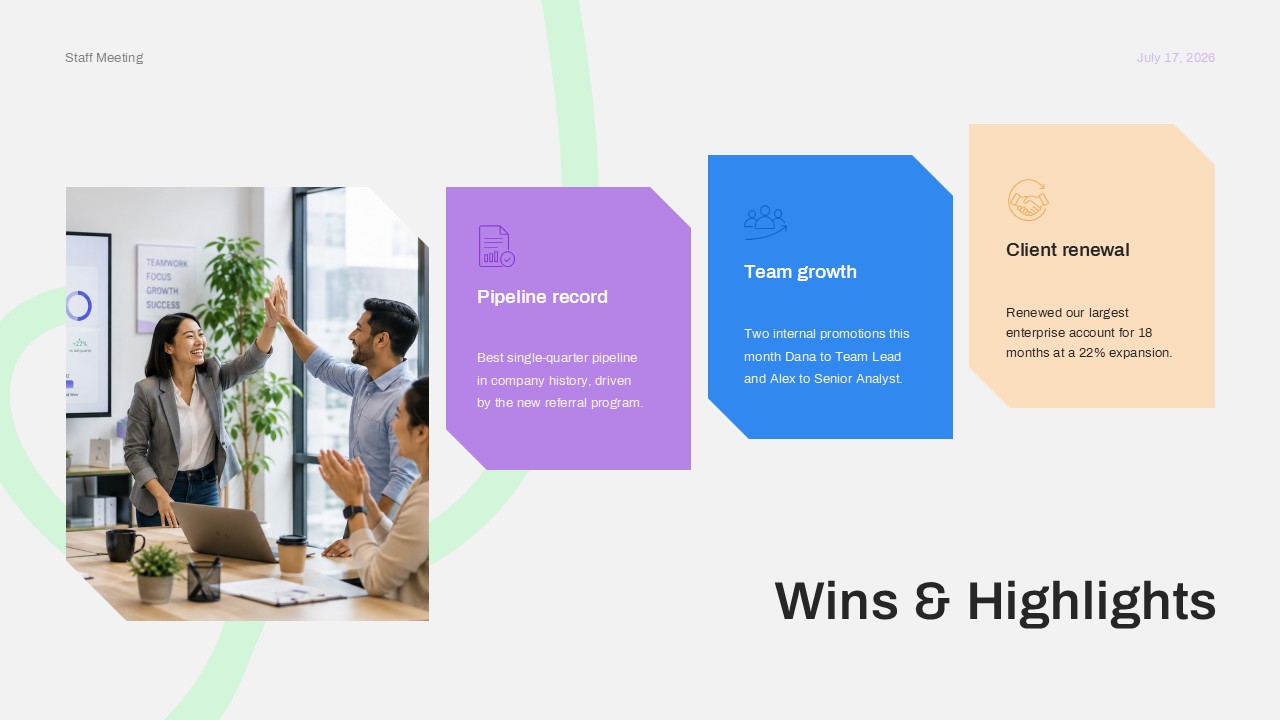
- Wins & Highlights – Three callout cards celebrating pipeline records, team growth, and client renewals.
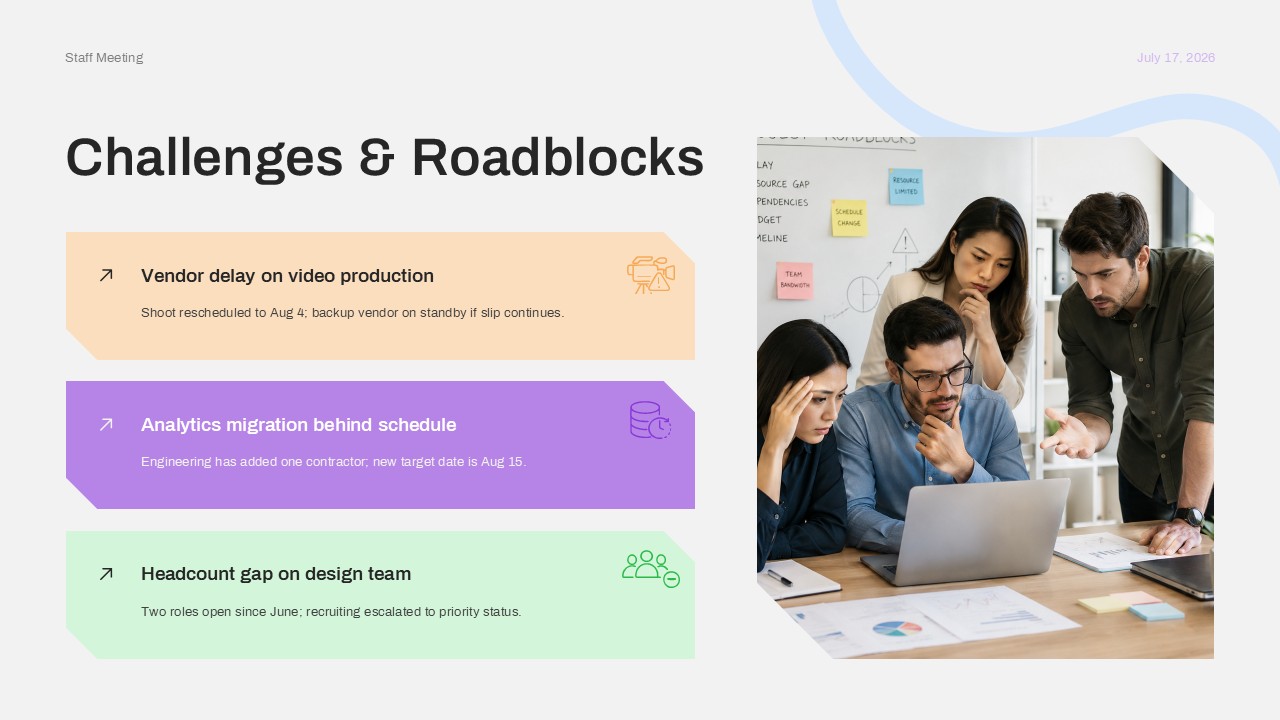
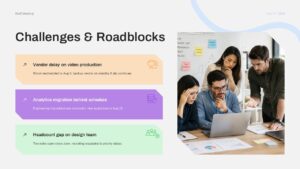
- Challenges & Roadblocks – Three issue cards, each with a short note on current mitigation steps.
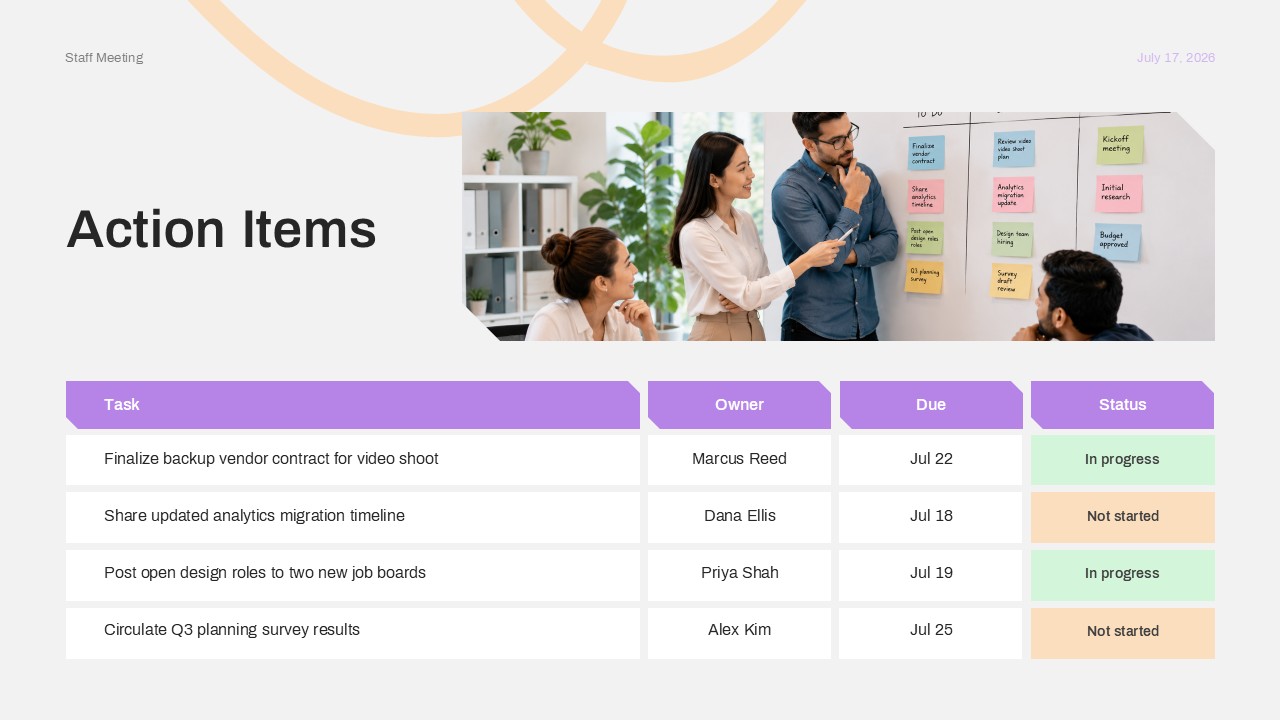
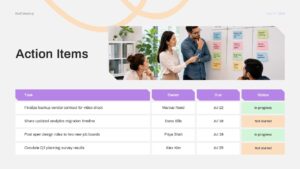
- Action Items – A four-row table listing tasks, owners, due dates, and status.
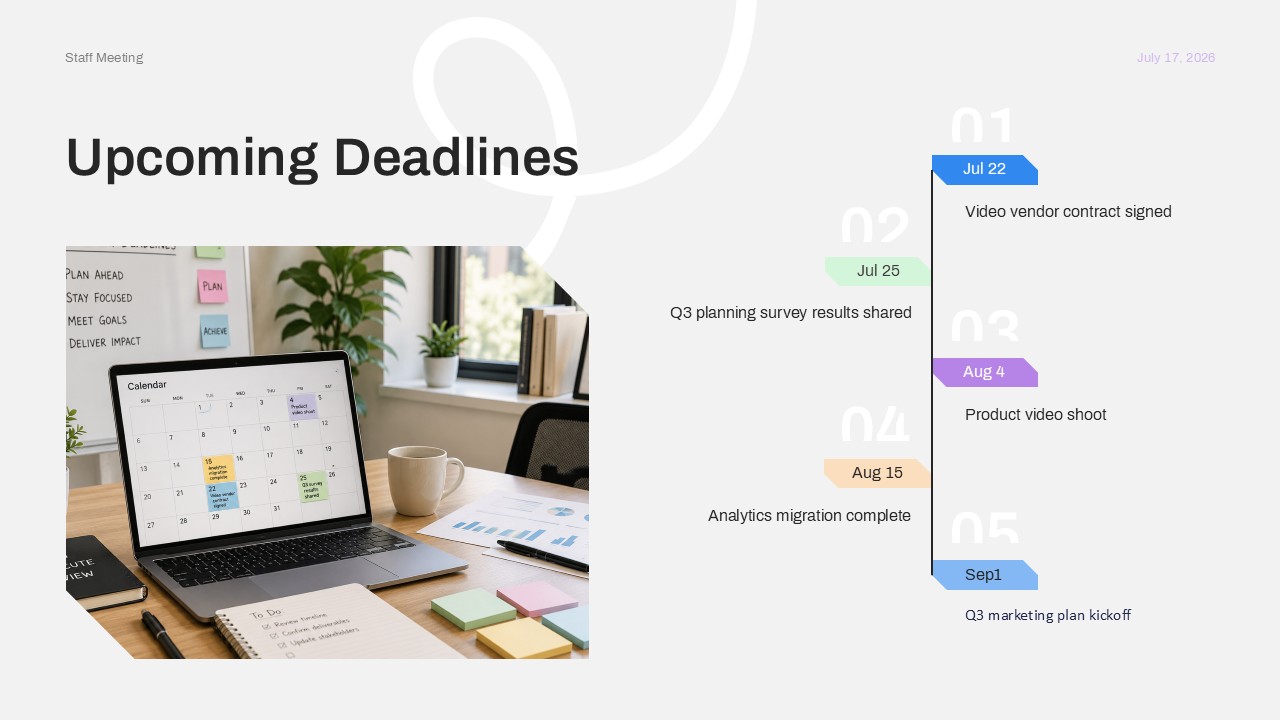
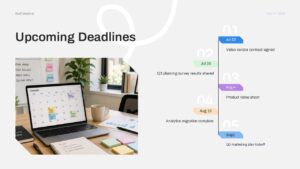
- Upcoming Deadlines – A vertical timeline of key dates leading into the next few weeks.
- Questions / Closing Slide – Wrap-up messaging and the date of the next sync.
Every slide in this presentation template uses soft pastel color blocks, angled card shapes, and stock team photography, giving the deck a clean, modern feel without looking overdesigned. All of it is fully editable in PowerPoint. Team names, dates, metrics, task tables, and photos can all be swapped out, and the color-coded categories, like on track, at risk, and delayed, can be relabeled to match a different tracking system. Because each slide follows the same visual language, new content drops in cleanly without needing to rebuild formatting each week.
This PPT template works well for any team that runs a regular internal meeting and wants to spend less time formatting slides and more time on the actual update. Marketing teams, project teams, and department leads can reuse the same file every week, just refreshing the metrics, wins, and action items before each sync. A repeatable format like this also makes past meetings easier to compare, since the same sections and layout carry over from one presentation to the next. Download and customize this Staff Meeting PowerPoint Template to standardize how your team runs its recurring updates.
Frequently Asked Questions
Can I edit the KPI numbers and project names in this template?
Can this Staff Meeting PowerPoint Template be reused every week?
What does this Staff Meeting PowerPoint Template include?
Login to download this file

Item ID
SB06217Designed By
Athira


Related Templates

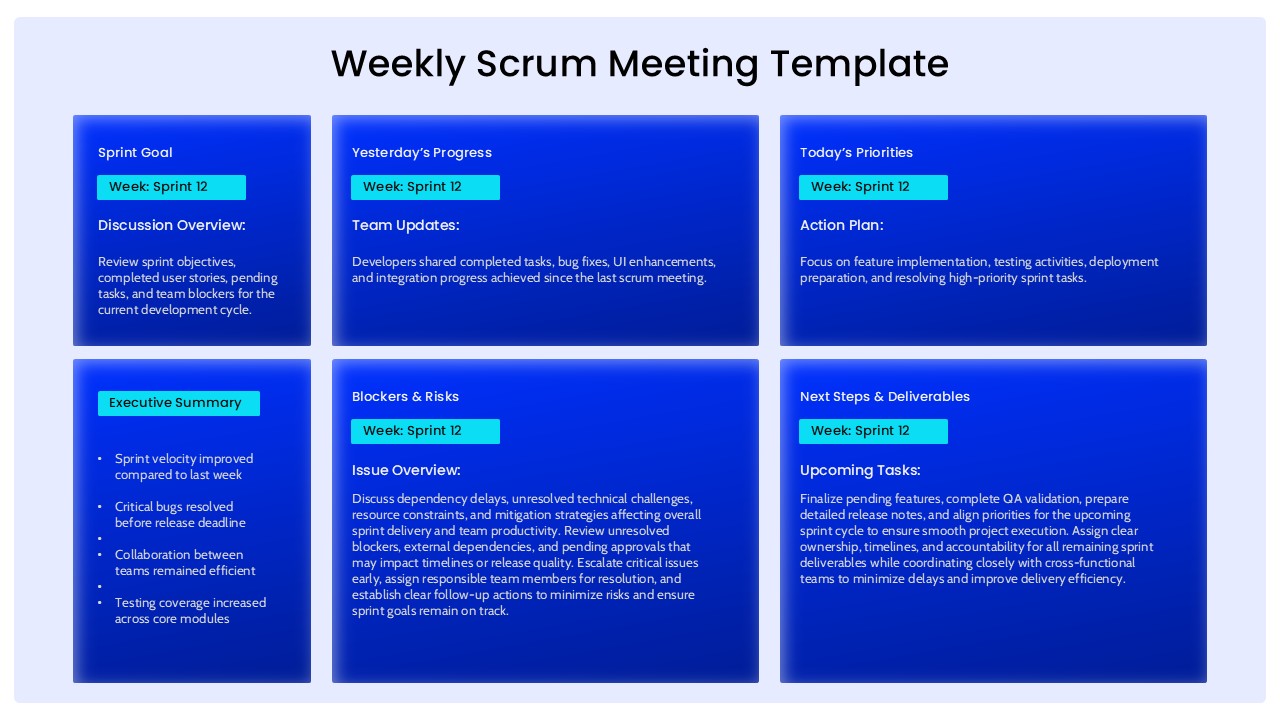
Weekly Scrum Meeting PowerPoint Presentation Template
Project Management
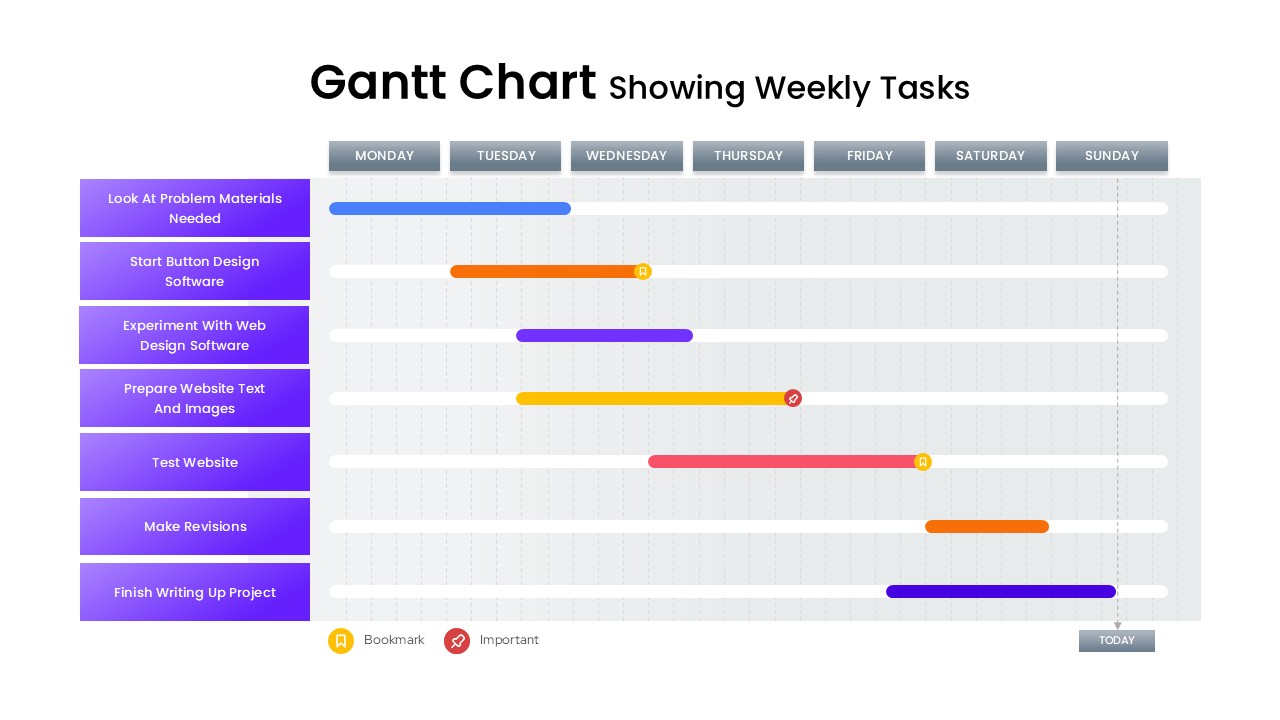
Gantt Chart Showing Weekly Tasks Template
Gantt Chart
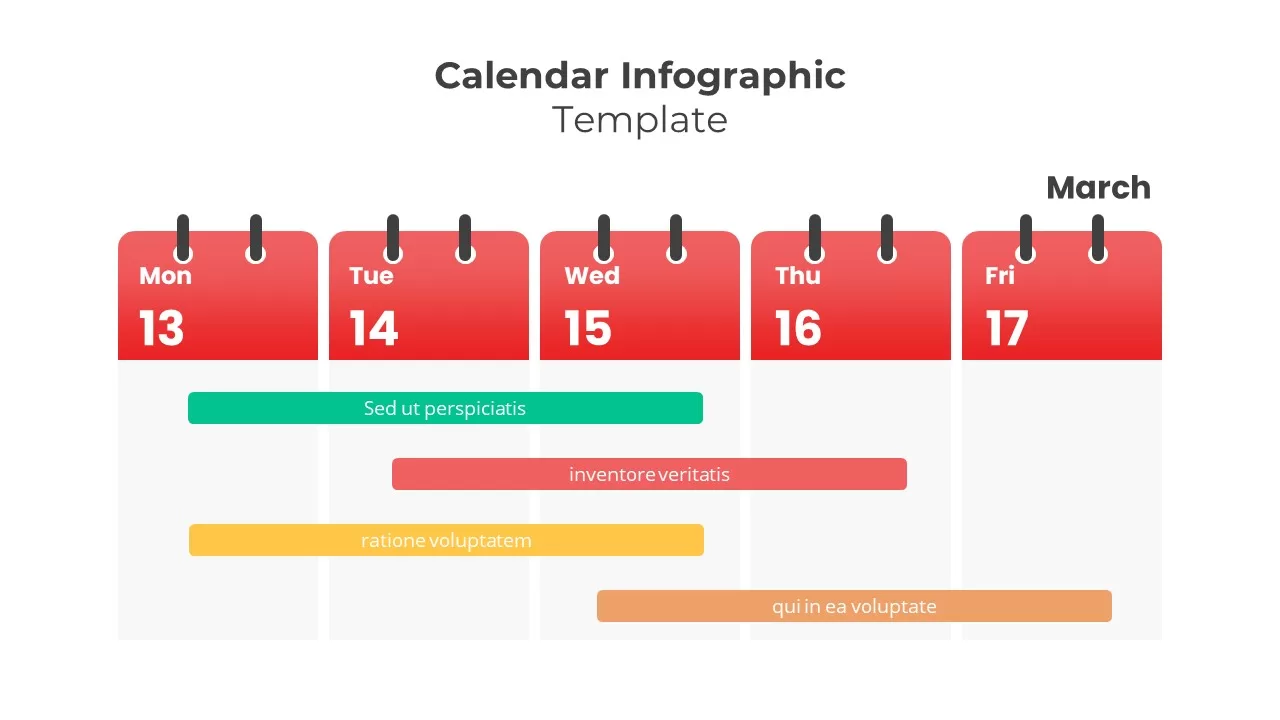
Weekly Five-Day Calendar Infographic Template for PowerPoint & Google Slides
Timeline
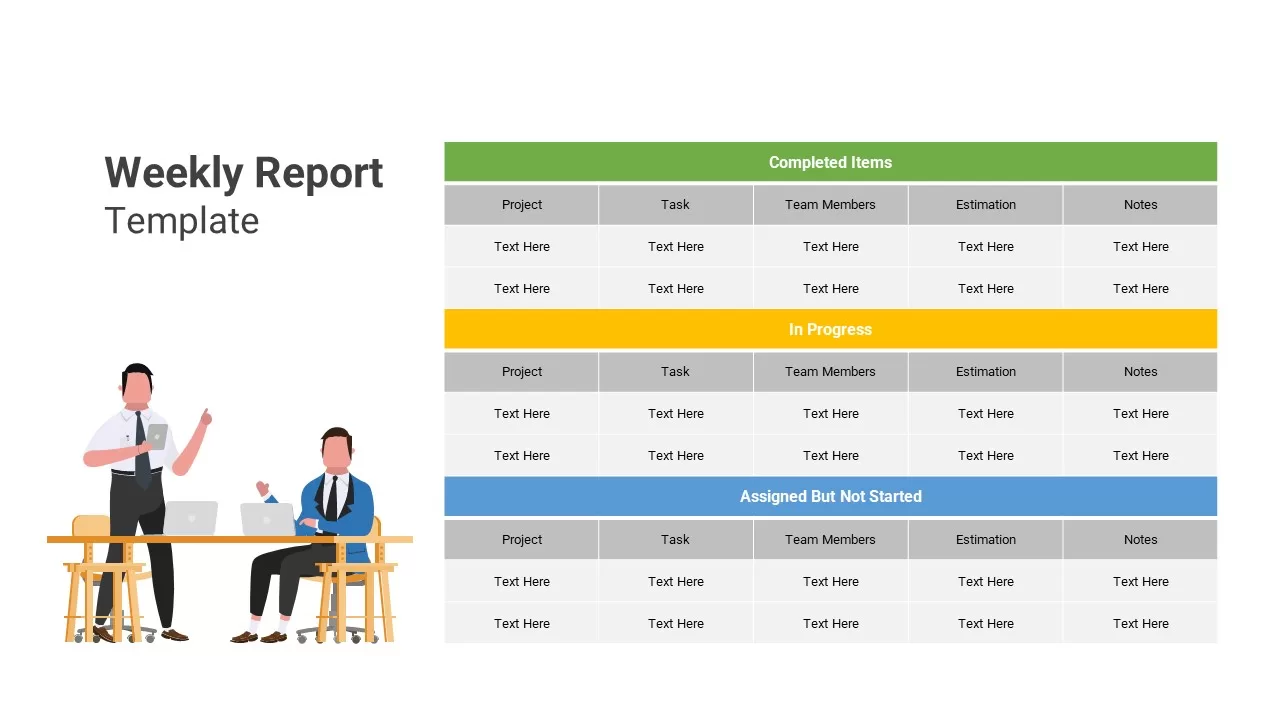
Weekly Report PowerPoint Template
Infographics
Weekly Update PowerPoint Template
Agenda
Weekly Planner PowerPoint Template
Infographics
Weekly Agenda PowerPoint Template
Agenda
Weekly Schedule PowerPoint Template
Agenda
Weekly Timeline PowerPoint Template
Timeline
Free Weekly Status Report PowerPoint Template
Project Status
Free
Weekly Gantt Chart Template for PPT & Google Slides Theme
Gantt Chart
Weekly Gantt Chart with Milestones Template for PowerPoint & Google Slides
Gantt Chart
Weekly Goals Presentation Template
Goals
Weekly Data Chart Slide for PowerPoint & Google Slides
Comparison Chart
Weekly Planner Template
Infographics
Weekly Planner Presentation Slide Template
Agenda
Weekly Social Media Calendar Editable Template
Digital Marketing
Weekly Project Update Template
Project Status
Weekly Status Report
Human Resources
Townhall Meeting PowerPoint Template
Company Profile