Free Weekly Status Report PowerPoint Template
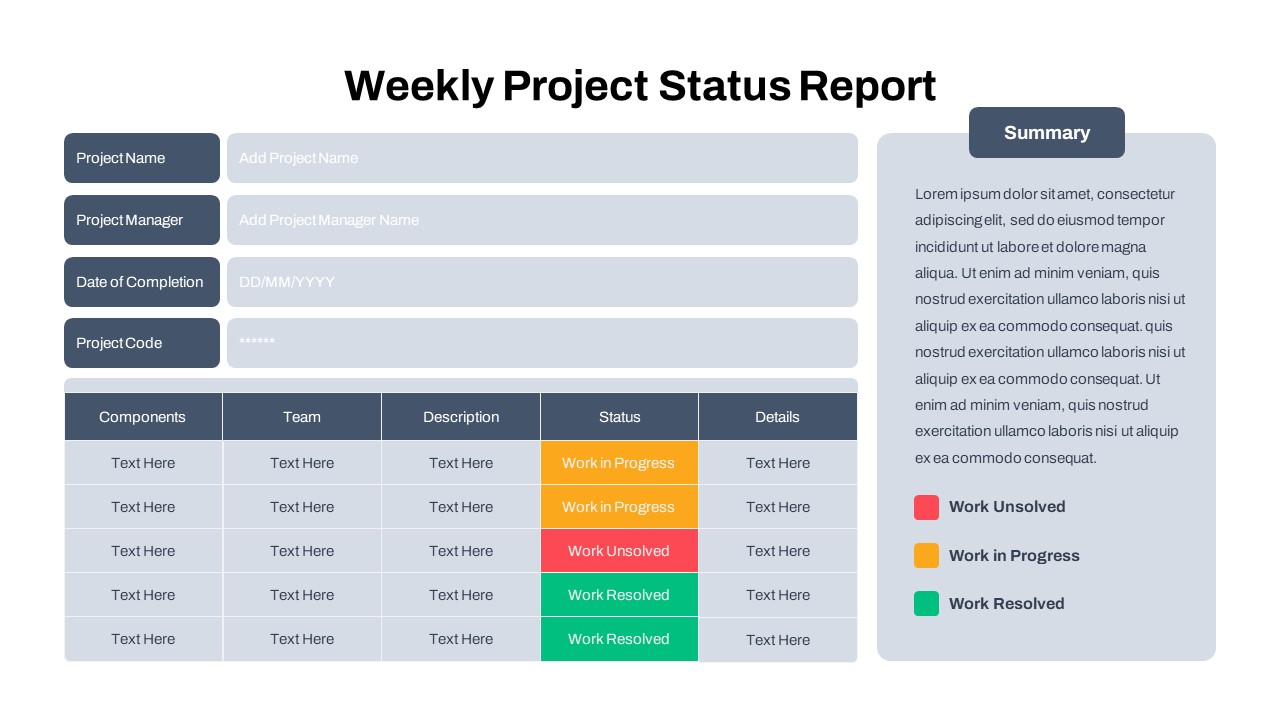
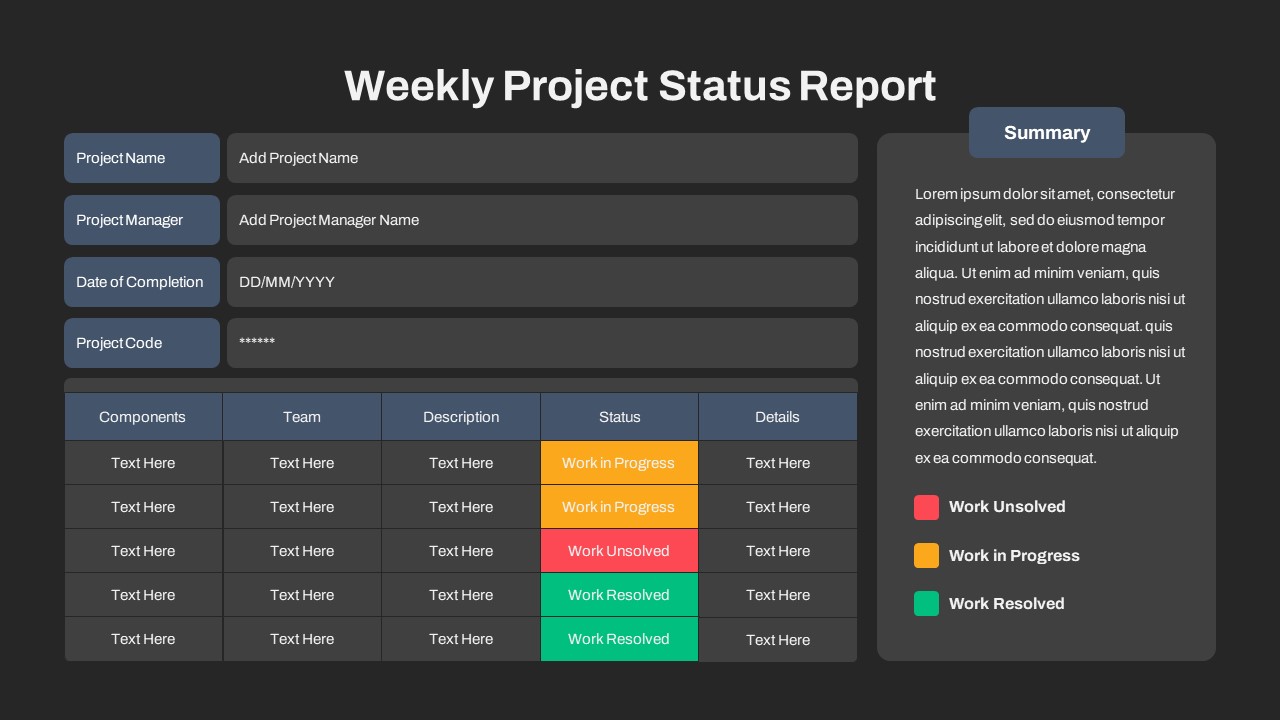
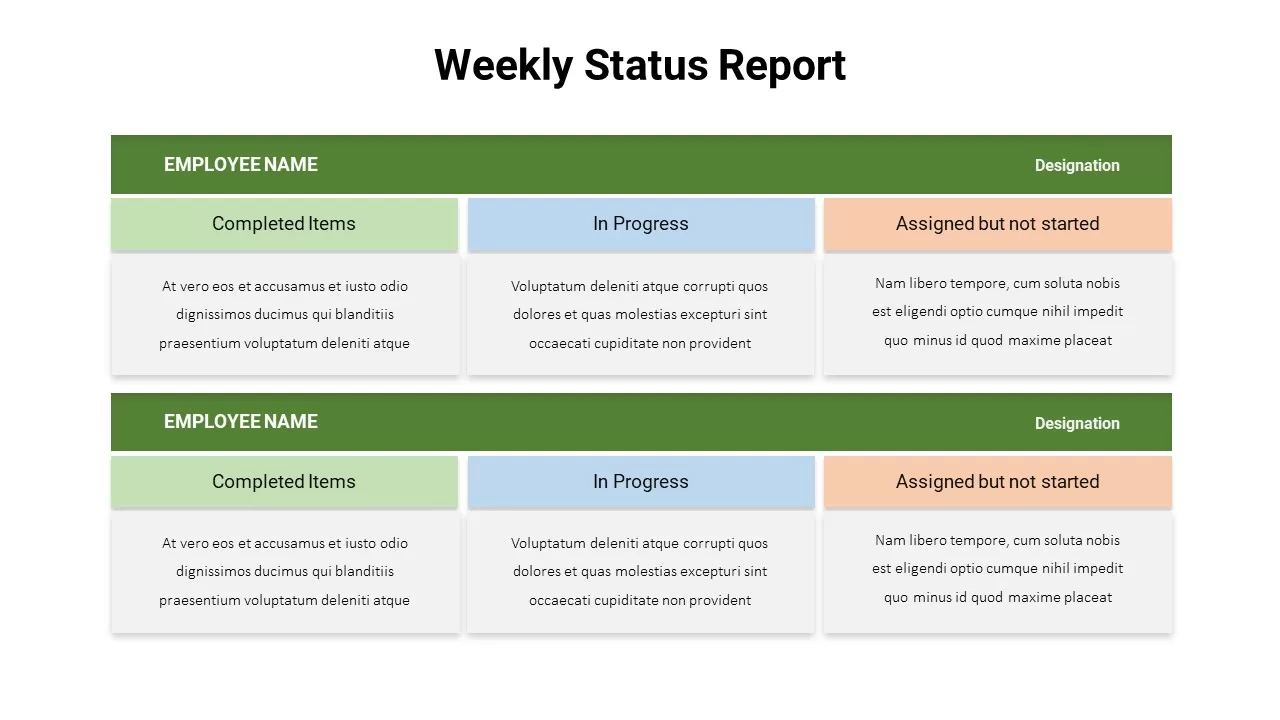
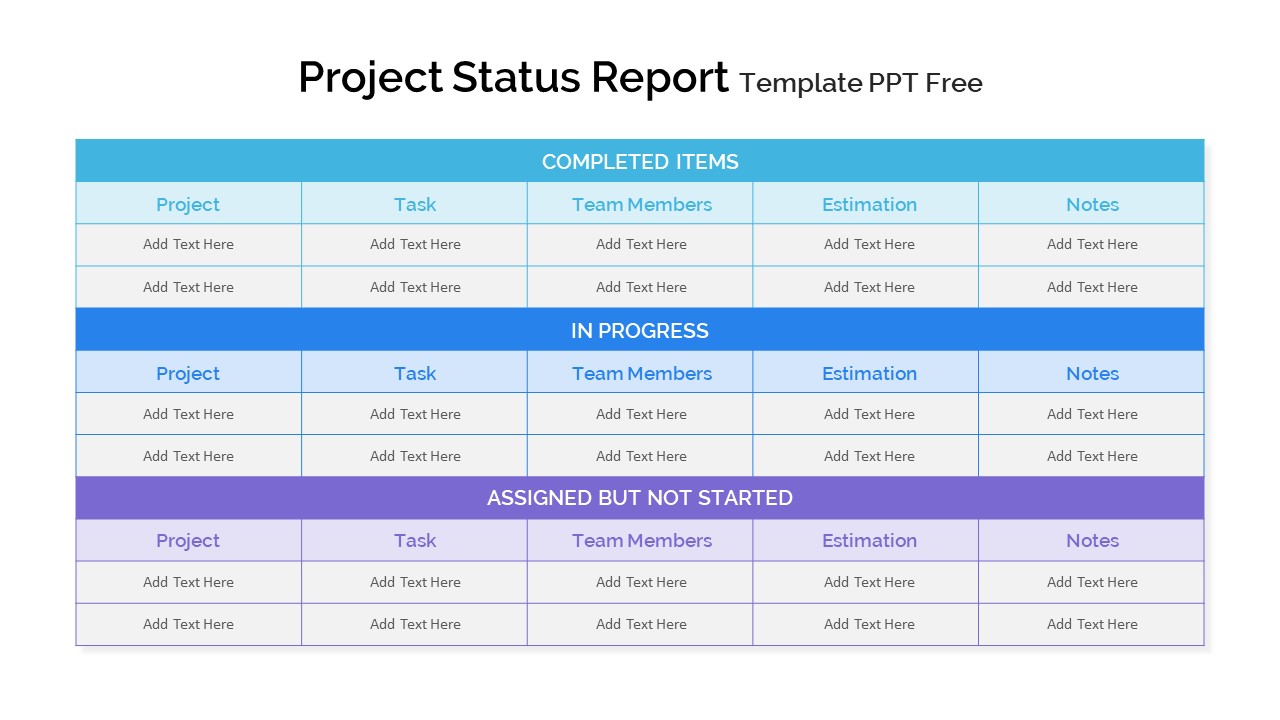
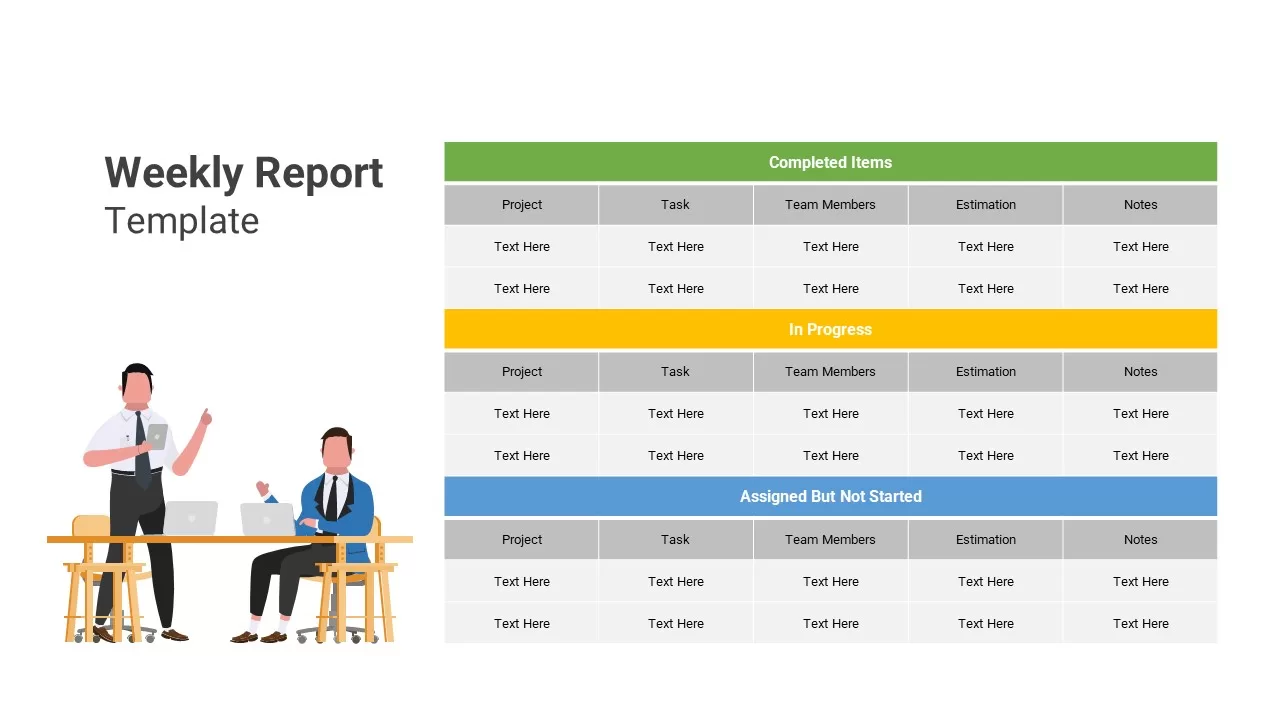
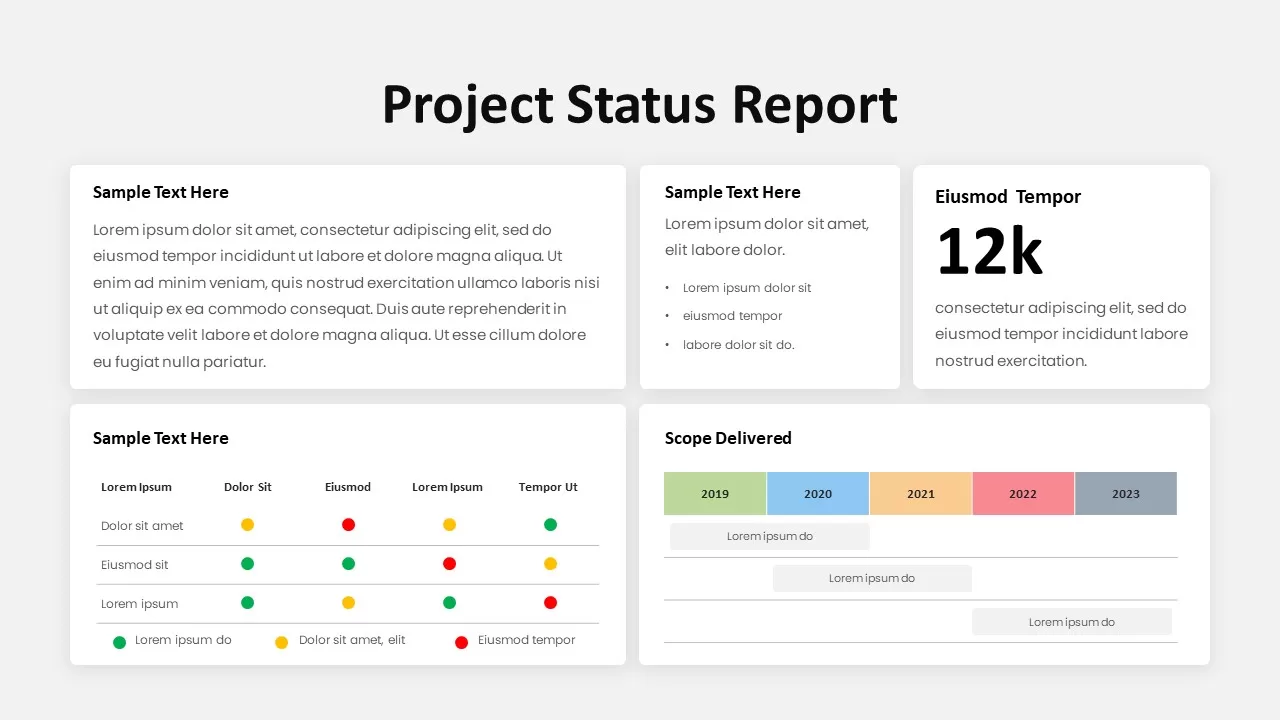
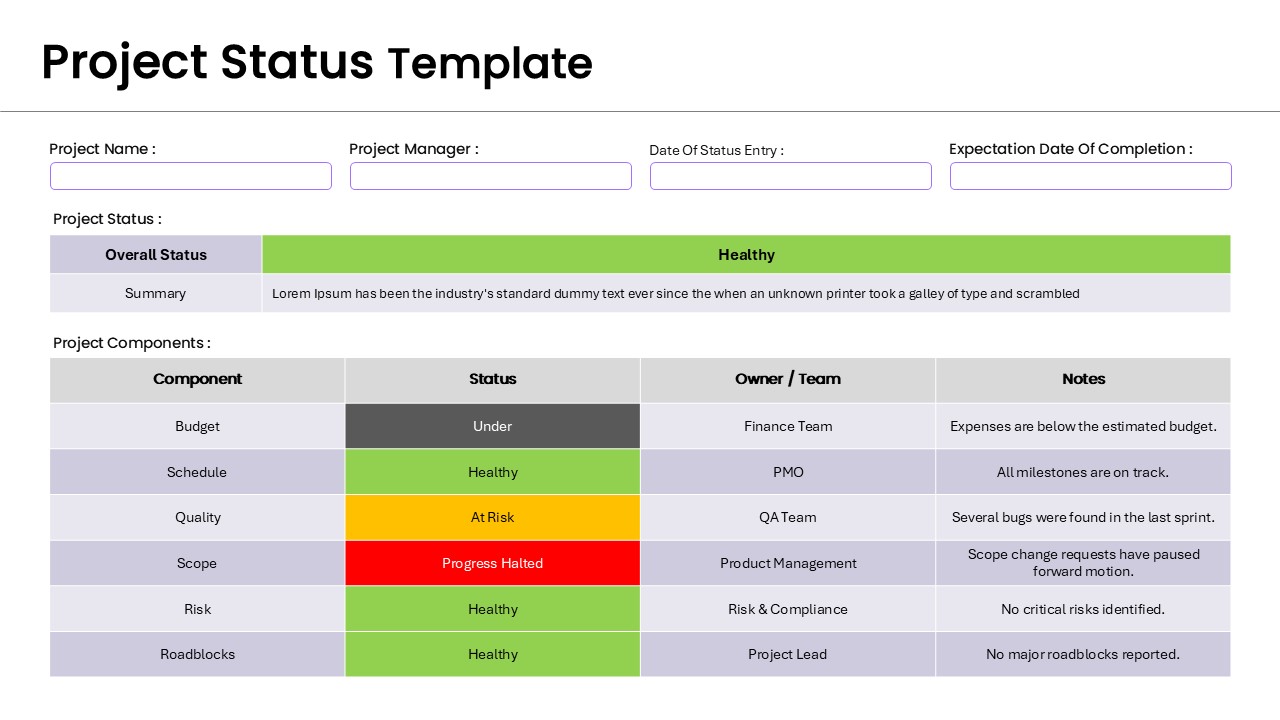
Unlock effortless reporting with our Weekly Status Report PowerPoint template. This project status PPT is a professional design crafted in simple PowerPoint shapes and charts. The free PowerPoint template for the weekly project status report is designed as a table, incorporating many columns and rows, featuring a RAG (Red, Amber, Green) combination and other color-coded elements, enhancing the visual presentation of project management details. This slide with premium features for free presentation is best for displaying project updates every week.
What is a weekly status report?
A weekly project status report is a brief document with a summary of project progress, achievements, and challenges. It generally includes details of completed tasks, ongoing work, and upcoming plans. Since it comes in a condensed format, the stakeholders could get a comprehensive overview of the project’s status. It gives an overview of what teams have been working on and what is pending. When you create a project status report in PowerPoint it facilitates every member to know the status aiding informed decision-making and giving an impetus to achieve the desired objectives.
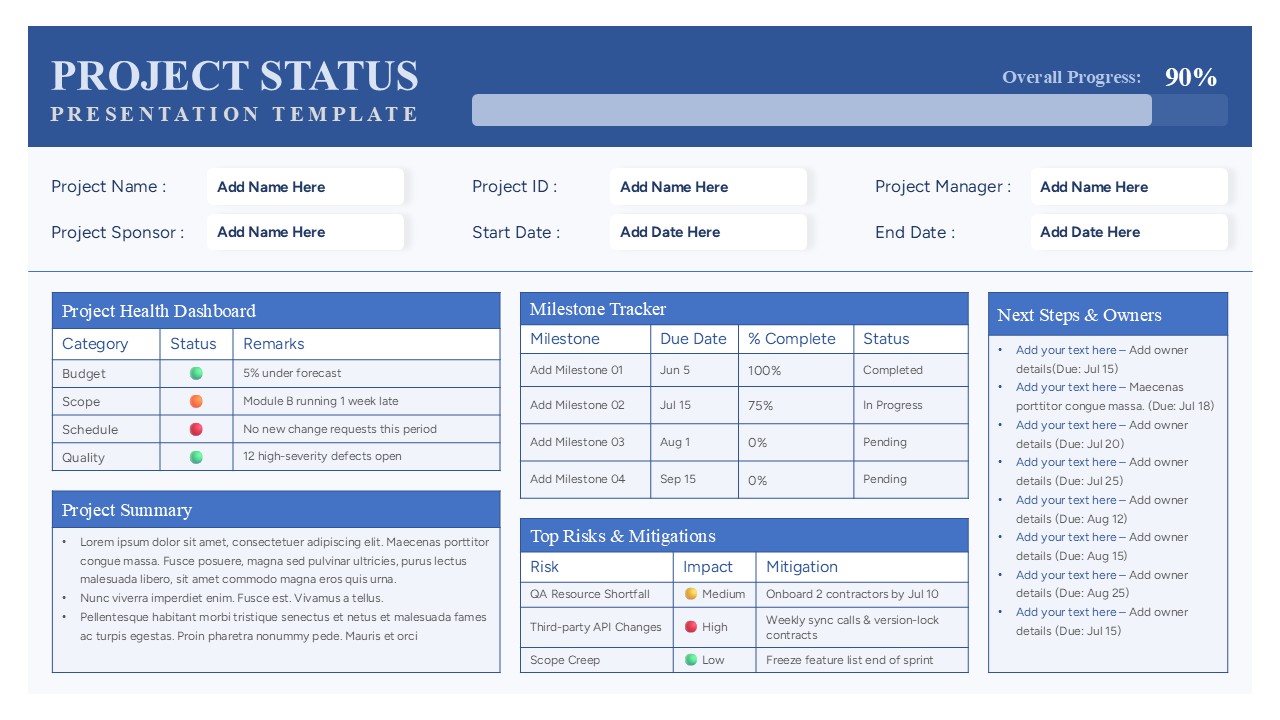
The weekly report template for free download enables you to show project milestones, achievements, and challenges in a quick view. It provides a clear section for project highlights, progress tracking, and metrics and KPIs. In a simple sense, a project report for PowerPoint presentation is a data-driven chart that allows you to include graphic representation diagrams, graphs, and dashboards. Whether you are a project leader, team manager or a business professional, our status slide template facilitates you to meet your reporting requirements. You can keep stakeholders in the loop and make data-driven decisions effortlessly.
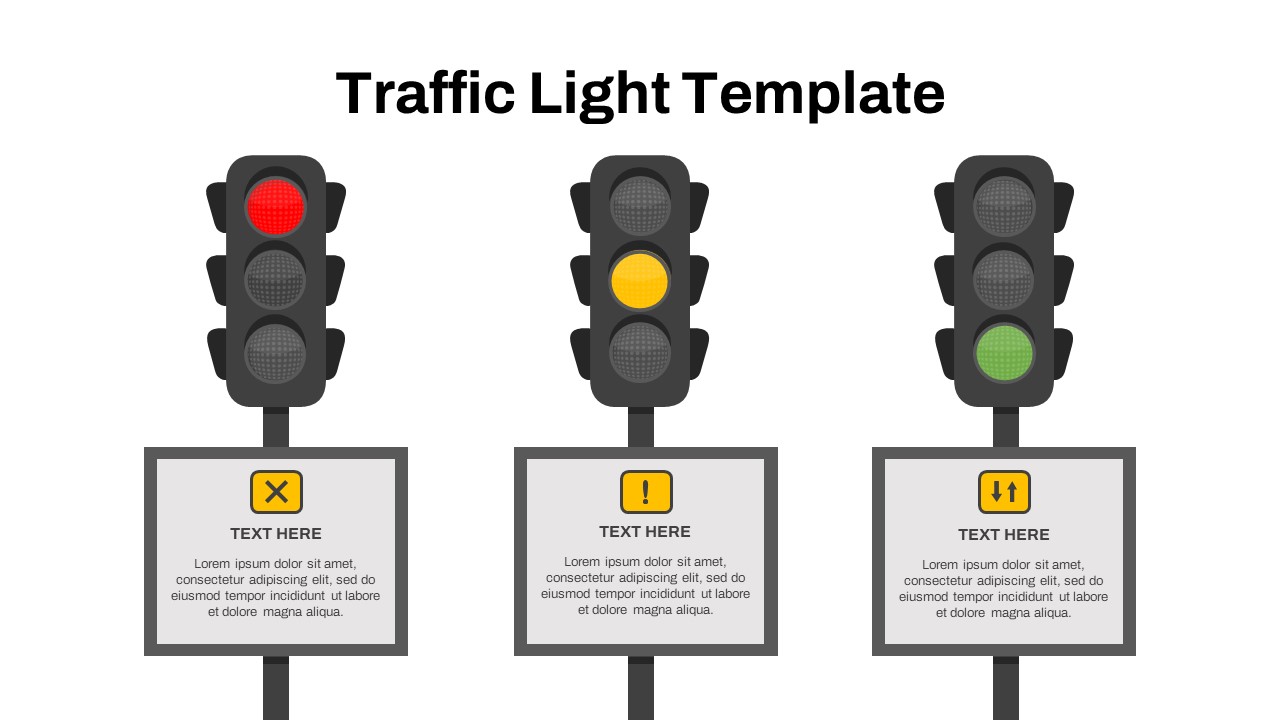
The two-slide weekly status PowerPoint free is a 100% editable diagram with the sections for the project name, project manager, date of completion and project code on the left-hand column. There are five columns and a row box on beneath where you can add project components, team, description, status, and details. On the far-right side, you can give a summary of the project with the RAG mark of work unsolved, work in progress, and work completed. Download free weekly status report for PowerPoint & Google Slides presentations and optimize your team communication. Also, check out our weekly status PowerPoint slides.
Login to download this file

Item ID
SB03918


Related Templates

Weekly Status Report
HR
Project Status Report Template PPT – Free Download
Project Status
Free
Weekly Report PowerPoint Template
Infographics
Project Status Report PowerPoint Template
Project Status
Project Status Dashboard Report Template for PowerPoint
Project Status
Project Status Report Presentation Template
Project Status
Free Traffic Light Project Status Slide Template for PowerPoint & Google Slides
Project Status
Free
Weekly Five-Day Calendar Infographic Template for PowerPoint & Google Slides
Timeline
Weekly Update PowerPoint Template
Agenda
Weekly Planner PowerPoint Template
Infographics
Weekly Agenda PowerPoint Template
Agenda
Weekly Schedule PowerPoint Template
Agenda
Weekly Timeline PowerPoint Template
Timeline
Weekly Gantt Chart Template for PPT & Google Slides Theme
Gantt Chart
Weekly Gantt Chart with Milestones Template for PowerPoint & Google Slides
Gantt Chart
Weekly Scrum Meeting PowerPoint Presentation Template
Project Management
Weekly Staff Meeting PowerPoint Template
Decks
Weekly Data Chart Slide for PowerPoint & Google Slides
Comparison Chart
Weekly Planner Template
Infographics
Weekly Social Media Calendar Editable Template
Digital Marketing