Physical AI PowerPoint Template








Physical AI Presentation
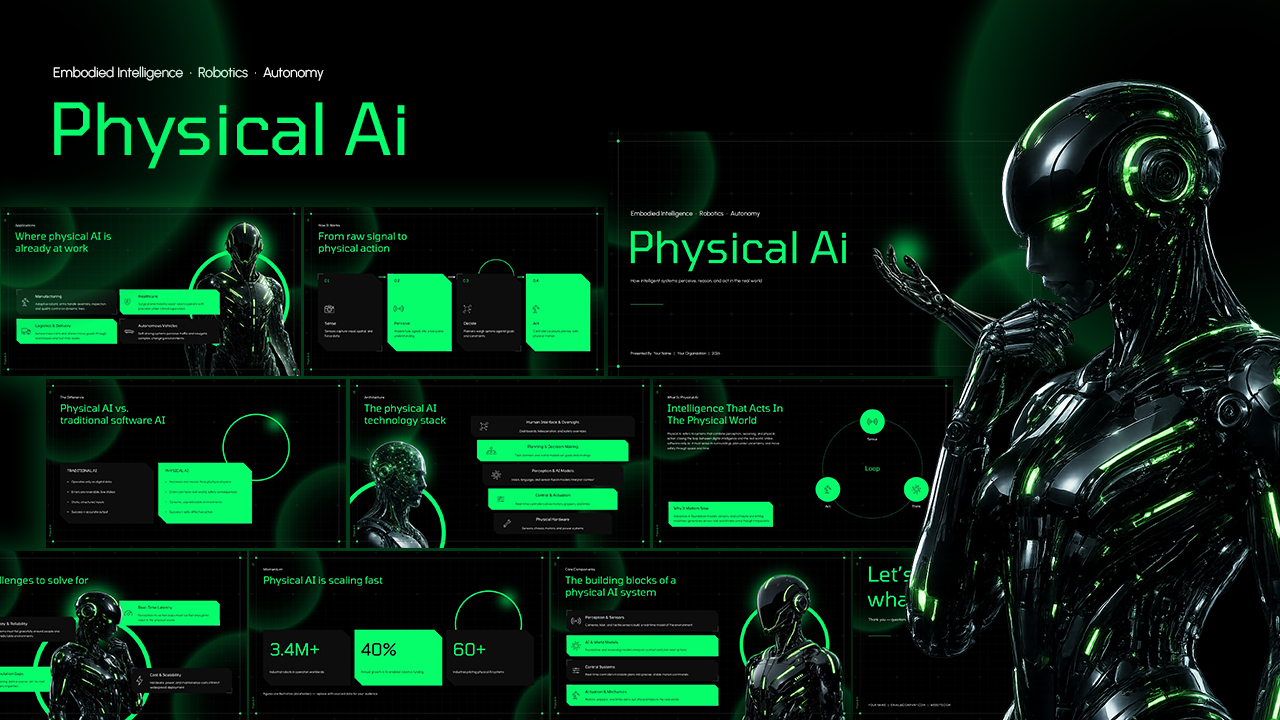
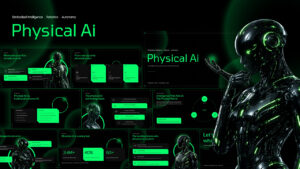
The Physical AI PowerPoint Template is a 10-slide presentation deck that can be used by technology professionals, AI researchers, robotics teams, business leaders, and consultants. The presentation focuses on physical artificial intelligence, covering how intelligent systems perceive their surroundings, make decisions, and perform actions in real-world environments. Its futuristic visual style combines a black grid background, neon green highlights, robotic imagery, circular elements, and angular content cards.
The presentation template includes relevant slides for introducing Physical AI, explaining its underlying components, demonstrating its operational workflow, and presenting practical applications. The dark interface and high-contrast green accents create a technology-focused visual language suitable for AI, robotics, automation, and emerging technology presentations. Each slide uses editable text areas, shapes, icons, diagrams, and visual elements that can be customized in PowerPoint.
The 10-slide Physical AI presentation is arranged to create a logical flow from basic concepts to system architecture and future considerations. The presentation deck contains:
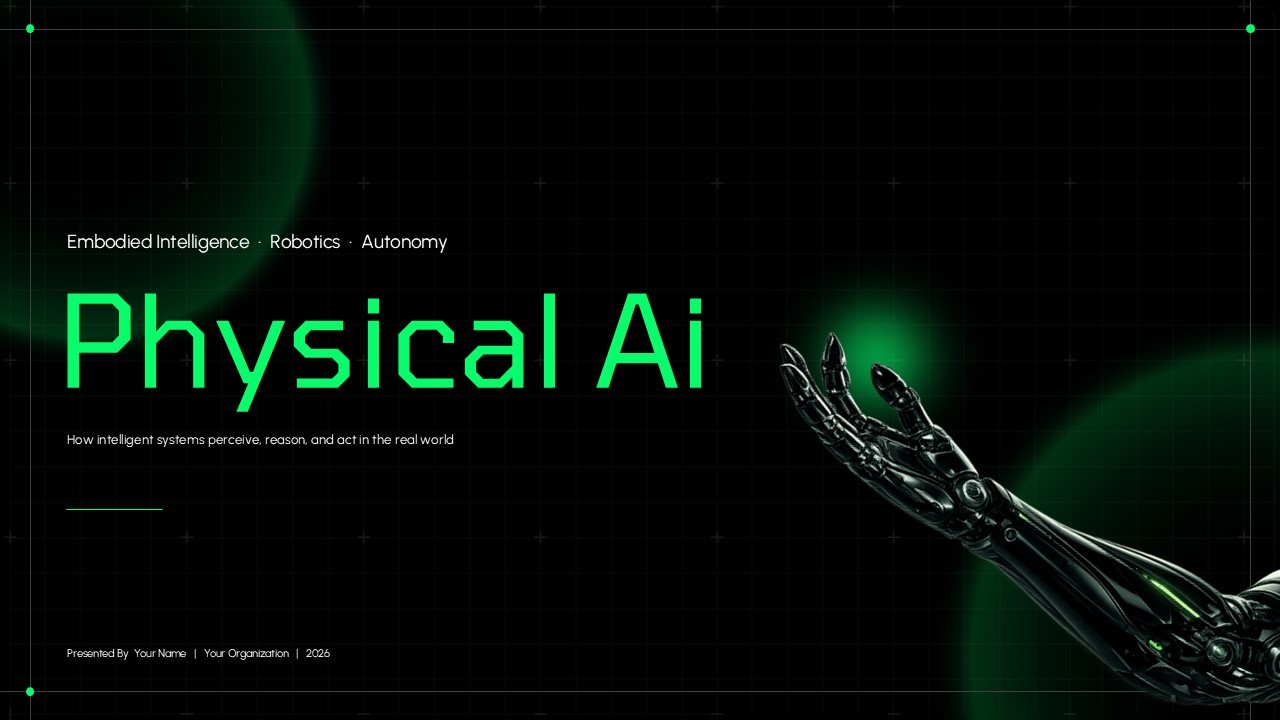
- A cover slide with a futuristic robotic hand and Physical AI title
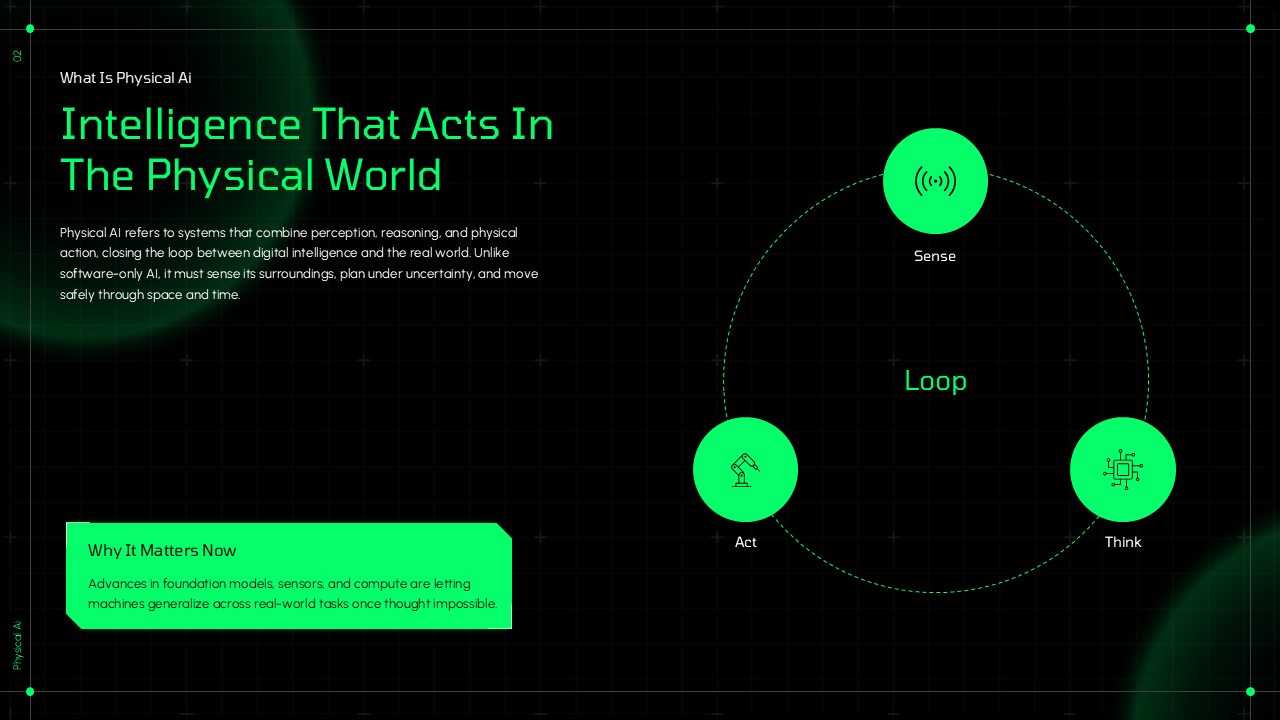
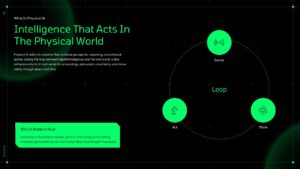
- A definition slide explaining Physical AI and the Sense–Think–Act loop
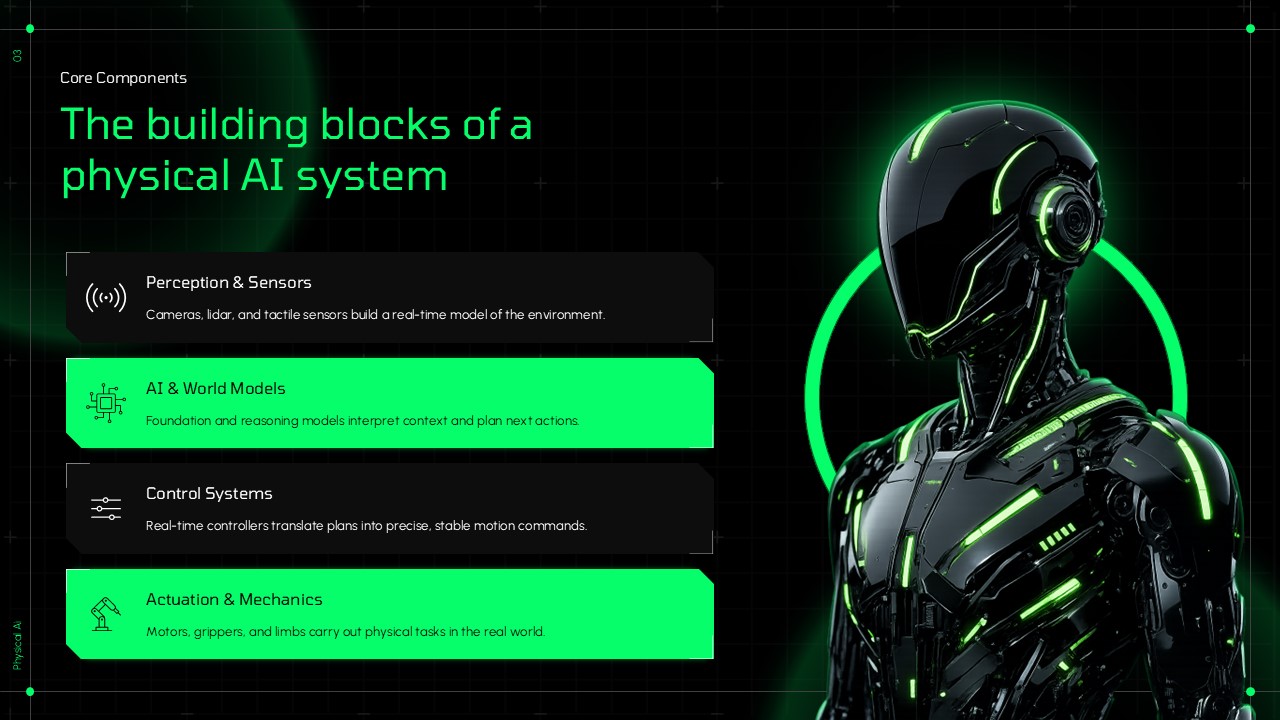
- A core components slide covering perception, AI models, control systems, and actuation
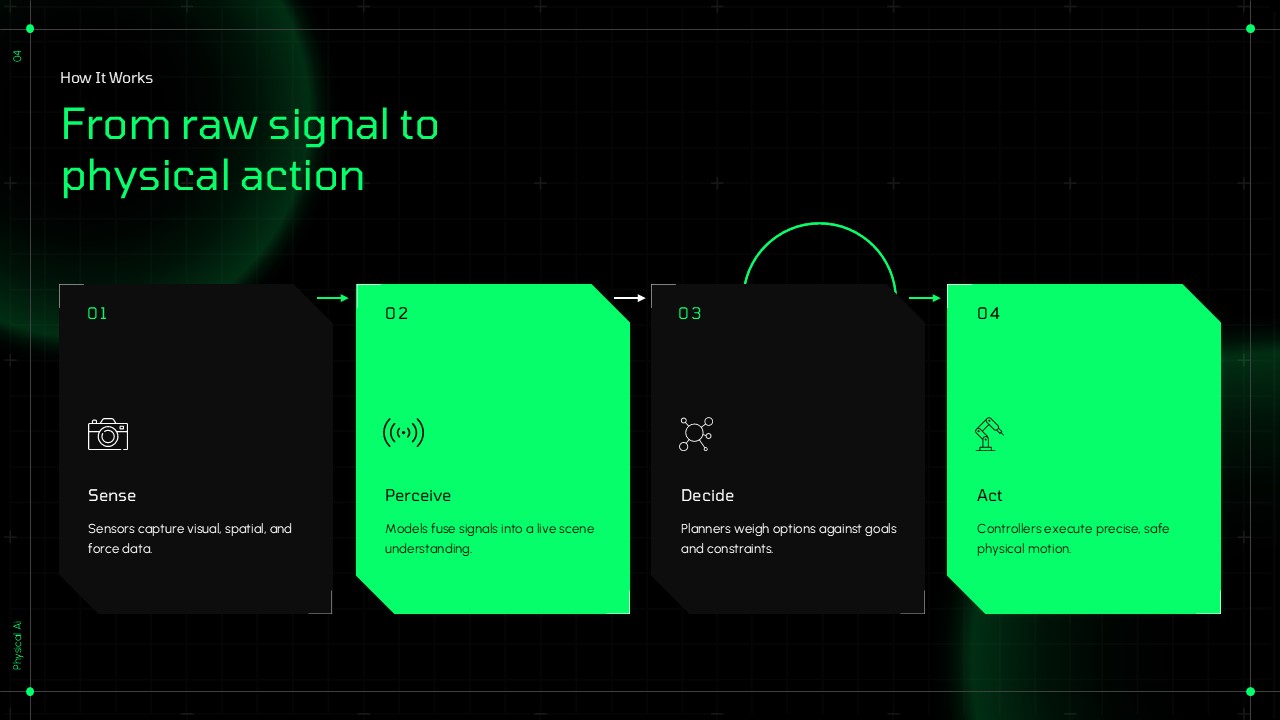
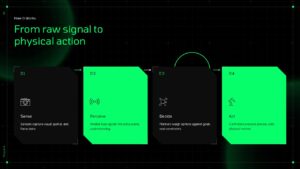
- A process slide illustrating the journey from sensing and perception to decision-making and physical action
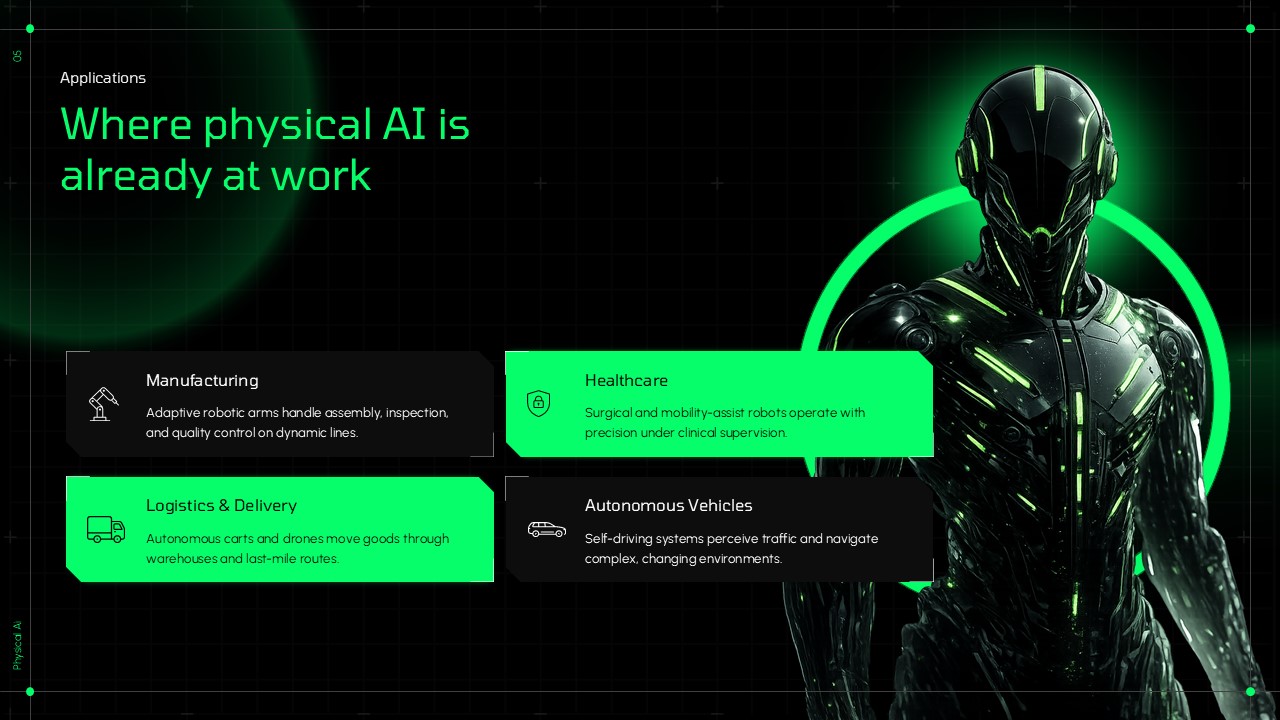
- An applications slide presenting manufacturing, healthcare, logistics, and autonomous vehicles
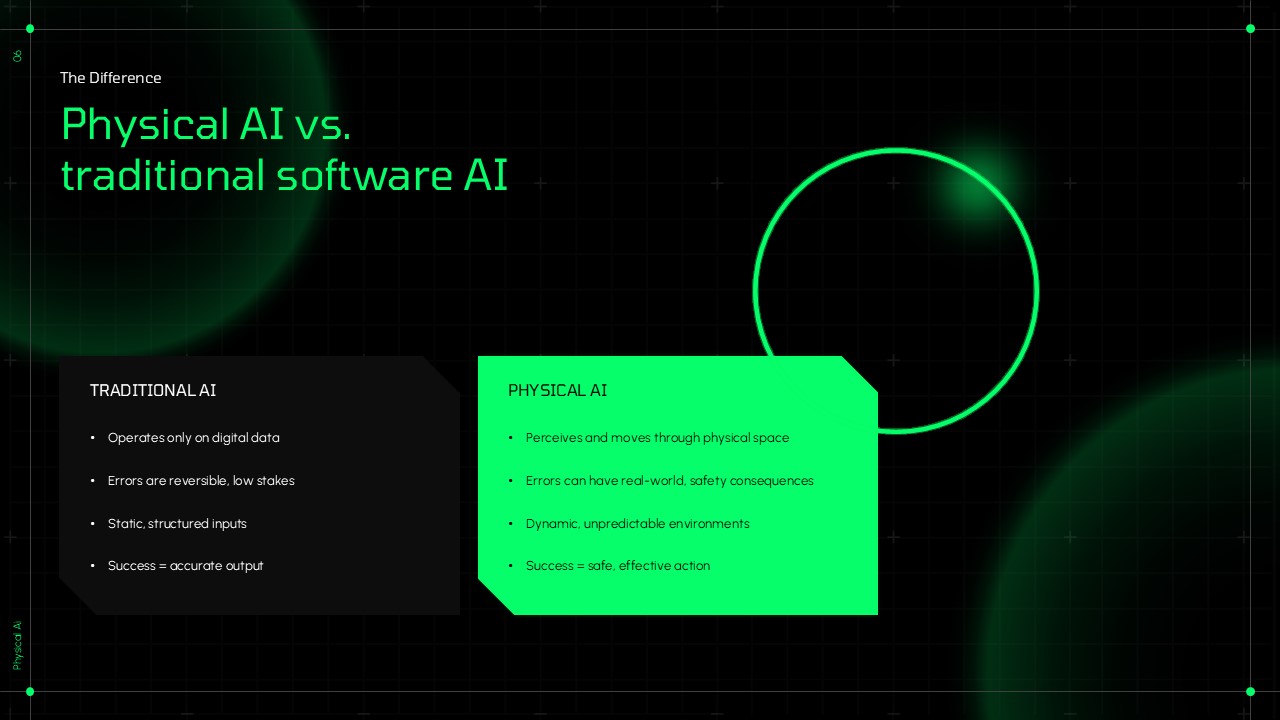
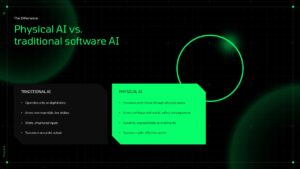
- A comparison slide contrasting Physical AI with traditional software-based AI
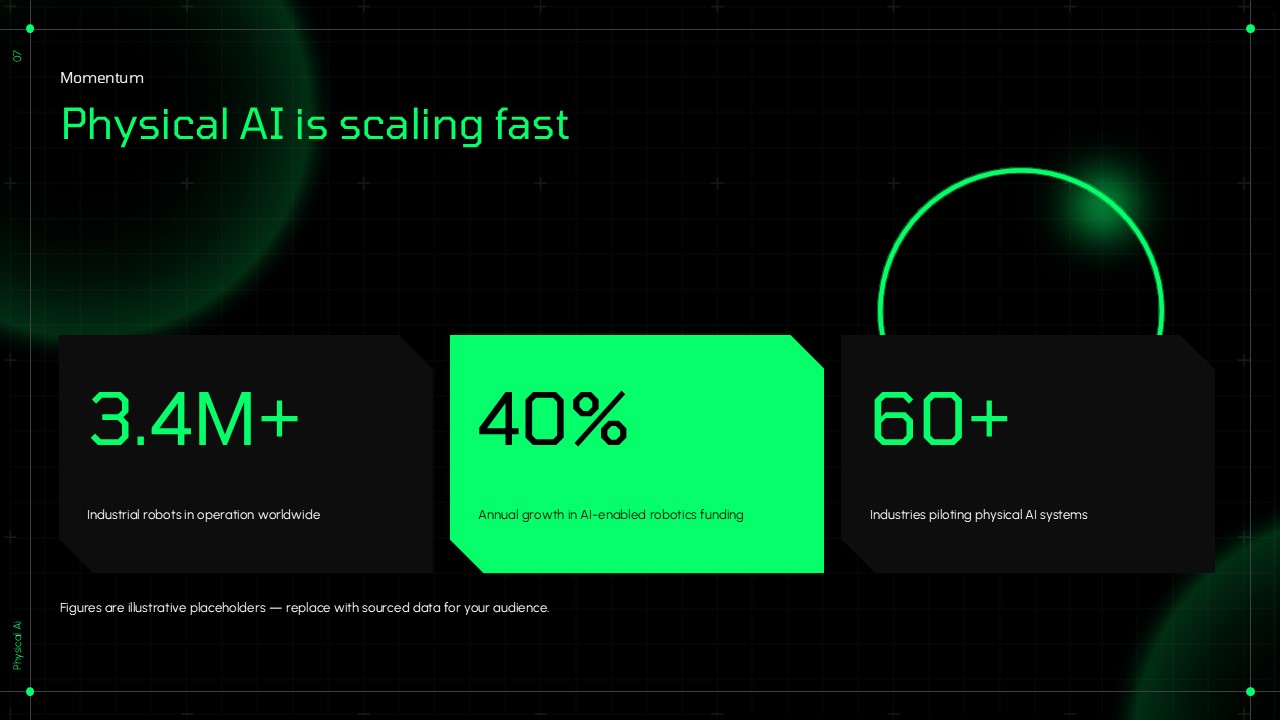
- A momentum slide featuring editable statistics and growth indicators
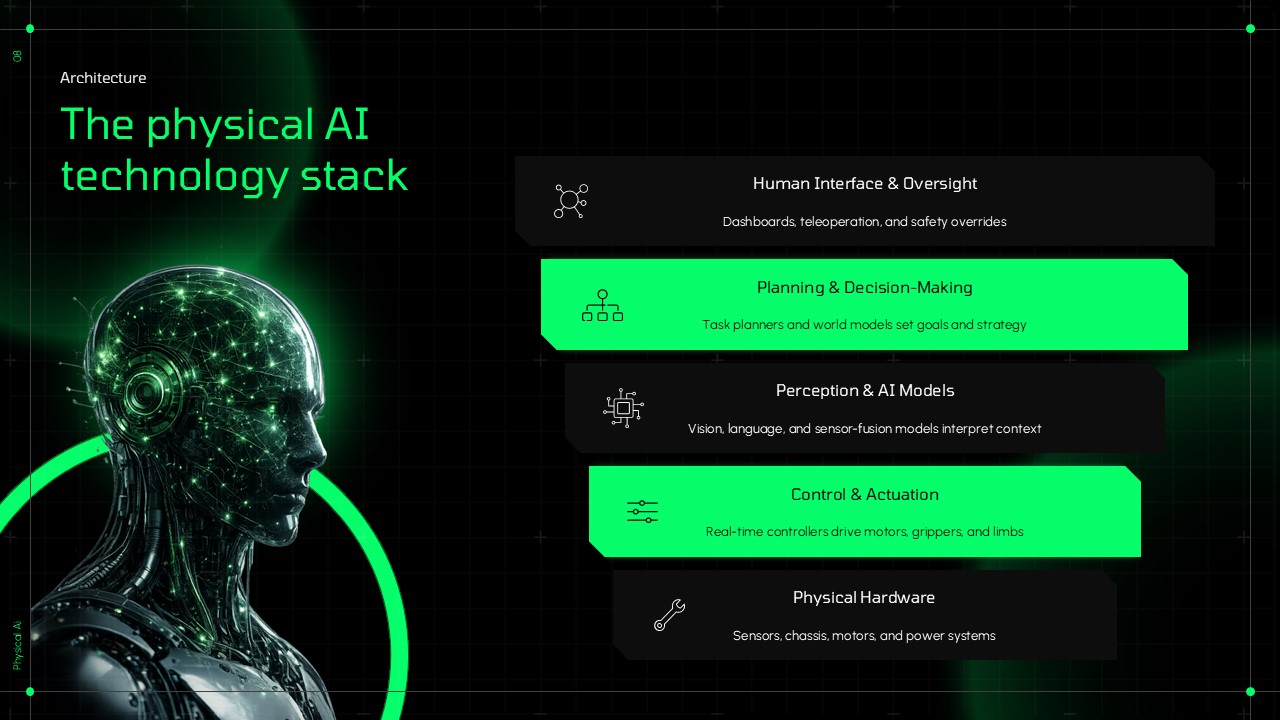
- A technology architecture slide showing the Physical AI technology stack
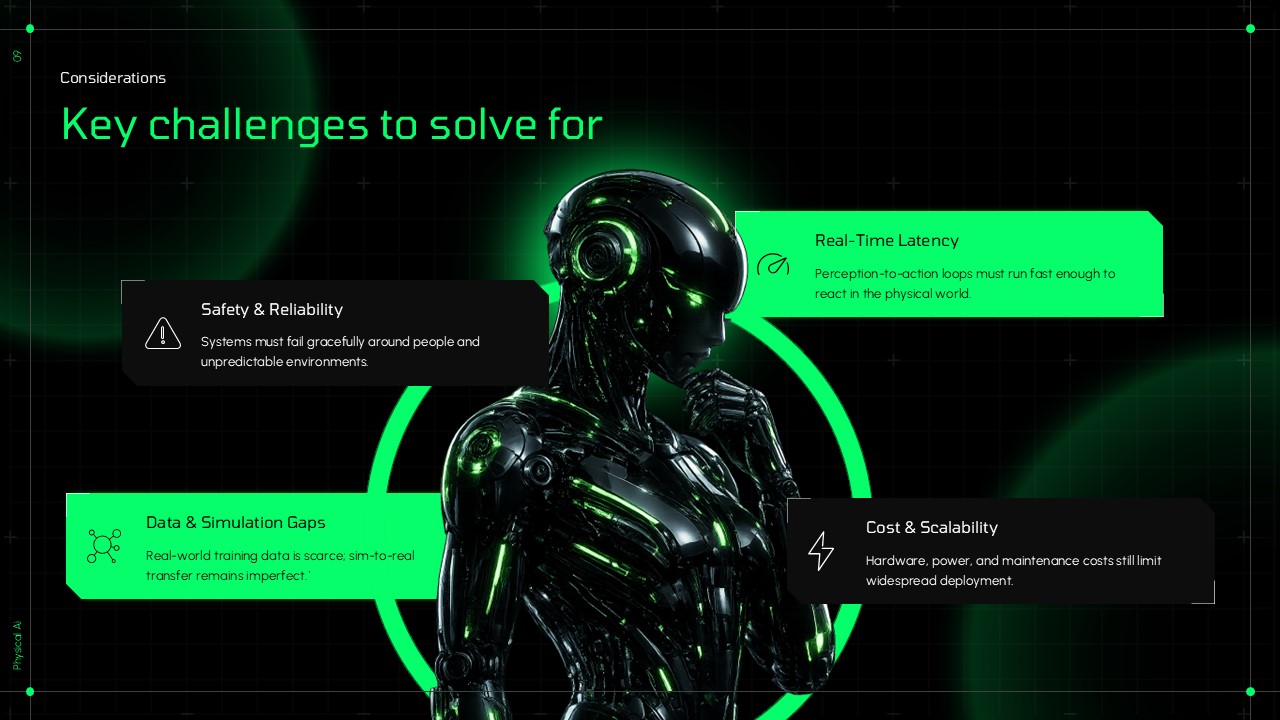
- A challenges slide highlighting safety, latency, data, simulation, cost, and scalability considerations
- A dark closing slide for questions, discussion, contact details, or presentation conclusion
The introductory slides establish the meaning and importance of Physical AI before moving into its technical building blocks and operating process. The comparison layout can be used to communicate differences between physical and traditional AI systems, while the statistics slide provides space for presenting market figures, adoption metrics, or industry research. The architecture diagram helps explain the relationship between hardware, perception models, planning, control, and human oversight.
The Physical AI PowerPoint Template can be used for AI strategy presentations, robotics presentations, technology pitches, research discussions, automation proposals, industry reports, educational lectures, and future-of-technology presentations. Users can replace the sample content, figures, labels, icons, and images to adapt the slides to their subject. The editable PowerPoint elements also allow presenters to modify the neon green accents, dark content panels, diagrams, and layouts according to their presentation requirements.
Frequently Asked Questions
What is a Physical AI PowerPoint template?
How can a Physical AI presentation template be used?
Login to download this file

Item ID
SB06290Designed By
Niranjana


Related Templates

Free Engaging Physical Education Deck Template
Business
Free