Donut Split Analysis Chart PowerPoint Template
Donut Split Analysis Chart for PowerPoint & Google slides : Best for Presenting Statistics
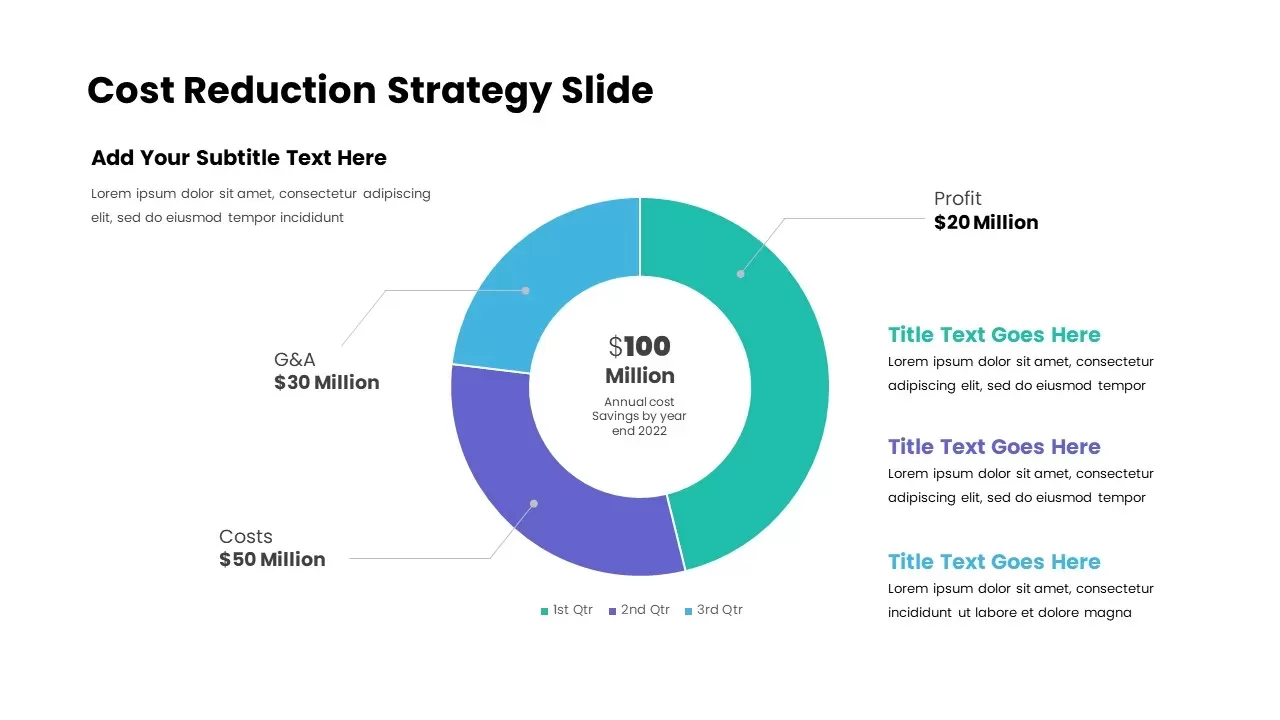
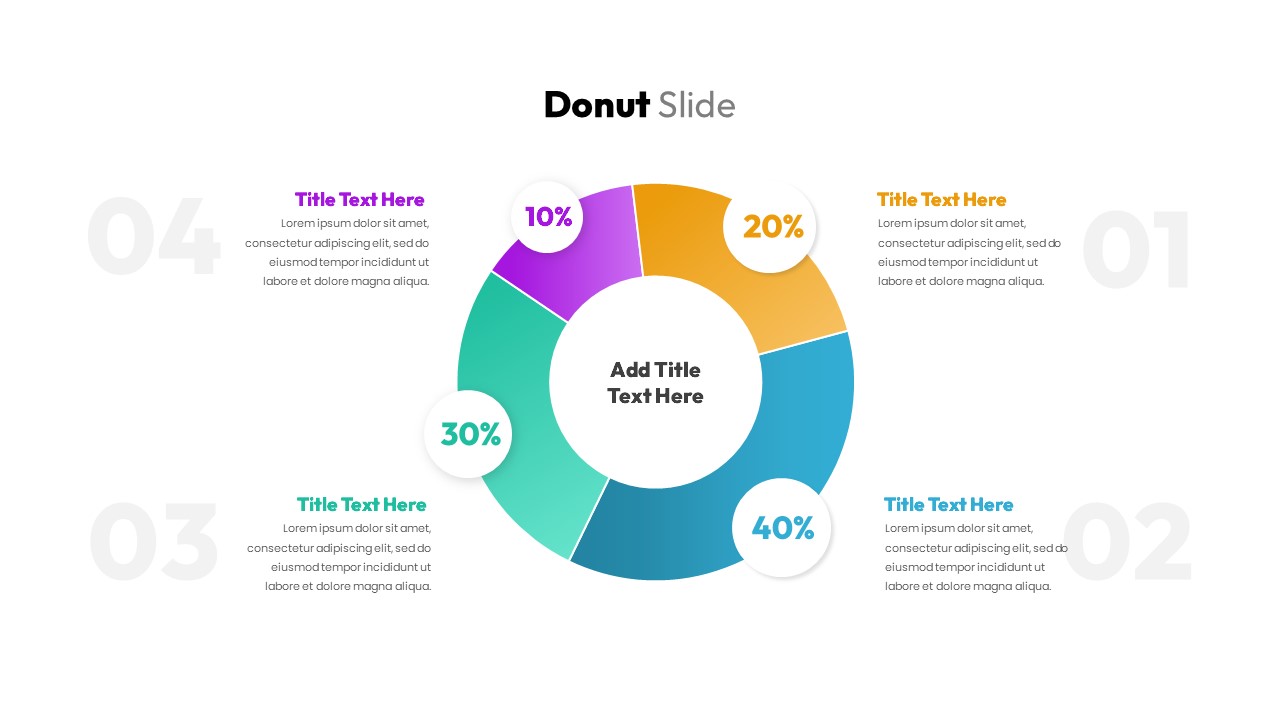
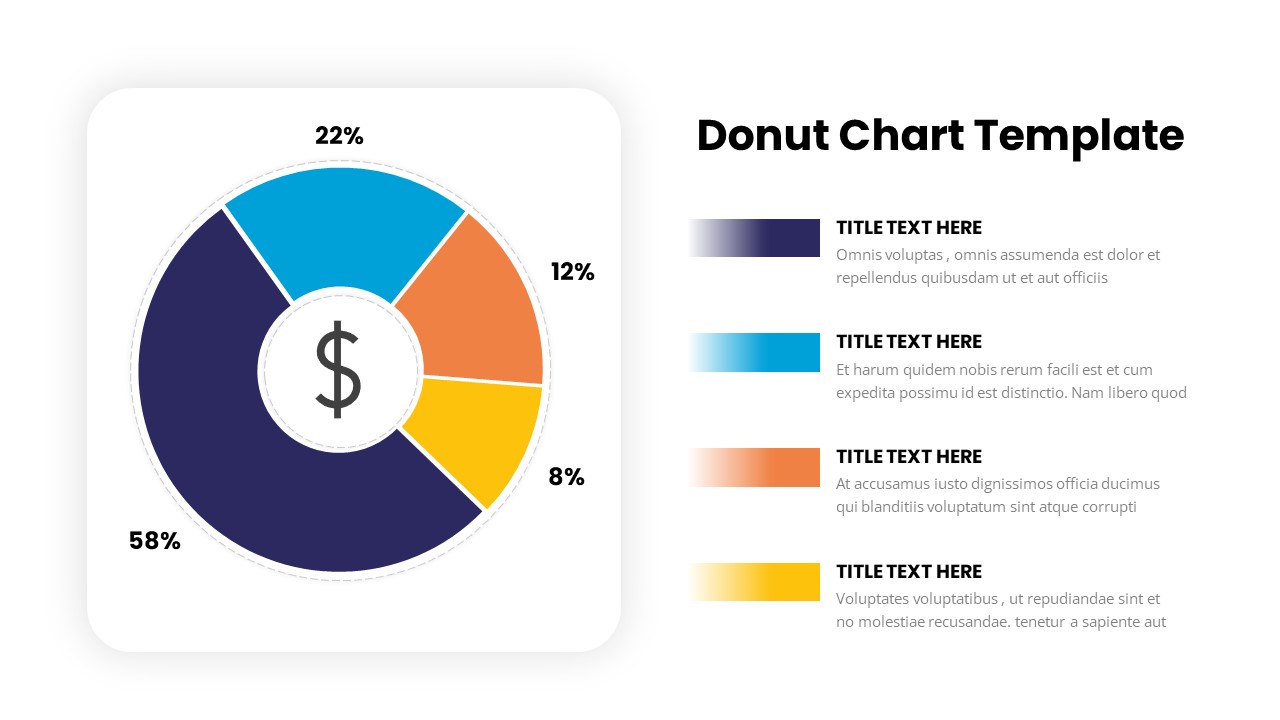
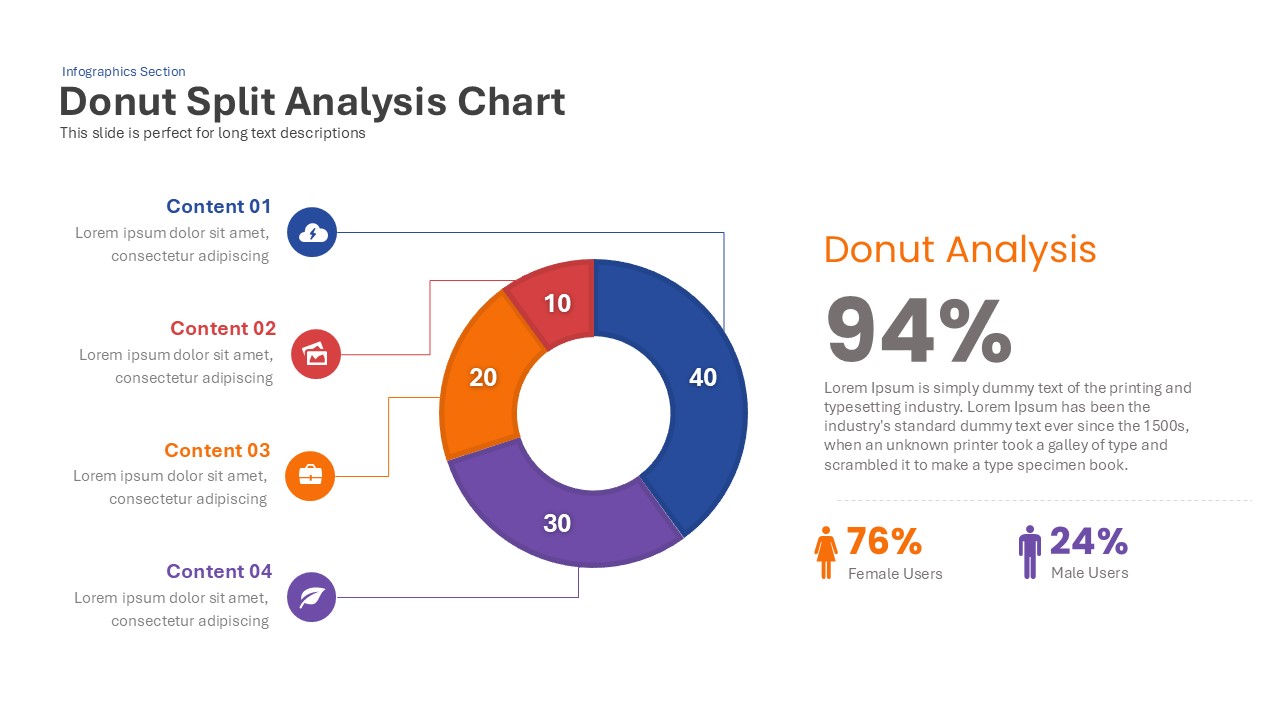
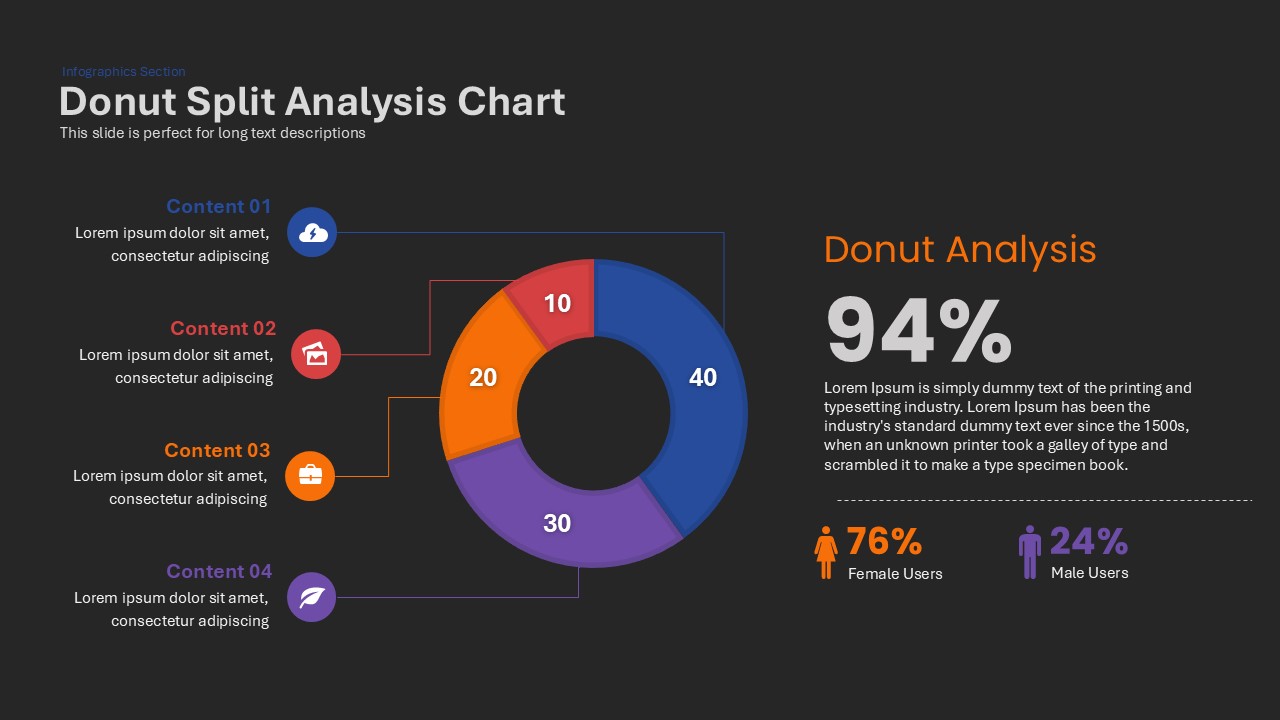
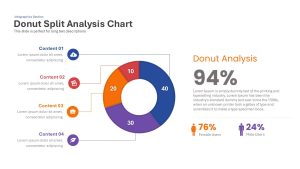
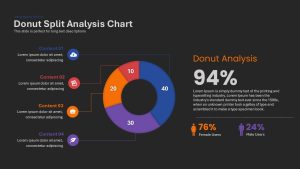
A Donut Split Analysis Chart for PowerPoint & Google Slide is a powerful tool for visually representing statistical data. This chart is ideal for showcasing proportions and percentages between classes by dividing a circular layout into distinct sections. Each segment, or arc length, represents a percentage of the total, allowing for a quick and comprehensive view of the segmented distribution.
Why Use a Donut Split Analysis Chart?
Easy Data Interpretation: The circular design helps the audience grasp key insights at a glance.
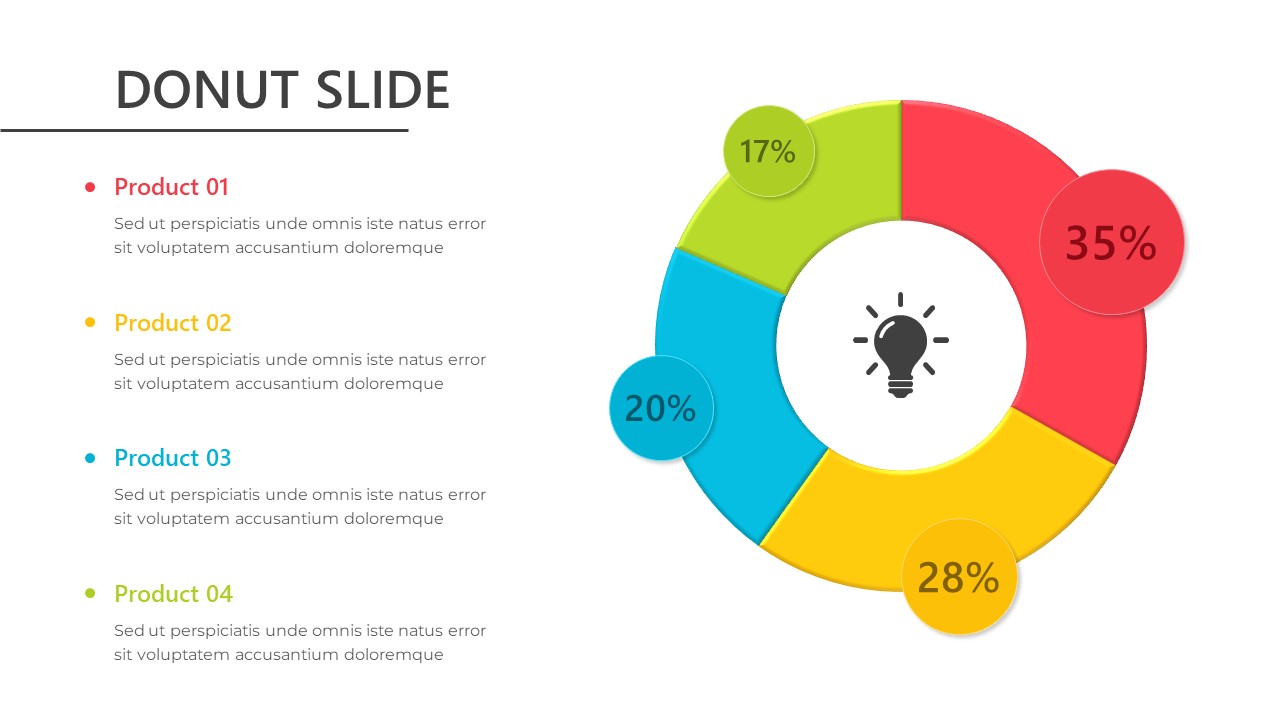
Segmentation Clarity: The chart uses four distinguishable segments, making it ideal for comparing product performance or analyzing market shares.
Color-coded Analysis: For example, the red segment may indicate the highest market possession, while the light blue shows the minimum share.
Who Benefits from Donut Charts?
Business Professionals: Easily track sales data or marketing performance.
Scientists and Analysts: Whether in natural, behavioral, or social sciences, researchers can represent experimental results effectively.
Data Analysts: Donut charts are crucial for data analytics and bioinformatics, where visual representation of data is essential.
Editable 3D Donut Chart Templates for PowerPoint
The Donut Chart 3D PowerPoint Template offers fully customizable slides that help presenters create impactful and engaging chart slideshows in 3D PowerPoint. Users can effortlessly adjust:
Colors: Match your corporate theme or highlight specific data trends.
Segment Sizes: Resize or rearrange sections based on the data distribution.
Label Placement: Add descriptive labels for clarity.
Donut Split Analysis Charts are invaluable tools for presenting data visually. From business presentations to academic research, this versatile chart format simplifies data analysis and enhances decision-making. Leverage customizable 3D templates for PowerPoint & Google slides to deliver stunning and insightful presentations.
Note: The 3D Donut is built using shapes, which may be challenging to modify if you’re not proficient in PowerPoint.
Login to download this file

Item ID
SB00030


Related Templates

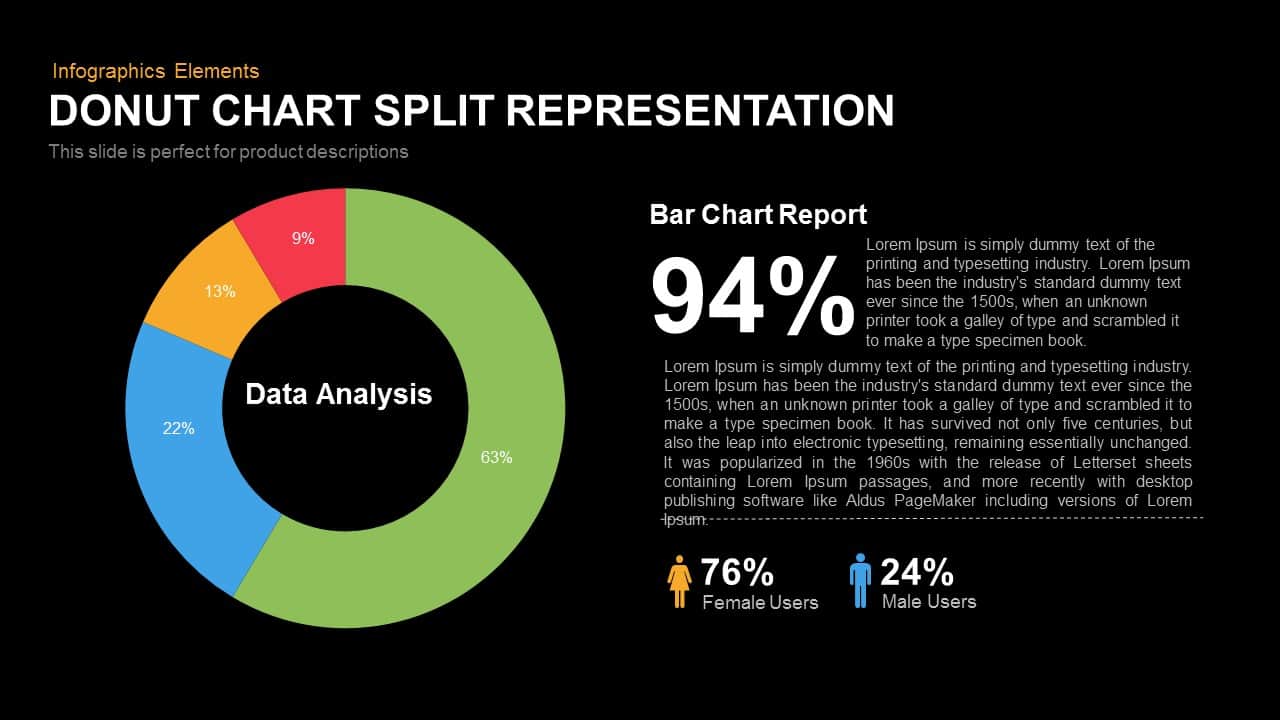
Donut Chart Split Representation Template
Charts
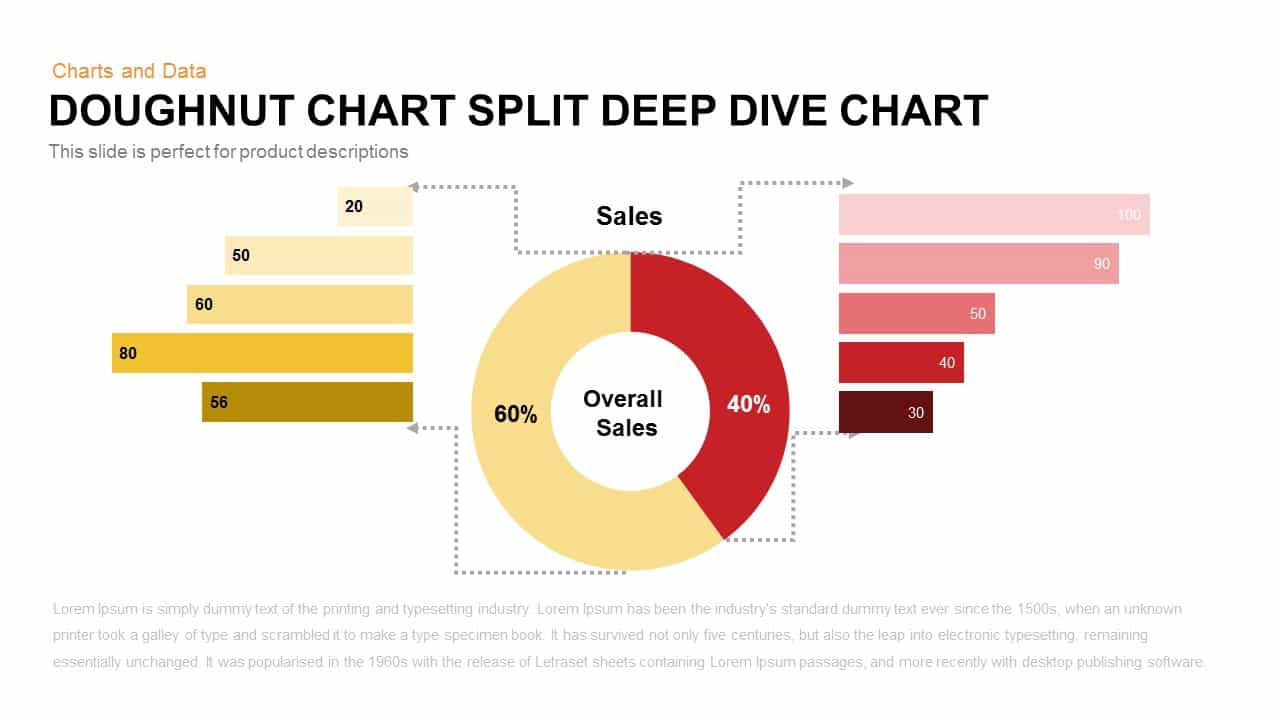
Doughnut Chart Split Deep Dive Template
Pie/Donut
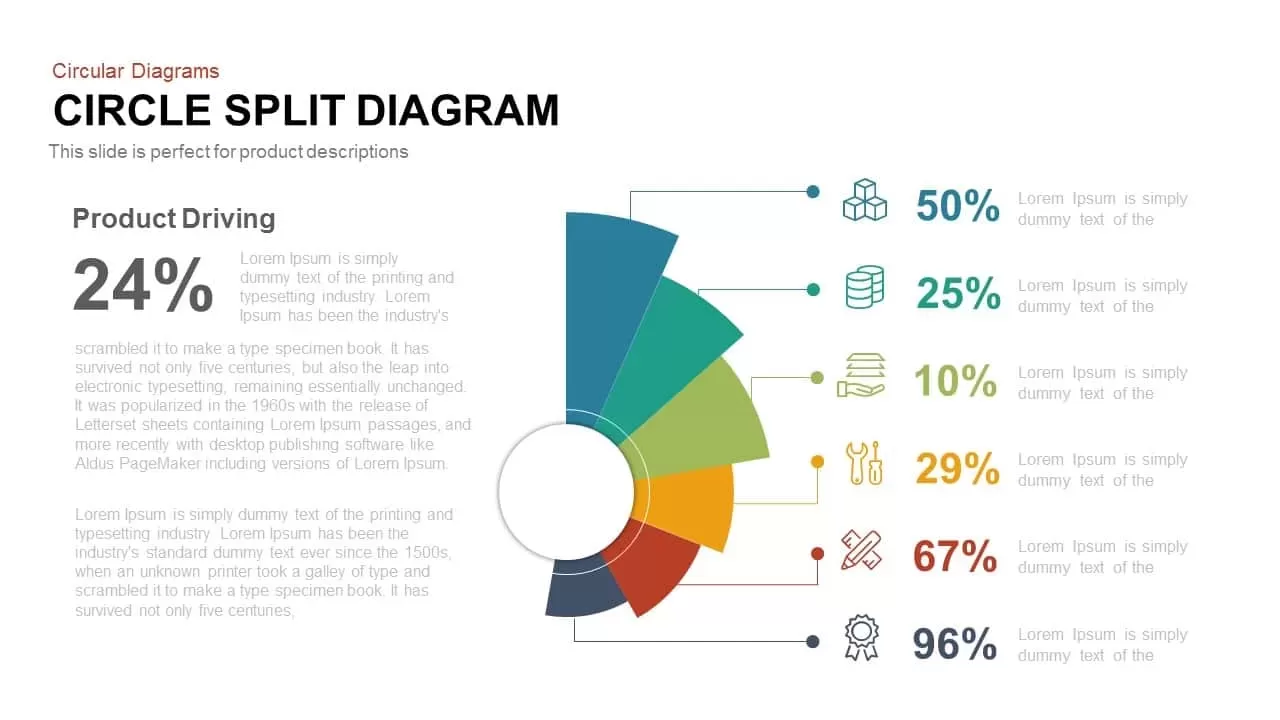
Circle Split Diagram PowerPoint Template and Google Slide
Circular
About Us Slide Split Photo Template
Marketing
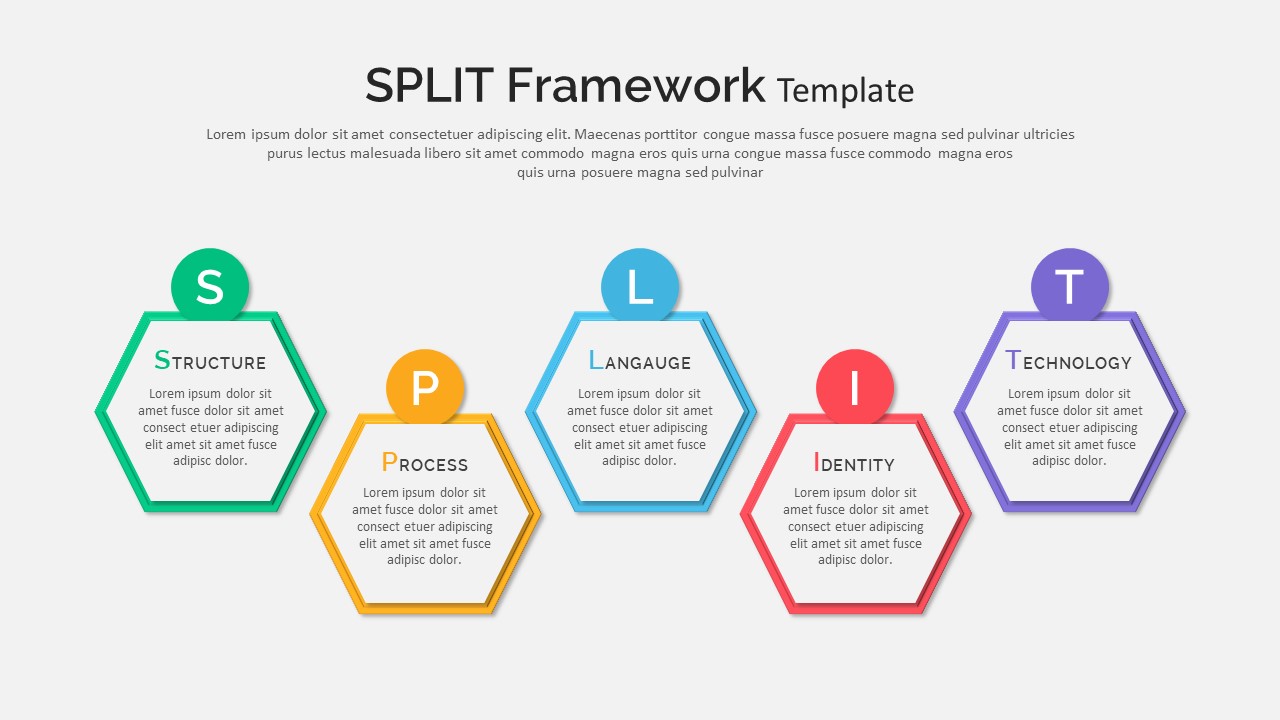
Split Framework PowerPoint Template
Process

8 Section Split Diagram Template
Circular
Donut Performance Chart template for PowerPoint & Google Slides
Pie/Donut

Comparison Donut Chart PowerPoint Template
Pie/Donut

8 Section Donut Chart PowerPoint Template
Pie/Donut
Cost Reduction Strategy Donut Chart Template for PowerPoint & Google Slides
Pie/Donut
Donut Chart Data Breakdown template for PowerPoint & Google Slides
Pie/Donut
Donut Chart Template for PowerPoint & Google Slides
Pie/Donut
Donut Chart PowerPoint Template
Pie/Donut
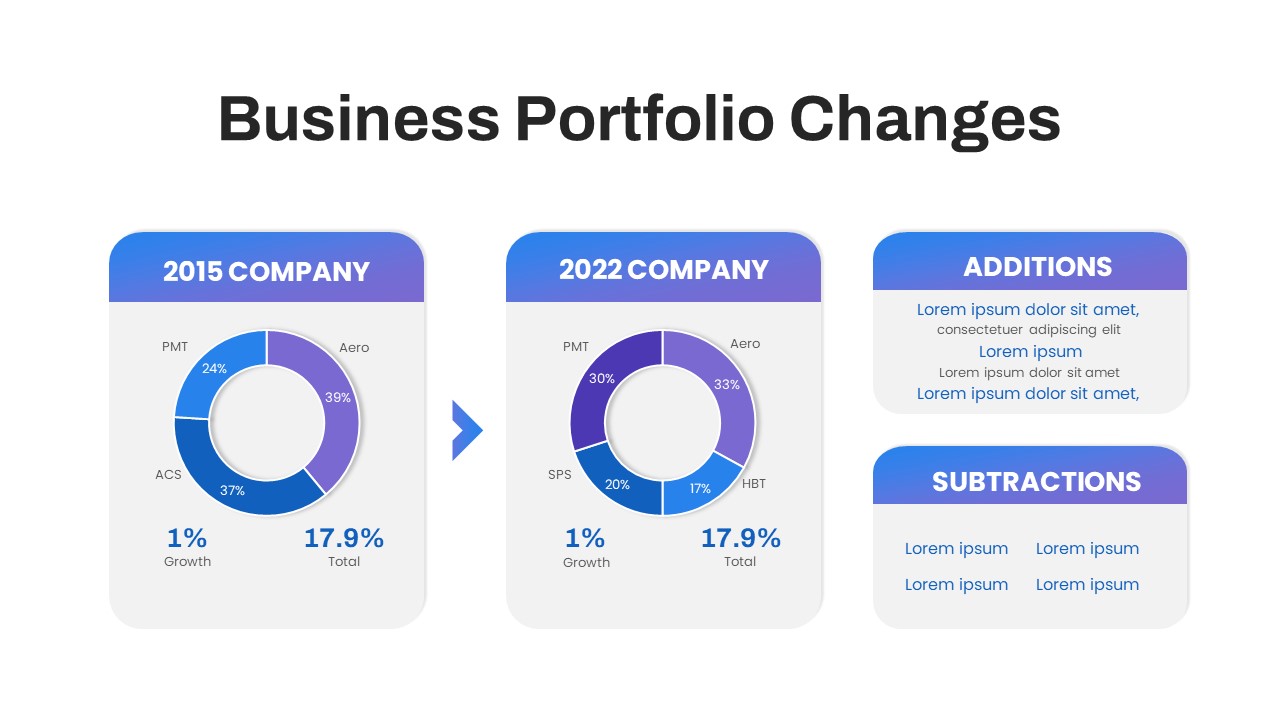
Business Portfolio Changes Donut Chart Template for PowerPoint & Google Slides
Pie/Donut
Technical Skills Donut Chart Overview Template
HR
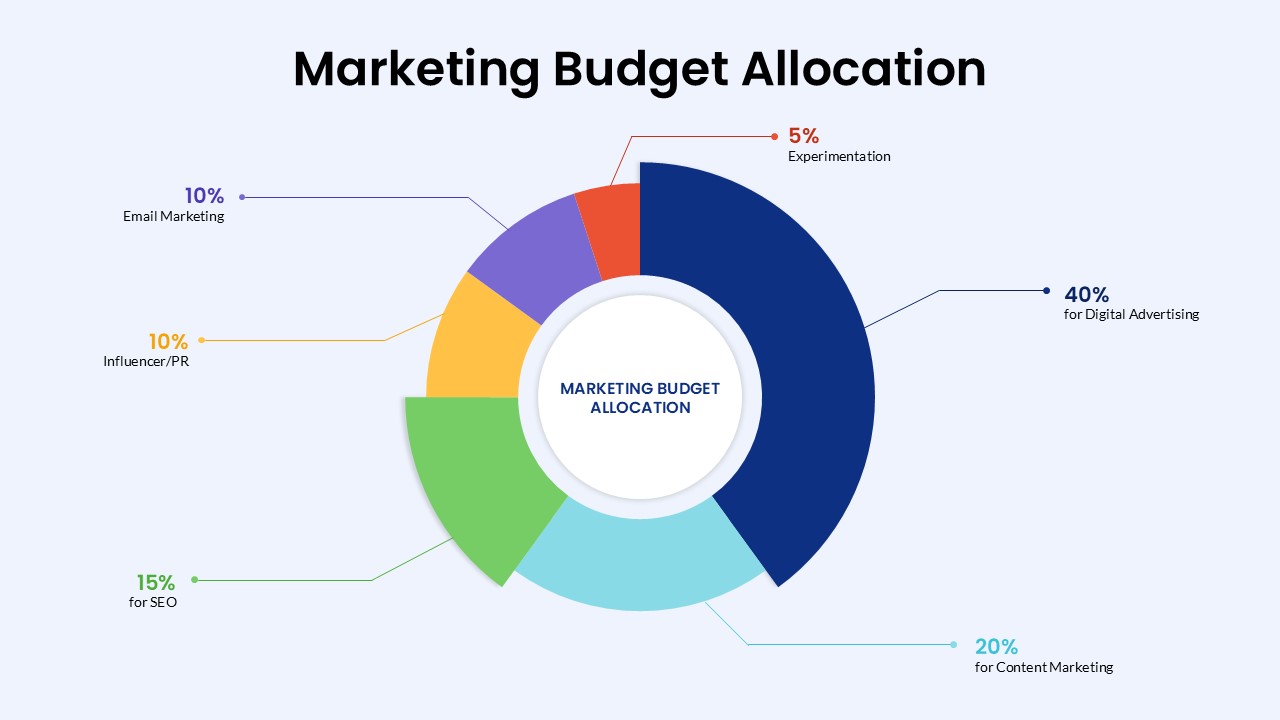
Marketing Budget Allocation Donut Chart Template for PowerPoint & Google Slides
Marketing
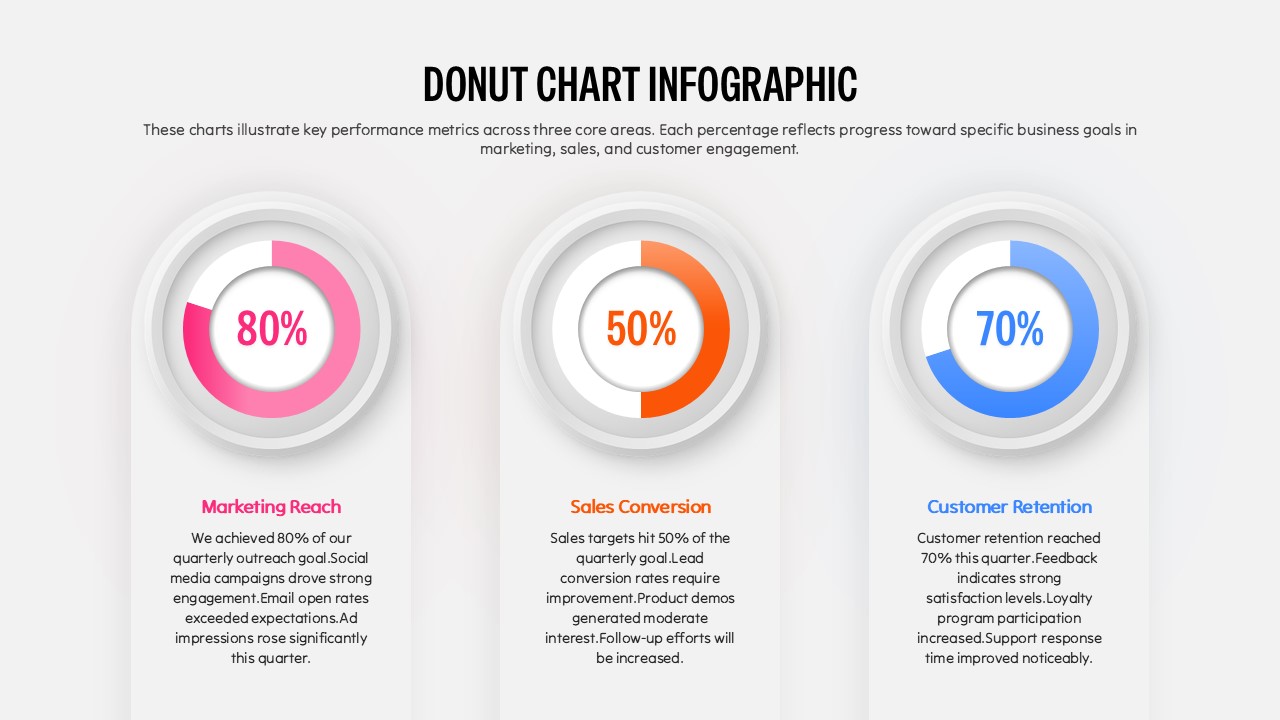
Donut Chart Infographic Template for PowerPoint
Pie/Donut
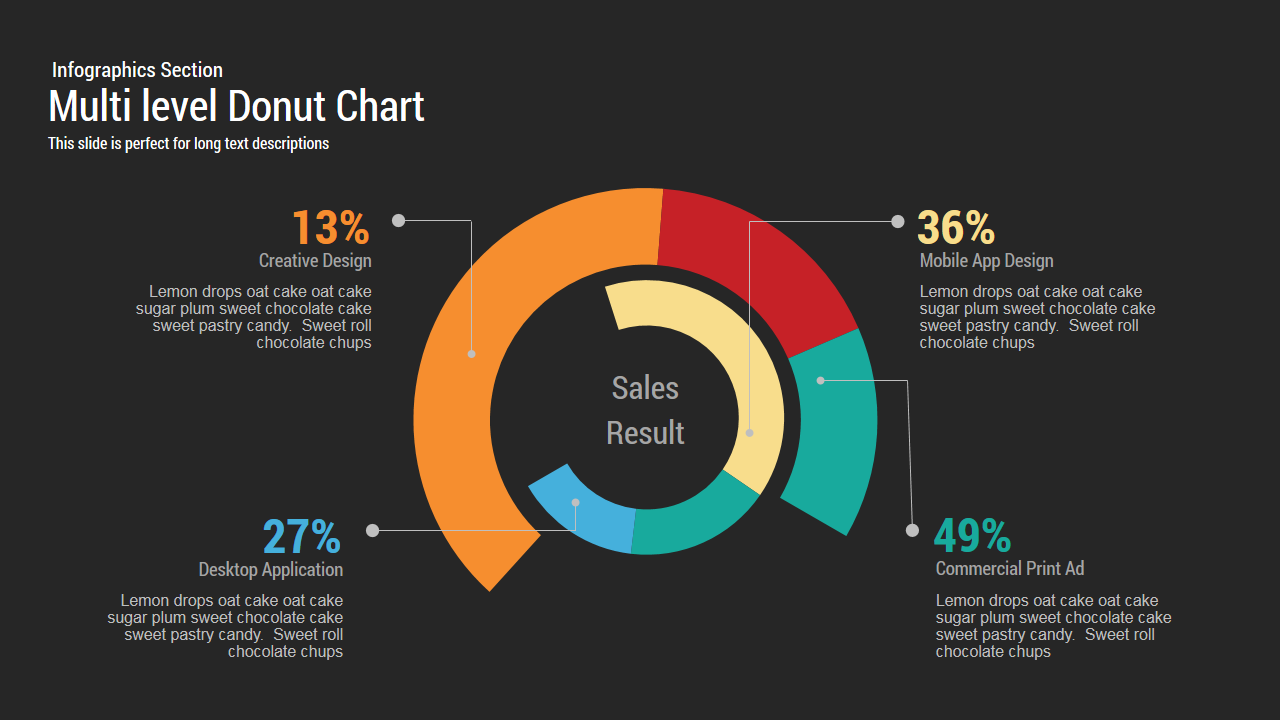
Multi level Donut Chart Template
Pie/Donut
Donut Chart Presentation Template
Pie/Donut
Donut Diagram PowerPoint Template
Pie/Donut