












PowerPoint Chart Templates and Graph Templates
Charts and graphs are visual tools that help explain numbers, compare data, and show changes over time. PowerPoint chart templates make it easier to add clear and simple data visuals to your slides without creating them from scratch. Our collection includes different types of chart and graph templates for business reports, sales presentations, financial updates, marketing plans, and academic projects. Choose from bar charts, pie charts, line graphs, area charts, comparison charts, and more. Each chart template for PowerPoint is easy to edit, allowing you to change data, labels, colors, and other elements based on your needs. Browse our collection of PowerPoint graph templates to find designs that suit your topic and presentation style. Download your preferred PowerPoint chart templates and save time creating professional slides with clear and well-organized data.
 Filter


-
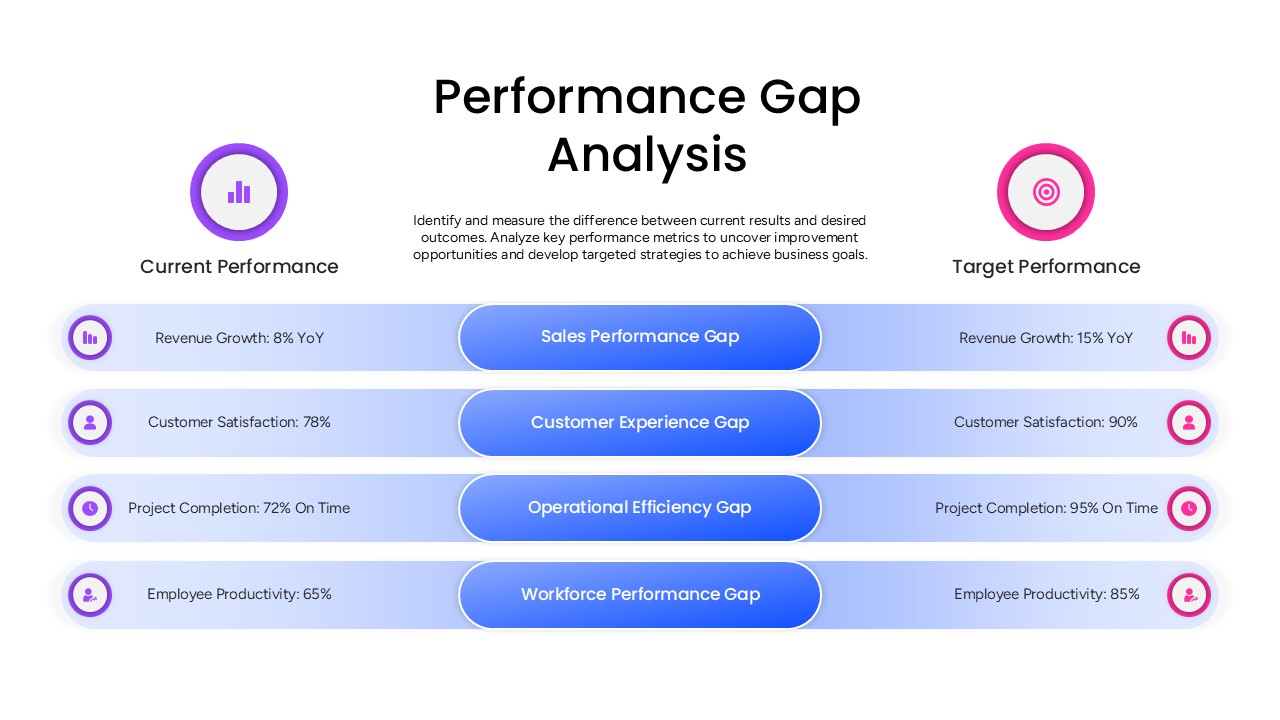
Performance Gap Analysis PowerPoint Template
Gap
-
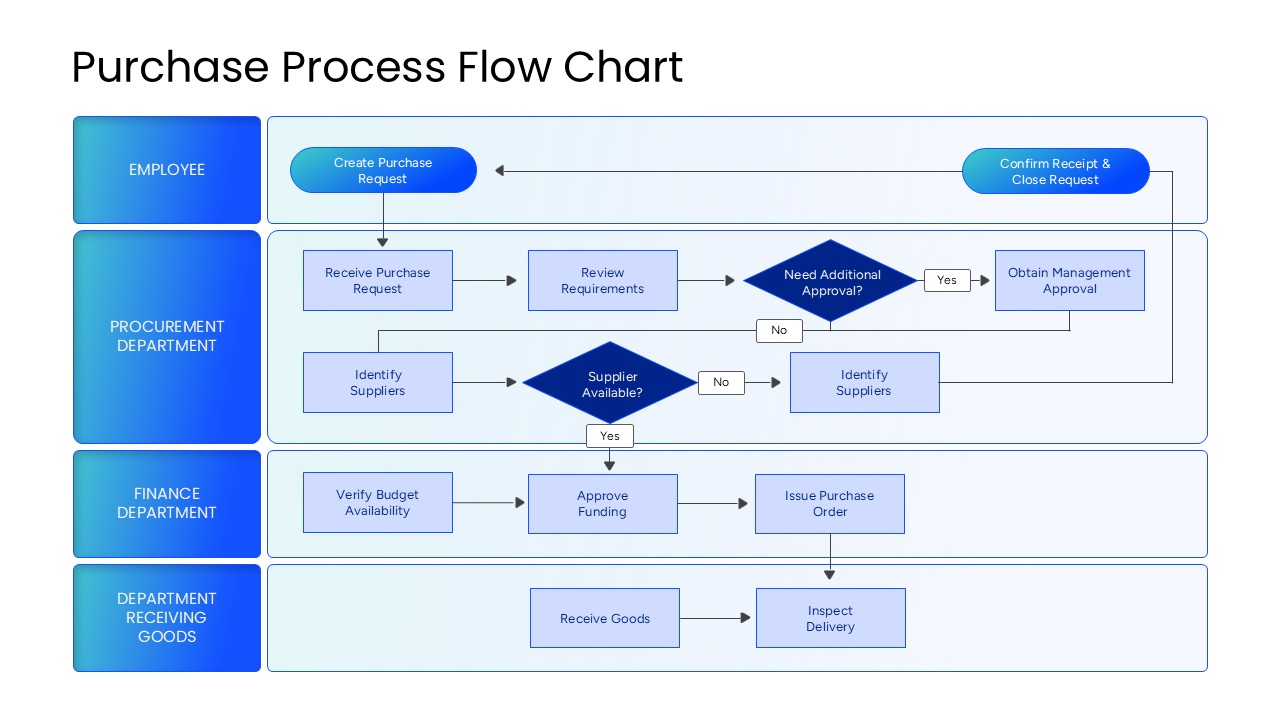
Purchase Process Flow Chart PowerPoint Template
Flow Charts
-
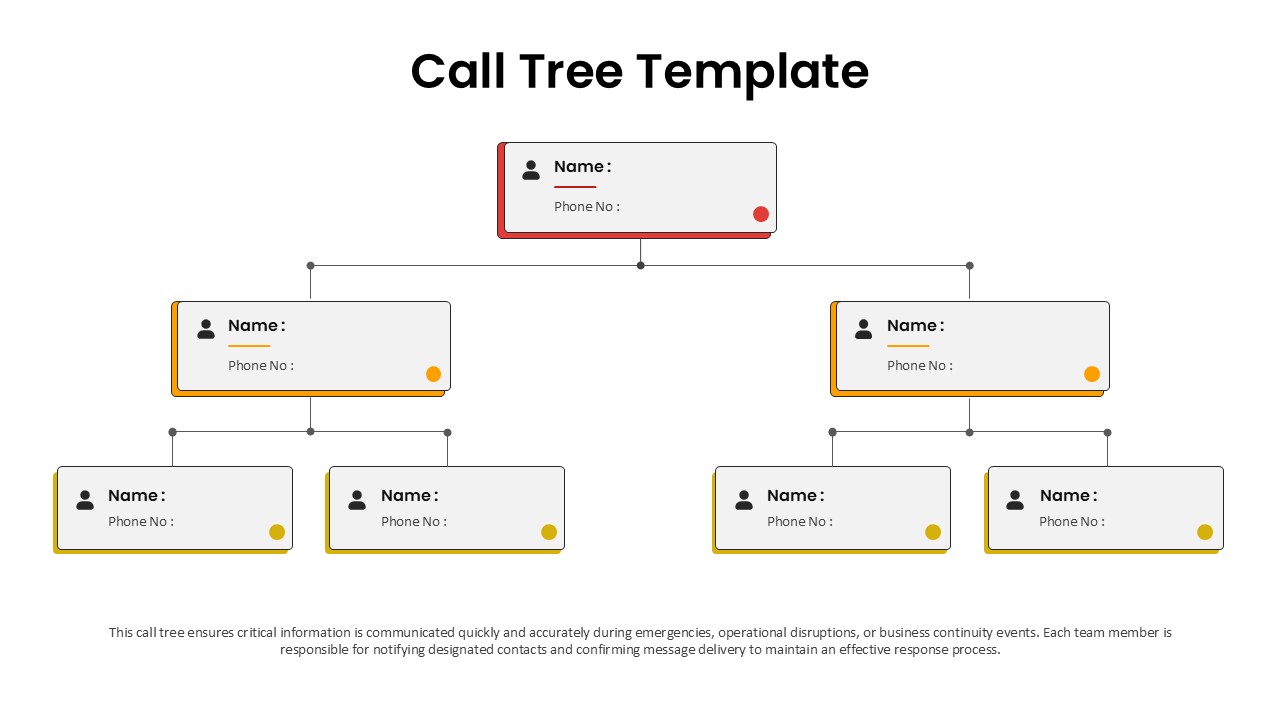
Call Tree Template for PowerPoint
Flow Charts
-
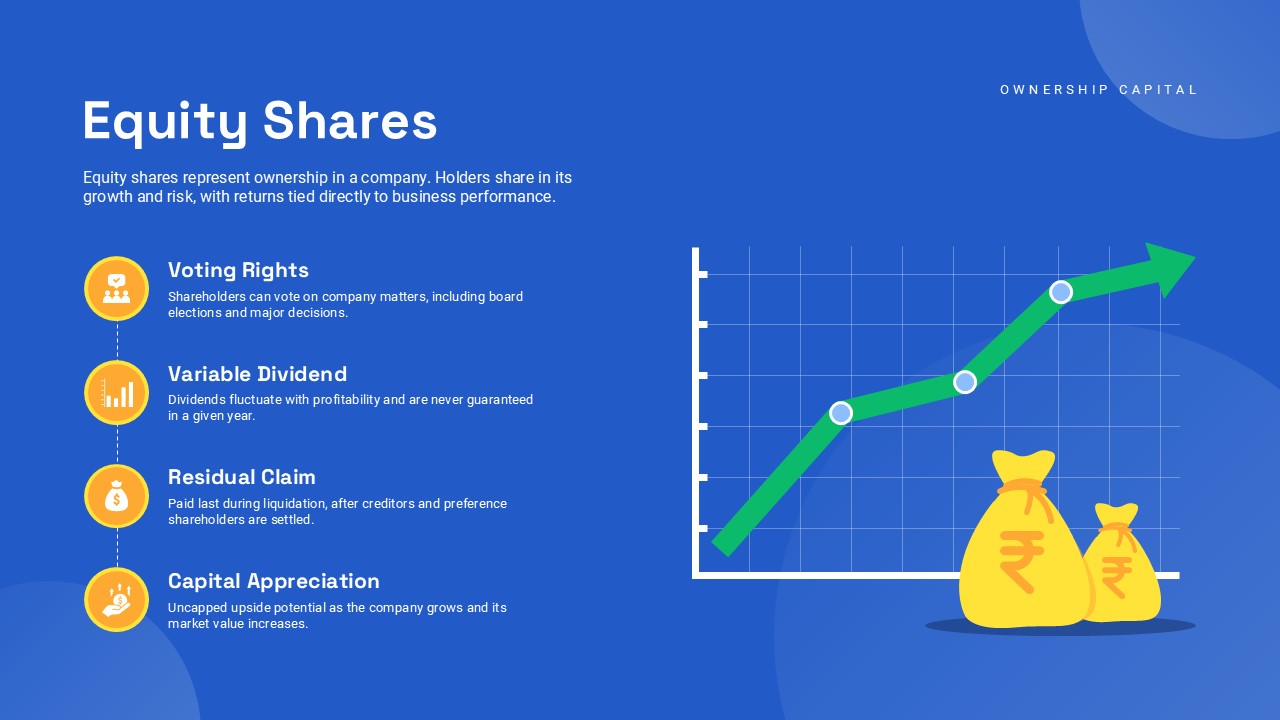
Types of Shares for PowerPoint
Finance
-
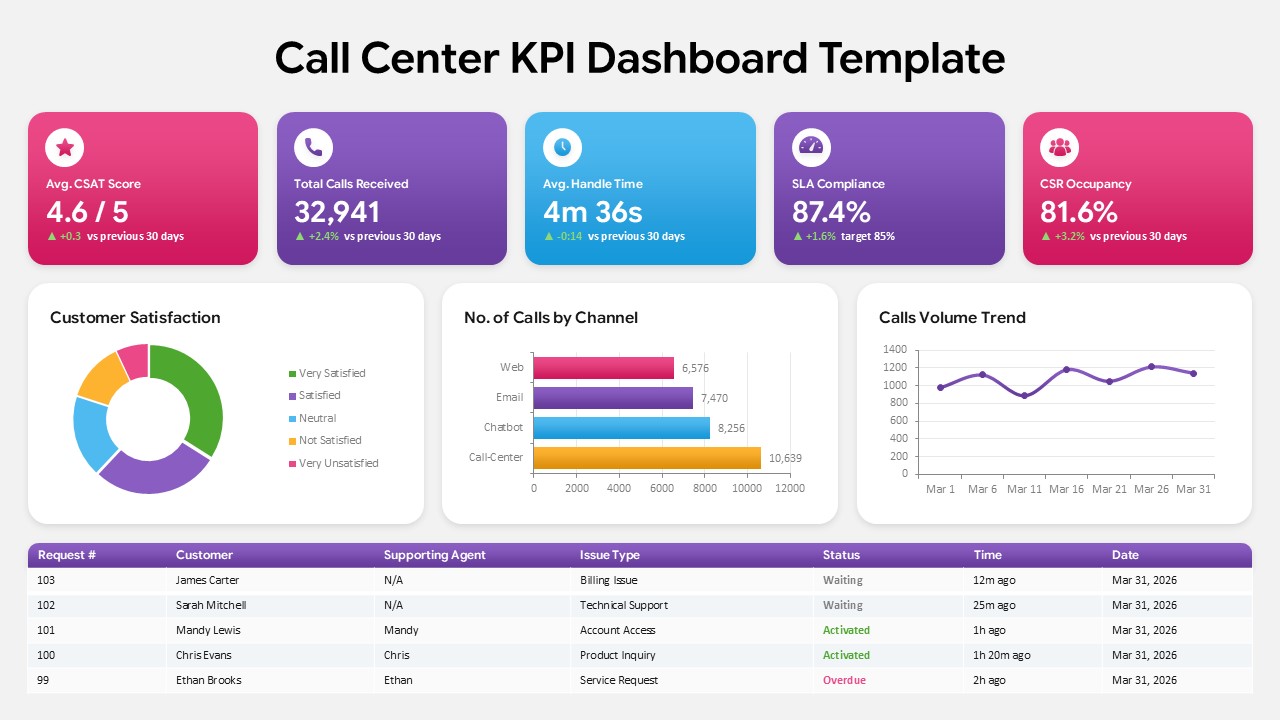
Call Center KPI Dashboard Template
Business Report
-
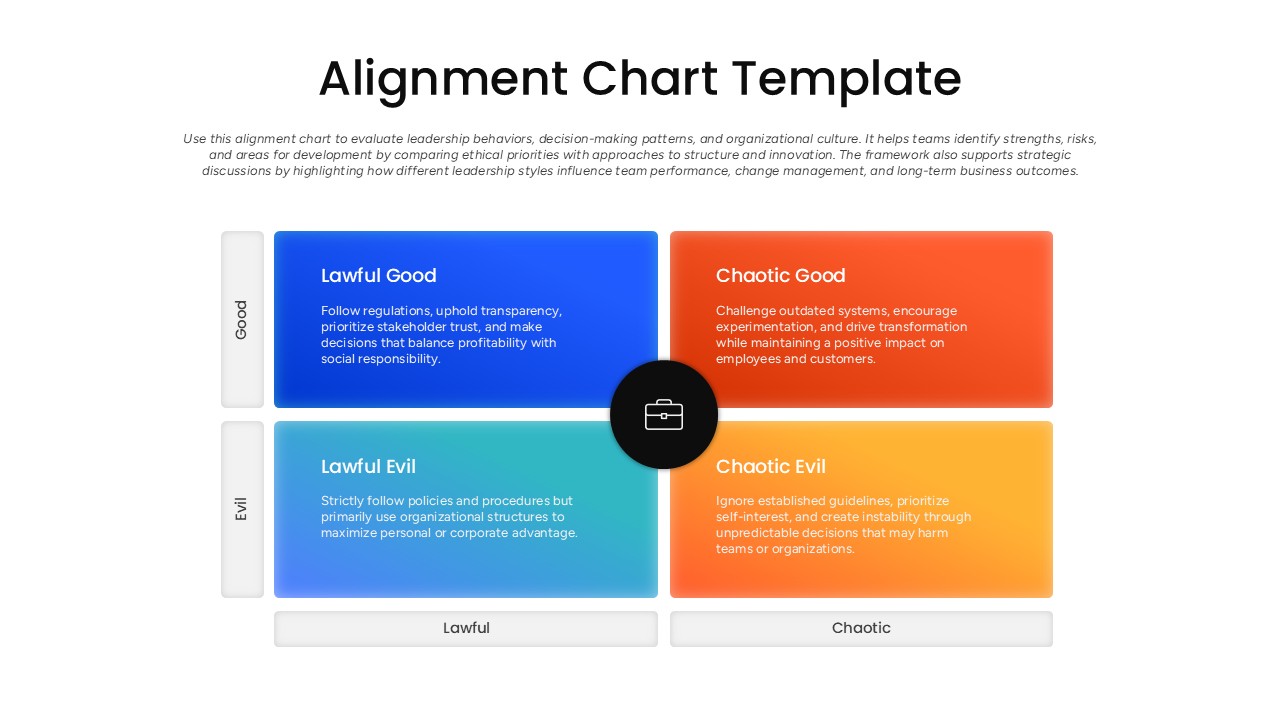
Alignment Chart Slide PowerPoint Template
Comparison Chart
-
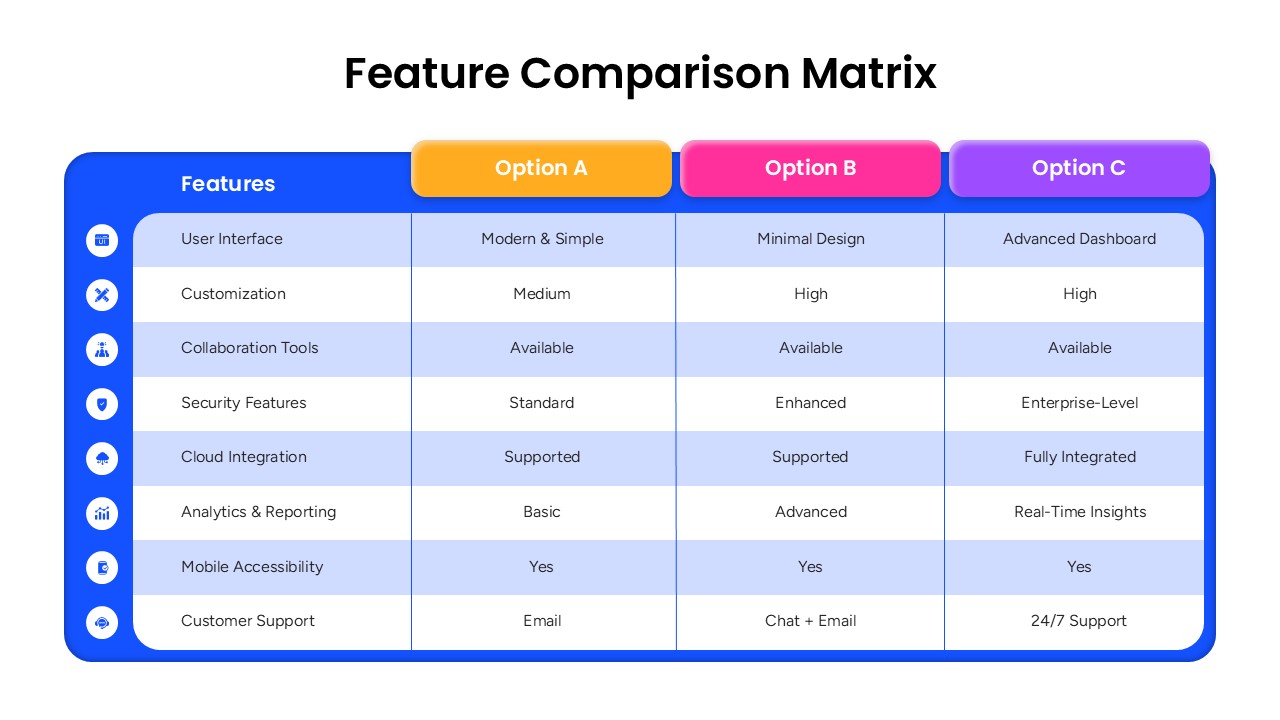
Feature Comparison Matrix for PowerPoint
Comparison
-
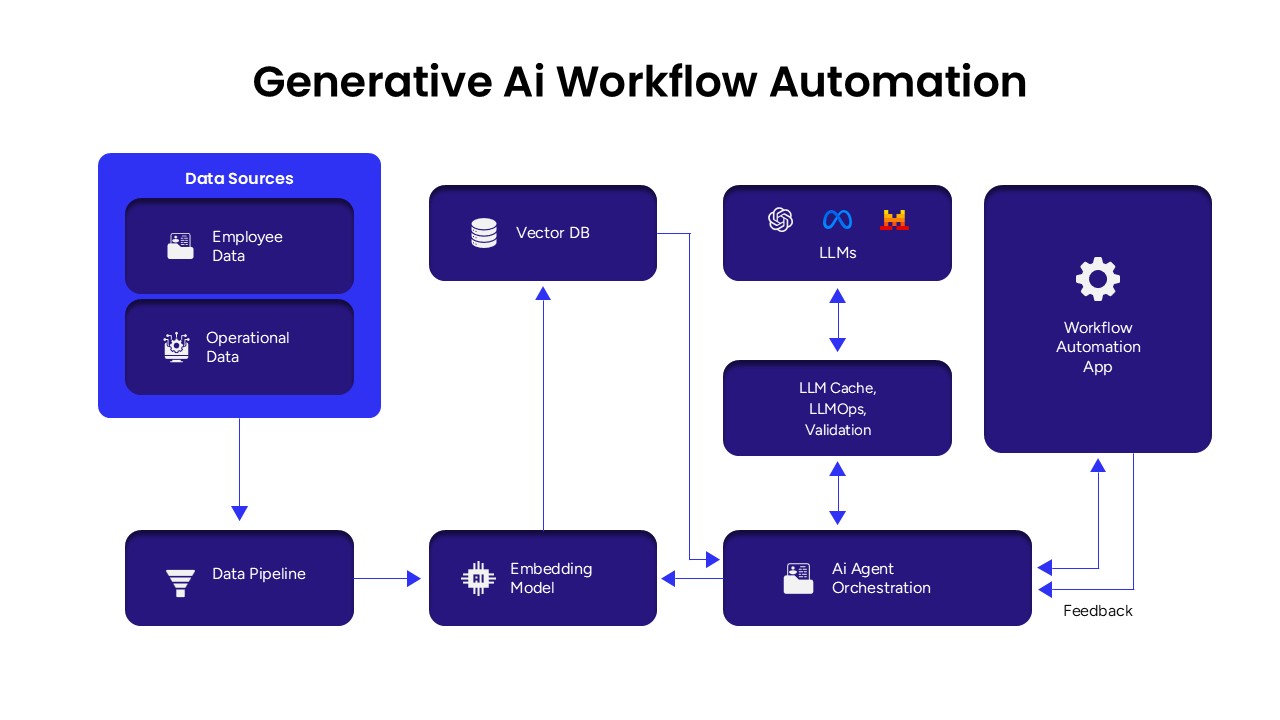
Generative AI Workflow Automation Presentation Template
Google Slides
-

Communication Process Diagram Presentation Template
Flow Charts
-
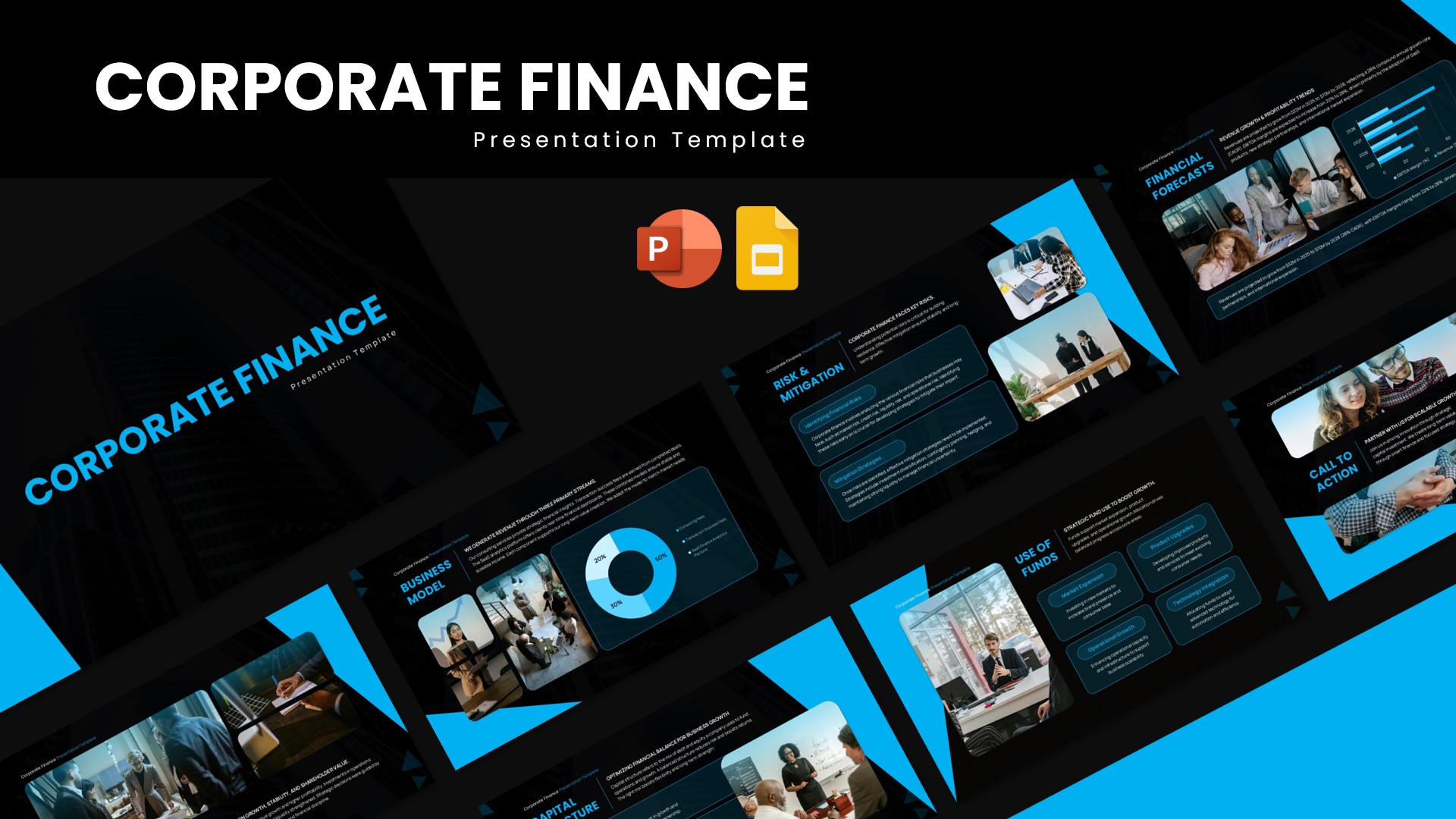
Corporate Finance PowerPoint Template
Pitch Deck
-

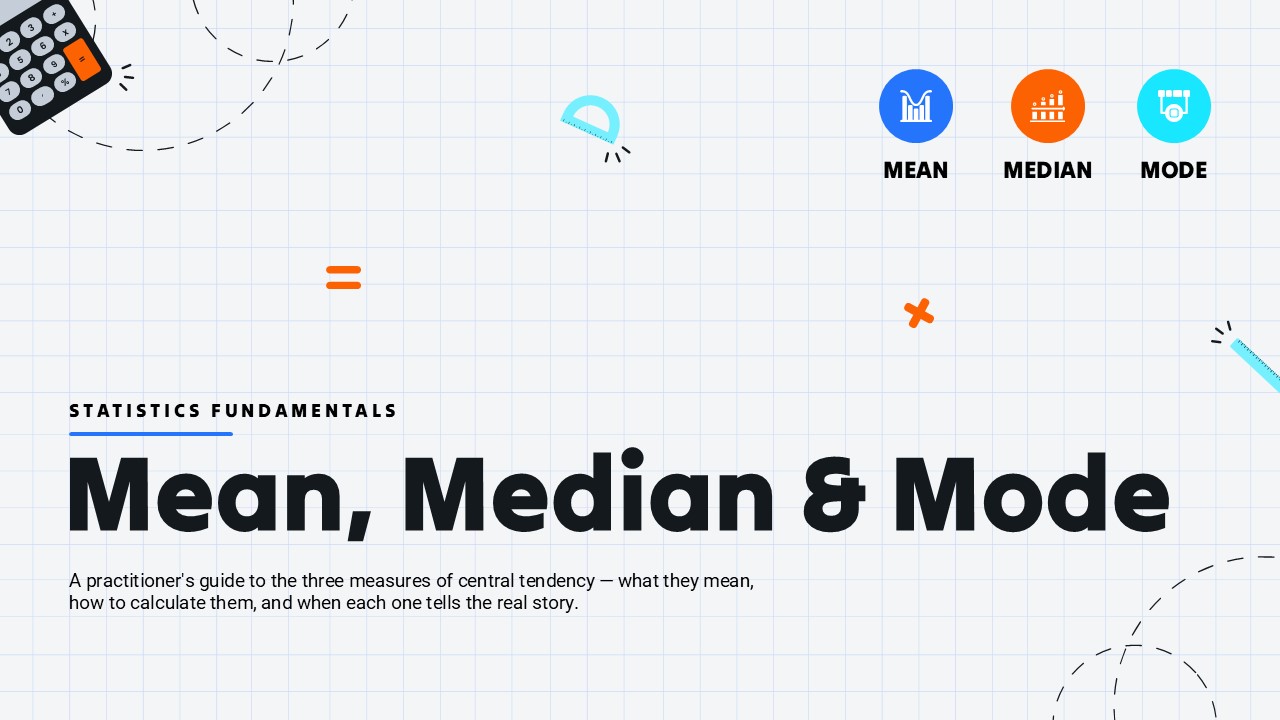
Mean Median Mode Template
Comparison
-
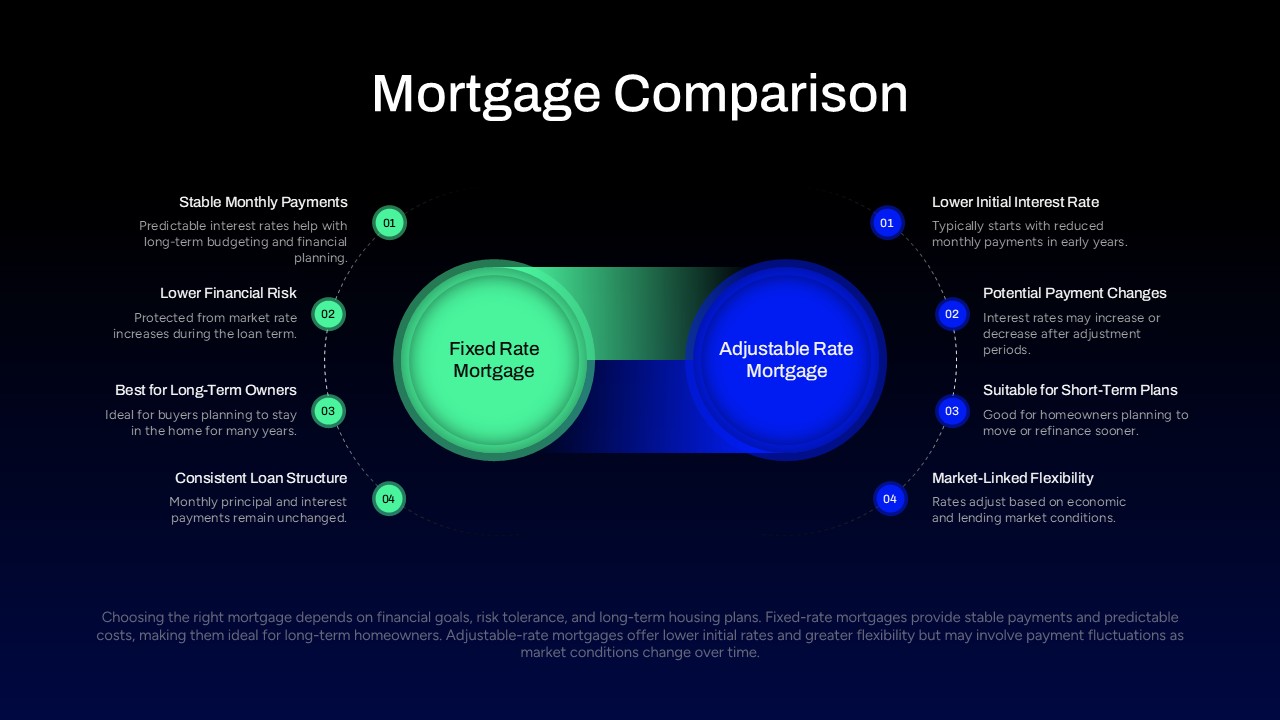
Mortgage Comparison PowerPoint Template
Comparison
-
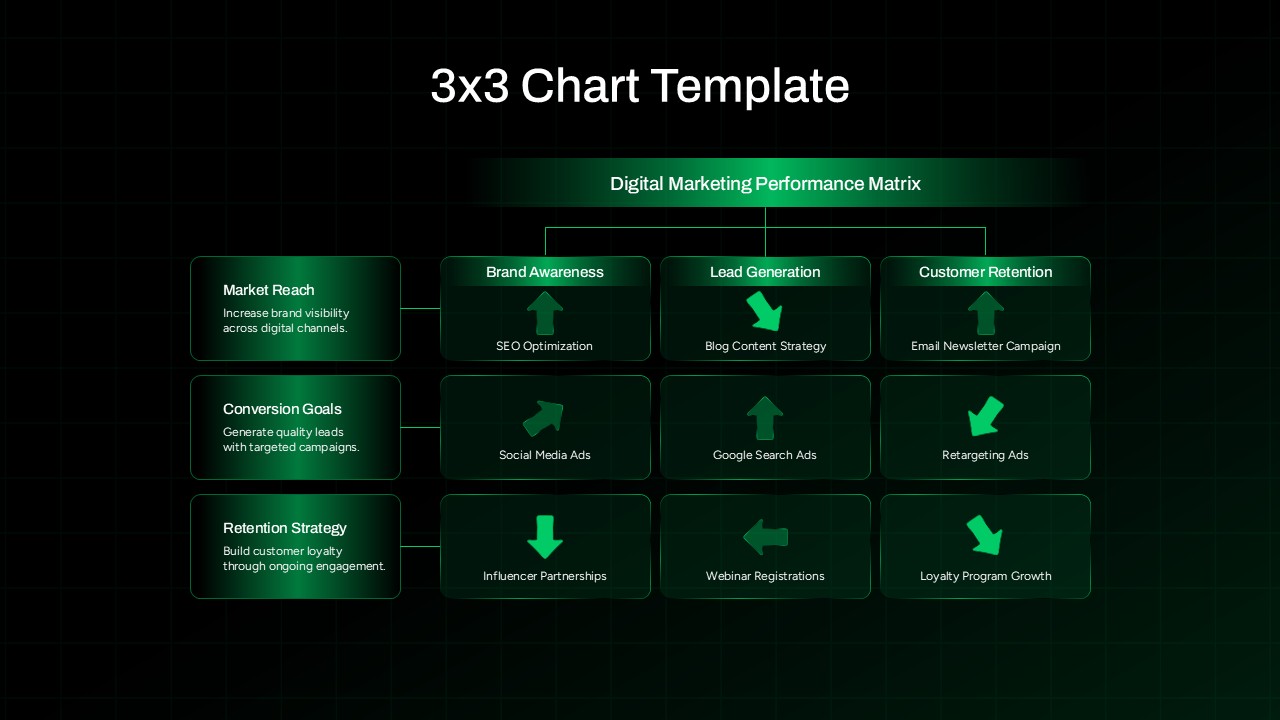
3×3 Chart Digital Marketing Template for PowerPoint
Comparison Chart
-
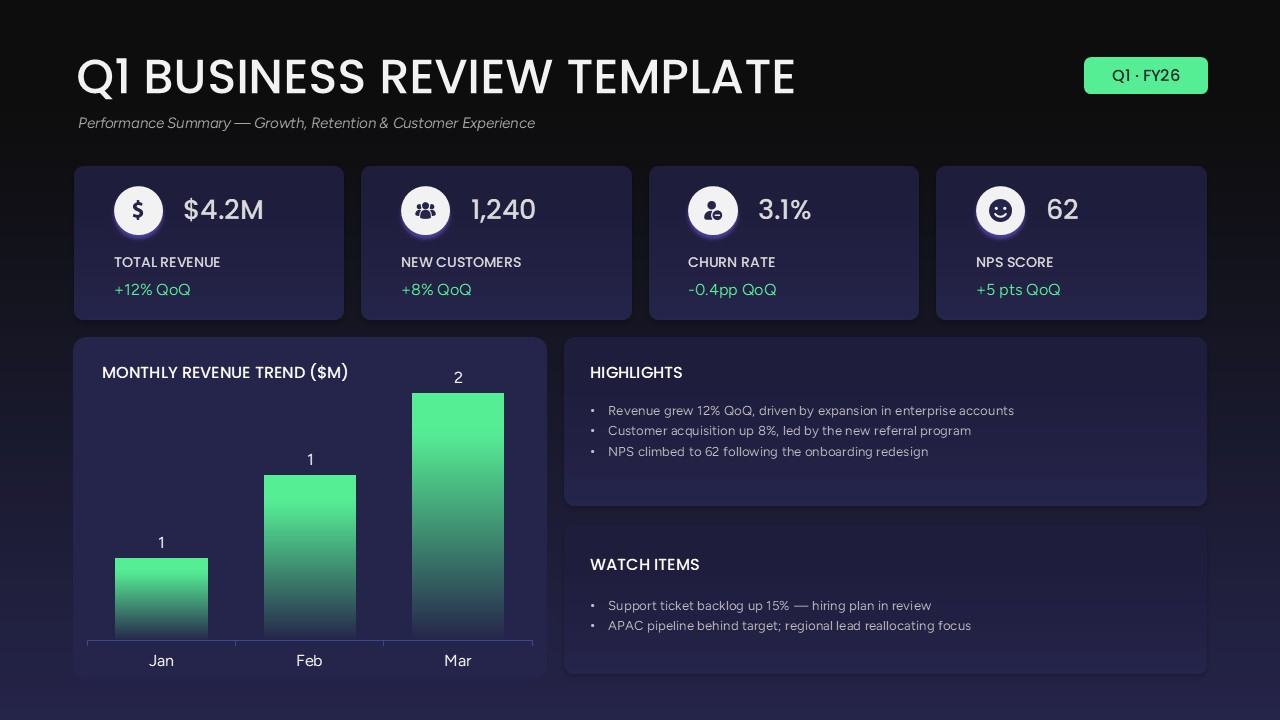
Q1 Business Review Dashboard PowerPoint Template
Business Report
-
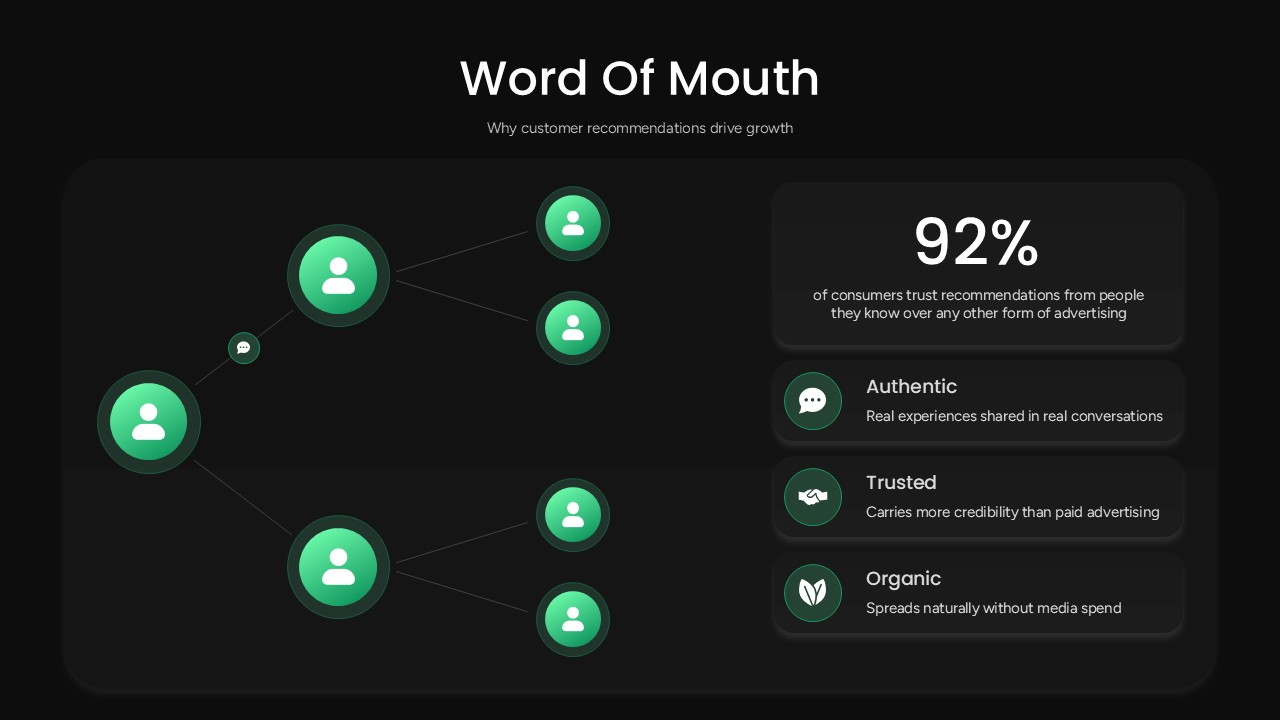
Word of Mouth PowerPoint Template
Marketing
-
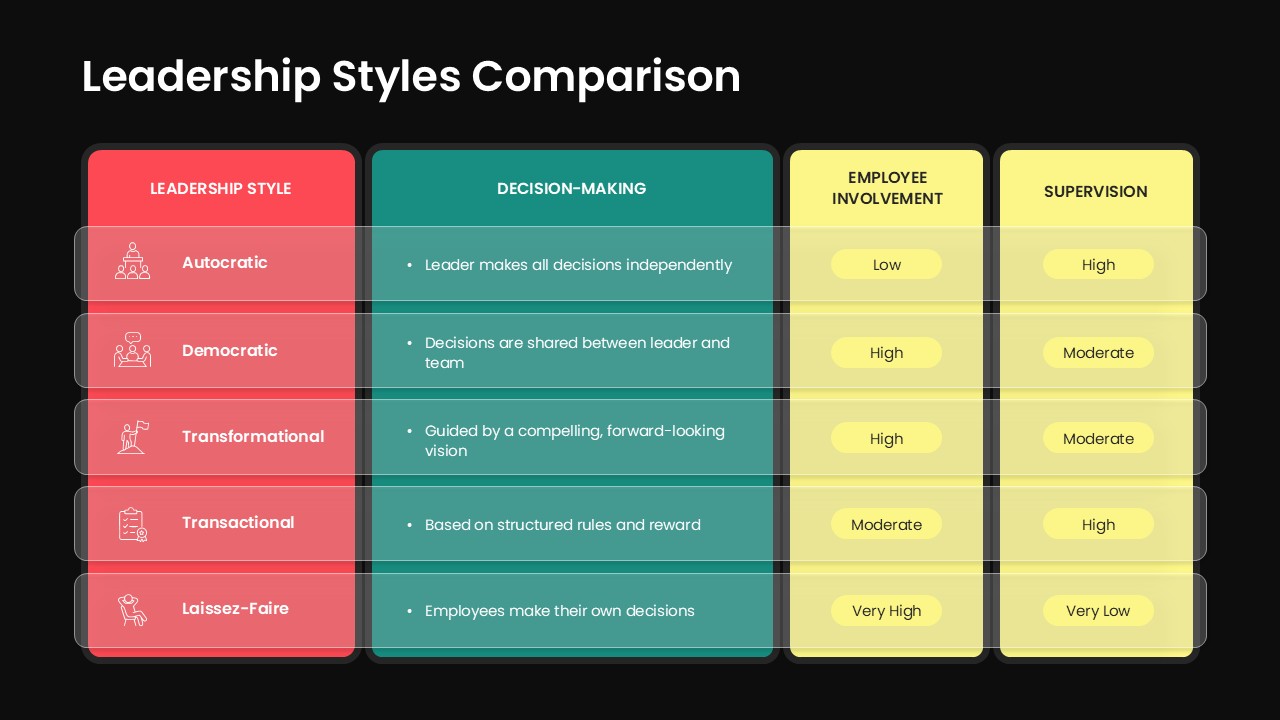
Leadership Styles Comparison PowerPoint Template
Comparison
-
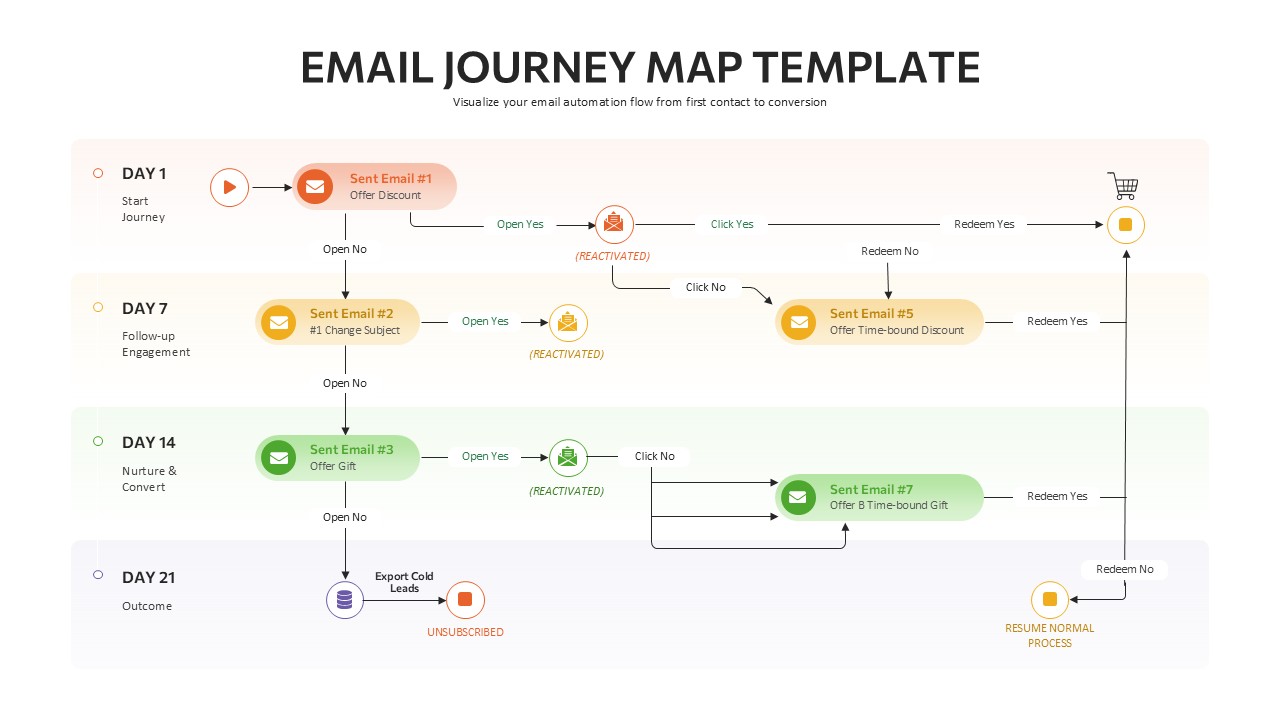
Email Journey Mapping Template
Customer Journey
-
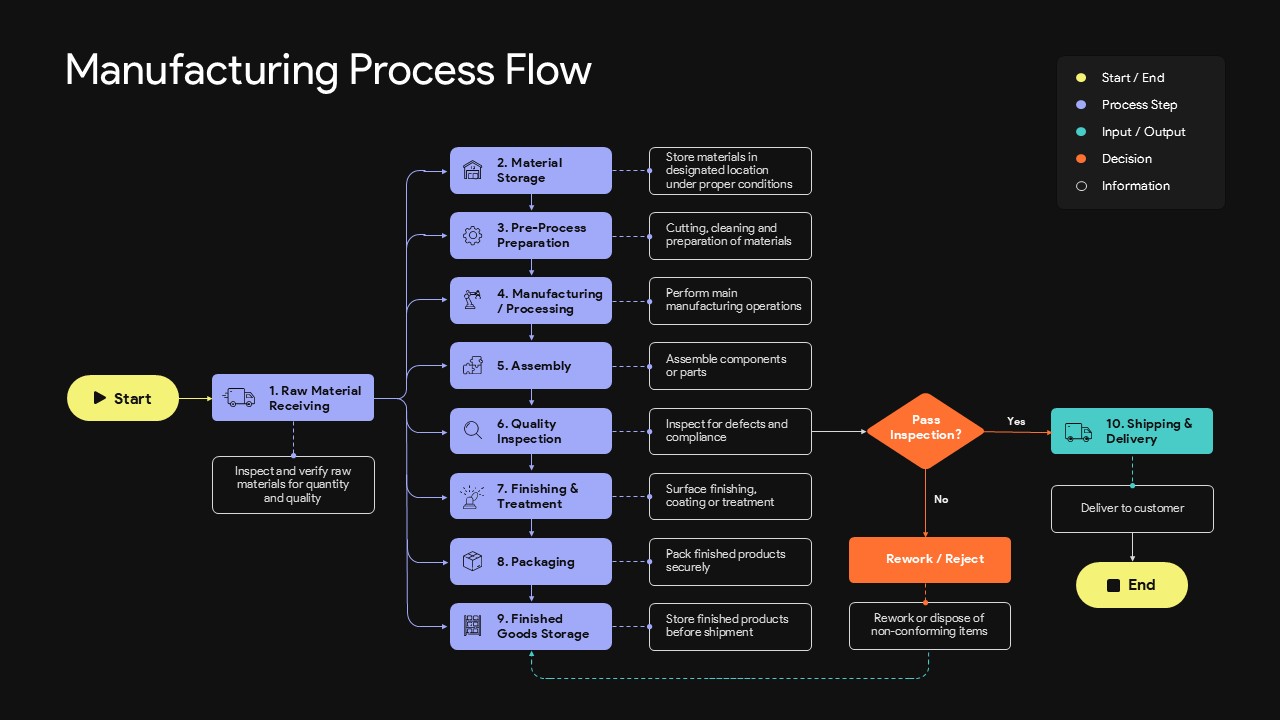
Manufacturing Process Flow Template for PowerPoint
Flow Charts
-
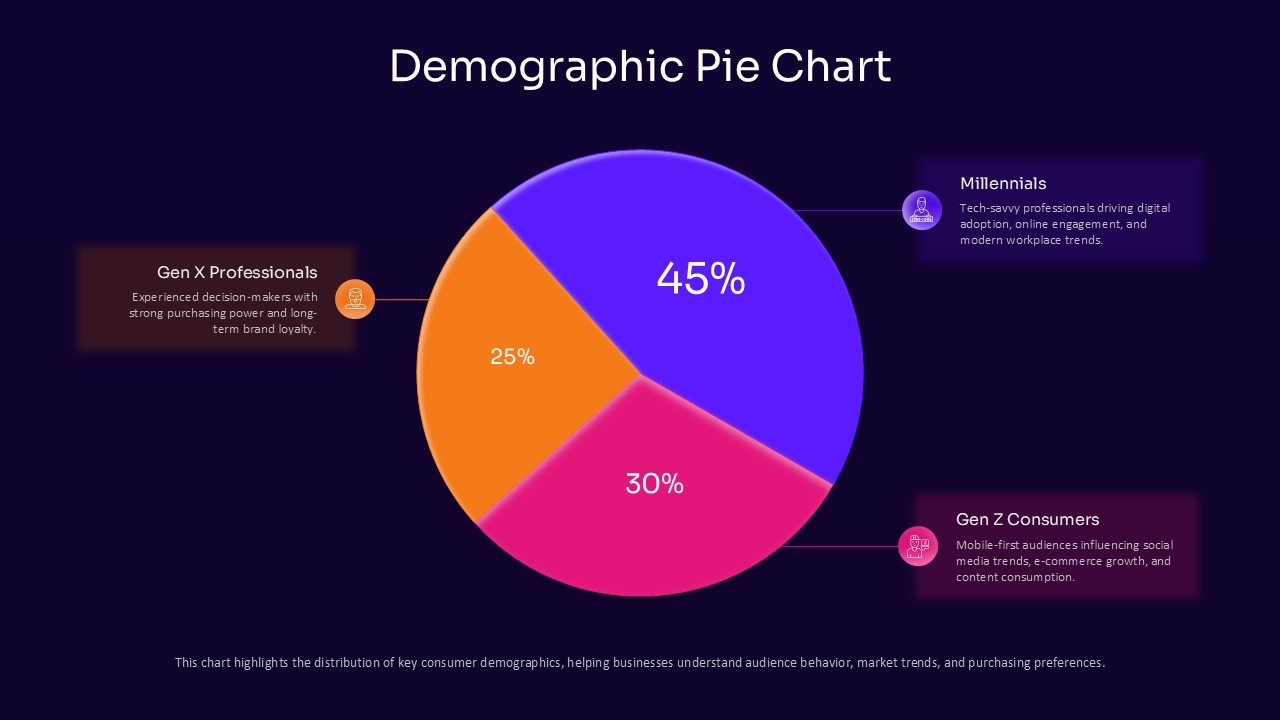
Demographic Pie Chart PowerPoint Template
Pie/Donut
-
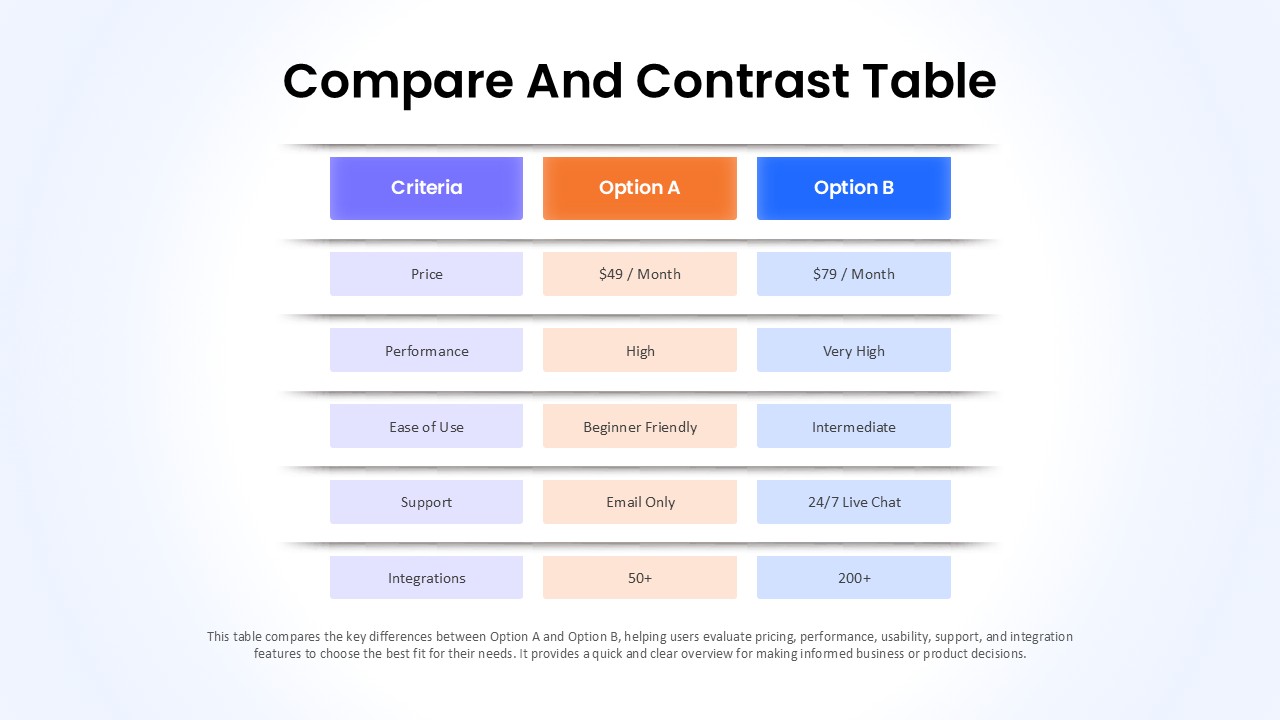
Compare And Contrast Table PowerPoint Template
Comparison
-
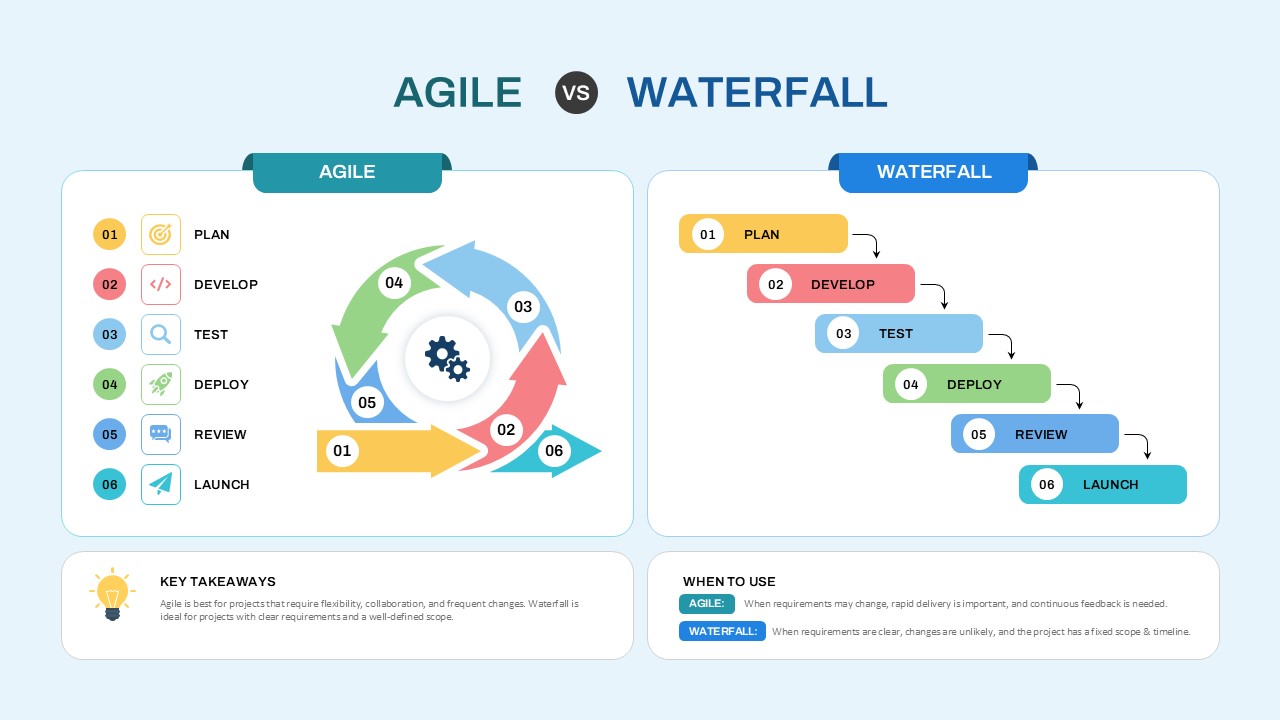
Agile vs Waterfall Comparison Template
Comparison Chart
-
Kubernetes Architecture Diagram for PowerPoint
Software Development
-
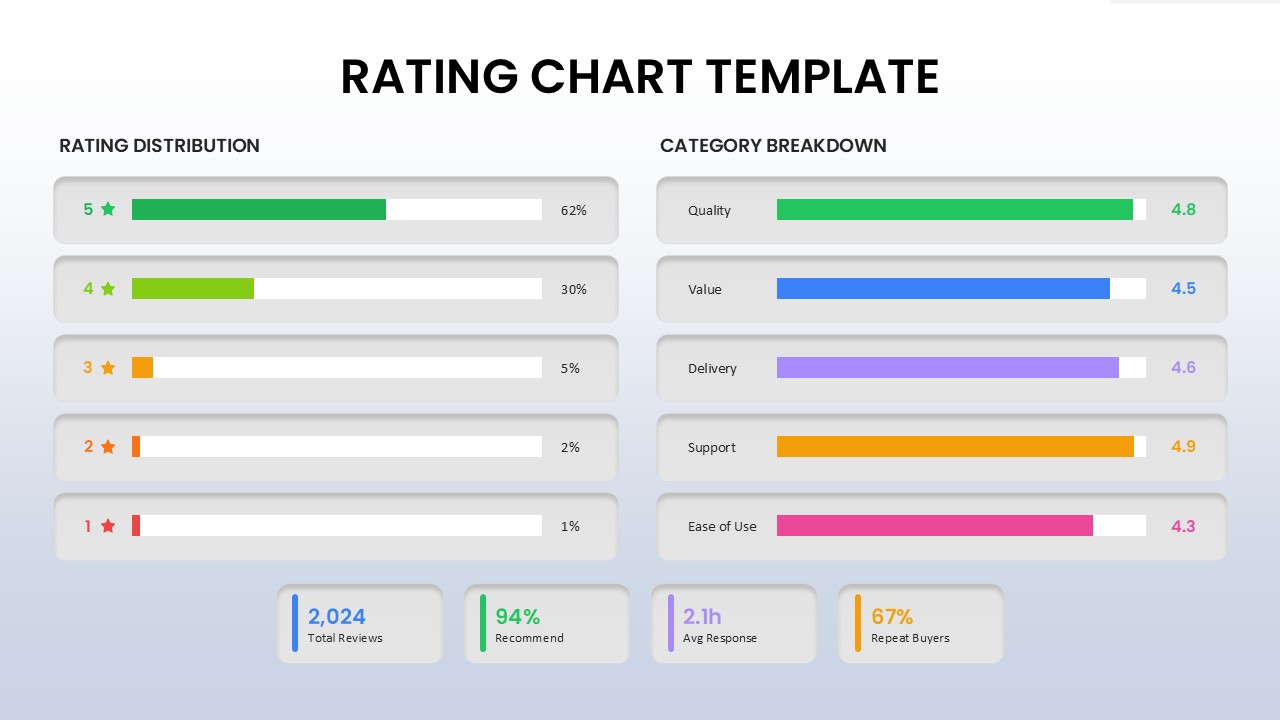
Rating Chart Presentation Template
Bar/Column
-
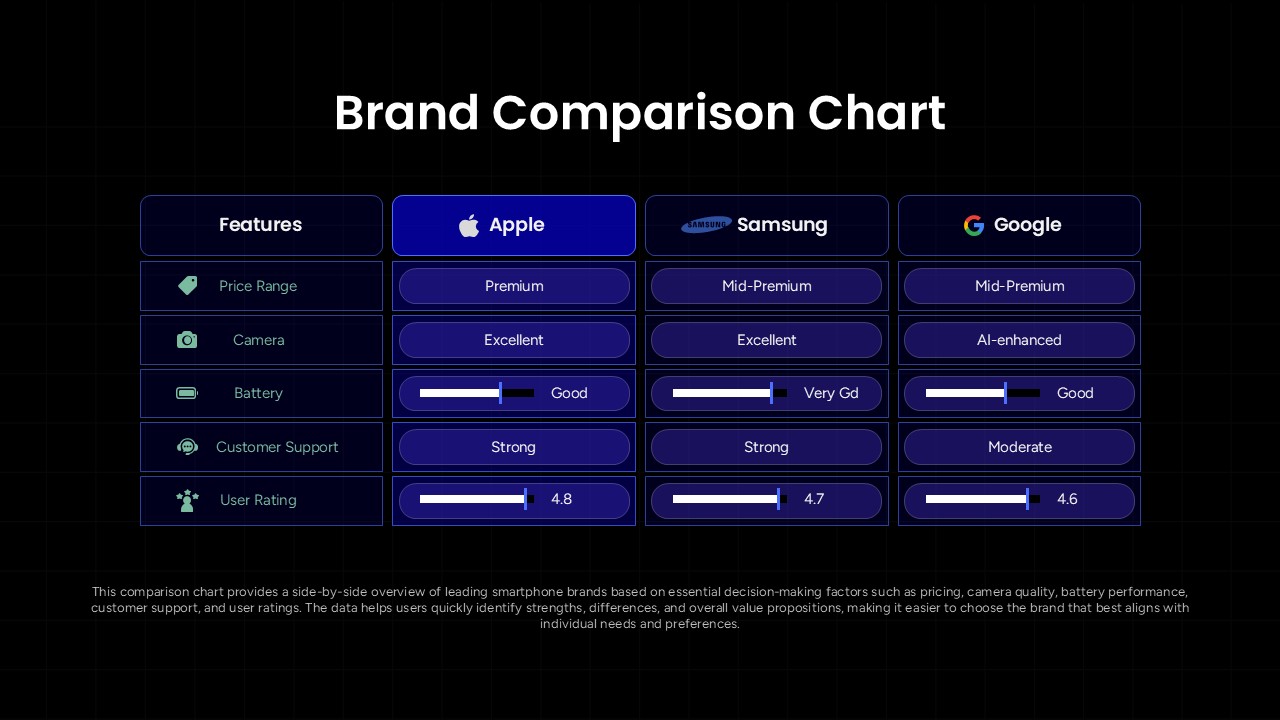
Brand Comparison Chart Template for Product and Competitive Analysis
Comparison Chart
-
Earned Value Management (EVM) Presentation Template for PowerPoint and Google Slides
Project Management
-
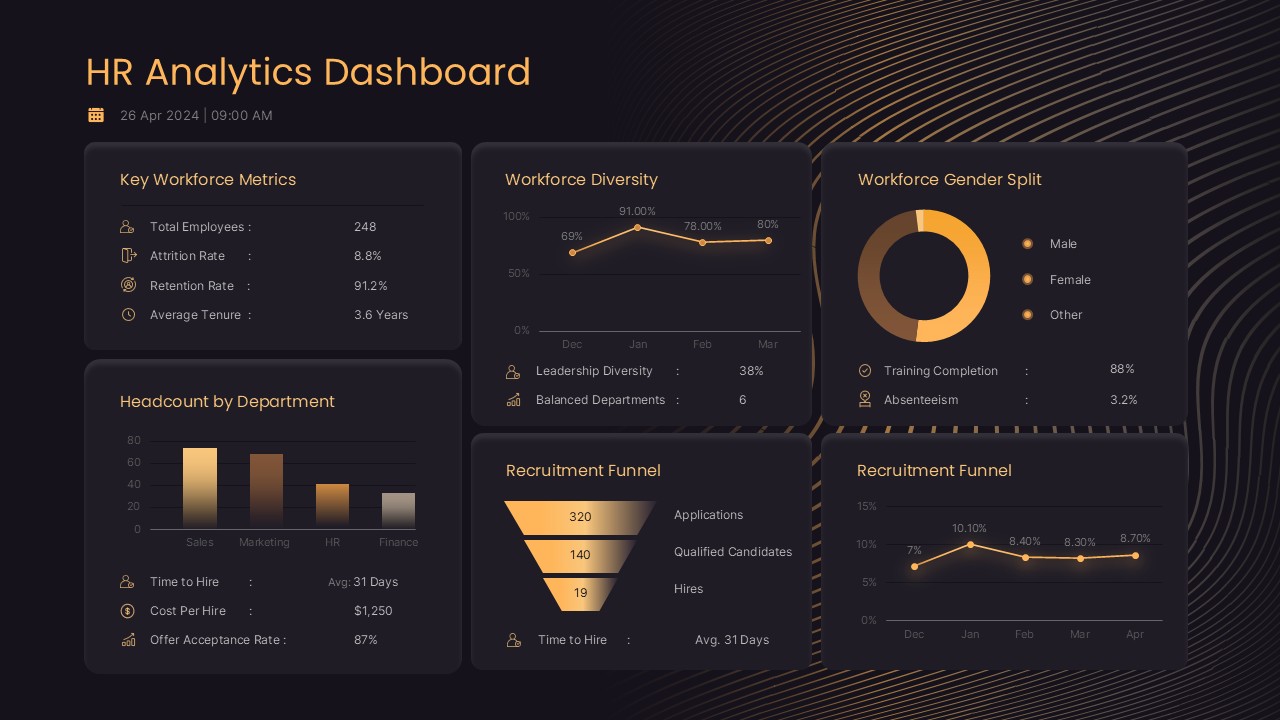
HR Analytics Dashboard PowerPoint & Google Slides Template
Human Resources
-
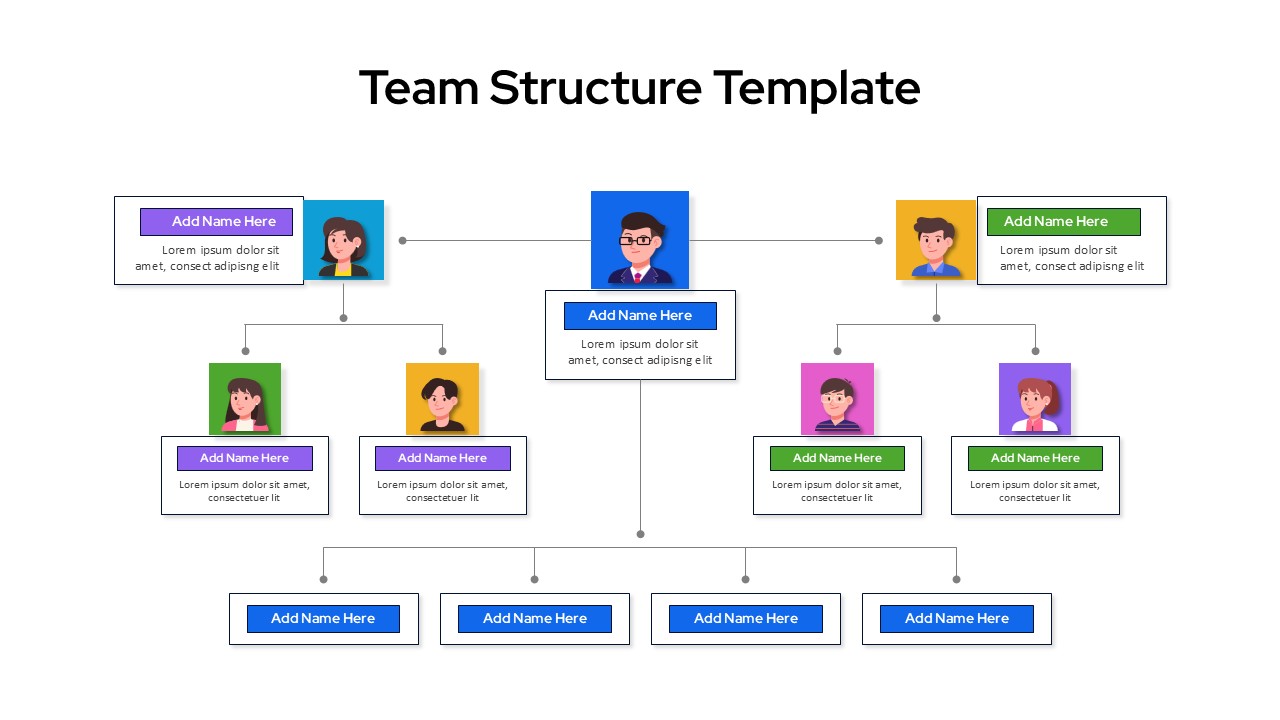
Team Structure Organizational Chart Presentation Template
Org Chart
-
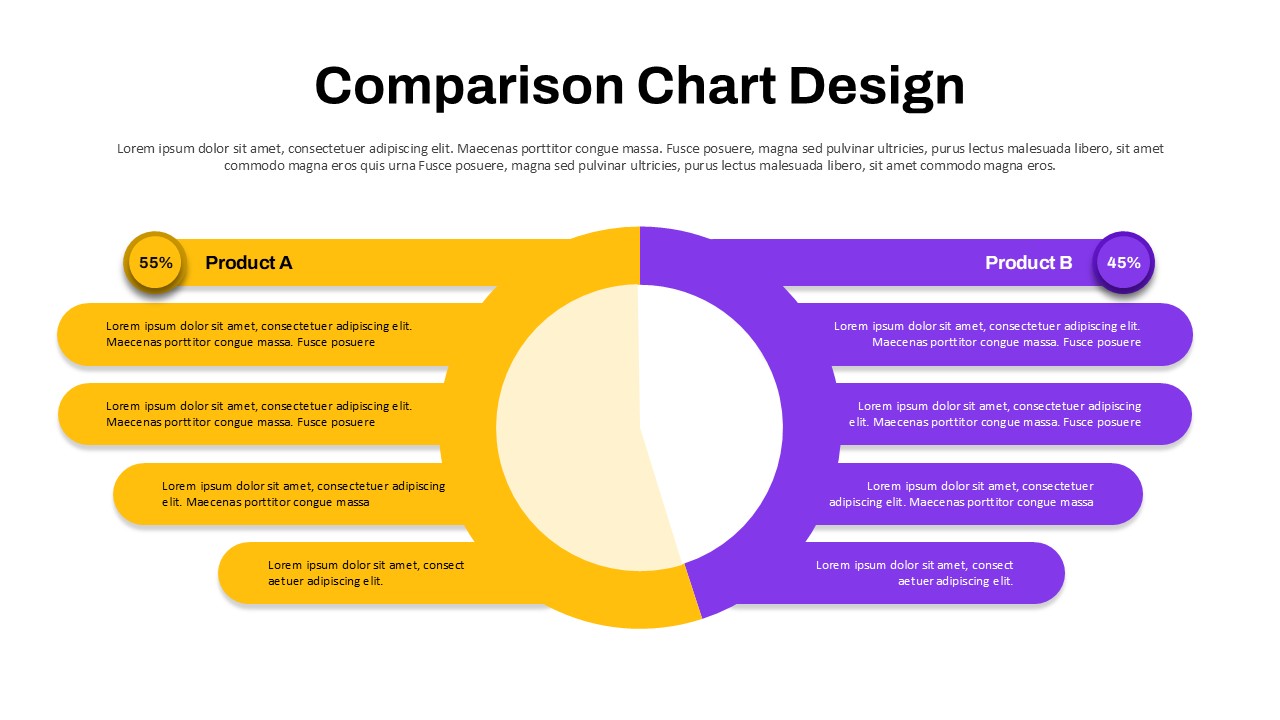
Comparison Chart Design for PowerPoint & Google Slides
Comparison
-
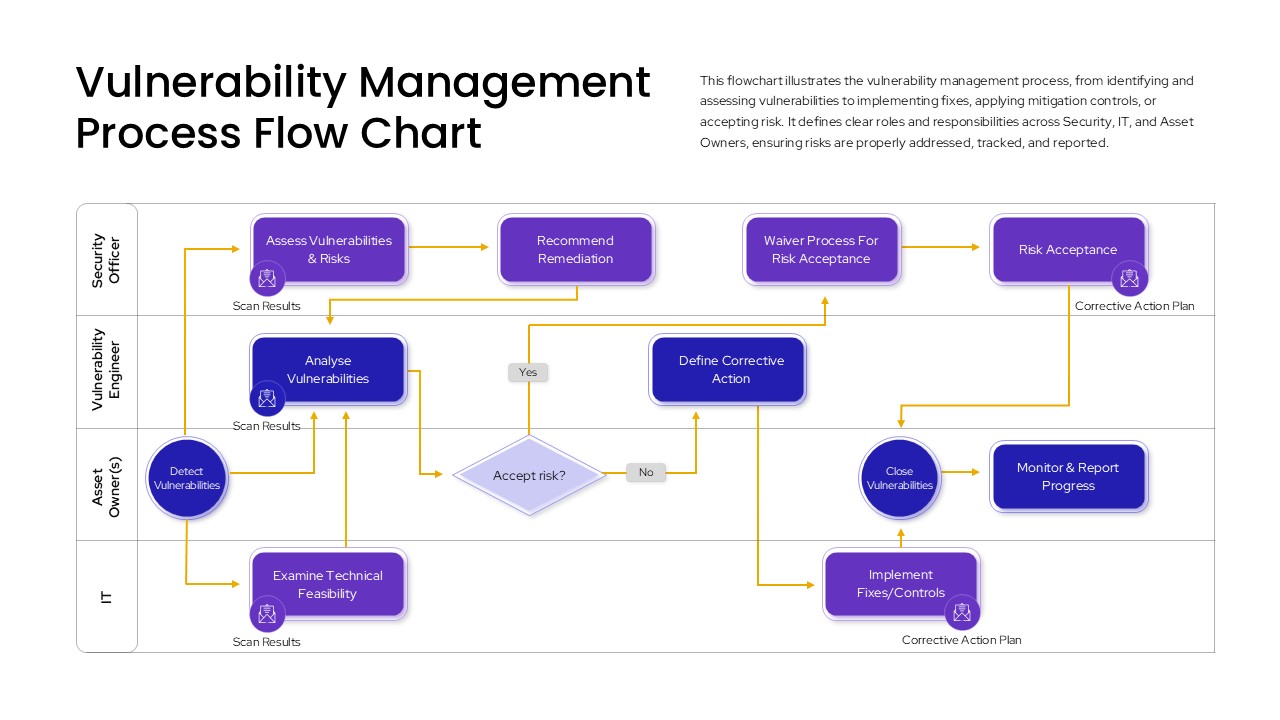
Vulnerability Management Process Flow Chart
Flow Charts
-
Issue Tree Template for PowerPoint and Google Slides
Circular
-
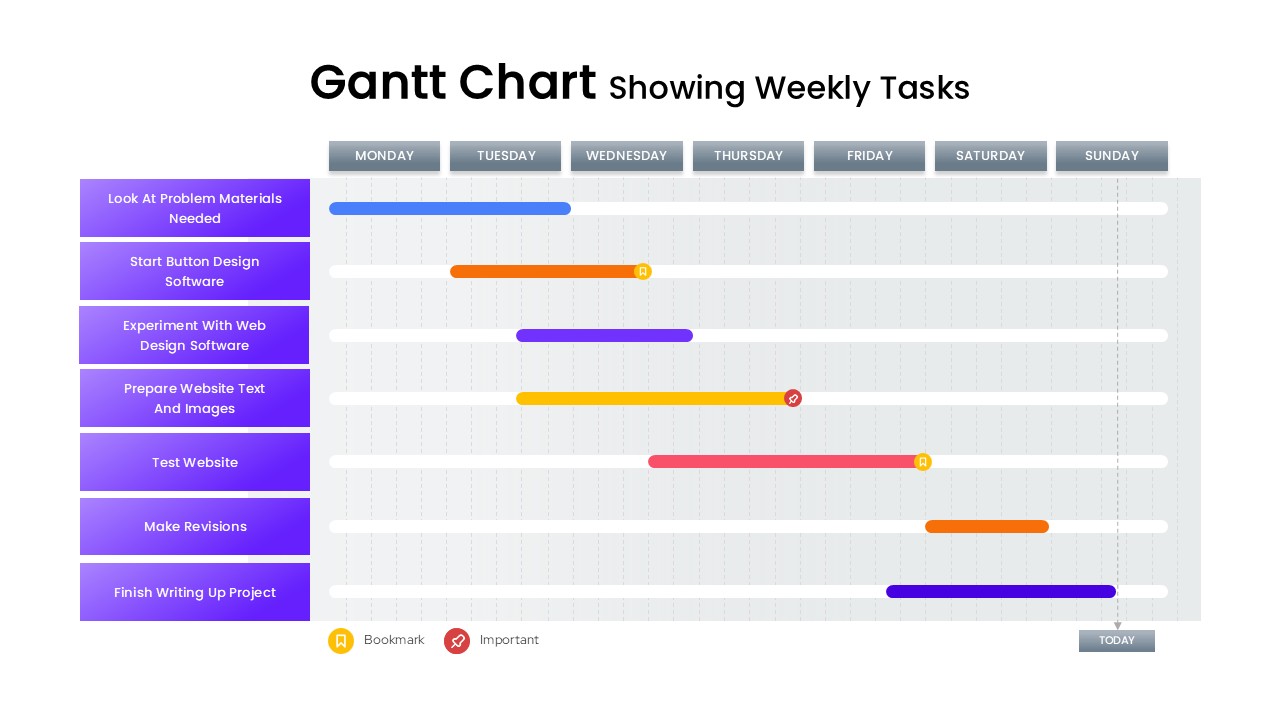
Gantt Chart Showing Weekly Tasks Template
Gantt Chart
-
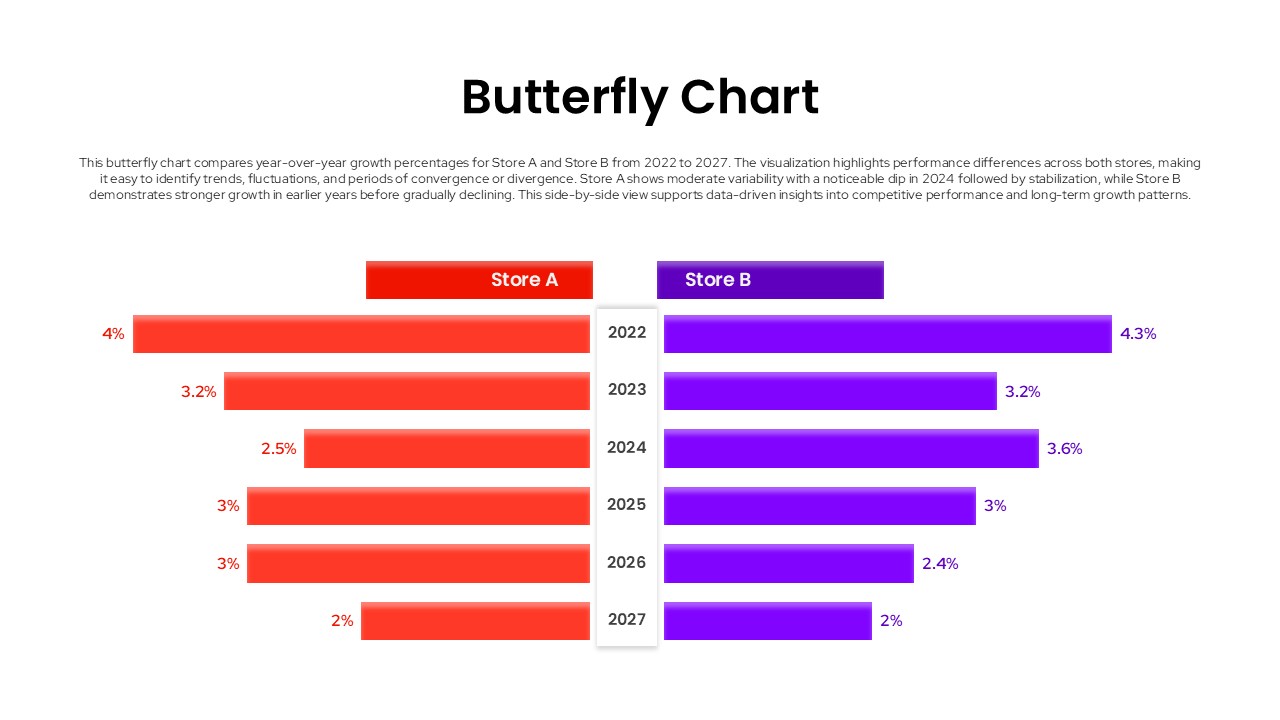
Butterfly Chart Template
Comparison Chart
-
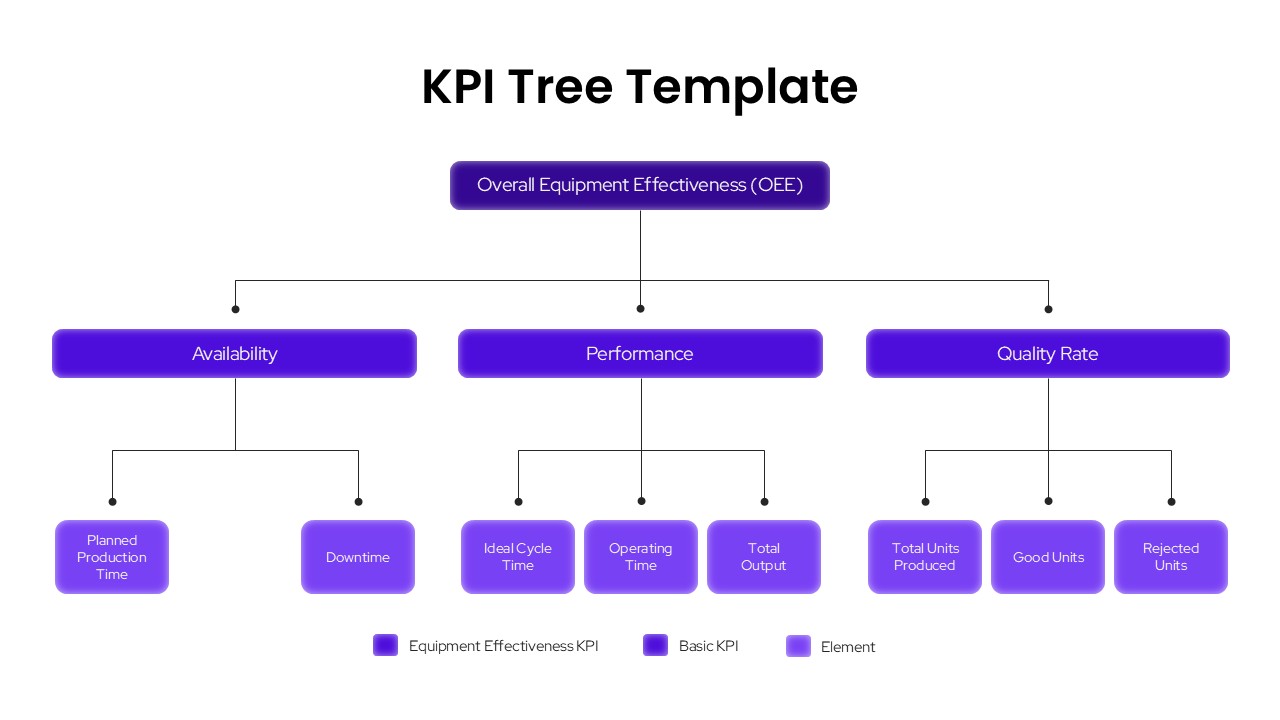
KPI Tree Template
Infographics
-
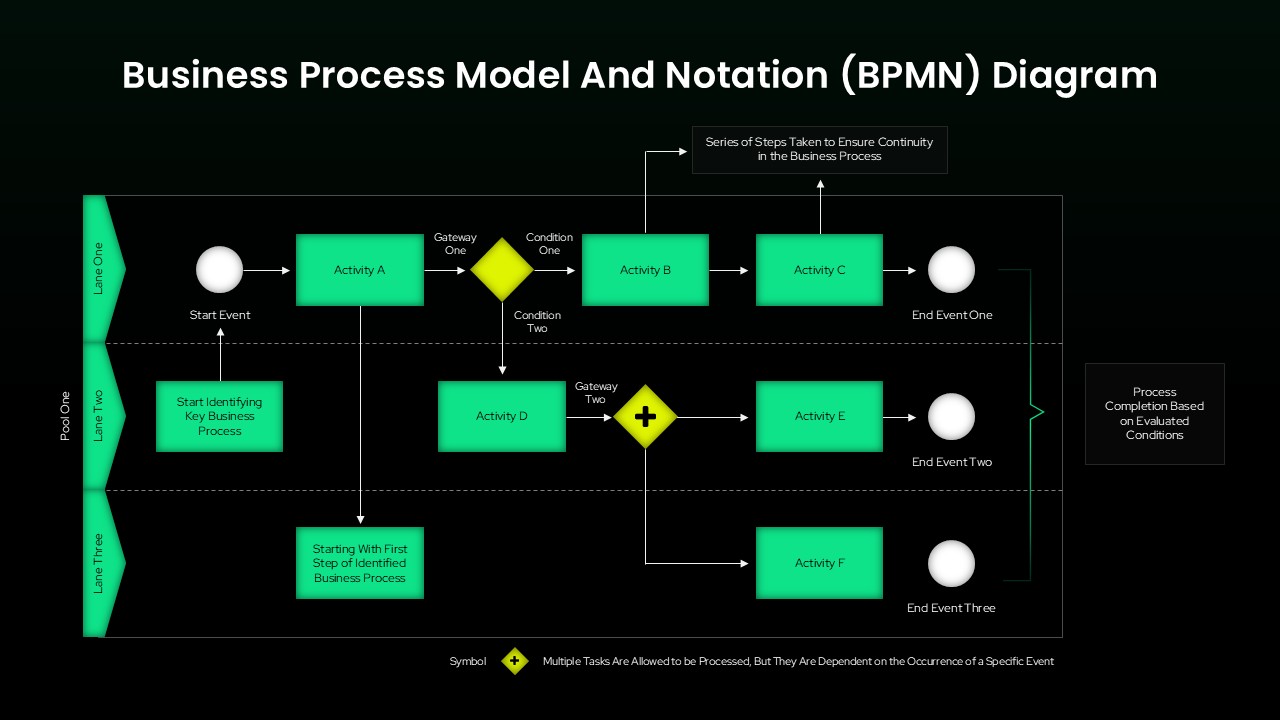
BPMN Diagram Template for PowerPoint & Google Slides
Business Strategy
-
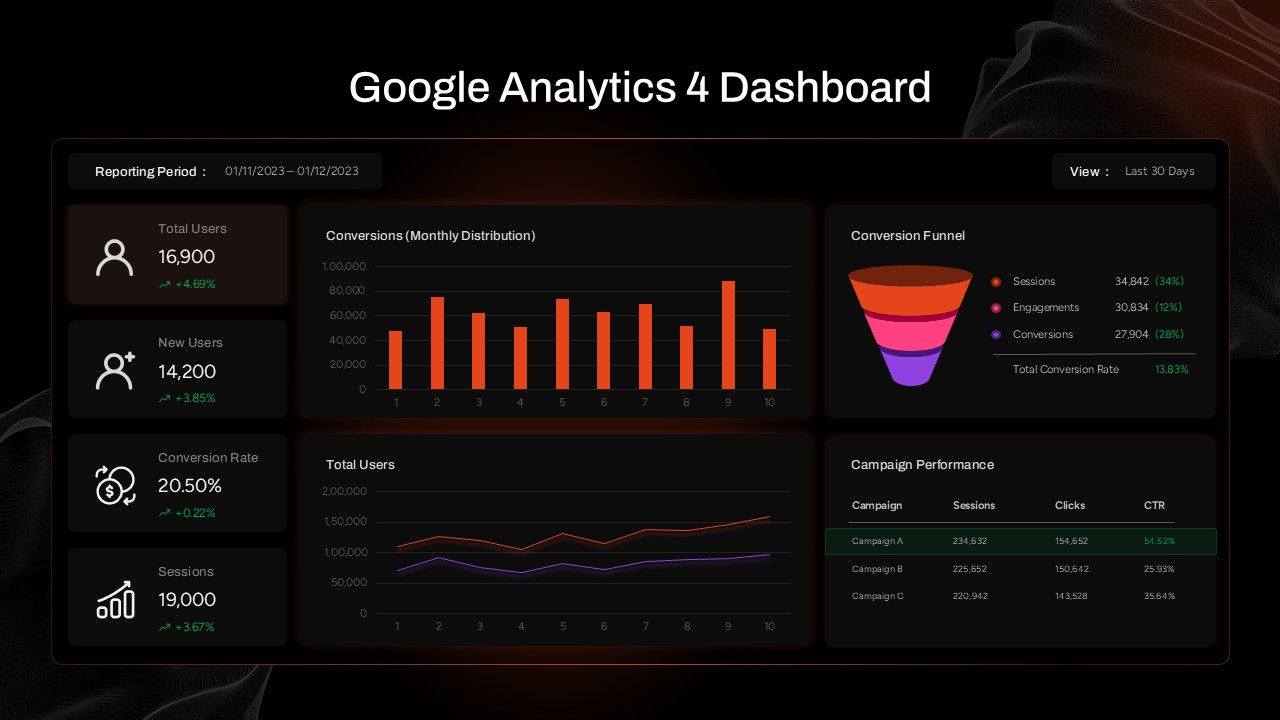
Google Analytics 4 (GA4) Dashboard Template for PowerPoint & Google Slides
Digital Marketing