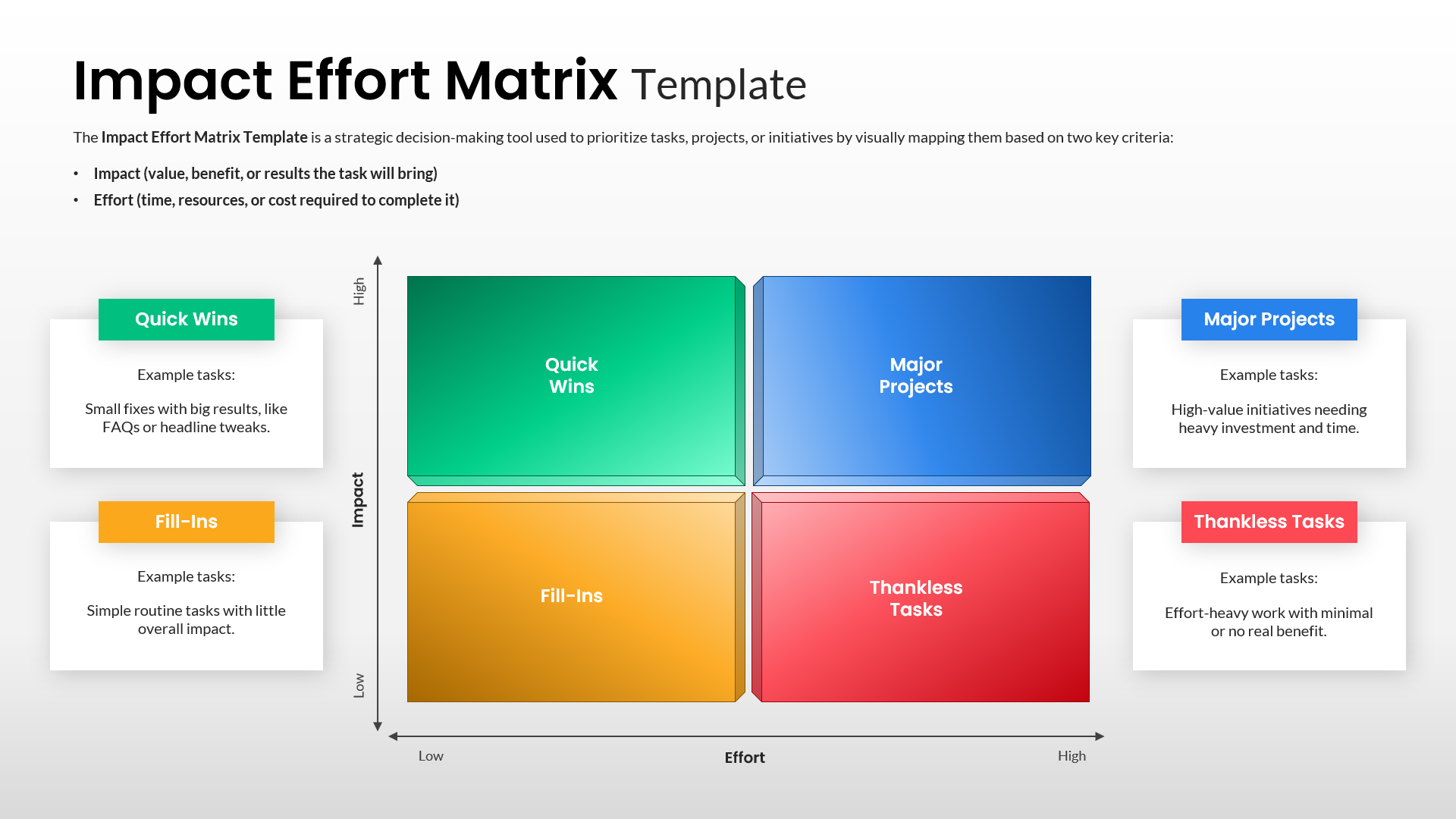
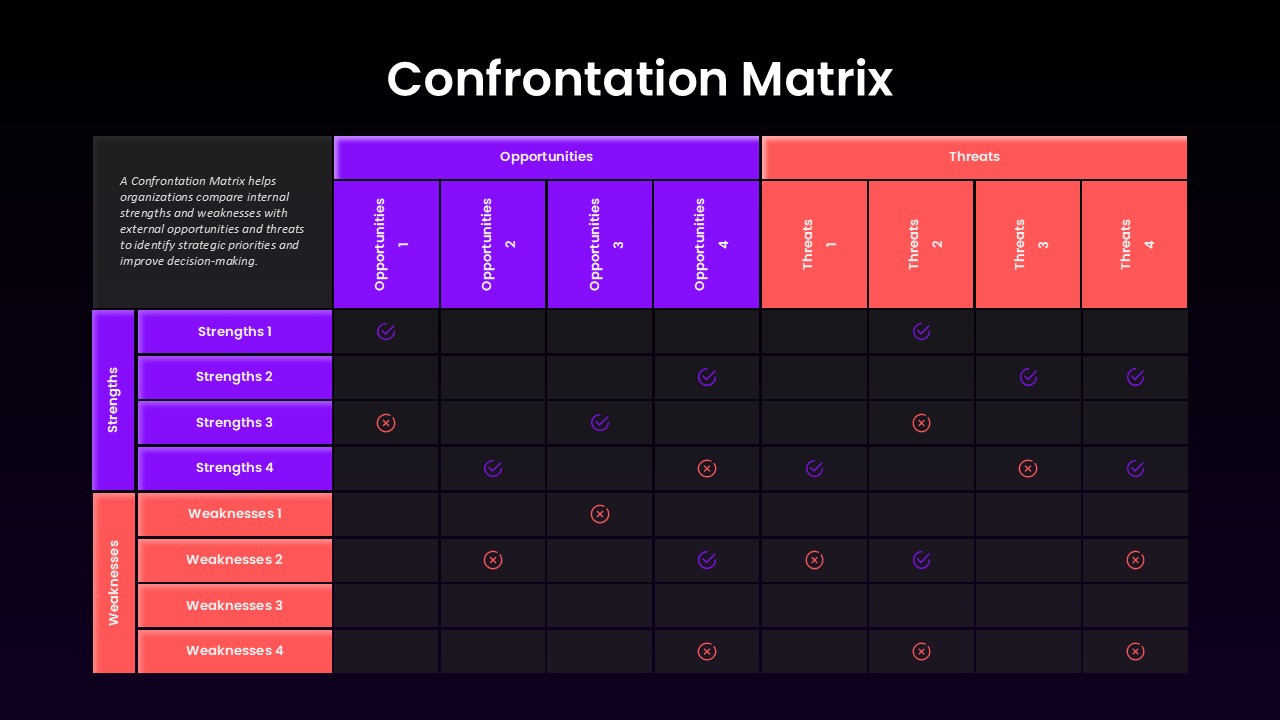
Feature Comparison Matrix for PowerPoint
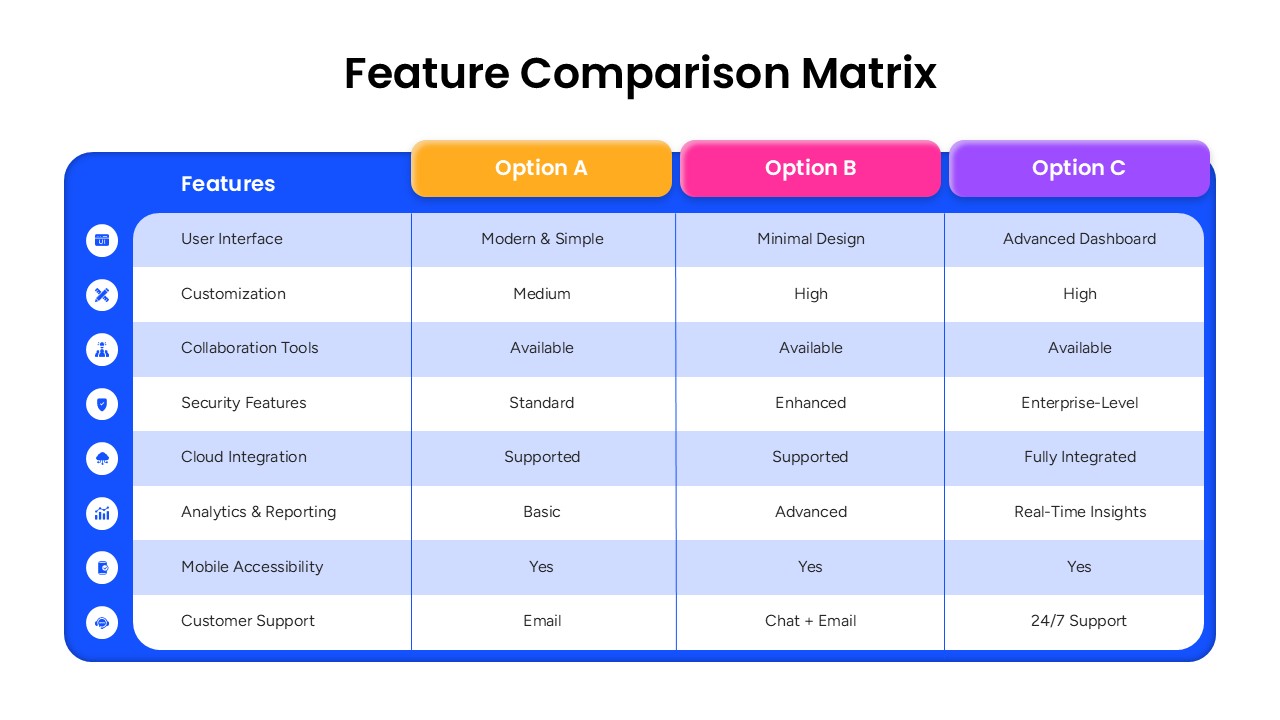
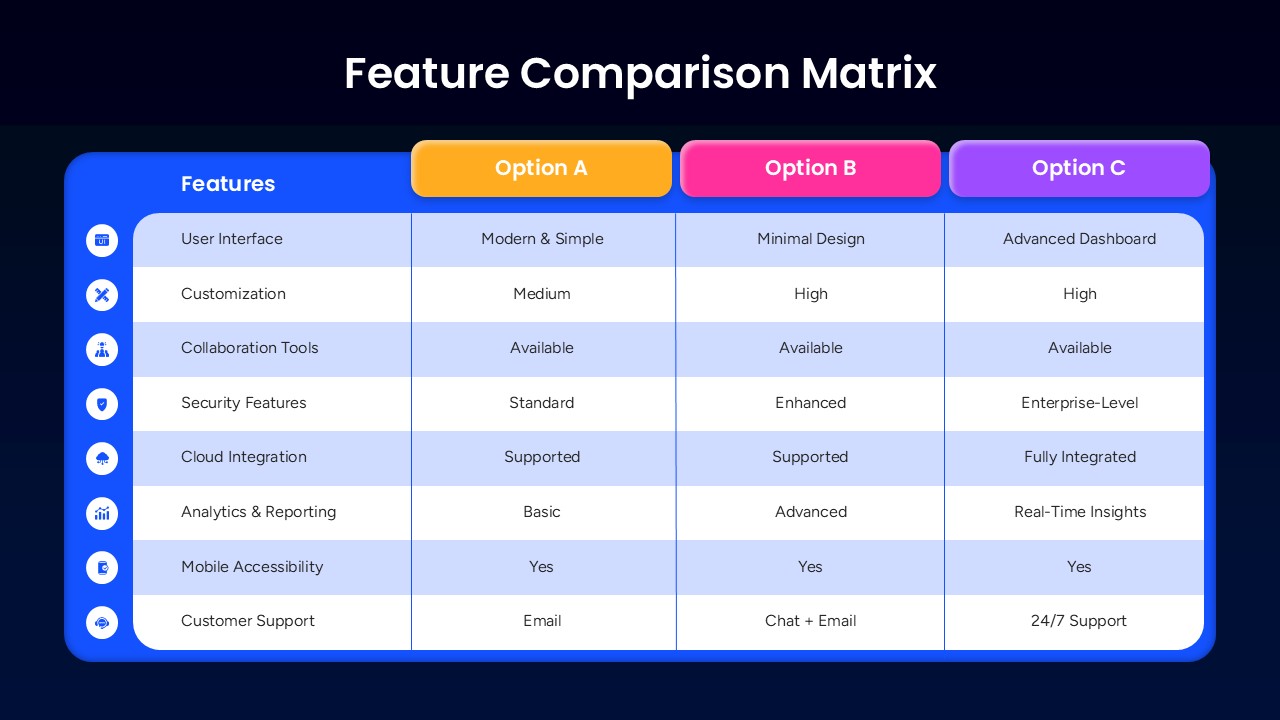
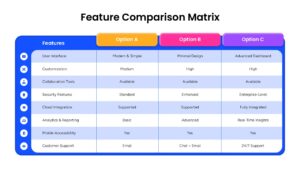
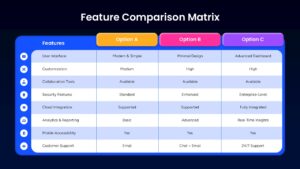
The Feature Comparison Matrix for PowerPoint is a practical presentation template for showing how different products, services, plans, solutions, or strategies compare across important criteria. Its structured matrix places features in the first column and three options side by side, giving viewers a clear way to review differences without reading lengthy blocks of text. The alternating row layout improves scanning, while the blue, orange, pink, and purple header colors help separate each option visually. This format works well for business presentations, product reviews, sales meetings, strategy discussions, software comparisons, and decision making sessions where several choices need to be evaluated on the same slide.
This Feature Comparison Matrix PowerPoint template can be adapted for SaaS plans, subscription packages, technology solutions, vendor evaluations, service tiers, product specifications, marketing offers, or internal business proposals. You can replace the sample labels with your own features and comparison points while keeping the existing visual structure. The editable PowerPoint layout gives you control over text, colors, icons, and other slide elements, making it suitable for both formal corporate decks and modern sales presentations. It also works with Google Slides, so teams can open, edit, and present the comparison content in a collaborative environment.
The template is useful for product managers, marketers, sales teams, consultants, business analysts, startup founders, educators, and project teams who need to present several alternatives in a compact format. Use it when your audience needs to understand feature coverage, service differences, capability levels, support options, or product strengths at a glance. The clean table structure keeps the focus on the comparison itself and provides a ready to edit starting point for professional presentations. Download this PowerPoint template to create a polished feature comparison slide without building the matrix layout from scratch
Frequently Asked Questions
Can I change the features and column labels in this template?
Does this template include both light and dark versions?


Item ID
SB05944Designed By
Naseeba Sithara


Related Templates

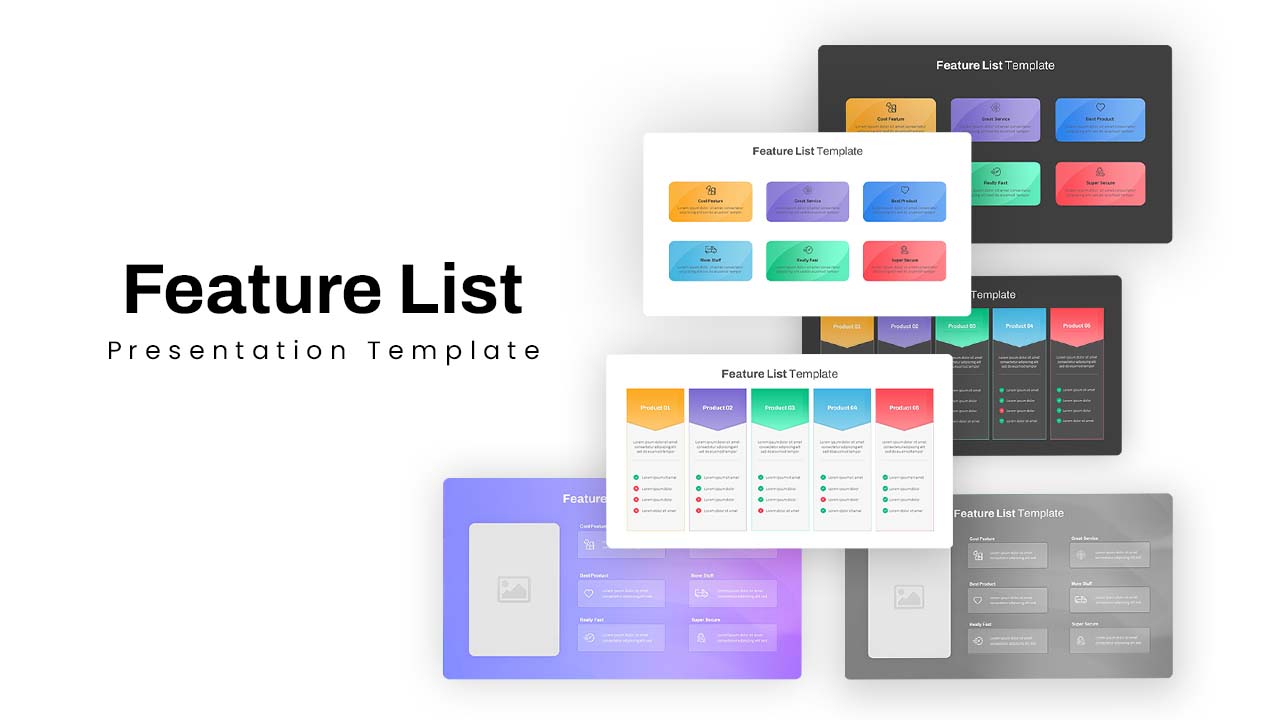
Feature List Template PPT & Product Comparison Slides
Decks
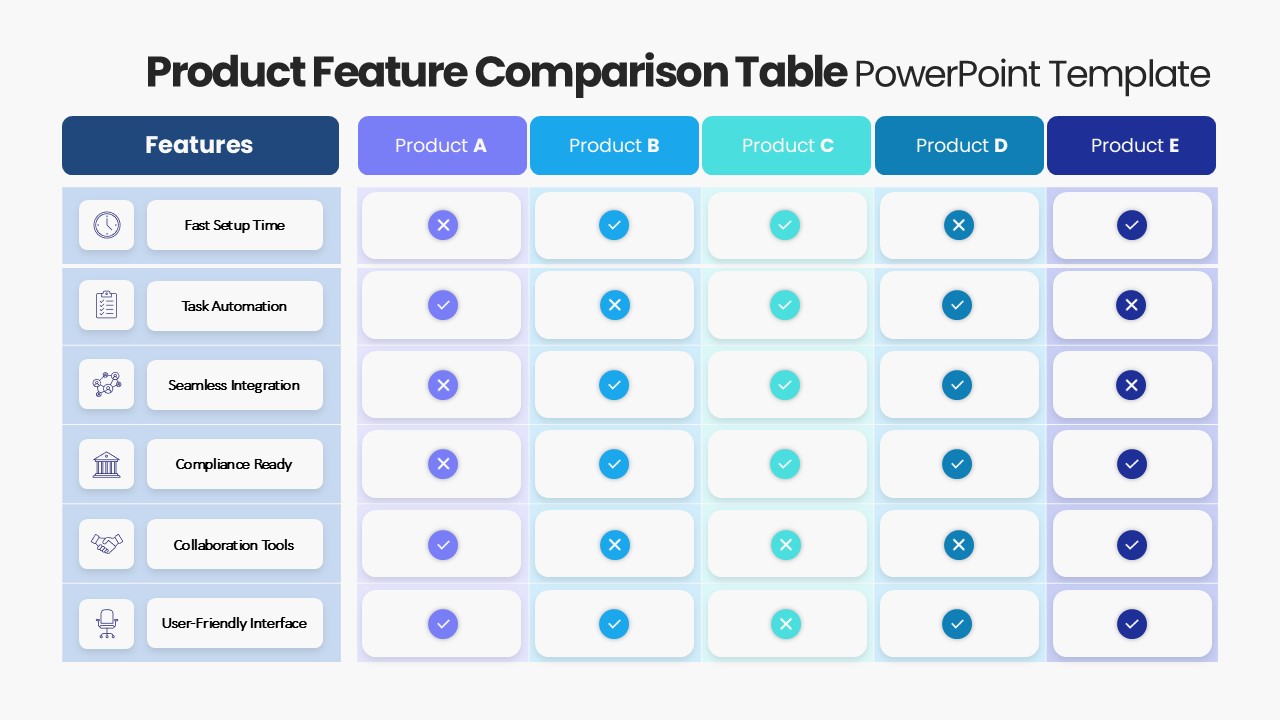
Product Feature Comparison Table Template
Comparison Chart
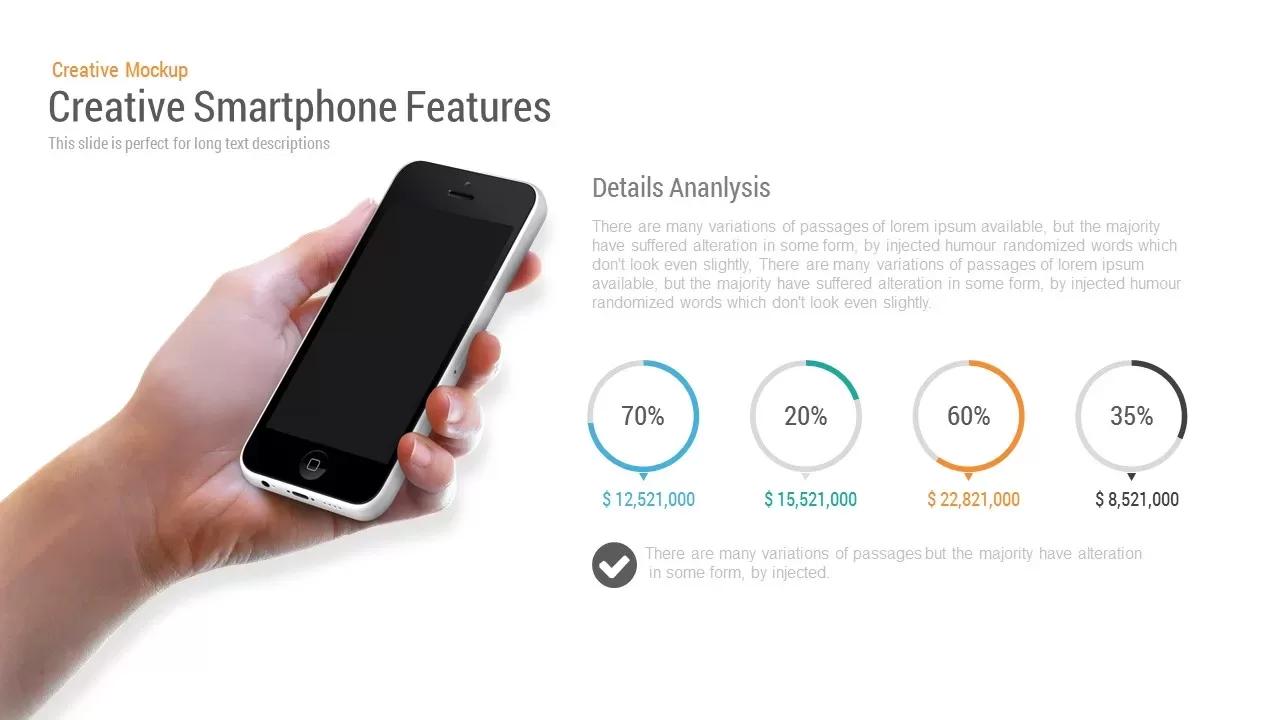
Creative Smartphone Feature PowerPoint Template
Charts

Laptop Application Feature Mockup Slide Template for PowerPoint & Google Slides
Information Technology
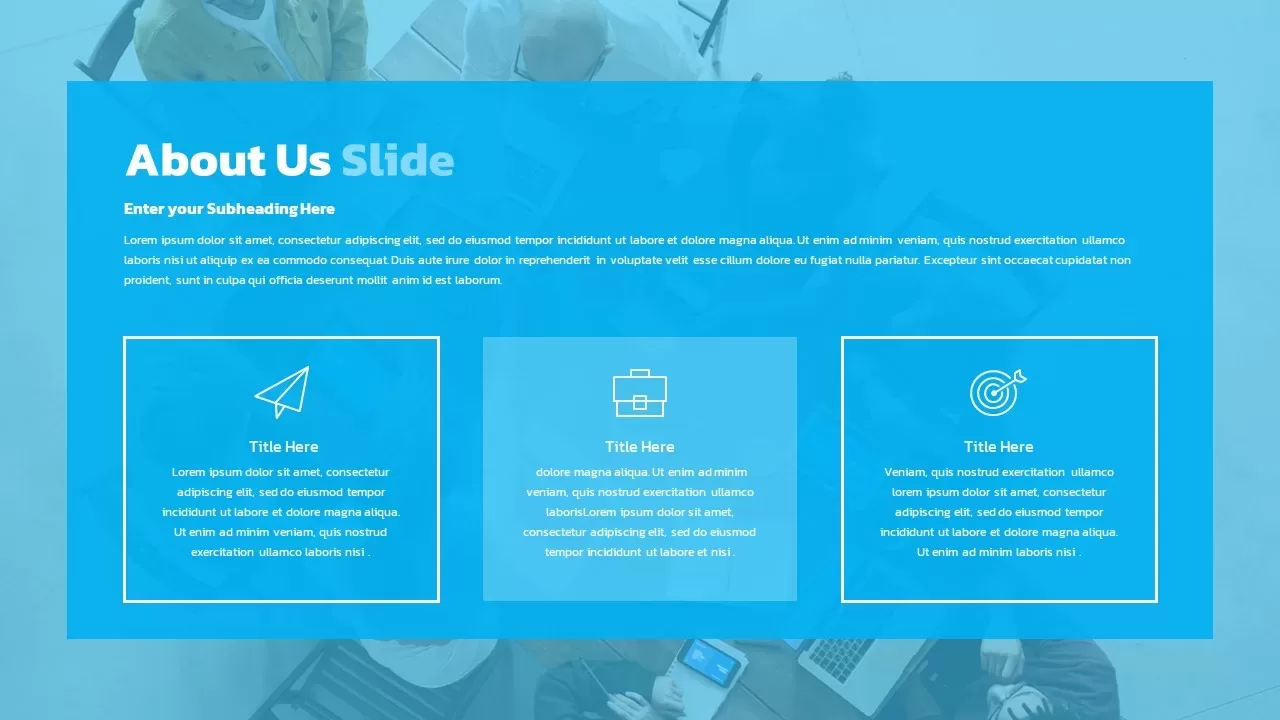
About Us Slide with Feature Boxes Template for PowerPoint & Google Slides
Marketing
Horizontal Smartphone Feature Highlights Template for PowerPoint & Google Slides
Graphics
Competitor Comparison Matrix PowerPoint Template
Business
Feasibility Matrix Comparison Chart Template
Comparison Chart
Market Development Matrix Chart Template for PowerPoint & Google Slides
Comparison Chart

Leadership Matrix with Four Quadrants Template for PowerPoint & Google Slides
Comparison
ADL Matrix PowerPoint Template
Business Strategy

Innovation Ambition Matrix PowerPoint Template
Process
Marketing Matrix PowerPoint Template
Process
Supplier Preferencing Model Matrix Template for PowerPoint & Google Slides
Business Strategy
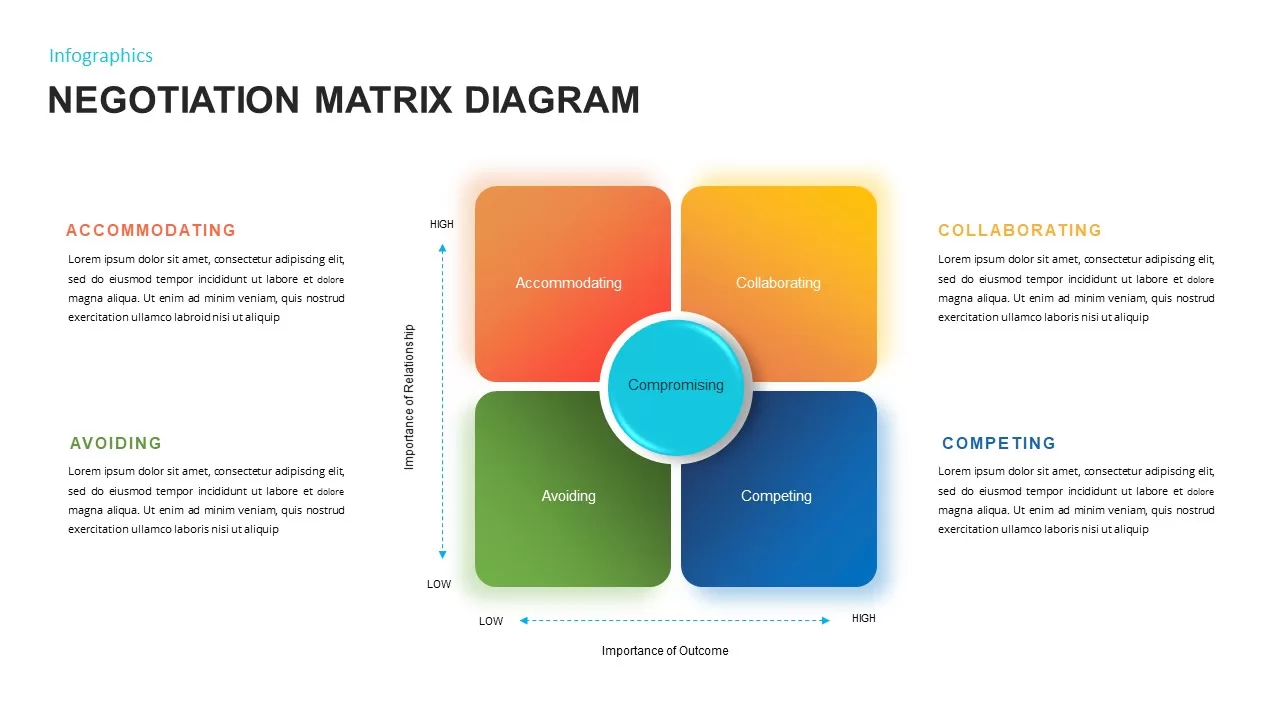
Negotiation Matrix PowerPoint Template
Business
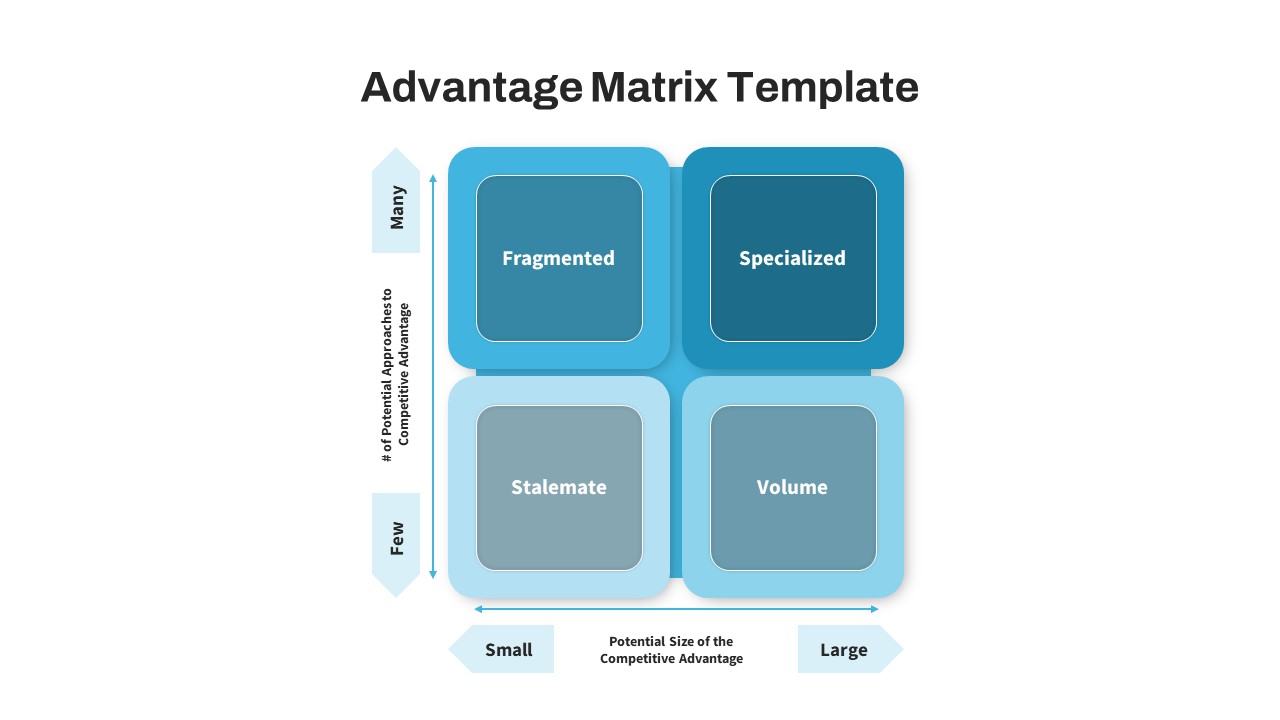
Advantage Matrix PowerPoint Template
Business
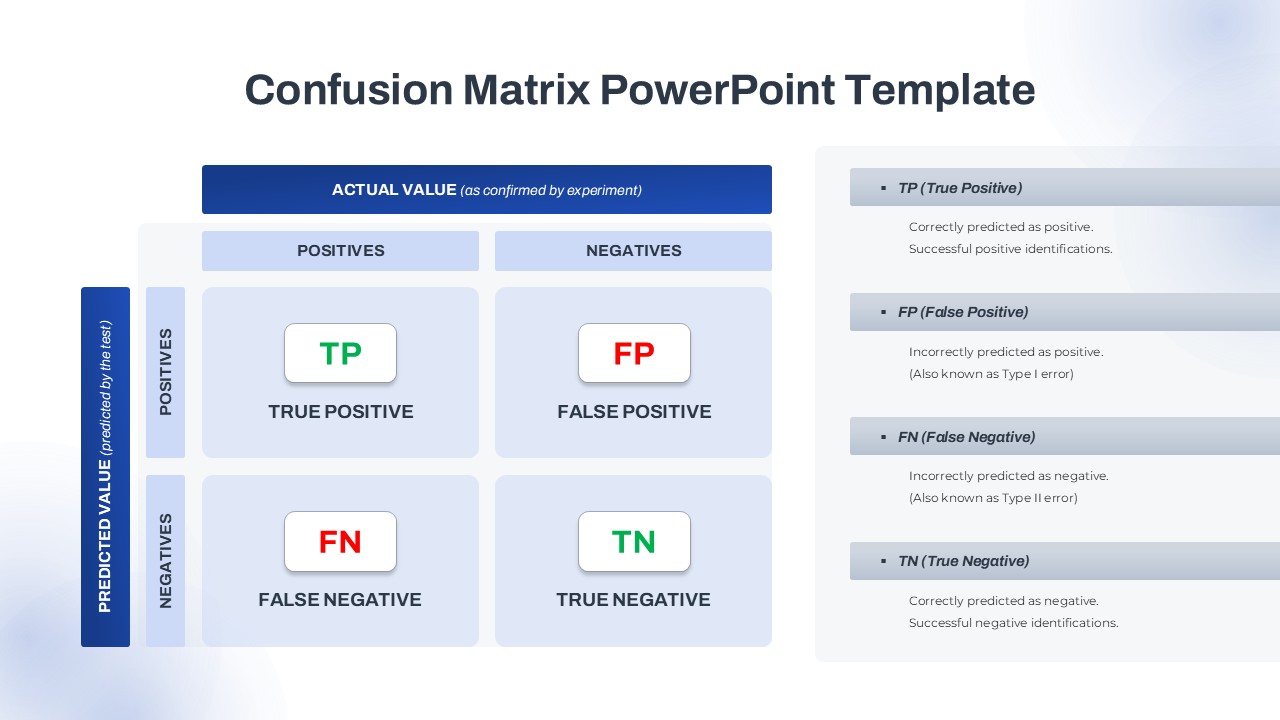
Confusion Matrix PowerPoint Diagram & Google Slides
Comparison
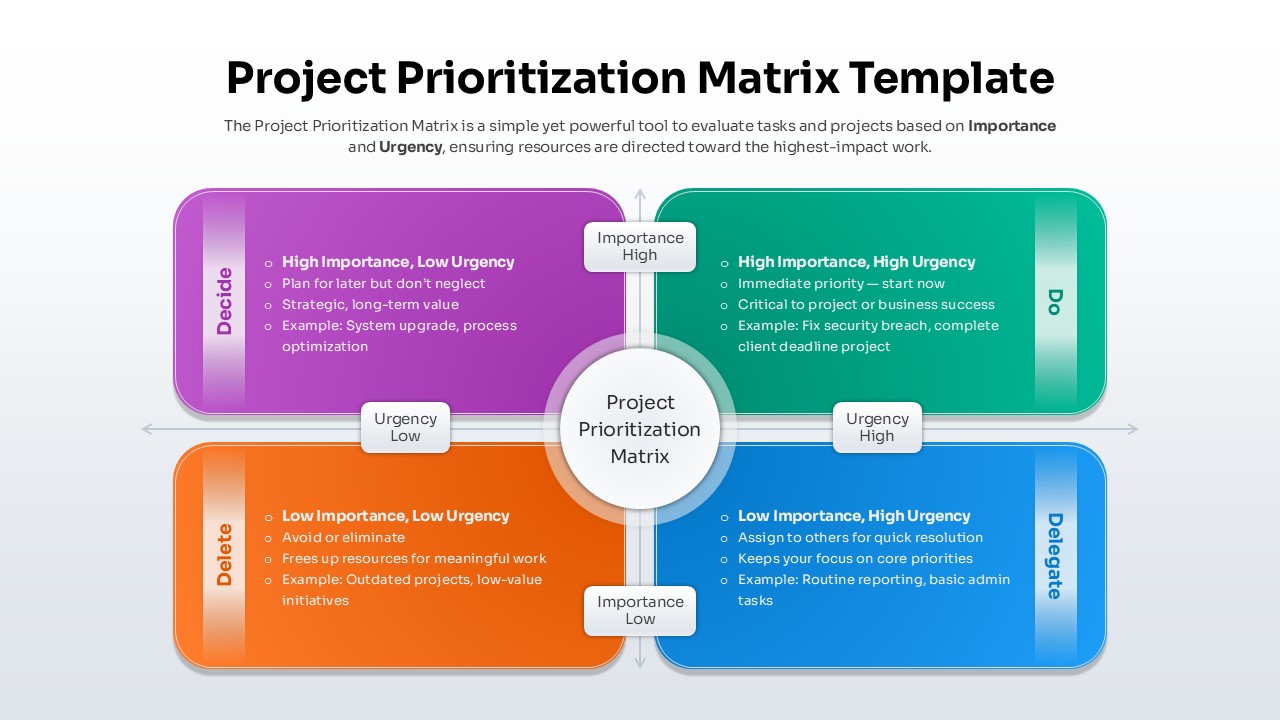
Project Prioritization Matrix Template for PowerPoint & Google Slides
Project

Impact Effort Matrix Template for PowerPoint
Comparison Chart
Confrontation Matrix Swot PowerPoint Template & Google Slides
SWOT