Agile vs Waterfall Comparison Template
Download our Agile vs Waterfall Comparison PowerPoint Template to compare two of the most widely used project management methodologies in a single, easy-to-read slide. This comparison template is built for project managers, Scrum masters, and consultants who need to explain methodology trade-offs during planning meetings, client onboarding, or team training. Our template is 100% editable, and presenters can customize it for business, academic, or technical sessions. It is also editable in Google Slides.
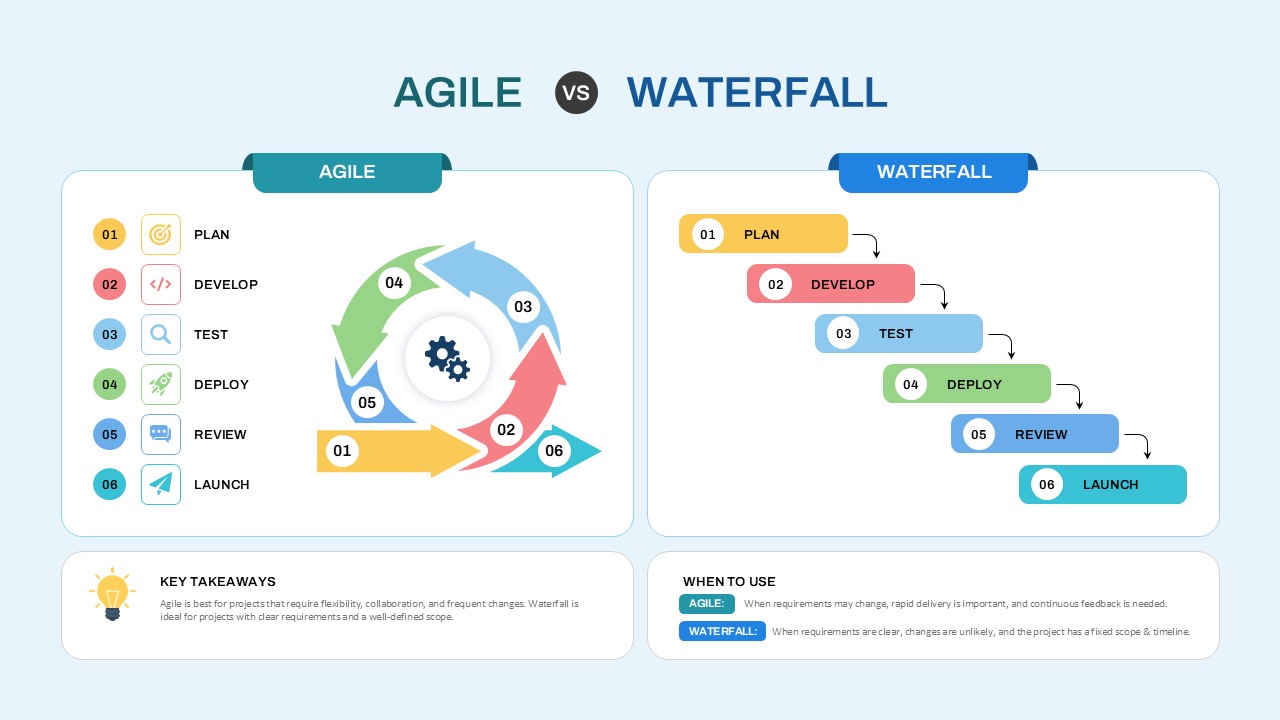
The Agile vs Waterfall Template is a single slide split into two side-by-side panels, each tracking the same six project stages:
- Plan – defining scope, goals, and resource allocation
- Develop – building the product or solution
- Test – validating quality and functionality
- Deploy – releasing the product or feature
- Review – gathering feedback and assessing outcomes
- Launch – final rollout to end users or market
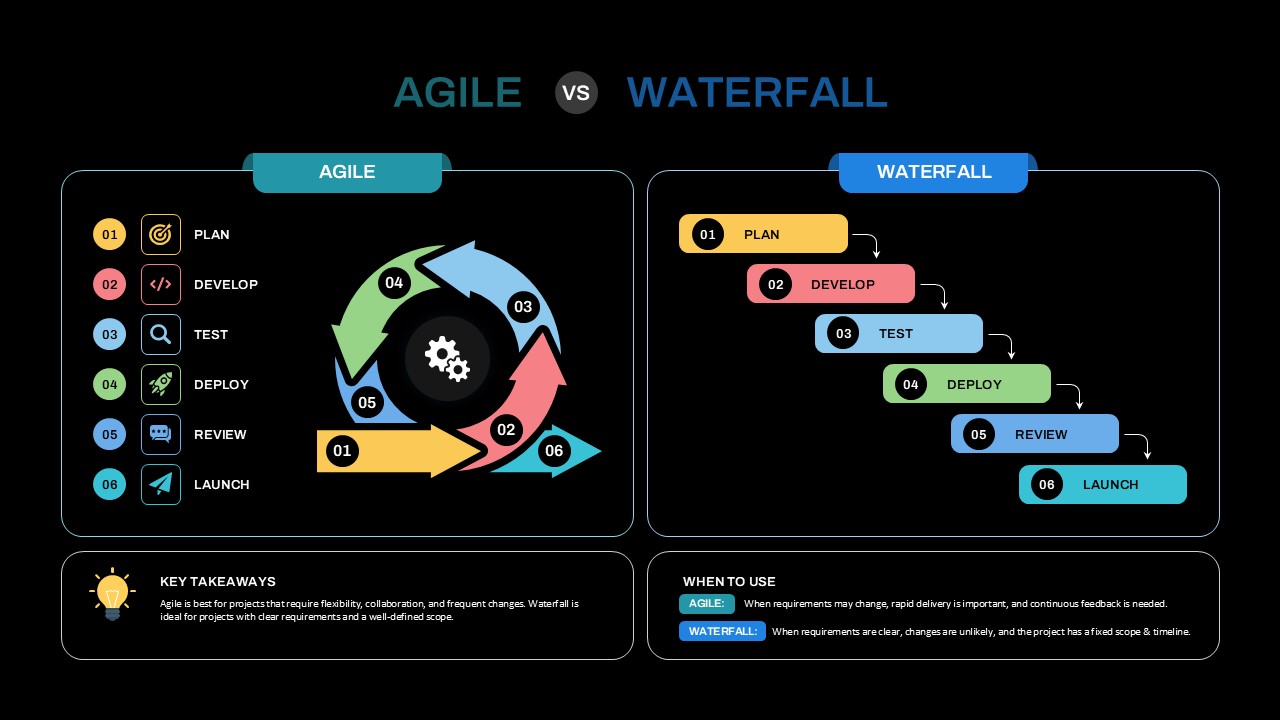
On the left, the Agile panel arranges these stages as a circular, color-coded arrow diagram rotating around a central gear icon, reflecting Agile’s iterative, cyclical nature. On the right, the Waterfall panel arranges the same six stages as a descending staircase of connected bars, reflecting Waterfall’s strict, linear sequence. Each stage carries a numbered marker and a matching icon for quick visual recognition.
Agile and Waterfall differ in a few key ways:
- Structure: Agile repeats in cycles; Waterfall moves in a straight line from start to finish.
- Flexibility: Agile accommodates changing requirements mid-project; Waterfall expects requirements to be locked in early.
- Feedback: Agile builds in continuous review after every cycle; Waterfall reviews mainly at the end of each phase.
- Best fit: Agile suits projects with evolving scope; Waterfall suits projects with a fixed scope and timeline.
The PPT template also includes a Key Takeaways panel summarizing this guidance in plain language, and a When to Use panel that gives a one-line recommendation for each methodology. Professionals can use this slide to open a methodology discussion, support a project kickoff deck, or train new team members on process selection. Download this Agile vs Waterfall PPT template now, and check out our collection of project management templates.
Frequently Asked Questions
What is the difference between Agile and Waterfall?
How many slides does the Agile vs Waterfall PowerPoint Template include?


Item ID
SB06030Designed By
Amal


Related Templates

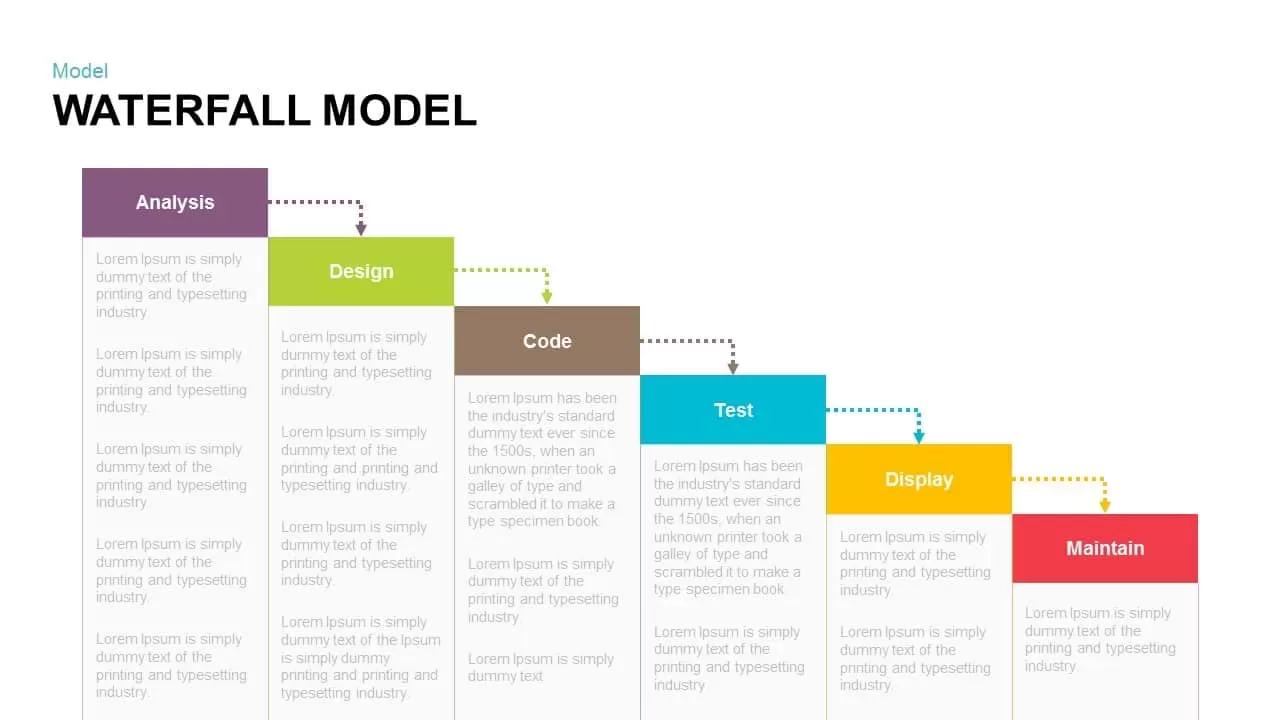
Waterfall Model Diagram Template for PowerPoint & Google Slides
Information Technology
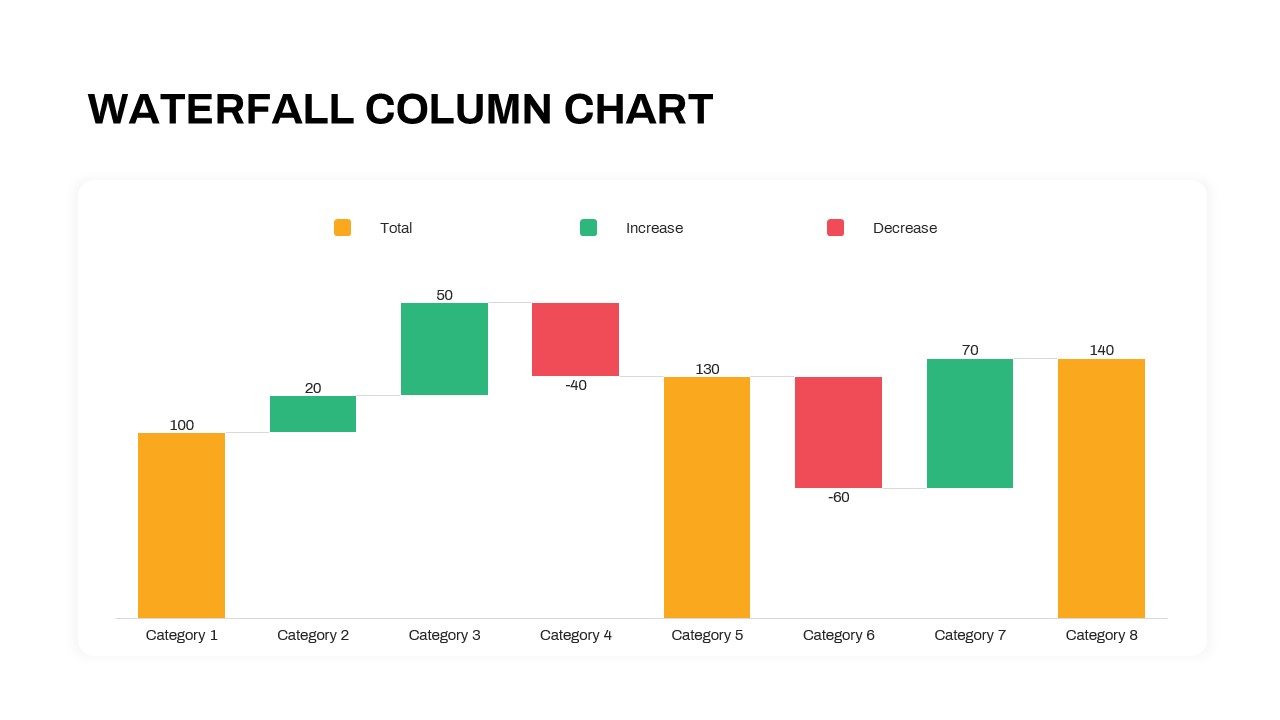
Waterfall Column Chart PowerPoint Template
Bar/Column
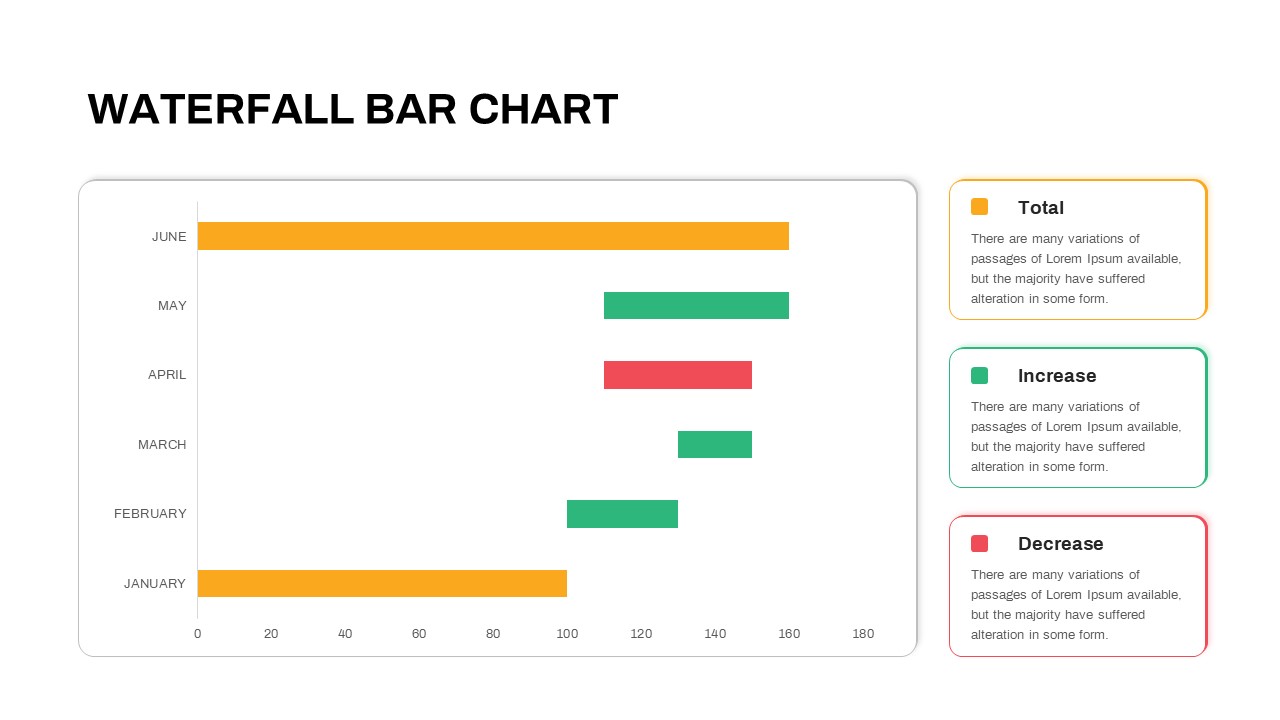
Waterfall Bar Chart Template for PowerPoint & Google Slides
Bar/Column
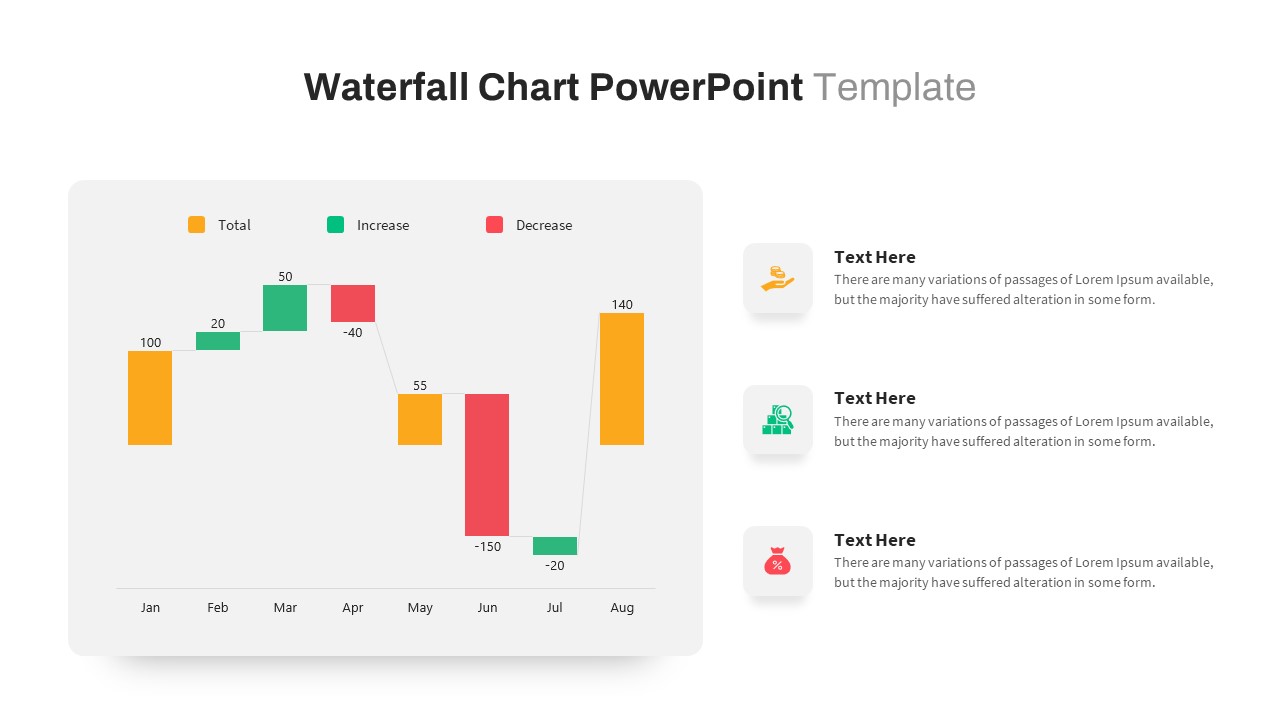
Waterfall Chart PowerPoint Template
Comparison Chart
Stacked Waterfall Chart PowerPoint Template
Bar/Column
Waterfall Project Management PowerPoint Template
Process
Product Development Waterfall Model Diagram for PowerPoint
Process
Waterfall Model Software Development Diagram for PowerPoint
Software Development
Agile Scrum Process & Roles Deck Template for PowerPoint & Google Slides
Software Development
Comprehensive Agile Project Management Template for PowerPoint & Google Slides
Scrum

Agile Lifecycle Circular Diagram Template for PowerPoint & Google Slides
Circular
Agile Project Roadmap Timeline Template Pack for PowerPoint & Google Slides
Scrum
Agile Transformation Roadmap PowerPoint Template
Roadmap
Agile Methodology PPT Template
Project
Free
SAFE Scaled Agile Framework Template
Process
Scaled Agile Framework Template
Scrum
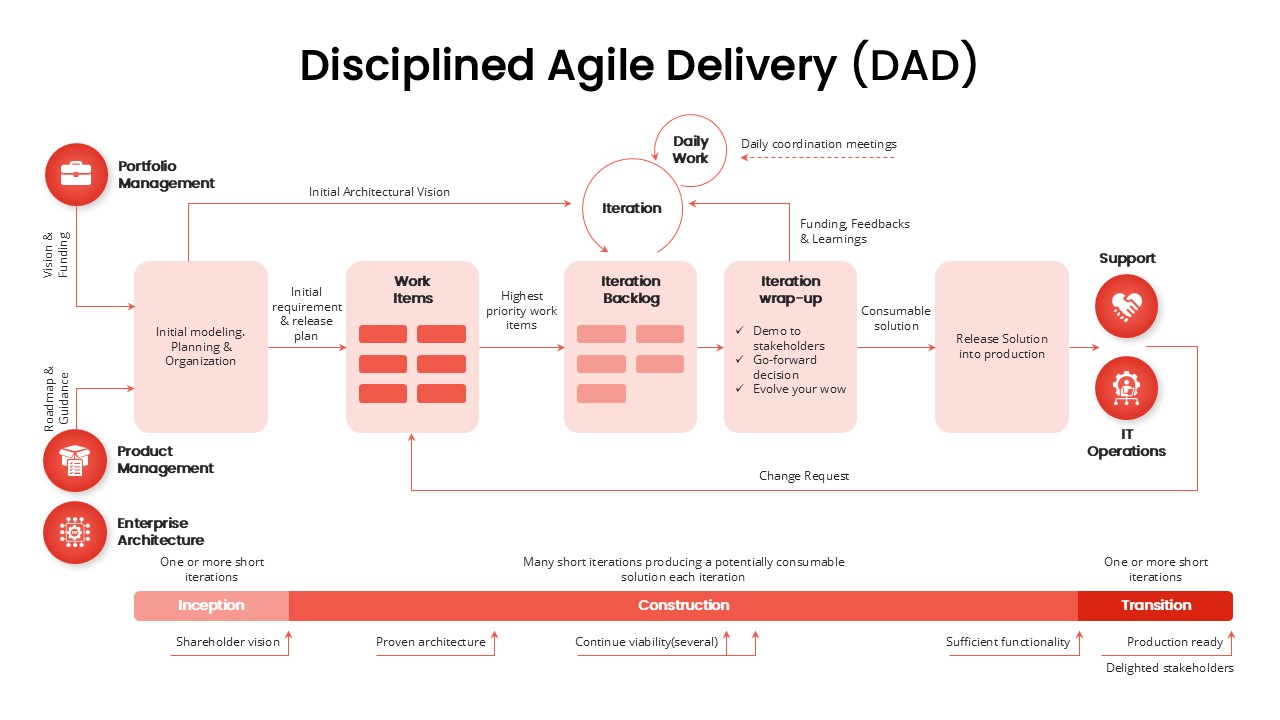
Disciplined Agile Delivery (DAD) Framework Template
Business Strategy
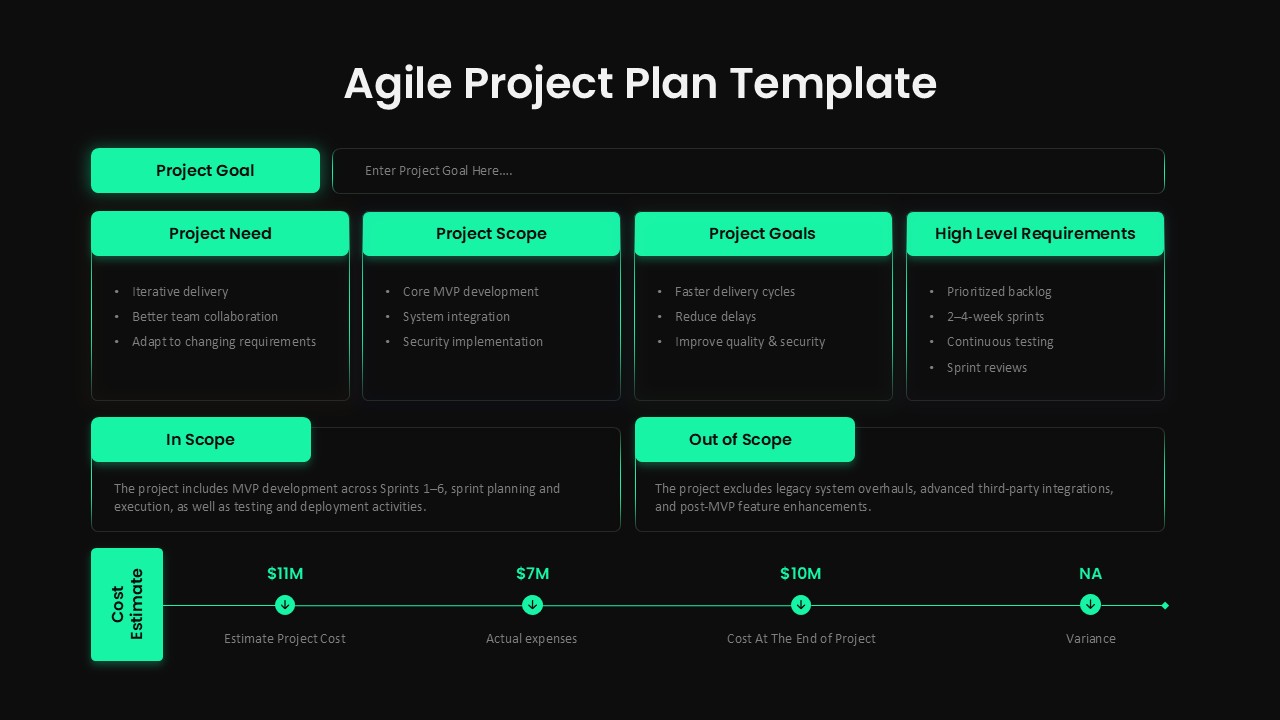
Agile Project Plan Template Editable in for PowerPoint & Google Slides
Project Management
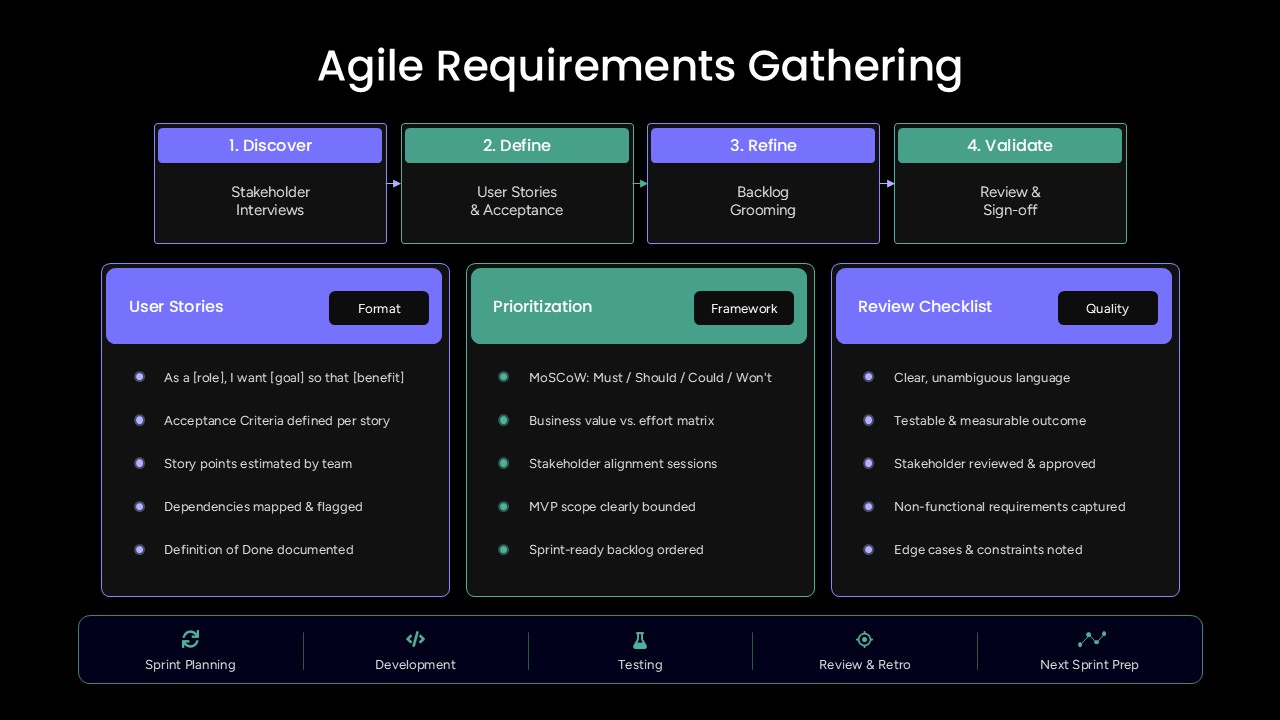
Agile Requirements Gathering PowerPoint Template
Scrum
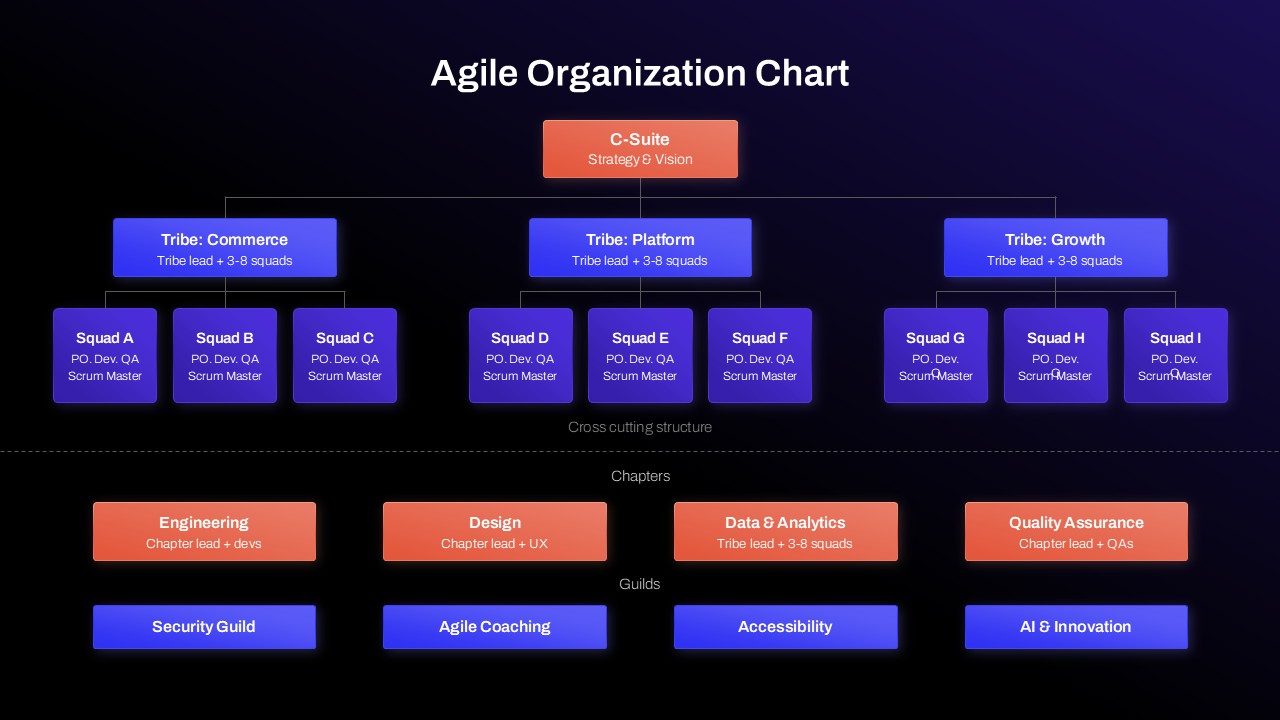
Agile Organization Chart PowerPoint Template
Org Chart