Comprehensive Agile Project Management Template for PowerPoint & Google Slides
Agile Methodology Slides for PowerPoint
Agile is not a difficult concept to understand. But try explaining sprint cycles, backlog management, and retrospective loops to a room full of stakeholders who have different levels of familiarity with the framework, and things get complicated fast. Words only go so far. At some point, you need something visual that maps the process clearly and keeps everyone on the same page.
That is where having the right agile methodology slides for PowerPoint makes a real difference. Not just a generic diagram you found online, but a proper set of layouts built around how Agile actually works in practice.
This template pack gives you four distinct infographic styles that cover the most common ways Agile processes get communicated in presentations, workshops, and team briefings.
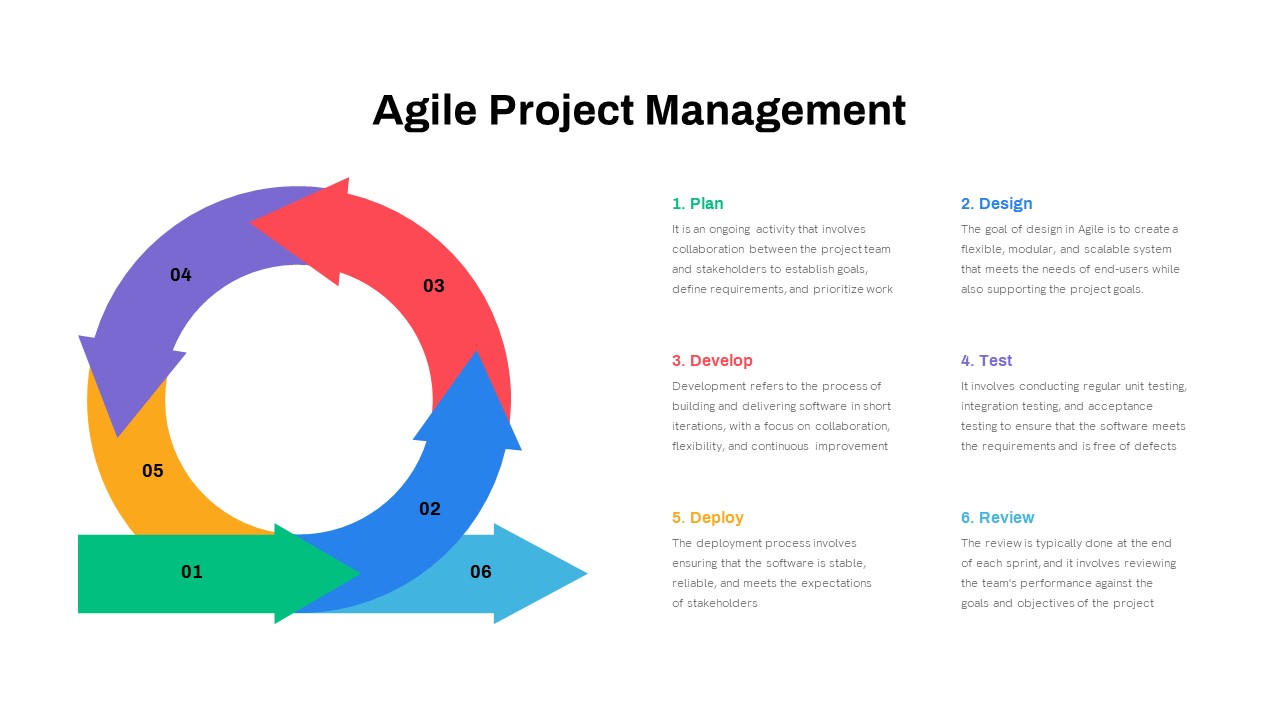
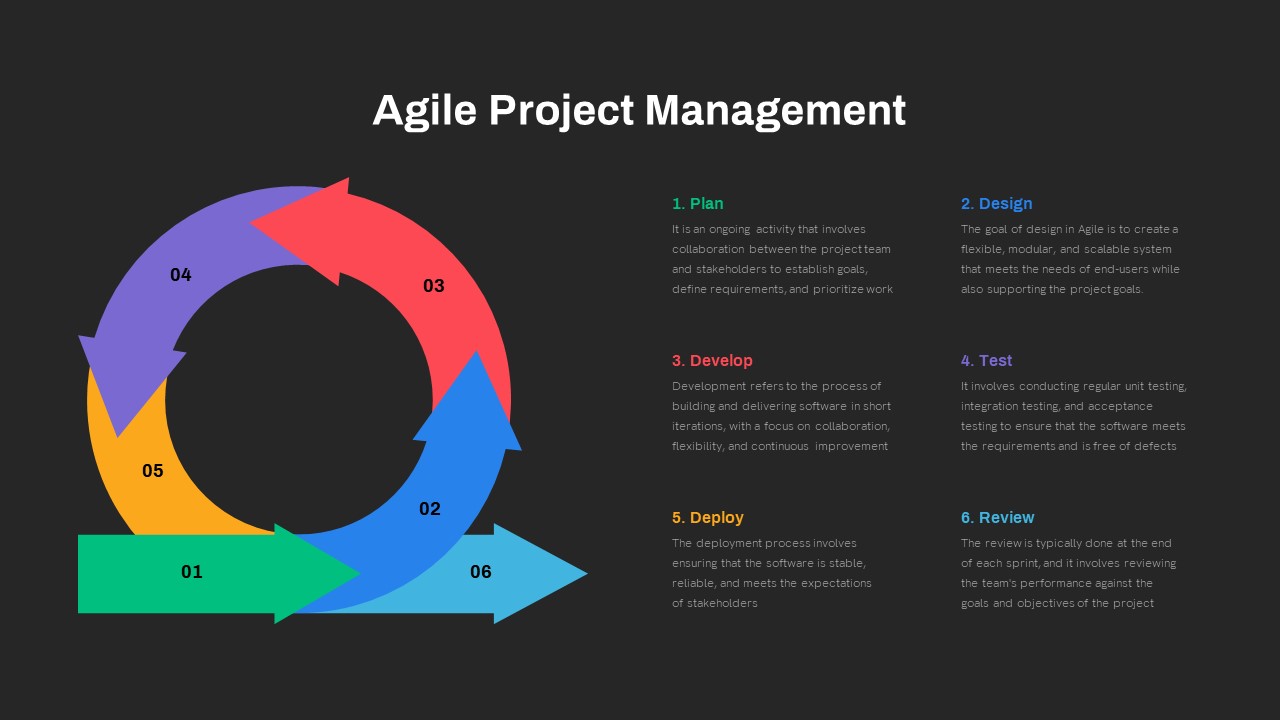
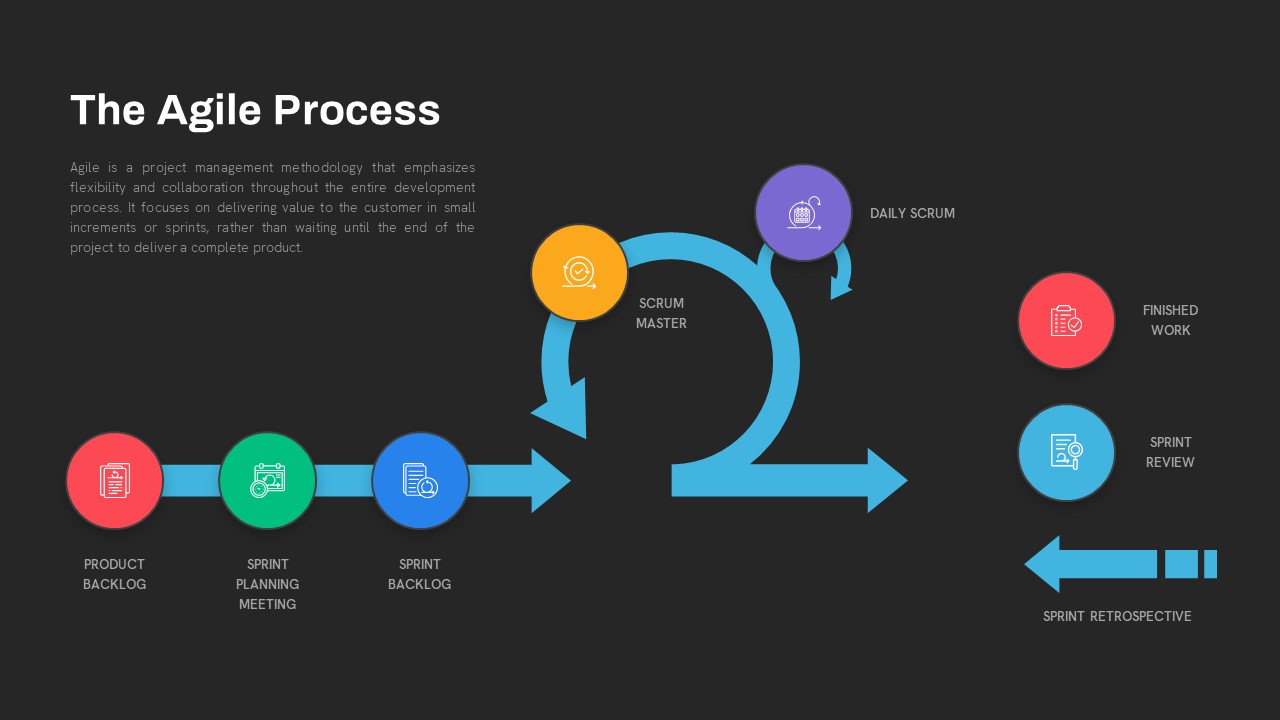
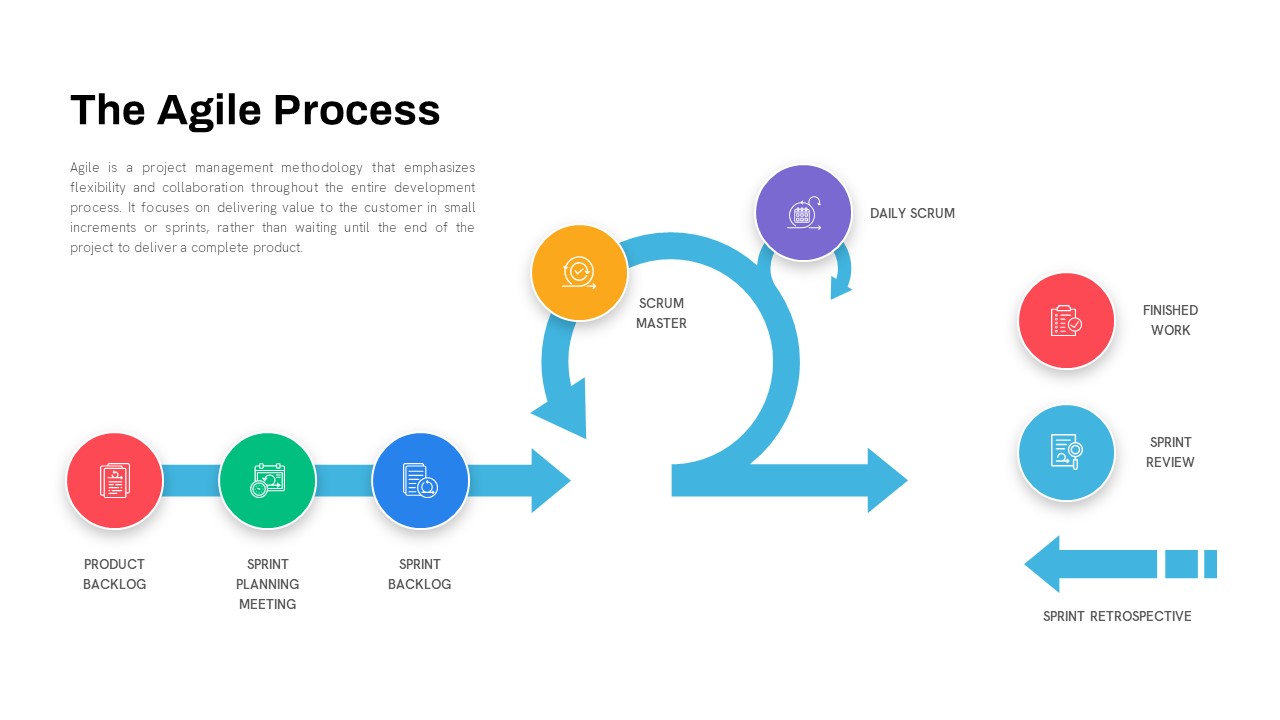
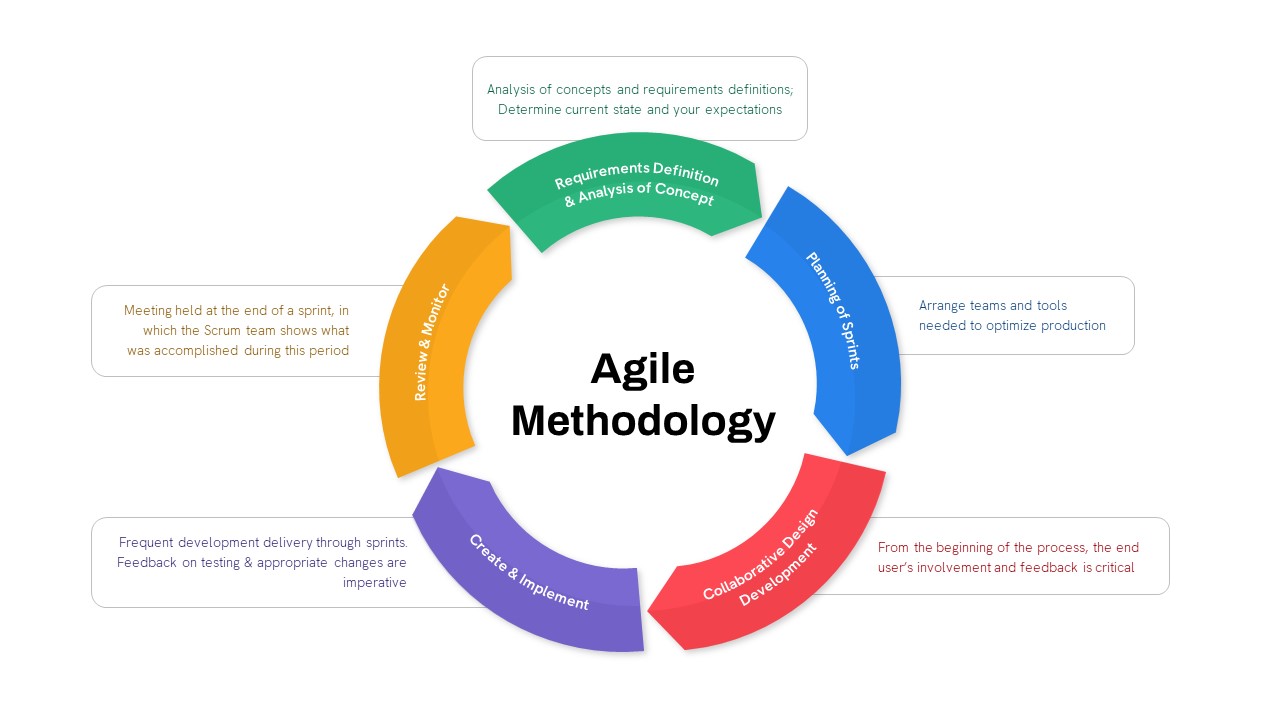
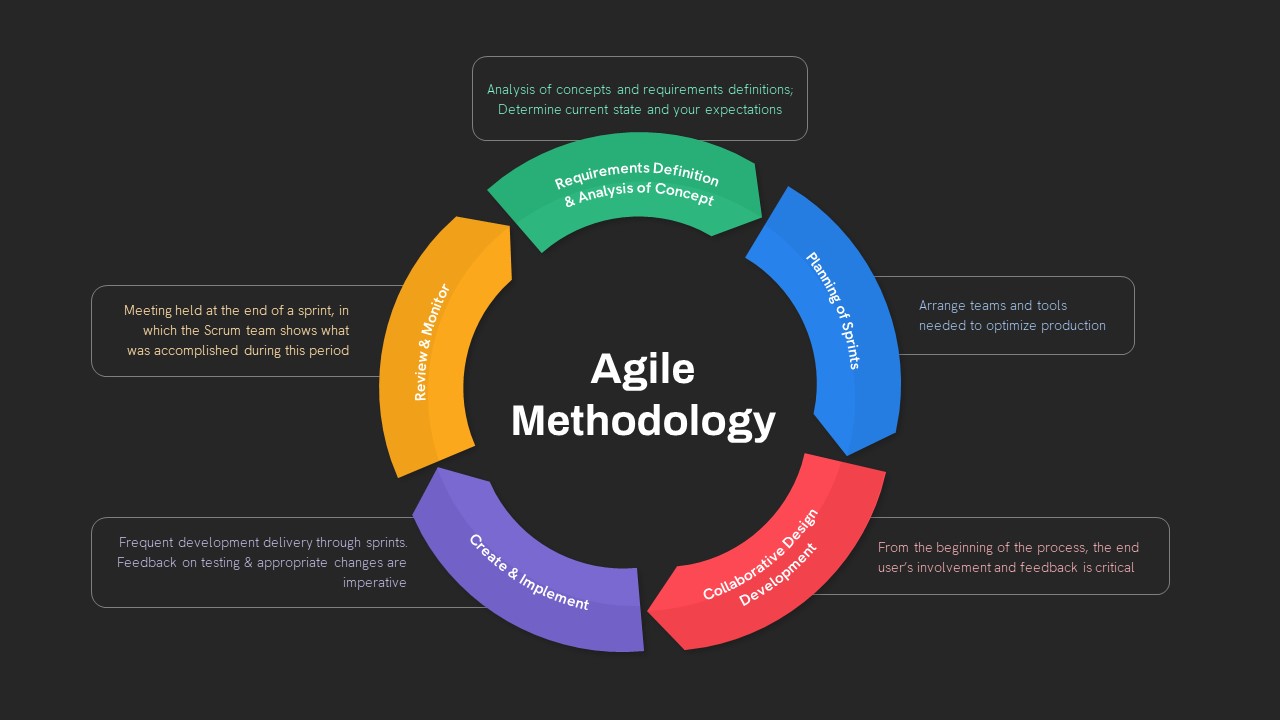
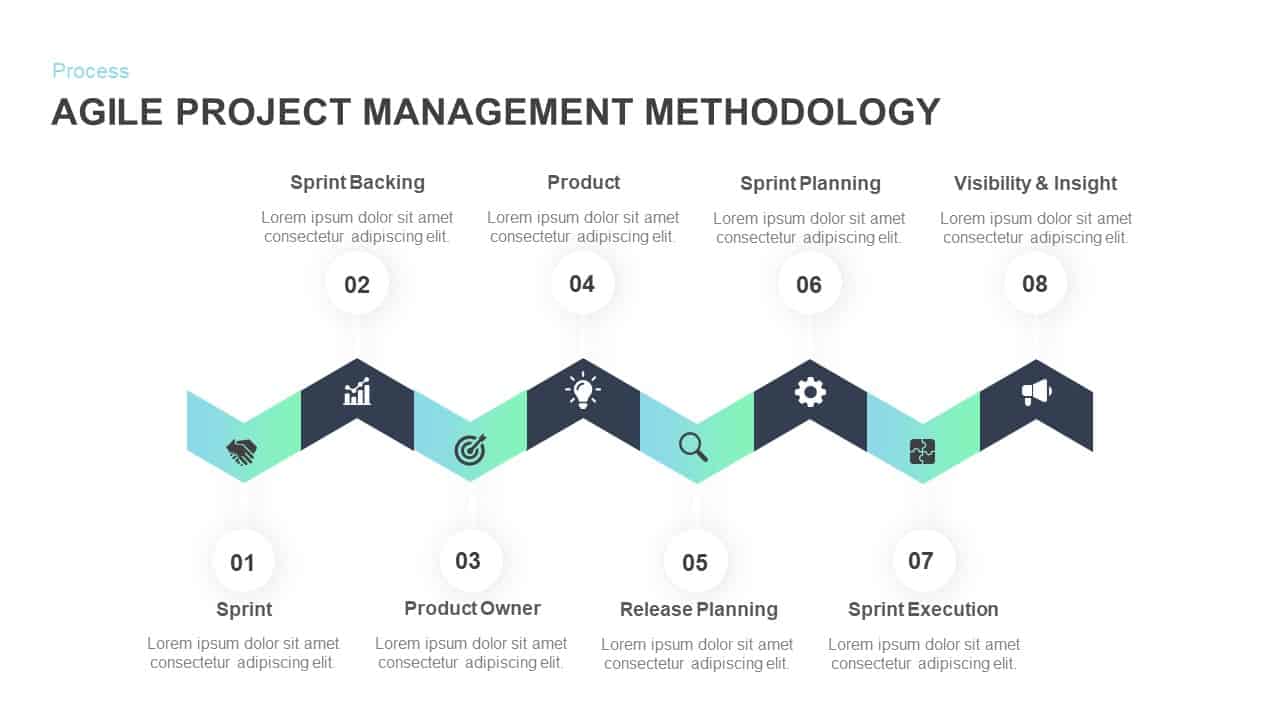
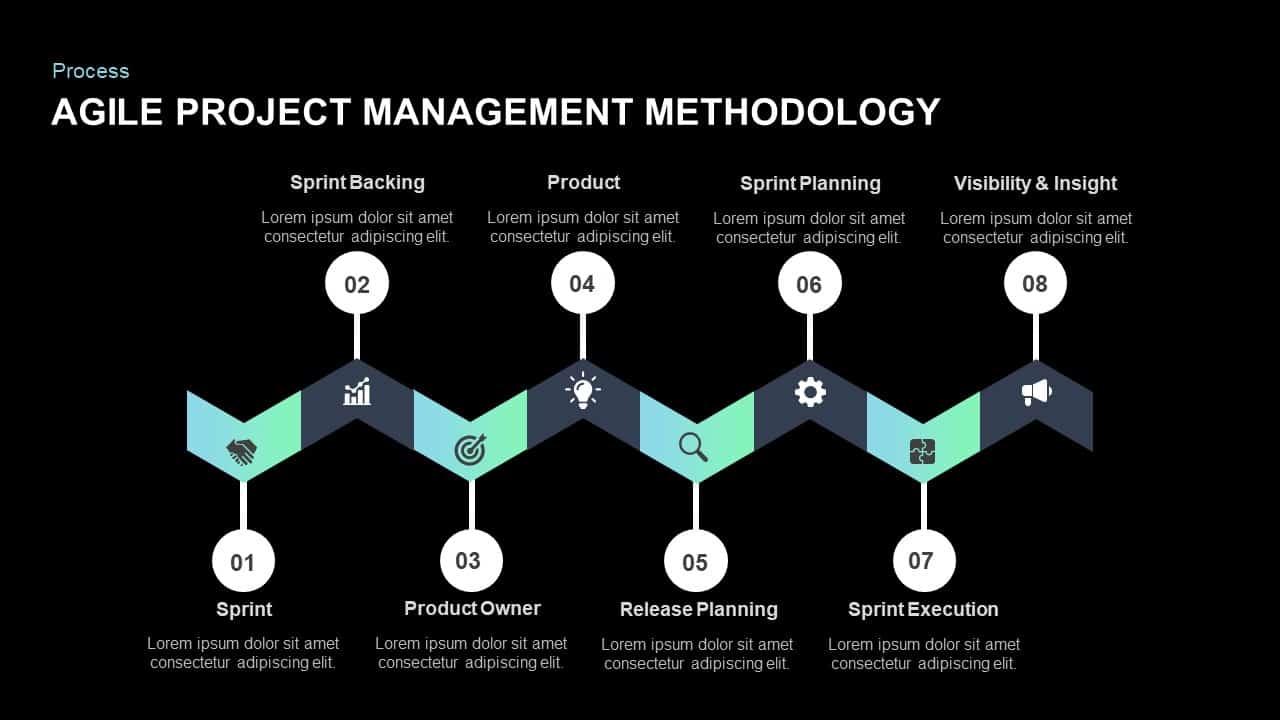
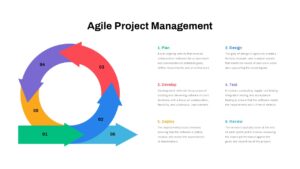
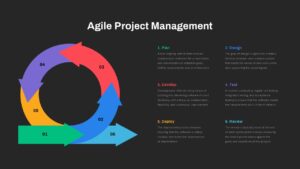
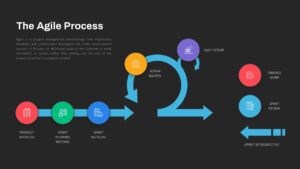
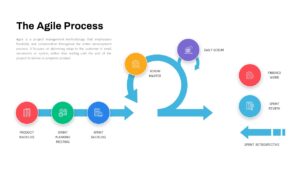
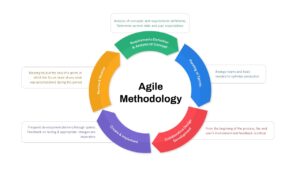
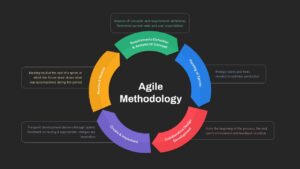
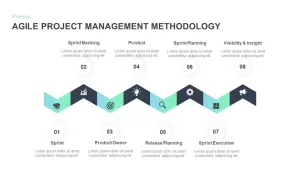
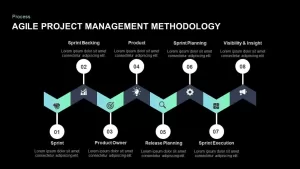
A six-step circular flow handles Plan, Design, Develop, Test, Deploy, and Review in a continuous loop format that immediately communicates the iterative nature of Agile. A linear timeline walks from Product Backlog through Sprint Retrospective with icon-driven milestones, which works well when you need to show sequence and progression rather than cyclical flow. A five-segment circular methodology diagram covers concept analysis, sprint planning, collaborative development, implementation, and monitoring in a clean radial layout. And an eight-step zigzag roadmap takes your audience through Sprint kickoff, Product Owner roles, Release and Sprint Planning, Execution, and Visibility and Insight in a format that feels dynamic and directional without being cluttered.
Four different layouts means you are not locked into one visual style for every slide in your deck. You pick the format that fits the specific point you are making, which is exactly how good presentation design is supposed to work.
Fully Editable Agile Methodology PPT Templates for PowerPoint and Google Slides
Every slide in this pack is built on master layouts with fully editable vector shapes, which means you can swap icons, adjust gradients, rename stages, and resize elements without breaking anything or losing image quality. The alignment guides keep everything pixel-perfect even after you have made changes, so you are not spending twenty minutes trying to get things to line up again after editing a label.
The templates work in both PowerPoint and Google Slides. If your Scrum team collaborates remotely across different tools and platforms, that compatibility matters. Everyone can access and edit the deck without running into formatting issues, which is a small thing that saves a surprising amount of back-and-forth.
Preformatted text panels make content updates fast. You are not starting from a blank text box and guessing at font sizes and spacing. The structure is already there. You fill in your specific sprint details, stage names, or process descriptions and the slide holds together visually without any extra effort on your part.
Who Is It For
Scrum Masters, Agile Coaches, and Product Owners will get the most use out of these slides when planning sprints, illustrating workflows, and aligning cross-functional teams around a shared understanding of the process. Project Managers, development leads, and training facilitators running workshops, retrospectives, or stakeholder briefings will also find the layouts practical and easy to adapt on short notice.
If you have ever had to pull together a deck the evening before a sprint review, you already know how valuable it is to have layouts that are ready to go and just need your content dropped in.
Other Uses
The diagrams are more flexible than they might look at first glance. Repurpose the circular flow for DevOps roadmaps or R&D pipelines. Use the zigzag roadmap for phased marketing campaign rollouts or compliance audit timelines. The customer journey loop format works just as well for mapping post-purchase experiences as it does for sprint cycles. Swap the icons and relabel the stages and the underlying structure carries any process-based content you throw at it.
Login to download this file

Item ID
SB01082


Related Templates

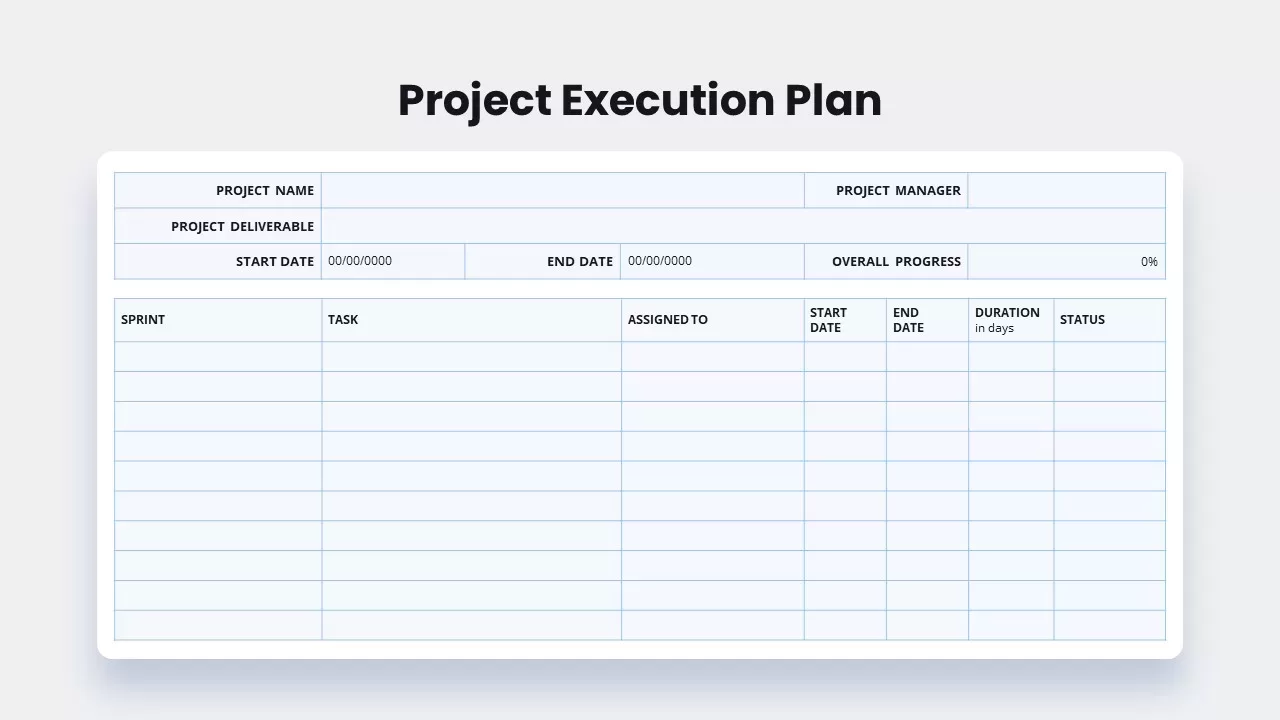
Project Execution Plan template
Project Status
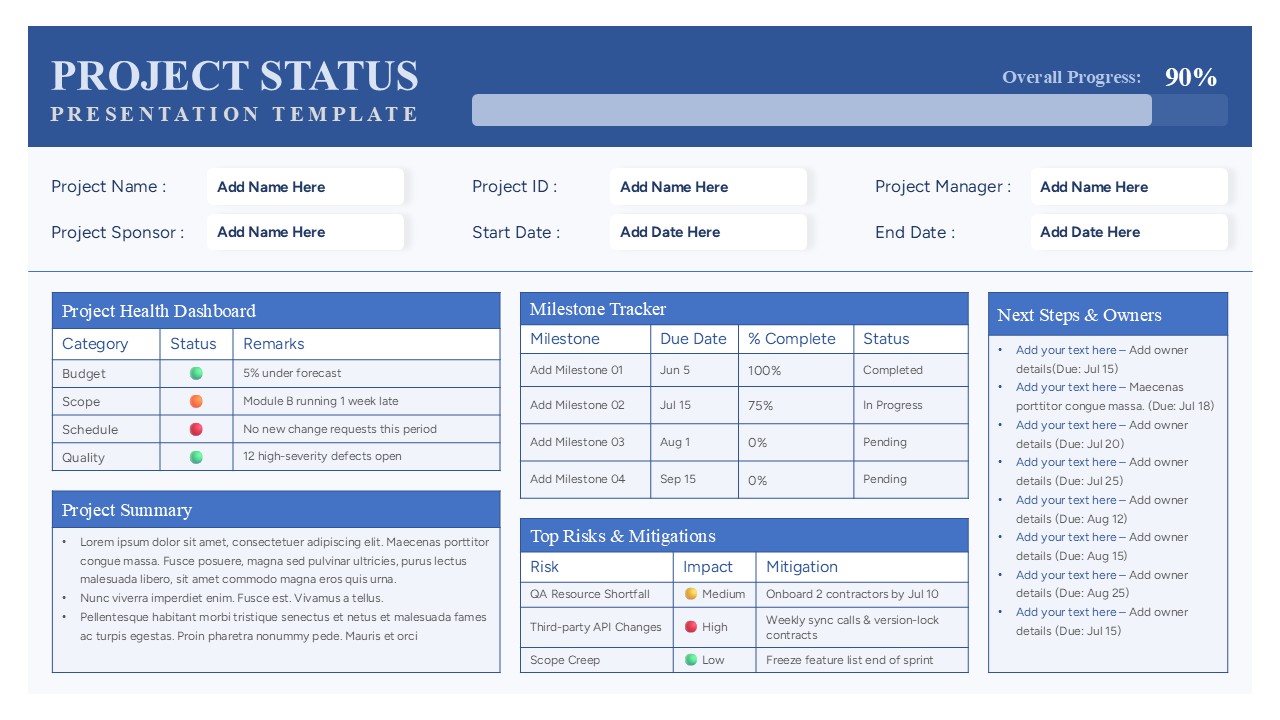
Project Status Report Presentation Template
Project Status
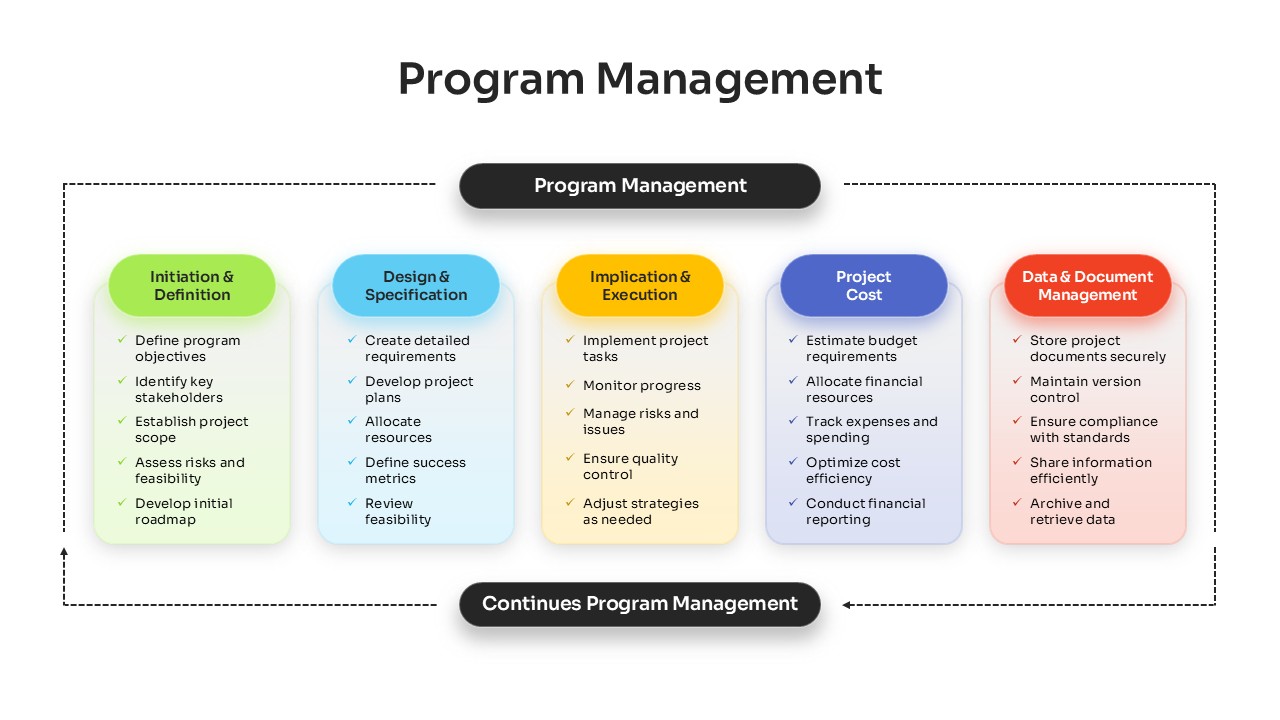
Comprehensive Program Management Process Template for PowerPoint & Google Slides
Process
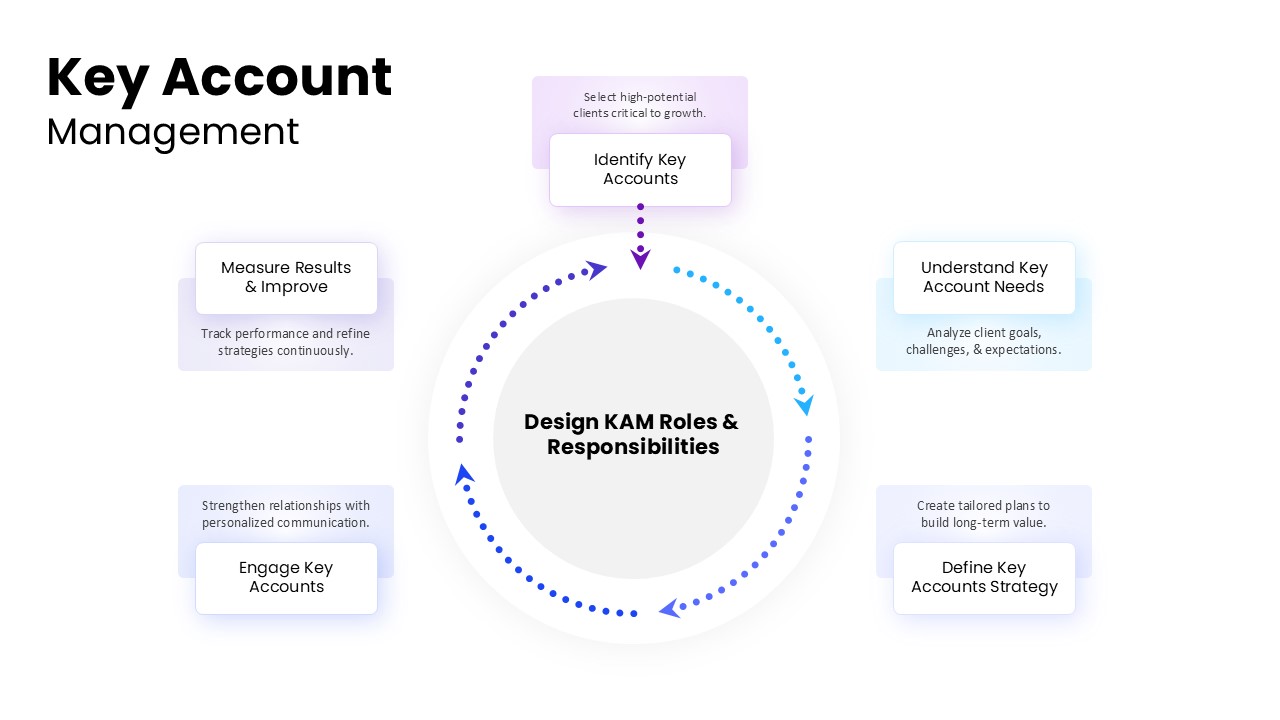
Key Account Management Cycle PowerPoint Template
Process
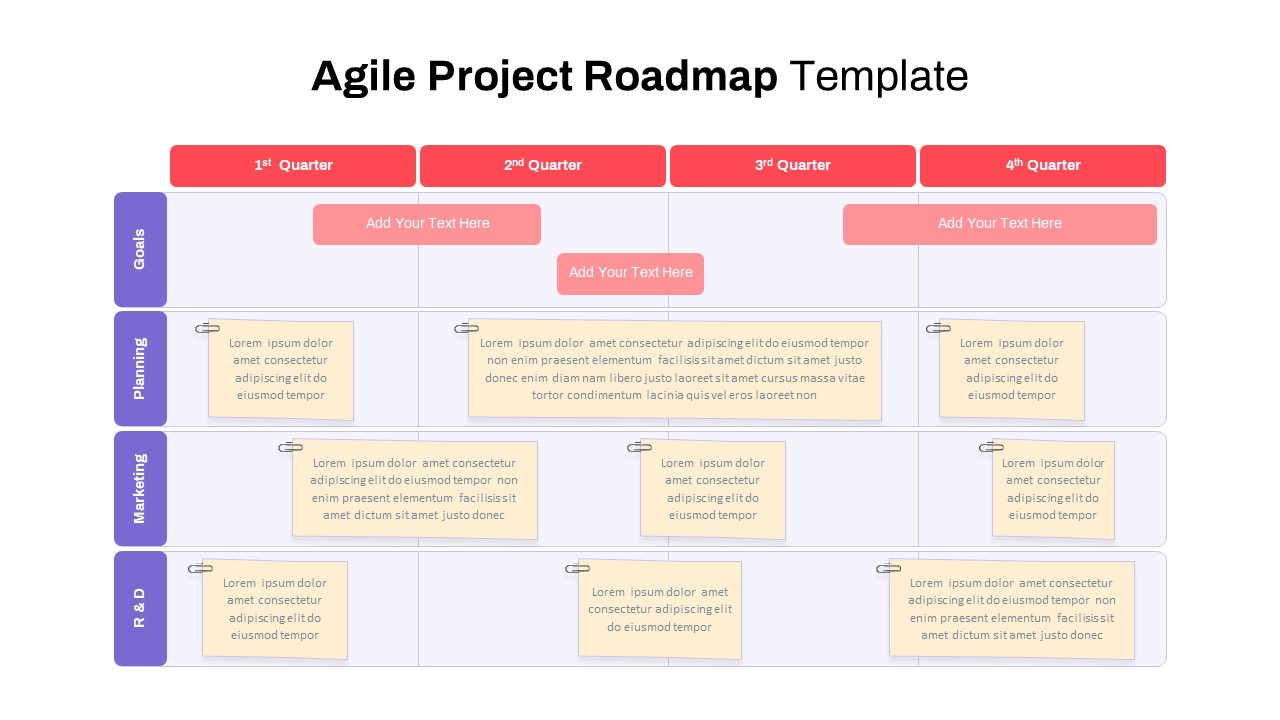
Agile Project Roadmap Timeline Template Pack for PowerPoint & Google Slides
Scrum
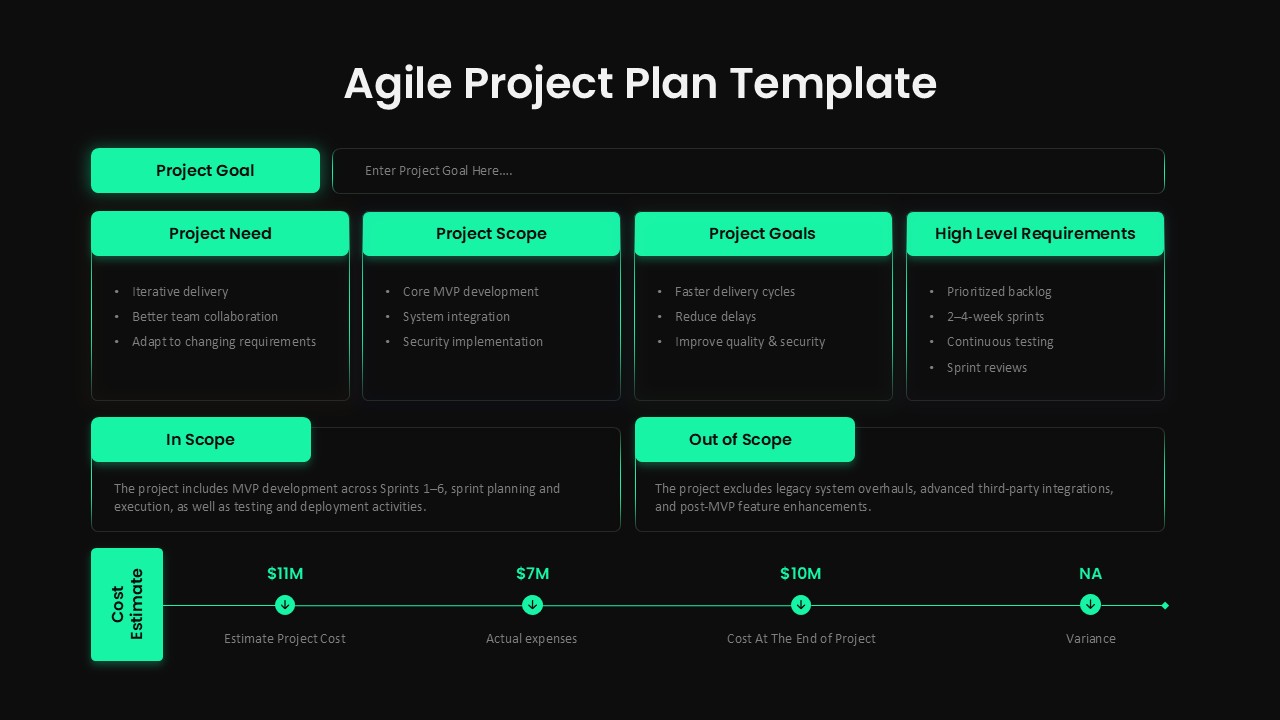
Agile Project Plan Template Editable in for PowerPoint & Google Slides
Project Management
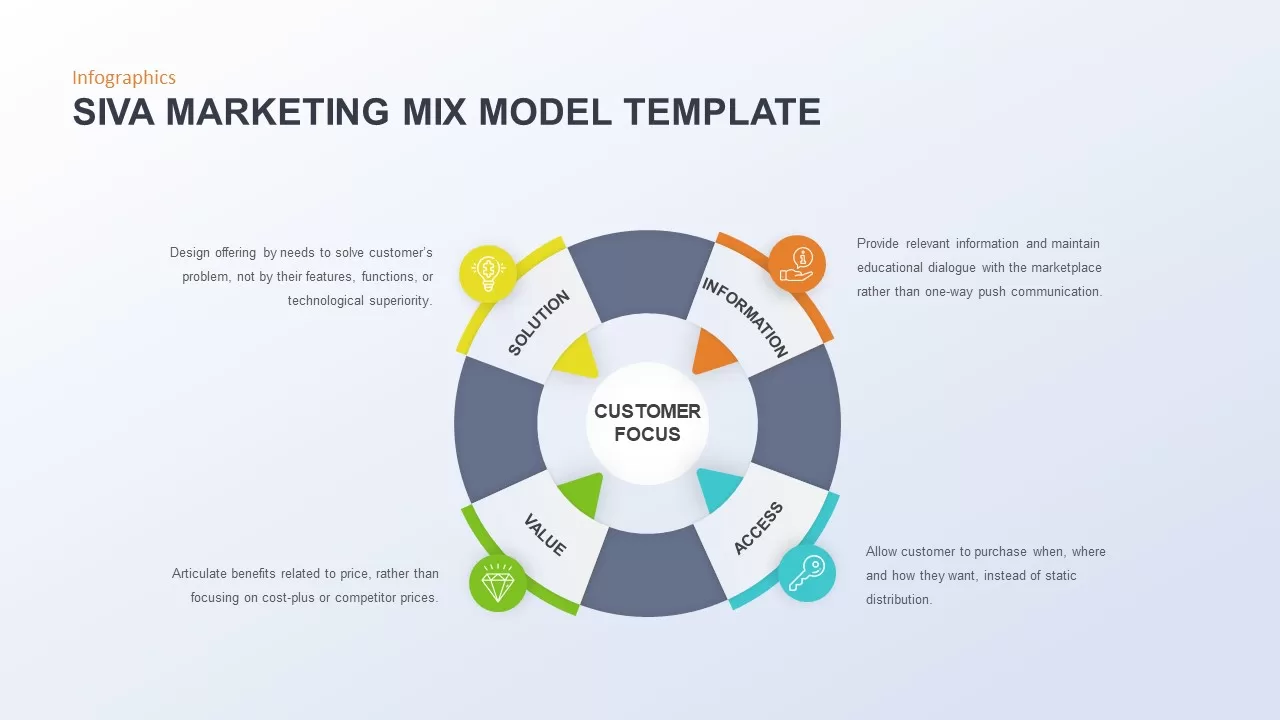
Comprehensive SIVA Marketing Mix Model Template for PowerPoint & Google Slides
Marketing
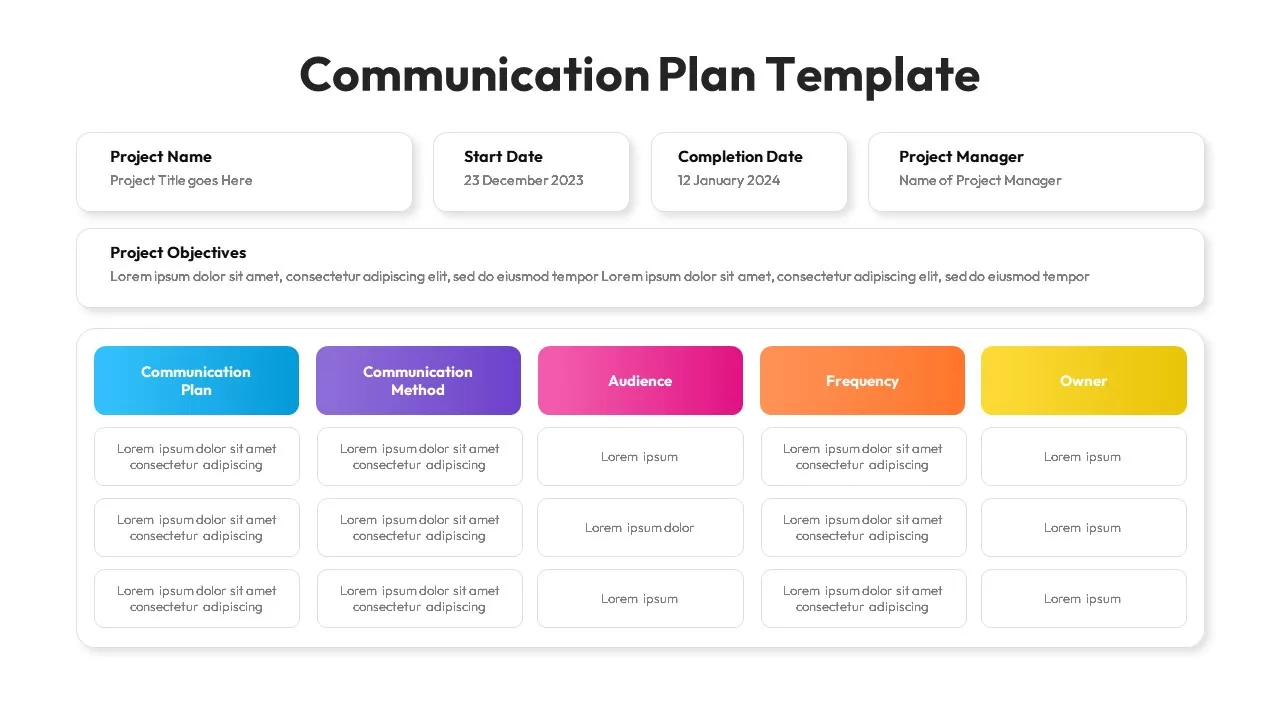
Comprehensive Communication Plan Template
Business Plan
Comprehensive Social Media Audit Template for PowerPoint & Google Slides
Digital Marketing

Charts and Graphs PowerPoint Template
Charts
Free
Comprehensive Business Case Presentation Template for PowerPoint & Google Slides
Pie/Donut
Free Gap Analysis PowerPoint Template
Opportunities Challenges
Free
Comprehensive Value Creation Model Template for PowerPoint & Google Slides
Business Models
Comprehensive Value Stream Infographic Template for PowerPoint & Google Slides
Process
Comprehensive SEO Roadmap Template for PowerPoint & Google Slides
Digital Marketing
Data & AI Capability Model PowerPoint Template & Google Slides
Google Slides
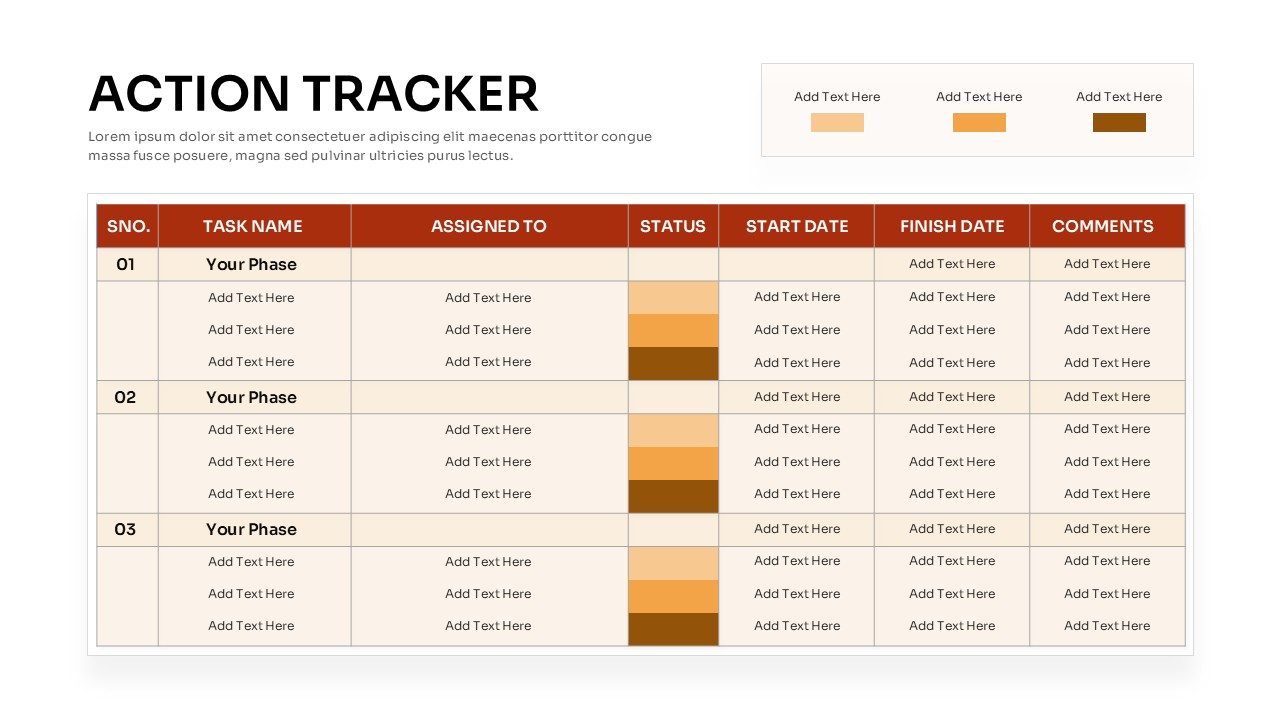
Action Tracker Table Template
Business
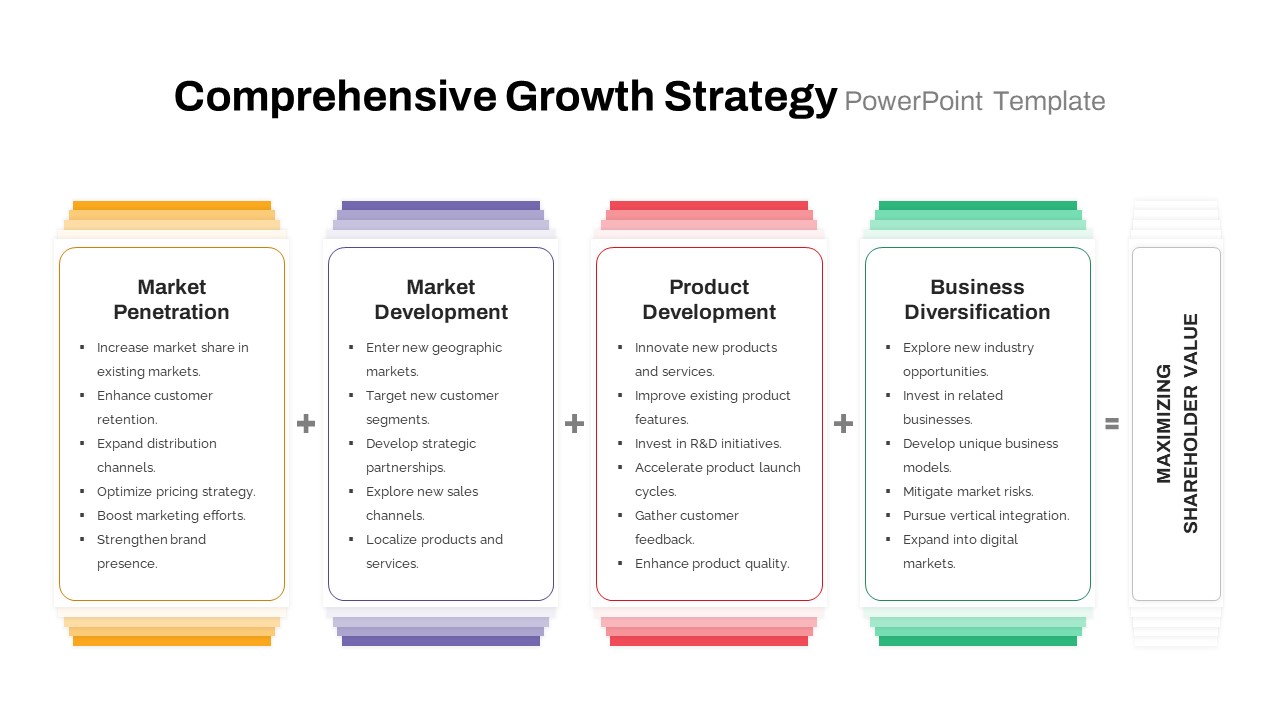
Comprehensive Growth Strategy PPT & Google Slides
Infographics

Statement of Comprehensive Income & Income Statement Template for PowerPoint
Business Report
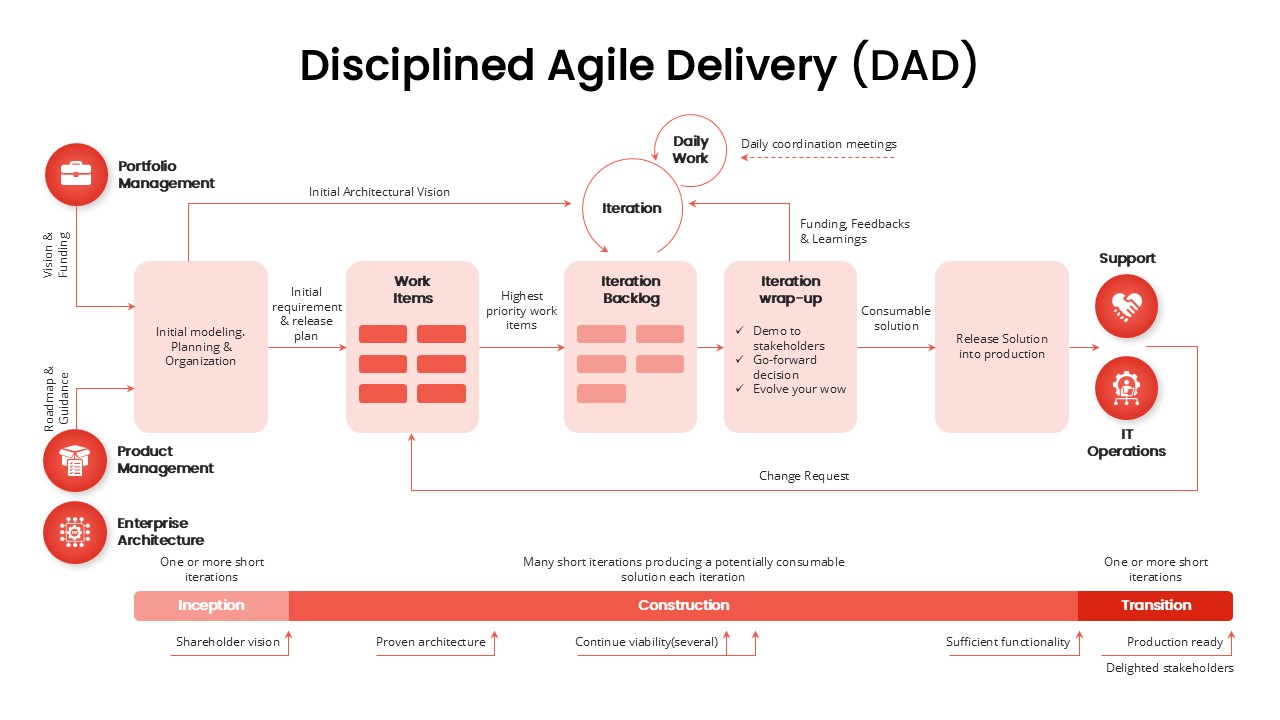
Disciplined Agile Delivery (DAD) Framework Template
Business Strategy