Agile Marketing vs Traditional Marketing Template for PowerPoint & Google Slides
Agile Marketing vs Traditional Marketing Presentation Slide Template For PowerPoint & Google Slides
Built specifically for digital transformation workshops, marketing strategy reviews, and agency client pitches, this Agile Marketing vs Traditional Marketing Presentation Slide Template provides a sleek, high-impact comparative layout for PowerPoint and Google Slides. Instead of listing differences in flat side-by-side tables, presenters can use this pre-formatted presentation template to clearly contrast iterative sprint-based execution with conventional long-term campaign planning in front of executive leadership and marketing teams.
Slide Layout & Vector Diagram Breakdown
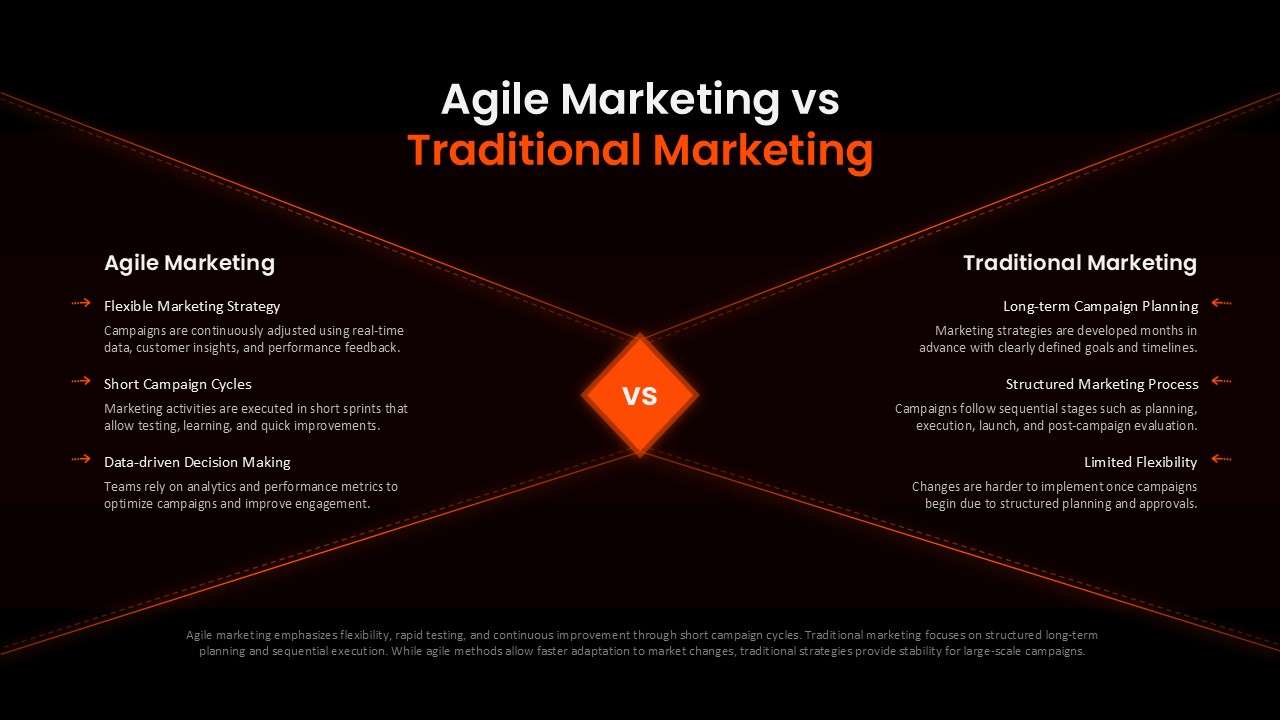
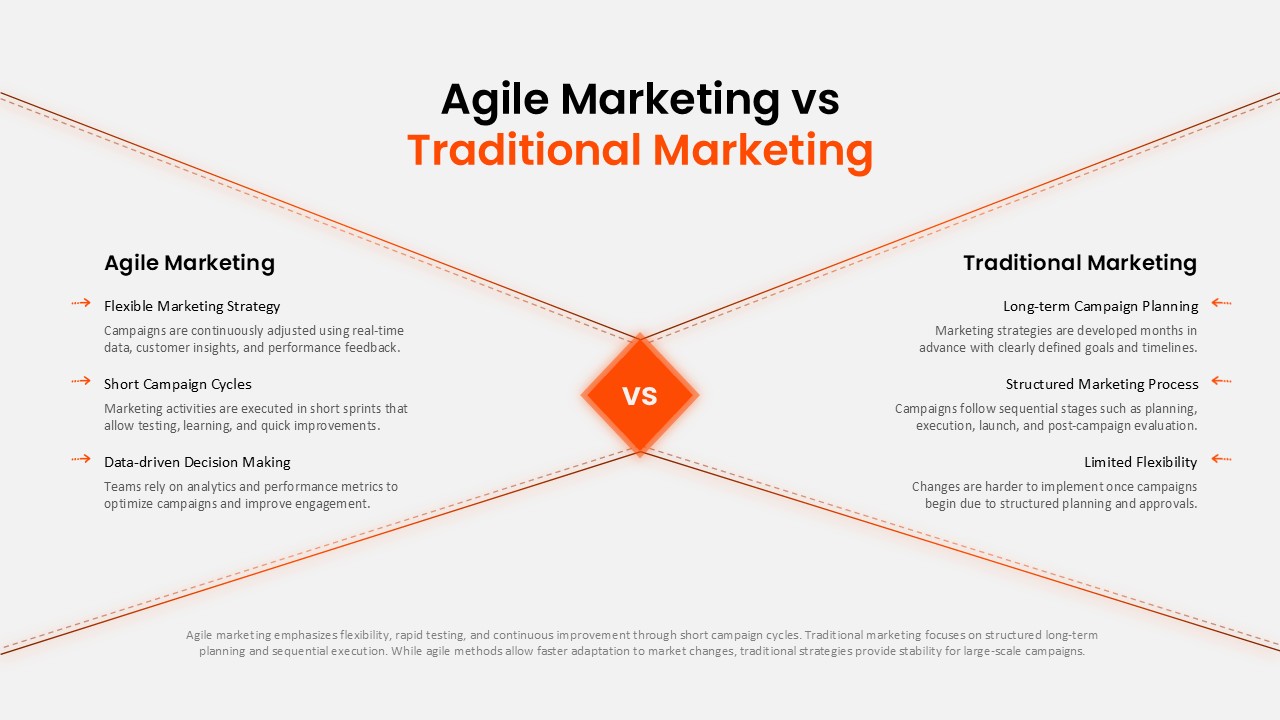
This presentation slide features a dramatic hourglass comparison structure anchored by a central focal badge against a dark backdrop:
- Central “VS” Diamond Focal Hub: A luminous orange diamond emblem anchors the presentation slide directly in the middle, creating an immediate focal point that separates opposing methodologies.
- Dynamic Perspective Convergence Lines: Symmetrical orange accent diagonals taper inward from all four slide corners toward the center, framing both comparison fields with visual depth.
- Agile Marketing Column (Left Side): Features three structured narrative blocks with directional orange arrow pointers, highlighting core agile principles:
- Flexible Marketing Strategy: Continuous campaign adjustments based on real-time data, customer insights, and performance feedback.
- Short Campaign Cycles: Sprint-based execution allowing rapid testing, learning, and iterative improvements.
- Data-driven Decision Making: Reliance on analytics and performance metrics to optimize conversion and audience engagement.
- Traditional Marketing Column (Right Side): Mirrors the left side with inward-pointing orange arrows to outline conventional workflows:
- Long-term Campaign Planning: Advance strategy planning developed months ahead with rigid milestones and fixed timelines.
- Structured Marketing Process: Sequential waterfall delivery across planning, execution, launch, and post-campaign review.
- Limited Flexibility: Structured planning and approval overhead making live optimizations difficult once deployed.
- Summary Footnote Panel: A full-width text container along the bottom margin delivers an objective high-level overview balancing speed against long-scale brand stability.
Ideal Slide Deck Applications
- Agile Transformation Decks: Help internal marketing departments and cross-functional teams transition from legacy campaign models to agile, sprint-based workflows.
- Agency Proposal & Client Pitches: Demonstrate why your agency adopts iterative, test-and-learn campaigns over static quarterly media plans.
- Marketing Leadership & Executive Briefings: Justify tooling, resource allocation, and budget reallocations for continuous experimentation frameworks.
Presentation Template Features & Customization
- 100% Vector Flexibility: Fully compatible with Microsoft PowerPoint and Google Slides, letting you edit comparison bullets, recolor lines, and adjust typography easily.
- Cinematic Dark Theme: The deep obsidian canvas paired with fiery neon orange accents provides high visual contrast for auditorium projectors and remote screen-sharing.
Check out more comparison presentation templates.
Frequently Asked Questions
Can I customize the comparison points for my specific industry?
Login to download this file

Item ID
SB05866Designed By
Naseeba Sithara


Related Templates

Traditional Product Development Process Template for PowerPoint & Google Slides
Process

Servant Leadership vs Traditional Leadership Template
Leadership

Traditional Tree Diagram PowerPoint Template and Keynote Slide
Decision Tree
Traditional vs Digital Economy Template
Comparison
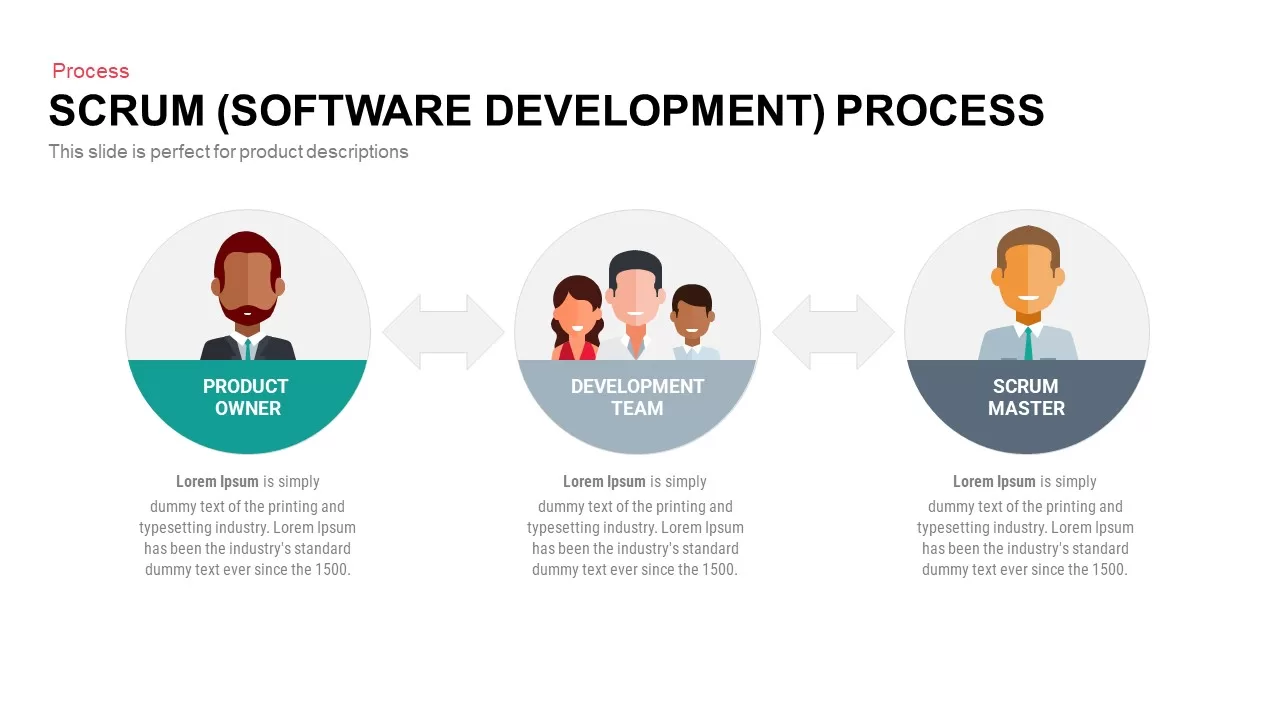
Agile Scrum Process & Roles Deck Template for PowerPoint & Google Slides
Software Development
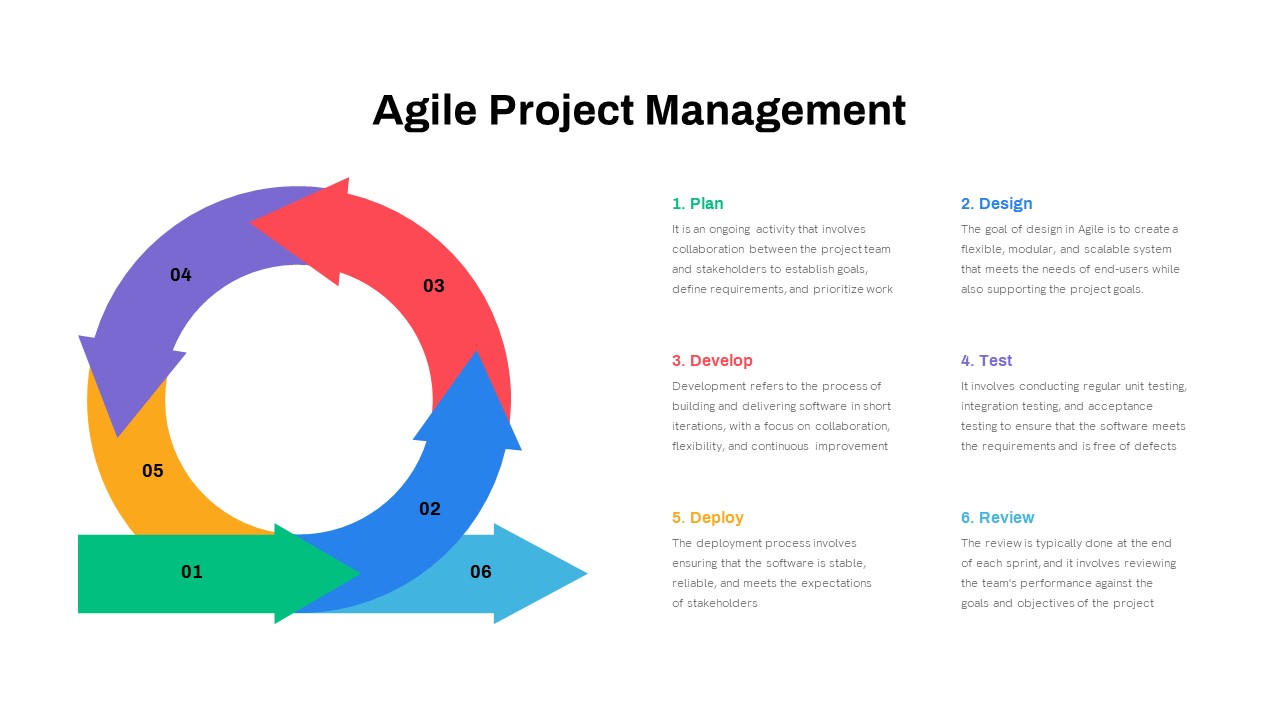
Comprehensive Agile Project Management Template for PowerPoint & Google Slides
Scrum
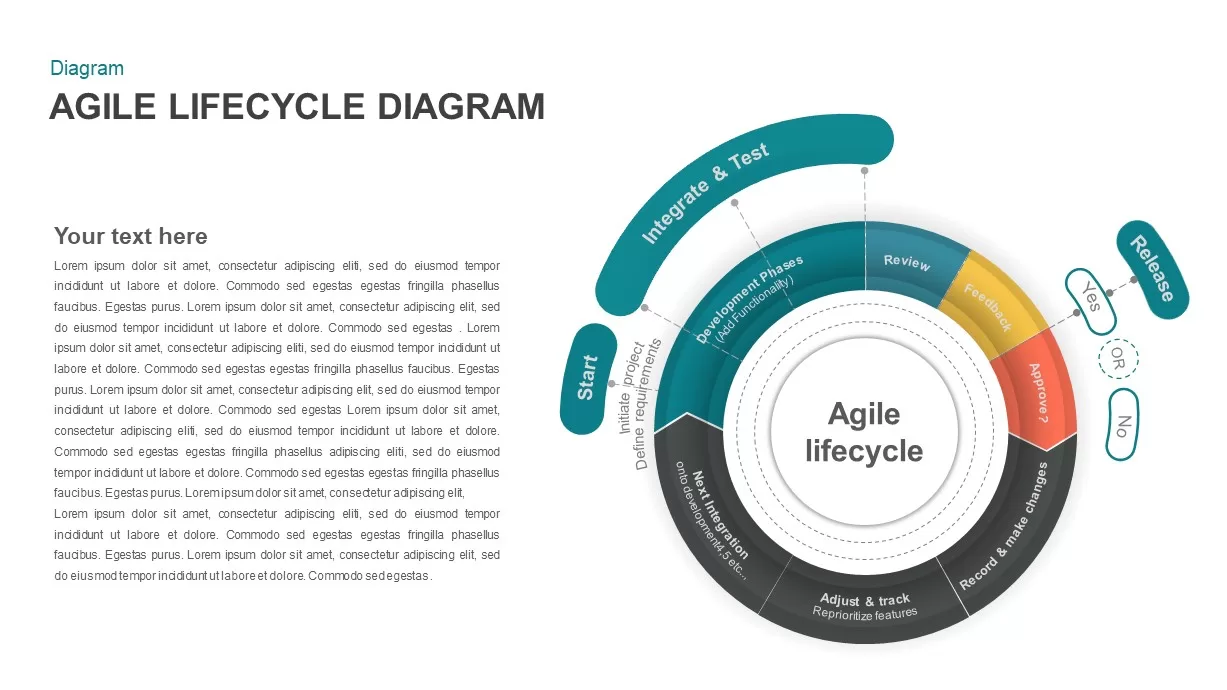
Agile Lifecycle Circular Diagram Template for PowerPoint & Google Slides
Circular
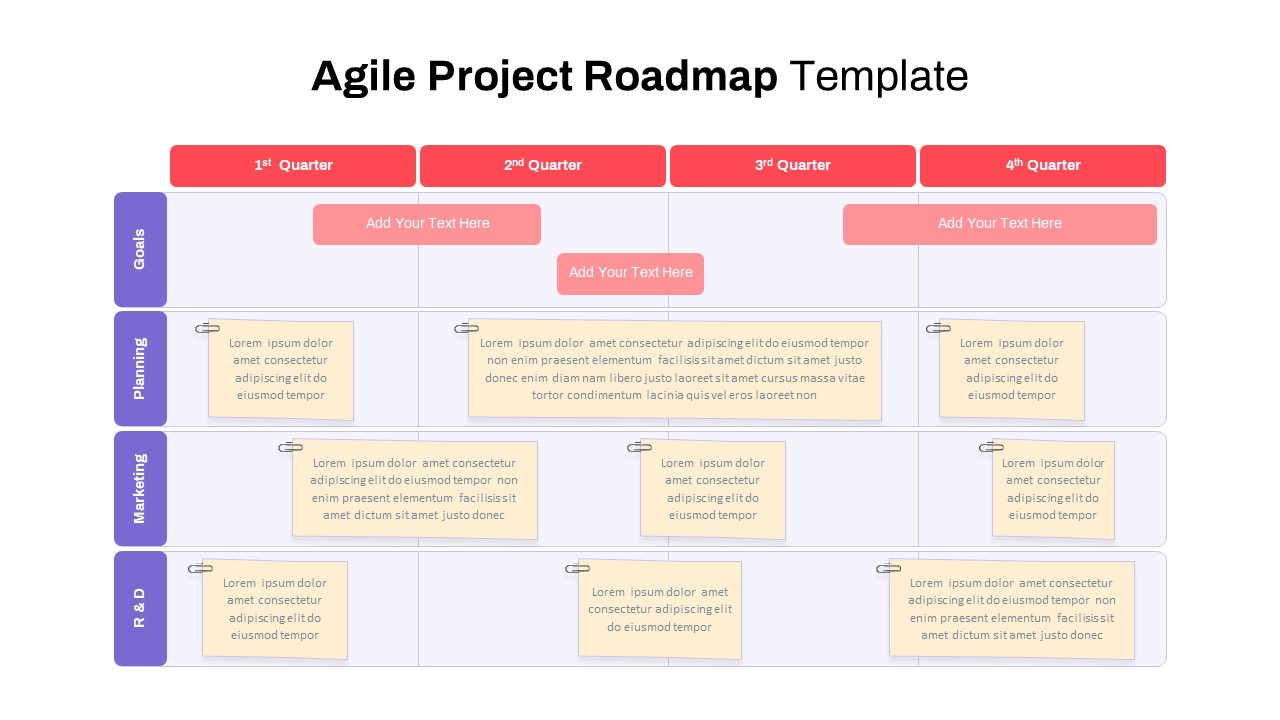
Agile Project Roadmap Timeline Template Pack for PowerPoint & Google Slides
Scrum
Agile Methodology PPT Template
Project
Free
Agile Project Plan Template Editable in for PowerPoint & Google Slides
Project Management
Agile Work Streams Example PowerPoint Template
Process
Agile Transformation Roadmap PowerPoint Template
Roadmap
Agile Pods PowerPoint Template
Circular
Agile Requirements Gathering PowerPoint Template
Scrum
Agile Organization Chart PowerPoint Template
Org Chart
Free Agile Timeline Template
Timeline
Free
SAFE Scaled Agile Framework Template
Process
Scaled Agile Framework Template
Scrum
Disciplined Agile Delivery (DAD) Framework Template
Business Strategy
Agile vs Waterfall Comparison Template
Comparison Chart