
































Logic Tree Template for PowerPoint
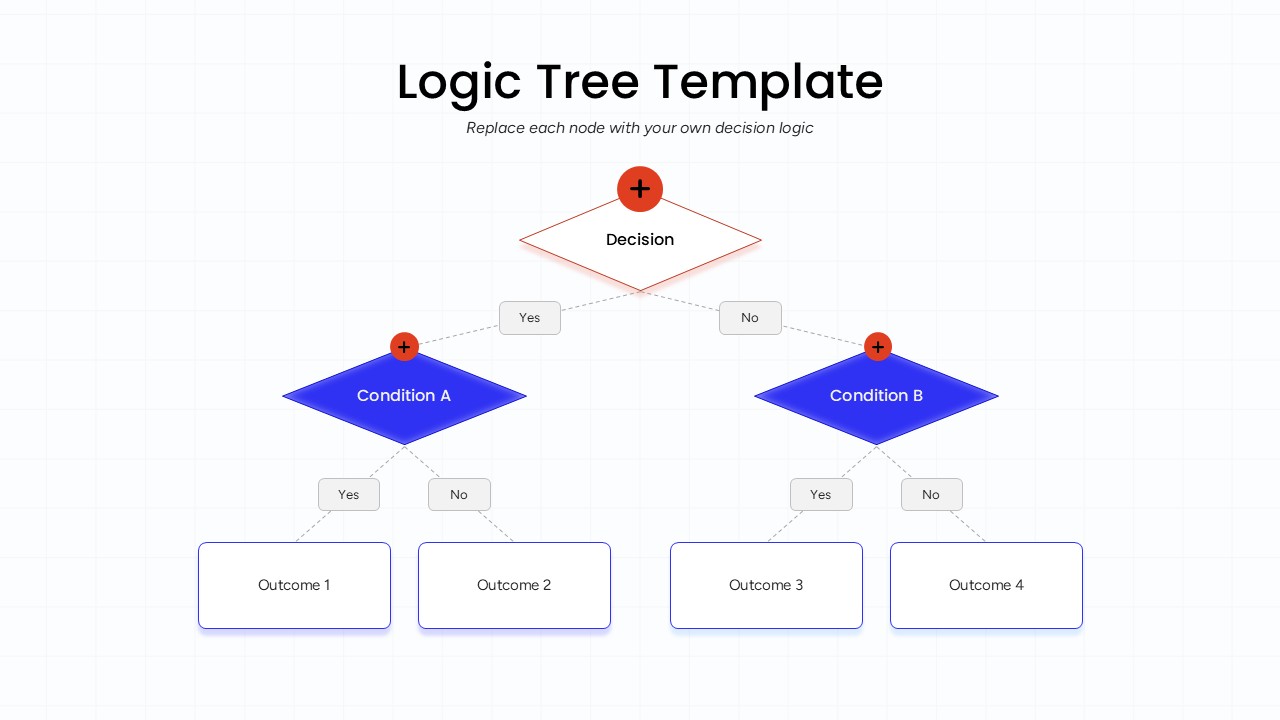
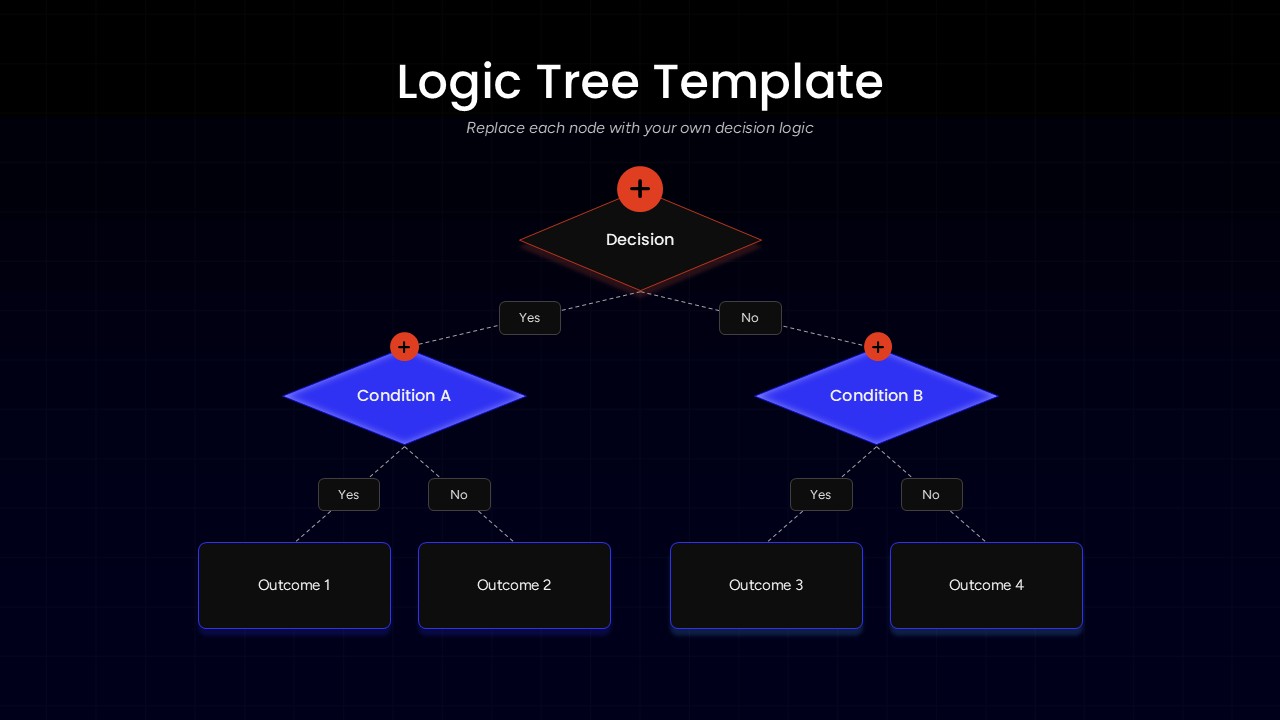

Logic Tree Template for PowerPoint is a decision-making diagram designed to help you present different choices, conditions, and possible outcomes in a clear visual structure. This PowerPoint template is suitable for illustrating decision-making processes, business strategies, problem-solving methods, and workflow analysis.
The logic tree diagram features a central decision node connected to two branching conditions, each leading to separate outcomes. The Yes and No labels make it easier to communicate decision paths, while the four outcome boxes help organize possible results. With two background variations, including dark and light designs, this template offers flexibility in presentation styling. The orange decision markers, blue condition shapes, and connecting lines create a structured visual hierarchy.
Logic trees are widely used in business planning, strategic analysis, project management, and operational decision-making. They help professionals break complex problems into smaller questions, evaluate different possibilities, and understand the consequences of individual choices. This diagram is particularly useful when presenting multiple scenarios or comparing alternative solutions.
The editable PowerPoint slides allow you to customize each node, branch label, condition, and outcome according to your requirements. Even if you are preparing a business strategy presentation or explaining a step-by-step decision process, this template provides a practical way to communicate logical relationships and make complex information easier to understand.
Frequently Asked Questions
What is a logic tree diagram used for?
When should you use a logic tree in a presentation?
Login to download this file

Item ID
SB06061Designed By
Naseeba Sithara


Related Templates

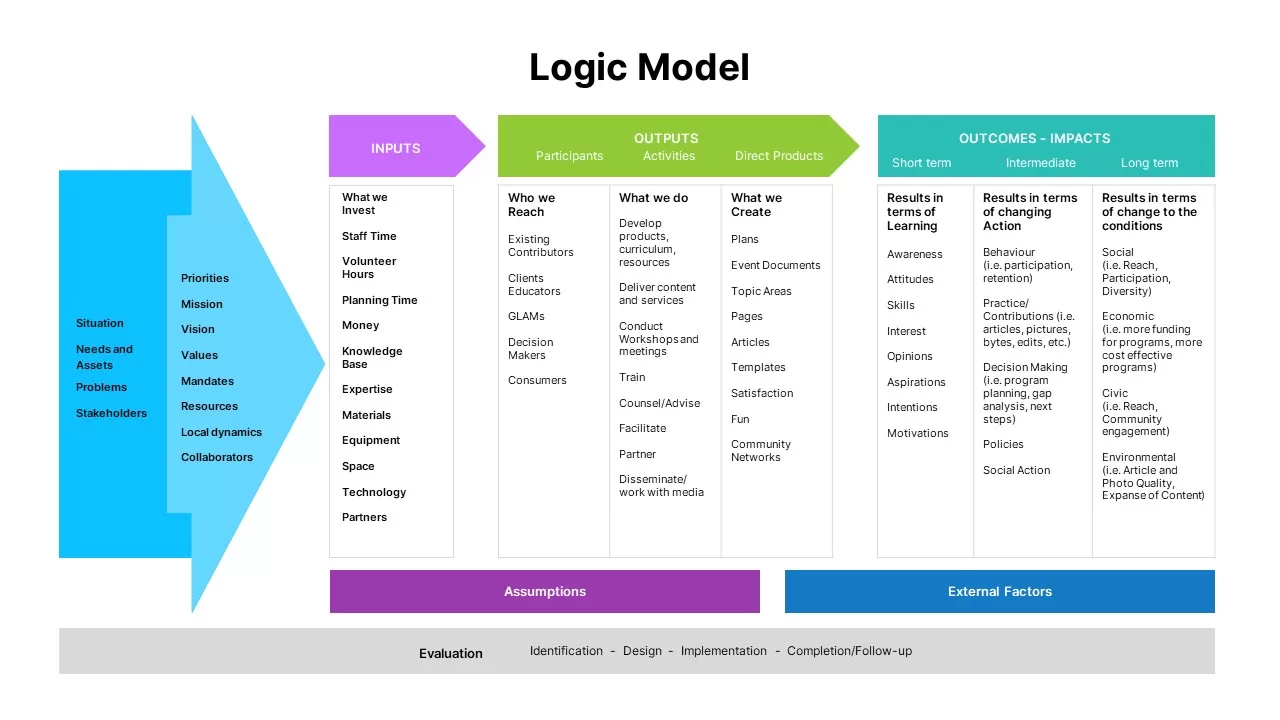
Logic Model Template PowerPoint
Infographics
Tree Diagrams Data Structure PowerPoint Template
Decision Tree
Tree Illustration Diagram PowerPoint Template
Process
Products Tree Diagram PowerPoint Template
Org Chart
Colorful Decision Tree Diagram template for PowerPoint & Google Slides
Decision Tree

Traditional Tree Diagram PowerPoint Template and Keynote Slide
Decision Tree

Creative Tree Diagram PowerPoint Template with Numbers
Decision Tree
Tree Diagram with Gears Process Template for PowerPoint & Google Slides
Process
Internal Audit Division Tree Diagram PowerPoint Template
Org Chart
Creative Tree Diagram PowerPoint Template
Process
Product Marketing Tree Diagram Template for PowerPoint & Google Slides
Marketing
Paper Tree PowerPoint Template
Company Profile
Elegant Kinship Diagram Family Tree Template for PowerPoint & Google Slides
Org Chart
Free Family Tree PowerPoint Template
Org Chart
Free
Decision Tree & Random Forest PowerPoint Template
Technology
Technology Tree Infographics Template for PowerPoint & Google Slides
Decision Tree
Corporate Phone Tree Hierarchy Template for PowerPoint & Google Slides
Org Chart
Dual-branch Tree Diagram PowerPoint Presentation Template
Business Strategy
Call Tree Template for PowerPoint
Flow Charts
Opportunity Solution Tree Template For PowerPoint
Decision Tree