Colorful Decision Tree Diagram template for PowerPoint & Google Slides
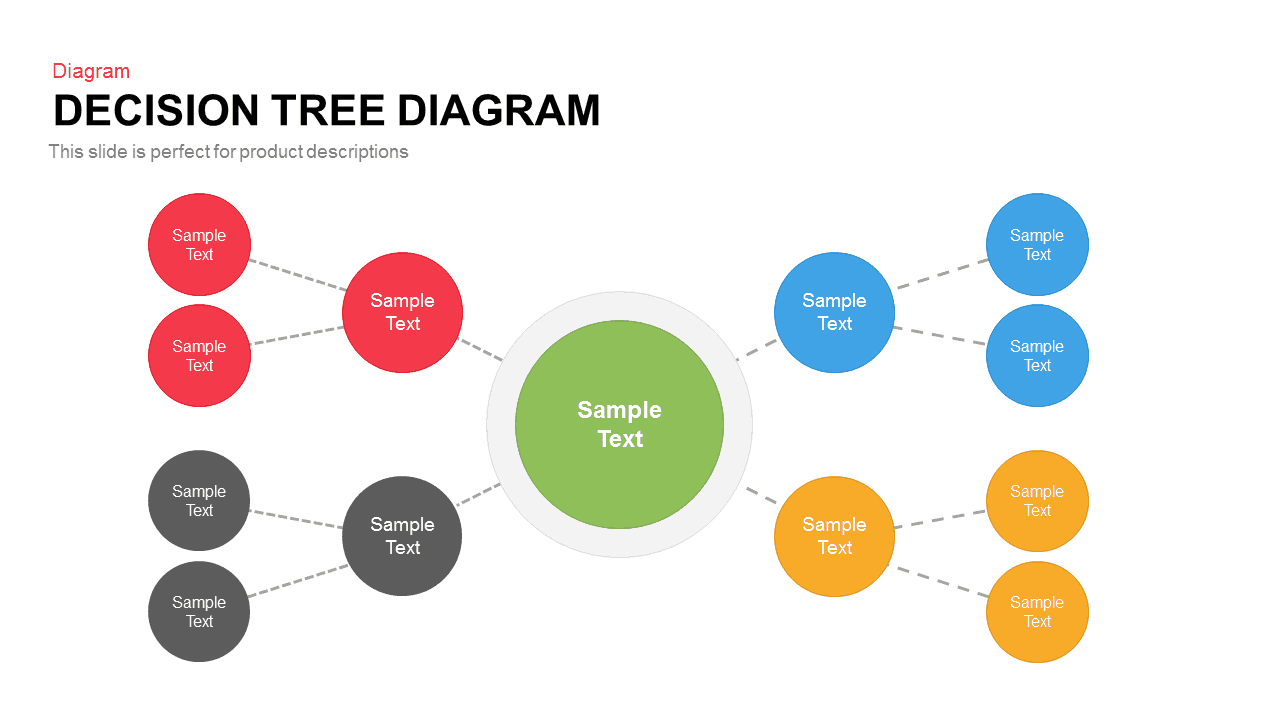
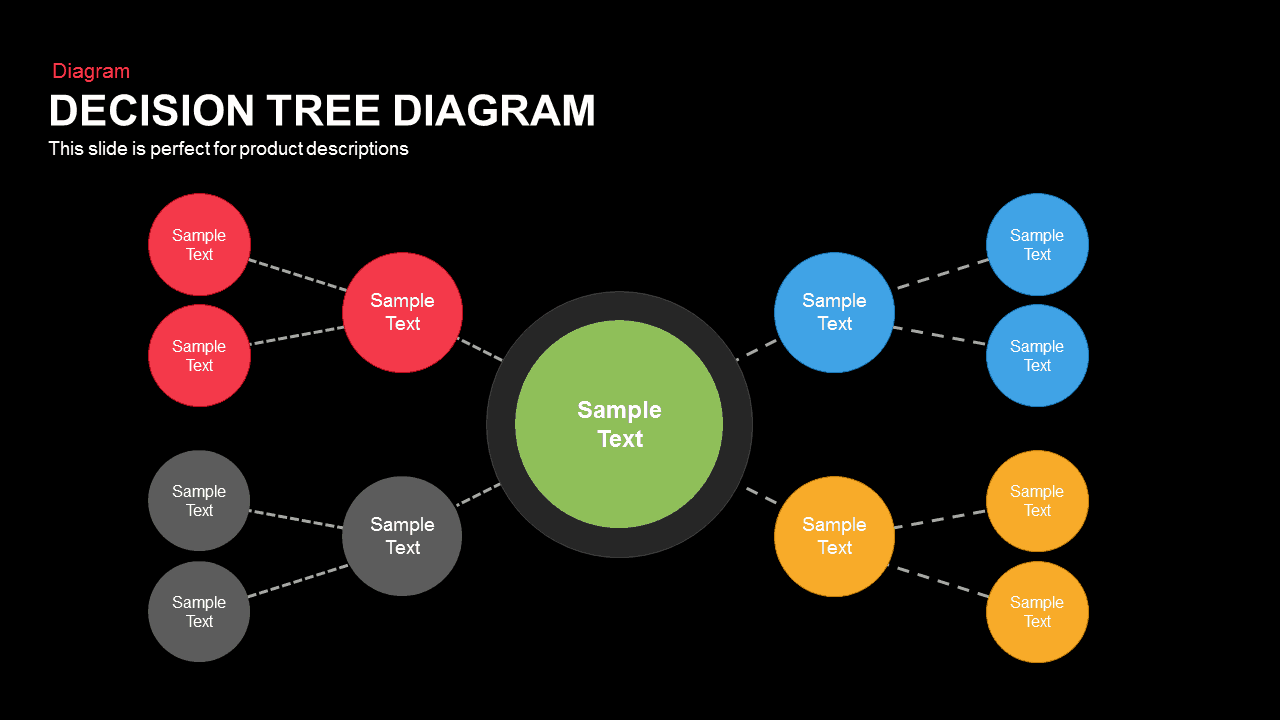
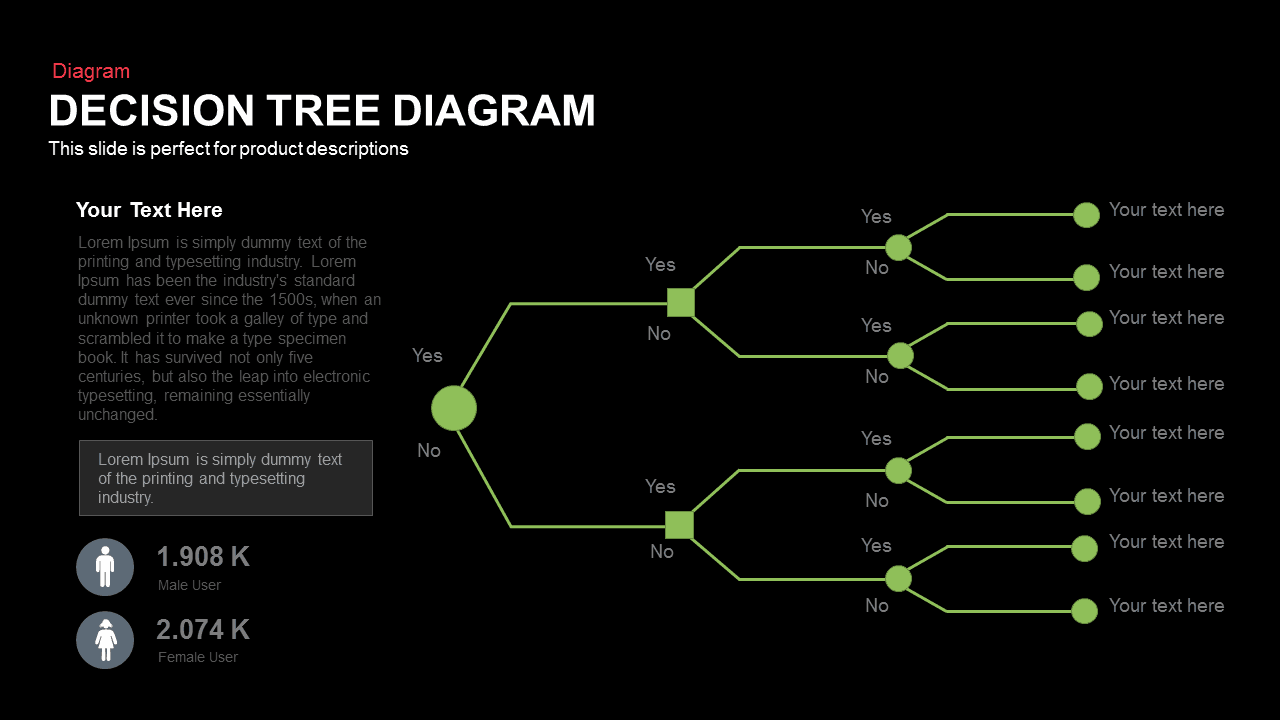
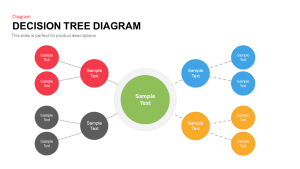
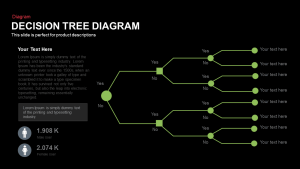
Unlock clarity in decision-making with this versatile colorful decision tree diagram template. A vibrant green central node anchors the layout, from which four distinct color-coded branches—crimson red, sky blue, golden yellow, and slate gray—radiate outward in smooth organic curves. Each primary branch connects to a medium-sized node before diverging into two subordinate circles, creating a clear two-tier hierarchy that visually maps options, criteria, or outcomes. Dashed connectors guide the eye along each decision path, while clean sans-serif typography ensures text remains legible at any scale.
Designed with fully editable master shapes and vector graphics, this decision tree diagram empowers you to tailor every element to your brand identity. Easily adjust node colors, swap icons or replace text labels, and fine-tune connector angles or branch curvature to reflect complex or simplified workflows. The modular structure supports expansion or contraction of branches, allowing for concise illustrations or thorough breakdowns. Compatible with PowerPoint and Google Slides, the design preserves pixel-perfect clarity across devices.
Whether you’re outlining product selection criteria, risk assessment scenarios, or project decision points, this colorful decision tree diagram brings structure and visual appeal to analytical presentations. Deploy it to compare scenario outcomes side-by-side, illustrate conditional pathways in stakeholder meetings, or detail evaluation processes during training sessions. The intuitive color palette and hierarchical design foster rapid comprehension, enabling teams to identify critical choices and drive informed decisions with confidence.
Beyond decision mapping, repurpose the slide for feature comparison matrices, organizational risk analyses, or troubleshooting guides. Duplicate branches to visualize multi-level processes, adjust color schemes to highlight priority tiers, or integrate custom icons to represent unique decision variables. Its adaptable layout and master slide functionality make it a versatile asset for executive dashboards, strategic planning workshops, and cross-functional collaboration.
Login to download this file

Item ID
SB00326


Related Templates

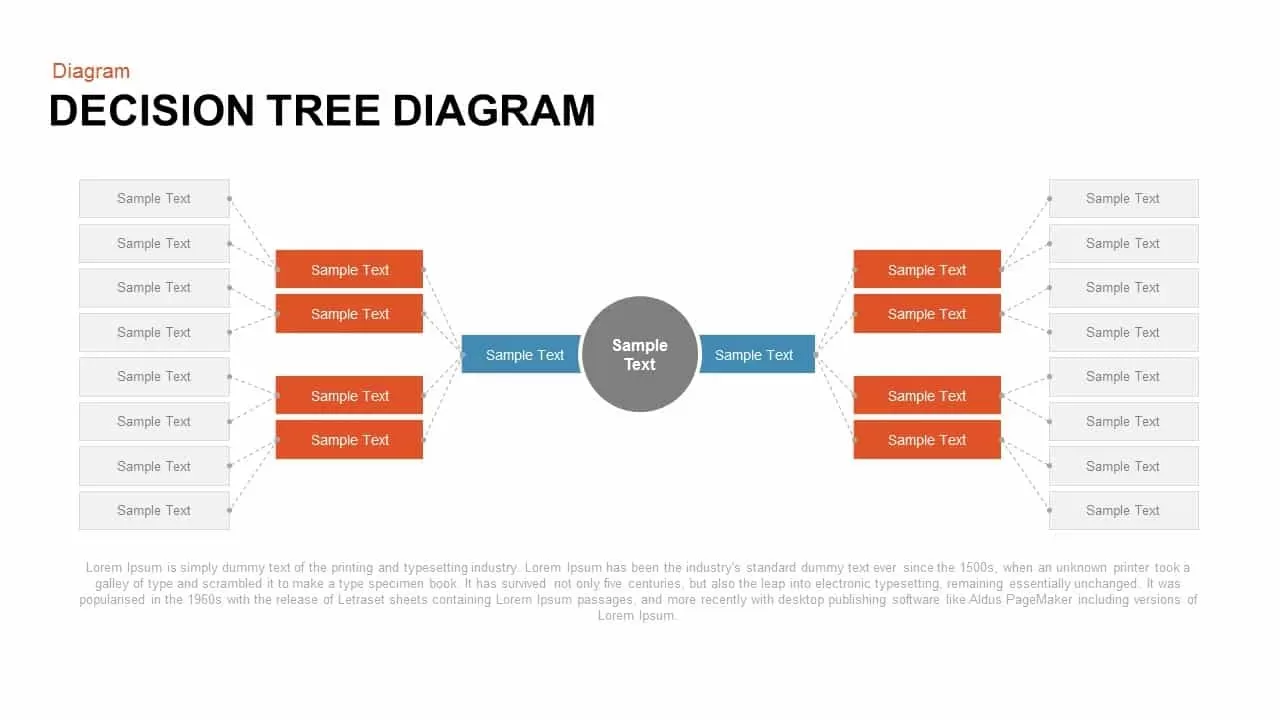
Decision Tree Diagram template for PowerPoint & Google Slides
Decision Tree
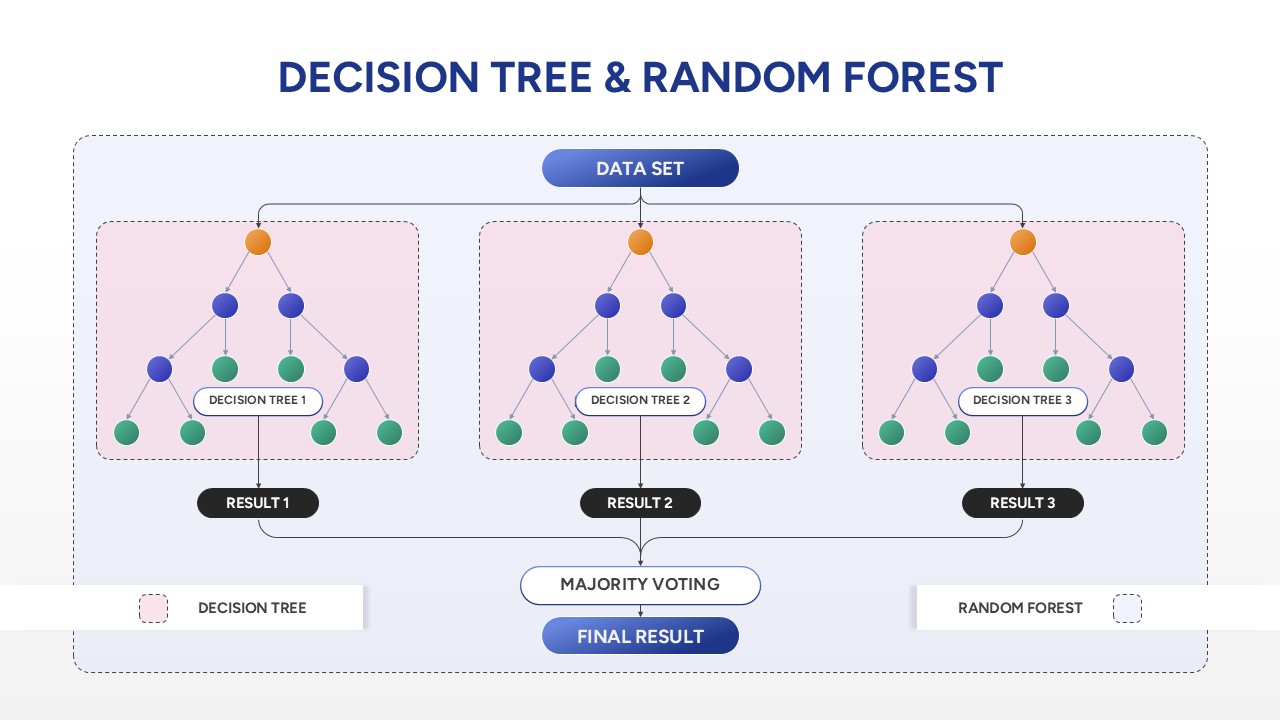
Decision Tree & Random Forest PowerPoint Template
Technology

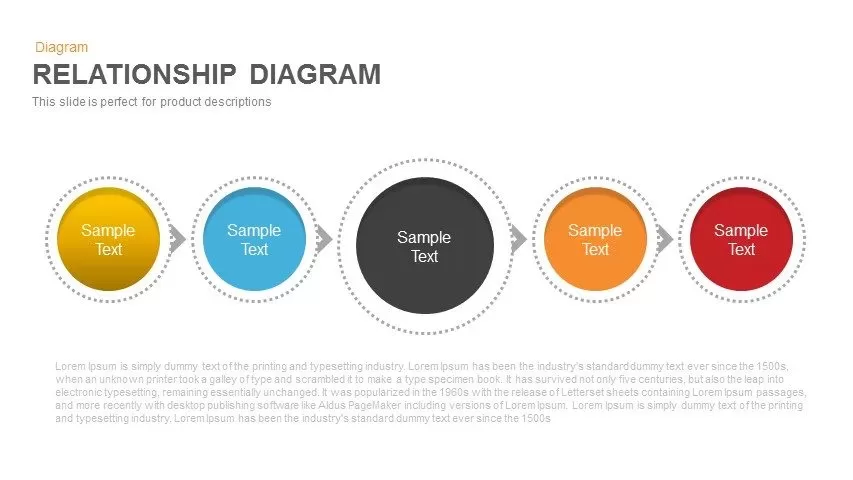
Colorful Five-Stage Relationship Diagram Template for PowerPoint & Google Slides
Process
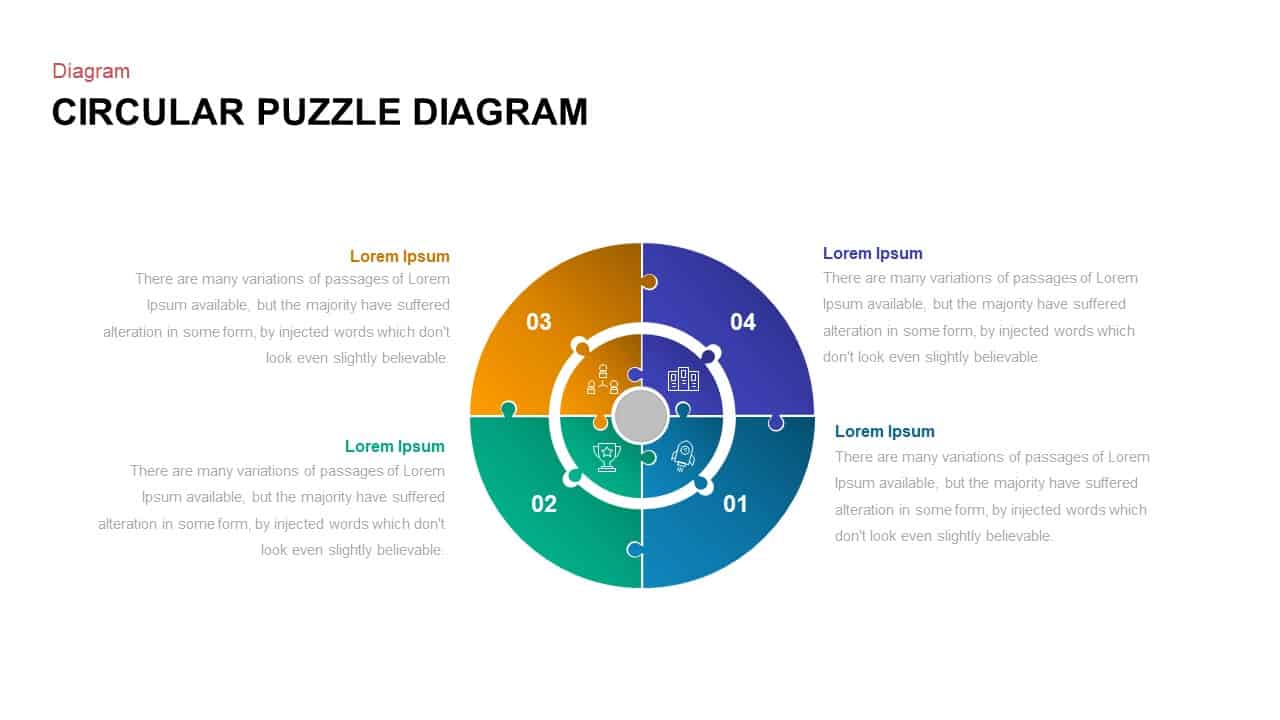
Colorful Circular Puzzle Diagram Template for PowerPoint & Google Slides
Circular
Colorful Seven-Piece Puzzle Diagram Template for PowerPoint & Google Slides
Process
10-Step Colorful Circular Diagram Template for PowerPoint & Google Slides
Circular
Colorful Five Stage Methodology Diagram Template for PowerPoint & Google Slides
Process
Six-Step Colorful Flywheel Diagram Template for PowerPoint & Google Slides
Circular
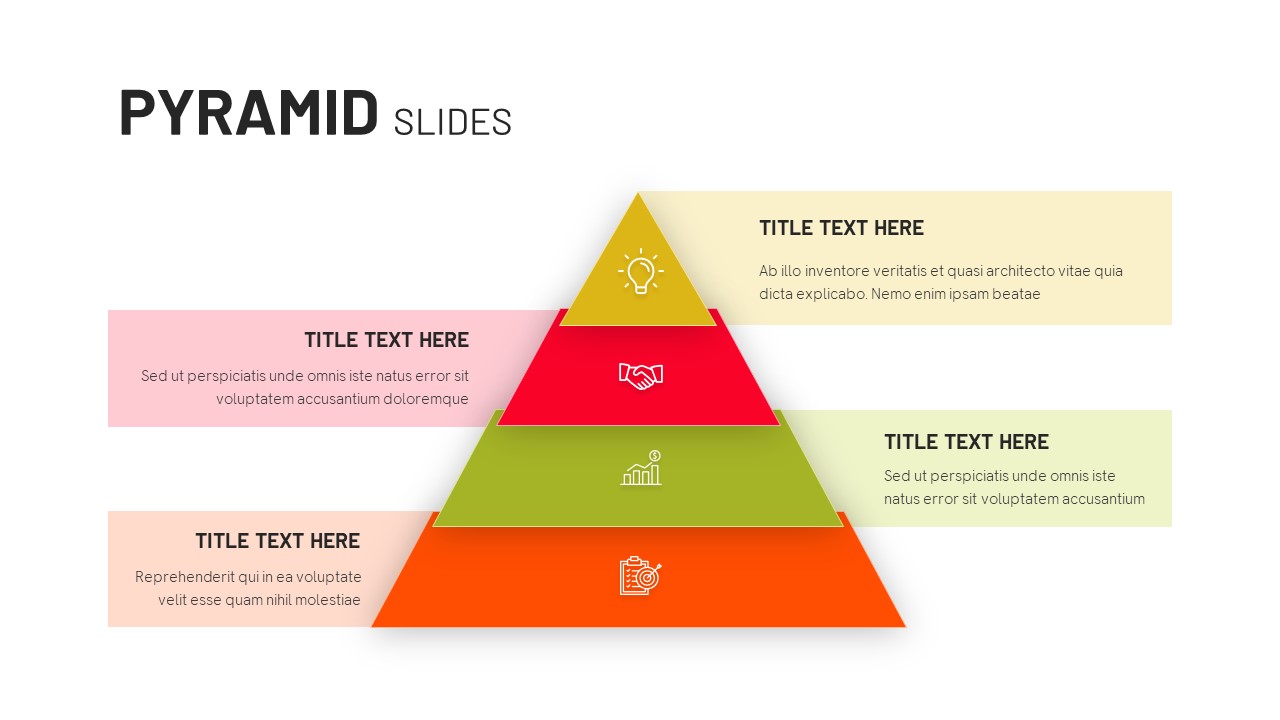
Four-Level Colorful Pyramid Diagram Template for PowerPoint & Google Slides
Pyramid
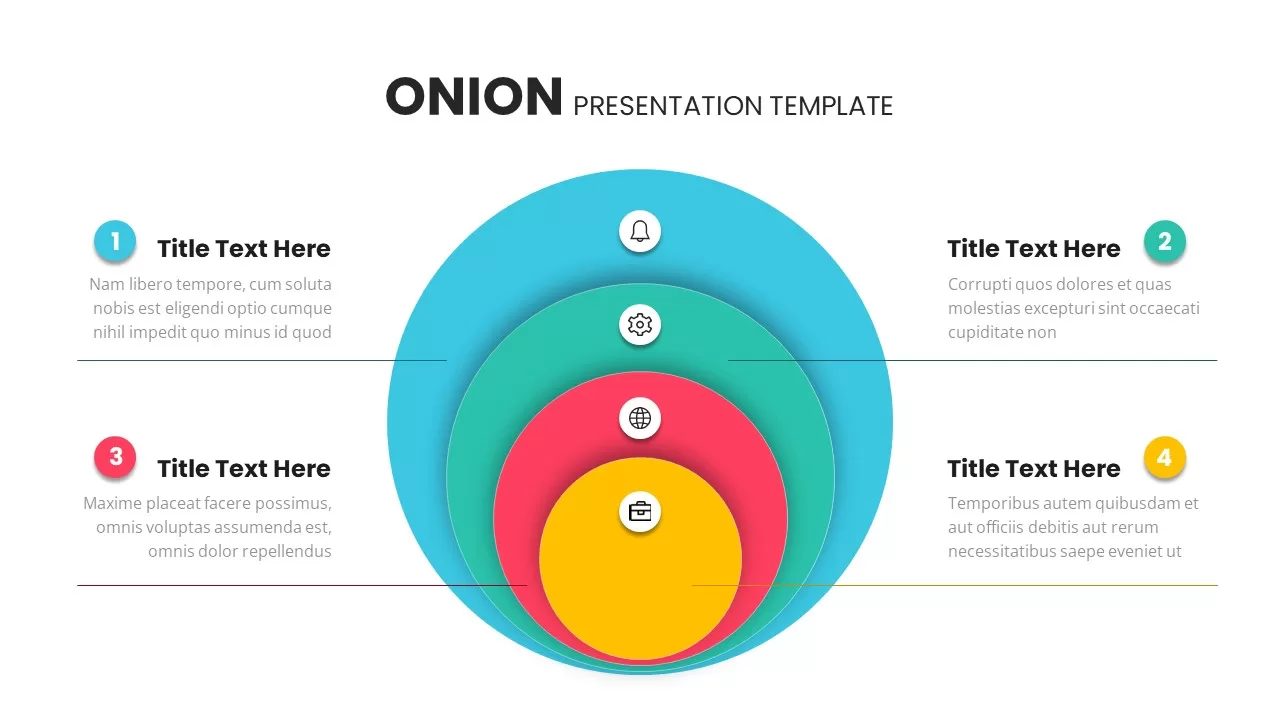
Colorful Layered Onion Diagram Slide for PowerPoint & Google Slides
Process
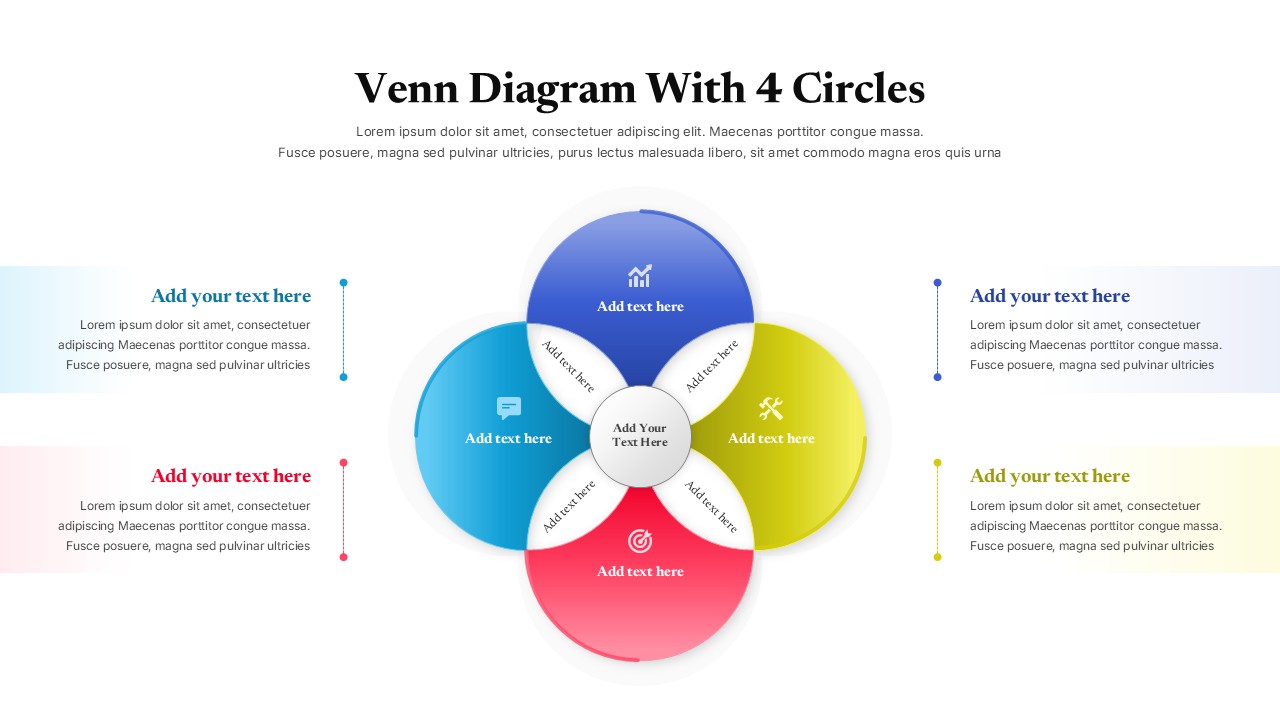
Colorful Four Circle Venn Diagram for PPT and Google Slides
Circular
Business Decision-Making Metaphor Template for PowerPoint & Google Slides
Leadership
Recognition-Primed Decision Process Flow Template for PowerPoint & Google Slides
Flow Charts
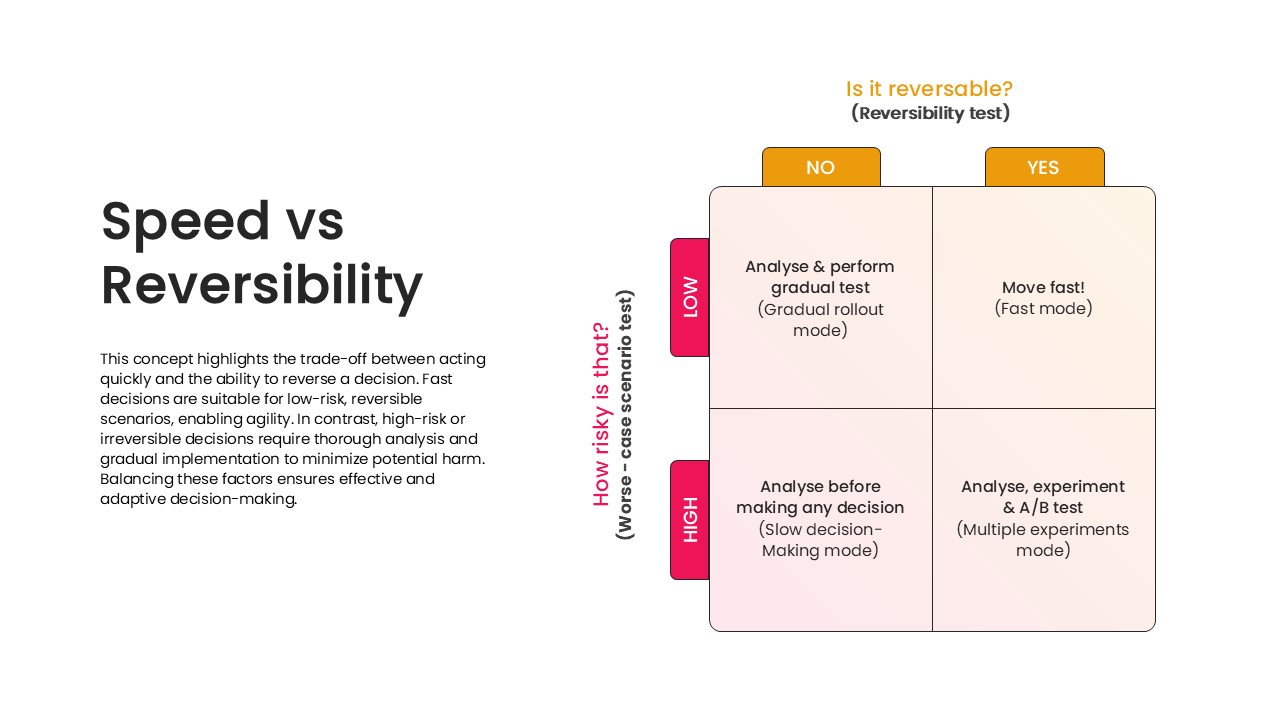
Speed vs Reversibility Decision Matrix Template for PowerPoint & Google Slides
Comparison
Opportunities & Threats Decision Roadmap Template for PowerPoint & Google Slides
Comparison
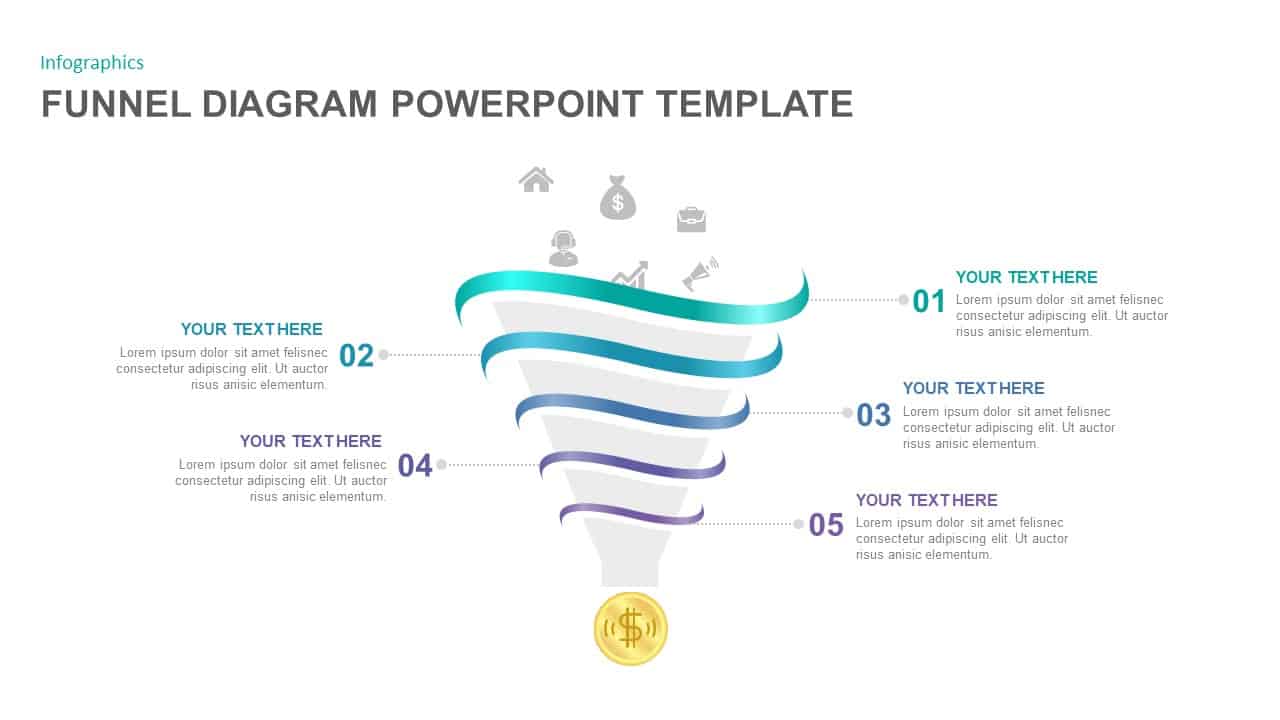
5-Step Colorful Funnel Diagram Template for PowerPoint & Google Slid
Funnel
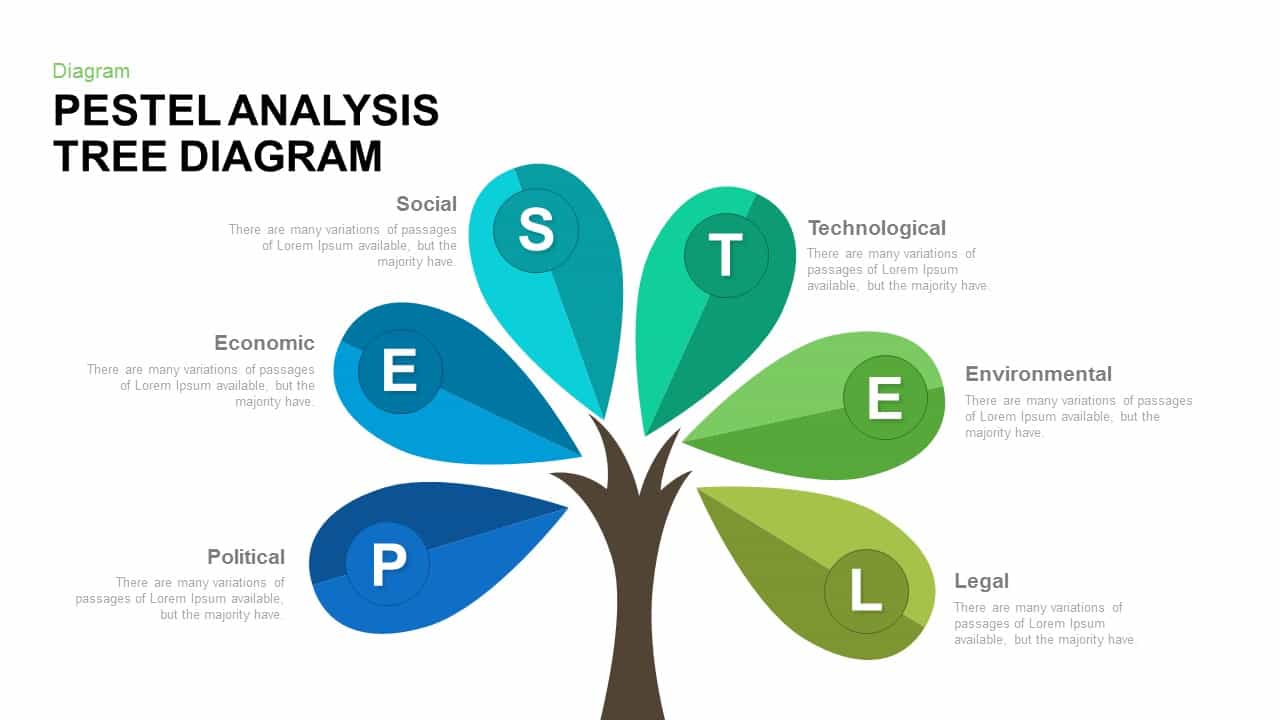
PESTEL Analysis Tree Diagram PowerPoint Template and Google Slides
Process
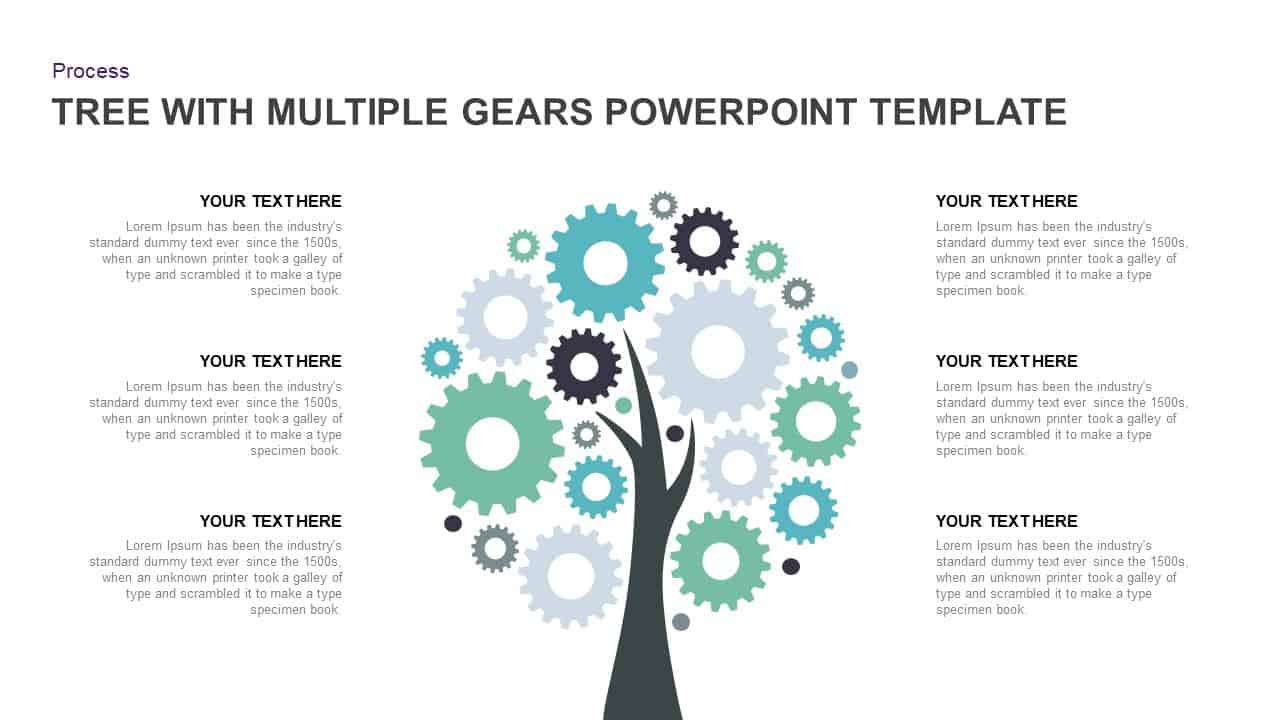
Tree Diagram with Gears Process Template for PowerPoint & Google Slides
Process
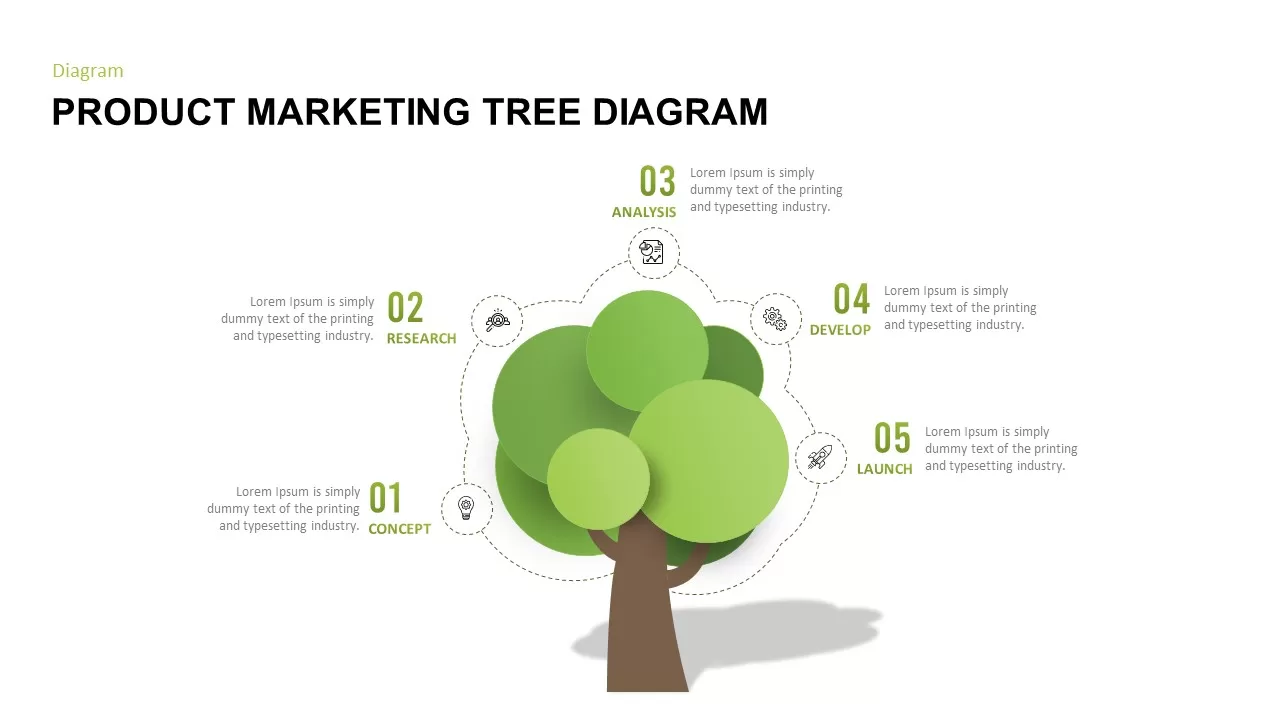
Product Marketing Tree Diagram Template for PowerPoint & Google Slides
Marketing
Elegant Kinship Diagram Family Tree Template for PowerPoint & Google Slides
Org Chart