










Four-Tier Comparison PowerPoint Template
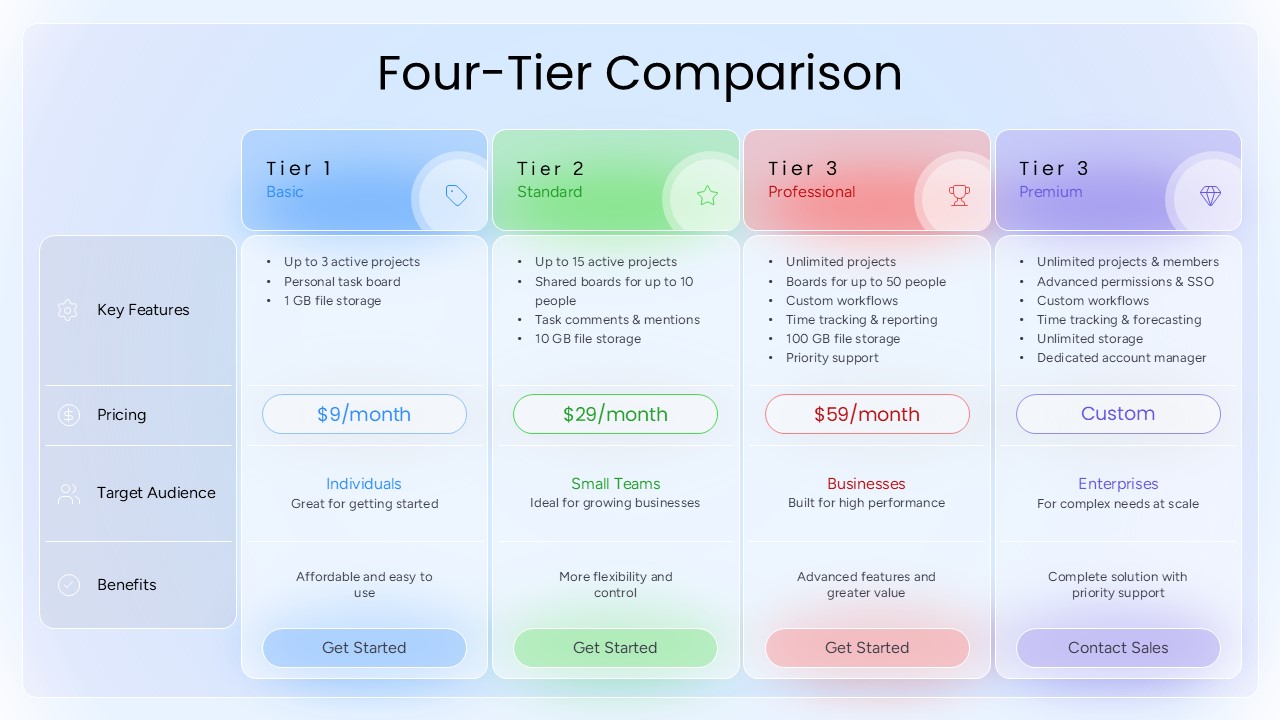
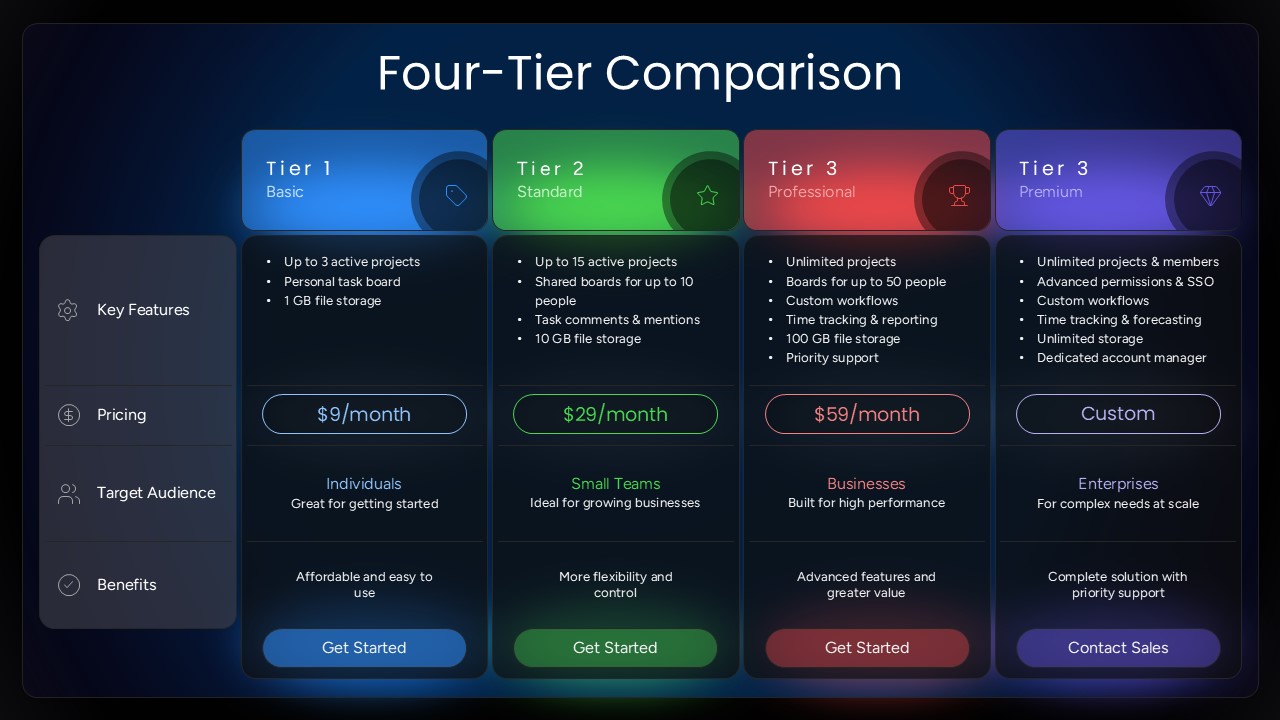
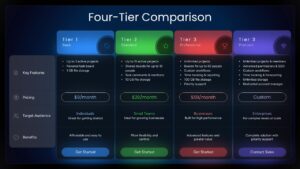
Compare four plans or business options in one organized view with the Four-Tier Comparison Infographic PowerPoint Template. This presentation layout is designed to help teams explain differences between pricing packages, software subscriptions, service offerings, and product tiers without overwhelming their audience with text. By grouping details into consistent categories, the comparison slide makes it easier to review each option and identify the features that matter most.
The infographic includes four vertical comparison columns with color-coded headers and dedicated sections for key features, pricing, target audience, and benefits. Each tier has space for bullet points, a price or custom quote, a brief audience description, and a summary of its main advantages. The contrasting colors help distinguish the options, while the aligned rows make information easier to scan. Both dark and light design variations are included, allowing you to choose a visual style that suits your presentation.
Use this four-tier comparison PPT template to explain subscription levels, compare service packages, present product specifications, or evaluate business solutions. Sales teams can outline the value of different plans, marketers can present package differences, and consultants can summarize alternatives for clients. Replace the sample labels, prices, feature lists, and descriptions with your own data to make the slide relevant to your topic.
Adapt the layout for business proposals, pricing strategy discussions, product reviews, or decision-making meetings. With editable text and customizable colors, this comparison infographic can help turn complex information into a structured presentation that audiences can understand quickly.
Frequently Asked Questions
What is a 4-Item Comparison Infographic Template?
How can a 4-Item Comparison PowerPoint Template improve presentations?
Login to download this file

Item ID
SB06363Designed By
Krishna Priya


Related Templates

3 Tier Pyramid Template for PowerPoint
Pyramid
Modern Tier List Template for PowerPoint & Google Slides
Comparison
Three-Tier Pricing Table Slide Template
Comparison
Four Stage Bubble Chart PowerPoint Template
Charts

Four Keys Hierarchy Chart PowerPoint Template
Process
Four-Step Zigzag Ribbon Diagram template for PowerPoint & Google Slides
Arrow
Four-Way Directional Arrow Diagram Template for PowerPoint & Google Slides
Arrow

Four Step Business Process template for PowerPoint & Google Slides
Process
Four-Point Arrow Cycle Diagram Template for PowerPoint & Google Slides
Arrow
Four Section Circular Text Boxes Diagram Template for PowerPoint & Google Slides
Circular
Editable Four-Quadrant TOWS Matrix Template for PowerPoint & Google Slides
Opportunities Challenges
Four-Step Agenda Table of Contents Template for PowerPoint & Google Slides
Agenda
Marketing Roadmap with Four Callouts Template for PowerPoint & Google Slides
Roadmap
Chess Board Four-Point Template for PowerPoint & Google Slides
Opportunities Challenges
Apple Four-Step Process Infographic Template for PowerPoint & Google Slides
Process
Free Four-Column Roles and Responsibilities Template for PowerPoint & Google Slides
Meet Our Team
Free
Pesticide Four-Step Process Infographic Template for PowerPoint & Google Slides
Process
Four Fits Canvas template for PowerPoint & Google Slides
Business Strategy
Four-Stage Marketing Funnel Template for PowerPoint
Marketing Funnel
Machine Learning Four-Step Process Template for PowerPoint & Google Slides
Machine Learning