Progress Bar Graph Layout Design for PowerPoint & Google Slides
Track Performance Metrics with a Progress Bar PowerPoint Template
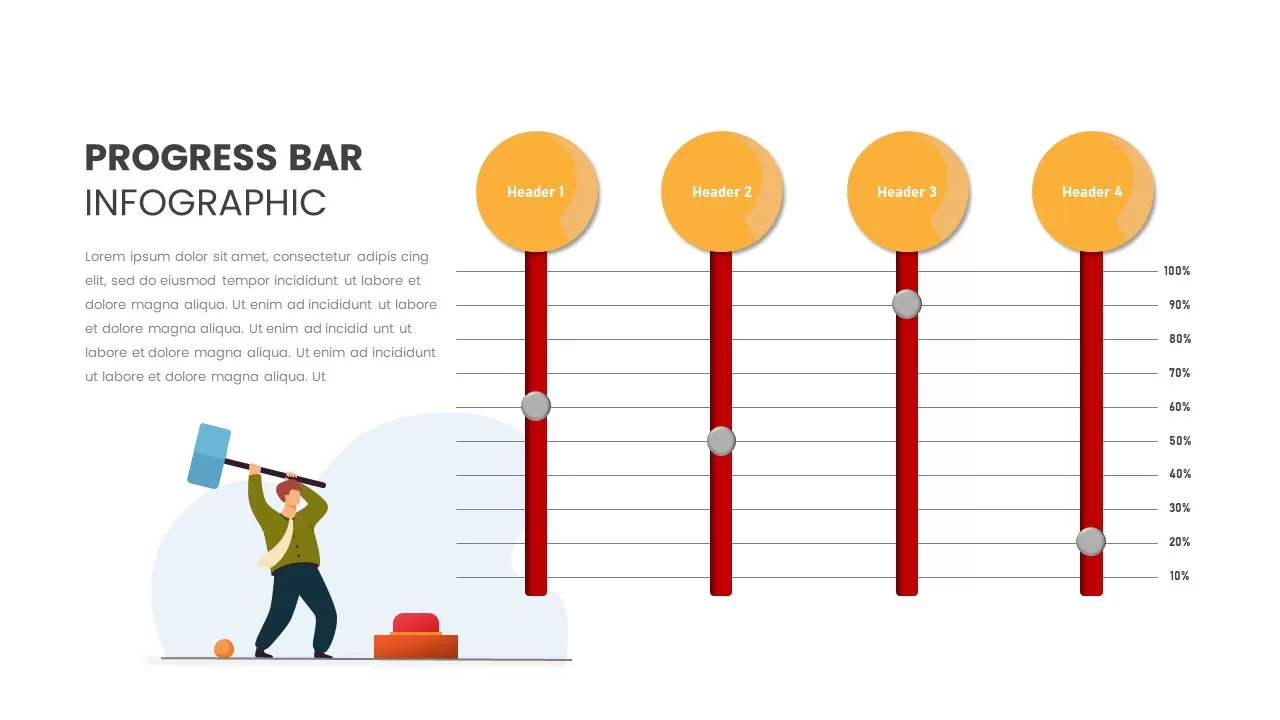
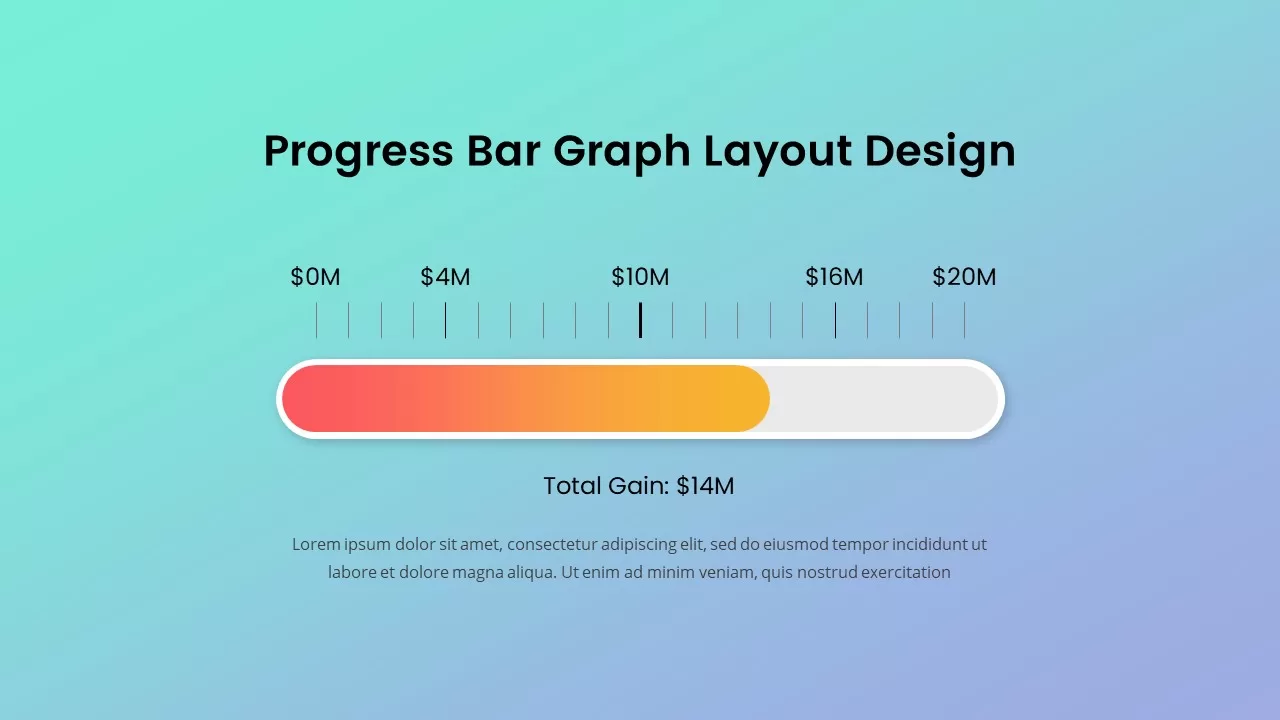
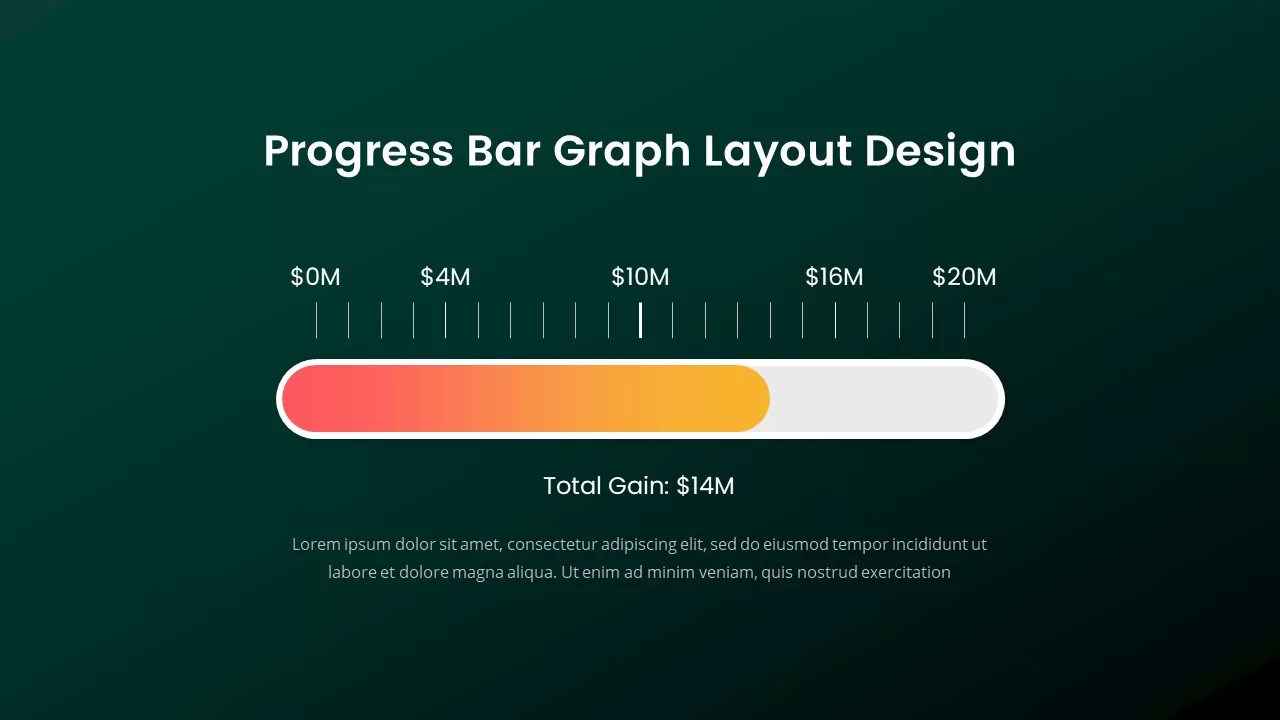
This sleek and modern data progression slide is perfect for showcasing performance growth with clarity and style. Designed with a vibrant gradient color scheme that transitions from red to orange, the horizontal layout allows for easy visualization of key metrics. The backdrop features a clean and minimalistic design, with a choice of soothing color variations, including light blue or dark green, offering flexibility to suit different presentation styles and themes.
A Fully Editable Progress Bar Slide for PowerPoint
Whether you need to represent project milestones, sales milestones, or financial goals, this graph layout ensures that your audience can easily grasp the information. The dynamic bar clearly indicates the current total, providing an engaging and visual way to track performance over time.
Accompanied by a spacious text area for additional context, this layout provides a balanced structure for both detailed explanations and high-level overviews. Every visual element is fully editable, making it incredibly simple to update performance values, adjust color palettes, or incorporate your own unique branding elements.
Highly Customizable and Formatted for Google Slides
This premium template is built to enhance a wide variety of business presentations, project status updates, financial reporting, or any scenario where execution milestones need to be clearly communicated in a concise, visual format.
The file is highly customizable and fully compatible with both PowerPoint and Google Slides. This cross-platform optimization guarantees that your text alignment, gradient shapes, and text boxes remain intact when moving between different presentation ecosystems or sharing files with external collaborators. You can scale the vector graphics up or down to match your presentation flow without experiencing any pixelation or formatting distortion.
Who is it for
This slide is ideal for business analysts, project managers, sales teams, and financial planners who need to visually present execution progress or operational performance metrics. It is also a useful tool for corporate consultants, marketing specialists, and anyone looking to display performance benchmarks or progress over time.
Other Uses
Beyond tracking standard project progress, you can easily repurpose this design for showing any form of corporate achievement, from fundraising goals and marketing campaign targets to team performance reviews or product launch milestones. Customize the layout for showcasing a range of metrics across different industries, including sales progress, software development stages, or customer engagement goals.
Login to download this file

Item ID
SB02243


Related Templates

Progress Bar and Milestone Visualization Template for PowerPoint & Google Slides
Timeline

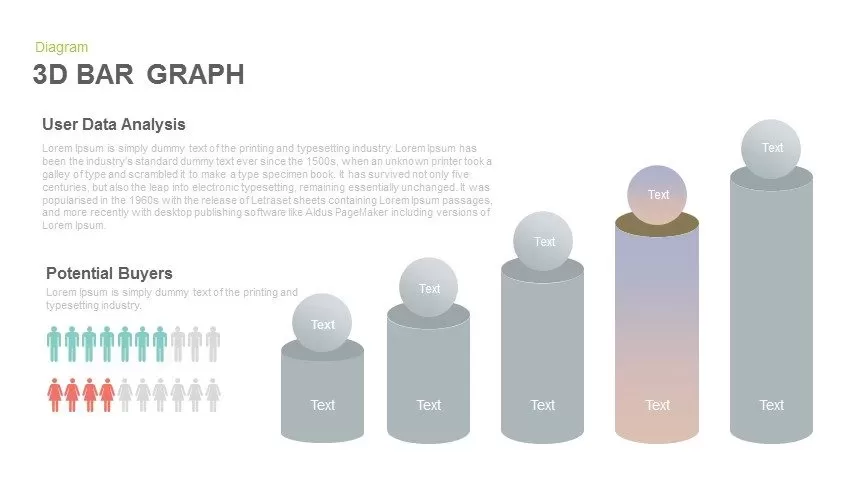
3D Bar Graph Infographic Template for PowerPoint & Google Slides
Bar/Column
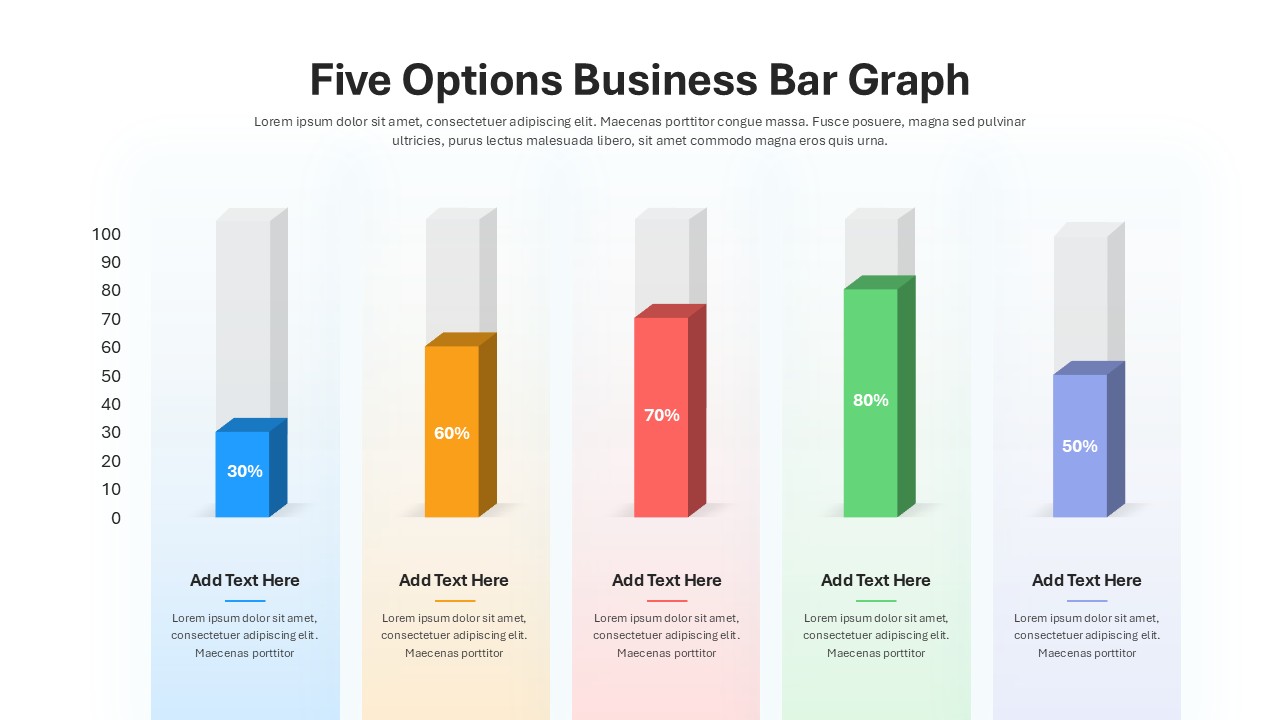
Five Options Business Bar Graph Template
Business Report

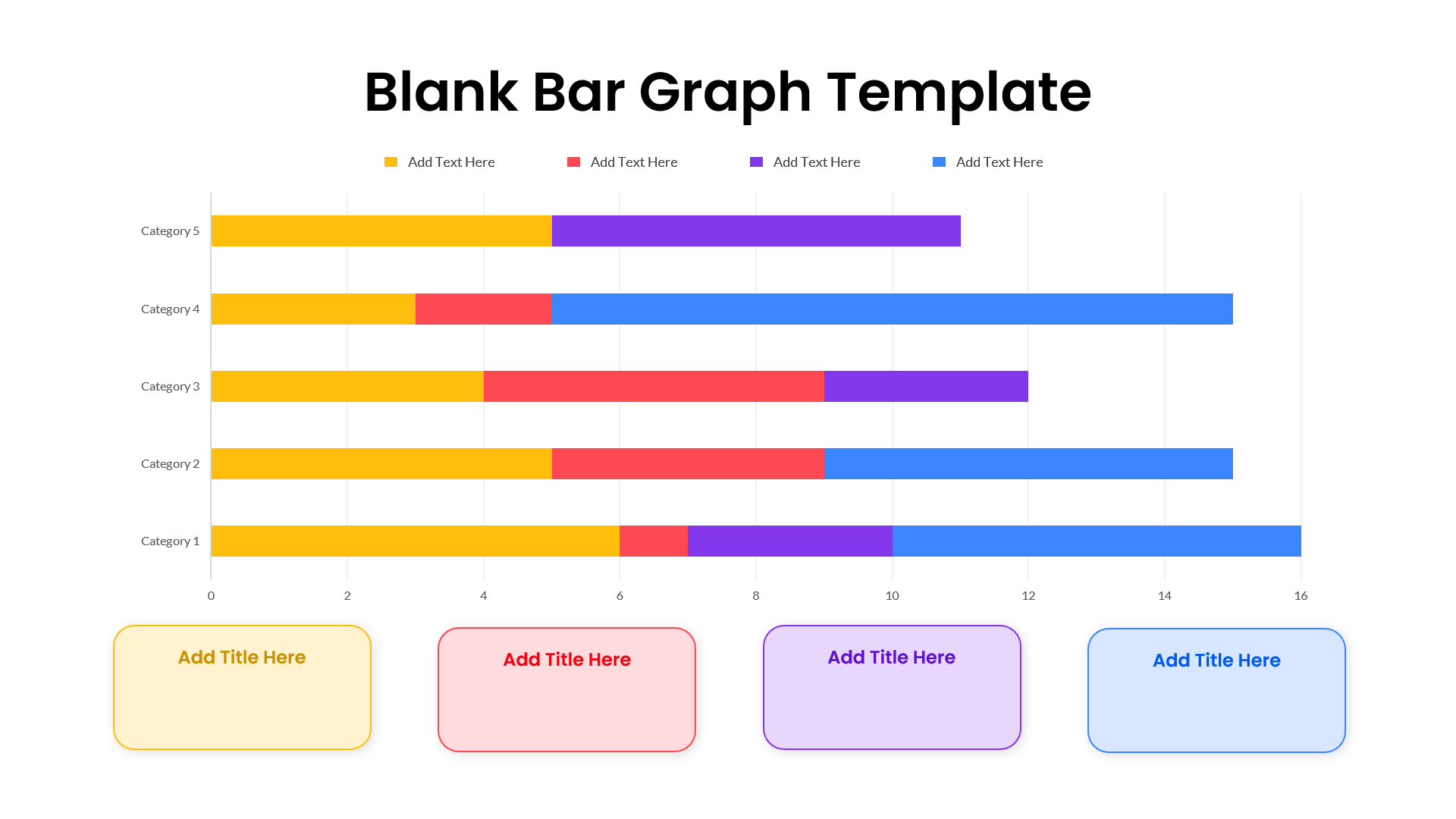
Colorful Blank Bar Graph Template for PowerPoint & Google Slides
Bar/Column
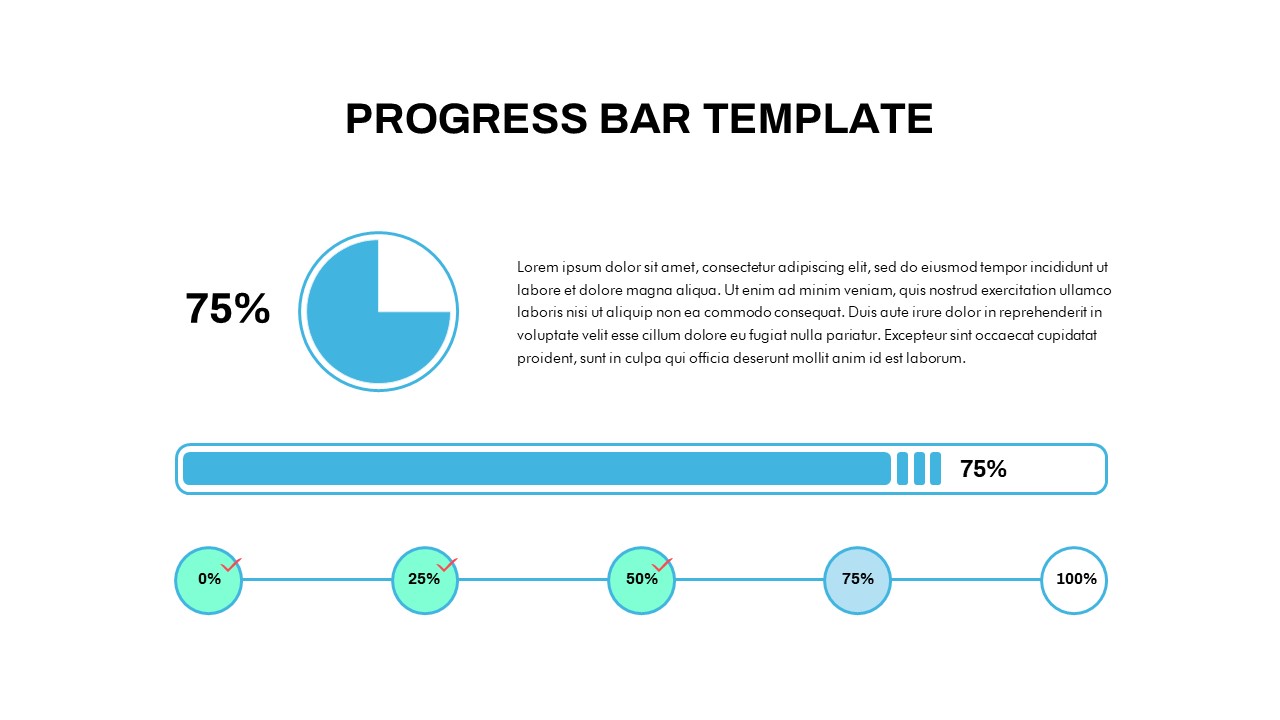
Progress Bar PowerPoint Template
Business
Progress Timeline Bar PowerPoint Template
Timeline
iPad App Mockup with Progress Metrics Template for PowerPoint & Google Slides
Bar/Column
Strategy Progress Timeline Template for PowerPoint & Google Slides
Process
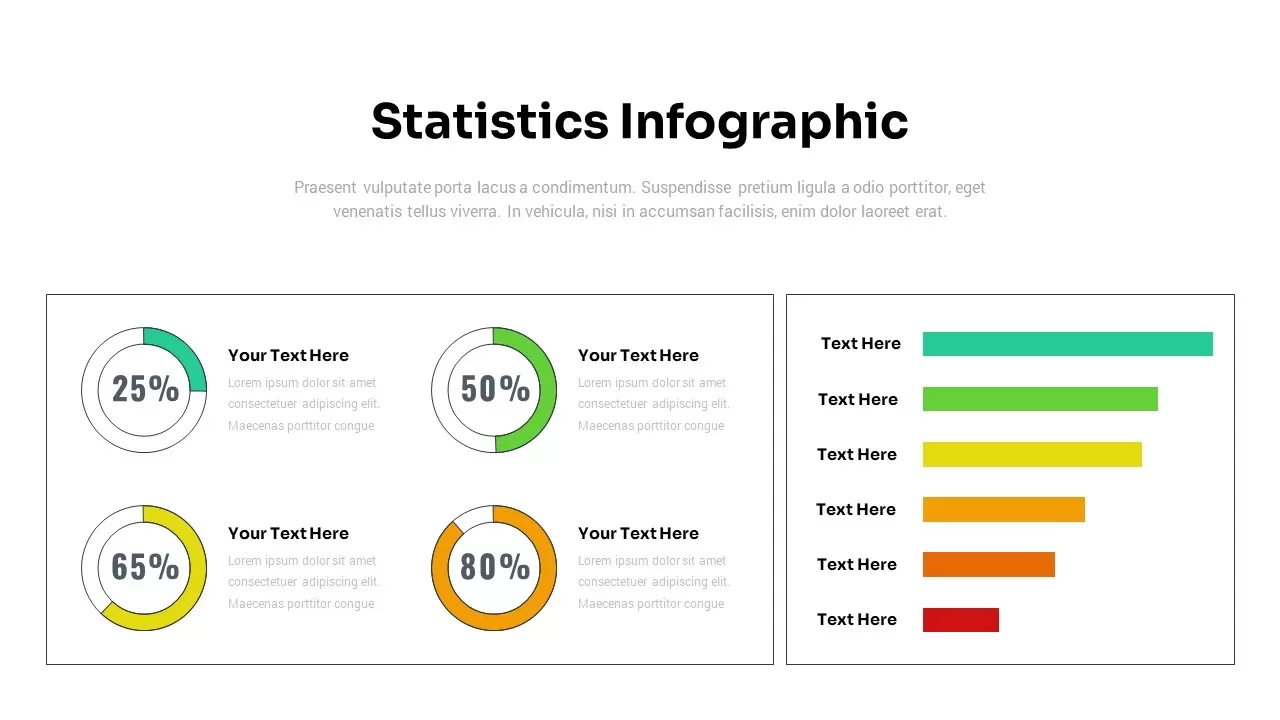
Dynamic Statistics & Progress Charts Template for PowerPoint & Google Slides
Pie/Donut
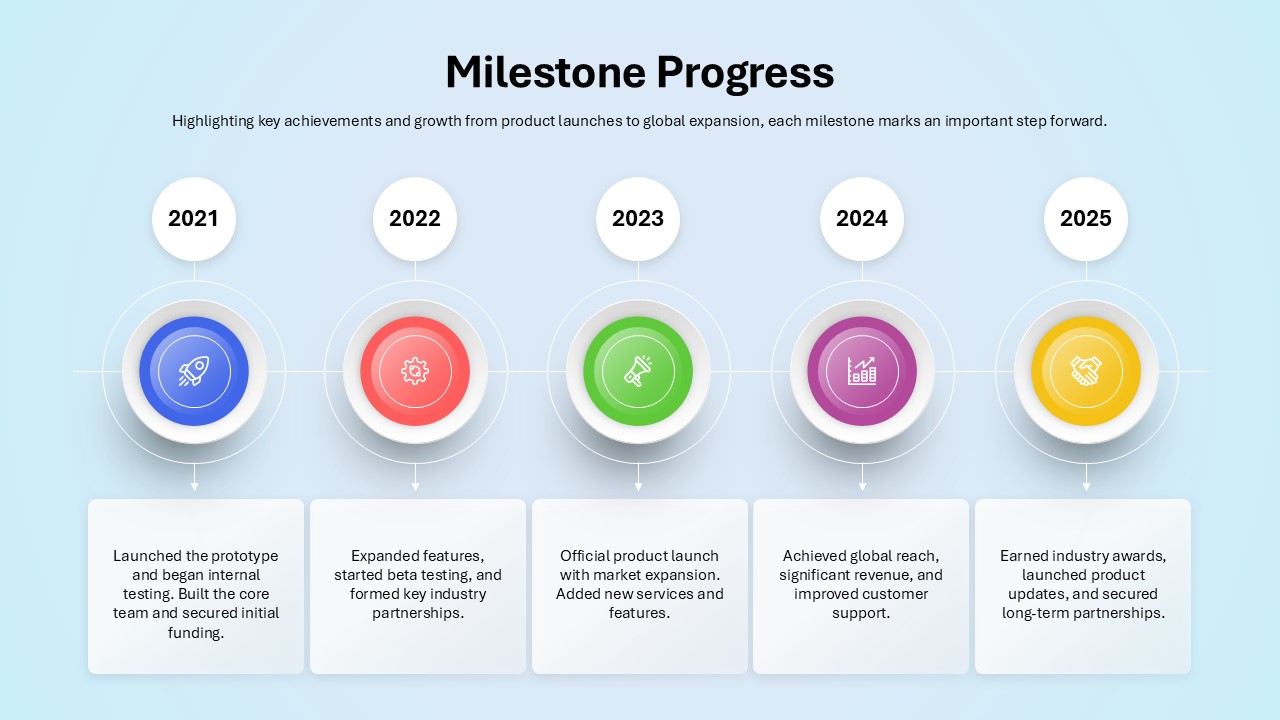
Milestone Progress PowerPoint Template
Business Plan
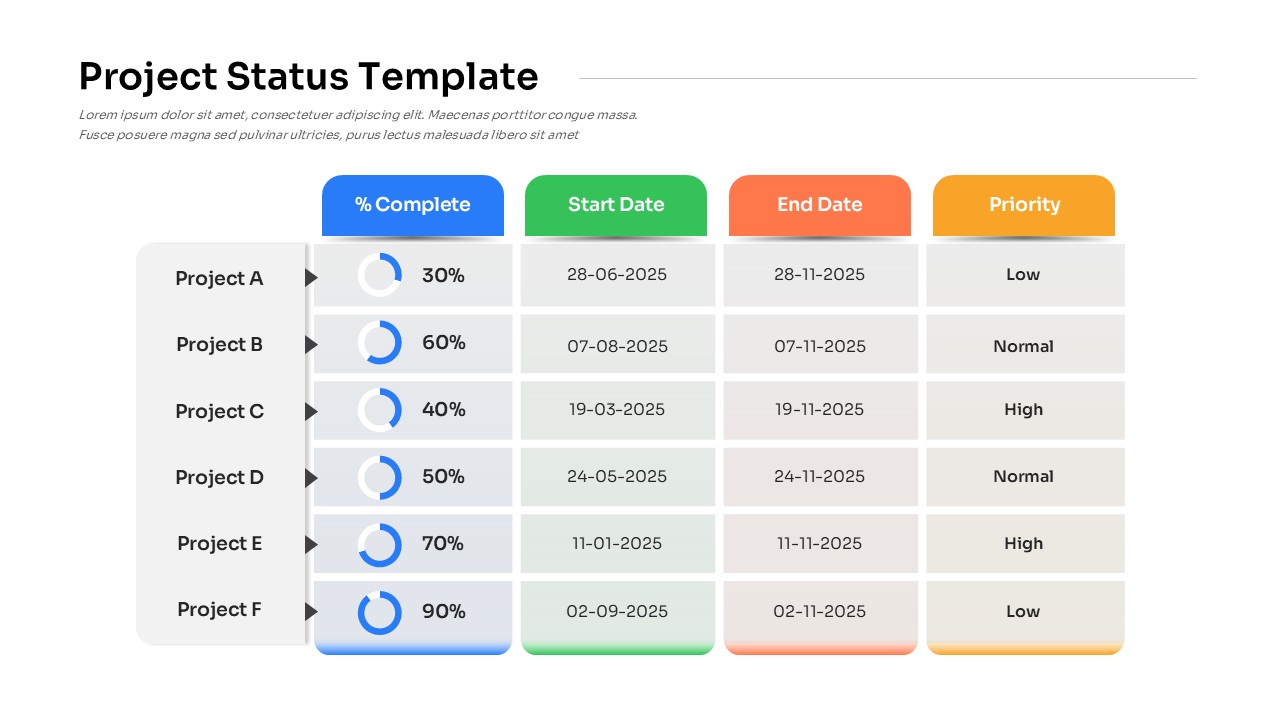
Project Status PowerPoint Template
Table
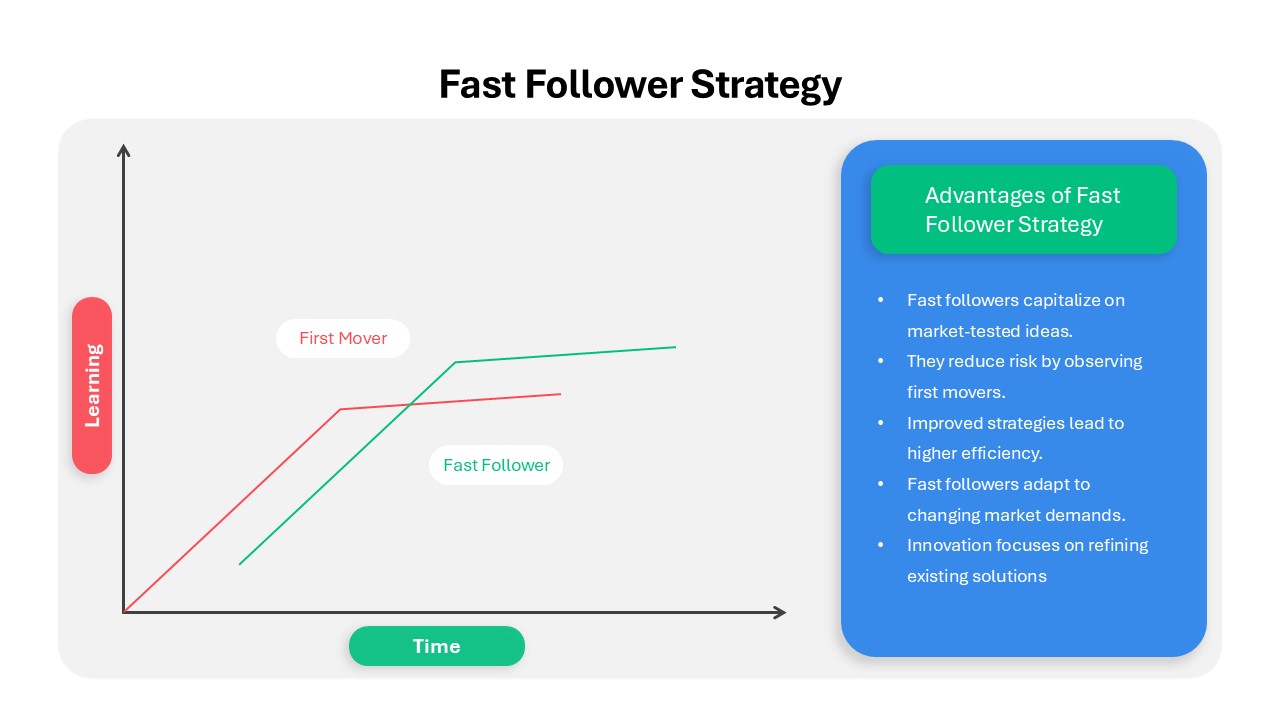
Fast Follower Strategy Line Graph Template for PowerPoint & Google Slides
Comparison Chart

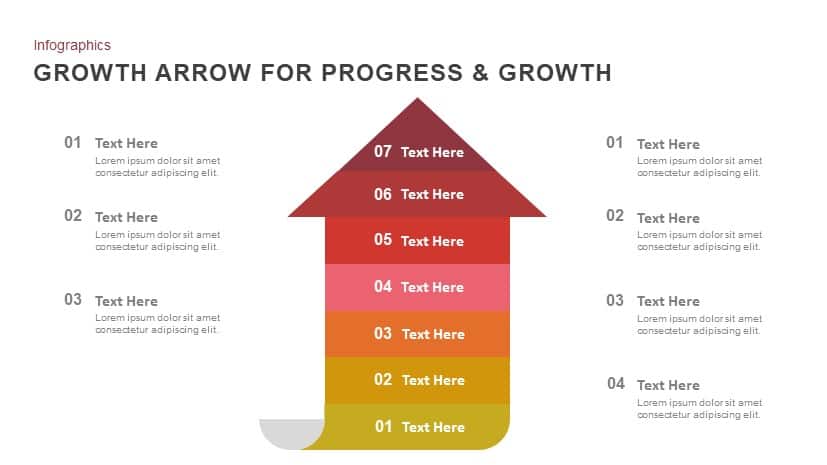
Progress & Growth Arrow PowerPoint Template
Arrow
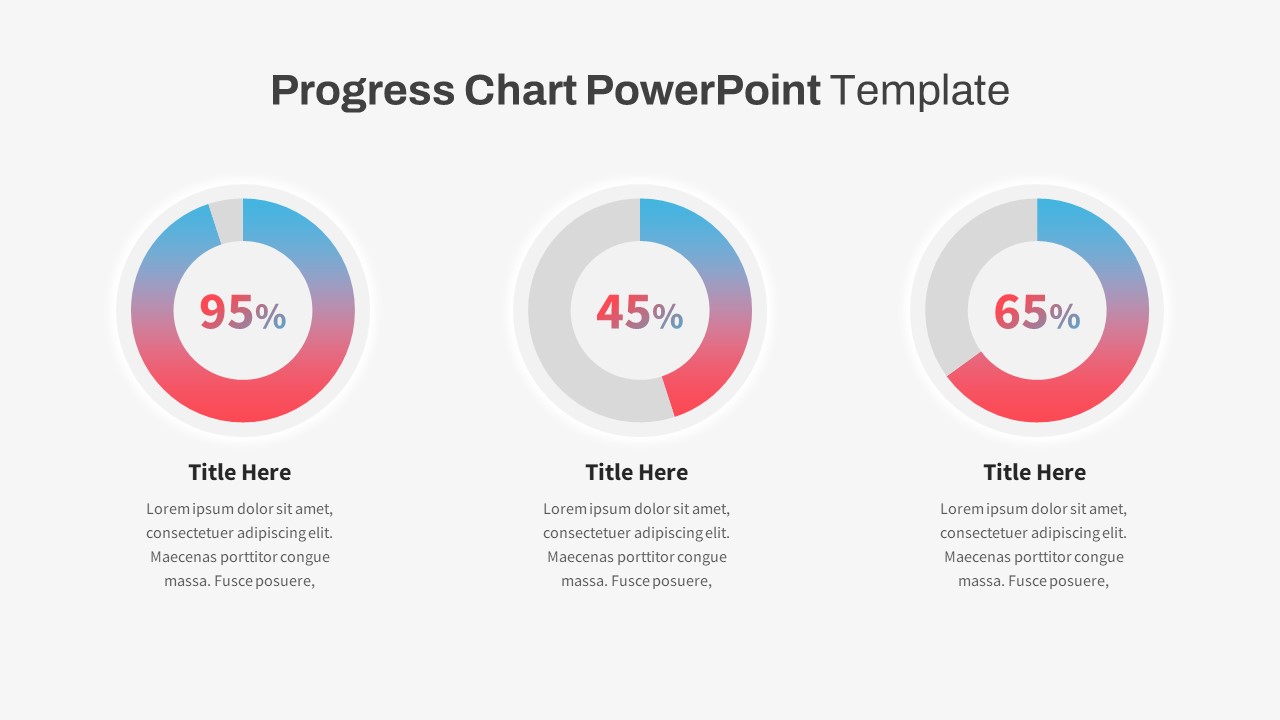
Progress Chart PowerPoint Template
Charts
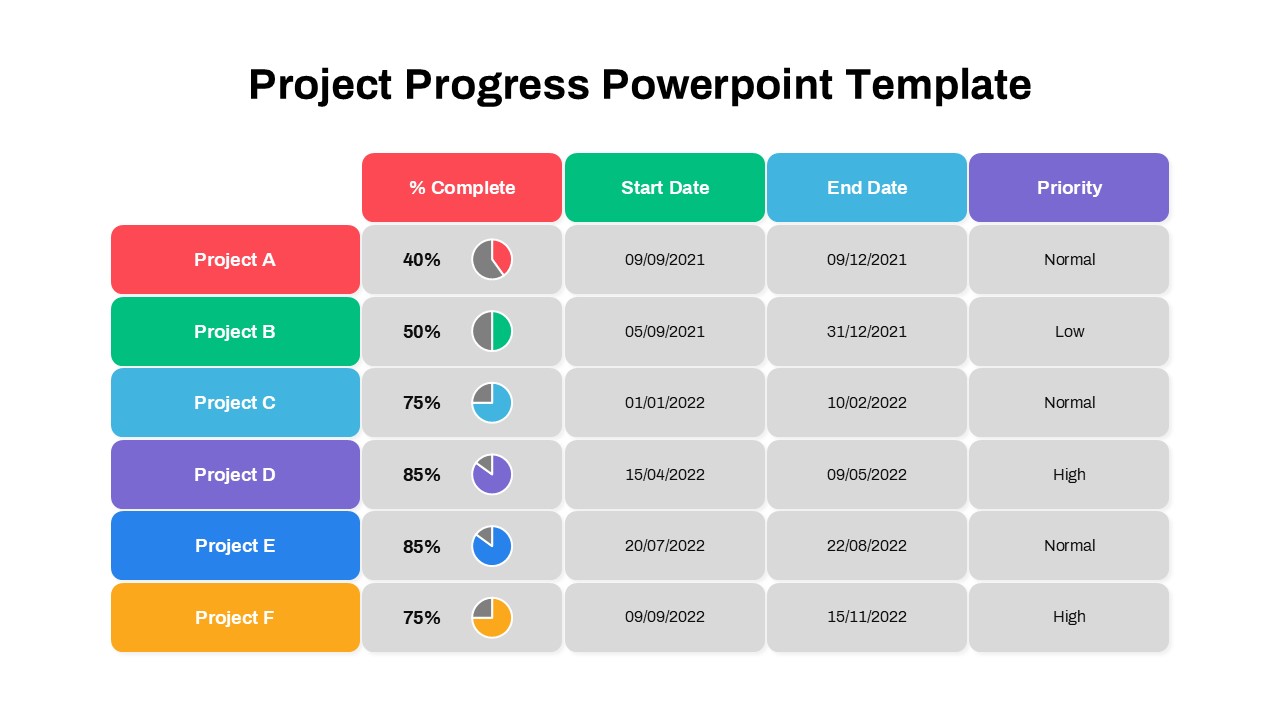
Project Progress PowerPoint Template
Project
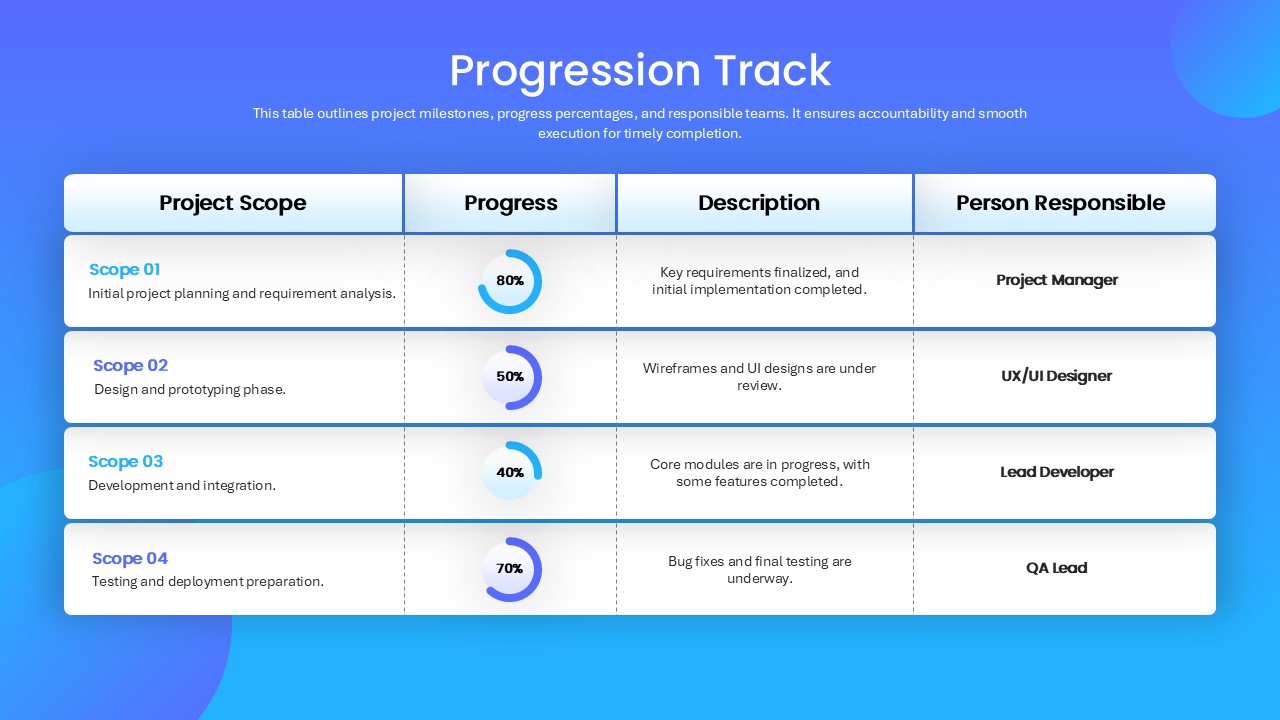
Progress Tracker PowerPoint Template
Project Status
Circle Graph PowerPoint Template
Circular
Curved Line Graph PowerPoint Template
Comparison Chart
Curved Line Graph PowerPoint Template
Timeline
Graph Paper PowerPoint Template
Company Profile