Company Features Circle Diagram for PowerPoint & Google Slides
Company Features Circular Diagram Template
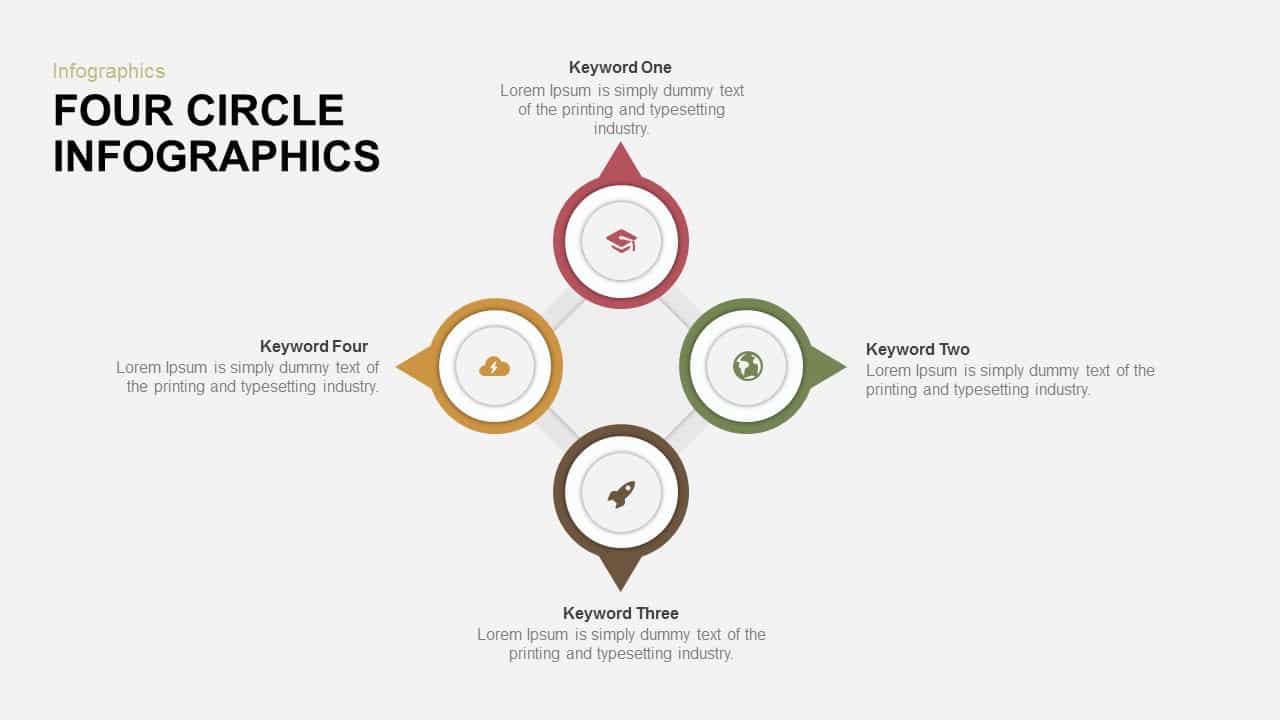
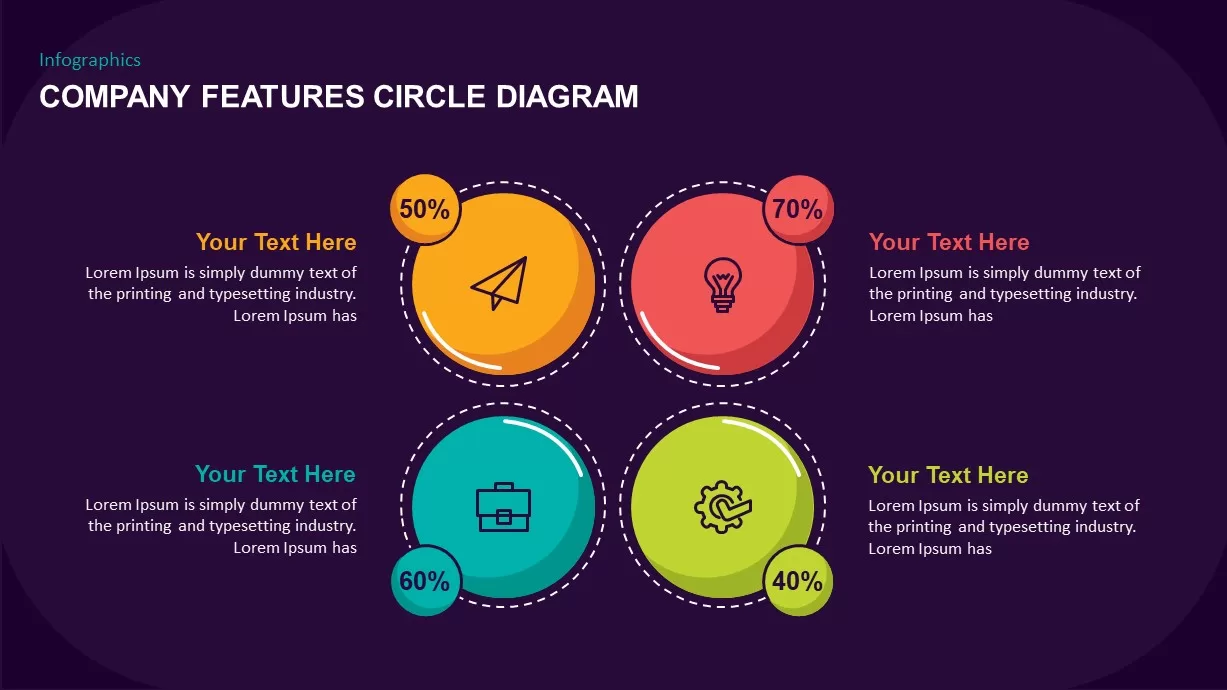
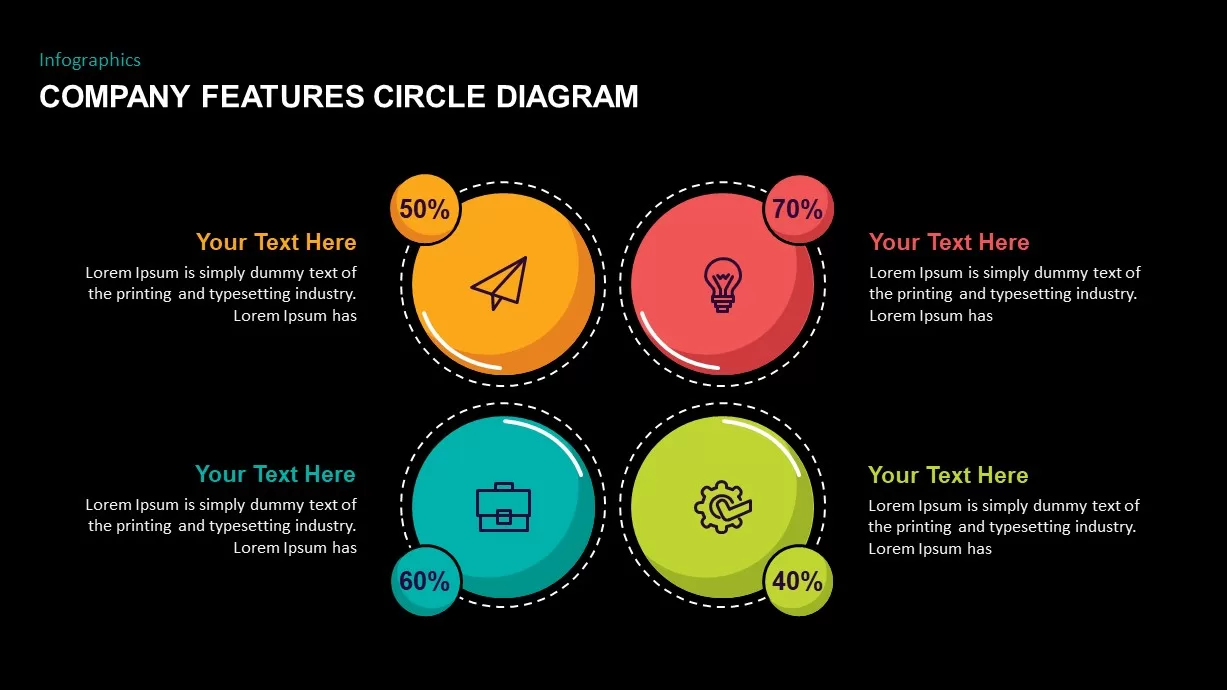
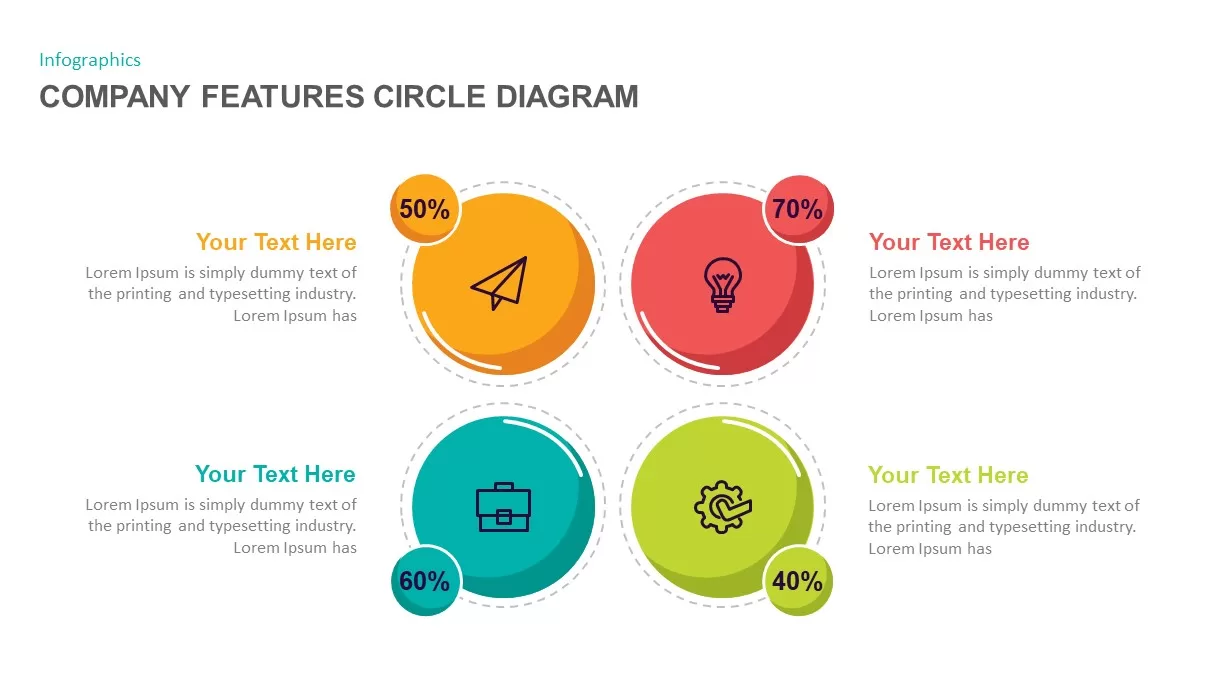
The company features circle diagram looks attractive in its design and color mix. This is a circular diagram template with a specific reference to company vision and mission presentations. This circle presentation template is a simple slide to exemplify your ideas effortlessly and pleasingly. The template is perfect to show business objectives and visions with a wide description. The text boxes have enough space to put your messages, and the neatly arranged diagram is capable of retaining the attention of the viewers. Involve all types of spectators with the company features template. The users can take any topic of discussion and make a spectacular presentation. It can be used in corporate presentations to deliver diverse sources with which to delineate information. The presenters can edit the PowerPoint objects, rearrange or resize the features by changing the color combination.
The company features circle diagram is a common template usable for any presentation irrespective of the subject you want to convey. The design itself shows the simple mode of presentation you select; four circles can be used to show the company profile as well as product features. This is an umbrella diagram for every sector; organic, inorganic, and super organic will come under this general design. Business strategy, product development, sales, marketing, financial results, education, agriculture, engineering, industry, and all events and processes can be displayed using this flexible slide; also, company vision and mission, and agenda can be illustrated.
The 4 point infographic contains circle designs and infographic icons. The users can utilize the meaning of these icons in accordance with the subject they want to convey. Otherwise, the users can remove the icons and add their own choices in the preferred place. Customize all features as per your aesthetic sense using the PowerPoint edit menu. Create a simple yet effective business presentation using the circle PowerPoint profile template.
Login to download this file

Item ID
SB01707


Related Templates

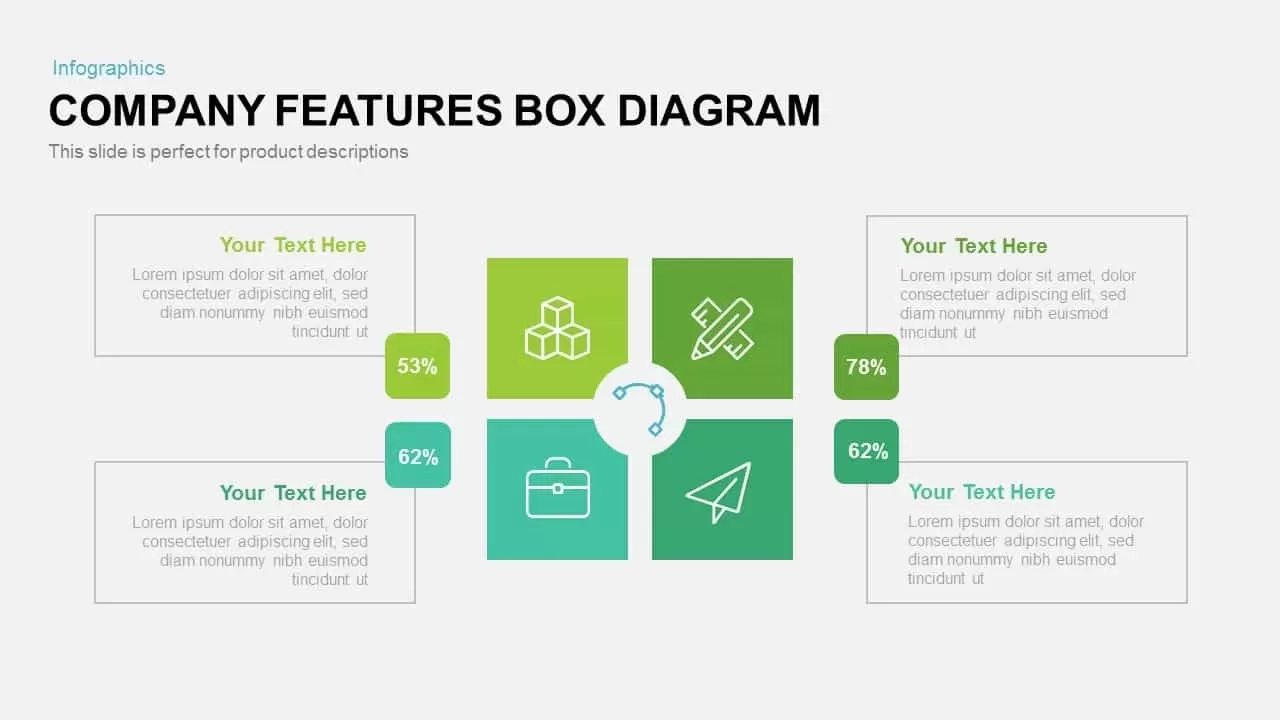
Company Features Box Diagram PowerPoint Template and Google Slide
Comparison
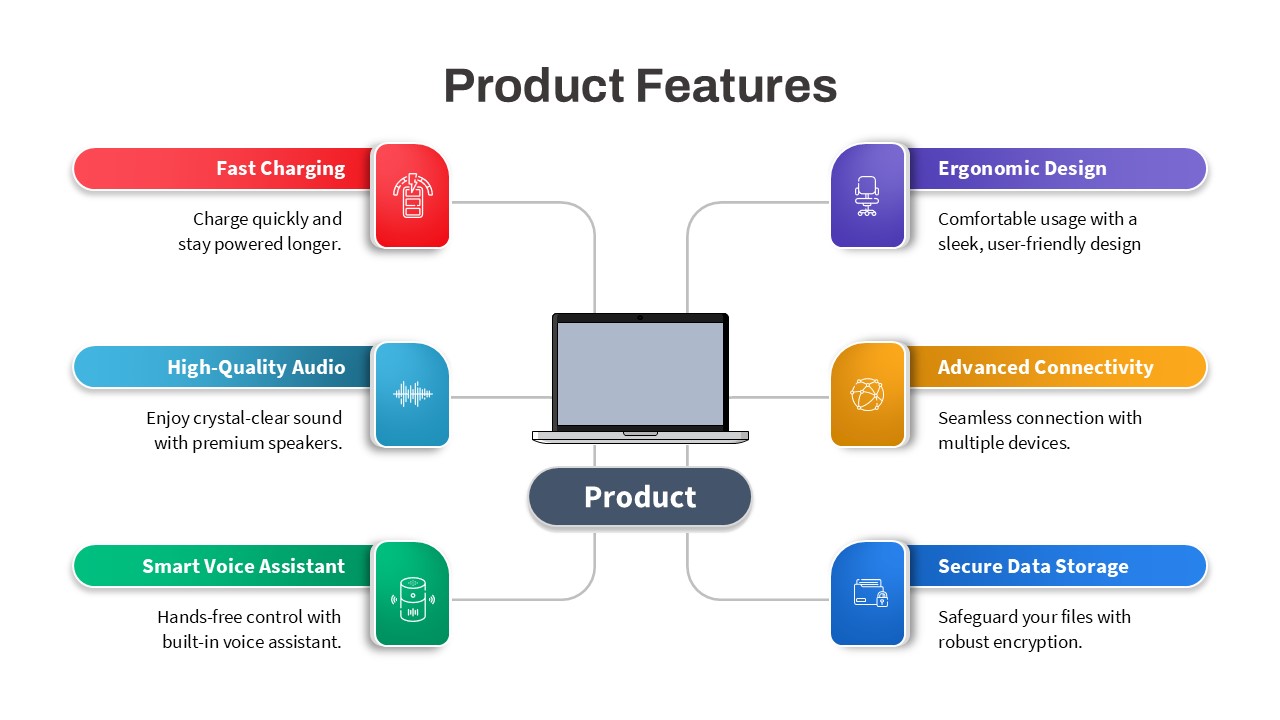
Product Features Infographic for PowerPoint
Process
Mobile App Features template for PowerPoint & Google Slides
Technology

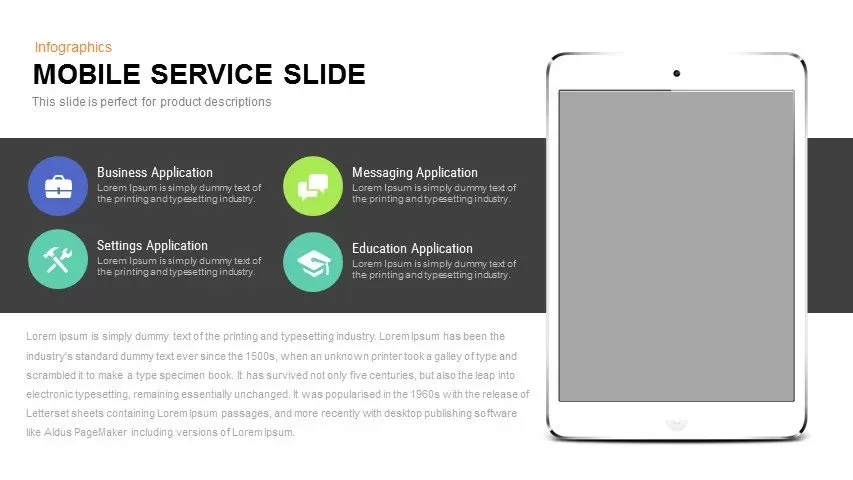
Mobile Service Features Infographic Template for PowerPoint & Google Slides
Process
Mobile Application Features Mockup for PowerPoint & Google Slides
Graphics
Corporate Pamphlet with Icon Features Template for PowerPoint & Google Slides
Graphics
Free Car Wash Center Service Slide Template
Business Proposal
Free
Endpoint Security Protection Template for PowerPoint & Google Slides
Information Technology
SAAS Features template for PowerPoint & Google Slides
Cloud Computing

Smartphone Features Template for PowerPoint
Business
Application Features iPhone Mockup PowerPoint Template
Graphics
Application Smartphone Features Slide Template
Technology
Mobile Application Features Presentation Template
Technology
Alternating Circle Timeline Diagram Template for PowerPoint & Google Slides
Timeline
Multi-layout Circle Spoke Diagram Template for PowerPoint & Google Slides
Circular
Two-Stage Semi-Circle Diagram Overview Template for PowerPoint & Google Slides
Circular
Four-Circle Hub and Spoke Diagram Template for PowerPoint & Google Slides
Process
Arrow Circle Flow Diagram PowerPoint Template and Google Slides
Infographics
Six-Circle Process Infographic Diagram Template for PowerPoint & Google Slides
Circular
Colorful Four Circle Venn Diagram for PPT and Google Slides
Circular