Five-Staged Circle Sections Diagram Template for PowerPoint & Google Slides
5 Staged Circle Sections Template For PowerPoint & Google Slides
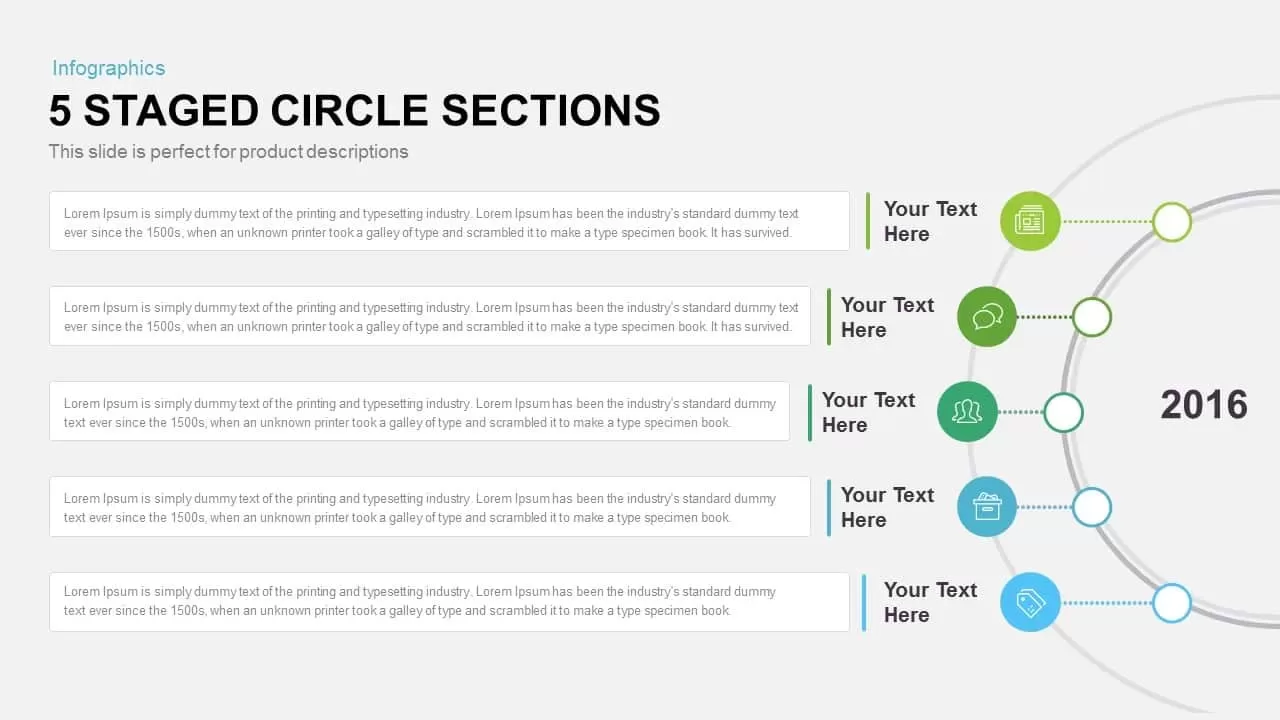
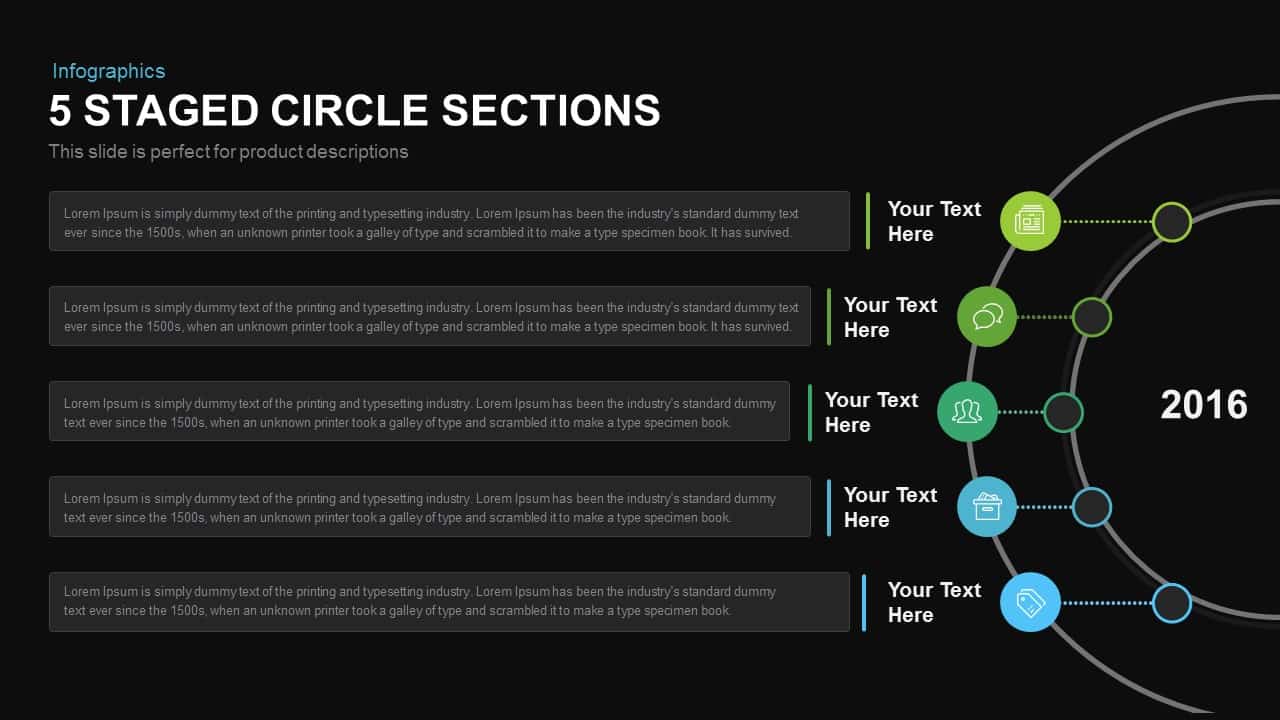
Presenting sequential milestones, feature breakdowns, or annual achievements requires a layout that connects detailed explanations with a clear focal anchor. Featuring a curved orbital track linked to five structured content rows, this 5 Staged Circle Sections Template equips project managers, product strategists, marketing leads, and consultants with an organized visual model to showcase chronologies, product capabilities, and phased initiatives.
Radial Architecture & Narrative Flow
Rather than relying on generic lists, this slide pairs circular trajectory with balanced horizontal descriptions:
- Concentric Orbital Arc: A modern layered circular frame on the right side anchors the visual composition, highlighting a primary milestone year or central thematic anchor.
- Five Color-Coded Circular Nodes: Rounded icon badges follow the orbital path, transitioning through a cool gradient of lime green, forest green, emerald, cyan, and sky blue.
- Integrated Line-Art Icons: Each circular badge features vector line art—including a document, chat bubble, user community, storage box, and price tag—to support diverse business topics.
- Tiered Horizontal Content Rows: Fine dotted connector lines lead directly from the orbital nodes into five distinct editorial rows with bold subheadings and descriptive body blocks.
Primary Strategic Applications
- Product Feature & Capability Overviews: Detail five core technical specifications, customer benefits, or software modules cleanly.
- Annual Milestone & Timeline Tracking: Map five sequential operational targets or historical milestones leading up to a pivotal business benchmark.
- Onboarding & Workflow Stages: Walk internal teams through a 5-step implementation lifecycle or customer journey funnel.
Slide Features & Quick Customization
- 100% Vector Flexibility: Fully compatible with Microsoft PowerPoint and Google Slides, allowing you to edit text, swap vector icons, adjust year stamps, and match brand colors.
- Clean Canvas Balance: Ample white space preserves legibility during boardroom presentations and virtual client meetings.
Check out more circular diagram presentation templates.
Login to download this file

Item ID
SB00555


Related Templates

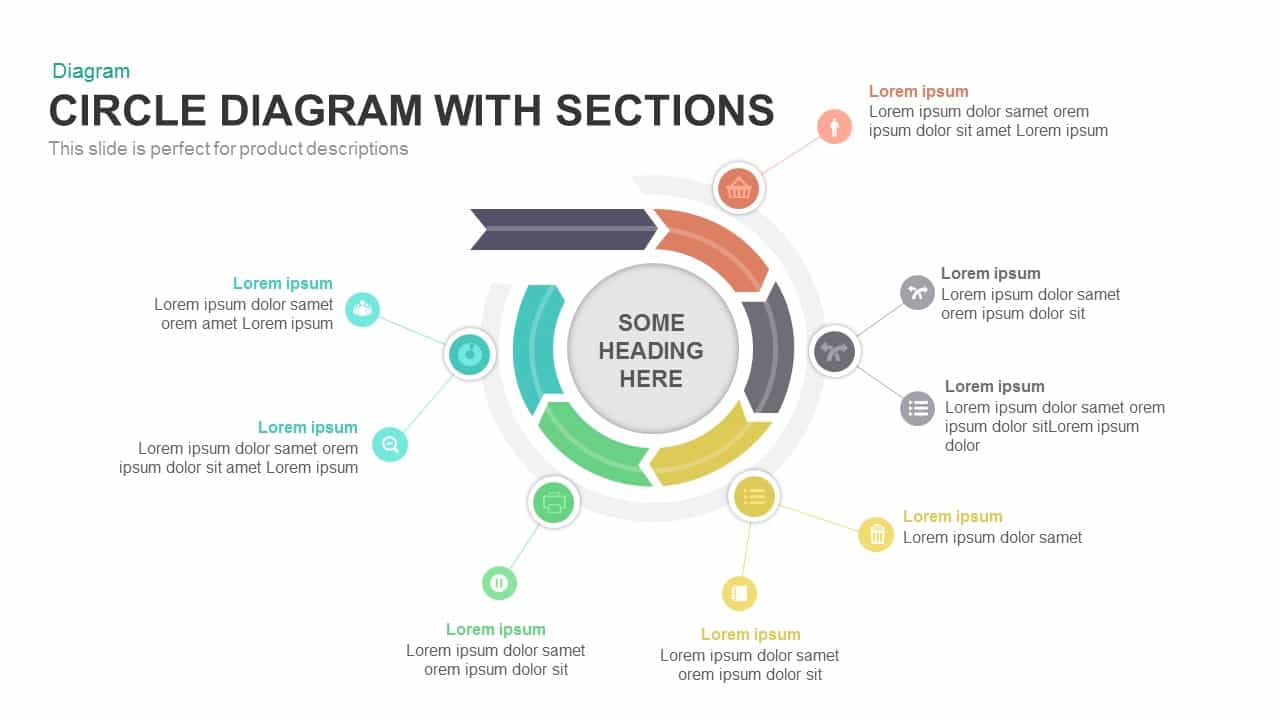
Circle Diagram Template with Sections PowerPoint
Circular
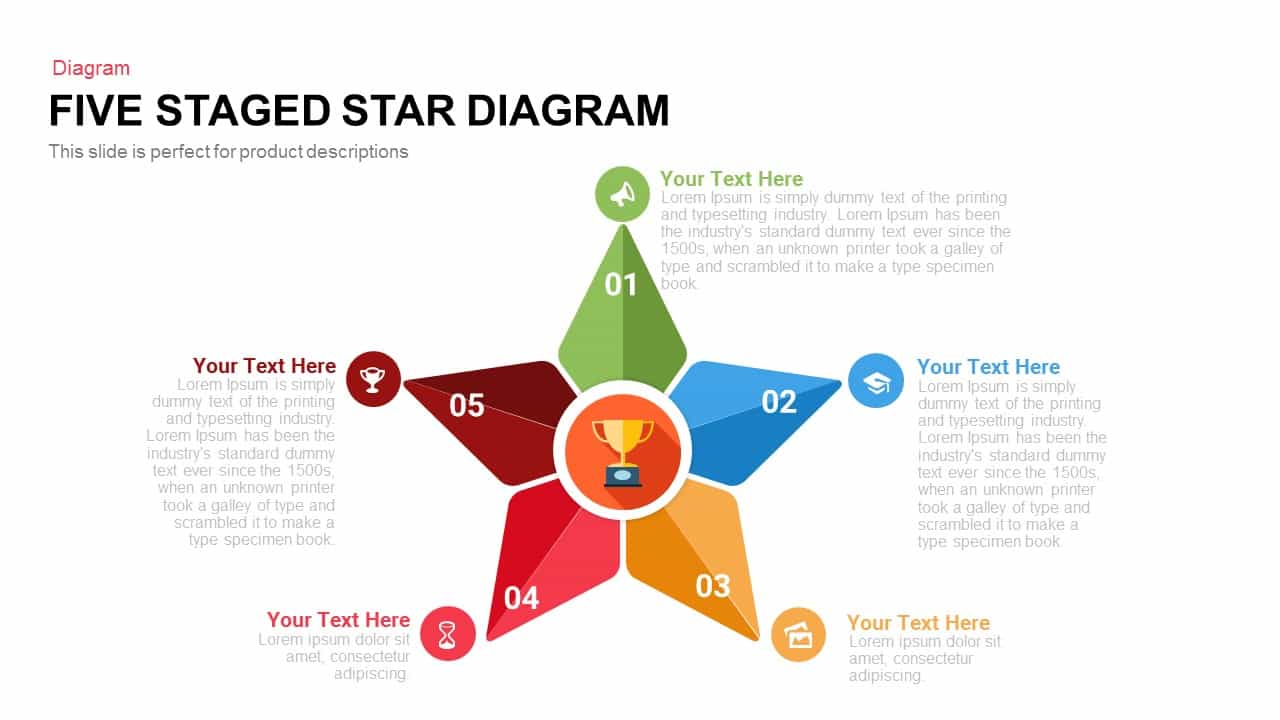
Five Staged Star Diagram Template for PowerPoint & Google Slides
Process

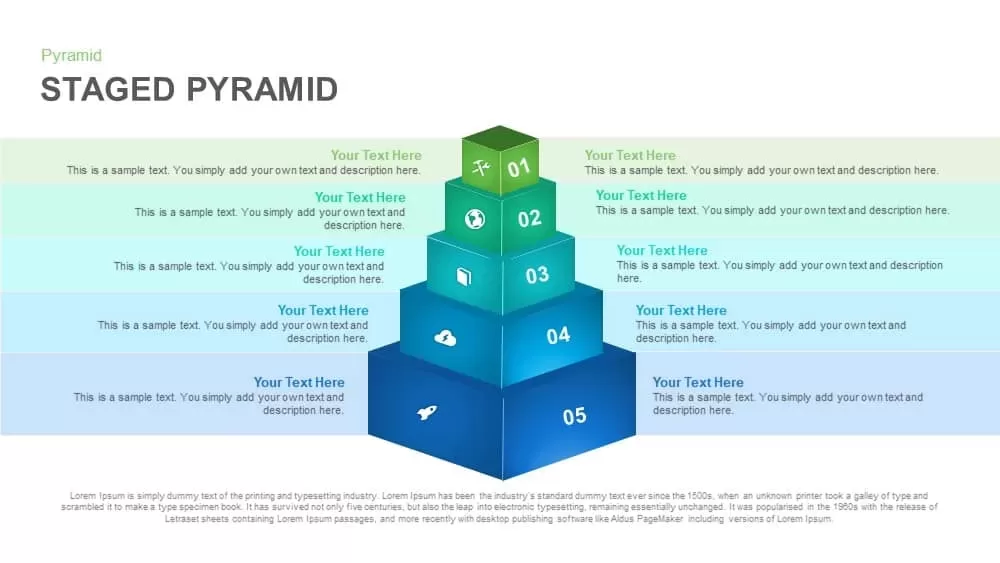
Five-Level Staged Pyramid Diagram Template for PowerPoint & Google Slides
Pyramid
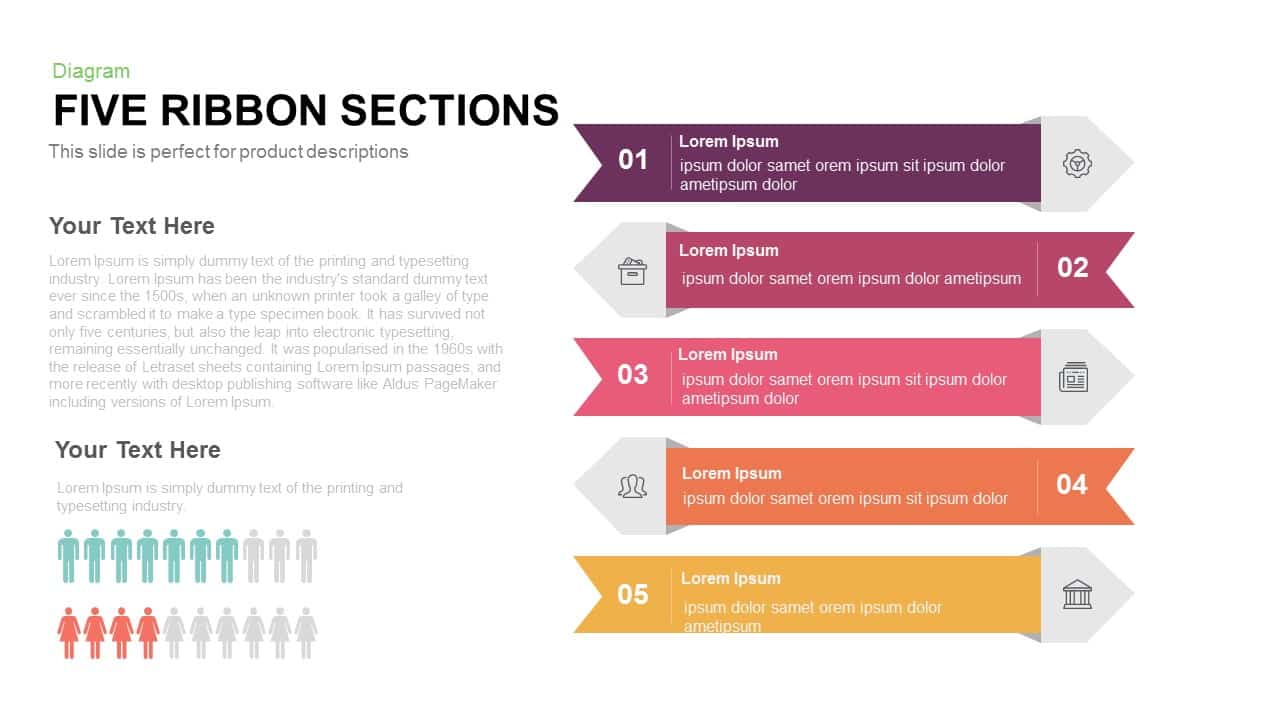
Five Sections Ribbon PowerPoint Template
Process

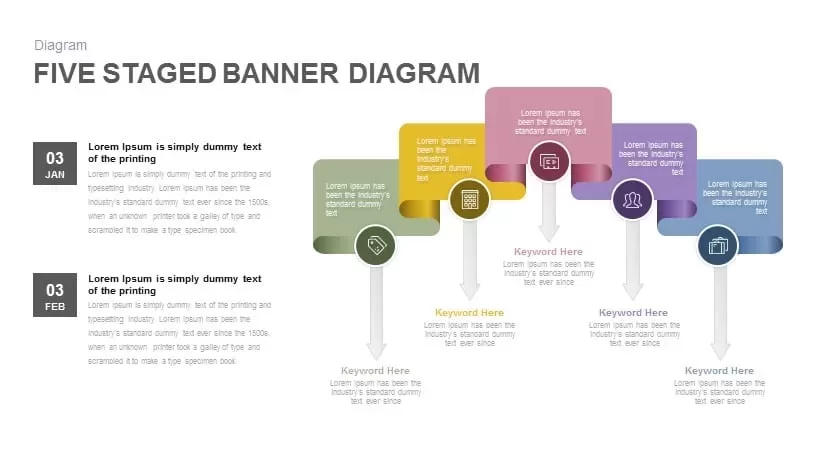
Five Staged Banner Diagram PowerPoint Template
Process
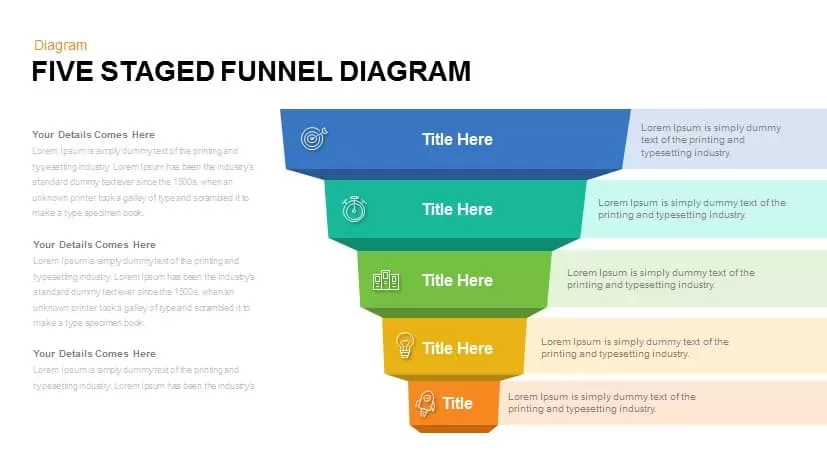
Five Staged Funnel Diagram PowerPoint Template
Funnel
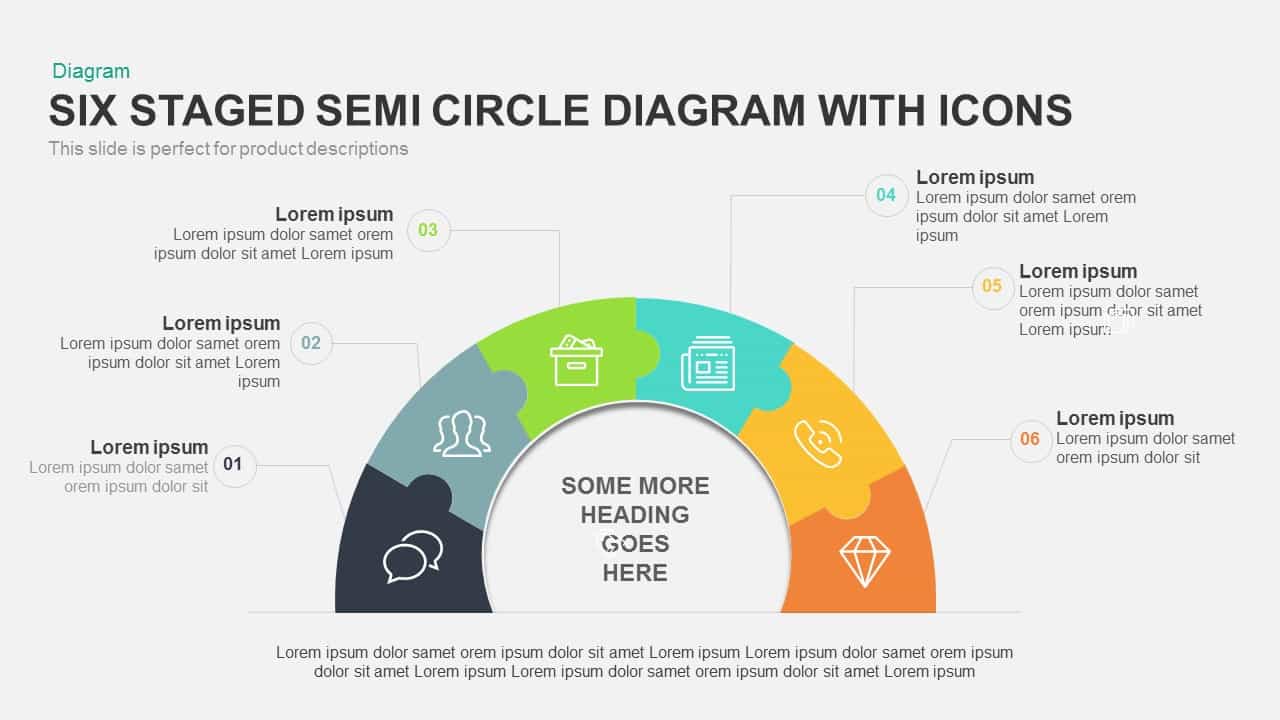
6 Staged Semi Circle Diagram PowerPoint Template with Icons
Circular
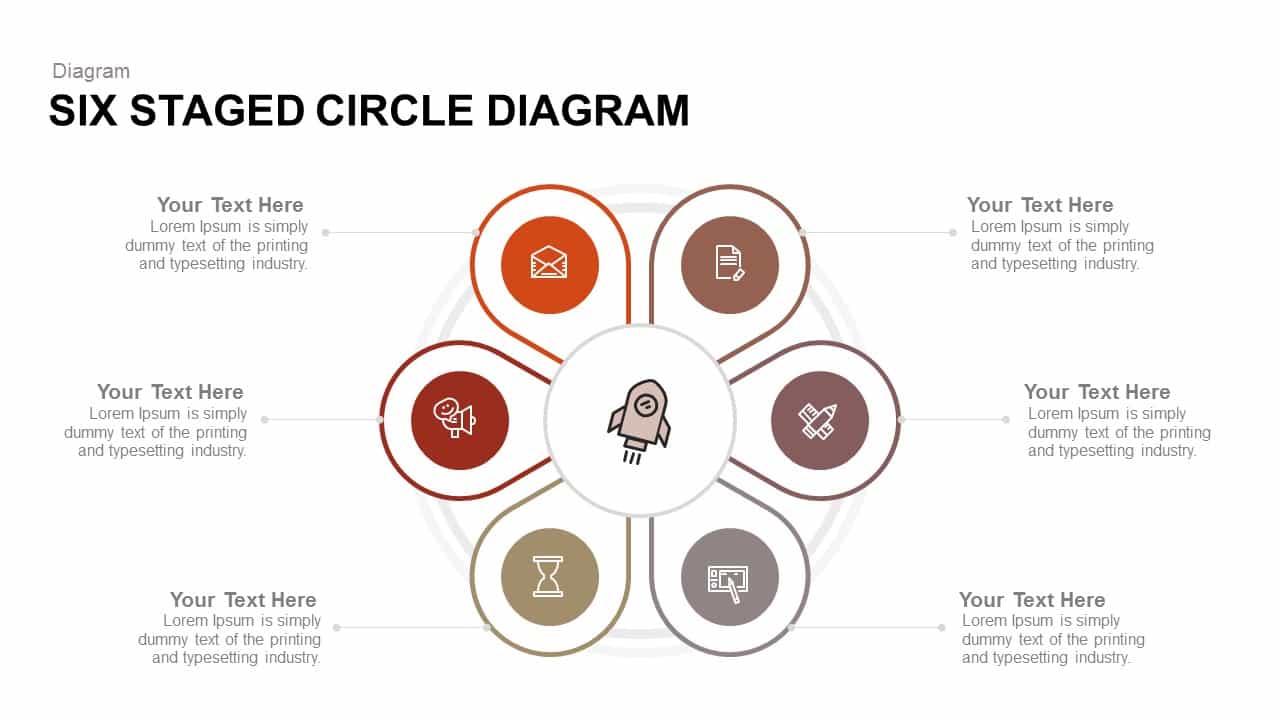
Six Staged Circle Diagram PowerPoint Template
Circular
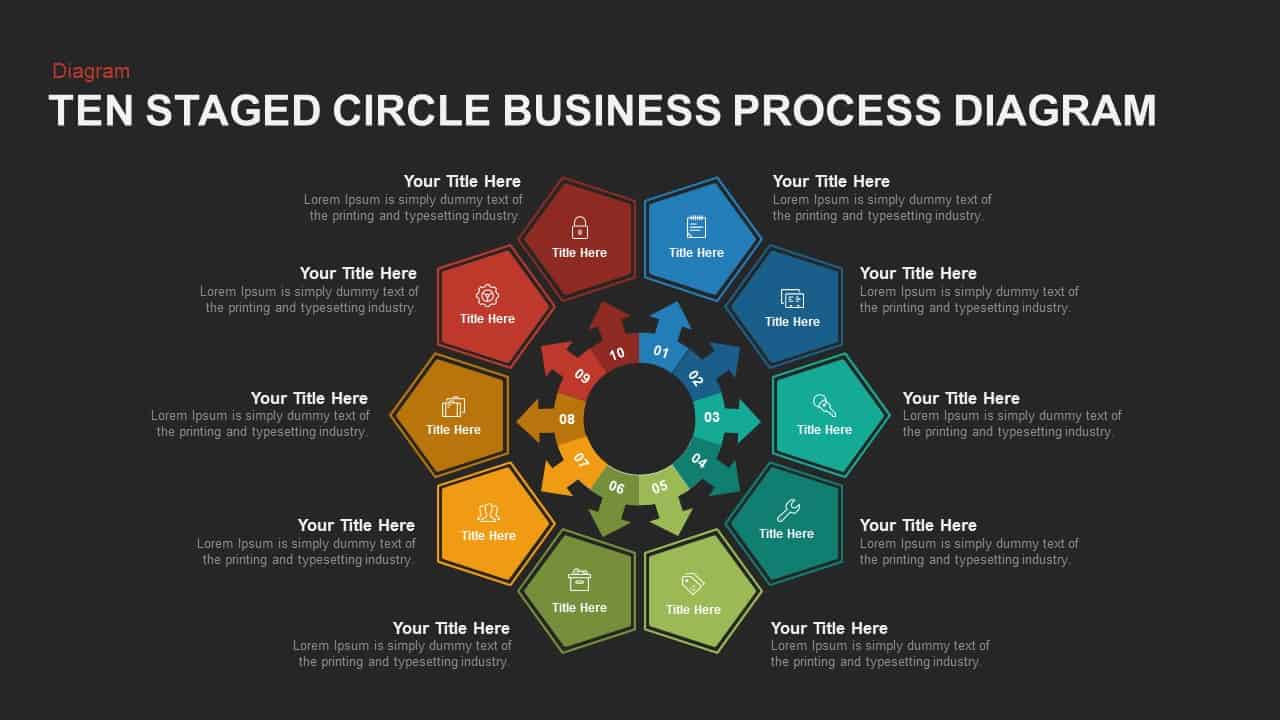
10 Staged Business Circle Process Diagram Template for PowerPoint
Process
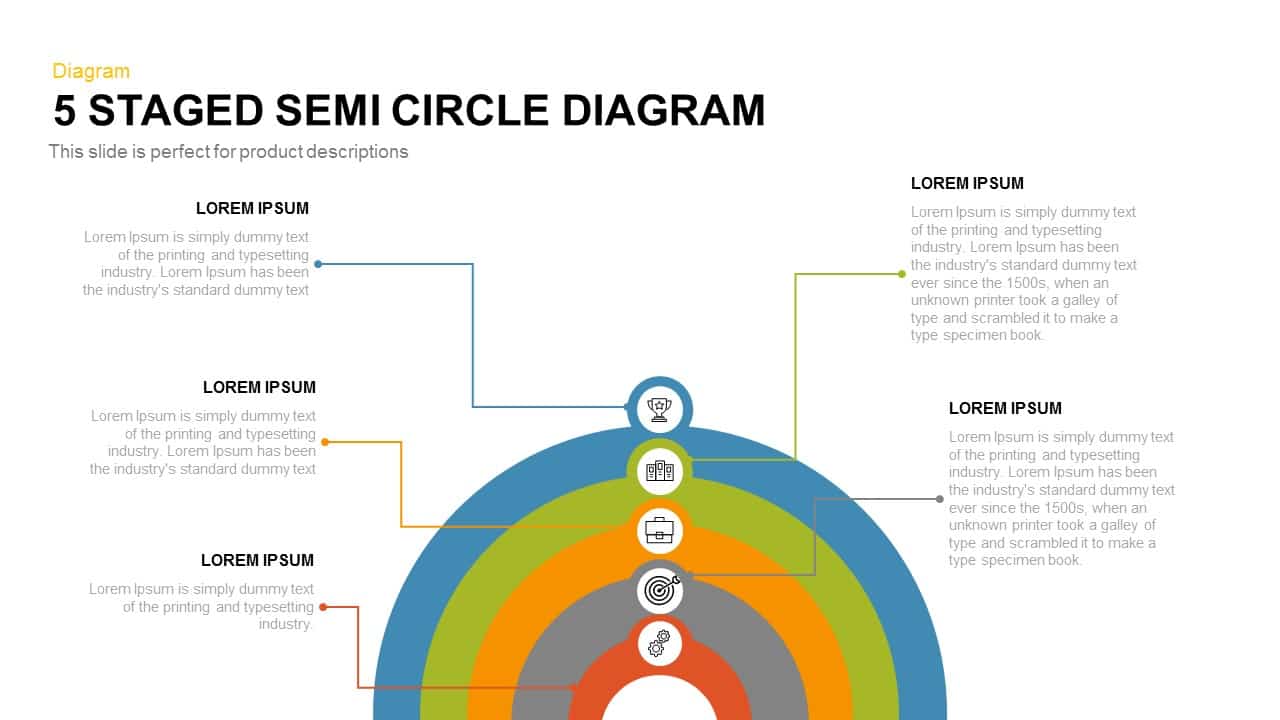
5 Staged Semi Circle Diagram for PowerPoint
Process
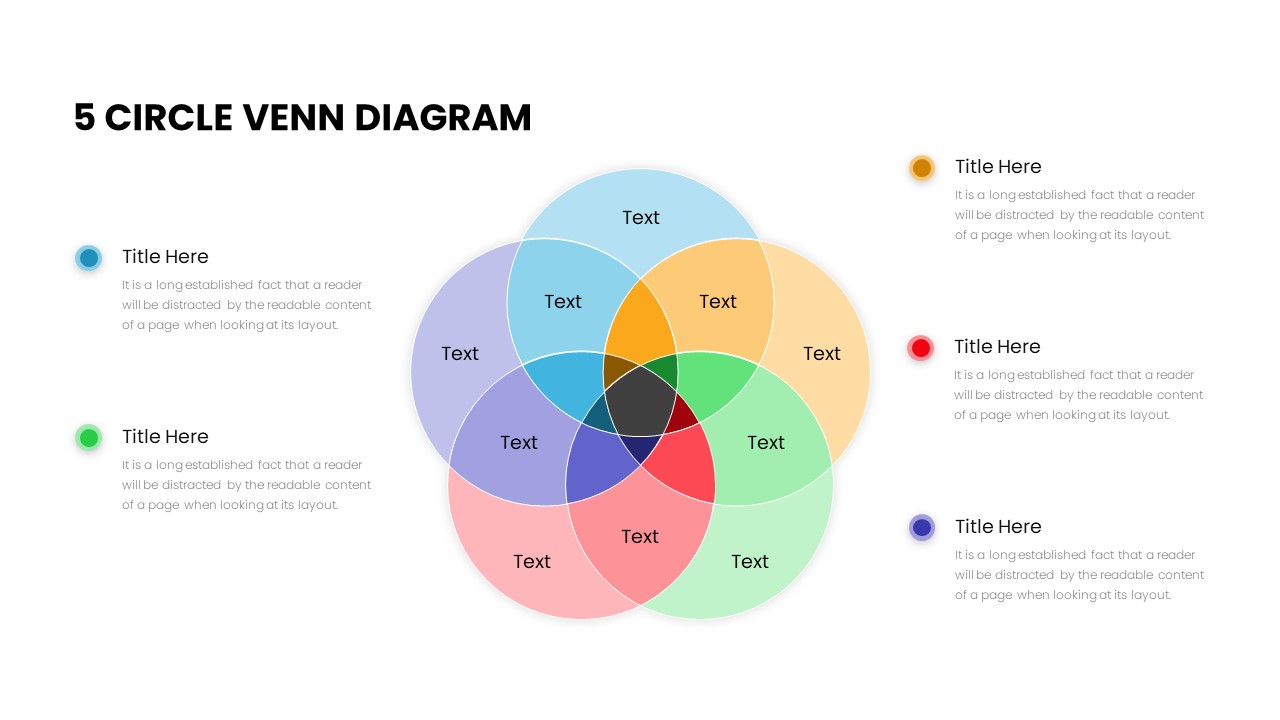
Five Circle Venn Diagram for Template for PowerPoint & Google Slides
Circular

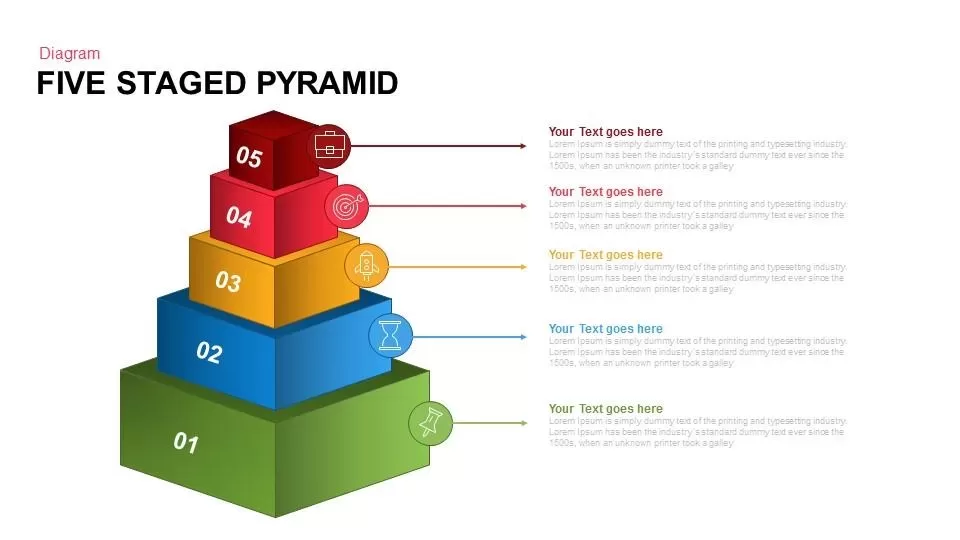
Five Staged Pyramid PowerPoint template
Pyramid
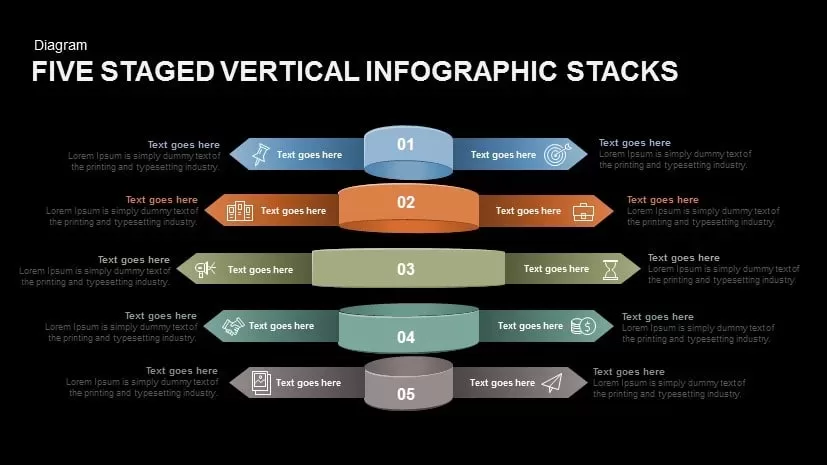
Five Staged Vertical Infographic Stacks PowerPoint Template
Process
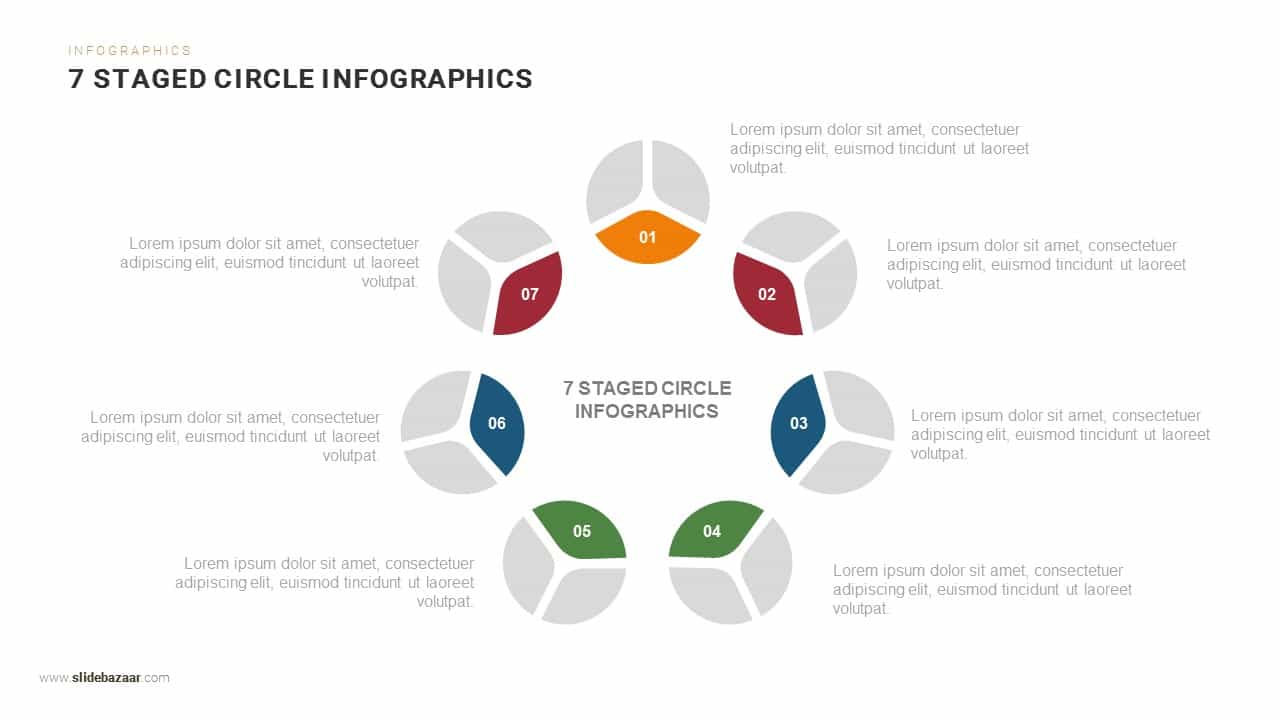
7 Staged Circle Infographics Template
Circular
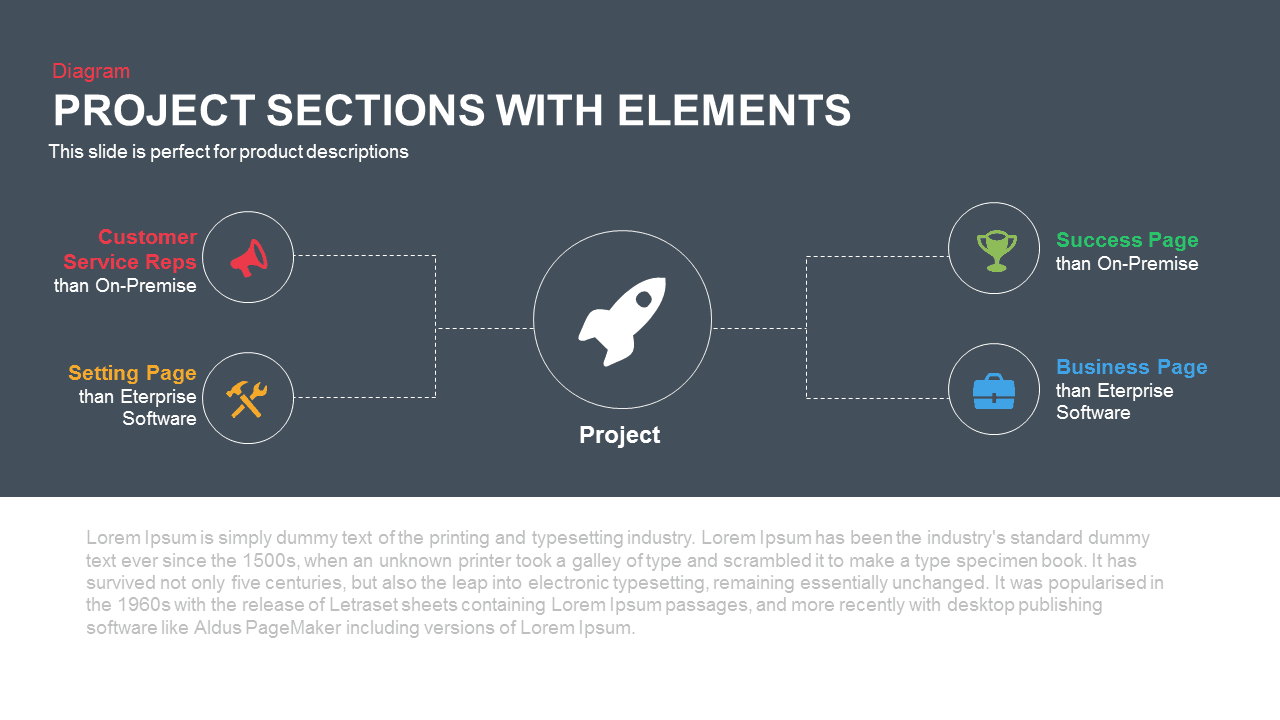
Project Sections Hub-and-Spoke Diagram template for PowerPoint & Google Slides
Flow Charts
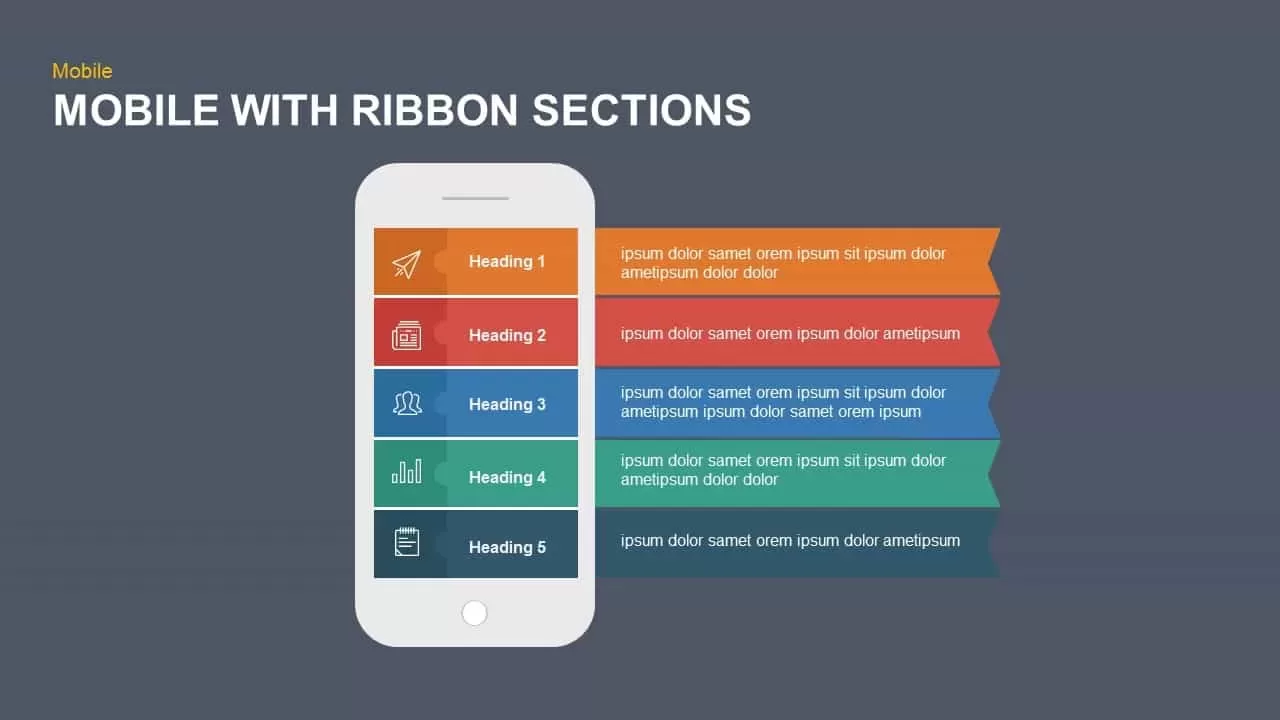
Mobile Ribbon Sections Diagram for PowerPoint & Google Slides
Process
Infinity Process Diagram PowerPoint Template with Eight Sections
Process
4 Sections Diagram Infographics Template
Process
4 Staged Circular Business Process Diagram template for PowerPoint & Google Slides
Process
Six Staged Funnel Diagram for PowerPoint & Google Slides
Funnel