Project Sections Hub-and-Spoke Diagram template for PowerPoint & Google Slides
Project Sections With Elements Presentation Slide Template For PowerPoint & Google Slides
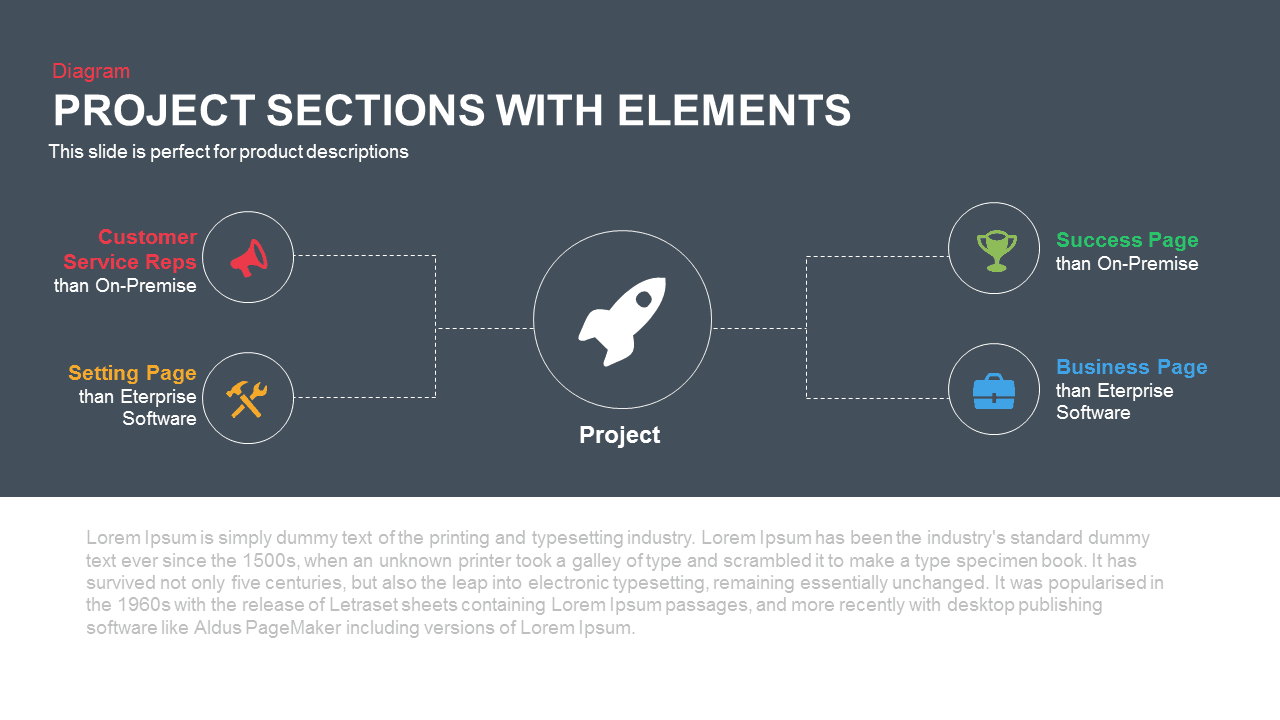
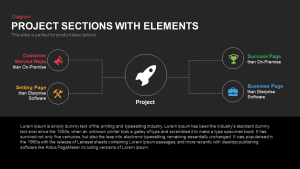
This Project Sections With Elements Presentation Slide Template for PowerPoint and Google Slides provides a centered hub-and-spoke diagram layout engineered to showcase product architecture, core launch pillars, feature sets, and operational dependencies. Built on a high-contrast dark slate-blue upper canvas paired with a clean white lower container, it links four surrounding functional modules to a central project milestone hub using clean dashed connection lines.
Slide Layout & Elements Breakdown
The slide opens on the upper left with a bright coral-red category label reading “Diagram”, positioned above the primary title in bold uppercase white typography: “PROJECT SECTIONS WITH ELEMENTS”. Directly underneath, a clear sub-header notes that the layout is structured for product descriptions, functional breakdowns, and modular feature overviews.
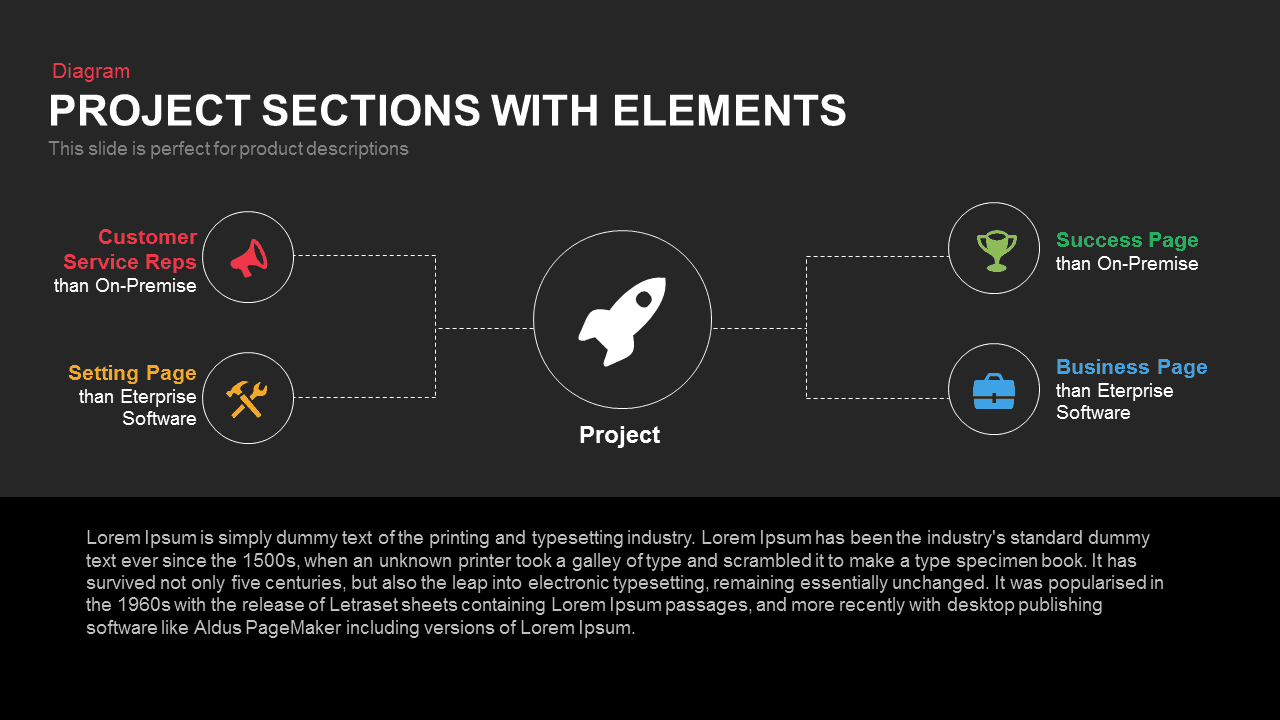
Anchoring the center of the dark field is a prominent circular badge displaying a white rocket launch silhouette, labeled “Project” directly below. Branching symmetrically to the left and right via white dashed bracket connectors are four circular vector icon nodes:
- Customer Service Reps (Coral Red): Anchors the upper-left branch with a megaphone icon badge, focusing on customer support, communications, and outbound marketing outreach.
- Setting Page (Amber Orange): Positioned along the lower-left branch with crossed hammer-and-wrench tools, highlighting system configuration, backend development, and technical maintenance.
- Success Page (Vibrant Green): Sits on the upper-right branch featuring a championship trophy icon, dedicated to milestone achievement, customer success, and KPI benchmarks.
- Business Page (Bright Cyan): Grounds the lower-right branch with an executive briefcase icon, emphasizing corporate governance, commercial strategy, and enterprise operations.
The lower section of the slide transitions into a clean white band containing an expansive descriptive paragraph block. This generous space allows presenters to detail system specifications, explain project scope parameters, or summarize stakeholder deliverables without visually crowding the central framework.
Where to Use This Slide
Product managers, technical architects, and agile sprint leads can deploy this template during release kickoffs, sprint reviews, and feature roadmaps to present foundational product components. Startup founders and corporate development teams can integrate the layout into investor pitch decks to illustrate core business engines and operational pillars supporting a product launch. In addition, IT consultants and enterprise solutions architects can adapt the central hub-and-spoke model to outline cloud migrations, software integrations, and enterprise platform capabilities to executive stakeholders.
Template Features
- Fully editable vector graphic layout compatible with Microsoft PowerPoint and Google Slides, enabling complete customization of colors, line icons, text placeholders, and node styling.
- High-impact dual-tone composition featuring a centered rocket hub with balanced symmetrical branches and dedicated narrative space for seamless presentation delivery.
Check out more flow chart presentation templates.
Login to download this file

Item ID
SB00334


Related Templates

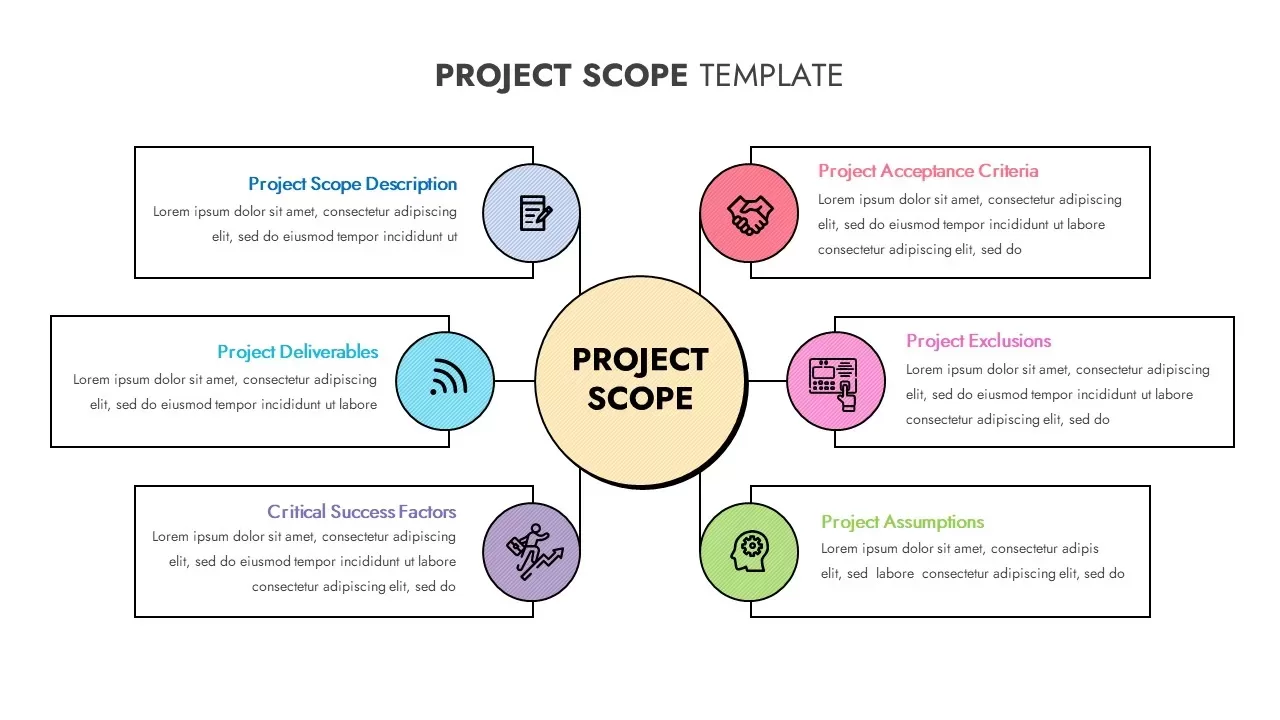
Project Scope Hub & Spoke Layout Template for PowerPoint & Google Slides
Process

Cloud Computing Hub and Spoke Diagram Template for PowerPoint & Google Slides
Cloud Computing
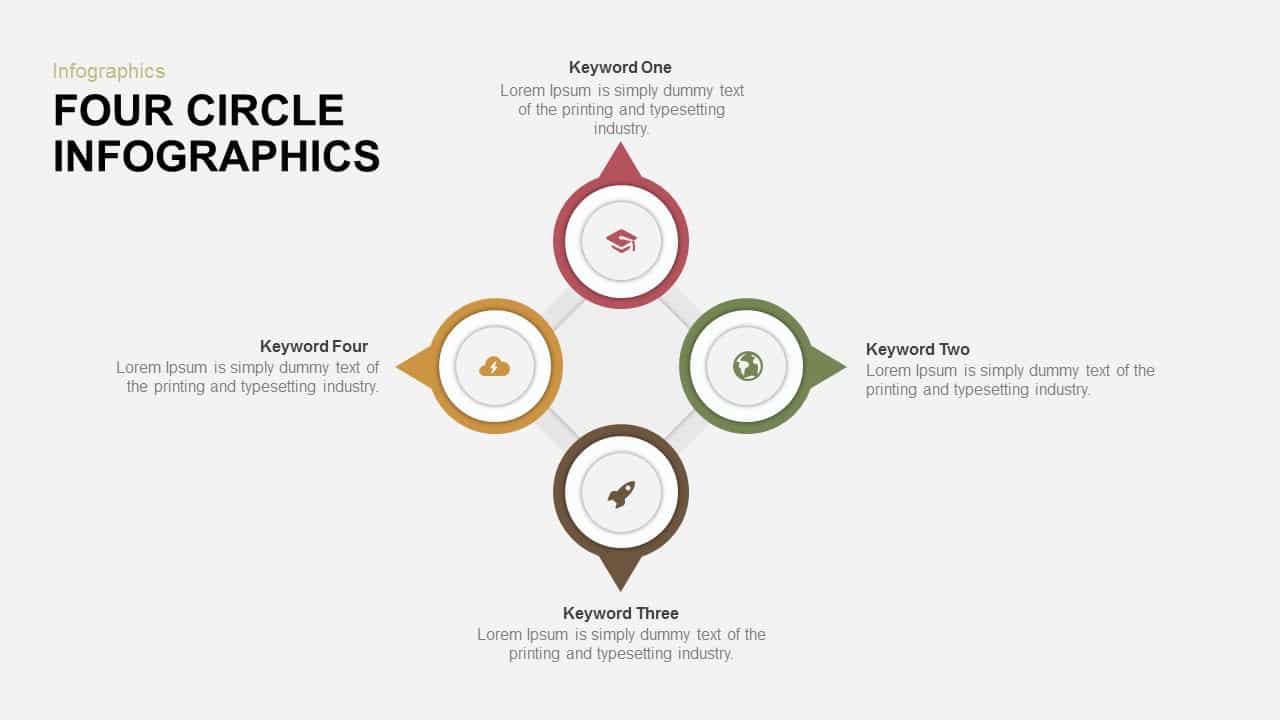
Four-Circle Hub and Spoke Diagram Template for PowerPoint & Google Slides
Process

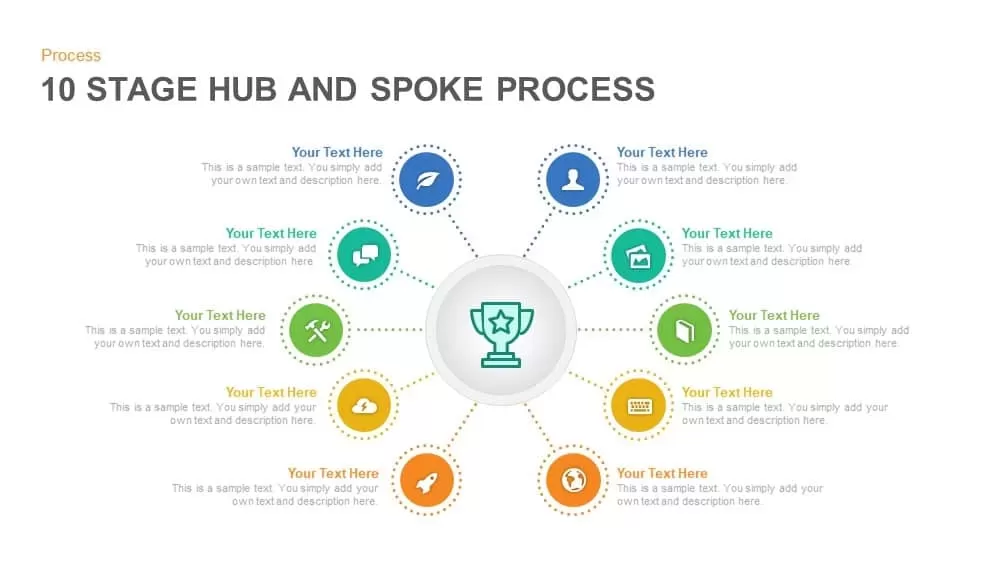
Ten-Stage Hub and Spoke Process Diagram Template for PowerPoint & Google Slides
Process
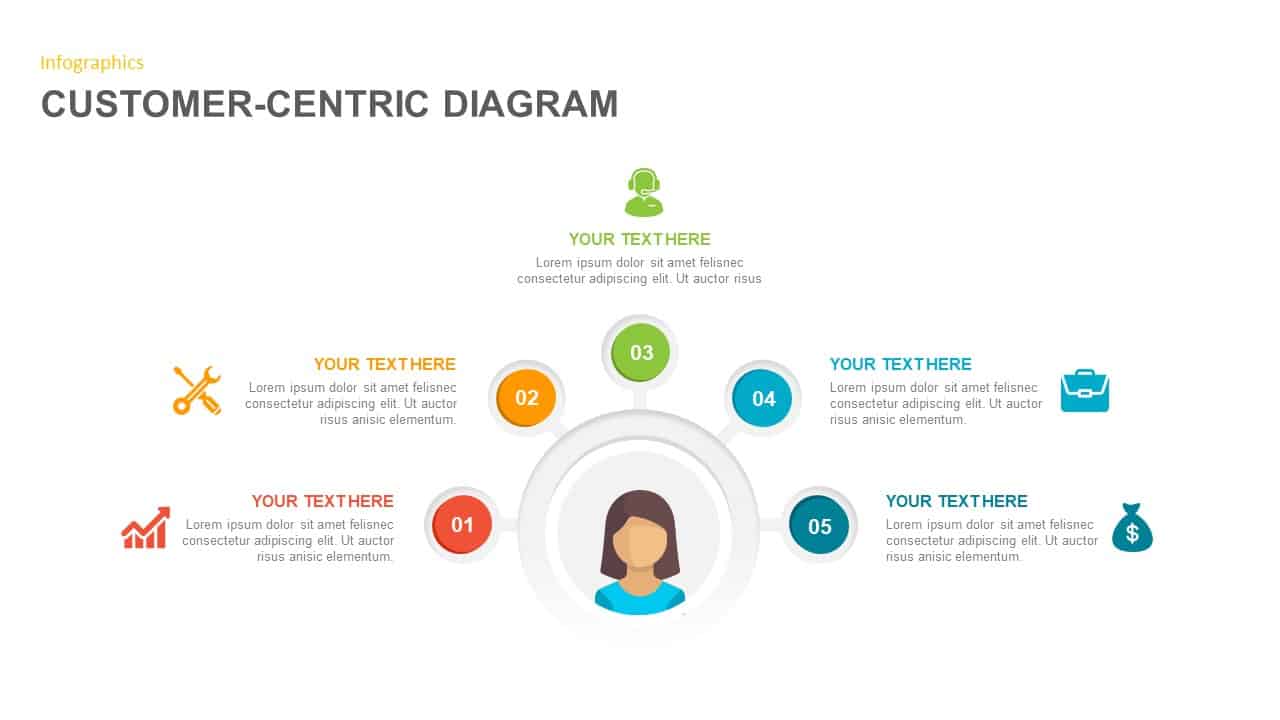
Customer-Centric Hub and Spoke Diagram Template for PowerPoint & Google Slides
Customer Experience
Five-Node Hub and Spoke Diagram Template for PowerPoint & Google Slides
Business Strategy
Lessons Learned Hub and Spoke Diagram Template for PowerPoint & Google Slides
Leadership
Free
Proactive Hub-and-Spoke Diagram Template for PowerPoint & Google Slides
Process
Hub and Spoke Diagram for PowerPoint & Google Slides
Business Models
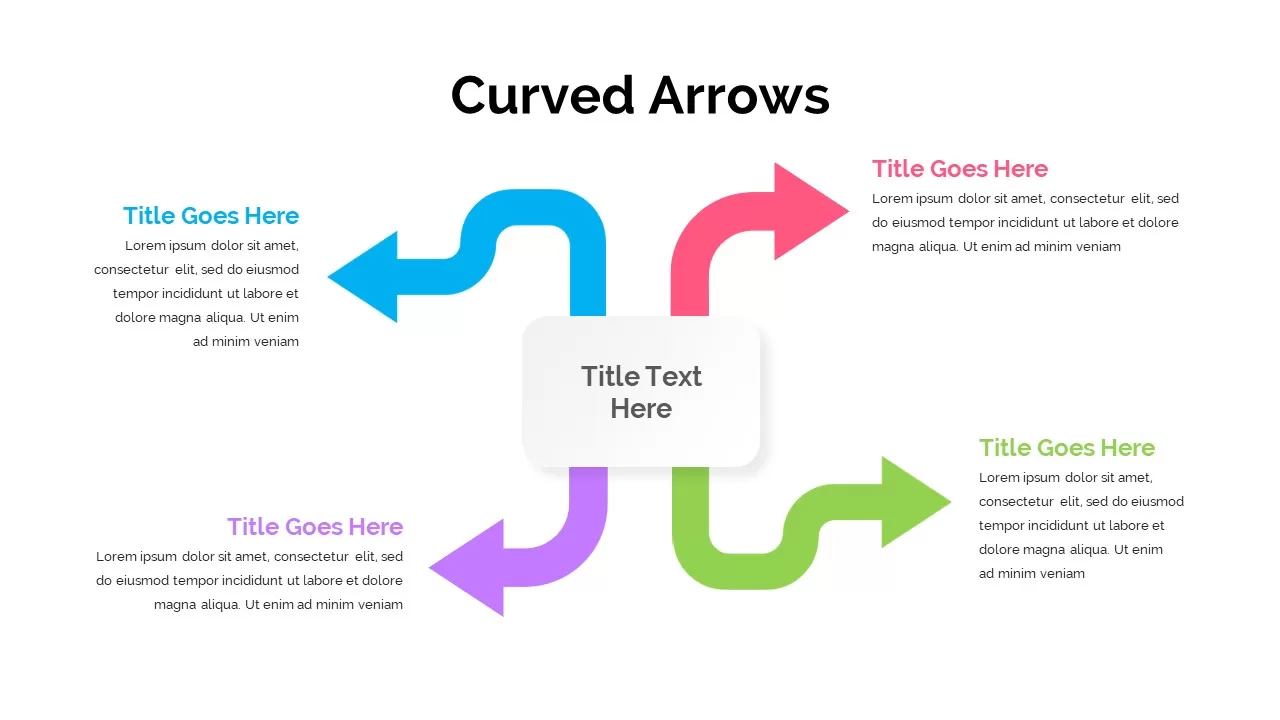
Four-Arrow Curved Hub-and-Spoke Diagram Template
Arrow
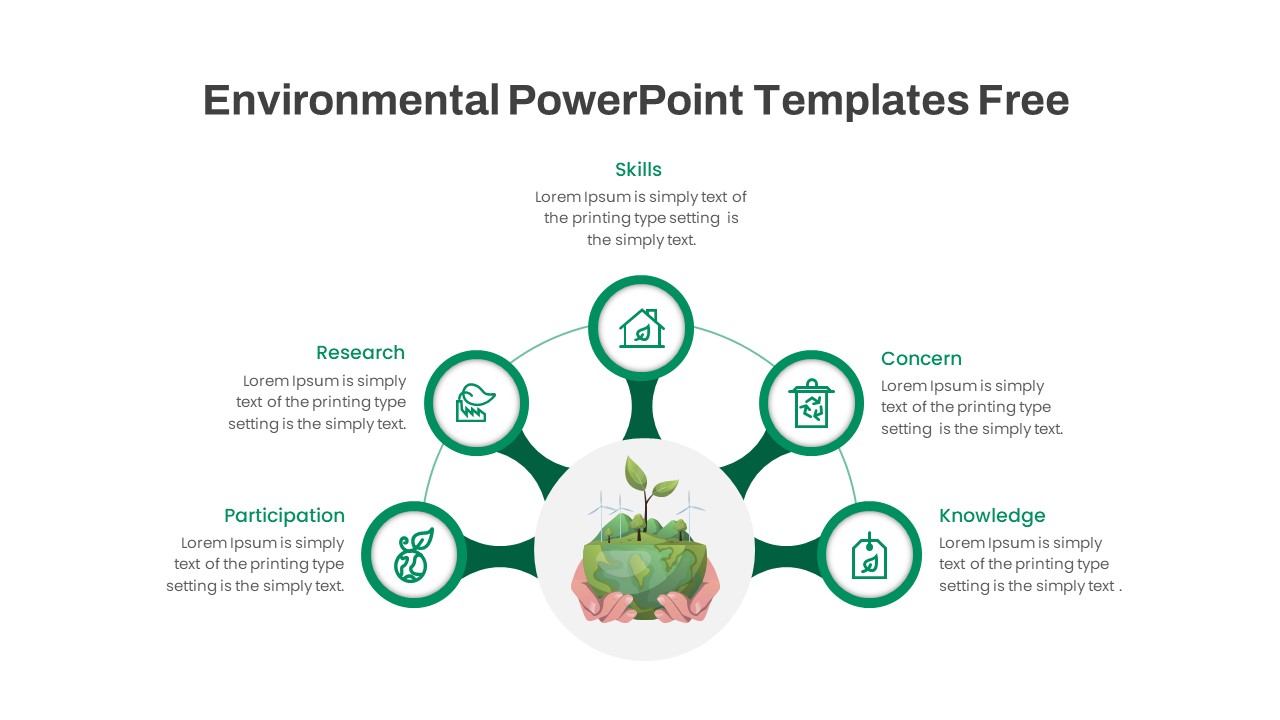
Free Environmental Hub-and-Spoke Diagram Template
Circular
Free
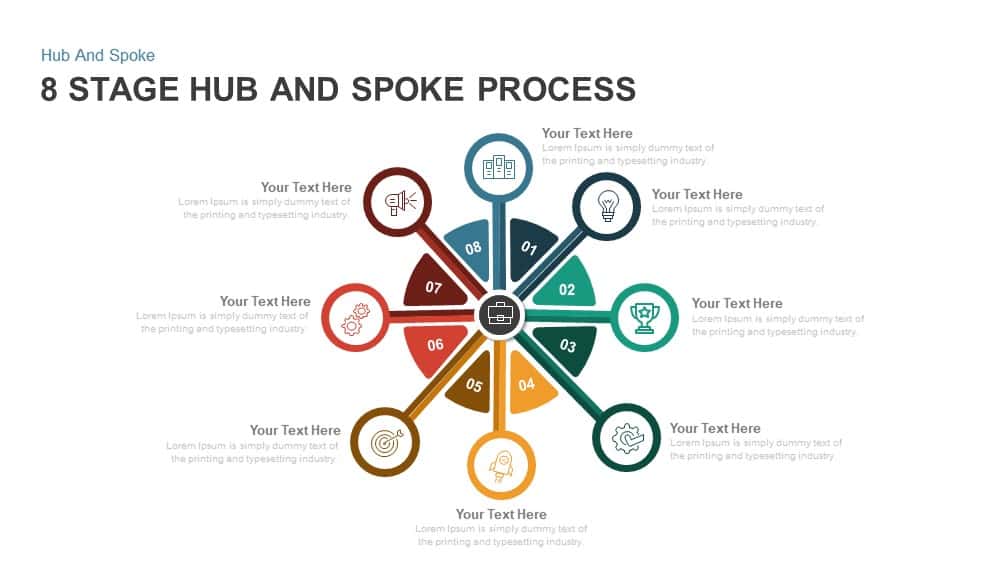
8 Stage Hub and Spoke Process PowerPoint Template and Google Slides
Process
Omnichannel Sales Circular Hub & Spoke Template for PowerPoint & Google Slides
Digital Marketing
Omnichannel Retail Strategy Hub & Spoke Template for PowerPoint & Google Slides
Business Strategy
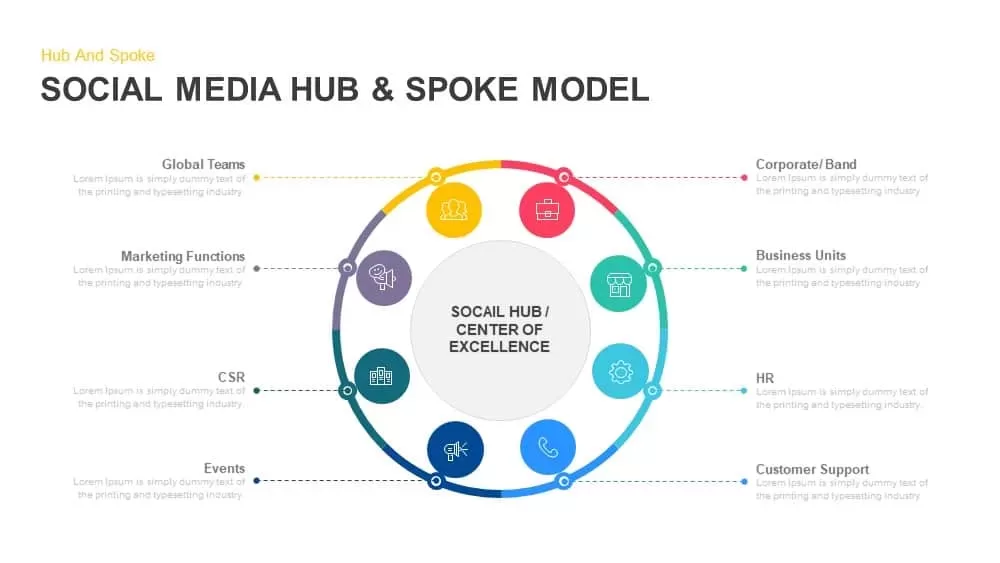
Social Media Hub and Spoke Model PowerPoint Template
Process
Three Step Hub and Spoke PowerPoint Template
Circular
Hub And Spoke Template for PowerPoint
Business Models
Hub Spoke Growth Hexagon Infographic PowerPoint Template
Circular
Hub and Spoke Infographic for PowerPoint Presentations
Circular
Hub And Spoke PowerPoint Slide
Circular