Omnichannel Retail Strategy Hub & Spoke Template for PowerPoint & Google Slides



Omnichannel Retail Strategy PowerPoint and Google Slides Template
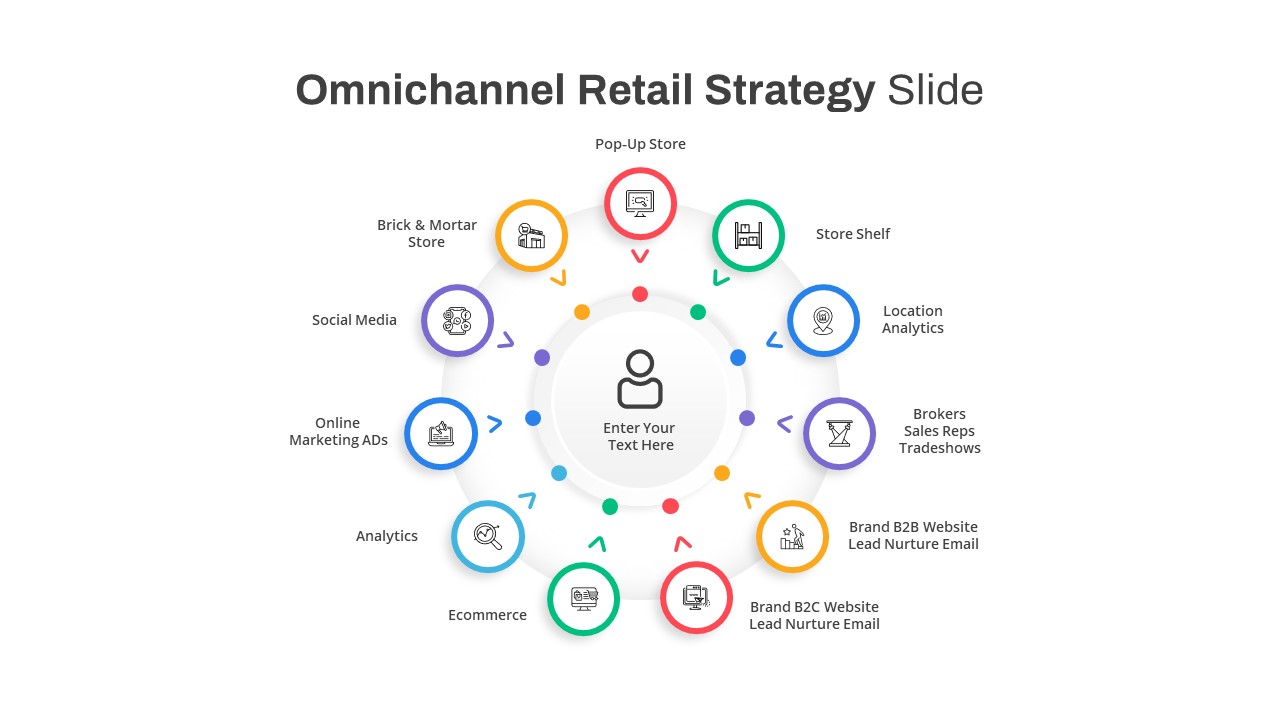
Connecting digital touchpoints, mapping integrated customer journeys, unifying e-commerce with physical stores, or outlining modern retail distribution networks requires a clear customer-centric graphic. This omnichannel retail strategy PowerPoint template equips retail strategists, digital marketers, e-commerce directors, and business development consultants with an 11-channel radial wheel diagram. By positioning the consumer directly at the center of all physical and virtual channels, this slide helps speakers illustrate cohesive customer experiences, integrated sales funnels, and unified brand ecosystems during executive reviews and strategy presentations.
Key slide components and visual highlights include:
- A central focal node featuring an outline customer avatar icon with dedicated headline and subtitle placeholders to anchor the user experience.
- An 11-node radial wheel structure illustrating comprehensive touchpoints across digital, physical, and hybrid sales channels.
- Clear external category labels covering Pop-Up Store, Store Shelf, Location Analytics, Brokers / Sales Reps / Tradeshows, Brand B2B Website & Lead Nurture Email, Brand B2C Website & Lead Nurture Email, Ecommerce, Analytics, Online Marketing Ads, Social Media, and Brick & Mortar Store.
- A multi-color circular palette utilizing red, emerald green, sky blue, purple, amber orange, and teal node rings with matching directional indicator arrows pointing toward the customer hub.
- Minimalist line art icons embedded within each circular node to visually represent shopping storefronts, mobile devices, web interfaces, search tracking, and social networks.
- Clean white presentation canvas designed to ensure high contrast and maximum readability across conference room displays and virtual meetings.
- 100% editable vector components that let presenters adjust node counts, modify color palettes, customize text labels, and swap icons directly within PowerPoint or Google Slides.
Login to download this file

Item ID
SB03533


Related Templates

Omnichannel Sales Circular Hub & Spoke Template for PowerPoint & Google Slides
Digital Marketing
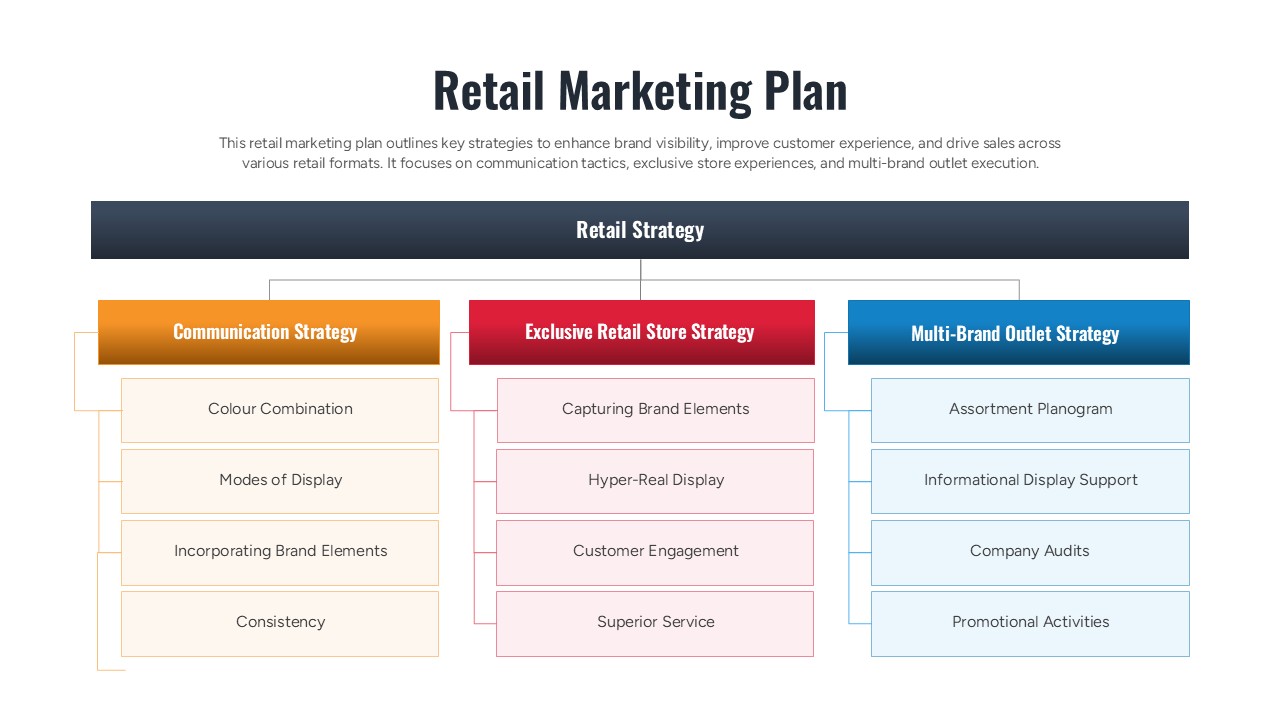
Retail Marketing Plan PowerPoint Template & Google Slides
Marketing
Omnichannel Strategy Circular Diagram for PowerPoint
Digital Marketing

Cloud Computing Hub and Spoke Diagram Template for PowerPoint & Google Slides
Cloud Computing
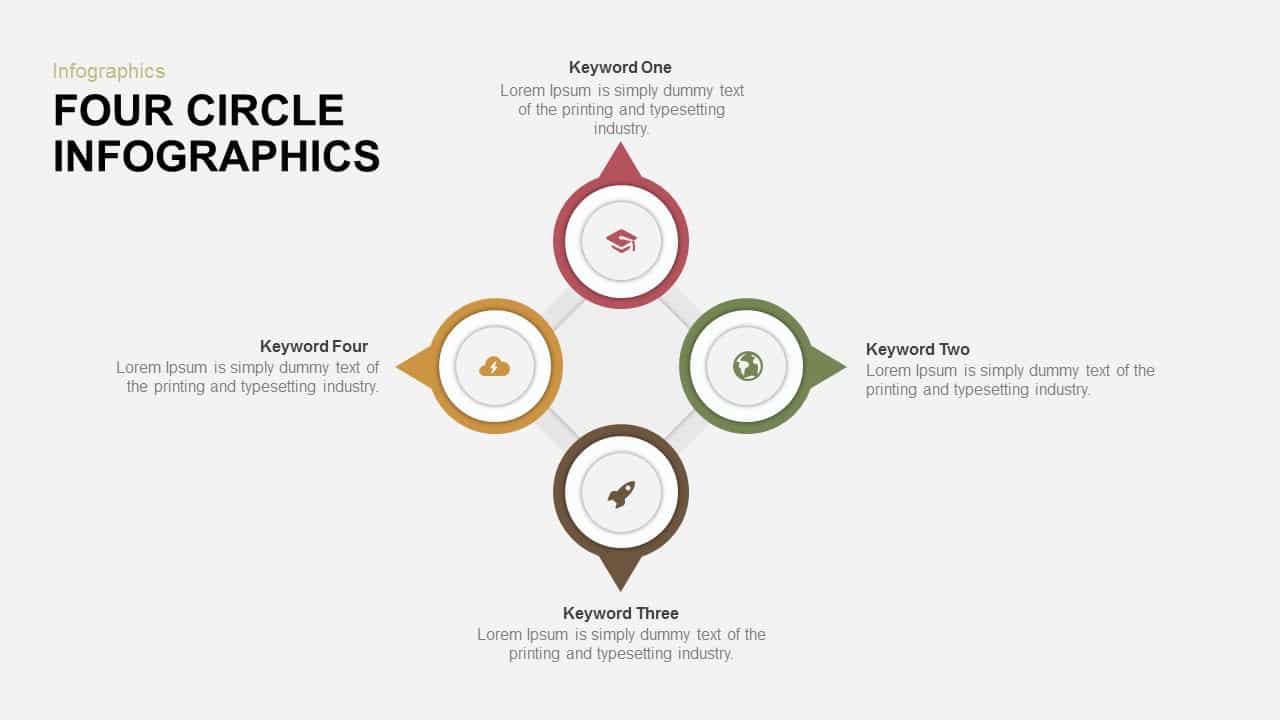
Four-Circle Hub and Spoke Diagram Template for PowerPoint & Google Slides
Process

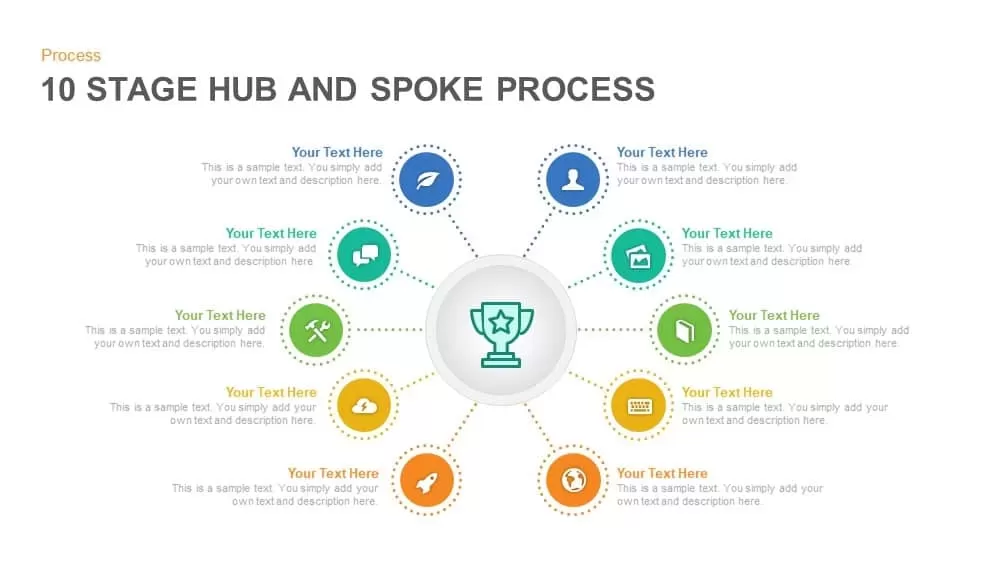
Ten-Stage Hub and Spoke Process Diagram Template for PowerPoint & Google Slides
Process
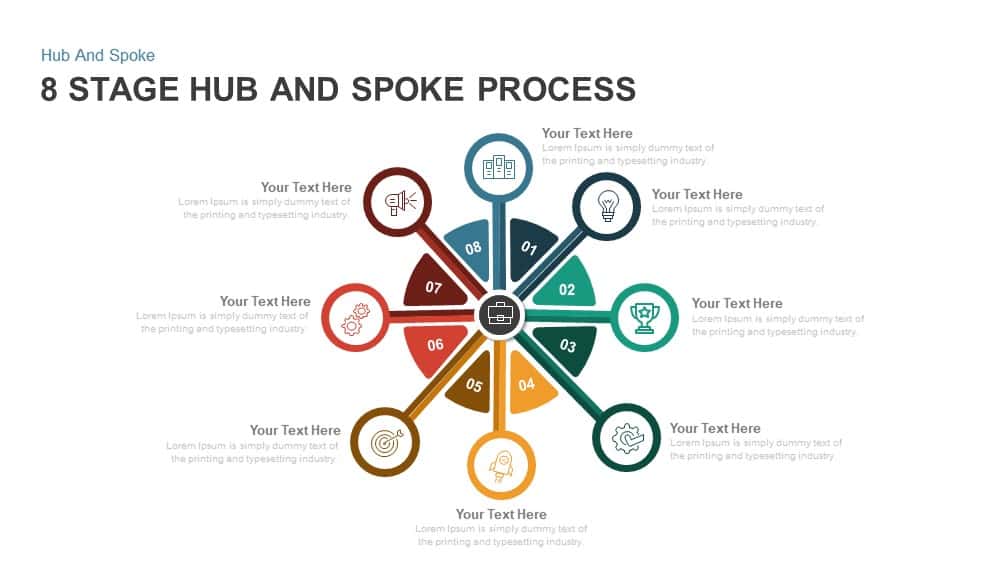
8 Stage Hub and Spoke Process PowerPoint Template and Google Slides
Process
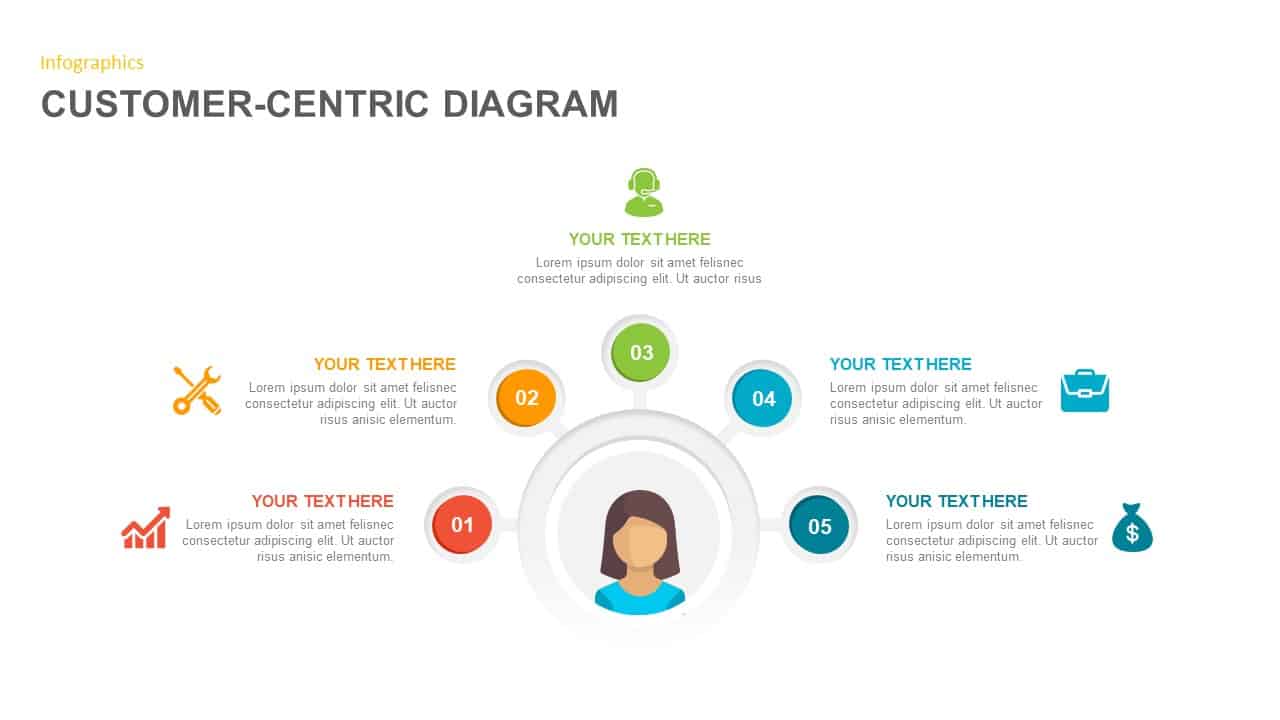
Customer-Centric Hub and Spoke Diagram Template for PowerPoint & Google Slides
Customer Experience
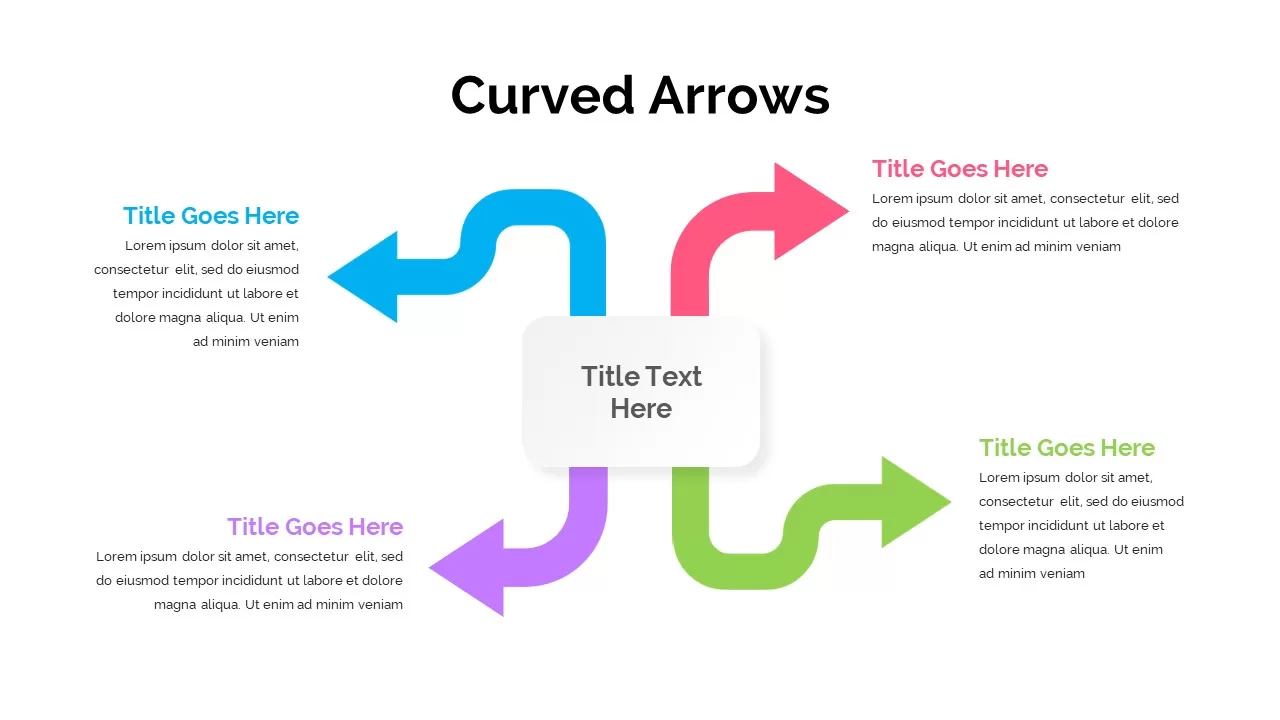
Four-Arrow Curved Hub-and-Spoke Diagram Template
Arrow
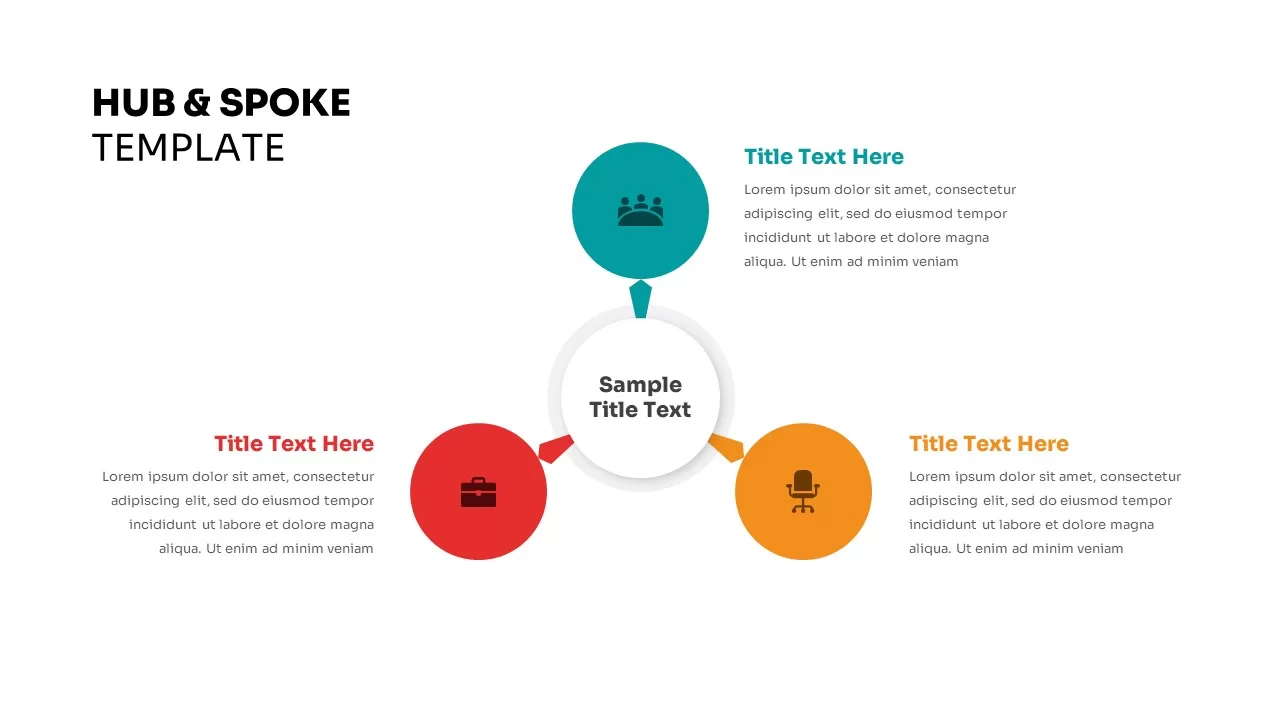
Three Step Hub and Spoke PowerPoint Template
Circular
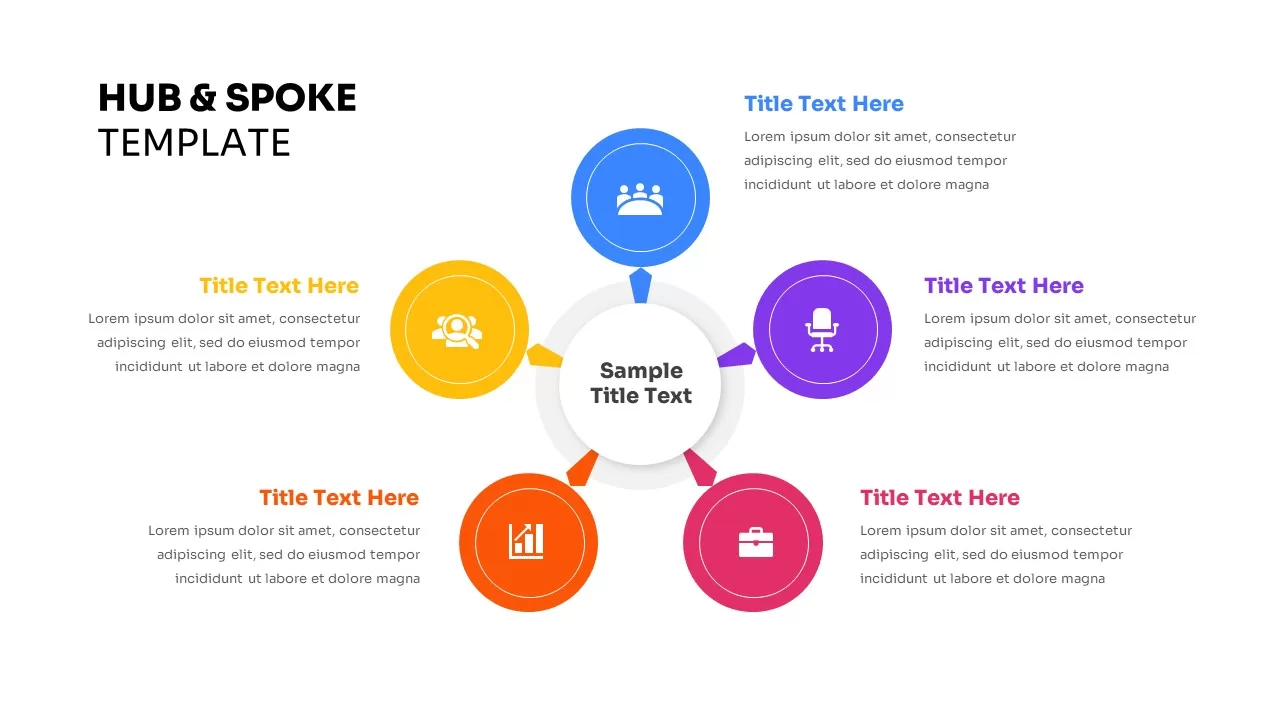
Five-Node Hub and Spoke Diagram Template for PowerPoint & Google Slides
Business Strategy
Social Media Hub-and-Spoke Infographics Template
Circular
Six Benefits Circular Infographic Template
Circular
Free
Lessons Learned Hub and Spoke Diagram Template for PowerPoint & Google Slides
Leadership
Free
Free Social Media Marketing Template
Circular
Free
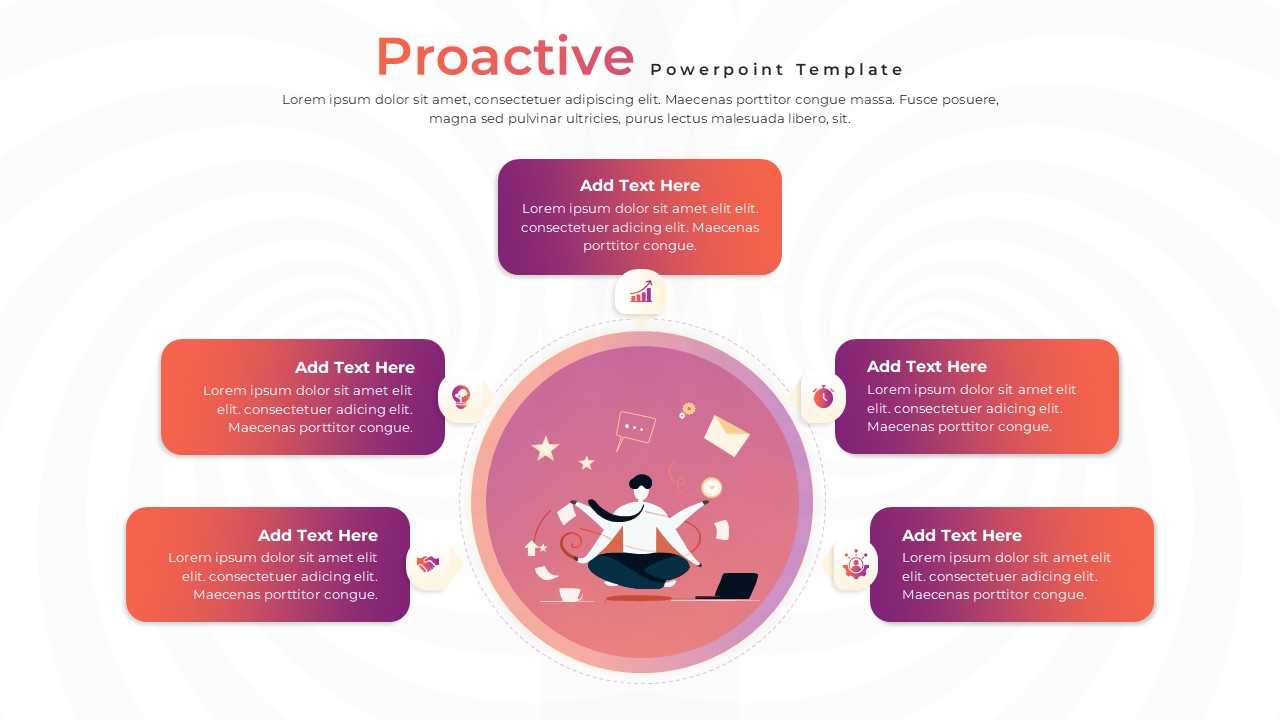
Proactive Hub-and-Spoke Diagram Template for PowerPoint & Google Slides
Process
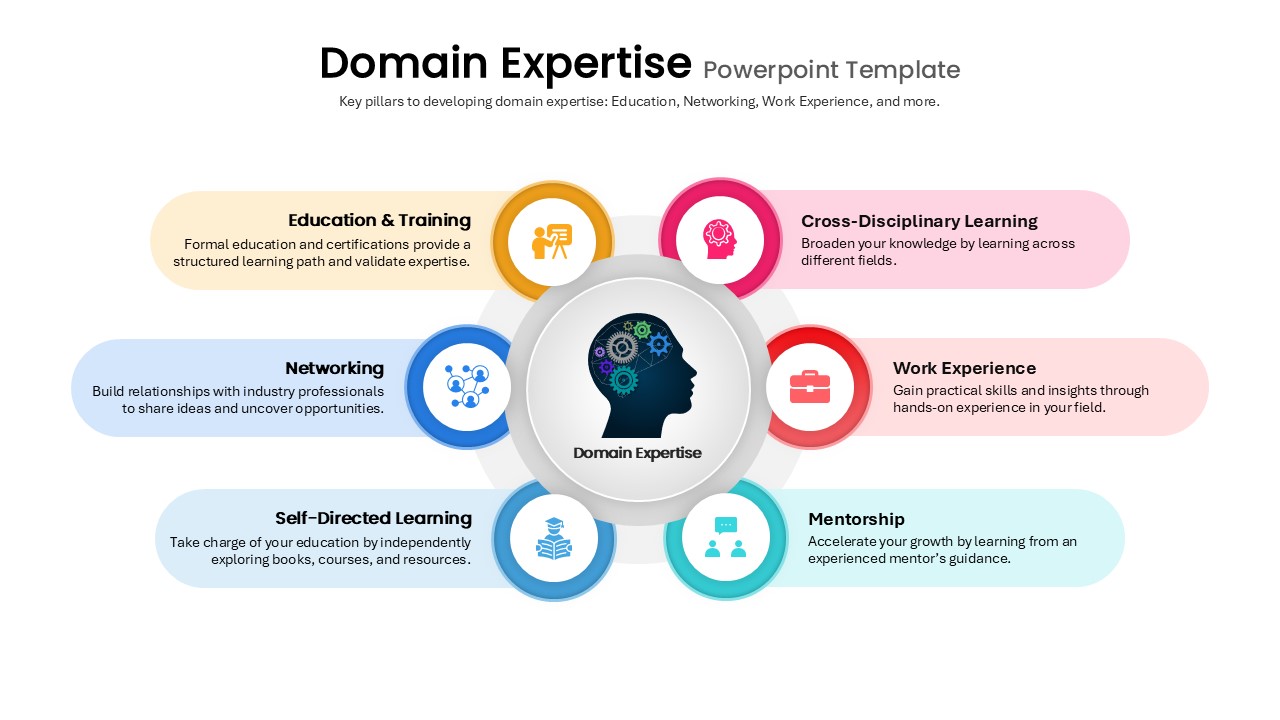
Domain Expertise PowerPoint Template
Circular
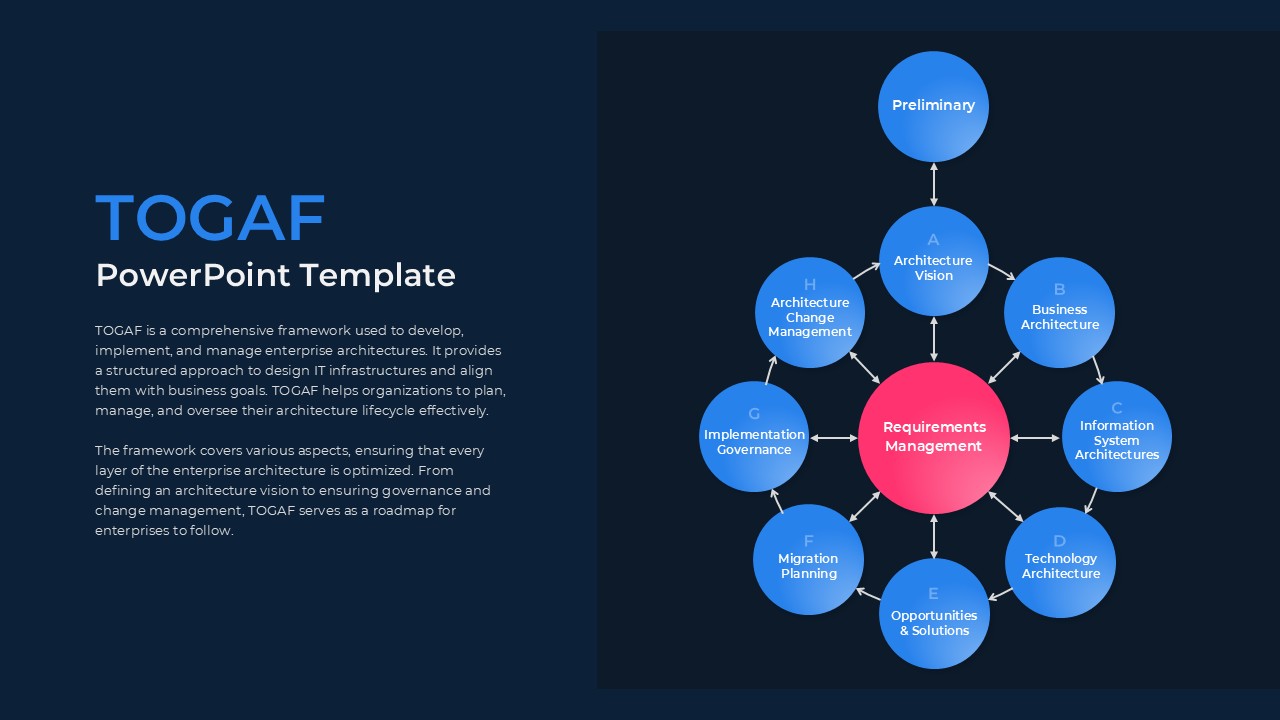
TOGAF PowerPoint Template
Circular
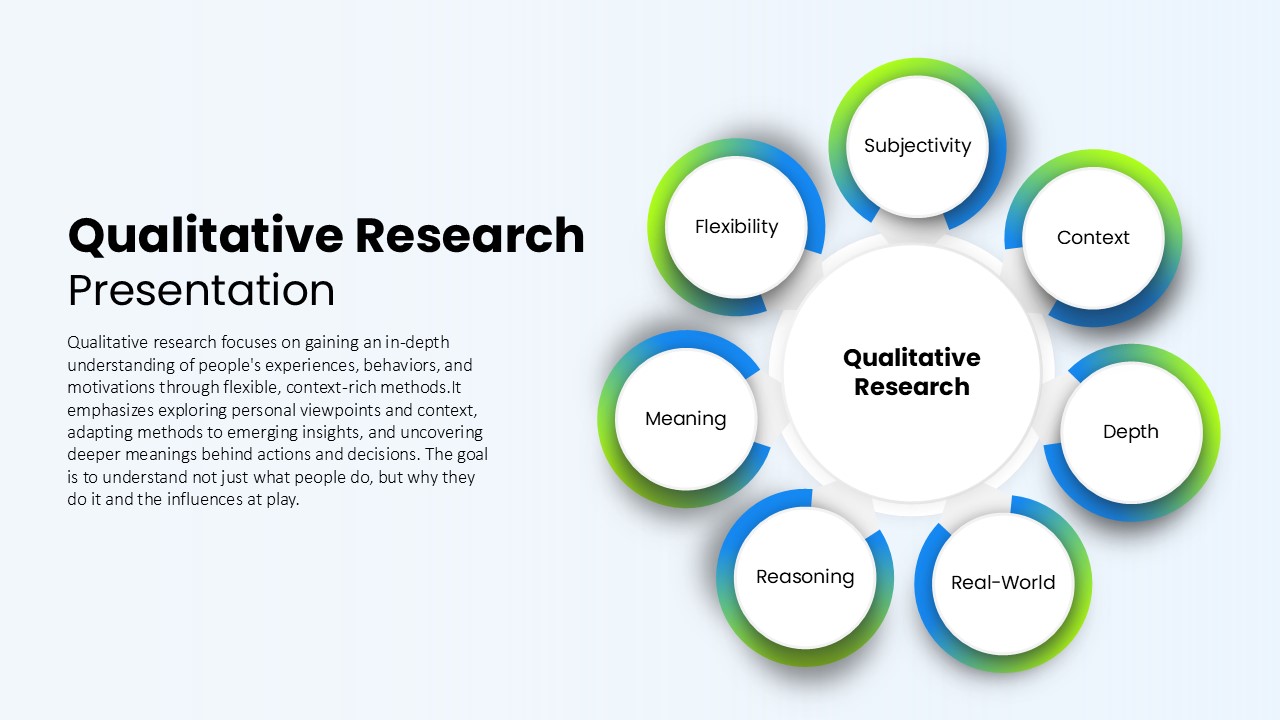
Qualitative Research Presentation Template
Circular
ML Center of Excellence Template
Machine Learning