Lessons Learned Hub and Spoke Diagram Template for PowerPoint & Google Slides
Lessons Learned Slide Template for PowerPoint
Every project ends. Some end well, some do not. But the ones that leave your team actually better than before are the ones where somebody took the time to sit down and ask, what did we get right, what went wrong, and what do we do differently next time? That conversation is valuable. The problem is that without the right structure, it turns into a rambling discussion that nobody follows up on.
A good lessons learned slide template for PowerPoint turns that conversation into something documented, organized, and actually usable the next time around.
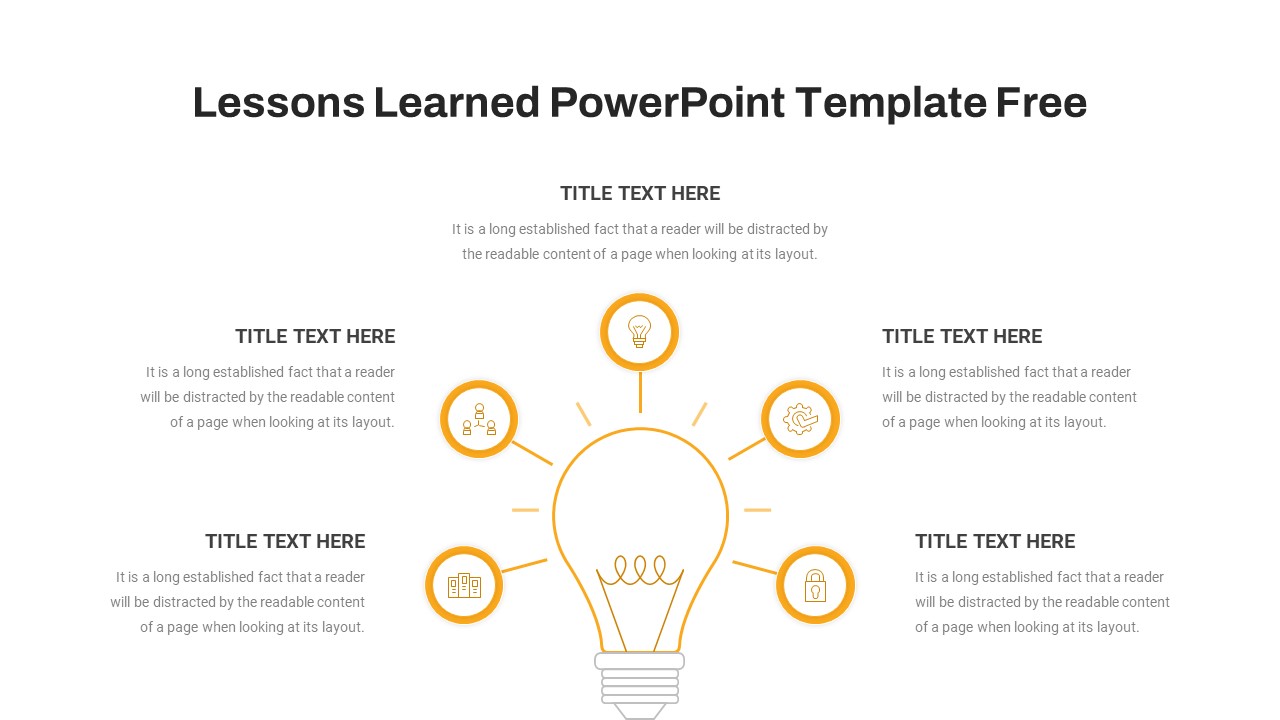
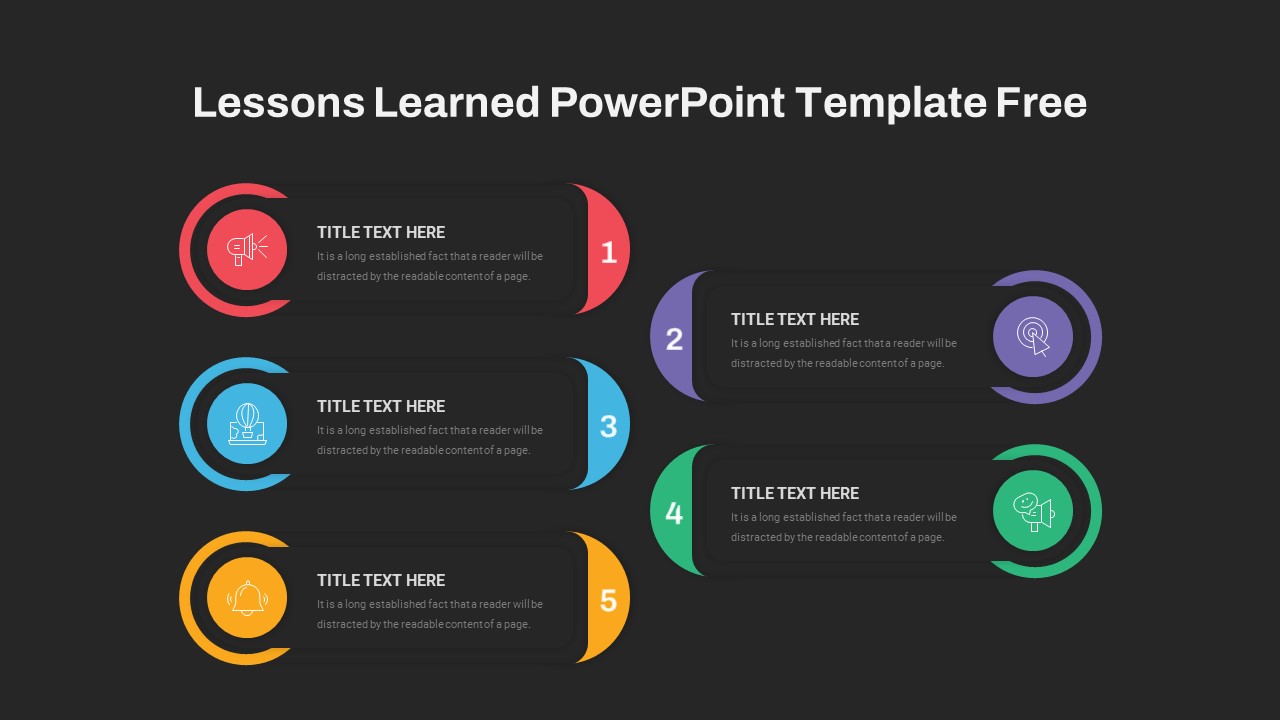
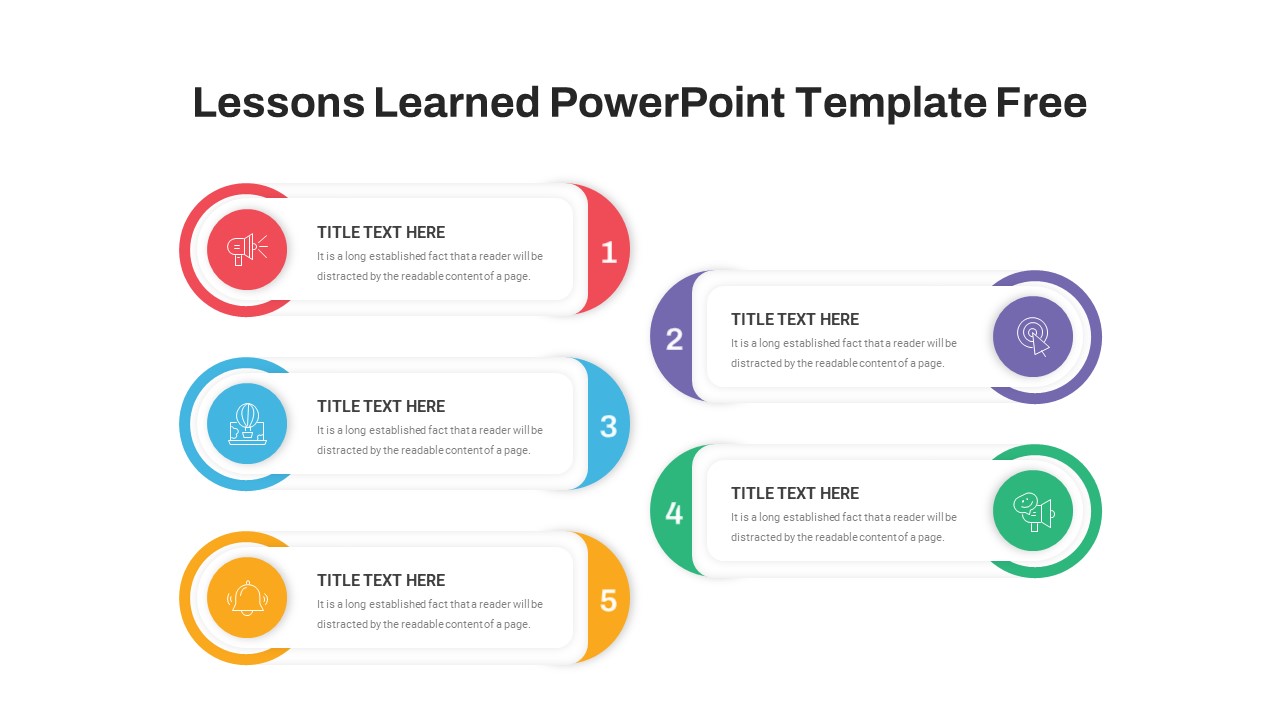
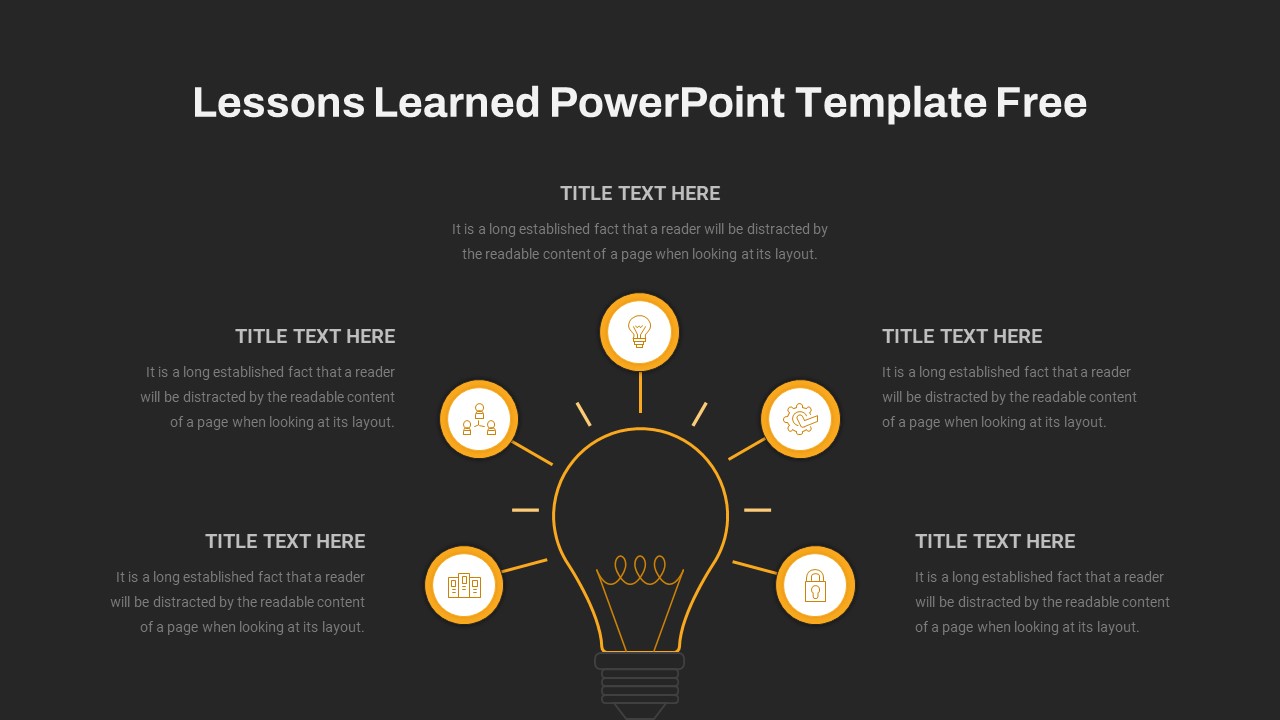
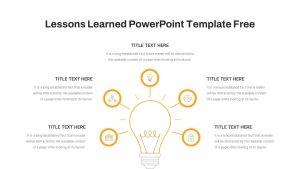
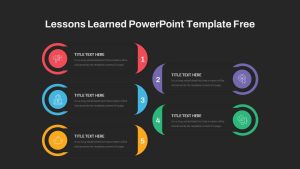
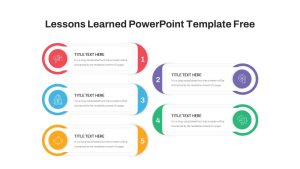
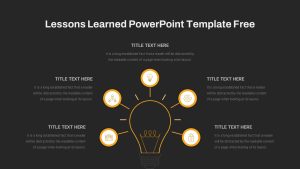
This template gives you two distinct slide layouts to work with, and that choice matters more than it might seem at first. The hub-and-spoke diagram puts a central lightbulb icon in the middle with six peripheral nodes around it, each framed in bold orange rings. It is the right format when your lessons do not follow a strict order, when you have multiple themes or focus areas that are all equally important and you want to show them as a cluster rather than a sequence. The numbered steps layout takes a different approach. Five customizable cards sit side by side, each with its own accent color in red, blue, purple, green, and yellow, with an icon placeholder and space for concise bullet points or summary statements. Use this one when your lessons have a natural order, when you want to walk your audience through what happened step by step and what each stage taught you.
Both layouts are included. You pick the one that fits the story you are telling.
A Fully Editable Lessons Learned Slide for PowerPoint and Google Slides
The whole template is built on master slides with vector-based shapes throughout, which means you can swap icons, change accent colors, resize elements, and update text without anything breaking or going pixelated on you. Light and dark background variants are both included, so whether you are presenting in a bright conference room or running a virtual meeting on screen, you can pick the version that actually looks good in that environment rather than just defaulting to whatever you had last time.
The icon placeholders are tied to a curated library, and the editable numbering on the sequential layout means you are not stuck with five steps if your project only had three worth talking about, or if you need to add a sixth. Rounded edges, subtle shadows, and a clean visual hierarchy make both layouts easy to scan quickly, which is important when you are presenting to people who have sat through a lot of post-project reviews and are not exactly thrilled about sitting through another one.
The template works in both PowerPoint and Google Slides. If your team collaborates across platforms or your stakeholders want to view and comment on the file directly, that compatibility saves a lot of back and forth. Everything stays consistent across both environments without any reformatting needed on your end.
Who Is It For
Project managers, scrum masters, agile coaches, team leads, and consultants who run retrospectives, post-mortem reviews, or stakeholder debriefs will get the most use out of this template. If you regularly need to take a pile of feedback and observations from a completed project and turn it into something structured that an executive or a cross-functional team can actually act on, this is a practical tool to have ready.
Other Uses
The layouts work for more than just project retrospectives. The hub-and-spoke format is great for process mapping, risk assessment summaries, and training overviews where the information does not have a strict sequence. The numbered cards work just as well for executive summaries, roadmapping sessions, or any situation where you need to present a set of insights in a clean, ordered format that holds attention and drives a real conversation rather than just filling slides.
Login to download this file

Item ID
SB04090


Related Templates

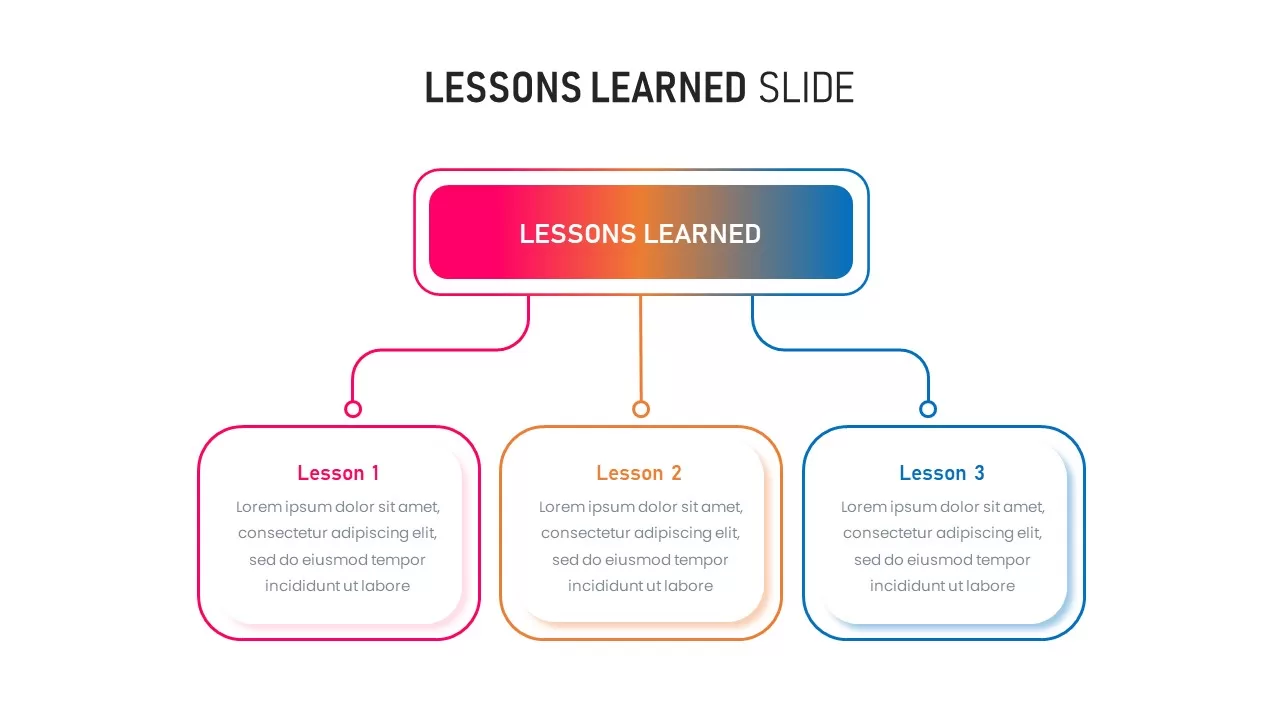
Lessons Learned PowerPoint Template & Google Slides
Business
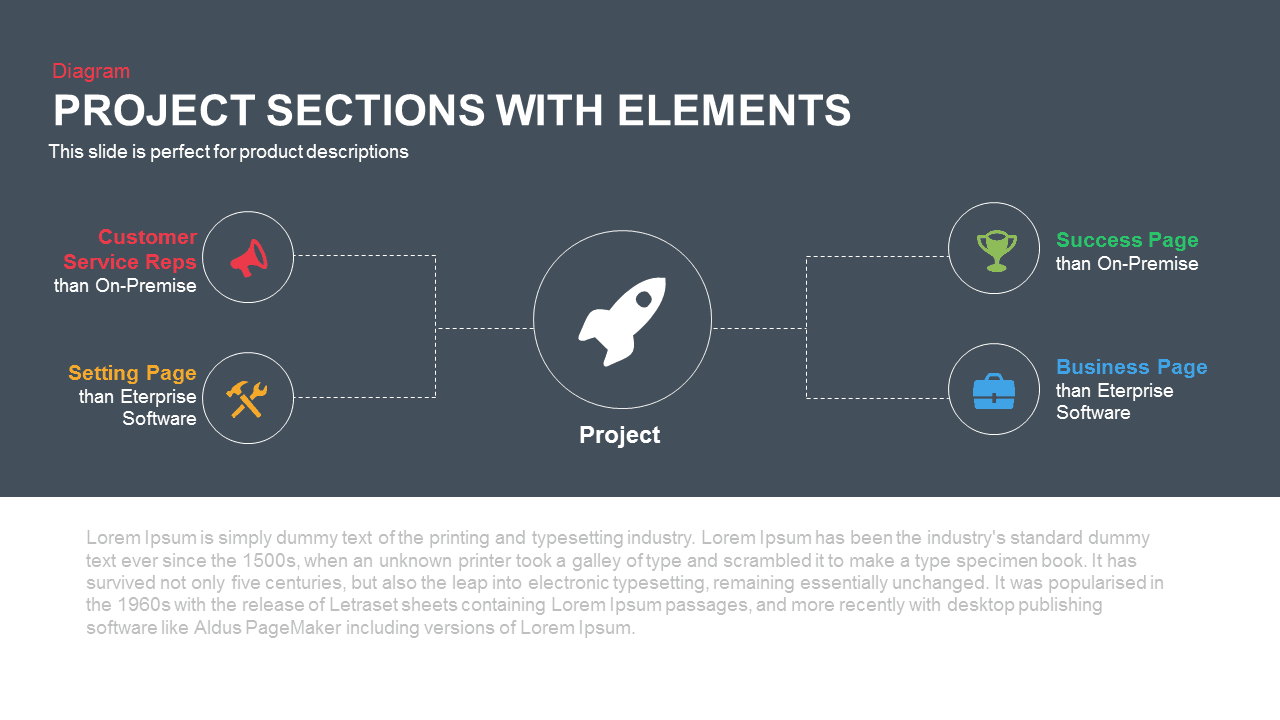
Project Sections Hub-and-Spoke Diagram template for PowerPoint & Google Slides
Flow Charts

Cloud Computing Hub and Spoke Diagram Template for PowerPoint & Google Slides
Cloud Computing
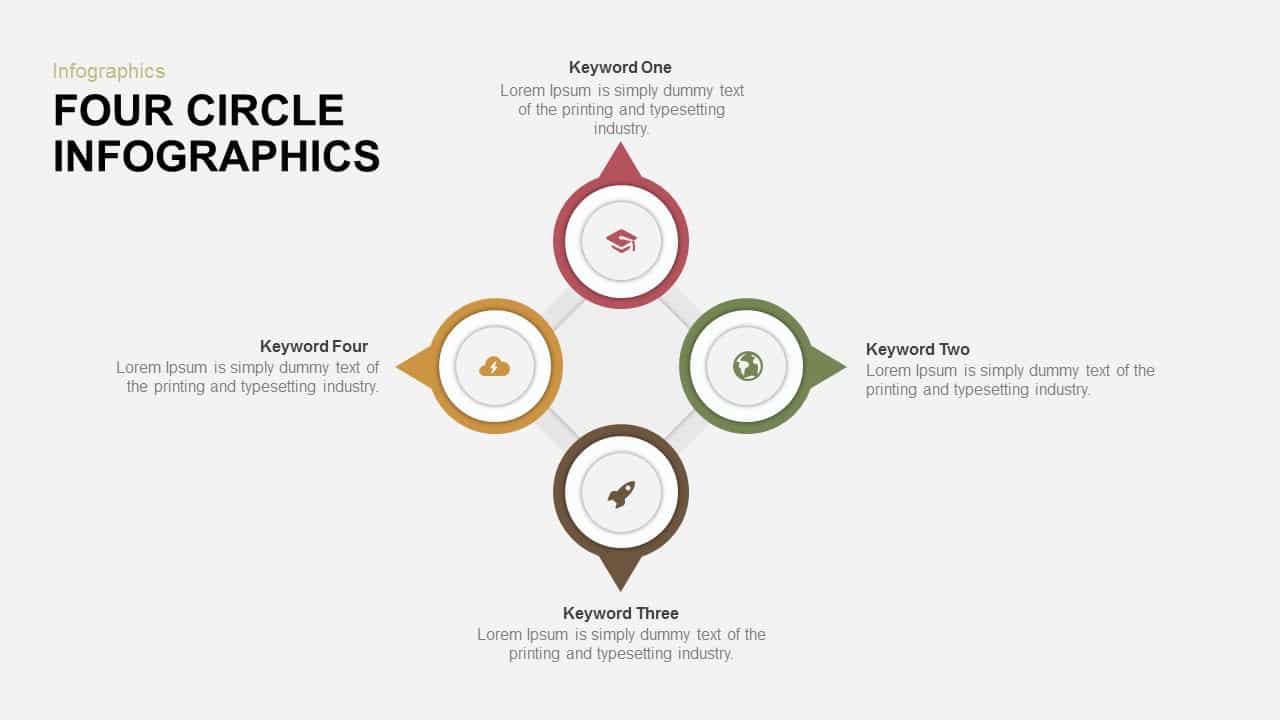
Four-Circle Hub and Spoke Diagram Template for PowerPoint & Google Slides
Process

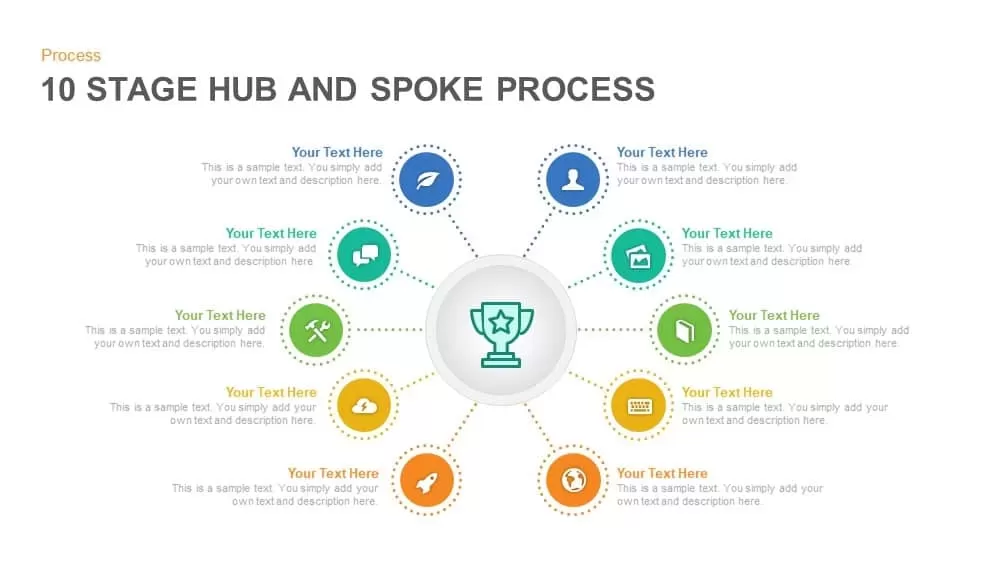
Ten-Stage Hub and Spoke Process Diagram Template for PowerPoint & Google Slides
Process
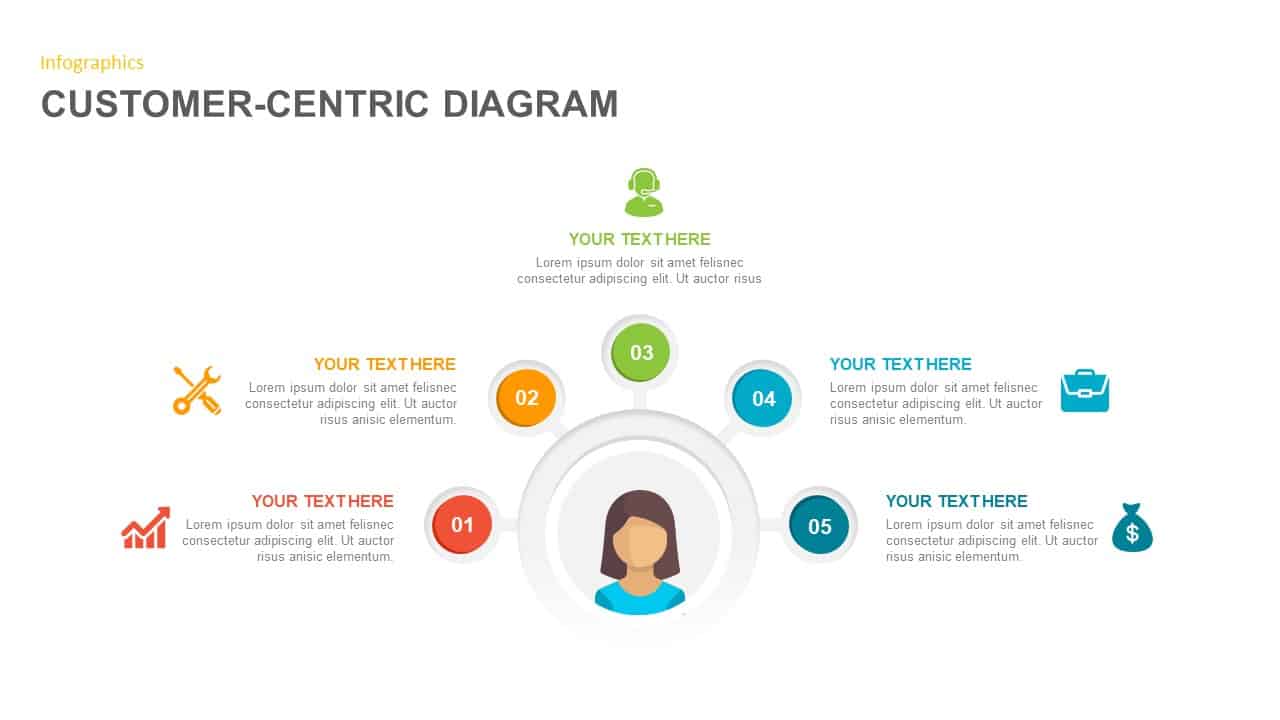
Customer-Centric Hub and Spoke Diagram Template for PowerPoint & Google Slides
Customer Experience
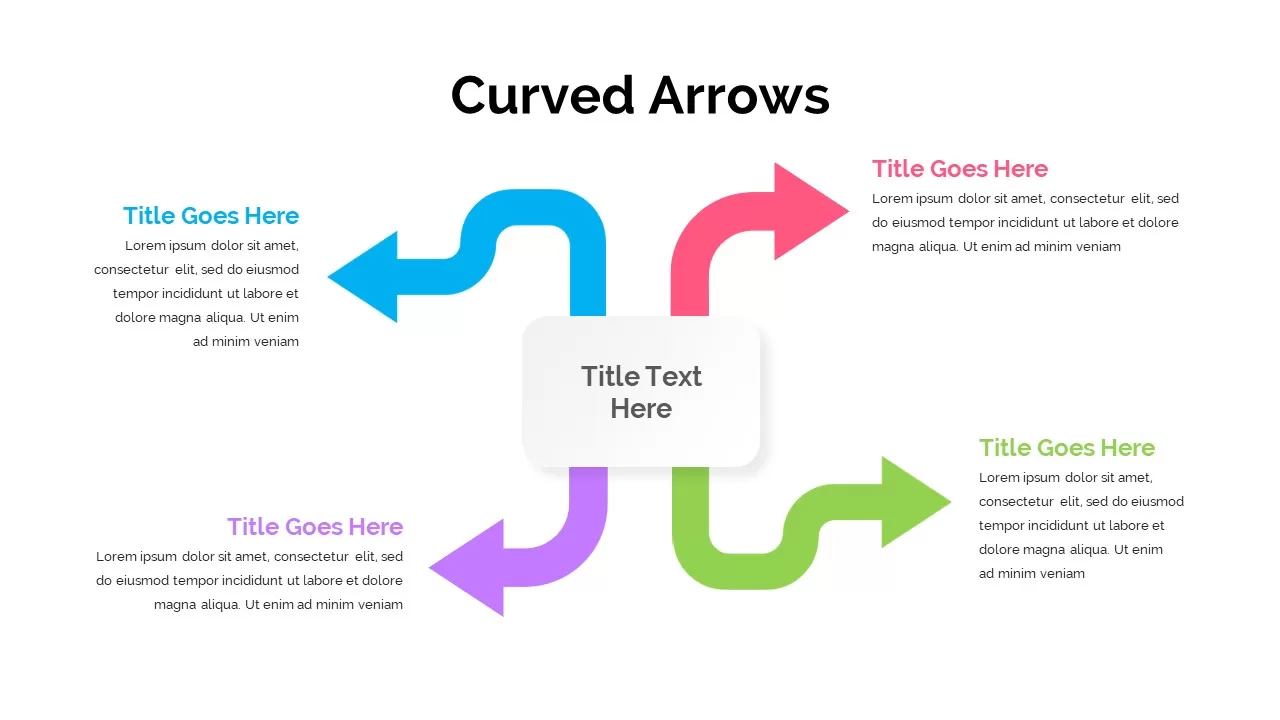
Four-Arrow Curved Hub-and-Spoke Diagram Template
Arrow
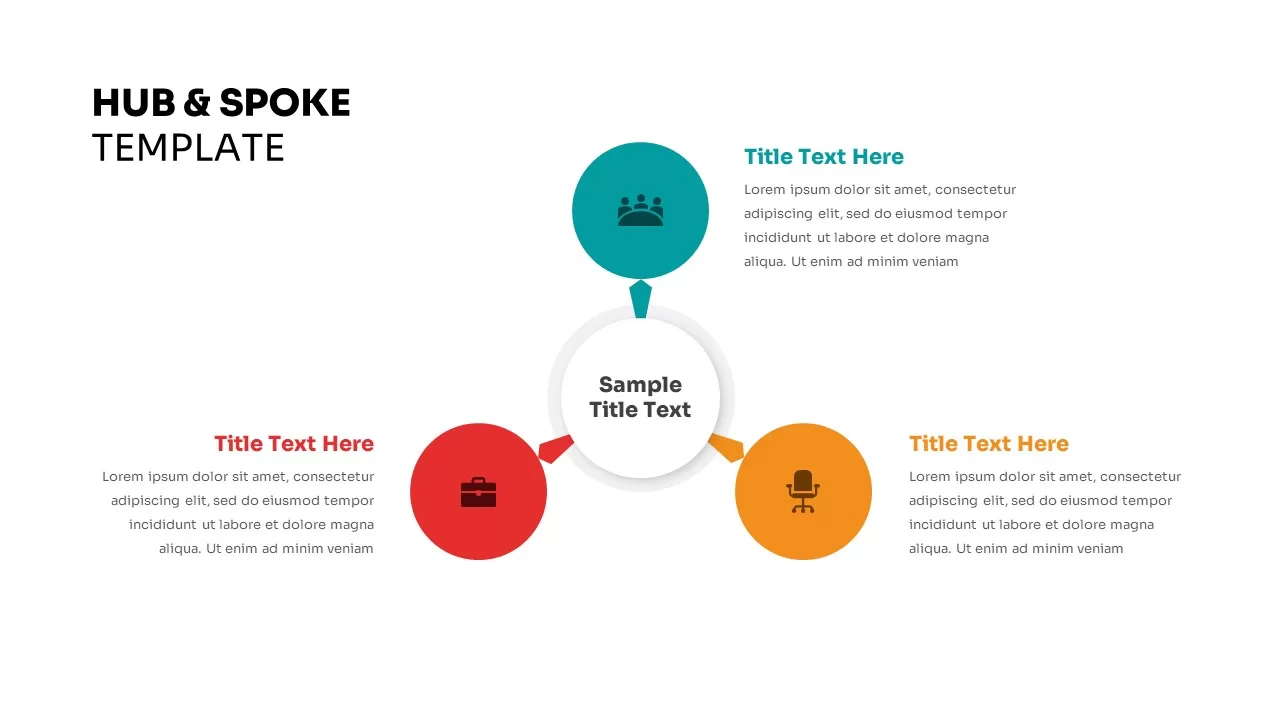
Three Step Hub and Spoke PowerPoint Template
Circular
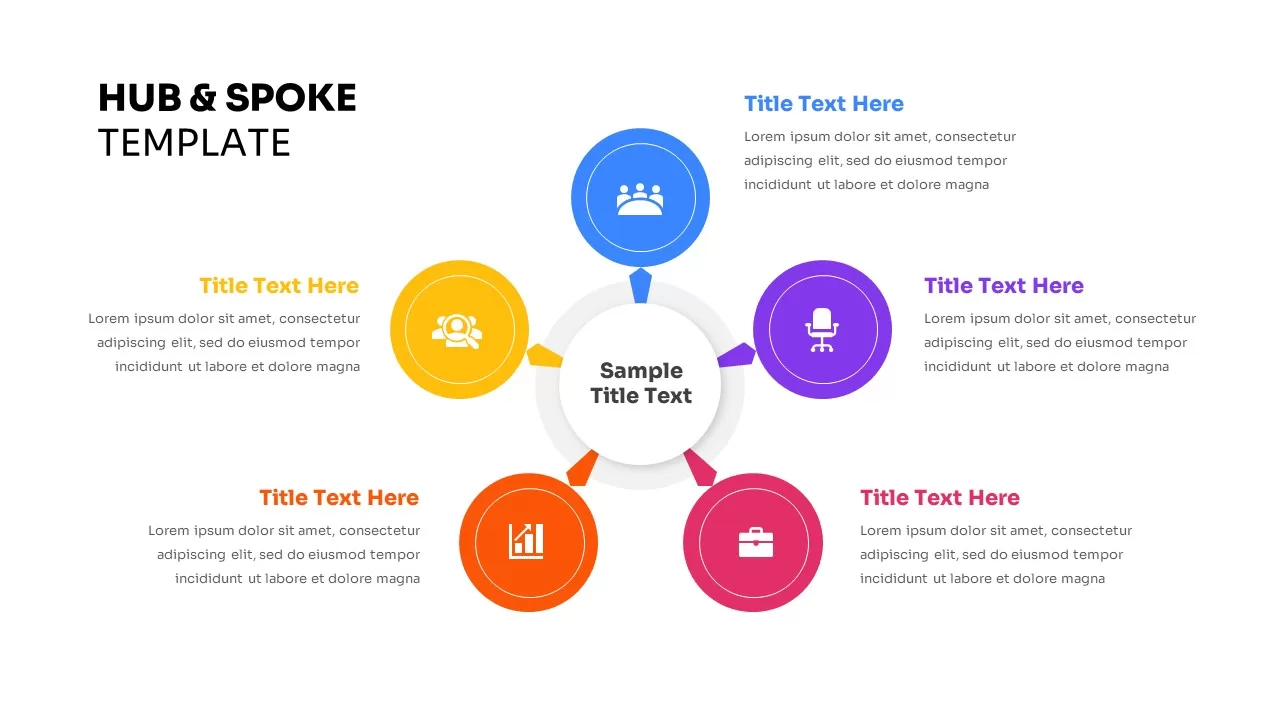
Five-Node Hub and Spoke Diagram Template for PowerPoint & Google Slides
Business Strategy
Proactive Hub-and-Spoke Diagram Template for PowerPoint & Google Slides
Process
Emerging Tech Diagram PowerPoint Template
Technology
Hub and Spoke Diagram for PowerPoint & Google Slides
Business Models
Free Environmental Hub-and-Spoke Diagram Template
Circular
Free
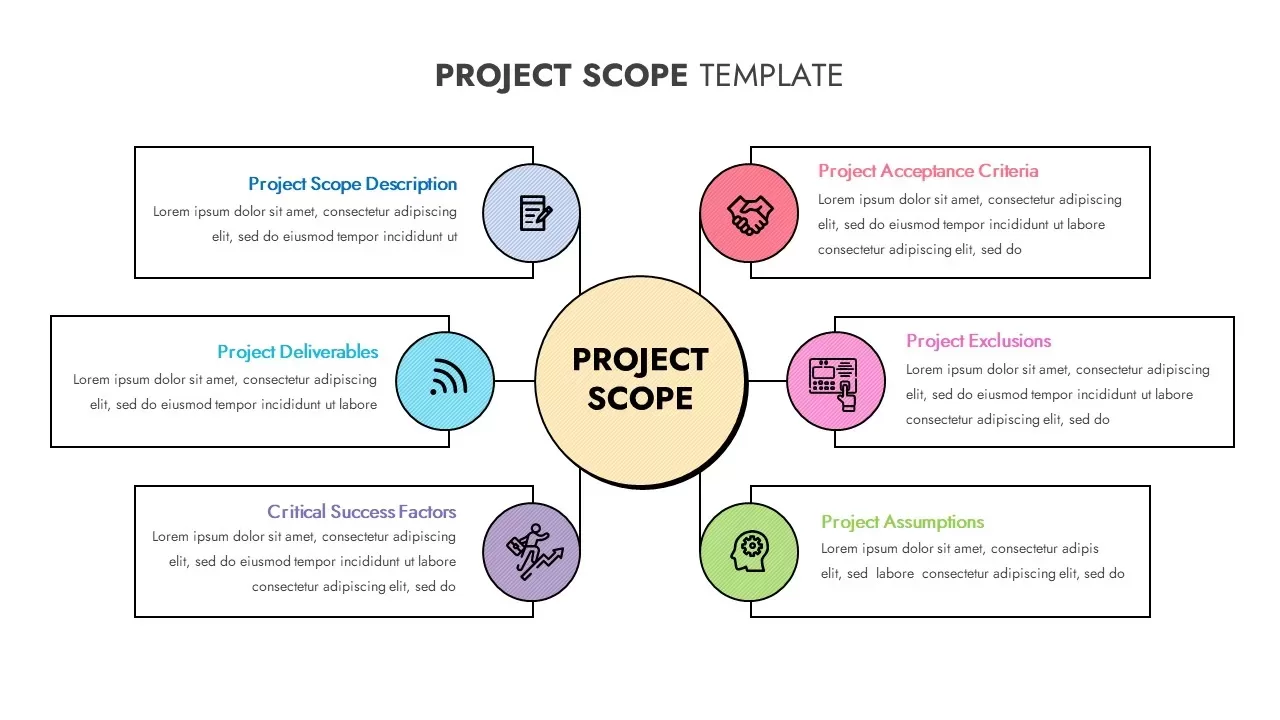
Project Scope Hub & Spoke Layout Template for PowerPoint & Google Slides
Process
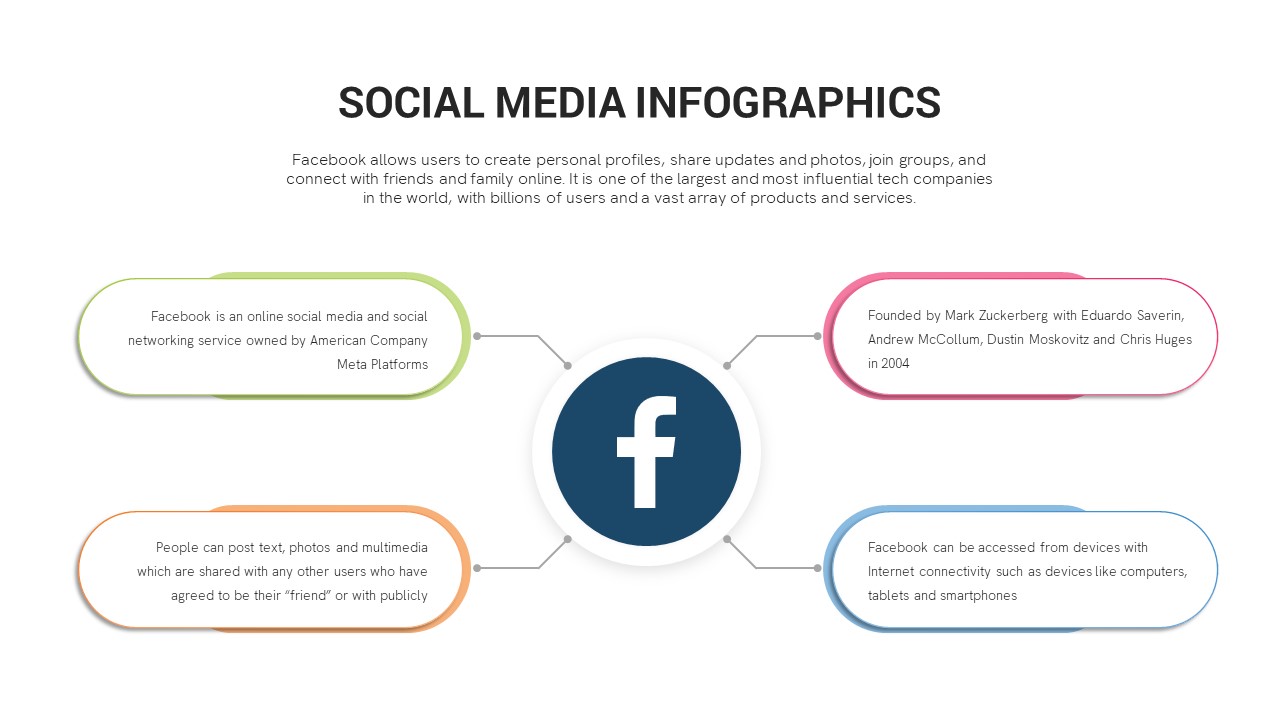
Social Media Hub-and-Spoke Infographics Template
Circular
Omnichannel Sales Circular Hub & Spoke Template for PowerPoint & Google Slides
Digital Marketing
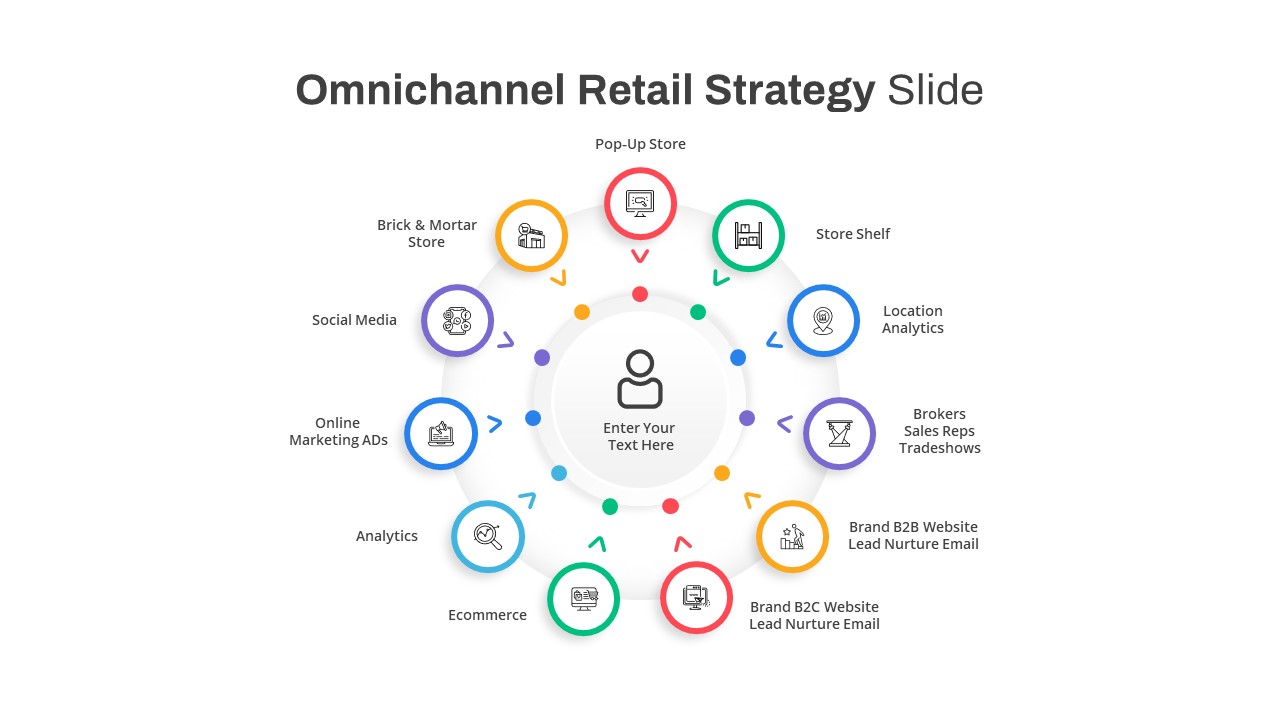
Omnichannel Retail Strategy Hub & Spoke Template for PowerPoint & Google Slides
Business Strategy
Cloud Cost Optimization Template
Cloud Computing
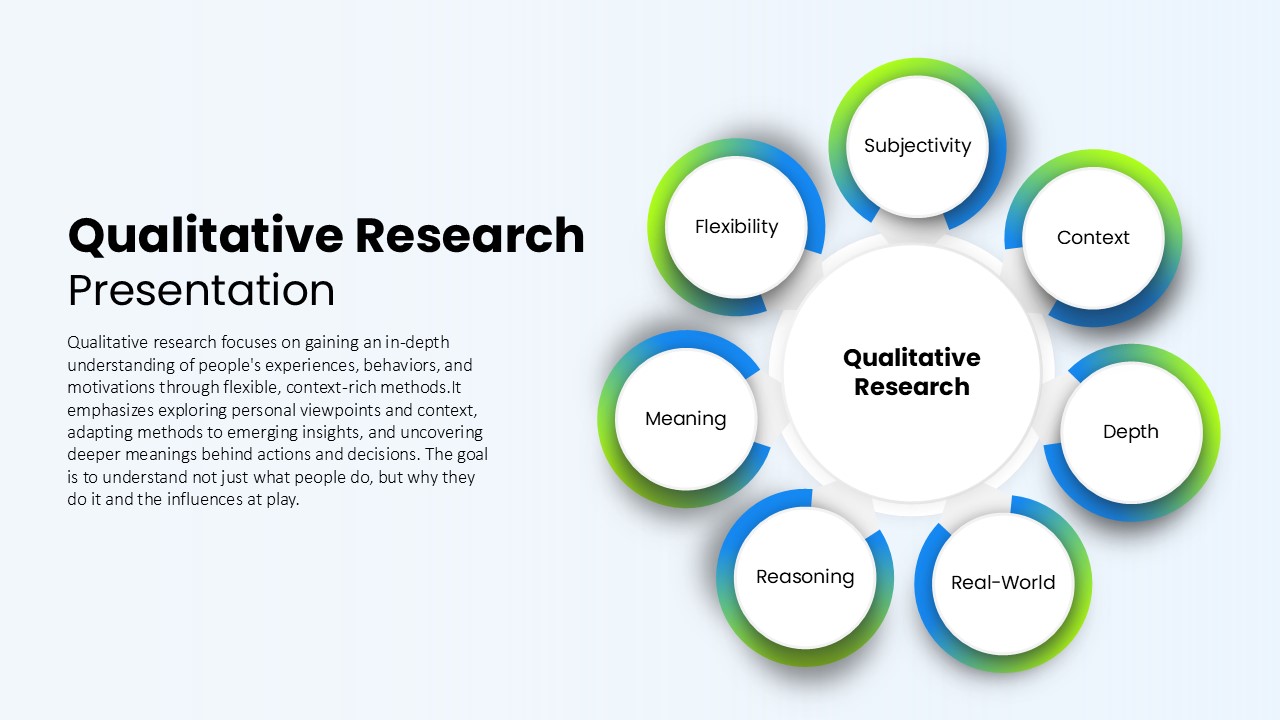
Qualitative Research Presentation Template
Circular
ML Center of Excellence Template
Machine Learning