Omnichannel Sales Circular Hub & Spoke Template for PowerPoint & Google Slides




Omnichannel Sales Slide Template for PowerPoint and Google Slides
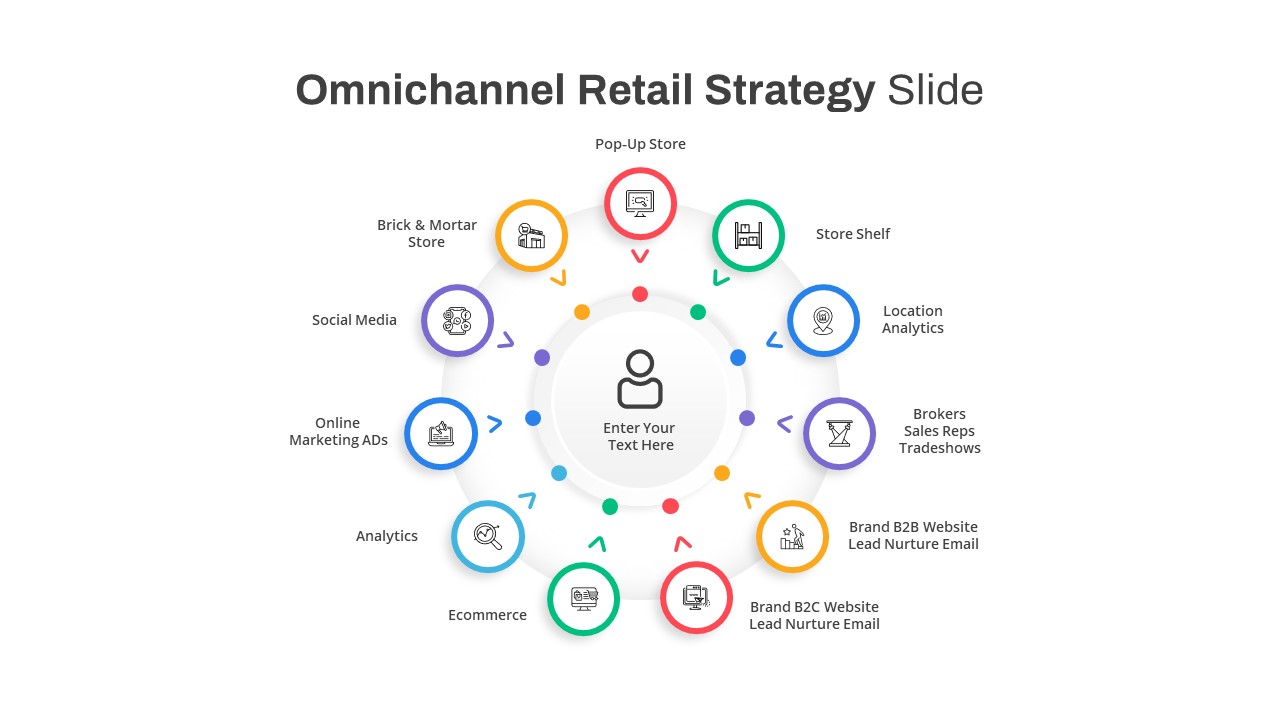
Integrating online storefronts, physical retail spaces, customer relationship systems, and marketing communications into a unified buyer journey requires an intuitive visual framework. An omnichannel sales slide gives retail directors, e-commerce managers, and marketing strategists an effective radial diagram to showcase connected touchpoints around a central customer experience. Fragmented presentations often fail to illustrate how disparate channels interact. Utilizing a central hub-and-spoke layout helps executive teams visualize how physical stores, digital platforms, service desks, and back-office tools sync seamlessly to drive sales performance.
Connect Customer Touchpoints with an Omnichannel Sales Slide Template
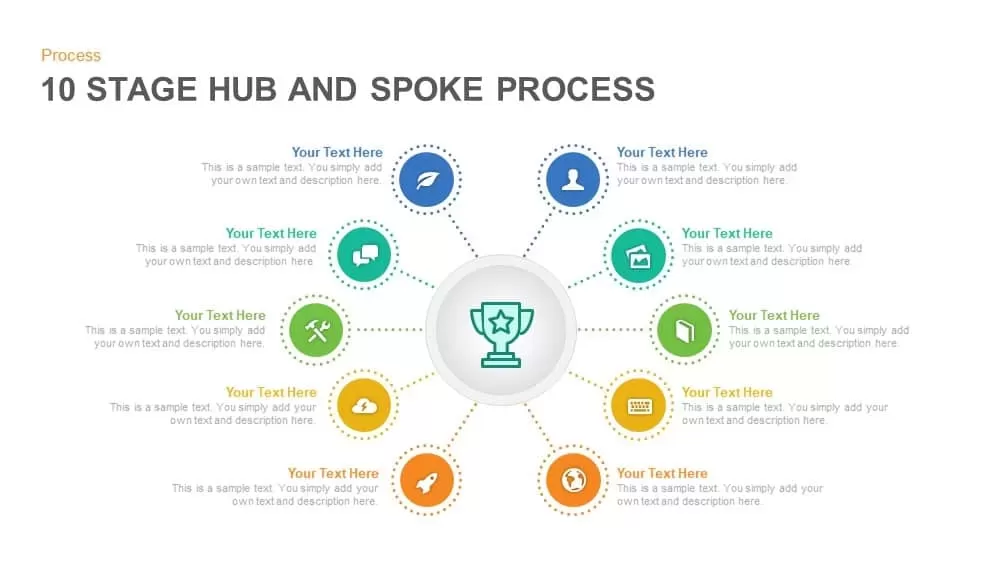
Communicating multi-channel retail strategies to stakeholders and cross-functional teams becomes straightforward when arranged in a clear circular format. An omnichannel sales slide template places the customer at the center surrounded by ten distinct, color coded channel nodes. Strategic leads can walk viewers through essential customer touchpoints including Brick and Mortar stores, E-commerce platforms, Social Media, E-mail marketing, ERP systems, CRM tools, Customer Service desks, live Chat, Instant Messaging, and digital Advertising during growth strategy meetings.
Optimize Customer Experience using Omnichannel Strategy Presentation Slides
Aligning marketing, sales, and IT teams around unified customer engagement goals depends on clear visual mapping. These omnichannel strategy presentation slides feature vibrant pointer nodes connected to a central focal point through subtle ring highlights. Presenters can easily customize node colors, replace vector icons, and modify channel labels inside PowerPoint or Google Slides to tailor the deck for retail transformation workshops, digital marketing proposals, and executive sales strategy updates.
Login to download this file

Item ID
SB03528


Related Templates

Omnichannel Retail Strategy Hub & Spoke Template for PowerPoint & Google Slides
Business Strategy
Omnichannel Strategy Circular Diagram for PowerPoint
Digital Marketing
Project Sections Hub-and-Spoke Diagram template for PowerPoint & Google Slides
Flow Charts

Cloud Computing Hub and Spoke Diagram Template for PowerPoint & Google Slides
Cloud Computing
Four-Circle Hub and Spoke Diagram Template for PowerPoint & Google Slides
Process

Ten-Stage Hub and Spoke Process Diagram Template for PowerPoint & Google Slides
Process
8 Stage Hub and Spoke Process PowerPoint Template and Google Slides
Process
Customer-Centric Hub and Spoke Diagram Template for PowerPoint & Google Slides
Customer Experience
Three Step Hub and Spoke PowerPoint Template
Circular
Five-Node Hub and Spoke Diagram Template for PowerPoint & Google Slides
Business Strategy
Project Scope Hub & Spoke Layout Template for PowerPoint & Google Slides
Process
Social Media Hub-and-Spoke Infographics Template
Circular
Six Benefits Circular Infographic Template
Circular
Free
Free Social Media Marketing Template
Circular
Free
Proactive Hub-and-Spoke Diagram Template for PowerPoint & Google Slides
Process
Domain Expertise PowerPoint Template
Circular
TOGAF PowerPoint Template
Circular
Cloud Cost Optimization Template
Cloud Computing
Qualitative Research Presentation Template
Circular
ML Center of Excellence Template
Machine Learning