6 Stage Cycle Template for PowerPoint
6 Stage Cycle PowerPoint Template
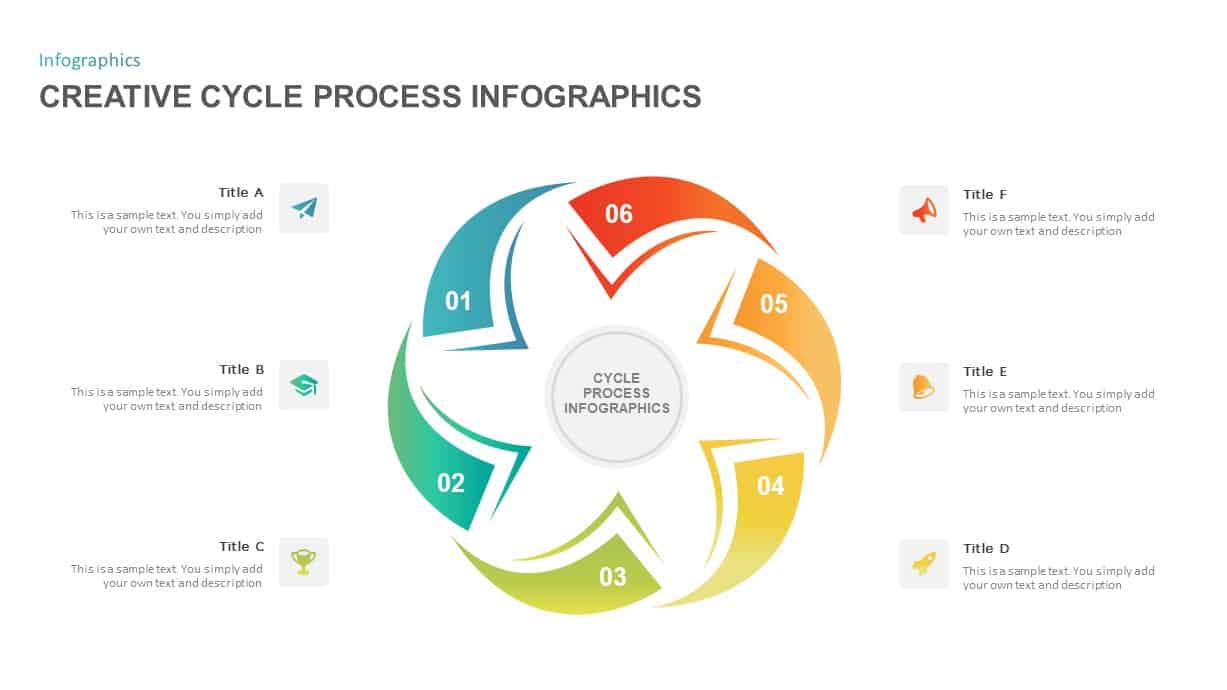
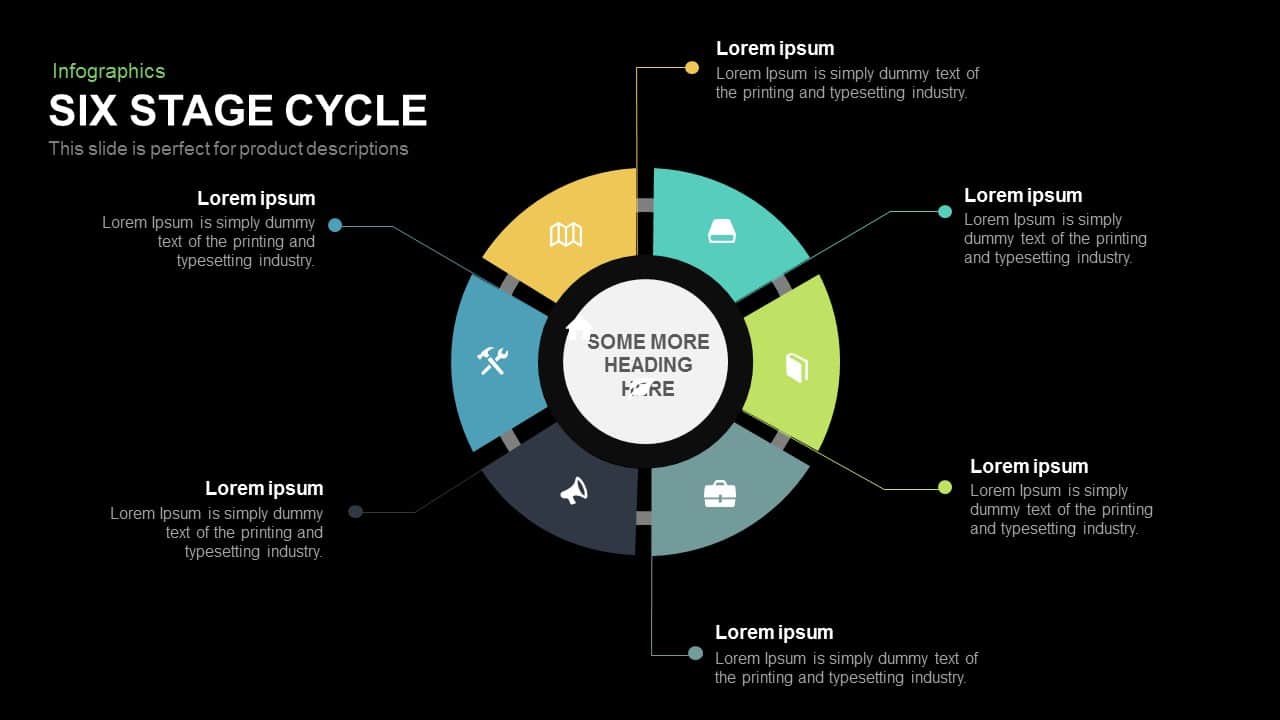
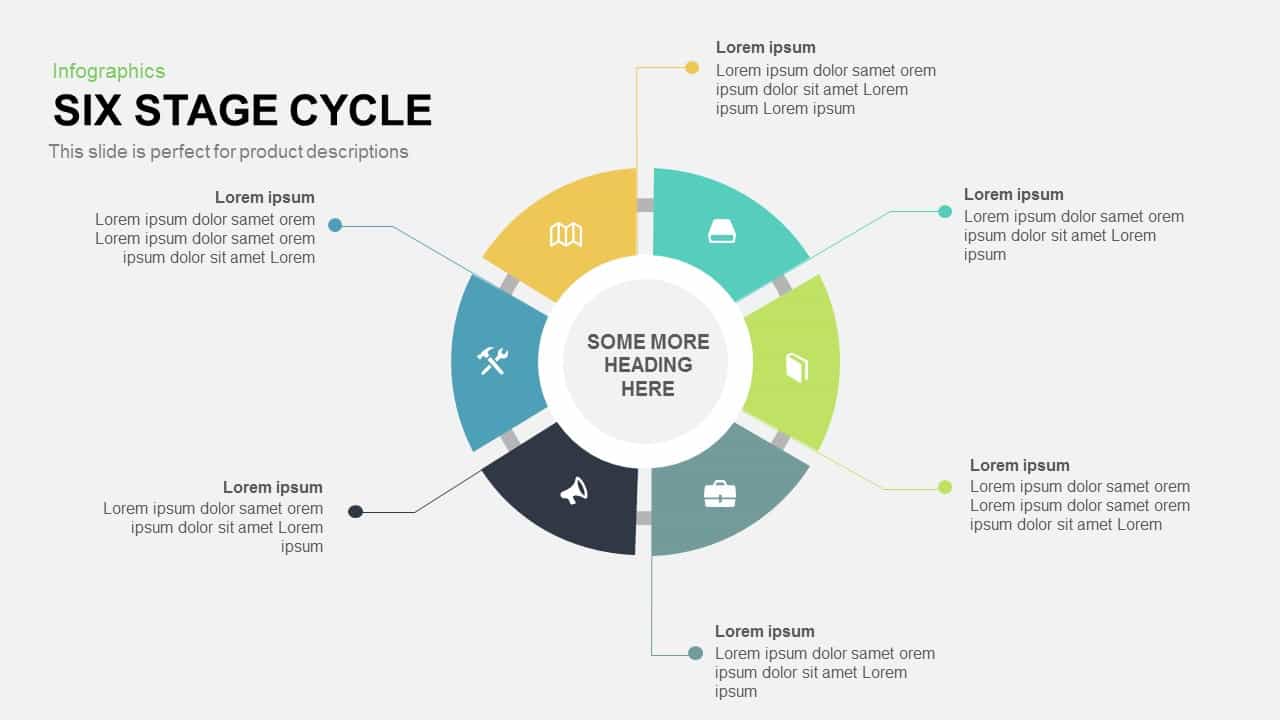
PowerPoint presentations are commonly using circular diagram for showcasing the rotational sequence and recurring activities. The 6 stage cycle PowerPoint template and keynote is a usual cycle diagram that shows the connections between each phase. The PowerPoint diagram is usable to illustrate continuous and repetitive process. It is also useful for step by step process illustration as well. For instance, the presenters can illustrate customer relationship management concepts or change management concepts. The template is excellent display structured continual improvement in an organization. The concept of continuous improvement or continual improvement can be highlighted by this six stage cycle PowerPoint. The circular process diagram PowerPoint is best to display the six phases of continual improvement and the logical relationship of each phase. The six stages are; identify, assess, plan, do, check and act. This arrangement can modify according to the nature of the business. It’s a technique of recognizing opportunities for streamlining work and reducing waste.
The 6 stage cycle template for PowerPoint presentation assists in present how different variables are interrelated and interconnected. The process or steps of business development and project management can be monitored using the circle diagram PowerPoint. The diagram allows the user to present multi-functional topics. For example, if the presenter is a teacher, he/she can present the six concepts of environmental protection or six elements of a social theory. Similarly, business consultants and marketing managers can use the diagram to show marketing strategies and business plans. Moreover, the diagram will support the users to explain the chain of the events or sequence of steps to illustrate the customer journey.
The creative PowerPoint diagram is an editable template of six stages. The diagram enables the users for multiple changes. For instance, change the color schemes and infographic icons, the alterations are never affected the image quality and its effects. The text placeholders can move to either side of the diagram. If you need more steps diagrams for PowerPoint presentation, just make a click in our category list and download your perfect choices.
You can access more Cycle Templates here Grab the free ppt now!
Login to download this file

Item ID
SB00606


Related Templates

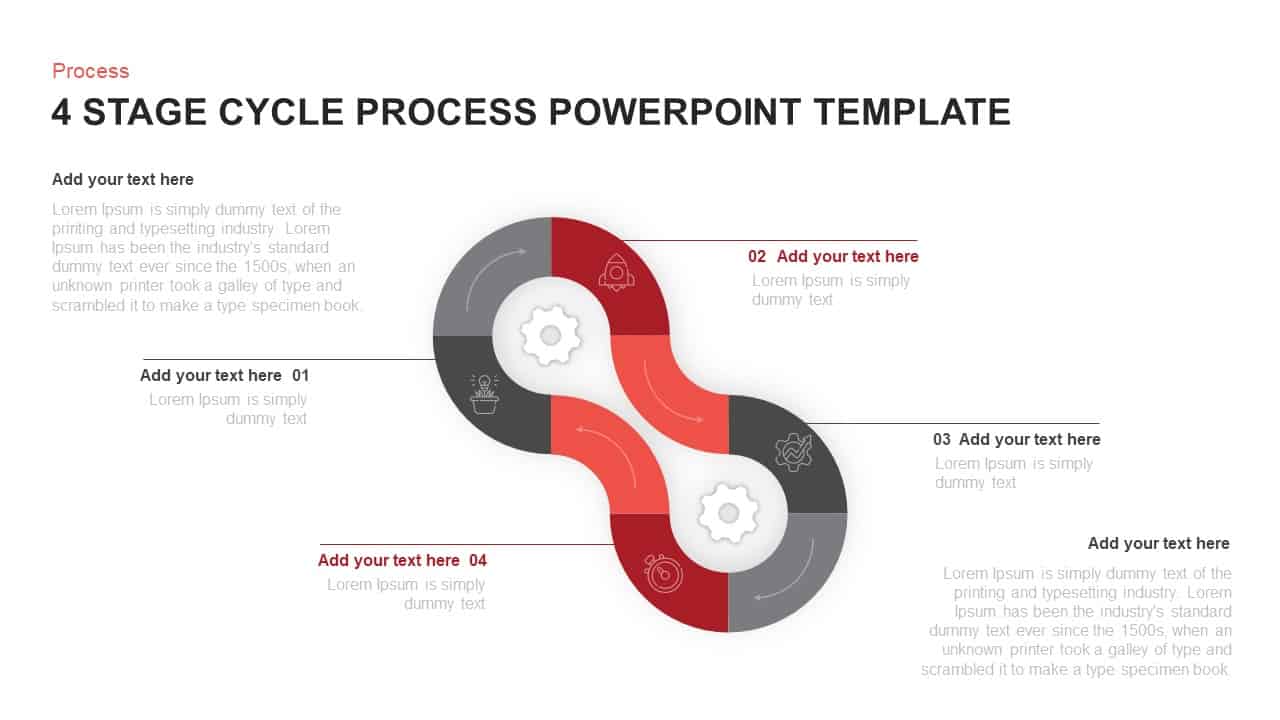
4 Stage Cycle Process PowerPoint Template
Process
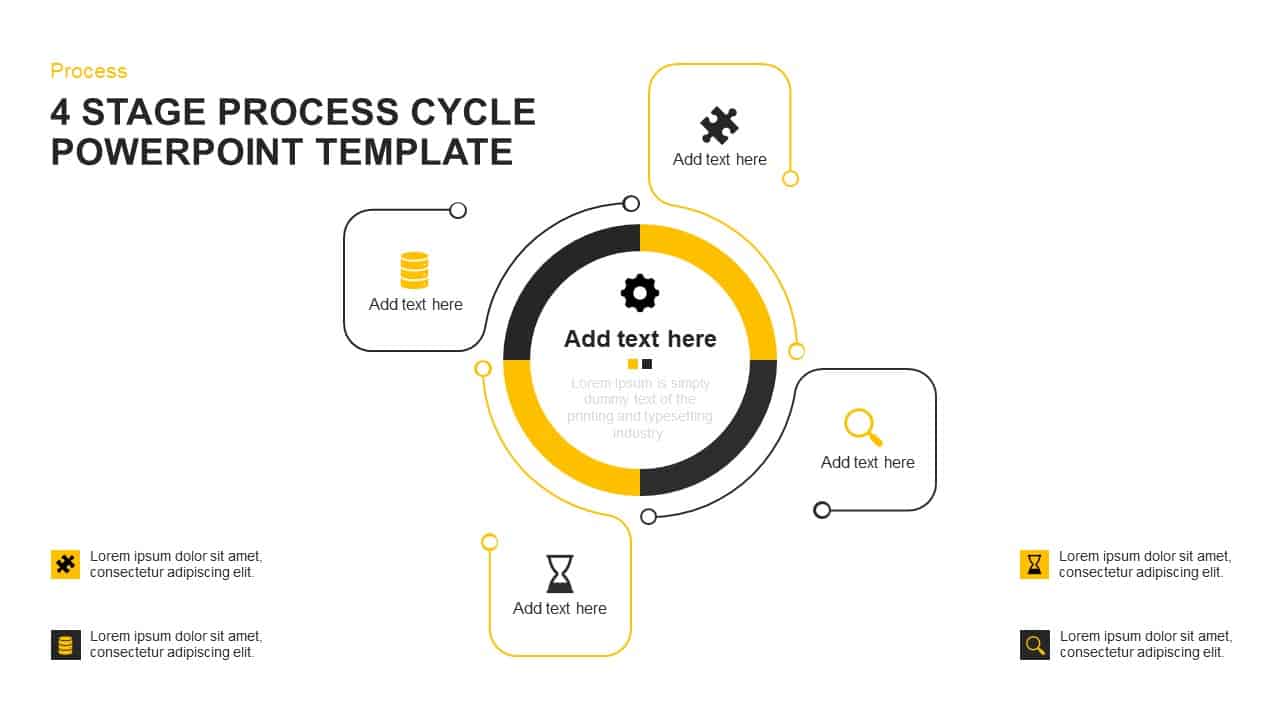
Four-Stage Process Cycle PowerPoint Template
Process
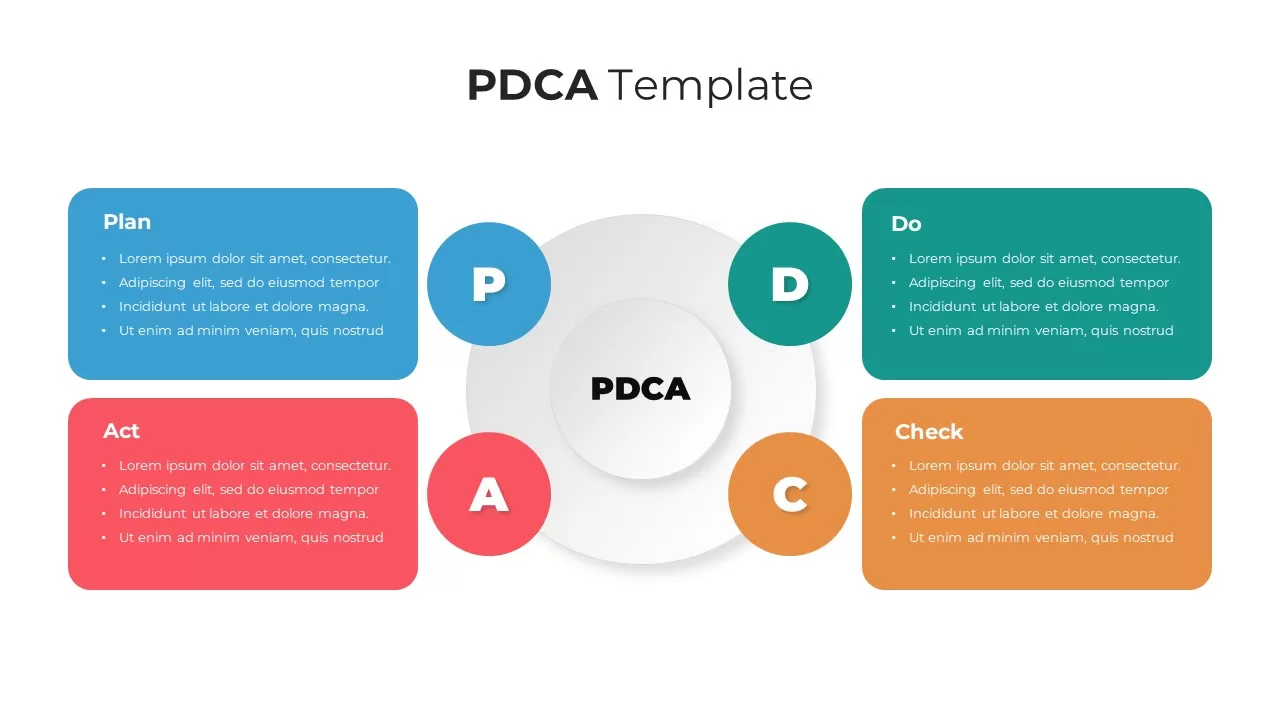
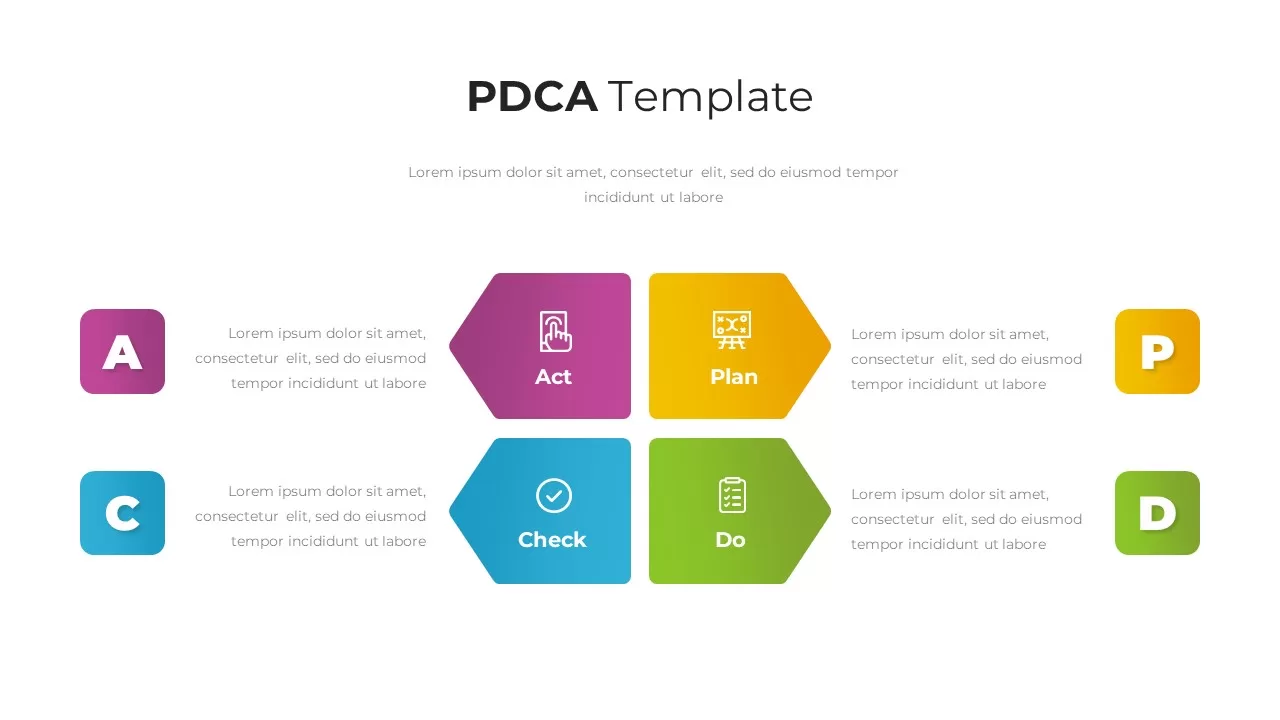
PDCA Cycle Infographic Template
Process
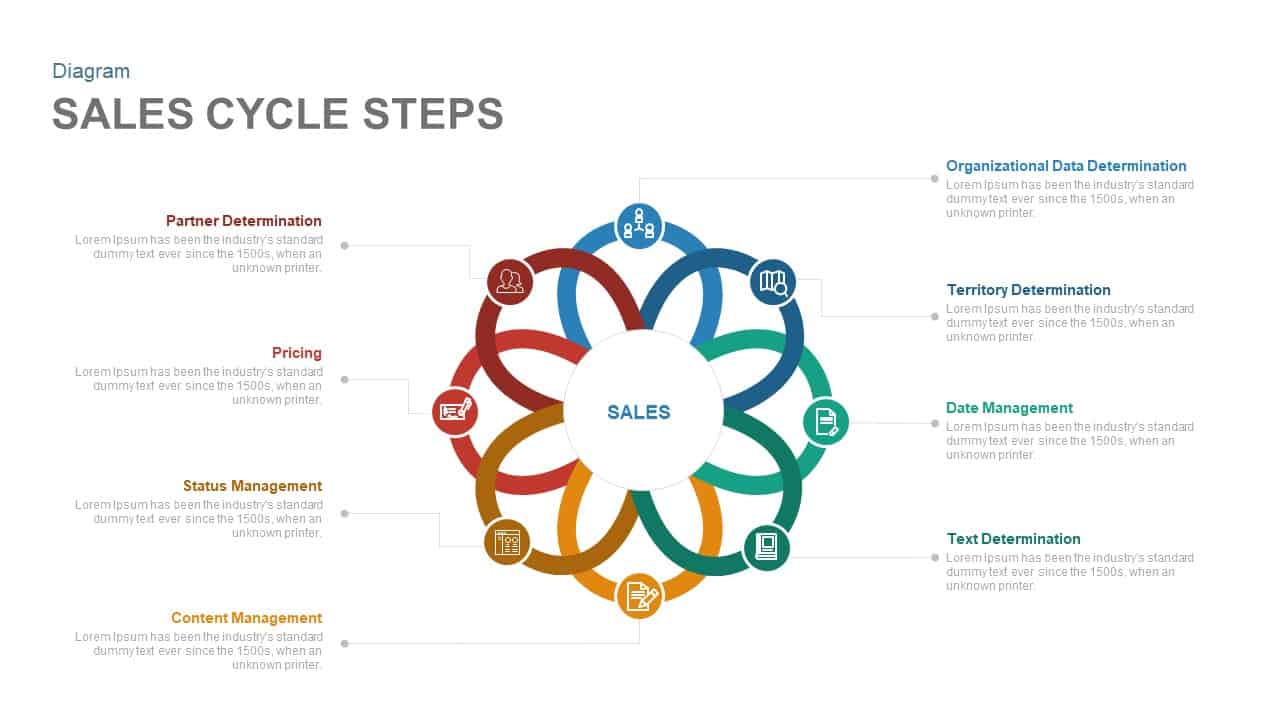
Sales Cycle Steps PowerPoint Template and Google Slide Template
Process
Data Migration Life Cycle – Template for PowerPoint Template
Process
Deming Cycle Wheel PDCA PowerPoint Template
Business Plan
Cycle Process PowerPoint Template
Process
Product Life Cycle PowerPoint Template
Business

Creative Cycle Process Infographics Template for PowerPoint & Google Slides
Process
The Product Life Cycle PowerPoint Template
Process
Virtuous Cycle for Economy PowerPoint Template
Process
Communication Cycle Process Diagram template for PowerPoint & Google Slides
Business
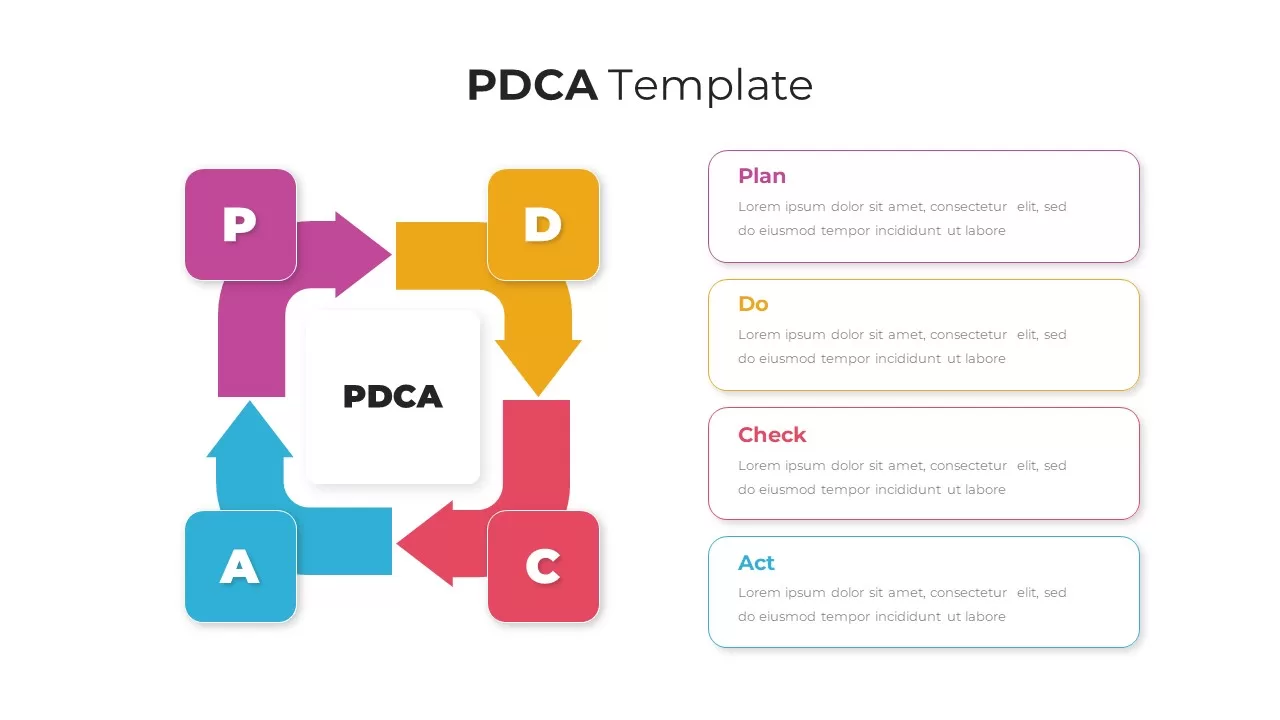
PDCA Cycle Infographic with Four Stages Template for PowerPoint & Google Slides
Process
PDCA Plan Do Check Act Cycle Infographic Template for PowerPoint & Google Slides
Process
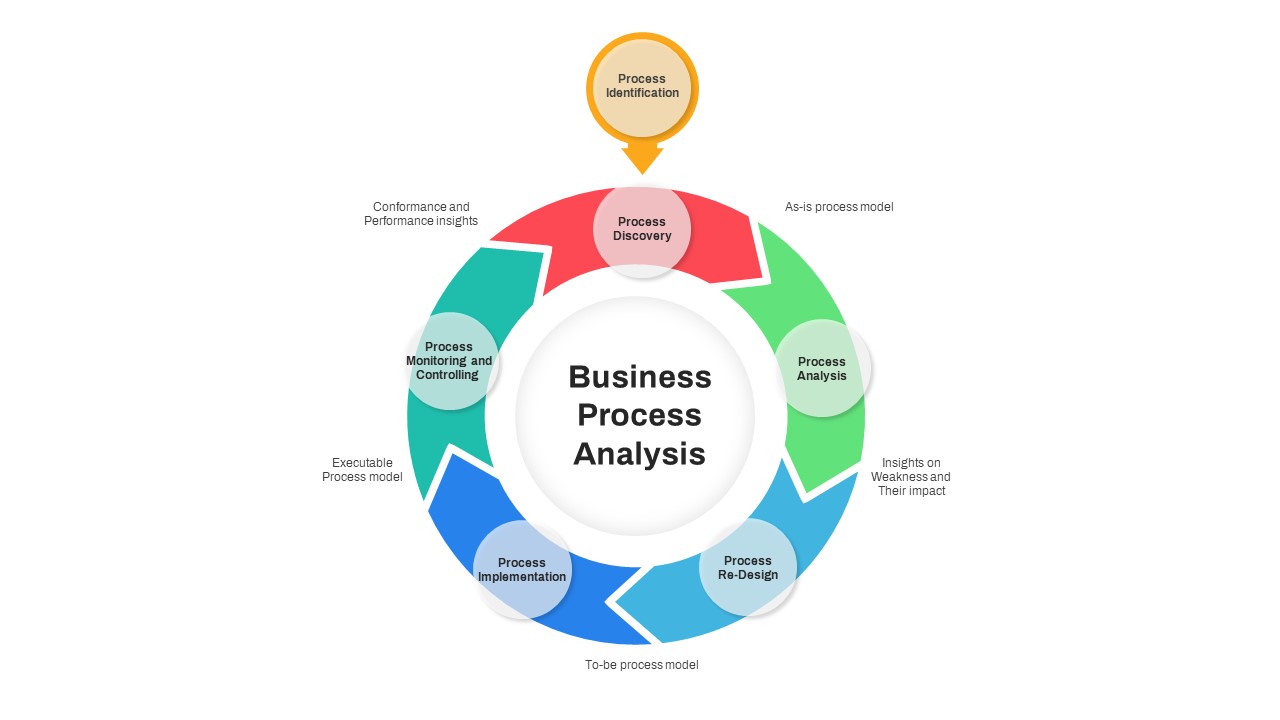
Business Process Analysis Cycle Diagram Template for PowerPoint & Google Slides
Business Strategy
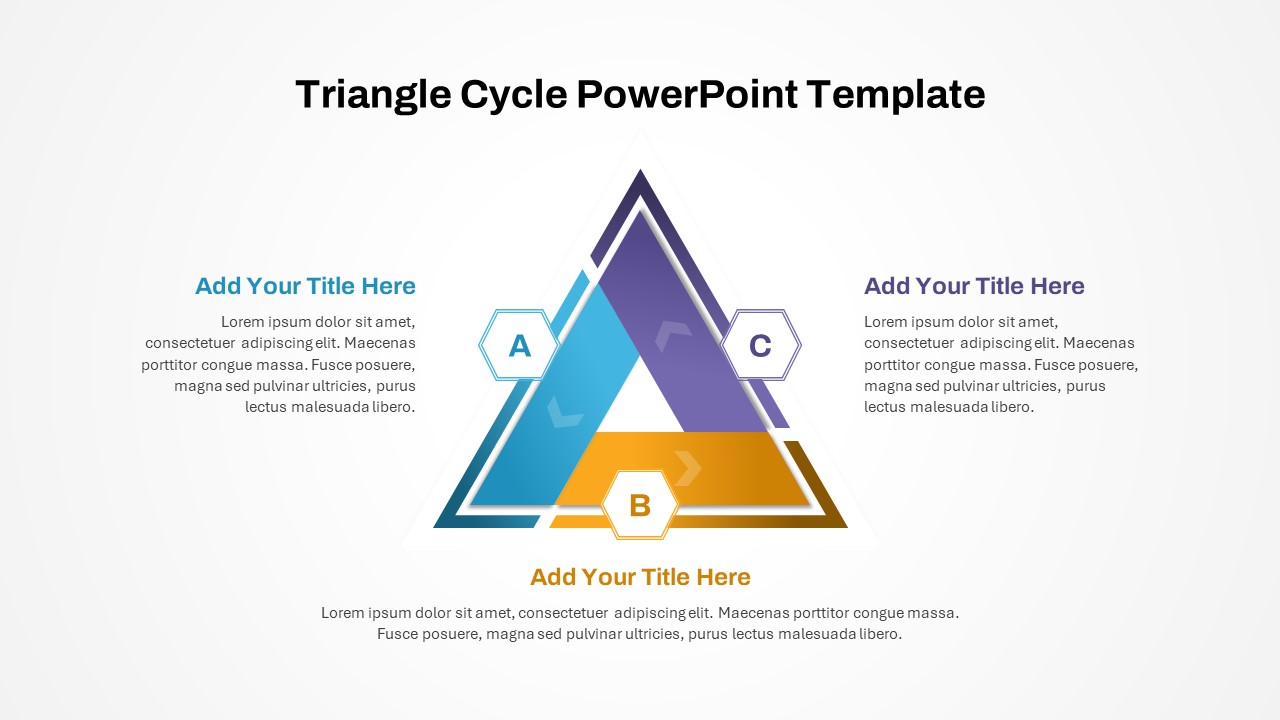
Triangle Cycle PowerPoint Template
Infographics
Project Life Cycle PowerPoint Template
Process
Change Management Process PowerPoint Template
Process
Extreme Programming Process Cycle Template for PowerPoint & Google Slides
Software Development
Flywheel Model PowerPoint Template
Circular