Traditional Product Development Process Template for PowerPoint & Google Slides

Traditional Product Development Process PowerPoint and Google Slides Template
Guiding engineering teams through product lifecycles, training junior product managers, or pitching new venture roadmaps requires a clear sequential methodology. The traditional product development process breaks innovation down into distinct, structured stages from initial ideation to commercial rollout. This multi-slide presentation template provides product managers, design engineers, business strategists, and consultants with gear-themed infographics to present stage-gate milestones, resource allocations, and product deliverables with clarity.
Structure Innovation Milestones with Gear Infographic Slides
Illustrating how interlocking operational activities drive a product forward works best with mechanical metaphors and sequential workflows:
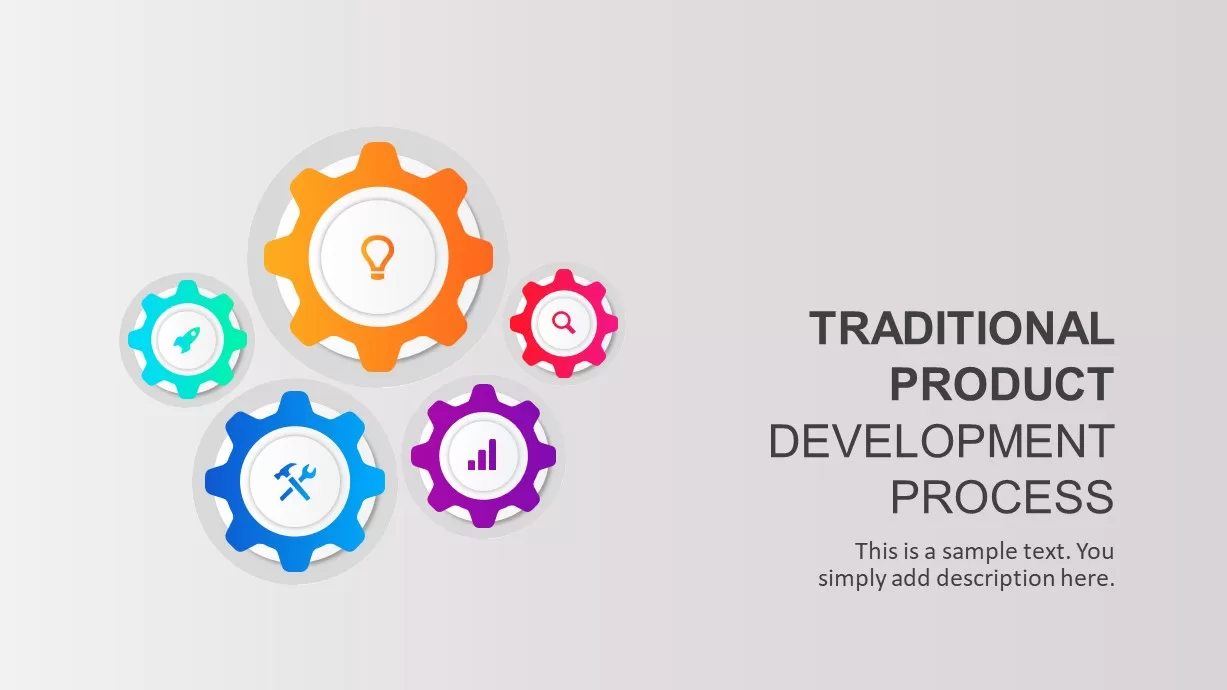
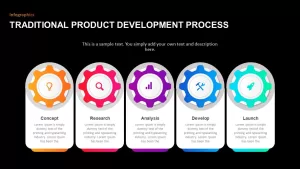
- A cover slide featuring interconnected colorful gears orbiting a central orange cog, leaving ample space on the right for presentation titles, project names, and team details.
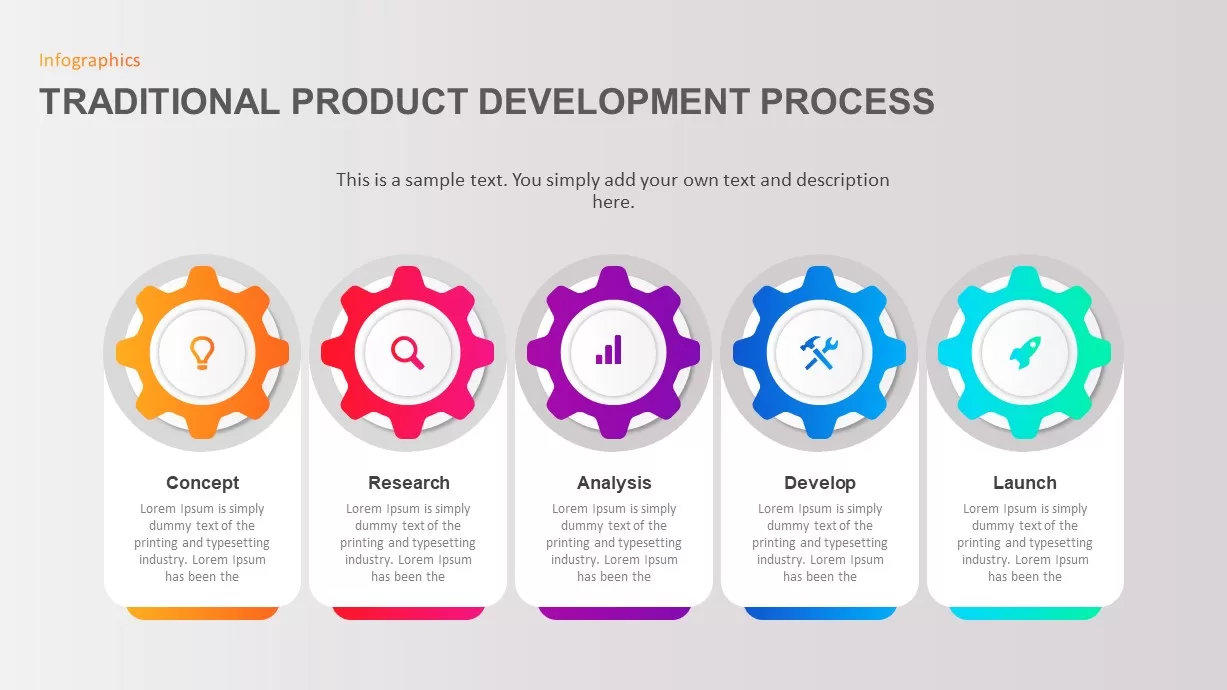
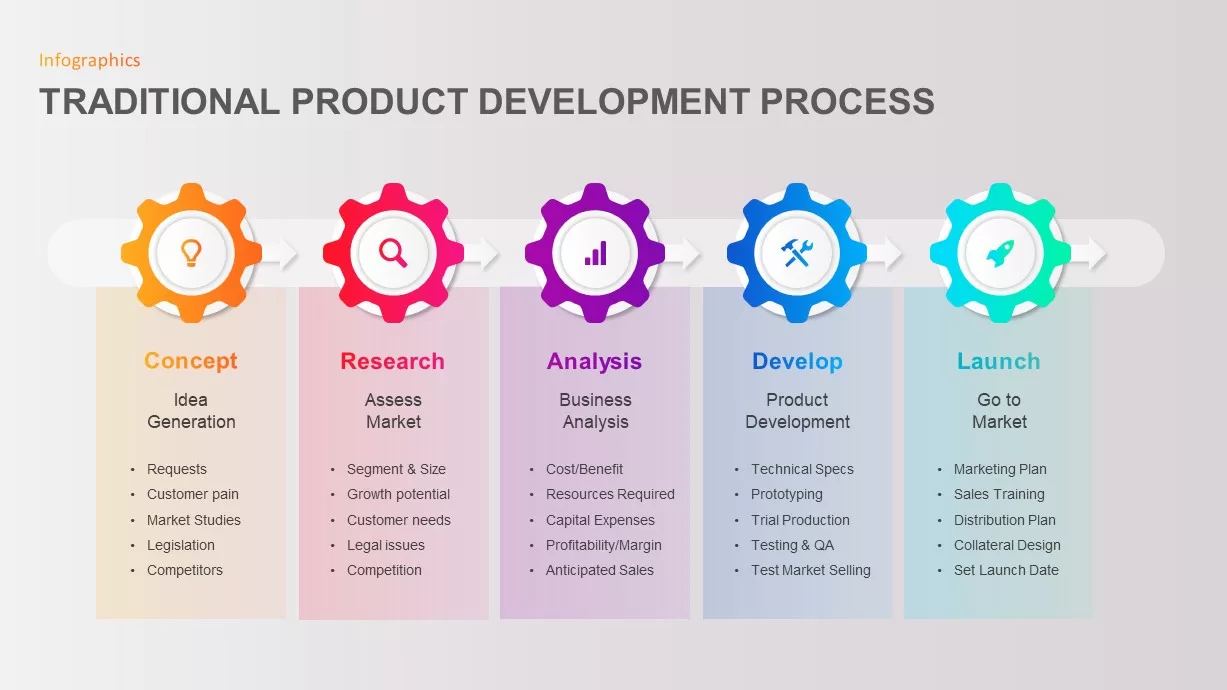
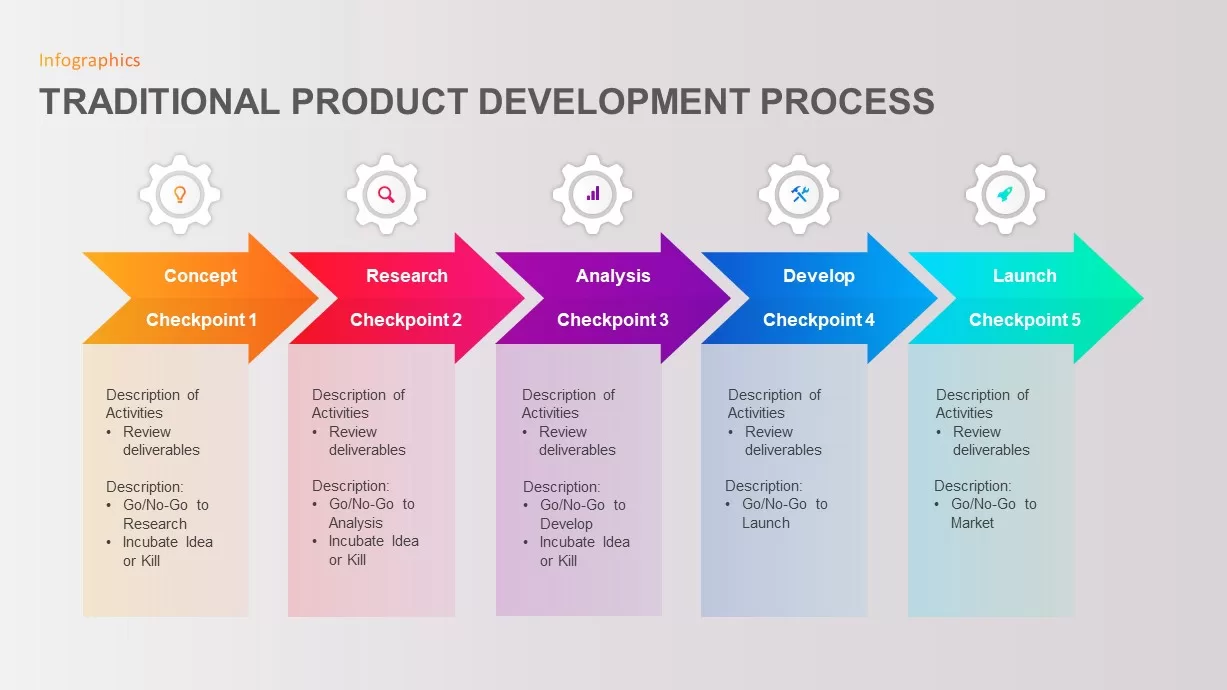
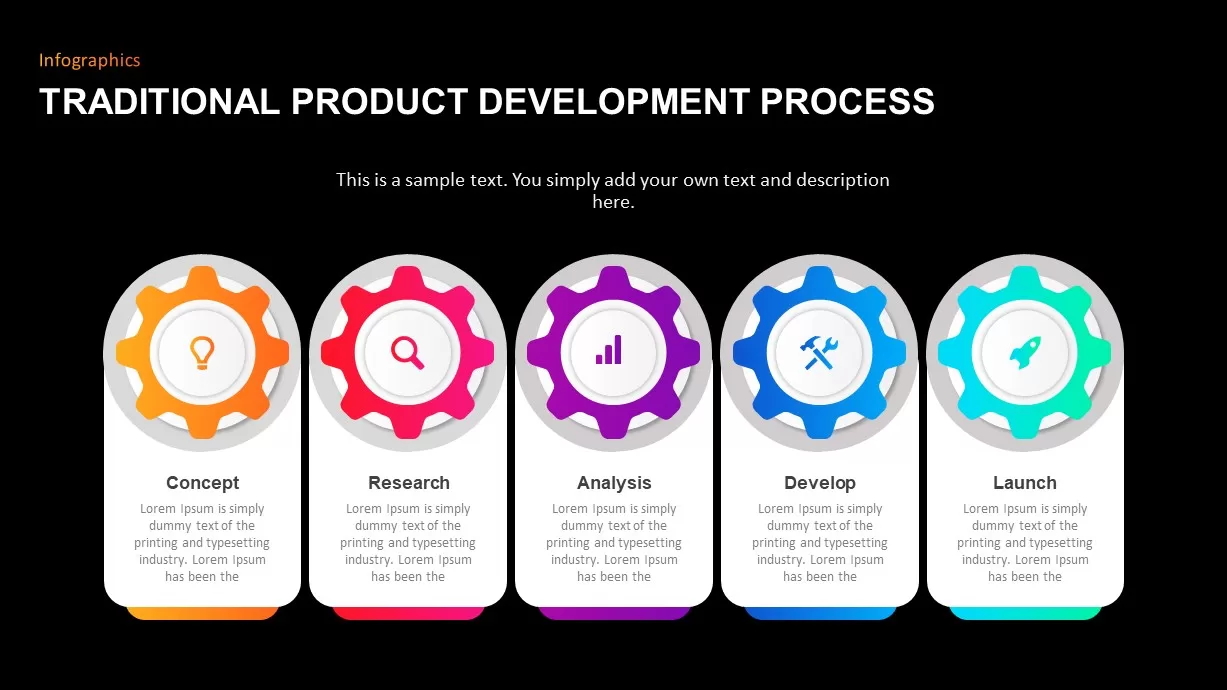
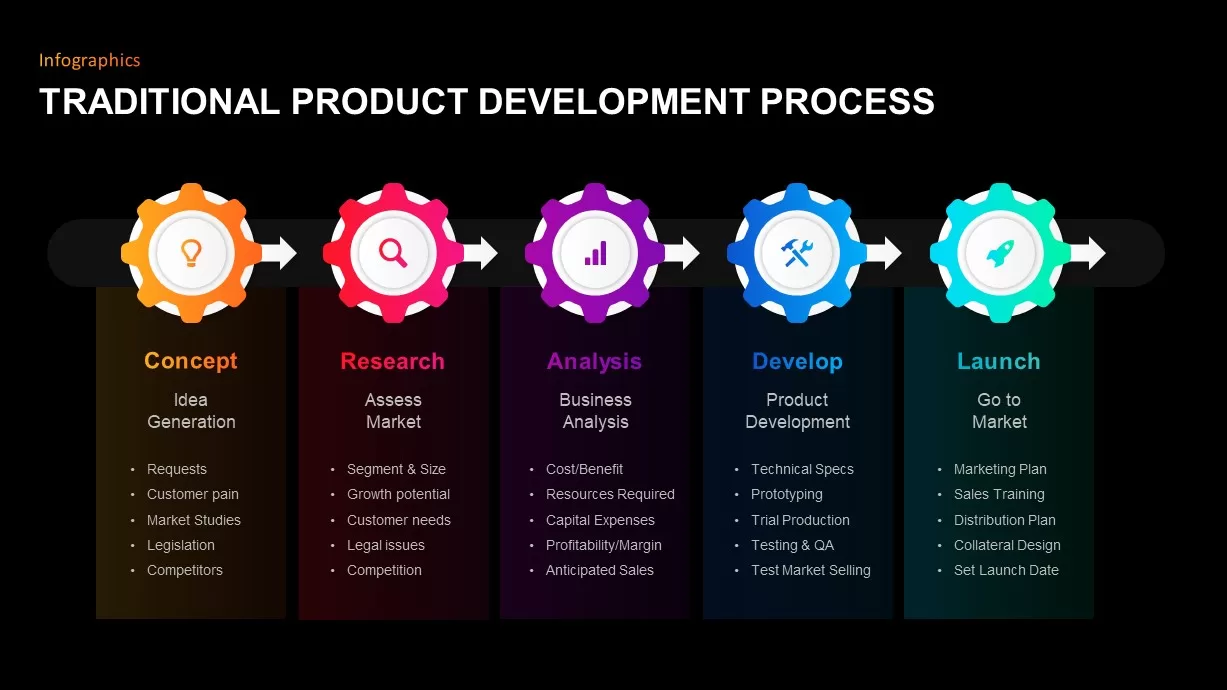
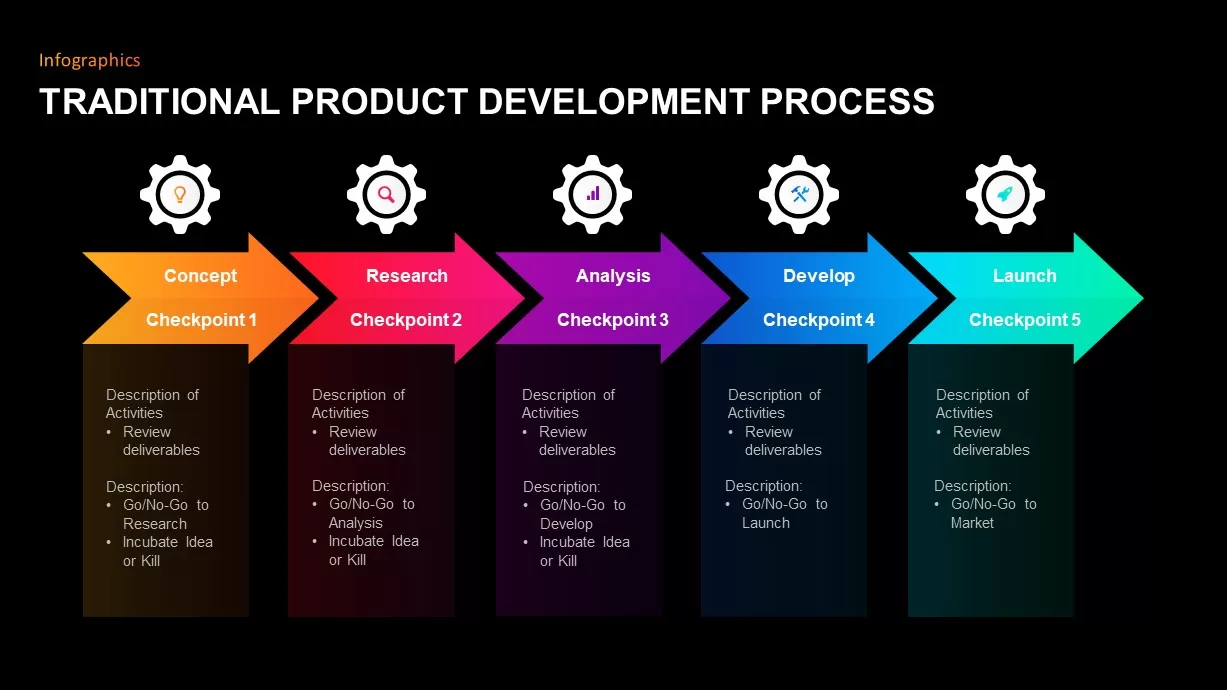
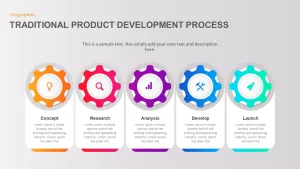
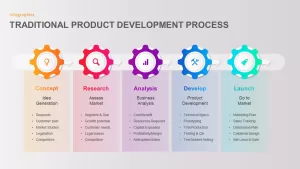
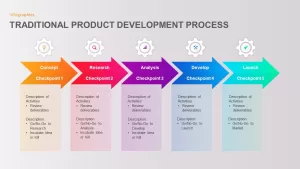
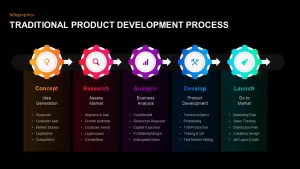
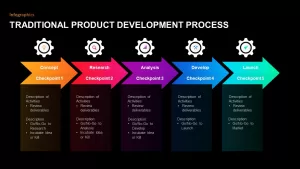
- A comprehensive 5-phase overview diagram aligning interlocking gears across Concept, Research, Analysis, Develop, and Launch stages.
- Vertically aligned card containers underneath each gear node, providing ample room for phase descriptions, gatekeeper criteria, and expected deliverables.
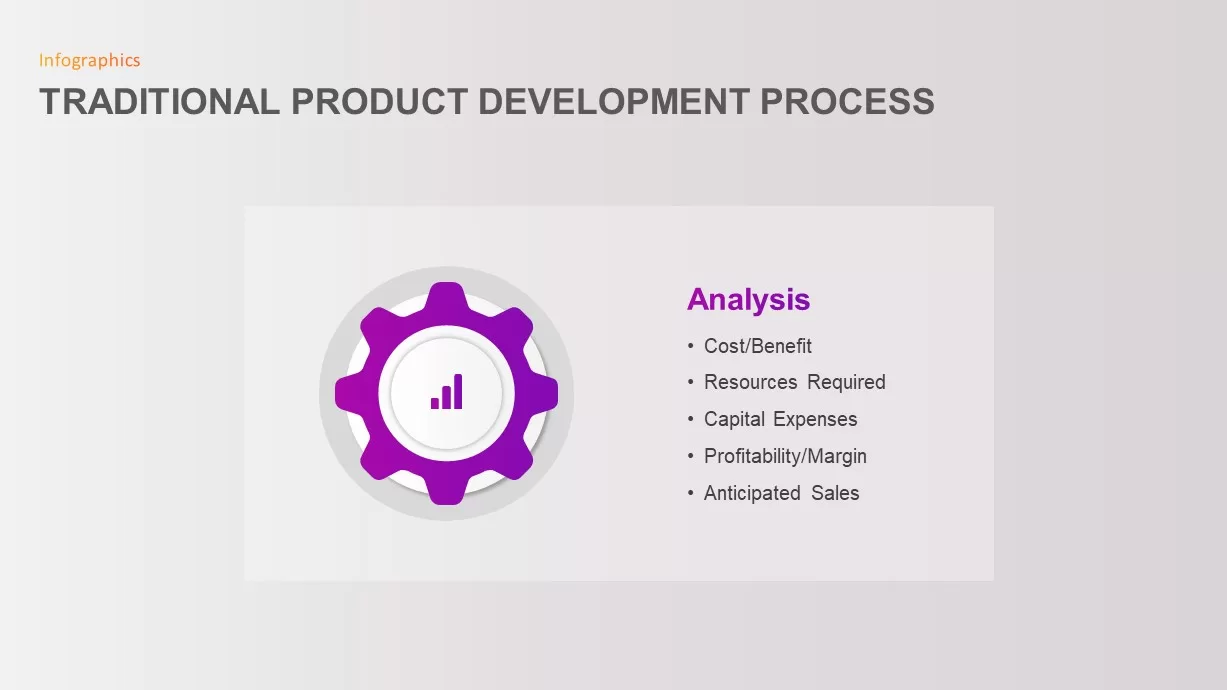
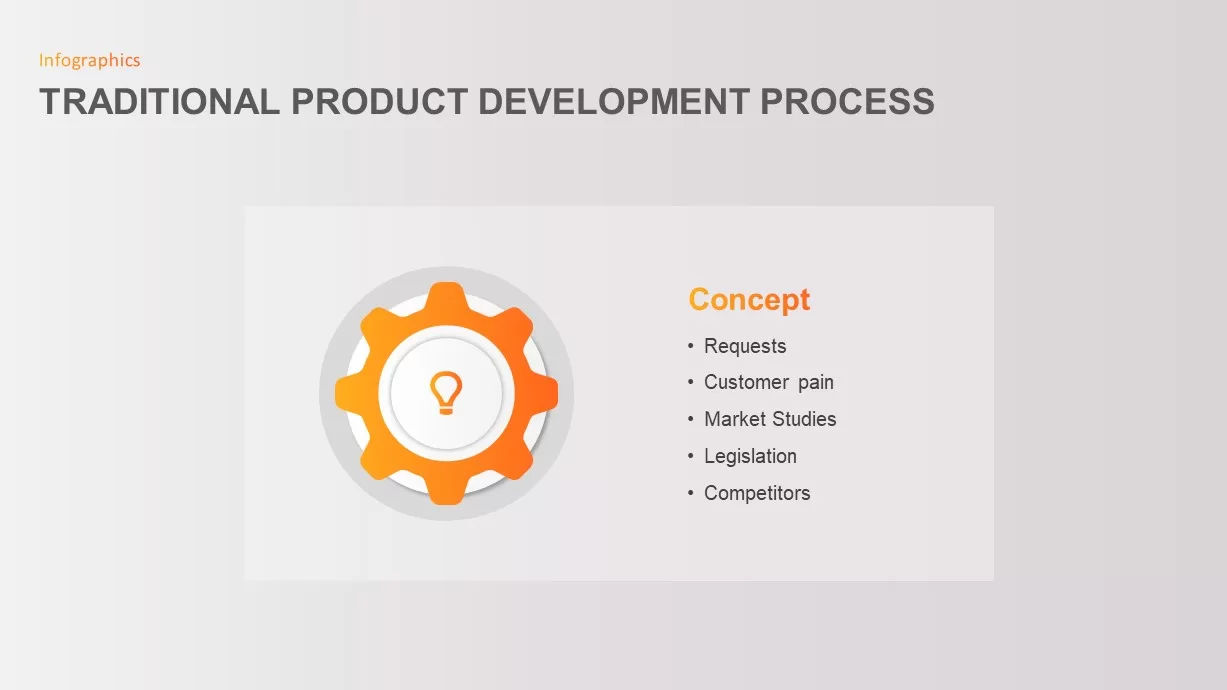
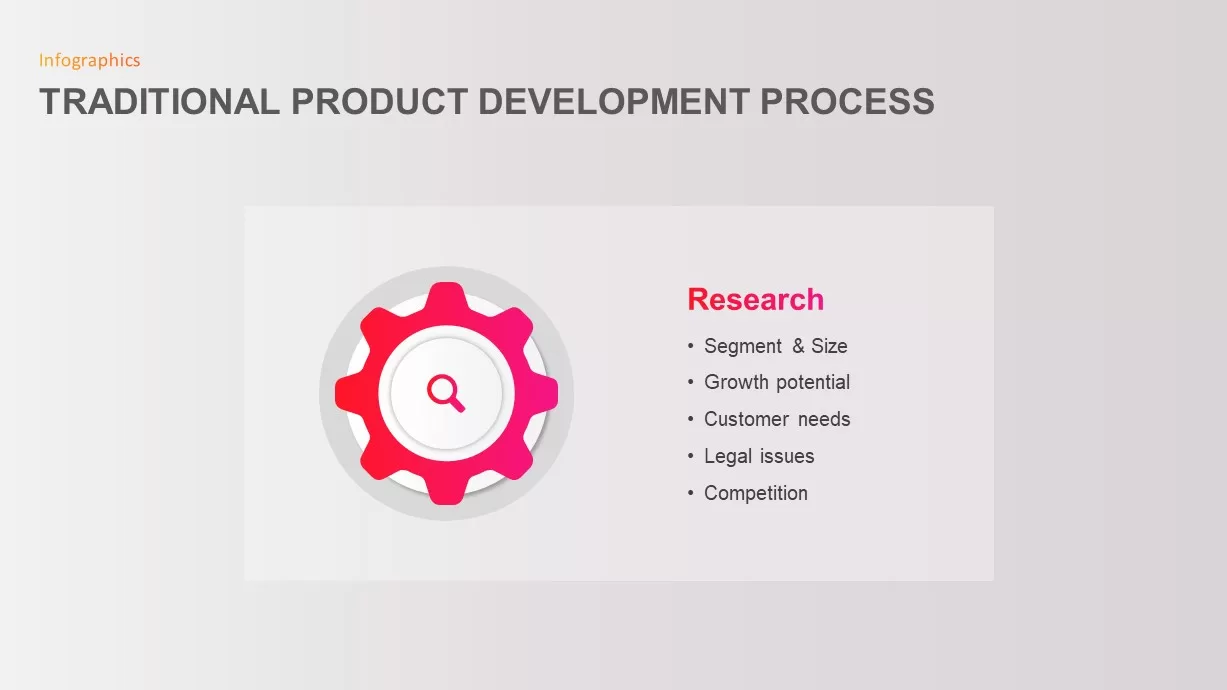
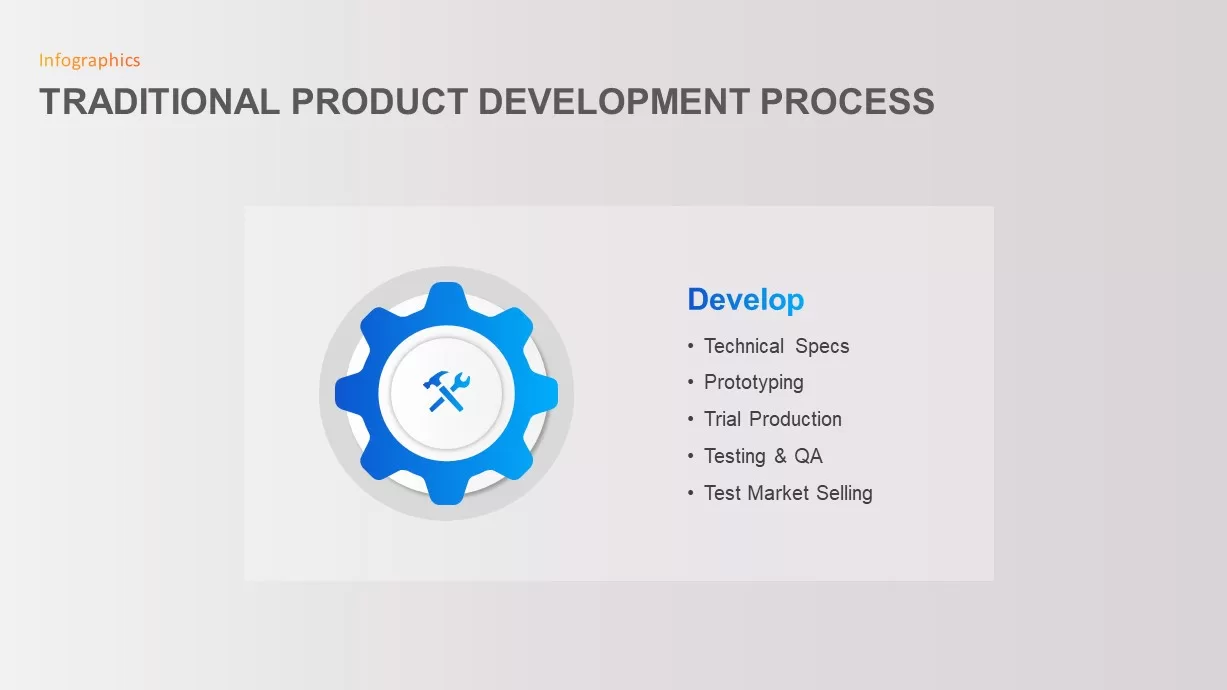
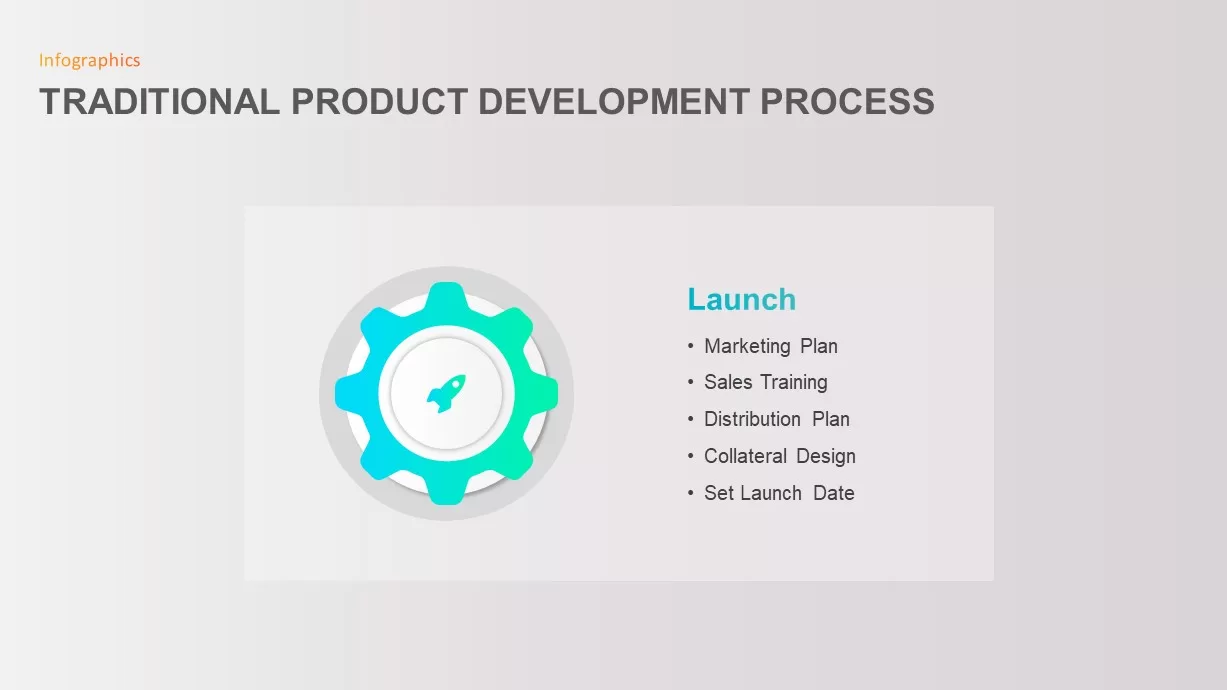
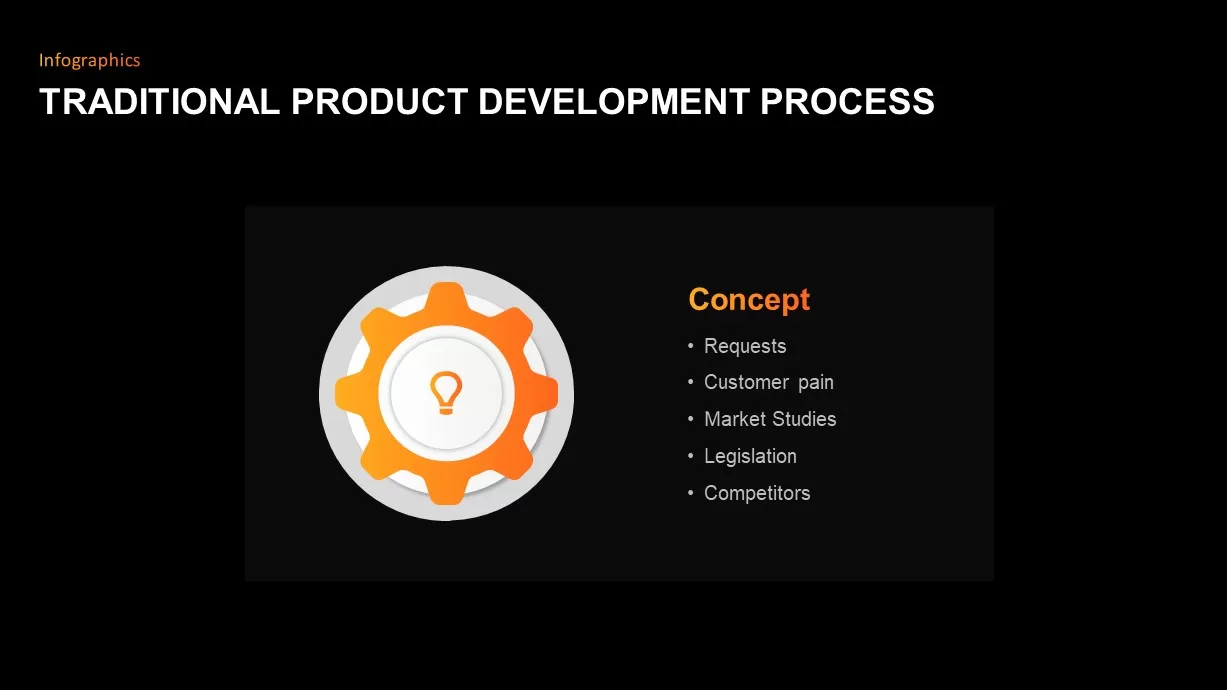
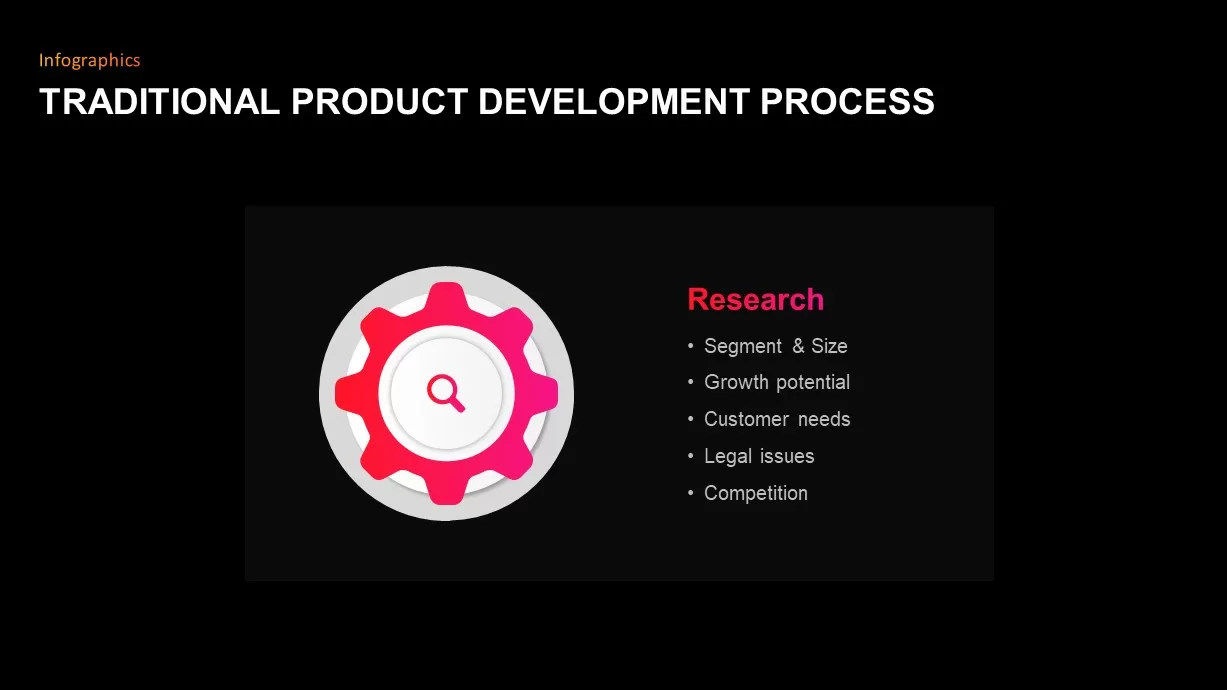
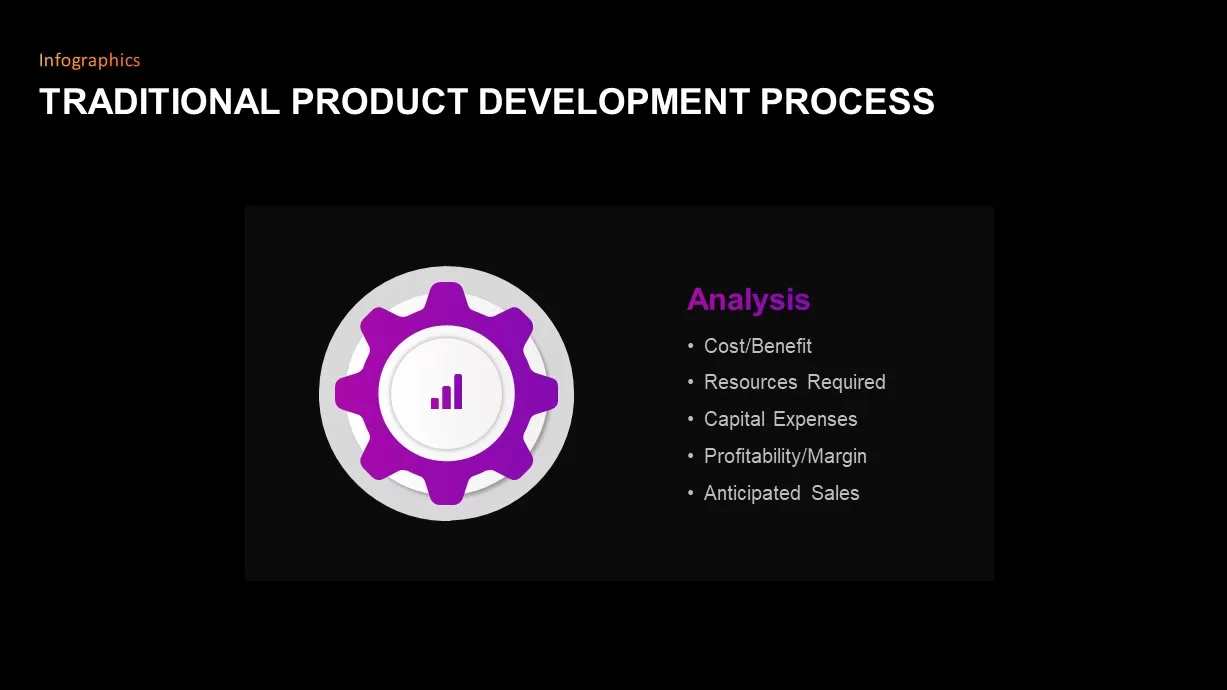
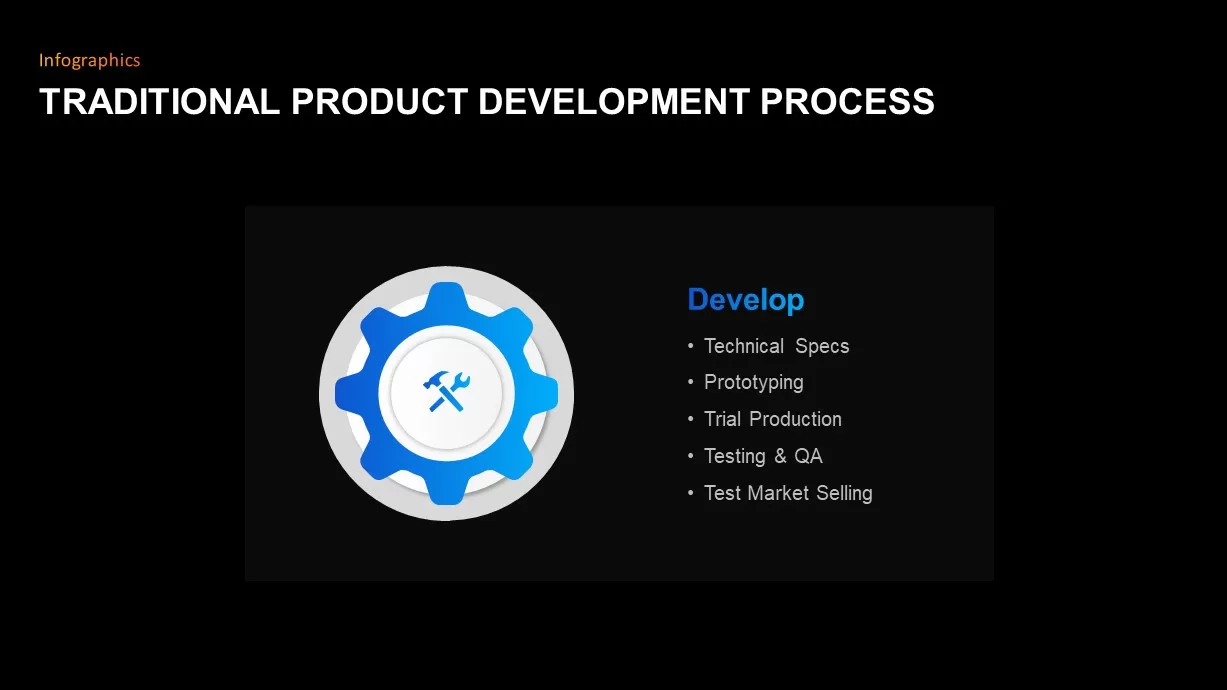
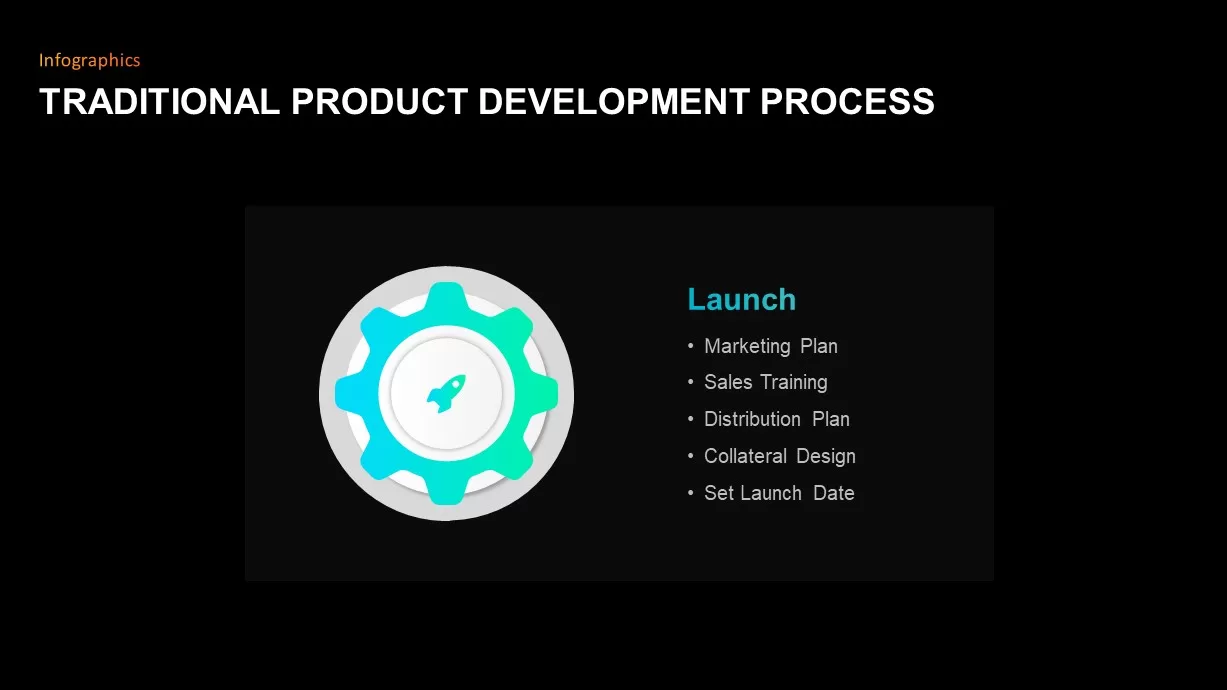
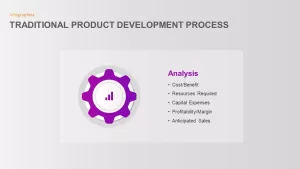
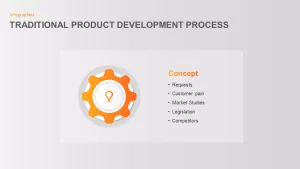
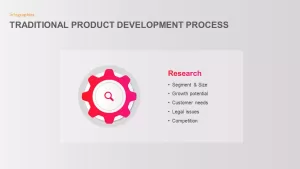
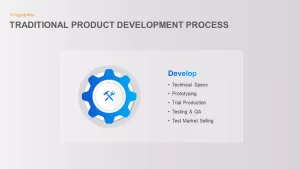
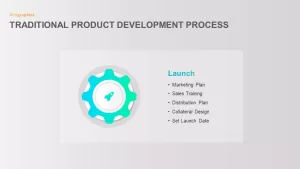
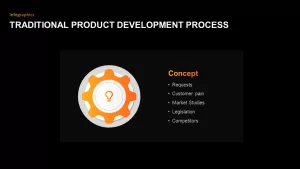
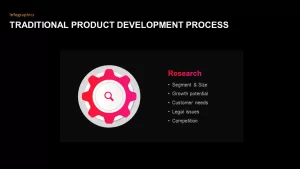
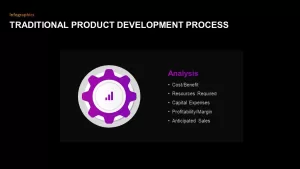
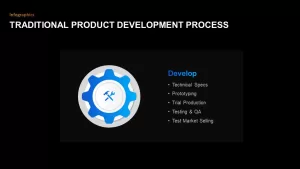
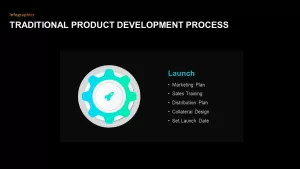
- Individual deep-dive spotlight slides that isolate a single gear phase such as Concept, Research, or Analysis alongside detailed bulleted checklists covering feasibility, tooling, and market requirements.
Present Sequential Roadmaps using Process Google Slides
Detailing product stages requires strong visual hierarchy and adaptable color accents:
- A distinct 5-color accent palette pairing orange, crimson pink, royal purple, cobalt blue, and bright teal to visually separate each stage of development.
- Crisp line-art icons centered within each gear mechanism, including a lightbulb for ideation, magnifying glass for research, bar chart for analysis, crossed tools for development, and a paper plane for launch.
- Minimalist gray and clean white presentation canvases engineered to keep technical copy and checklists easy to read across boardroom monitors and virtual conference calls.
- 100% editable vector components across PowerPoint and Google Slides, letting you adjust stage counts, recolor gears, customize text checklists, or tweak icons in minutes.
Login to download this file

Item ID
SB01840


Related Templates

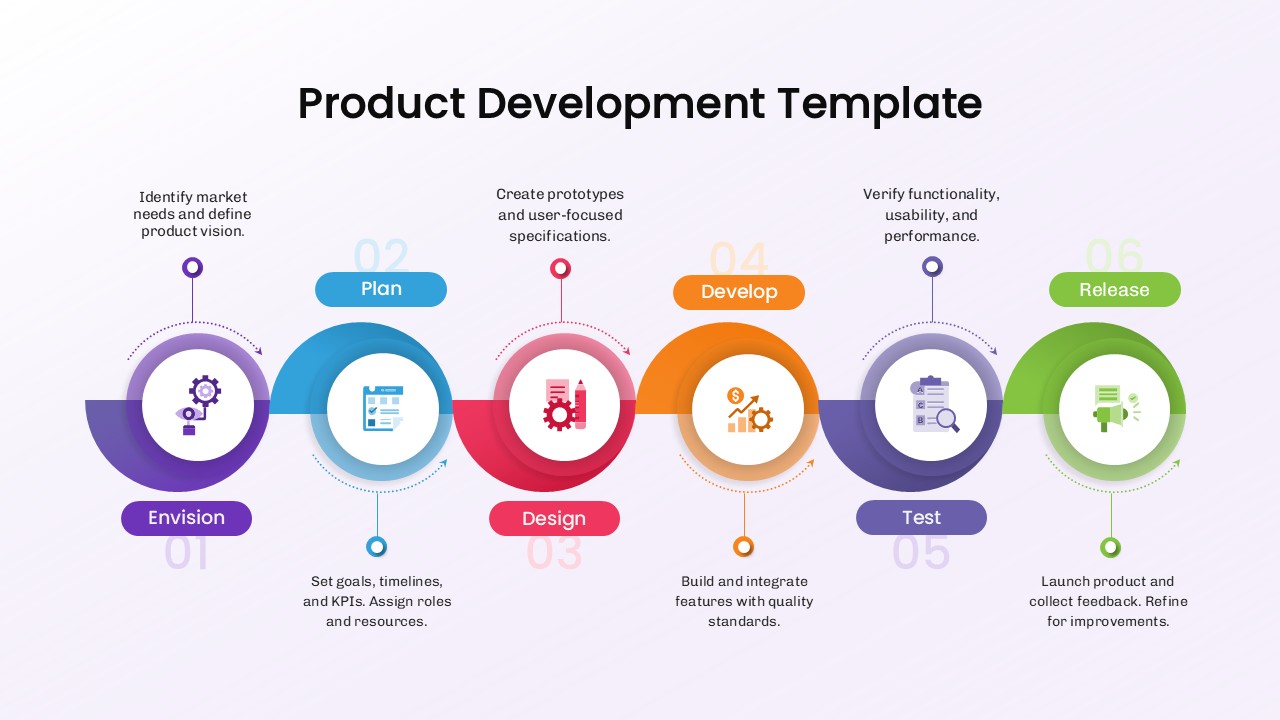
6 Step Product Development Process Template for PPT
Software Development
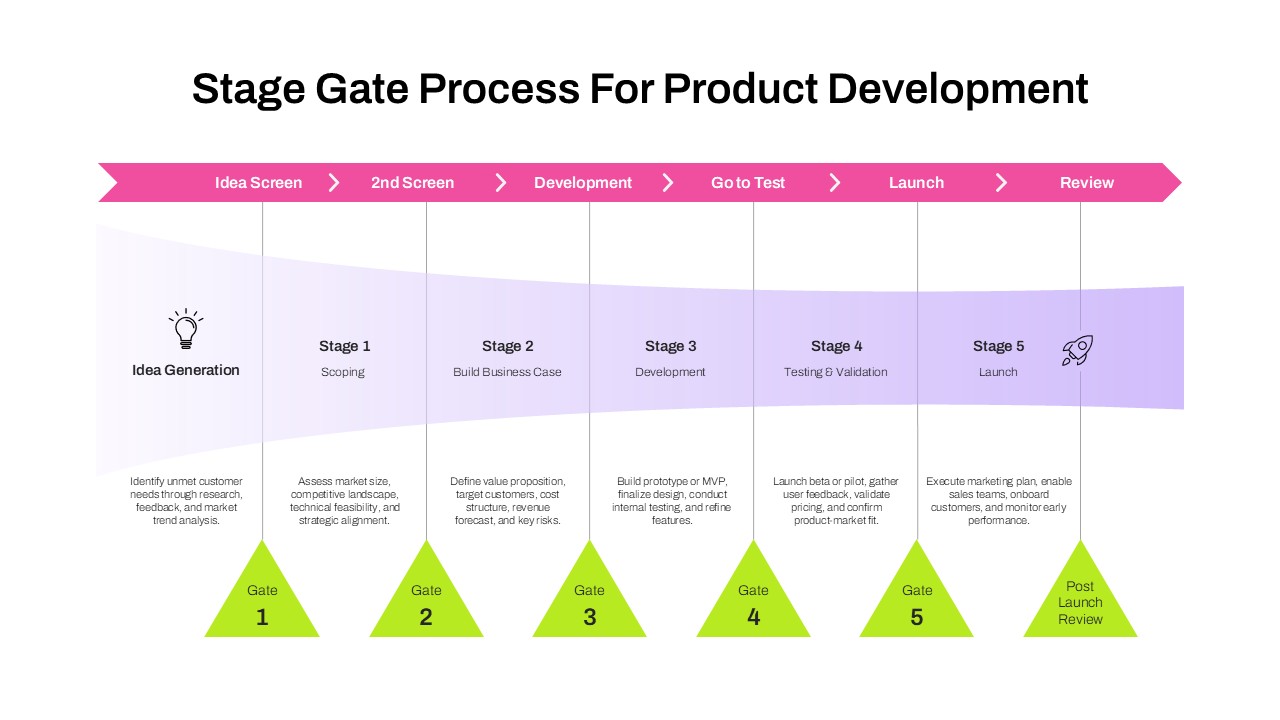
Stage Gate Process for Product Development Template for PPT & Google Slides
Process
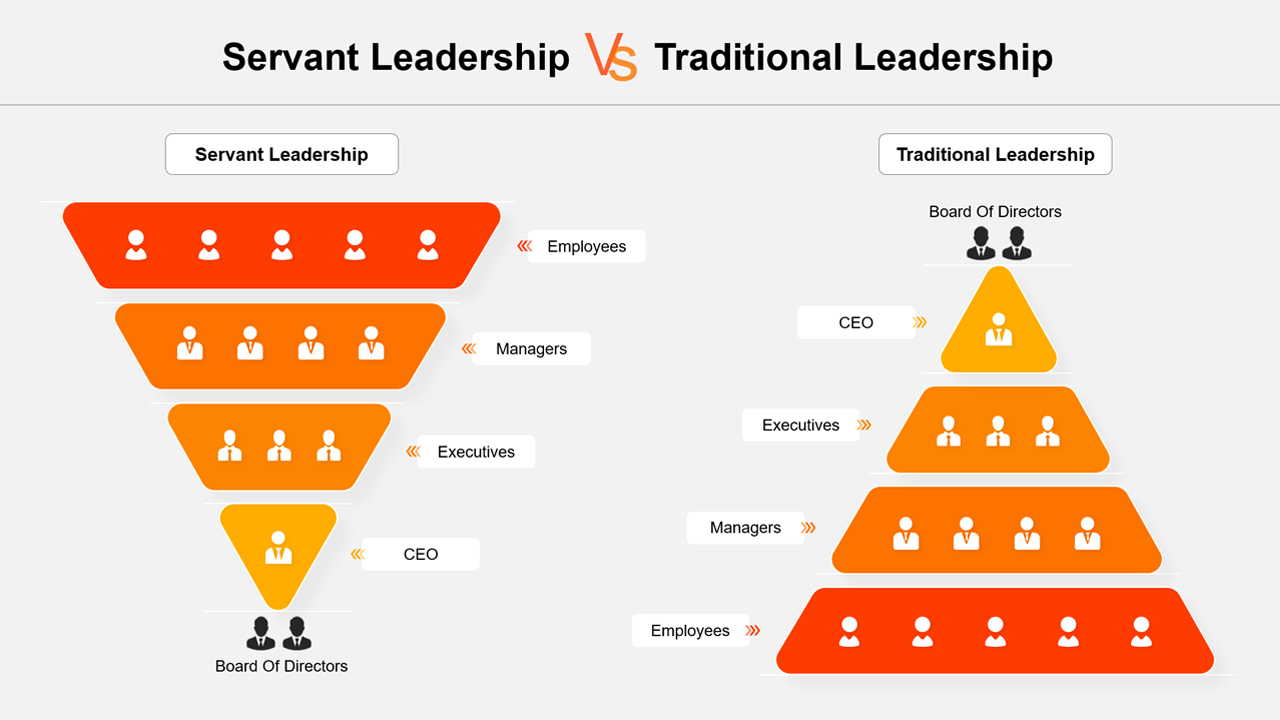
Servant Leadership vs Traditional Leadership Template
Leadership
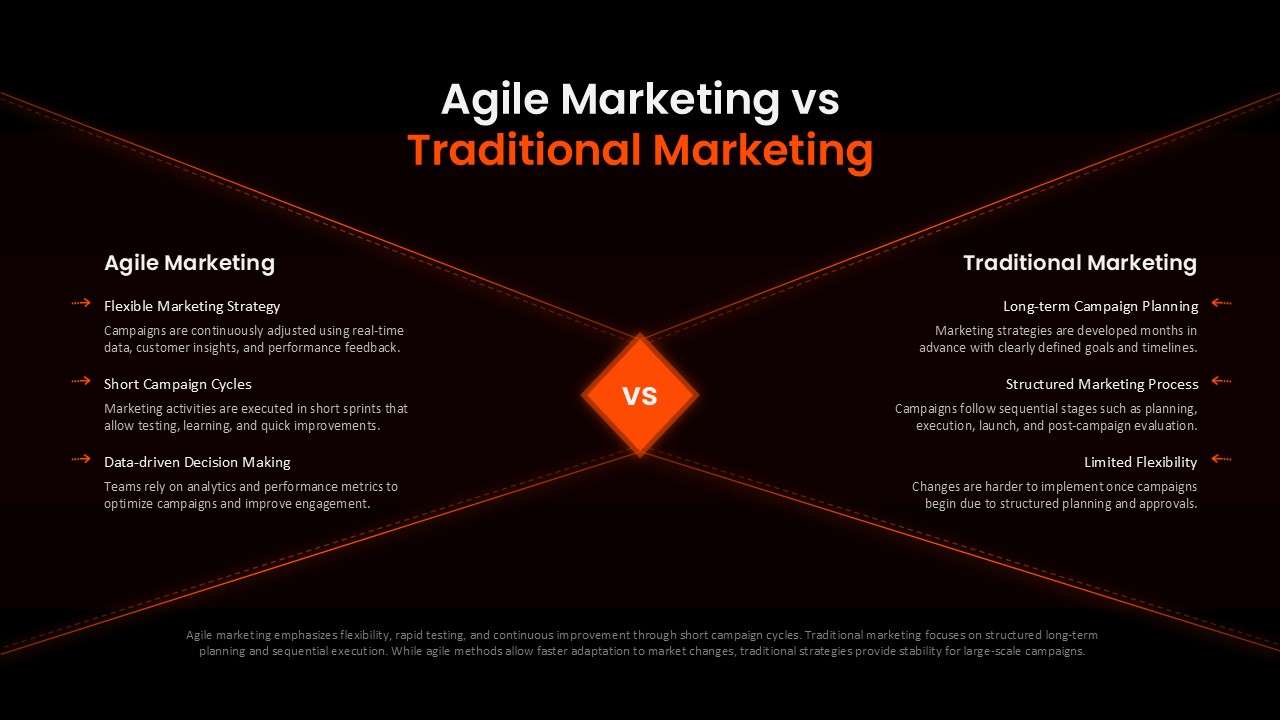
Agile Marketing vs Traditional Marketing Template for PowerPoint & Google Slides
Comparison

Product Development Process Diagram Template for PowerPoint
Process
Product Development Process PowerPoint Presentation Template
Process

Product Development Design Process Template
Process

Traditional Tree Diagram PowerPoint Template and Keynote Slide
Decision Tree
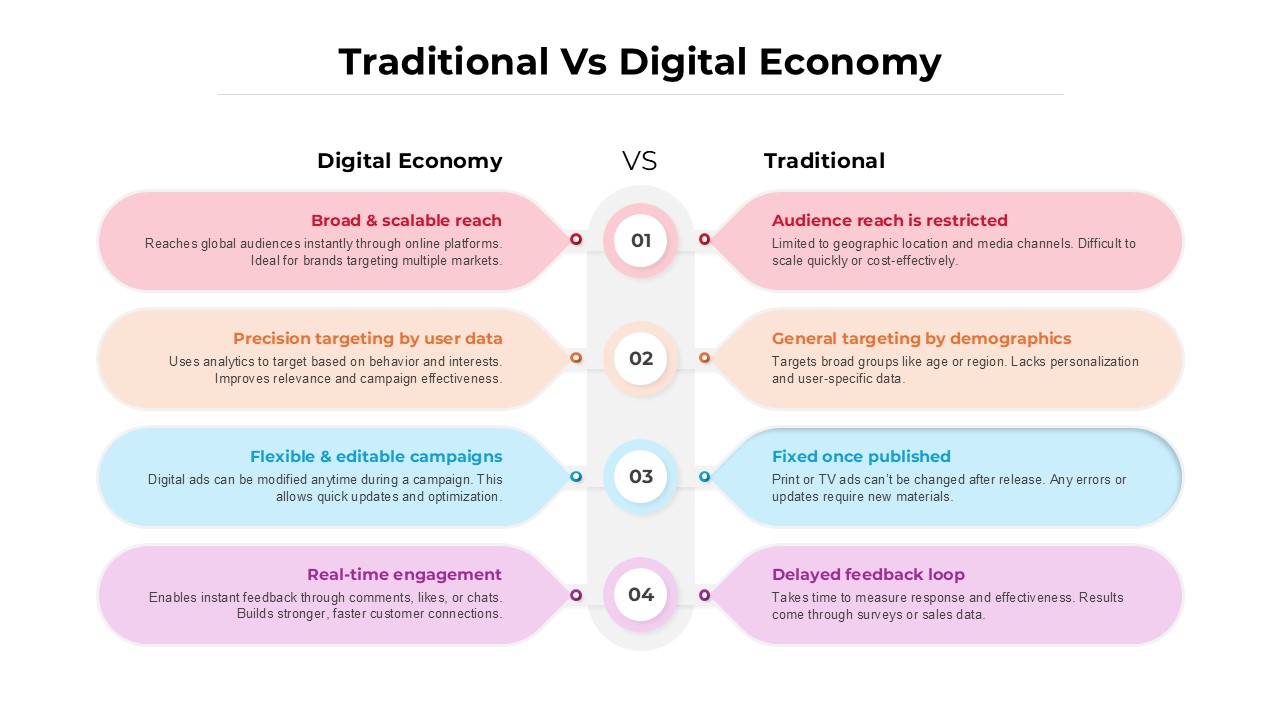
Traditional vs Digital Economy Template
Comparison
Product Development template for PowerPoint & Google Slides
Process
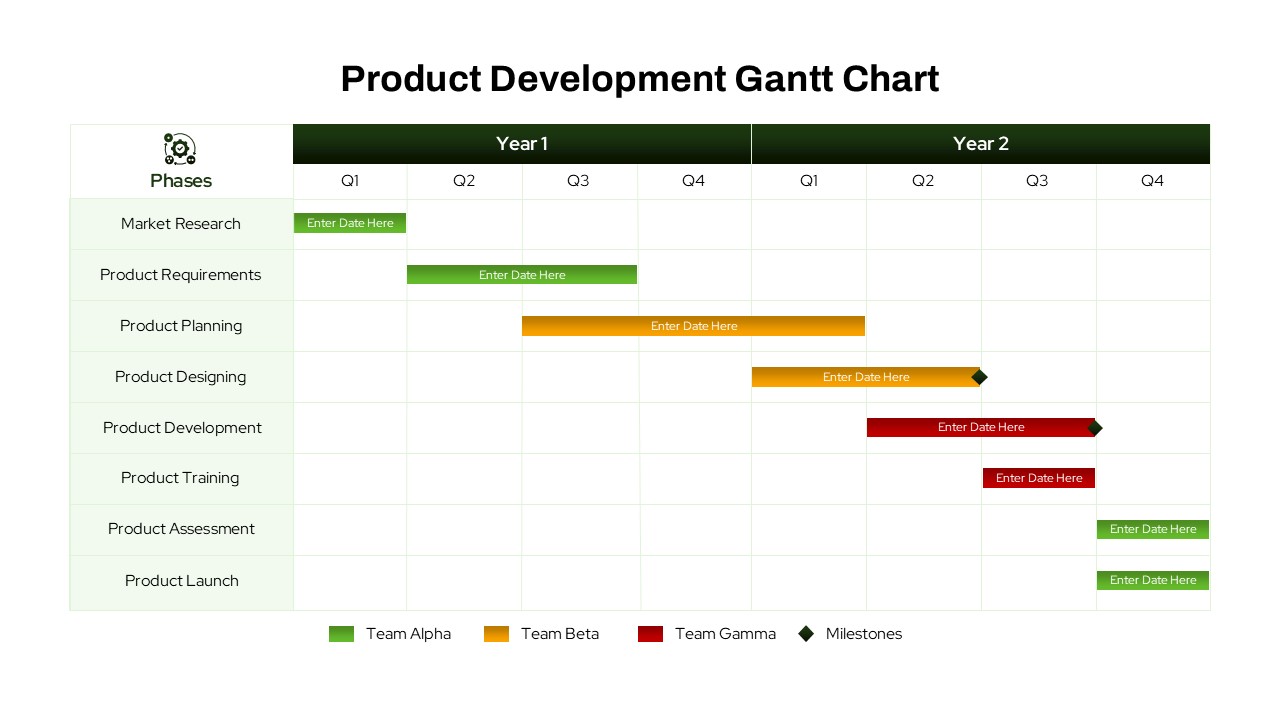
Product Development Gantt Chart template
Gantt Chart
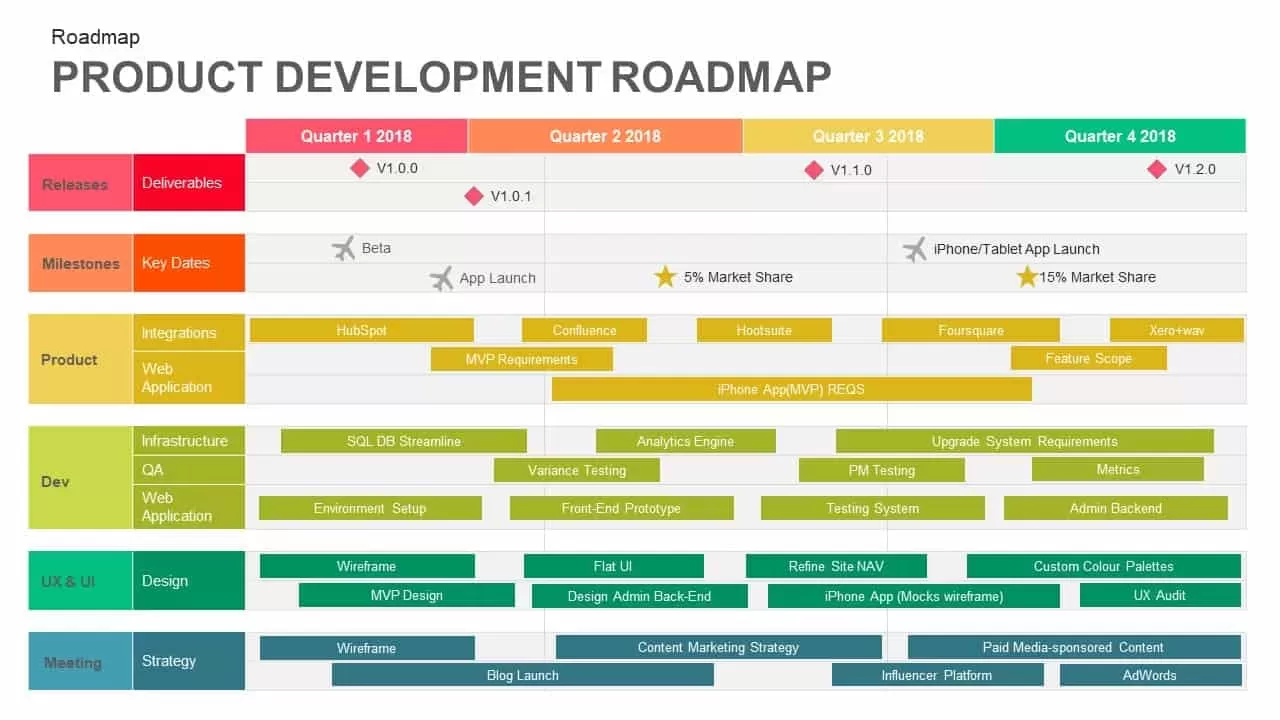
Product Development Roadmap PowerPoint Template
Roadmap
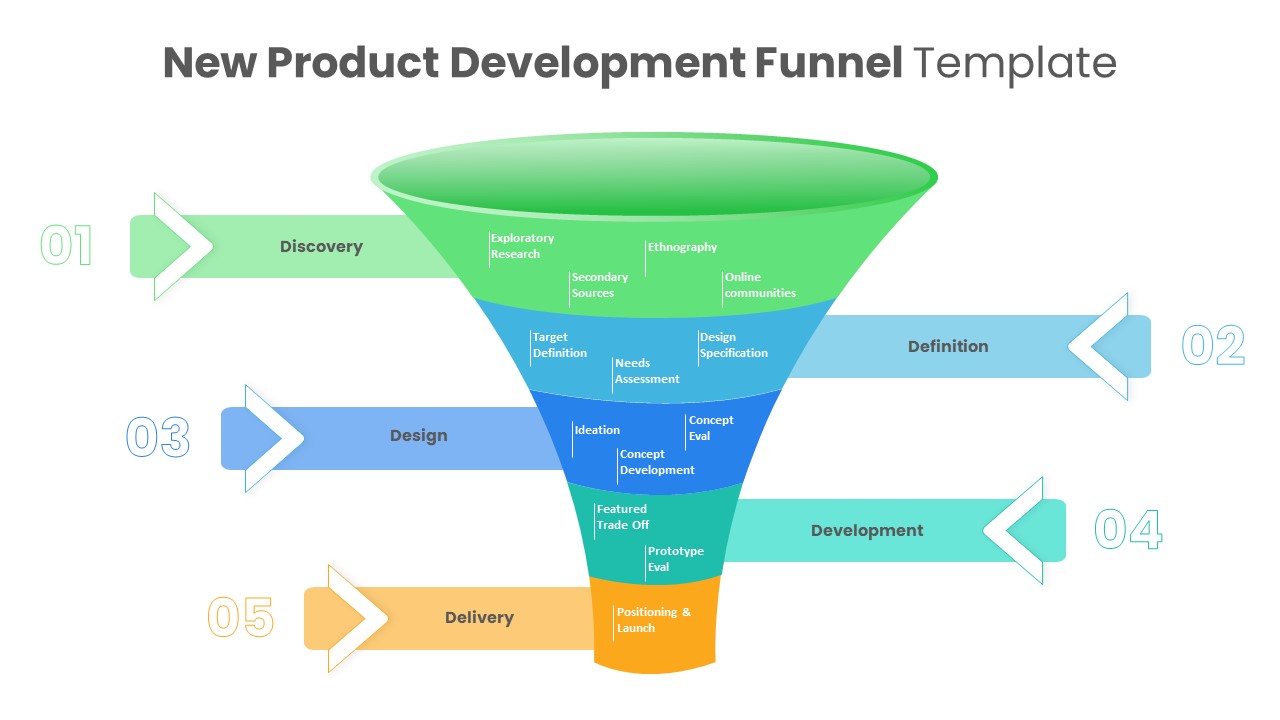
New Product Development Funnel Diagram Template PowerPoint
Funnel
Product Development Waterfall Model Diagram for PowerPoint
Process
Product Development Implementation Plan PowerPoint Diagram
Timeline
Lean Product Development Diagram for PowerPoint
Business
Development Pipeline Process Infographic Template for PowerPoint & Google Slides
Process
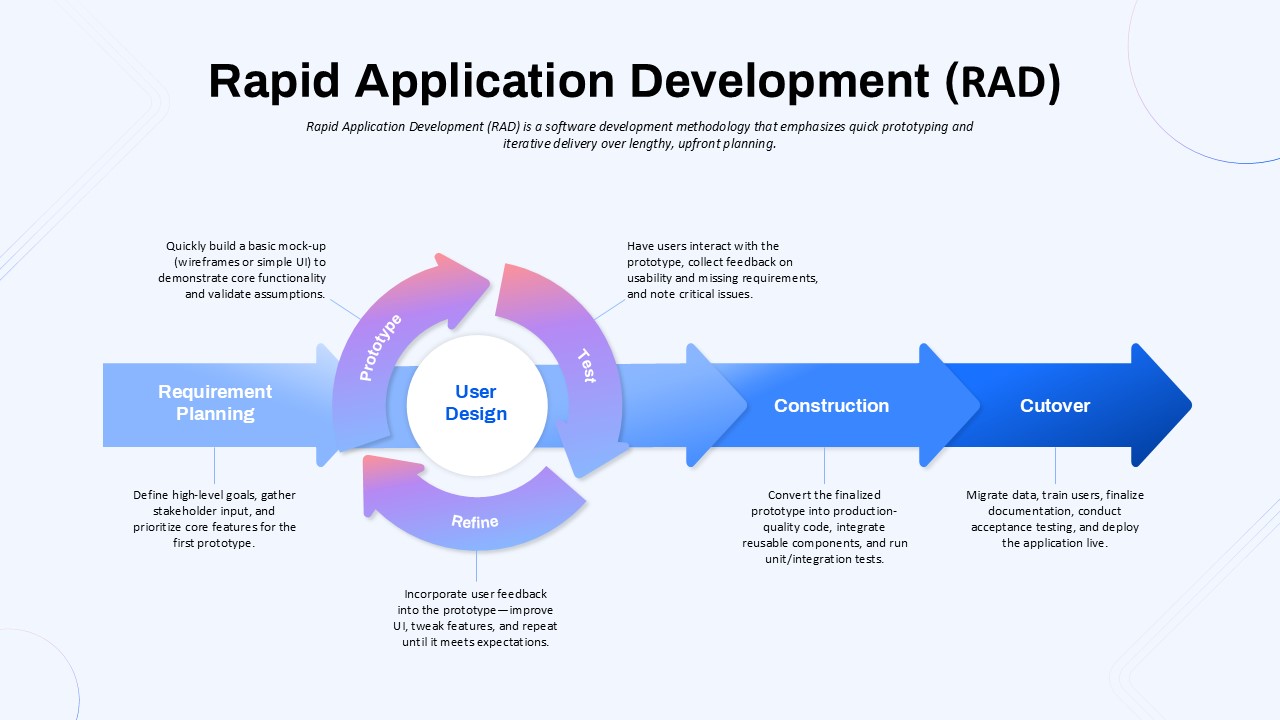
Rapid Application Development (RAD) Process PPT Template
Software Development
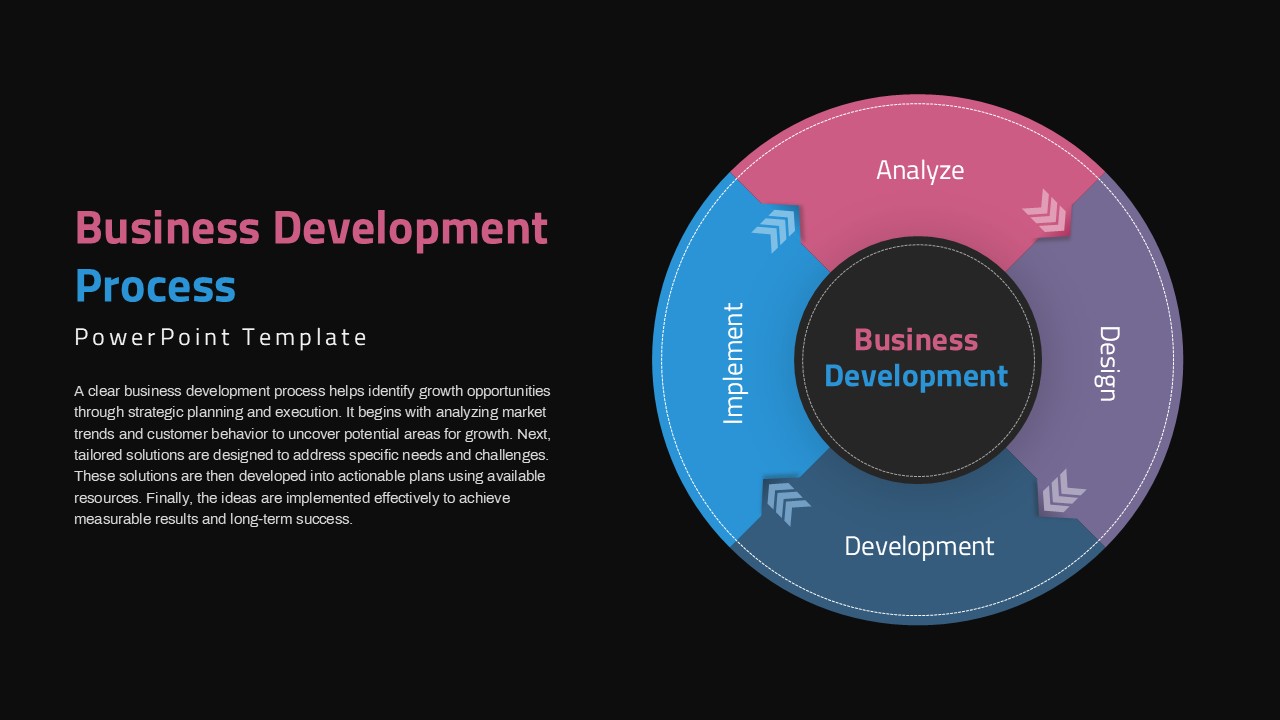
Circular Business Development Process PowerPoint Template
Process
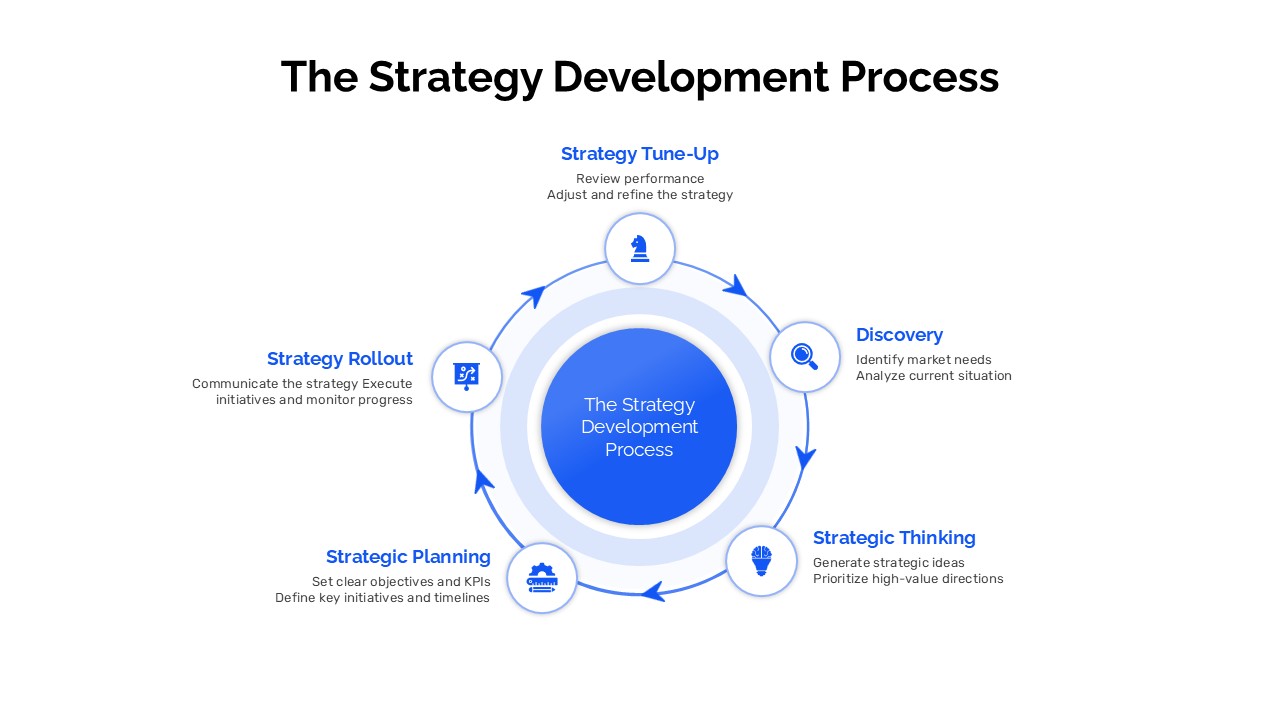
The Strategy Development Process Circular Diagram Template
Business Strategy