RAPID Framework infographic for PowerPoint & Google Slides
When decision-making stalls, it is usually because nobody is sure who owns what. The RAPID framework fixes that by putting names to roles before the conversation even starts. This RAPID framework PowerPoint template gives you a clean, ready-to-use presentation that makes those role assignments impossible to misread.
What Is the RAPID Framework PowerPoint Template?
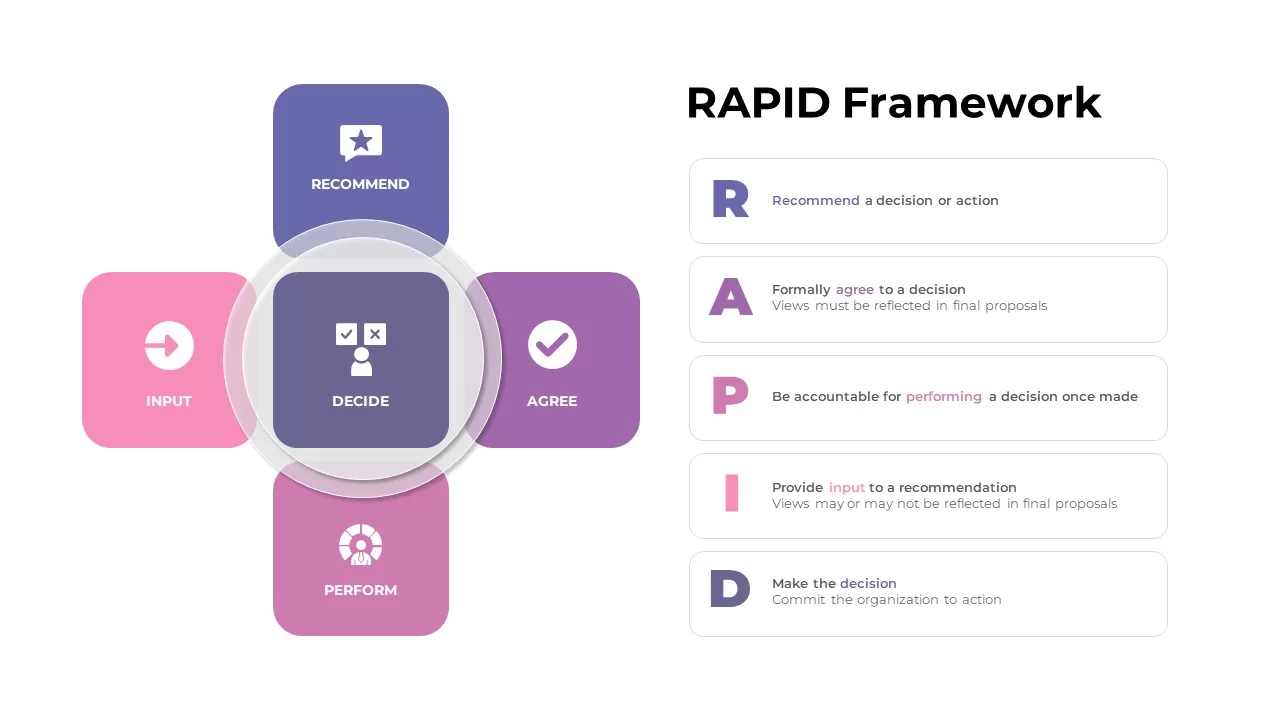
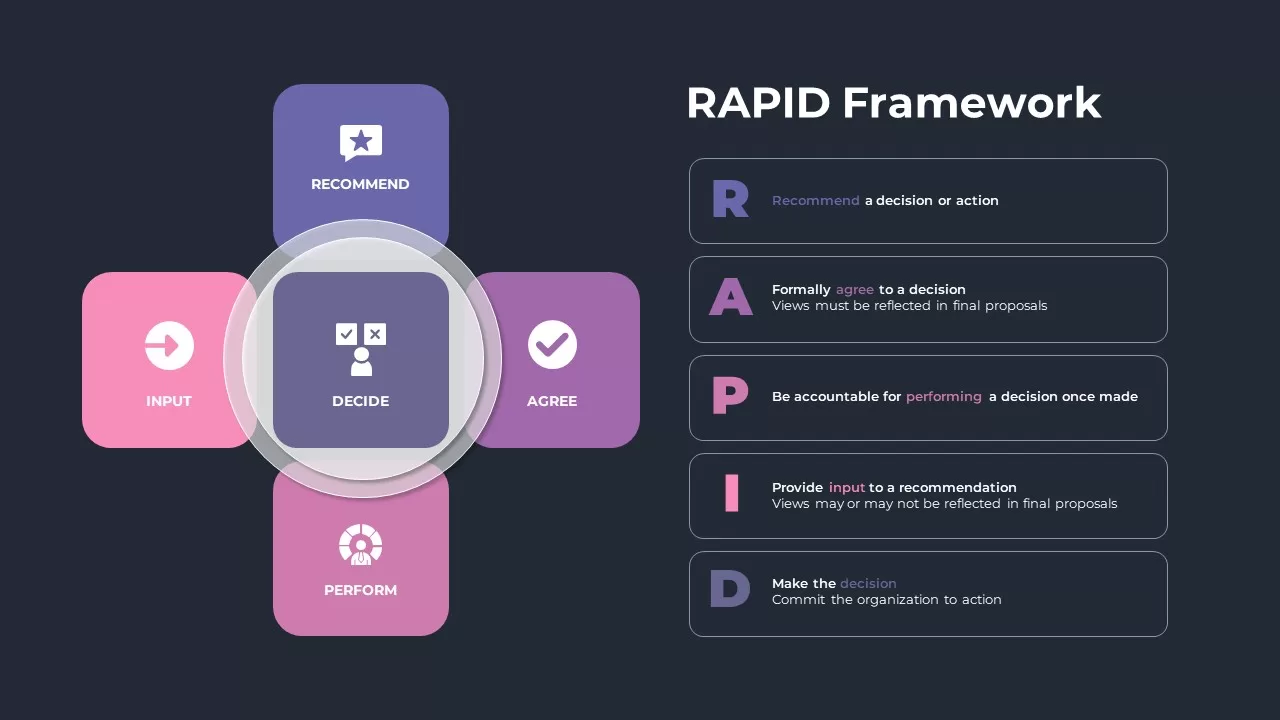
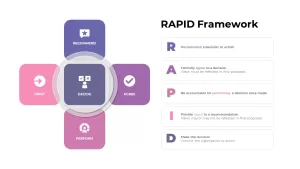
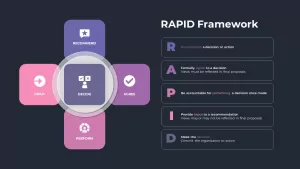
RAPID stands for Recommend, Agree, Perform, Input, and Decide. Each letter maps to a specific decision-making role, and this template lays out all five with color-coded sections and clear labels so every person in the room knows exactly where they fit in the process.
The deck includes two slides:
Slide 1 — Component Breakdown: Each of the five RAPID roles is presented individually with its definition and purpose, so teams that are new to the framework can get up to speed without a lengthy explanation from the facilitator.
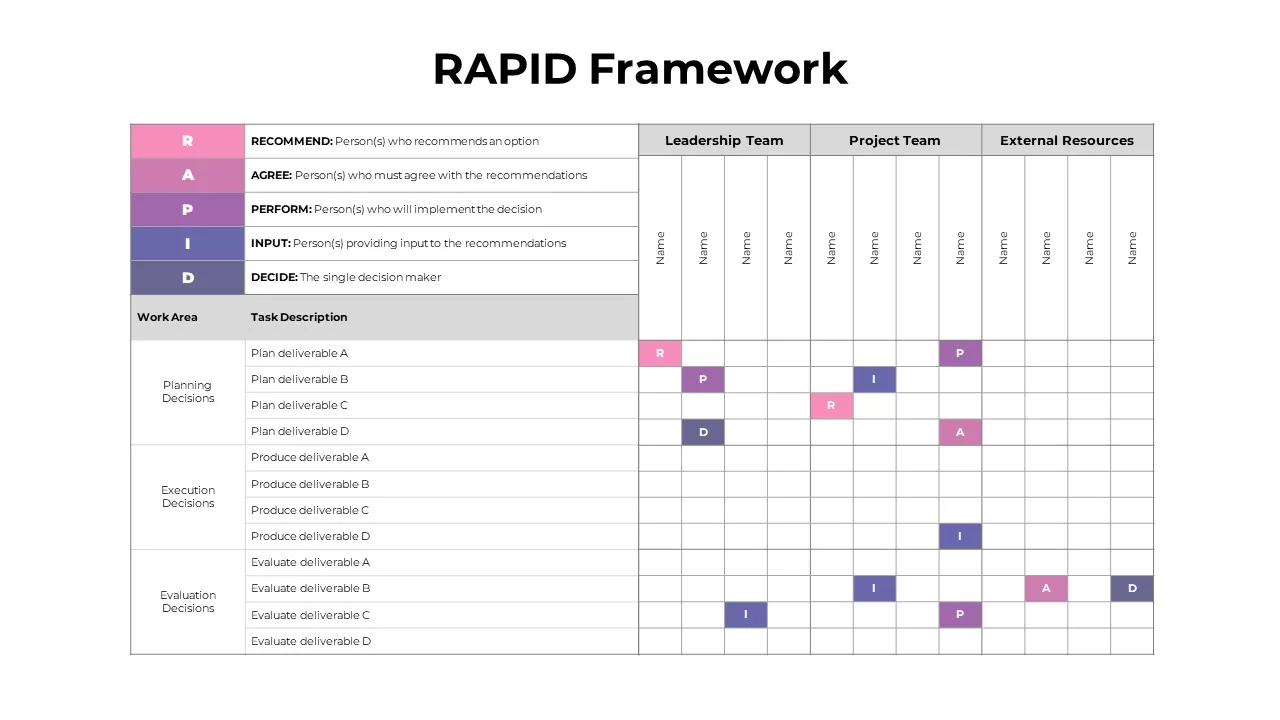
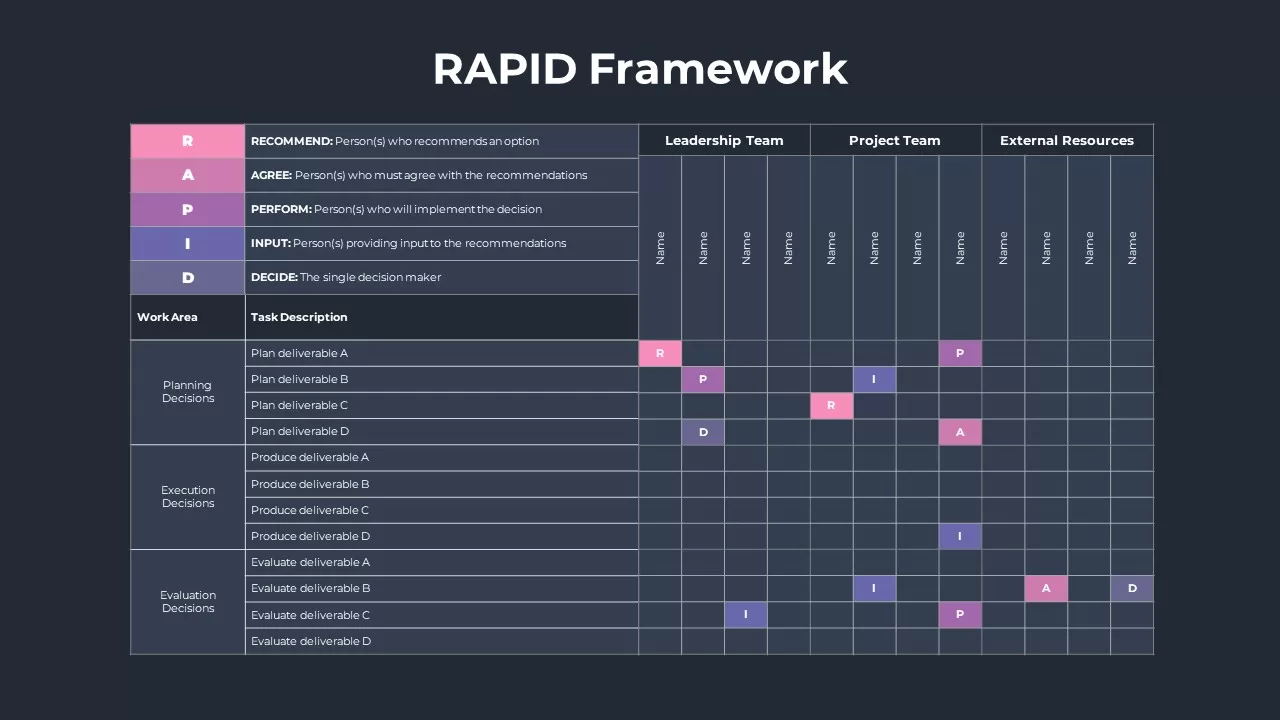
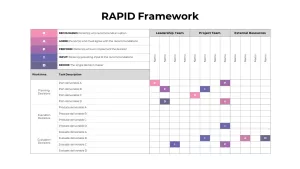
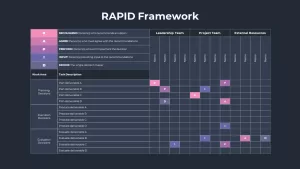
Slide 2 — Responsibility Matrix: The complete framework in action. The matrix maps roles to decision points, showing at a glance who recommends, who needs to agree, who carries out the work, who provides input, and who holds final decision authority. Resources align to responsibilities, and nothing falls through the gap.
A RAPID Framework PPT Template Built for Real Presentations
The layout is straightforward by design. Color-coded role sections cut through noise in live meetings, and the visual structure works just as well on a projected screen as it does in a shared document. Every label, color, and text block is fully editable, so you can tailor the matrix to your specific project, team structure, or decision type without rebuilding anything from scratch.
The template runs natively in PowerPoint and opens cleanly in Google Slides, making it easy to collaborate with teammates regardless of which platform your organization uses.
Who Is This For
Project managers, team leads, and department heads who need to bring structure to cross-functional decision-making. Whether you are running a kickoff meeting, a planning session, or an accountability review, this RAPID framework for PowerPoint gives you a visual anchor that keeps the conversation focused.
Other Ways to Use It
The layouts adapt well beyond standard project management. Use them for risk management planning, product development workflows, organizational design sessions, strategic planning workshops, or any situation where overlapping responsibilities need to be untangled and clearly assigned before work begins.
Login to download this file

Item ID
SB02464


Related Templates

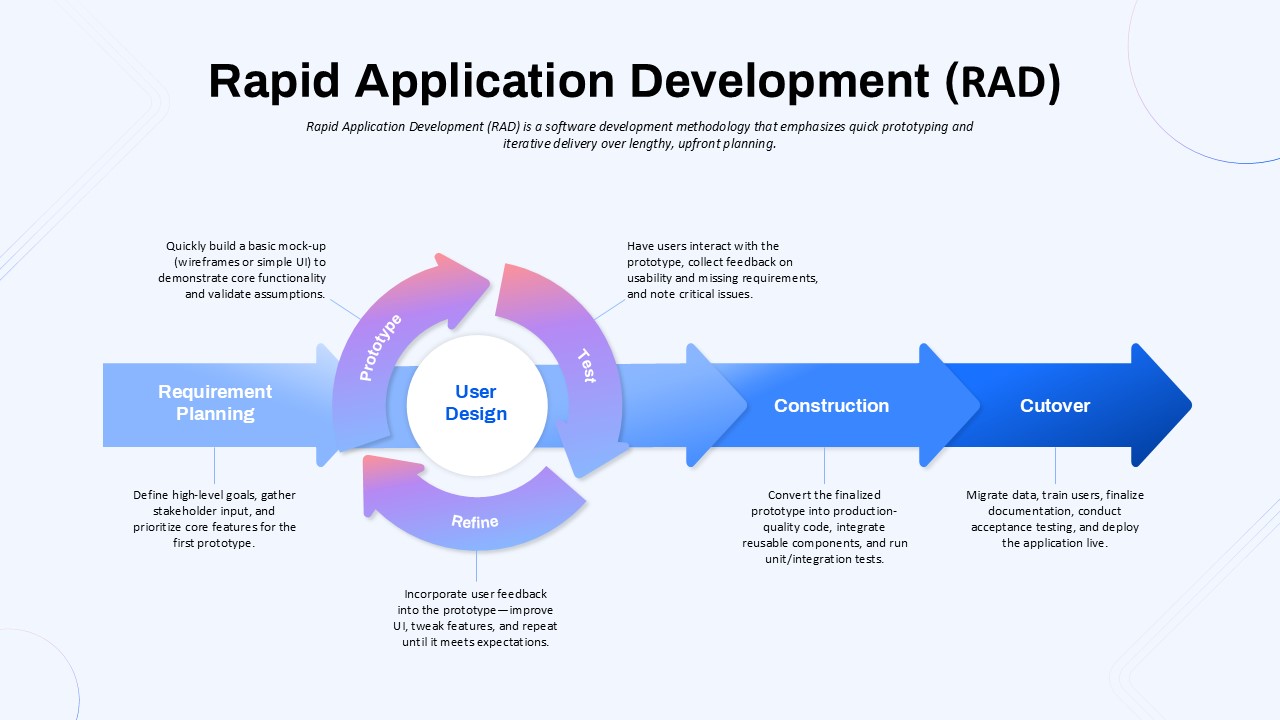
Rapid Application Development (RAD) Process PPT Template
Software Development
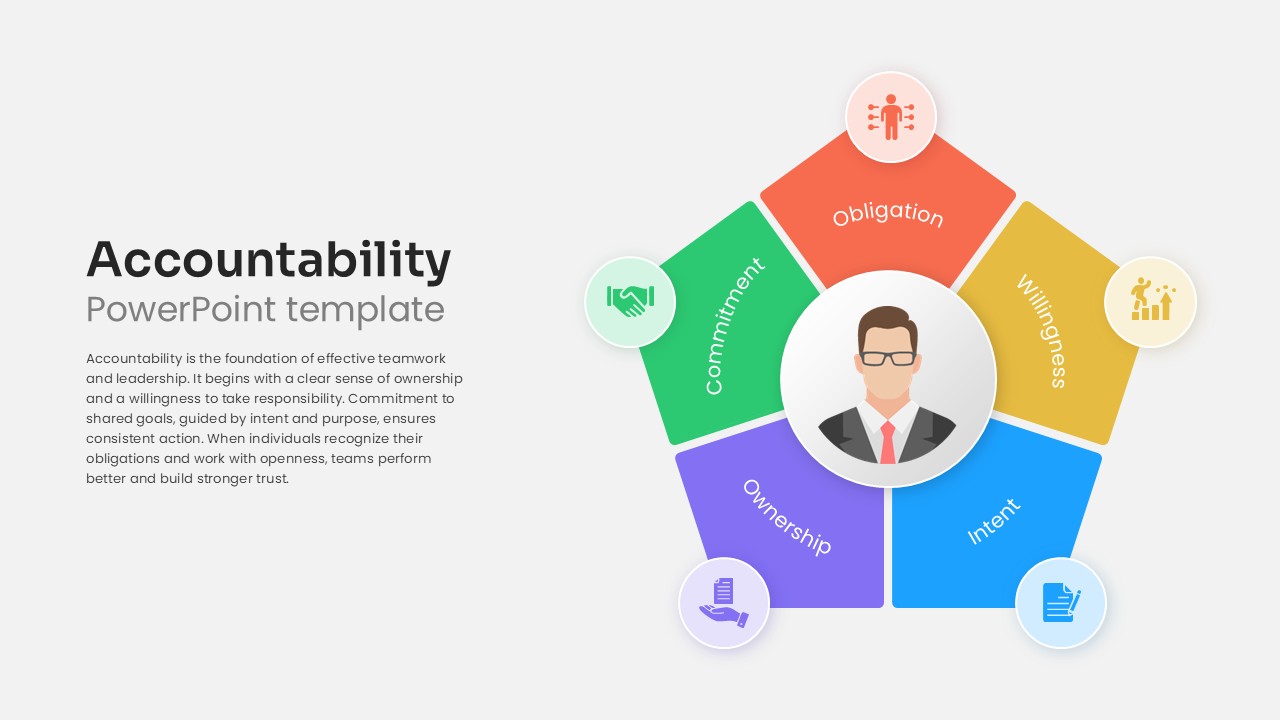
Accountability PowerPoint Template & Google Slides
Leadership
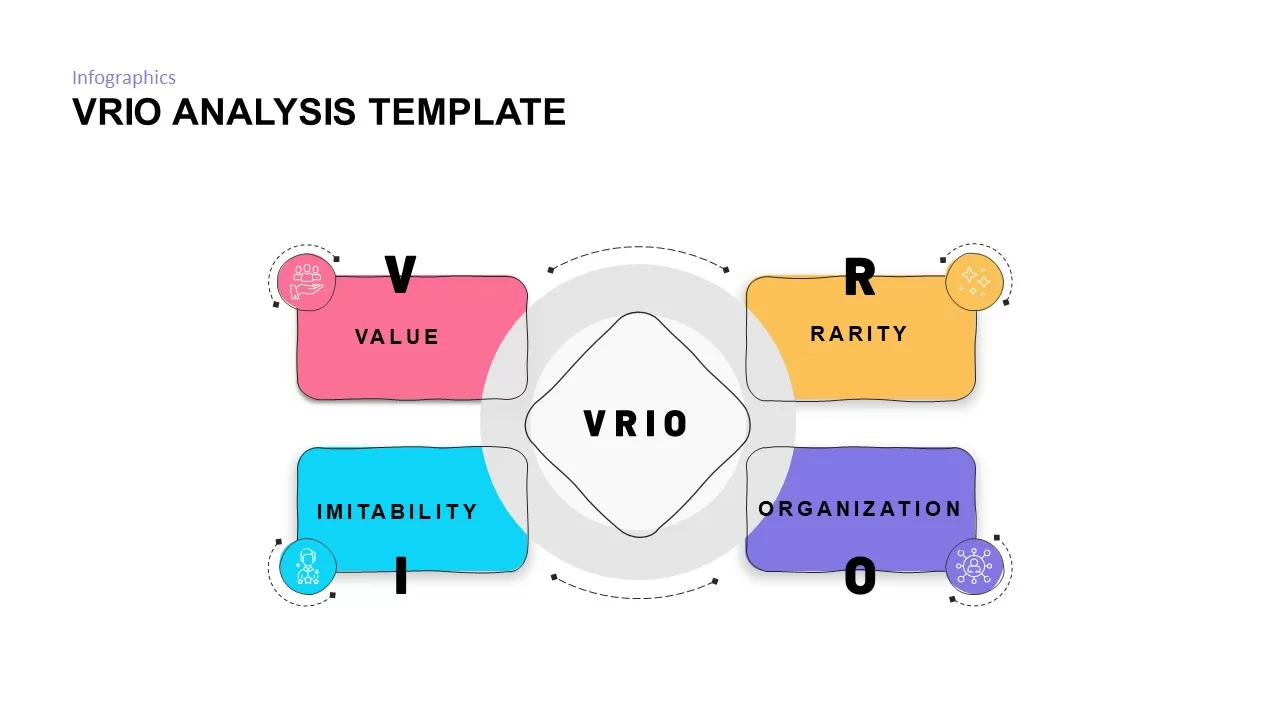
VRIO Analysis Framework template for PowerPoint & Google Slides
Business Strategy
Shield Infographics Four-Part Framework Template for PowerPoint & Google Slides
Process
Operational Excellence Framework Template for PowerPoint & Google Slides
Business Strategy
Call to Action Framework for PowerPoint & Google Slides
Customer Journey
Executive Coaching PowerPoint Template
Leadership
Model Governance Framework PowerPoint Template
Risk Management
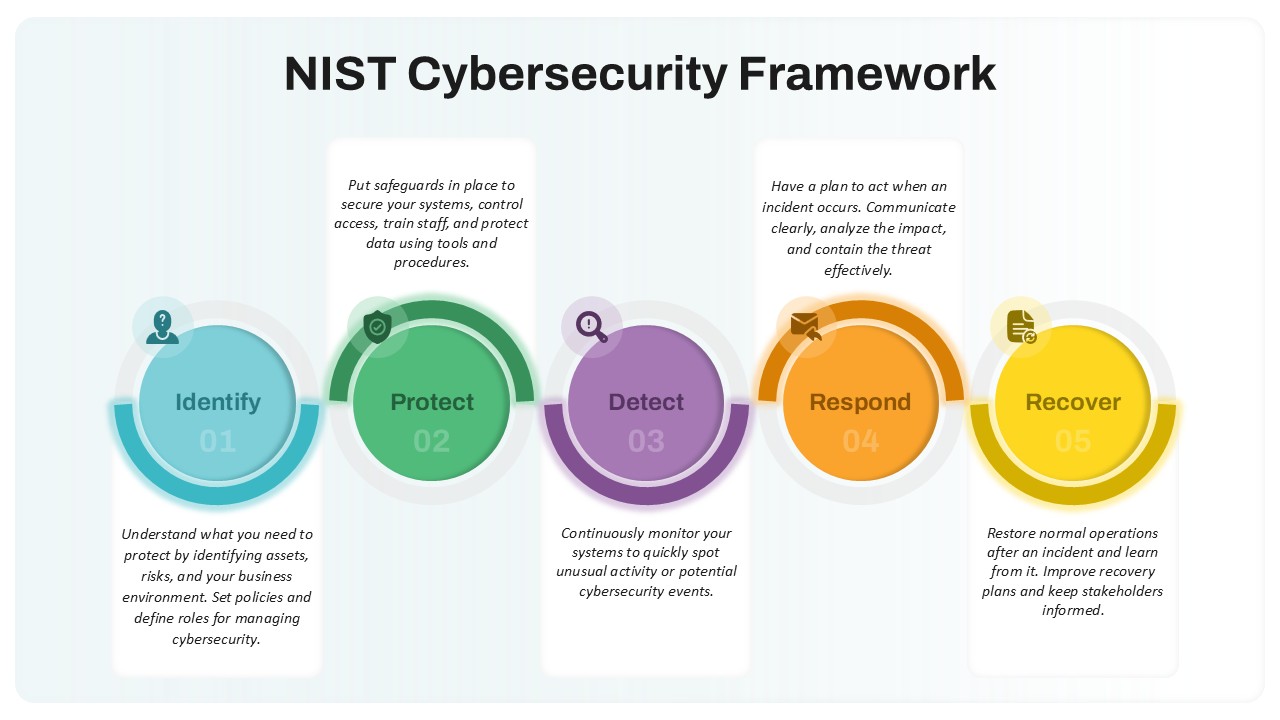
NIST Cybersecurity Framework Template
Technology
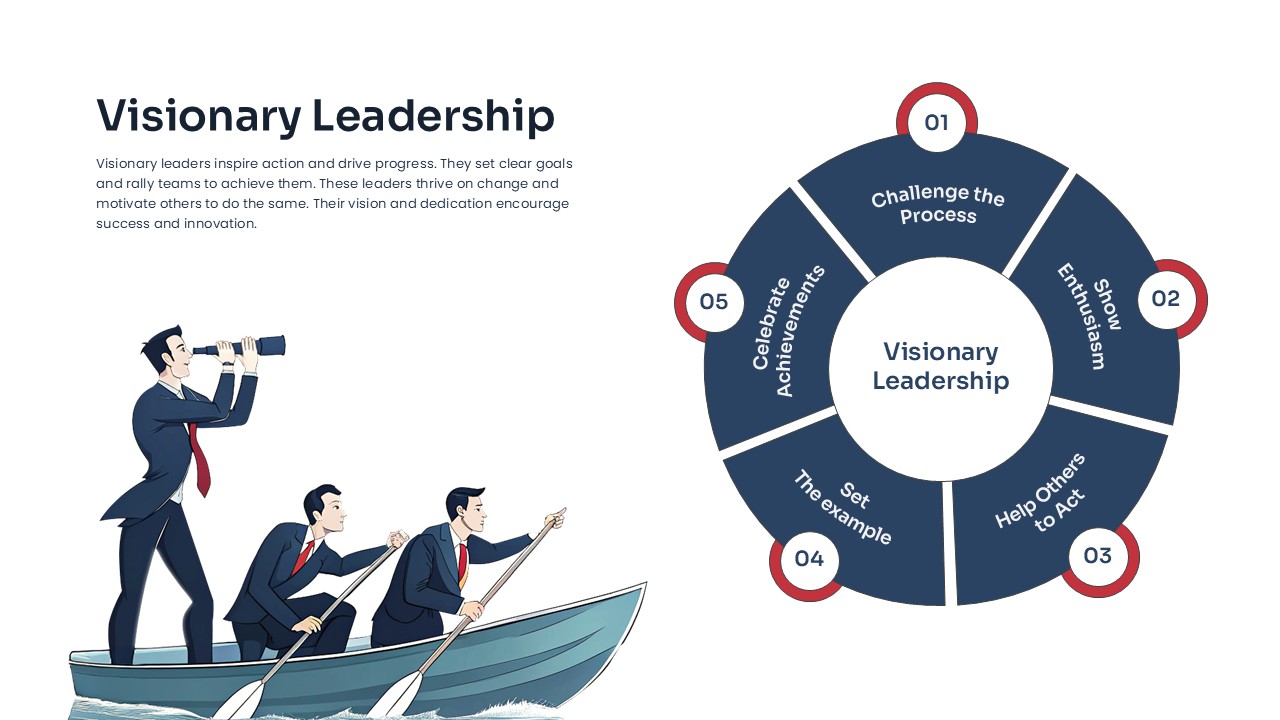
Visionary Leadership template for PPT & Google Slides
Business
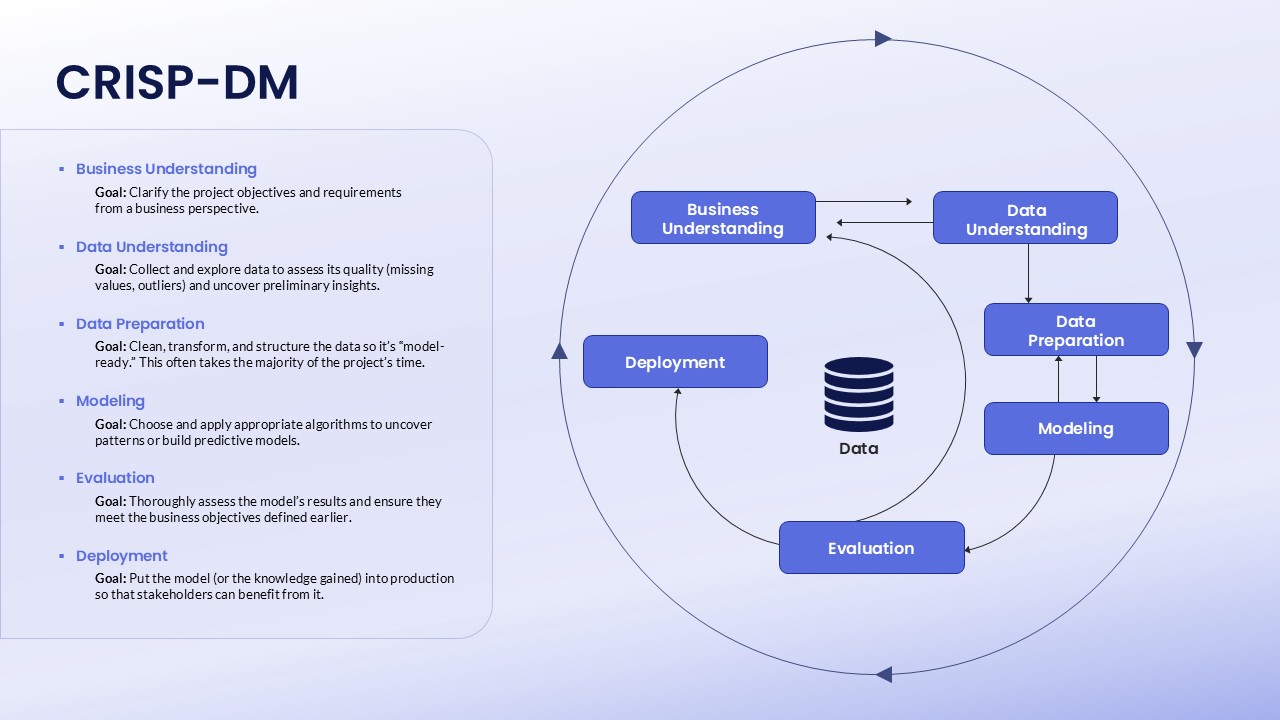
CRISP-DM Workflow Diagram PowerPoint Template
Technology
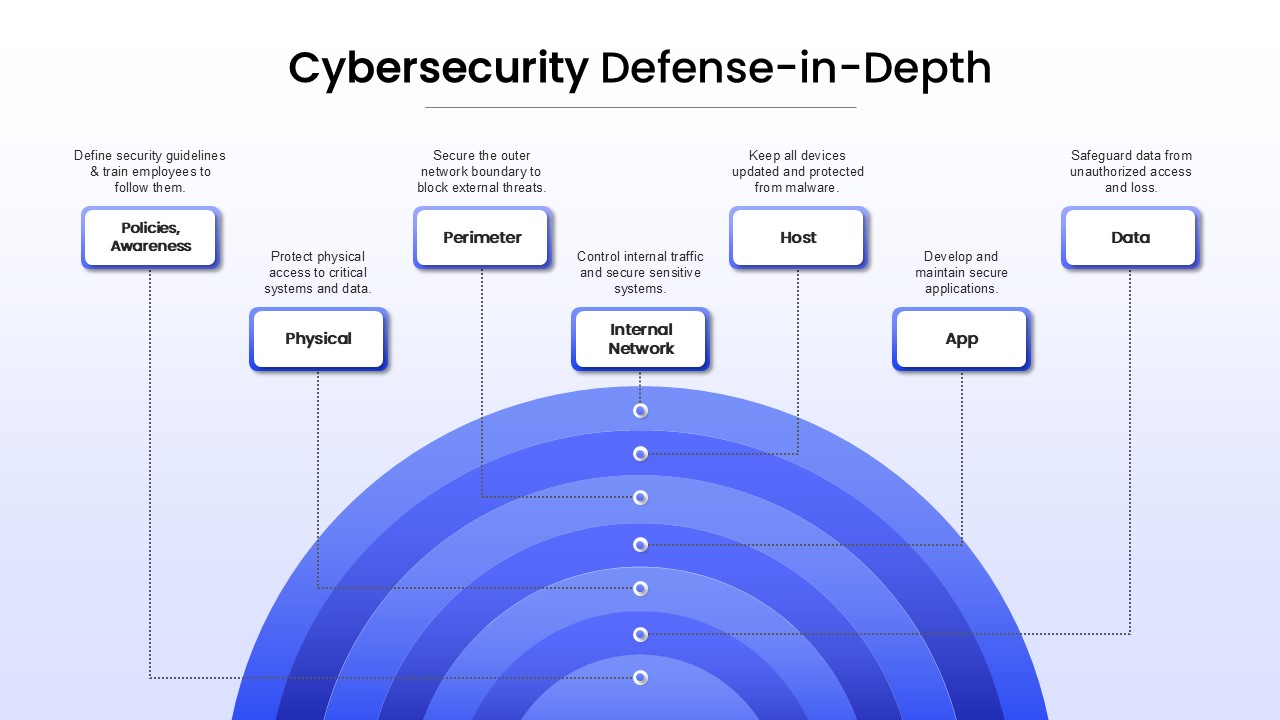
Cybersecurity Defense-in-Depth PowerPoint Template
Technology
Ethical Leadership Theory Framework Template
Leadership
AI Adoption Framework Circular Diagram Template for PowerPoint & Google Slides
Circular
BANI PowerPoint Template
PEST
Job Description Clarity Framework Template
Business
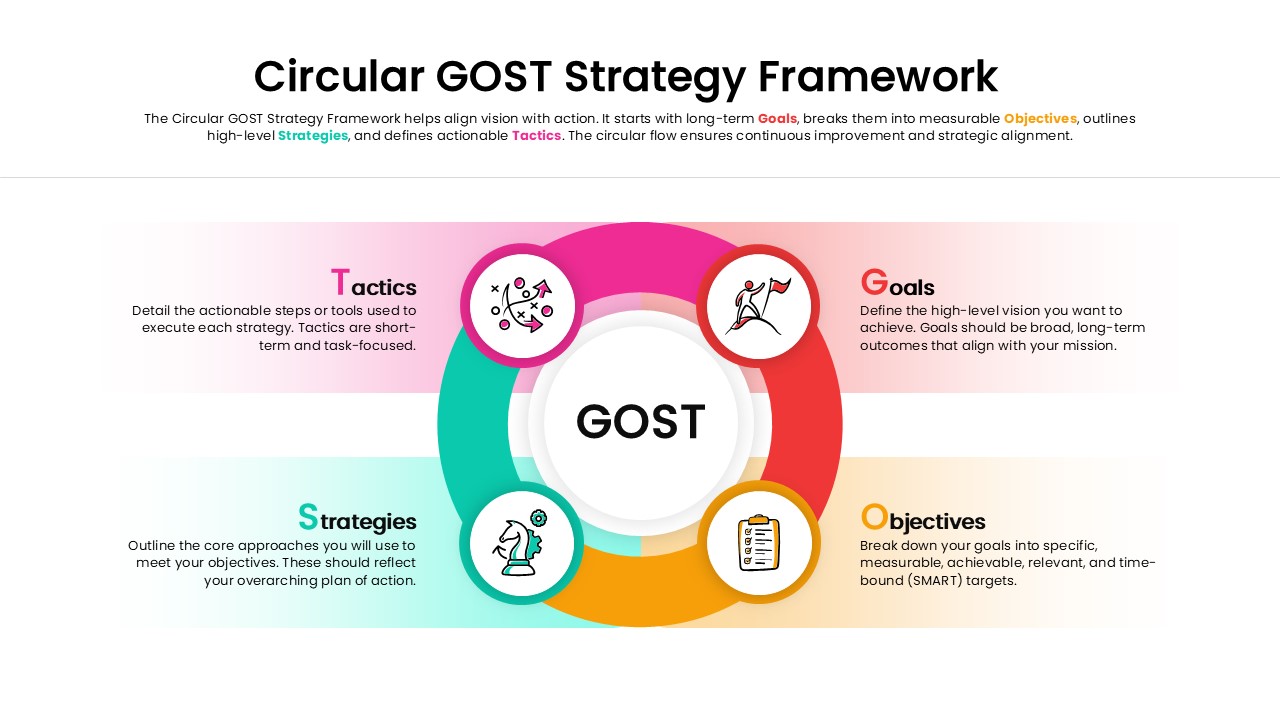
Circular GOST Strategy Framework Template
Goals
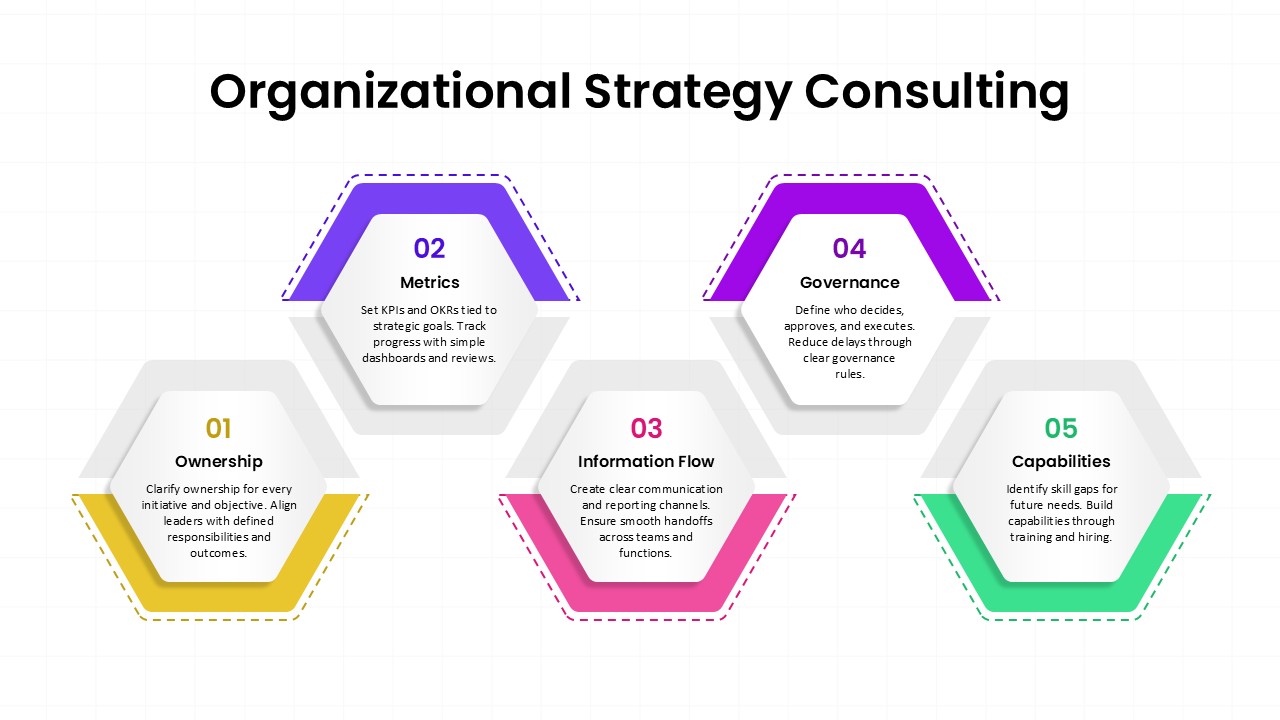
Organizational Strategy Consulting Template
Consulting
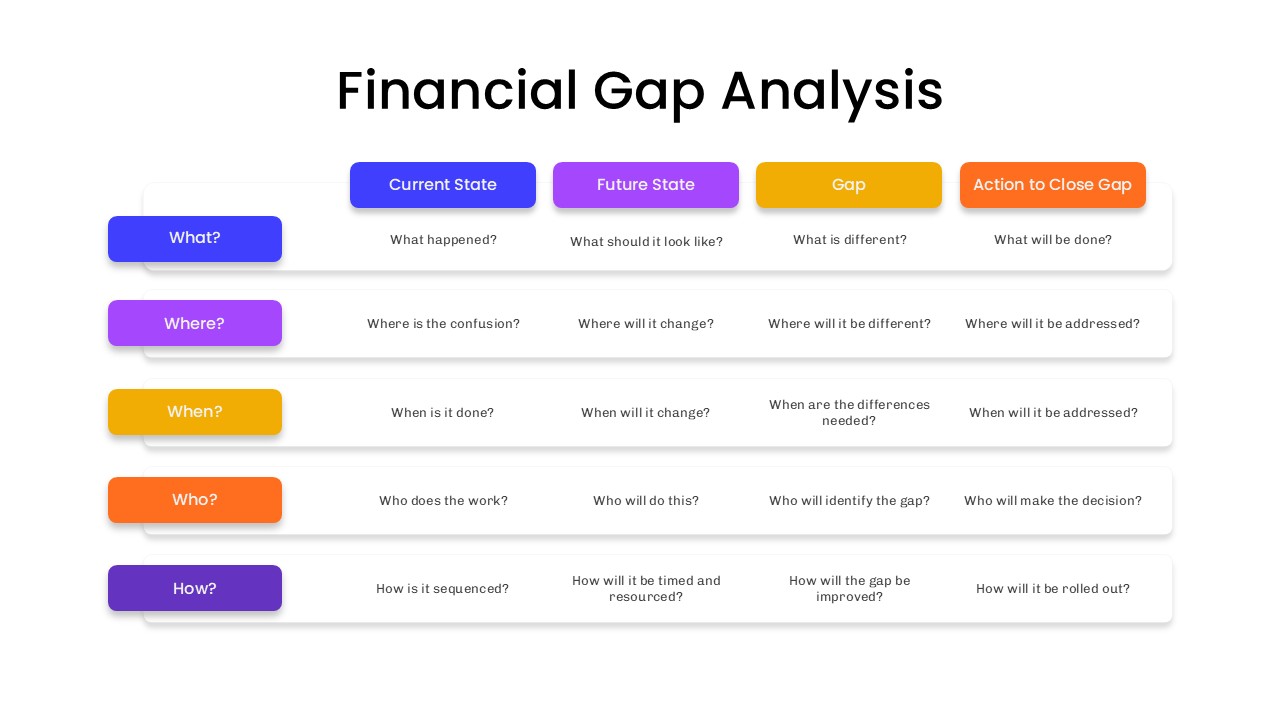
Financial Gap Analysis Framework Template for PowerPoint & Google Slides
Finance
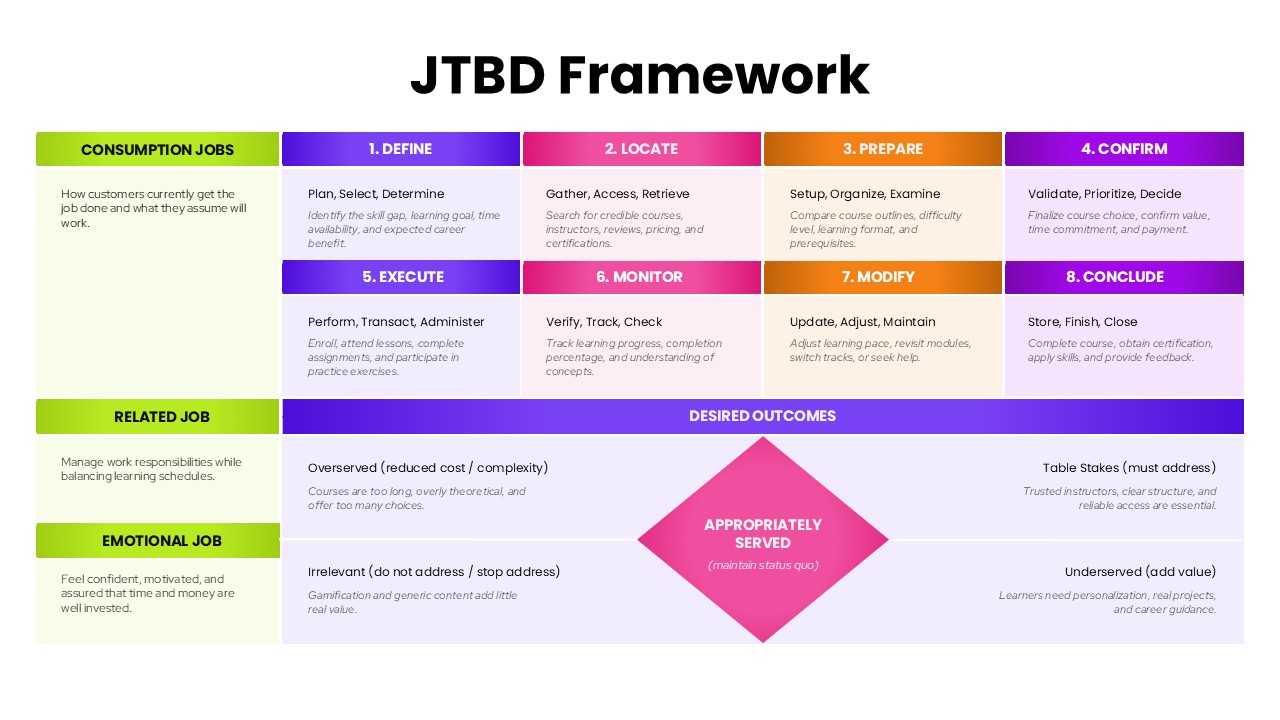
JTBD Framework PowerPoint Template
Marketing