Four Blocker Overview template for PowerPoint & Google Slides
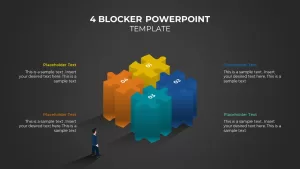
Four Blocker PowerPoint Template
The four blocker is one of the most practical slide formats in any professional presentation toolkit, and this PowerPoint template gives you every version of it you could need in one place. Whether you are putting together a weekly status report, a project brief, a strategy summary or a government-style briefing, these slides are already structured and ready to edit inside PowerPoint or Google Slides. No building from scratch, no wrestling with alignment. Just open the template, pick the style that fits your deck, and fill in your content.
The core idea is simple: present four categories of information on a single slide. Four sections, four labels, four ideas, and the audience picks up the relationships in seconds. What makes this template worth having is that the format comes in multiple color variations, light and dark backgrounds, and different styling approaches. Pick the one that fits your deck’s visual tone.
Styling Variations
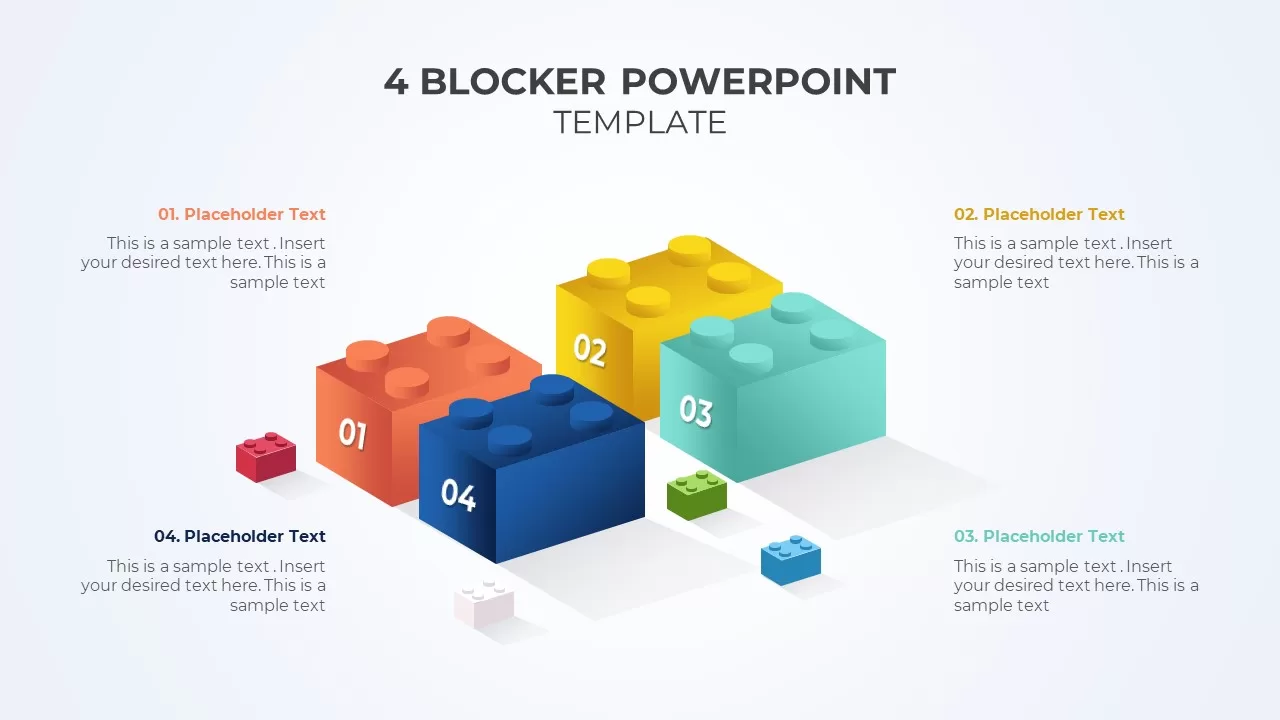
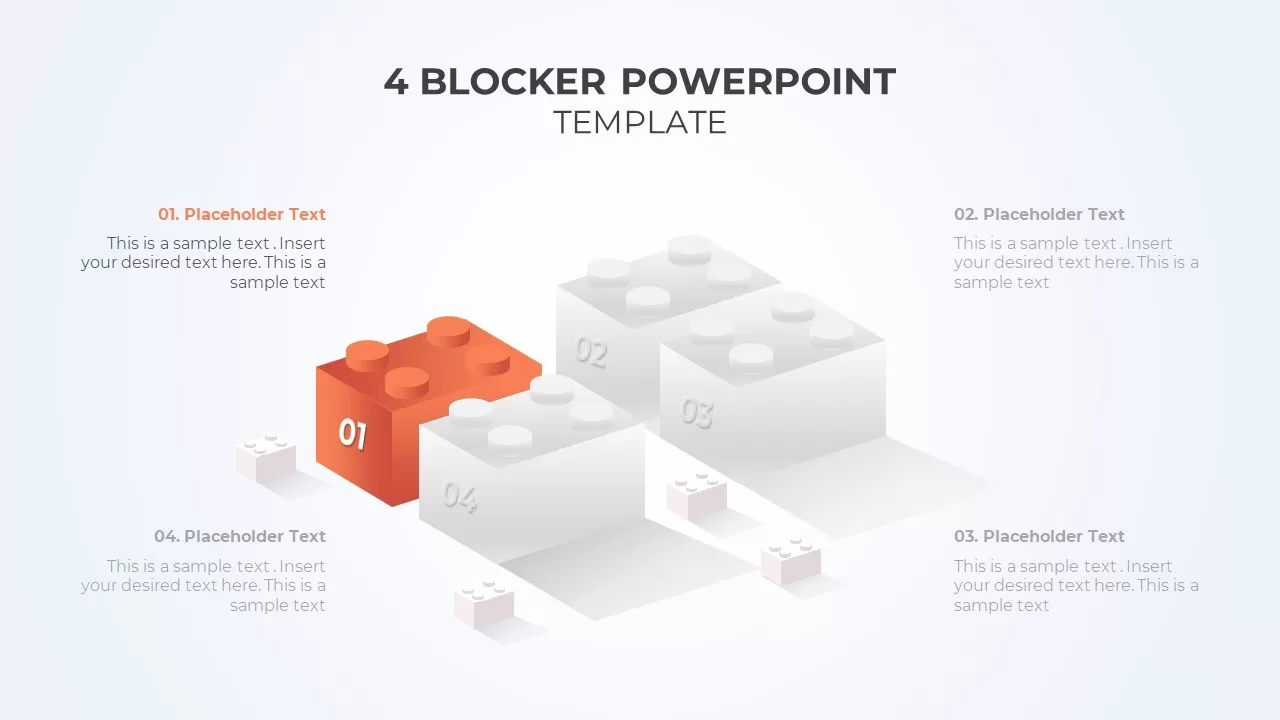
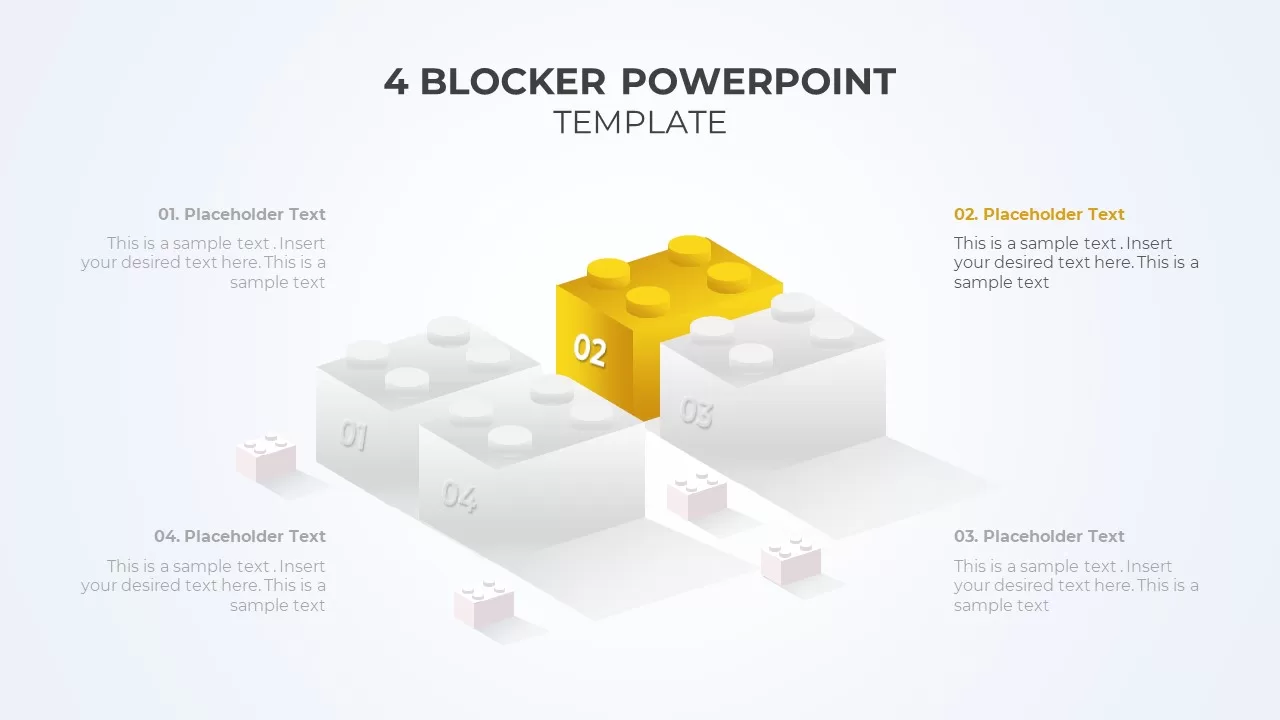
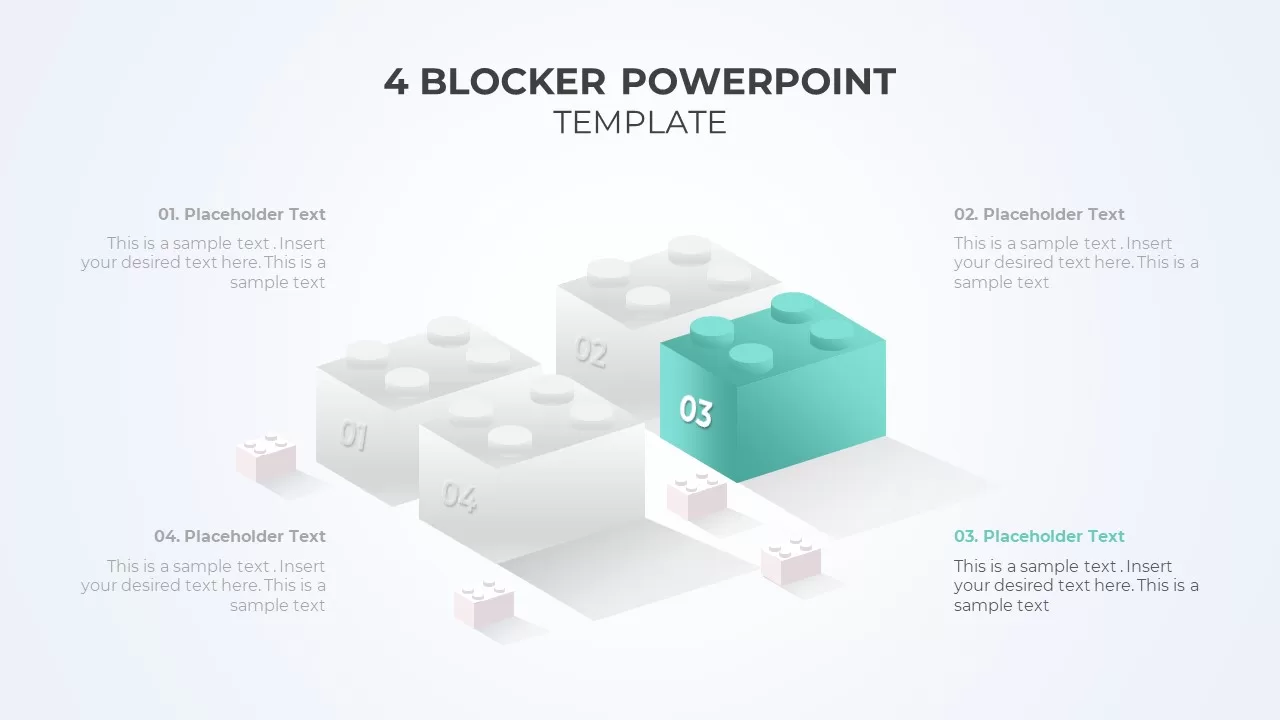
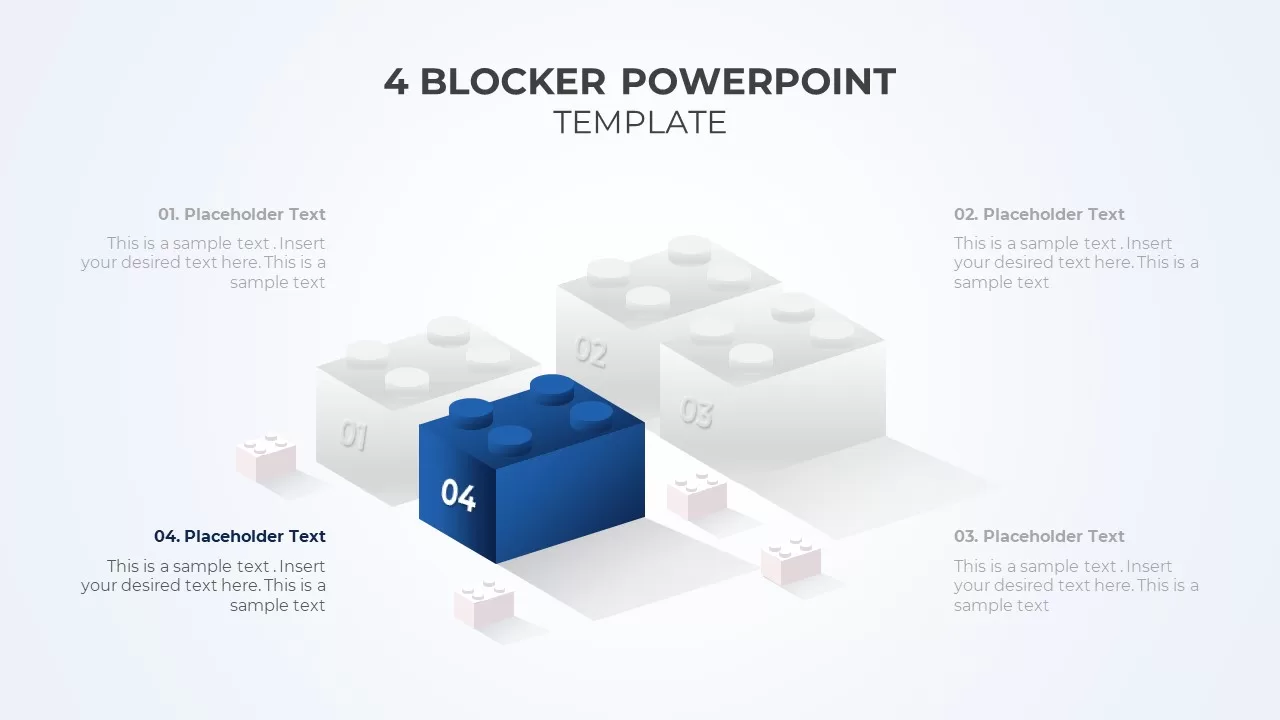
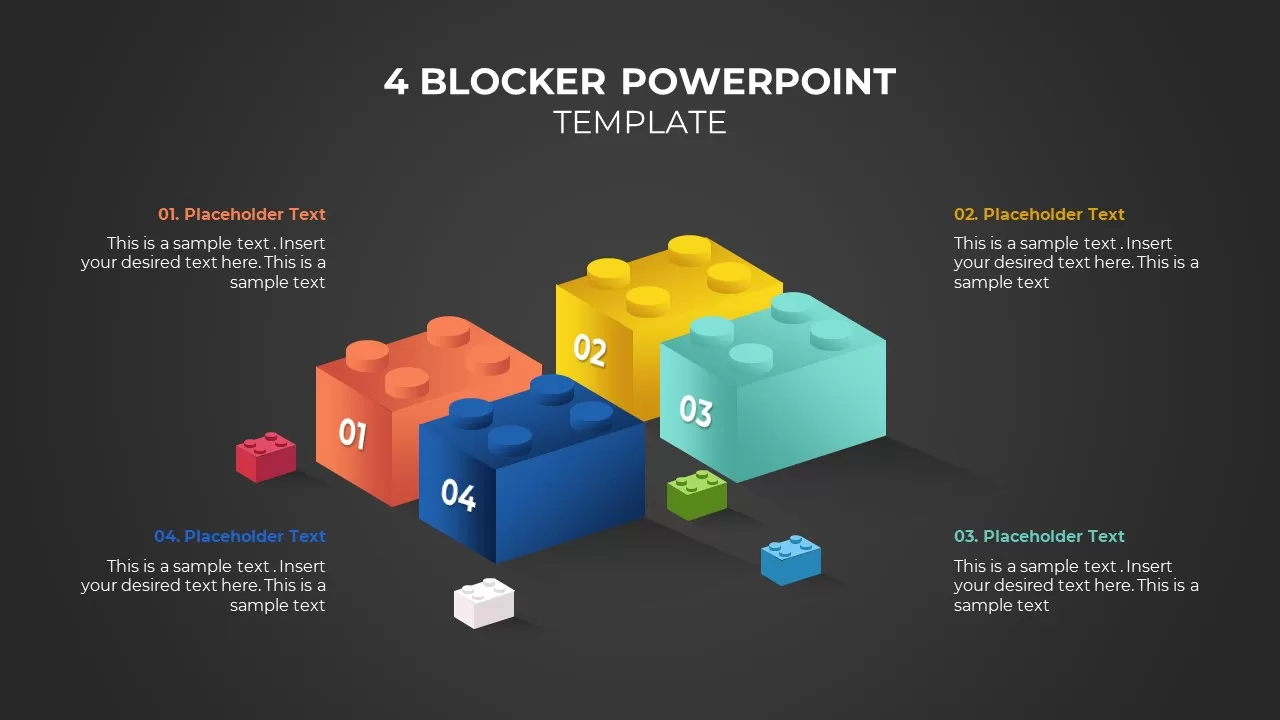
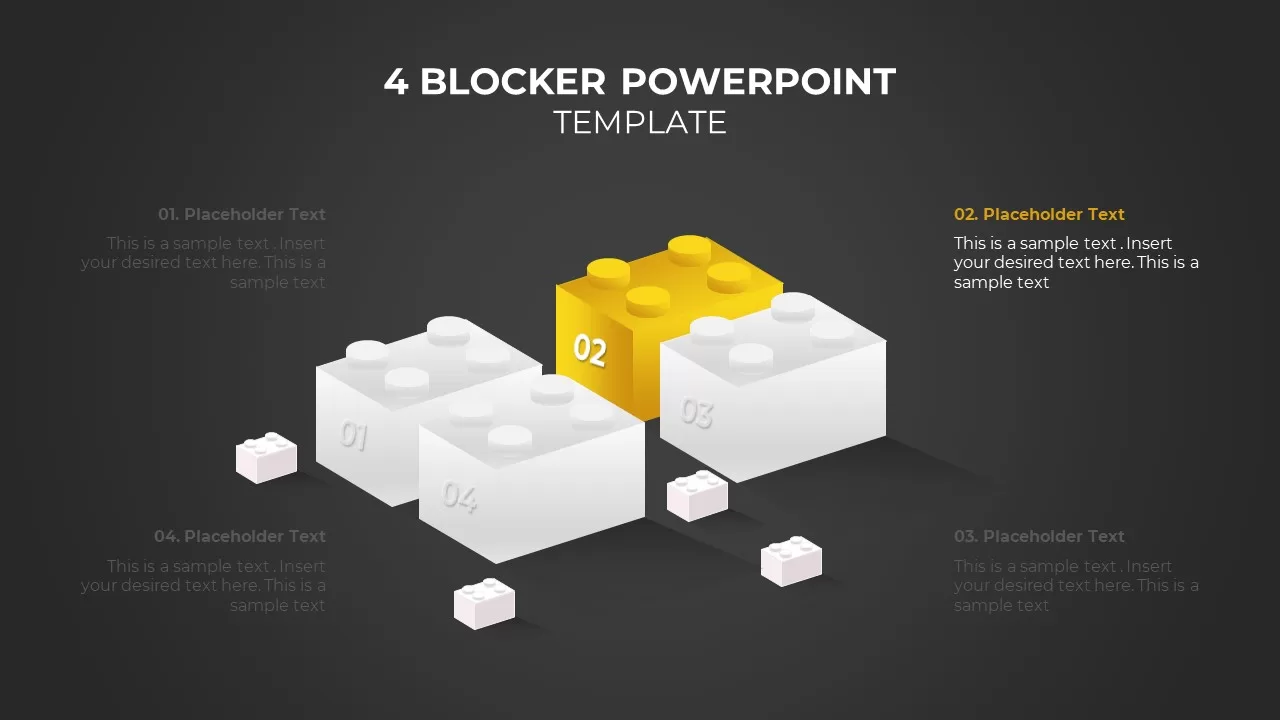
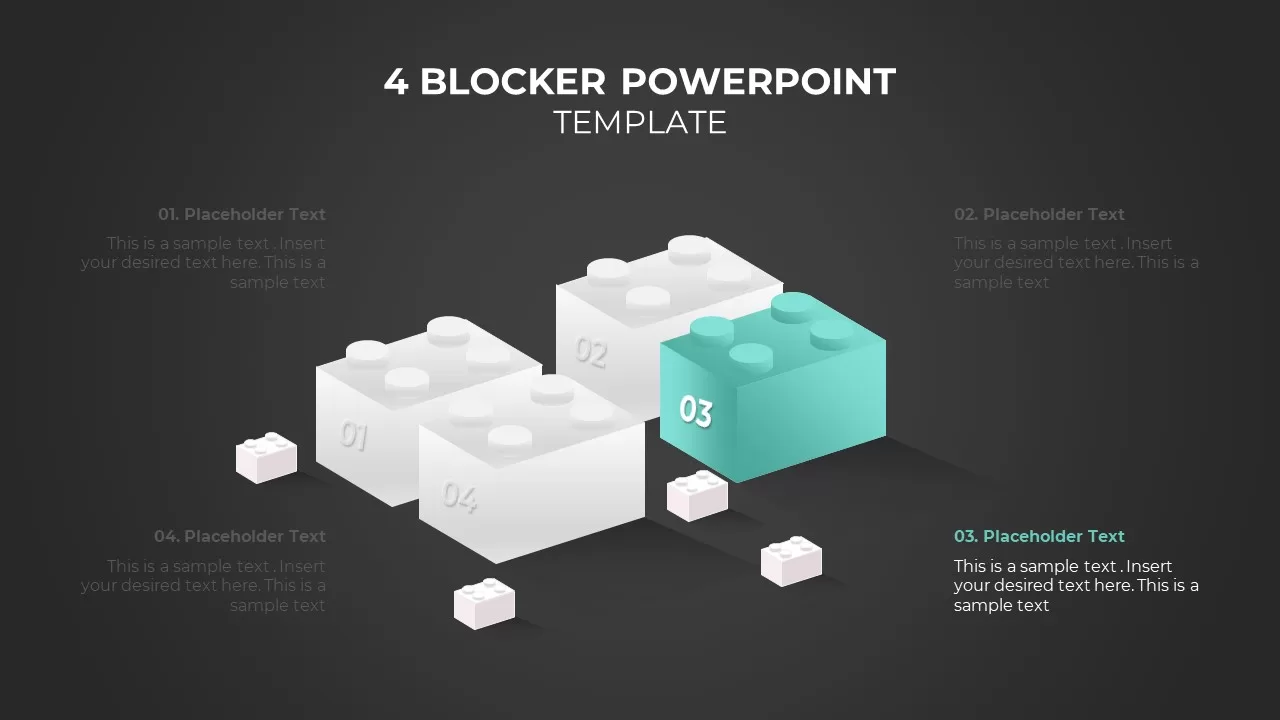
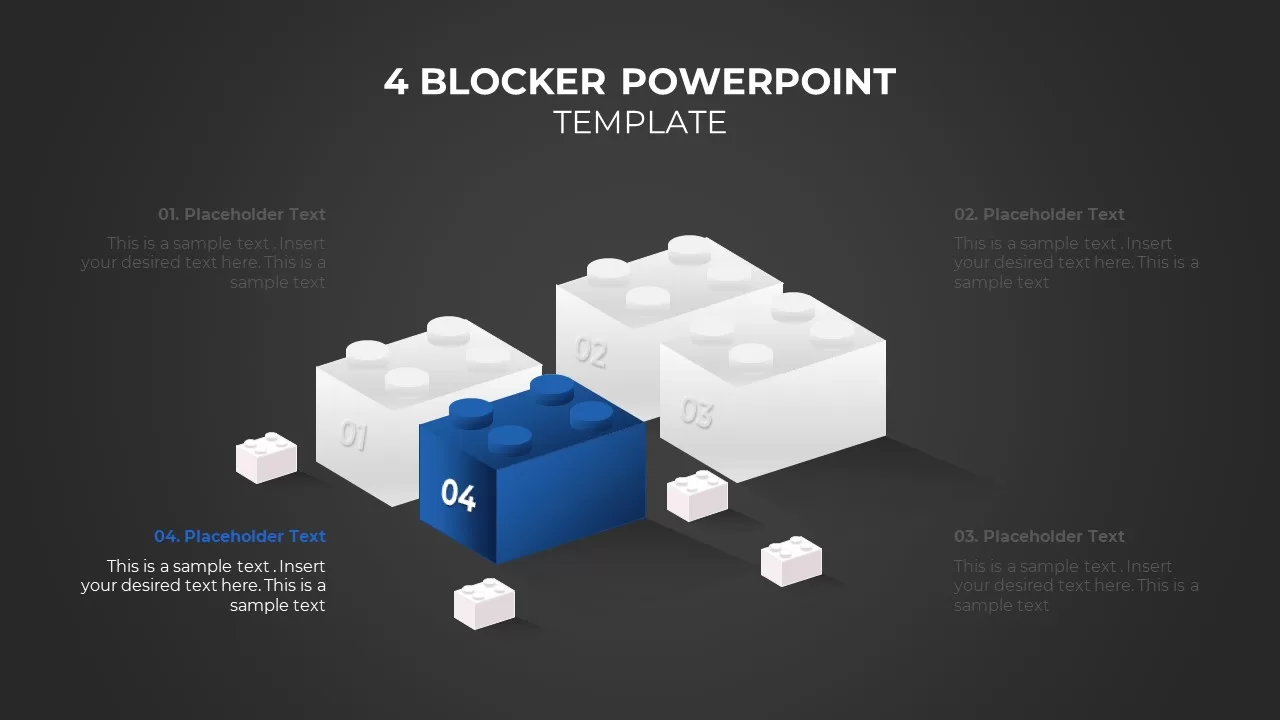
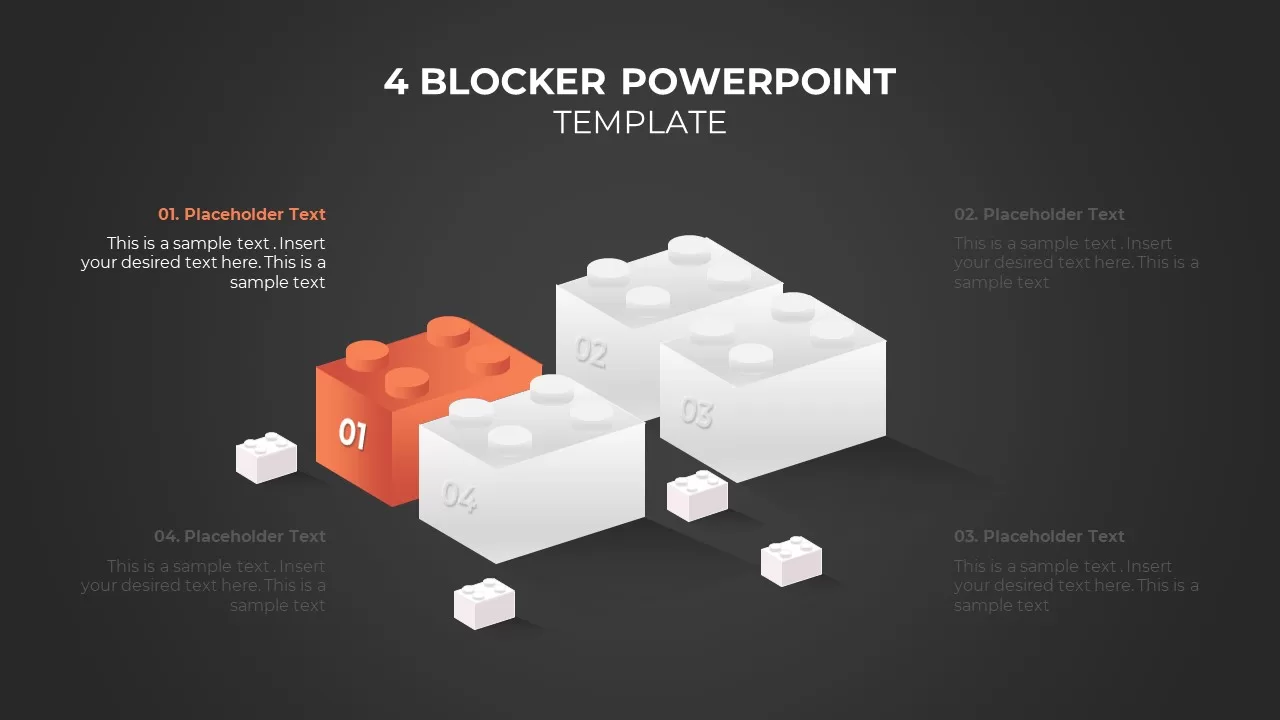
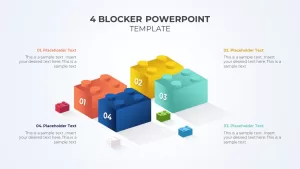
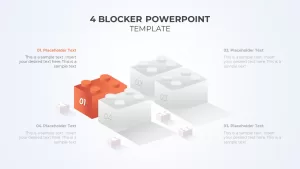
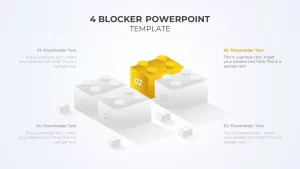
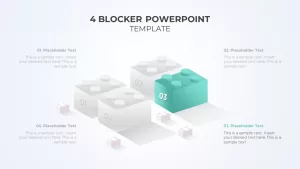
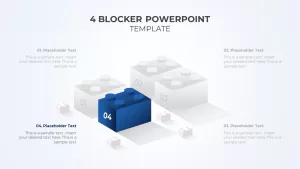
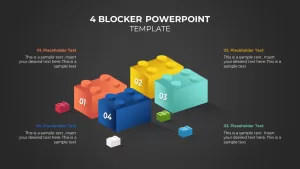
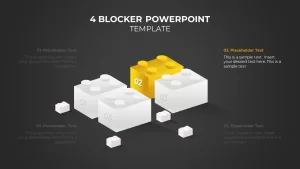
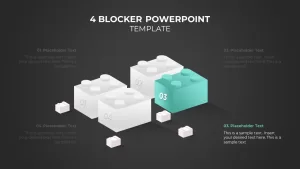
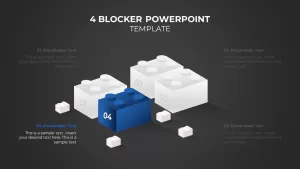
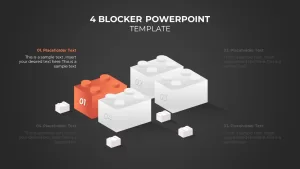
3D Lego blocks. Four colored brick shapes arranged in a cluster. Each brick holds a number (01 to 04) and connects to a text callout on the side. Works when you want a tactile, construction-style visual. Also includes a spotlight version where three blocks are grayed out and one is colored, useful for focusing attention on one category at a time.
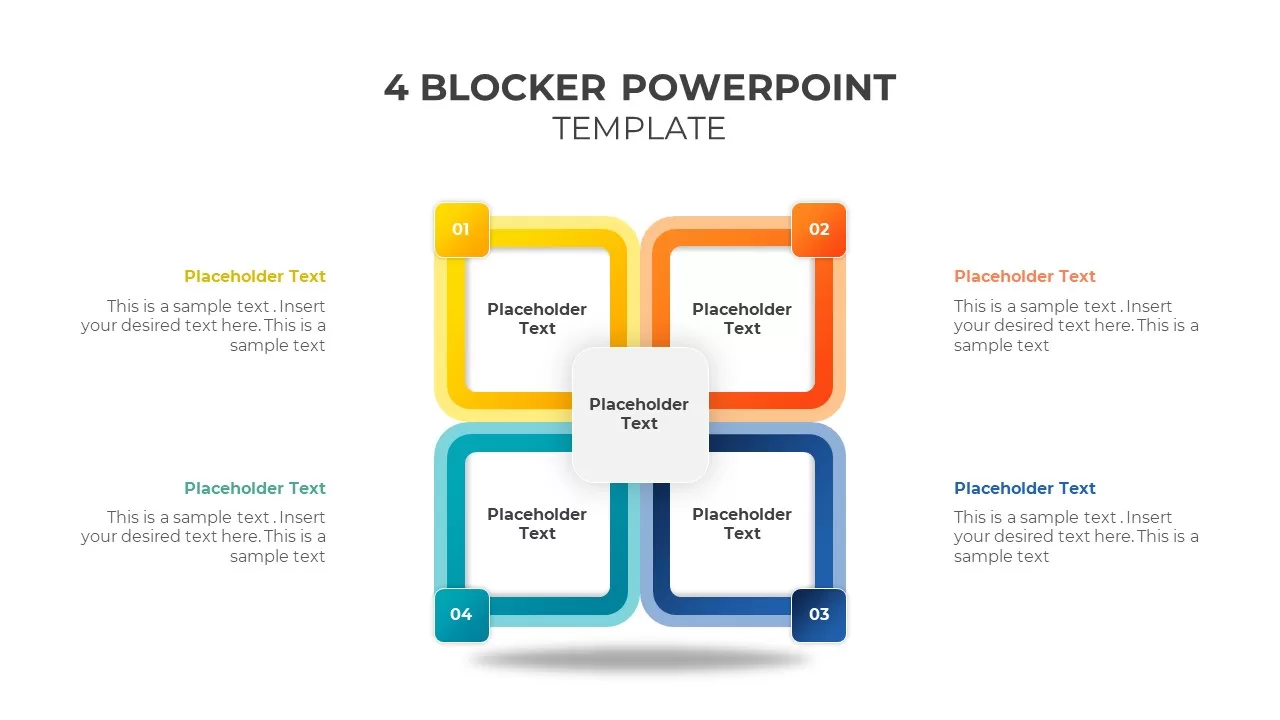
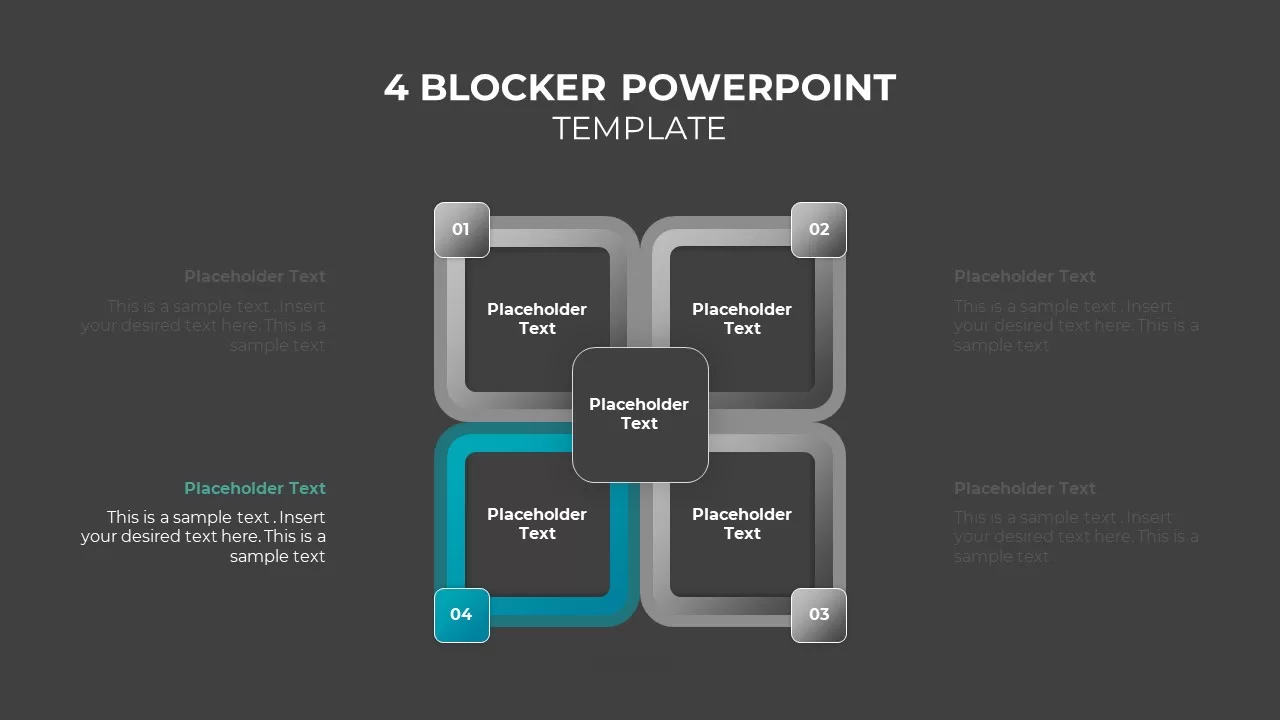
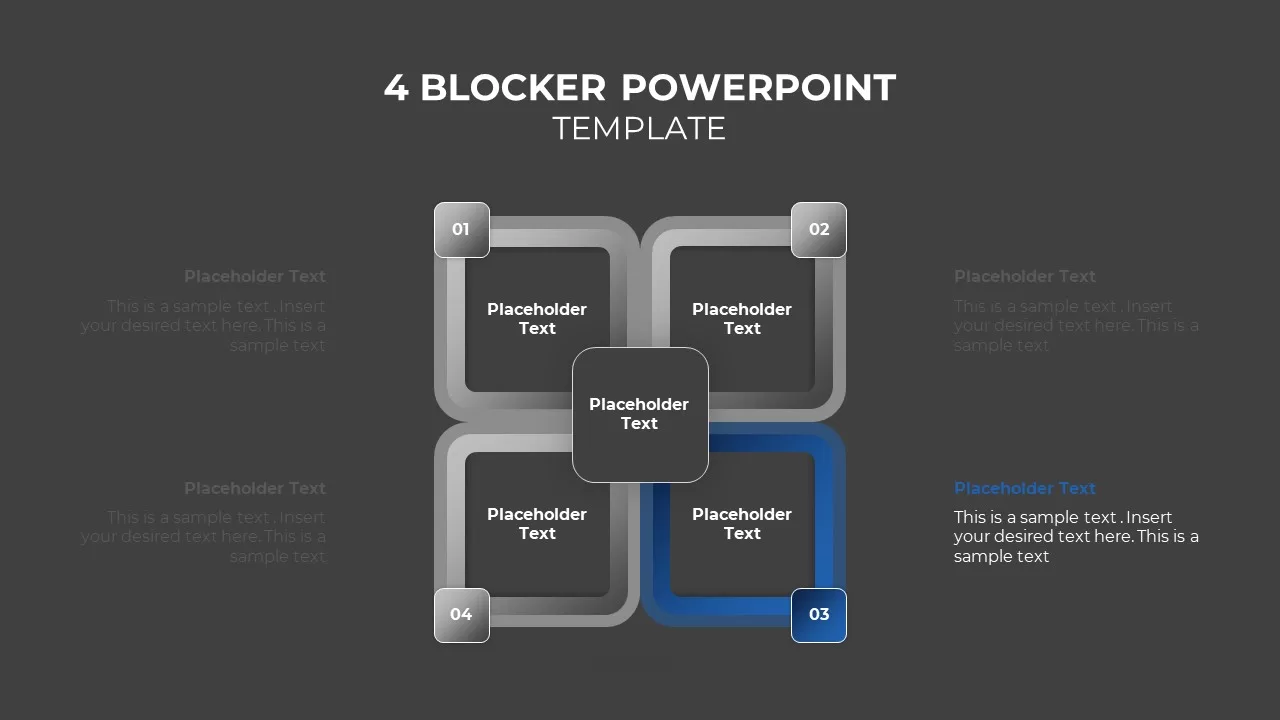
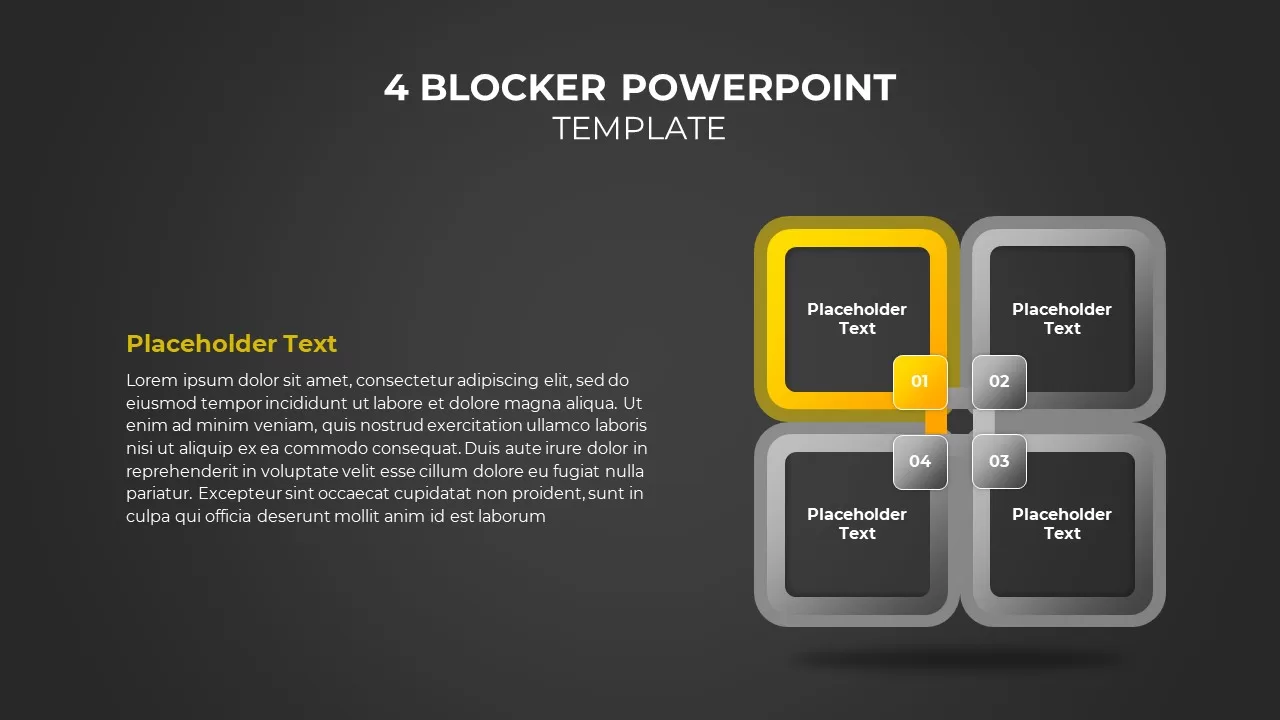
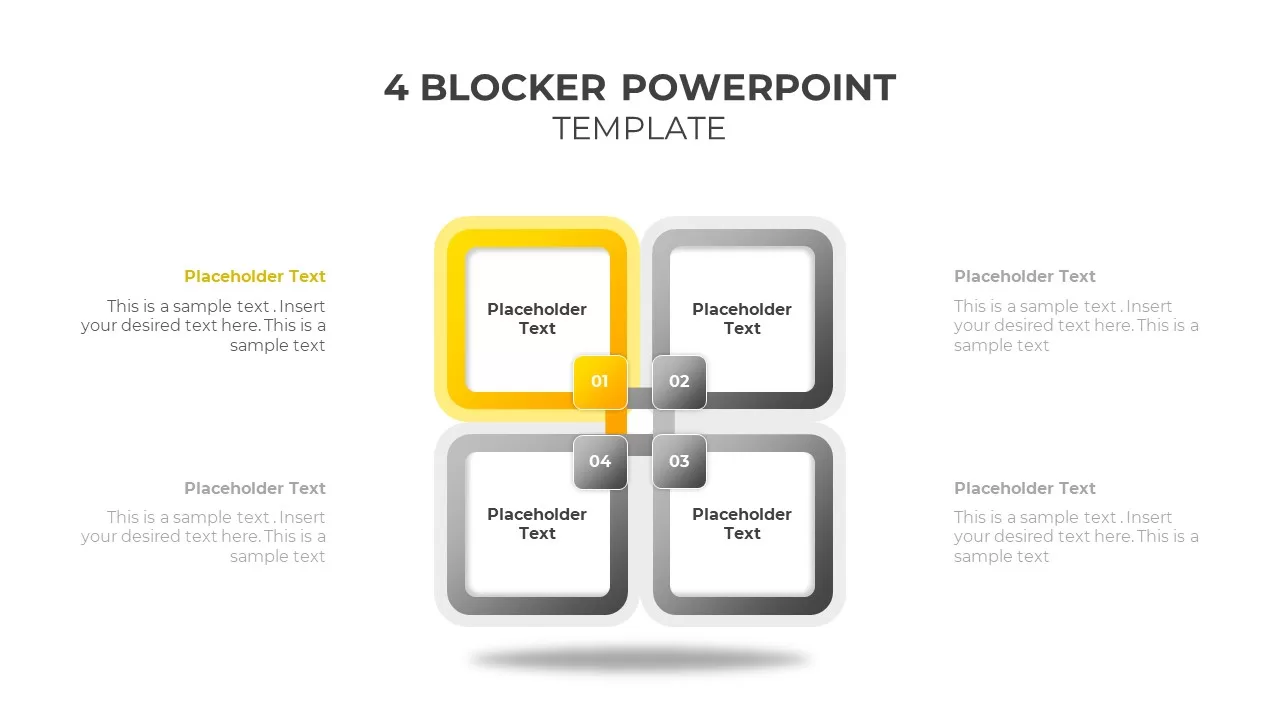
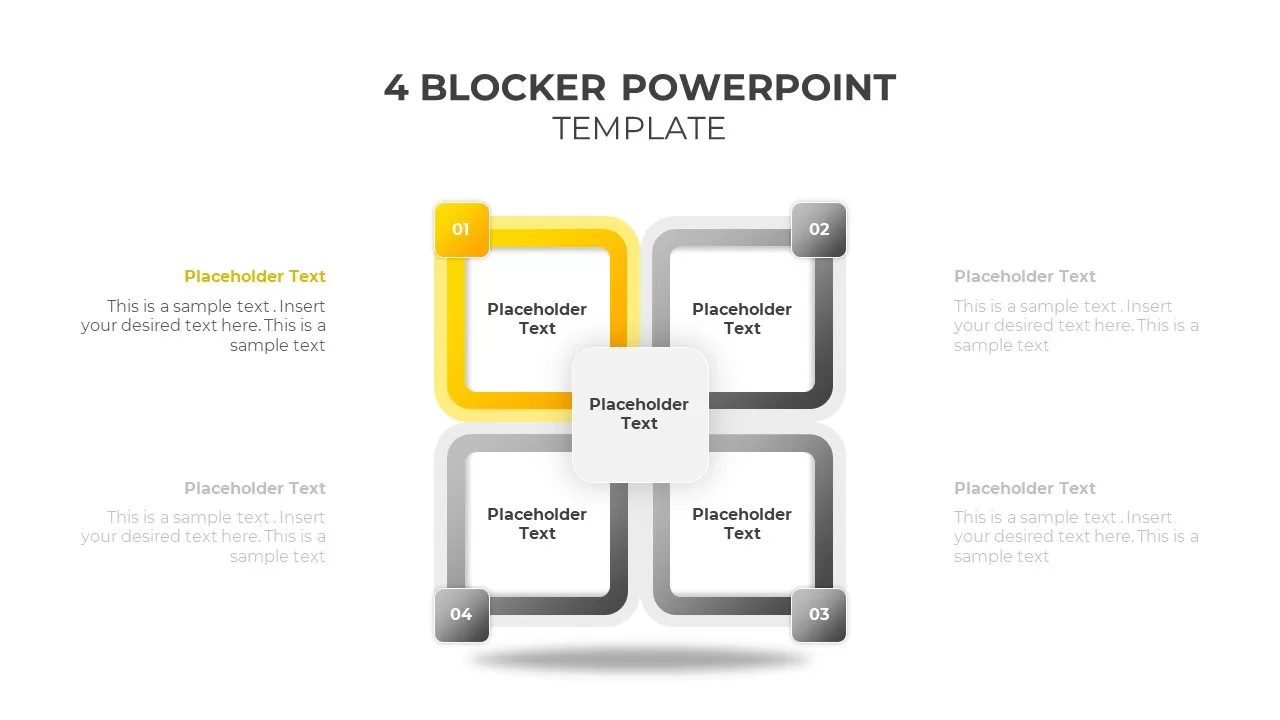
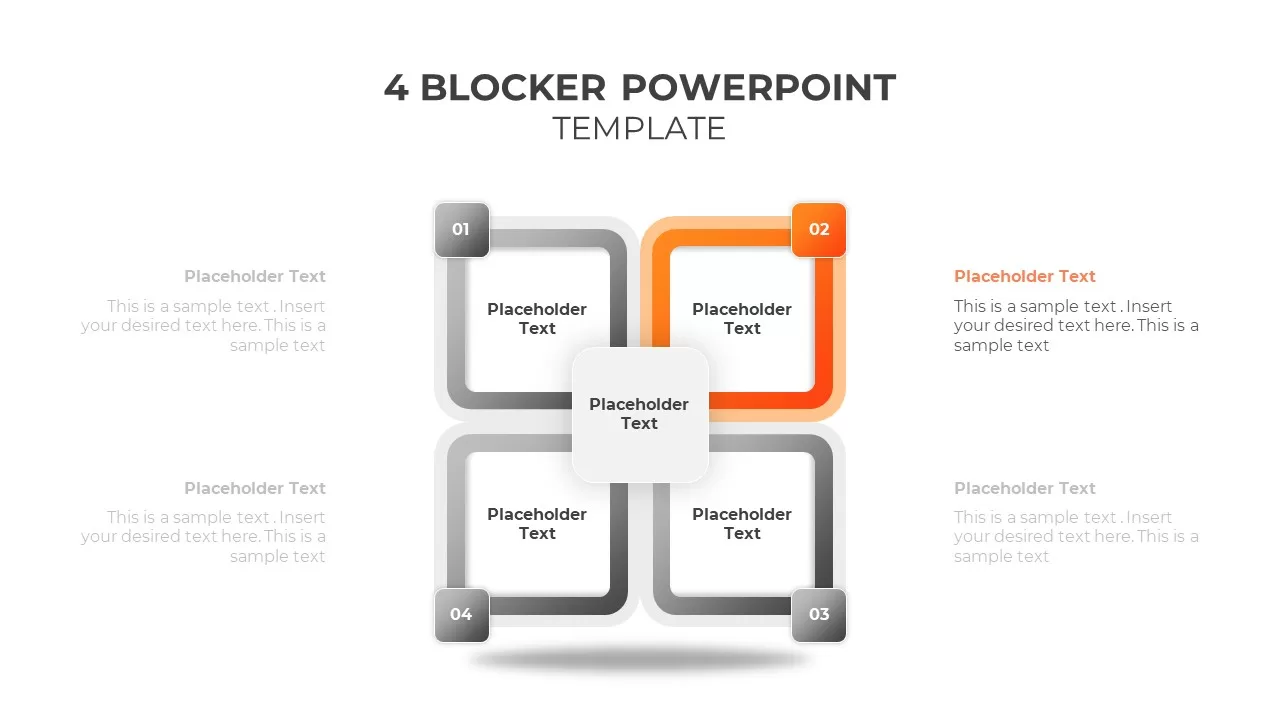
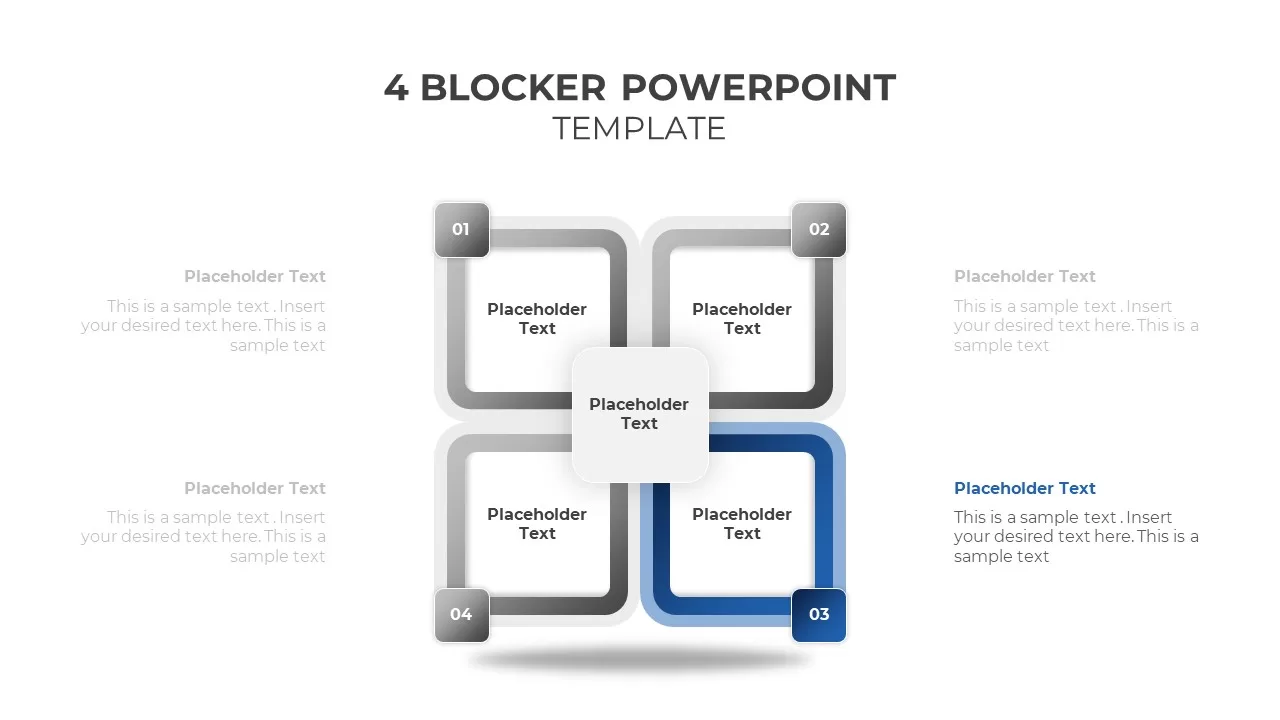
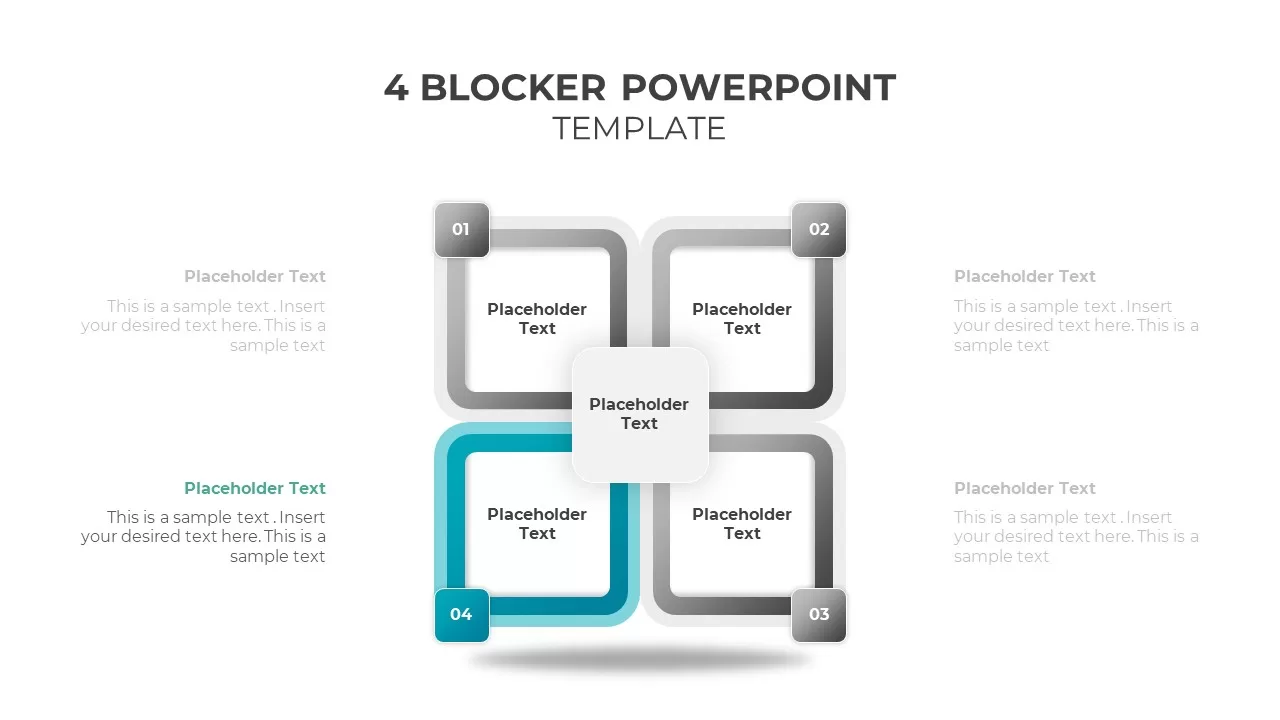
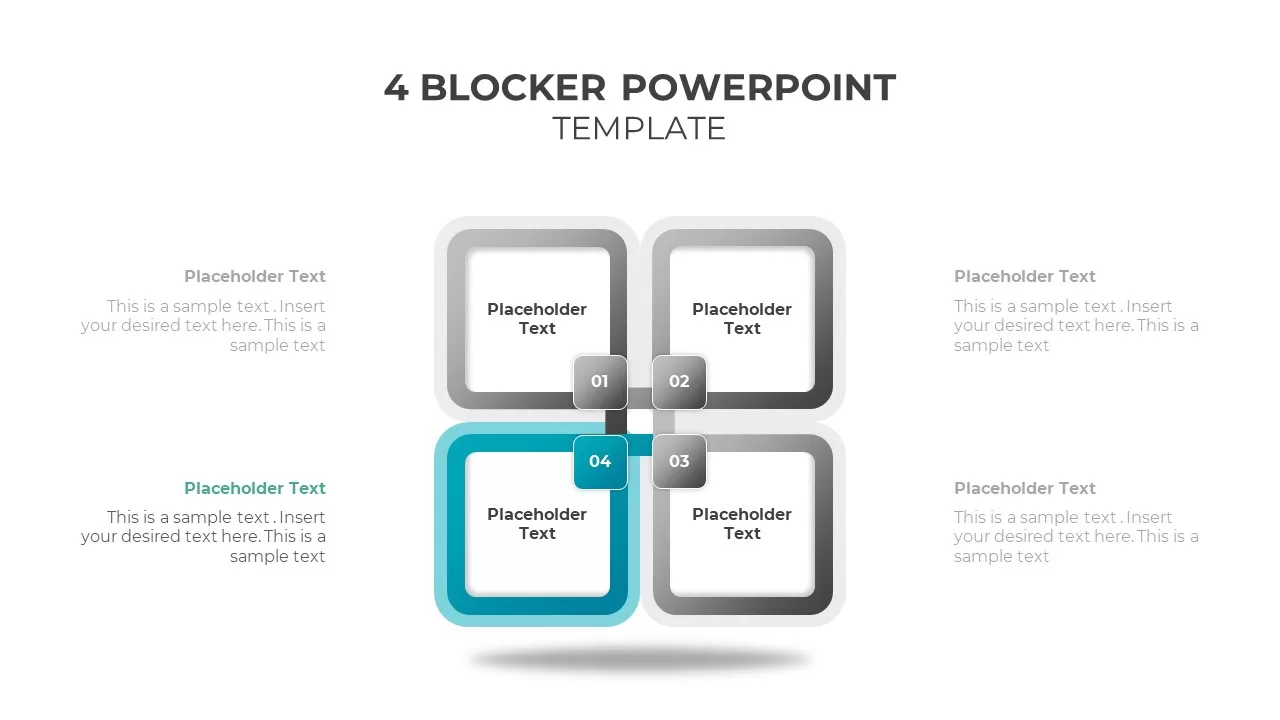
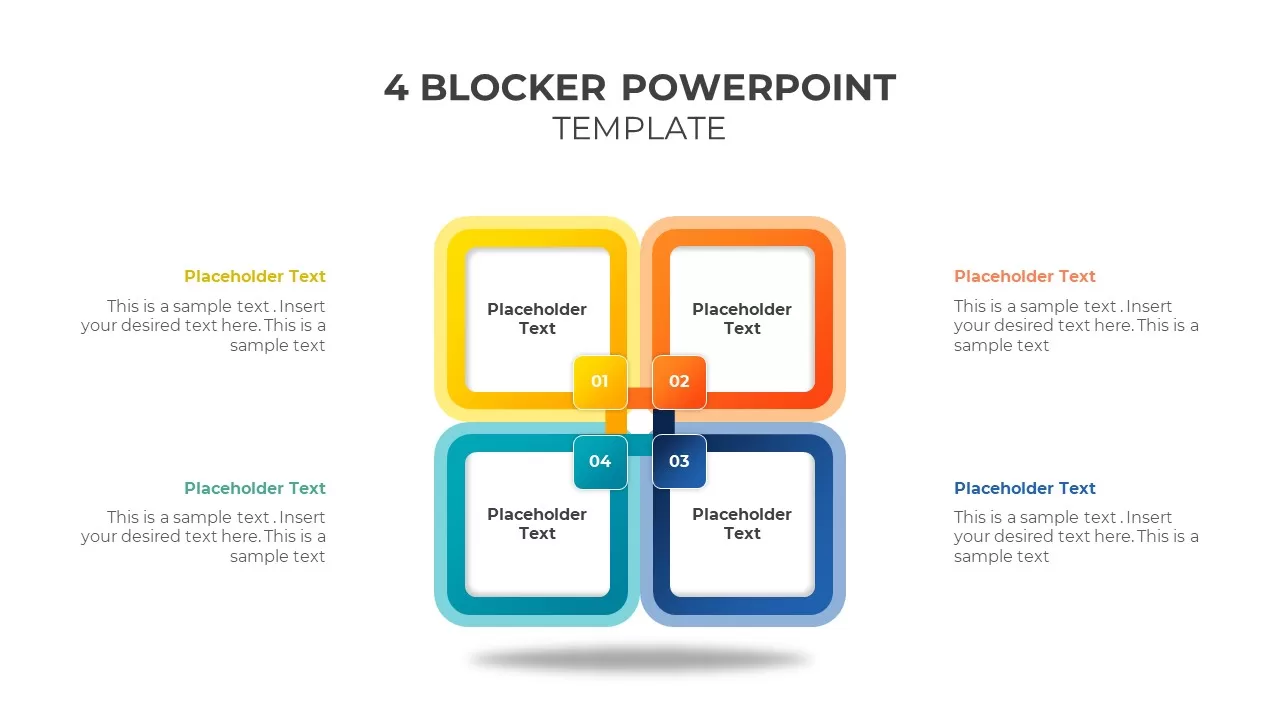
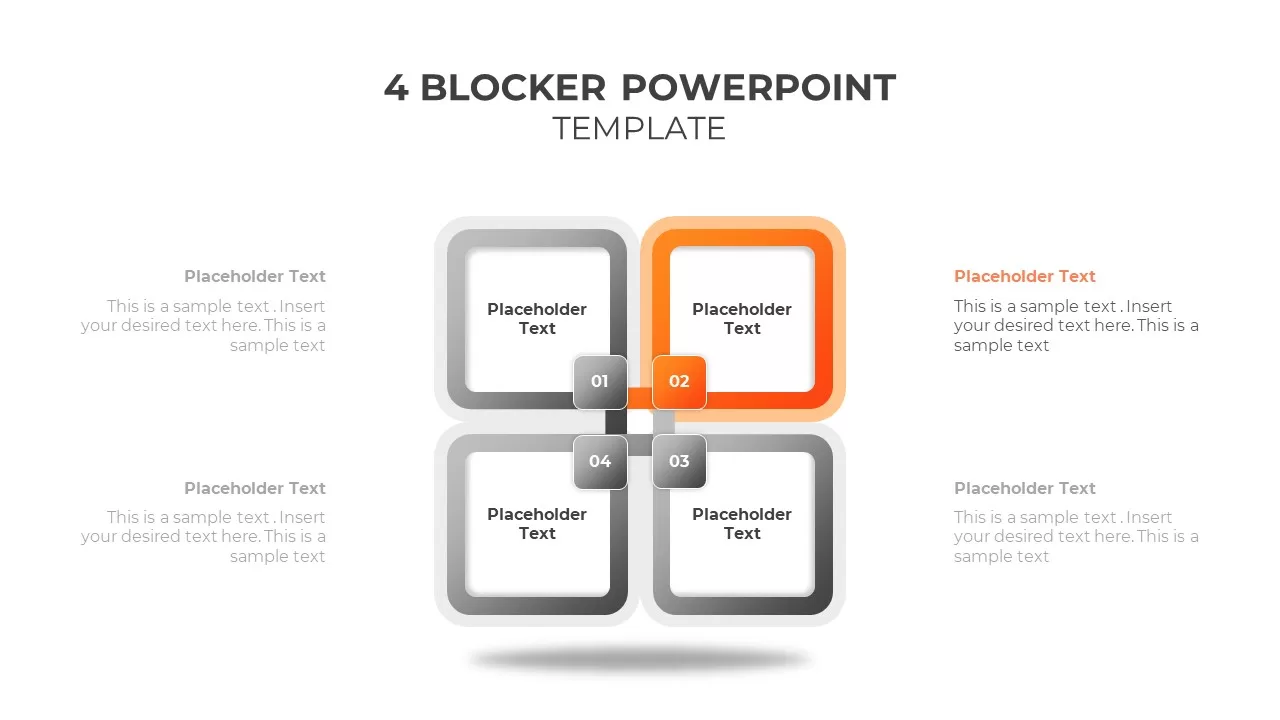
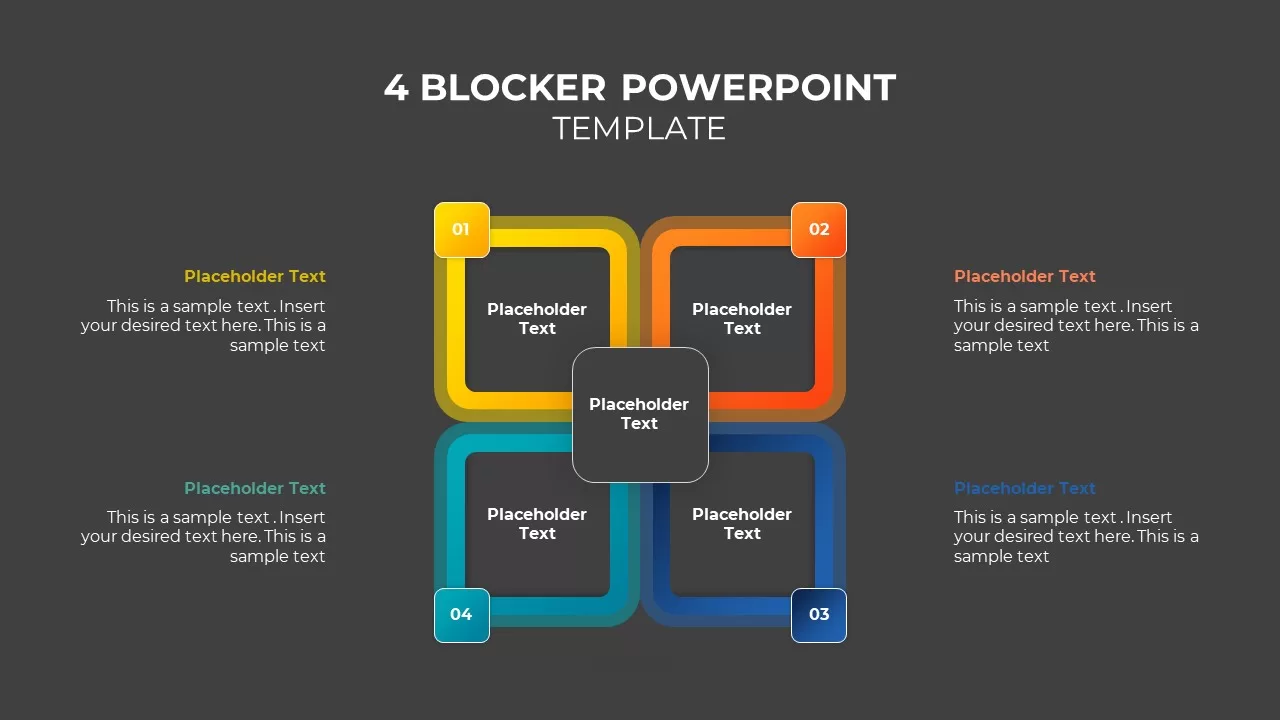
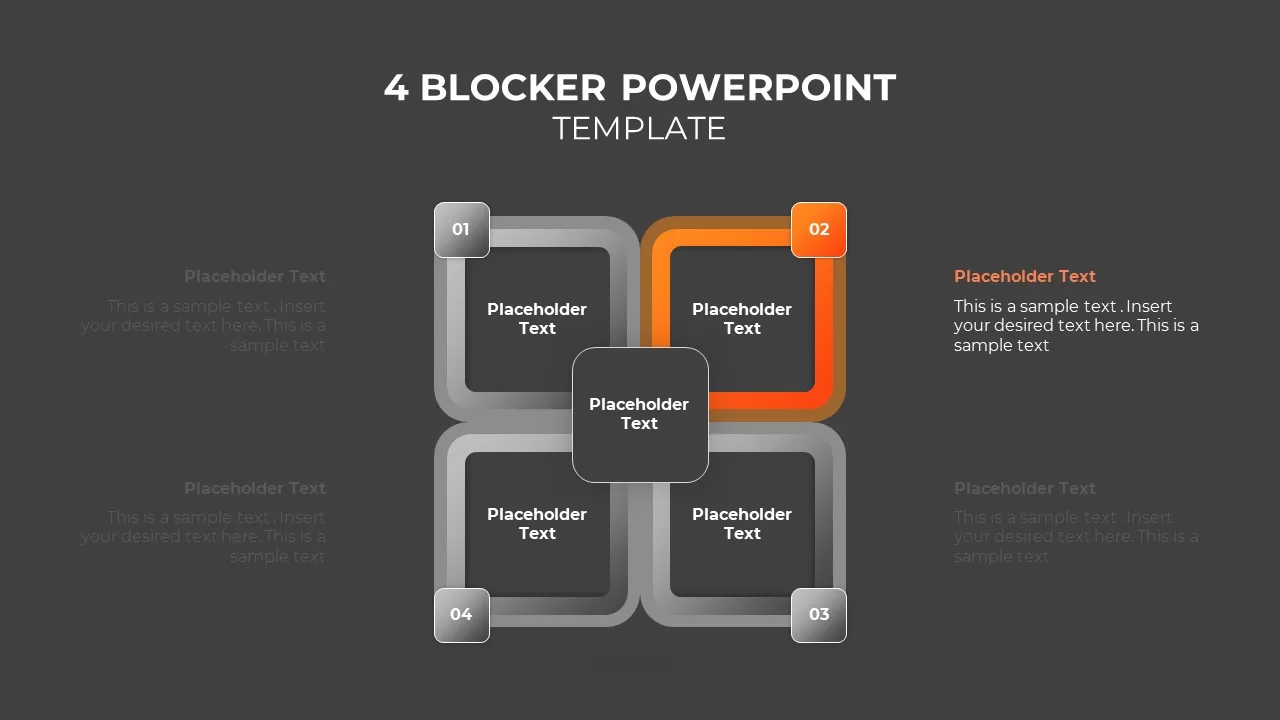
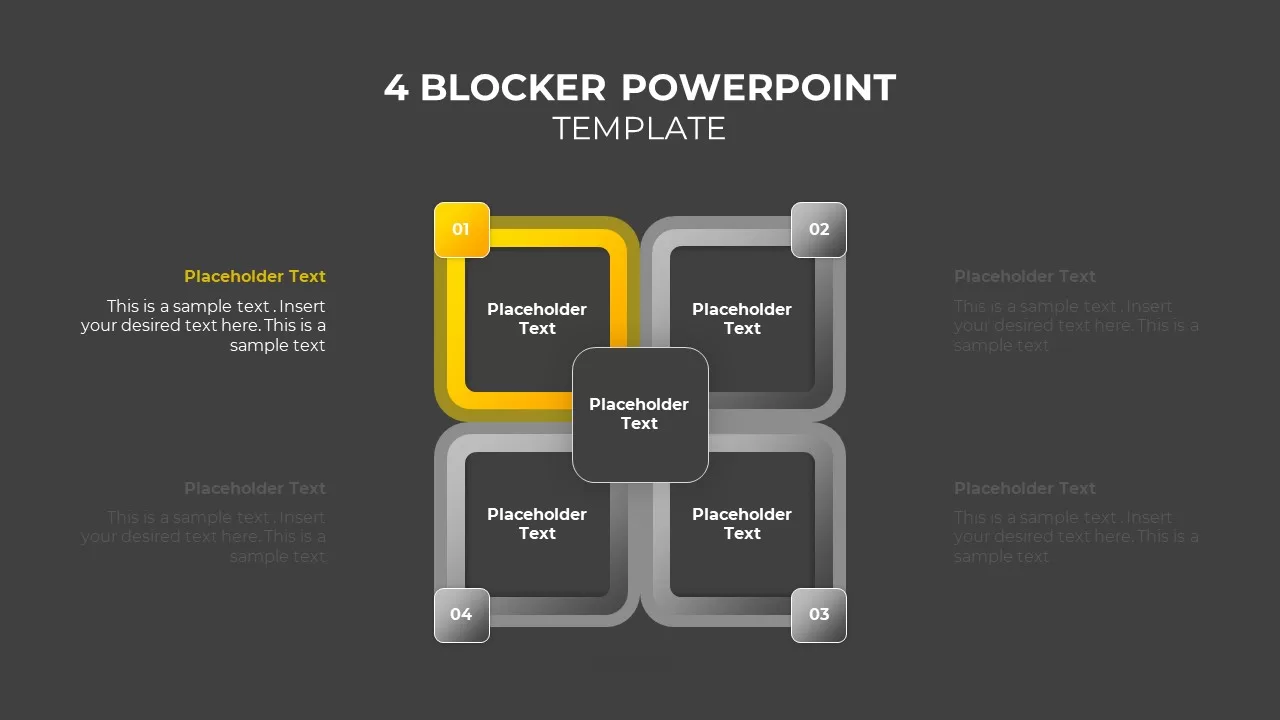
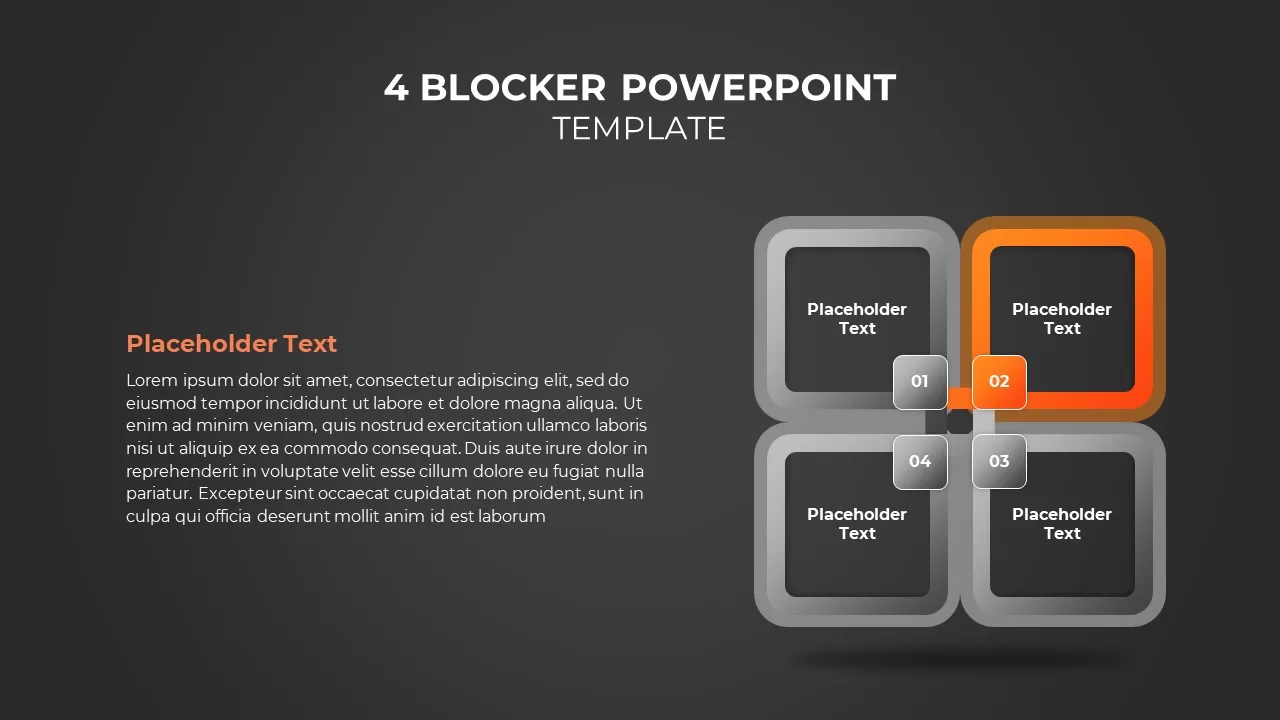
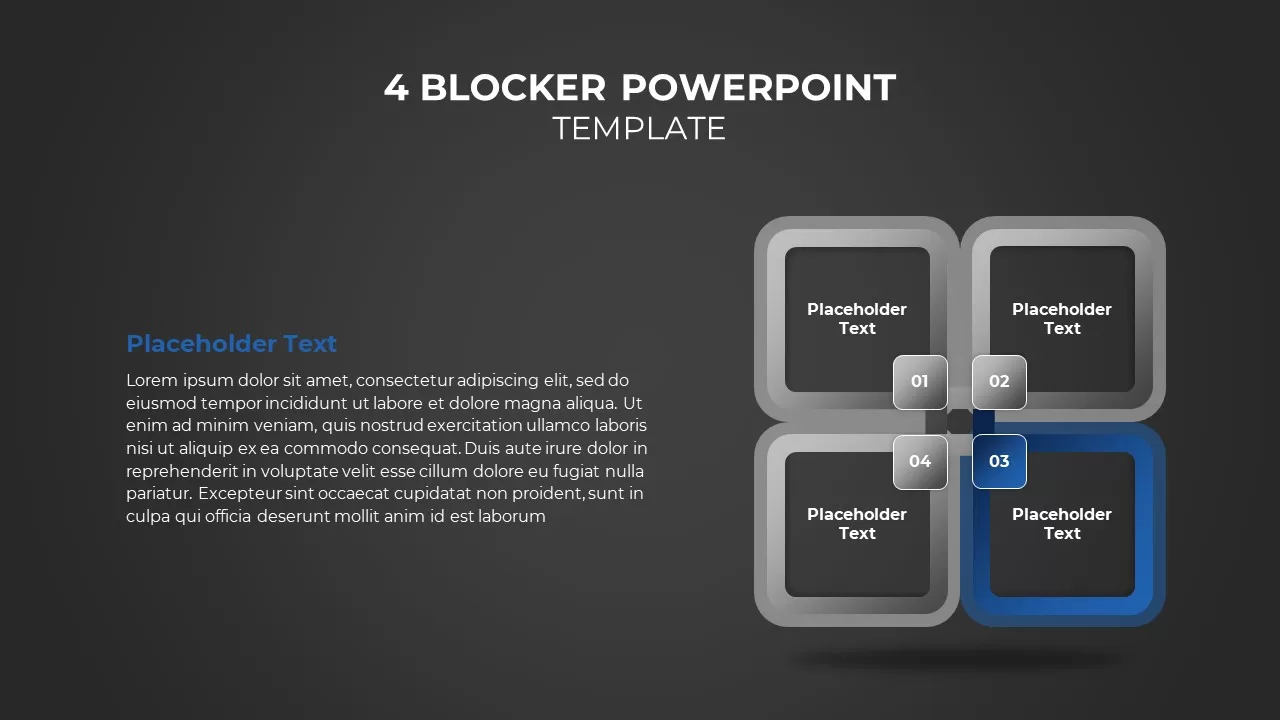
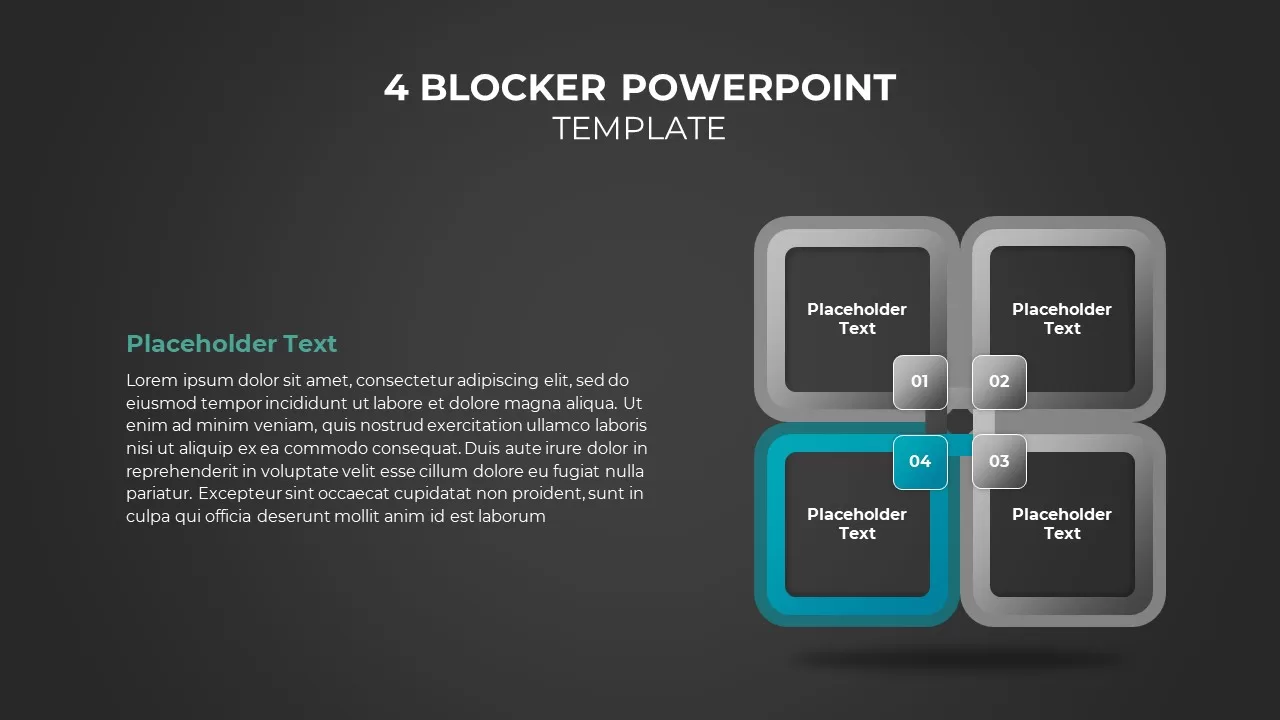
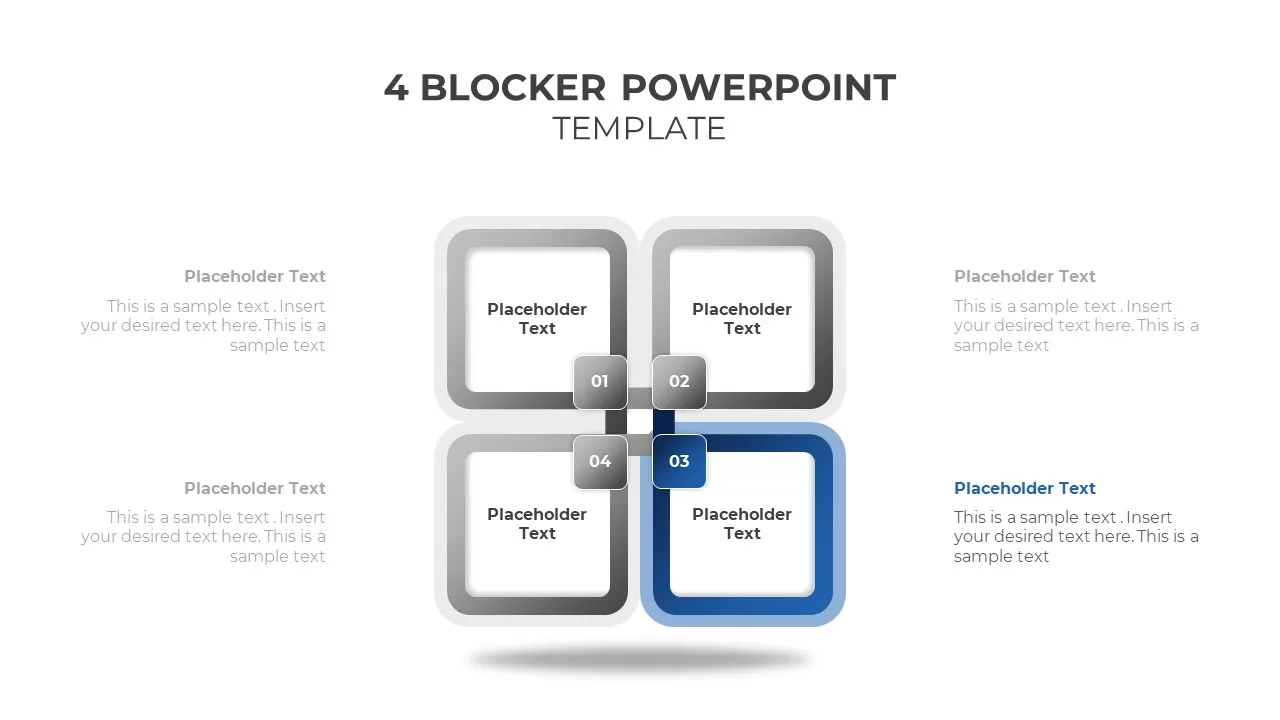
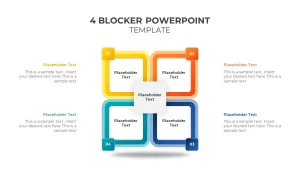
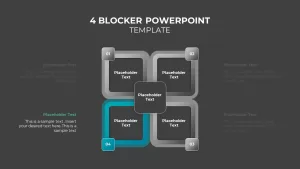
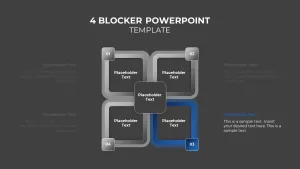
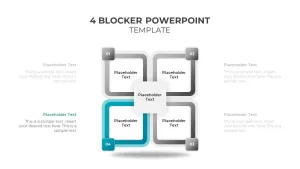
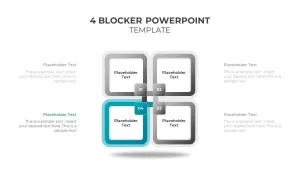
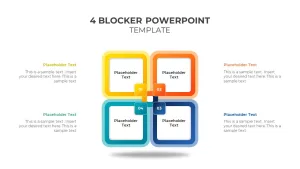
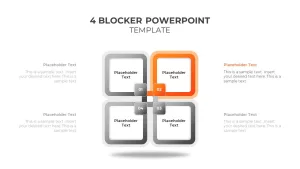
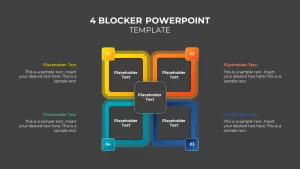
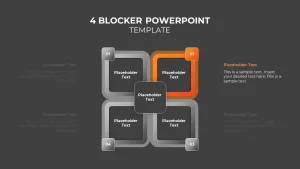
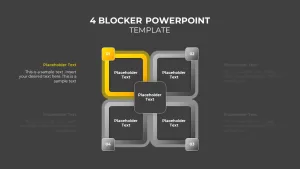
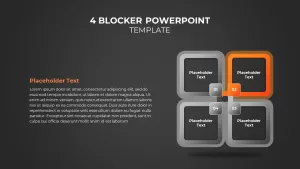
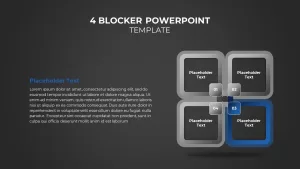
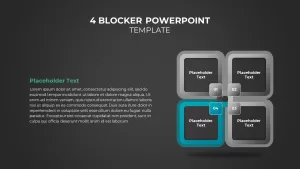
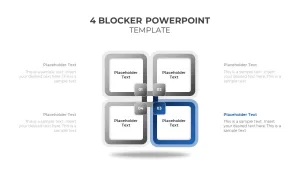
Interlocking squares. Four rounded squares overlapping at the center, each with a numbered tab in the corner. Each square connects to a text block on the left or right side. The center has an optional text area where the four sections meet. Comes in full-color and single-focus versions.
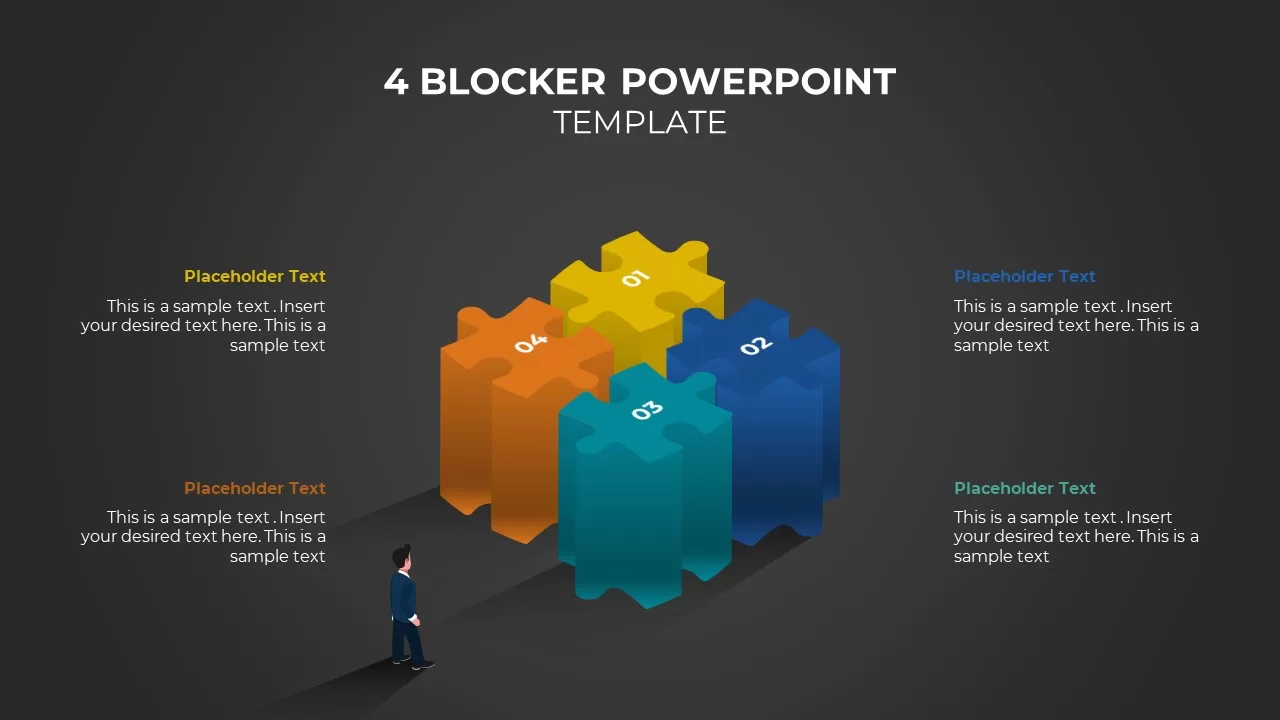
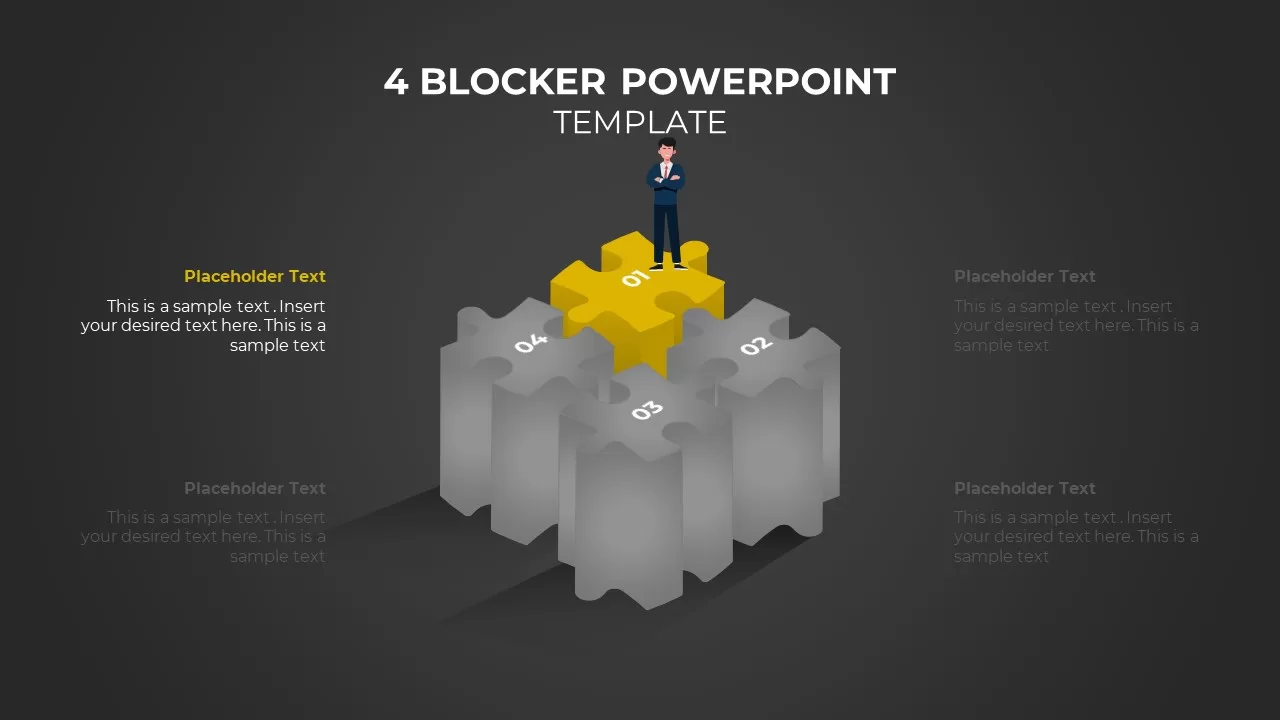
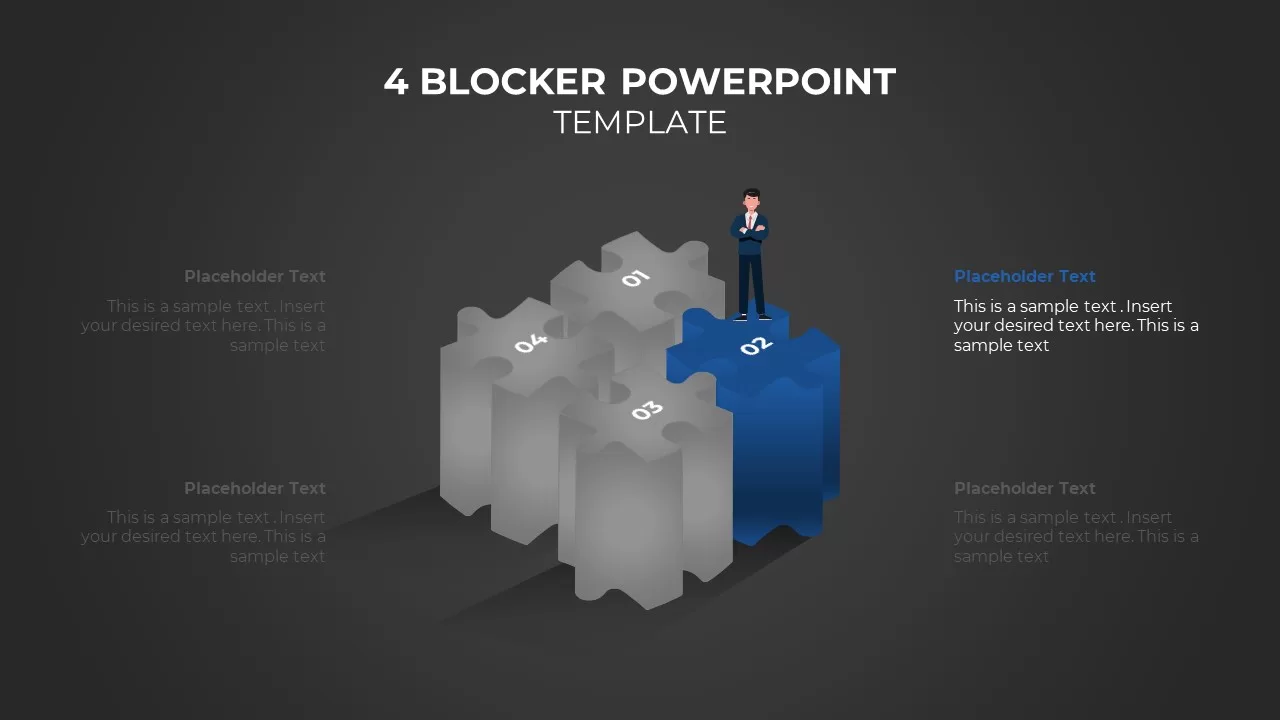
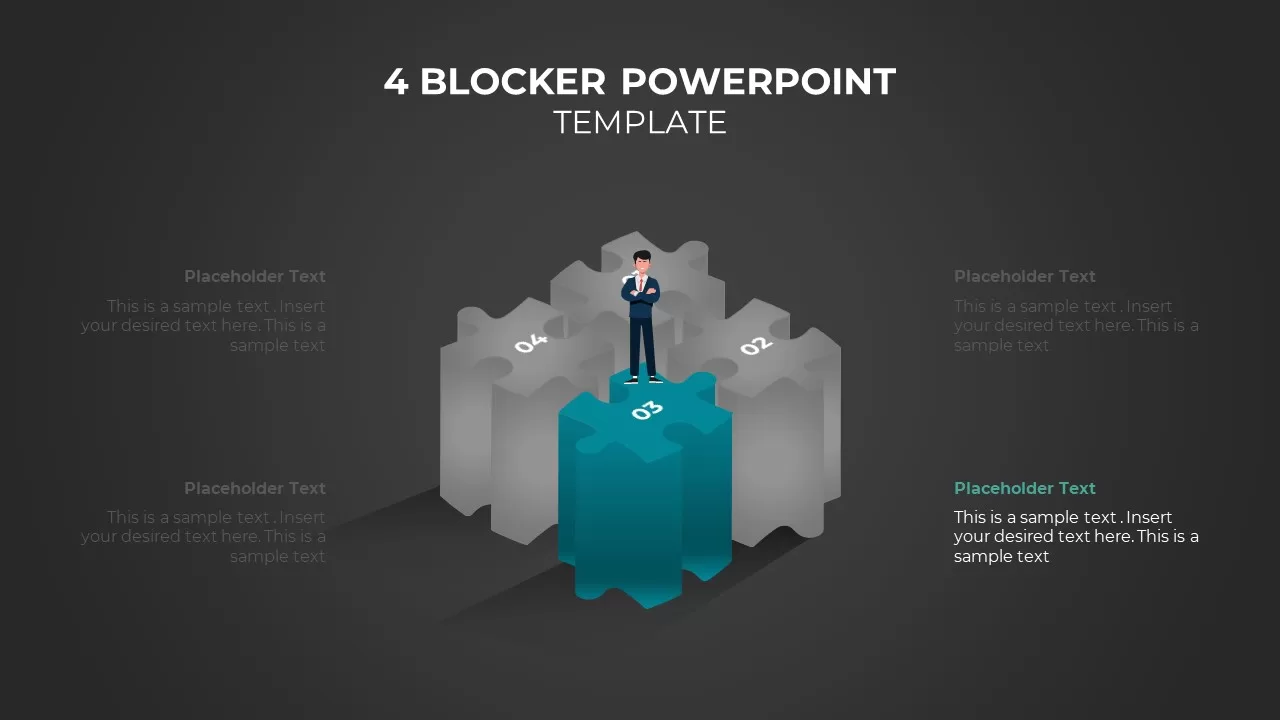
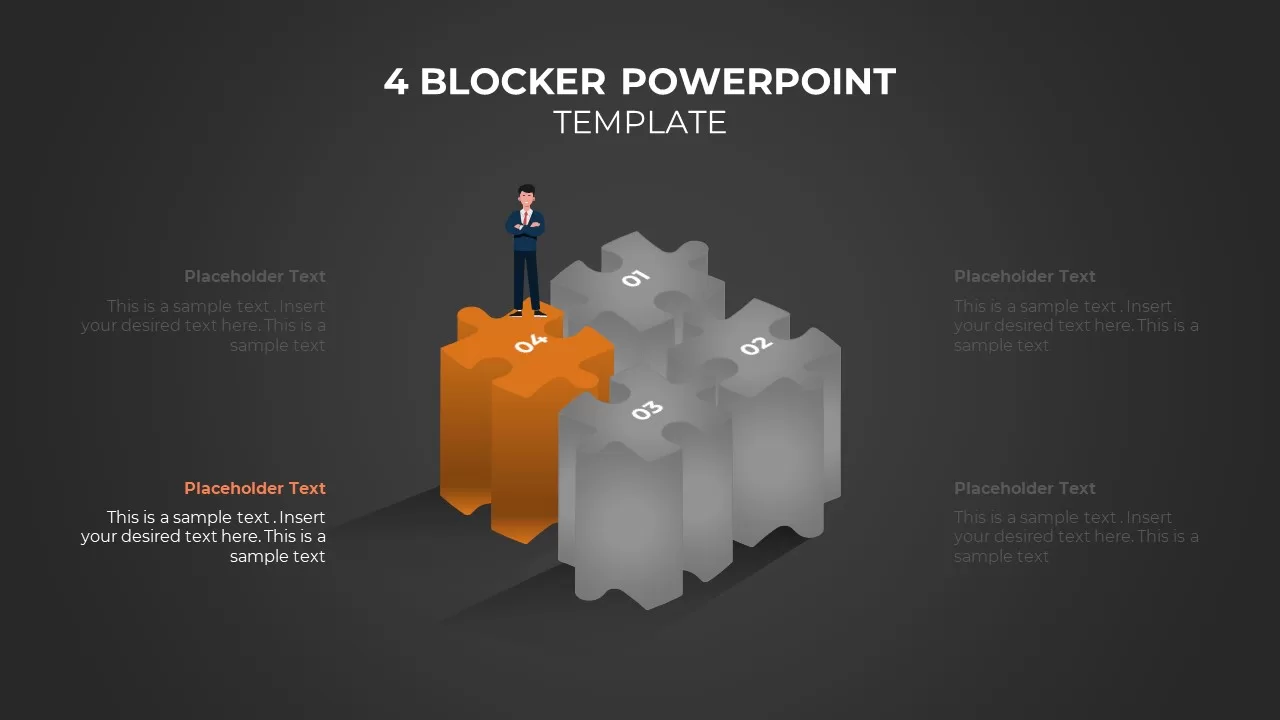
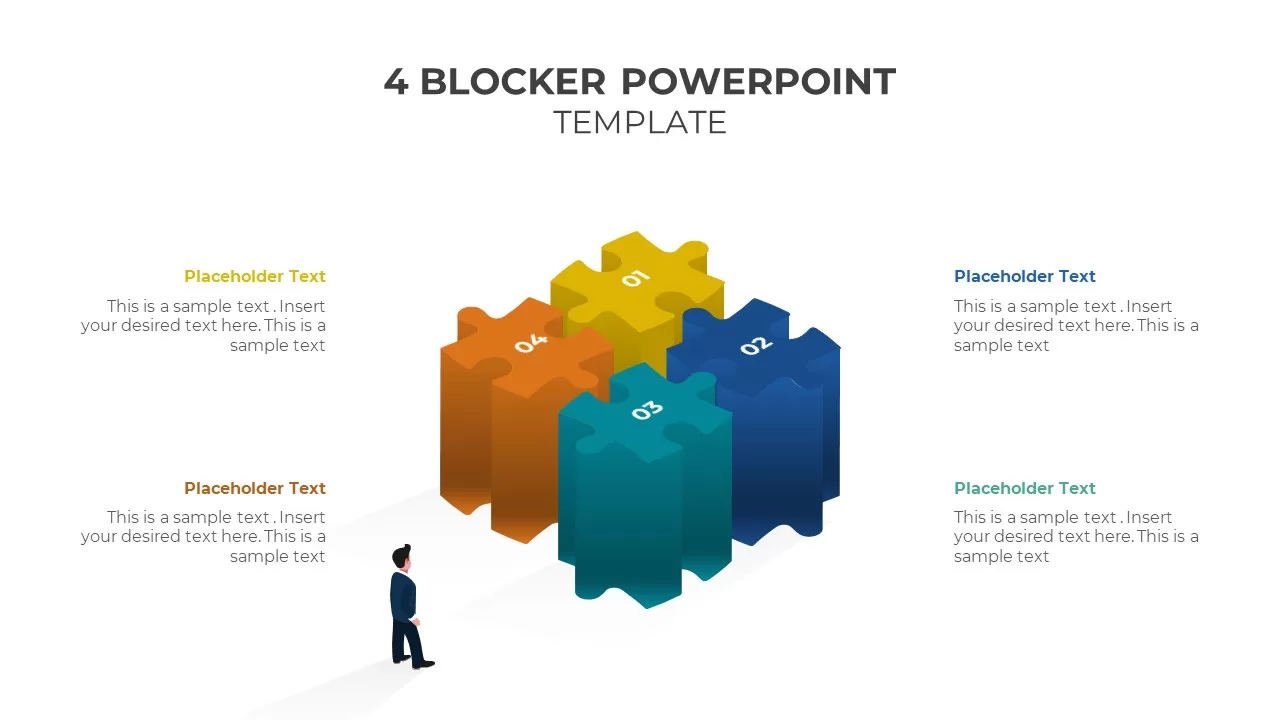
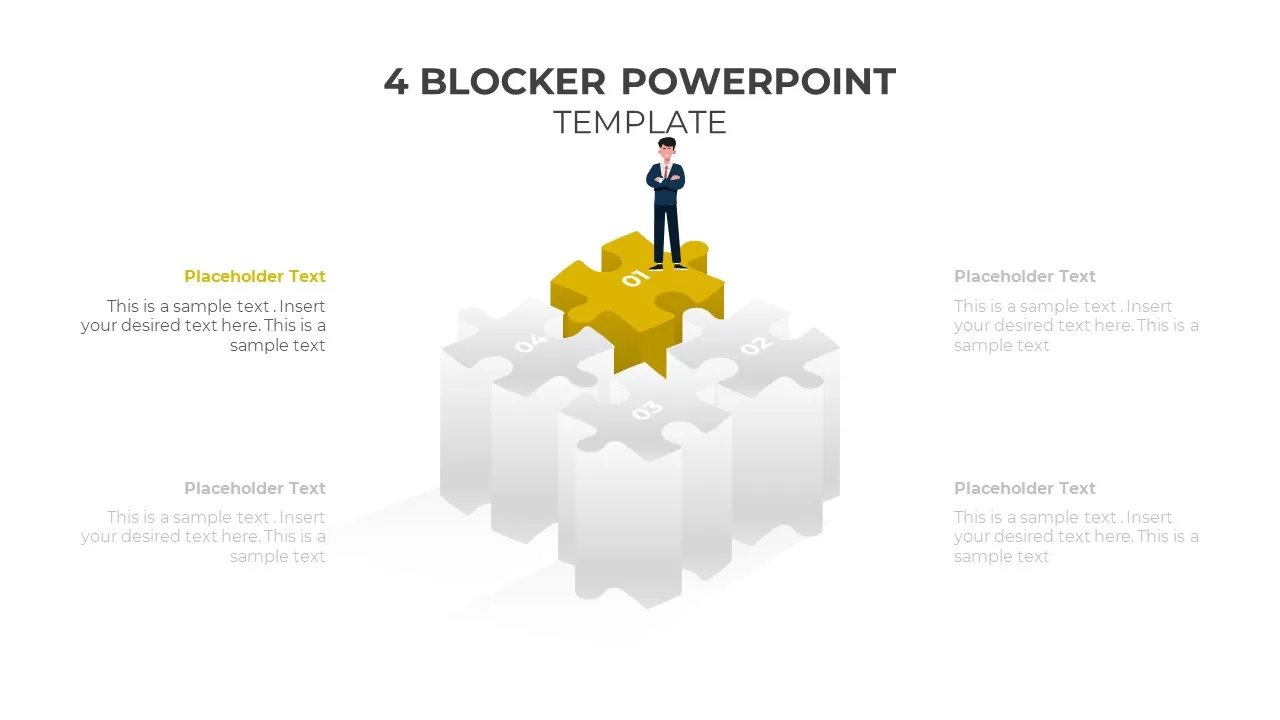
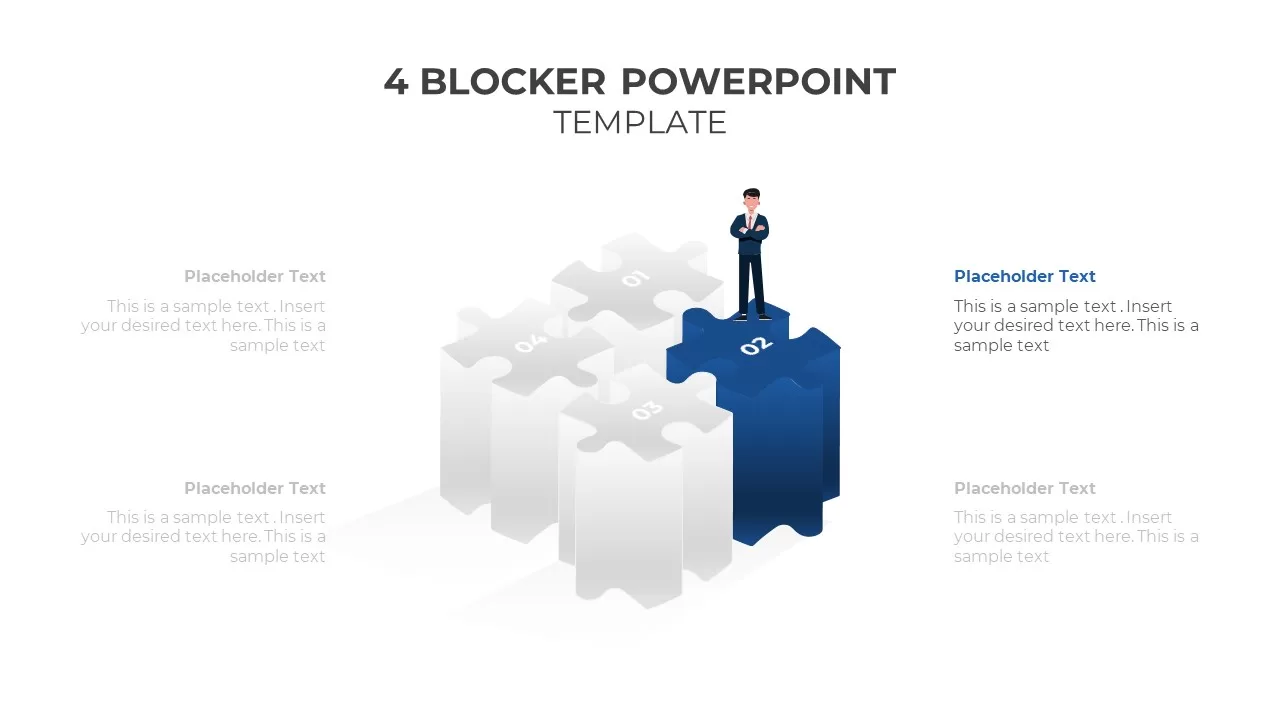
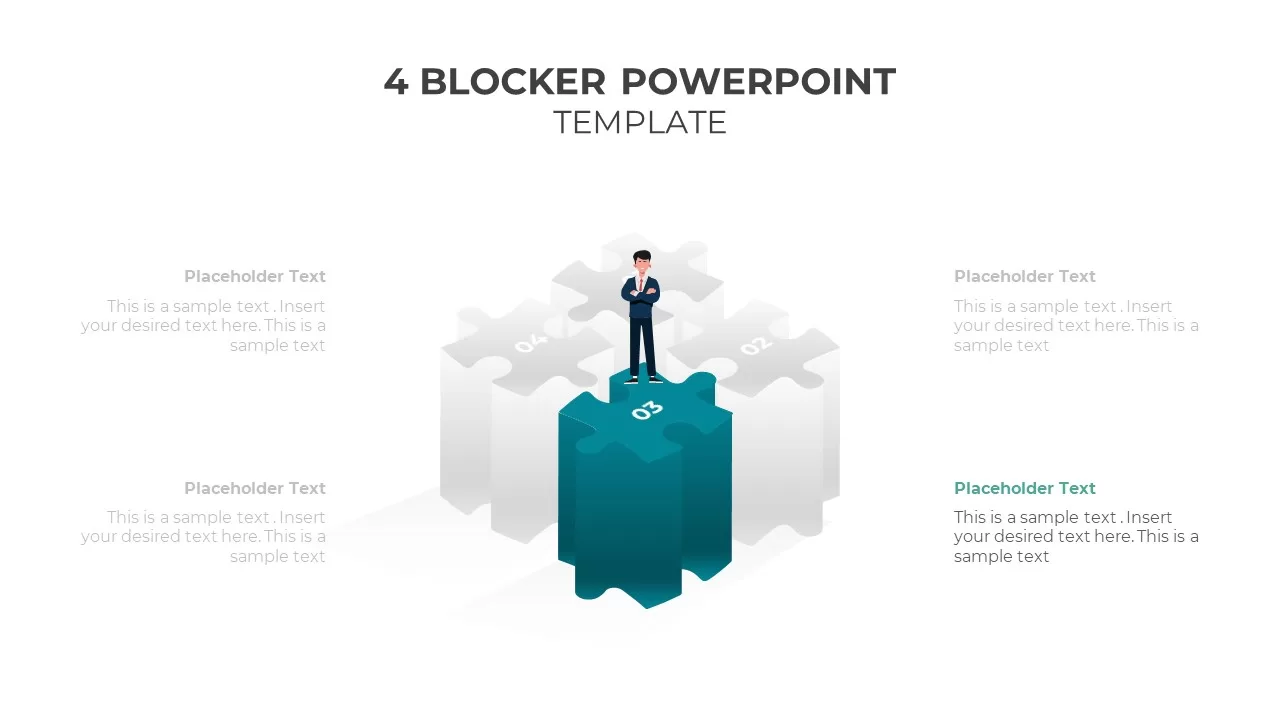
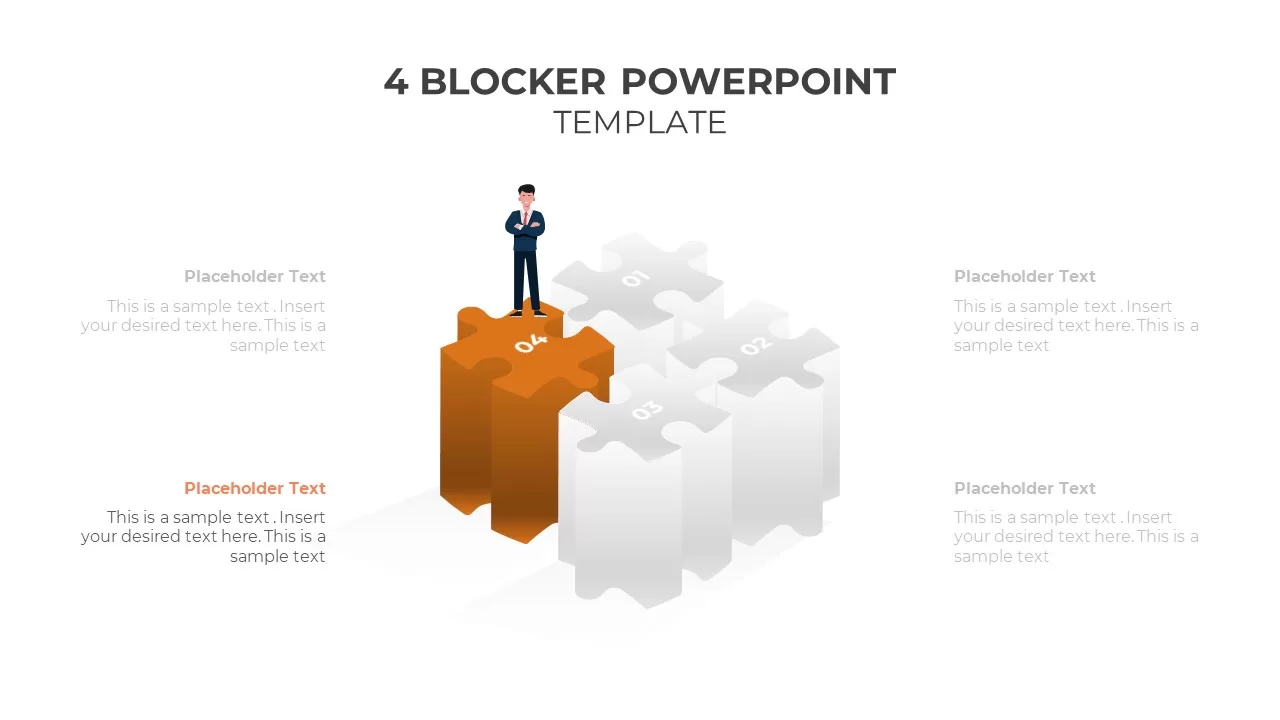
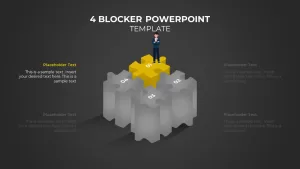
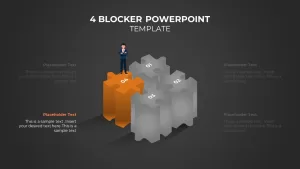
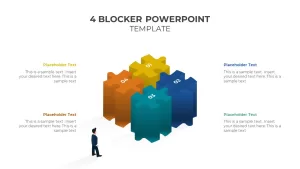
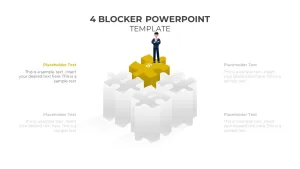
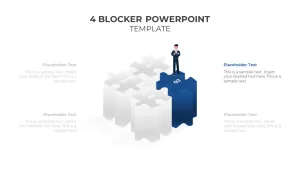
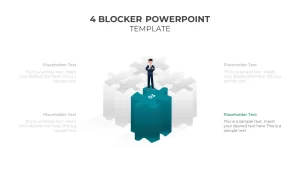
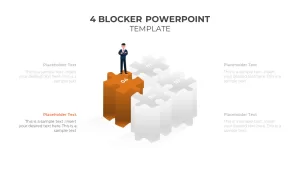
Puzzle pieces. Four 3D jigsaw pieces forming a cube, with an illustrated business character standing on top of one piece. Yellow for active, gray for inactive. Fits presentations about collaboration, team assembly, or fitting parts of a strategy together.
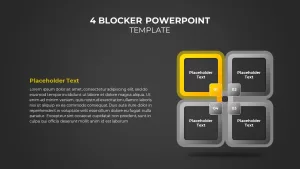
Flat quadrant blocks. Traditional four-box layouts without 3D effects. Color-blocked variants, gradient variants, outlined variants, and solid fill variants. These are the most flexible slides in the set and work across virtually any presentation context.
Each style comes in light and dark background versions, and each has a highlight-one variant where three boxes are muted and one is colored, so you can walk through each block individually without building four separate slides.
When to Use a Four Blocker
Army and government briefings have used the four blocker format for decades as a standard status report slide covering key accomplishments, planned activities, issues and risks, and resources needed. That is where the term comes from, and most corporate teams have since adopted a looser version of the same structure.
Common uses today include weekly team status reports, OKR summaries, project kickoff briefs, decision matrices, and any framework that naturally breaks into four parts like SWOT or BCG. This PowerPoint template is built to handle all of them without needing to be redesigned from scratch each time, and since it is fully compatible with Google Slides, the whole team can collaborate on it regardless of what platform they are working on.
If you are presenting to a government, military, or government-adjacent audience, the flat quadrant slides are the right call. The 3D visuals tend to feel out of place in those settings. If you are in a creative industry or pitching something collaborative, the Lego or puzzle piece versions land better. For recurring reports where the same format runs every week, pick one style and stick with it so the team learns to read it faster each time.
Use the highlight-one variants when walking through each block in sequence during a meeting. Use the full-color version for the summary slide at the end or the standalone handout.
What is included:
- Multiple four blocker slide layouts fully editable in PowerPoint and Google Slides
- 3D Lego block, interlocking square, puzzle piece and flat quadrant styles
- Light and dark background versions across every style
- Highlight-one variants for each layout to focus attention on a single block
- Color variations across all styles to match any deck’s visual tone
- Ready to use for status reports, strategy decks, government briefings and more
Login to download this file

Item ID
SB02304


Related Templates

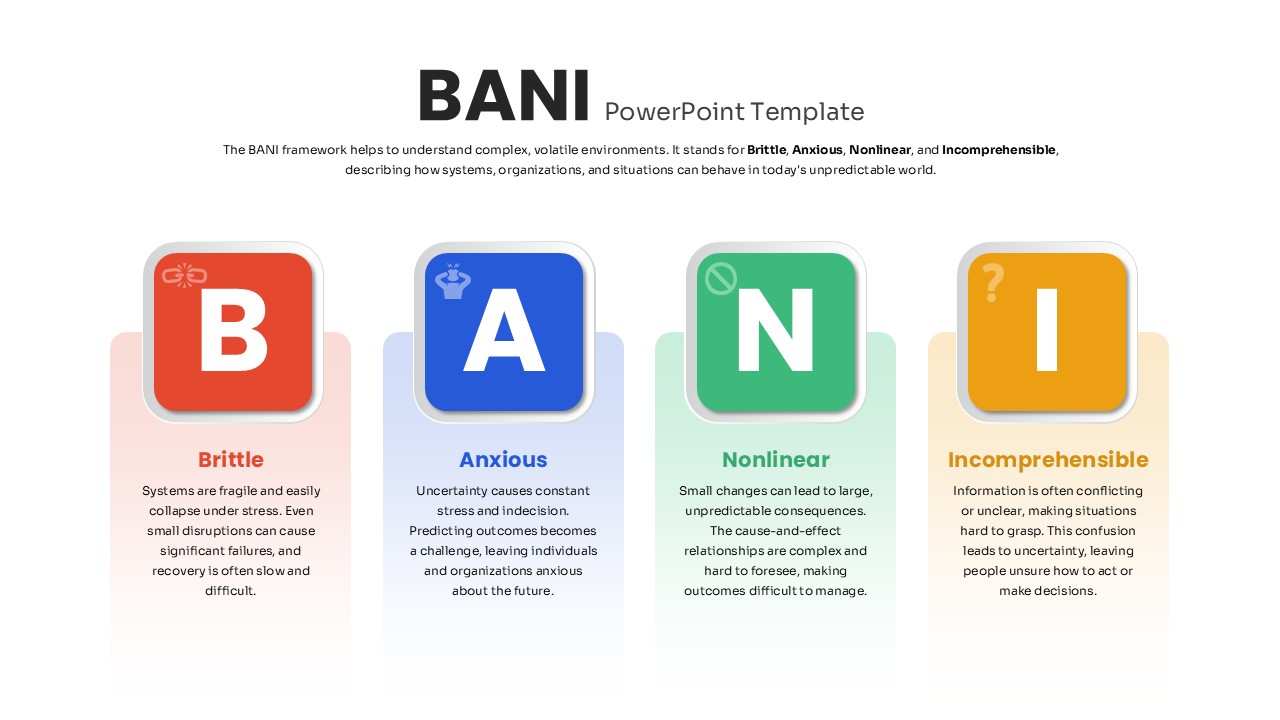
BANI PowerPoint Template
PEST
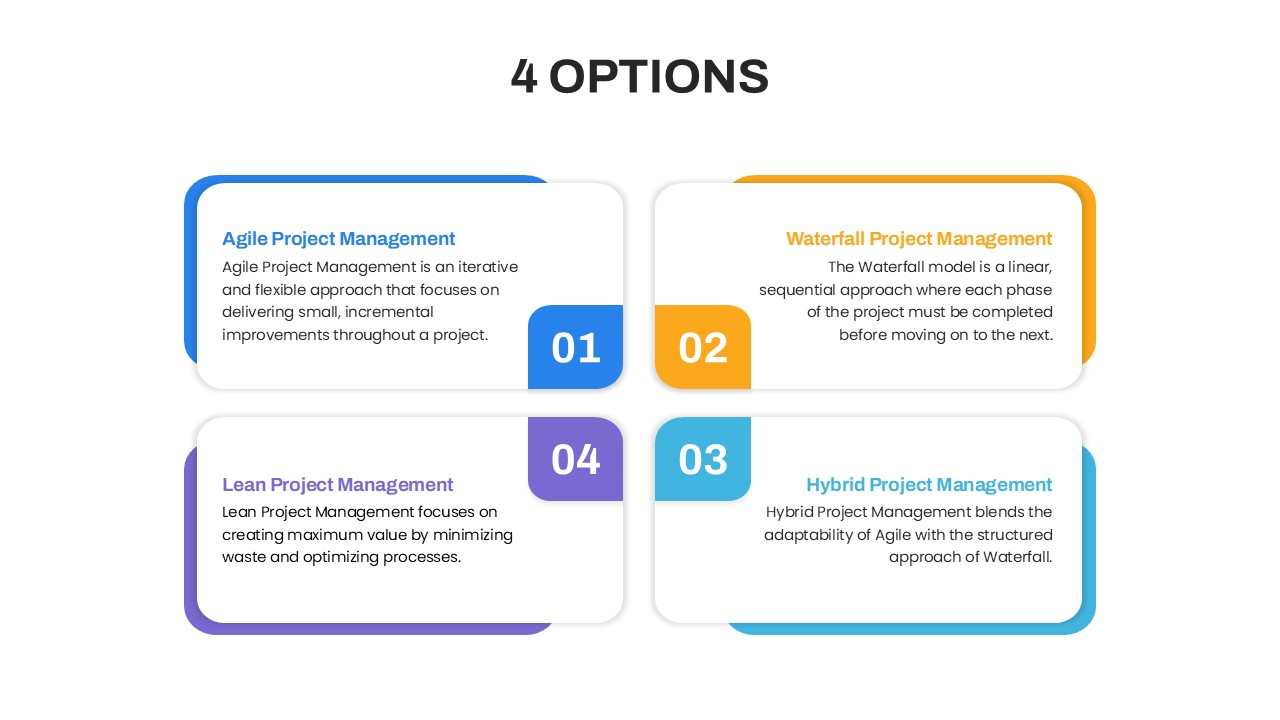
4 Options Project Management PowerPoint Template
Comparison
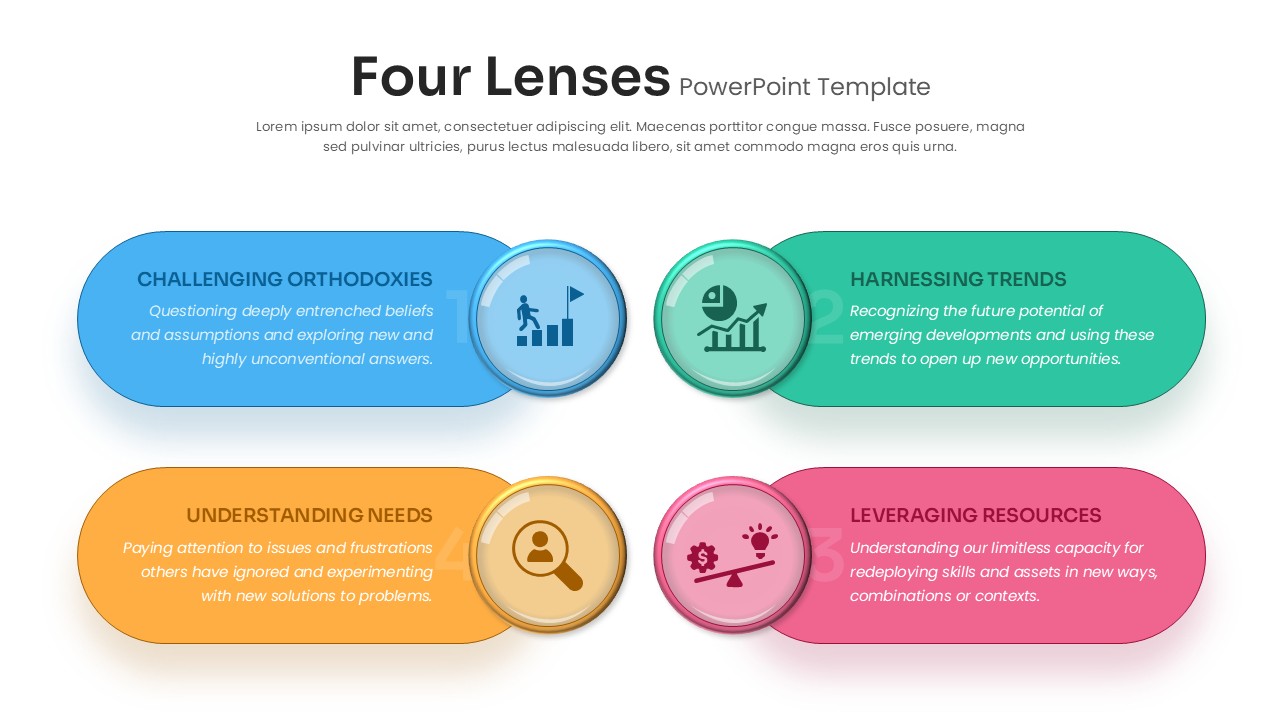
Four Lenses PowerPoint Template & Google Slides
Business
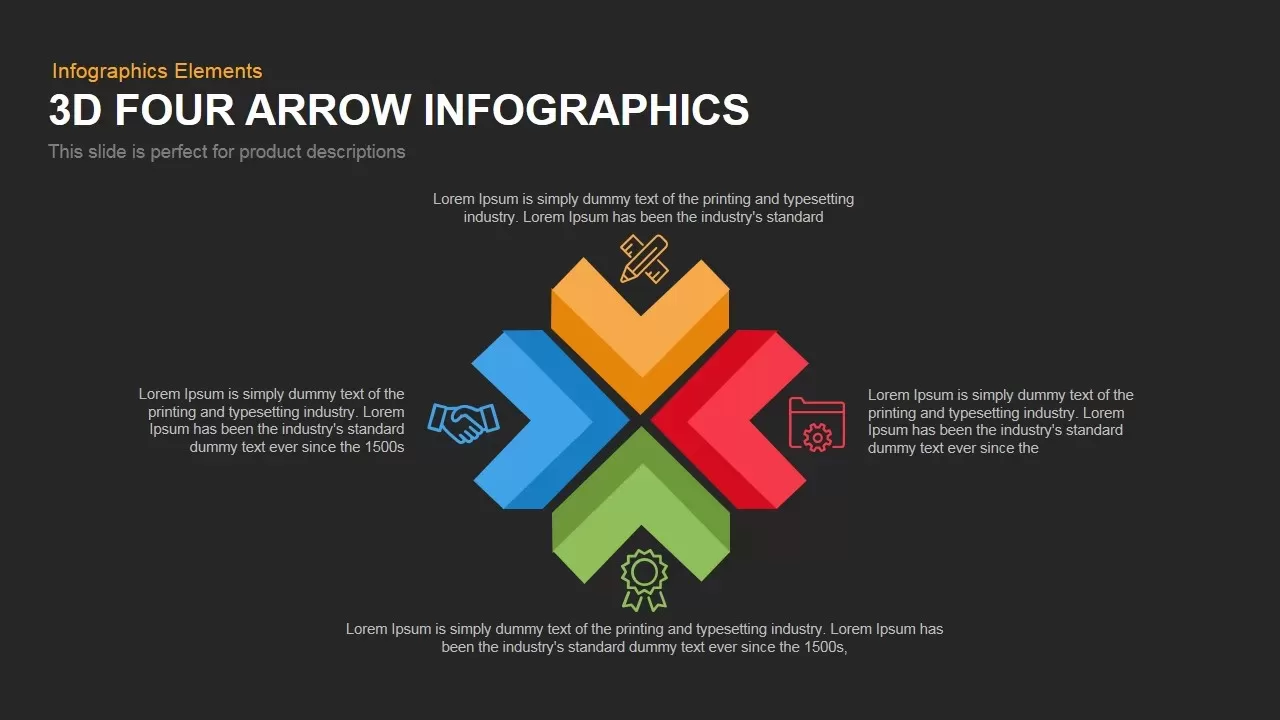
3D Four Arrow Infographics Diagram Template for PowerPoint & Google Slides
Arrow
Four-Cross Text Box Diagram Template for PowerPoint & Google Slides
Comparison
Four Section Review PowerPoint Template and Google Slides
Agenda
Colorful Four-Stage Infographic Process Template for PowerPoint & Google Slides
Process
Four-Step Arrow Process Infographic Template for PowerPoint & Google Slides
Arrow
Clean Three-Four Column Table Slide Template for PowerPoint & Google Slides
Business Report
Hand-Held Four-Step Process Diagram Template for PowerPoint & Google Slides
Process
Four-Stage Start-Up Plan Arc Diagram Template for PowerPoint & Google Slides
Process
Four-Stage Agenda Infographic Slide Template for PowerPoint & Google Slides
Agenda
Four Step Process Infographic Slide Template for PowerPoint & Google Slides
Process
Four-Section Table of Contents Template for PowerPoint & Google Slides
Agenda
Hand-Drawn Four-Step Curved Arrow Diagram Template
Arrow
Dynamic Four-Step Gear Process Template for PowerPoint & Google Slides
Process
Shield Infographics Four-Part Framework Template for PowerPoint & Google Slides
Process
Strategic Objectives Template Presentations Slide
Business Strategy
4-Level Pyramid Infographic PowerPoint Template
Pyramid
Four Step Manager Onboarding Template for PowerPoint & Google Slides
HR