

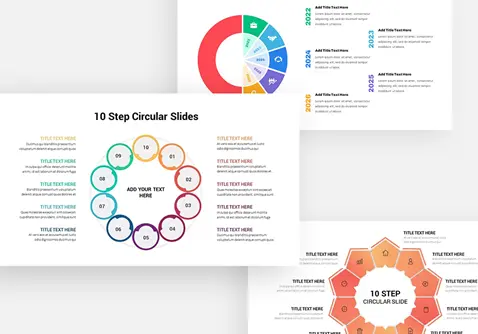






Circular Diagram Templates for PowerPoint and Google Slides
Circle diagram templates for PowerPoint and Google Slides offer a creative way to visualize processes, cycles, workflows, business strategies, and interconnected concepts. This collection features a variety of circular diagram infographics, including 3-step circular diagrams, multi-stage cycles, segmented circles, and process diagrams to make your presentations more engaging and easy to understand.
Each PowerPoint circle diagram template comes with fully editable elements, allowing you to customize colors, text, shapes, icons, and layouts according to your presentation requirements. These ready-to-use PPT templates are suitable for business presentations, educational slides, marketing reports, project planning, and data visualization. You can also find designs compatible with Google Slides for flexible editing and customization. Explore the available styles, choose a design that fits your content, and download your favorite circular diagram PowerPoint templates to create polished, professional-looking presentations while saving valuable preparation time.
 Filter


-
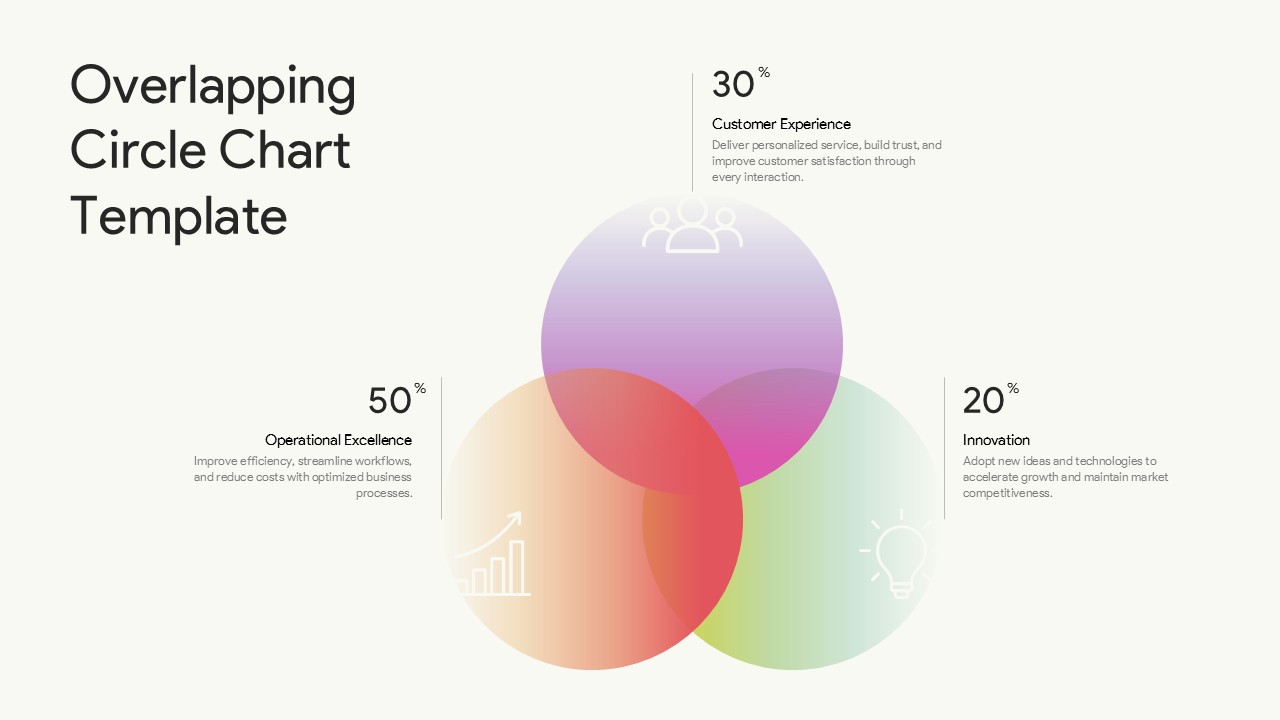
Overlapping Circle Chart PowerPoint Template
Business Strategy
-
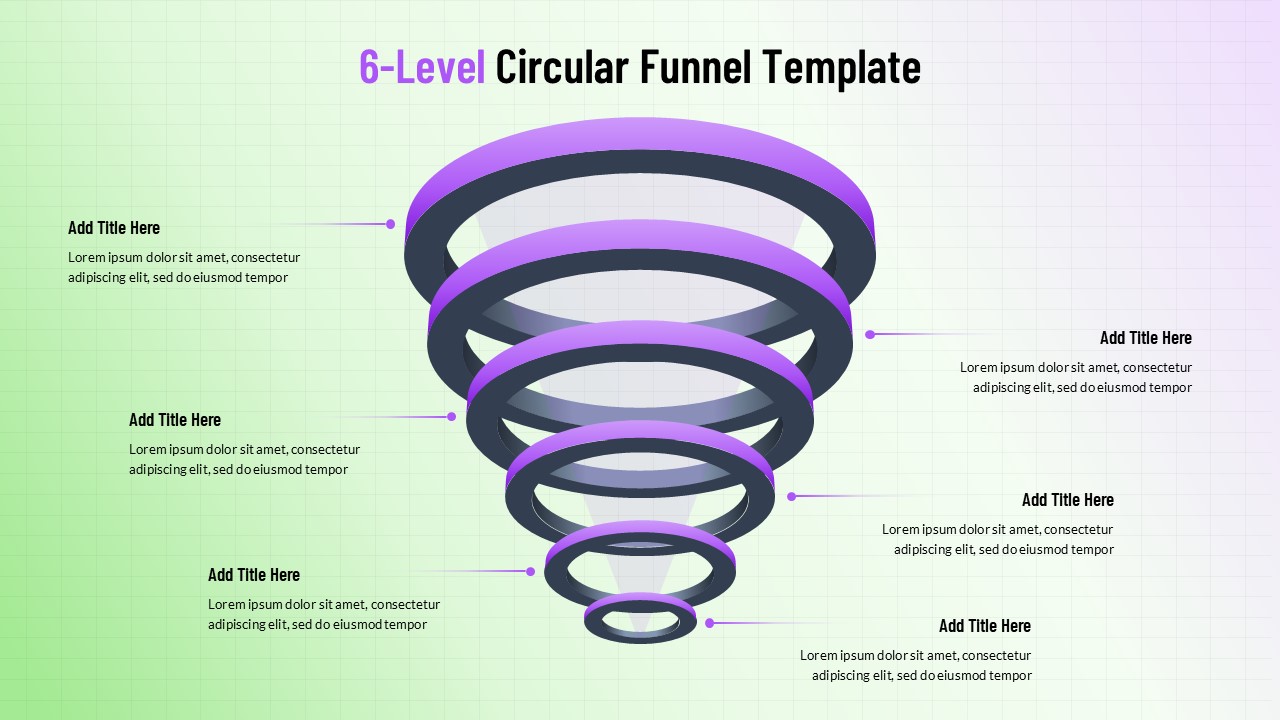
6-Level Circular Funnel PowerPoint Template
Circular
-
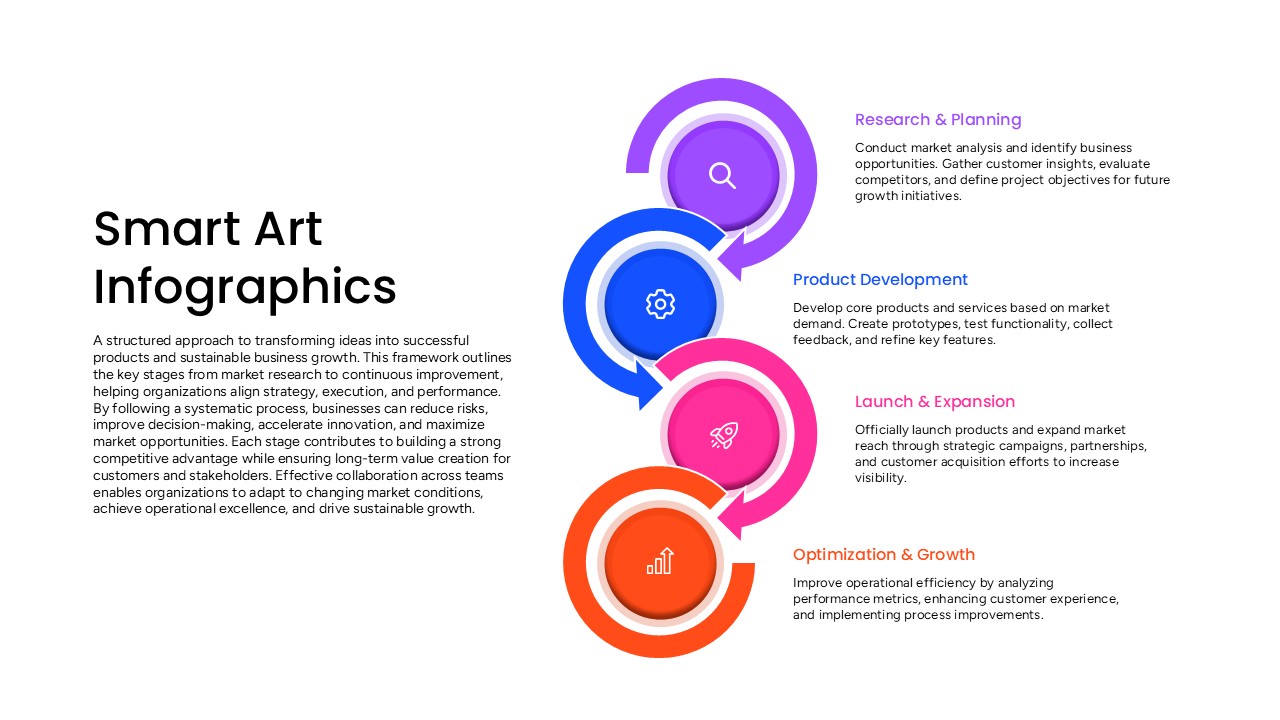
Smart Art Infographics PowerPoint Template
Process
-
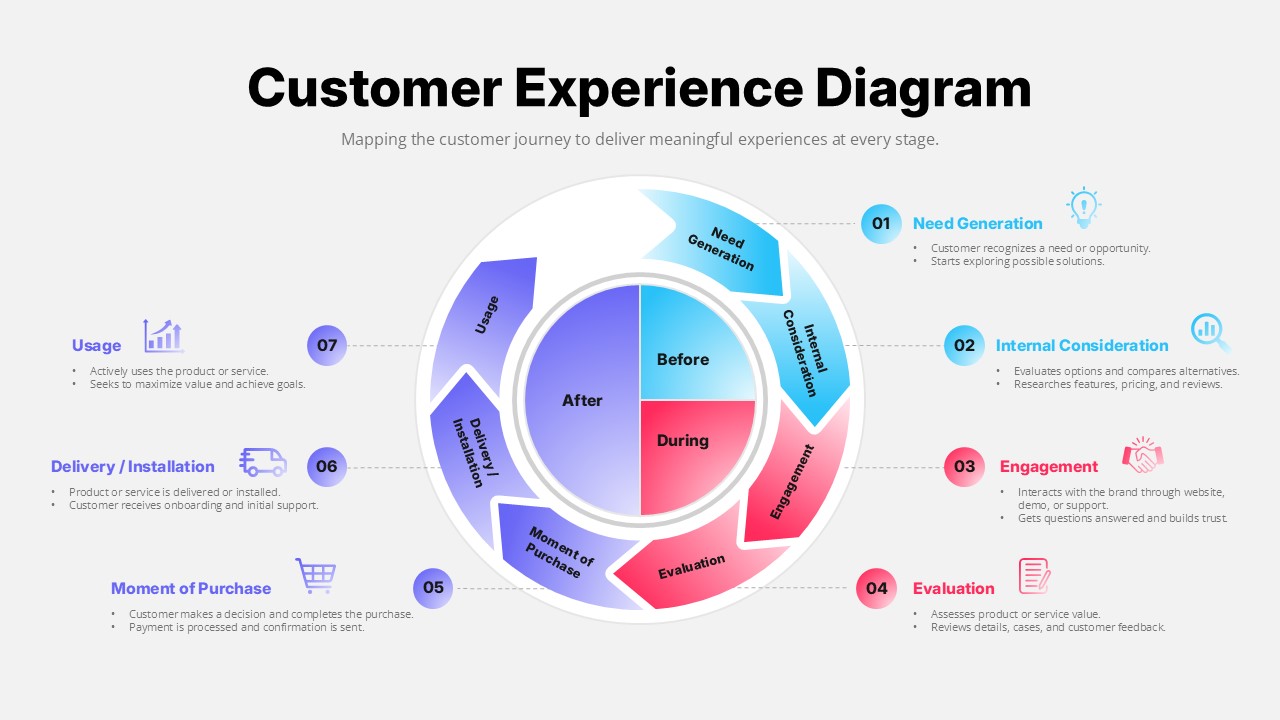
Customer Experience Diagram Template for PowerPoint
Customer Experience
-
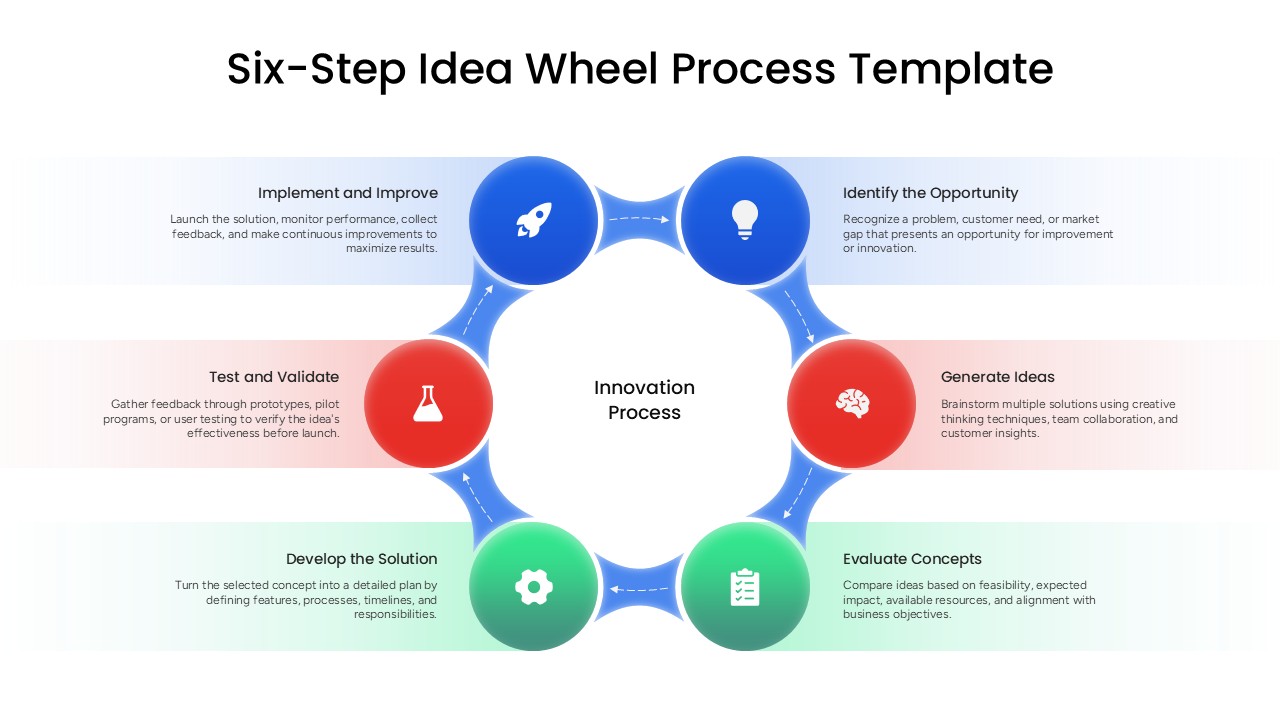
Six-Step Idea Wheel Process Template
Process
-
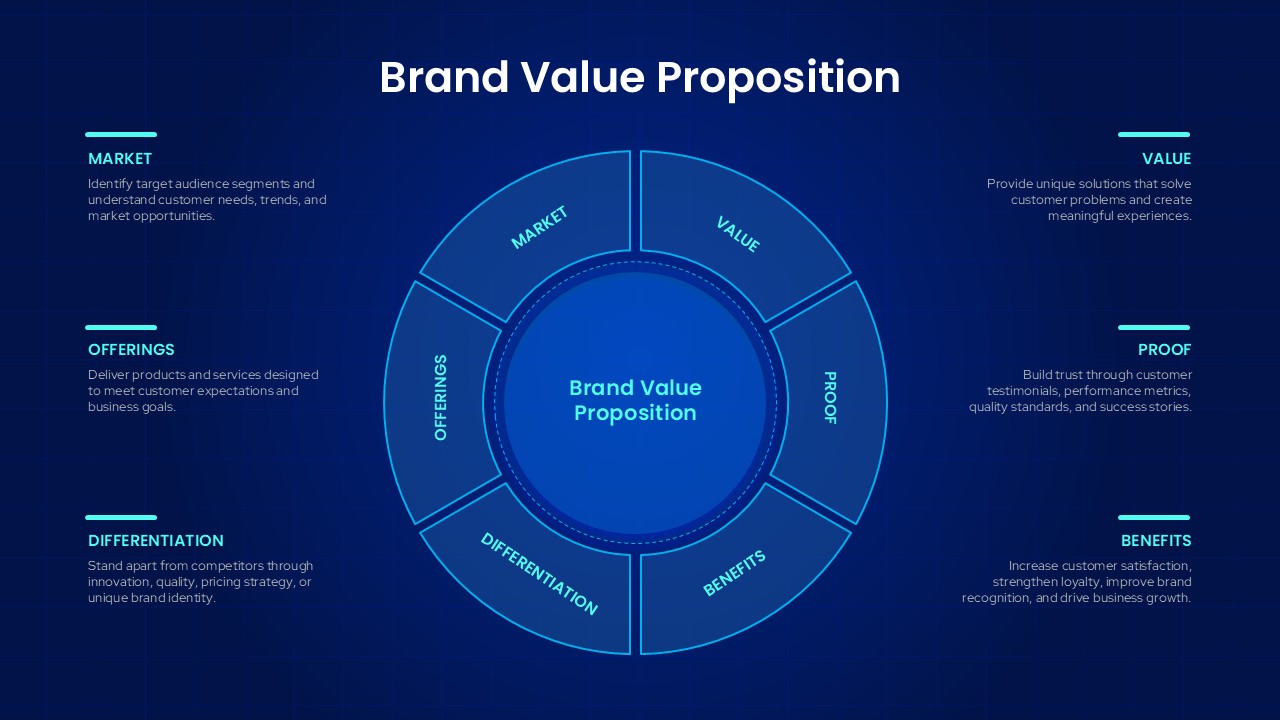
Brand Value Proposition PowerPoint Template
Business Strategy
-
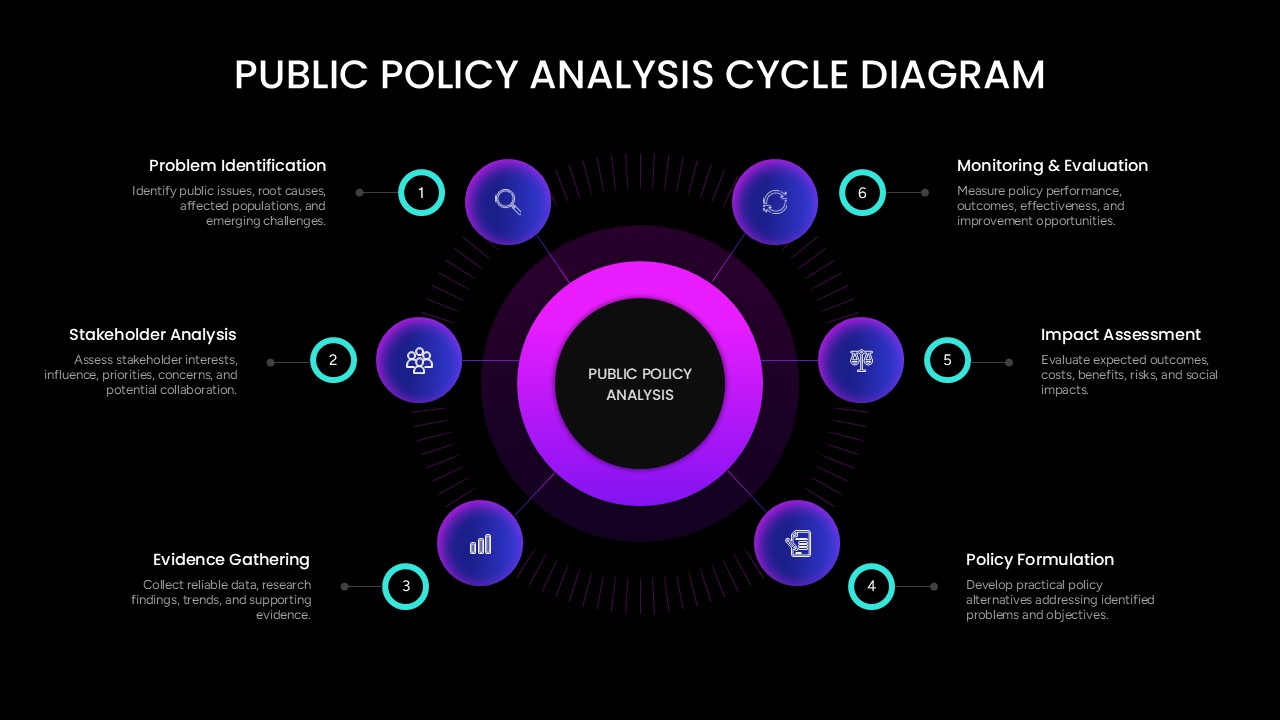
Public Policy Analysis Cycle Diagram Presentation Template
Circular
-
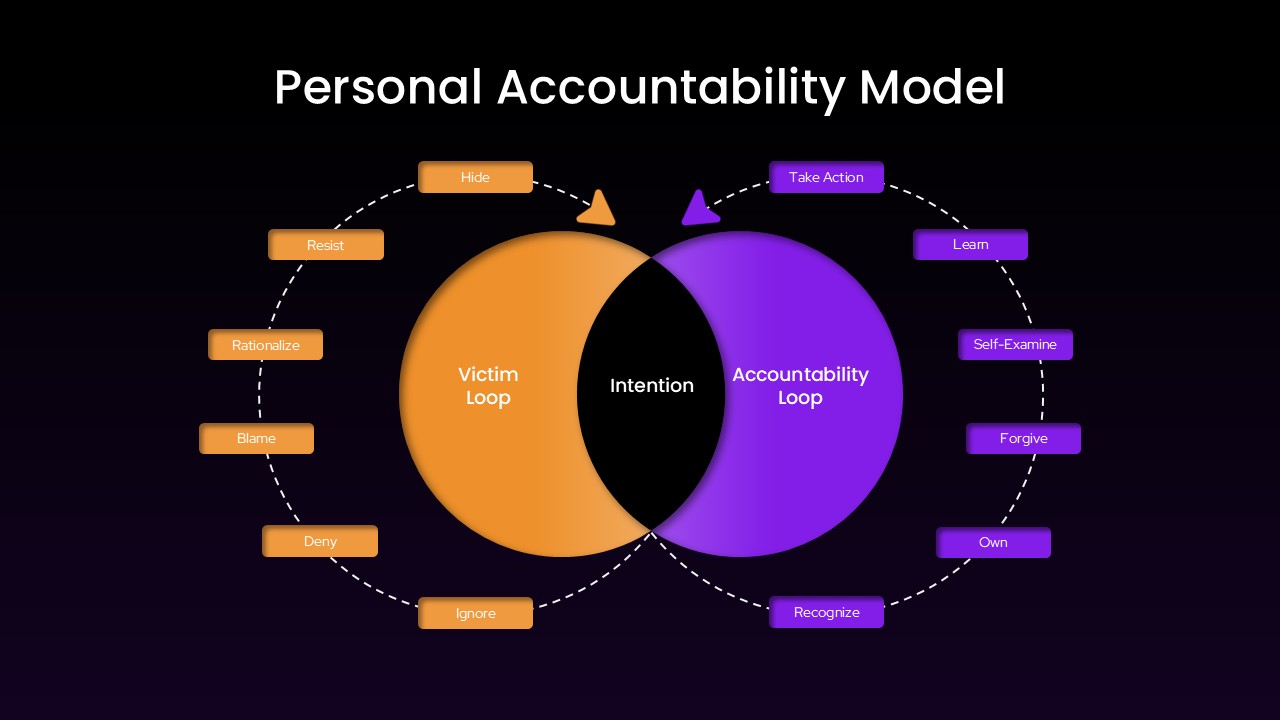
Personal Accountability Model PowerPoint Template
Circular
-
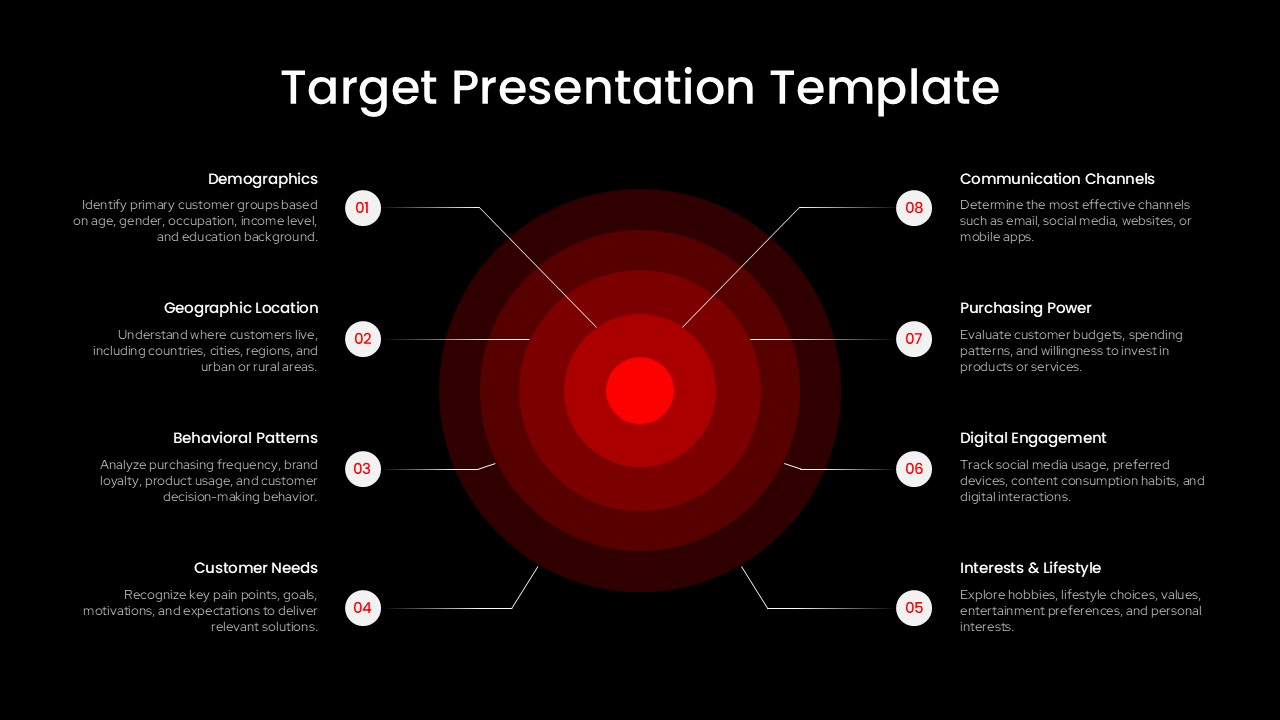
Target Focused PowerPoint Presentation Template
Marketing
-
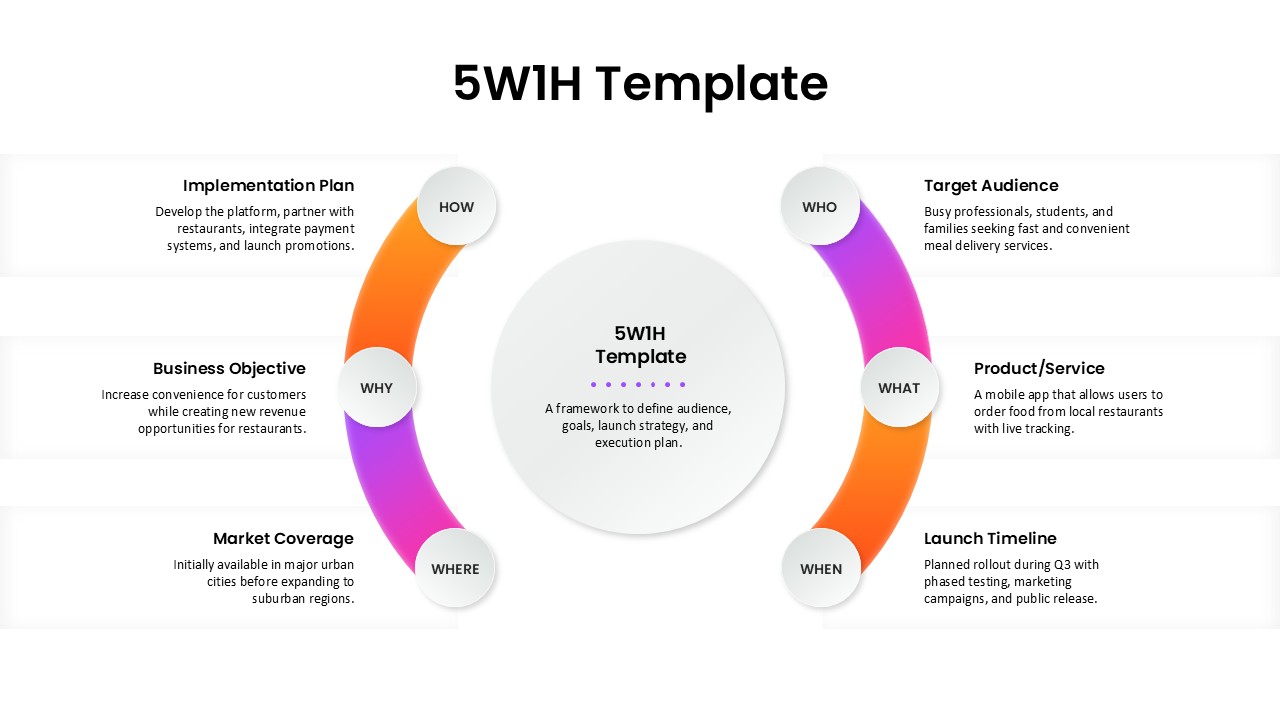
5W1H Framework Template for PowerPoint Presentations
Business Strategy
-

Sentiment Analysis Template PowerPoint
Customer Experience
-
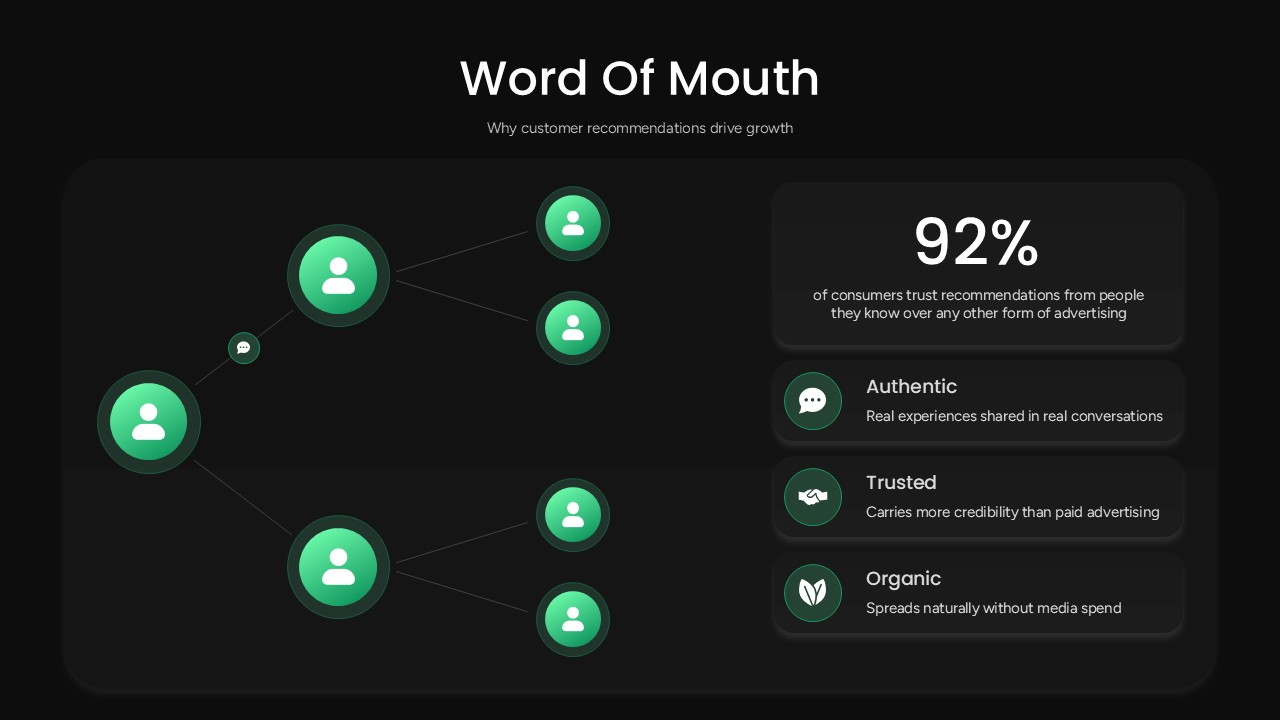
Word of Mouth PowerPoint Template
Marketing
-
PAM TAM SAM SOM PowerPoint Template
Marketing
-
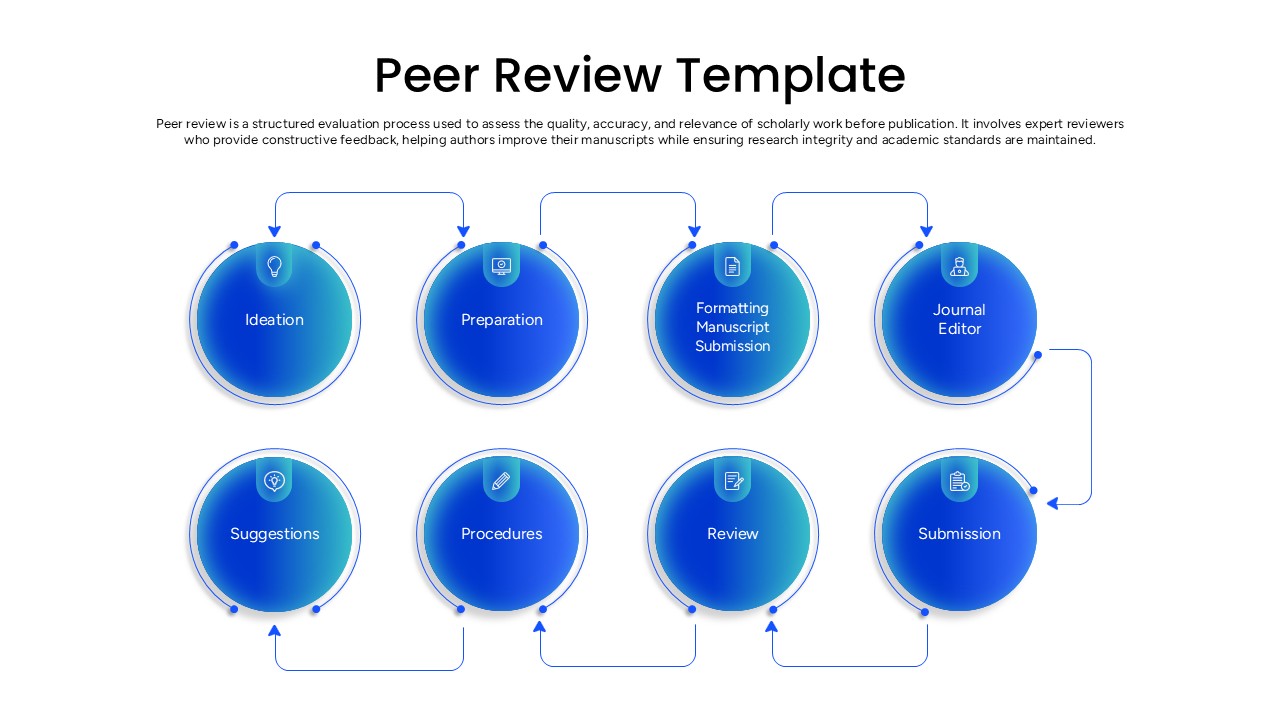
Peer Review PPT Template
Process
-
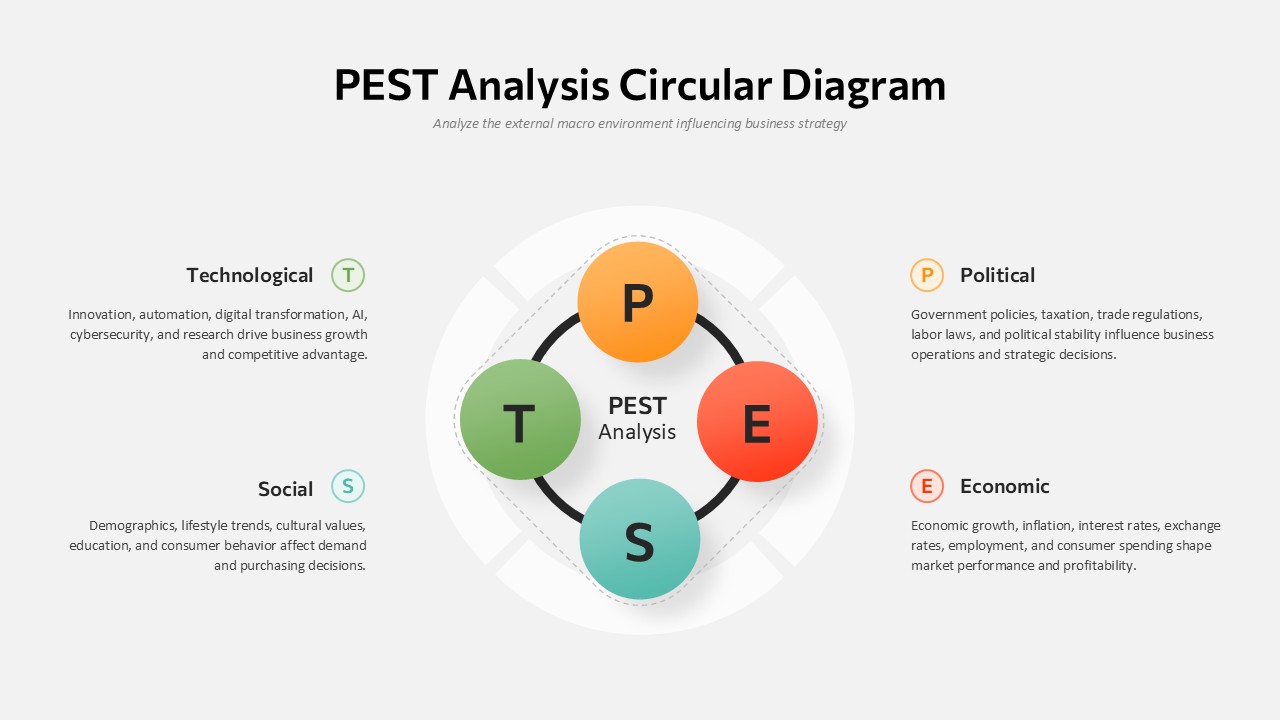
PEST Analysis With Circular Diagrams Template For PowerPoint
PEST
-
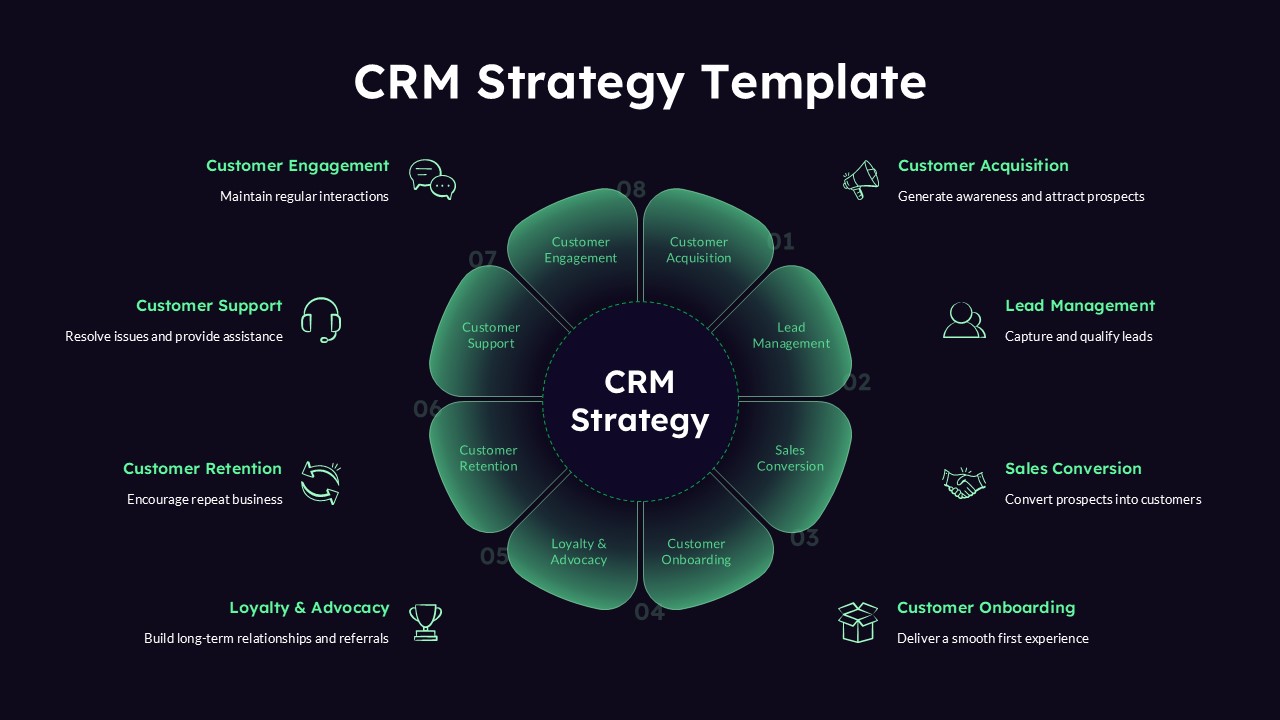
CRM Strategy Template for PowerPoint Presentations
Circular
-
Green Organizational Behaviour Template For PowerPoint
Circular
-
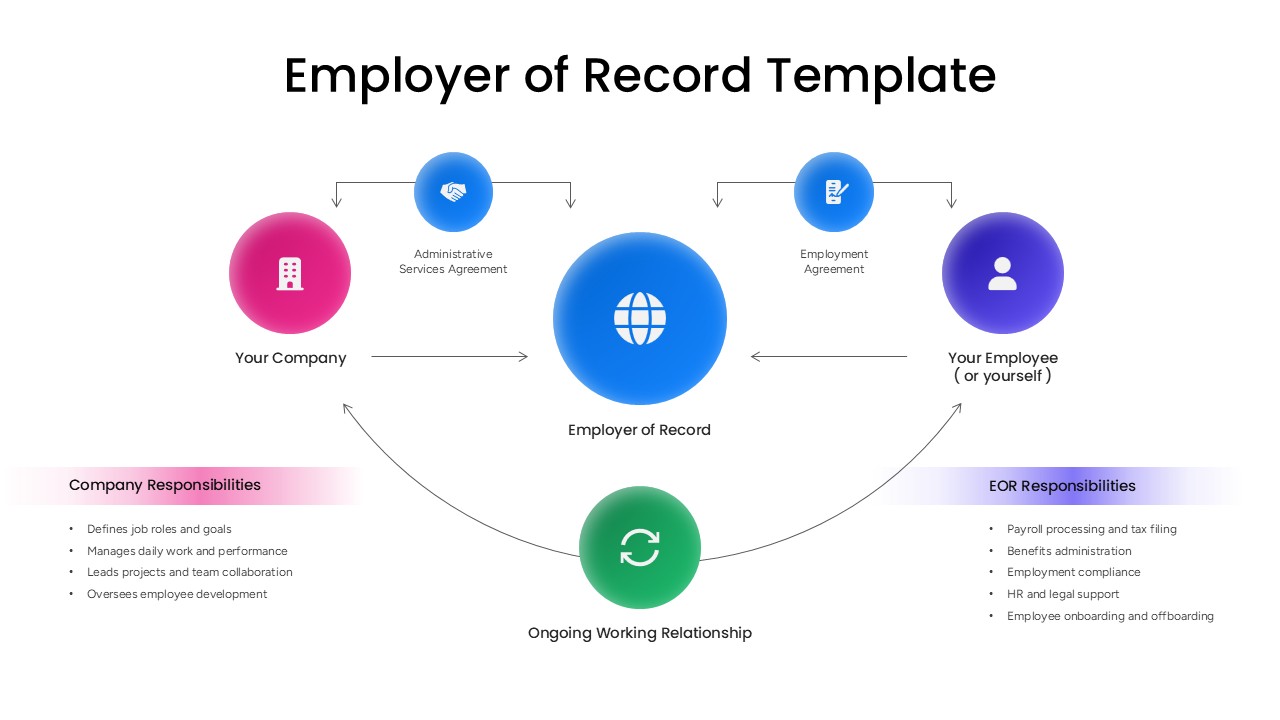
Employer of Record Presentation Template
Human Resources
-
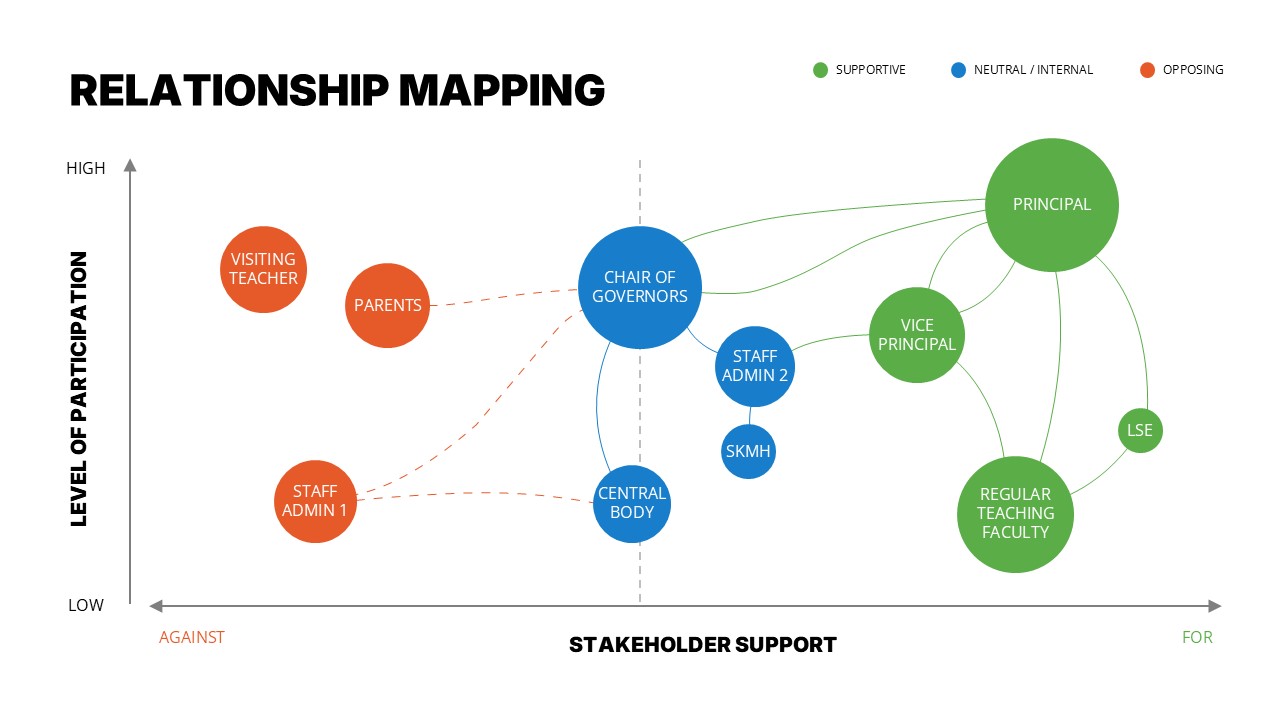
Relationship Mapping Template For PowerPoint
Business Strategy
-
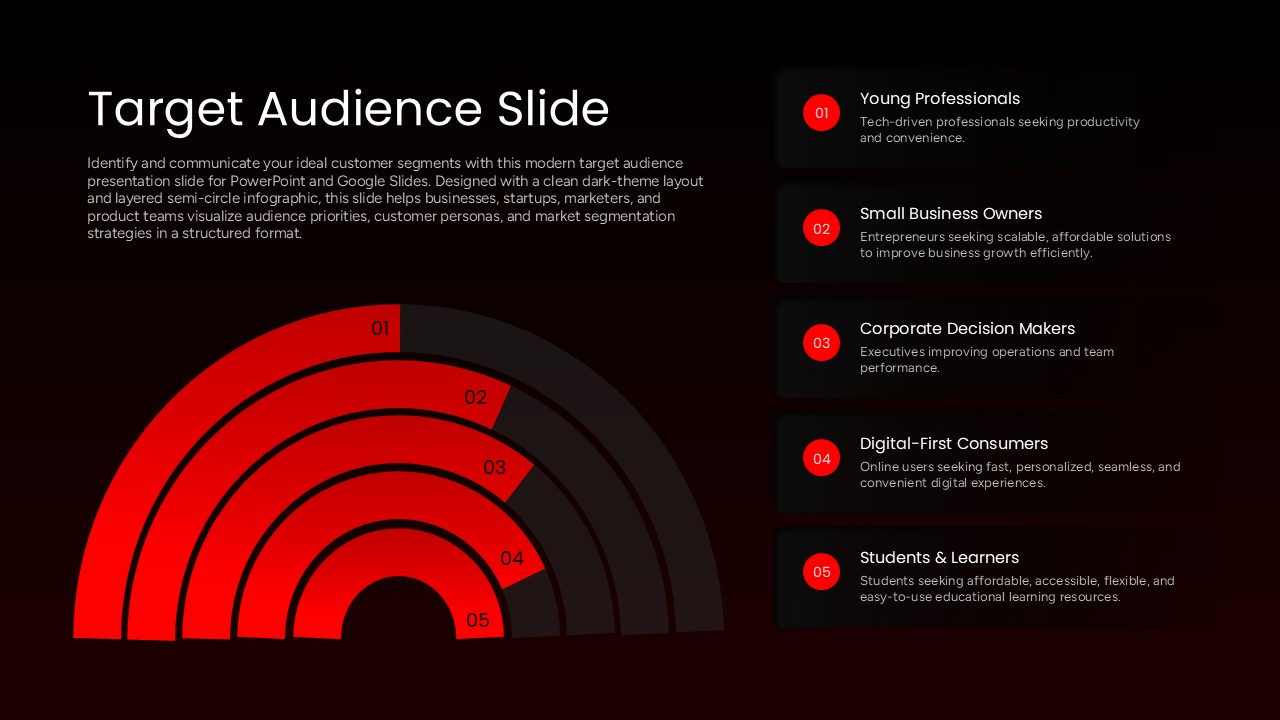
Target Audience Slide Template
Digital Marketing
-
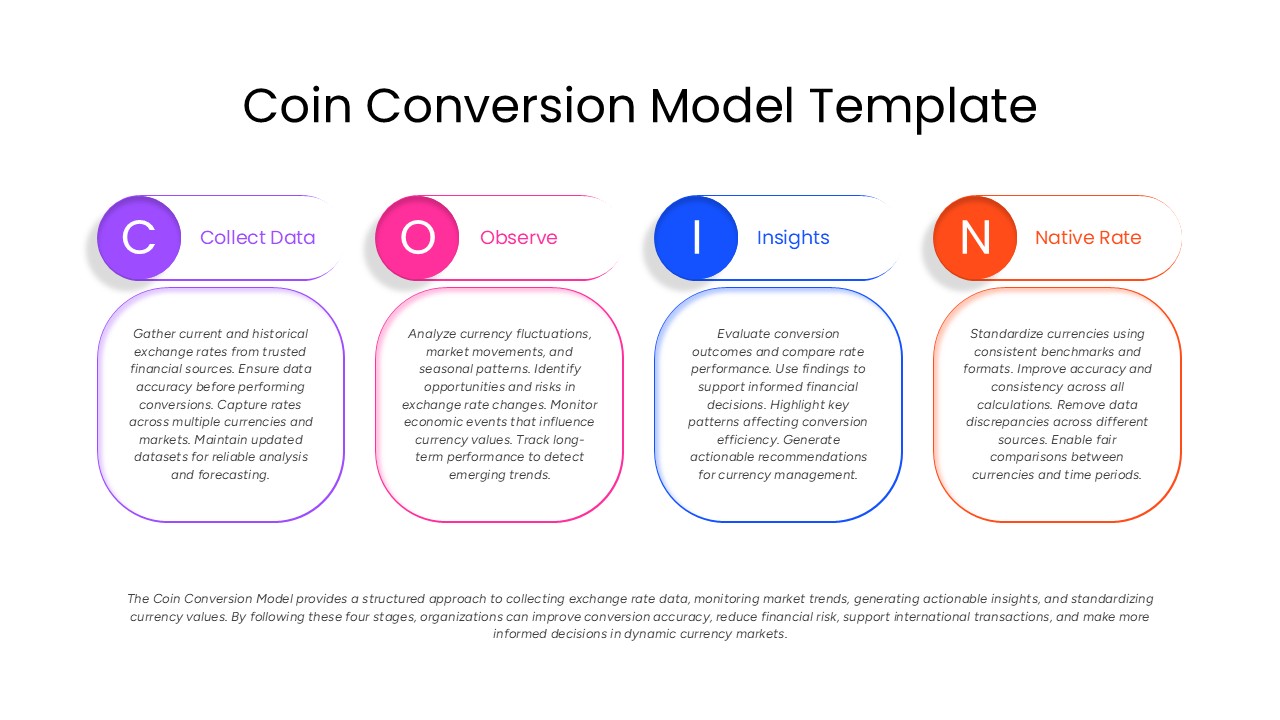
Coin Conversion Feedback Model PowerPoint Template
Process
-
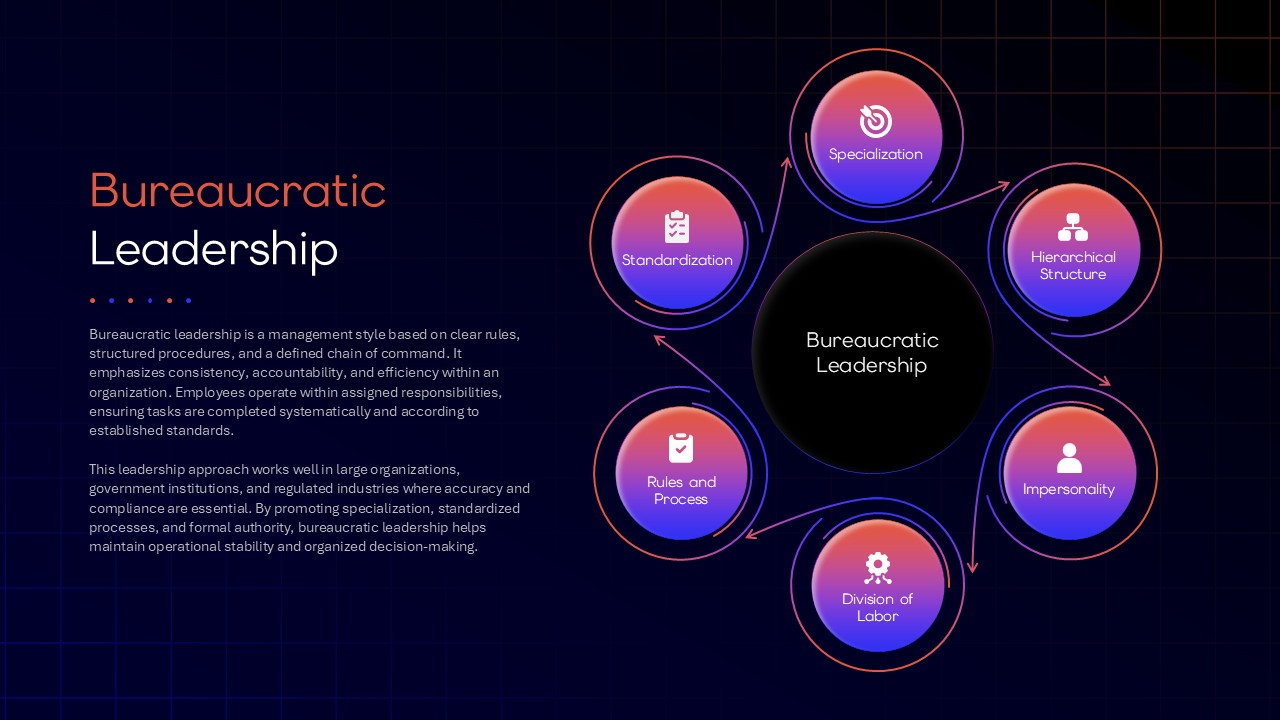
Bureaucratic Leadership Framework PowerPoint Template
Leadership
-
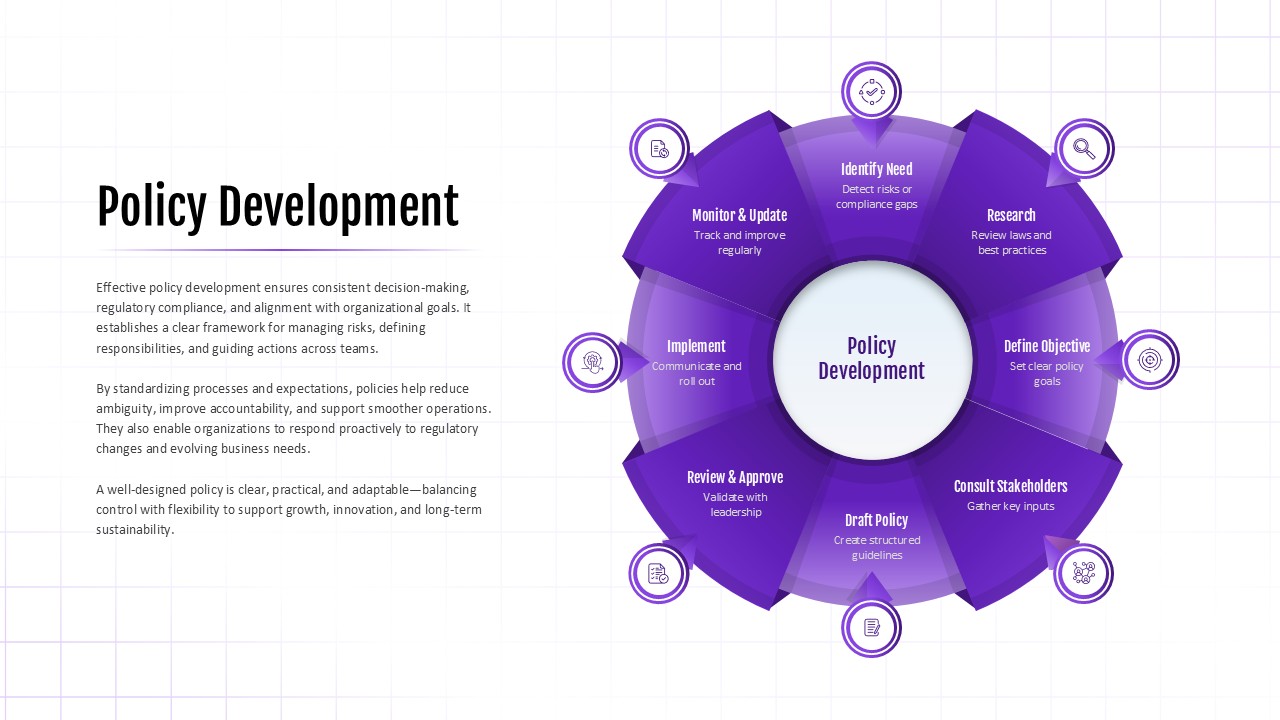
Policy Development Template
Risk Management
-
Issue Tree Template for PowerPoint and Google Slides
Circular
-
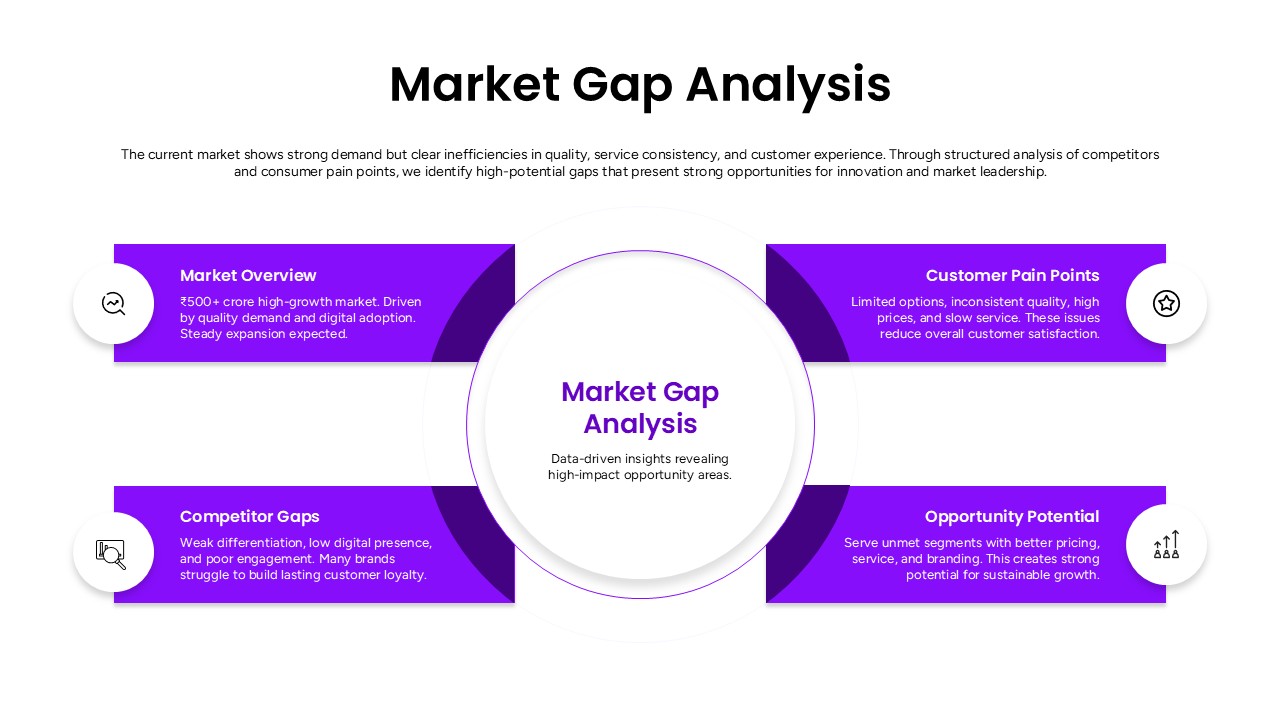
Market Gap Analysis Template
Gap
-
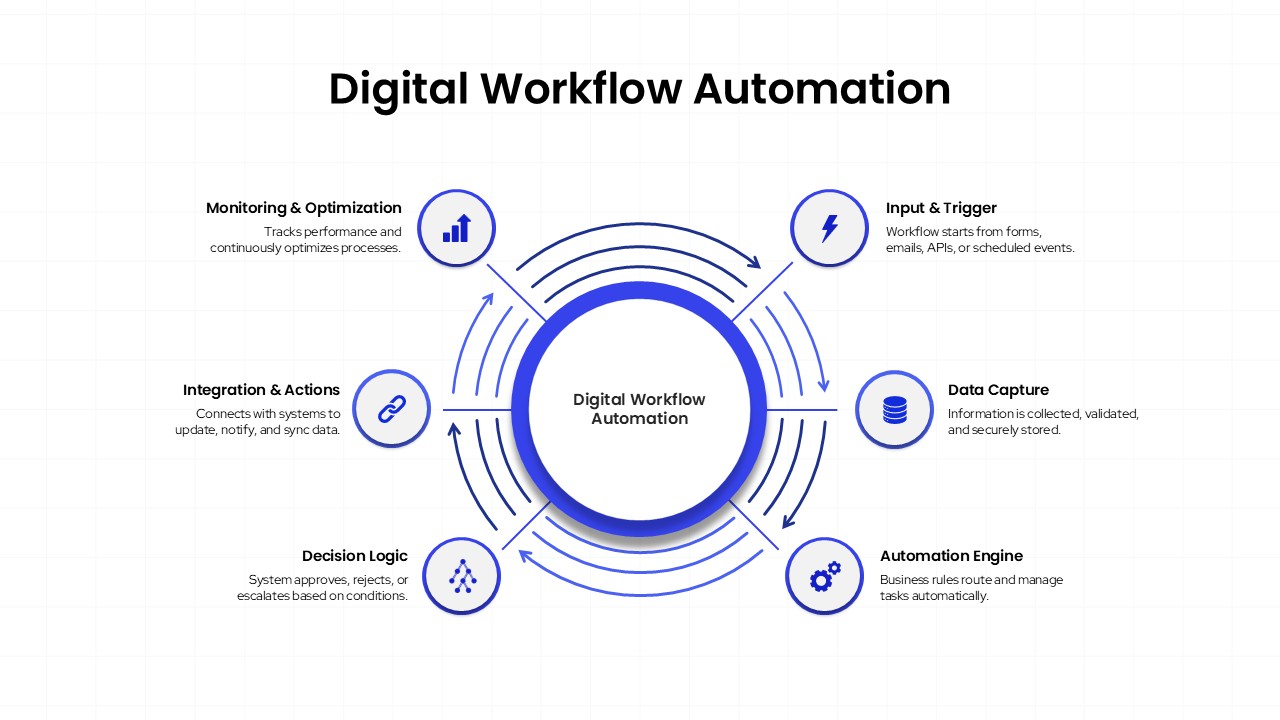
Digital Workflow Automation Template for PowerPoint & Google Slides
Process
-
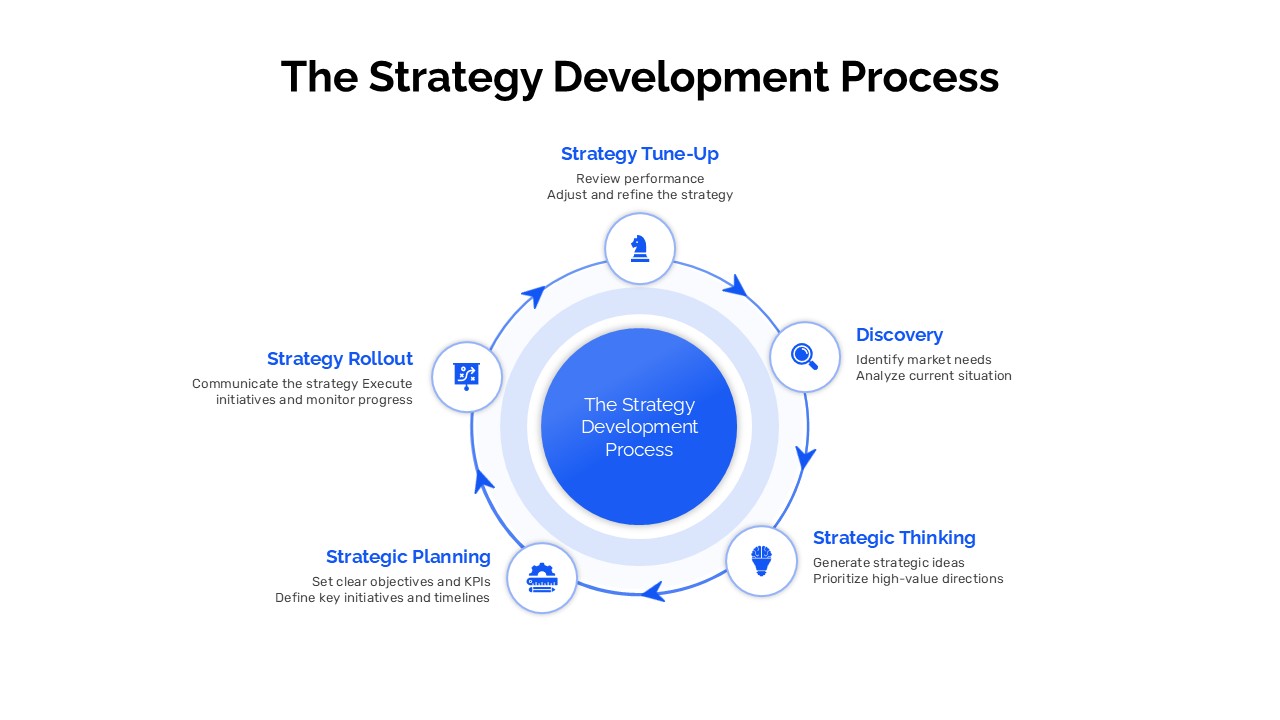
The Strategy Development Process Circular Diagram Template
Business Strategy
-
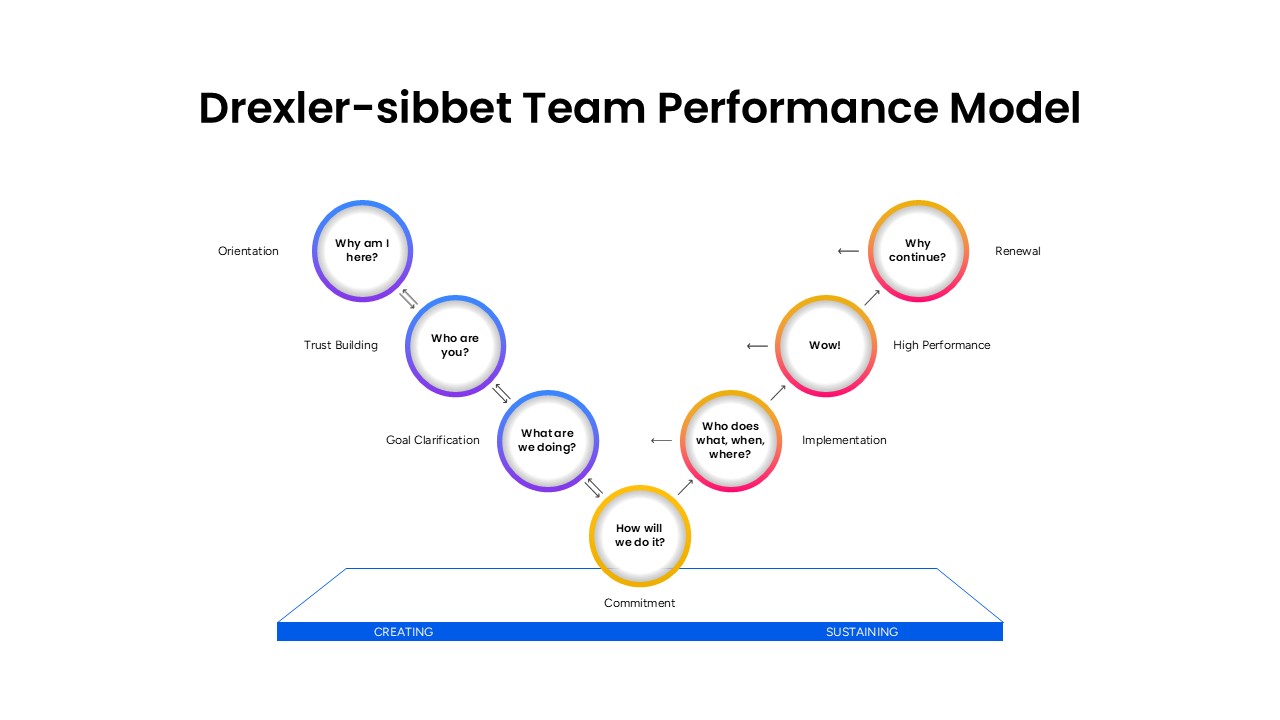
Drexler-Sibbet Team Performance Model Template for PowerPoint & Google Slides
Business Strategy
-
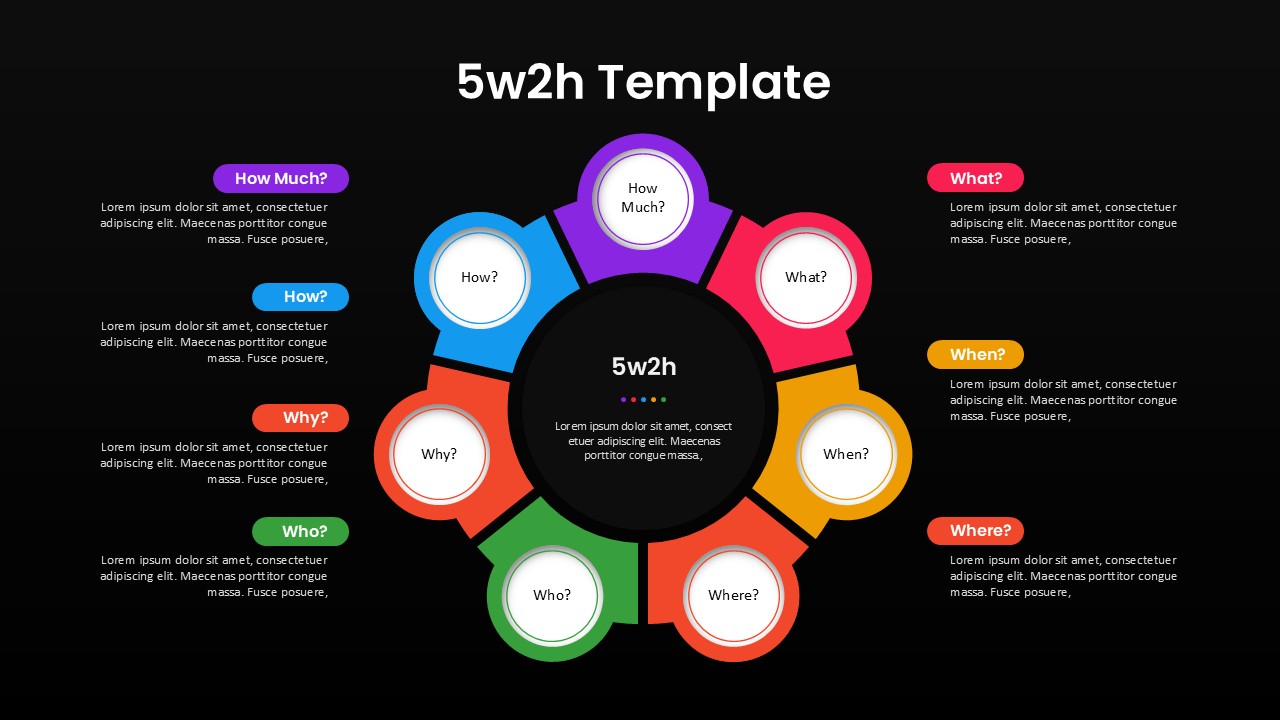
5W2H Analysis Radial Diagram Template for PowerPoint & Google Slides
Decision Tree
-
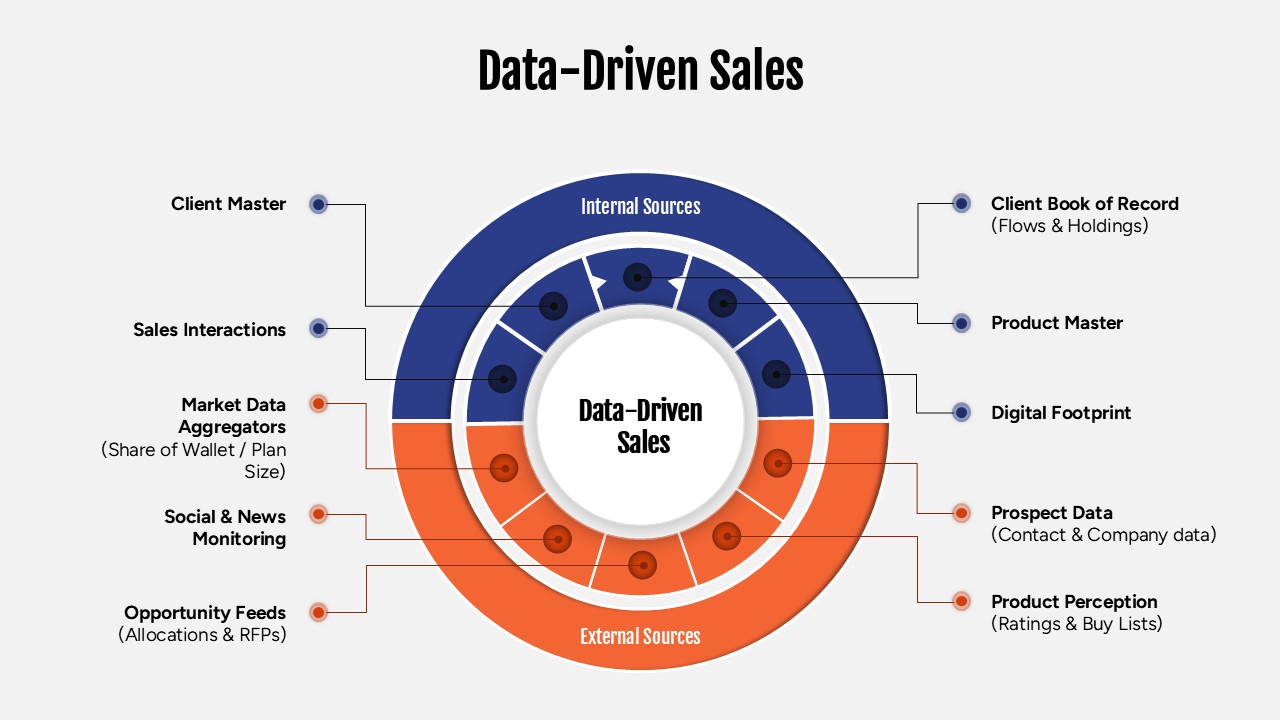
Data-Driven Sales Strategy Diagram Template
Marketing
-
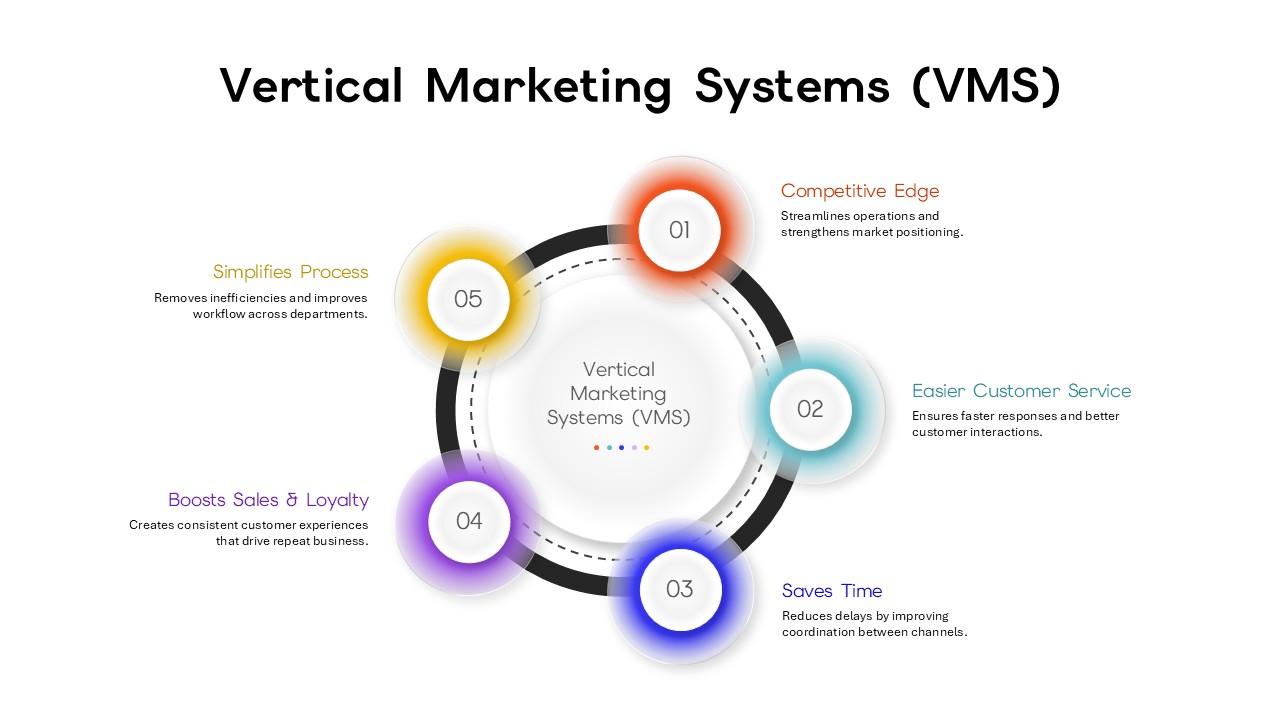
Vertical Marketing Systems (VMS) Circular Diagram Template for PowerPoint & Google Slides
Marketing
-
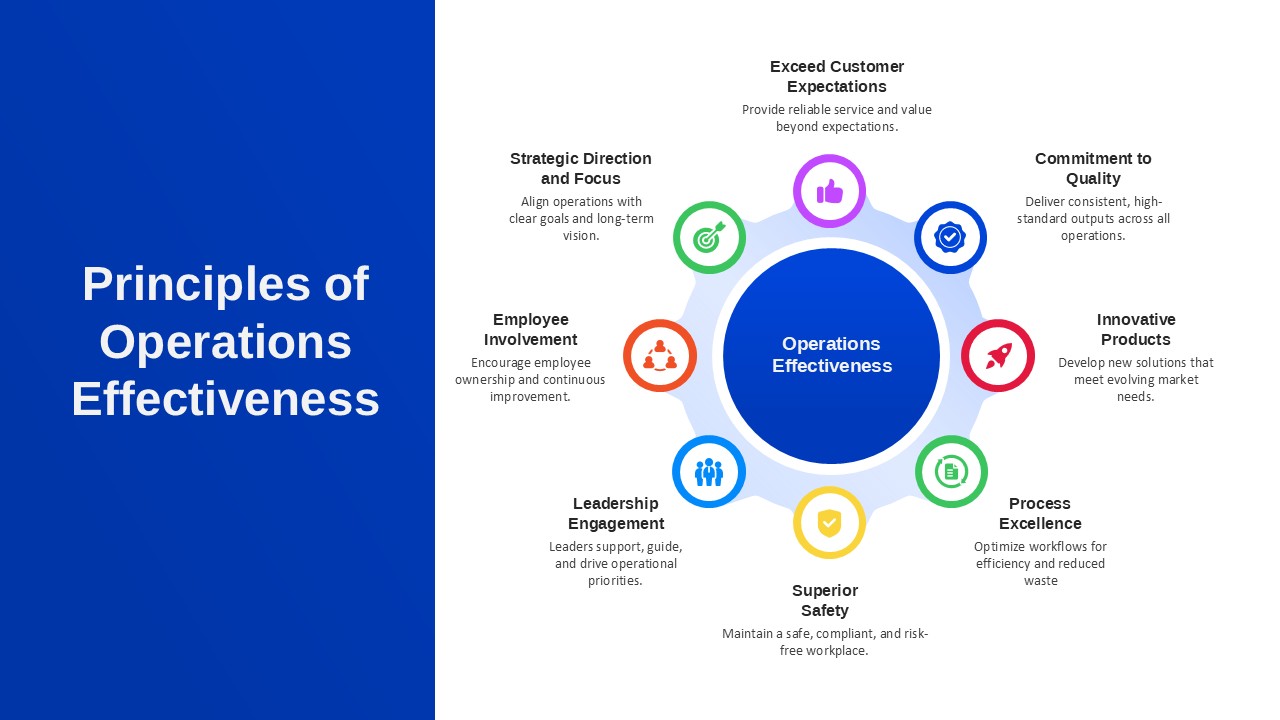
Principles of Operations Effectiveness Template for PPT & Google Slides
Leadership
-
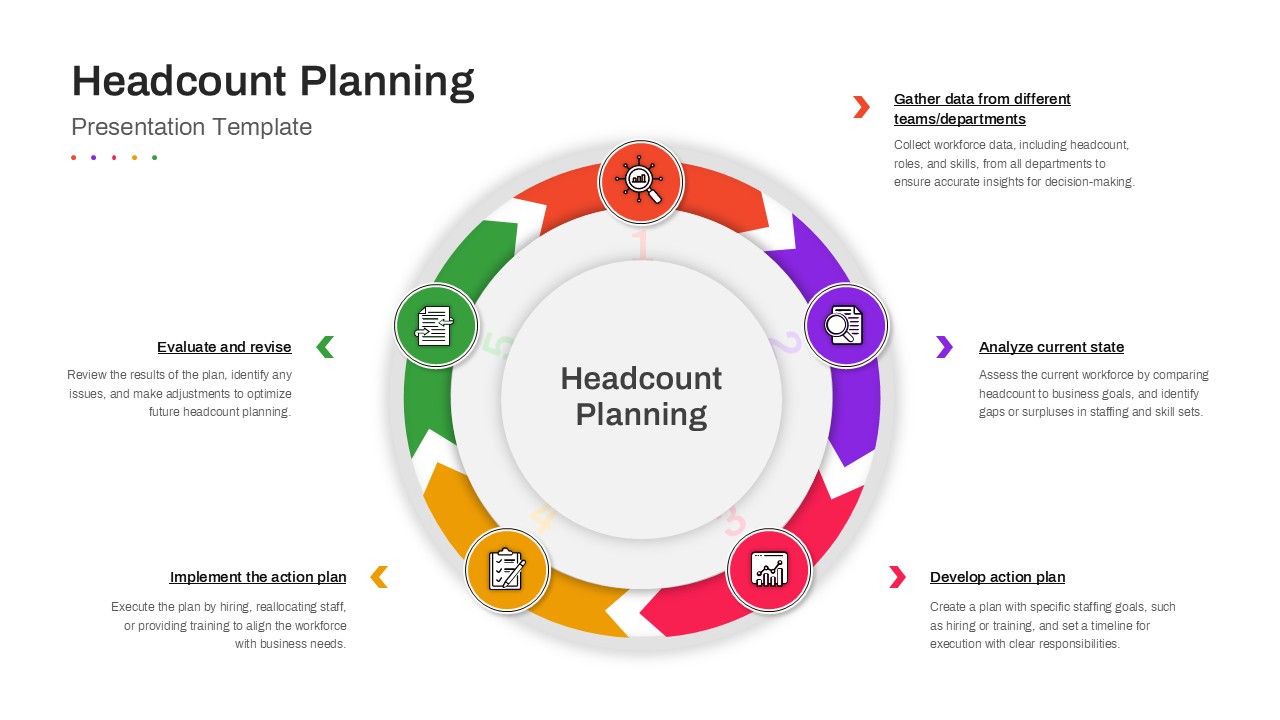
Headcount Planning Template for PPT & Google Slides
Human Resources
-
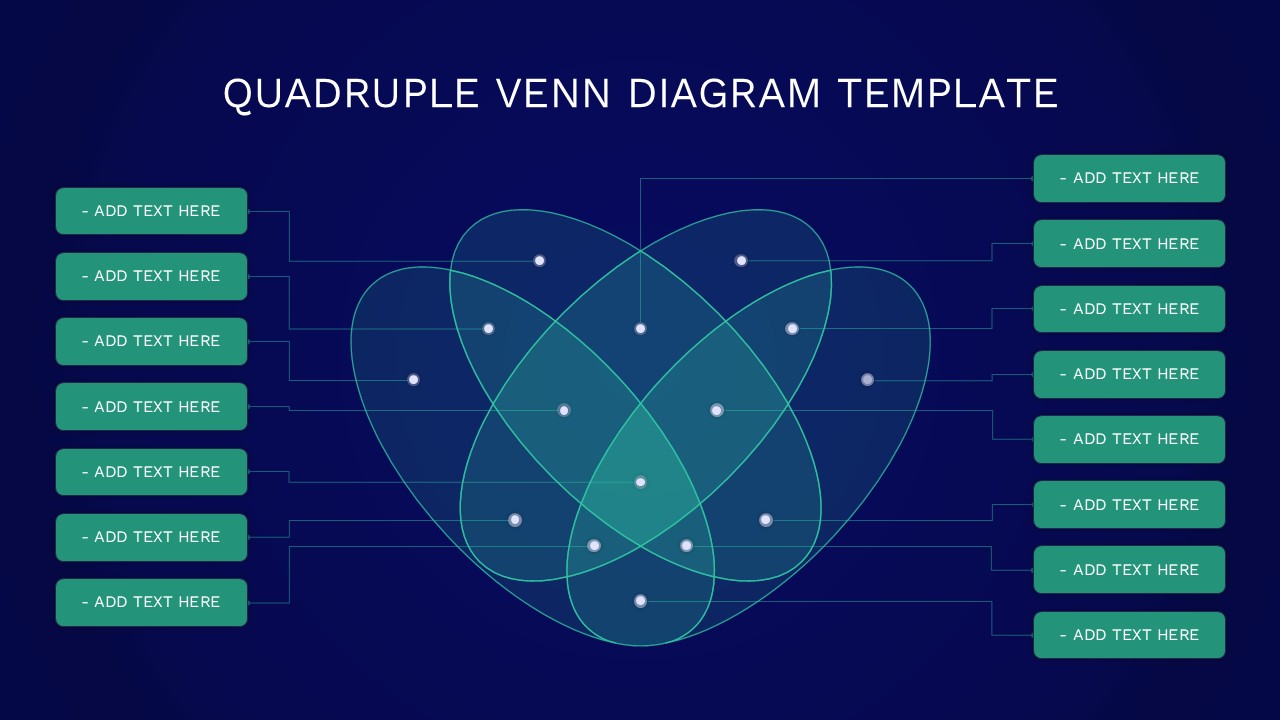
Quadruple Venn Diagram Template for PowerPoint & Google Slides
Circular
-
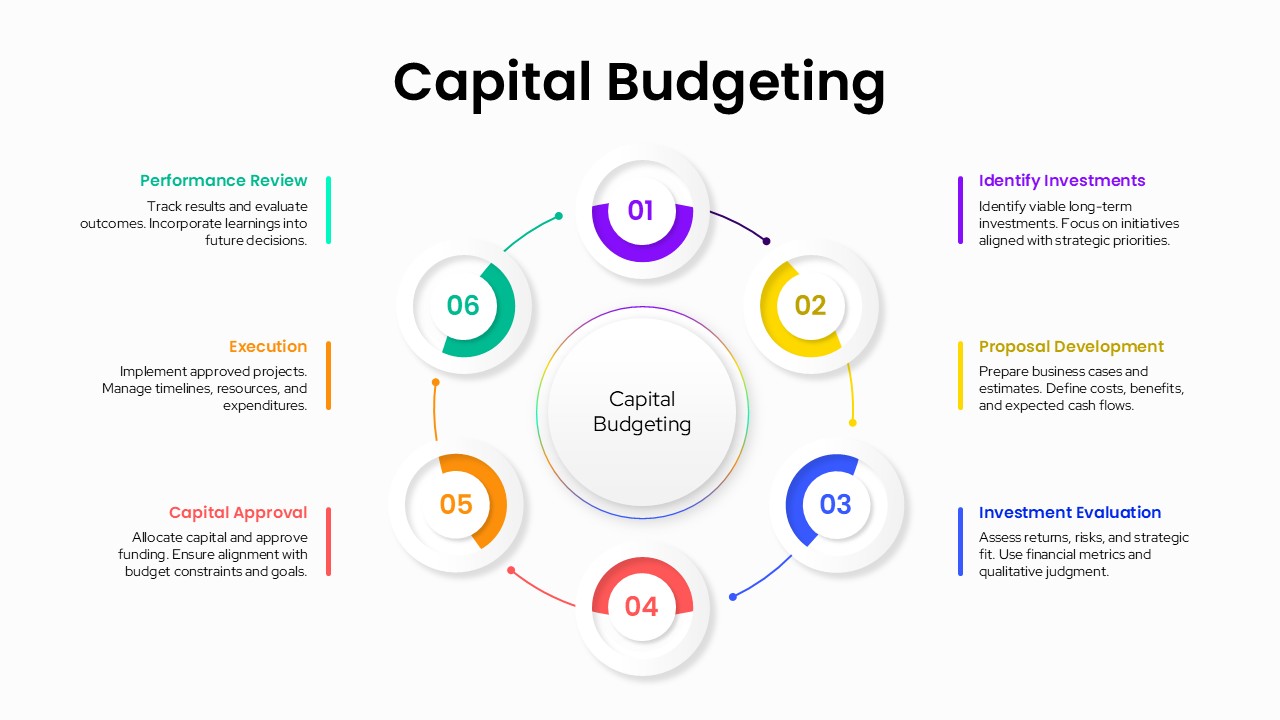
Capital Budgeting Template
Finance