









Smart Art Infographics PowerPoint Template
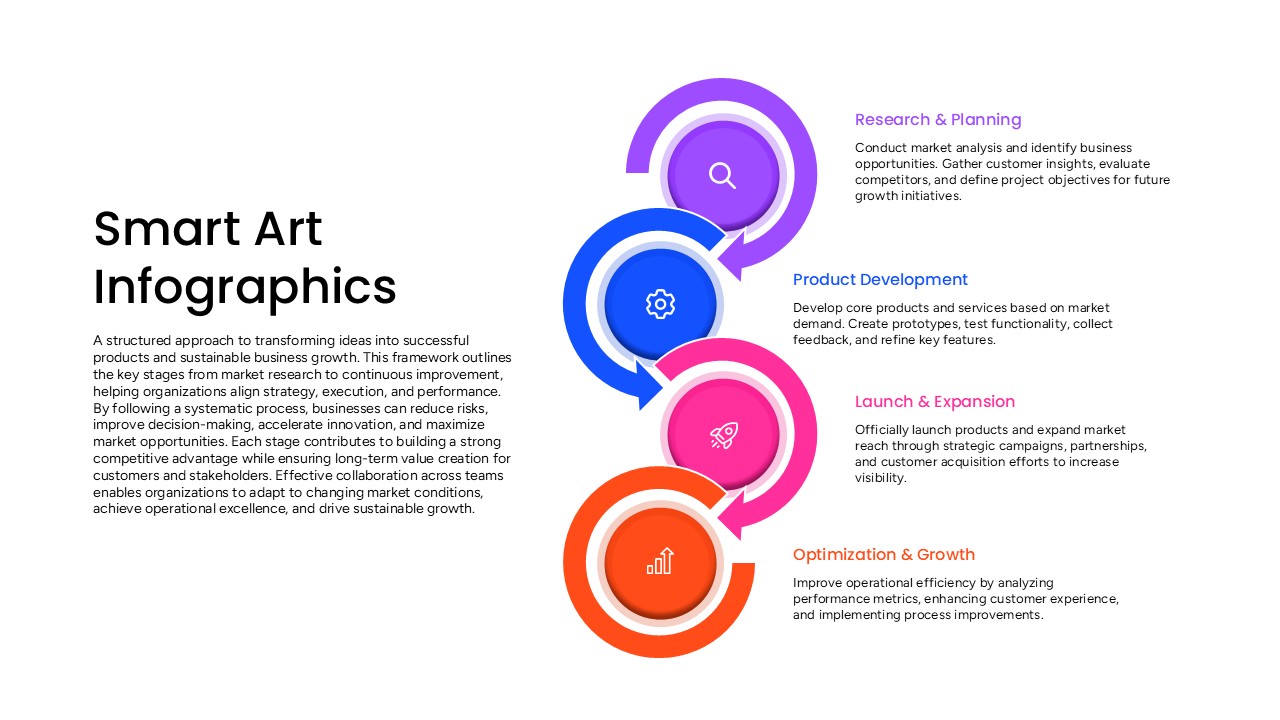
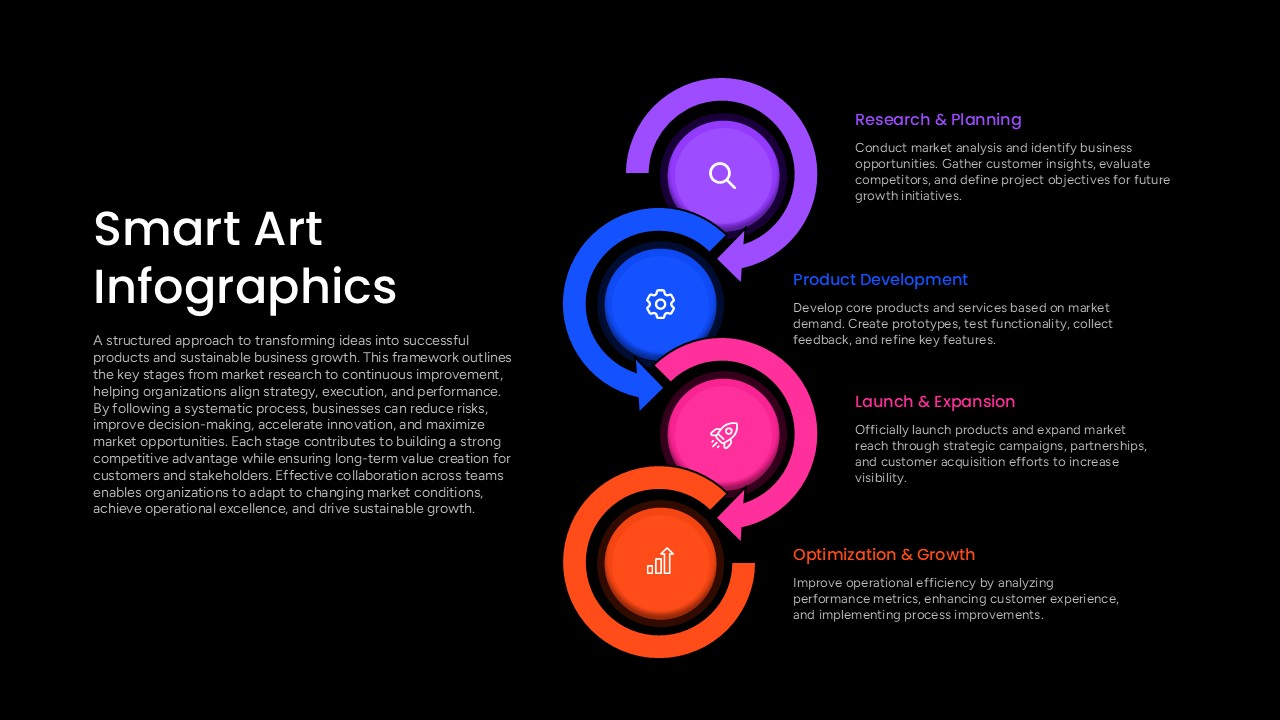
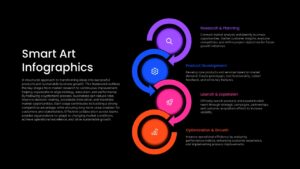
The Smart Art Infographics PowerPoint Template illustrates a four-stage business development cycle, connecting market research, product creation, market expansion, and continuous improvement. The infographic uses interconnected circular arrows to represent each phase, with distinct colors and icons that make the process easy to follow. This business process diagram is useful for presenting product strategies, innovation frameworks, operational planning, and sustainable business growth.
The combination of purple, blue, pink, and orange elements creates a visual distinction between the four stages. Each section includes a heading and supporting text, explaining the progression from identifying market opportunities and developing products to launching solutions and improving performance. The circular arrangement highlights how these activities work together as part of an ongoing growth strategy. The editable shapes, icons, colors, and text make it easy to adapt the infographic for different business scenarios. Use this Smart Art PPT slide template to explain product lifecycles, business development strategies, and continuous improvement initiatives in professional presentations.
Frequently Asked Questions
What business topics can this Smart Art infographic illustrate?
Can I adapt this infographic for different presentation topics?
Login to download this file

Item ID
SB06006Designed By
Naseeba Sithara


Related Templates

Pop Art PowerPoint Template
Decks
Smart Bank Isometric PowerPoint Template for PowerPoint & Google Slides
Information Technology
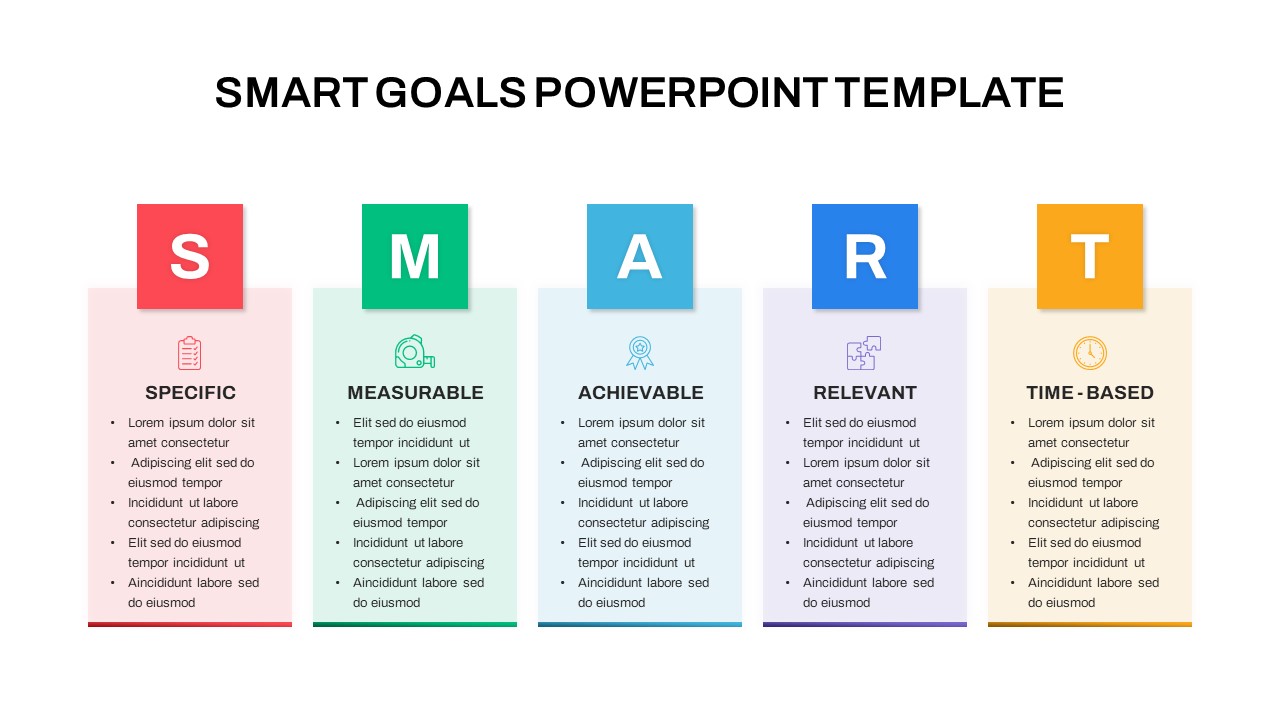
SMART Goals PowerPoint Template and Google Slides
Goals
Smart PowerPoint Deck Template
Company Profile
SMART Objectives PowerPoint Template
Goals
Smart Farming Presentation Template for PowerPoint & Google Slides
Pitch Deck
Smart Glasses PowerPoint Template
Graphics
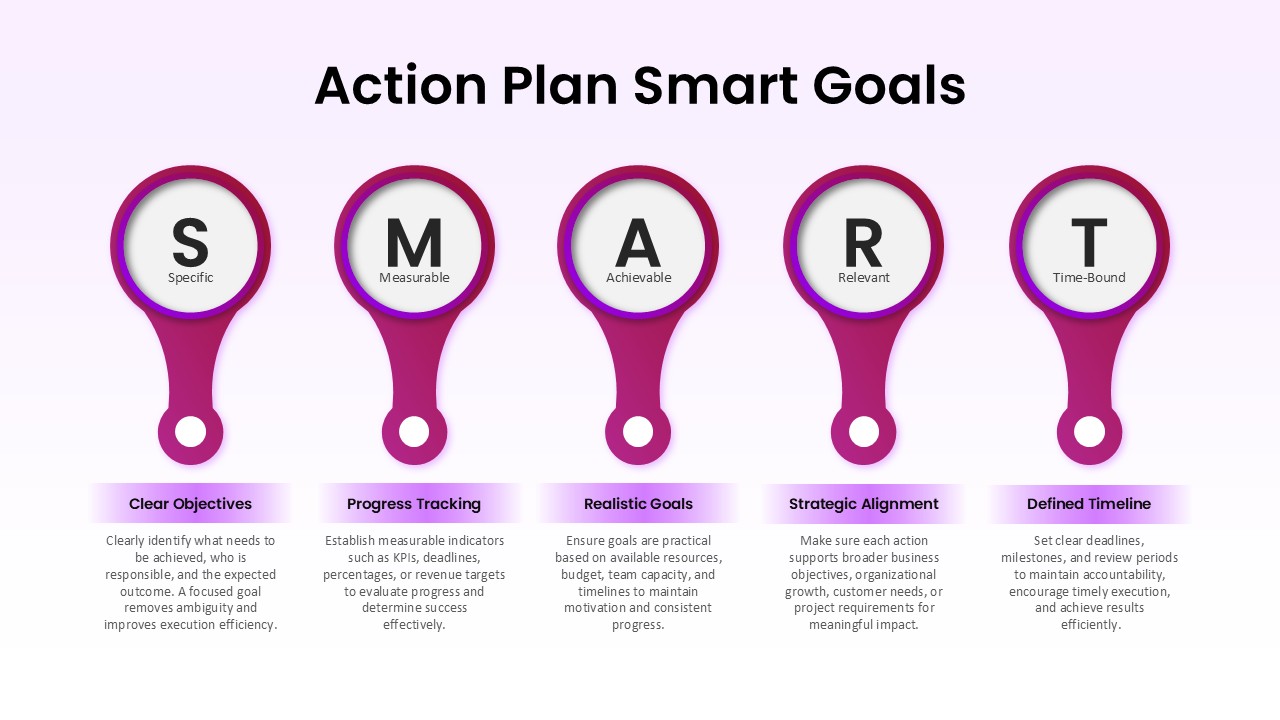
Action Plan Smart Goals Template for PowerPoint
Goals
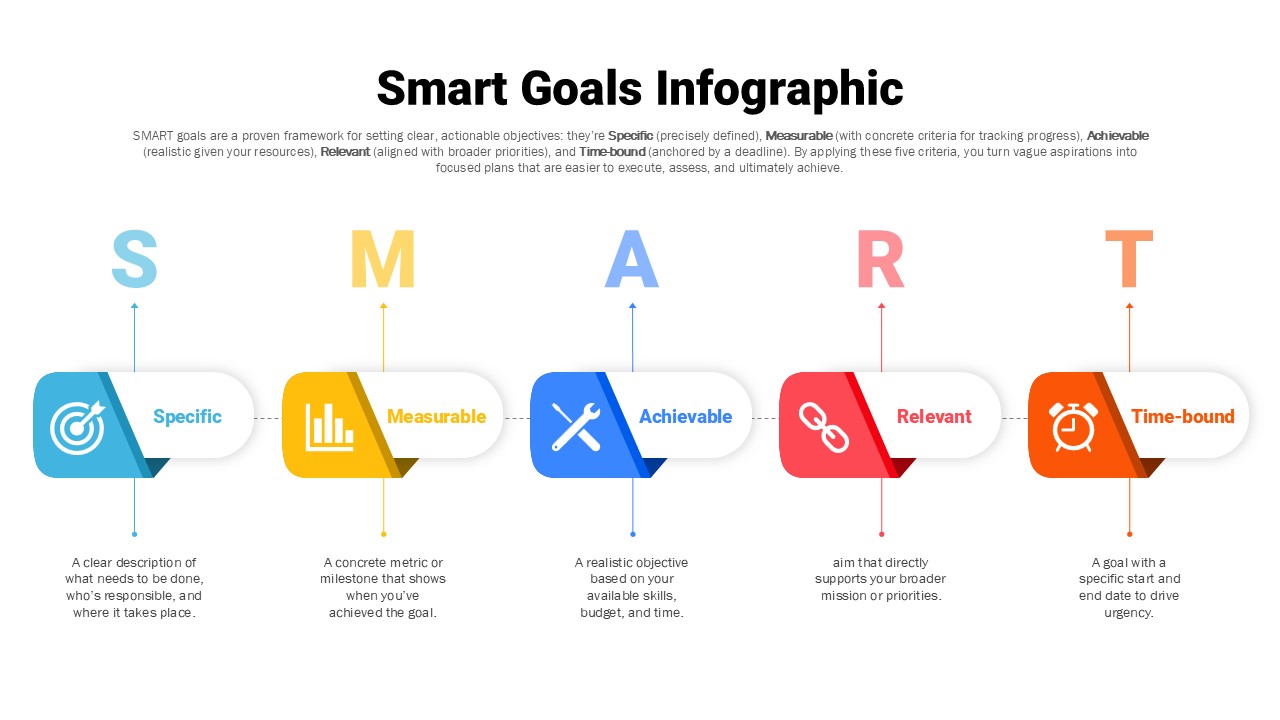
SMART Goals Framework Infographic for PowerPoint and Google Slides
Goals

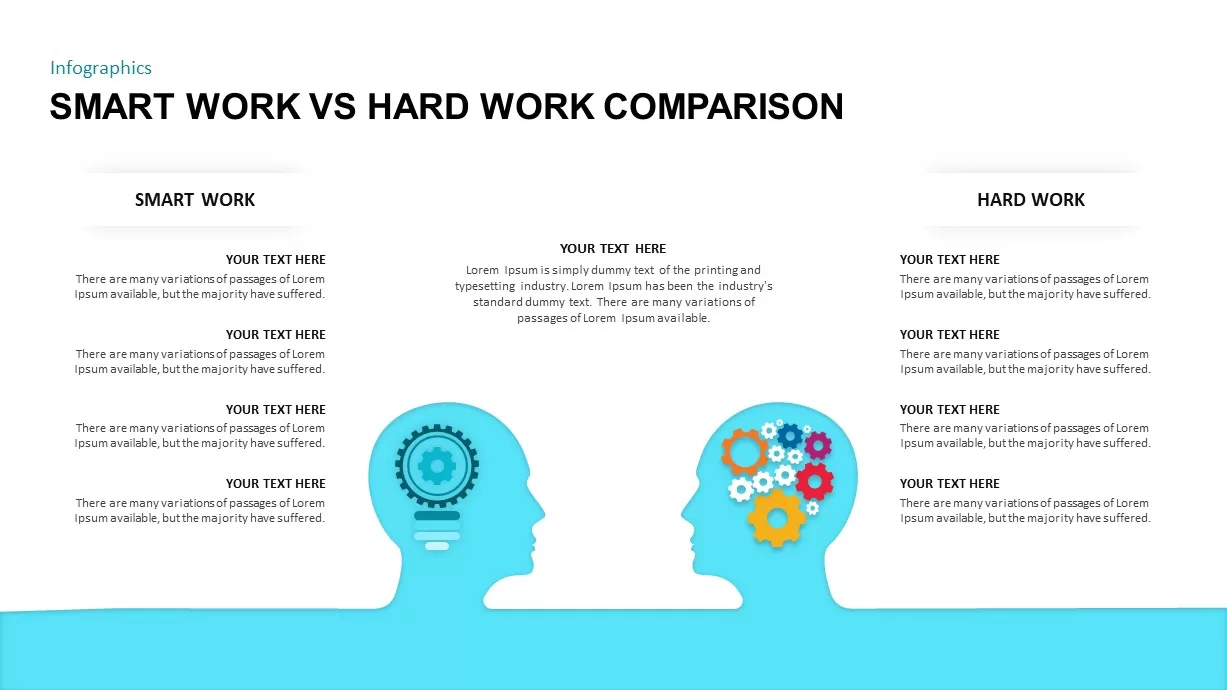
Smart Work vs Hard Work Comparison Template
Infographics
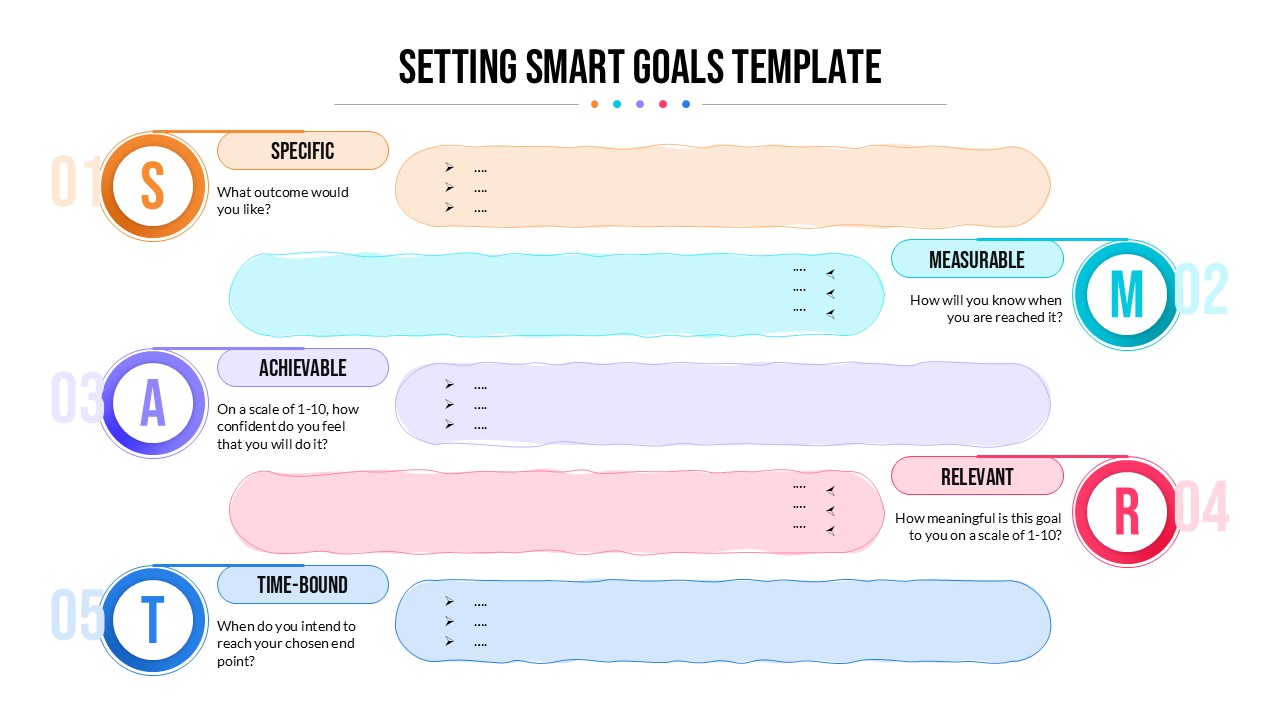
Setting SMART Goals Template
Goals
SMART Goals for Leadership Strategy Template for PPT and Google Slides
Leadership
Project Manager Smart Goals Template
Goals