Setting SMART Goals Template
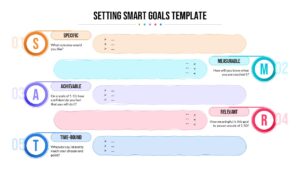
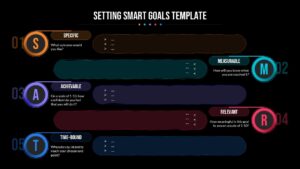
Goals that sound good in a meeting often fall apart the moment someone has to act on them. The SMART method exists to catch that gap early, forcing a goal through five specific checks before it’s treated as final.
What does setting SMART goals mean?
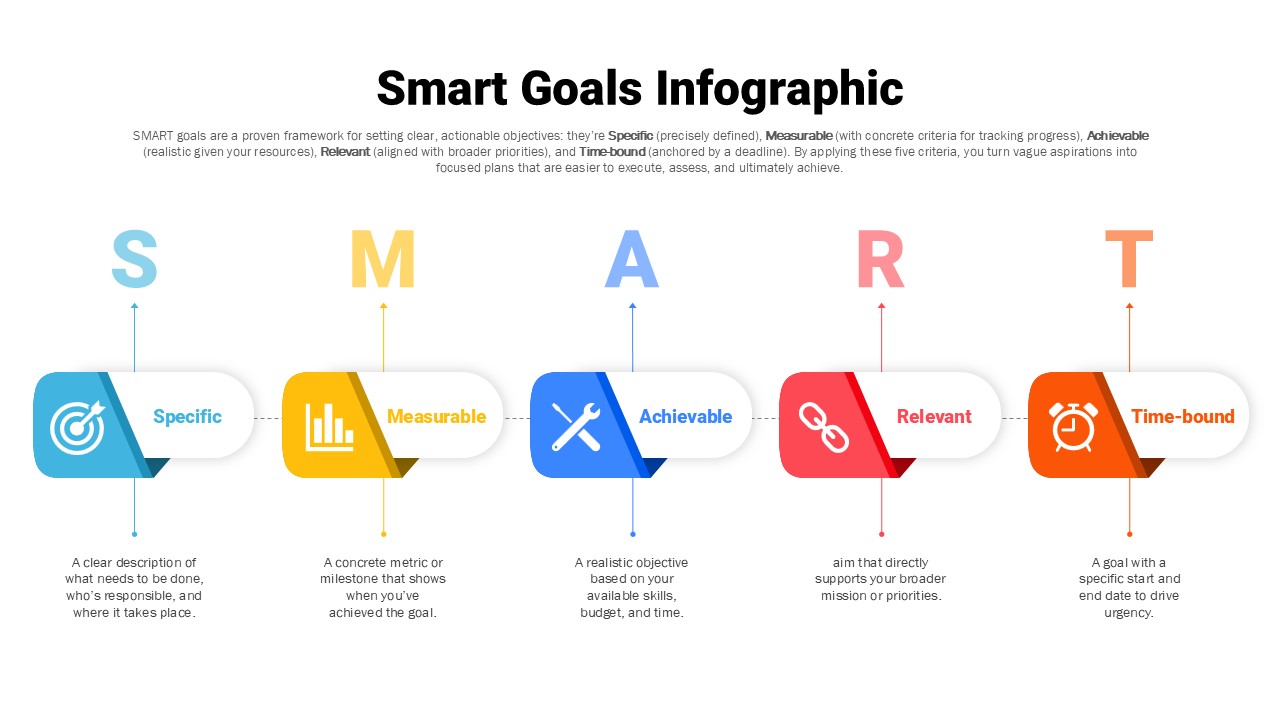
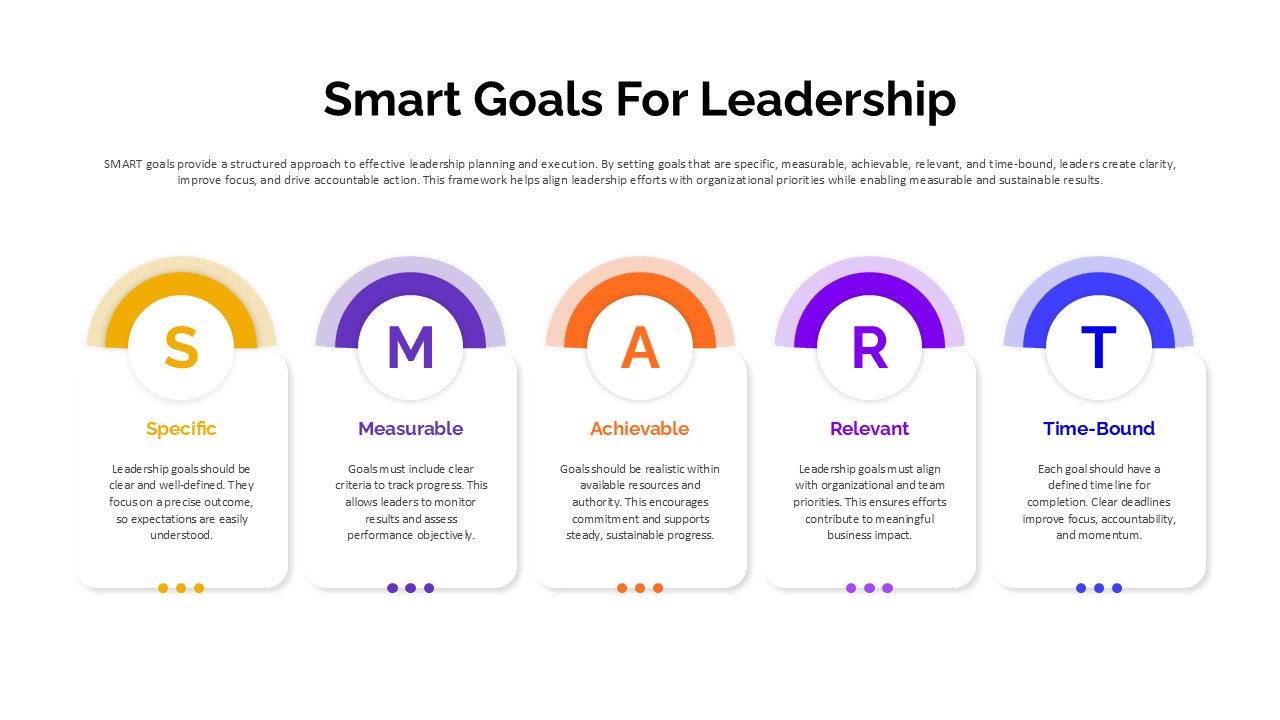
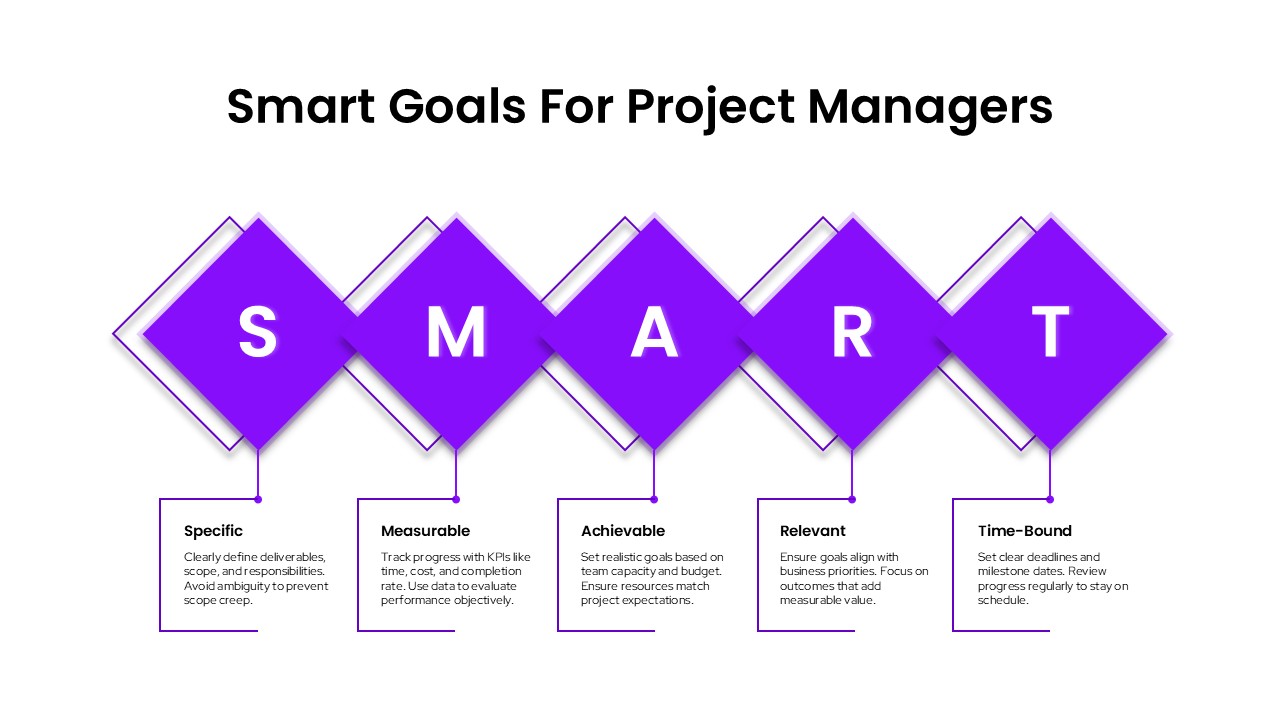
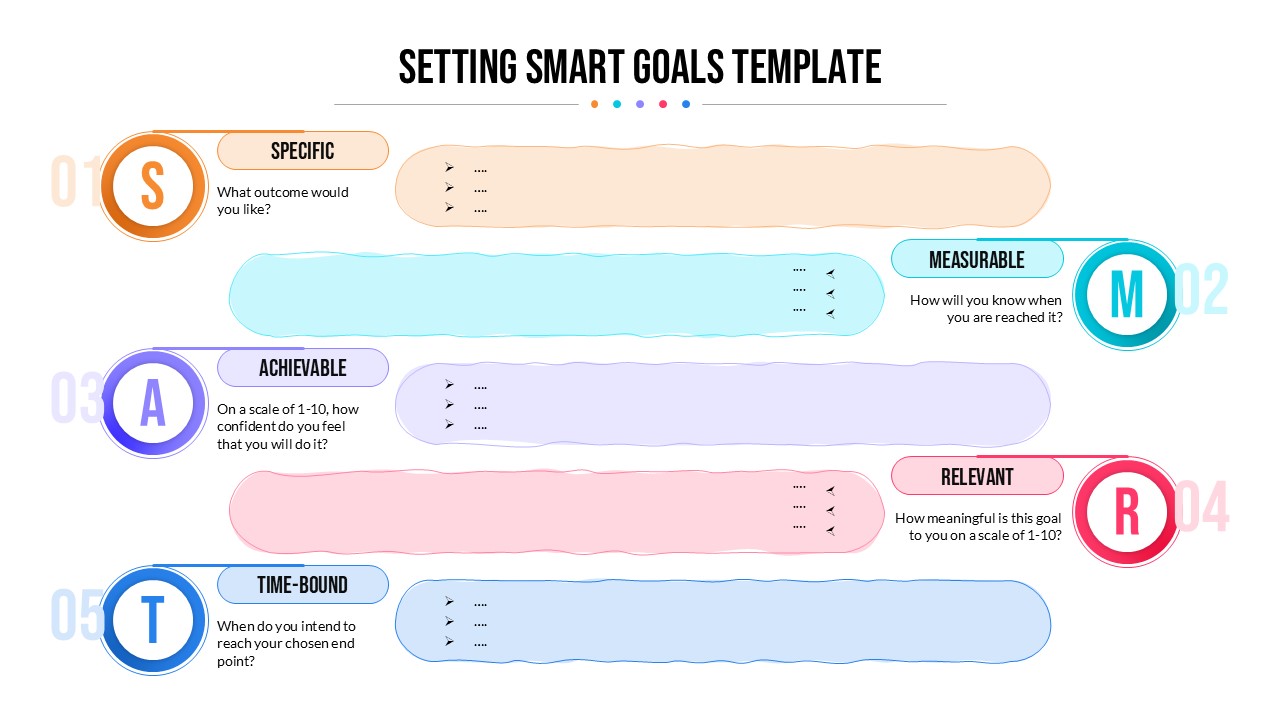
Setting SMART goals means testing an objective against five criteria: is it Specific enough to act on, Measurable enough to track, Achievable given real constraints, Relevant to what actually matters, and Time-Bound so it doesn’t drift without an end point. A goal like “improve team performance” fails most of these checks, while “reduce ticket response time by 20% by end of Q2” passes all five. The value of setting SMART goals isn’t the acronym itself, it’s the discipline of running every goal through that filter before committing to it.
How this Setting SMART Goals template is laid out
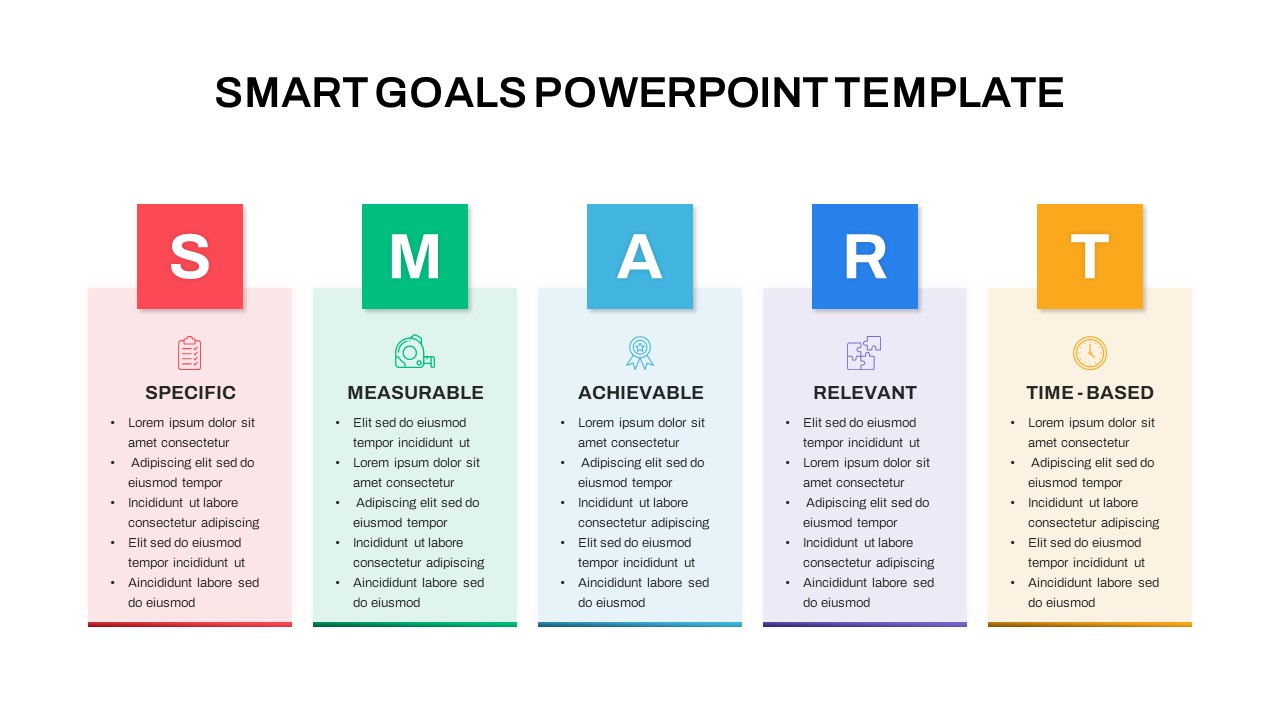
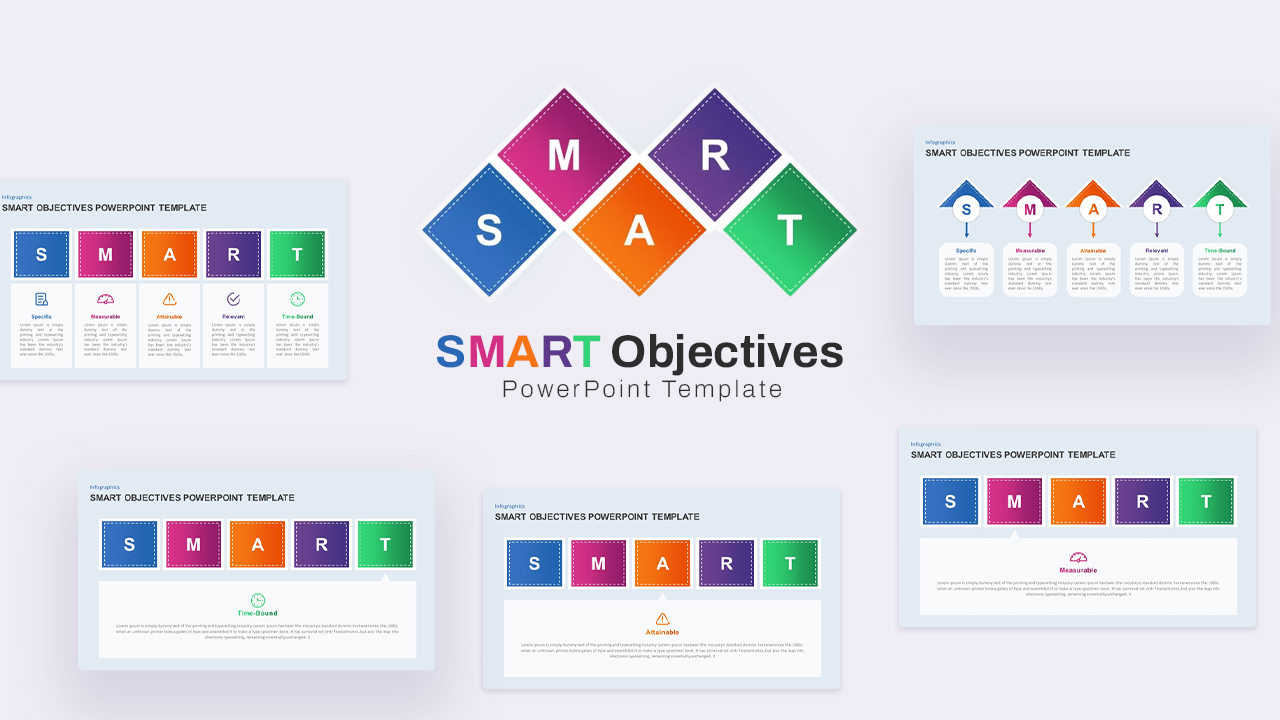
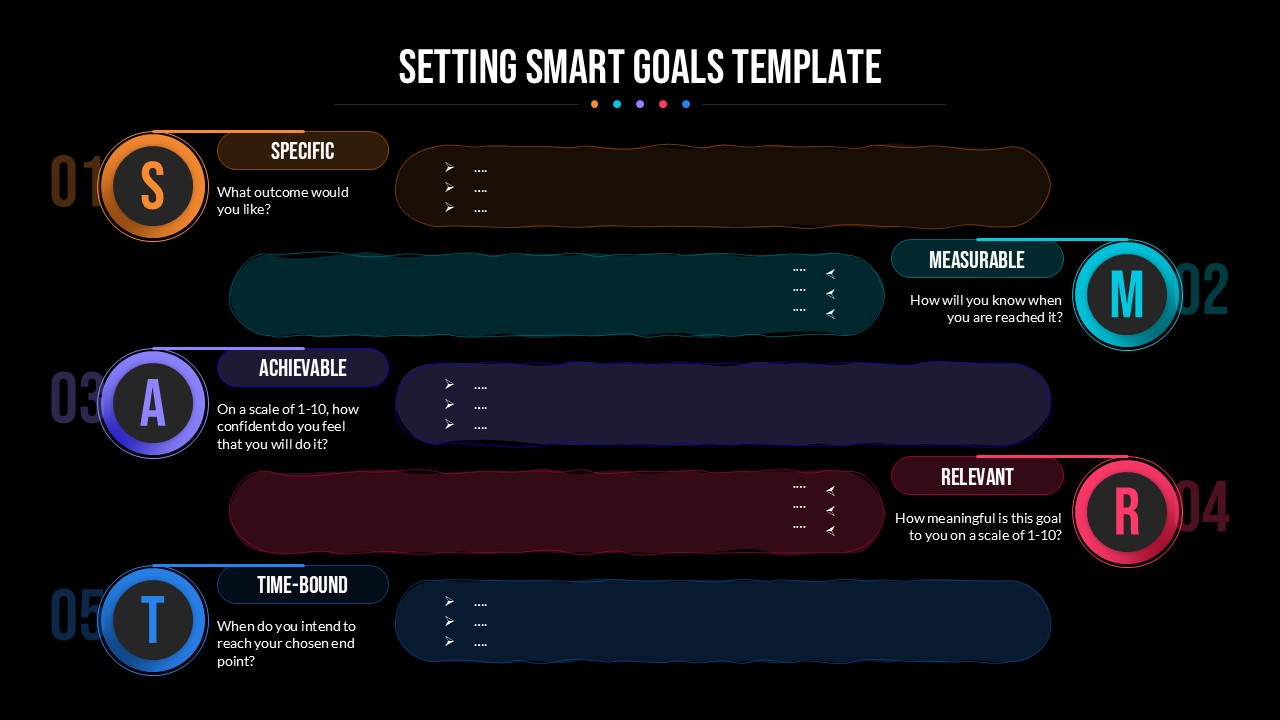
The template turns the five checks into horizontal, color-coded bands running left to right, each carrying a numbered marker, a matching icon, and a short prompt to guide what belongs in that step. The sequence keeps the process of setting SMART goals visually ordered rather than presented as a flat list, so an audience can follow the logic without extra explanation. Built for both PowerPoint and Google Slides.
Using the template for setting SMART goals
- Work through the five bands in order instead of jumping to the ones that feel obvious
- Write the actual goal wording into each prompt during the session, not just the criteria label
- Read each finished goal back against all five checks before treating it as settled
Customizing the Setting SMART Goals template
Every element, text, icons, and colors, is editable, so the Setting SMART Goals template can be restyled to match a brand kit in a few clicks, or extended with a sixth band by grouping and duplicating one of the existing steps.
Who this is for
Managers, HR professionals, and coaches use it most often for structured goal-setting sessions, while educators and students apply the same five-step process to academic and personal planning.
Download the Setting SMART Goals template and pair it with the goal-setting templates collection for a fuller planning deck.
Login to download this file

Item ID
SB05536Designed By
Gopika


Related Templates

SMART Goals PowerPoint Template and Google Slides
Goals
SMART Goals Framework Infographic for PowerPoint and Google Slides
Goals
SMART Goals for Leadership Strategy Template for PPT and Google Slides
Leadership
Project Manager Smart Goals Template
Goals
Action Plan Smart Goals Template for PowerPoint
Goals
Rules of Goal Setting Template for PowerPoint and Google slide Presentations
Business
BHAG Goal Setting PowerPoint Template
Circular
Free Goal Setting PowerPoint Template
Goals
Free
Goal-Setting PowerPoint Template
Goals
Goal Setting Timeline Template for PowerPoint
Goals
Employee Goal Setting PowerPoint Template
Goals
Personal Goal Setting Process PowerPoint Template
Goals
Free
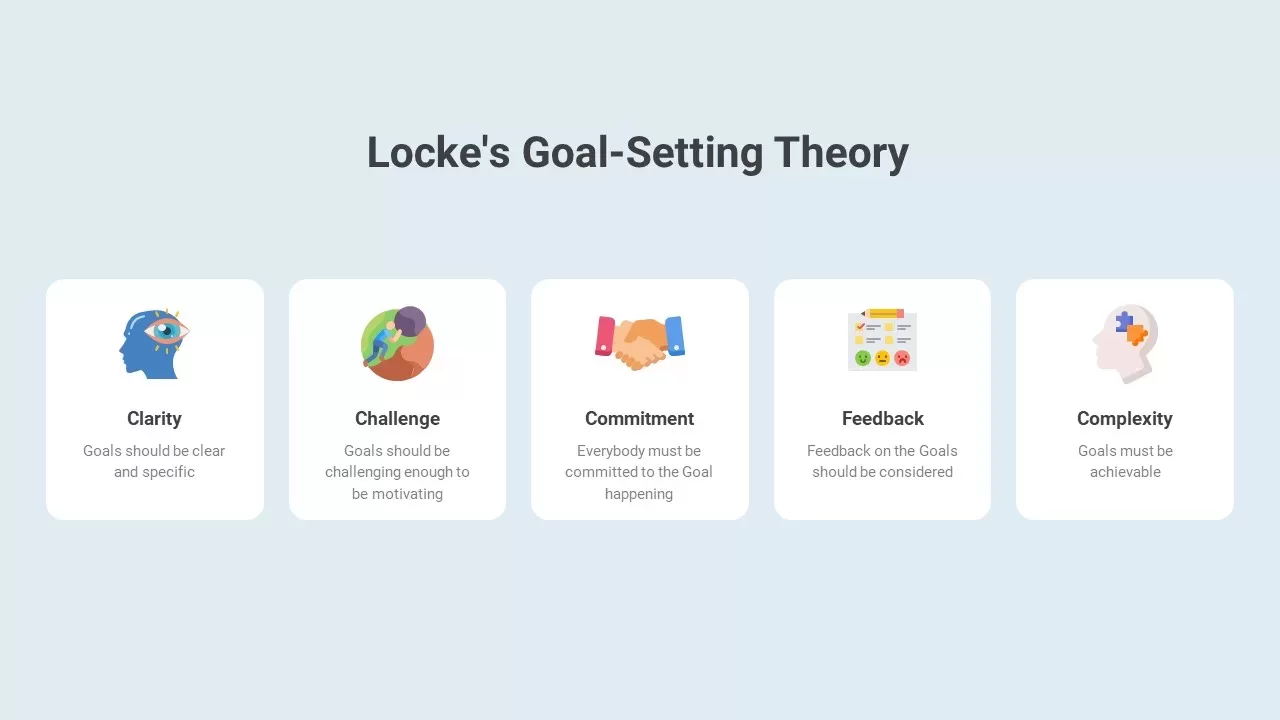
Locke’s Goal-Setting Theory
Goals
Smart PowerPoint Deck Template
Company Profile

Smart Work vs Hard Work Comparison Template
Infographics
SMART Objectives PowerPoint Template
Goals
Smart Bank Isometric PowerPoint Template for PowerPoint & Google Slides
Information Technology
Smart Farming Presentation Template for PowerPoint & Google Slides
Pitch Deck
Smart Glasses PowerPoint Template
Graphics
Development Goals Timeline Presentation Template
Goals