Coin Conversion Feedback Model PowerPoint Template
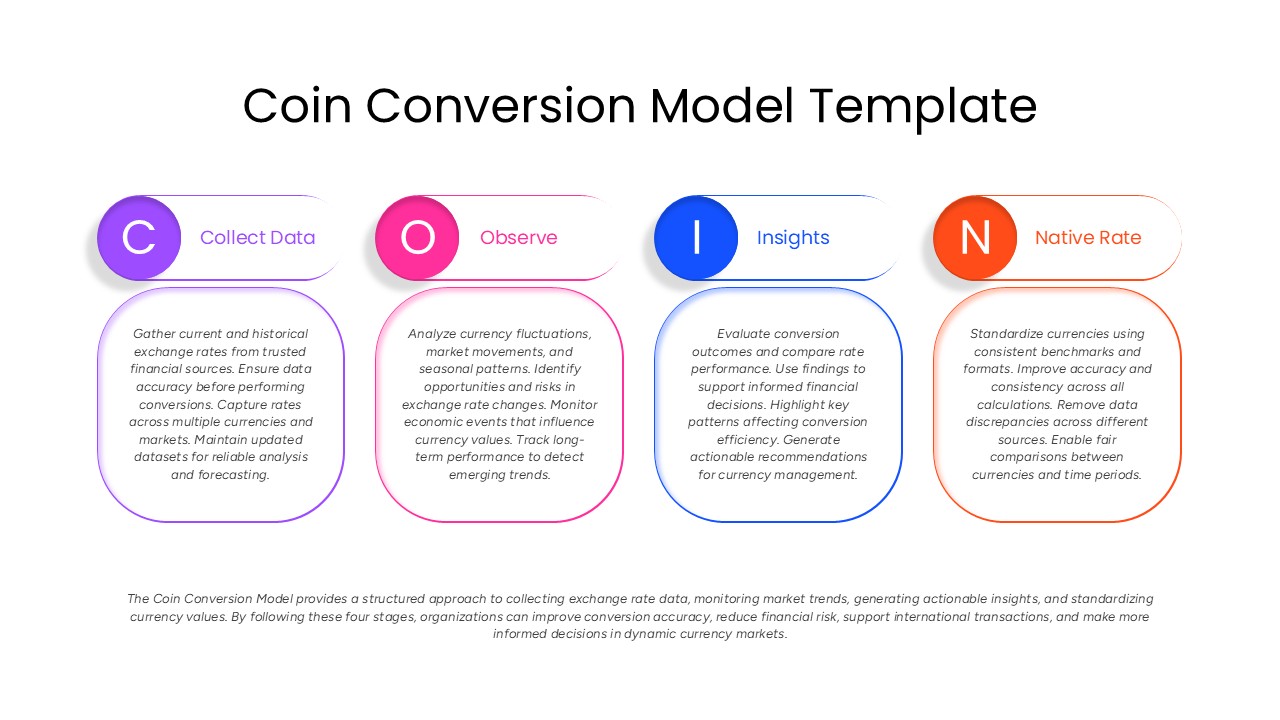
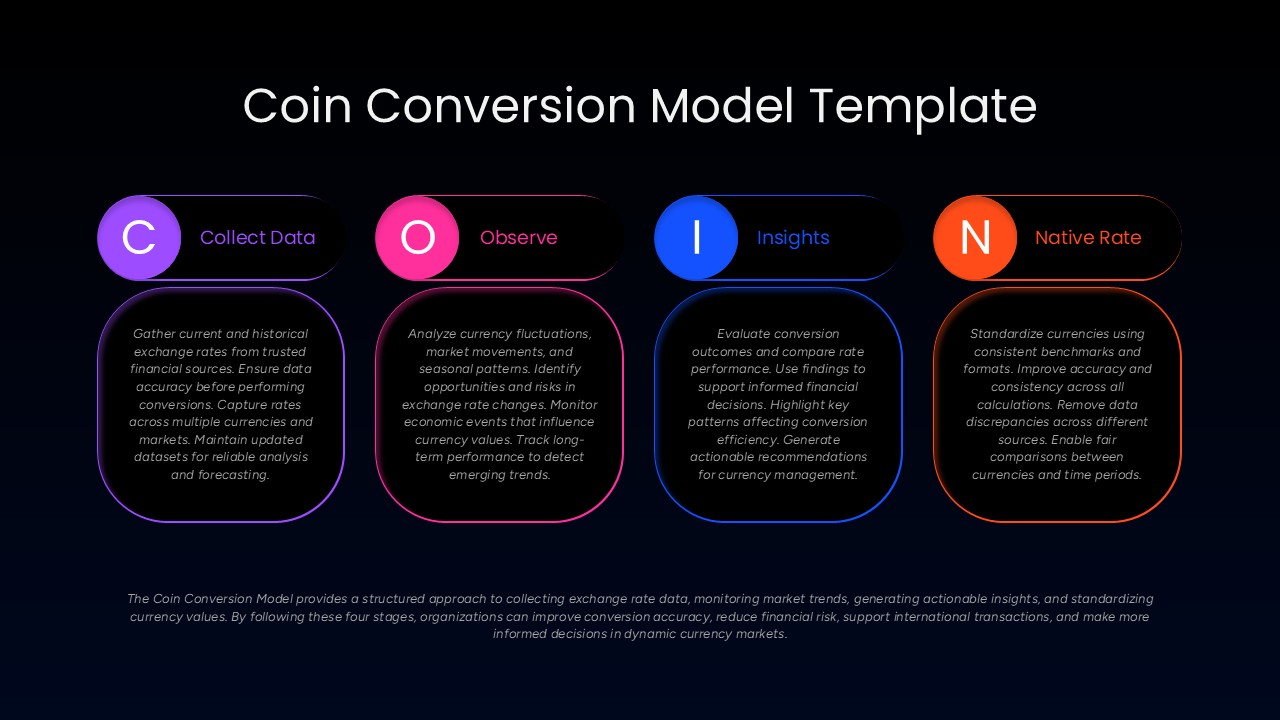
The Coin Conversion Model PowerPoint Template is a professionally designed presentation template built for finance teams, analysts, and business professionals who need to explain currency conversion processes with clarity and visual structure. This PowerPoint template breaks down the CION framework, Collect Data, Observe, Insights, Native Rate, into four color-coded sections, each represented through clean circular icons and rounded content panels that make complex financial workflows easy to follow during meetings, reports, or training sessions.
Designed as a fully editable PPT template, it includes four structured stage panels, color-coded icon badges, and a summary section that ties the entire model together for a polished finish. Every element inside this presentation template, including colors, icons, text boxes, and shapes, can be customized to match your brand identity or specific currency analysis use case. The widescreen 16:9 layout ensures the slide looks sharp on projectors, screens, and shared decks alike, while placeholder text makes it simple to drop in your own data without rebuilding the design from scratch.
This business PowerPoint template is ideal for finance departments, fintech companies, investment analysts, treasury teams, and educators explaining exchange rate methodology, market trend monitoring, or currency standardization processes. Beyond currency conversion, the same layout works well for any four-step process, framework, or model presentation where sequential stages need visual emphasis.
Using this professional presentation slide saves valuable preparation time, eliminates the need for custom design work, and helps presenters communicate financial concepts more effectively to stakeholders. The structured visual format also supports financial reporting, board presentations, and client-facing decks where currency data needs to be presented clearly and concisely. Built primarily for Microsoft PowerPoint, the template is also compatible with Google Slides, giving teams the flexibility to edit and present across different platforms without losing formatting or design quality.
Frequently Asked Questions
What is the COIN feedback model used for?
Can I edit the text and colors in this template?
Login to download this file

Item ID
SB05964Designed By
Naseeba Sithara


Related Templates

3D Conversion Funnel Diagram Infographic Template for PowerPoint & Google Slides
Funnel
Free 3D Conversion Funnel Overview template for PowerPoint & Google Slides
Funnel
Free
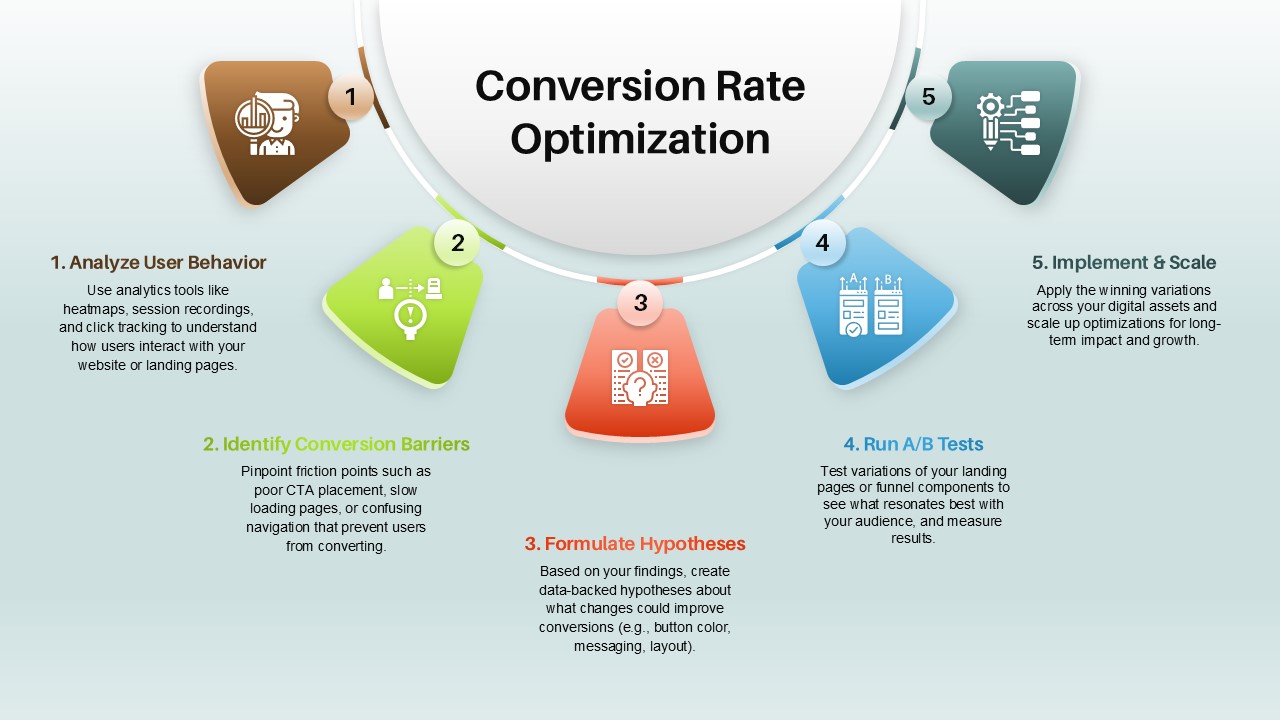
Conversion Rate Optimization Template
Leadership
Two-Sided Coin Comparison Diagram Template for PowerPoint & Google Slides
Comparison
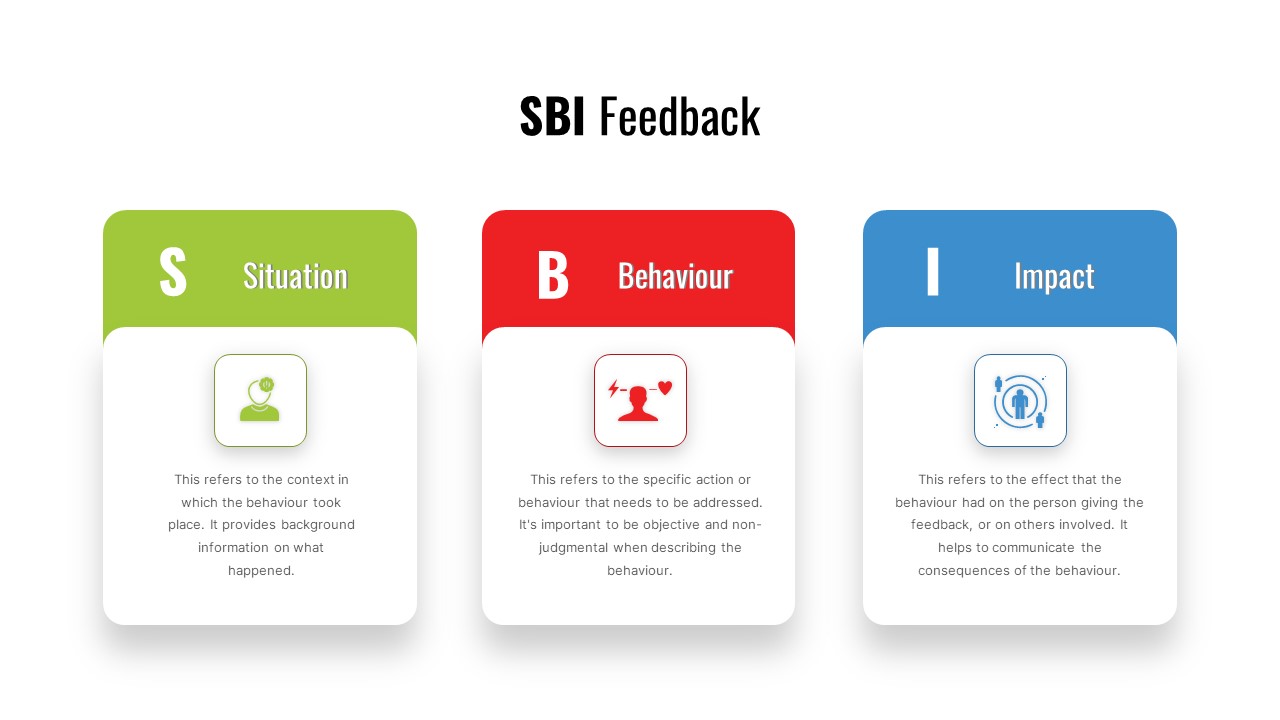
SBI Feedback Model Process Diagram Template for PowerPoint & Google Slides
Process
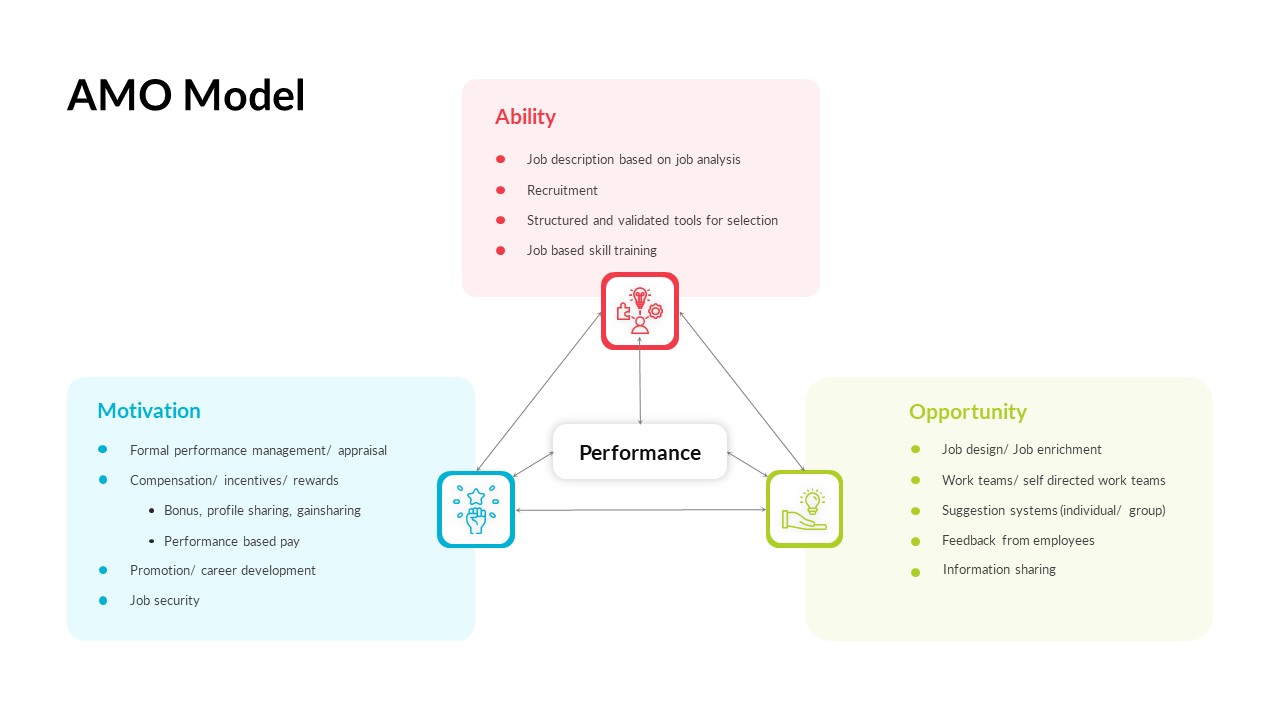
AMO Performance Model Feedback Diagram Template for PowerPoint & Google Slides
Employee Performance
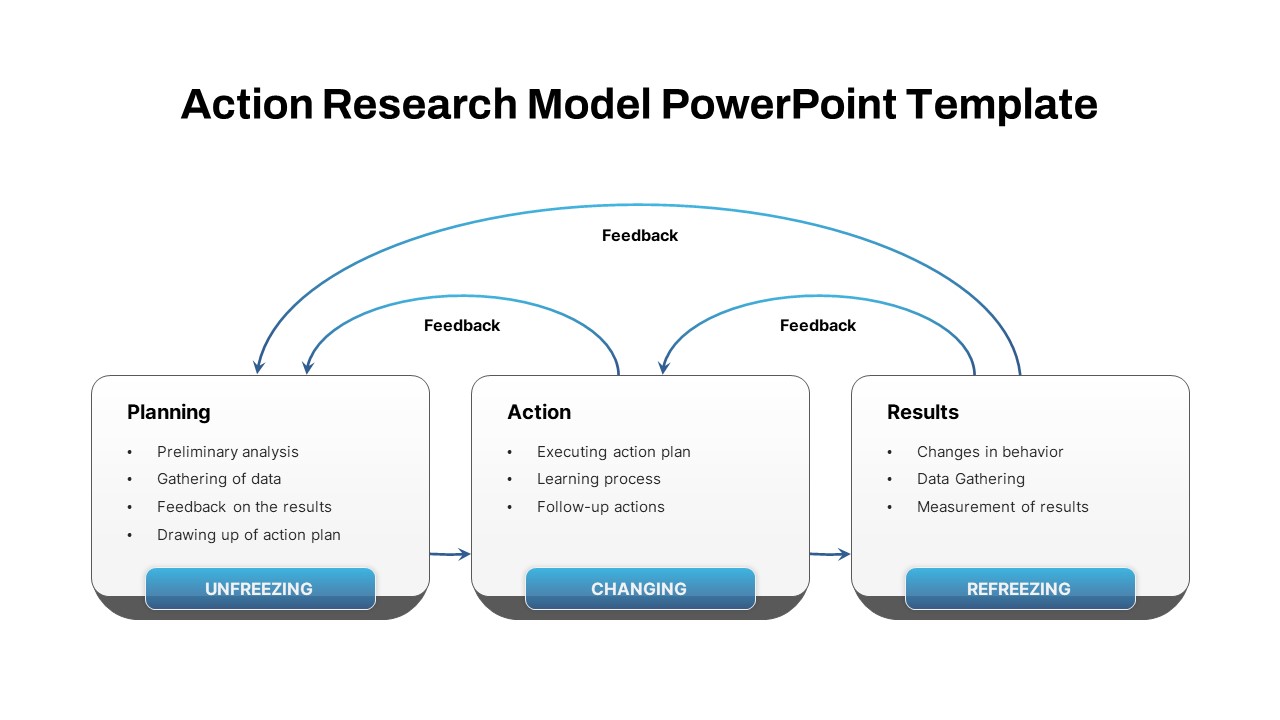
Action Research Feedback Process Model Template for PowerPoint & Google Slides
Process
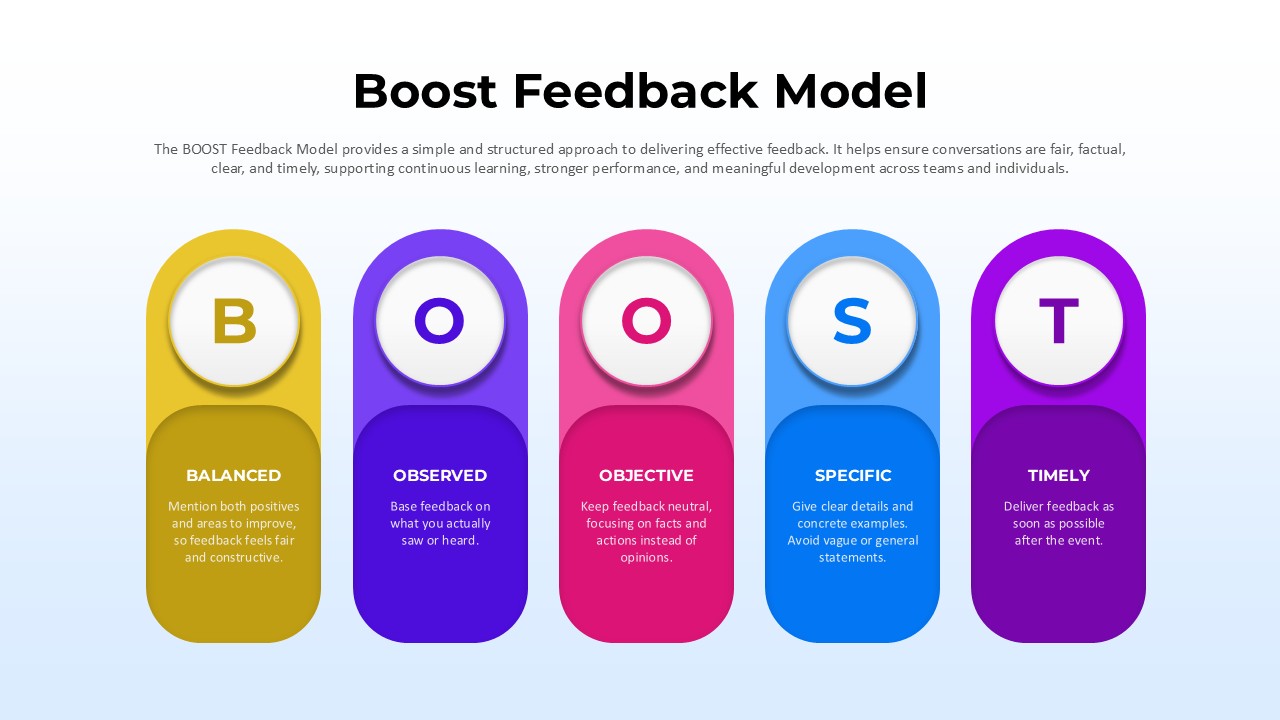
BOOST Feedback Model Diagram Template for PowerPoint & Google Slides
Employee Performance
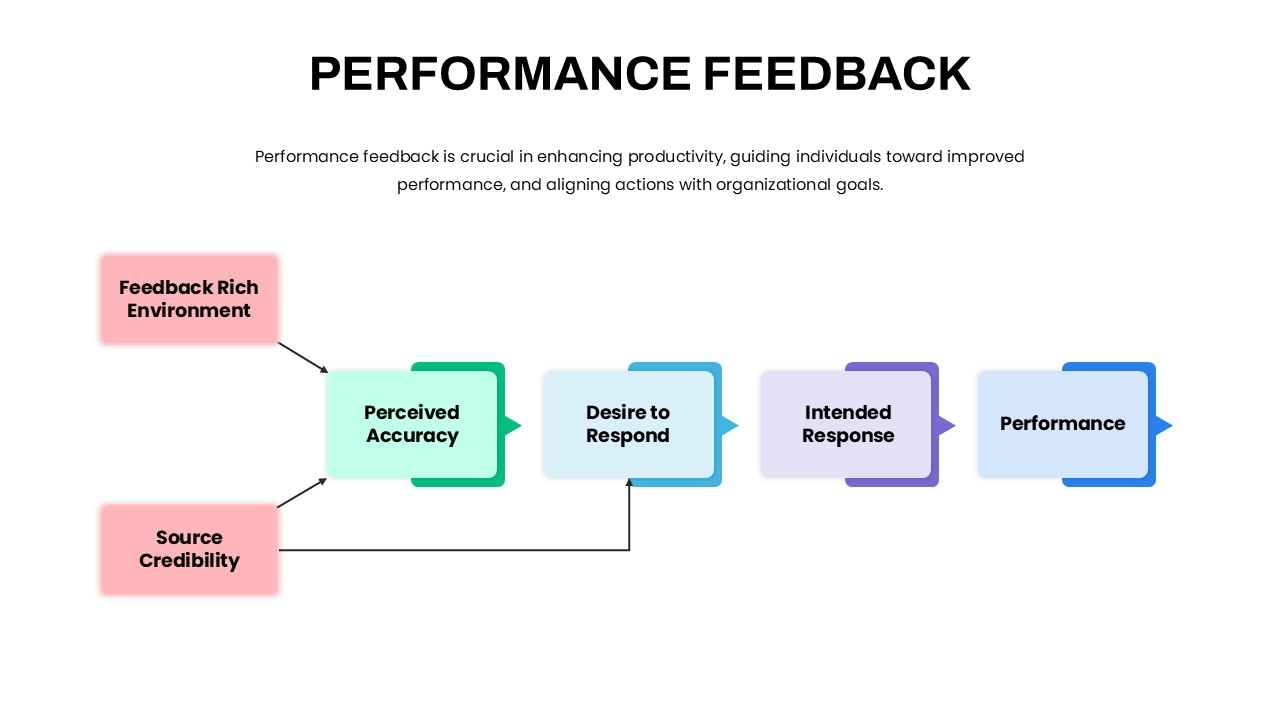
Performance Feedback Model for PowerPoint & Google Slides
Employee Performance
Feedback Slide PowerPoint Template
Our Team
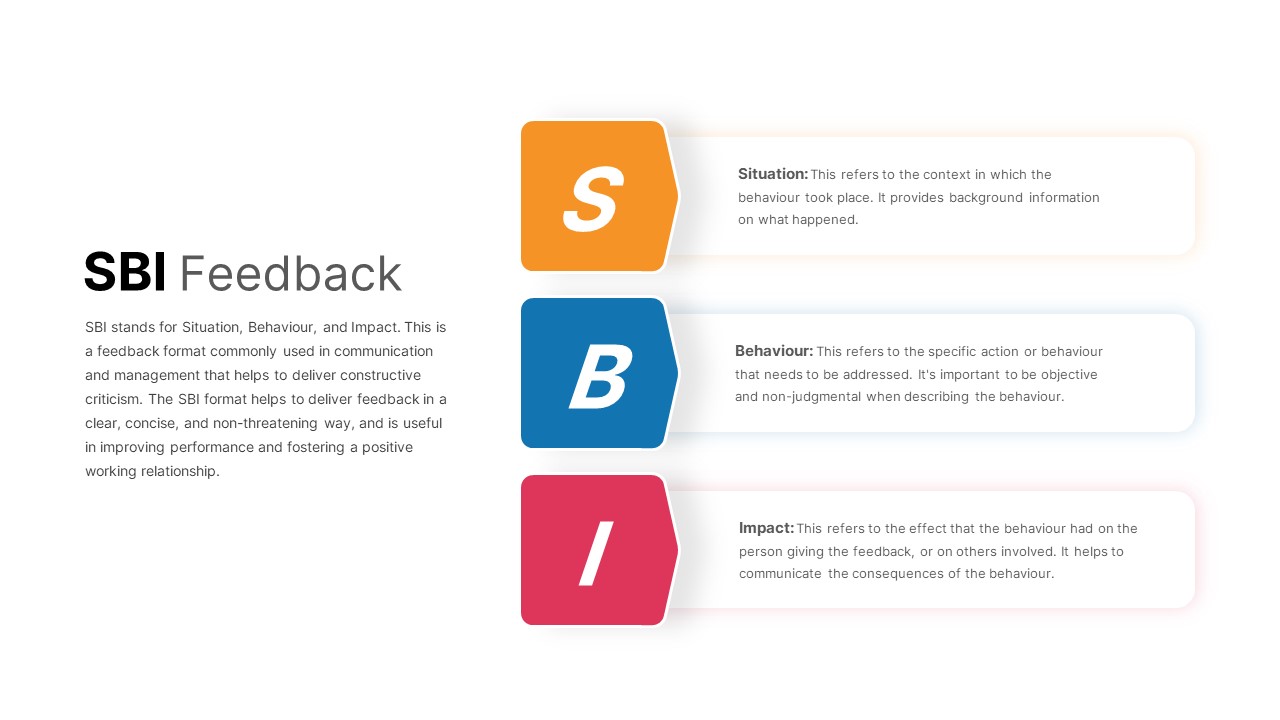
SBI Feedback PowerPoint Template
Process
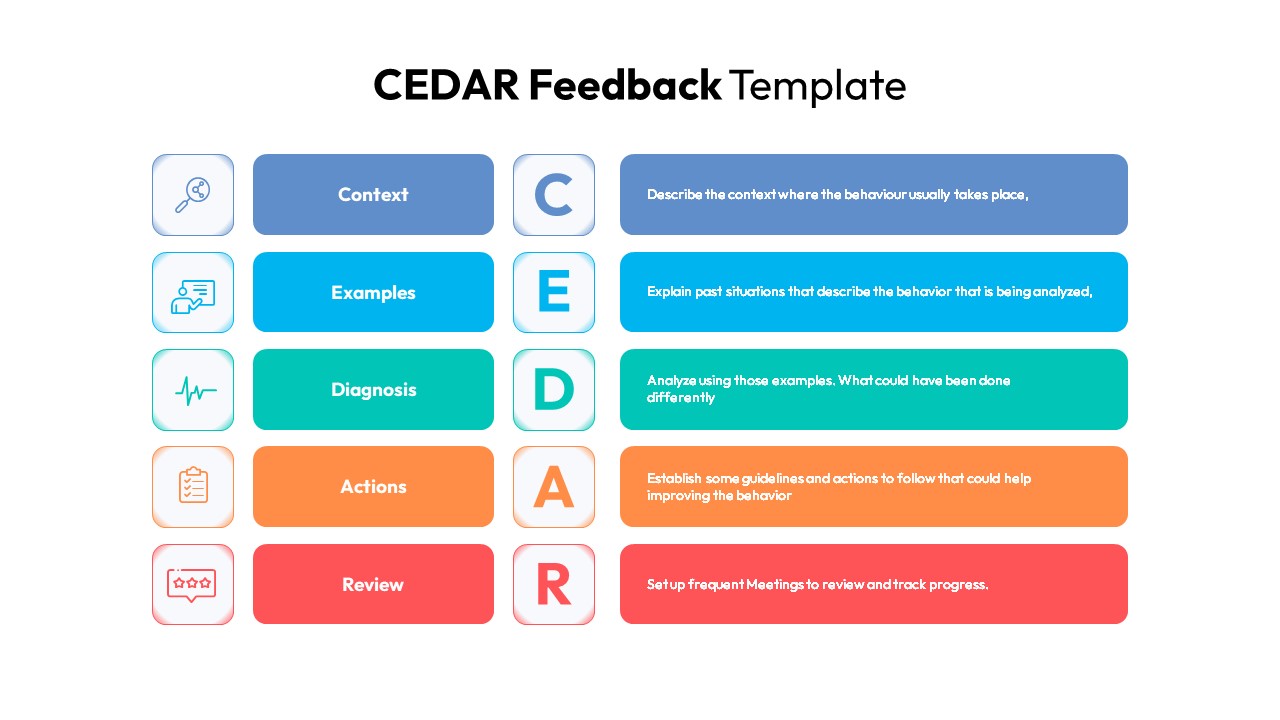
CEDAR Feedback Framework Diagram Template for PowerPoint & Google Slides
Employee Performance
Boost Feedback Slide PowerPoint Template
Process
Five-Point Rating Scale Feedback Template for PowerPoint & Google Slides
Employee Performance
Customer Response & Feedback Process template
Business Proposal
Feedback Mechanism Circular Diagram for PowerPoint and Google Slides
Circular
Customer Feedback Slide Template
Customer Experience
360 Degree Feedback Template
Employee Performance
KSAO Model PowerPoint Template
Business Strategy
SAMR Model PowerPoint Template
Business