Digital Workflow Automation Template for PowerPoint & Google Slides
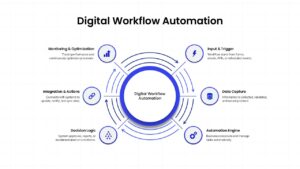
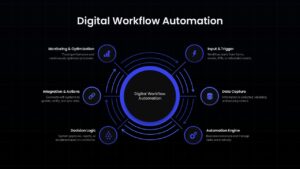
Visualize End-to-End Automation Processes with a Circular Workflow Diagram
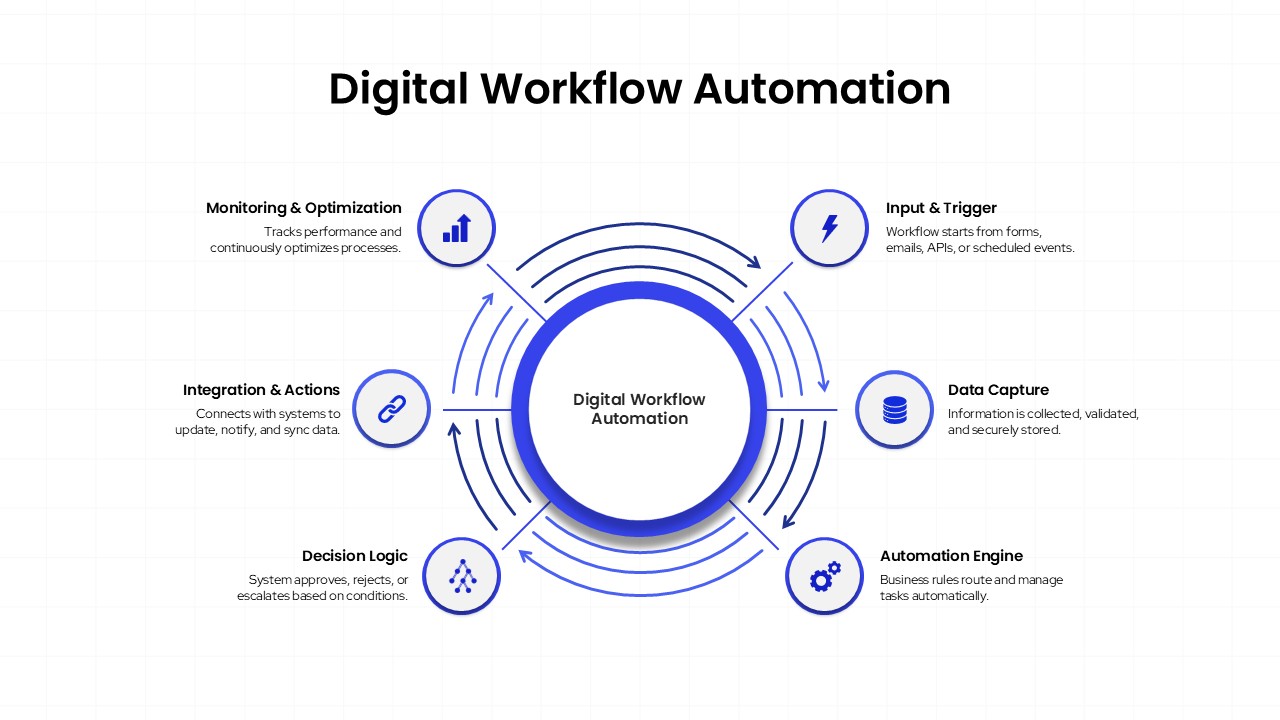
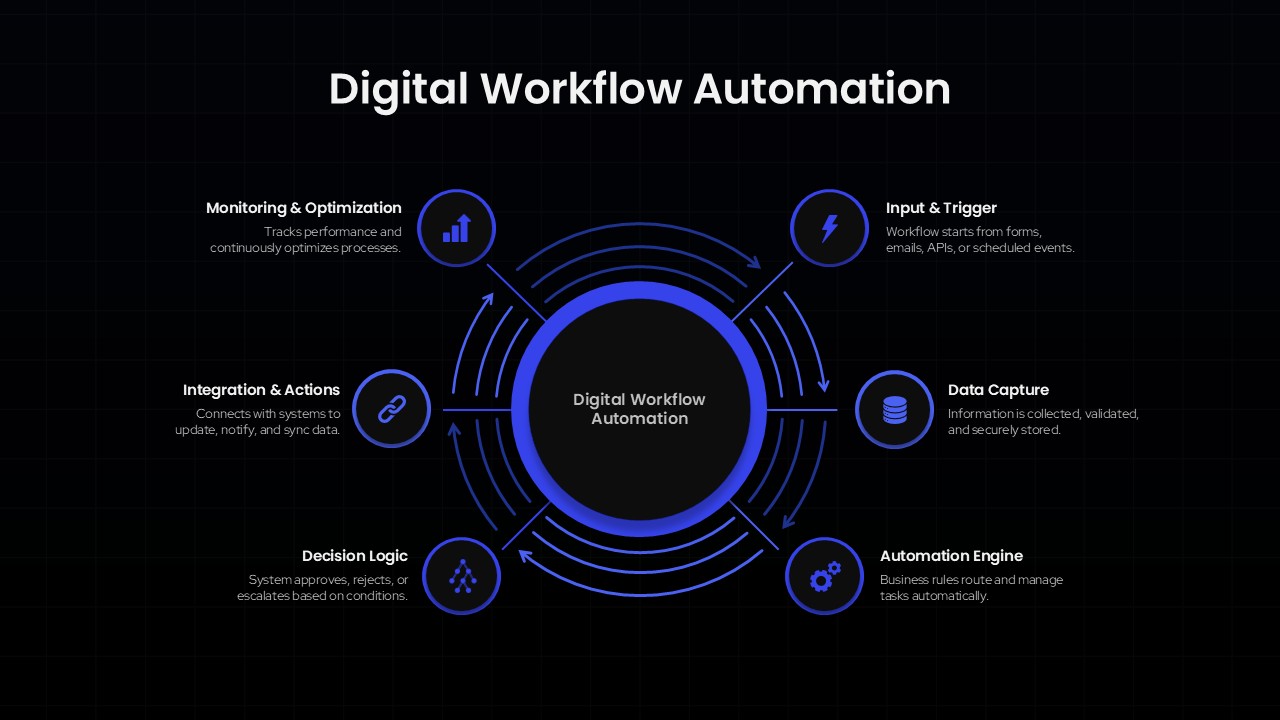
Present complex automation systems with clarity using this Digital Workflow Automation Template, designed to illustrate the complete lifecycle of automated business processes. Featuring a modern circular hub-and-spoke layout, the slide places Digital Workflow Automation at the center and connects six essential workflow stages around it. Available in both light and dark themes, the template combines clean typography, professional icons, and dynamic blue accents to create a polished visual suitable for technology, operations, and business presentations.
Digital workflow automation helps organizations streamline repetitive tasks, reduce manual effort, and improve operational efficiency through connected systems and automated decision-making. This template effectively maps the automation journey through key stages, including Input & Trigger, Data Capture, Automation Engine, Decision Logic, Integration & Actions, and Monitoring & Optimization. Directional arrows emphasize the continuous nature of automation, while the structured circular design makes it easy for audiences to understand how data and actions flow throughout the process. The professional layout is ideal for explaining workflow architectures, process automation frameworks, and digital transformation initiatives.
This hub-and-spoke diagram template is useful for IT leaders, business analysts, automation consultants, project managers, and operations teams presenting automation strategies or process improvement plans. It can also be adapted for continuous improvement cycles, customer journey mapping, quality management systems, compliance workflows, and other interconnected business processes. Whether you’re presenting a high-level transformation roadmap or a detailed automation framework, this slide provides a clear and engaging way to communicate complex workflows and drive understanding among stakeholders.
Frequently Asked Questions
Can I customize the workflow stages in this Digital Workflow Automation template?
Does this template work for both technical and business audiences?
Login to download this file

Item ID
SB05846Designed By
Naseeba Sithara


Related Templates

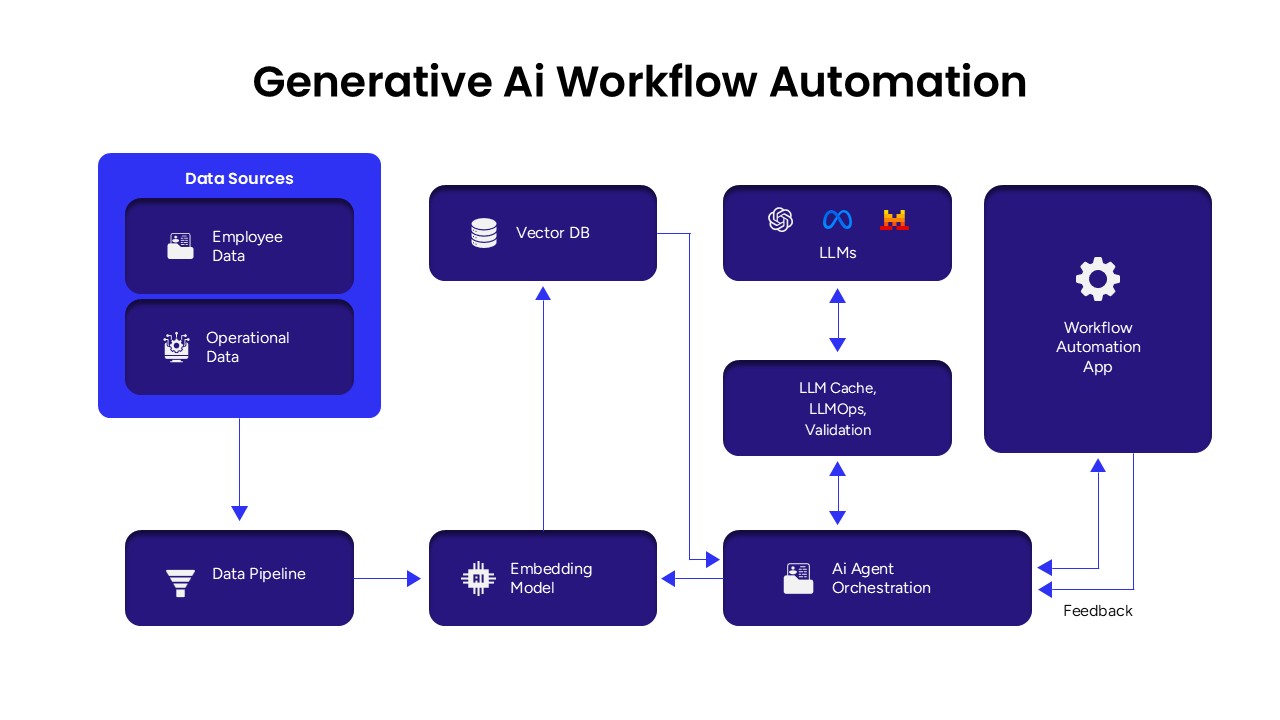
Generative AI Workflow Automation Presentation Template
Google Slides

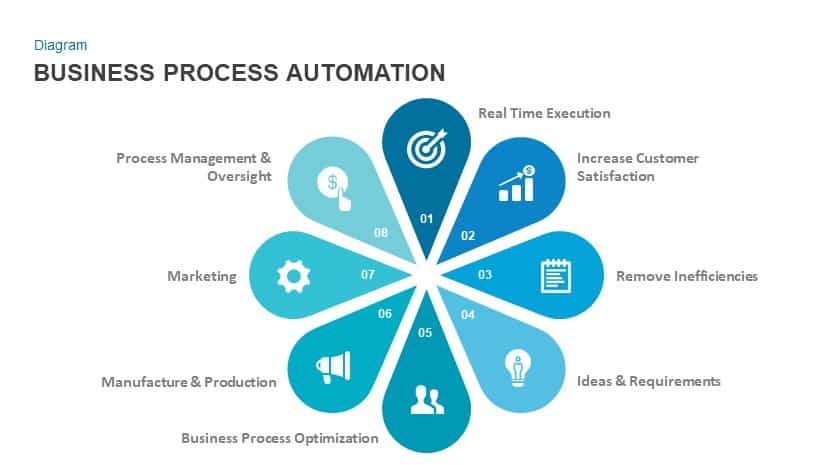
Business Process Automation Diagram Template for PowerPoint & Google Slides
Process
Cloud Gear Automation Diagram Template for PowerPoint & Google Slides
Cloud Computing
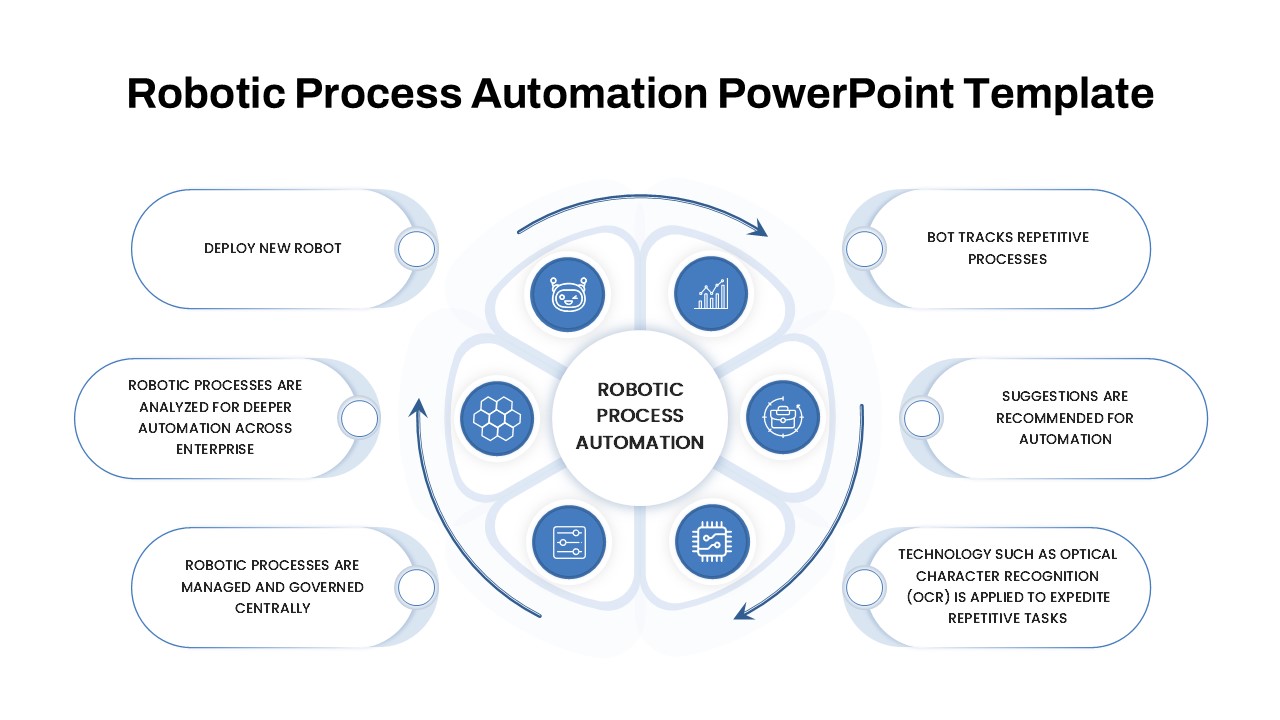
Robotic Process Automation Diagram Template for PowerPoint & Google Slides
Process
Intelligent Process Automation Diagram Template for PowerPoint & Google Slides
Circular
Robotics PPT Template & Automation Presentation Slides
Pitch Deck
Automation Roadmap PowerPoint Template
Roadmap
Robotic Process Automation (RPA) Roadmap Template for PowerPoint
Roadmap
Marketing Automation Funnel Template For PowerPoint Presentations
Marketing Funnel
Manufacturing And Automation Presentation Template
Company Profile
Creative Step By Step Workflow template for PowerPoint & Google Slides
Process
Process Workflow Template for PowerPoint & Google Slides
Infographics
7 Stage Process Diagram Workflow PowerPoint Template & Google Slides Presentation
Process
Process Workflow Management Template for PowerPoint and Google Slides
Process
Six-Stage Service Process Workflow Template for PowerPoint & Google Slides
Process

HR Workflow Process Management Template for PowerPoint & Google Slides
Human Resources
Offer Management Workflow Template for PowerPoint & Google Slides
Customer Journey
Advanced Succession Planning Workflow PowerPoint Template
Employee Performance
Risk Acceptance Workflow Template
Risk Management
Process Documentation Template for PPT
Process