CRM Strategy Template for PowerPoint Presentations
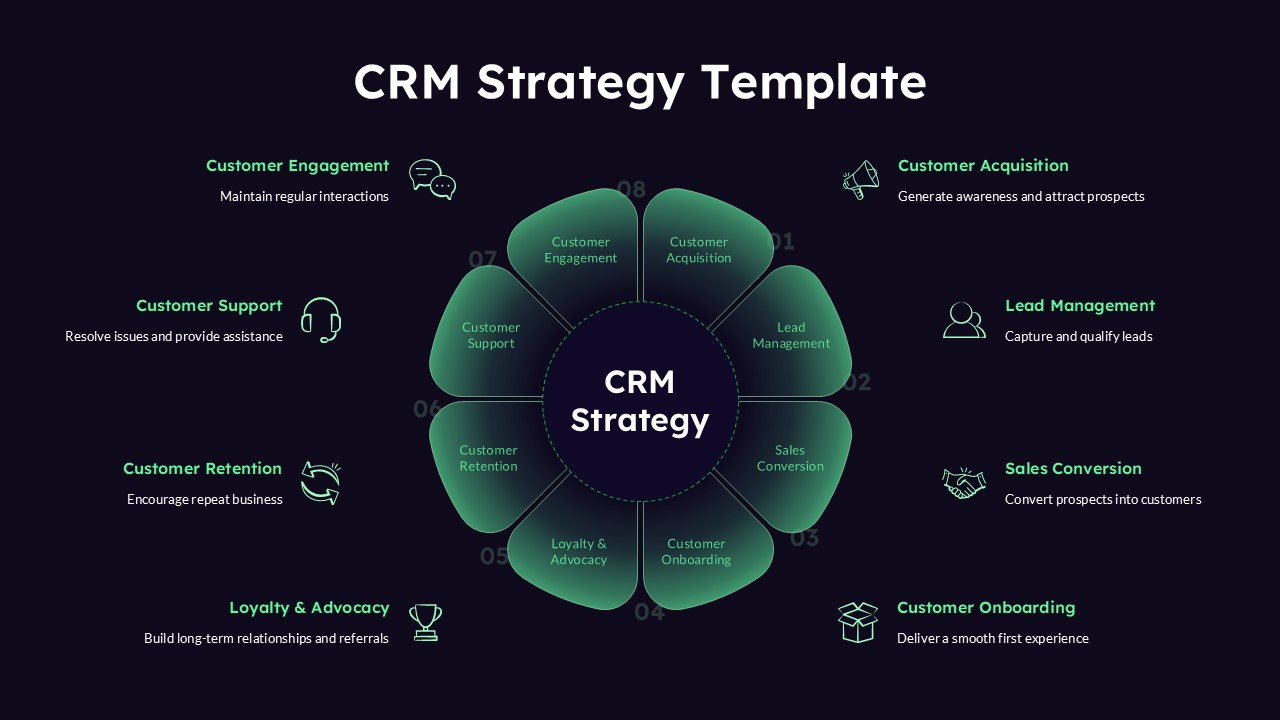
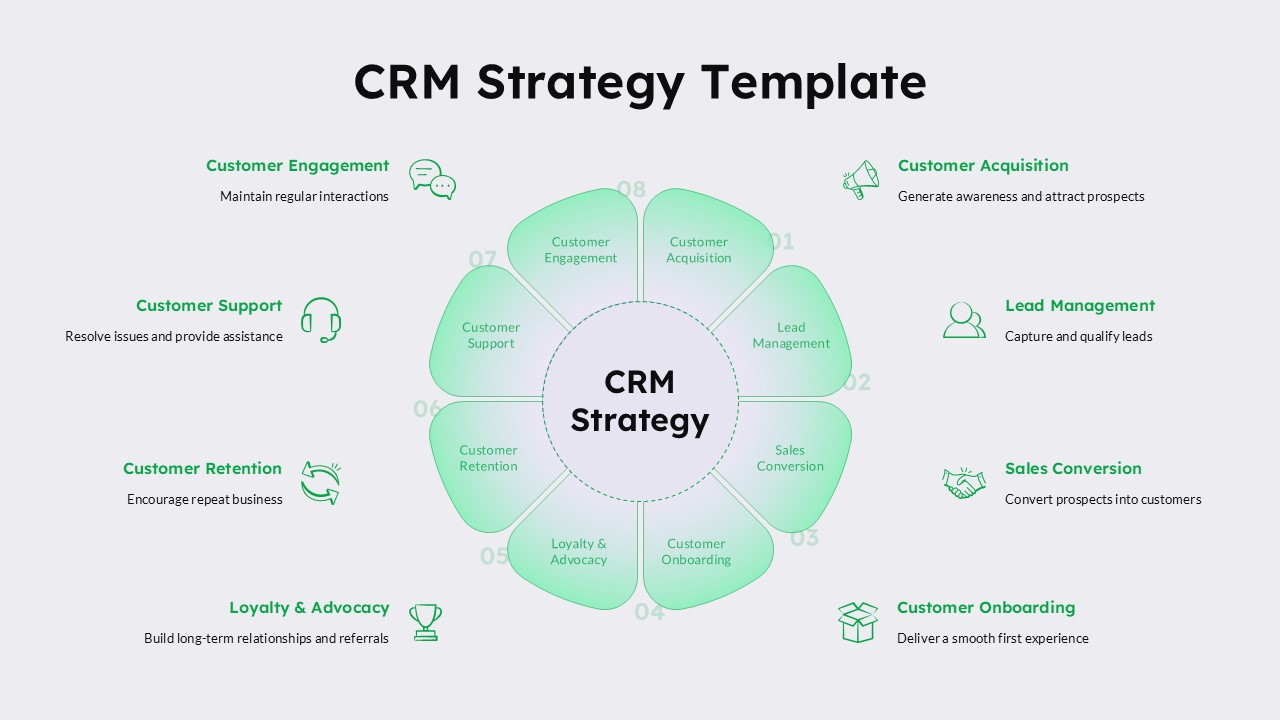
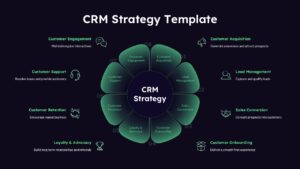
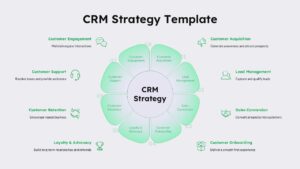
Edit this CRM Strategy PowerPoint template to present the full customer lifecycle as an eight-petal flower diagram centered around a dark circular hub labeled CRM Strategy. Each petal wraps around the center in a gradient teal-to-dark green shade, numbered 01 through 08, with a bold label inside the petal and a matching title, short description, and outlined icon placed just outside the flower on either side of the slide. The layout works on a dark navy background, with mint-green text and icons that keep every petal readable while giving the CRM Strategy presentation slide a sharp, modern look suited for software demos and client-facing decks.
The eight petals cover the complete customer relationship cycle:
- Customer Acquisition – Generate awareness and attract prospects
- Lead Management – Capture and qualify leads
- Sales Conversion – Convert prospects into customers
- Customer Onboarding – Deliver a smooth first experience
- Loyalty & Advocacy – Build long-term relationships and referrals
- Customer Retention – Encourage repeat business
- Customer Support – Resolve issues and provide assistance
- Customer Engagement – Maintain regular interactions
As a fully editable ppt template, every petal, icon, label, and description line can be renamed, recolored, or rearranged to match a specific CRM workflow or sales process. Sales operations teams use this CRM Strategy PowerPoint presentation to walk stakeholders through how a lead moves from first contact to long-term advocacy, while customer success teams use the same CRM Strategy presentation to map support and retention touchpoints against acquisition and conversion stages. Because the flower diagram, numbering, and icon set are native PowerPoint objects, this ppt template fits directly into a larger sales enablement deck or customer experience presentation without any redesign work.
Download and edit this CRM Strategy PowerPoint presentation for your next sales or customer success review. Explore our full collection of business templates and strategy templates as well.
Frequently Asked Questions
Can I edit the eight CRM stages to match my own process?
Does this template include both dark and light versions?
Login to download this file

Item ID
SB06182Designed By
Niranjana


Related Templates

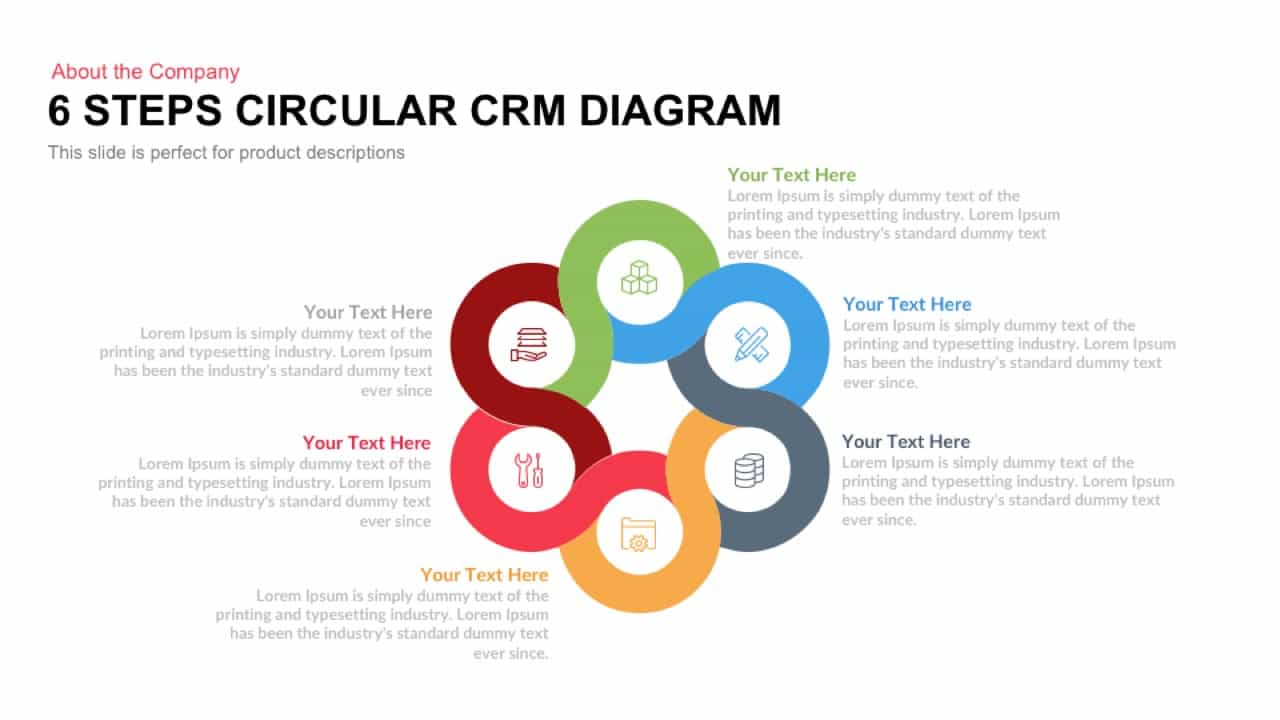
6 Steps Circular CRM Diagram PowerPoint Template
Customer Journey
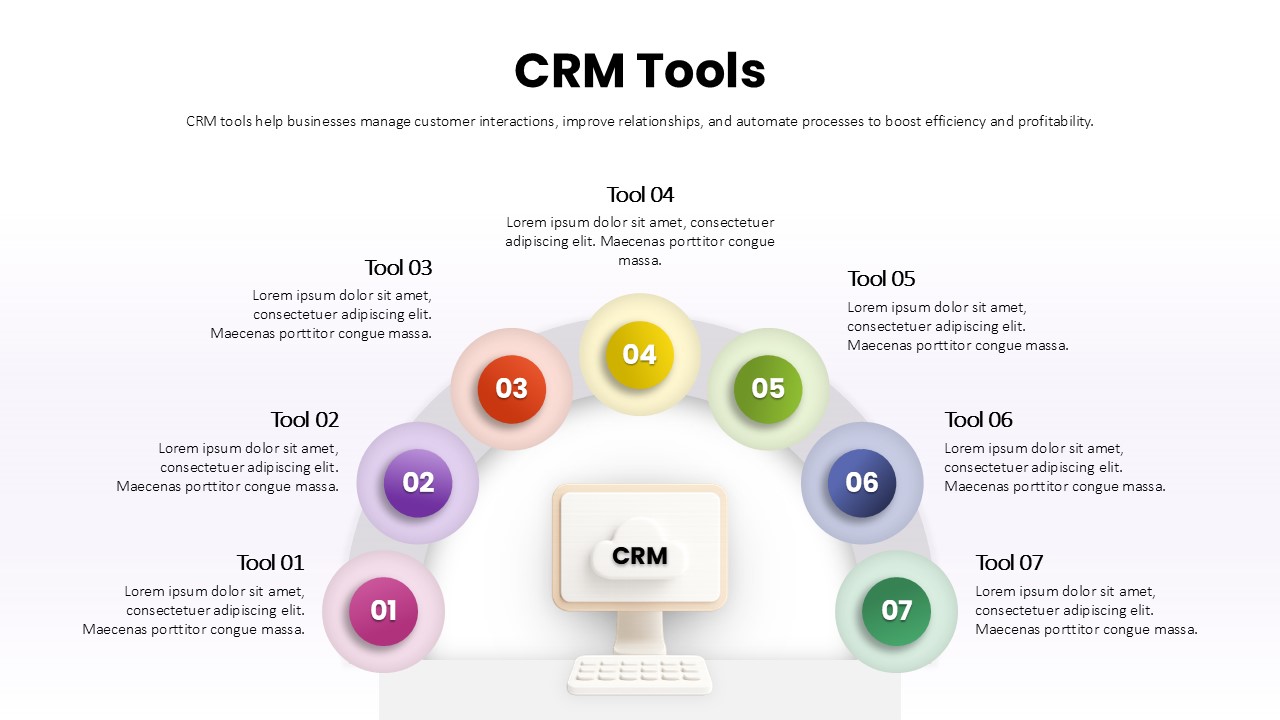
Seven-Part CRM Tools Arc Diagram Template for PowerPoint & Google Slides
Digital Marketing
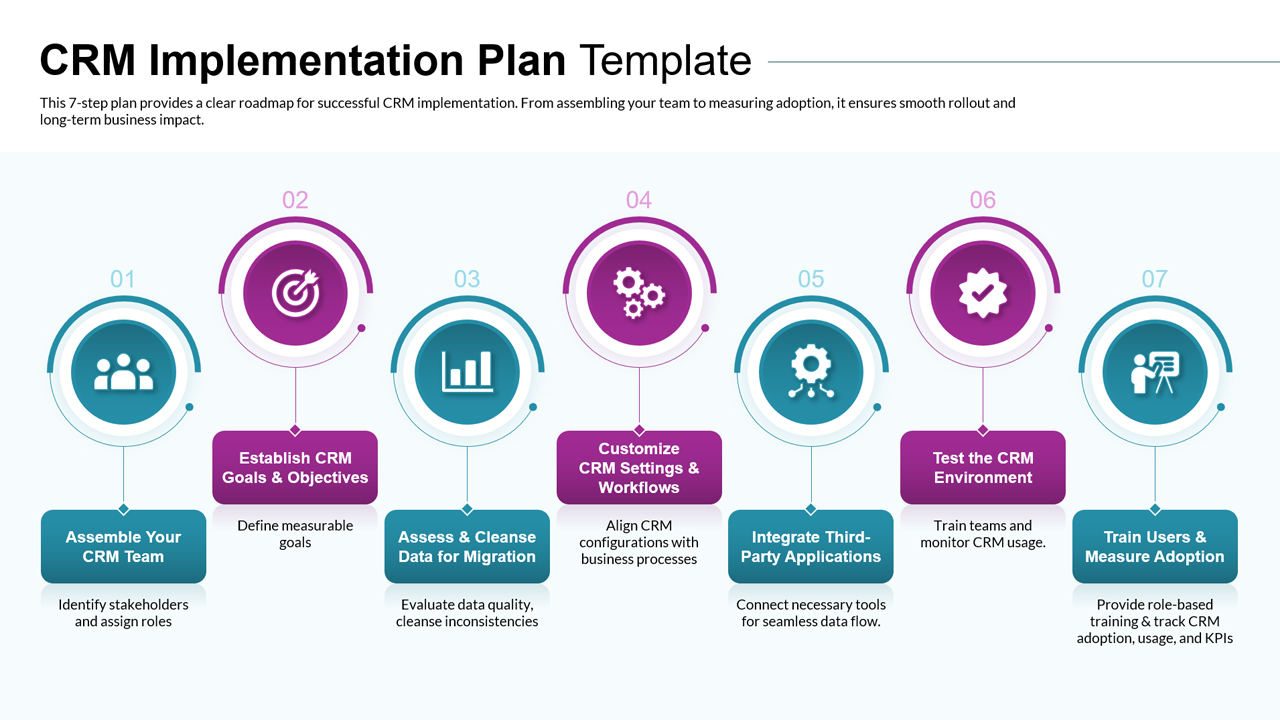
CRM Implementation Plan Template for PowerPoint
Marketing
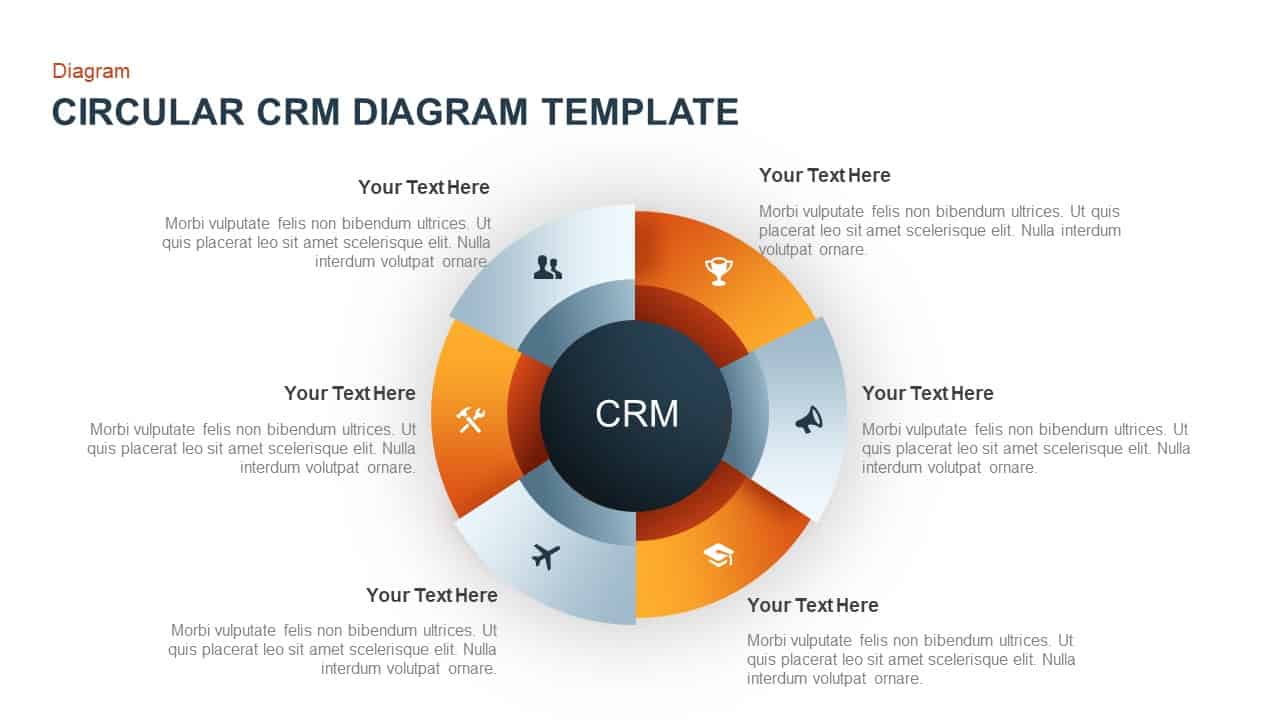
Circular CRM Diagram Template
Circular

Circular CRM Process Infographic Diagram
Circular
Flow Chart Template For PowerPoint Presentations
Flow Charts
Digital Marketing Slide Template for PowerPoint Presentations
Advertising
Employee Training Deck PowerPoint Template for Presentations
Recruitment
Persona PowerPoint Template for Presentations
Customer Journey
PDCA Template for PowerPoint Presentations
Process

Free Company Profile PowerPoint Template for Business Presentations
Company Profile
Free
Free Oil PowerPoint Template for Energy and Industry Presentations
Process
Free
VTDF Business Model PowerPoint Template: A Professional PPT for Business Growth Presentations
Business Models
CNN Architecture PowerPoint Template for Deep Learning Presentations
Machine Learning
Sales Funnel Diagram Template for PowerPoint Presentations
Funnel
Key Findings Template for PowerPoint Presentations
Business Report
Editable Timeline Table Template for PowerPoint Presentations & Google Slides
Timeline
Marketing Automation Funnel Template For PowerPoint Presentations
Marketing Funnel
5W1H Framework Template for PowerPoint Presentations
Business Strategy
Project Kickoff Meeting Agenda Template for PowerPoint Presentations
Project Management