Multi Day Conference Agenda PowerPoint Template
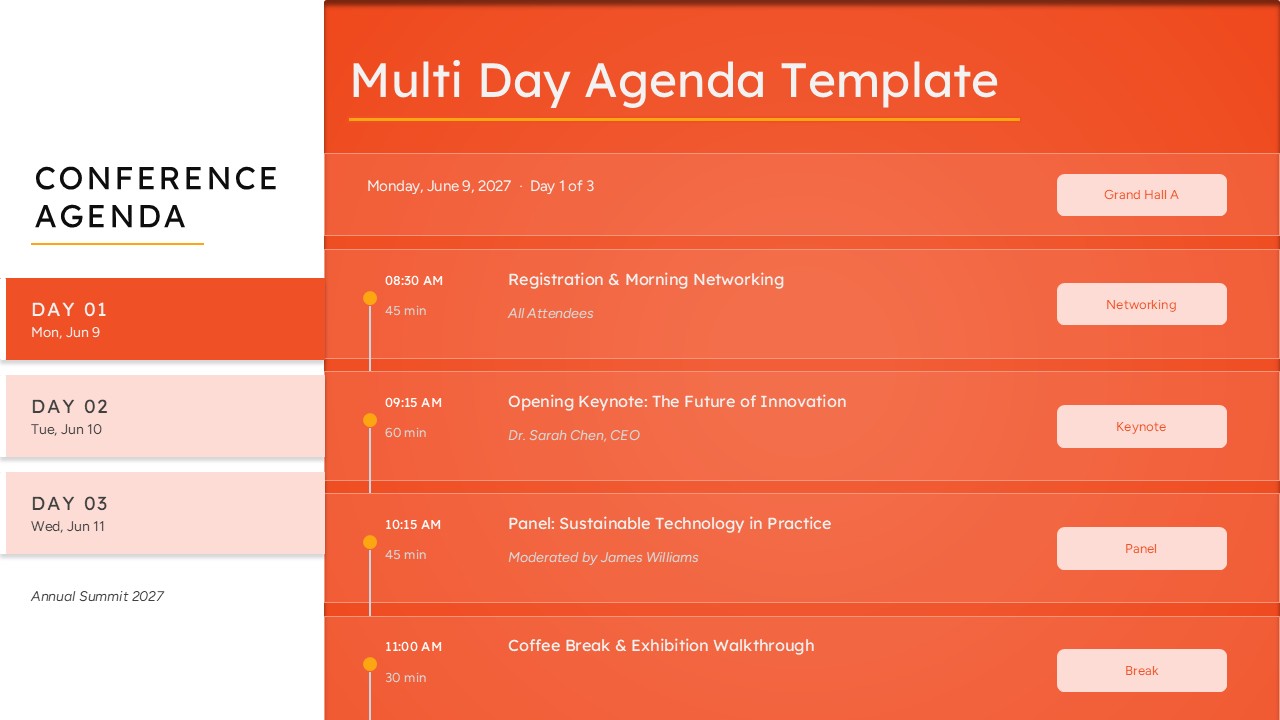
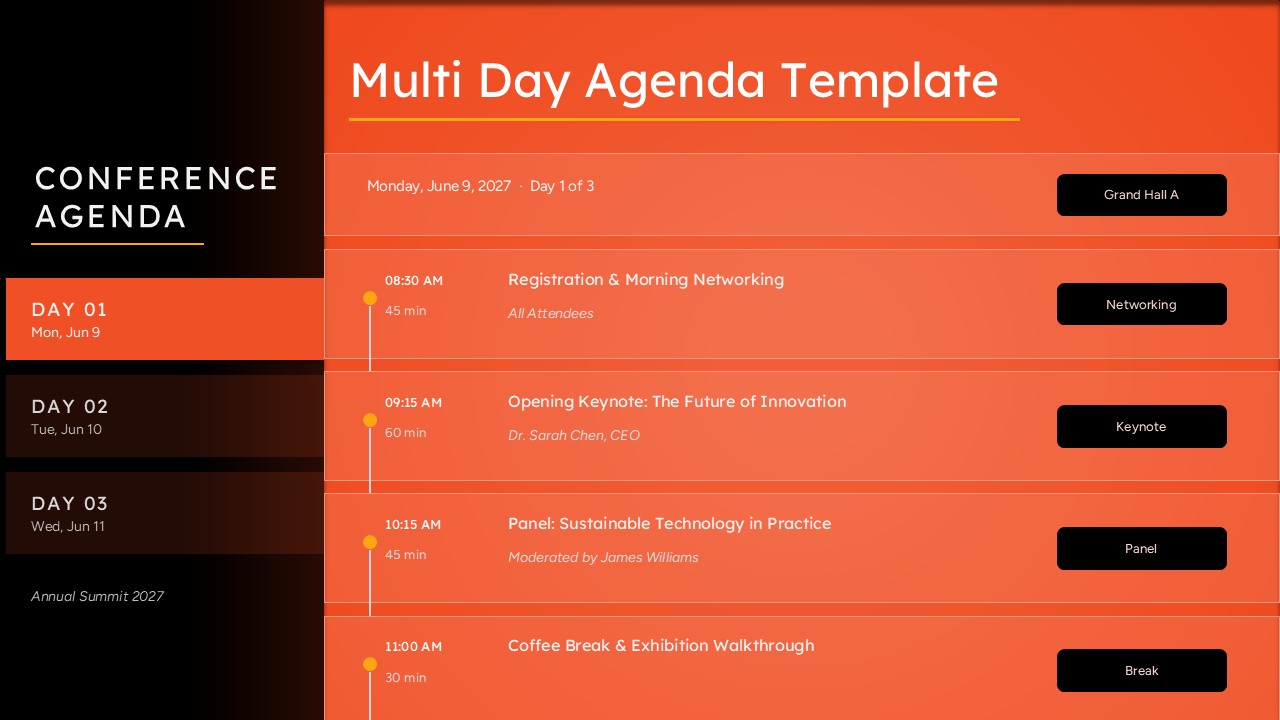
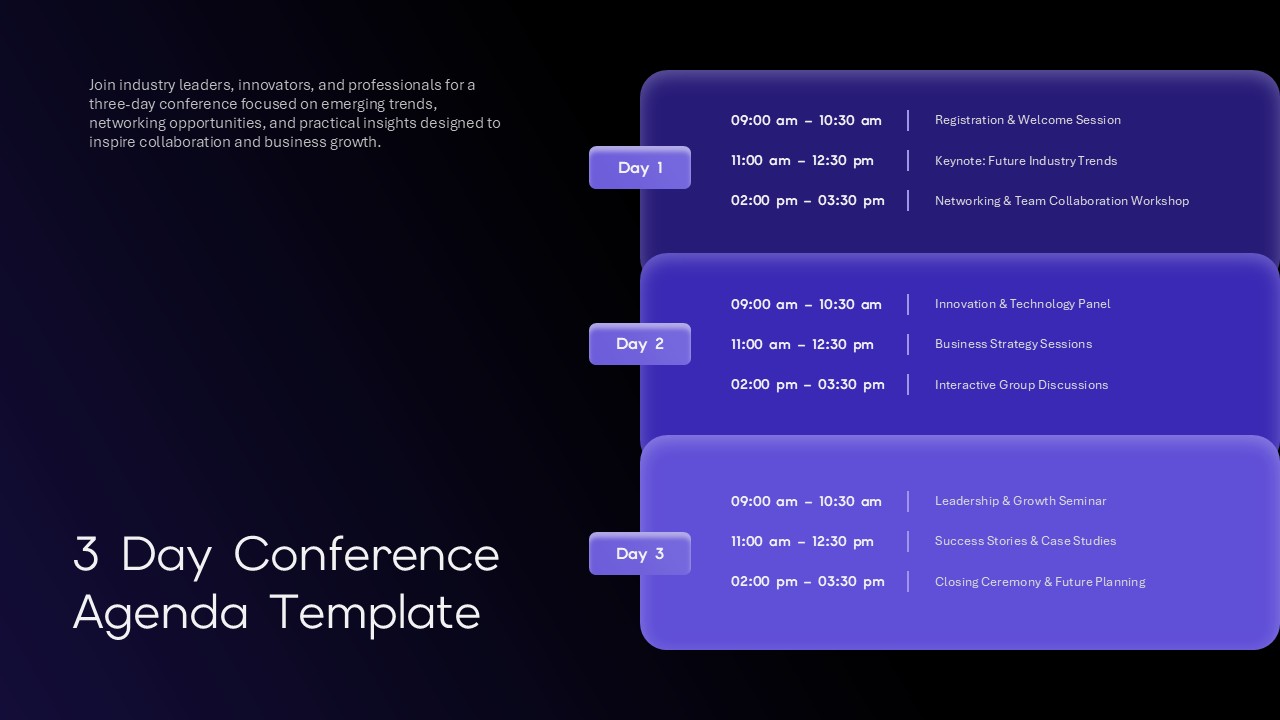
Running a three-day conference without a clear, session-by-session breakdown is how attendees miss keynotes, wander into the wrong room, or lose track of what’s next. A multi day conference agenda solves that by laying out every session, speaker, time slot, and venue across each day of an event in one organized view, and this slide brings that structure into a ready-made PowerPoint file.
Event organizers, conference producers, and corporate communications teams reach for a multi-day agenda slide when a single-page schedule can’t hold everything a summit needs to show, registration times, keynote slots, panel discussions, breaks, and room assignments, all without cramming three days onto one crowded page. This PPT layout solves that by splitting the schedule into day-by-day tabs: Day 01, Day 02, and Day 03 sit in a sidebar on the left, and clicking through them (or simply duplicating the slide per day) reveals the full session lineup for that day on the right, complete with start times, durations, speaker names, and location tags.
The build itself is straightforward once opened in PowerPoint. Each session row, the time stamp, title, speaker credit, and venue label, lives as its own editable text box, so updating a keynote speaker or shifting a panel by fifteen minutes takes seconds rather than a slide rebuild. The connecting timeline dots and vertical rule give the agenda visual rhythm without turning it into a cluttered spreadsheet. Because the file is a standard .pptx, it opens cleanly in PowerPoint and imports without major formatting loss into Google Slides, making it workable whether a team standardizes on Microsoft or Google for its event decks.
This conference agenda template fits naturally into attendee handout decks, event kickoff presentations, sponsor briefing packets, or the printed program shown on a lobby screen. Anywhere a multi-day event needs its full schedule presented clearly rather than buried in a PDF, this slide format does the job. Download the Multi Day Conference Agenda PowerPoint Template, drop in the real dates and speaker lineup, and it’s ready to present.
Frequently Asked Questions
Can I add more days or sessions to this template?
Does this template work for both print and digital use?
Login to download this file

Item ID
SB05911Designed By
Naseeba Sithara


Related Templates

3 Day Conference Agenda Template for Professional Event Planning
Agenda
Multi-Style Presentation Agenda Template for PowerPoint & Google Slides
Agenda
Multi Agenda Design Template
Agenda
Business Conference PowerPoint Template
Pitch Deck

Business Conference PowerPoint Deck Template
Pitch Deck
Youth Leadership Conference PowerPoint Template for Event Presentations
Company Profile
Multi-layout Circle Spoke Diagram Template for PowerPoint & Google Slides
Circular
Multi-Year Timeline Infographic Template for PowerPoint & Google Slides
Timeline
Multi-Purpose Template for PPT & Google Slides
Company Profile
Free
Multi-Color Enneagram Circular Diagram Template for PowerPoint & Google Slides
Circular
Multi-Level Marketing PowerPoint Template
Business Models
Doodle Multi Presentation Template for PowerPoint & Google Slides
Company Profile
Multi-Series Stacked Bar Chart PowerPoint Template
Bar/Column
Multi-Color Milestone Timeline Layout Template for PowerPoint & Google Slides
Timeline
Multi-Series Vertical Dot Chart Template for PowerPoint
Comparison Chart
Multi-Phase Research Roadmap Infographic Template for PowerPoint & Google Slides
Roadmap
Free Travel Timeline Template for PowerPoint
Timeline
Free
Multi-Point Diagram Presentation Template for PowerPoint & Google Slides
Process
RPA Strategy Multi-Step Diagram Template for PowerPoint & Google Slides
Process
4-Section SWOT Analysis PowerPoint Template
SWOT