3 Day Conference Agenda Template for Professional Event Planning
Planning a three-day conference means managing dozens of moving parts across registration, keynotes, workshops, panels, and closing sessions, all while making sure every attendee knows exactly where to be and when. This 3 Day Conference Agenda Template gives event organizers, corporate planners, and professional associations a single, structured presentation slide that lays out the full three-day schedule in a format that is easy to present, share, and follow.
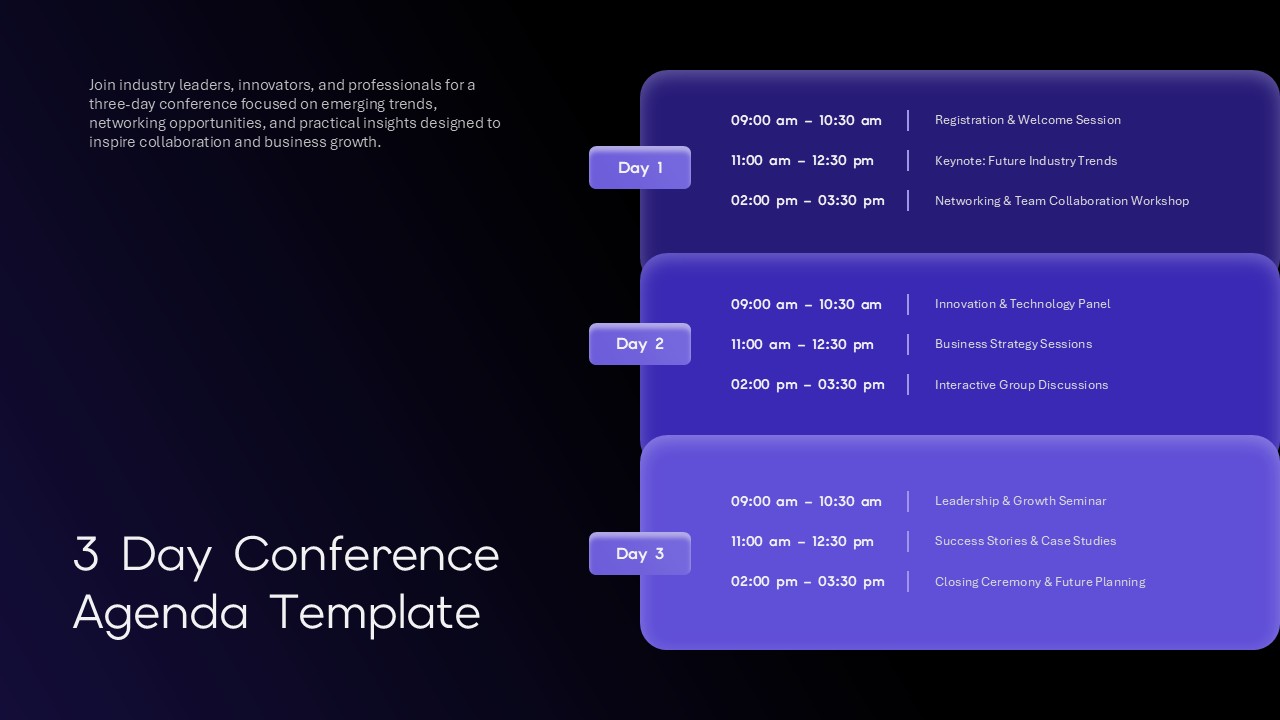
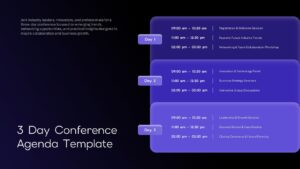
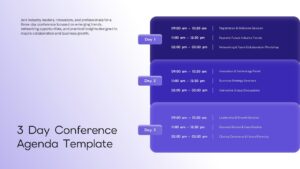
The slide uses a deep navy background with three stacked day panels in graduating shades of indigo and purple, each clearly labeled Day 1, Day 2, and Day 3. Every panel carries three time-blocked sessions with precise start and end times running from 09:00 am through 03:30 pm each day, giving attendees a complete picture of the day without needing a separate printed program.
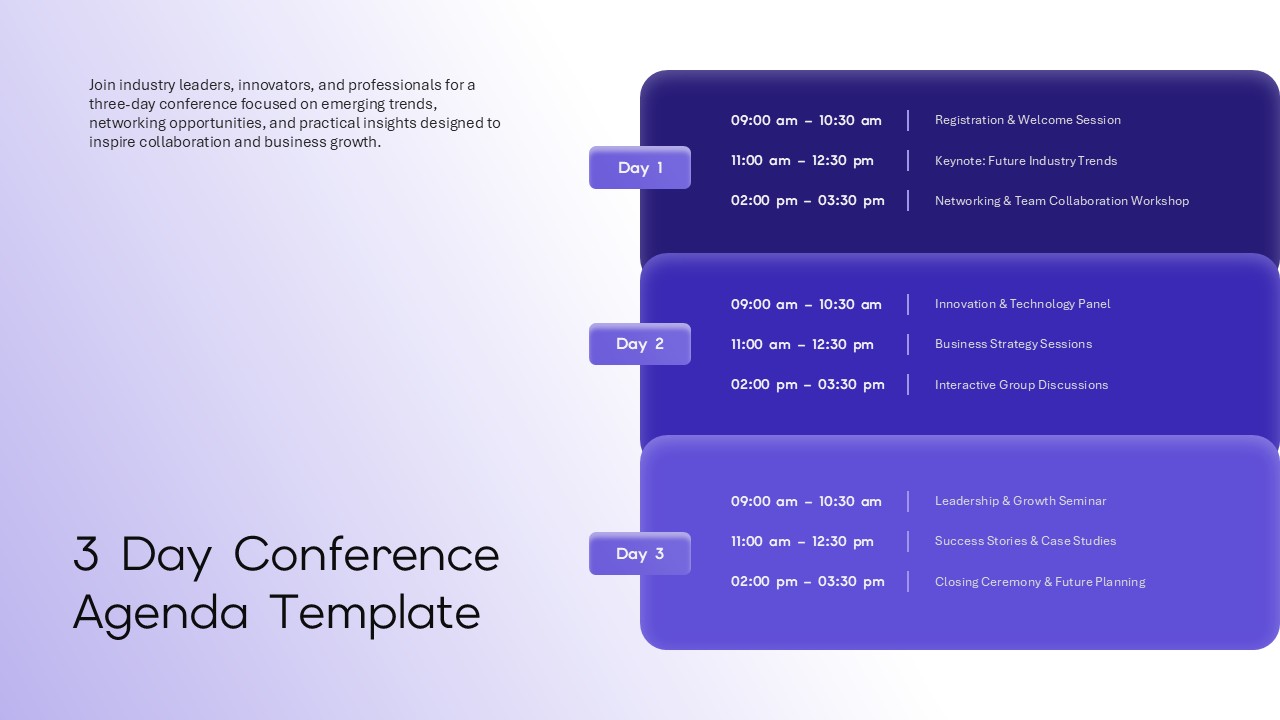
- Day 1 opens with Registration and Welcome Session from 09:00 to 10:30, moves into the Keynote on Future Industry Trends at 11:00, and closes the afternoon with a Networking and Team Collaboration Workshop at 02:00.
- Day 2 shifts into deeper content with an Innovation and Technology Panel in the morning, Business Strategy Sessions at midday, and Interactive Group Discussions in the afternoon slot.
- Day 3 brings the event home with a Leadership and Growth Seminar, Success Stories and Case Studies, and a Closing Ceremony and Future Planning session that sends attendees away with clear next steps.
The time-block format across all three days creates a consistent reading rhythm. Attendees scan left for the time, right for the session name, and the day label anchors everything spatially so no one loses their place in the schedule.
How a Three-Day Conference Agenda Slide Improves Attendee Experience
A printed program gets lost. A PDF attachment gets ignored. A well-designed agenda slide shown at the opening of each day keeps every attendee oriented, reduces scheduling confusion, and sets a professional tone that reflects well on the event organizers from the first session to the last.
The template opens and edits fully in both Microsoft PowerPoint and Google Slides, which means your planning team can collaborate on the schedule in real time, update session times as the event evolves, and export a final version for on-screen display or digital distribution without any formatting issues across platforms. For visual schedule mapping across multiple days and milestones, see our timeline templates.
Frequently Asked Questions
Can I customize the time slots in the 3 day conference agenda template?
Is this template suitable for virtual conferences and online events?
Login to download this file

Item ID
SB05950Designed By
Naseeba Sithara


Related Templates

Youth Leadership Conference PowerPoint Template for Event Presentations
Company Profile

Free Professional Event Planner Slide Deck Template
Business
Free
Multi Day Conference Agenda PowerPoint Template
Agenda
Event Planning Presentation Template
Decks
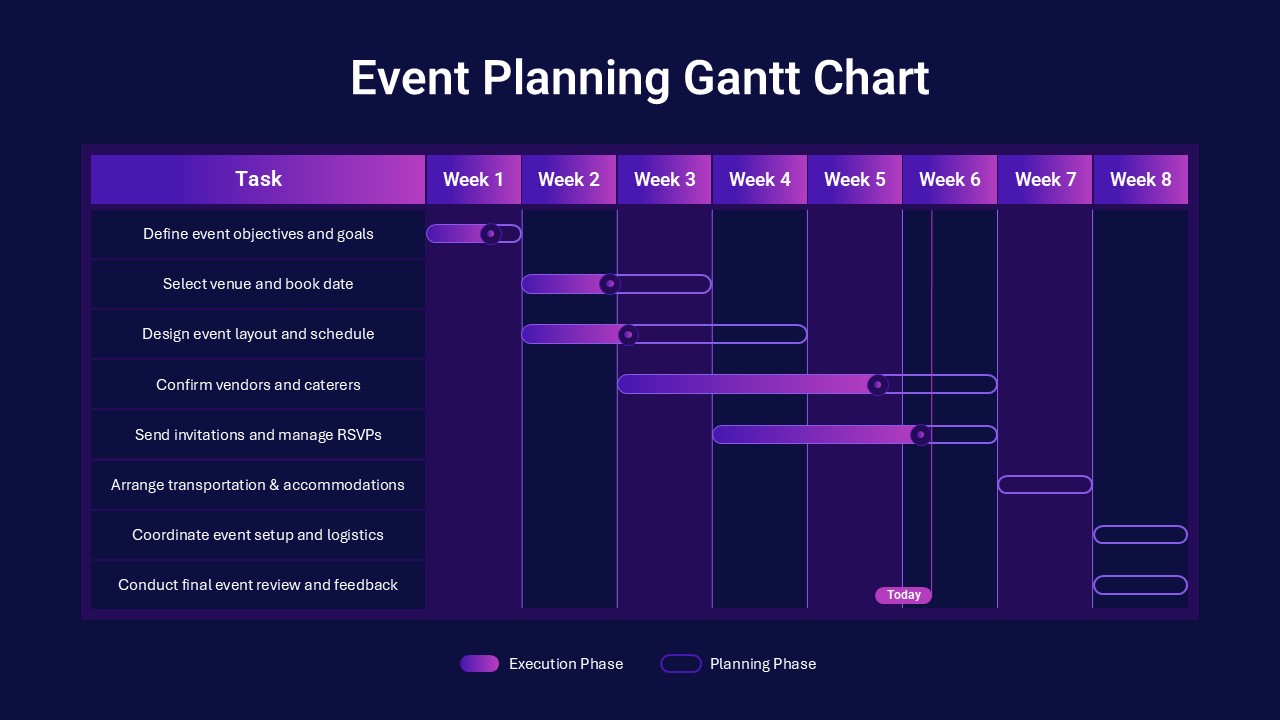
Event Planning Gantt Chart template for PPT & Google Slides
Business
Event Agenda PowerPoint Template
Agenda
10-Step Agenda PowerPoint Template
Agenda
Business Conference PowerPoint Template
Pitch Deck
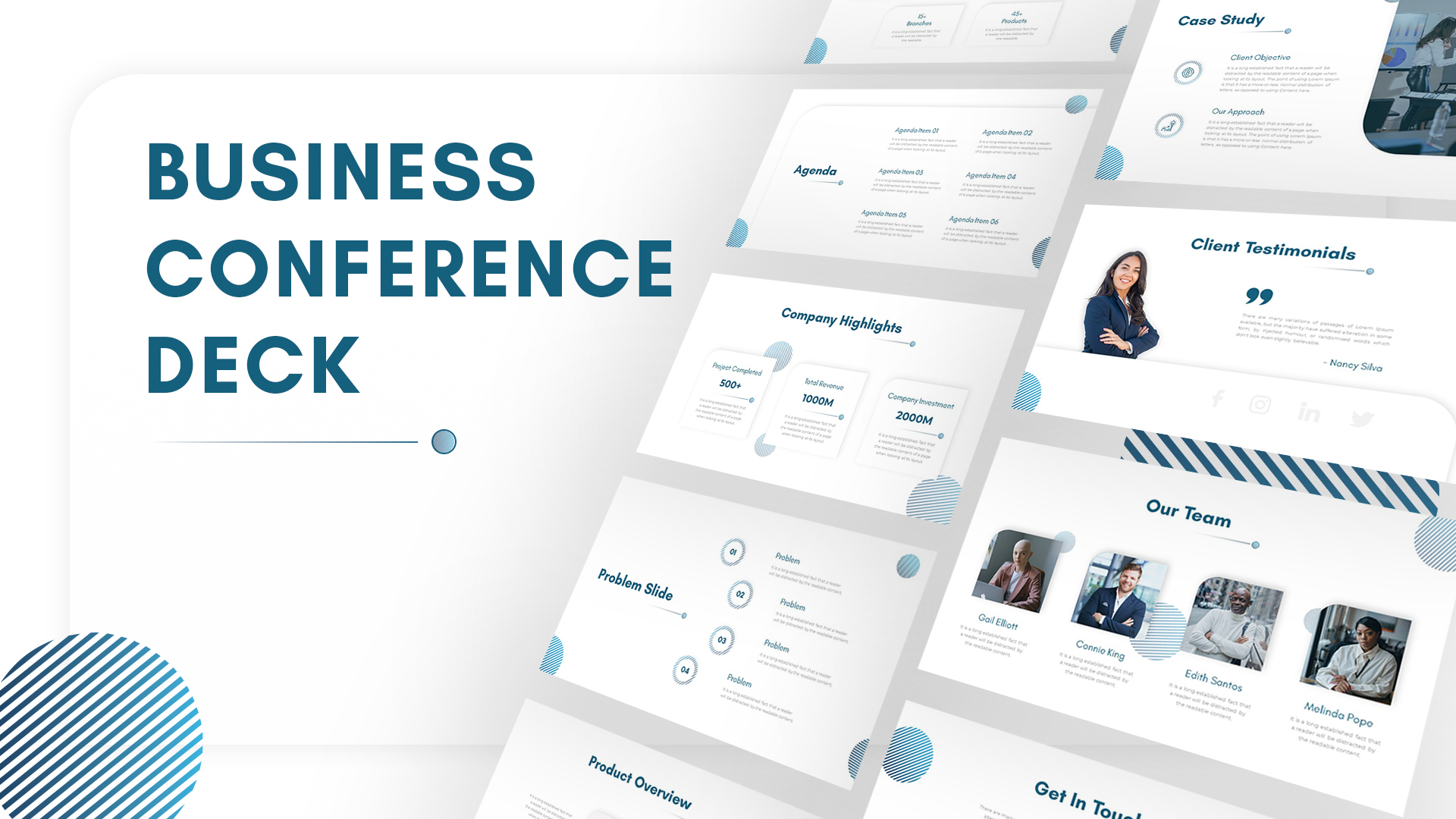
Business Conference PowerPoint Deck Template
Pitch Deck
Animated Upcoming Event Poster PowerPoint Template
Graphics
Upcoming Event Poster PowerPoint Template
Advertising
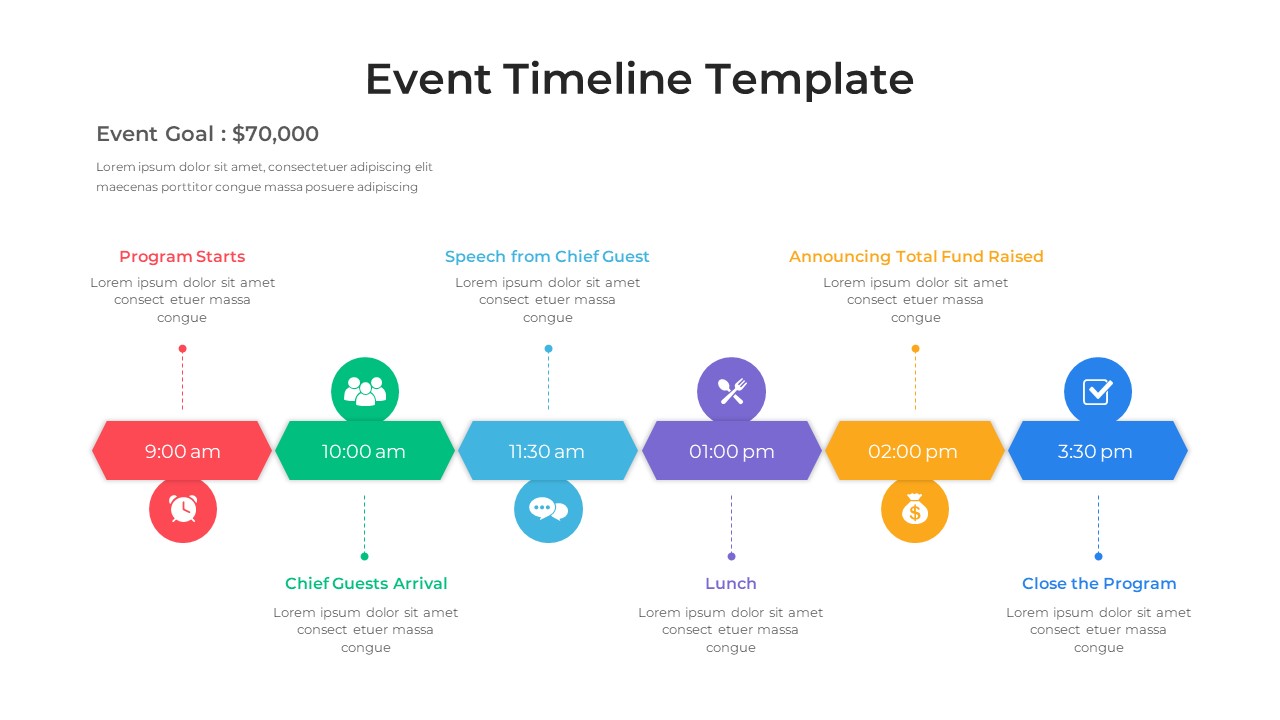
Event Timeline Template for PowerPoint & Google Slides
Timeline
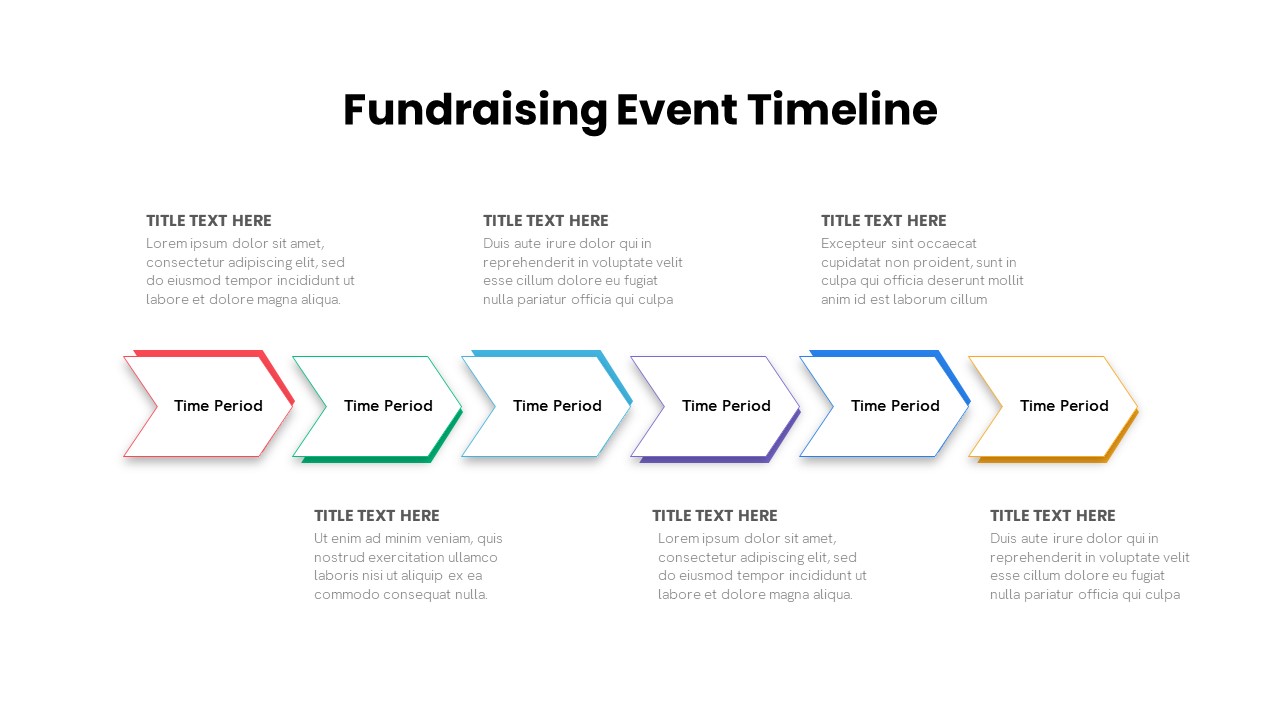
Fundraising Campaign Event Timeline Template
Timeline
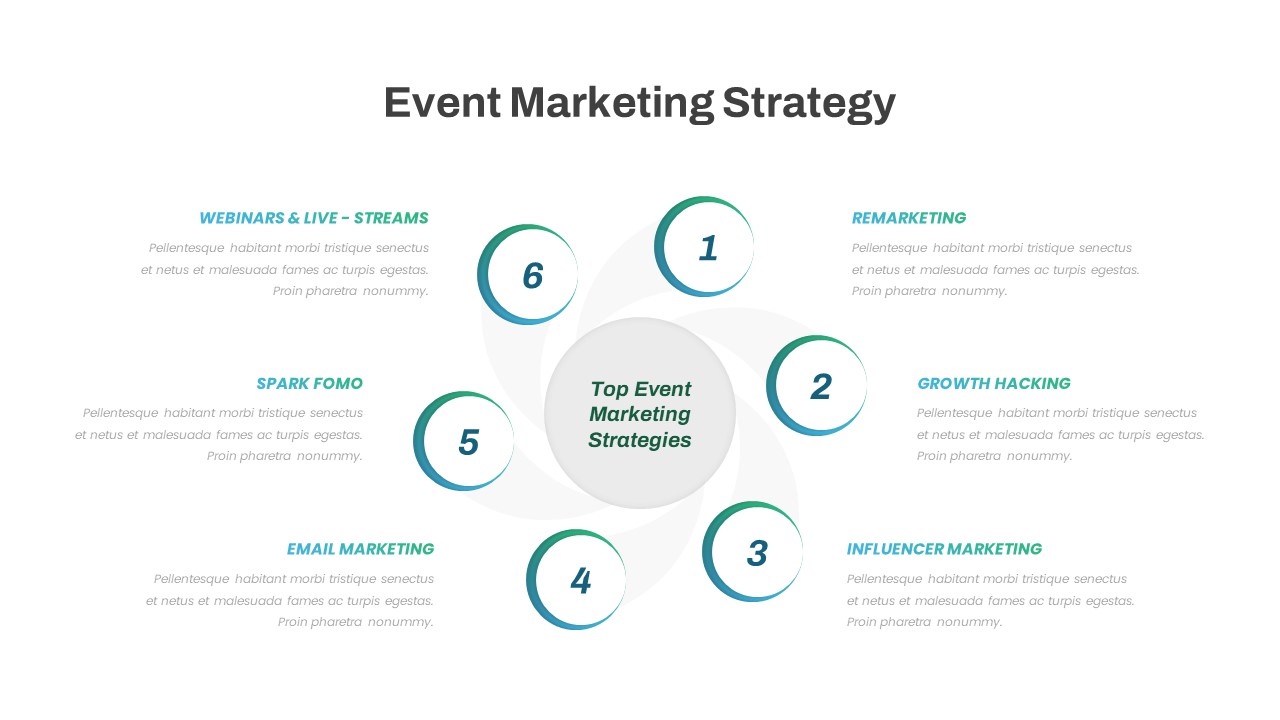
Event Marketing Strategy PowerPoint Template
Digital Marketing

Free Paris 2024 Olympics Event Presentation Template for PowerPoint
Pitch Deck
Free
Music Event Theme Presentation Template for PowerPoint & Google Slides
Company Profile
Free Event Management Presentation Template
Company Profile
Free
Free Event Invitation Template for PowerPoint
Business
Free
Event Plan Checklist for PowerPoint Template
Business Plan
Event Schedule PowerPoint Template
Agenda