Domain Expertise Pillars Hub-and-Spoke Template for PowerPoint & Google Slides
Description
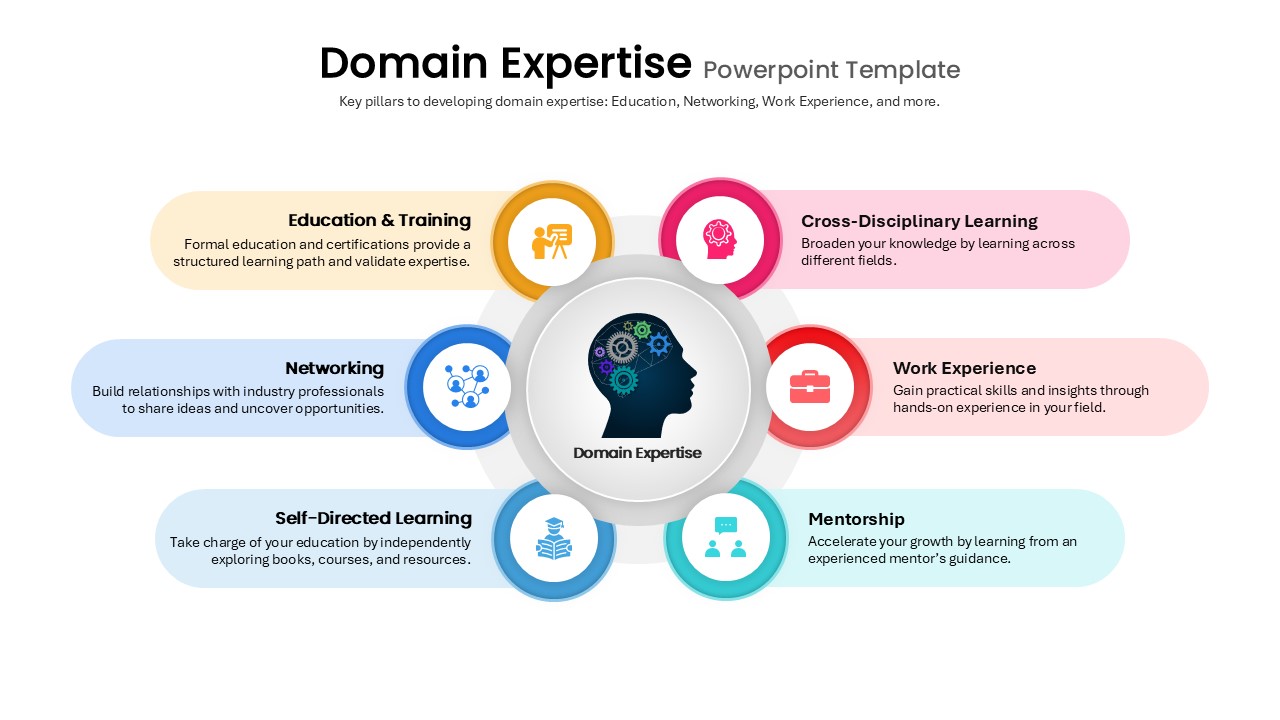
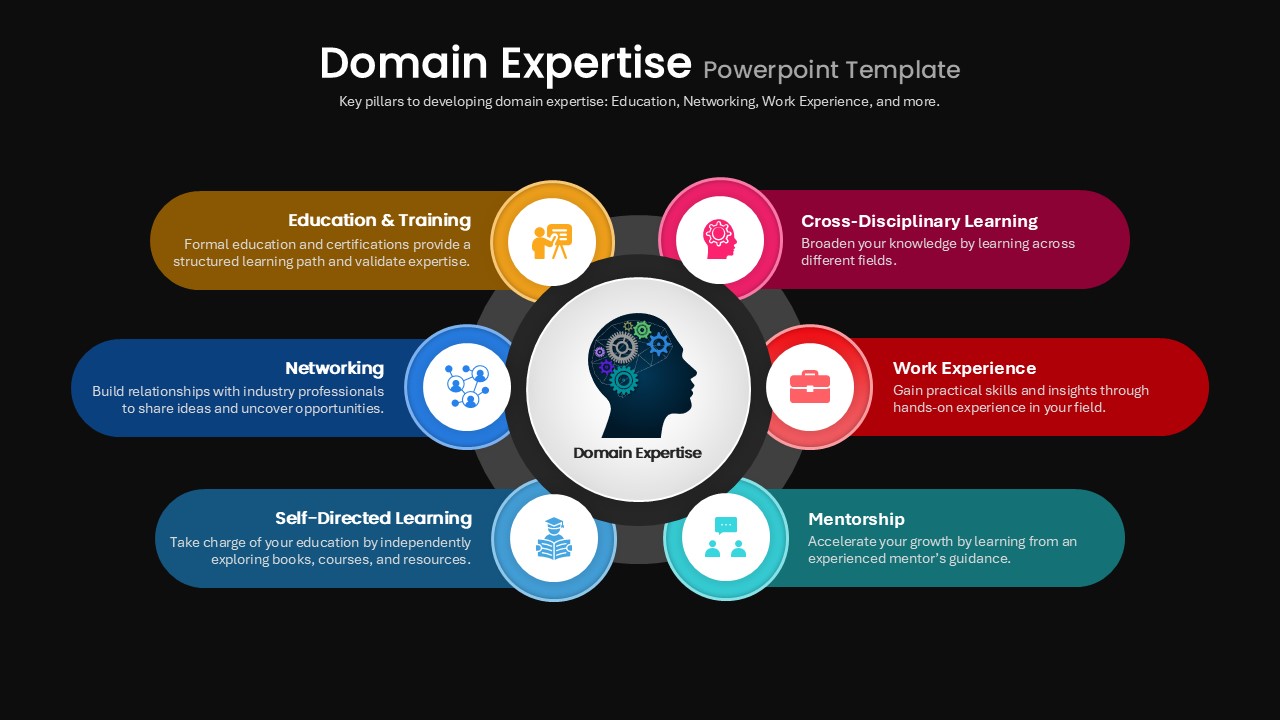
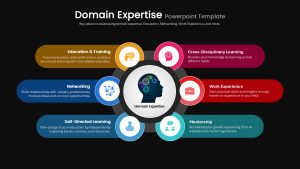
Use this Domain Expertise slide to highlight six key pillars around a central theme with a clean hub-and-spoke layout. The design features a central circle containing a head-and-gears icon, surrounded by six colored callouts: Education & Training, Networking, Self-Directed Learning, Cross-Disciplinary Learning, Work Experience, and Mentorship. Each callout pairs a vibrant icon-filled ring with a translucent text block for concise definitions and examples. Pastel gradients, rounded corners, and subtle drop shadows give the slide a modern, professional feel without overwhelming your content.
Built on master slides with intuitive placeholders, this template lets you quickly swap icons, edit text, or adjust color accents to match your brand. The symmetrical circular arrangement and grid-based alignment ensure flawless rendering in both PowerPoint and Google Slides. Whether you’re outlining professional development strategies, team skill-building initiatives, or learning frameworks, the hub-and-spoke diagram simplifies complex information into an at-a-glance visual that engages and informs.
Engineered for workshops, executive briefings, and strategy sessions, this slide accelerates content creation and drives stakeholder alignment. Duplicate or reorder spokes to accommodate additional pillars, refine color themes to suit your palette, or integrate this graphic into larger decks. With this slide in your toolkit, you can communicate core competencies, training roadmaps, or mentorship programs with clarity, cohesion, and visual impact.
Who is it for
Learning & development professionals, HR leaders, talent managers, and consultants will benefit from this slide when presenting skill frameworks, training plans, or professional growth pathways.
Other Uses
Repurpose this layout for capability maps, feature breakdowns, service offerings, or value-proposition diagrams. Swap icons and labels to illustrate customer journey stages, project phases, or cross-functional collaboration pillars.
Login to download this file

Item ID
SB05370


Related Templates

Team & Expertise Profile Layout Template for PowerPoint & Google Slides
Our Team
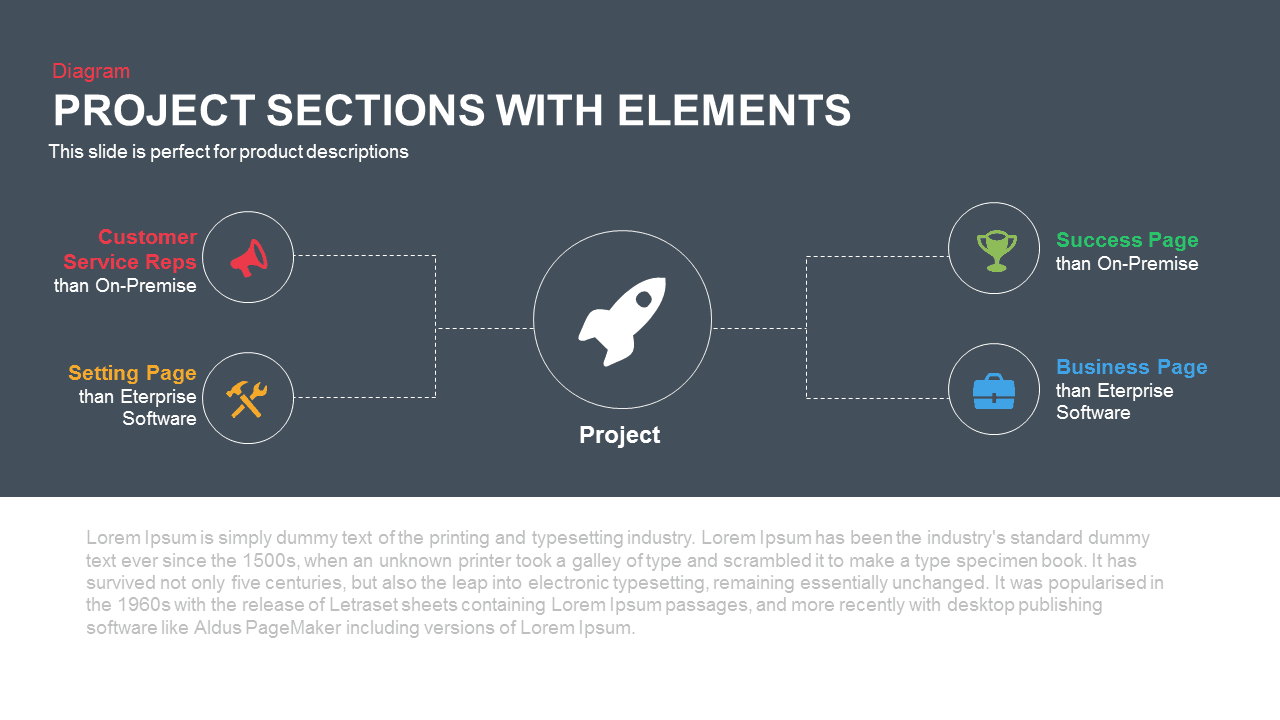
Project Sections Hub-and-Spoke Diagram template for PowerPoint & Google Slides
Flow Charts

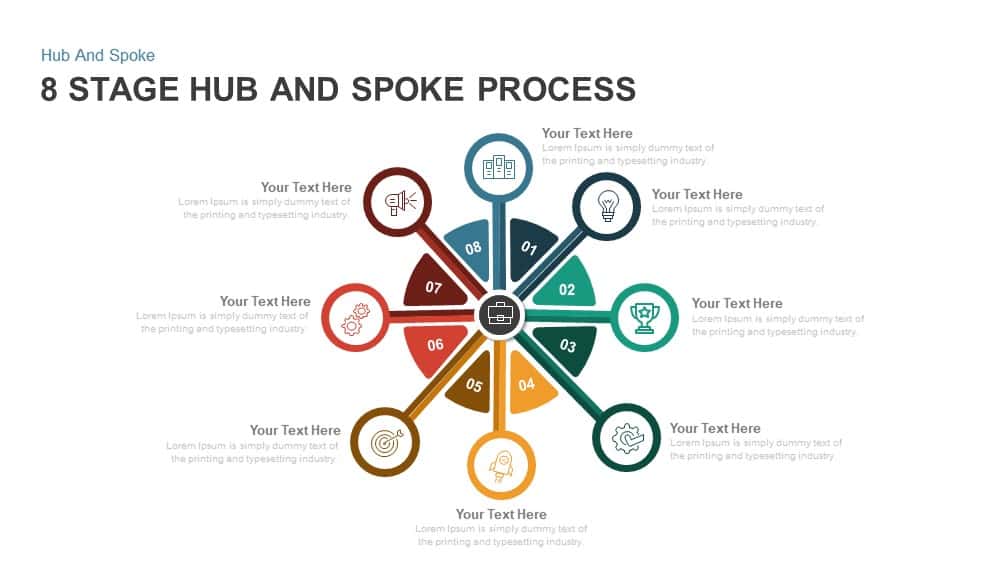
8 Stage Hub and Spoke Process PowerPoint Template and Google Slides
Process
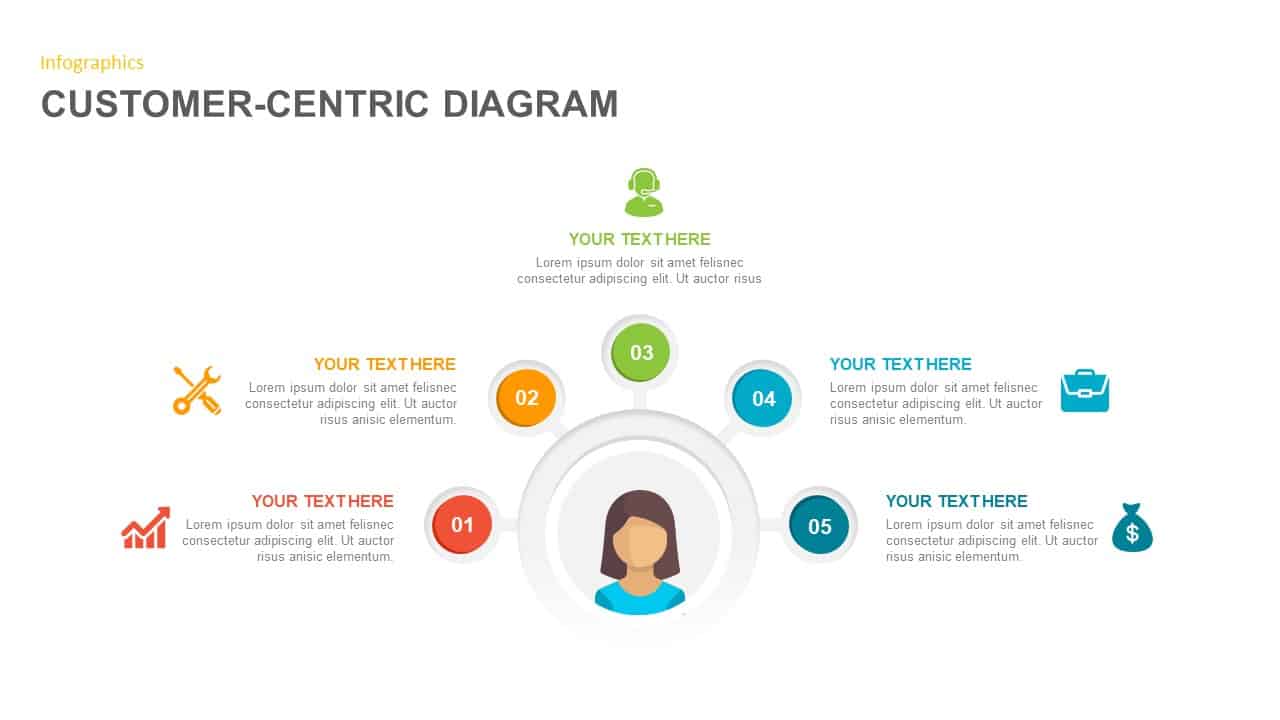
Customer-Centric Hub and Spoke Diagram Template for PowerPoint & Google Slides
Customer Experience
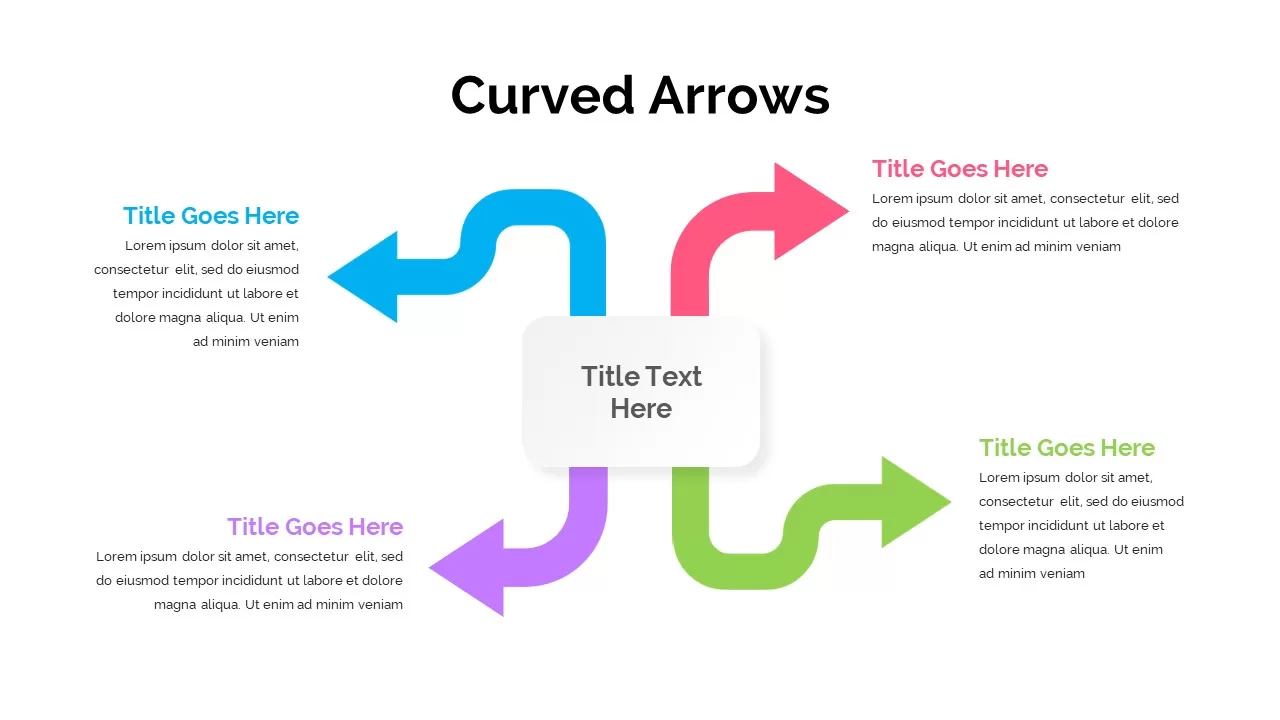
Four-Arrow Curved Hub-and-Spoke Diagram Template for PowerPoint & Google Slides
Arrow
Three-Step Hub and Spoke Diagram Template for PowerPoint & Google Slides
Circular
Five-Node Hub and Spoke Diagram Template for PowerPoint & Google Slides
Business Strategy
Project Scope Hub & Spoke Layout Template for PowerPoint & Google Slides
Process
Social Media Hub-and-Spoke Infographics Template for PowerPoint & Google Slides
Circular
Omnichannel Sales Circular Hub & Spoke Template for PowerPoint & Google Slides
Digital Marketing
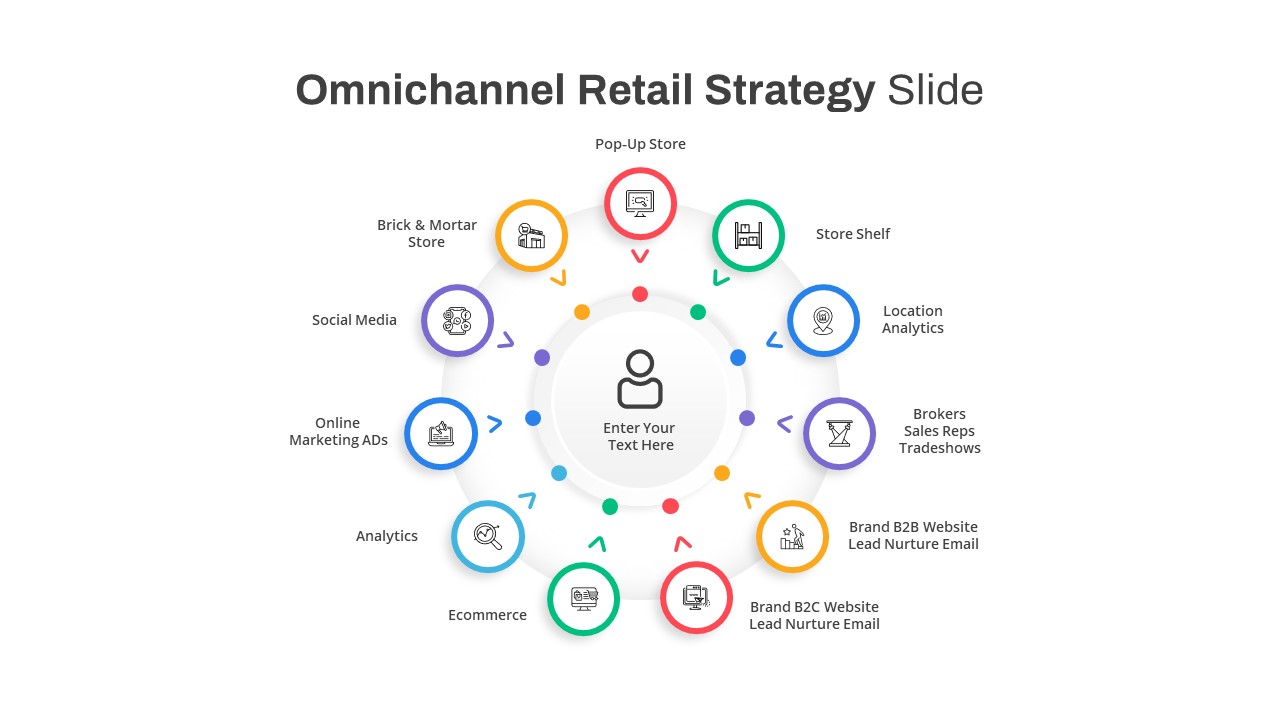
Omnichannel Retail Strategy Hub & Spoke Template for PowerPoint & Google Slides
Business Strategy
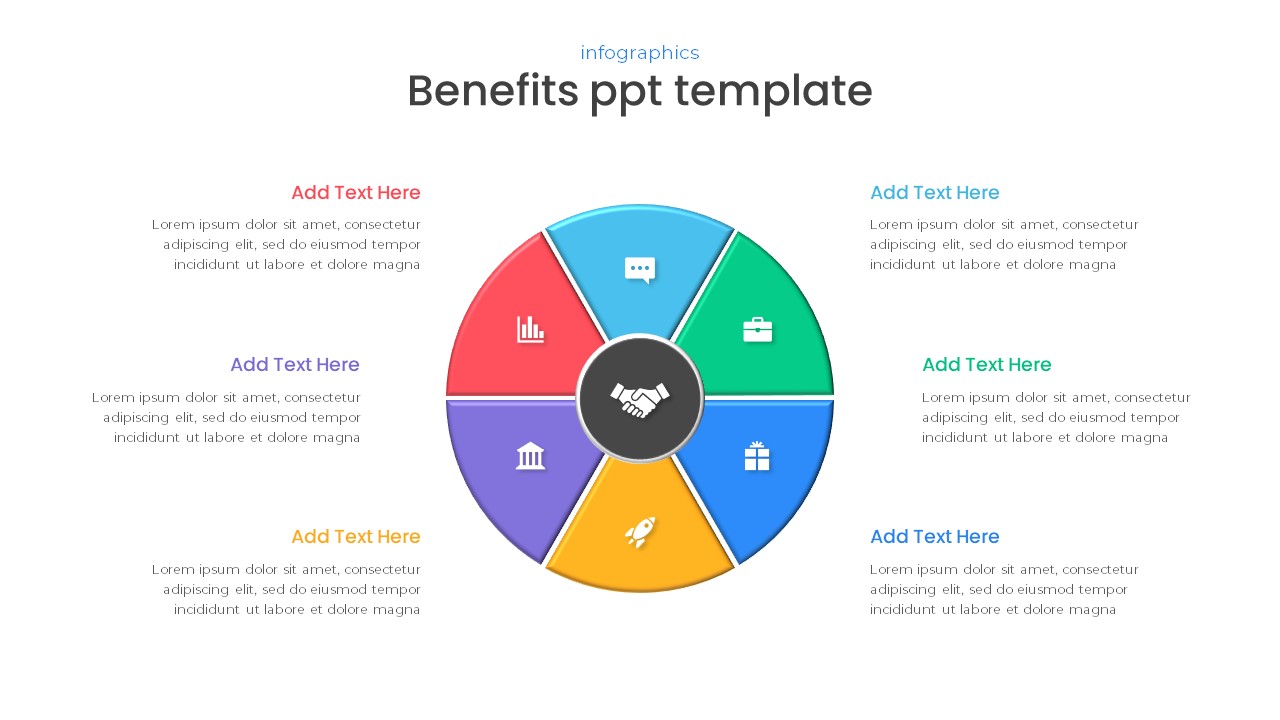
Free Six-Part Hub-and-Spoke Benefits Template for PowerPoint & Google Slides
Circular
Free
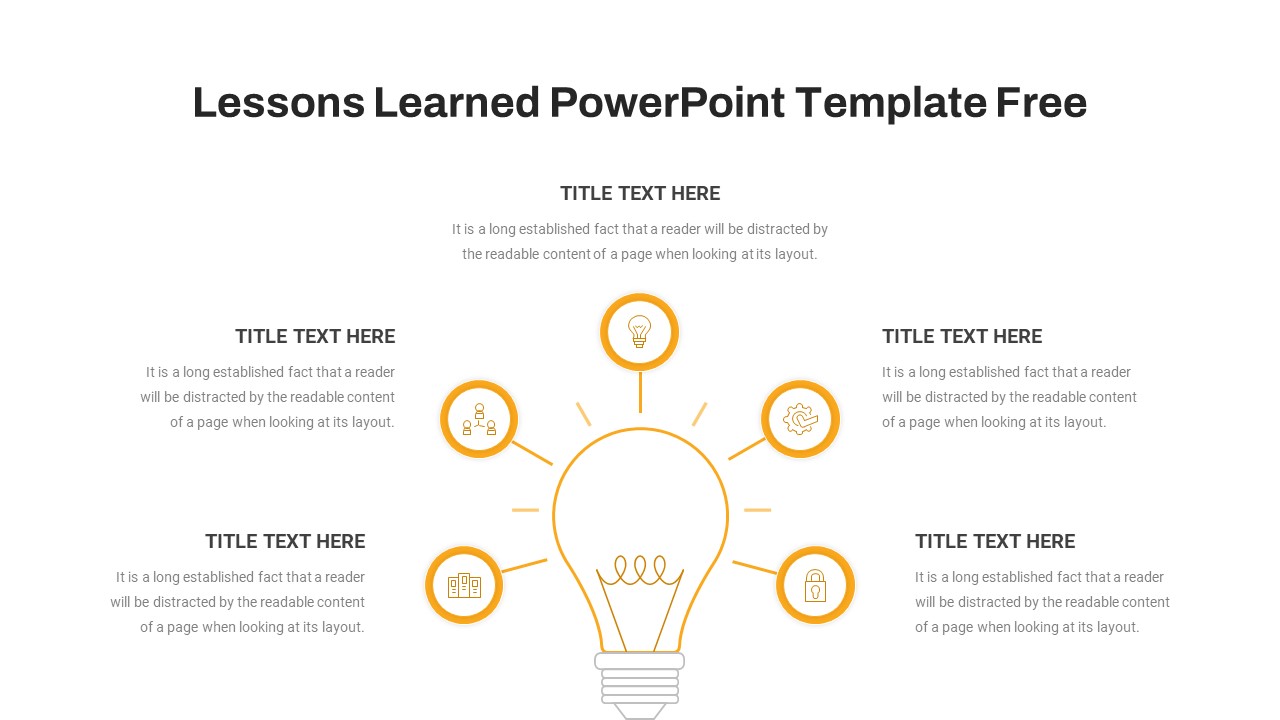
Lessons Learned Hub and Spoke Diagram Template for PowerPoint & Google Slides
Leadership
Free
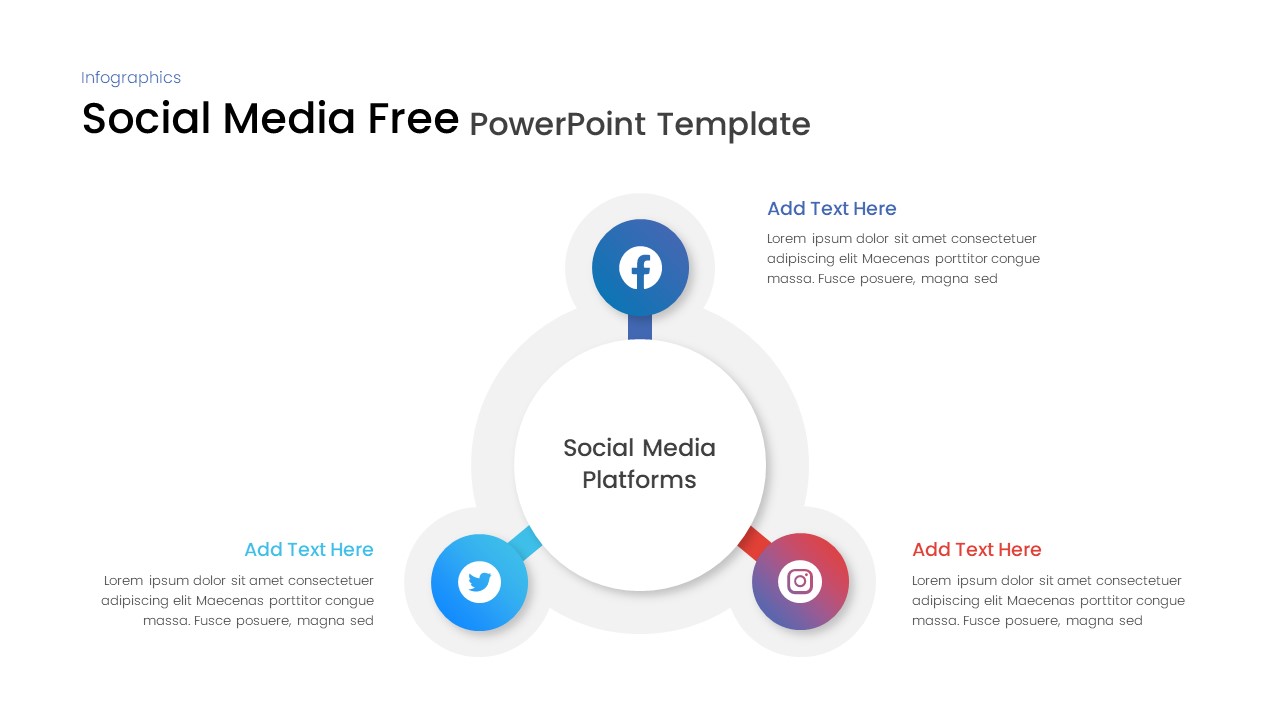
Free Social Media Hub-and-Spoke Infographic Template for PowerPoint & Google Slides
Circular
Free
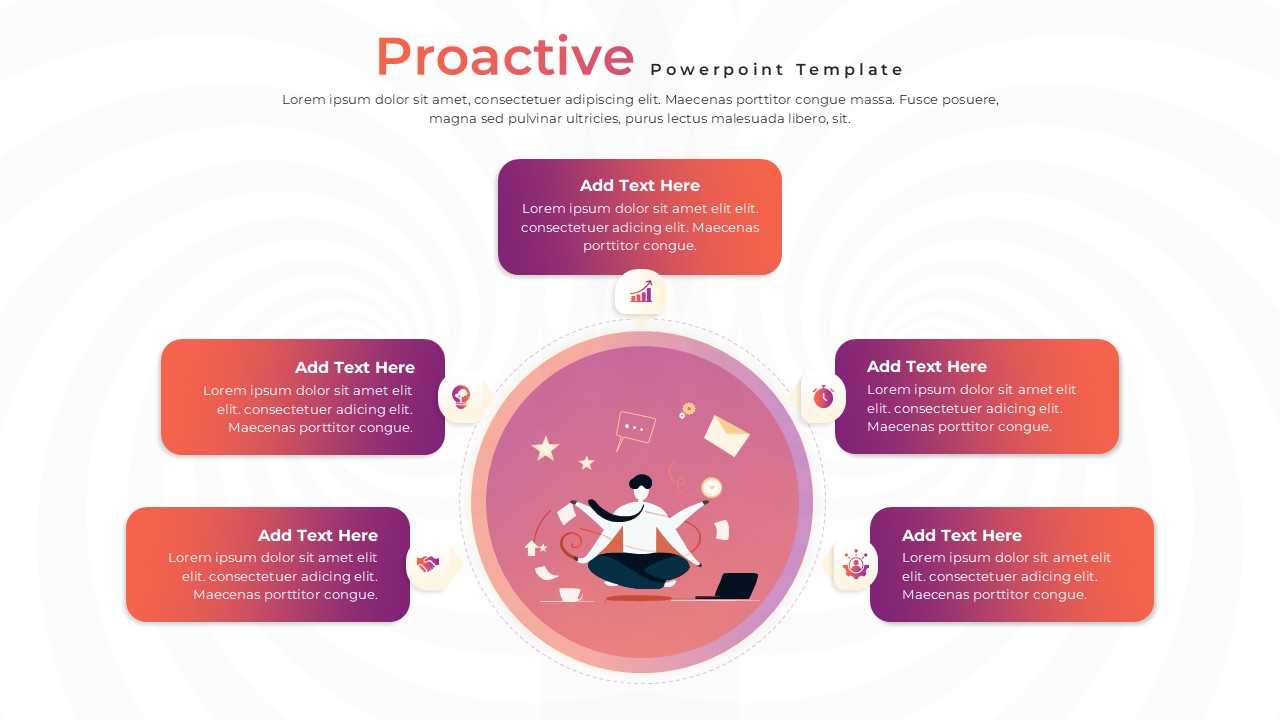
Proactive Hub-and-Spoke Diagram Template for PowerPoint & Google Slides
Process
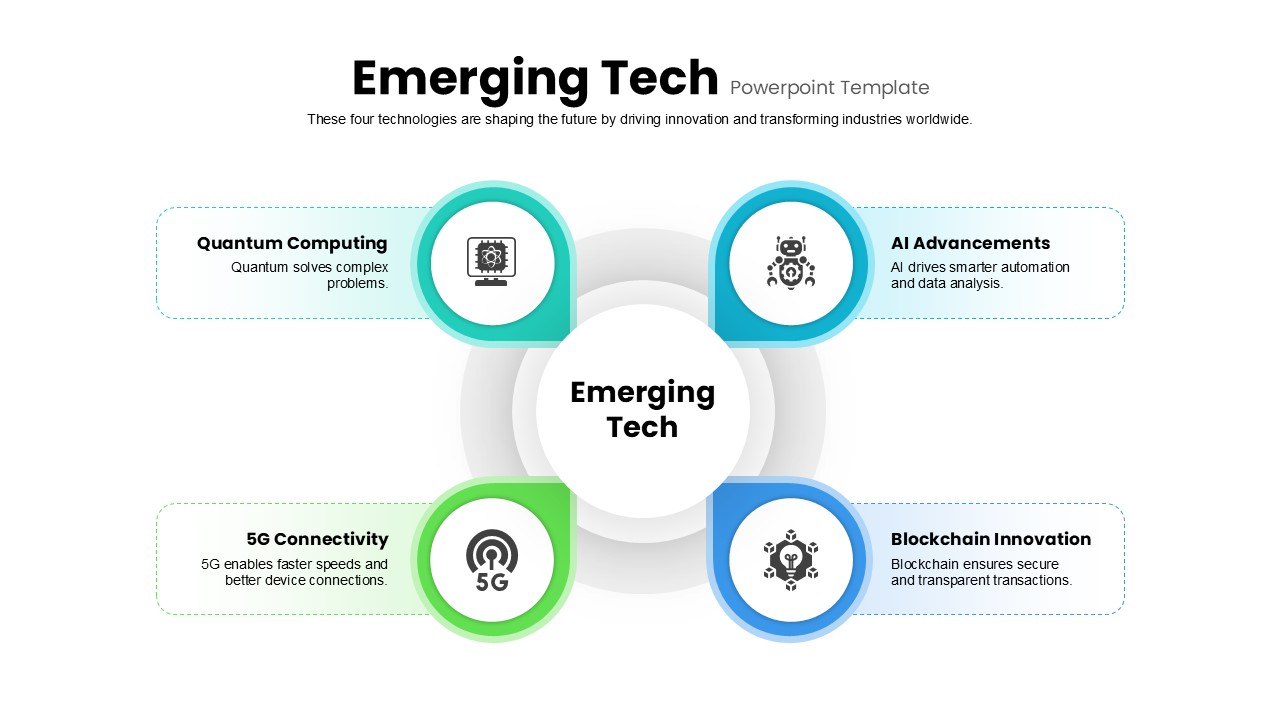
Emerging Tech Diagram PowerPoint Template
Technology
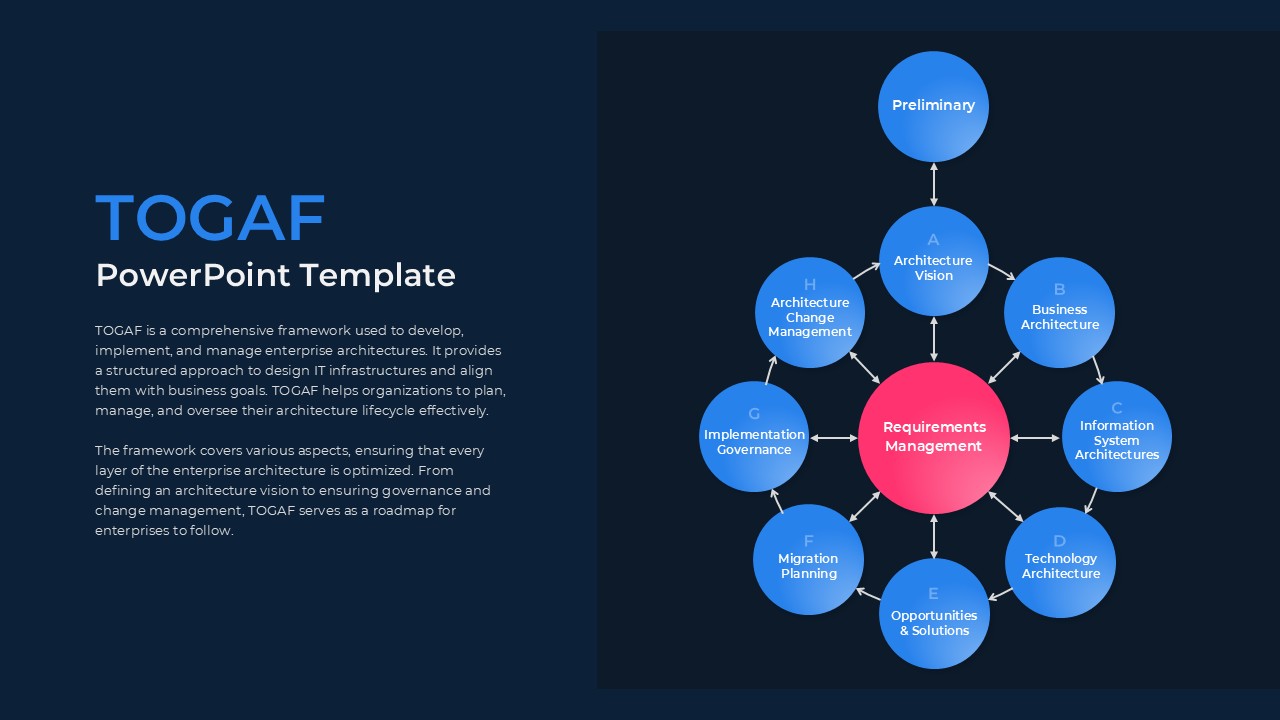
TOGAF PowerPoint Template
Circular
Cloud Cost Optimization Template
Cloud Computing
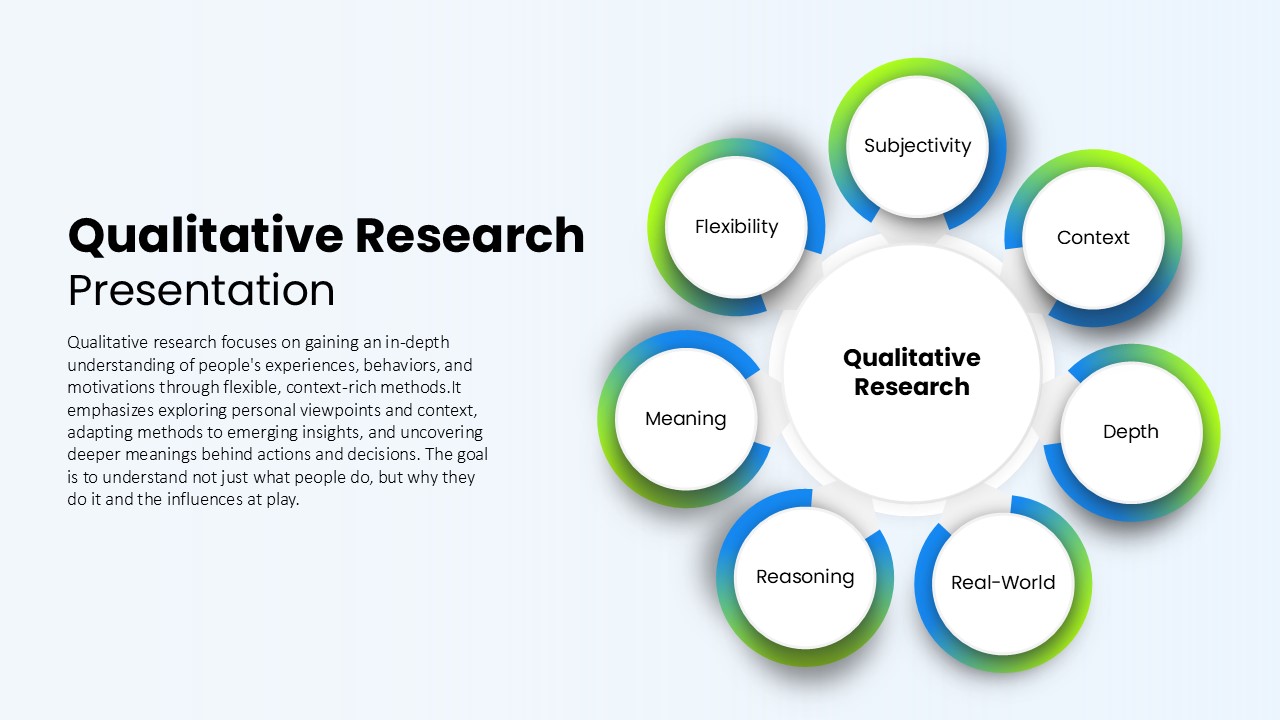
Qualitative Research Hub and Spoke Template for PowerPoint & Google Slides
Circular
ML Center of Excellence Template
Machine Learning