










Dashboard PowerPoint Templates & Editable Slides
Fully editable dashboard PowerPoint templates help you show your data in a simple and clear way. A dashboard slide puts your key numbers, charts, and progress in one place, so your audience can understand them quickly.
Use these templates for sales reports, project updates, marketing results, or finance reviews. Each slide includes ready-made charts, graphs, and icons. Just replace the sample data with your own, change the colors, and your slide is ready. You don’t need any design skills.
Our collection has many styles to choose from, including clean, modern, and dark designs. All dashboard templates work in PowerPoint and Google Slides, so you can use them on any device.
 Filter


-
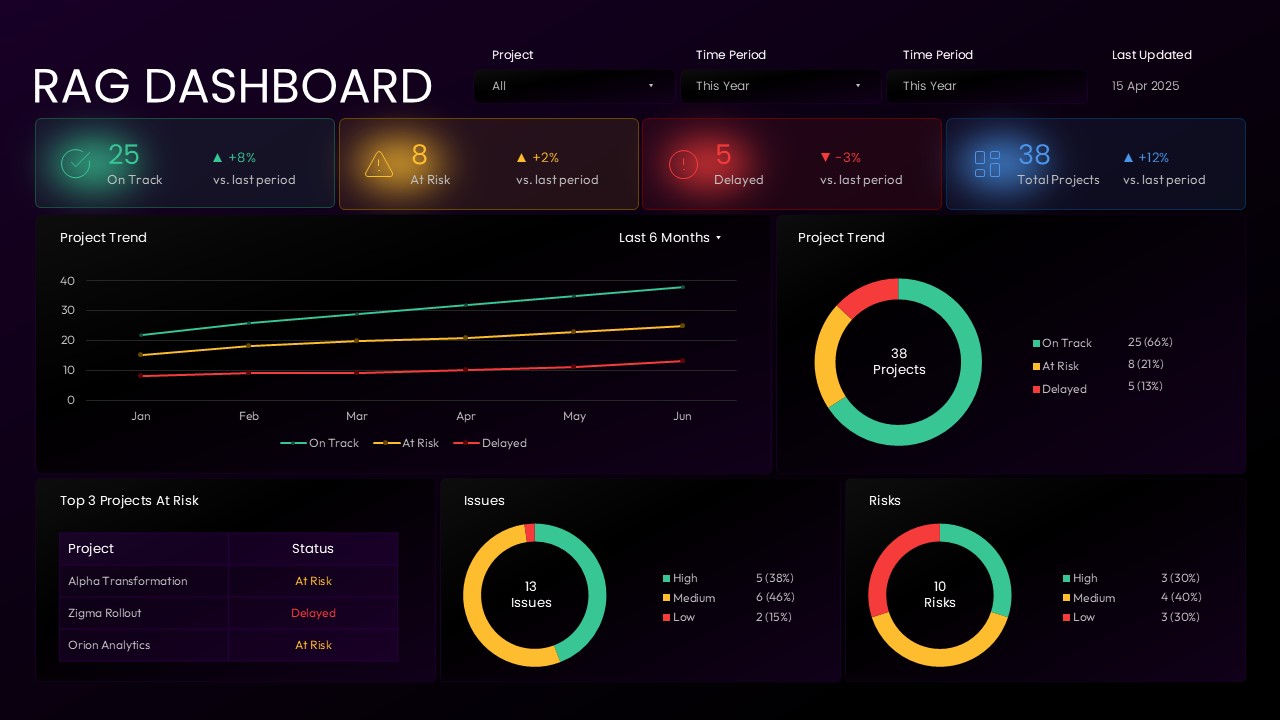
RAG Dashboard PowerPoint Presentation Template
Dashboard
-

Stock Market Presentation PowerPoint Template
Finance
-
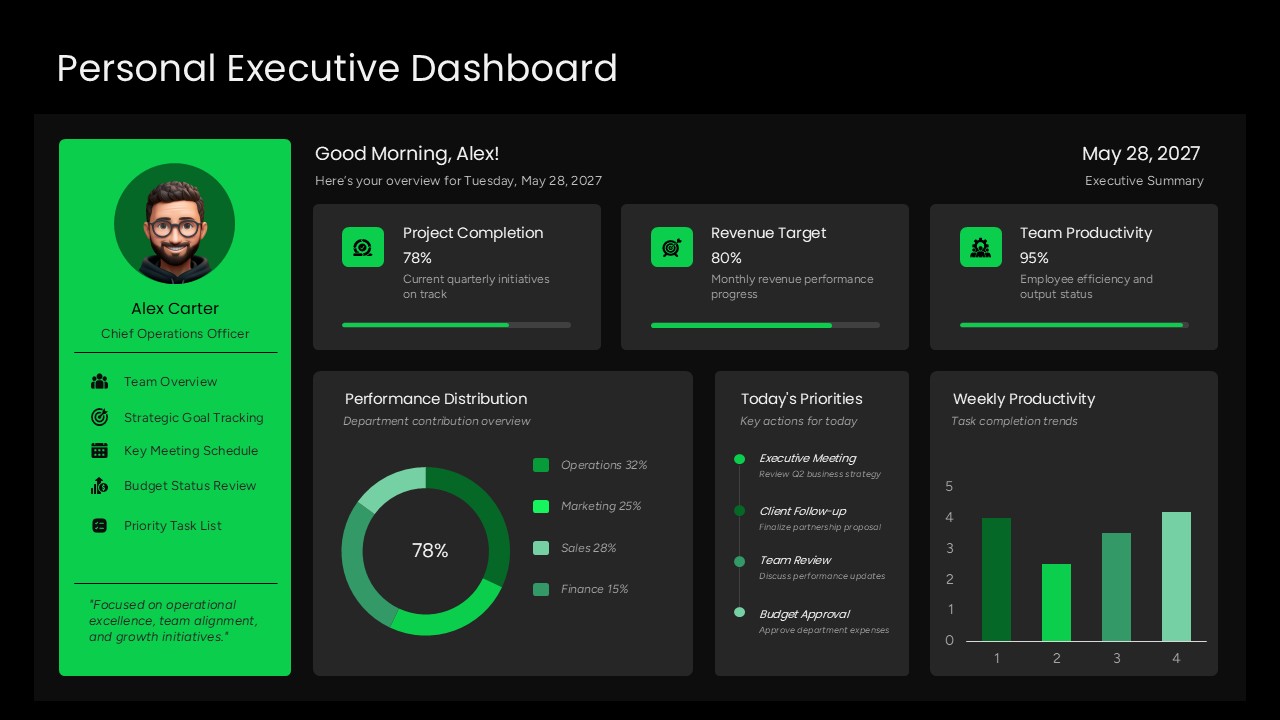
Personal Executive Dashboard Template
Dashboard
-
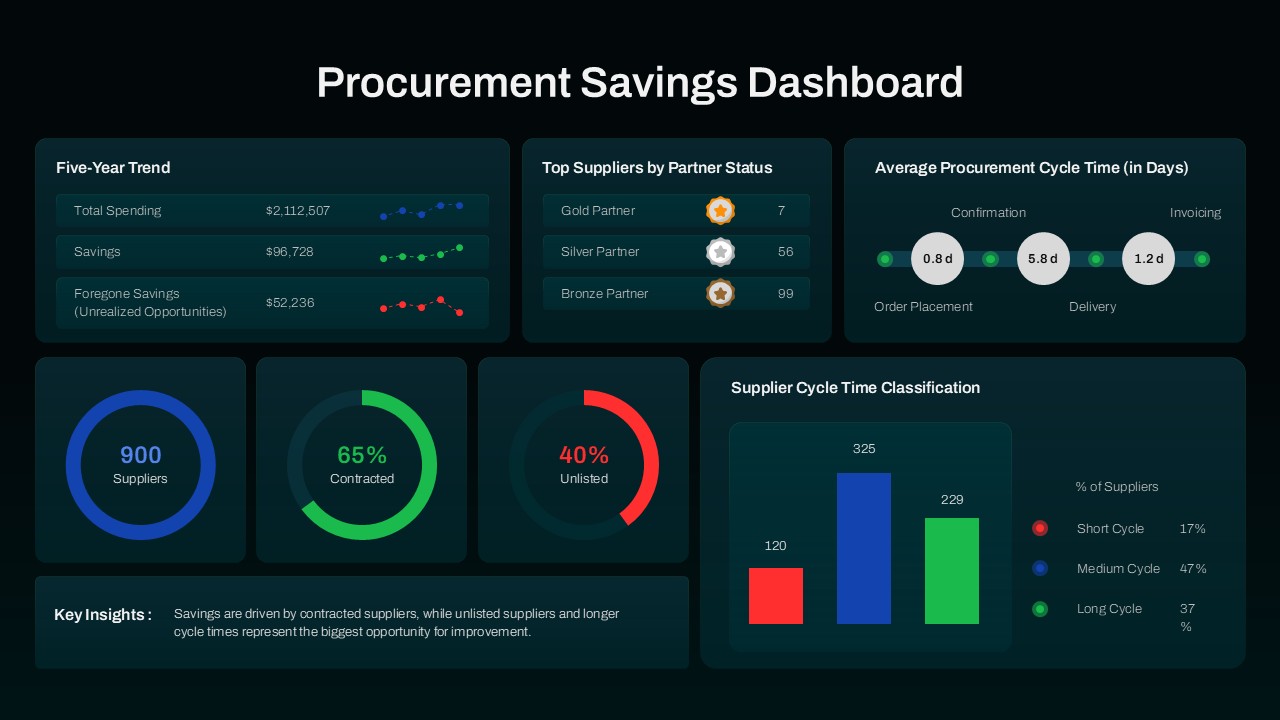
Procurement Savings Dashboard PowerPoint Template
Dashboard
-
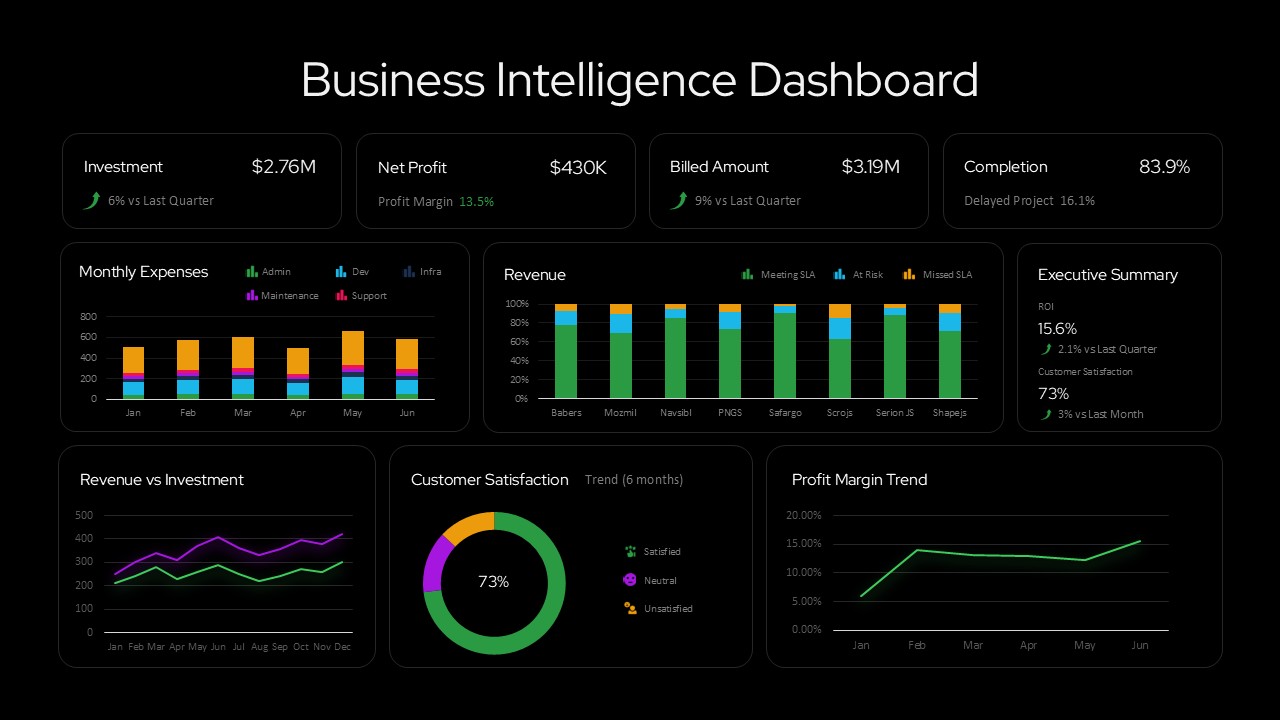
Business Intelligence Dashboard Presentation Template
Dashboard
-
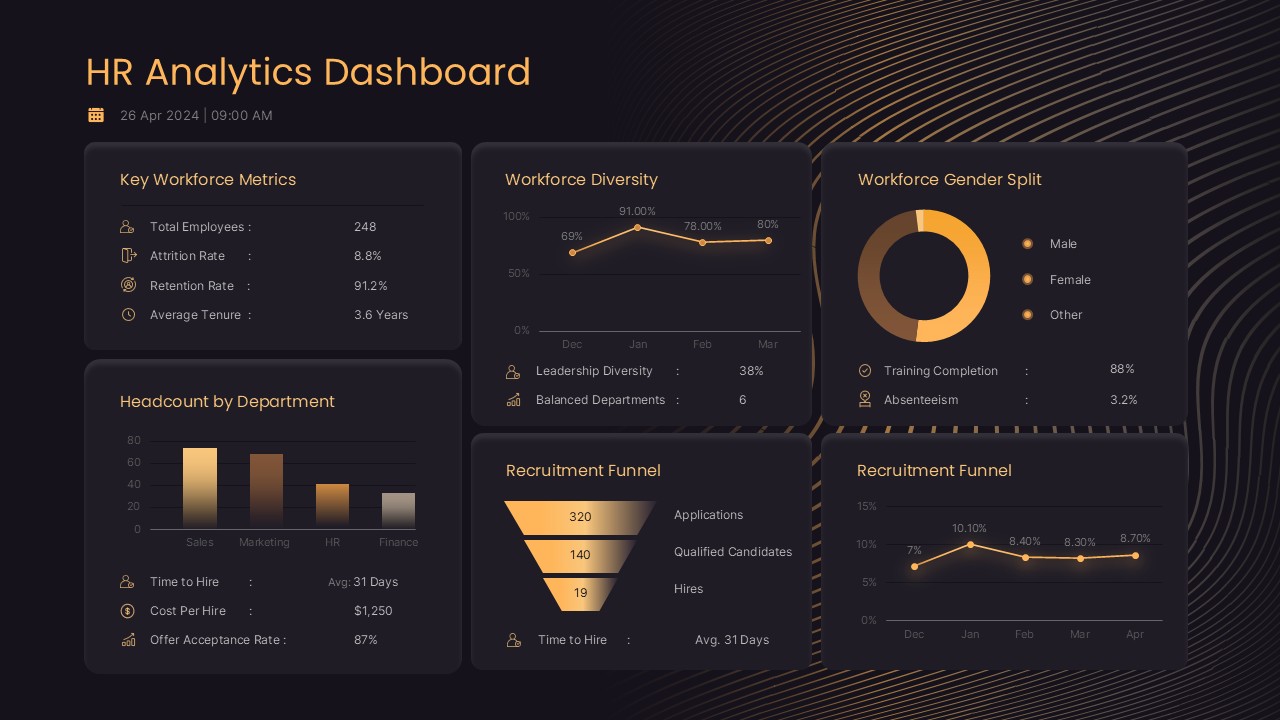
HR Analytics Dashboard PowerPoint & Google Slides Template
Human Resources
-
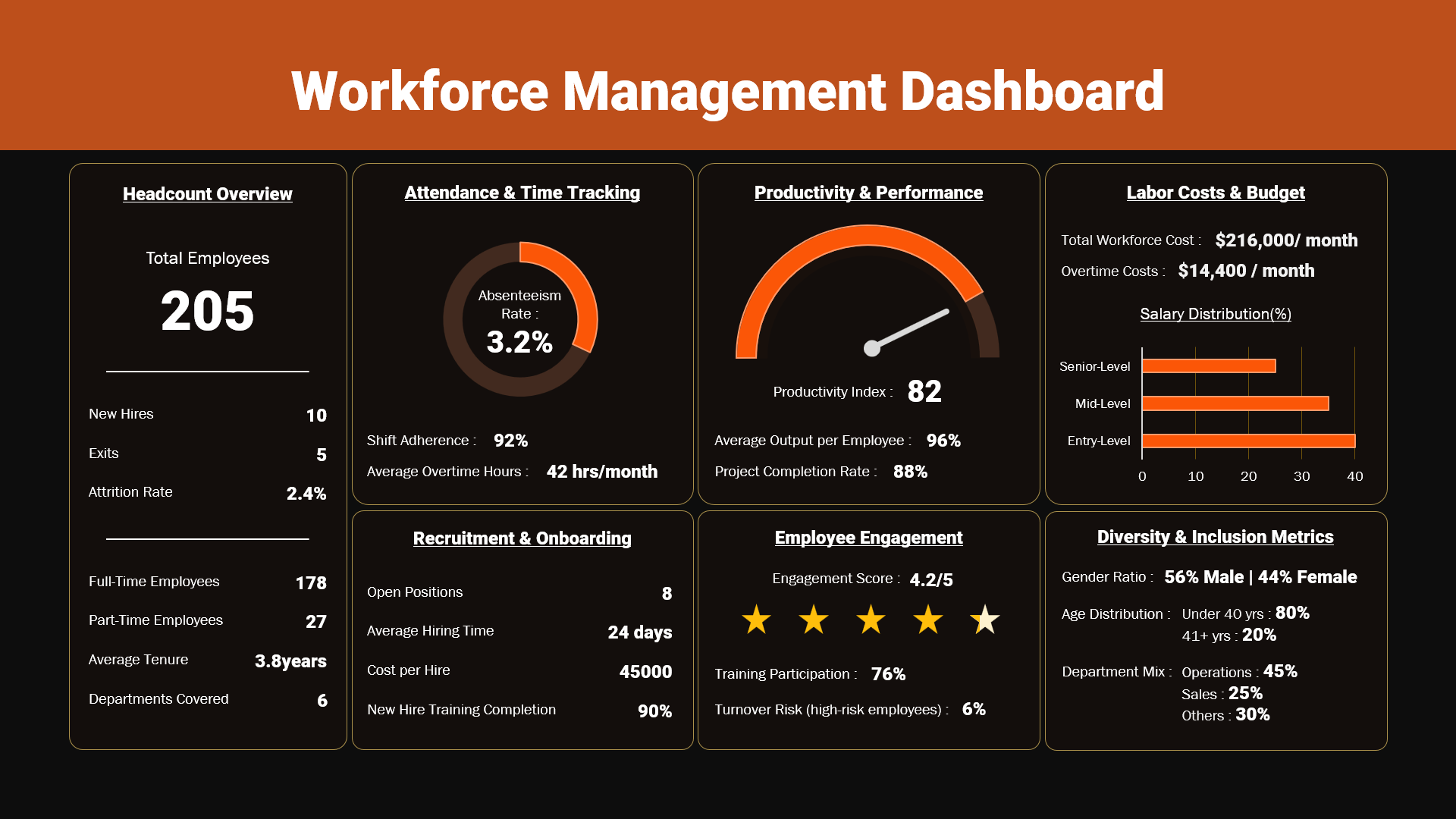
Editable Workforce Management Dashboard PowerPoint Template
Dashboard
-
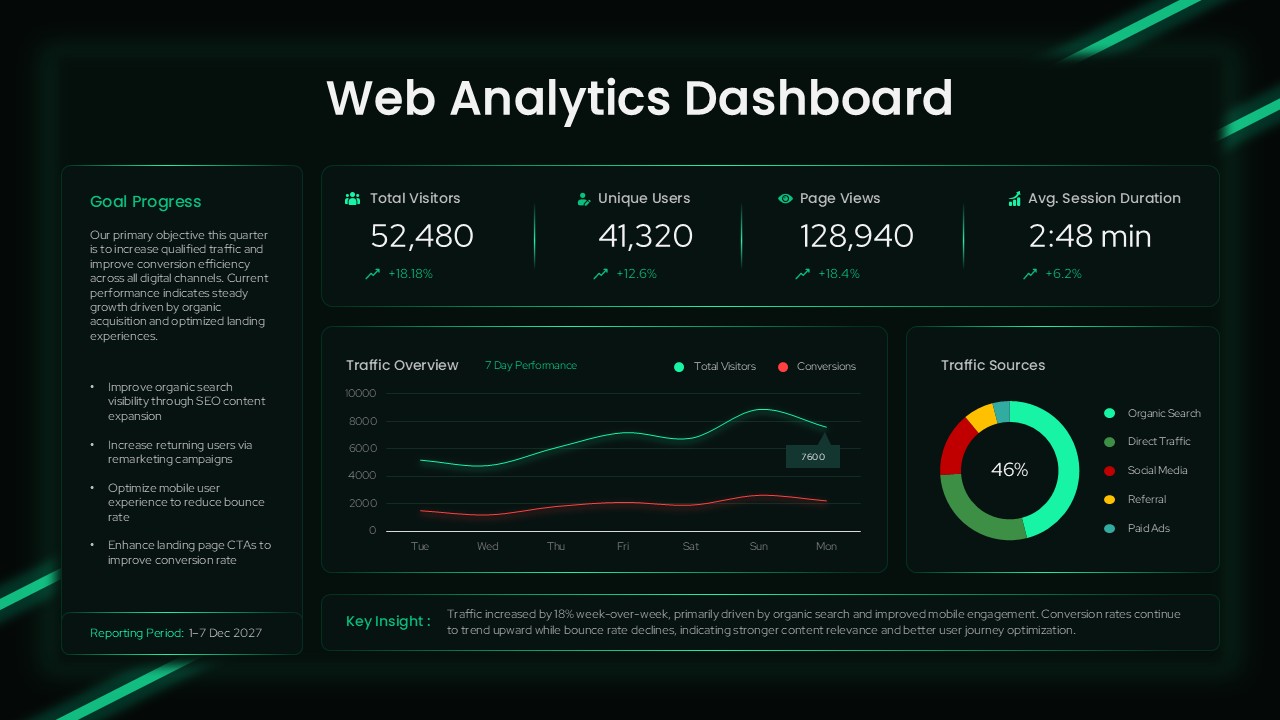
Web Analytics Dashboard Template
Business
-
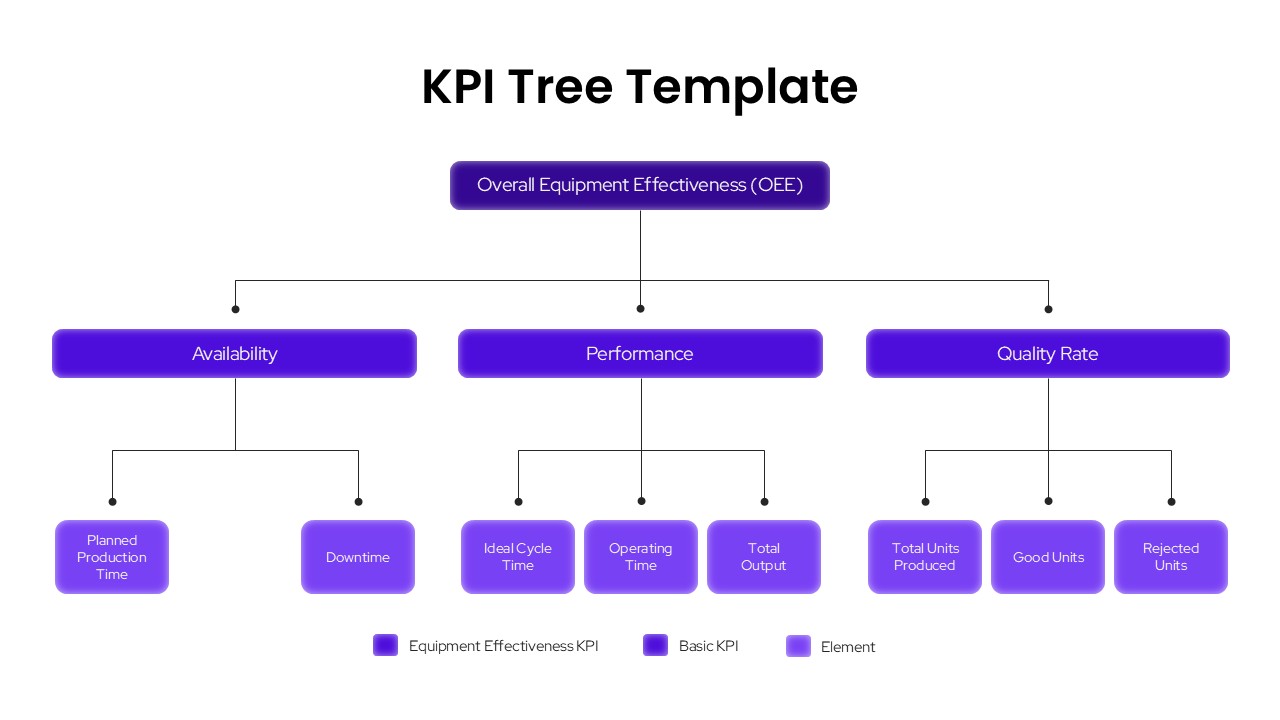
KPI Tree Template
Infographics
-
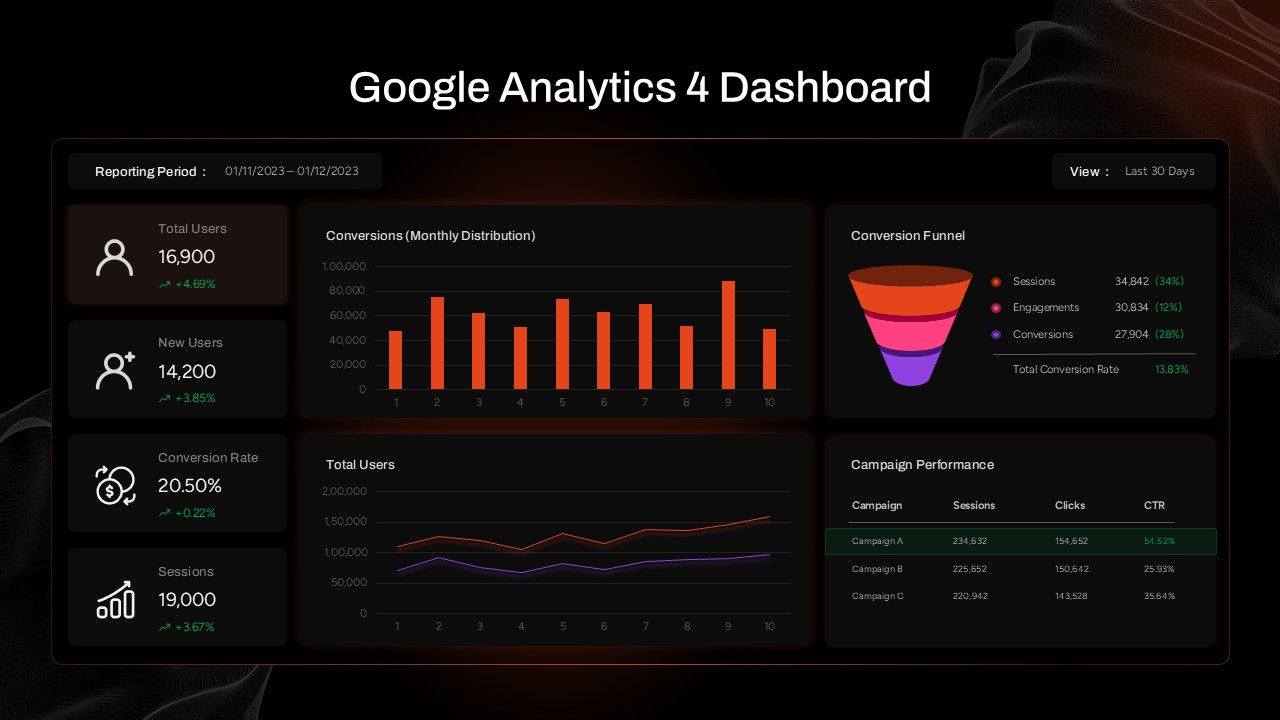
Google Analytics 4 (GA4) Dashboard Template for PowerPoint & Google Slides
Digital Marketing
-

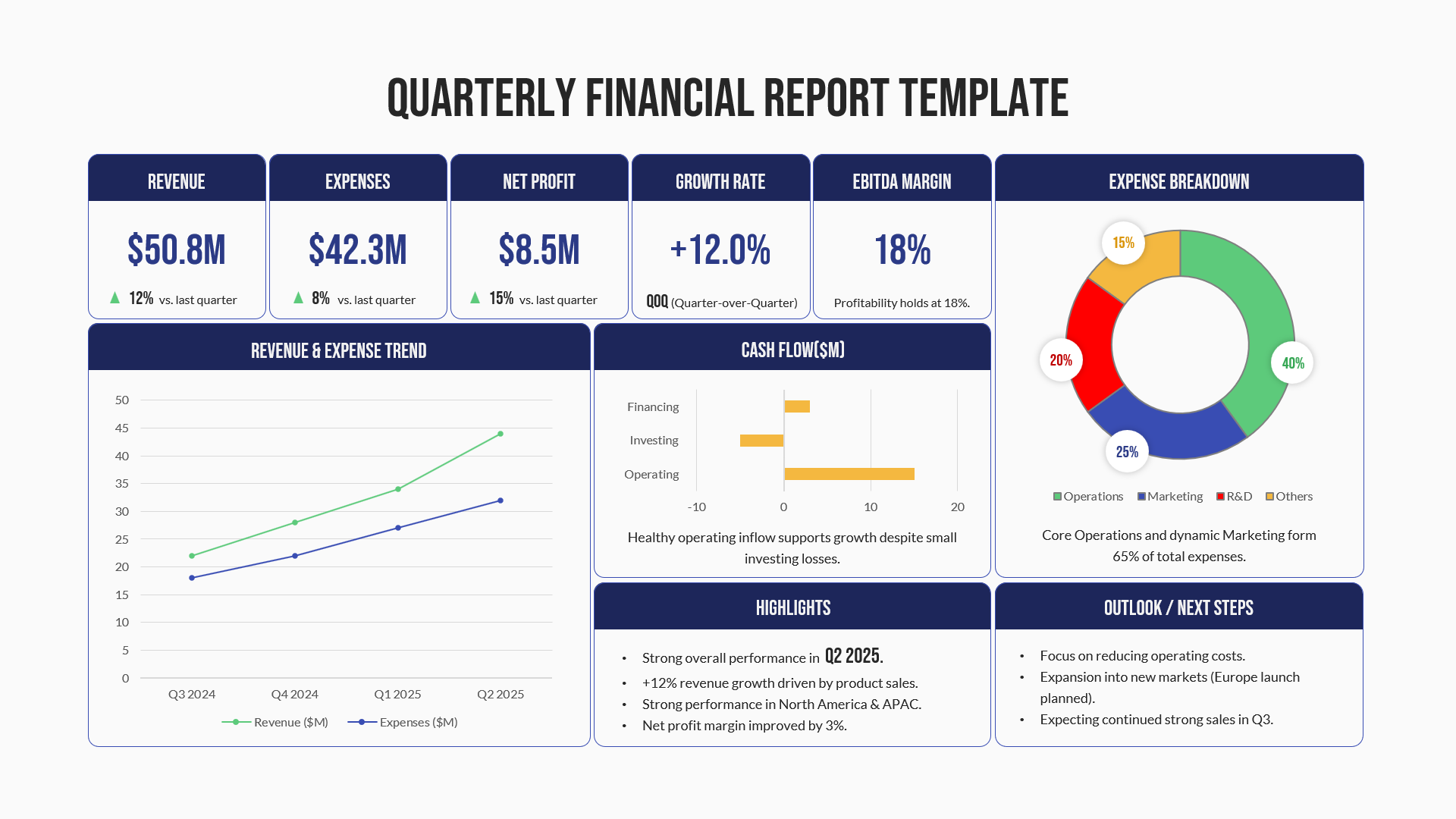
Quarterly Financial Report PowerPoint Template
Finance
-

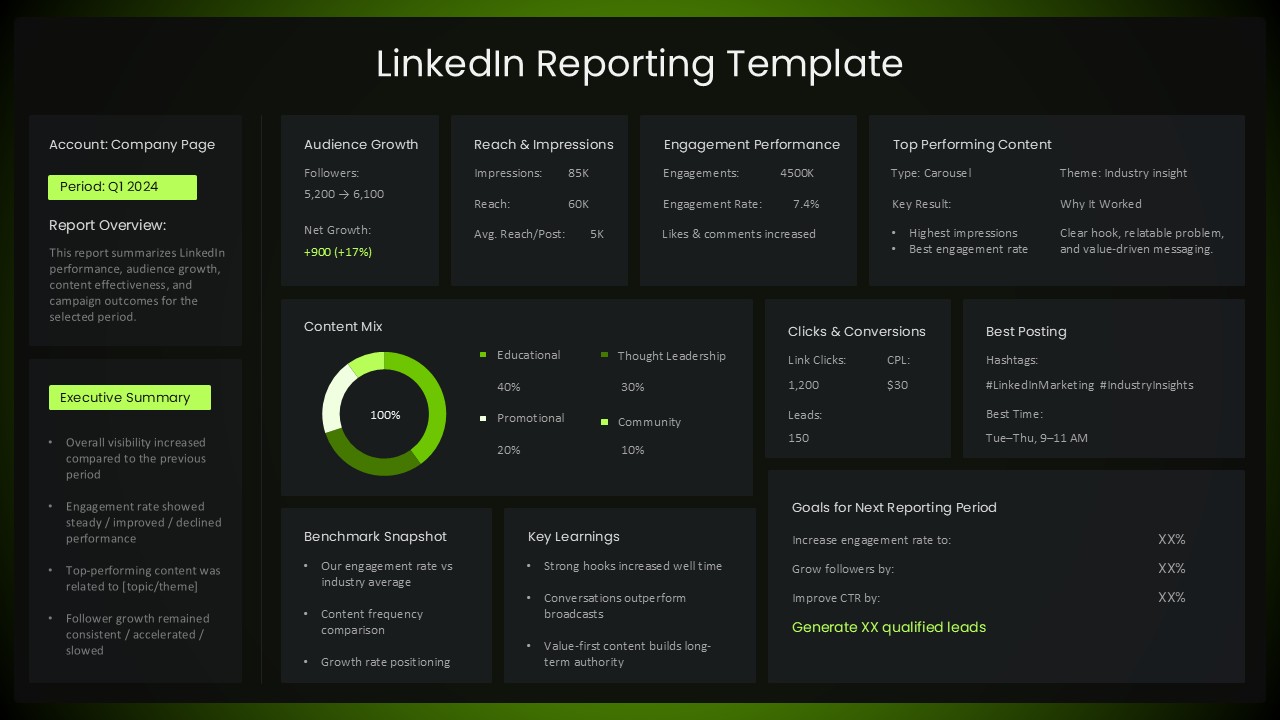
LinkedIn Reporting Dashboard Template
Digital Marketing
-
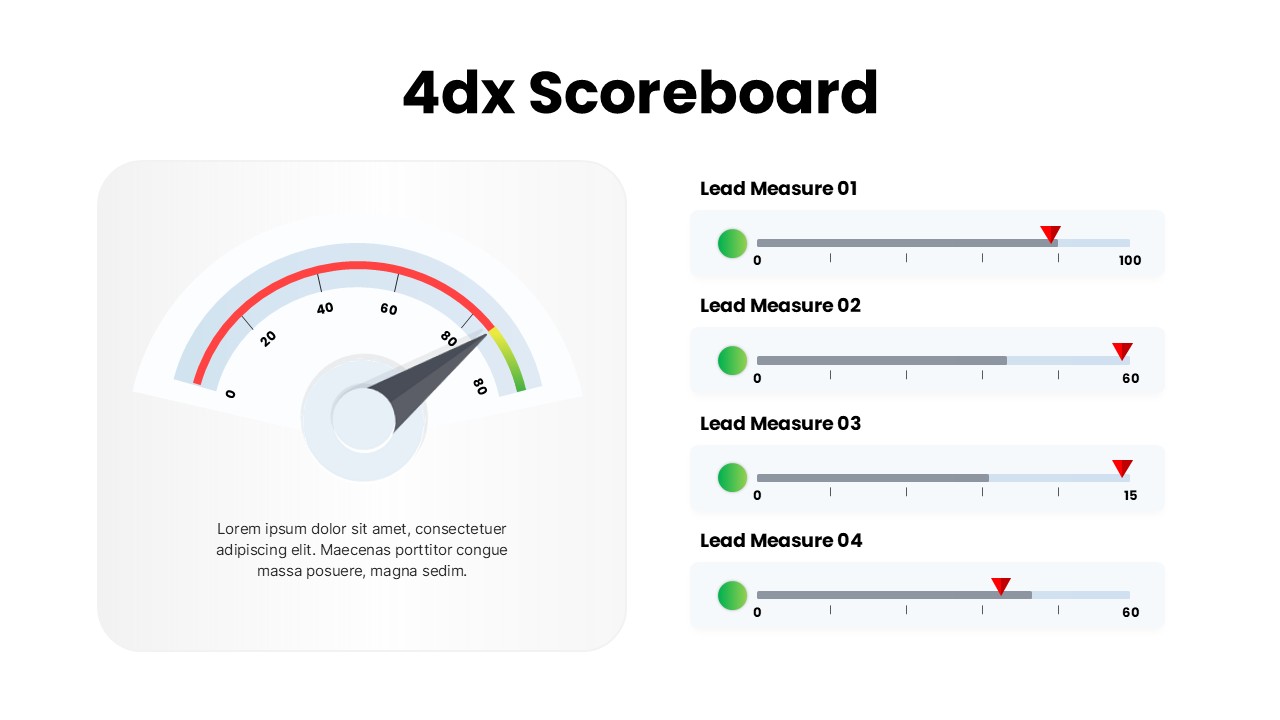
4DX Scoreboard Dashboard for PowerPoint & Google Slides
Business Strategy
-
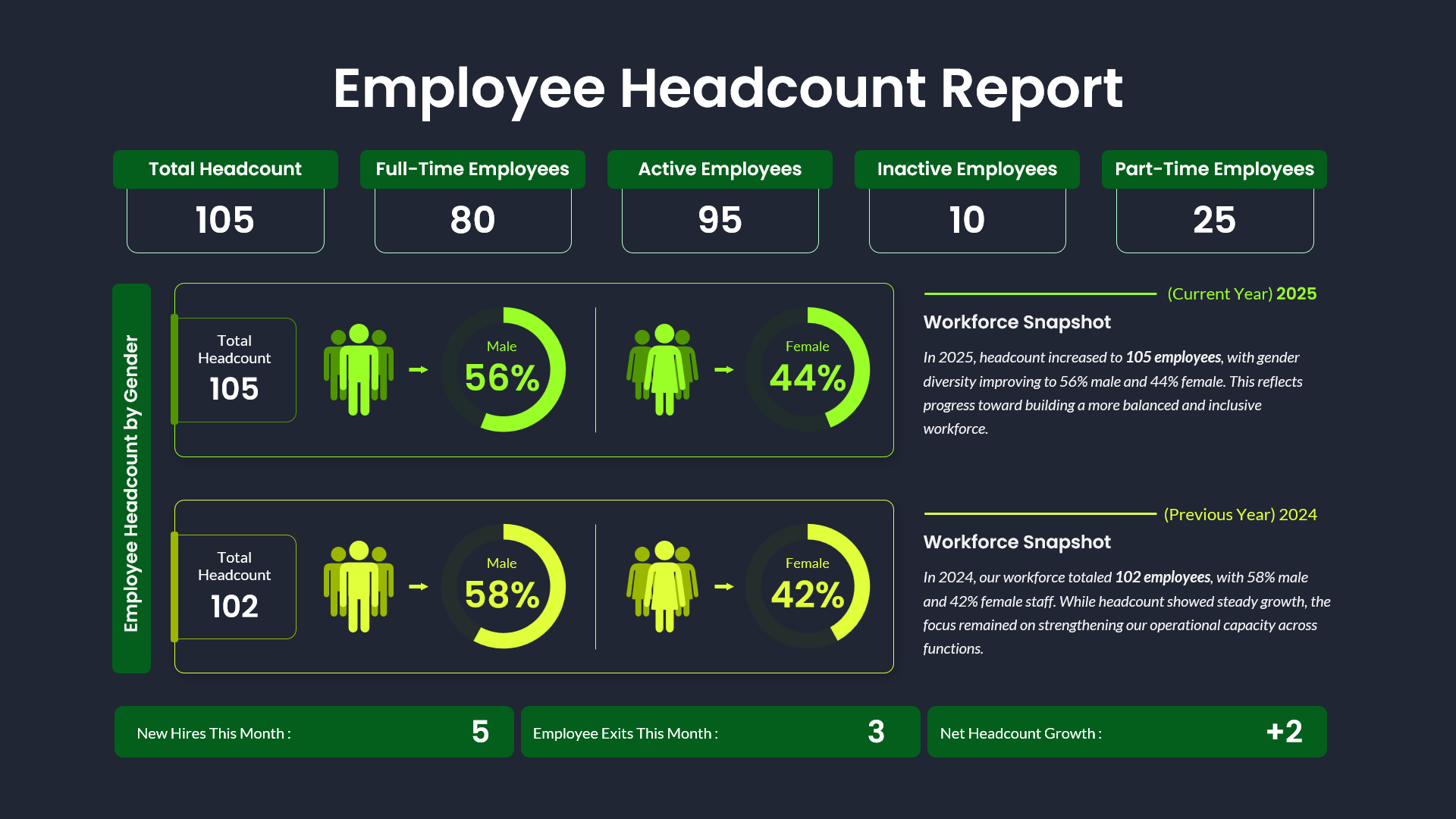
Employee Headcount Dashboard Report Template for PowerPoint & Google Slides
Employee Performance
-
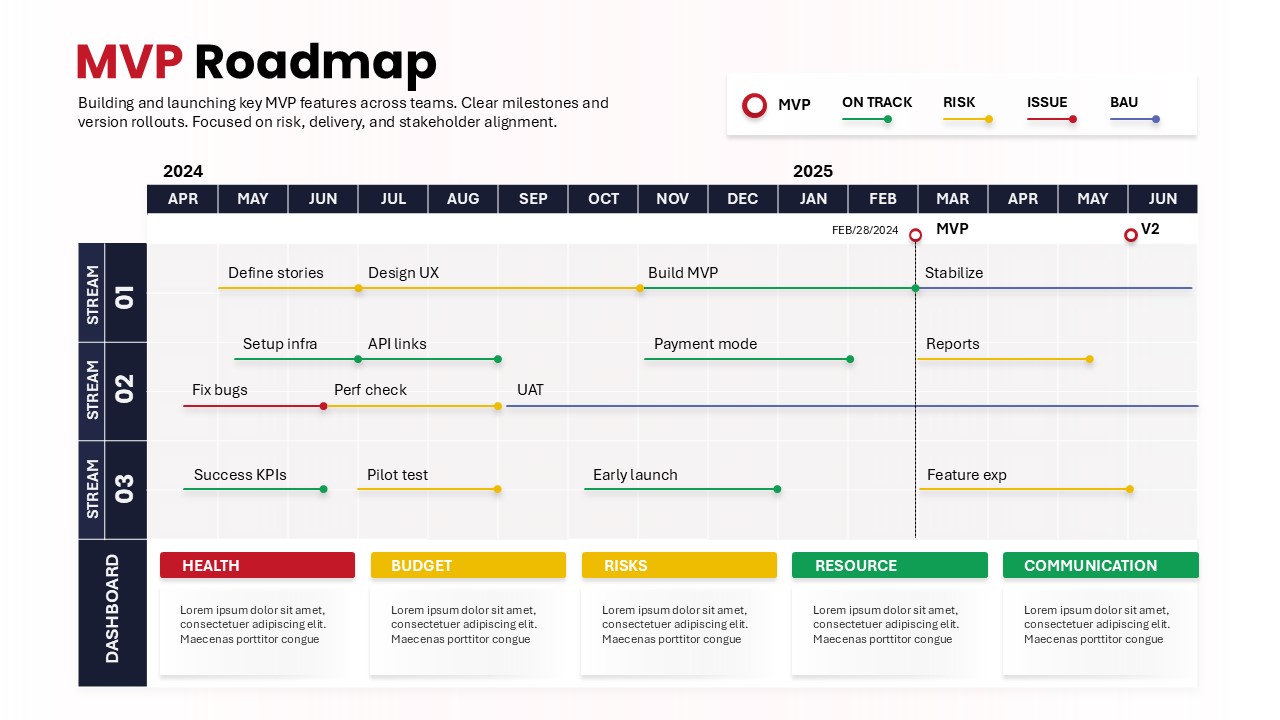
MVP Product Roadmap Template for Product Development
Roadmap
-
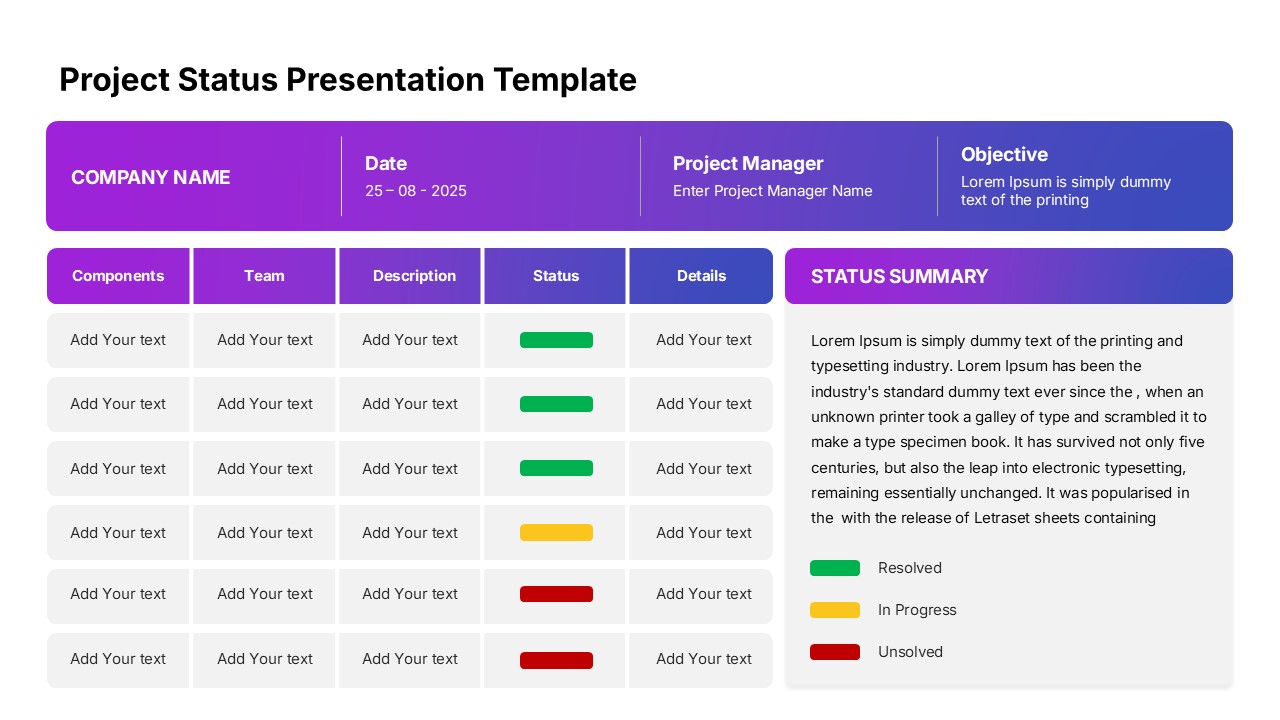
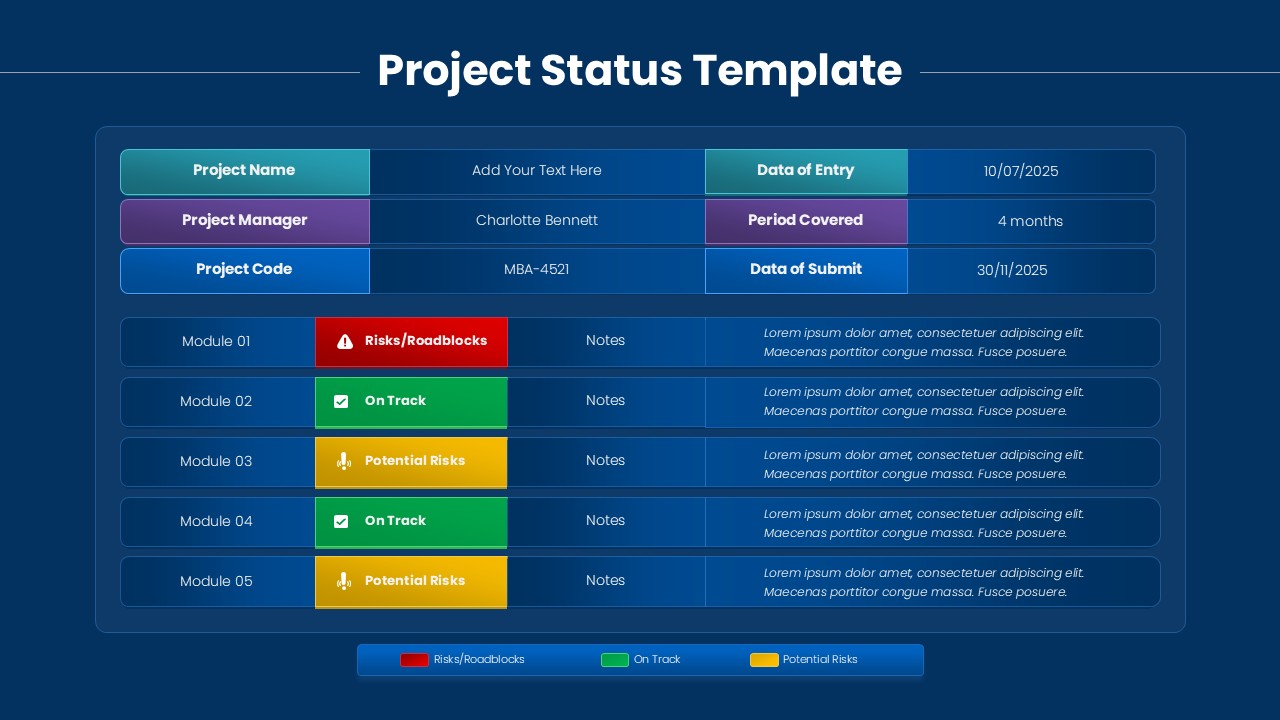
PPT Project Status Presentation Template for Google Slides
Project Status
-
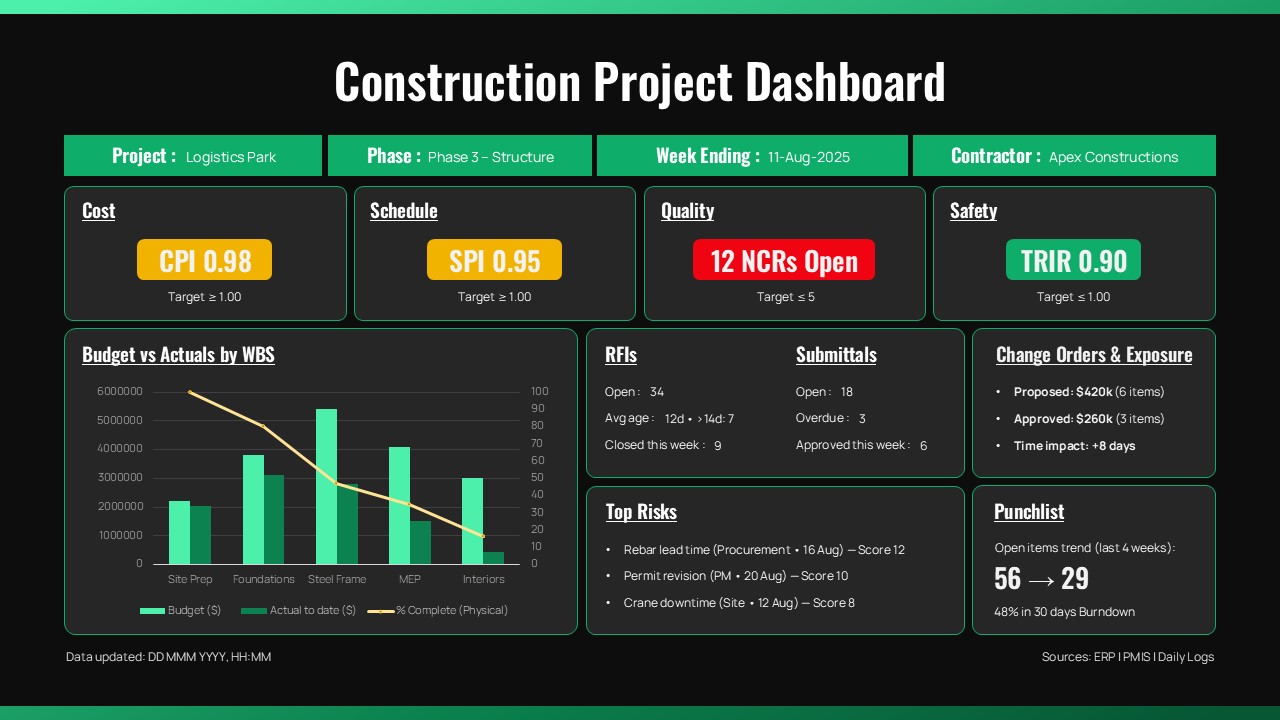
Construction Project Dashboard Template for PowerPoint
Project
-
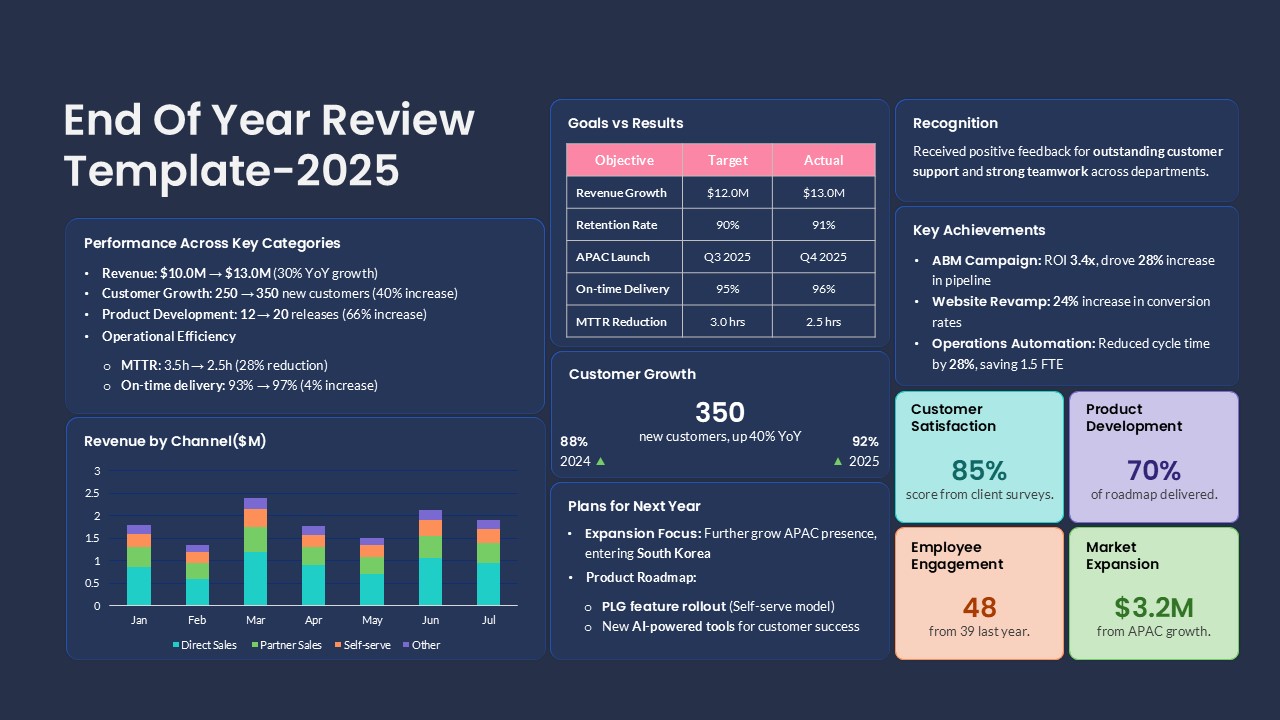
End of Year Review Dashboard Template for PPT & Google Slides
Business Report
-
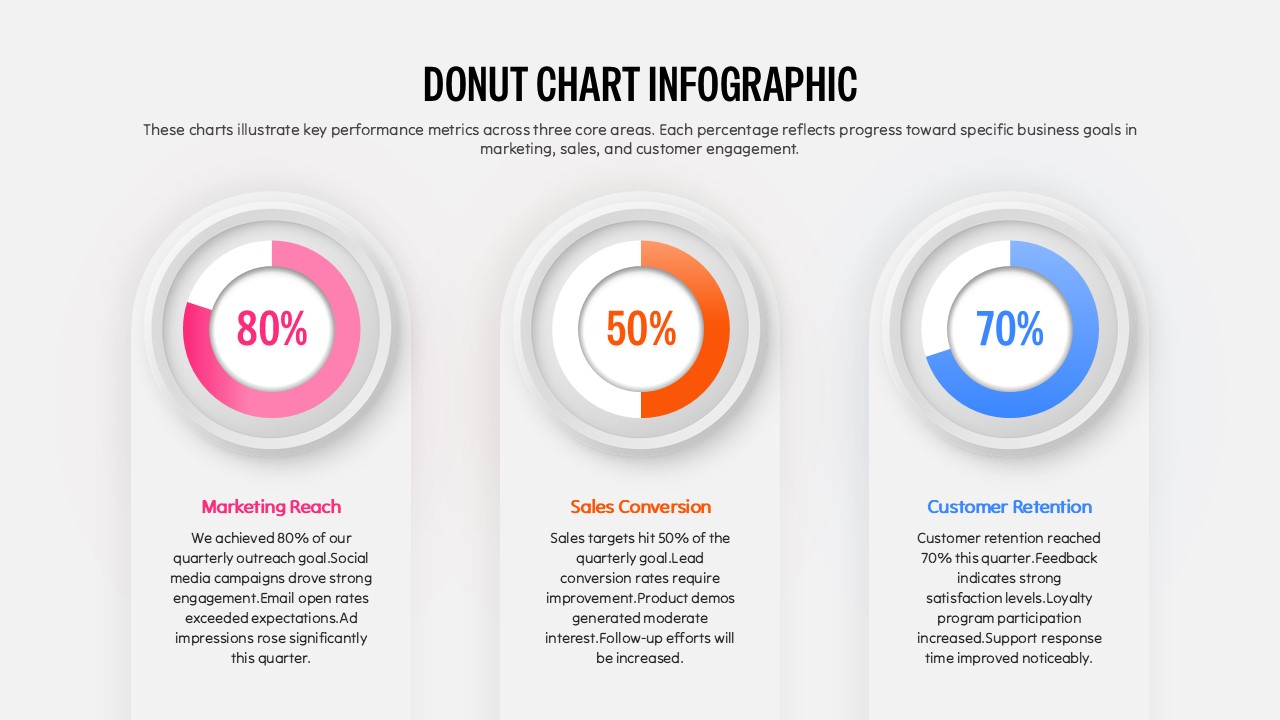
Donut Chart Infographic Template for PowerPoint
Pie/Donut
-
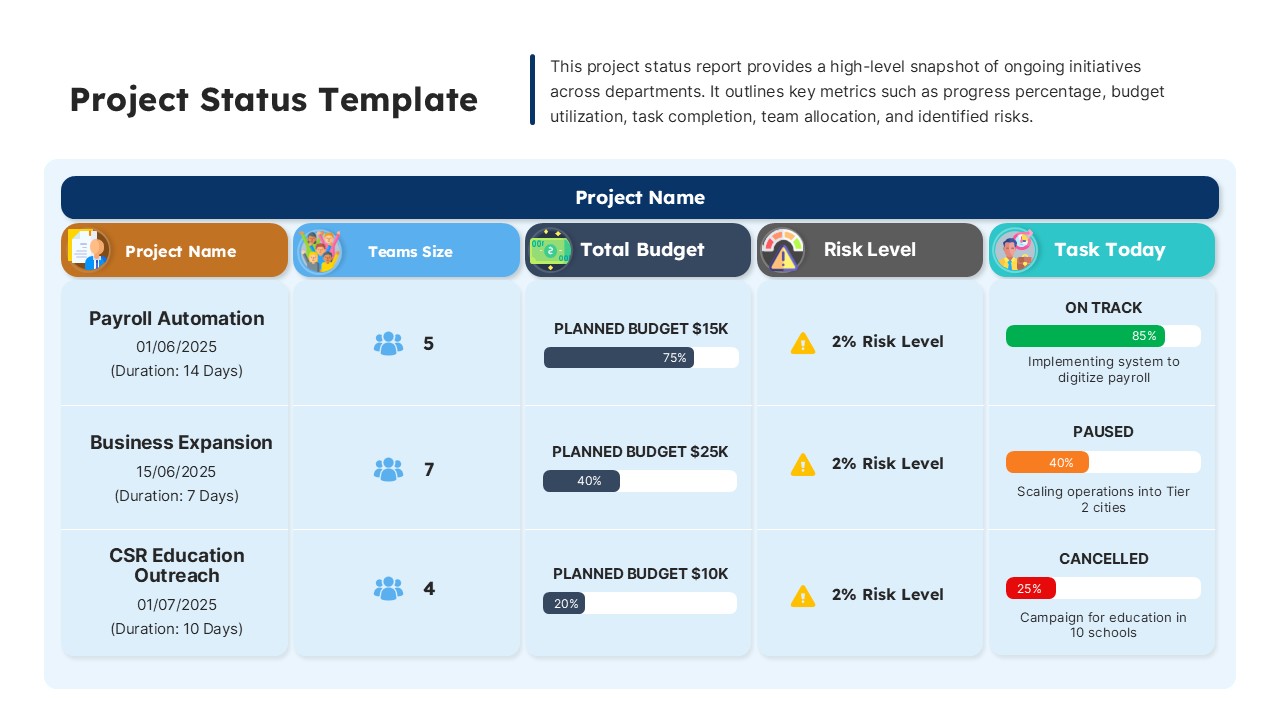
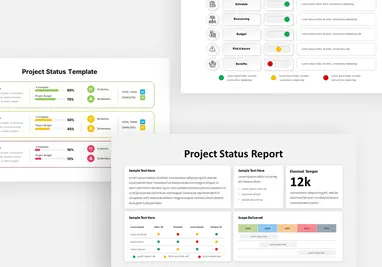
Dashboard Project Status Template for PowerPoint & Google Slides
Project Status
-
Project Status Update Dashboard Template
Project Status
-
Project Status Dashboard with RAG Legend Template for PowerPoint & Google Slides
Project Status
-
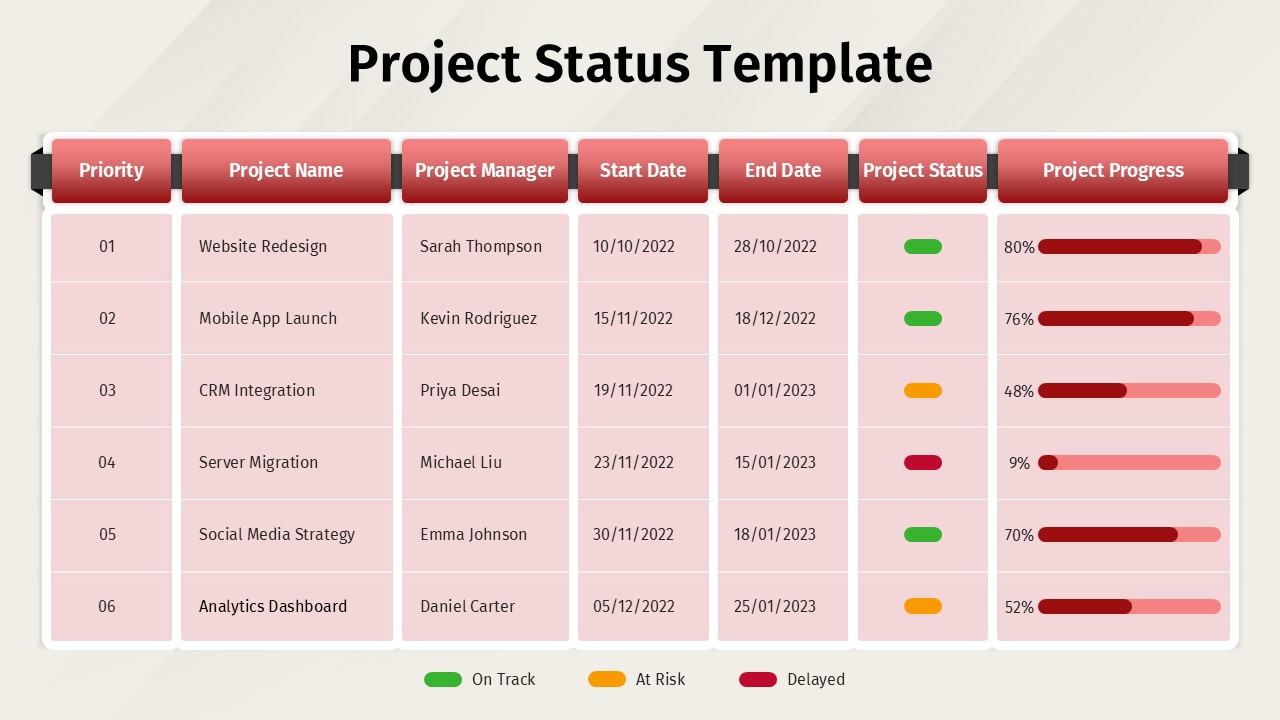
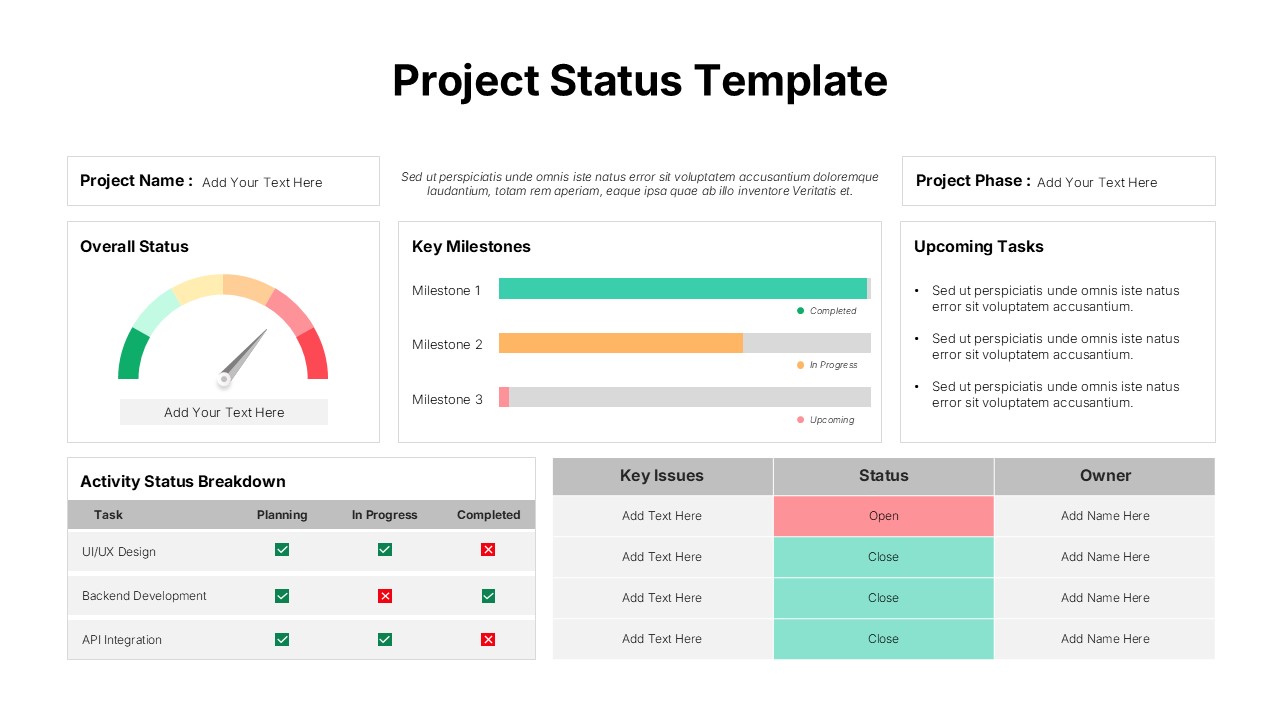
Project Status Template for PowerPoint
Project Status
-
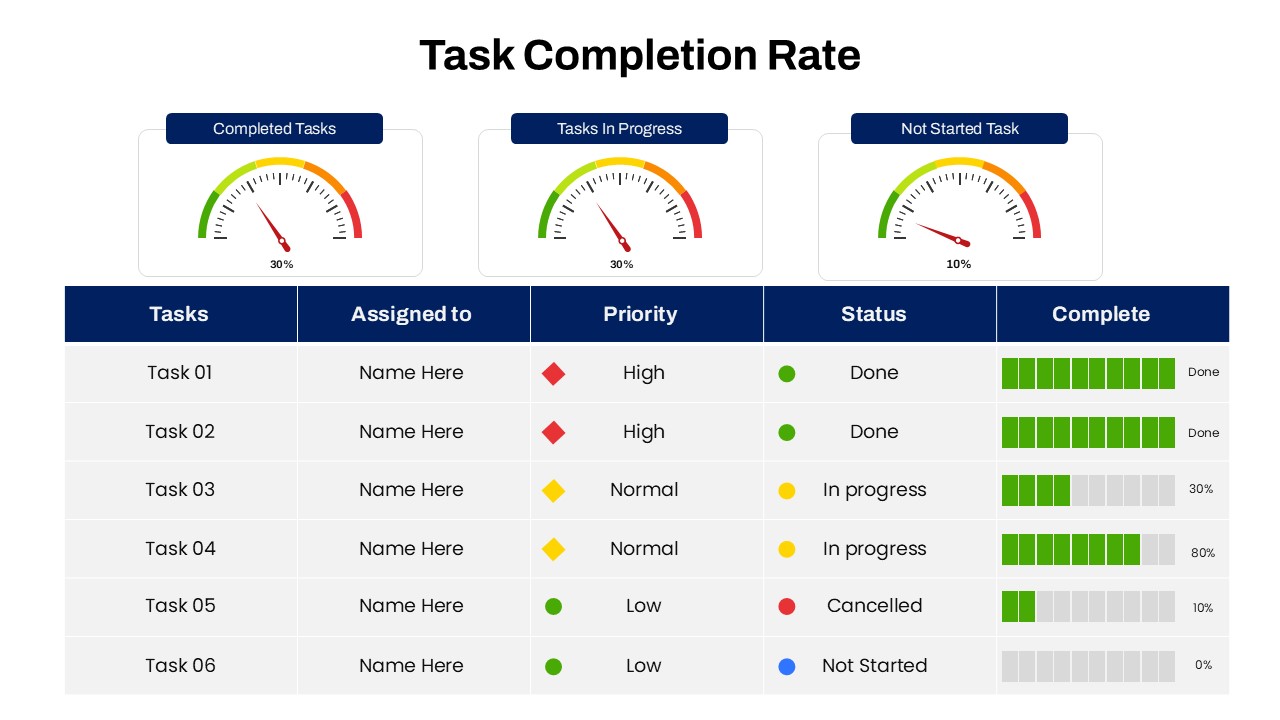
Task Completion Rate Dashboard Template for PowerPoint
Business
-
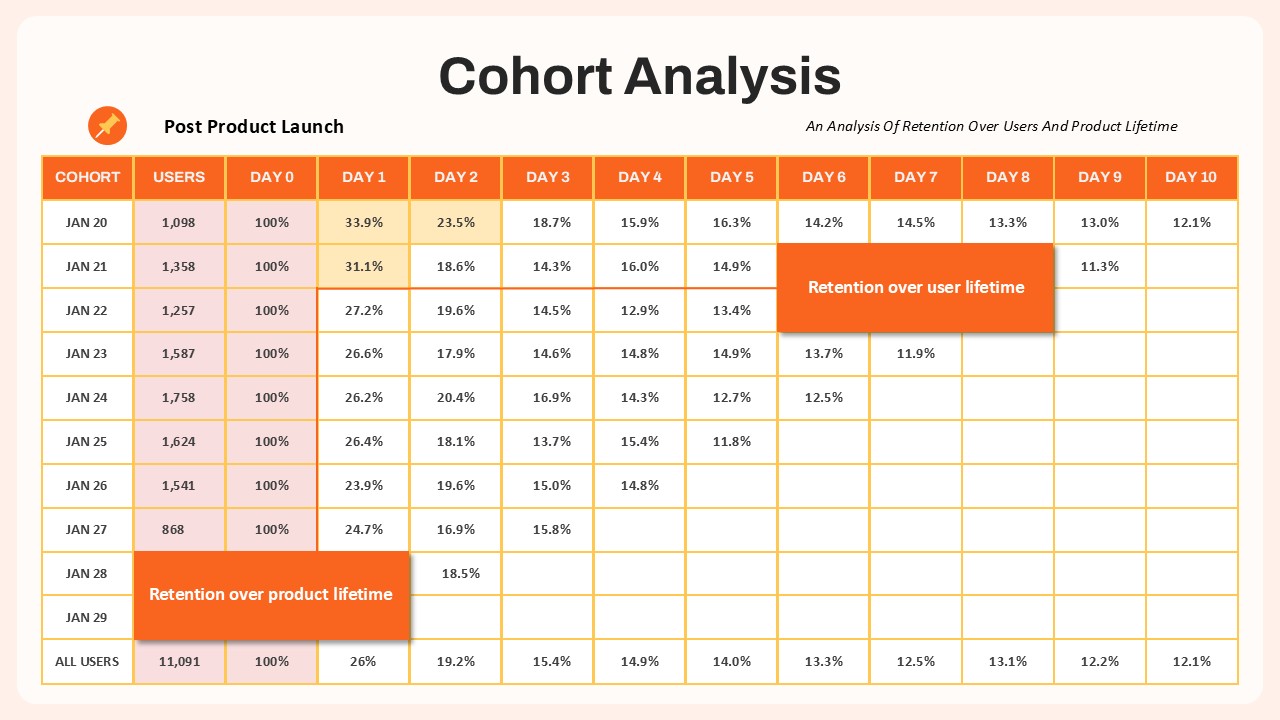
Cohort Analysis Template for PowerPoint & Google Slides
Comparison Chart
-
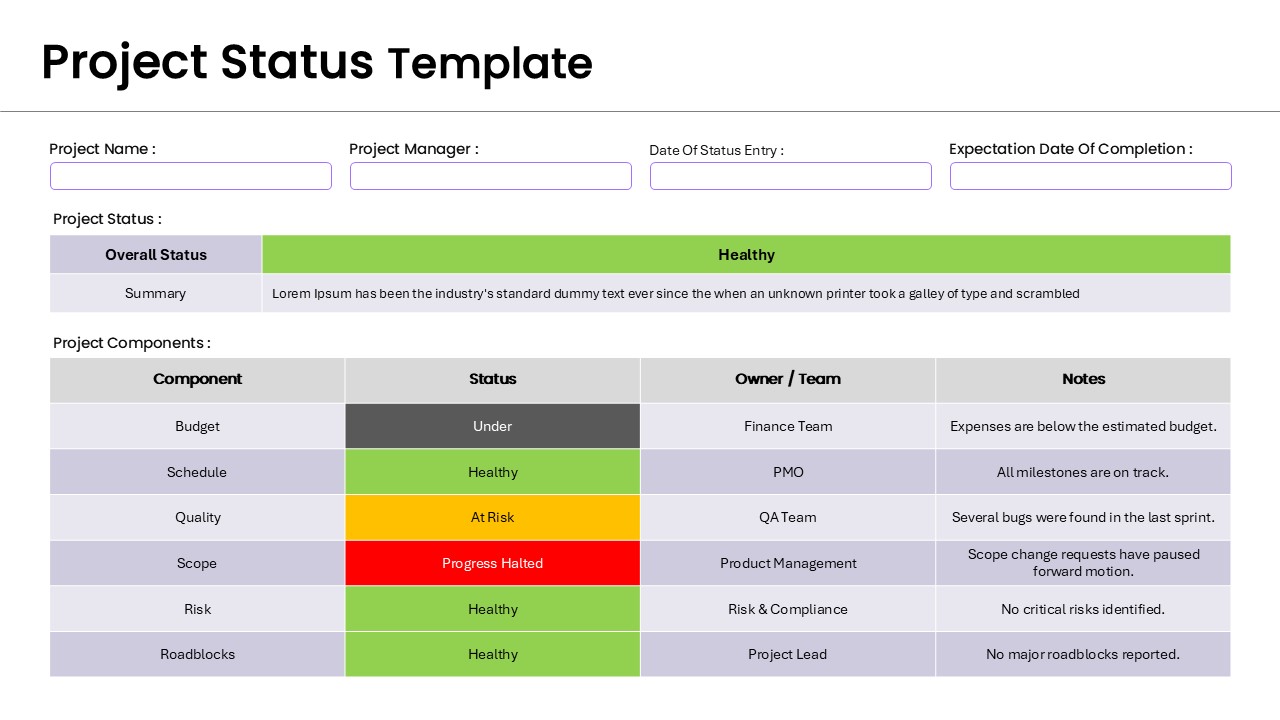
Project Status Dashboard Report Template for PowerPoint
Project Status
-
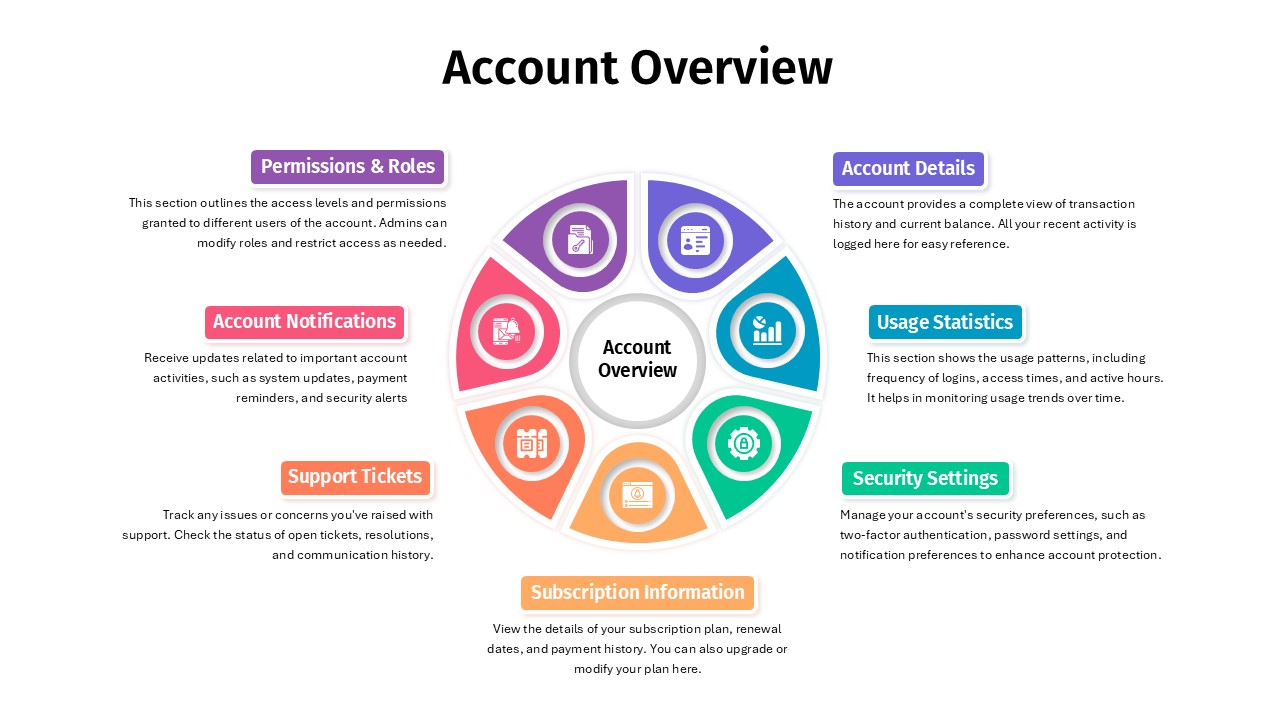
Account Overview PowerPoint Template & Google Slides
Business
-
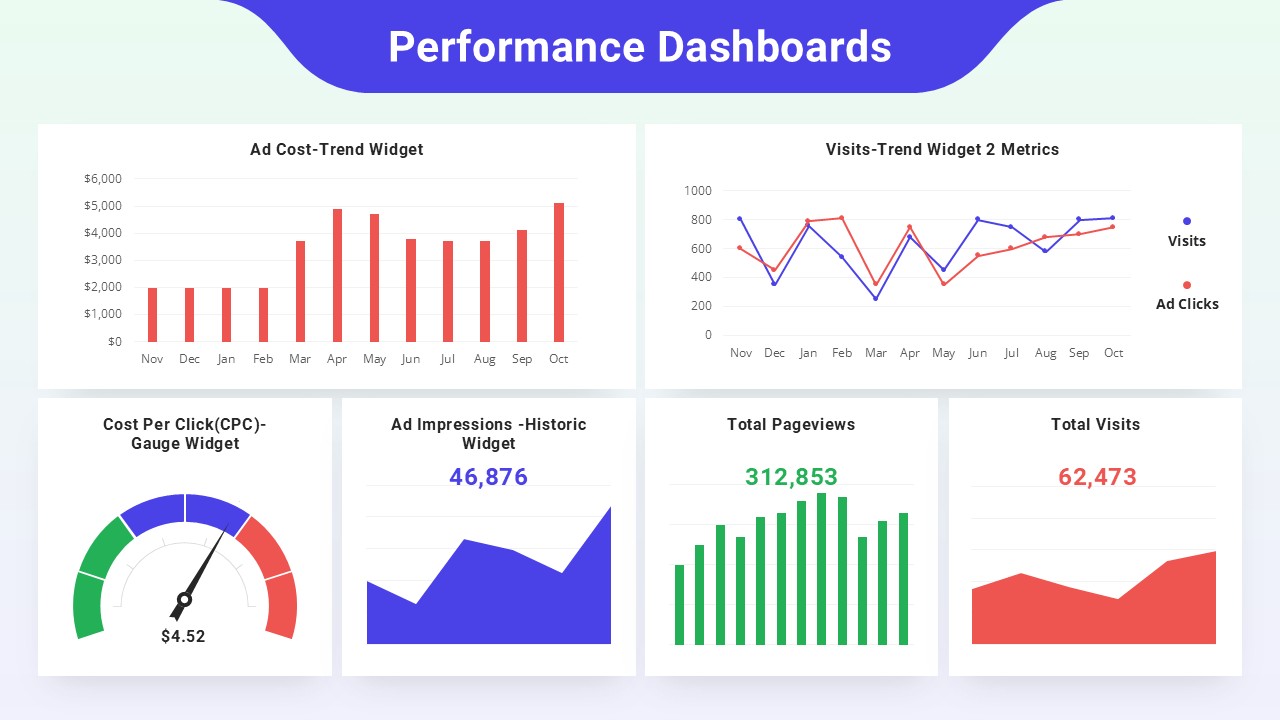
Performance Dashboard Template
Business Report
-
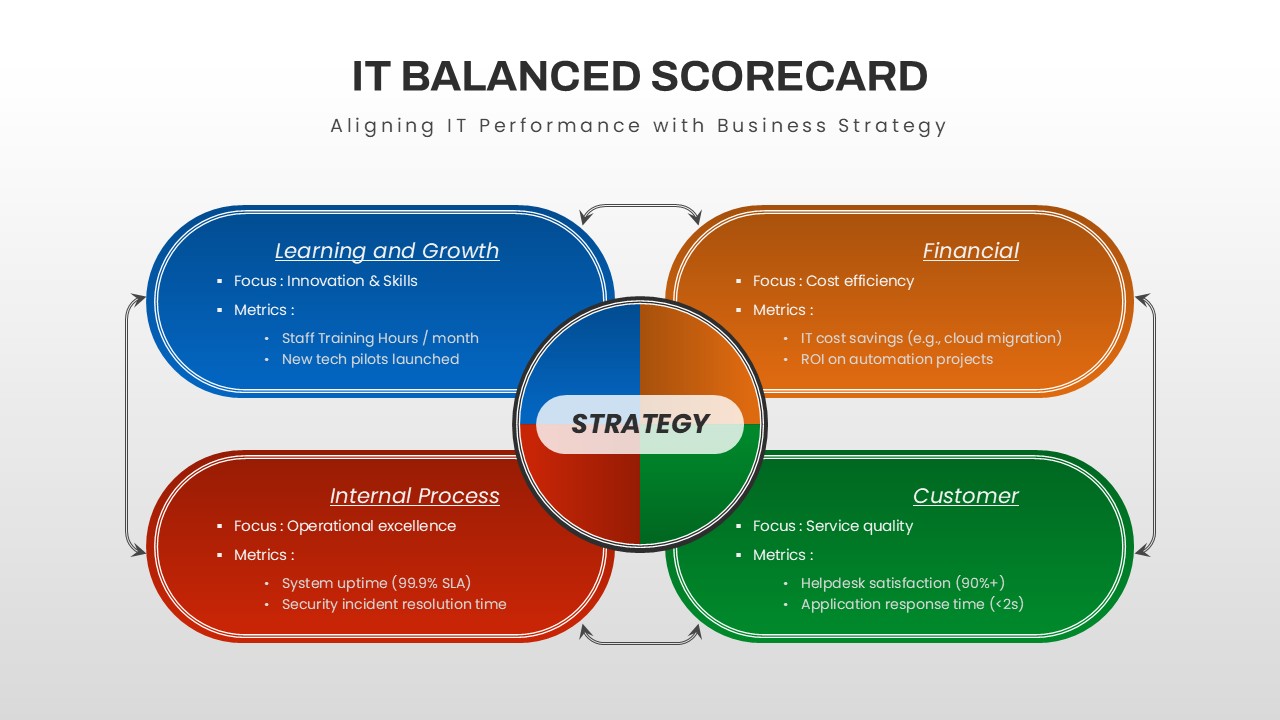
IT Balanced Scorecard PowerPoint Template
Business Strategy
-
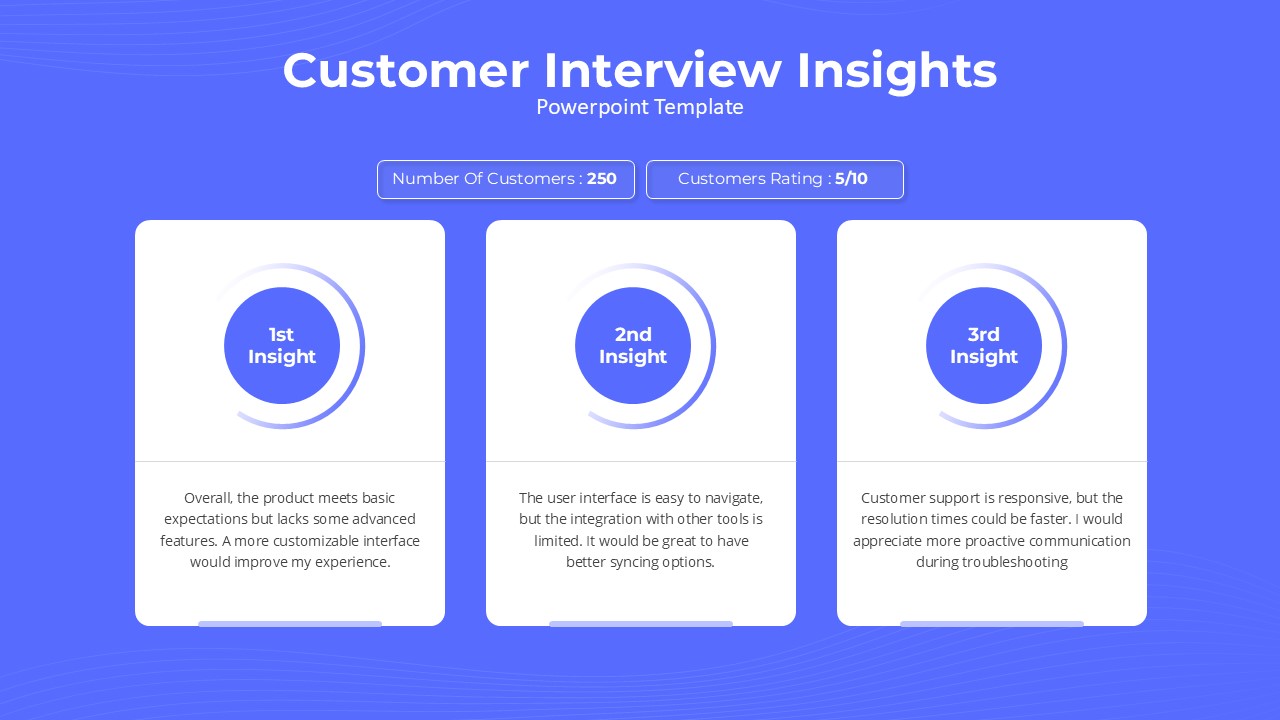
Customer Interview Insights PowerPoint Template
Customer Experience
-
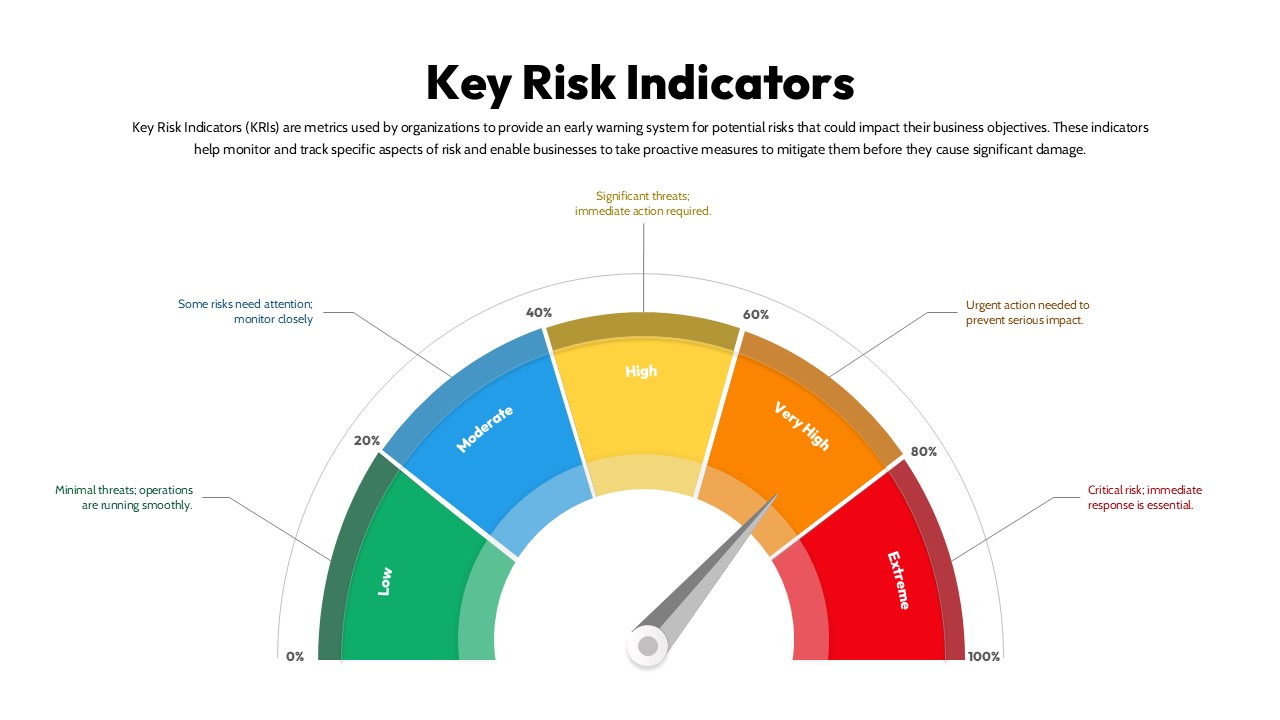
Key Risk Indicators PowerPoint Template
Risk Management
-
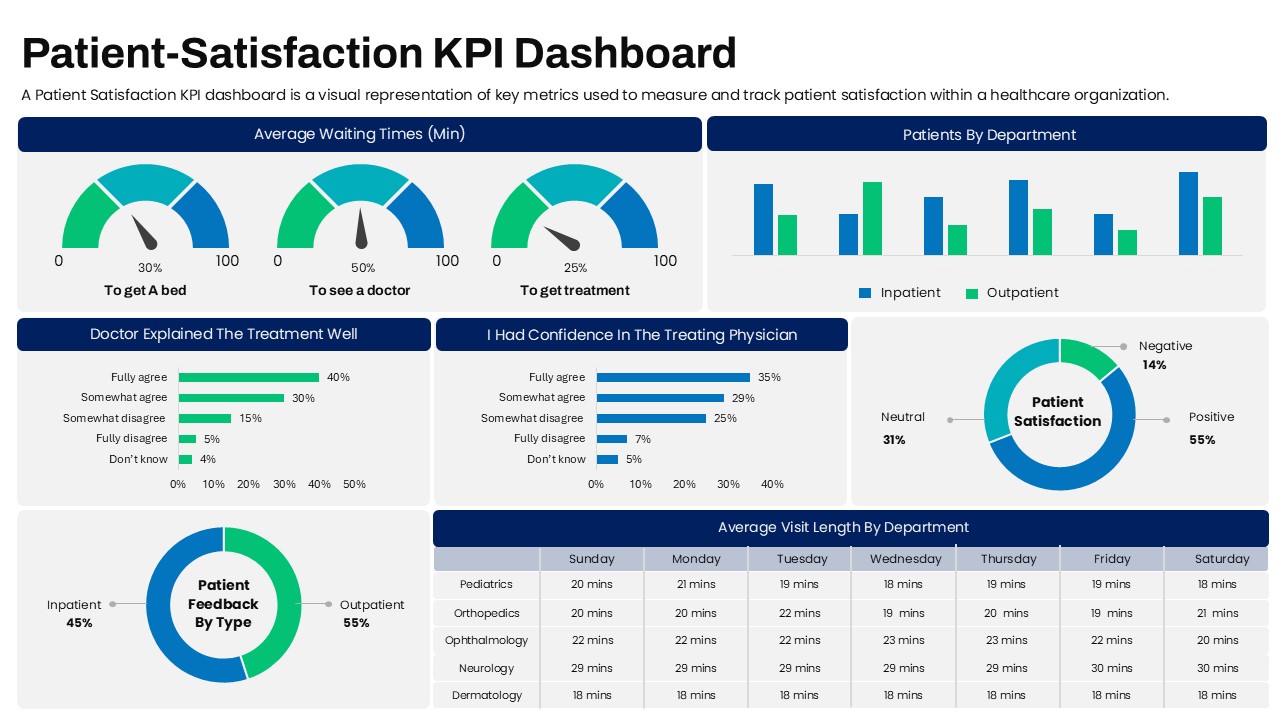
Patient Satisfaction KPI Dashboard
Business
-
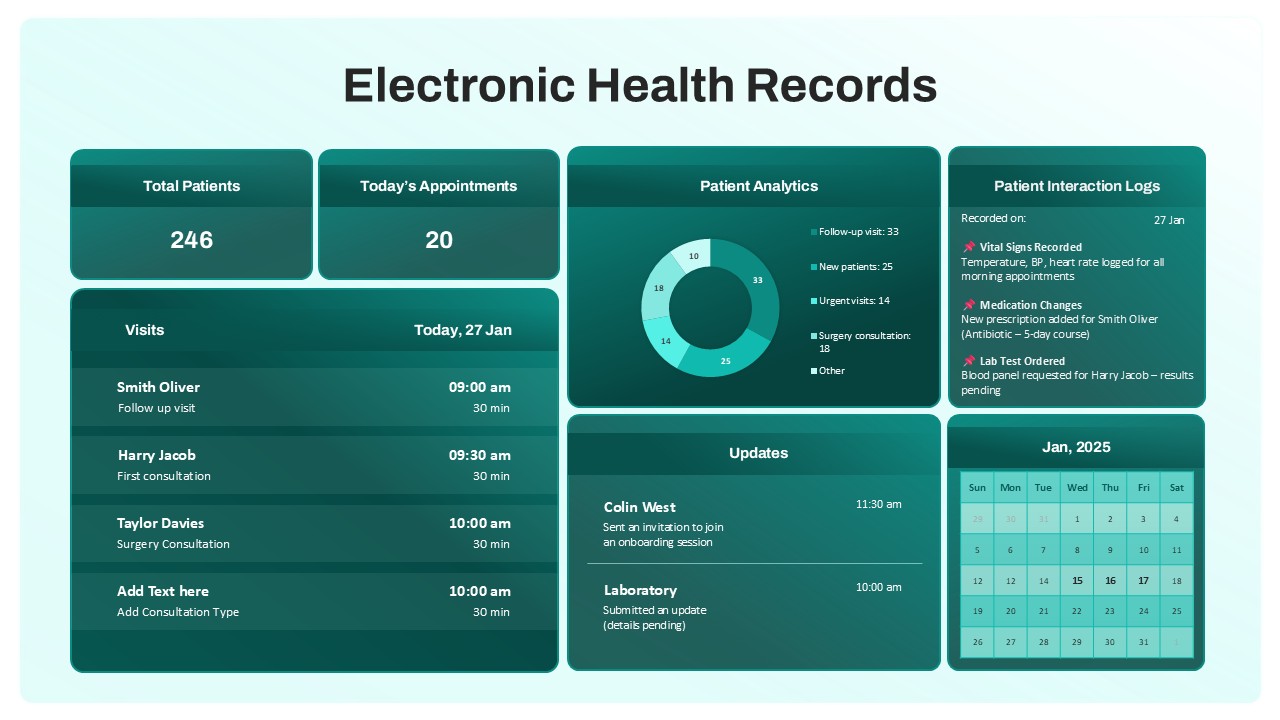
Electronic Health Records Dashboard Template
Health
-
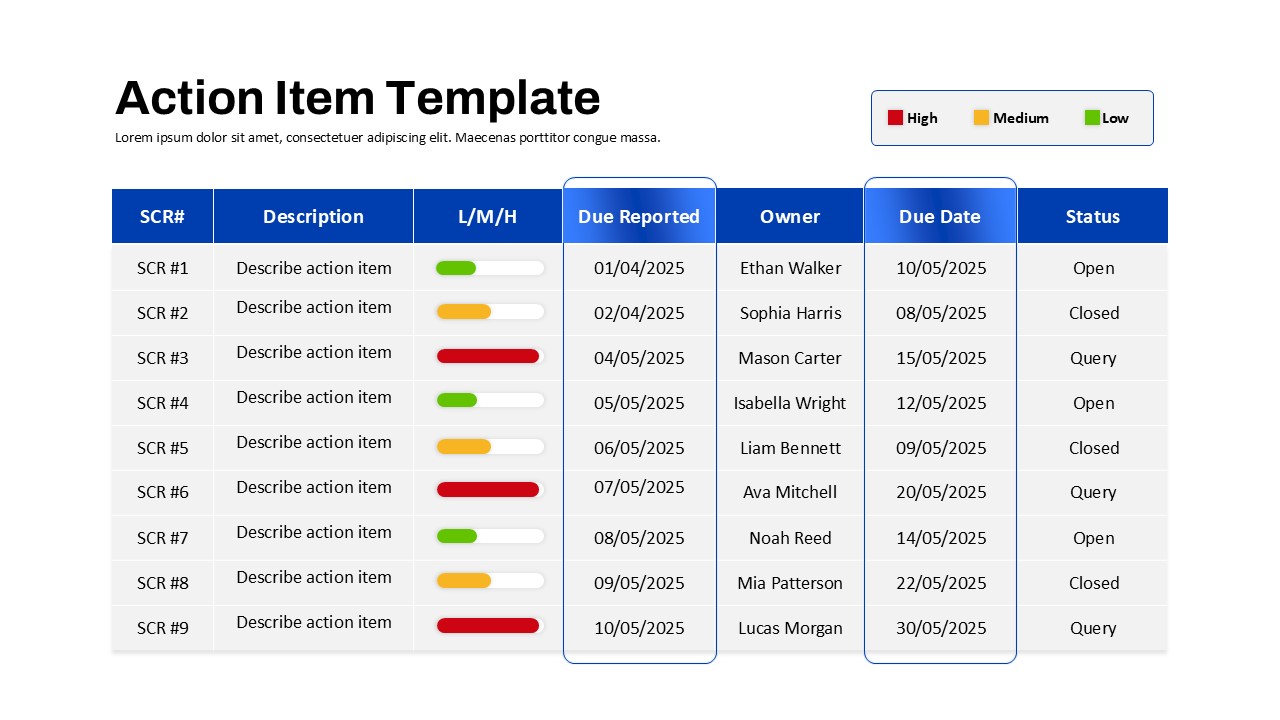
Action Items PowerPoint Template
Project Status
-
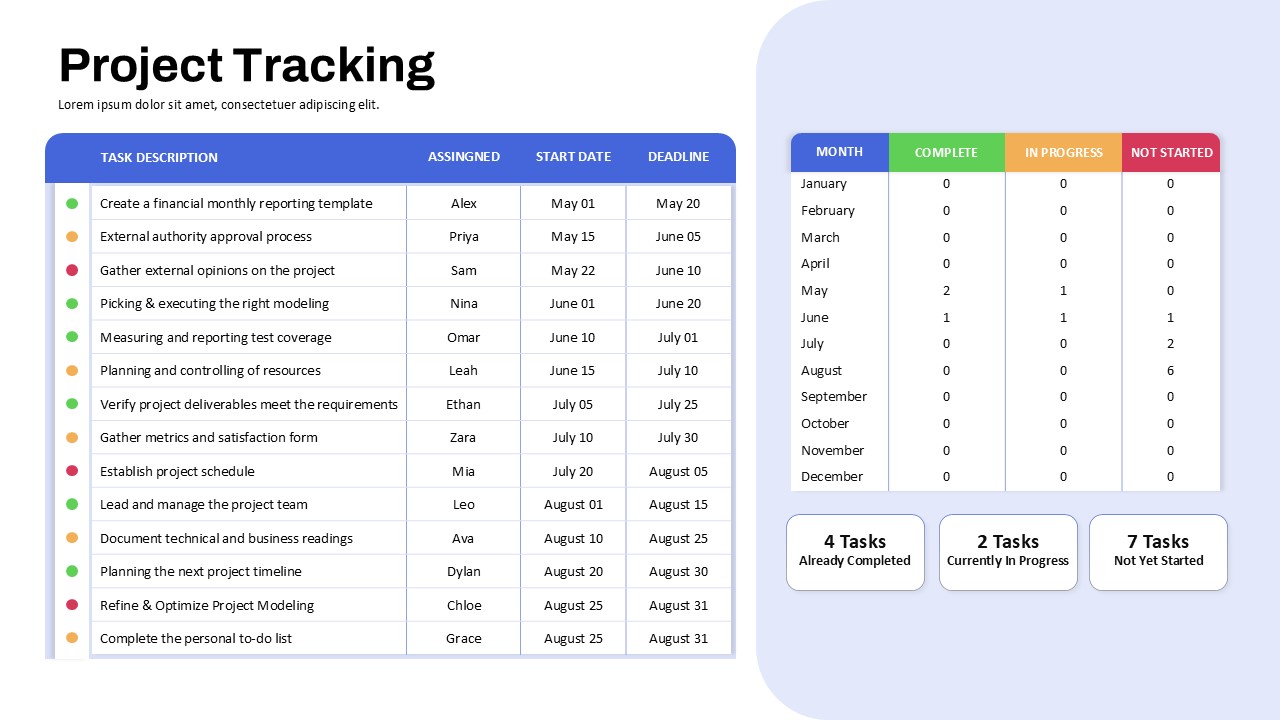
Project Tracking Dashboard Table Template
Project Status