Project Scope Hub & Spoke Layout Template for PowerPoint & Google Slides
Project Scope Template for PowerPoint
Ask any project manager what goes wrong most often at the start of a project, and scope confusion is going to come up pretty quickly. Everyone thinks they know what the project includes. Nobody agrees on what it does not include. And by the time those misalignments surface, you are already three weeks in and the damage is done.
A clear, well-structured project scope slide does not solve all of that by itself. But it gives you something to point at in the room. Something everyone can look at together and say, yes, this is what we agreed to. That shared reference point is more valuable than most people realize until they do not have it.
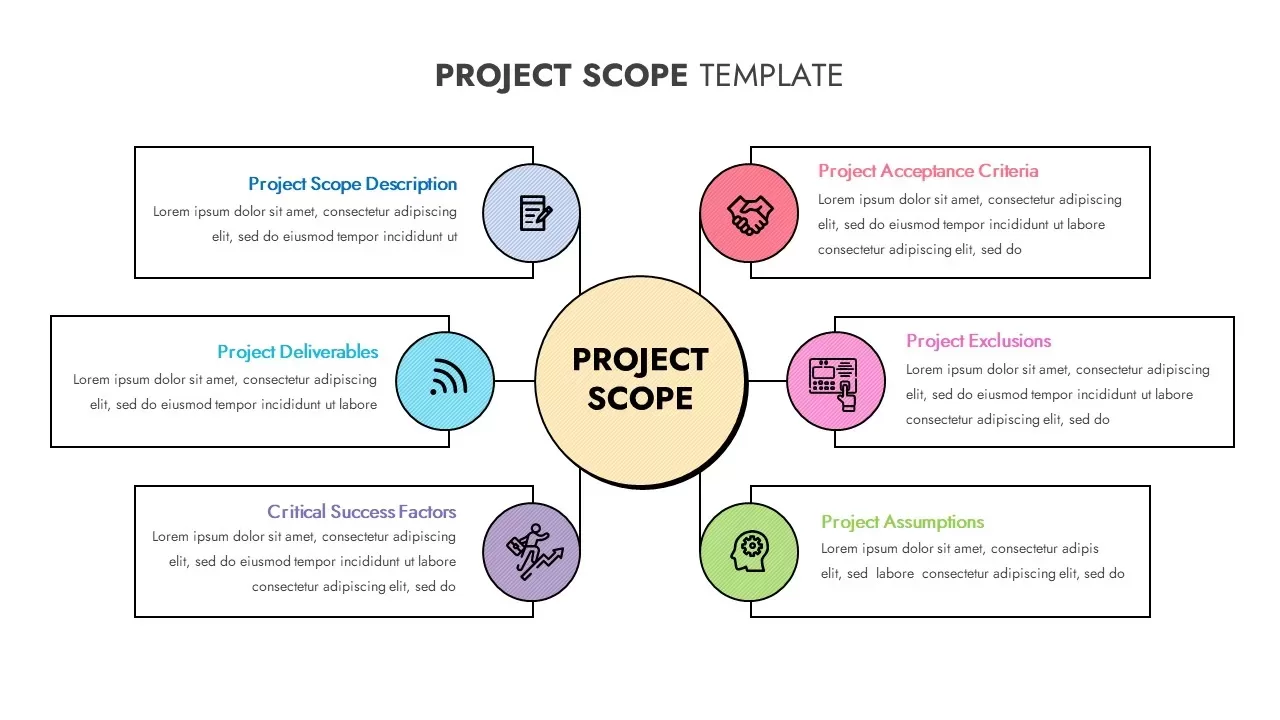
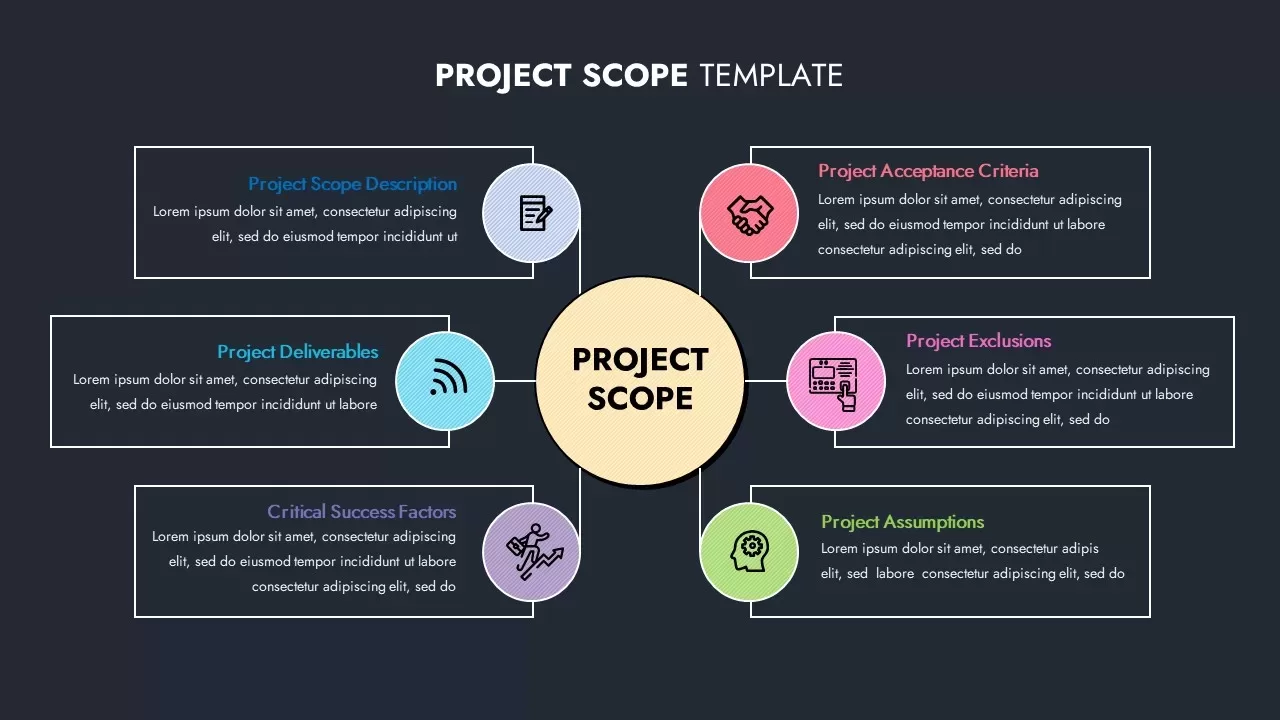
This project scope template for PowerPoint uses a hub-and-spoke infographic layout to organize all the key components of a project scope definition into a single, easy-to-read diagram. A large central circle labeled “Project Scope” sits in the middle, with six colored nodes radiating outward, each one covering a distinct element: scope description, deliverables, success factors, acceptance criteria, exclusions, and assumptions. Each node has its own line icon and is framed with a dashed border for visual emphasis. The clean white background and subtle drop shadows keep the whole thing looking modern and uncluttered.
The reason this layout works so well in a presentation is the hub-and-spoke structure itself. It shows your audience at a glance that all six elements connect back to the same central idea. Nothing is floating loose. Everything belongs to the scope, and the diagram makes that relationship visible without you having to explain it verbally.
A Fully Editable Project Scope Slide for PowerPoint and Google Slides
Everything in this template is built on master slides and uses vector shapes throughout, so you can customize it without running into any quality or alignment issues. Swap the icons for something more specific to your industry. Change the node fill colors to match your brand palette. Adjust the connector styles, add extra spokes by duplicating existing nodes, or remove ones you do not need for a particular project. The text placeholders auto-align as you edit them, so the spacing stays clean without you having to manually fix anything.
The template works in both PowerPoint and Google Slides. If your team collaborates across platforms or your stakeholders prefer to review files in a shared environment, that compatibility makes the whole process smoother. Vector shapes also mean the diagram holds its sharpness at any scale, whether you are presenting on a laptop screen, a conference room projector, or exporting the slide for a printed project brief.
You can also apply simple entrance animations to reveal each node one at a time, which is a useful way to walk your audience through scope elements sequentially rather than showing everything at once and losing them in the diagram before you have had a chance to explain any of it.
Who Is It For
Project managers, business analysts, and PMO teams who need to clearly communicate project boundaries, deliverables, and acceptance criteria to stakeholders will get a lot of use out of this layout. Consultants and executive presenters will also find it useful for proposals and project reviews where scope assumptions and success factors need to be laid out clearly and quickly without a wall of text doing all the heavy lifting.
Other Uses
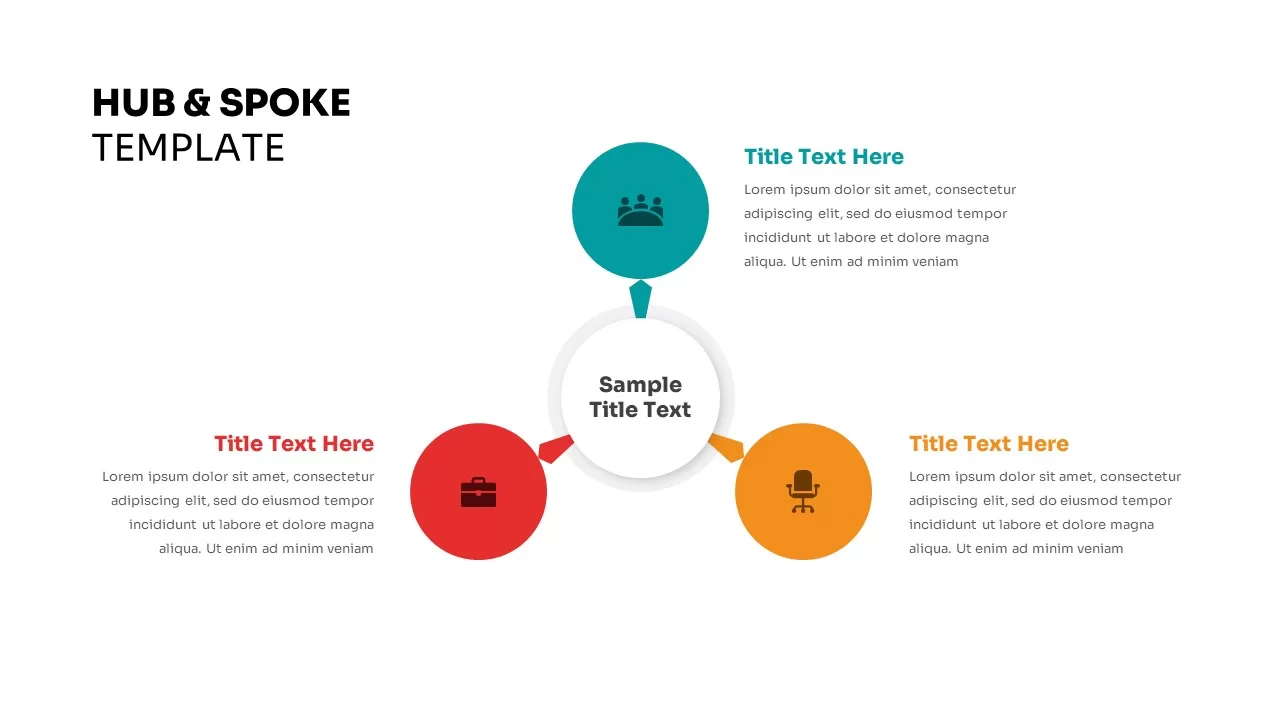
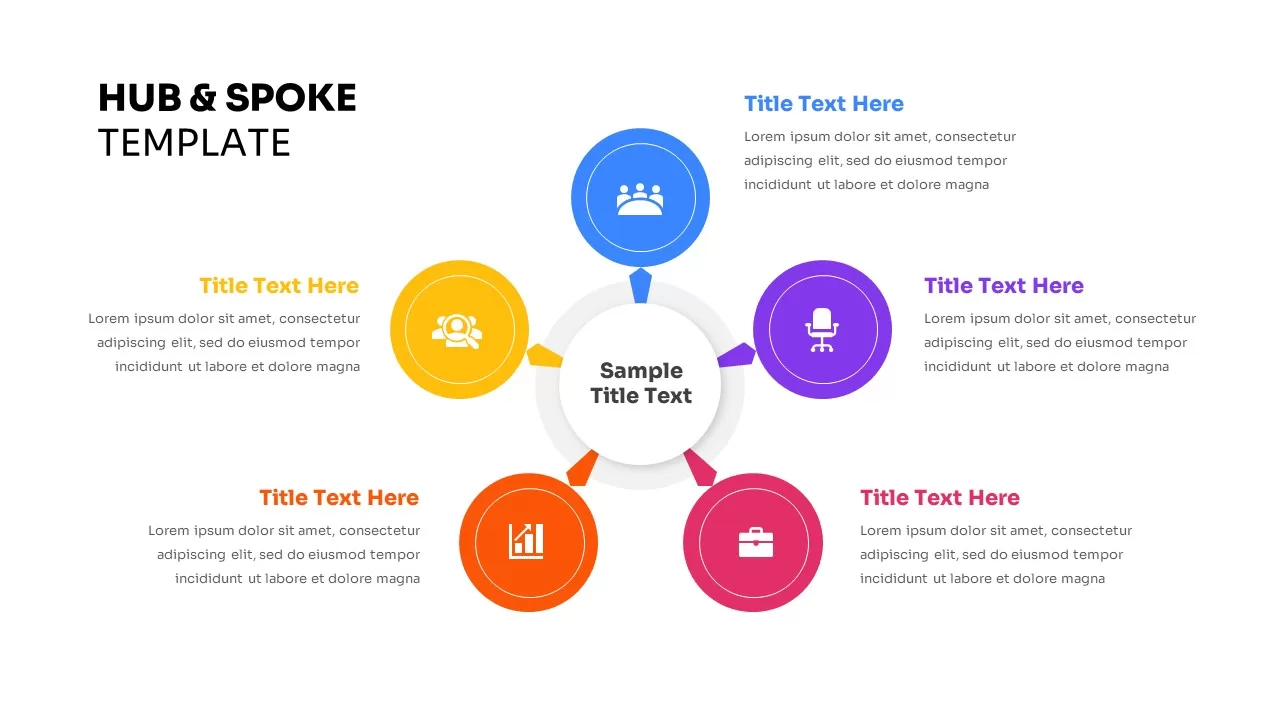
The hub-and-spoke structure is flexible enough to carry all kinds of content beyond project scope definitions. Relabel the nodes and you have an organizational chart, a service portfolio overview, or a risk analysis framework. Adapt the labels to map product features, process stages, or departmental functions and the underlying layout works just as well. It is one of those diagrams that looks specific to one use case but actually fits a surprising number of different presentation needs once you start working with it.
Login to download this file

Item ID
SB02937


Related Templates

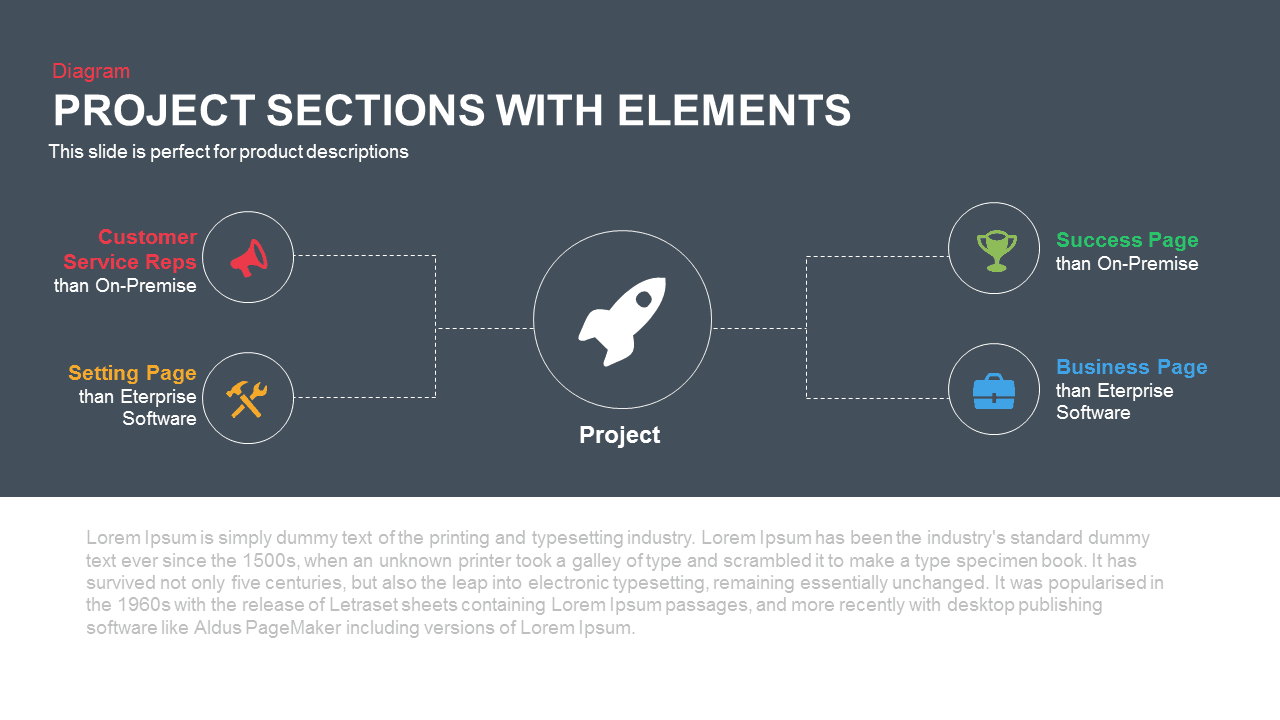
Project Sections Hub-and-Spoke Diagram template for PowerPoint & Google Slides
Flow Charts
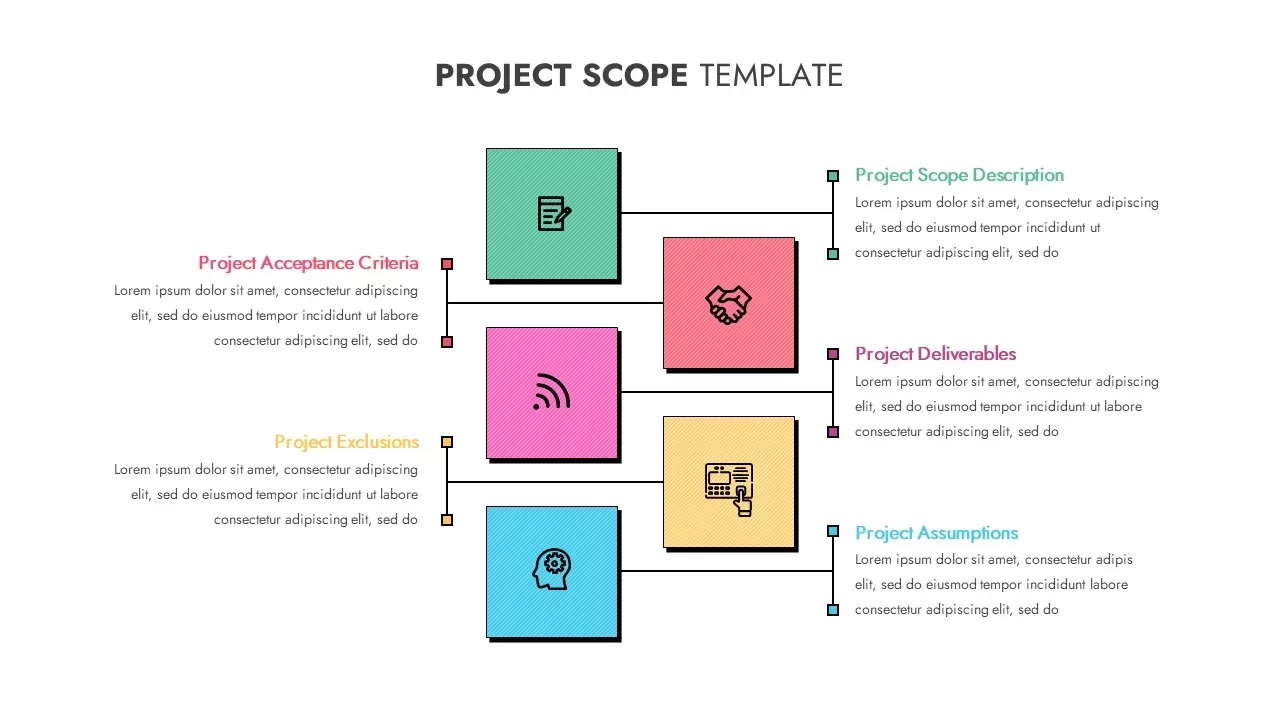
Creative Project Scope Template for PowerPoint & Google Slides
Project

Cloud Computing Hub and Spoke Diagram Template for PowerPoint & Google Slides
Cloud Computing
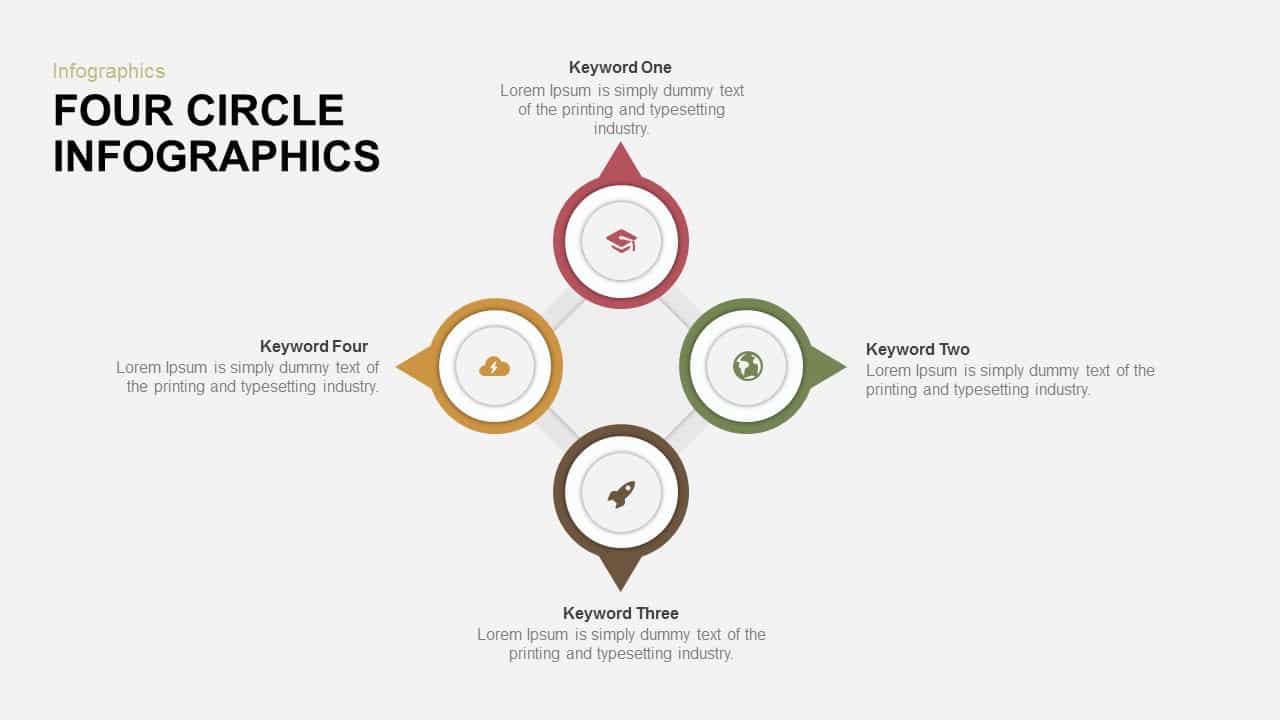
Four-Circle Hub and Spoke Diagram Template for PowerPoint & Google Slides
Process

Ten-Stage Hub and Spoke Process Diagram Template for PowerPoint & Google Slides
Process
8 Stage Hub and Spoke Process PowerPoint Template and Google Slides
Process
Customer-Centric Hub and Spoke Diagram Template for PowerPoint & Google Slides
Customer Experience
Four-Arrow Curved Hub-and-Spoke Diagram Template
Arrow
Three Step Hub and Spoke PowerPoint Template
Circular
Five-Node Hub and Spoke Diagram Template for PowerPoint & Google Slides
Business Strategy
Social Media Hub-and-Spoke Infographics Template
Circular
Omnichannel Sales Circular Hub & Spoke Template for PowerPoint & Google Slides
Digital Marketing
Omnichannel Retail Strategy Hub & Spoke Template for PowerPoint & Google Slides
Business Strategy
Six Benefits Circular Infographic Template
Circular
Free
Lessons Learned Hub and Spoke Diagram Template for PowerPoint & Google Slides
Leadership
Free
Free Social Media Marketing Template
Circular
Free
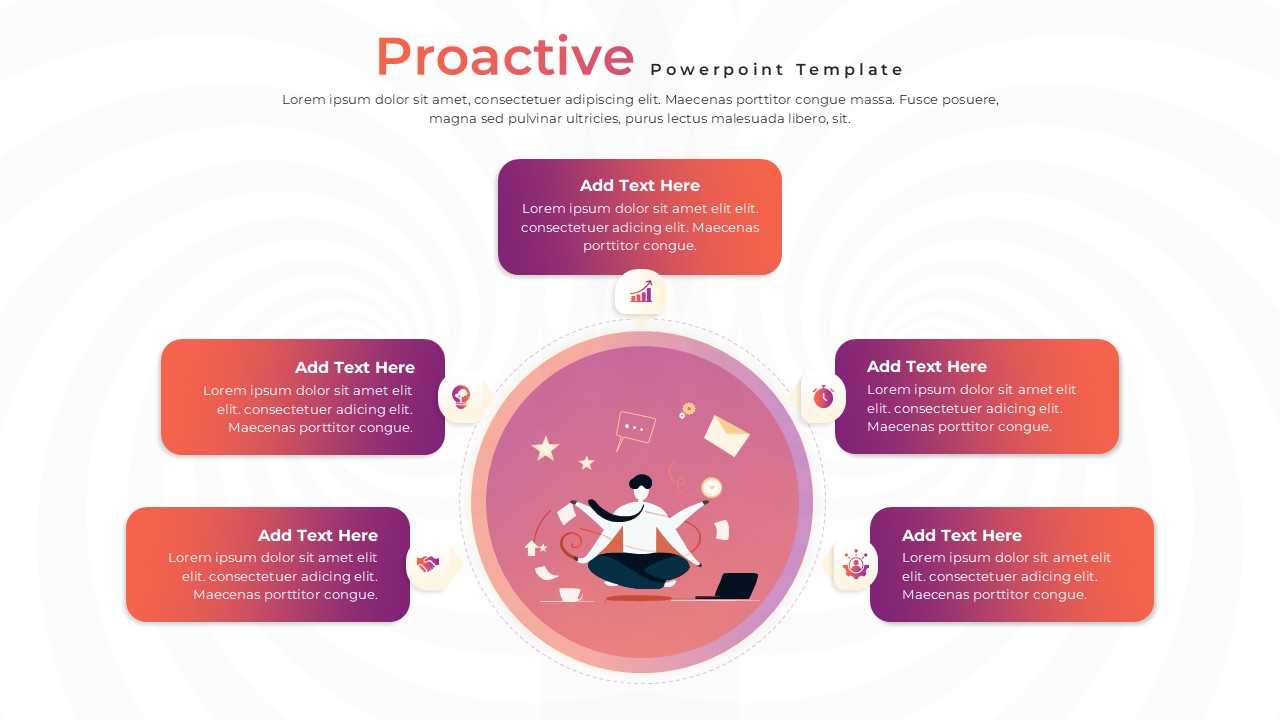
Proactive Hub-and-Spoke Diagram Template for PowerPoint & Google Slides
Process
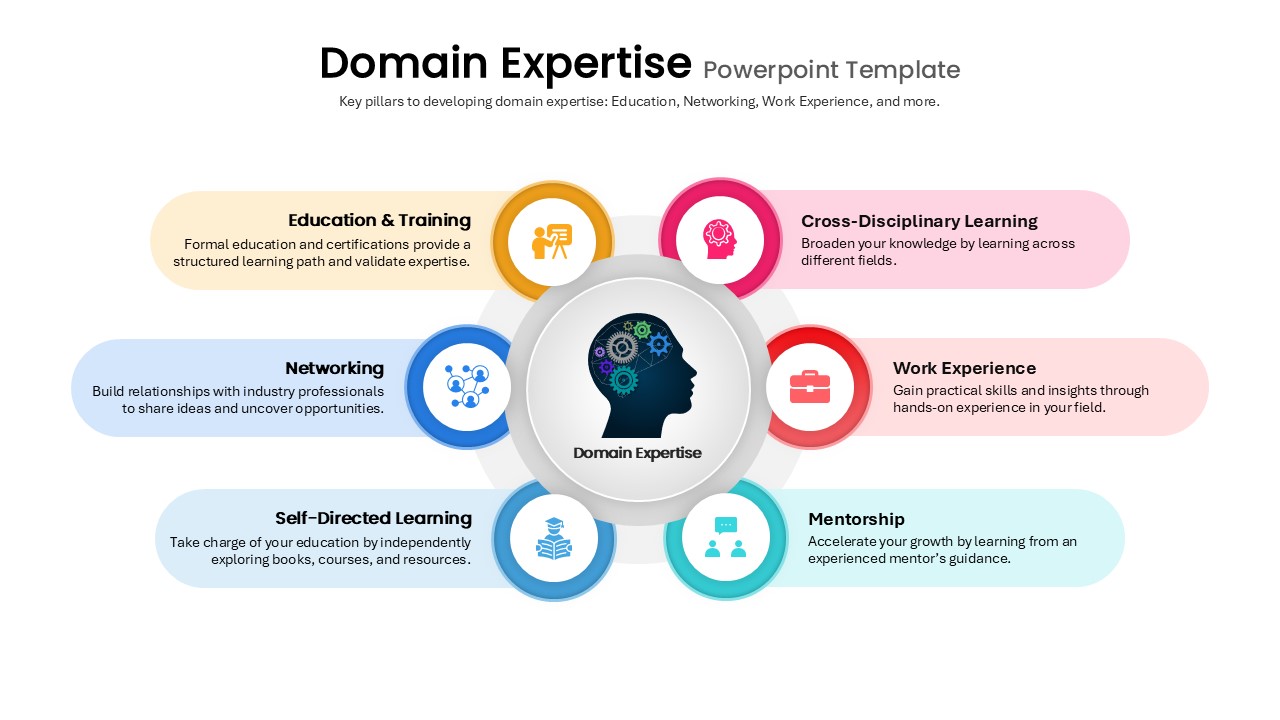
Domain Expertise PowerPoint Template
Circular
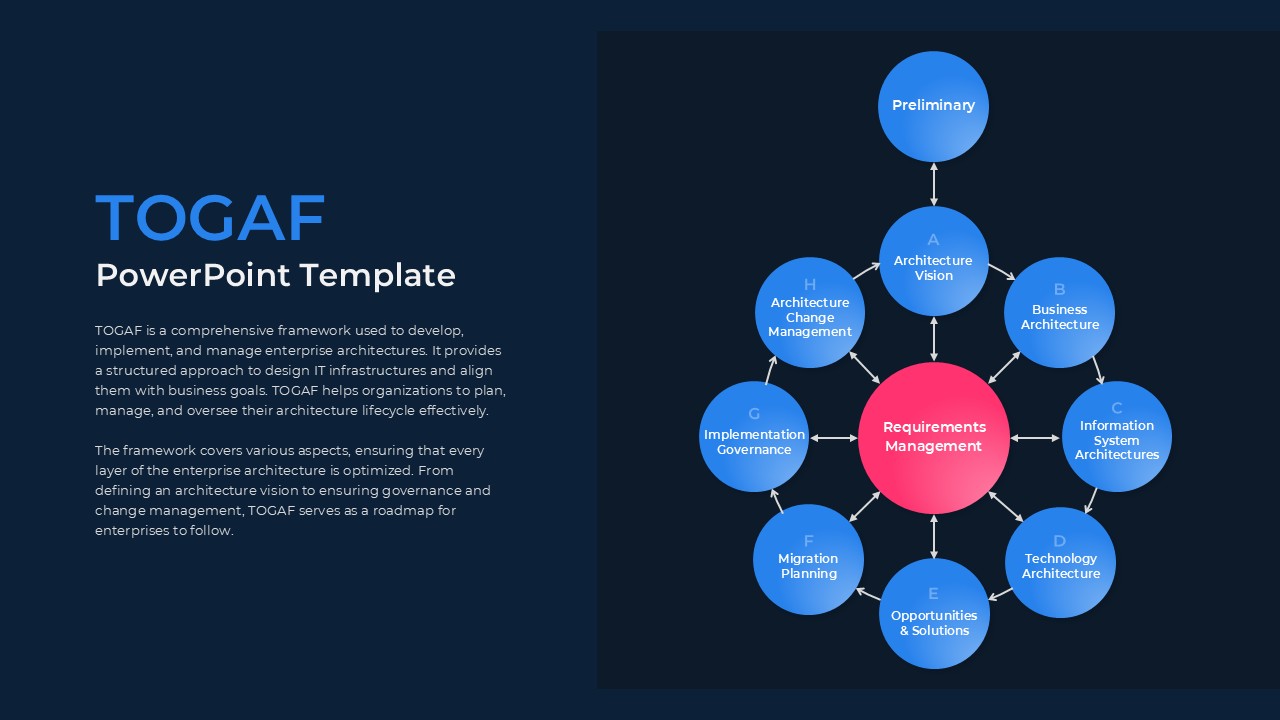
TOGAF PowerPoint Template
Circular
ML Center of Excellence Template
Machine Learning