Dynamic Shield Process Flow Diagram template for PowerPoint & Google Slides
Shield Activity Diagram
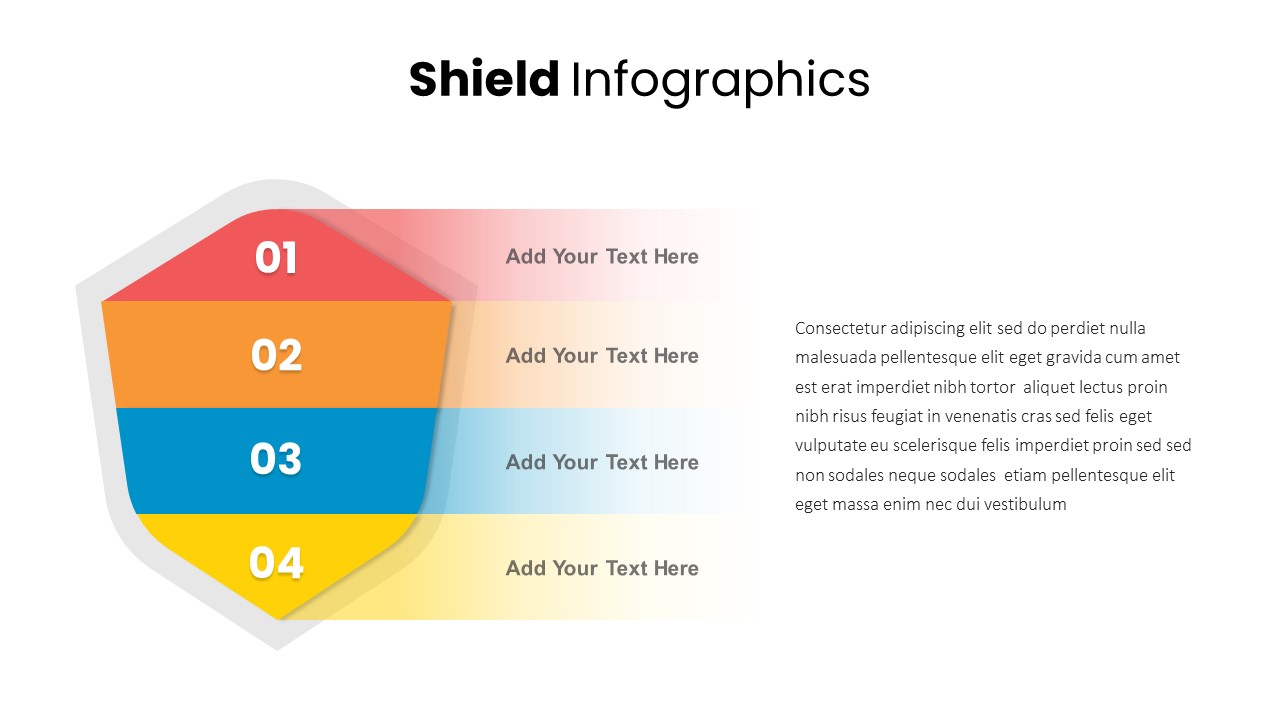
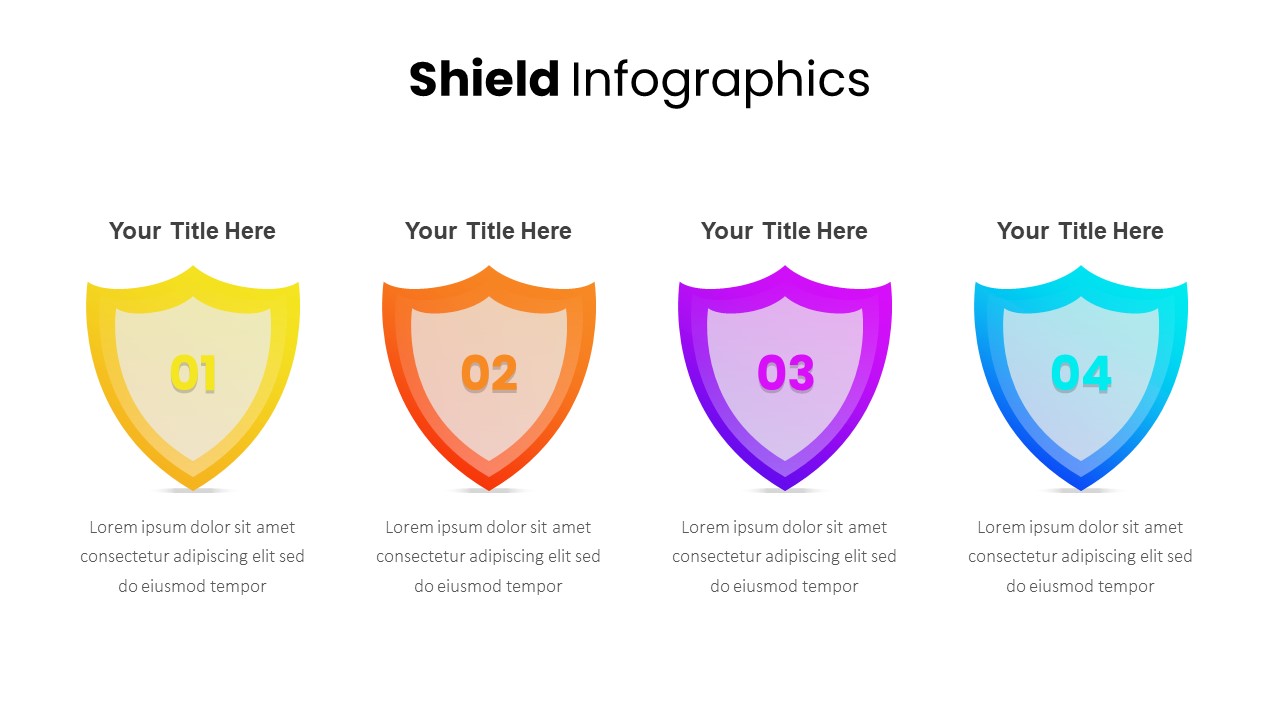
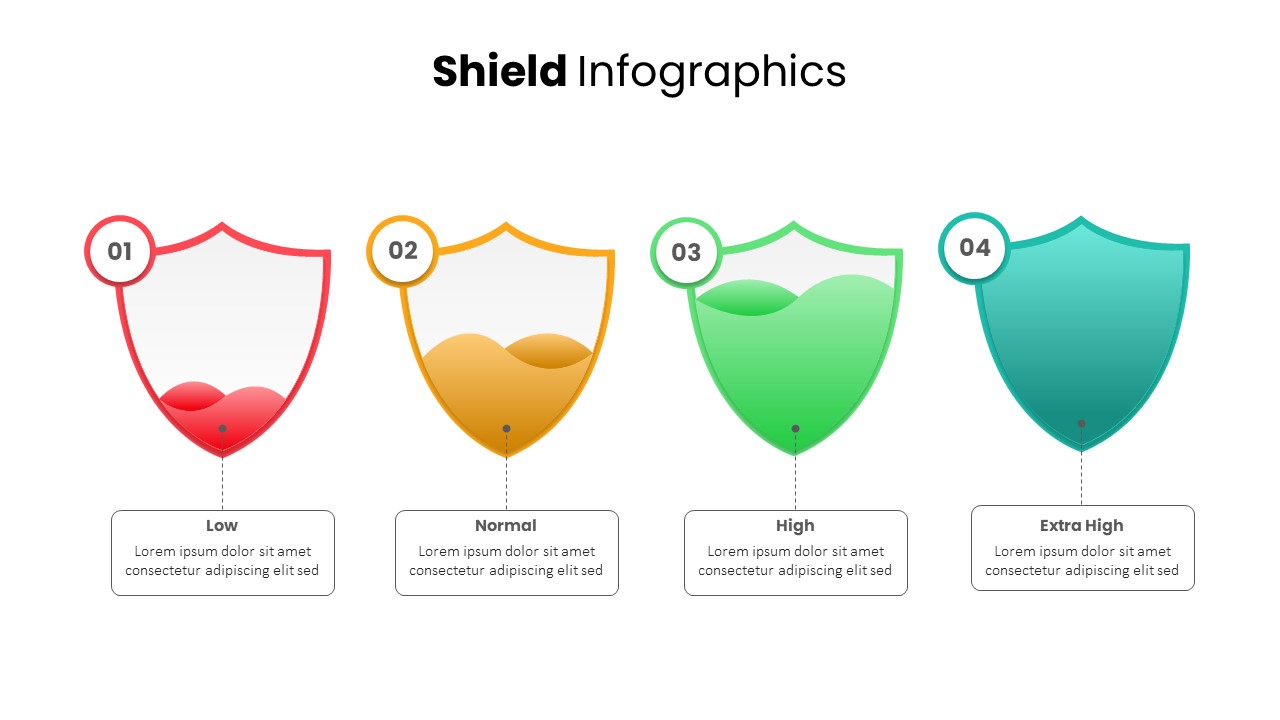
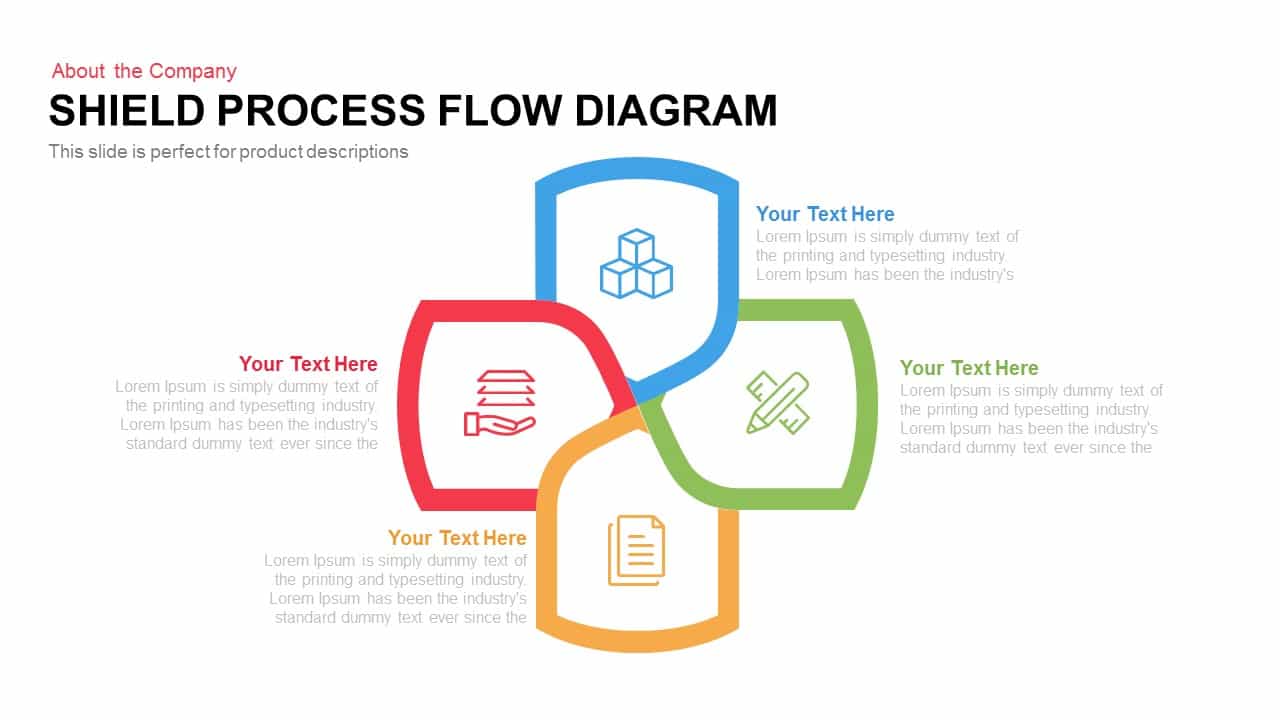
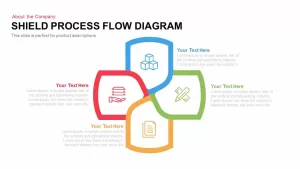
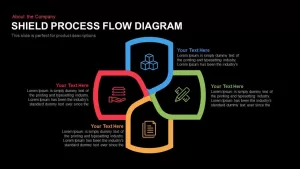
Shield process flow diagram is created with four shield shapes and four infographic icons. This is crafted as a generic template; therefore, any idea or concept may be incorporated with this shield design. Business steps, stages, processes, strategies, and plans that involve four concepts can be illustrated by the shield shape for PowerPoint. Besides, the special features of a product or four elements of social or economic theory can be displayed as well. So, the shield diagram can also be used for educational purposes. The shapes here portray the idea of a smooth transition of a process. The features available in PowerPoint are fully customizable and editable.
The process flow diagram template allows the presentation in a fully exclusive way. That is, the shield shape in this diagram has a speciality. Normally, we use the shield shape to represent the concept of “protection and security”. Therefore, professionals from the field of insurance, cyber security, and fire and safety can use this shield PowerPoint template to deliver their messages symbolically or metaphorically.
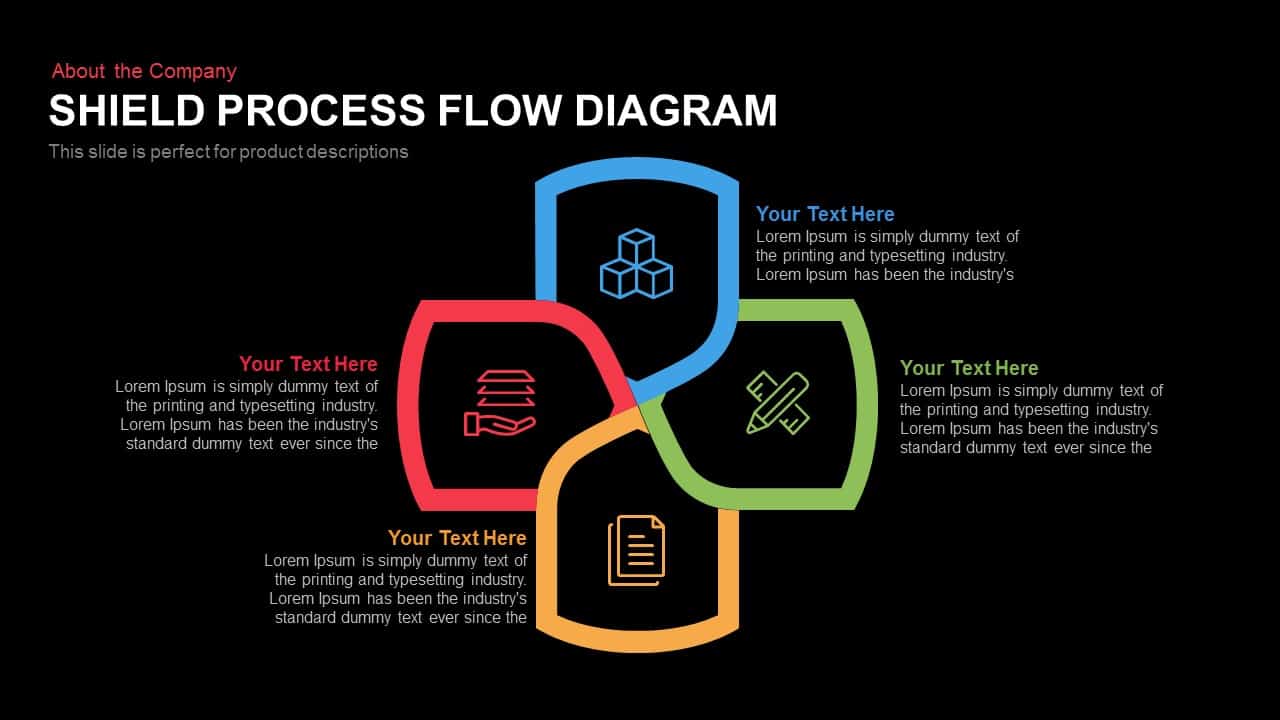
Shield Process Flow Diagram PowerPoint template comprises a white and black background with four shields shaped in the form of a cross, each in blue, red, green, and orange colors. Each shield can signify each aspect or variant related to your topic of presentation. Since there are four shields, you may also use the slide for showing four arrangements, four sections or four types involved in a process flow. Near each shape, there is a brief text box where you can display the title along with the explanation regarding your chosen subject. The Shield Process Flow Diagram Template can be used for representing business, academic, scholarly, medical or any other topics in any field of study. There is less clutter, and the information is well presented for the audience to understand and integrate while making your presentation. The template is designed in both PowerPoint and Google Slides in both aspect ratios, 4:3(Normal) and 16:9 (widescreen).
Login to download this file

Item ID
SB00187


Related Templates

Dynamic 4 Gear Process Diagram Template for PowerPoint & Google Slides
Process
Shield Metaphor Security and Protection Template for PowerPoint & Google Slides
Risk Management

Shield Infographics Four-Part Framework Template for PowerPoint & Google Slides
Process
Three-Part Shield Infographics Template for PowerPoint & Google Slides
Comparison

Dynamic Arrow Process Template for PowerPoint & Google Slides
Process
Dynamic Curved Arrow Process Roadmap Template for PowerPoint & Google Slides
Process
Dynamic Four-Step Gear Process Template for PowerPoint & Google Slides
Process
Editable Shield PowerPoint Template
Process
4 Items Shield Infographic PowerPoint Template
Process
Shield Risk Level Indicators Template for PowerPoint
Infographics
Dynamic 3D Rubik’s Cube Diagram Pack Template for PowerPoint & Google Slides
Infographics
Dynamic Carousel Icon Hub Diagram PowerPoint
Circular
Creative Dynamic Gantt Chart Timeline Template for PowerPoint & Google Slides
Timeline

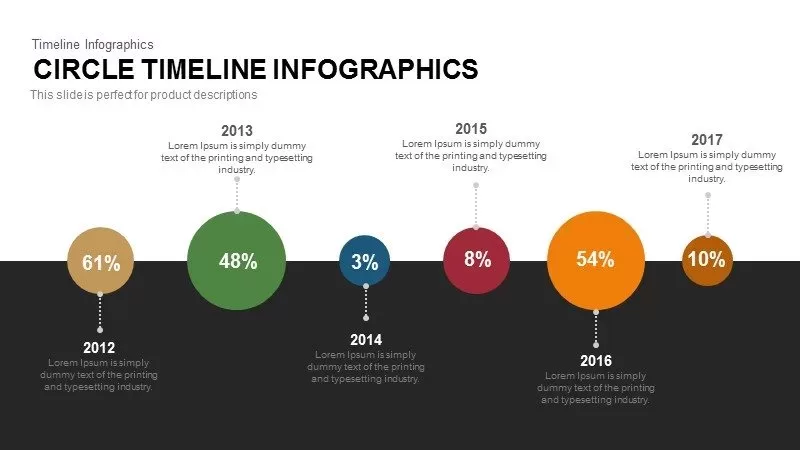
Dynamic Circle Timeline Infographics template for PowerPoint & Google Slides
Timeline
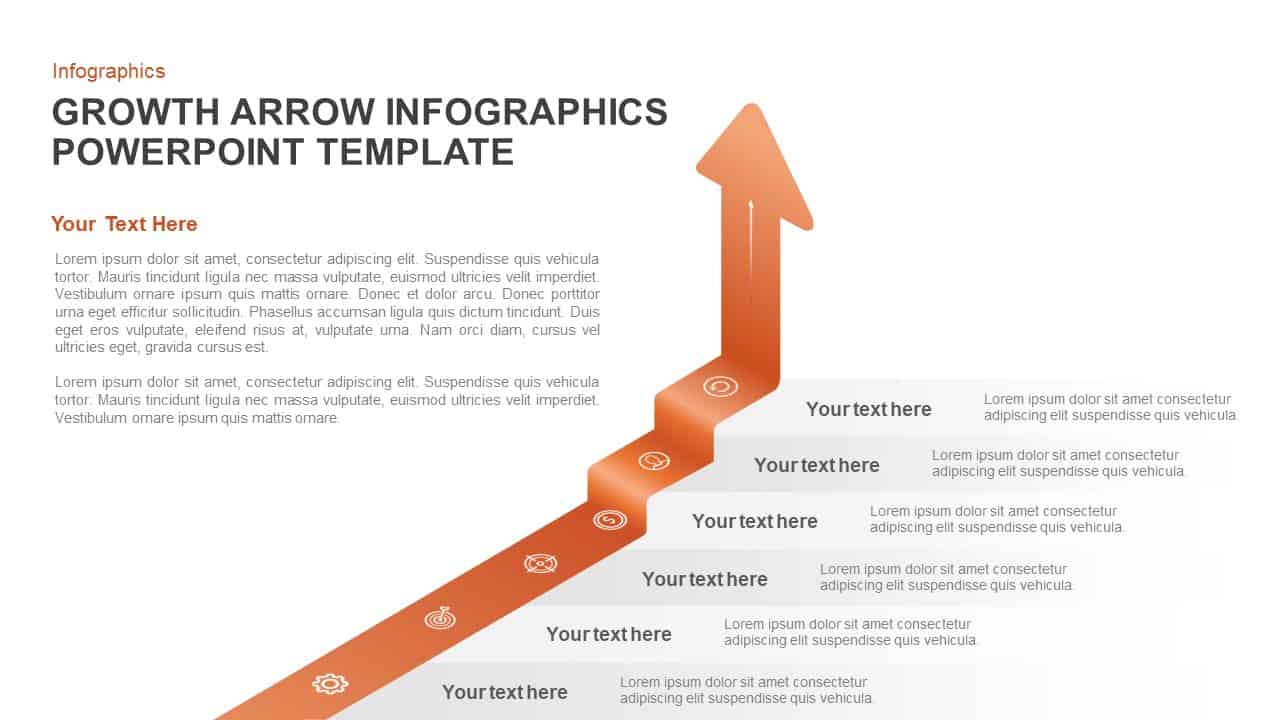
Dynamic Growth Arrow Step Infographic Template for PowerPoint & Google Slides
Process
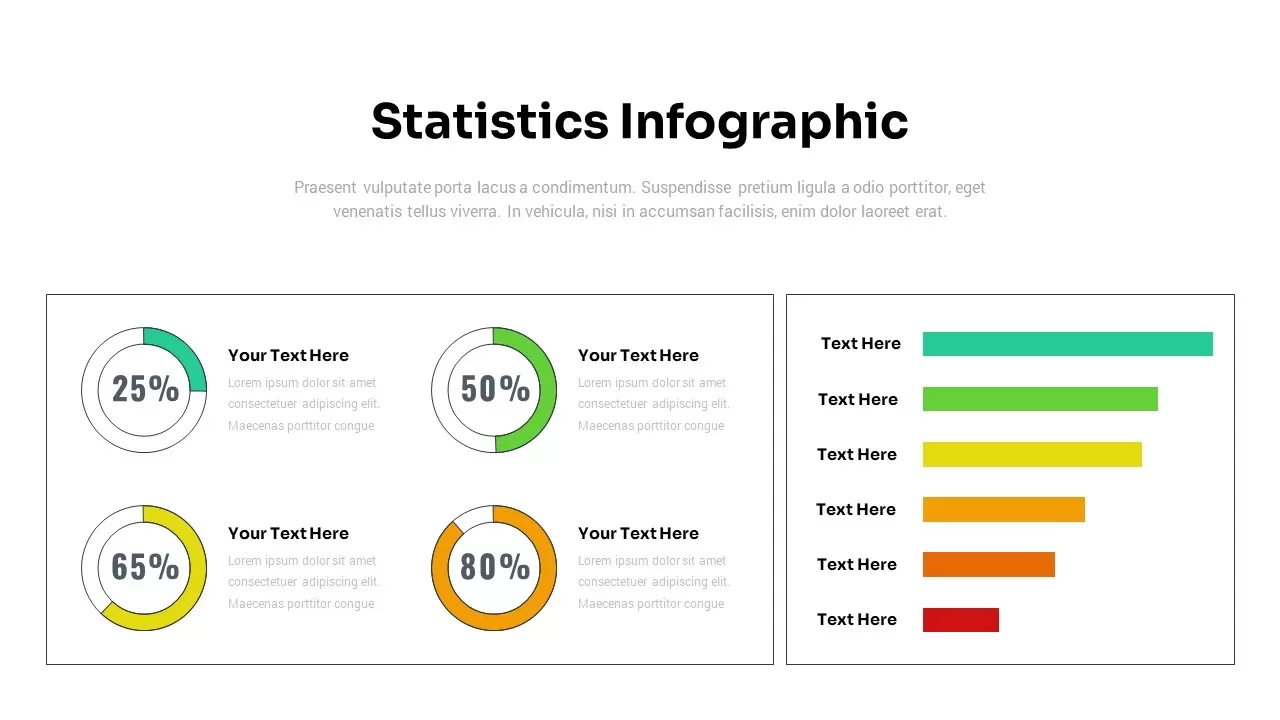
Dynamic Statistics & Progress Charts Template for PowerPoint & Google Slides
Pie/Donut
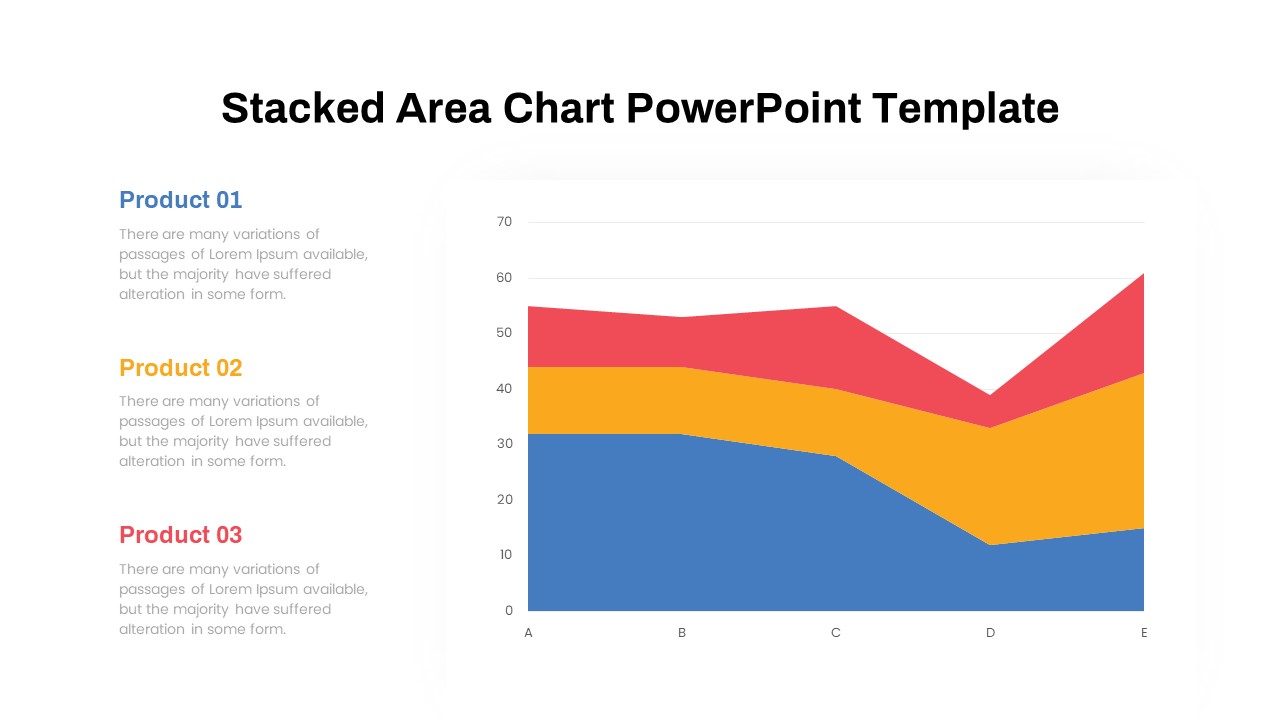
Dynamic Three-Series Stacked Area Chart Template for PowerPoint & Google Slides
Comparison Chart
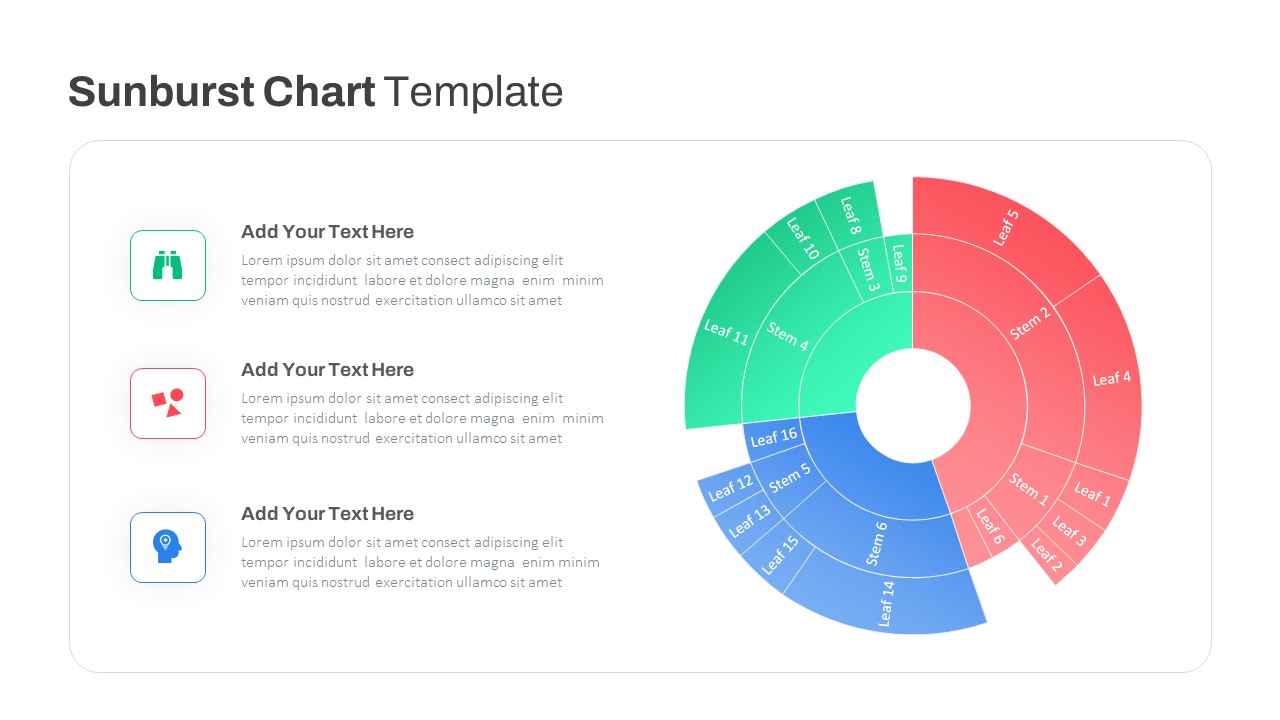
Dynamic Sunburst Chart Visualization Template for PowerPoint & Google Slides
Charts
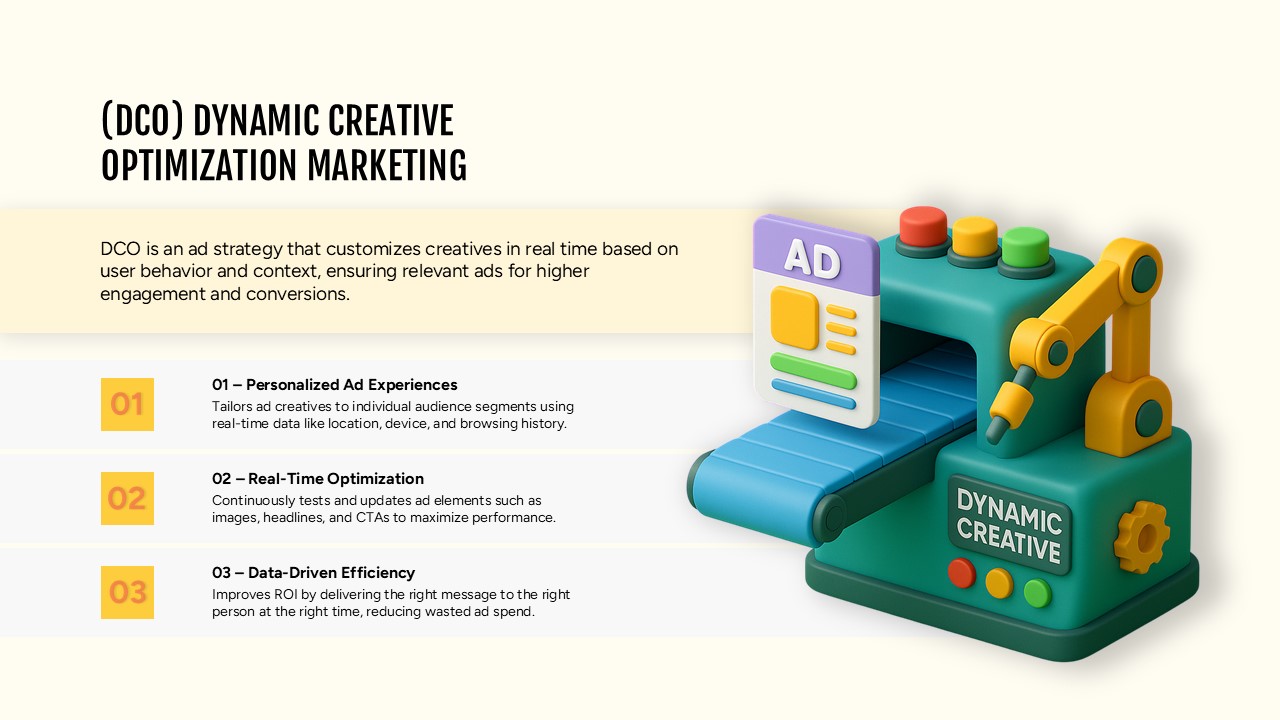
Dynamic Creative Optimization Marketing Template for PowerPoint & Google Slides
Digital Marketing
Minimal Process Flow Diagram Infographic Template for PowerPoint & Google Slides
Process