Dynamic Creative Optimization Marketing Template for PowerPoint & Google Slides
Dynamic Creative Optimization (DCO) Presentation Slide Template For PowerPoint & Google Slides
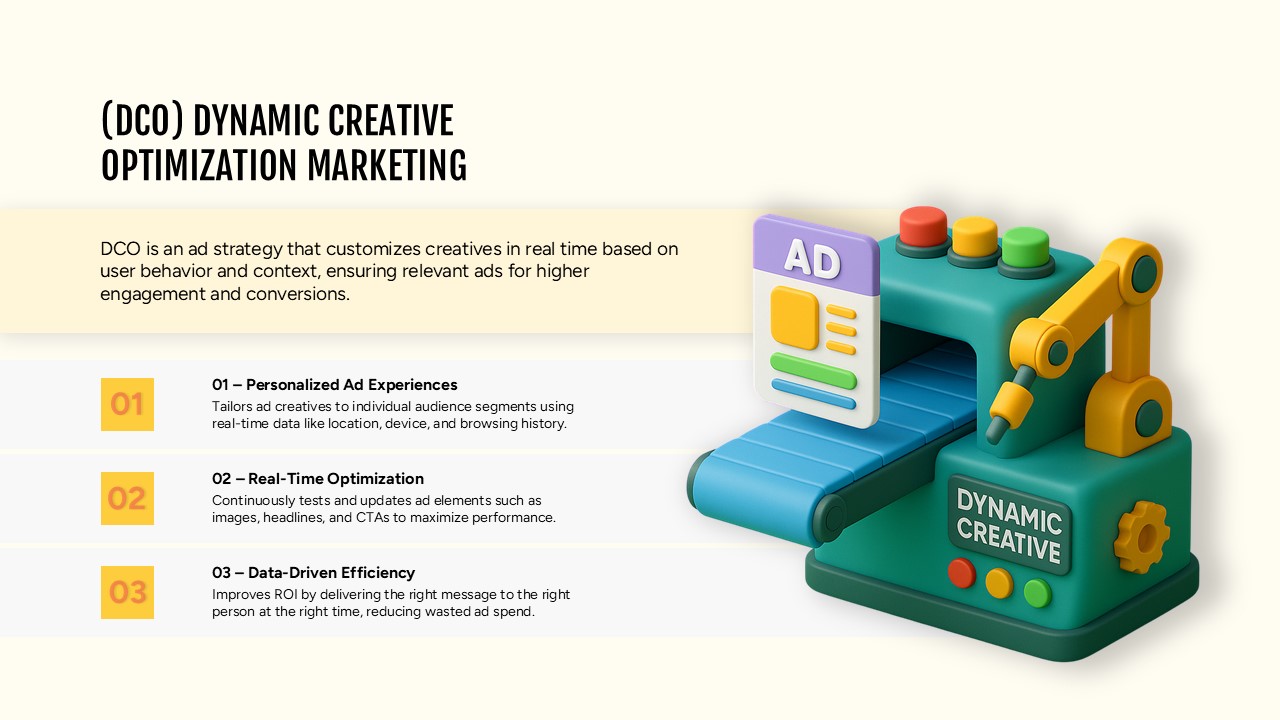
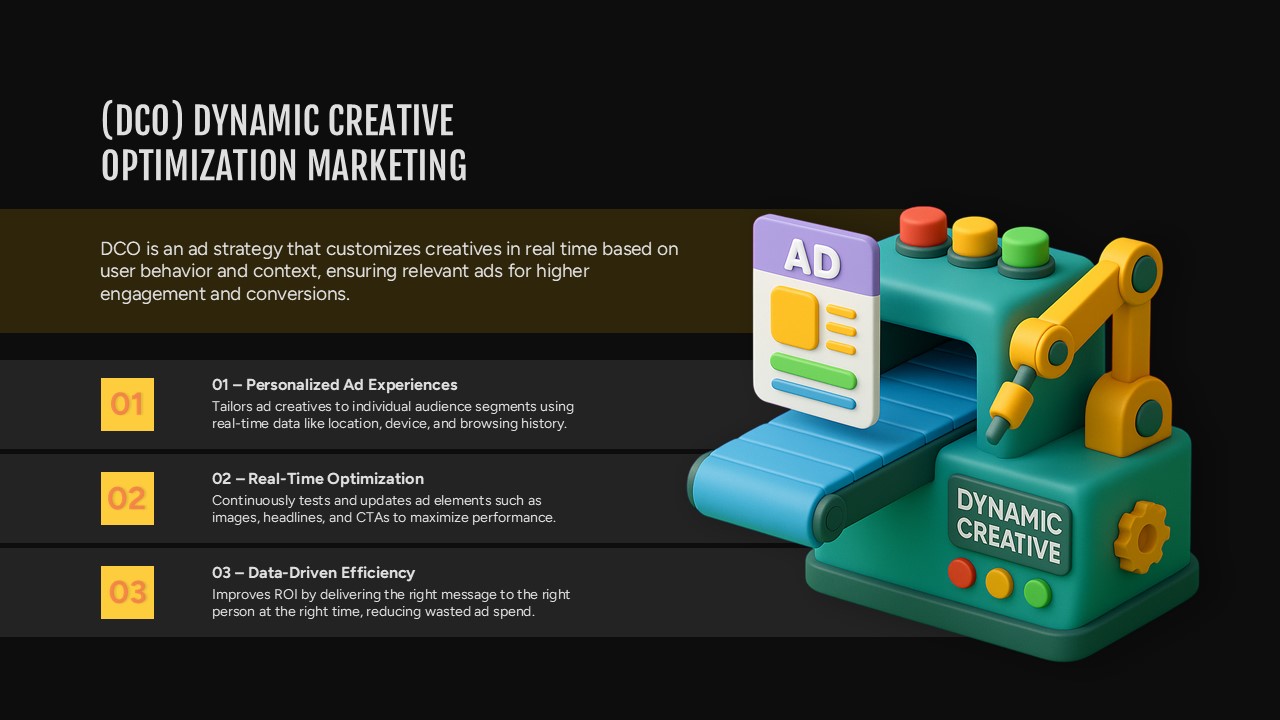
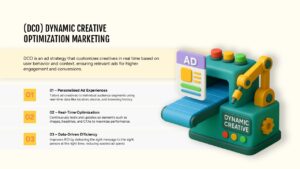
This Dynamic Creative Optimization (DCO) Presentation Slide Template for PowerPoint and Google Slides gives you a clean layout to explain automated ad personalization and real-time creative testing. It pairs a 3D graphic of an ad-assembly conveyor machine with three numbered key takeaway cards on the left, making it easy to explain digital marketing technology to clients or internal teams without cluttering the screen.
Slide Layout & Elements Breakdown
- Top Header & Definition Banner: Features a bold, all-caps title “(DCO) DYNAMIC CREATIVE OPTIMIZATION MARKETING” on the upper left, with an editable cream-colored banner underneath that explains what DCO is and how it improves ad conversions.
- Three Numbered Point Cards (Left Side): Stacked vertically with bright yellow number badges (01, 02, 03) and bold titles paired with short descriptive text:
- 01 – Personalized Ad Experiences: Explains how ad creative adapts to audience segments using location, device, and browsing data.
- 02 – Real-Time Optimization: Describes testing and updating images, headlines, and calls-to-action on the fly.
- 03 – Data-Driven Efficiency: Details how targeted messaging cuts wasted ad spend and improves overall return on ad spend (ROAS).
- 3D Factory Machine Graphic (Right Side): A dimensional, toy-style illustration of a green assembly machine labeled “DYNAMIC CREATIVE,” featuring a robotic arm assembling a modular “AD” card along a blue conveyor belt.
- Light Minimal Background: Uses a soft off-white canvas with faint rounded container stripes that keep the focus on the text and the central visual.
Where to Use This Slide
- Digital Marketing Agency Pitches: Walk prospective clients through how automated creative testing works across programmatic and paid social campaigns.
- Paid Media Strategy Decks: Explain campaign setup, dynamic feed integration, and personalization strategies to internal marketing teams.
- AdTech & MarTech Presentations: Introduce dynamic creative tools, automated banner production, or creative management platforms (CMPs).
- Campaign Performance Reviews: Outline how automated ad variations contributed to lower cost-per-acquisition (CPA) and higher click-through rates (CTR).
Template Features
- Fully Editable: Works in Microsoft PowerPoint and Google Slides. You can edit all copy, swap fonts, recolor the badges, and replace placeholder text easily.
- Balanced Split-Screen Design: Keeps the technical explanation easy to read on the left while using a clear visual metaphor on the right to show the automated production process.
Check out more digital marketing related presentation templates.
Login to download this file

Item ID
SB05710Designed By
Anand


Related Templates

Creative Dynamic Gantt Chart Timeline Template for PowerPoint & Google Slides
Timeline
Voice Search Optimization Strategies Template for PowerPoint & Google Slides
Digital Marketing
Effort Optimization Template for PPT & Google Slides
Circular
Conversion Rate Optimization Template
Leadership
Landing Pages Optimization Insights Template
Marketing Funnel
Search Engine Optimization Template for PPT & GoogleSlides
Digital Marketing
Cloud Cost Optimization Template
Cloud Computing
Dynamic Shield Process Flow Diagram template for PowerPoint & Google Slides
Process

Dynamic Circle Timeline Infographics template for PowerPoint & Google Slides
Timeline

Dynamic Arrow Process Template for PowerPoint & Google Slides
Process

Dynamic 4 Gear Process Diagram Template for PowerPoint & Google Slides
Process
Dynamic Growth Arrow Step Infographic Template for PowerPoint & Google Slides
Process
Dynamic Curved Arrow Process Roadmap Template for PowerPoint & Google Slides
Process
Dynamic Statistics & Progress Charts Template for PowerPoint & Google Slides
Pie/Donut
Dynamic 3D Rubik’s Cube Diagram Pack Template for PowerPoint & Google Slides
Infographics
Dynamic Four-Step Gear Process Template for PowerPoint & Google Slides
Process
Dynamic Three-Series Stacked Area Chart Template for PowerPoint & Google Slides
Comparison Chart
Dynamic Sunburst Chart Visualization Template for PowerPoint & Google Slides
Charts
Dynamic Carousel Icon Hub Diagram PowerPoint
Circular
Project Status Presentation Template
Project Status