Prioritization Matrix for PowerPoint & Google Slides
Prioritization Matrix Template
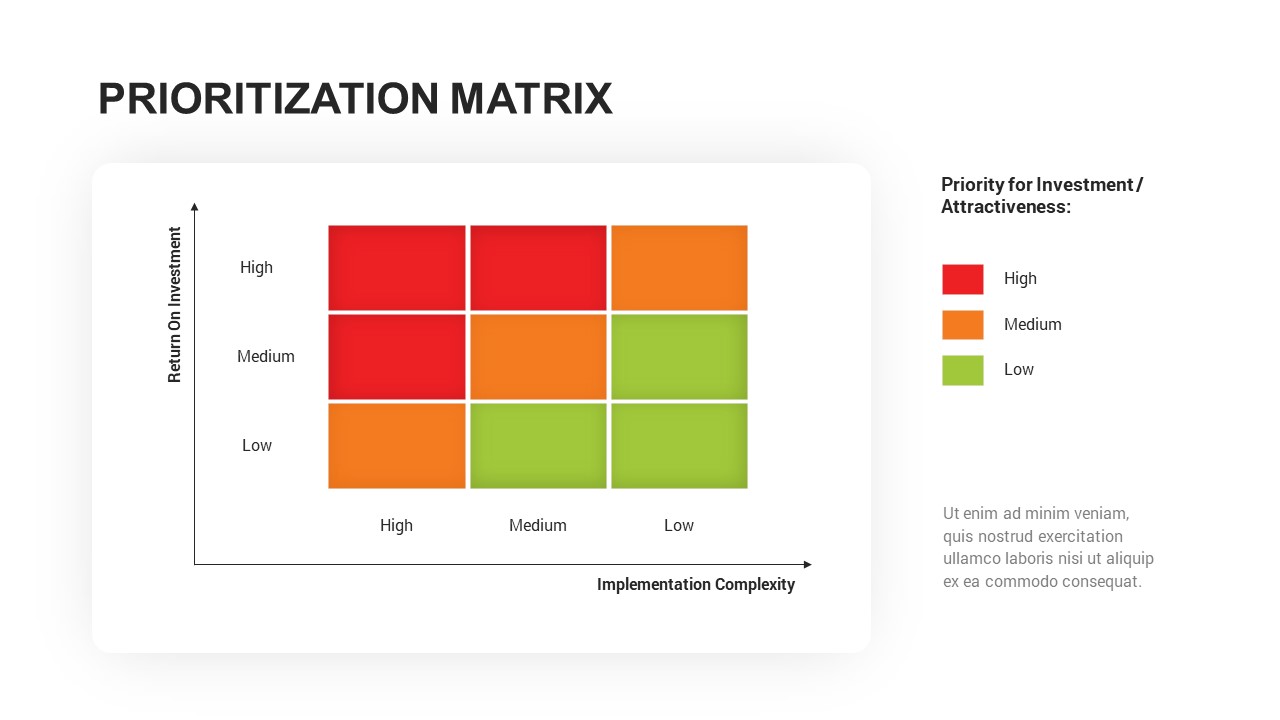
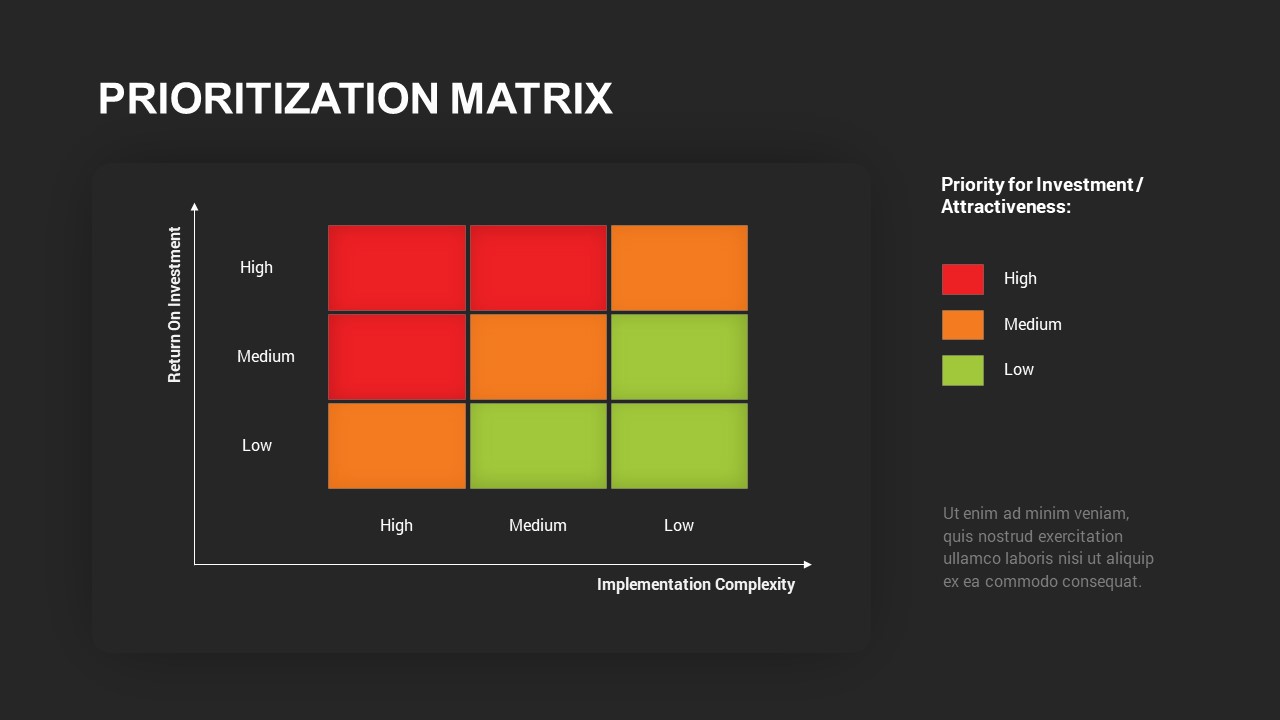
Make faster, more confident strategic decisions with this clean and intuitive prioritization matrix template, designed to help teams visually evaluate and rank projects or tasks based on two key factors: Return on Investment and Implementation Complexity. The matrix uses a color-coded grid to categorize initiatives into high, medium, and low priority zones, giving decision-makers an at-a-glance view of where to focus resources for maximum impact.
The slide features a four-quadrant grid where high ROI and low complexity are highlighted as priority areas, while low ROI and high complexity sit at the lower priority end. This logical, visually structured layout makes it straightforward to communicate the rationale behind prioritization decisions to any audience, whether in a strategic planning session, executive meeting, or team workshop.
A Fully Editable Prioritization Matrix Template for PowerPoint and Google Slides
Every element of this prioritization matrix template is fully customizable in both PowerPoint and Google Slides. Adjust quadrant labels, swap color schemes, update axis titles, and populate the grid with your own initiatives to match your specific planning context. The clean, minimal design integrates seamlessly into existing corporate templates and requires no design expertise to personalize. Whether you are presenting to senior stakeholders or leading an internal planning session, the layout ensures your audience quickly grasps the logic behind each prioritization call.
Who Is It For
Project managers, business consultants, and team leaders who need to assess and rank competing projects or tasks will find this template immediately useful. Marketing, product development, and operations teams can also rely on it to make data-driven decisions about where to direct time and investment.
Other Uses
Beyond project prioritization, this matrix template adapts well for risk assessments, vendor evaluations, portfolio management, competitive analysis, and strategic planning sessions. It is equally effective in academic or training contexts where prioritization frameworks need to be illustrated clearly and concisely.
Login to download this file

Item ID
SB03190


Related Templates

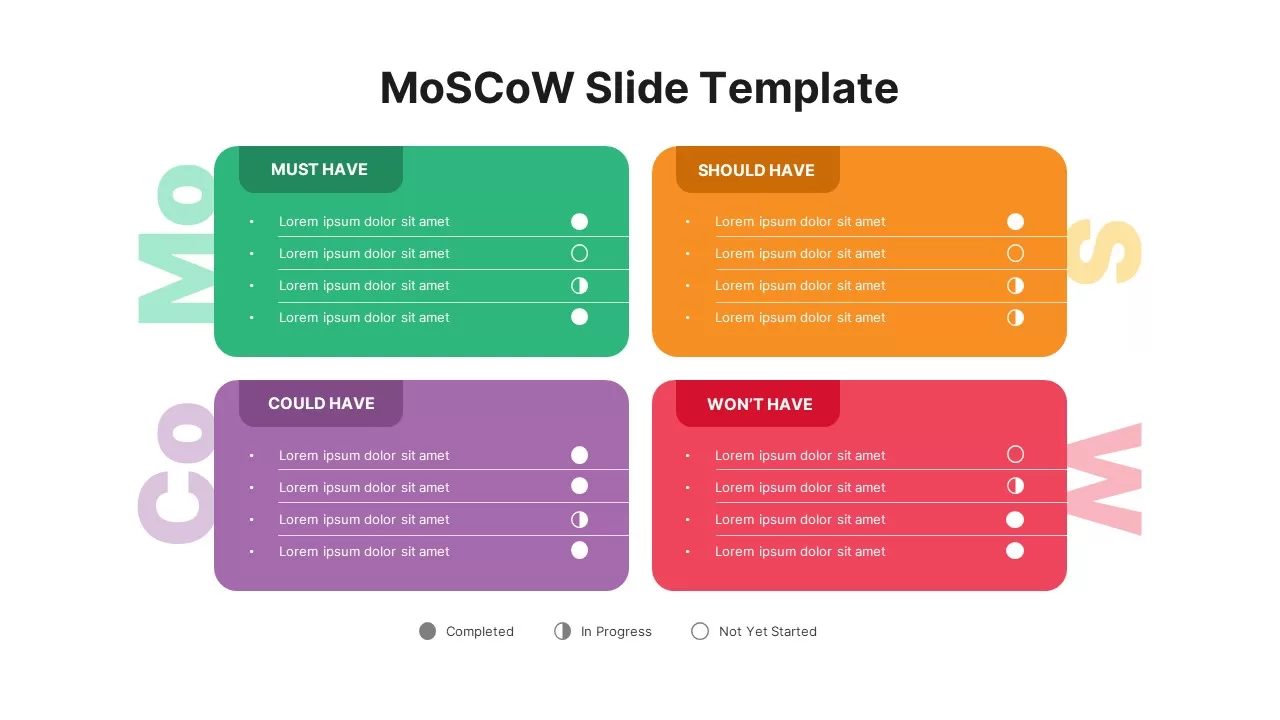
MoSCoW Prioritization Matrix Slide Template for PowerPoint & Google Slides
Business Strategy
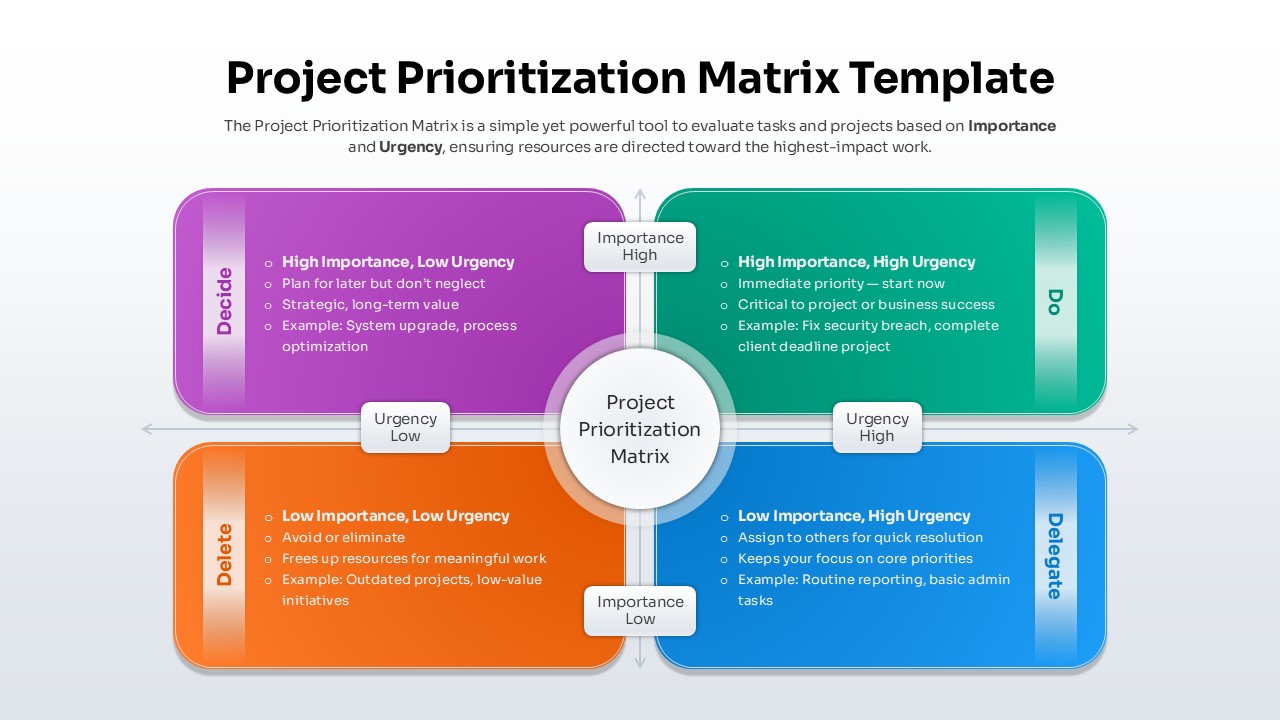
Project Prioritization Matrix Template for PowerPoint & Google Slides
Project
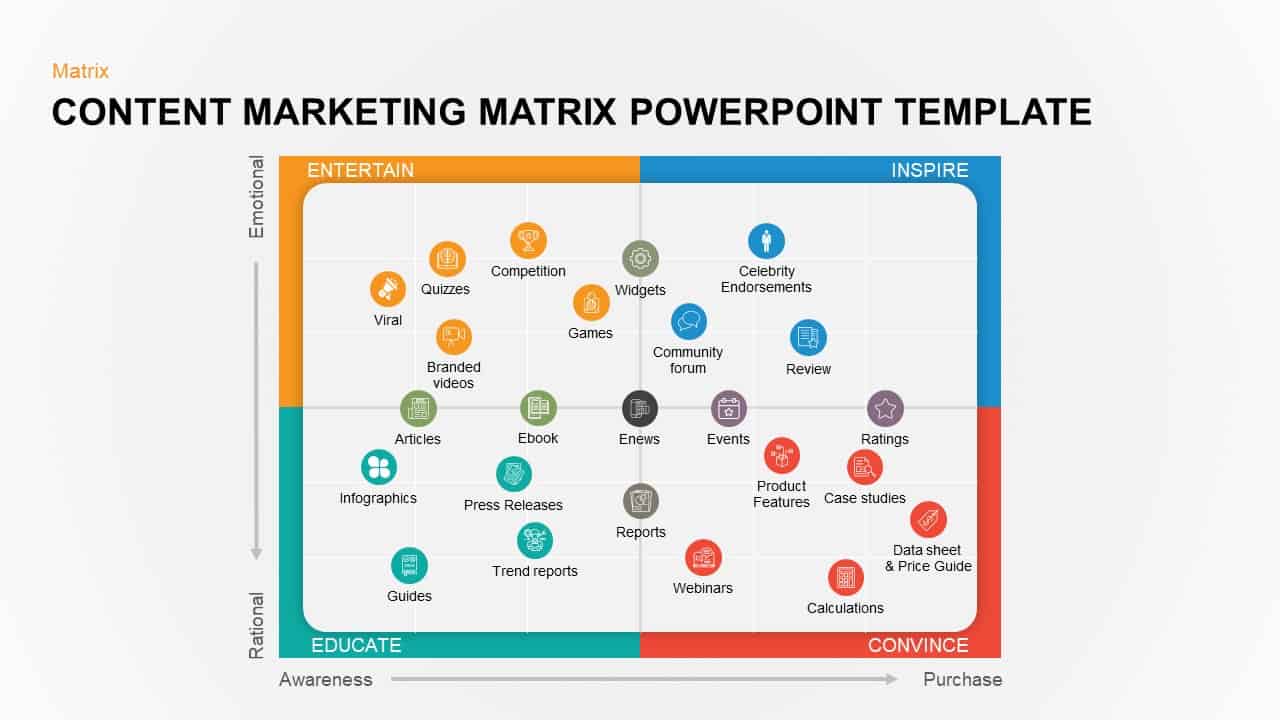
Content Marketing Matrix Template for PowerPoint & Google Slides
Comparison
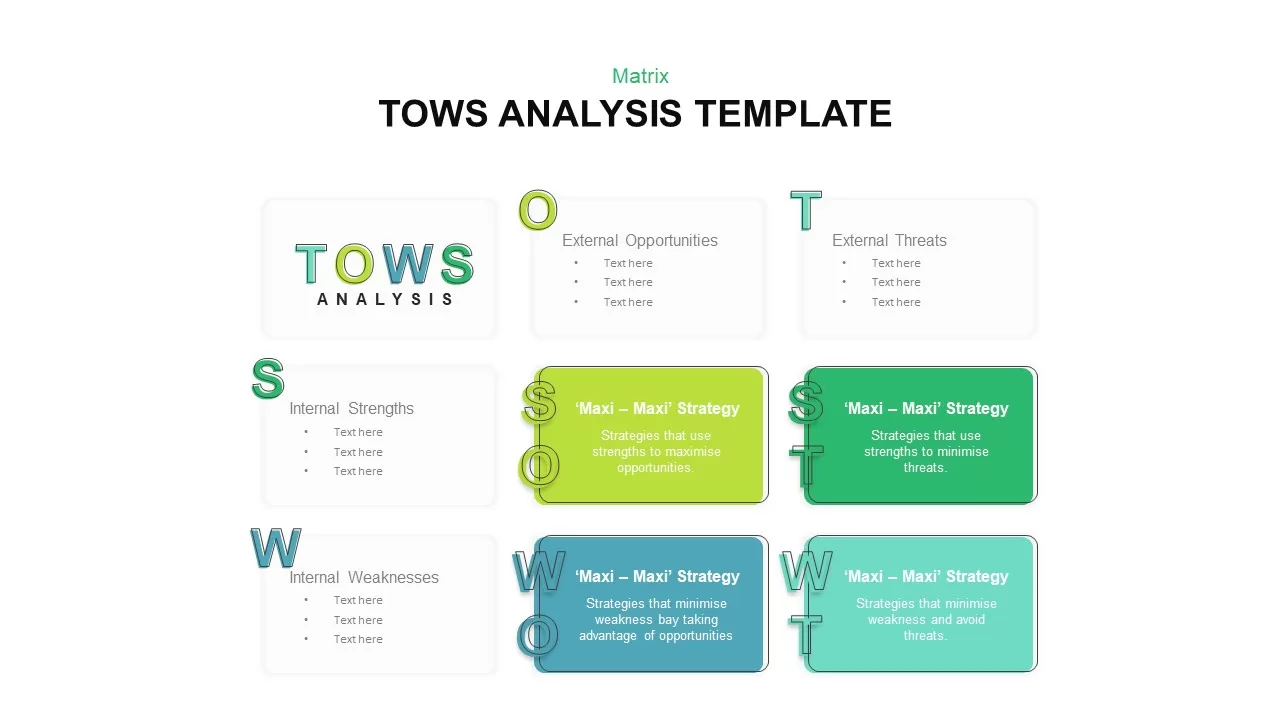
Editable Four-Quadrant TOWS Matrix Template for PowerPoint & Google Slides
Opportunities Challenges
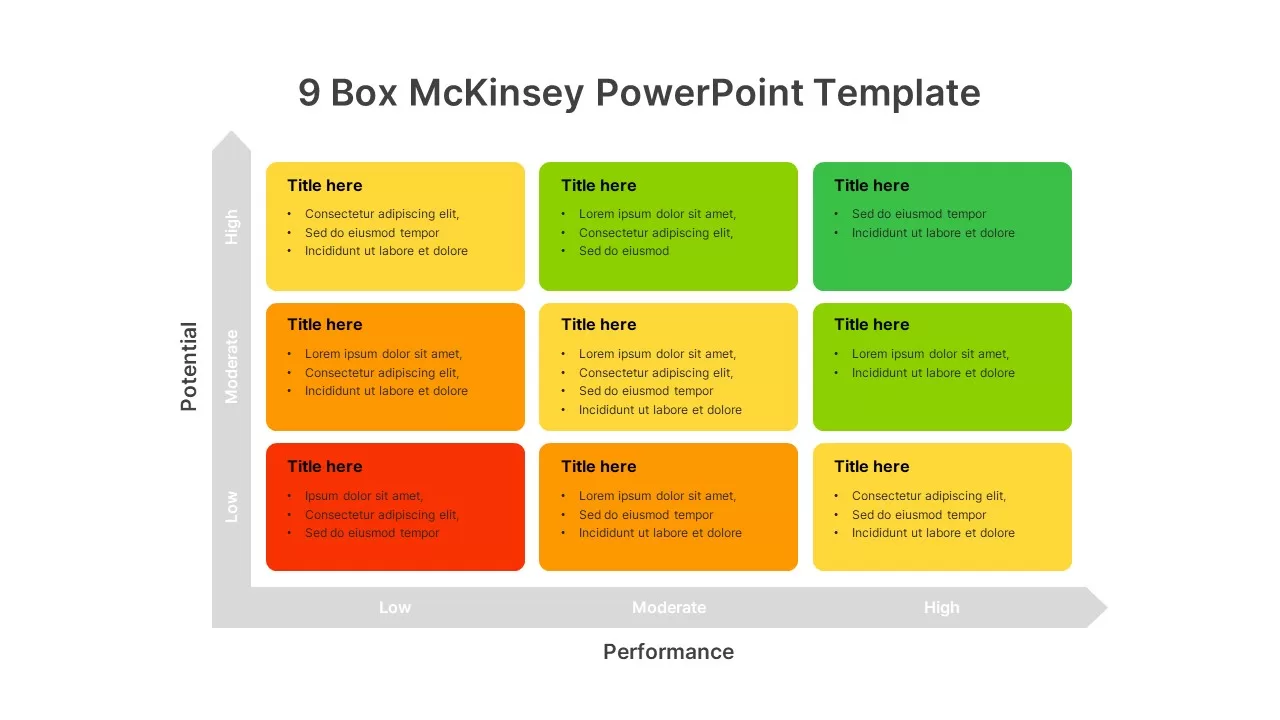
9-Box Matrix for Performance & Potential Template for PowerPoint & Google Slides
Employee Performance
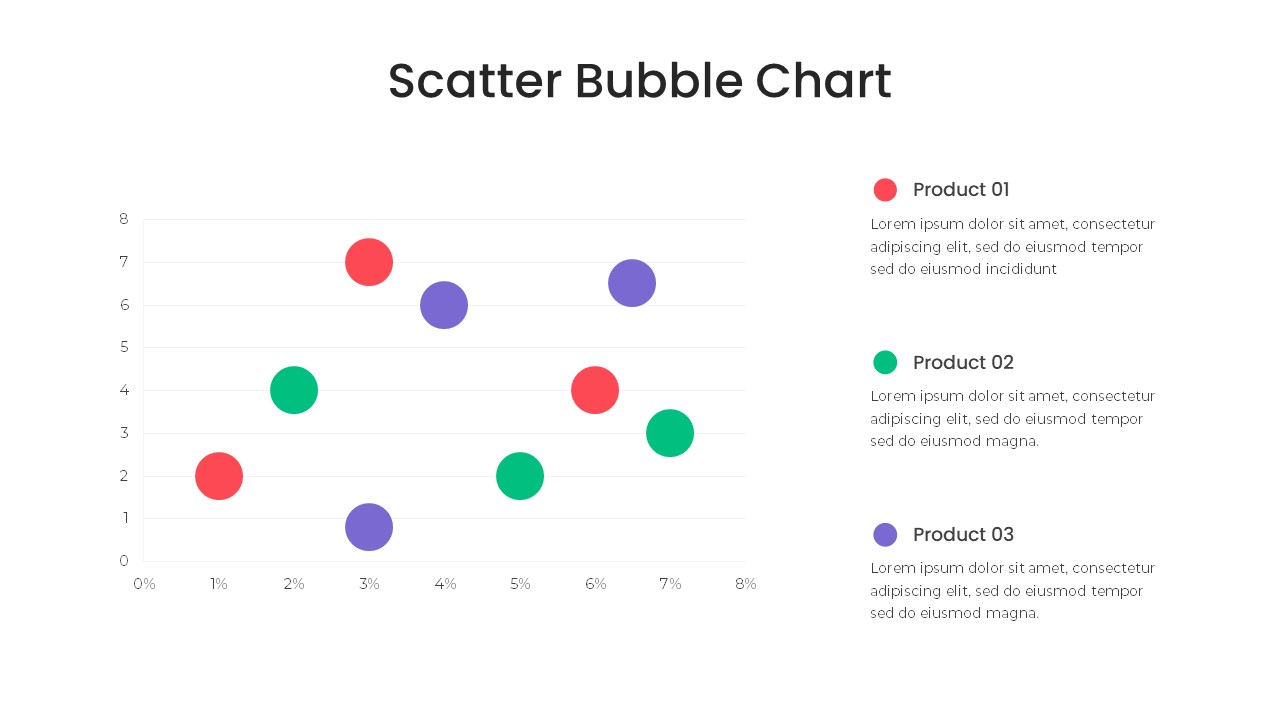
Bubble Chart Scatter, Diagram & Matrix Template for PowerPoint & Google Slides
Comparison Chart
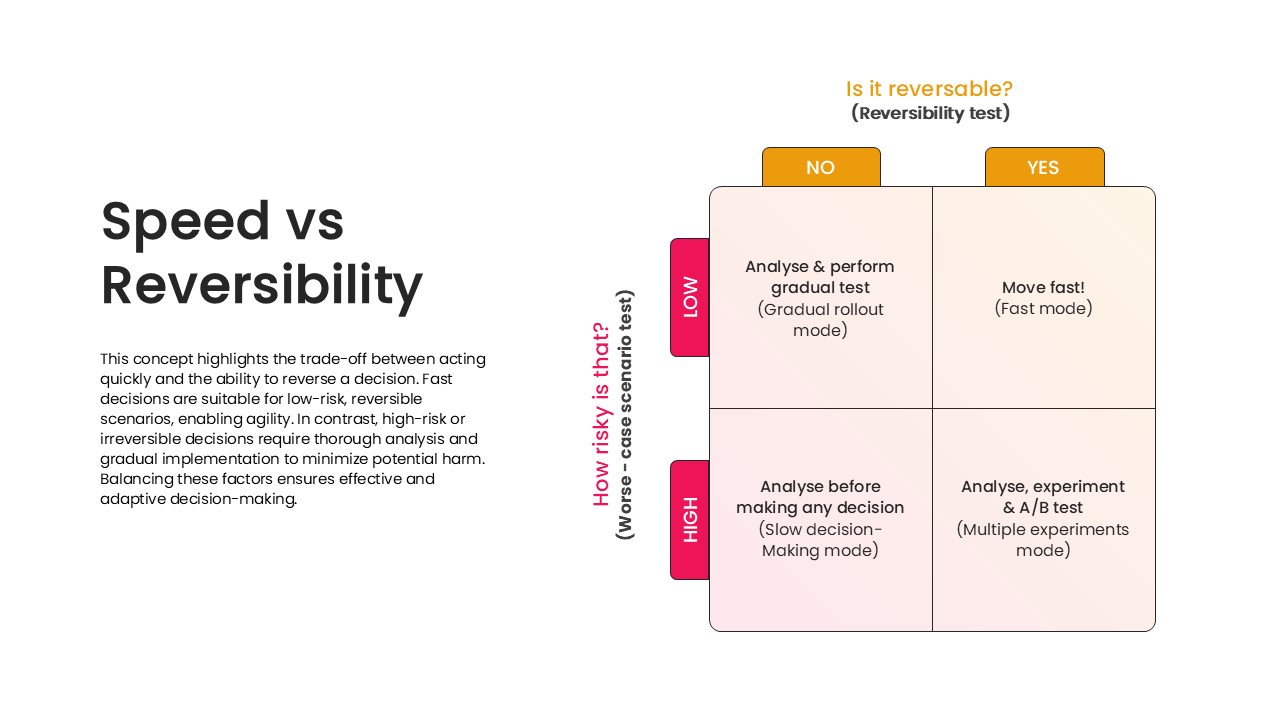
Speed vs Reversibility Decision Matrix Template for PowerPoint & Google Slides
Comparison
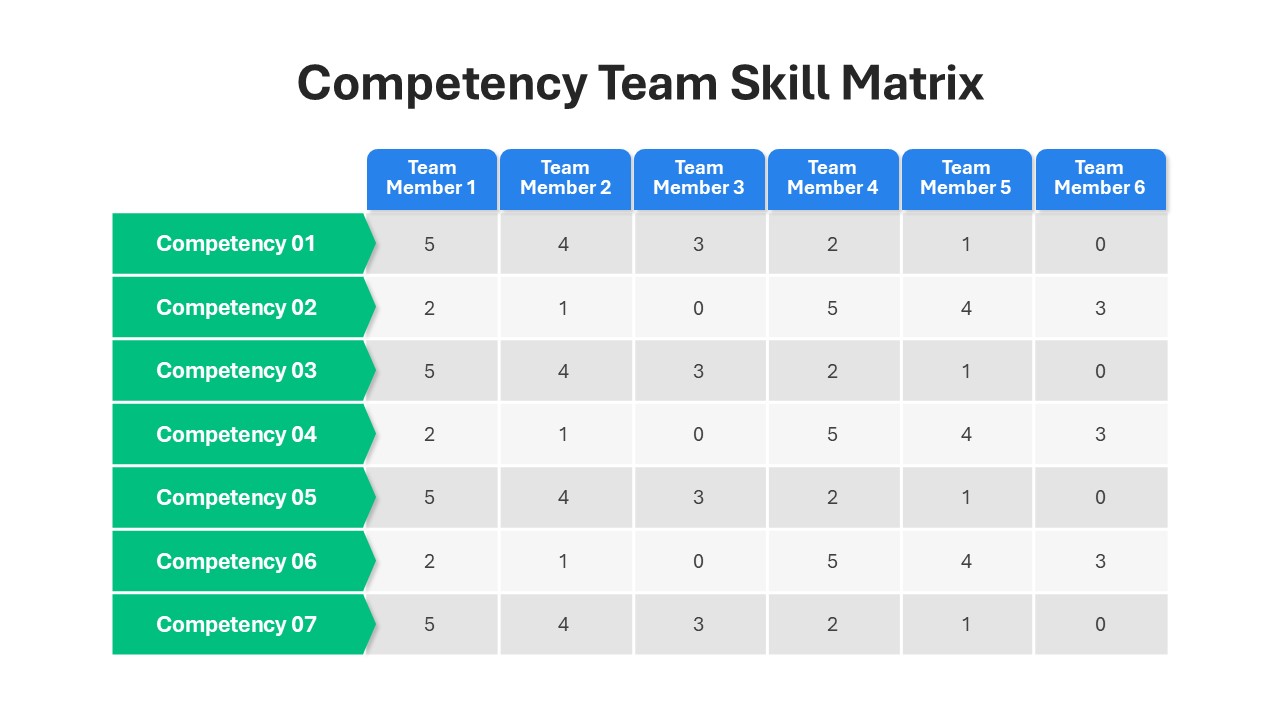
Competency Team Skill Matrix for PowerPoint
Employee Performance
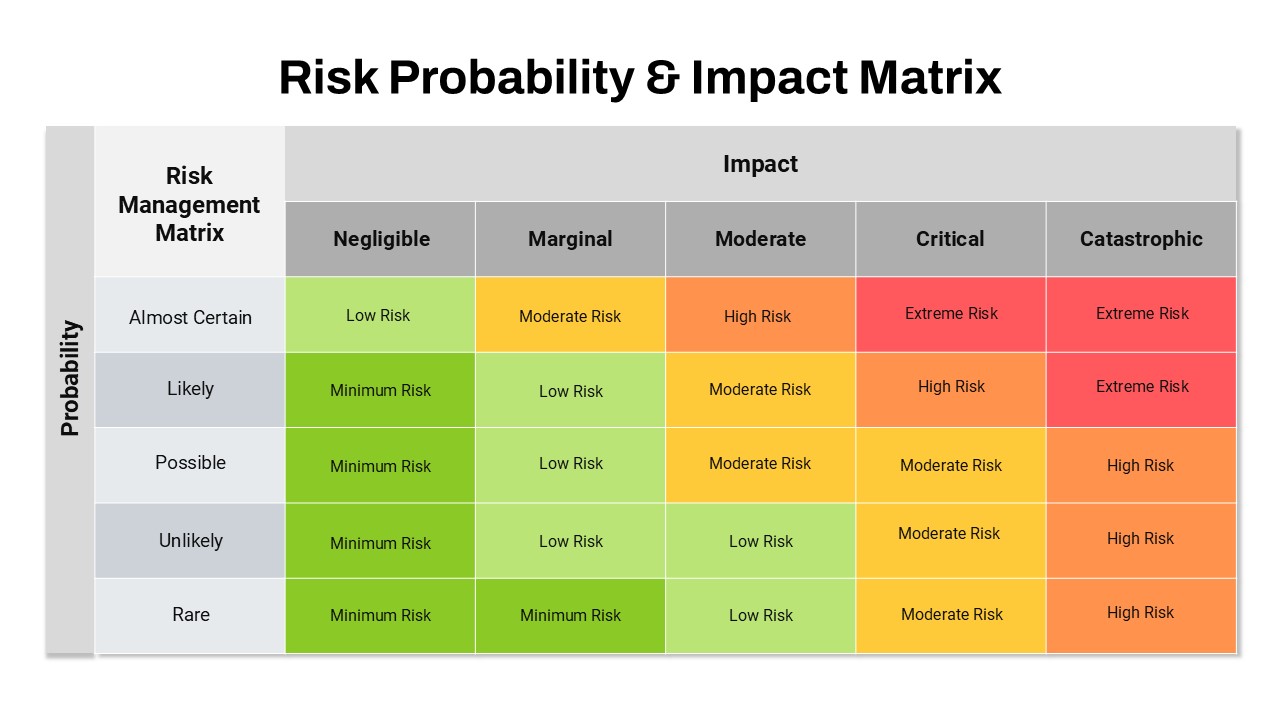
Risk Probability & Impact Matrix Template for PowerPoint
Risk Management
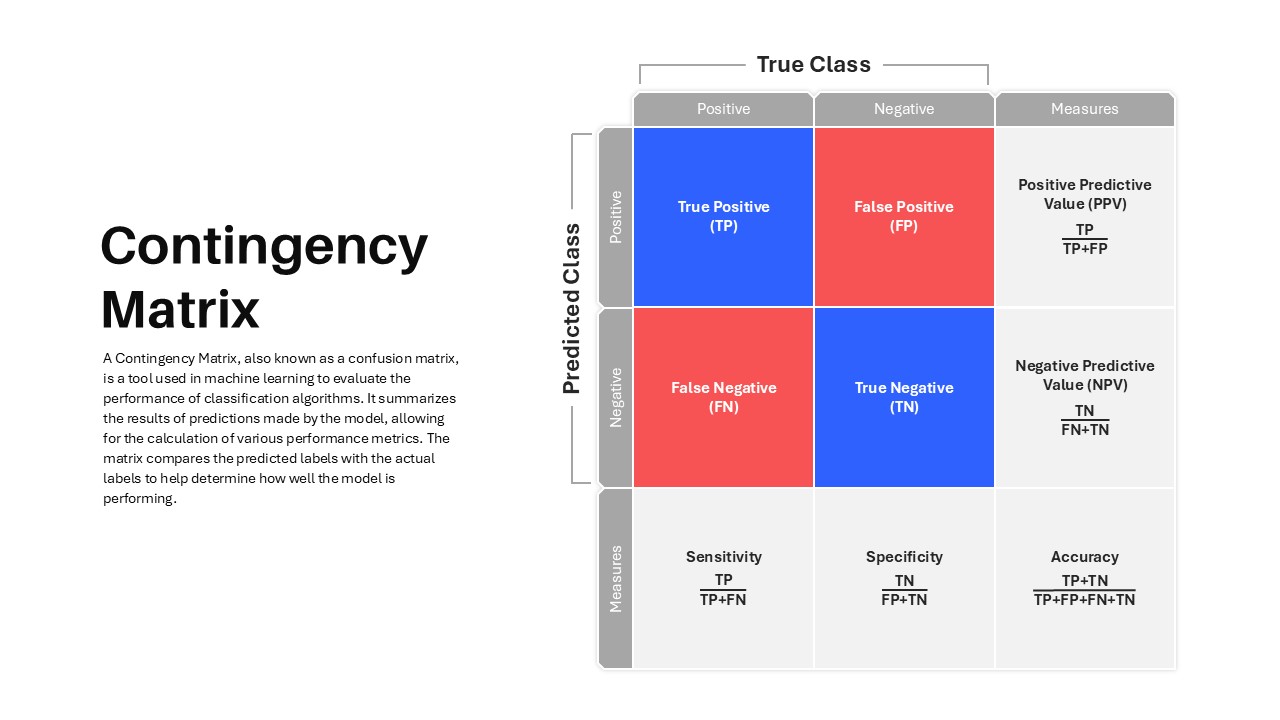
Contingency Matrix Template
Technology
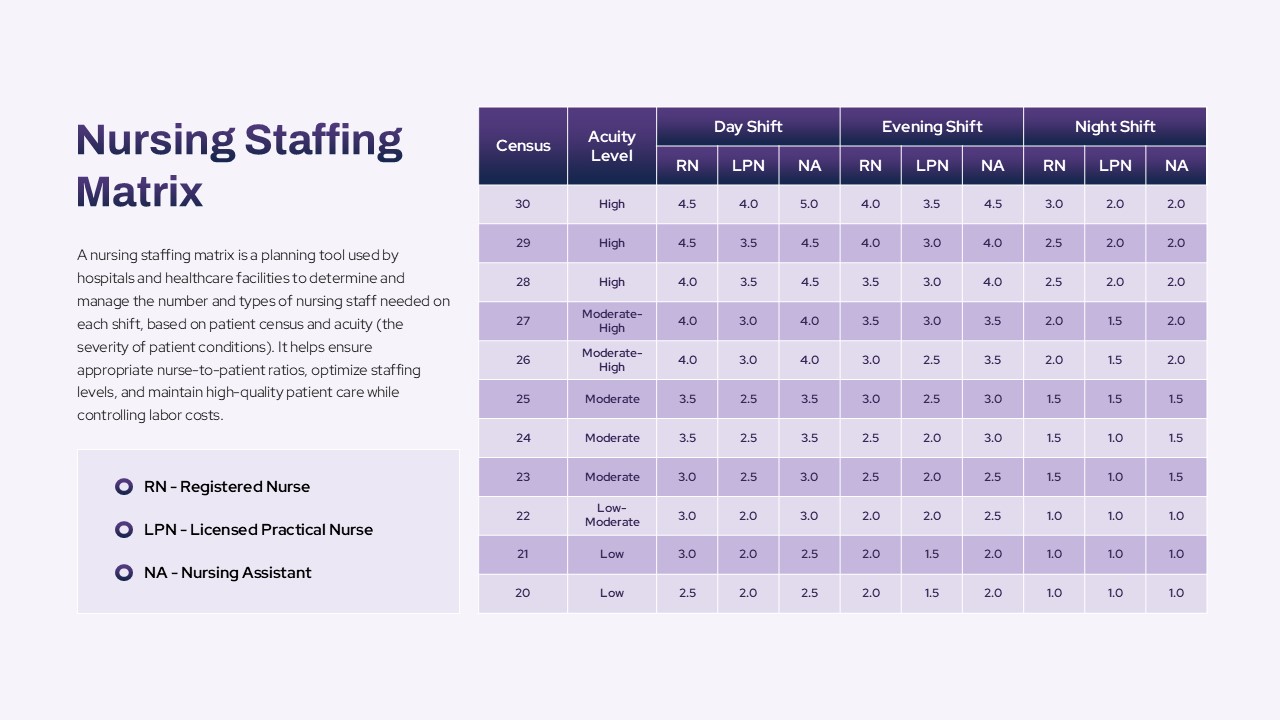
Nursing Staffing Matrix Template
Nursing
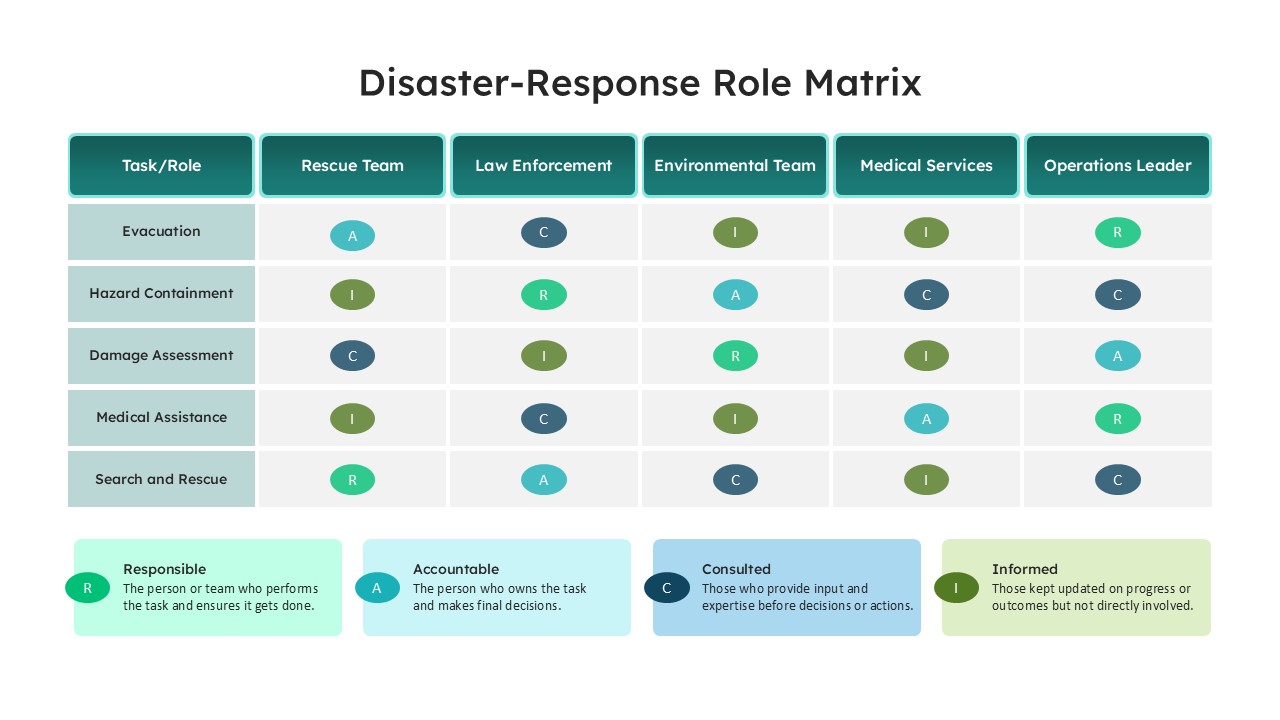
Disaster Response Role Matrix RACI Chart Template
Project Status
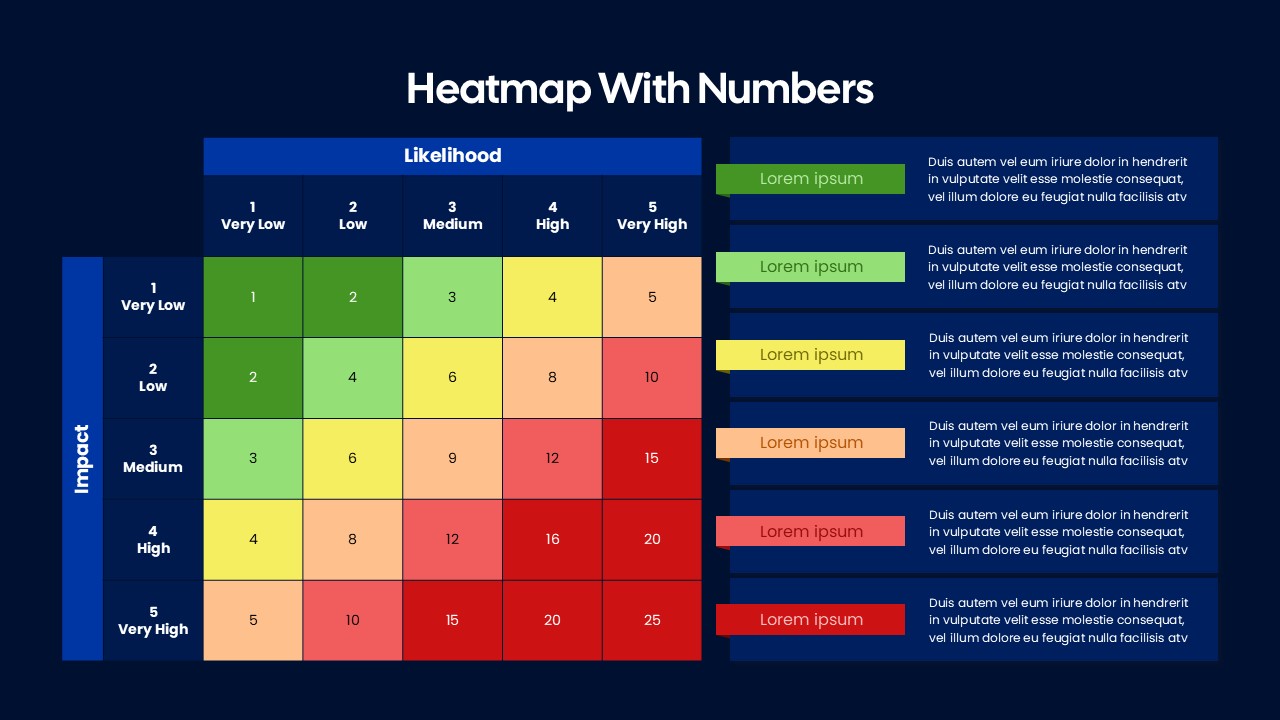
Heatmap Matrix with Numbers for PowerPoint and Google Slides
Project
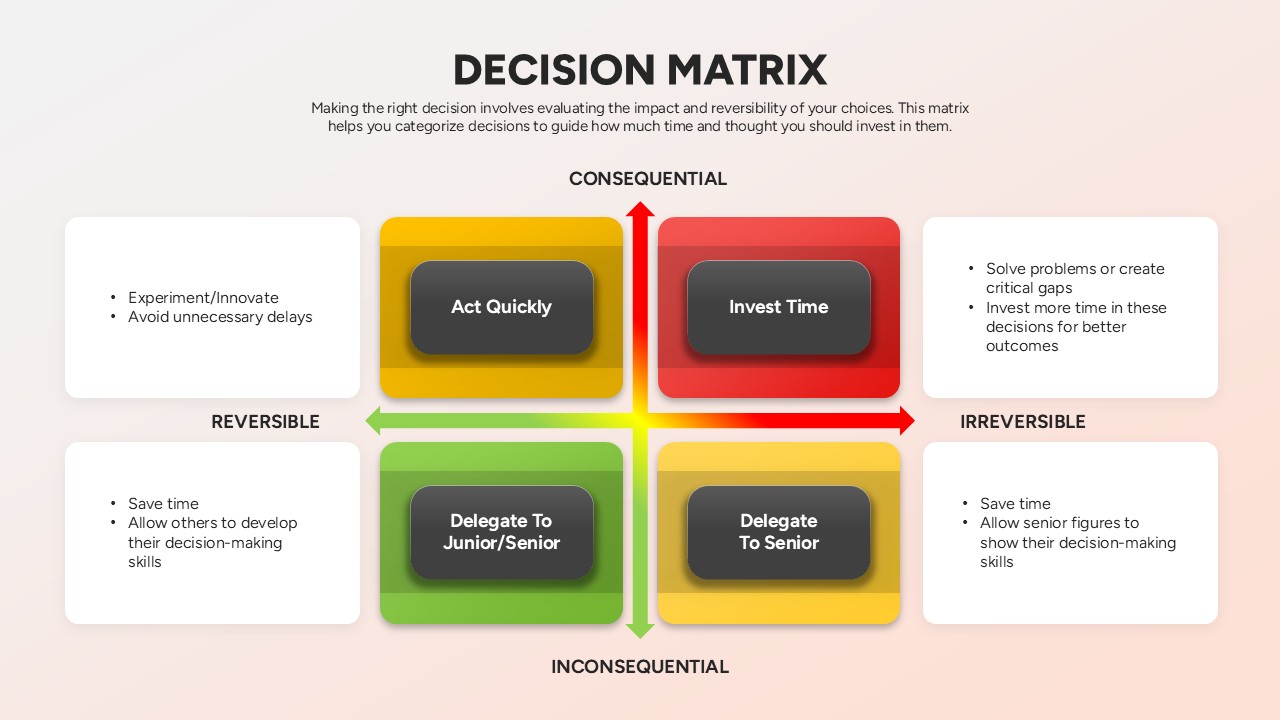
Decision Matrix PowerPoint Template
Leadership
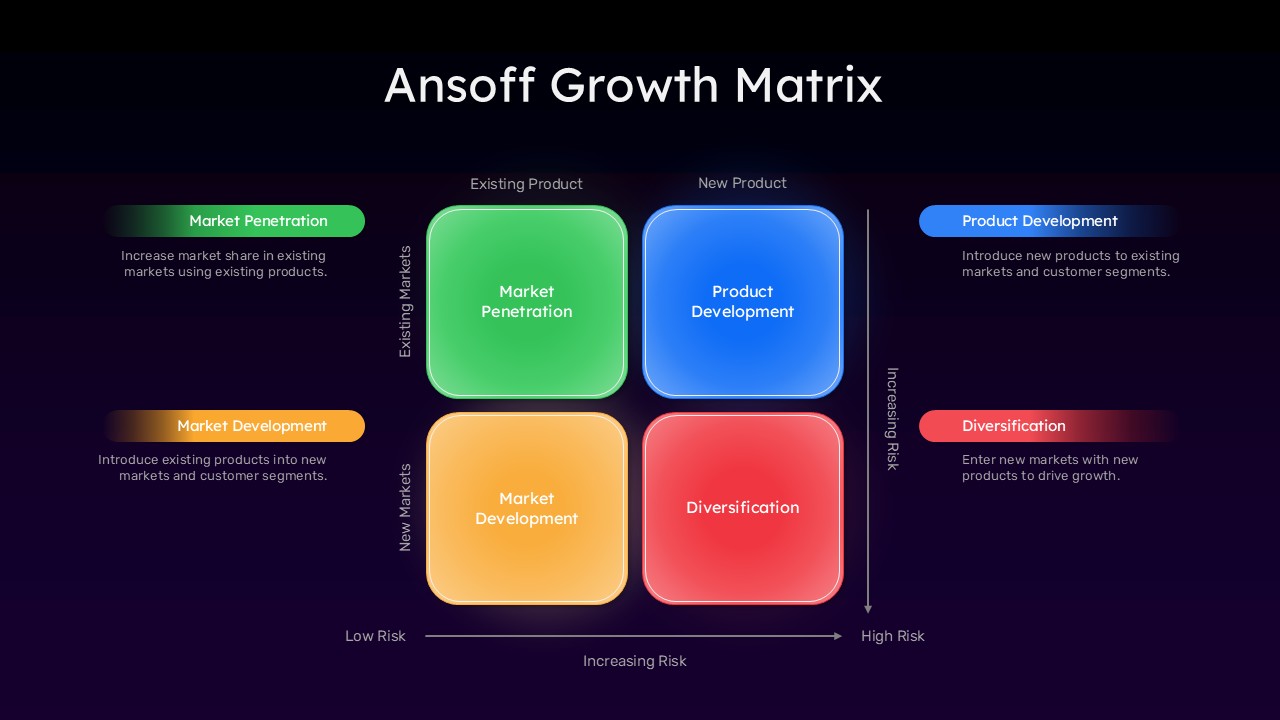
Ansoff Growth Matrix Template
Business Strategy
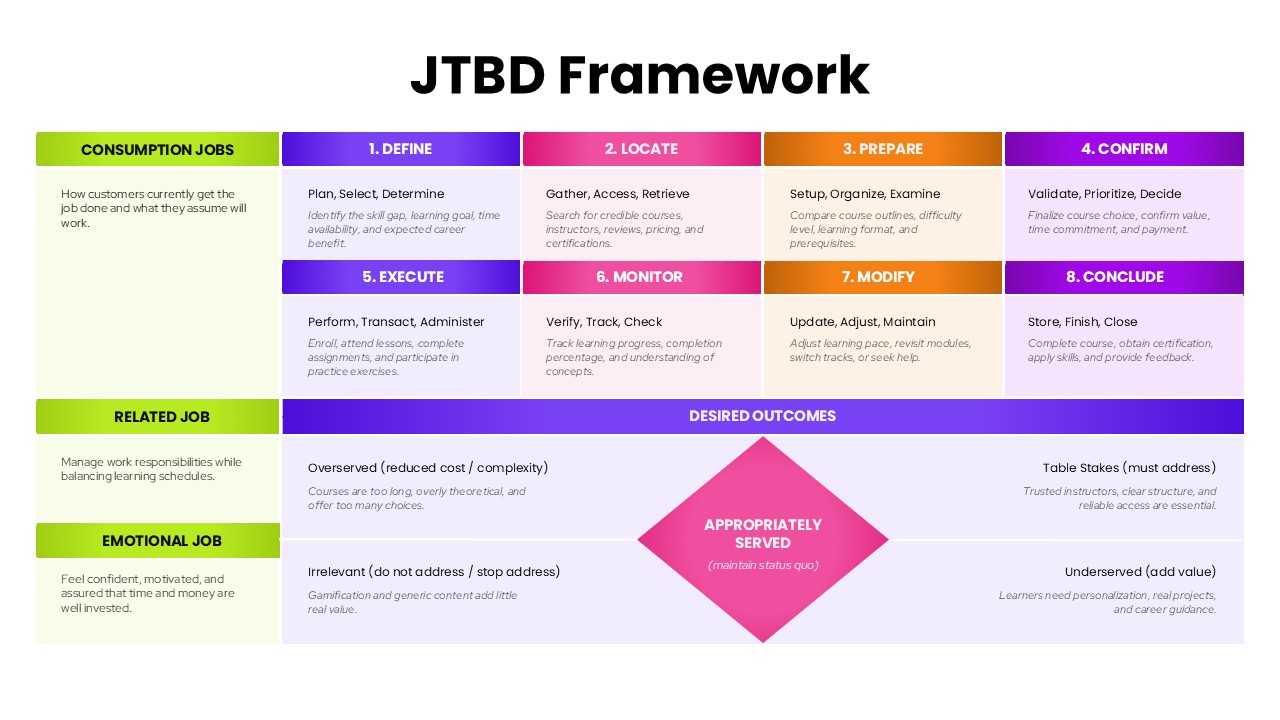
JTBD Framework PowerPoint Template
Marketing
Buyer Utility Map Strategy Matrix Template for PowerPoint & Google Slides
Customer Journey
Action Priority Matrix Template
Business Strategy
Product Process Matrix Diagram Template
Business Strategy
Confrontation Matrix Swot PowerPoint Template & Google Slides
SWOT