Mind Mapping Template for PowerPoint & Google Slides



Mind Mapping Concept Slide Template for PowerPoint & Google Slides
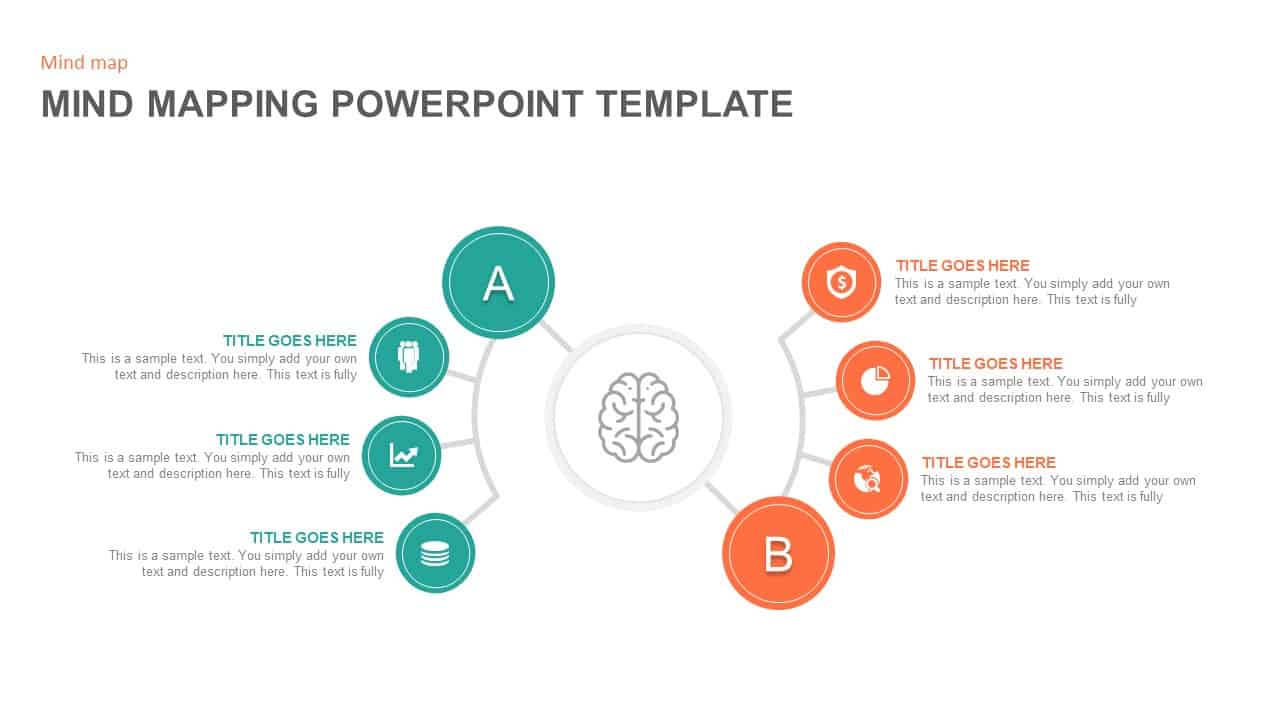
Visualizing creative brainstorms, interconnected strategy frameworks, or complex concept breakdowns requires an intuitive infographic layout. Unstructured text notes and long bulleted lists often obscure how secondary ideas relate to core business drivers during strategy sessions or client workshops. Utilizing a dedicated mind mapping slide template gives strategic planners, product design leads, and project directors a fluid visual framework to organize multi-tier ideas and concept networks side by side.
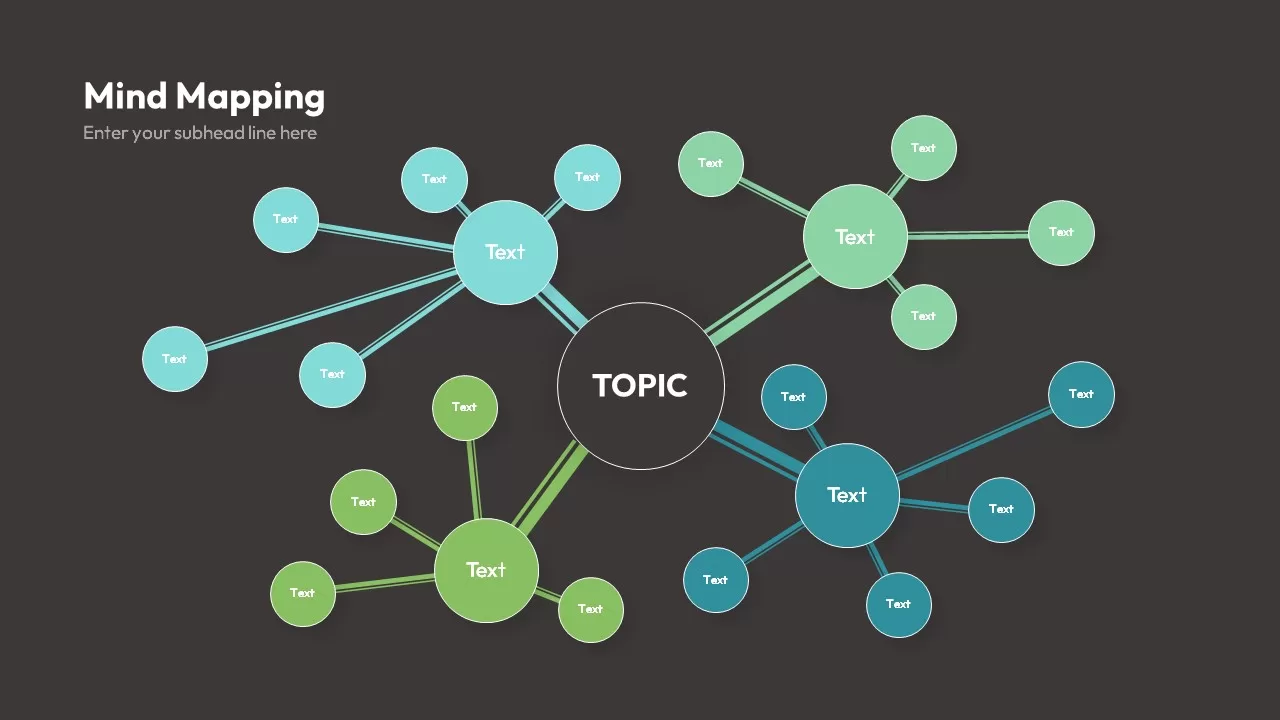
Visual Architecture, Circular Hub & Radial Spoke Layout
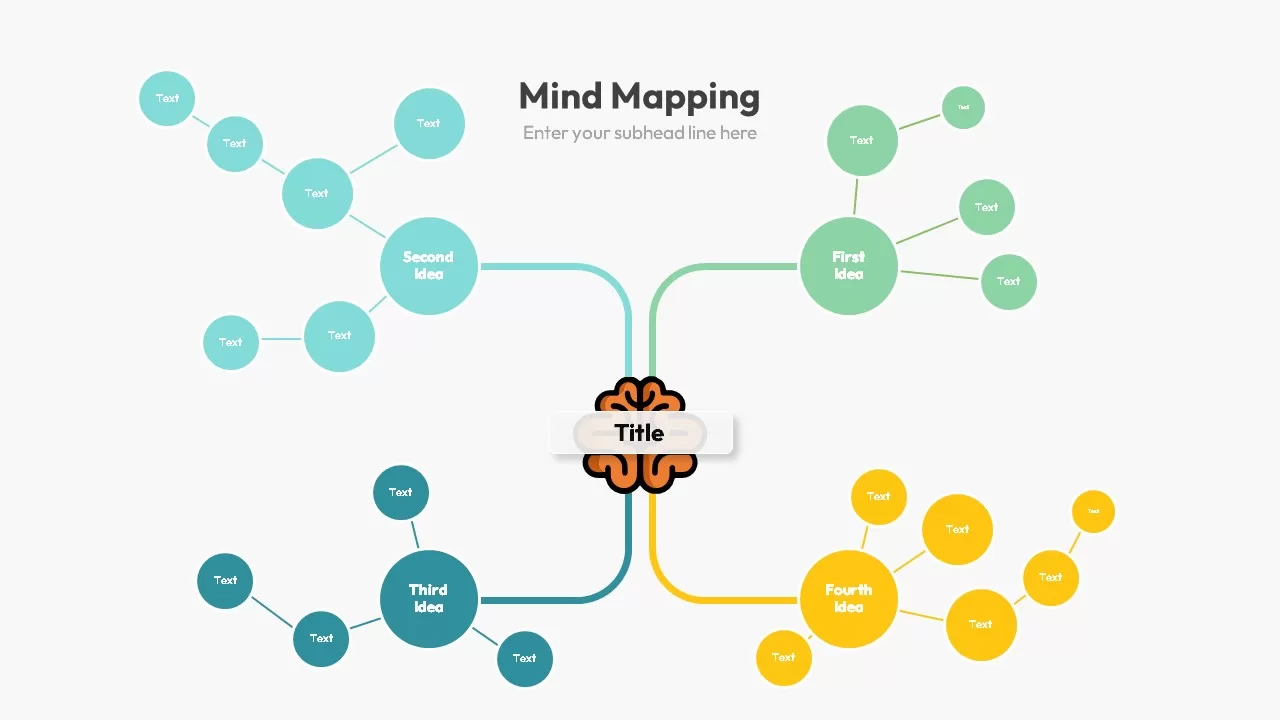
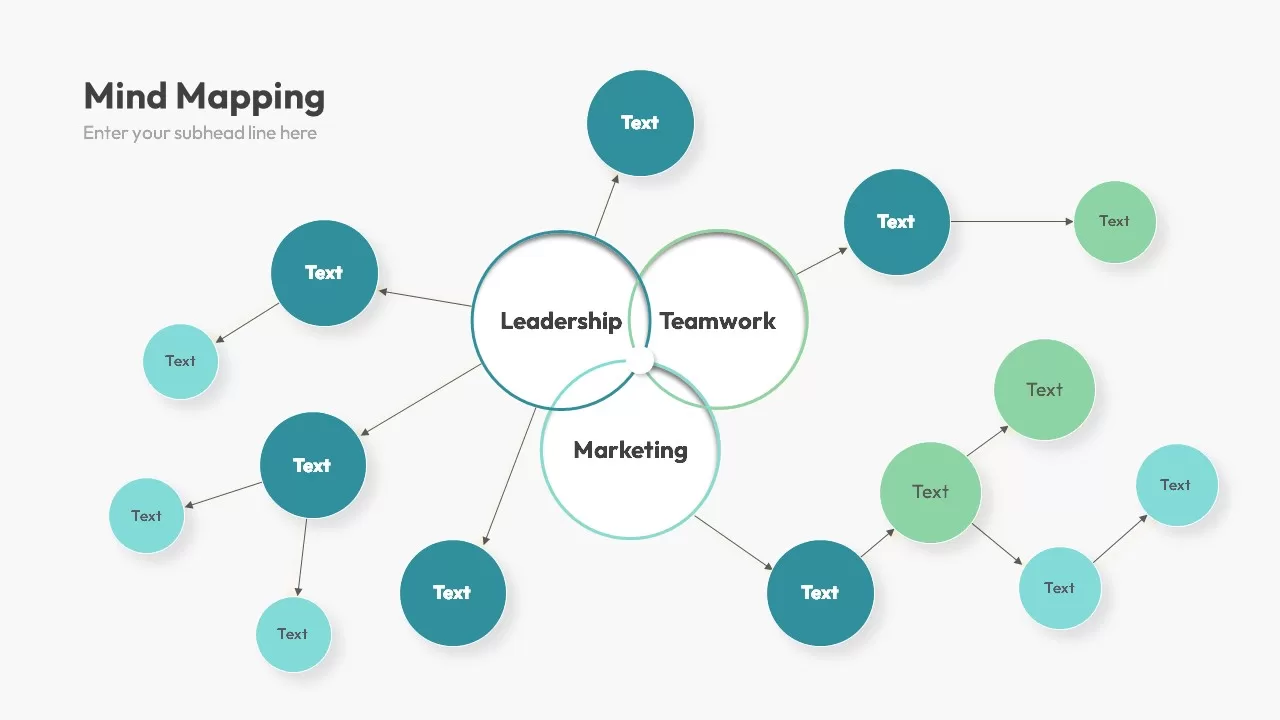
- Central White Topic Hub: Positioned at the center, a large circular white node framed with subtle drop shadows serves as the foundational starting point for primary project themes or central topics.
- 4 Color-Coded Sub-Cluster Hubs: Four main primary branches extend diagonally into distinct circular sub-hubs, rendered in cyan (top-left), mint green (top-right), olive green (bottom-left), and deep teal (bottom-right).
- Radial Spoke Network: Each primary sub-hub radiates outward to connect to satellite circular nodes of varying sizes via double-lined vector connectors, creating an organic network diagram.
- Minimalist Top-Left Title Header: A clean “Mind Mapping” header with a sub-heading text placeholder sits in the top-left corner, preserving canvas space for the extensive radial diagram.
Strategic Applications for Product Strategy & Creative Ideation
- Product Ecosystem & Integration Mapping: Map out core software modules, secondary feature sets, and third-party integration endpoints during technical planning sessions.
- Brand Strategy & Marketing Campaign Ideation: Connect umbrella brand positioning themes to specific channel tactics, content pillars, and regional audience targets.
- Organizational Research & Knowledge Management: Structure multi-disciplinary research categories, sub-topics, and supporting data points for academic or corporate presentations.
How to Customize This Mind Mapping Deck in PowerPoint & Google Slides
Tailoring this radial diagram layout to suit your presentation goals requires minimal effort across PowerPoint and Google Slides. Every central circular node, radial connecting arm, satellite shape, and text box is a fully editable component. You can easily adjust color palettes to match corporate branding guidelines, re-scale individual circular nodes, add or remove secondary satellite shapes, and refine text content in just a few quick clicks.
Login to download this file

Item ID
SB02576


Related Templates

Mind Mapping PowerPoint Template and Google Slides
Mind Maps
Mind Mapping Template for PowerPoint & Google Slides
Mind Maps
Creative Mind Mapping Template for PowerPoint & Google Slides
Mind Maps
Mind Mapping Template for PowerPoint
Mind Maps
Mind Mapping PPT Template
Mind Maps
Value Stream Mapping Template for PPT & Google Slides
Charts
Free
Buyer Journey Mapping Template for PPT & Google Slides
Process
Talent Mapping 9-Box Grid Template for PowerPoint
Employee Performance
Team Role to Impact Mapping Flowchart for PowerPoint
Process
Stakeholder Mapping Chart Template for PPT & Google Slides
Org Chart
Process Mapping PowerPoint Template
Business Plan
Relationship Mapping Template For PowerPoint
Business Strategy
Audience Message Mapping Strategy Presentation Template
Business Strategy
Business Process Mapping Template for Workflow Analysis and Operational Planning
Process
Business Relationship Mapping Template
Mind Maps
Email Journey Mapping Template
Customer Journey
Risk Management Mind Map Radial Diagram template for PowerPoint & Google Slides
Mind Maps
Mind Map Infographic Template PPT slides
Mind Maps
Mind Map Template for PowerPoint & Google Slides
Mind Maps
Connect the Dots Mind Map template for PowerPoint & Google Slides
Mind Maps