Mind Map Template for PowerPoint & Google Slides
Mind Map Template for PowerPoint & Google Slides
Structuring complex brainstorming sessions, hierarchical strategy breakdowns, or multi-tier product feature roadmaps requires a clear visual diagram. Unorganized notes and dense bulleted lists often make it difficult for project managers, product strategists, and team leads to illustrate how core concepts branch into sub-topics during team workshops or executive reviews. Utilizing a dedicated mind map template gives presentation designers, business analysts, and educators a clean visual framework to display multi-level idea hierarchies side by side.
Visual Architecture, Branching Node Diagram & Tiered Layout
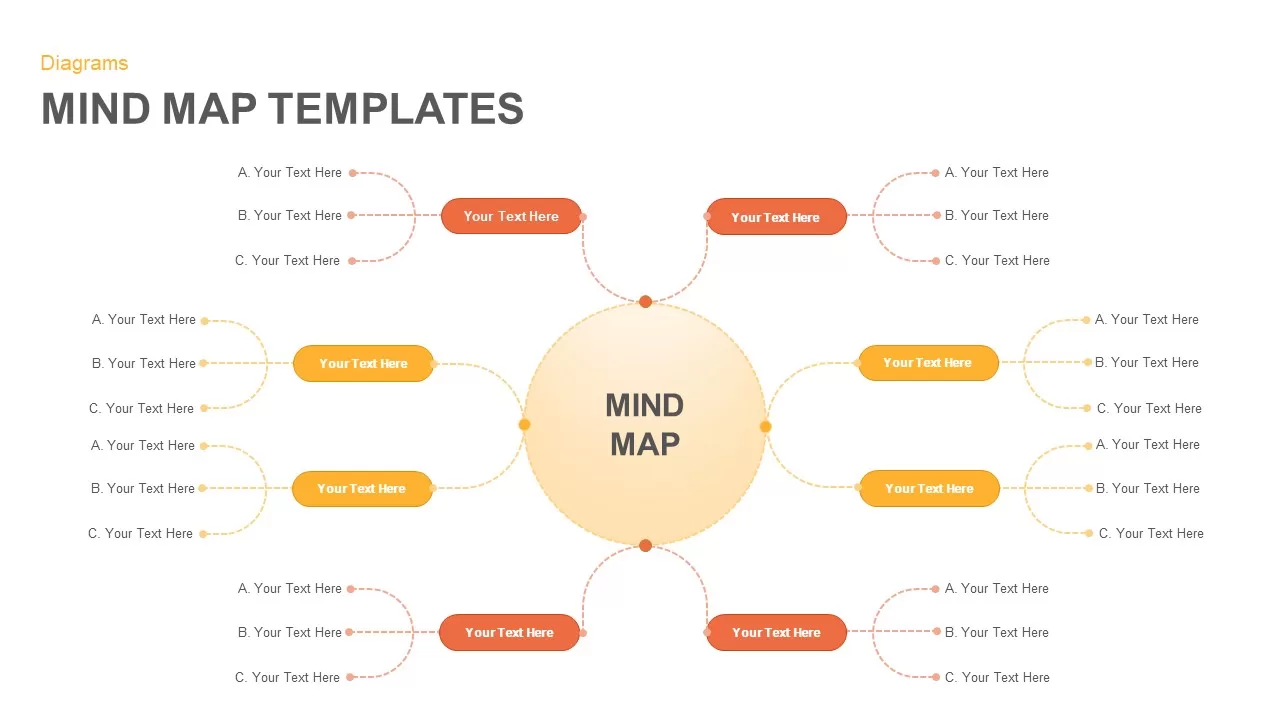
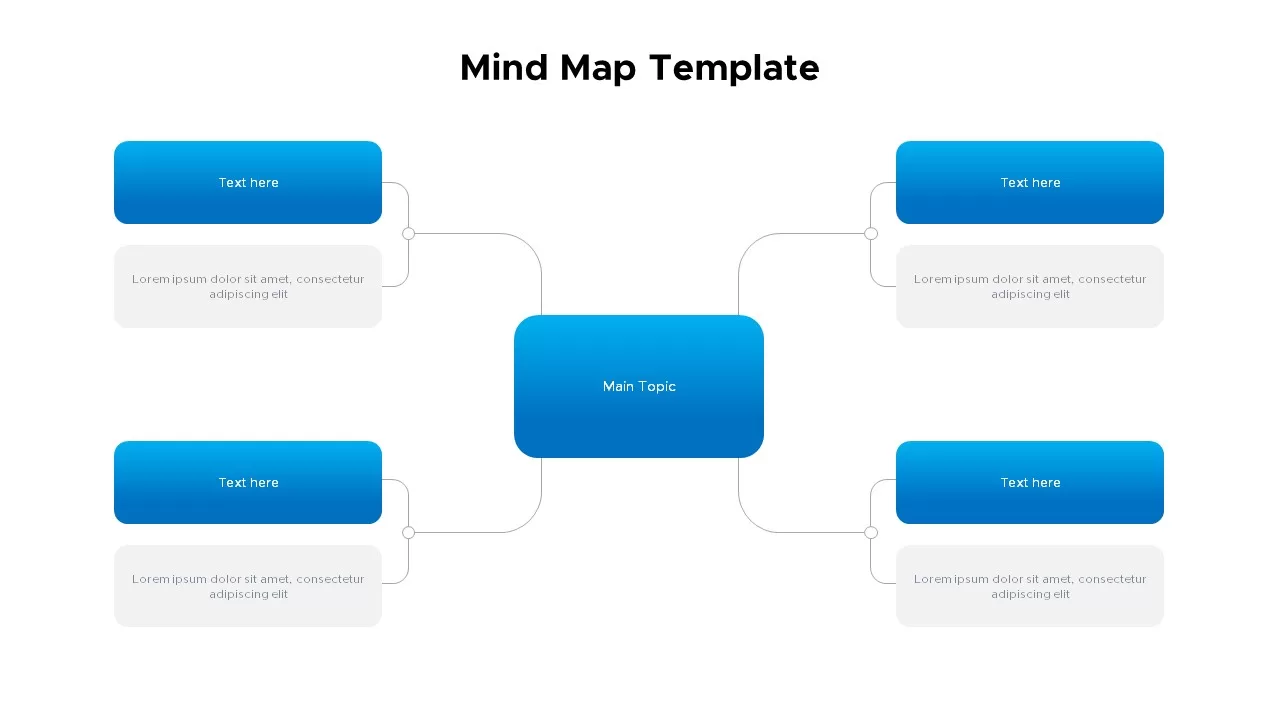
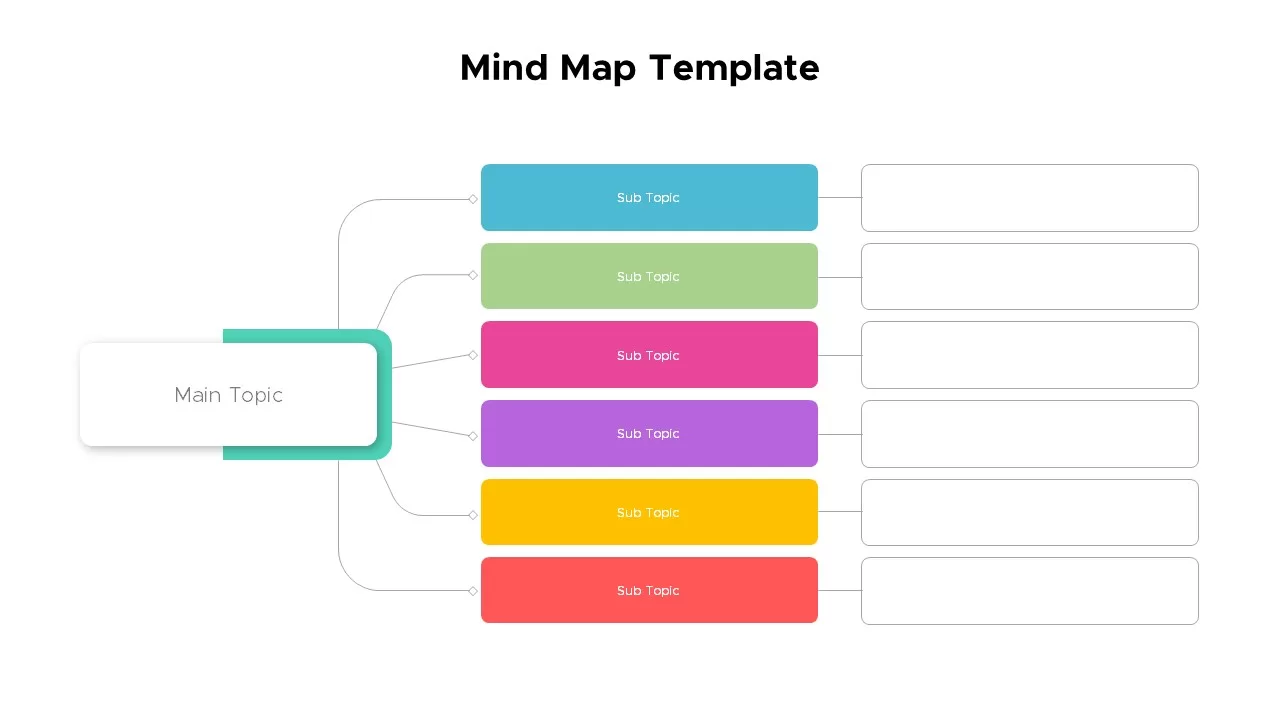
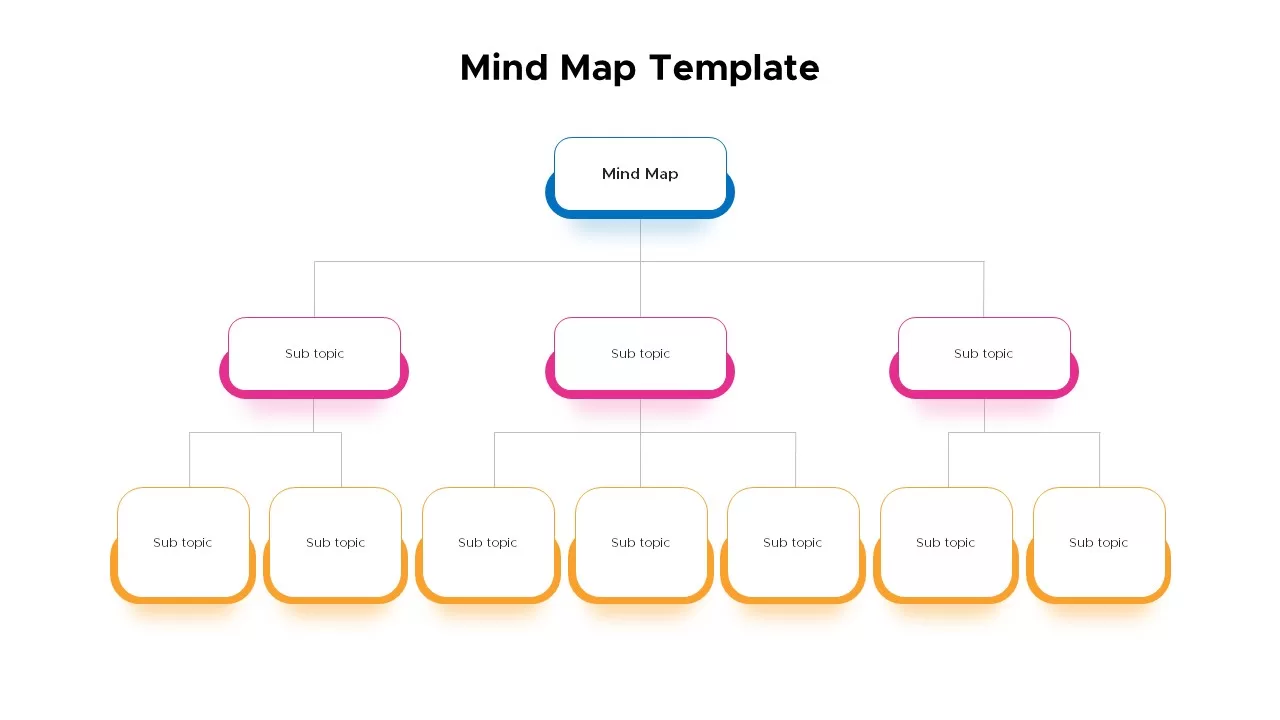
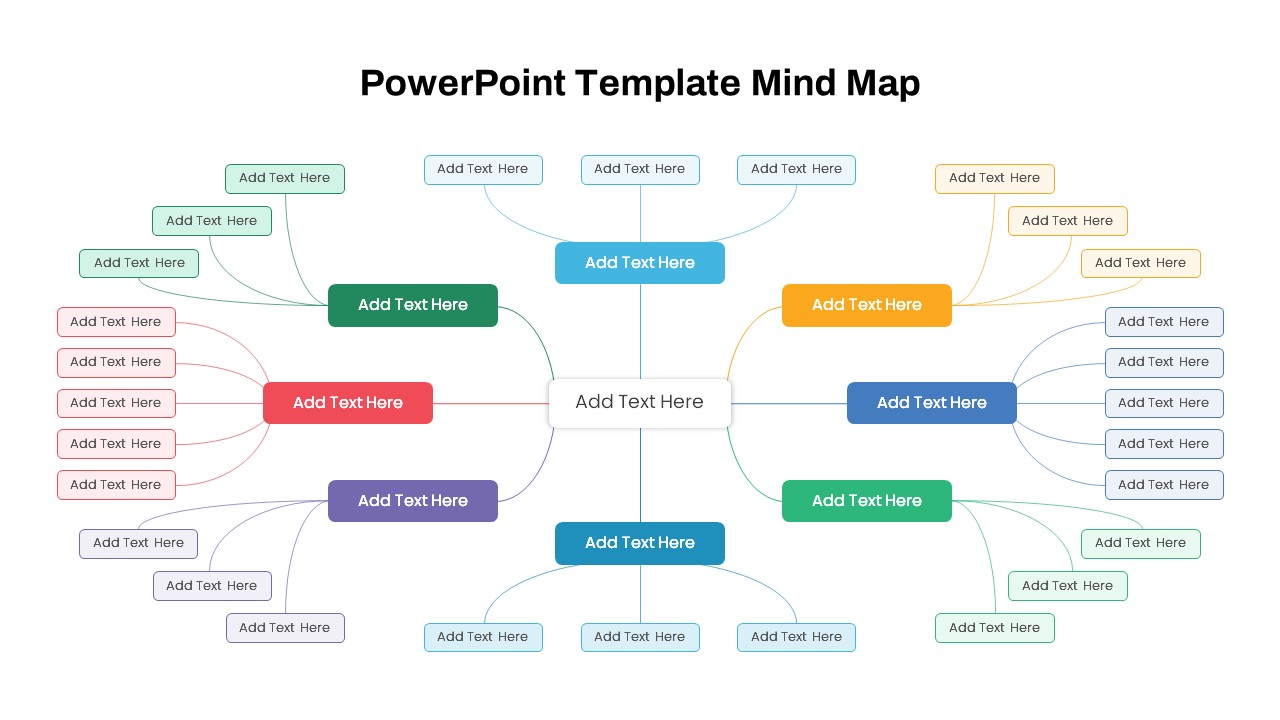
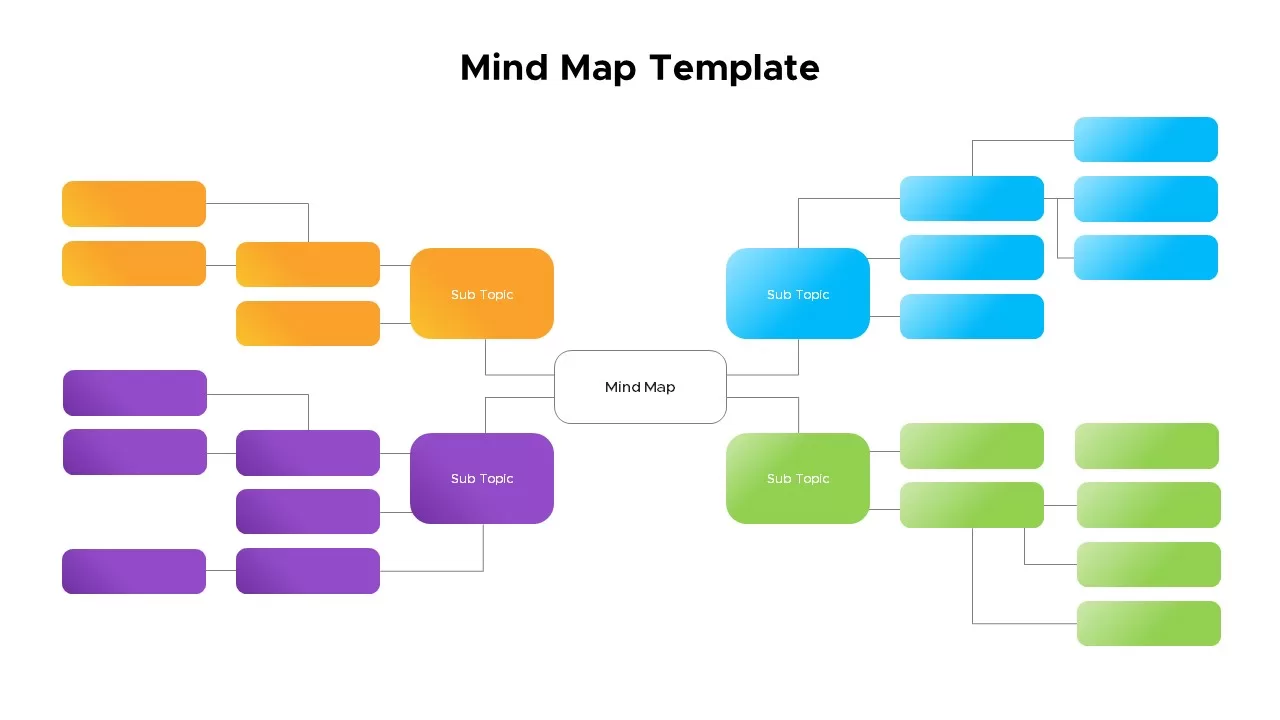
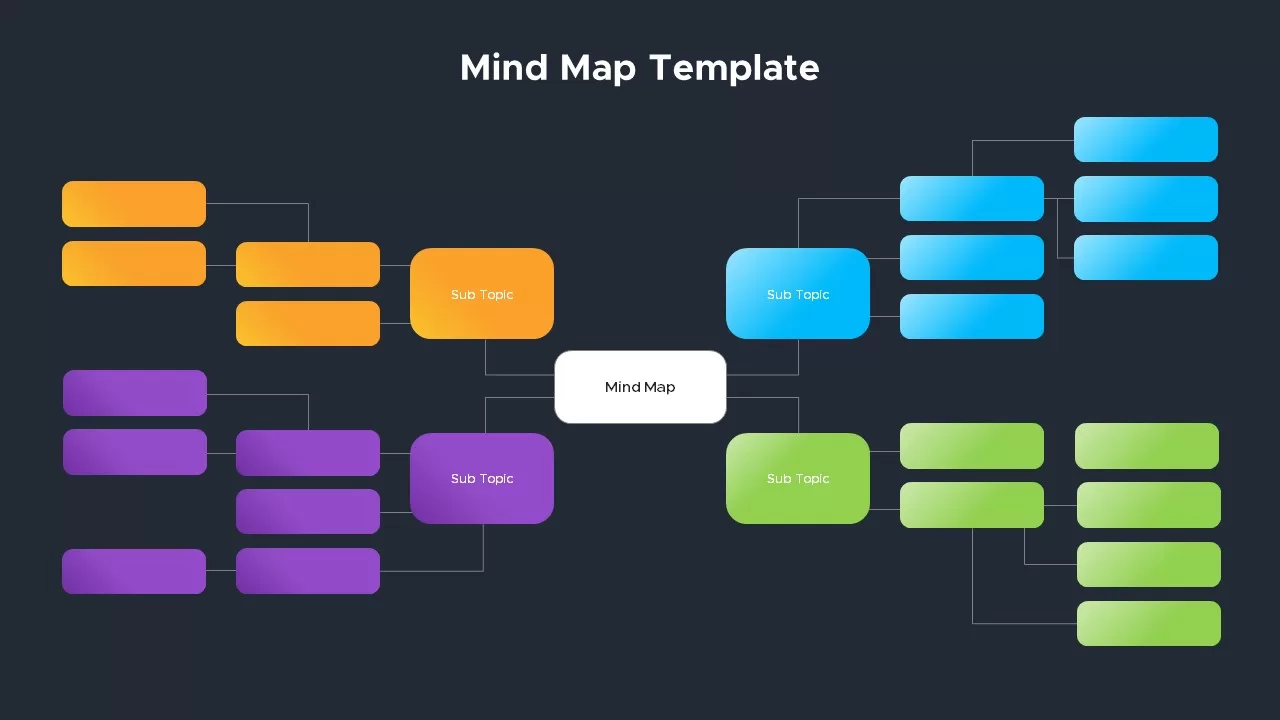
- Central Core Hub Node: Positioned directly in the center, a rounded rectangular white container serves as the primary starting node for core presentation themes or overarching project topics.
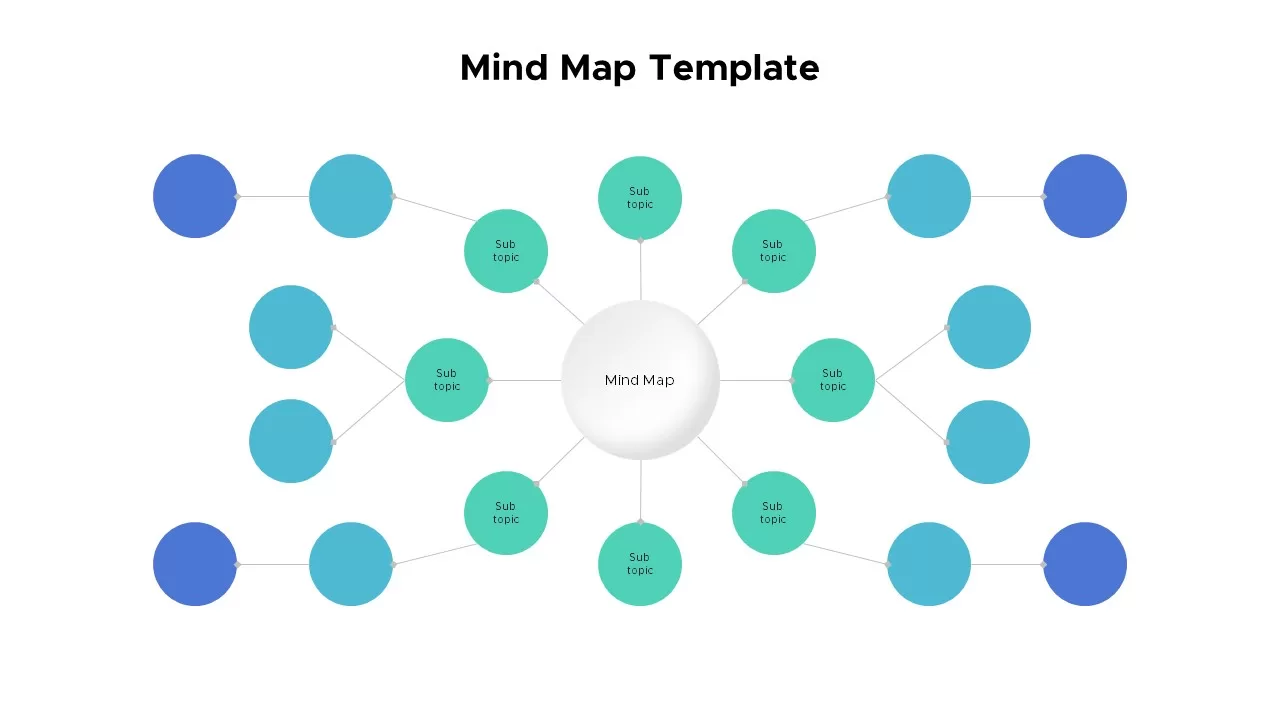
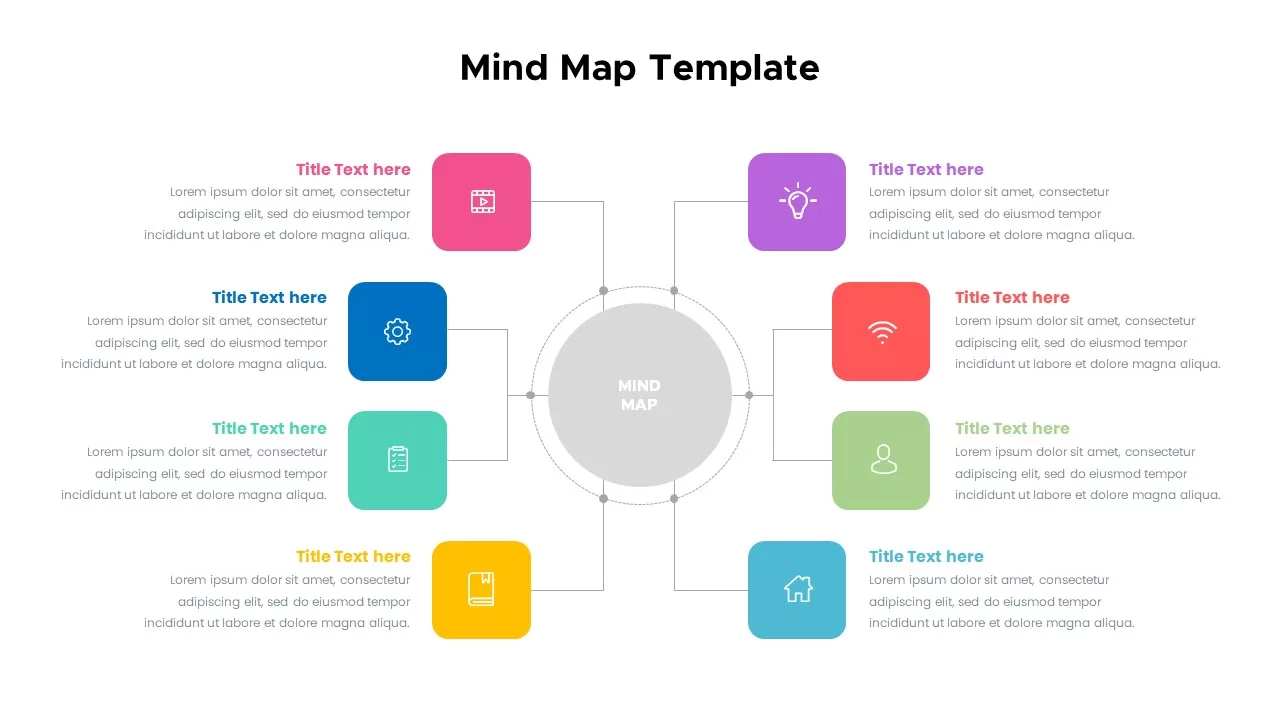
- 4 Color-Coded Branch Quadrants: The central node branches outwards into four distinct color-coded sub-topic clusters, orange (top-left), purple (bottom-left), bright blue (top-right), and vibrant green (bottom-right).
- Multi-Tier Hierarchical Structure: Each primary sub-topic branches further into secondary and tertiary rounded rectangular nodes, creating a logical tree structure for detailed concept mapping.
- Clean Connecting Lines: Fine grey connector lines route precisely between parent and child nodes, maintaining visual clarity even with dozens of active data points.
Strategic Applications for Brainstorming & Workflow Mapping
- Product Development & Feature Mapping: Outline core software features, user stories, and sub-task requirements during product sprint planning.
- Strategic Business & Organizational Audits: Map out company departmental structures, project delegation flows, and cross-functional team responsibilities during corporate alignments.
- Educational & Research Ideation: Break down complex academic subjects, research categories, and supporting arguments during lectures or workshop presentations.
How to Customize This Mind Map Deck in PowerPoint & Google Slides
Adapting this hierarchical diagram to match your project requirements takes minimal effort across PowerPoint and Google Slides. Every central node, branching shape, connecting line, and text placeholder is a fully editable component. You can easily adjust color palettes to align with corporate branding, add or remove sub-topic branches, and edit concept labels in just a few quick clicks.


Item ID
SB02574


Related Templates

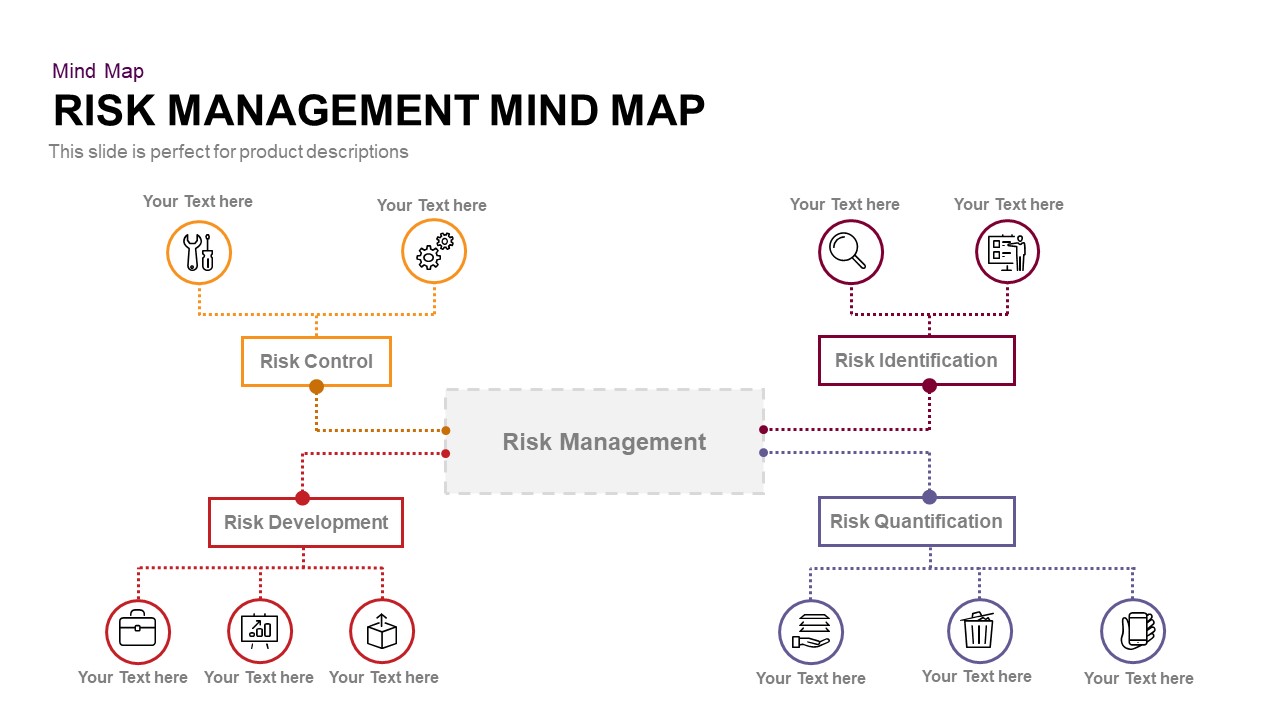
Risk Management Mind Map Radial Diagram template for PowerPoint & Google Slides
Mind Maps

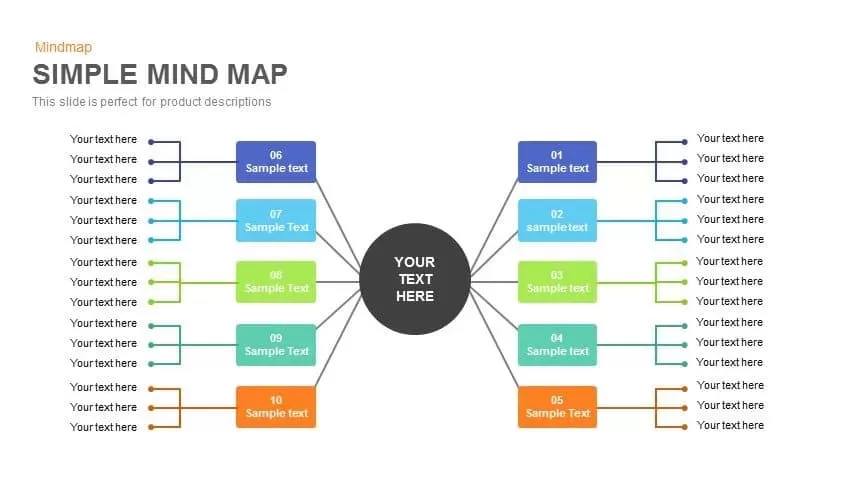
Simple Mind Map Template for PowerPoint and Google Slides
Mind Maps
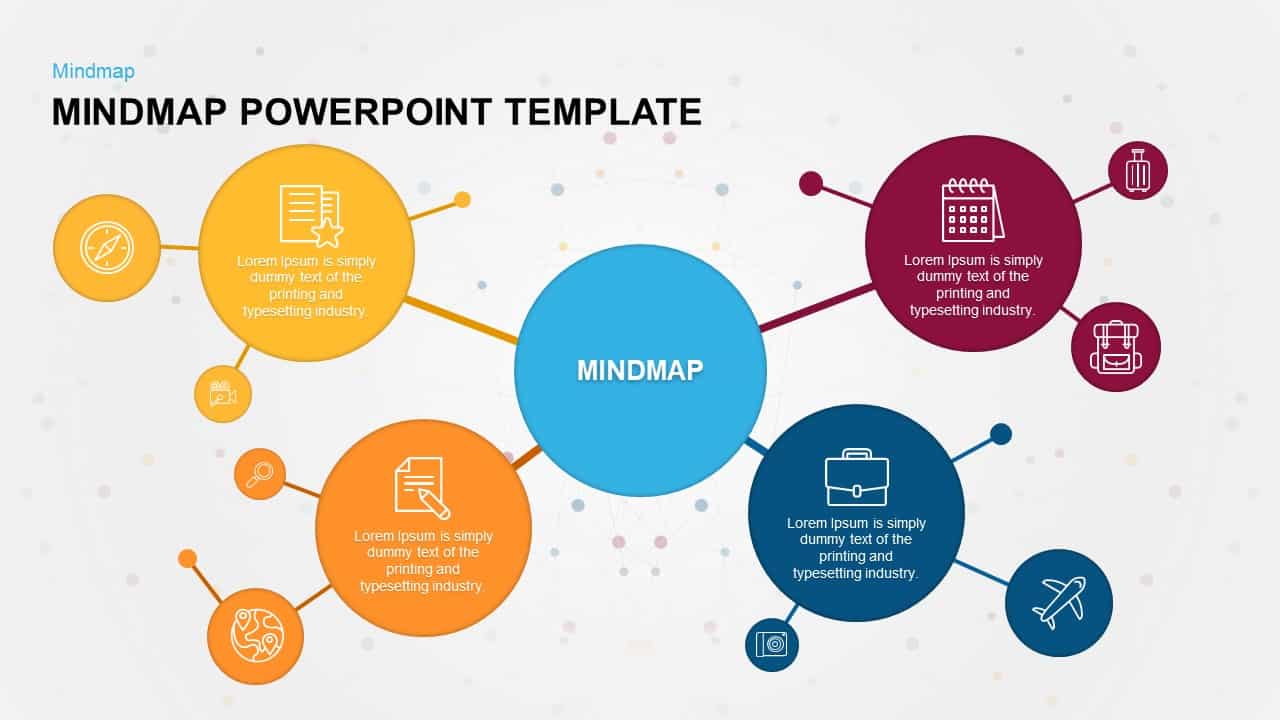
Mind Map PowerPoint Template and Google Slides
Mind Maps
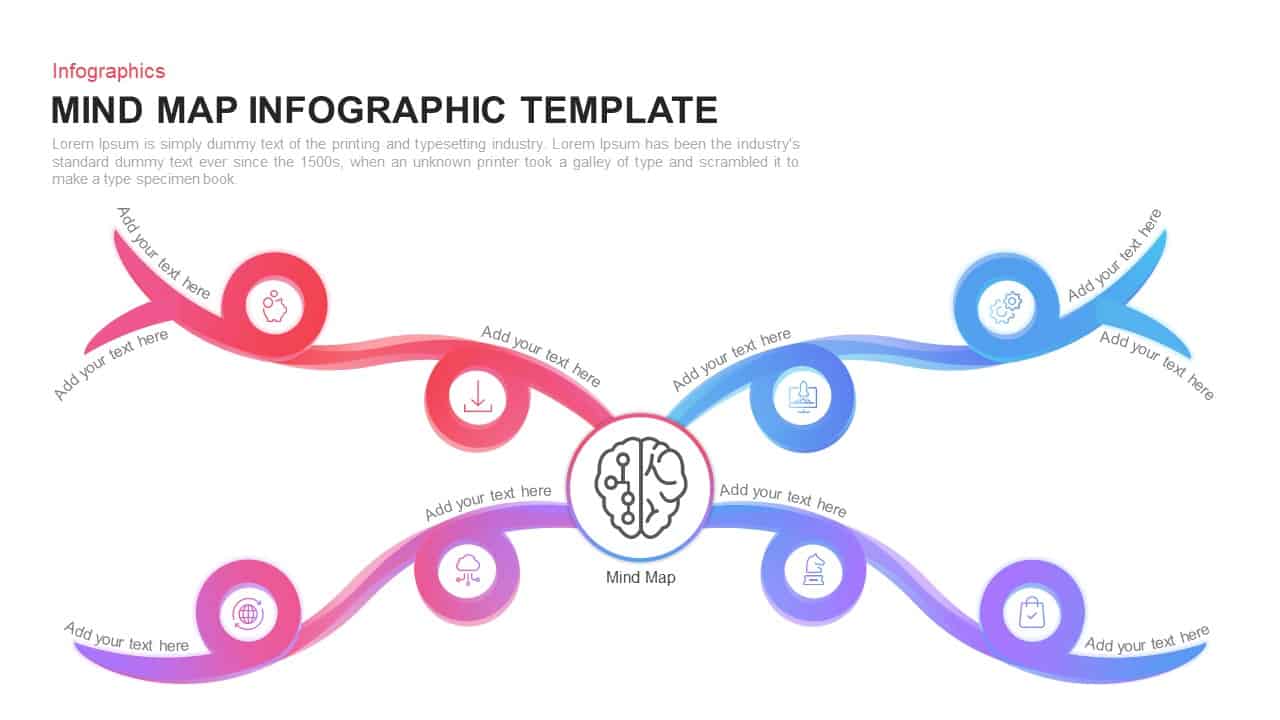
Colorful Mind Map Infographic Template
Mind Maps
Mind Map Infographic Slide Template for PowerPoint & Google Slides
Mind Maps

Eight-Node Mind Map Infographic Diagram Template for PowerPoint & Google Slides
Mind Maps
Mind Map Diagram Template
Mind Maps
Versatile Mind Map Infographic Template for PowerPoint & Google Slides
Mind Maps
Structured Mind Map Infographic Diagram Template for PowerPoint & Google Slides
Mind Maps
Dual Topic Mind Map Infographic Template for PowerPoint & Google Slides
Mind Maps
Mind Map Infographic Template PPT slides
Mind Maps
Mind Map Template for PowerPoint & Google Slides
Mind Maps
Colorful Mind Map Template for PowerPoint & Google Slides
Mind Maps
Colorful Mind Map PowerPoint Template
Mind Maps
Circular Mind Map Template for PowerPoint & Google Slides
Mind Maps
Colorful Mind Map with Icons Template for PowerPoint & Google Slides
Mind Maps
Colorful Mind Map Template for PowerPoint & Google Slides
Mind Maps
Connect the Dots Mind Map template for PowerPoint & Google Slides
Mind Maps
Modern Custom Eight-Branch Mind Map Template for PowerPoint & Google Slides
Mind Maps
Creative Bubble Mind Map Infographic for PPT & Google Slides
Mind Maps