Mind Mapping Template for PowerPoint & Google Slides
Hierarchical Mind Mapping Presentation Template for PowerPoint & Google Slides
Complex projects collapse into confusion when secondary and tertiary details are presented as flat lists. Rooted in an outward-branching tree structure, this mind mapping presentation template organizes multi-tiered information around a centralized anchor, establishing clear lines of dependency from high-level strategy down to execution tasks.
The radial layout helps department heads, technical leads, and business analysts break down intricate organizational architectures or system workflows during sprint planning sessions, workshops, and stakeholder reviews.
Practical Scenarios and Strategic Applications
- Work Breakdown Structures (WBS): Deconstruct a broad program milestone into core operational tracks, followed by specific deliverables and sprint-level task packages.
- Product Ecosystem Roadmaps: Display how a primary software solution branches into core modules, supporting feature sets, and backend integrations.
- Organizational Role Mapping: Illustrate departmental divisions radiating from a central leadership hub, grouping functional responsibilities by sub-team.
- Root Cause & Impact Analysis: Trace core business bottlenecks out into direct contributing factors, secondary symptoms, and tactical mitigation paths.
Diagram Architecture and Layout Mechanics
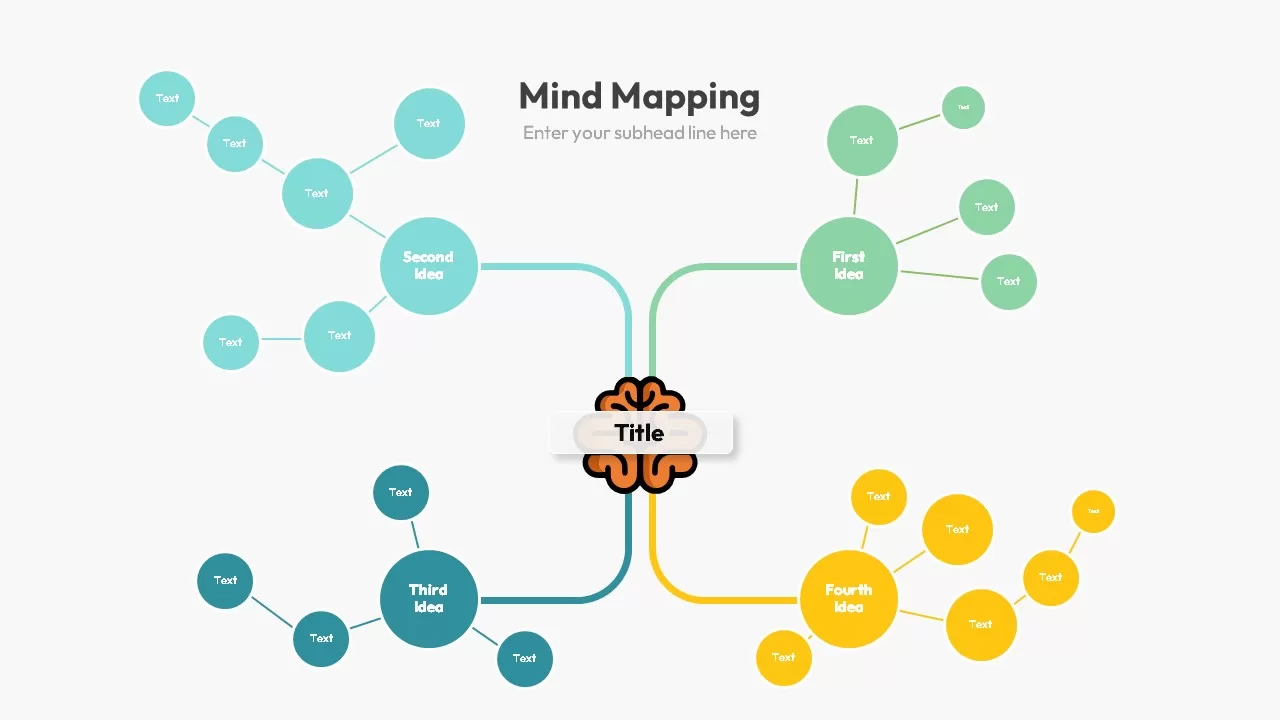
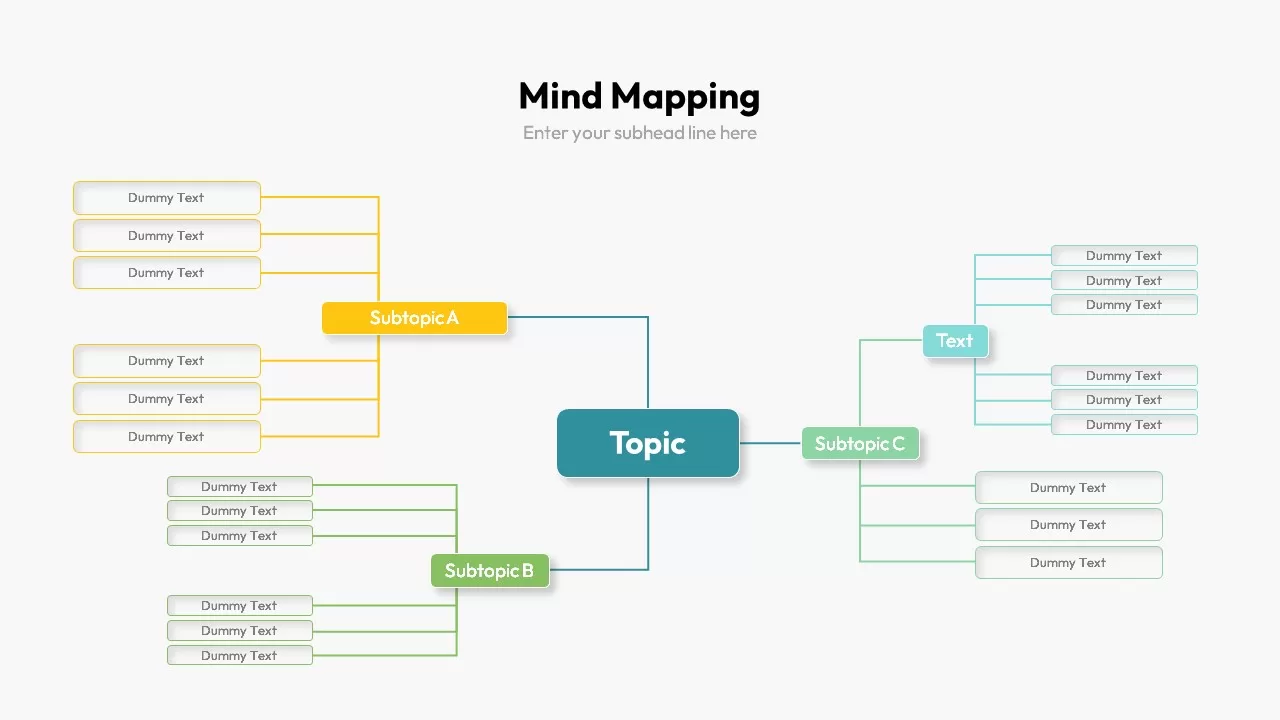
The slide uses an uncluttered white canvas designed for legibility across digital calls and conference displays, branching outward from a solid teal central node:
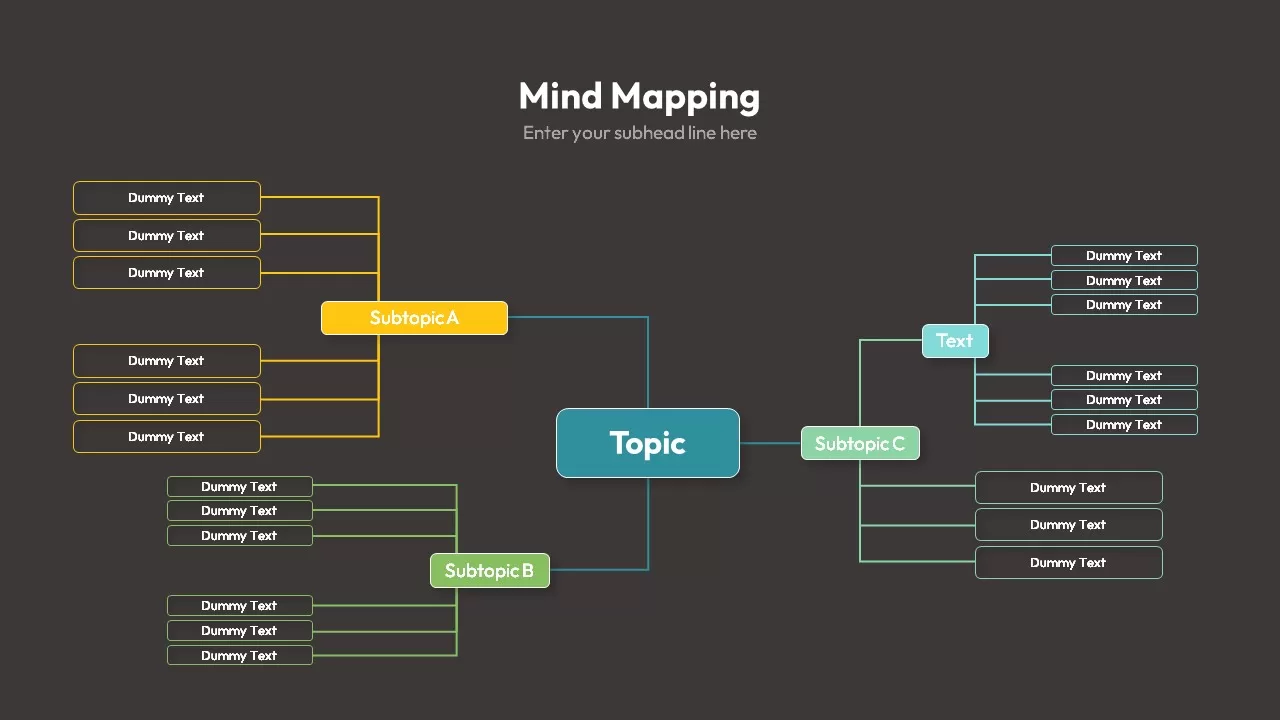
- Central Core Node: A prominent rounded rectangle labeled “Topic” serves as the primary focal point for your central initiative, project name, or research question.
- Primary Subtopic Branches: Three color-coded secondary nodes branch outward from the core:
- Subtopic A (Warm Amber): Located on the upper-left, splitting into two distinct clusters of three text containers each (six child nodes total).
- Subtopic B (Olive Green): Positioned on the lower-left, branching into two secondary clusters of three containers each.
- Subtopic C (Soft Mint): Extends to the right, branching into an offset “Text” branch above and a direct three-node cluster below. The upper sub-tier further bifurcates into two sets of three cyan text blocks.
- Hierarchical Connector Grid: Crisp, color-coded orthogonal guide lines preserve order between parent categories and individual child elements, preventing visual crossover.
- 100% Vector Flexibility: Every node container, branch stroke, text placeholder, and font size consists of native vector assets fully customizable in Microsoft PowerPoint and Google Slides.
Login to download this file

Item ID
SB02575


Related Templates

Mind Mapping PowerPoint Template and Google Slides
Mind Maps
Mind Mapping Template for PowerPoint & Google Slides
Mind Maps
Creative Mind Mapping Template for PowerPoint & Google Slides
Mind Maps
Mind Mapping Template for PowerPoint
Mind Maps
Mind Mapping PPT Template
Mind Maps
Value Stream Mapping Template for PPT & Google Slides
Charts
Free
Buyer Journey Mapping Template for PPT & Google Slides
Process
Team Role to Impact Mapping Flowchart for PowerPoint
Process
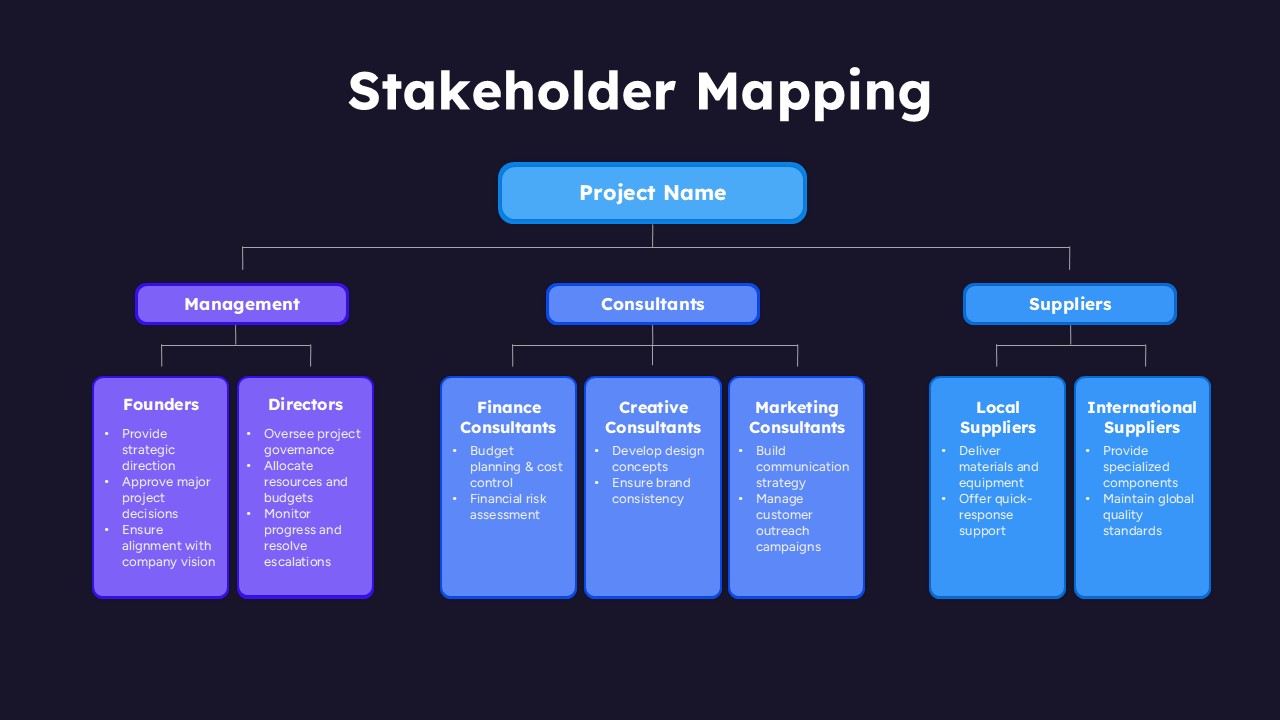
Stakeholder Mapping Chart Template for PPT & Google Slides
Org Chart
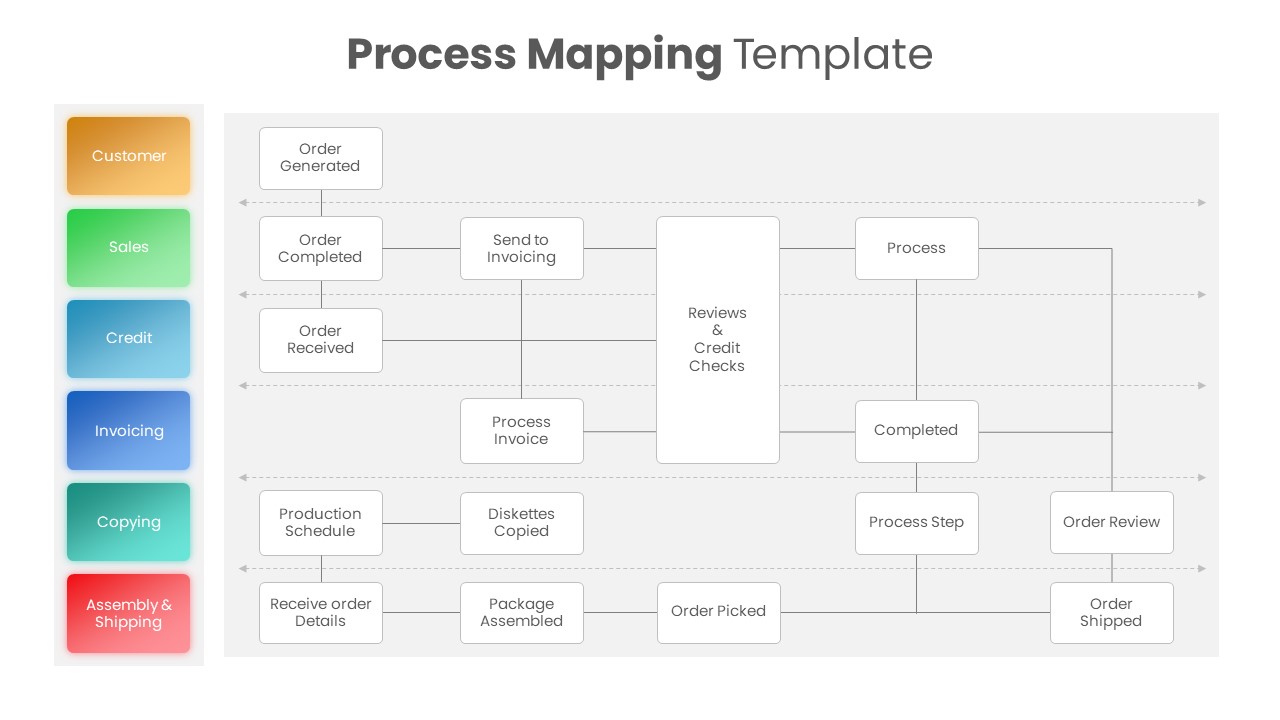
Process Mapping PowerPoint Template
Business Plan
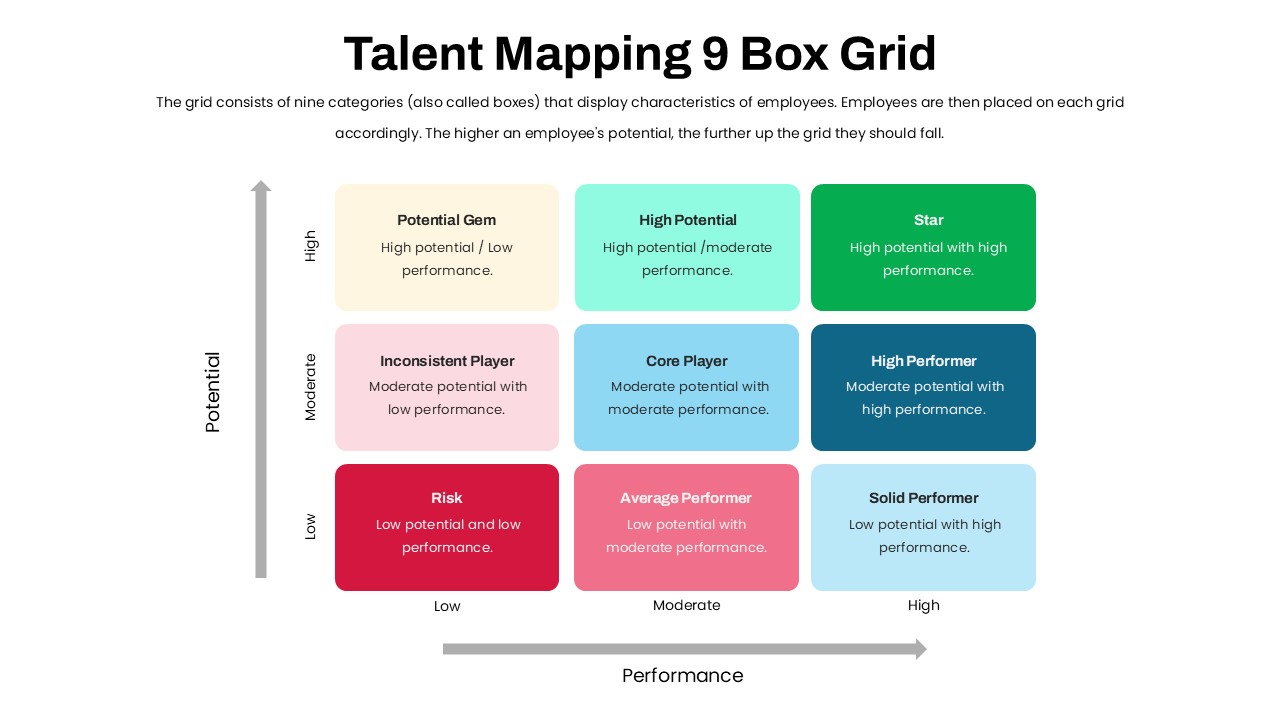
Talent Mapping 9-Box Grid Template for PowerPoint
Employee Performance
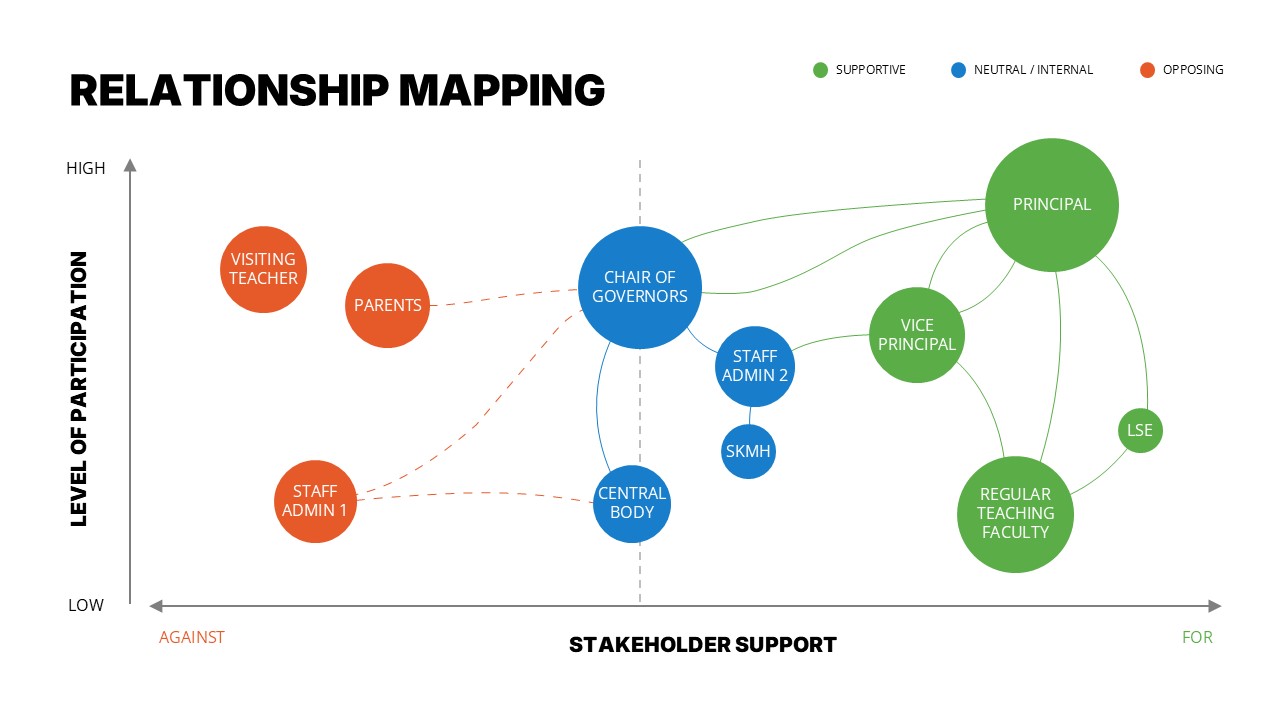
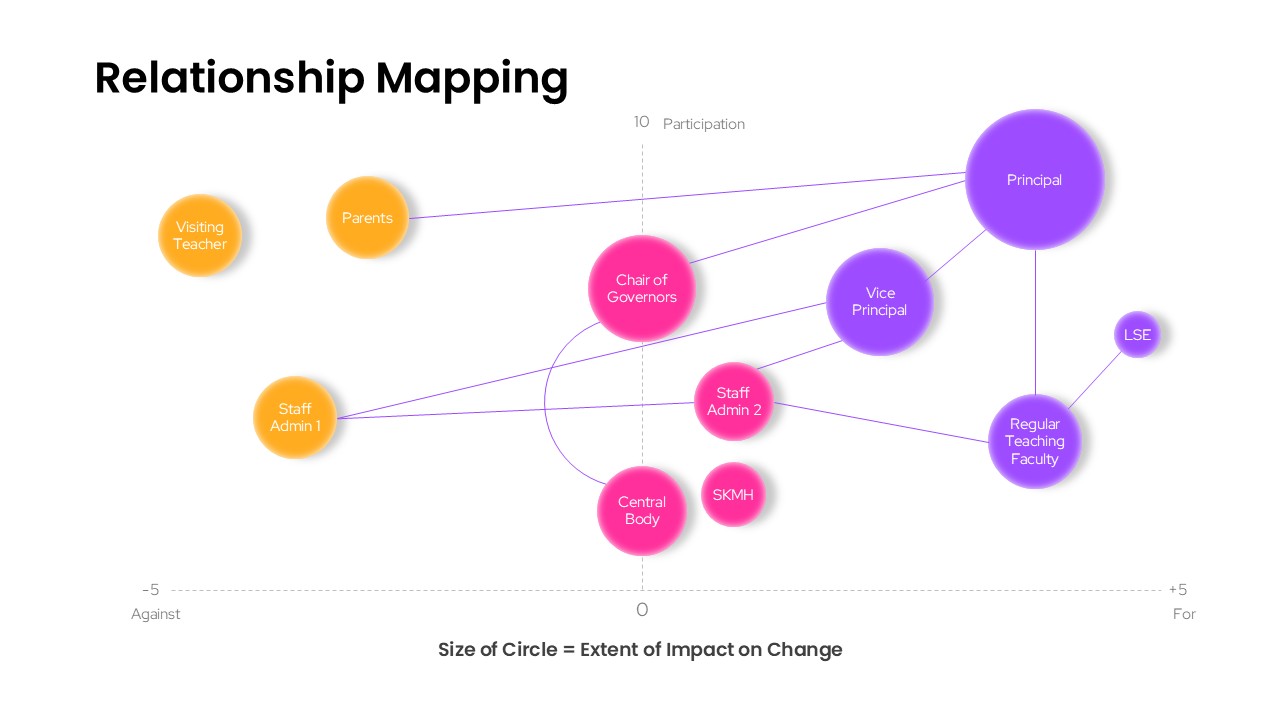
Relationship Mapping Template For PowerPoint
Business Strategy
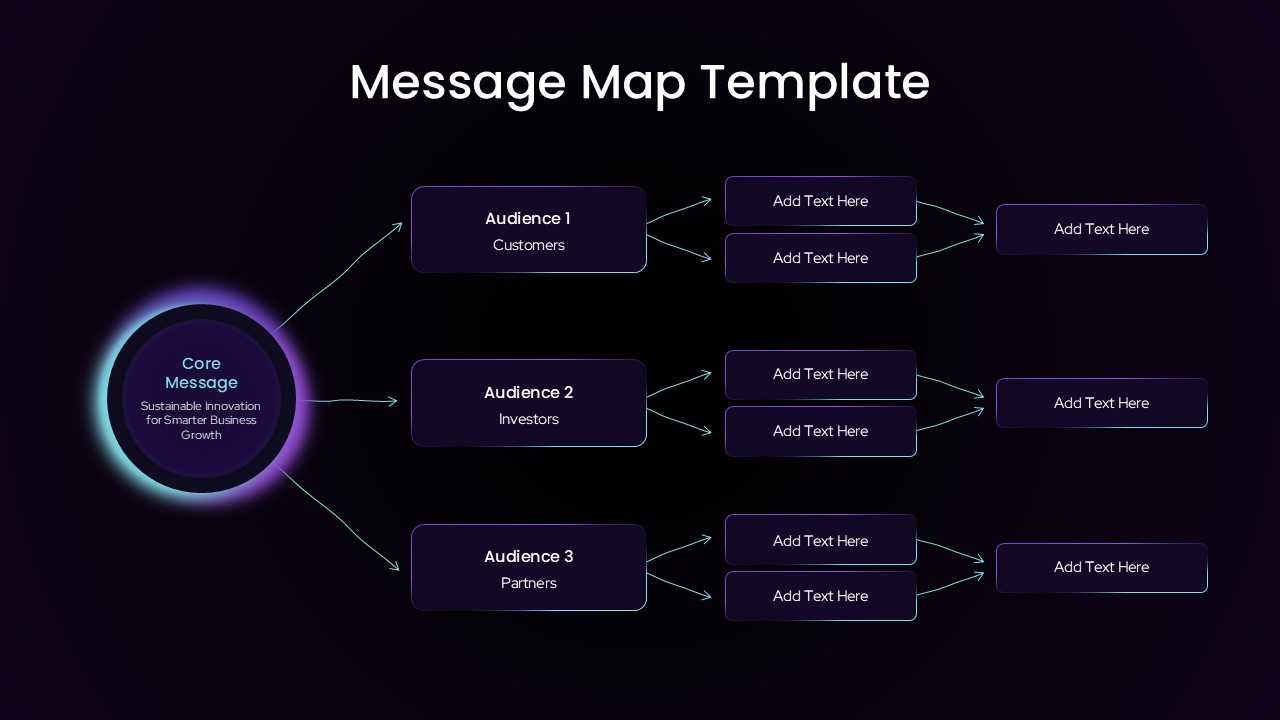
Audience Message Mapping Strategy Presentation Template
Business Strategy
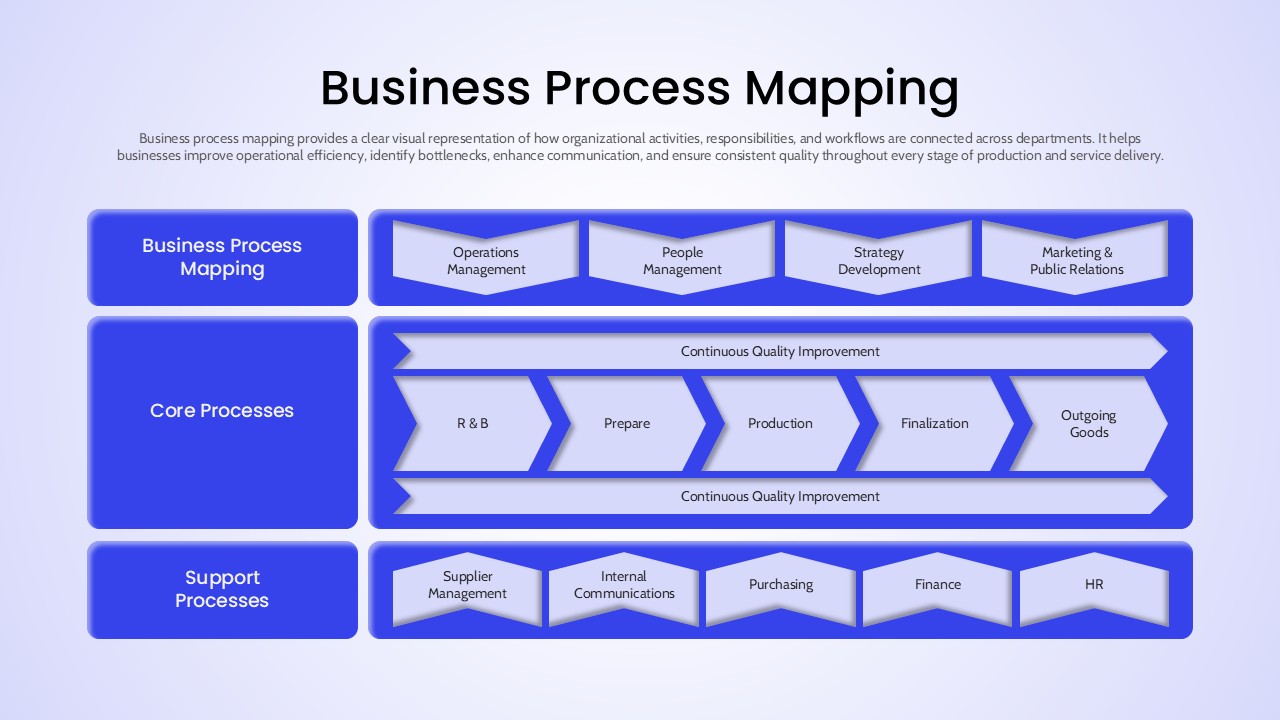
Business Process Mapping Template for Workflow Analysis and Operational Planning
Process
Business Relationship Mapping Template
Mind Maps
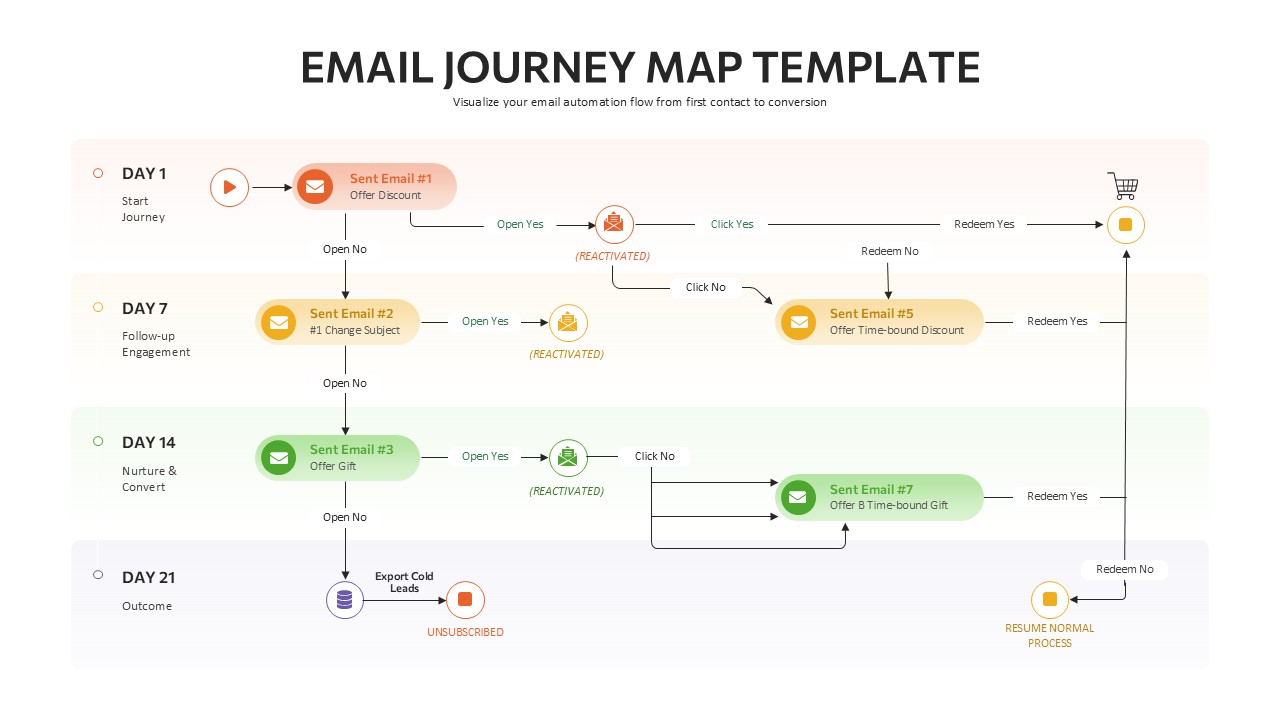
Email Journey Mapping Template
Customer Journey
Mind Map Infographic Slide Template for PowerPoint & Google Slides
Mind Maps
Structured Mind Map Infographic Diagram Template for PowerPoint & Google Slides
Mind Maps
Dual Topic Mind Map Infographic Template for PowerPoint & Google Slides
Mind Maps
Circular Mind Map Template for PowerPoint & Google Slides
Mind Maps