










Job Requirements Matrix PowerPoint Template
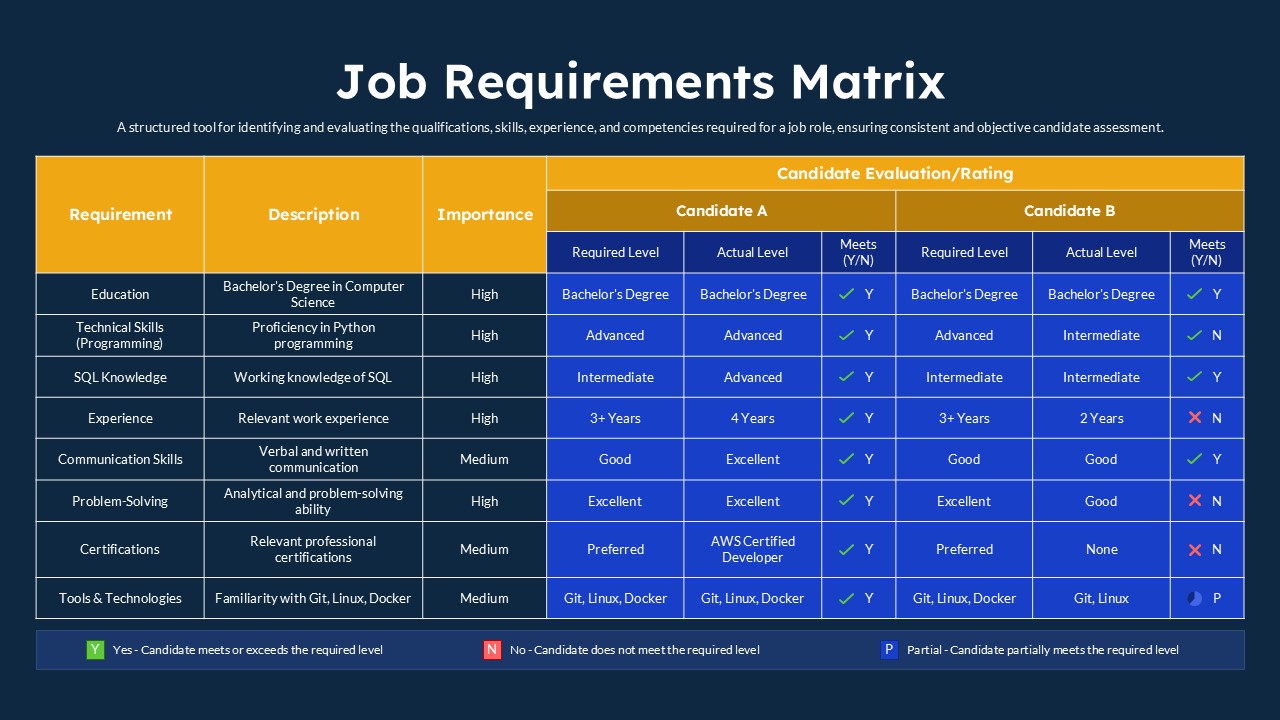
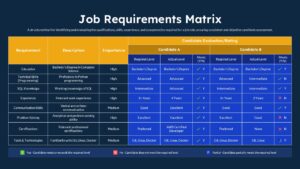
Use this Job Requirements Matrix PowerPoint Template to define the qualifications, skills, experience, and competencies needed for a specific job position. This template helps HR professionals, recruiters, and hiring managers assess candidates against clearly defined job requirements. By comparing the required qualifications with each candidate’s actual skills and experience, you can make the recruitment process more organized, consistent, and objective.
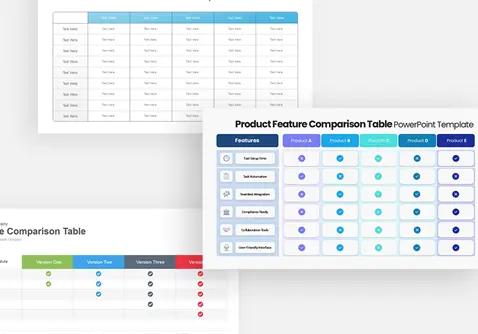
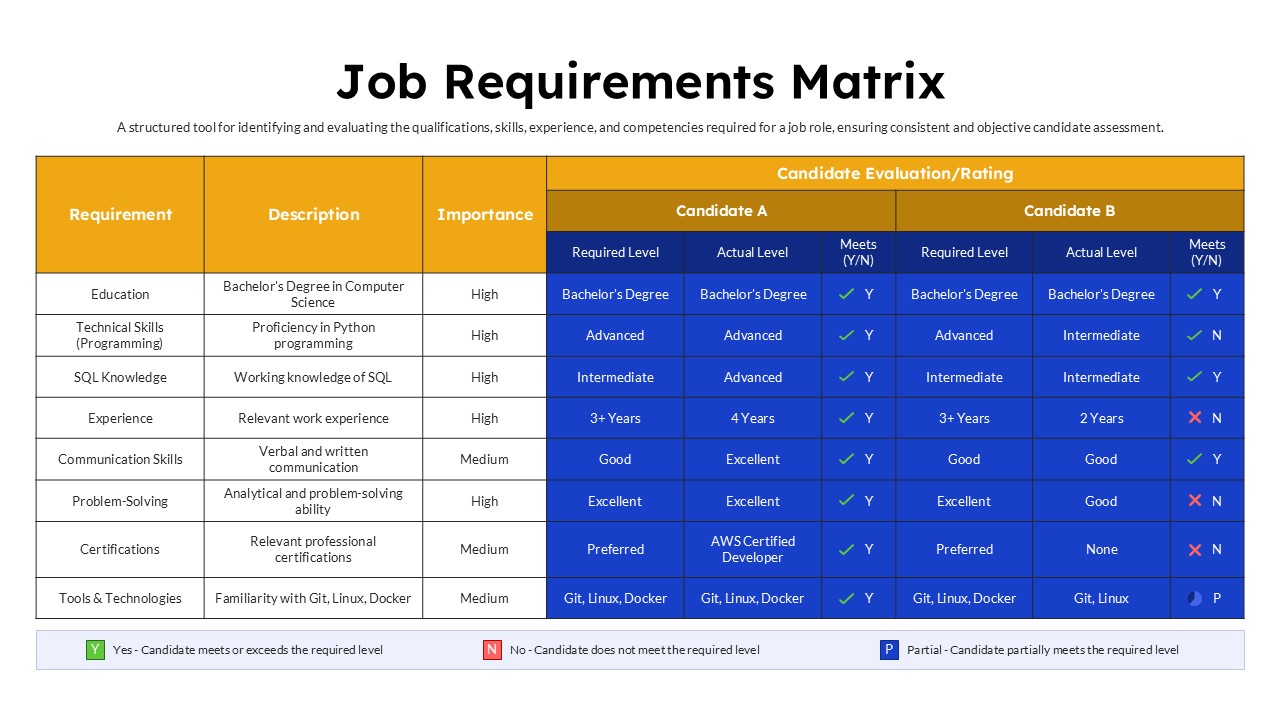
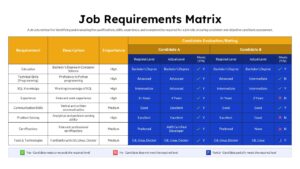
The Job Requirements Matrix features a structured table layout with dedicated columns for requirements, descriptions, and importance levels. The candidate evaluation section is divided into two sections, allowing you to assess Candidate A and Candidate B side by side. Each candidate has separate columns for the required level, actual level, and whether they meet the expected criteria. The matrix covers the following job requirements:
- Education: Compare academic qualifications with the degree required for the position.
- Technical Skills: Evaluate programming knowledge and other role-specific technical abilities.
- SQL Knowledge: Assess database knowledge and proficiency levels.
- Experience: Compare the required years of professional experience with each candidate’s background.
- Communication Skills: Review verbal and written communication abilities.
- Problem-Solving: Evaluate analytical thinking and problem-solving capabilities.
- Certifications: Check relevant professional certifications and qualifications.
- Tools & Technologies: Assess familiarity with essential software, platforms, and technical tools.
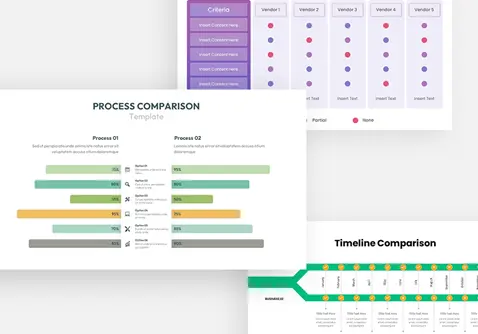
The final section uses visual indicators to identify whether candidates meet, do not meet, or partially meet the specified requirements. Green checkmarks, red crosses, and blue partial-status symbols make the evaluation results easy to understand. You can customize the requirements, descriptions, importance levels, candidate details, and ratings to suit different job roles and recruitment needs. Download this Job Requirements Matrix PowerPoint Template to compare applicants and support informed hiring decisions.
Frequently Asked Questions
What is a Job Requirements Matrix used for in recruitment?
How do you compare candidates using a Job Requirements Matrix?
Login to download this file

Item ID
SB06074Designed By
Niranjana


Related Templates

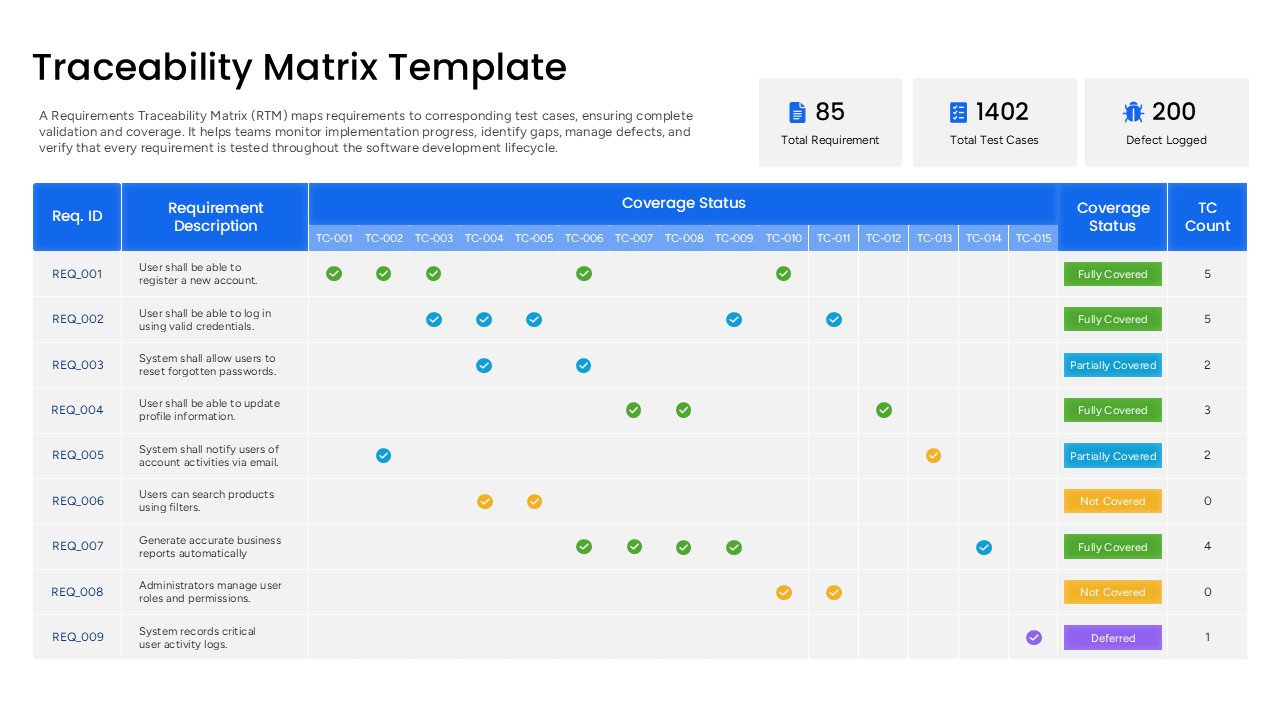
Requirements Traceability Matrix Template PowerPoint
Software Development
Requirements Analysis PowerPoint Template
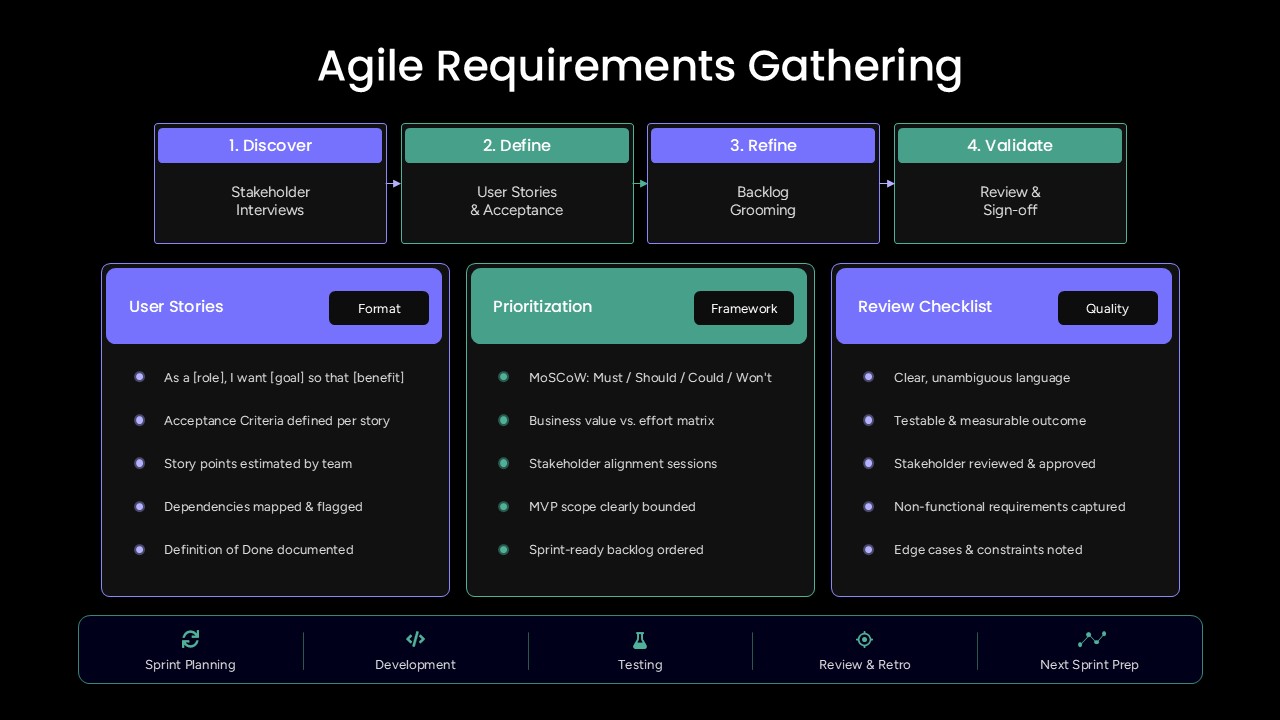
Agile Requirements Gathering PowerPoint Template
Scrum
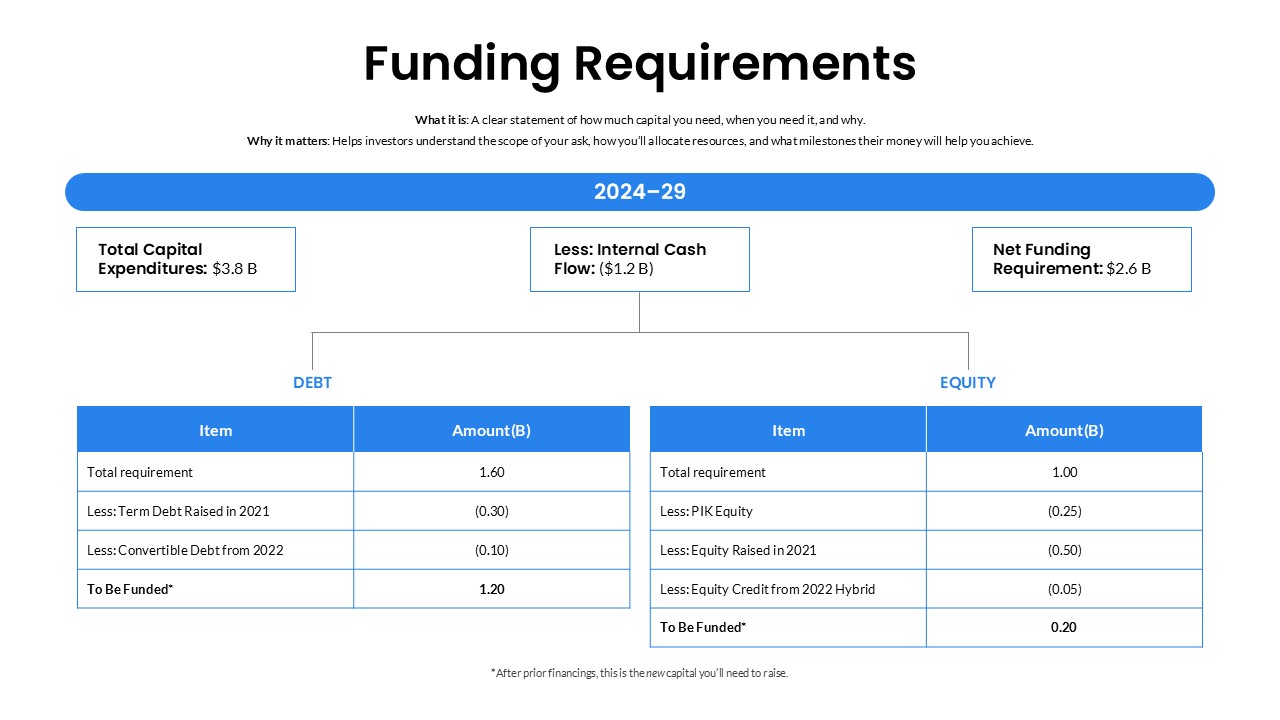
Funding Requirements Template
Finance
Job Description PowerPoint Template
Recruitment

Job Interview PowerPoint Presentation Template
Recruitment
Free
Job Interview PowerPoint Presentation Template
Recruitment
Job Knowledge PowerPoint Template
Business
Job Design & Methods PowerPoint Template
Human Resources
Job Description Clarity Framework Template
Business
Editable Four-Quadrant TOWS Matrix Template for PowerPoint & Google Slides
Opportunities Challenges
9-Box Matrix for Performance & Potential Template for PowerPoint & Google Slides
Employee Performance
MoSCoW Prioritization Matrix Slide Template for PowerPoint & Google Slides
Business Strategy
Speed vs Reversibility Decision Matrix Template for PowerPoint & Google Slides
Comparison
Profitability Matrix PowerPoint Template
Comparison
Competency x Exercise Matrix PowerPoint Template
Project Management
Risk Probability & Impact Matrix Template for PowerPoint
Risk Management
Decision Matrix PowerPoint Template
Leadership
Buyer Utility Map Strategy Matrix Template for PowerPoint & Google Slides
Customer Journey
Performance vs Potential Matrix PowerPoint Template
Employee Performance