Competency x Exercise Matrix PowerPoint Template
Competency x Exercise Matrix Presentation Template for PowerPoint & Google Slides
Assessment centers fail when testing methods do not accurately measure real job skills. Built as a clean cross-functional evaluation grid, this competency matrix presentation template connects behavioral traits directly to evaluation activities, ensuring assessors evaluate candidates consistently.
The side-by-side mapping helps HR leads, talent assessors, and hiring panels spot assessment gaps before running expensive evaluation rounds. It creates an organized framework to calibrate candidate grading, justify hiring outcomes, and design balanced assessment days for leadership roles.
Where This Framework Adds Value
- Assessment Center Design: Align specific testing stages to job-critical behavioral criteria, avoiding redundant tests during candidate interviews.
- Talent Calibration Reviews: Show hiring committees how candidates demonstrated key behavioral traits across individual and team exercises.
- Leadership Development Audits: Map executive development programs to identify which simulation workshops build communication, planning, or decision-making skills.
- Internal Promotion Panels: Track performance across varied evaluation formats to support unbiased, objective internal mobility decisions.
Assessment Dimensions and Exercises
The layout cross-examines core competencies against primary assessment methods:
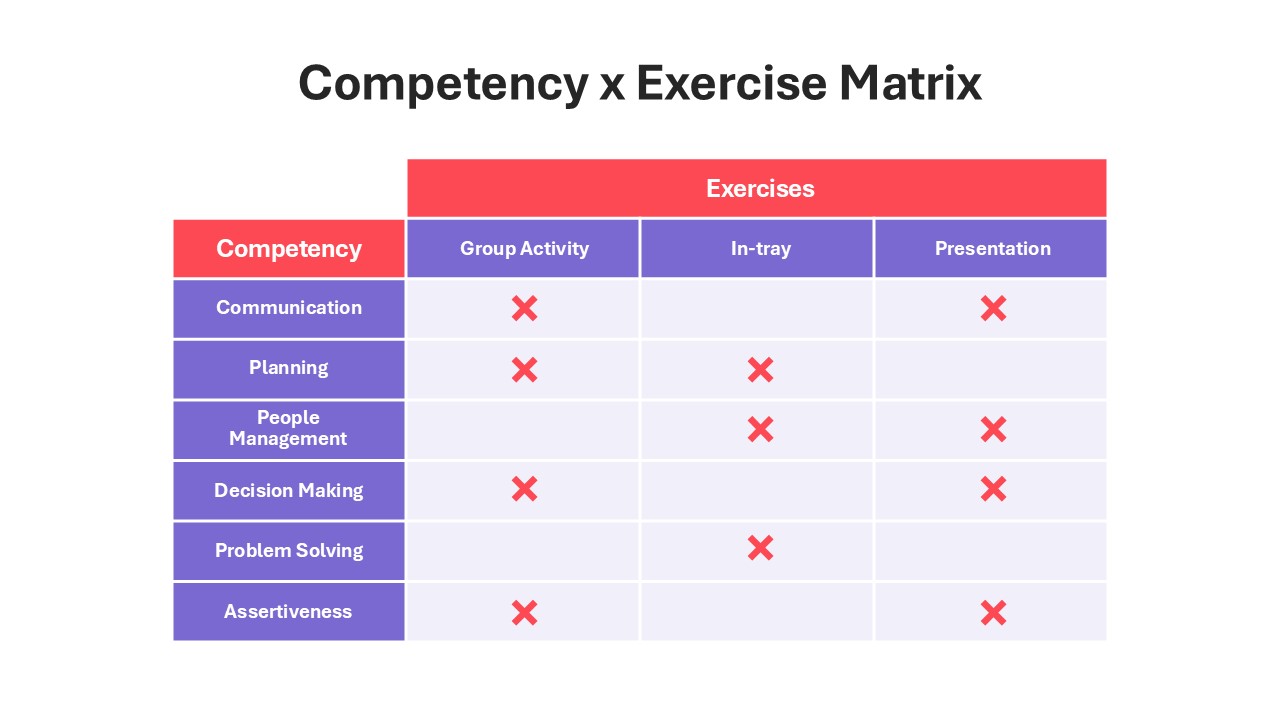
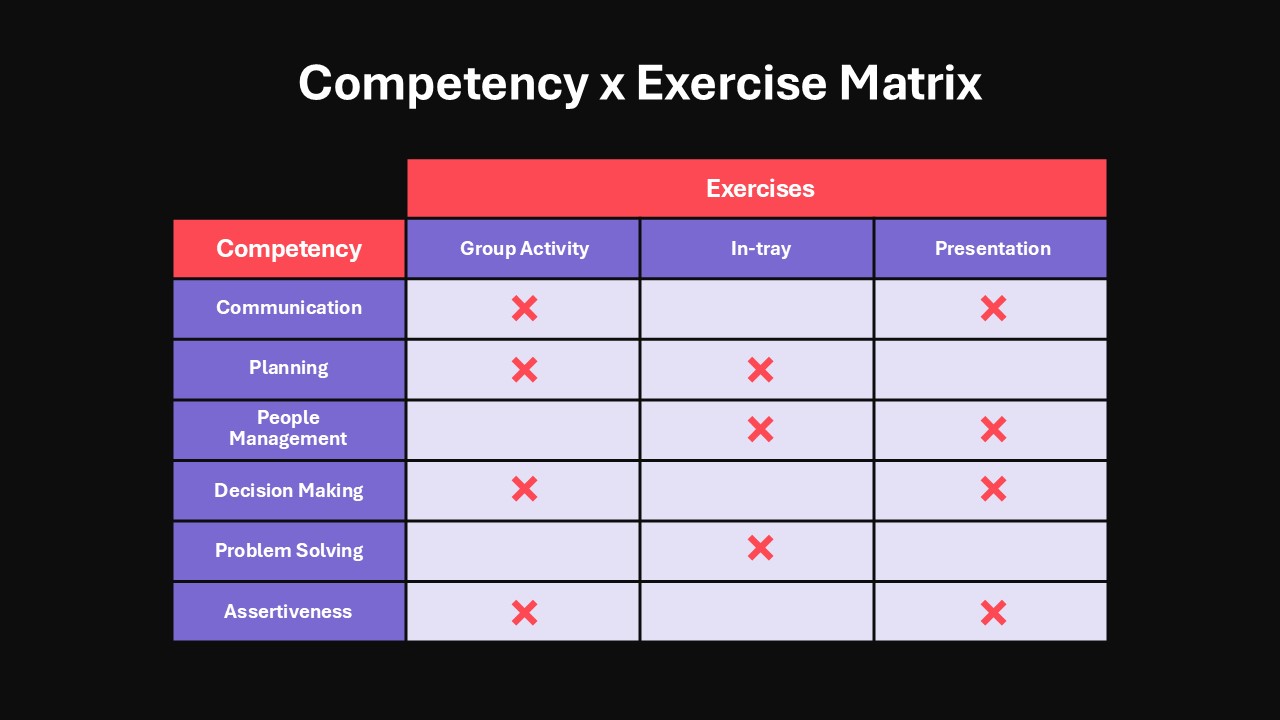
- Core Behavioral Competencies: The left column anchors six essential performance criteria: Communication, Planning, People Management, Decision Making, Problem Solving, and Assertiveness.
- Testing Methods: The top band organizes candidate testing across three formats: Group Activity (collaborative dynamics), In-tray (individual prioritization and task management), and Presentation (executive communication and delivery).
- Coverage Markers: Bold red “X” indicators mark which exercise tests each competency, providing instant visibility into evaluation overlaps and coverage gaps.
Layout Highlights
- Two-tone slate-purple and bright coral color scheme separates categories from active evaluation zones.
- Clean grid layout provides high contrast for clear visibility during hiring reviews and panel discussions.
- Fully editable table cells and vector shapes allow assessors to swap out competency titles, add testing columns, or replace markers directly in PowerPoint and Google Slides.
Check out more project management templates like this.


Item ID
SB04580


Related Templates

Team Competency Matrix PowerPoint Template
Employee Performance
Competency Team Skill Matrix for PowerPoint
Employee Performance
Core Competency Analysis PowerPoint Template
Circular
Competency Theory Slide for PowerPoint & Google Slides
Employee Performance
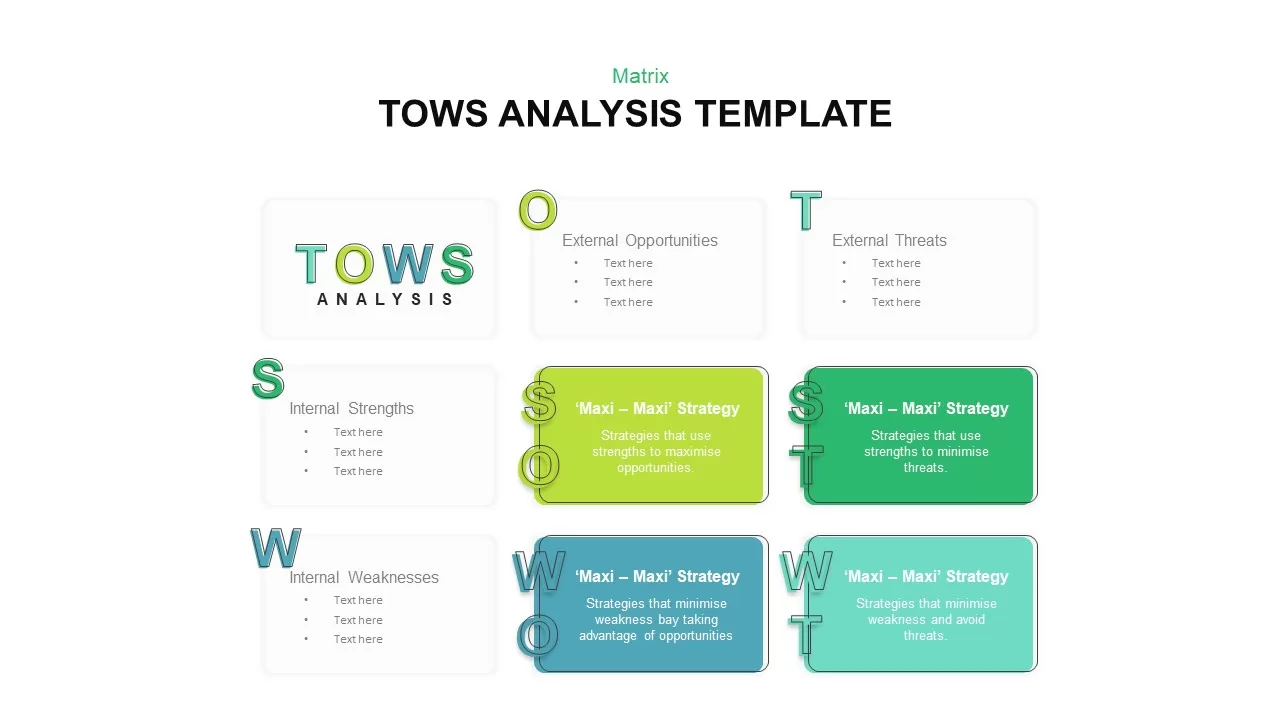
Editable Four-Quadrant TOWS Matrix Template for PowerPoint & Google Slides
Opportunities Challenges
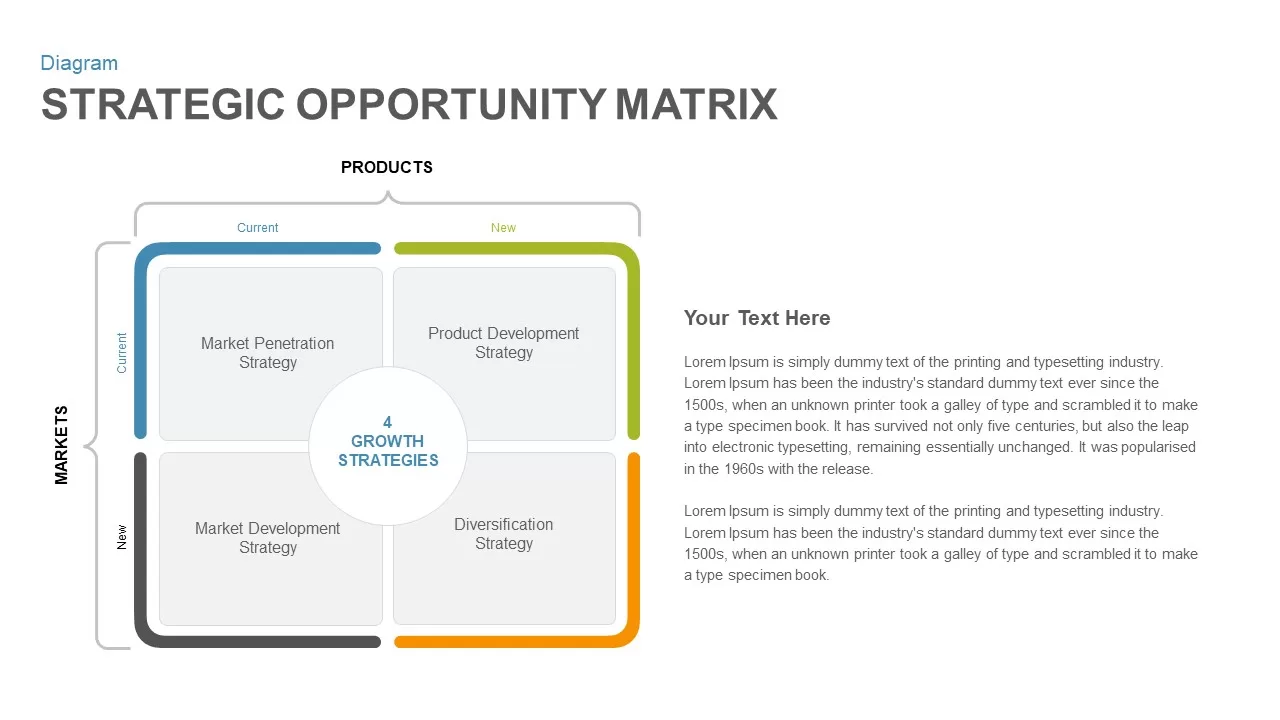
Strategic Opportunity Matrix PowerPoint Template
Business Strategy
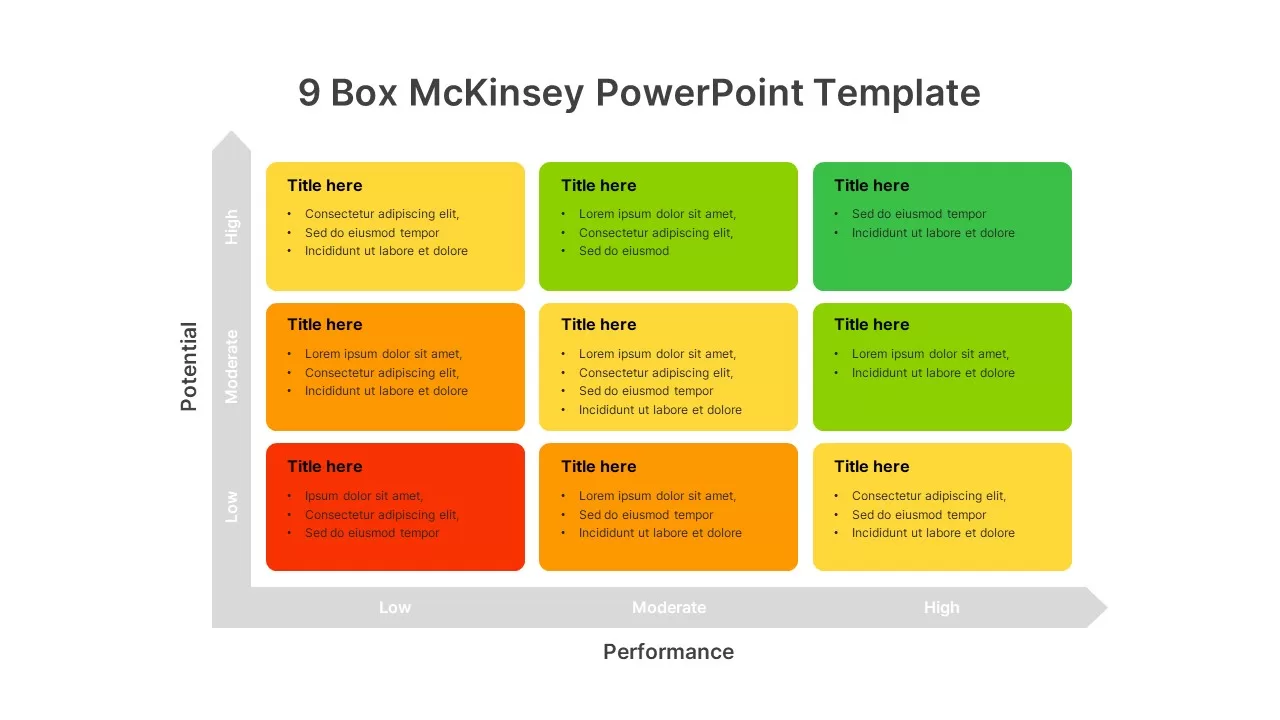
9-Box Matrix for Performance & Potential Template for PowerPoint & Google Slides
Employee Performance
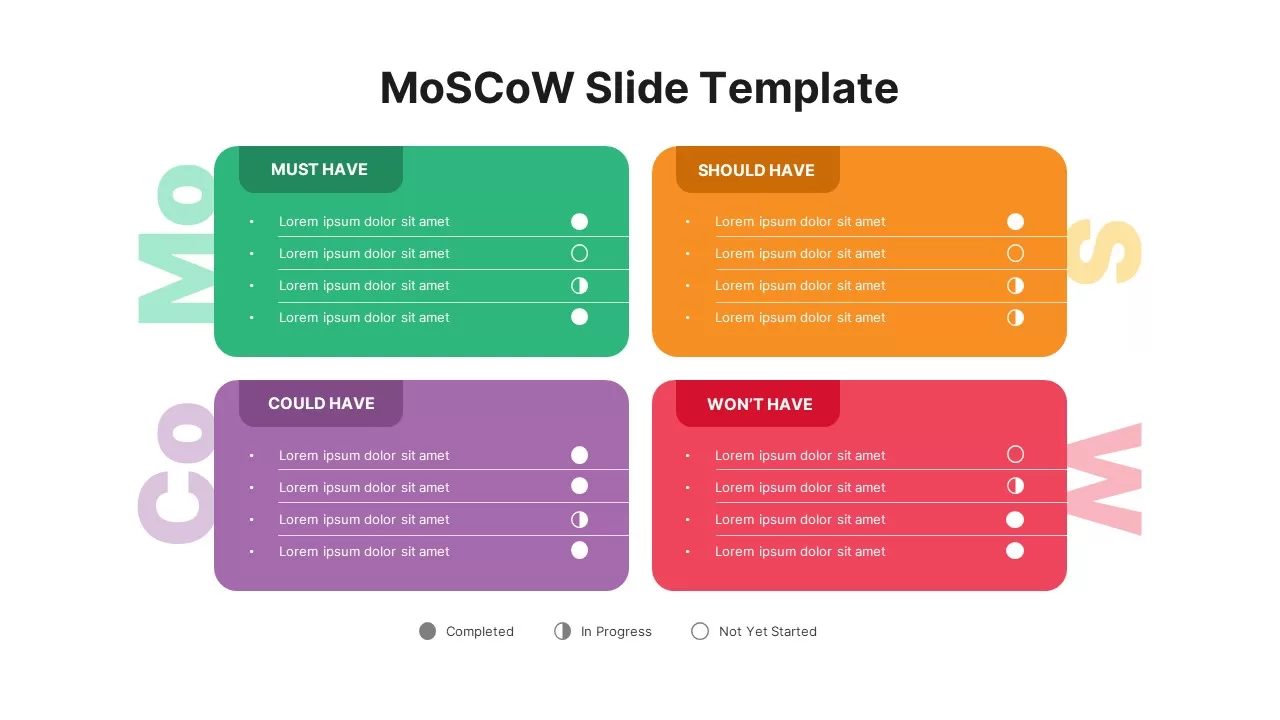
MoSCoW Prioritization Matrix Slide Template for PowerPoint & Google Slides
Business Strategy
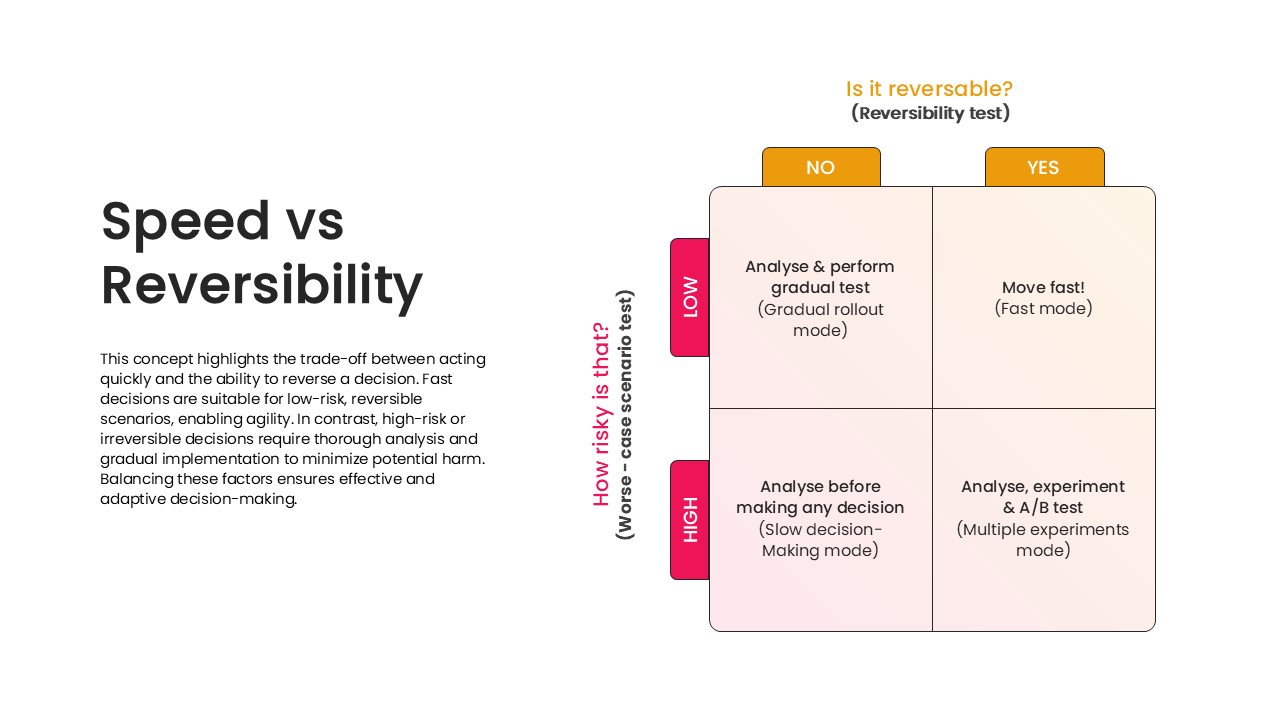
Speed vs Reversibility Decision Matrix Template for PowerPoint & Google Slides
Comparison
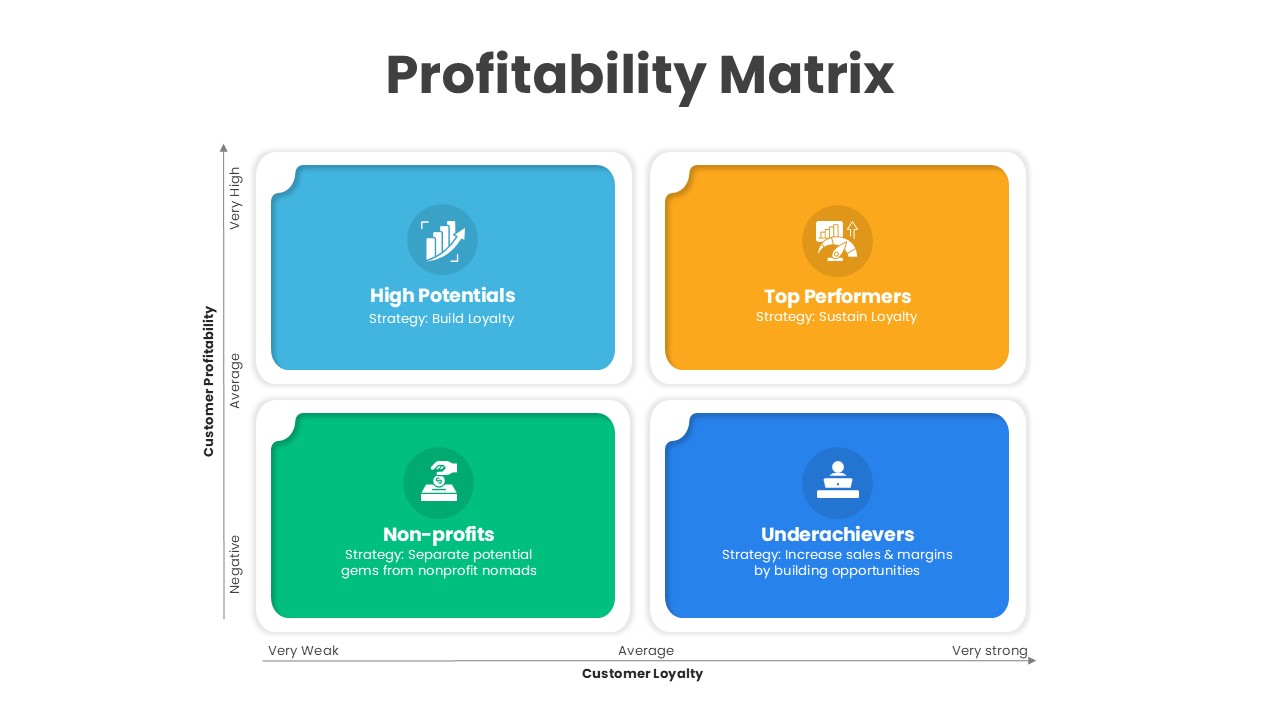
Profitability Matrix PowerPoint Template
Comparison
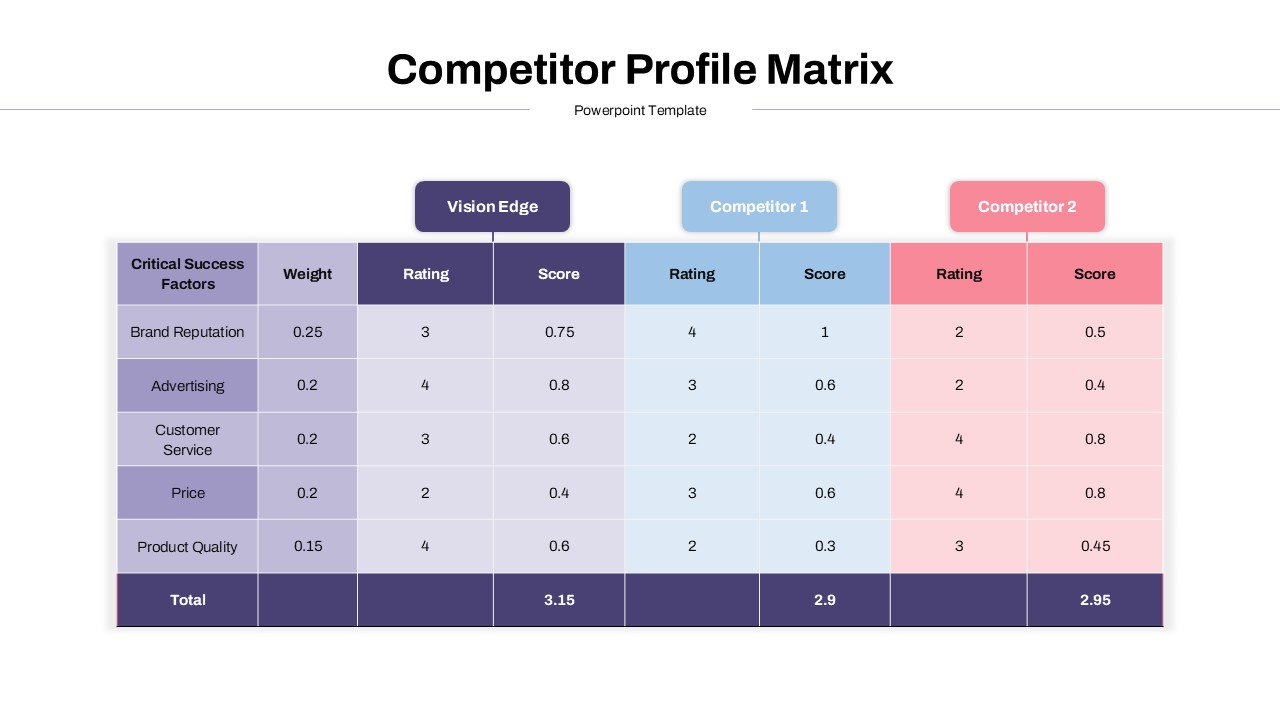
Competitor Profile Matrix PowerPoint Template
Comparison Chart
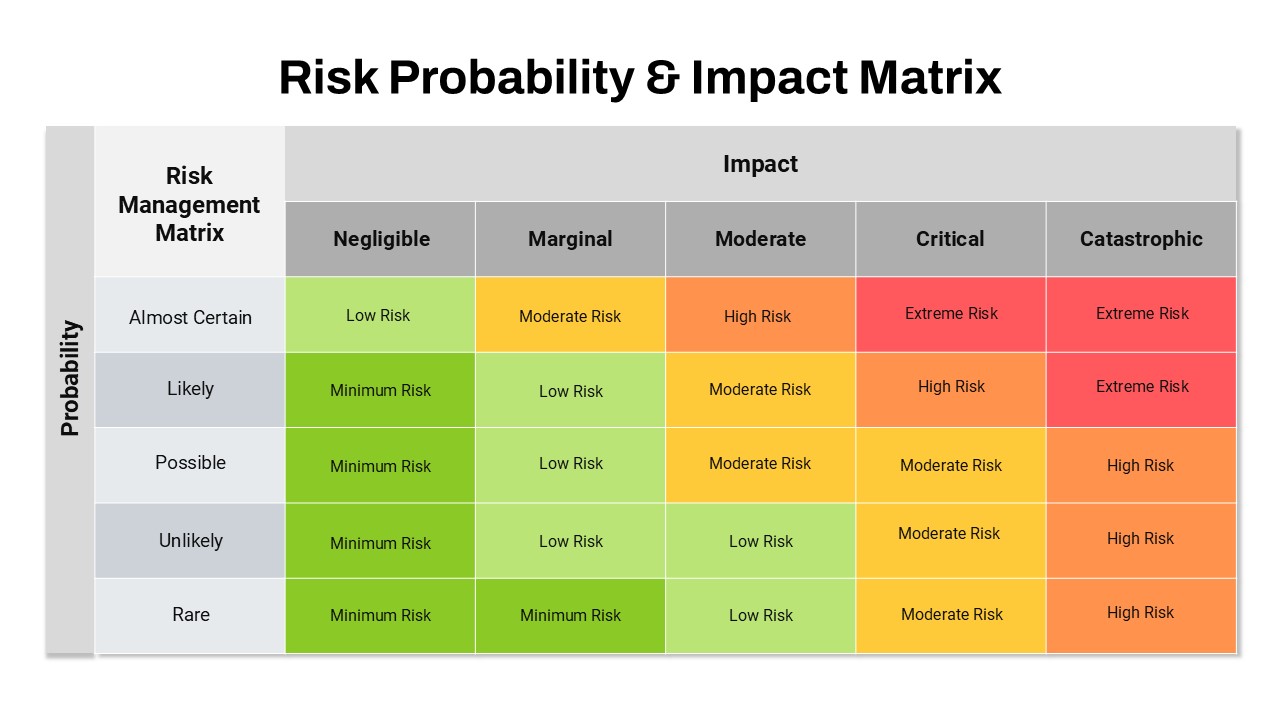
Risk Probability & Impact Matrix Template for PowerPoint
Risk Management
Nursing Staffing Matrix Template
Nursing
Decision Matrix PowerPoint Template
Leadership
Ansoff Growth Matrix Template
Business Strategy
Buyer Utility Map Strategy Matrix Template for PowerPoint & Google Slides
Customer Journey
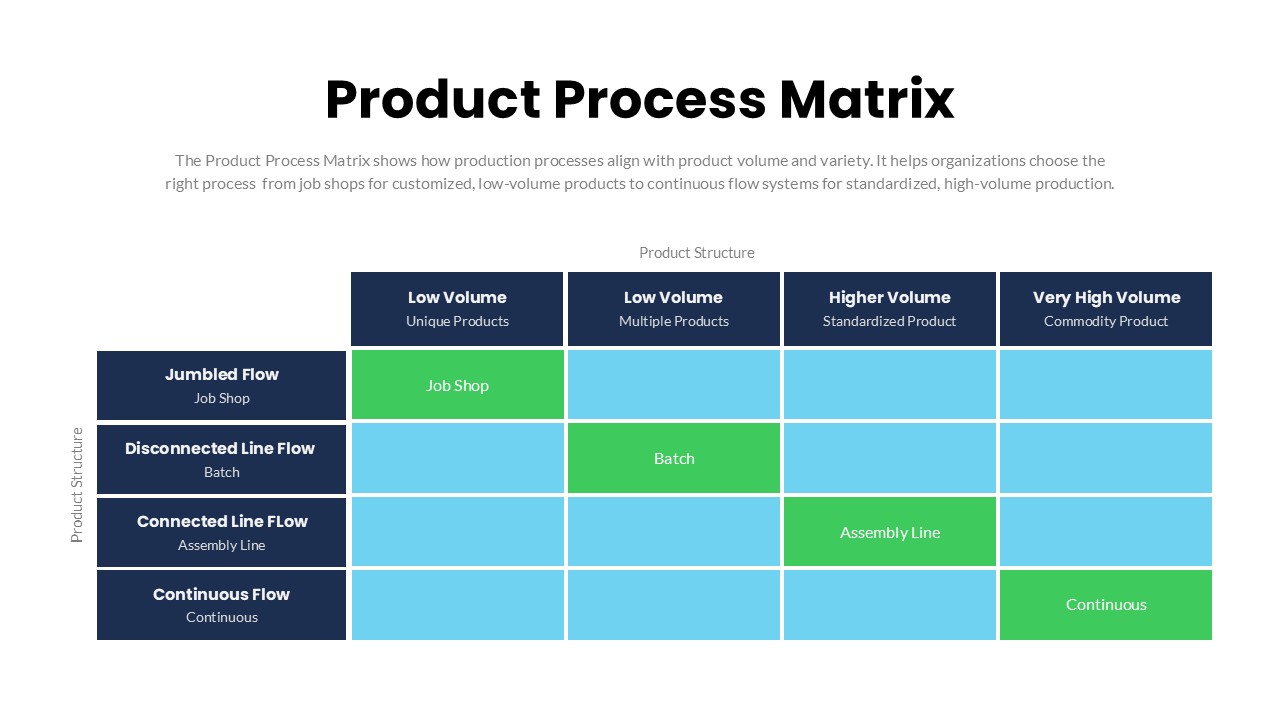
Product Process Matrix Diagram Template
Business Strategy
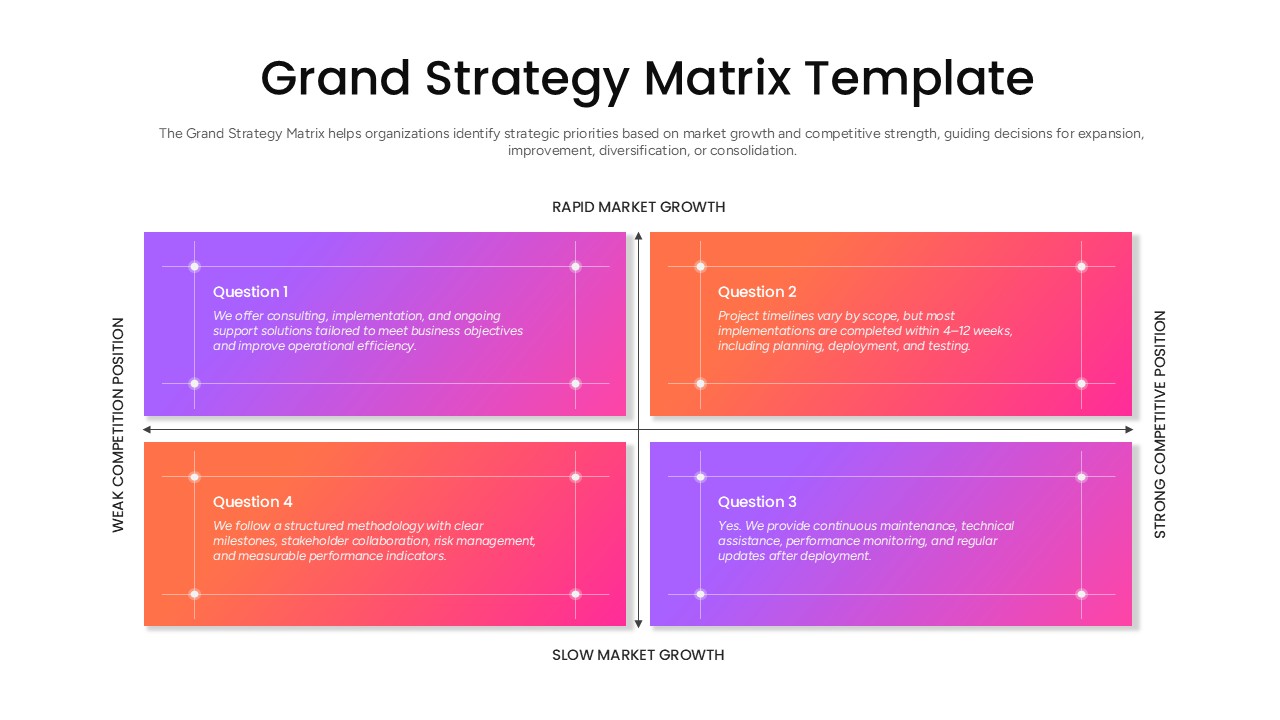
Grand Strategy Matrix PowerPoint Template
Business Strategy
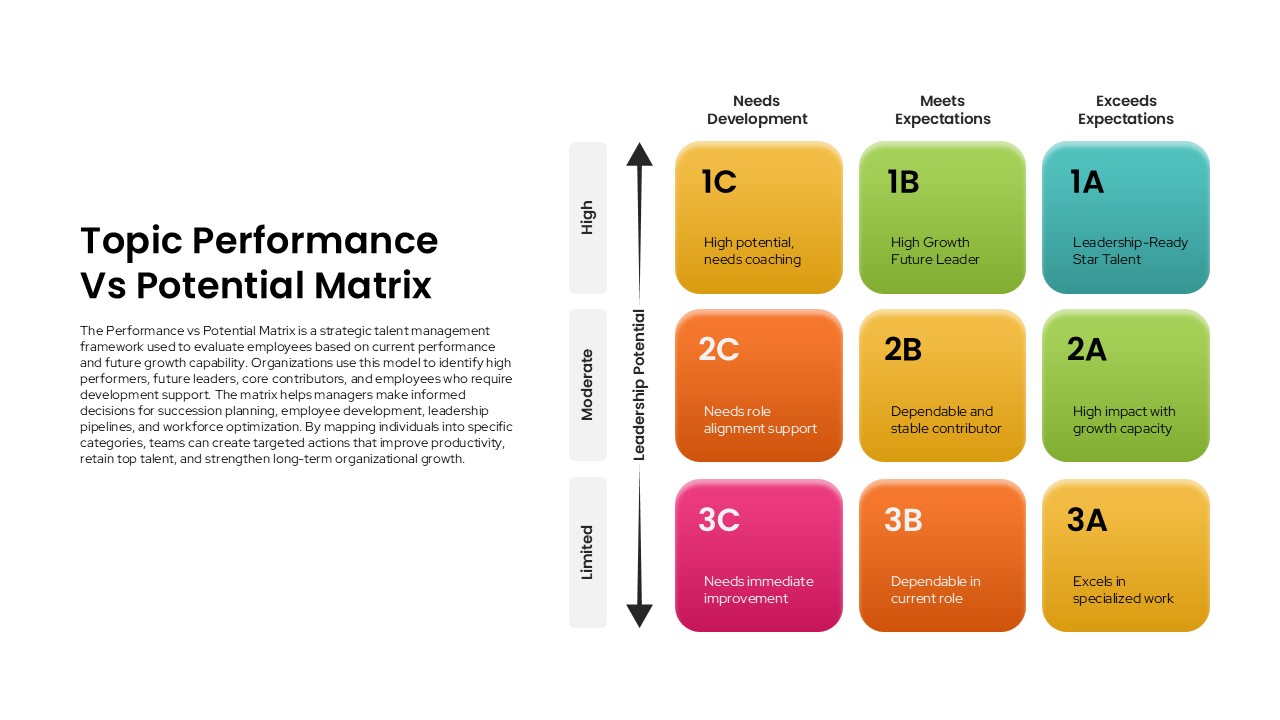
Performance vs Potential Matrix PowerPoint Template
Employee Performance
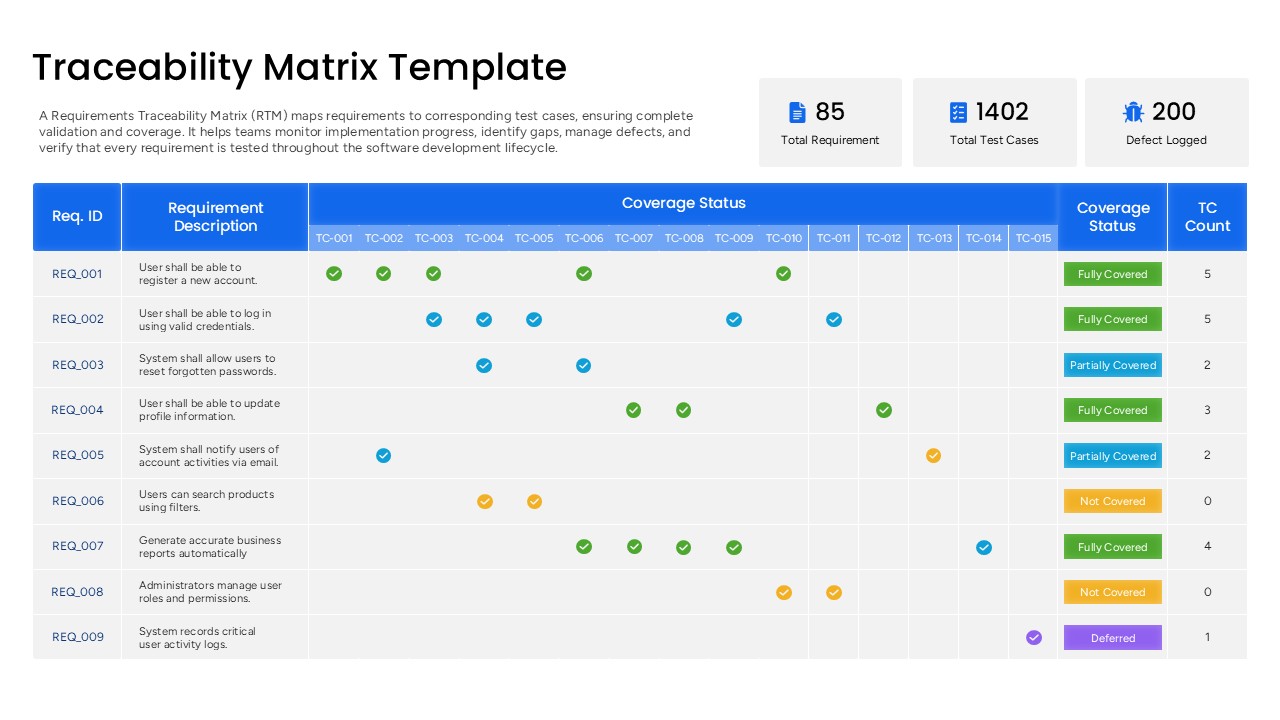
Requirements Traceability Matrix Template PowerPoint
Software Development