Circular Chart PowerPoint Template
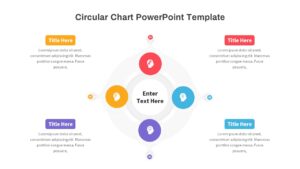
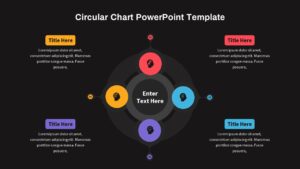
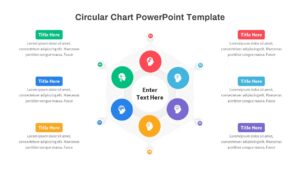
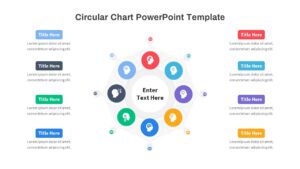
Create a process flow presentation with this Circular PowerPoint Presentation
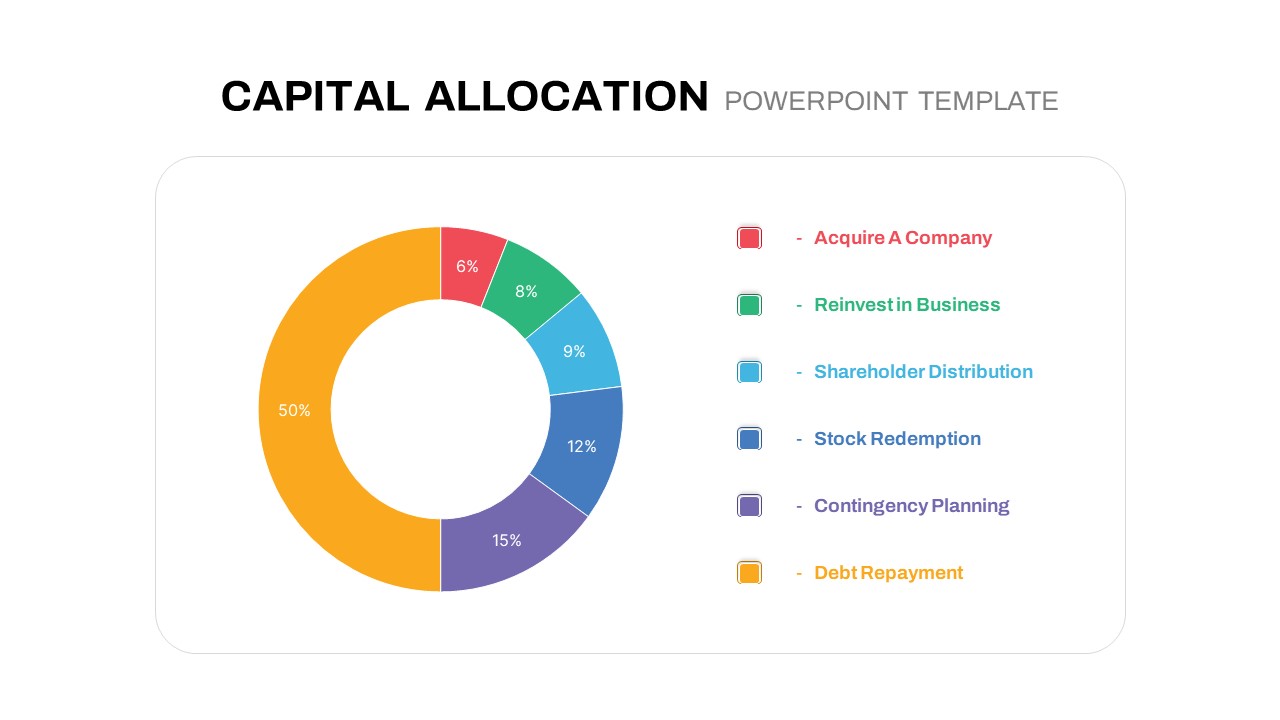
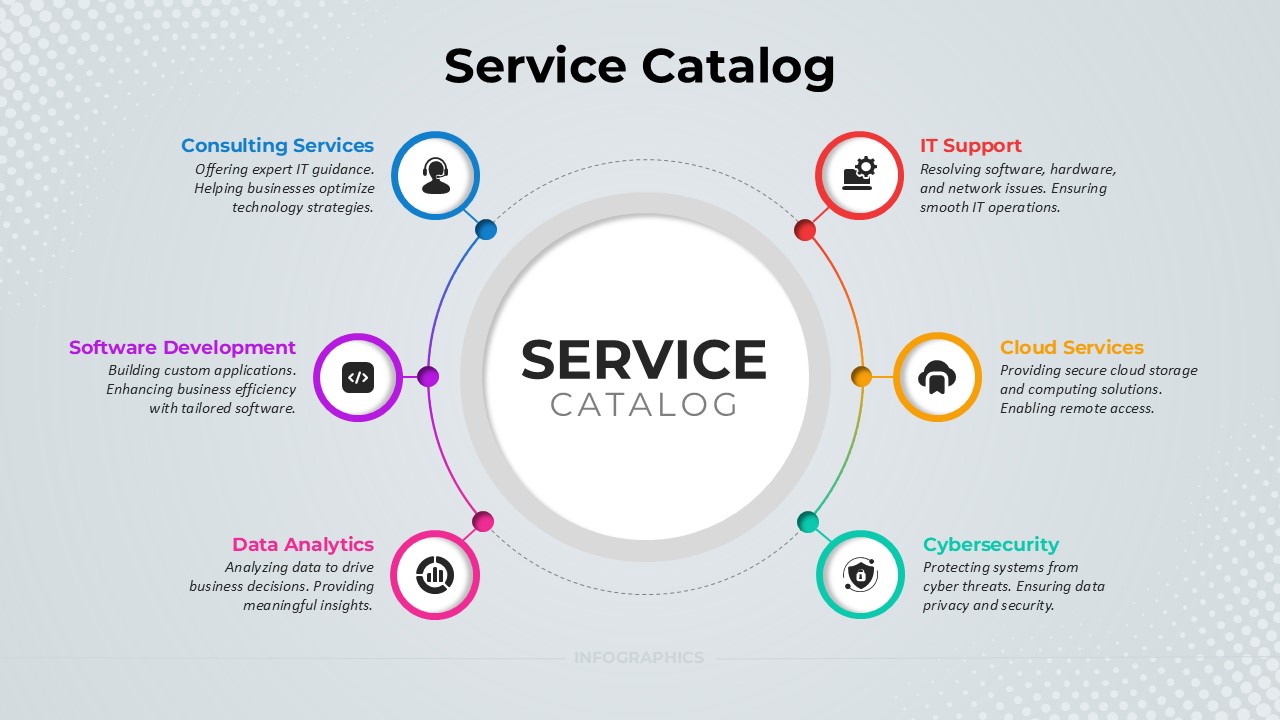
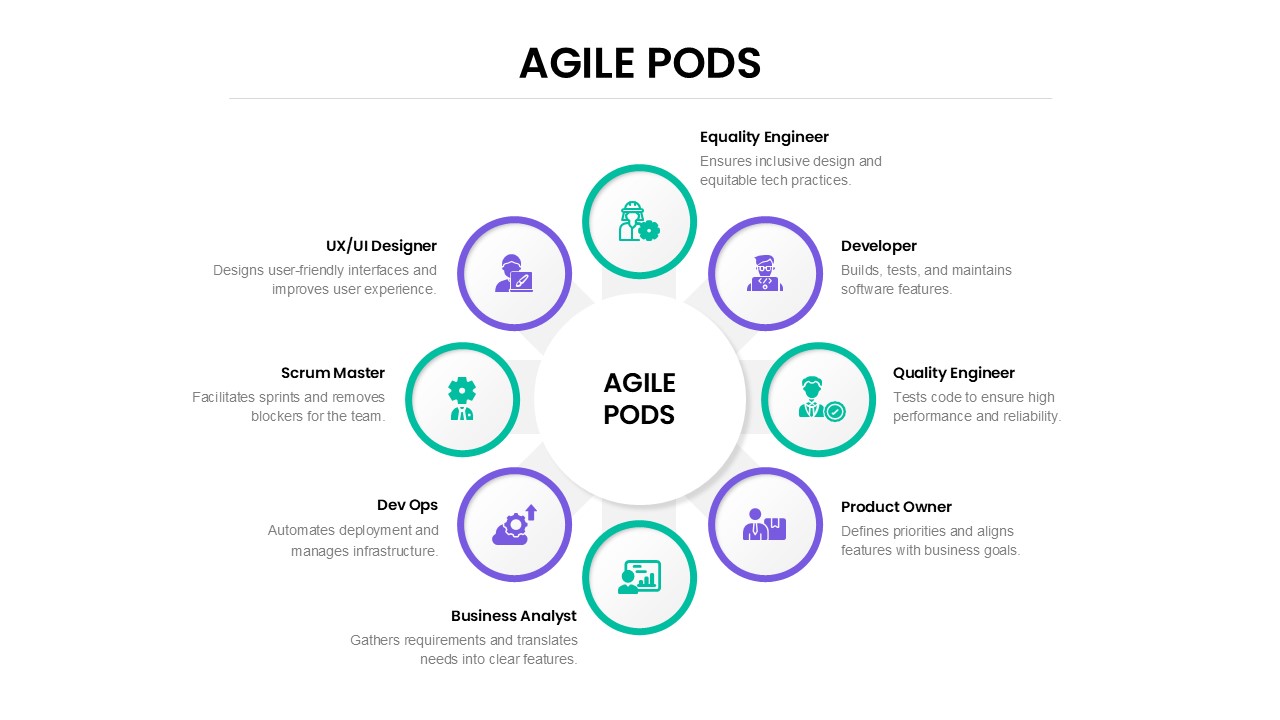
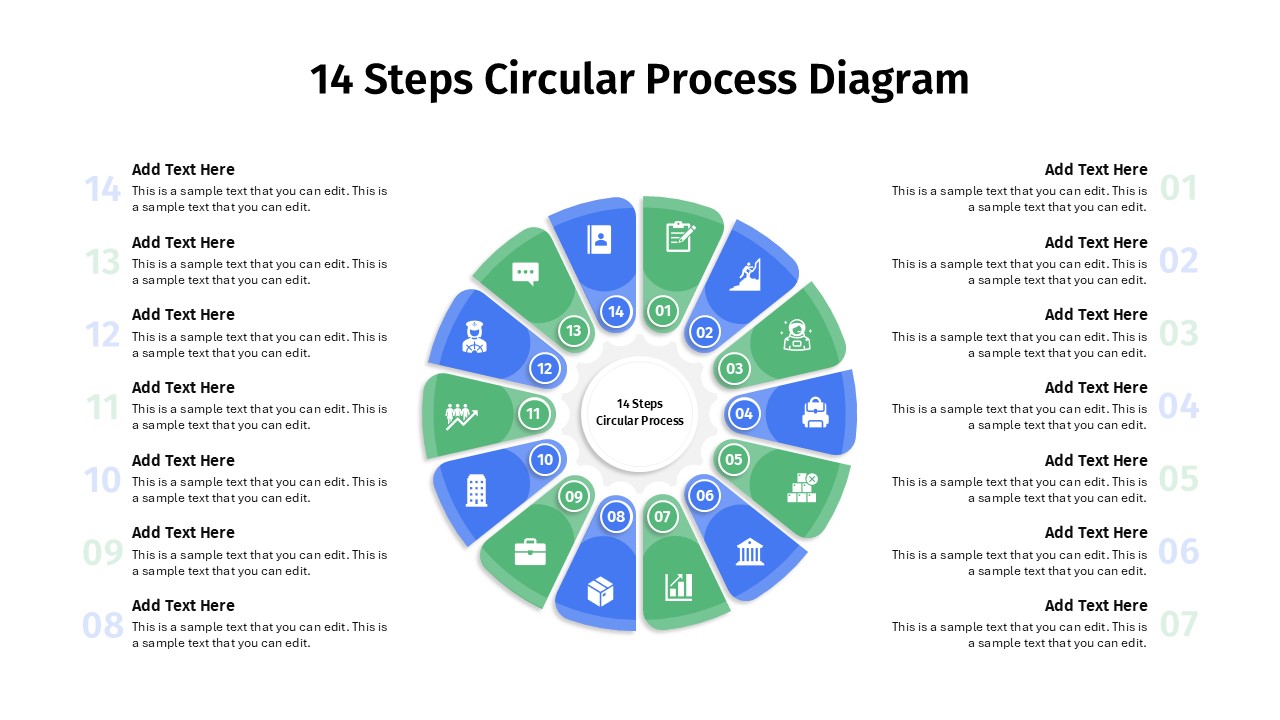
Welcome to our Circular Chart PowerPoint Template! Are you looking for an elegant and effective way to present complex data, statistics, or processes in your presentations? Look no further. Our Circular Chart PowerPoint Template is a generic design to help you convey information seamlessly. With its user-friendly design and customizable features, this template will elevate the quality of your presentations and leave a lasting impression on your audience.
Advantages of Circular PowerPoint Designs
Visual appeal and the easy depiction of process flow is the key advantage of circular design. It will show the flow and continuity of your presentation. You can organize information cyclically or sequentially, so the audience can easily go through the contents. Besides, the central focal point of a circular design can be used to emphasize key messages or concepts.
Circular PPT designs are more cop with the display of cyclical progression. Circular designs can be used to incorporate your company’s logo or branding elements seamlessly into your slides, reinforcing your brand identity. Furthermore, on the design front, circular process diagrams are ideal for step-by-step presentation, telling a story, and illustrating the journey.
Uses of circular PowerPoint Presentations will vary according to the topic. If you are a business professional, it helps you to display data-driven insights and business process development. It can be used to highlight project progression, milestones, and timelines. You can list out your product features using each circle. So, business professionals, researchers, teachers, project managers and students can use the template to depict their topics in style.
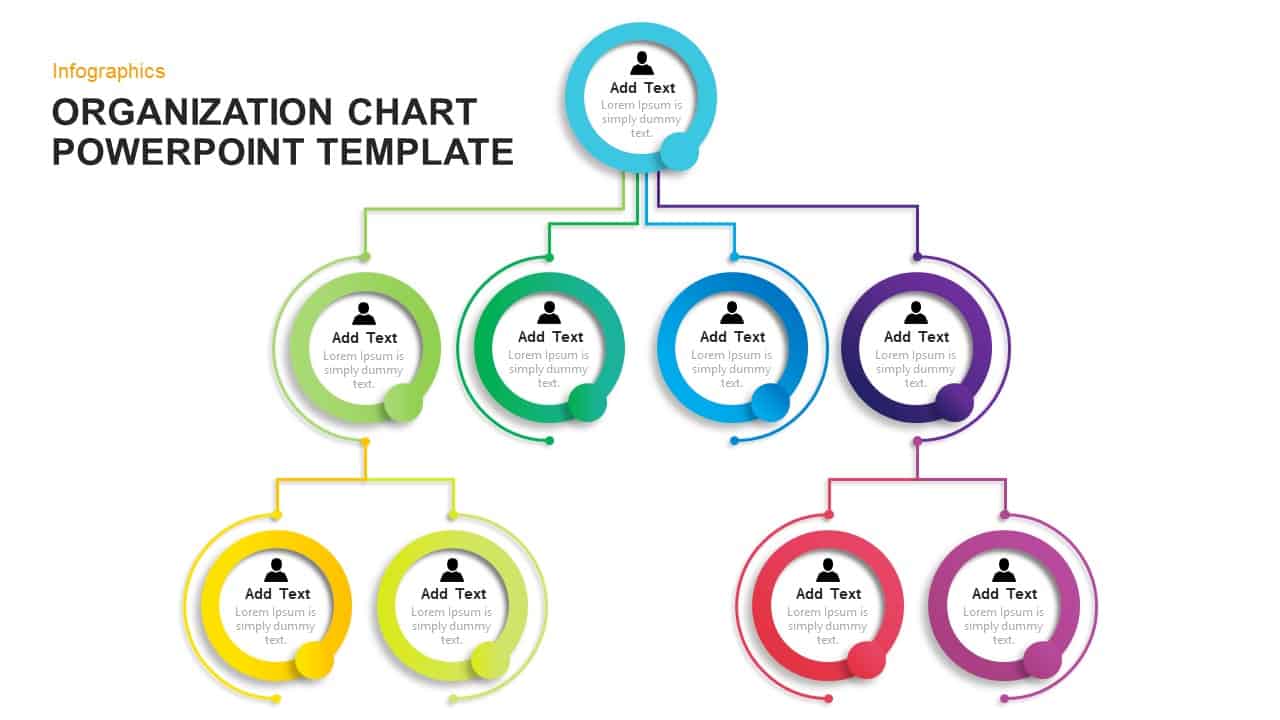
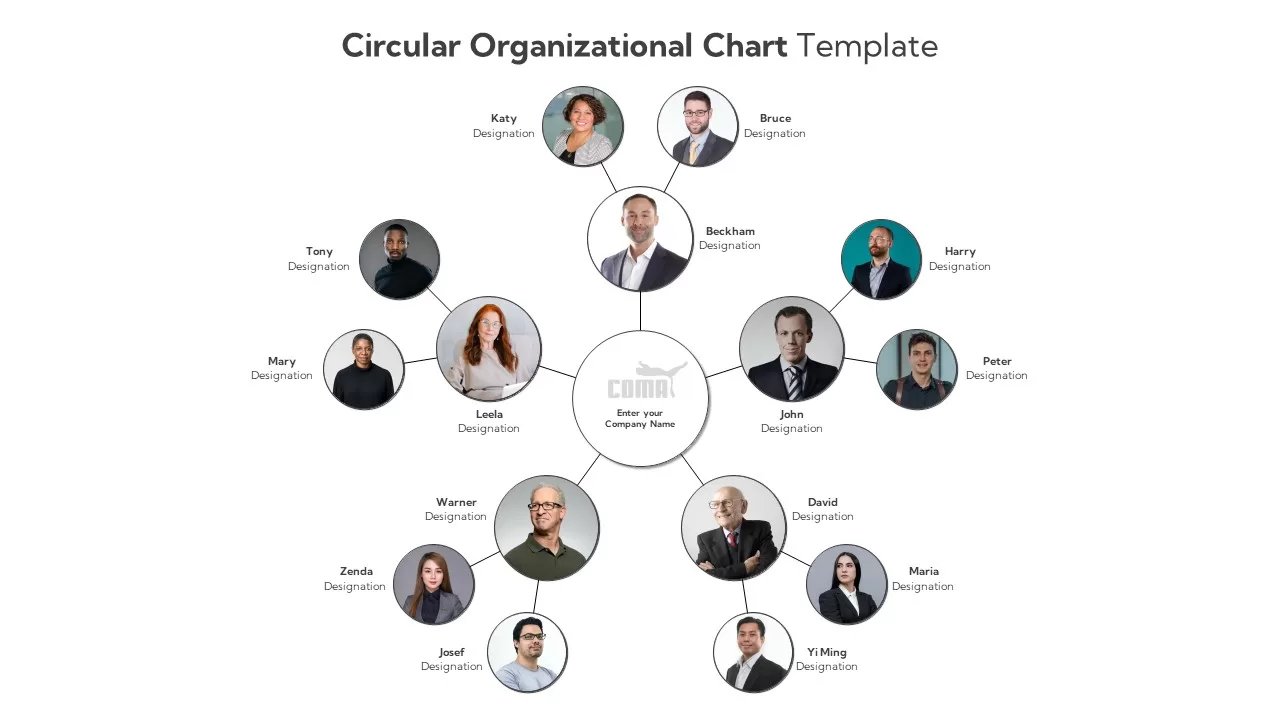
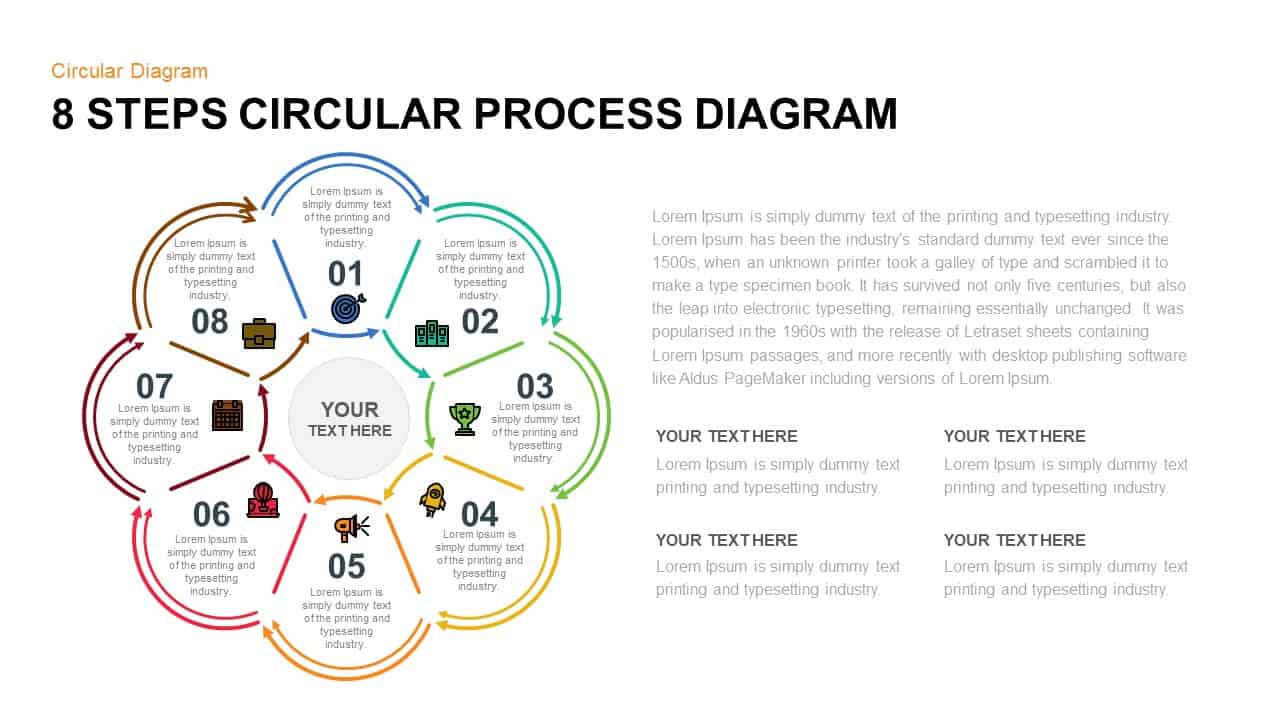
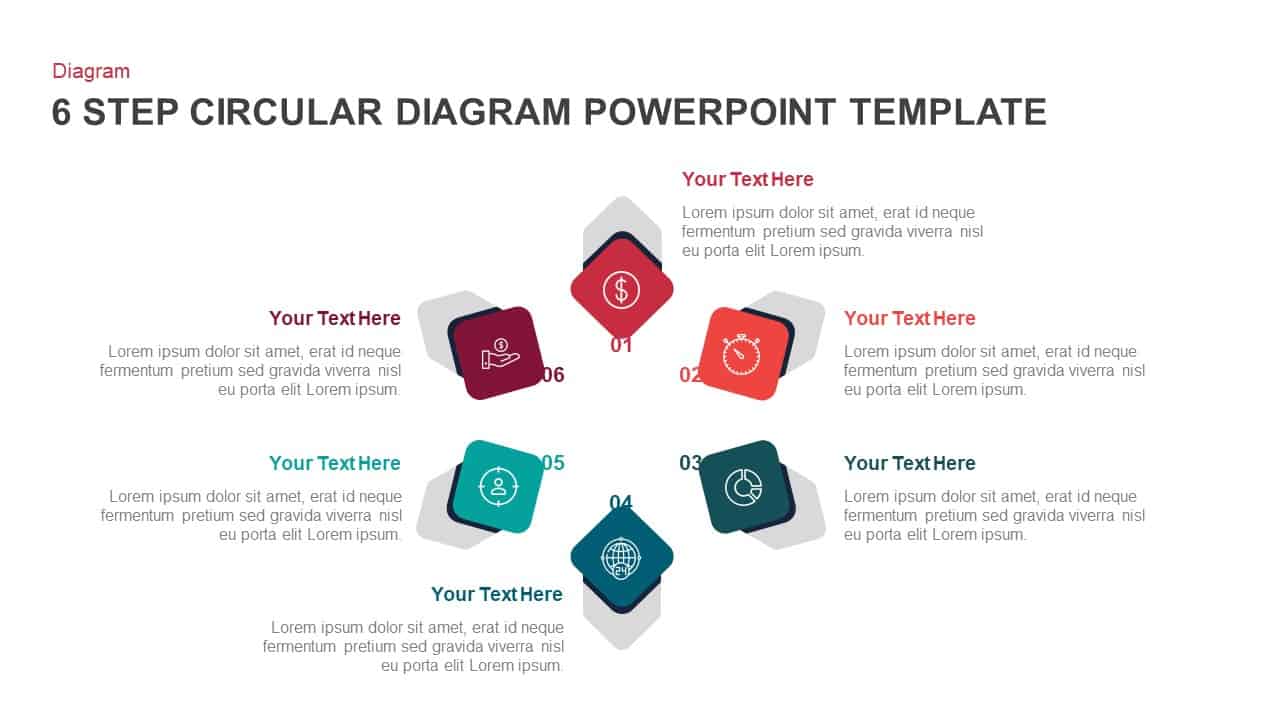
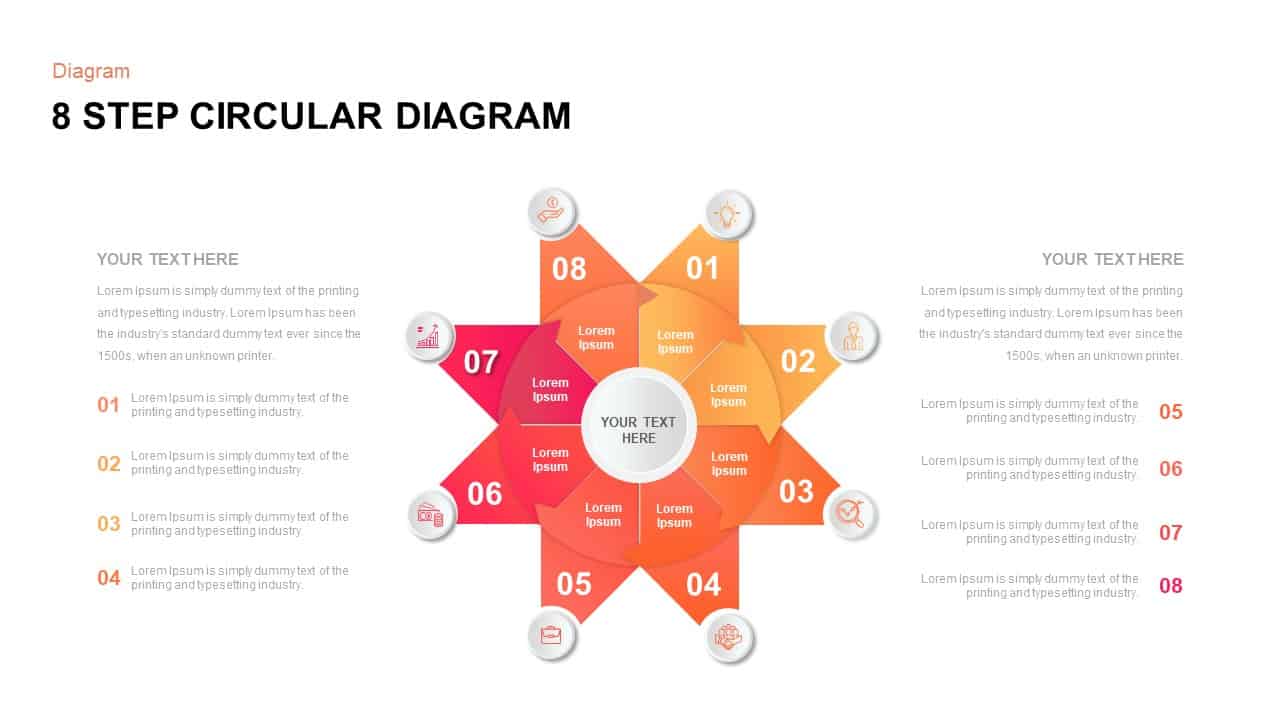
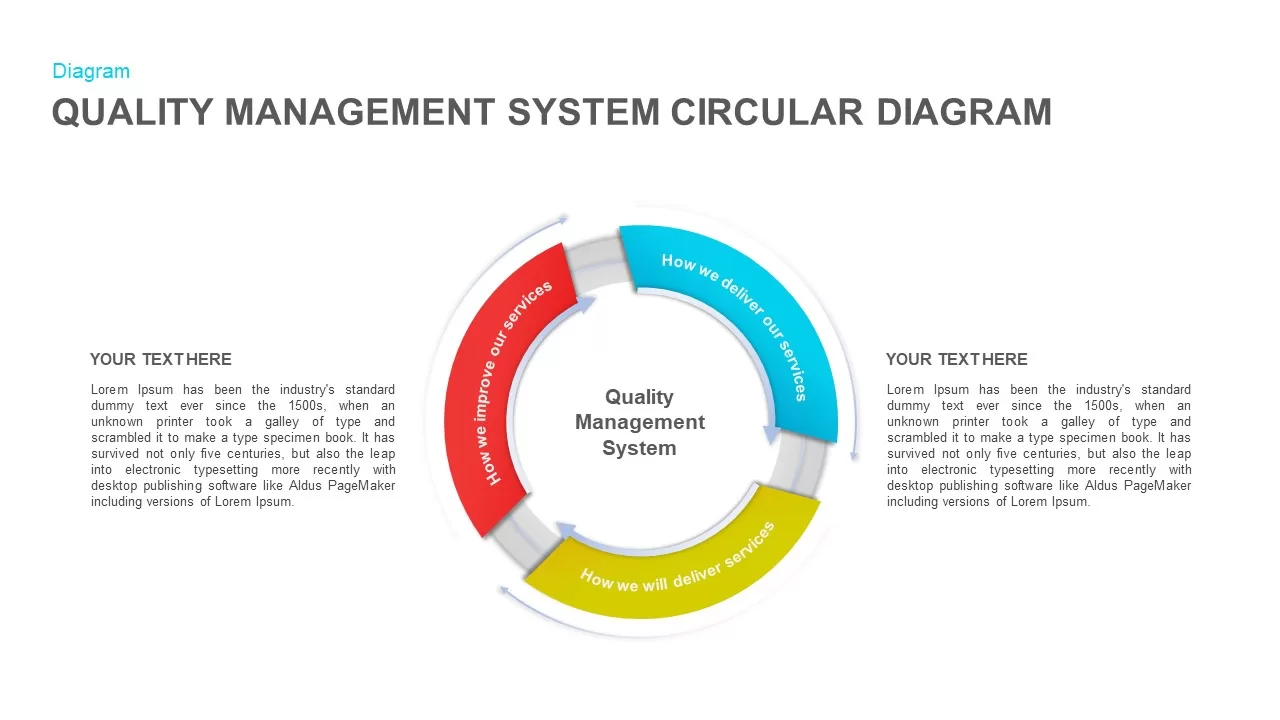
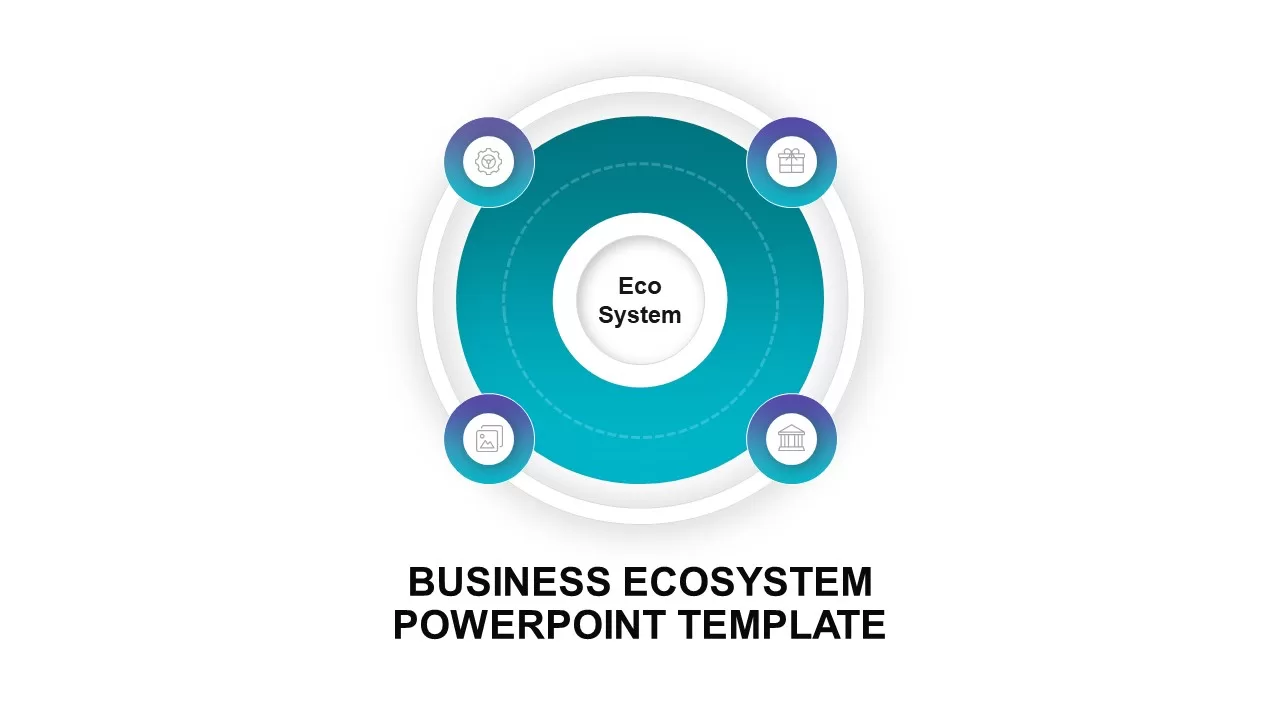
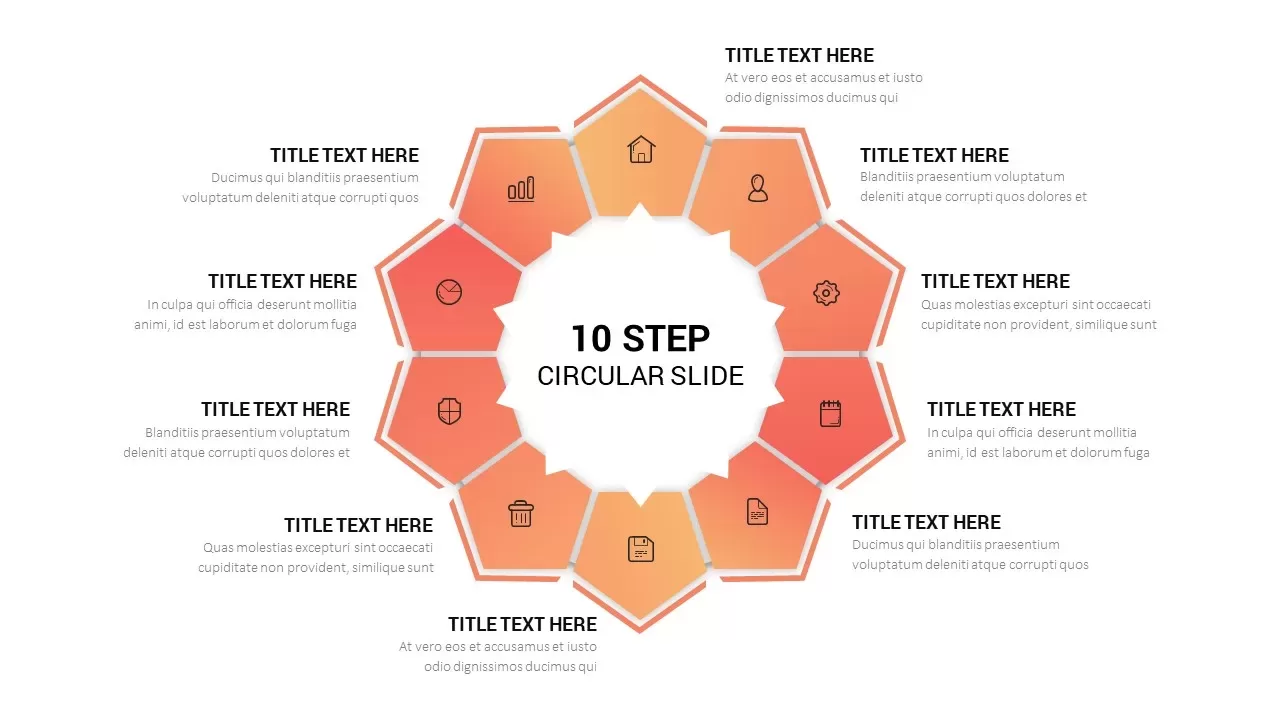
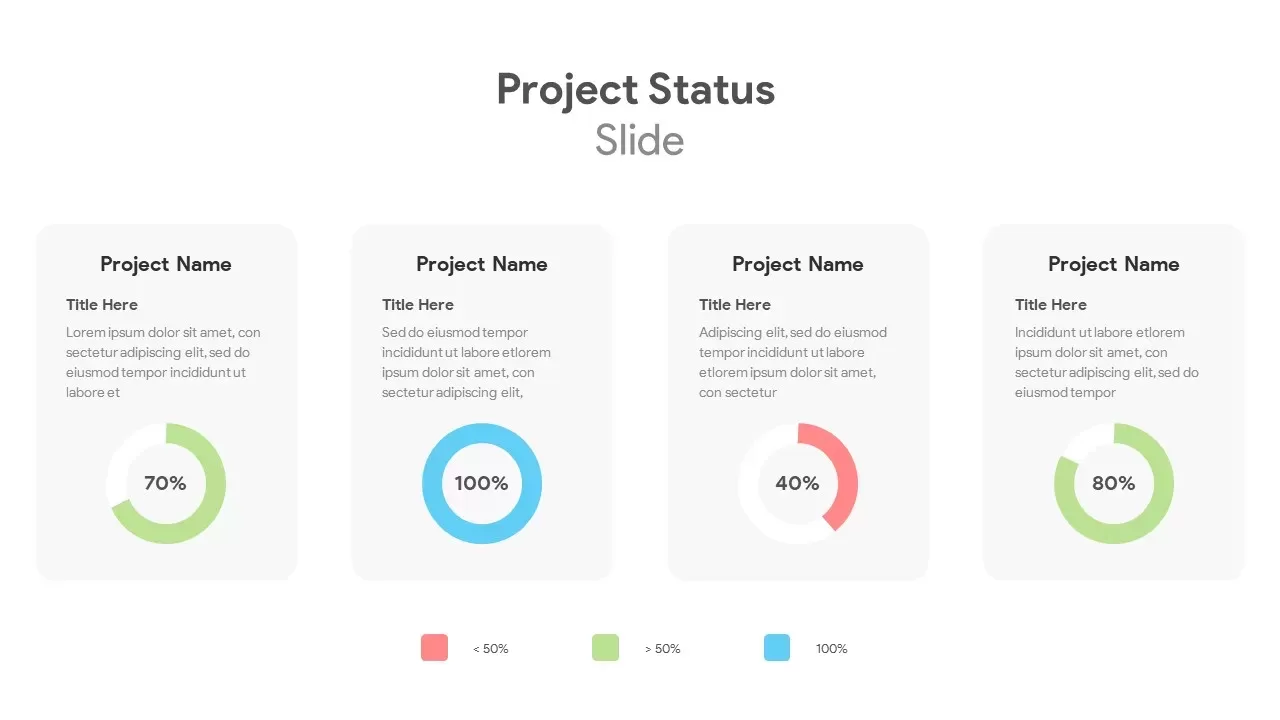
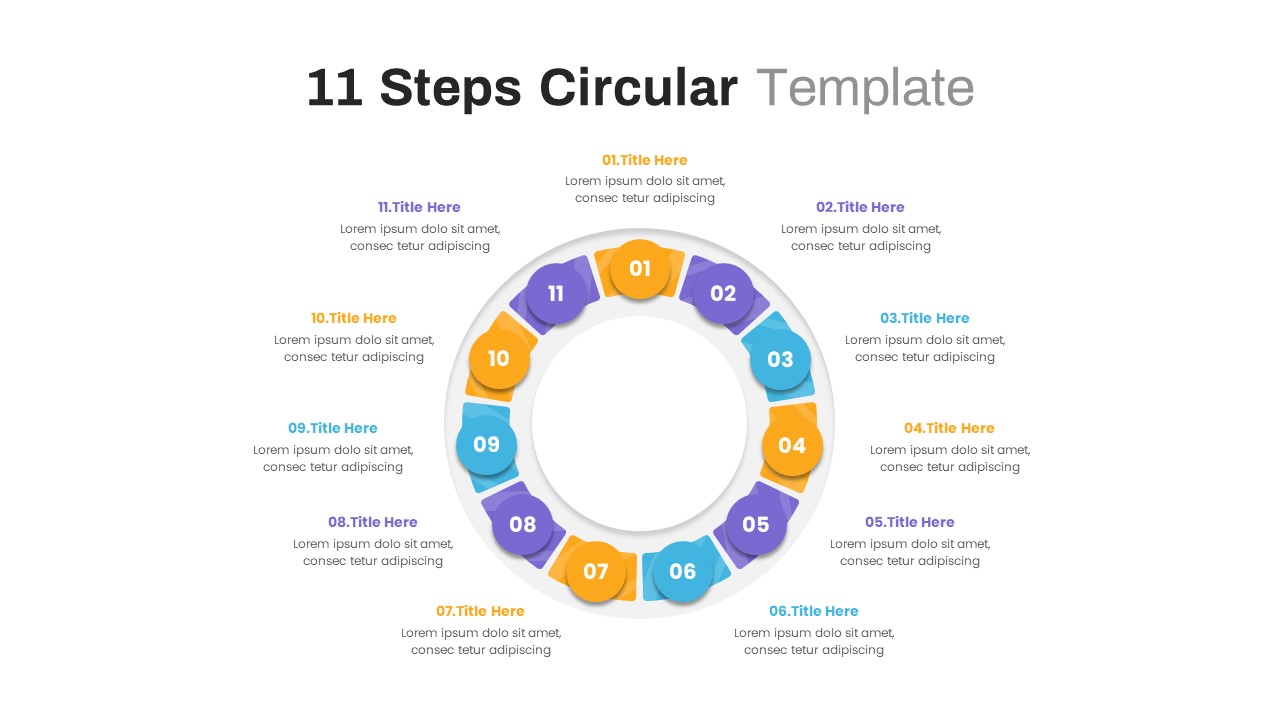
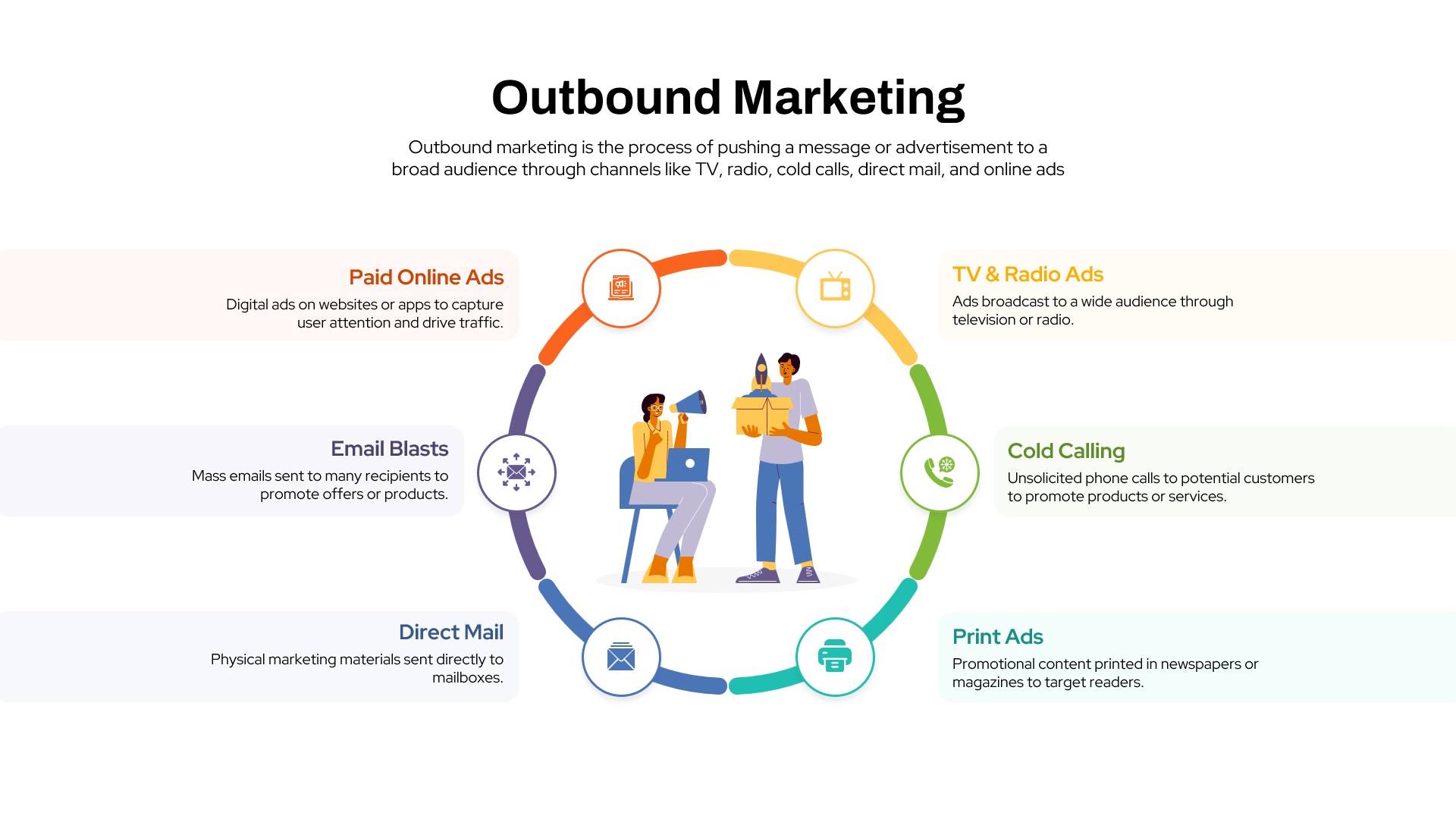
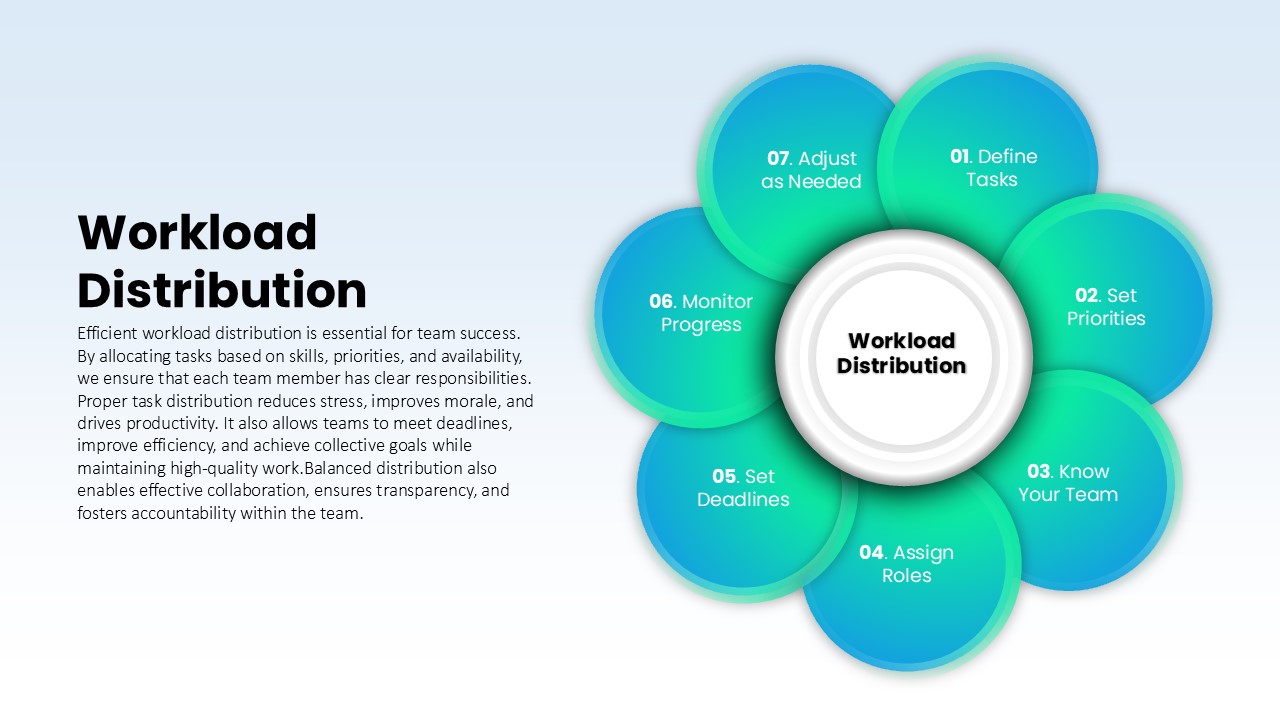
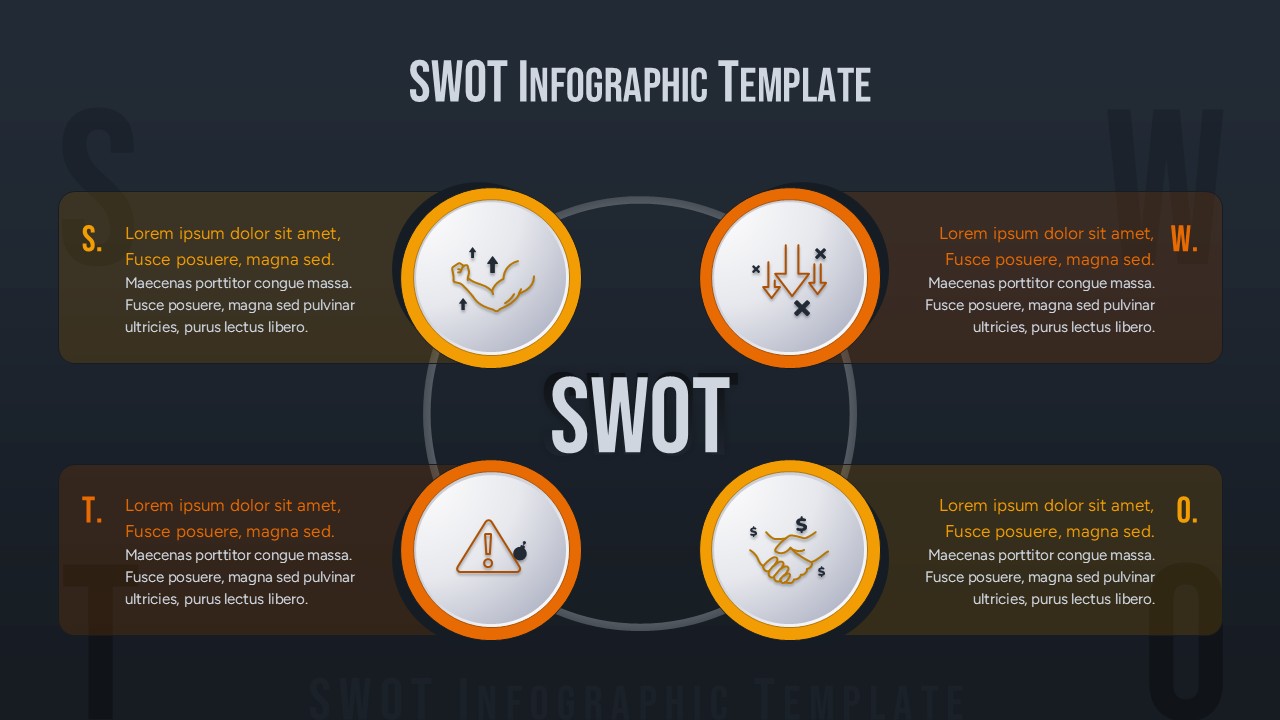
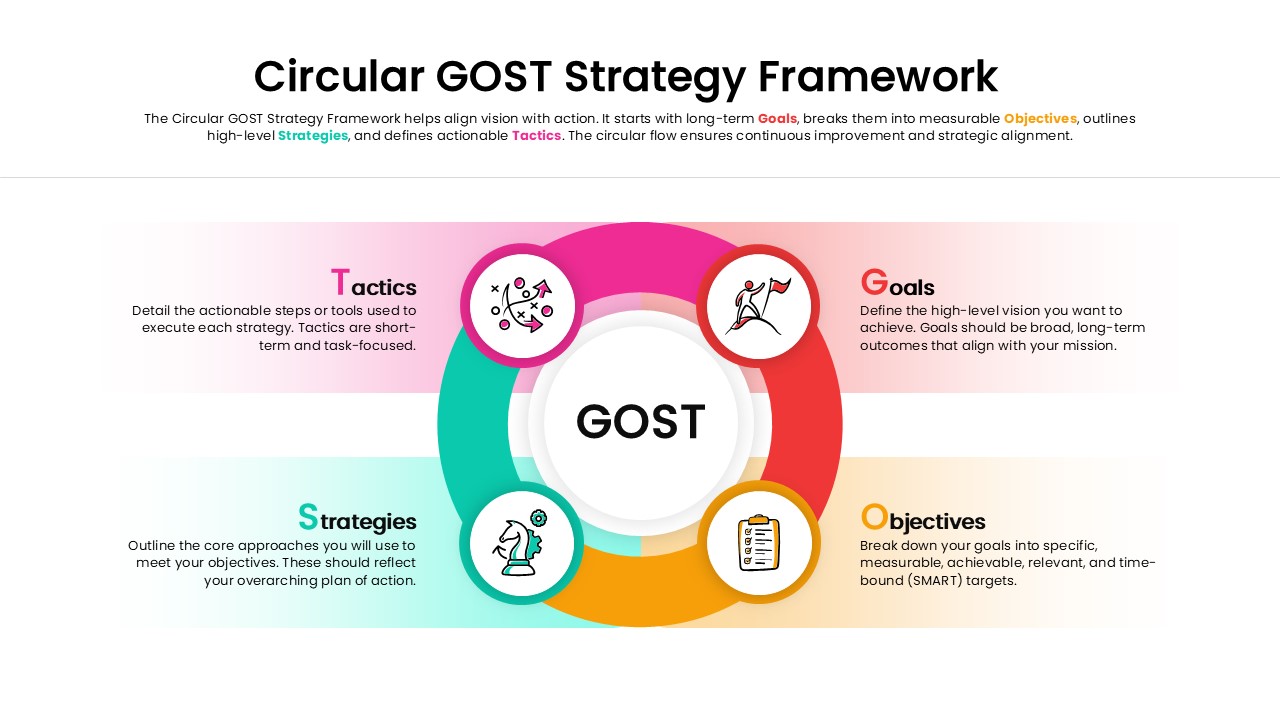
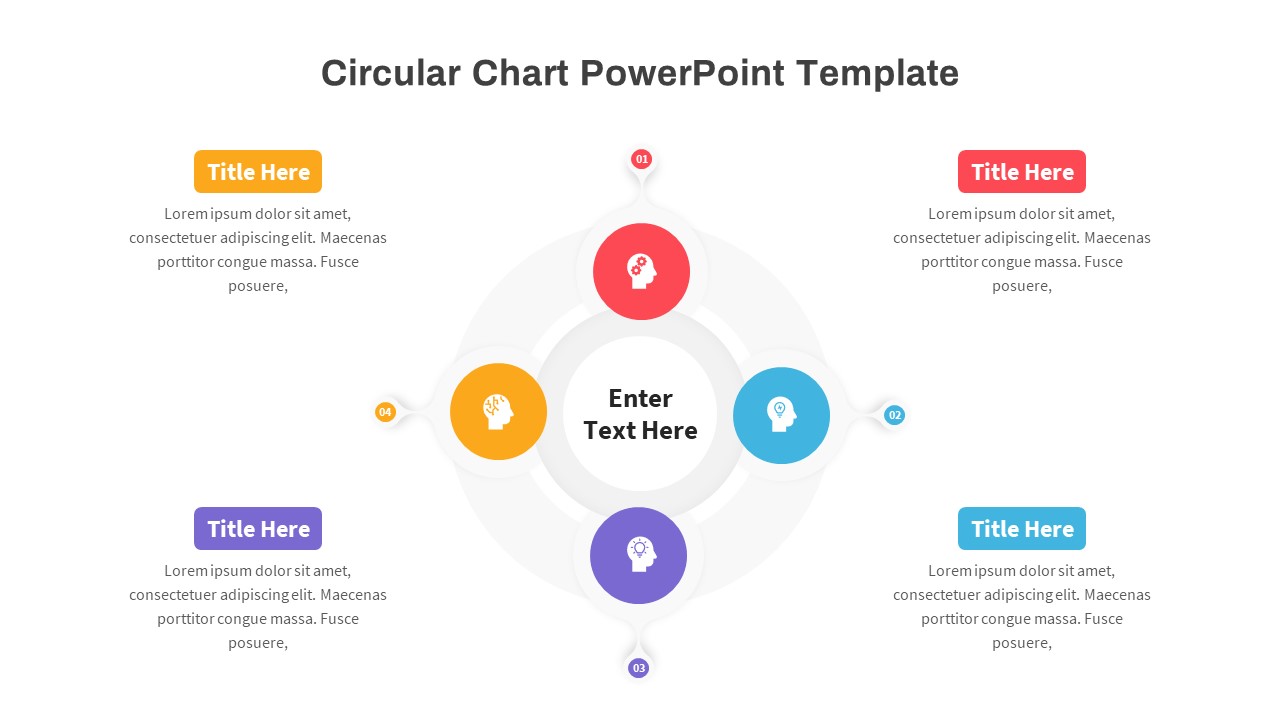
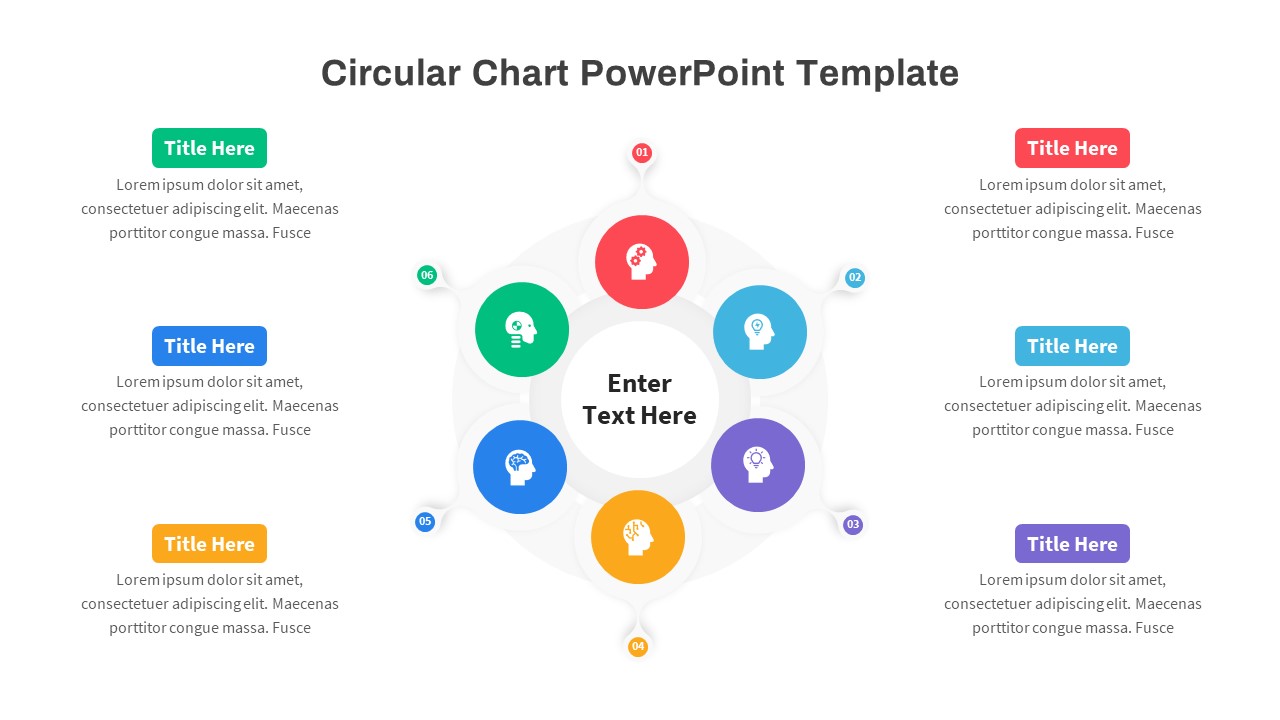
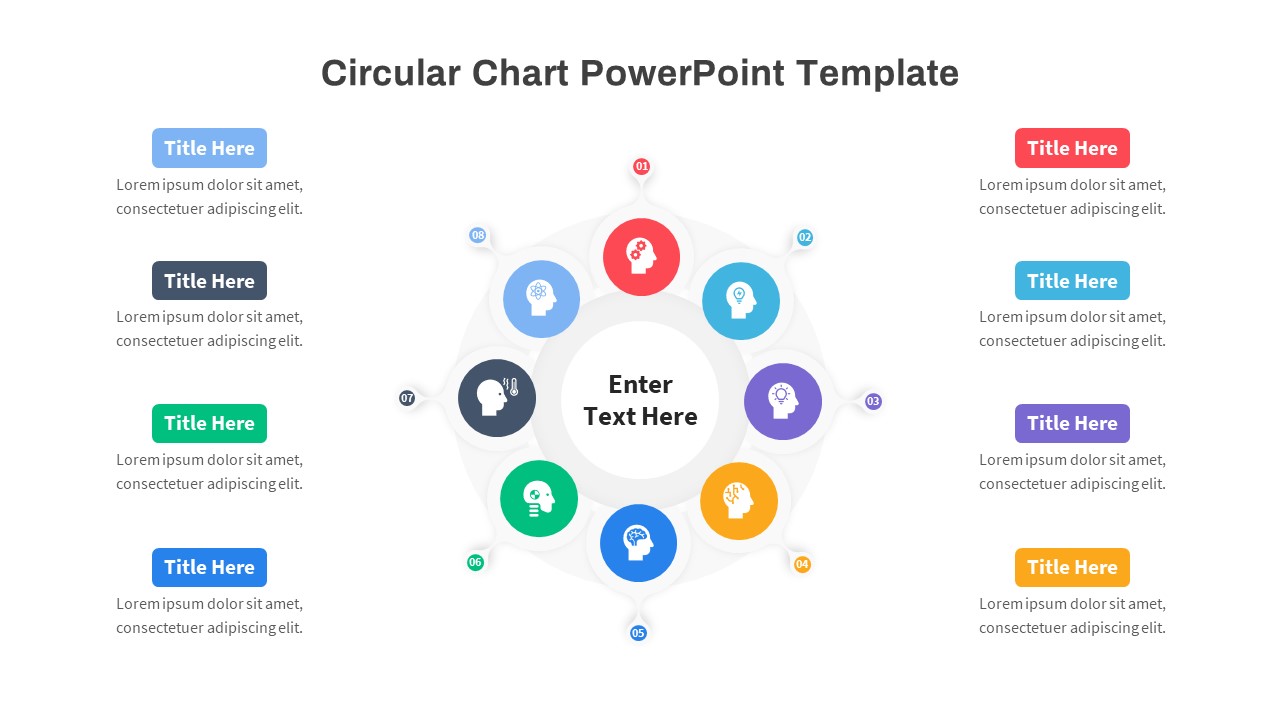
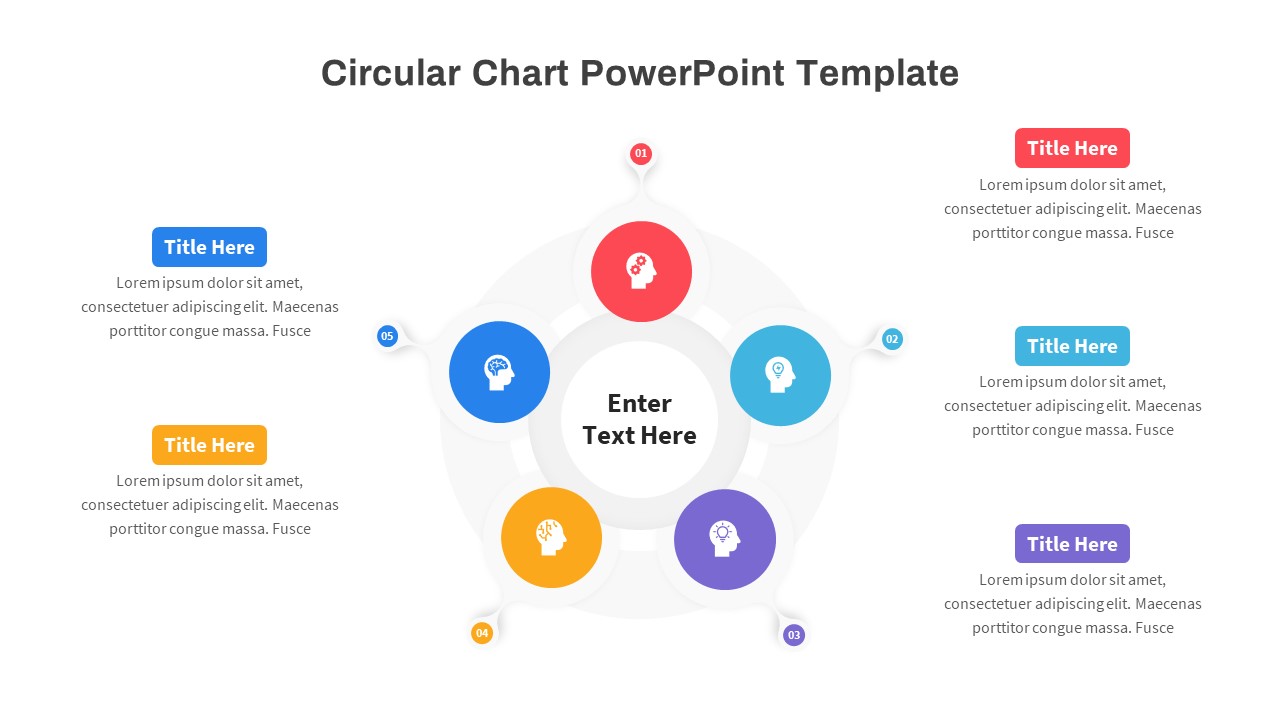
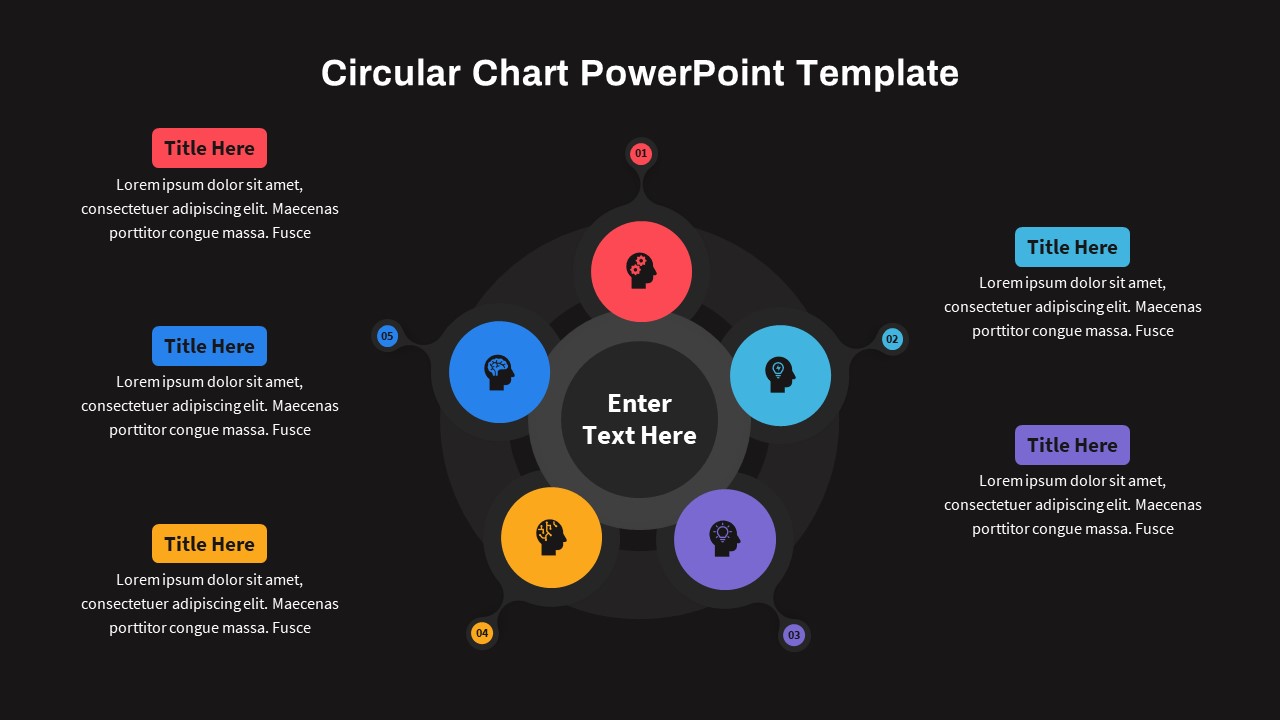
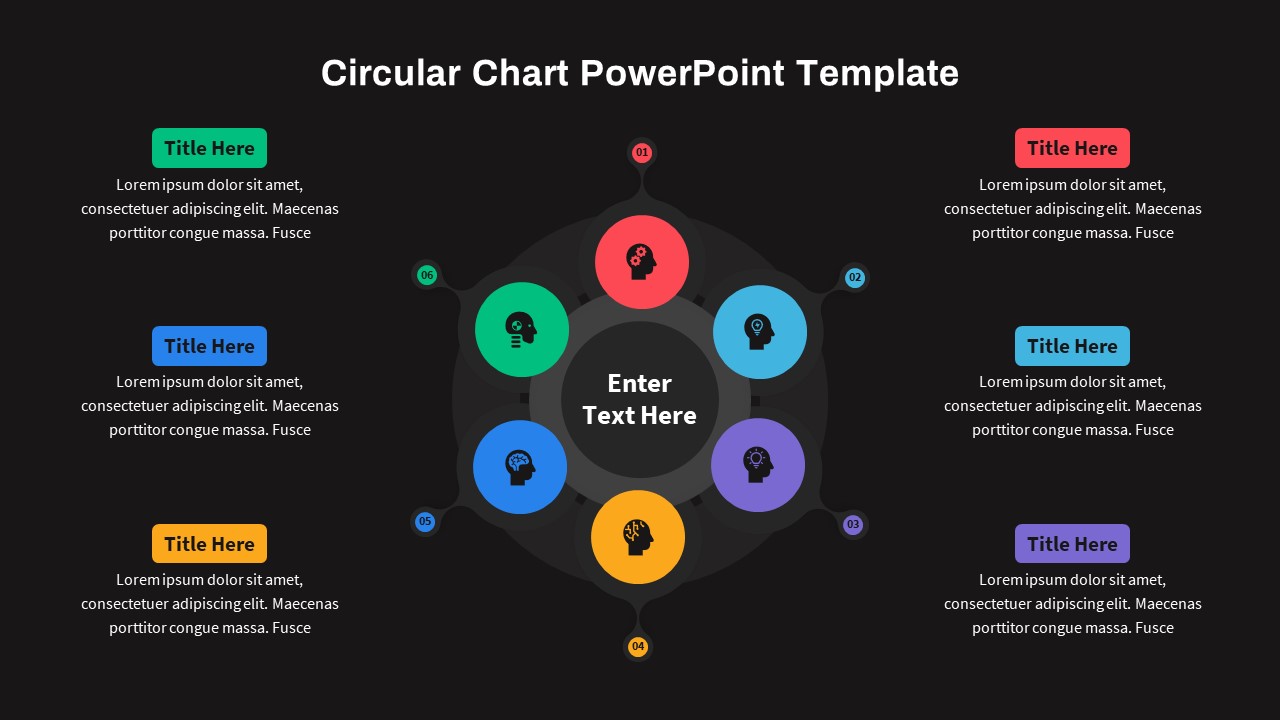
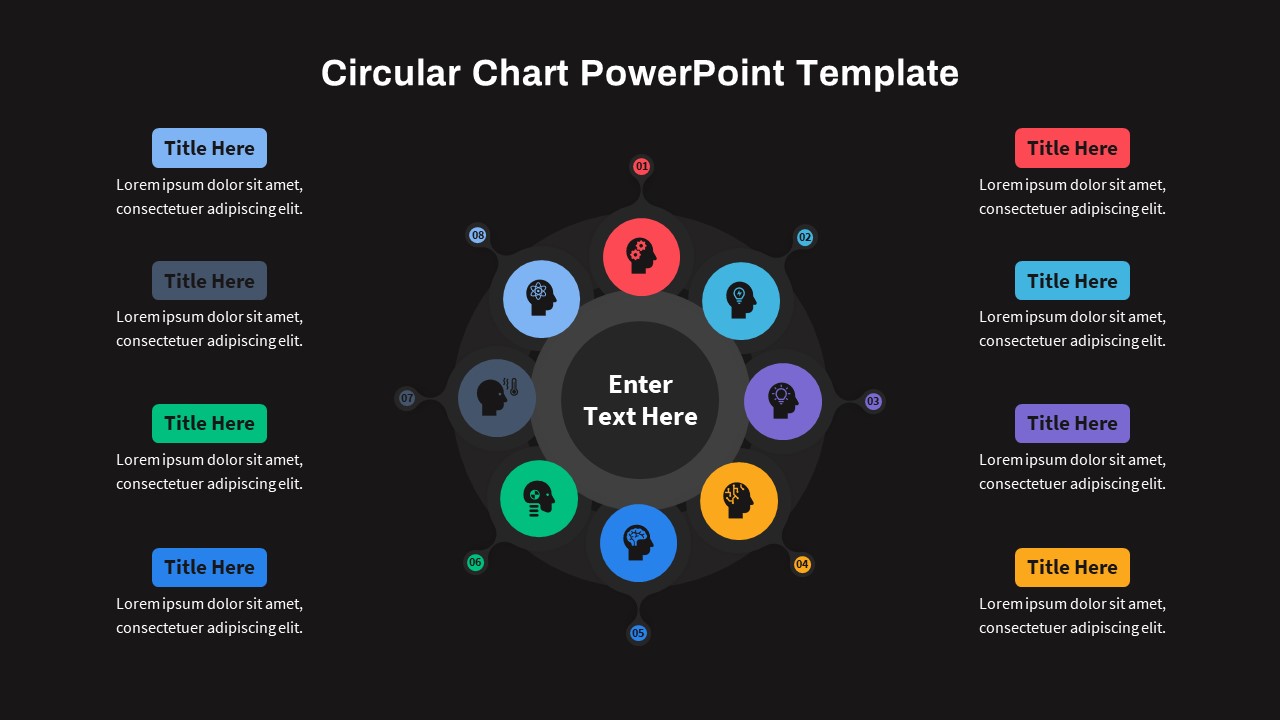
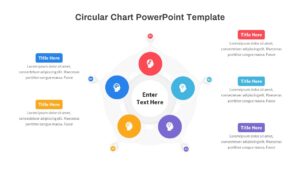
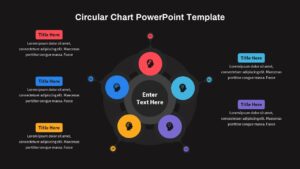
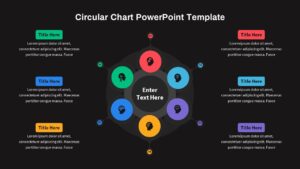
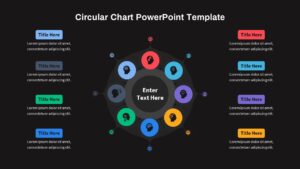
The circular chart template for PowerPoint has eight slides in four variant designs. You can put the heading in the centre of each design. This template enables four to eight-step presentation with decorated infographic icons, and textual descriptions. Explore our wide variety of circular PowerPoint diagrams and choose from them.
Login to download this file

Item ID
SB03773


Related Templates

Circular Product Comparison Chart Template for PowerPoint & Google Slides
Comparison Chart

Organizational Structure Chart Template for Business Presentations
Org Chart
Circular Org Chart in PowerPoint & Google Slides
Org Chart
Circular Organizational Chart Template
Org Chart
8 Steps Circular Process Diagram Template for PowerPoint & Google Slides
Circular
6 Step Circular Diagram PowerPoint Template
Process
Eight Step Circular Diagram Template for PowerPoint & Google Slides
Circular
Quality Management System Circular Diagram template for PowerPoint & Google Slides
Process
Circular Business Ecosystem Diagram Template for PowerPoint & Google Slides
Business Strategy
Ten-Step Circular Process Infographic Template for PowerPoint & Google Slides
Circular
Circular Project Status Template for PowerPoint & Google Slides
Project Status
Modern 11-Step Circular Timeline Template for PowerPoint & Google Slides
Timeline
Circular Capital Allocation Diagram Template for PowerPoint & Google Slides
Business Models
Service Catalog Circular Infographic Template for PowerPoint & Google Slides
Circular
Agile Pods PowerPoint Template
Circular
14 Steps Circular Process Diagram Template
Circular

Outbound Marketing Template for PPT & Google Slides
Advertising
Workload Distribution Circular Diagram Template
Circular
SWOT Analysis Infographic Template
SWOT
Circular GOST Strategy Framework Template
Goals