Eight Step Circular Diagram Template for PowerPoint & Google Slides
PowerPoint Circle Diagram
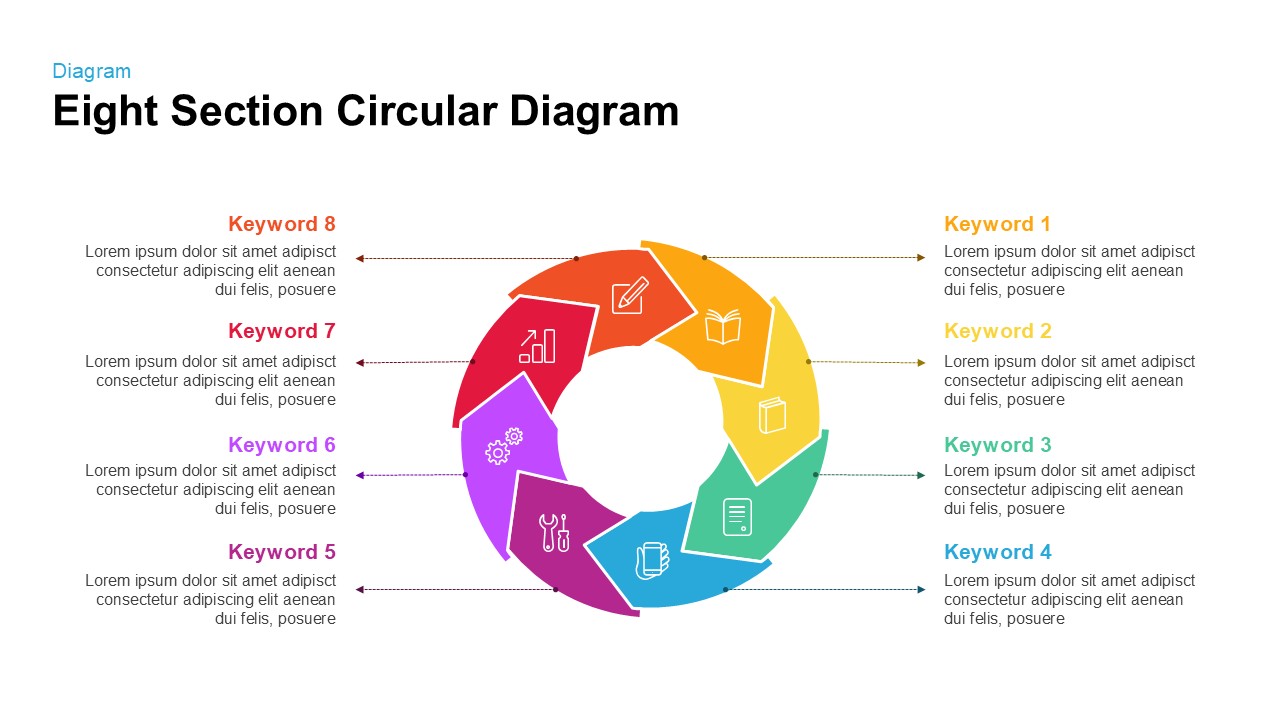
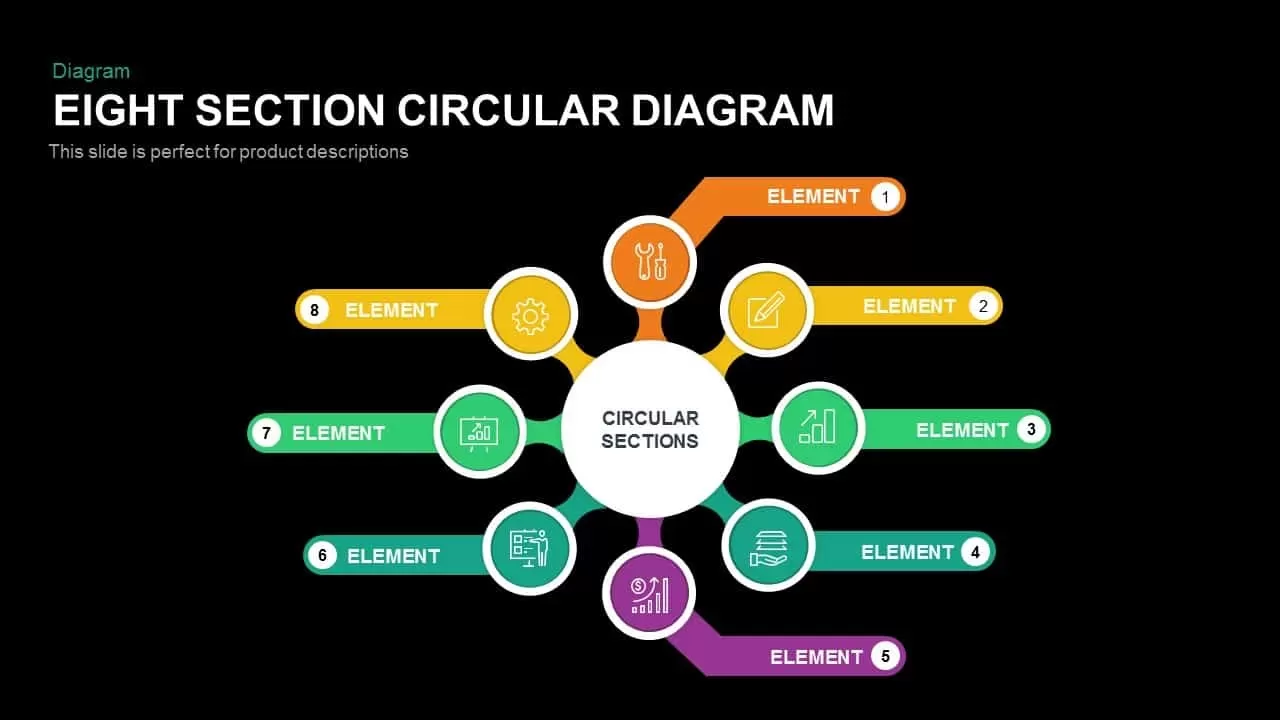
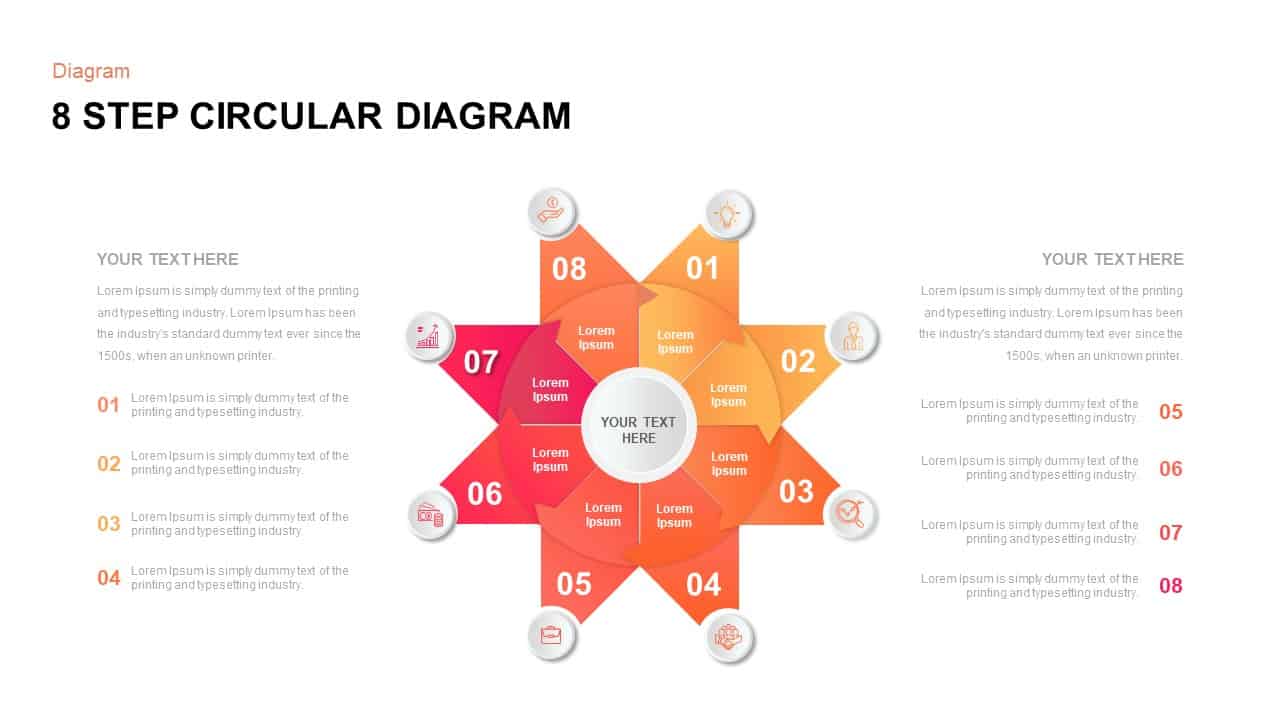
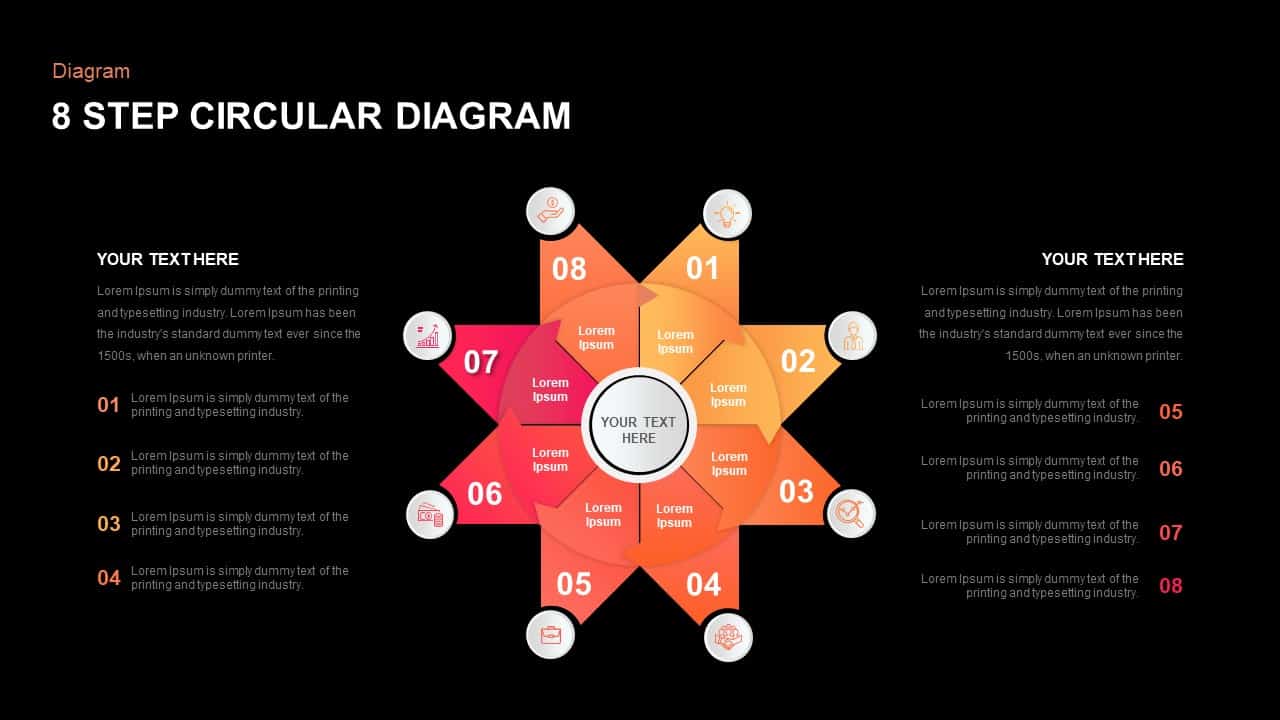
The Eight Step Circular Diagram slide delivers an engaging visual framework for mapping cyclical processes, workflows, or project phases. Arranged in a radial hub-and-spoke layout, eight gradient-filled segments converge on a central placeholder that accommodates a concise title or core message. Surrounding each segment is a dedicated icon marker—representing innovation, stakeholder alignment, goal setting, system integration, project management, infrastructure planning, performance analysis, and finance oversight—paired with master text fields for step numbers and brief annotations. The smooth gradient palette spans warm oranges through reds and magentas, providing clear stage differentiation, while subtle drop shadows and vector-based icons maintain a polished, professional look.
Eight-step circular diagram PowerPoint contains mini-circles on each star vertex. These mini-circles comprise meaningful infographic icons for your business management presentation. The eight vertexes are eight components of your presentation i.e. indicated by the numbers. The diagram enables the illustration of eight stages of business development or eight strategies that improve your business and organization. The pattern is best to create a presentation on sales and marketing. Presenters can show the operational strategies to achieve sales growth and targets. Users can select their own topic and deliver a simple and stunning presentation using the eight segment diagram PowerPoint template.
The customization does not need extraordinary PowerPoint knowledge; just updating the regular PowerPoint shapes, size, color, effects, and updating the text placeholders will be sufficient for the regular user to reach a professional outcome without the help of a designer. The eight stages PowerPoint template can be used as the main concept of an infographic or the driving diagram of a process flow description. Moreover, you can add text placeholders on the empty areas if you need. But don’t mess up your presentation by creating more zones for descriptions.
Login to download this file

Item ID
Sb01470


Related Templates

Eight Section Circular Diagram Template for PowerPoint & Google Slides
Circular
Eight Step Ribbon Diagram Template for PowerPoint & Google Slides
Process
Eight-Step Inward Arrow Diagram Template for PowerPoint & Google Slides
Arrow
Eight Section Circular Diagram PowerPoint Template
Circular
Eight-Step New Product Survey Process Template for PowerPoint & Google Slides
Process
Eight Segmented Hemisphere Diagram Template for PowerPoint & Google Slides
Process

Eight-Stage Radial Process Flow Diagram Template for PowerPoint & Google Slides
Process
Eight Stage Hourglass Workflow Diagram Template for PowerPoint & Google Slides
Process
Eight-Stage Gear Diagram Process Template for PowerPoint & Google Slides
Process

Eight-Node Mind Map Infographic Diagram Template for PowerPoint & Google Slides
Mind Maps
Free Eight Circle Creative Diagram Template for PPT & Google Slides
Circular
Free
Eight Box Flow Chart Diagram Template for PowerPoint
Flow Charts
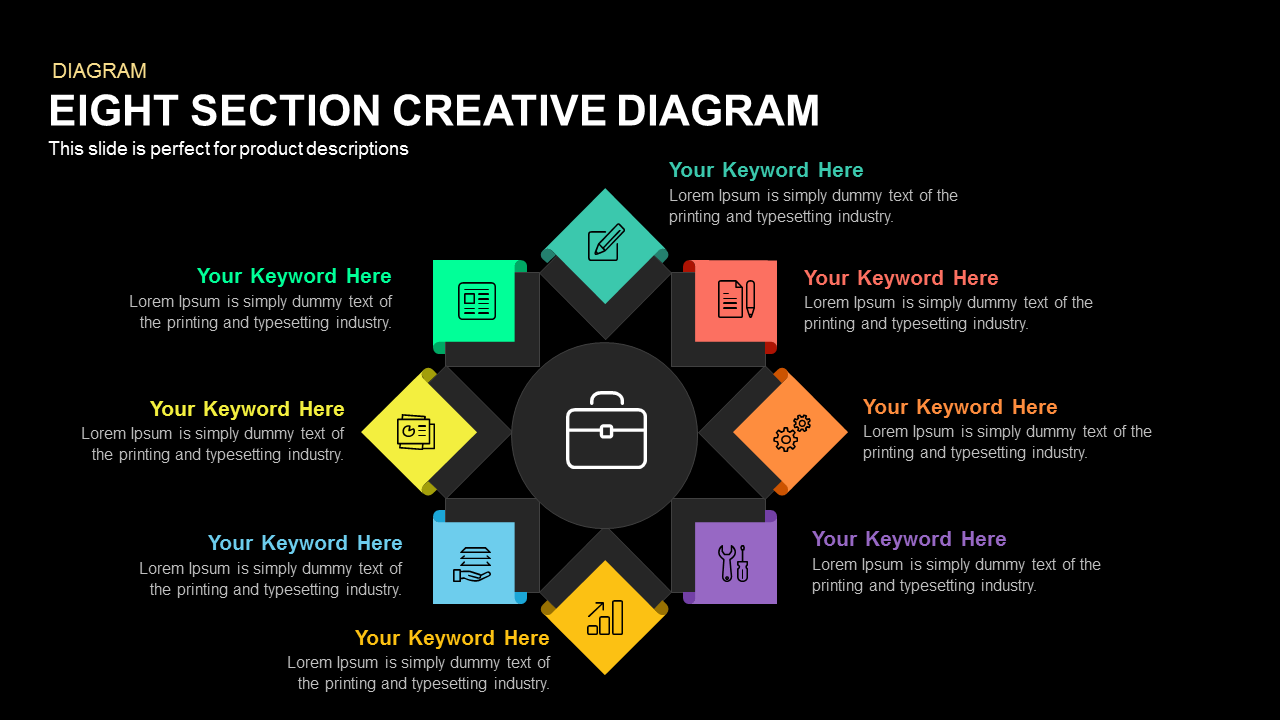
Eight Section Creative Diagram Template for PowerPoint
Circular

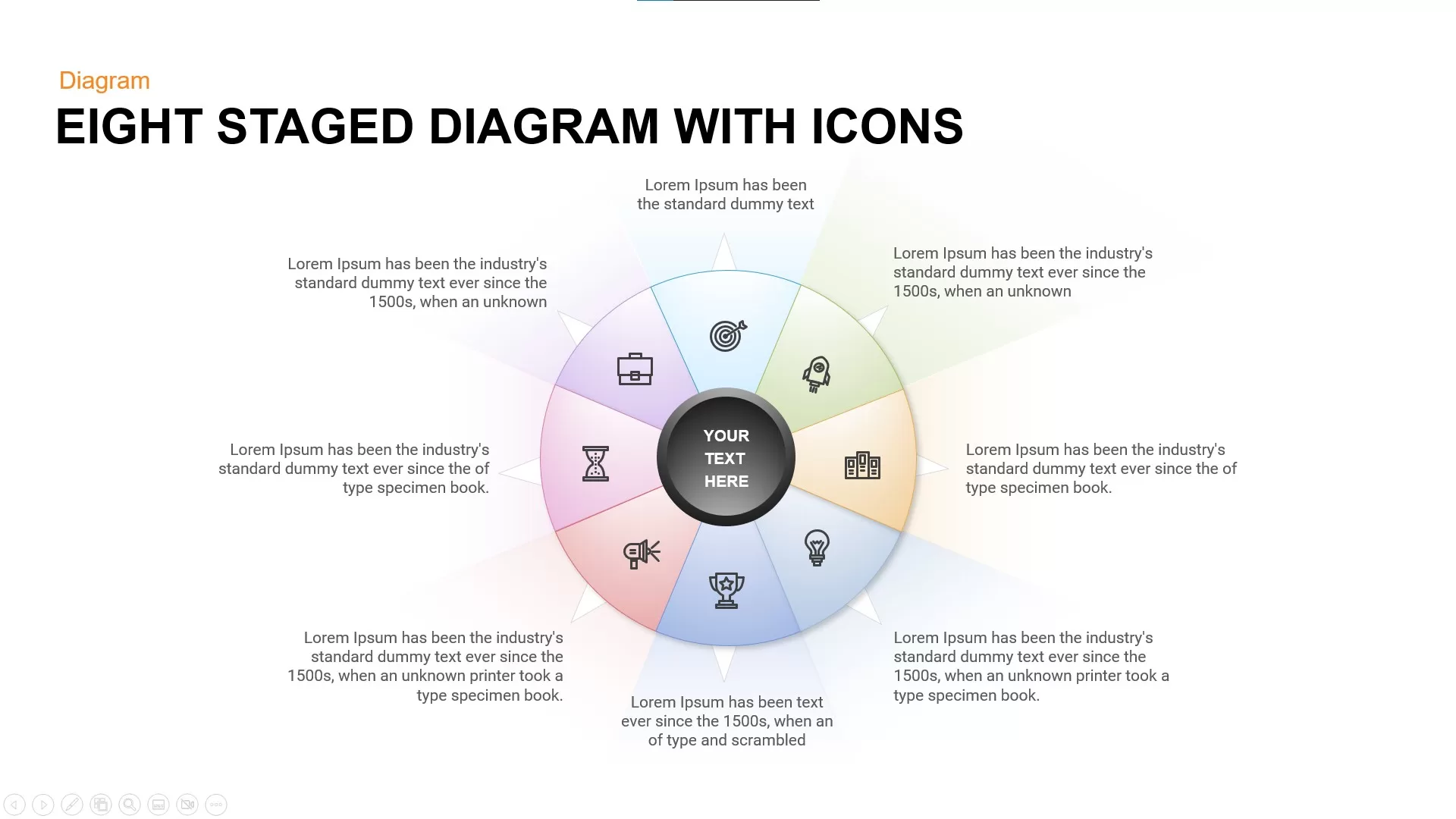
Eight Staged Diagram with Icons Free PowerPoint Template
Process
Free
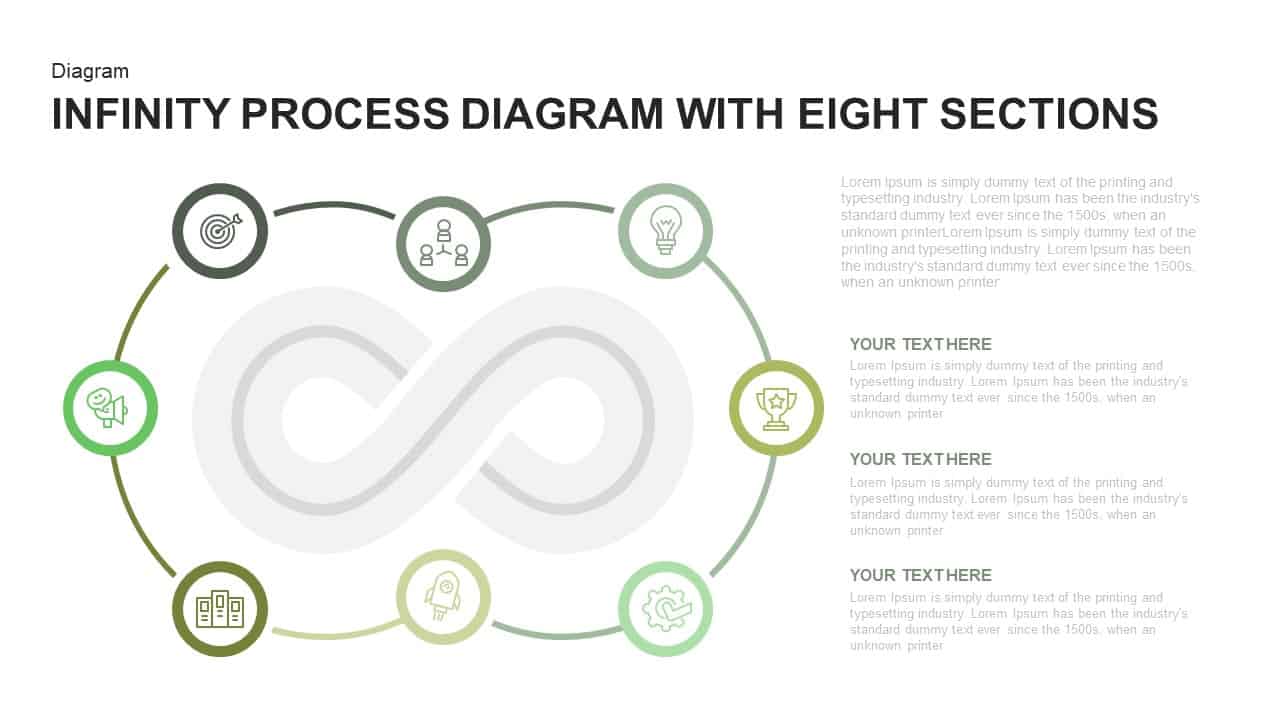
Infinity Process Diagram PowerPoint Template with Eight Sections
Process
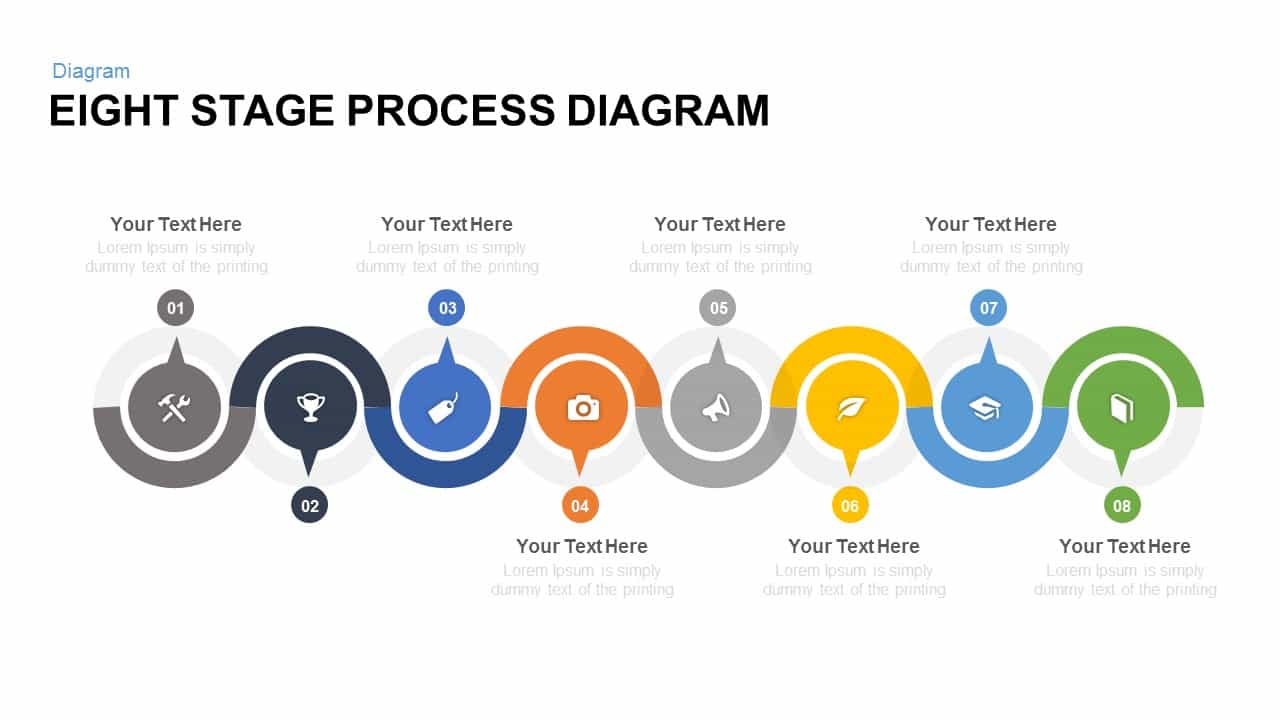
Eight Stage Process Diagram Template
Process
Eight Section Lab Infographic with Icons Template for PowerPoint & Google Slides
Circular
Eight-Segment 3D Arrow Infographics Template for PowerPoint & Google Slides
Arrow
Modern Custom Eight-Branch Mind Map Template for PowerPoint & Google Slides
Mind Maps
Six-Step Circular Diagram Infographics Template for PowerPoint & Google Slides
Circular