Eight-Segment 3D Arrow Infographics Template for PowerPoint & Google Slides
8 Segment 3D Arrow PowerPoint Template
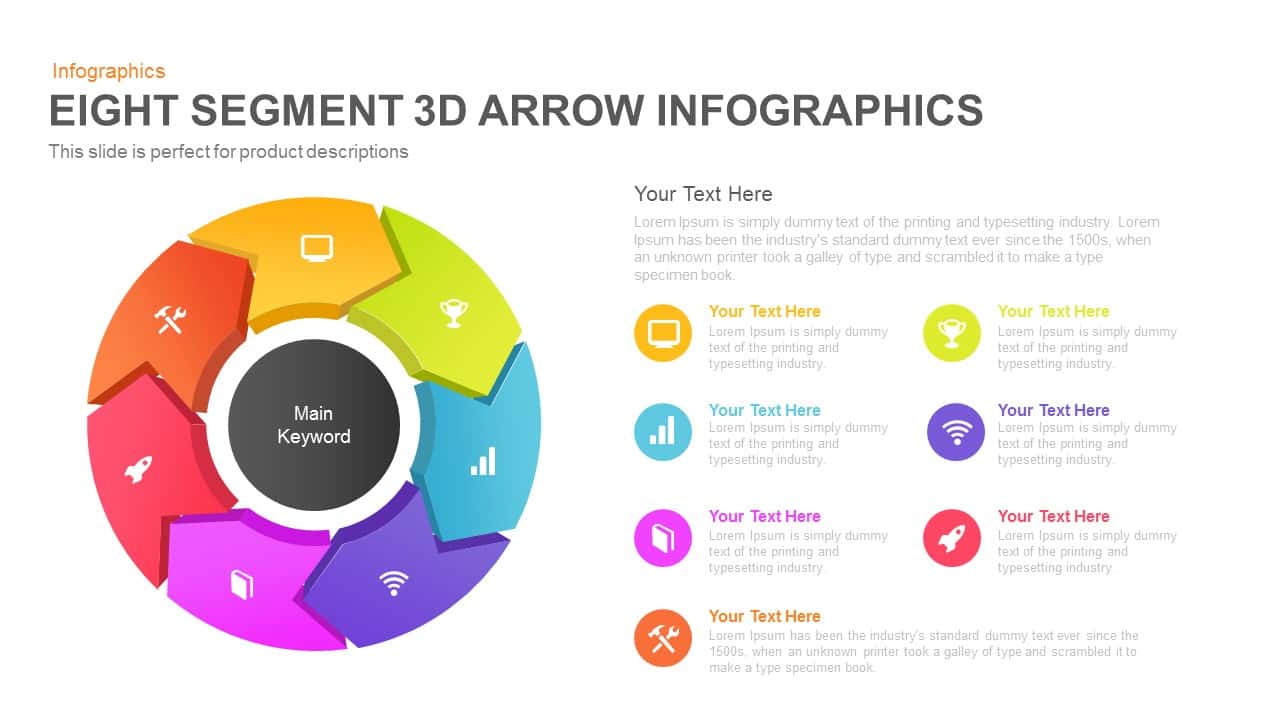
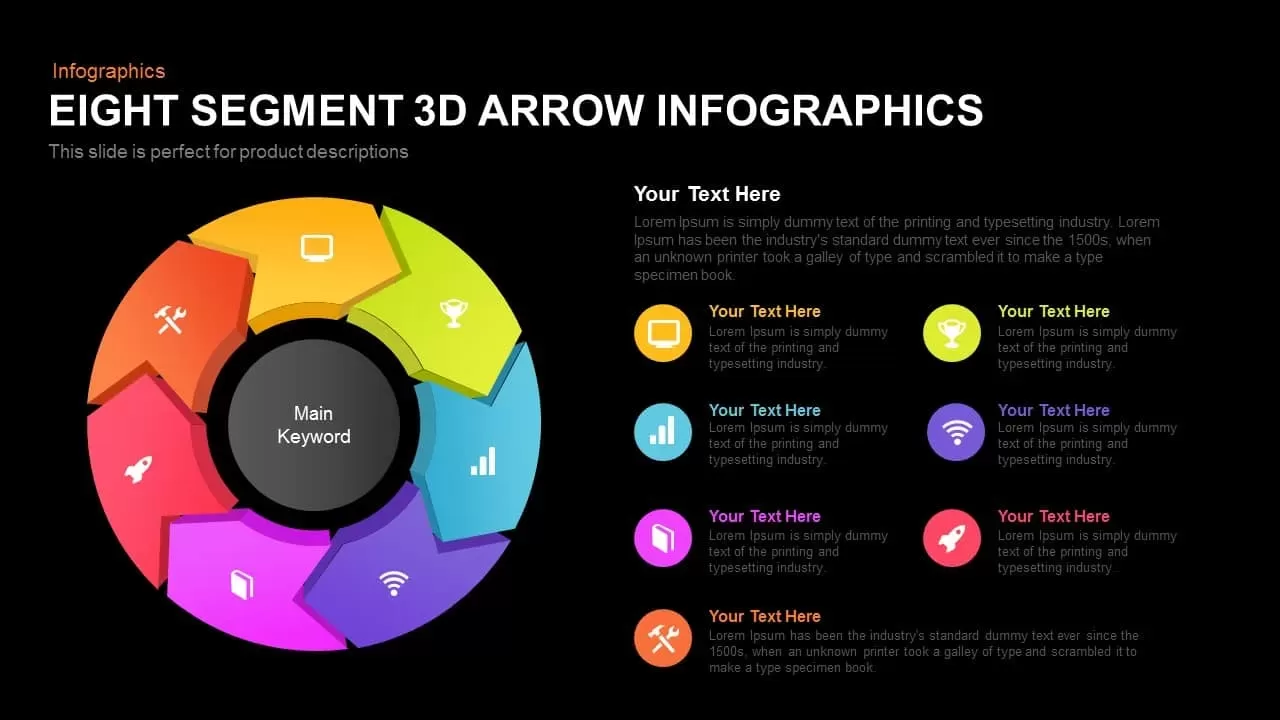
Leverage this vibrant eight-segment 3D arrow infographic to present complex workflows, processes, or strategic frameworks with visual clarity. At the center, a “Main Keyword” placeholder anchors eight glossy vector arrows—orange, lime, green, teal, blue, purple, magenta, and red—arranged in a perfect circle. Each arrow features a white icon and a detachable callout line that leads to a text box for concise labels or metrics. Semi-transparent gradient arrows on the slide margins hint at guided navigation or step-by-step storytelling.
Eight segment 3d arrow PowerPoint template is a business flow template slide, professionally created with unique arrow shapes and quality icons for PowerPoint. This diagram distinctly shows circular movements with interrelations. Other than sequential slides leading up to seven steps, the template may also serve as eight segmented business planning strategy slides for project managers. Each segment is beautifully colored, and color codes show the text descriptions enable the viewers to easily understand the concepts. This slide can be used in business where users need to display an idea in terms of steps, a process flow, or even a cycle. Step-by-step methods that have seven or eight steps can easily fit in into this eight-segment 3d arrow PowerPoint infographic and Google Slides template. The infographic icons- desktop, bar chart, book, tools, trophy, data connection, and rocket have powerful meaning in business management and organizational development strategy implementation. For example, a trophy has a generic meaning that symbolizes the target or goal. Likewise, other slides have common usages; the presenter can use these general meanings or attribute meanings that are interactive with the presentation theme. Users can easily edit the slide elements, including text or steps on the specific segments. They can further add detailed information next to each segment or customize the design.
The Arrow PowerPoint template is best suited for business organizations, academic as well as other relevant concepts. The Google Slides template is adaptable in PowerPoint in both ratios 4:3 normal and 16:9 widescreen. Users can check more useful arrow diagrams for presentations.
You can access more 3D PowerPoint Templates here. Grab the free PPT now!
Login to download this file

Item ID
SB00486


Related Templates

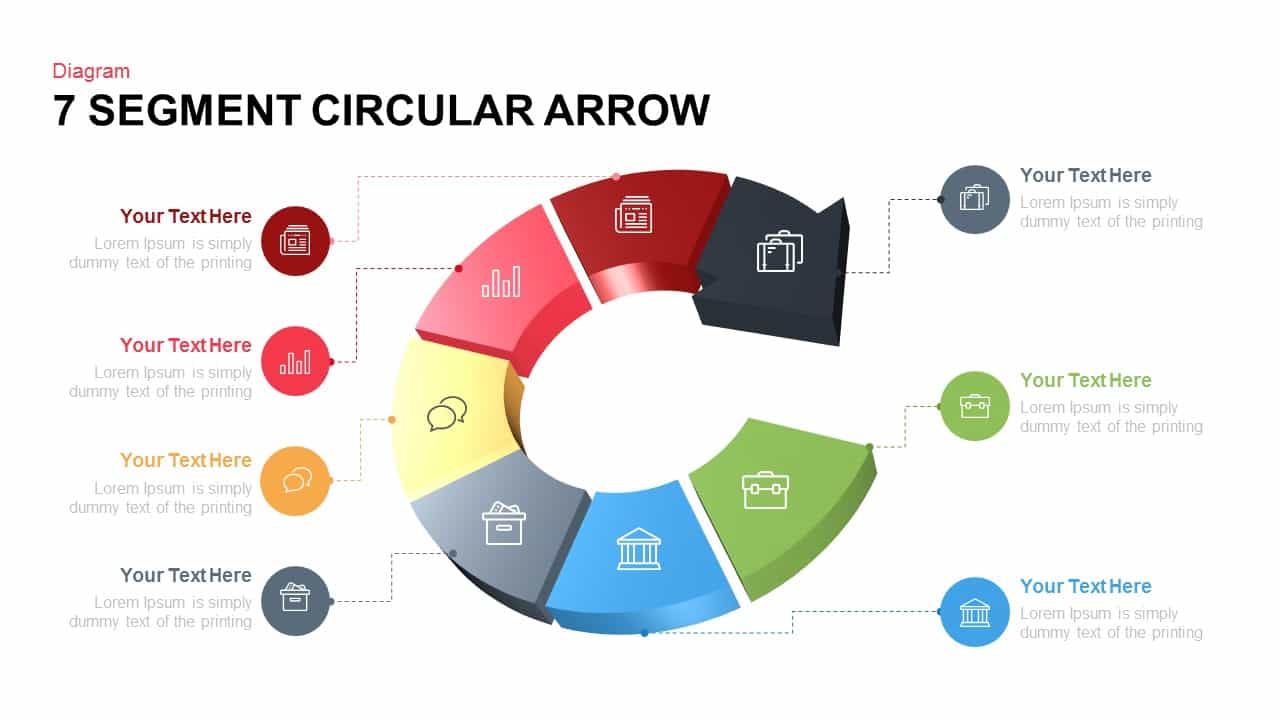
7 Segment Circular Arrow Template
Arrow
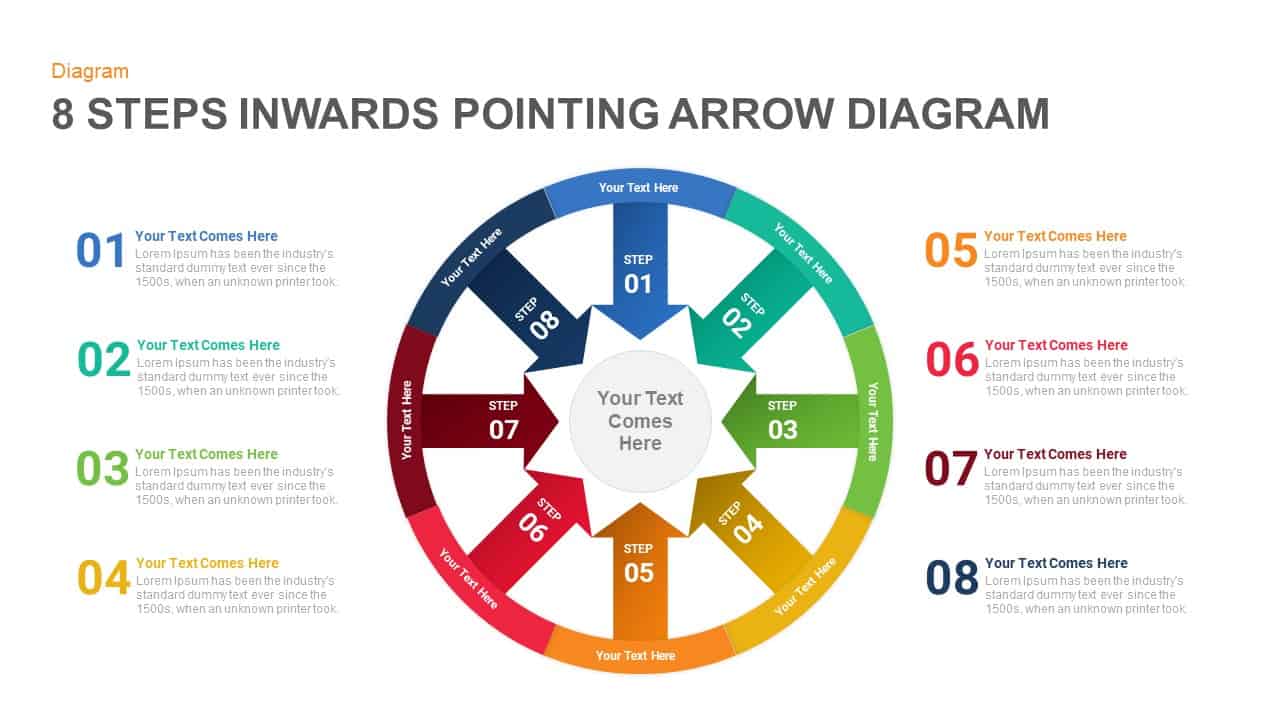
Eight-Step Inward Arrow Diagram Template for PowerPoint & Google Slides
Arrow
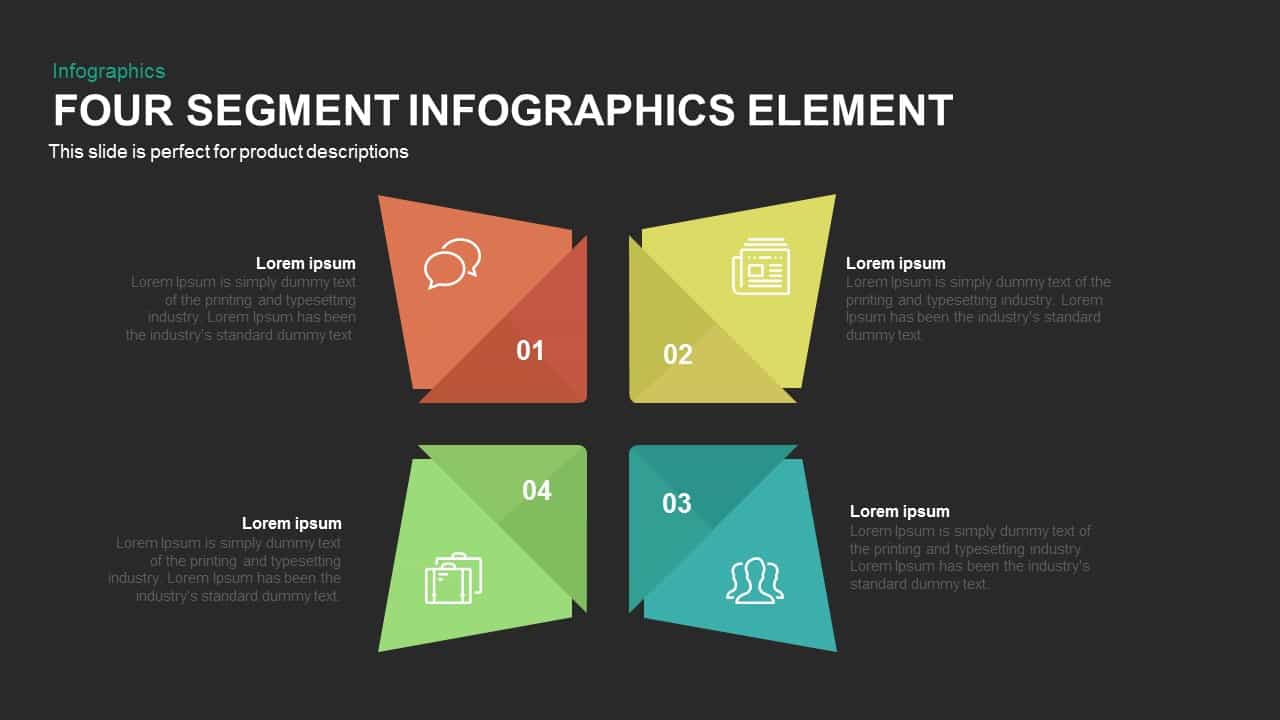
4 Segment Infographics Elements PowerPoint Template
Comparison
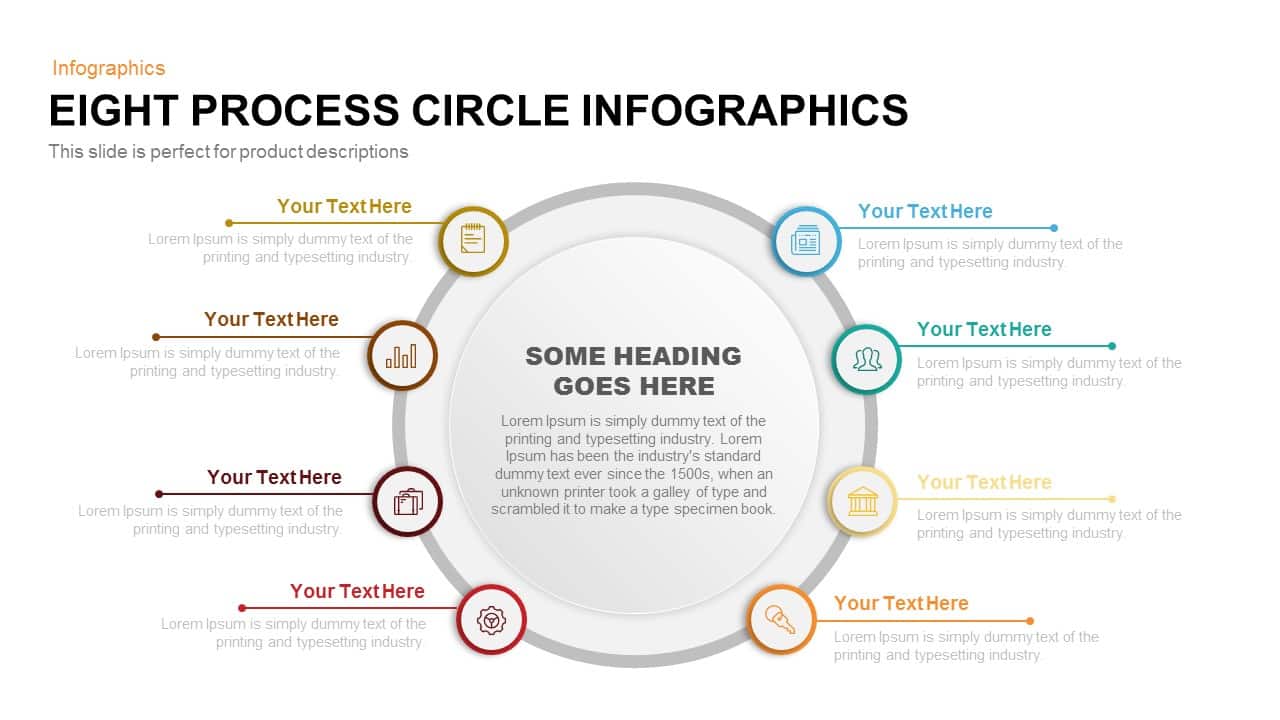
Eight Process Circle Infographics Template
Circular
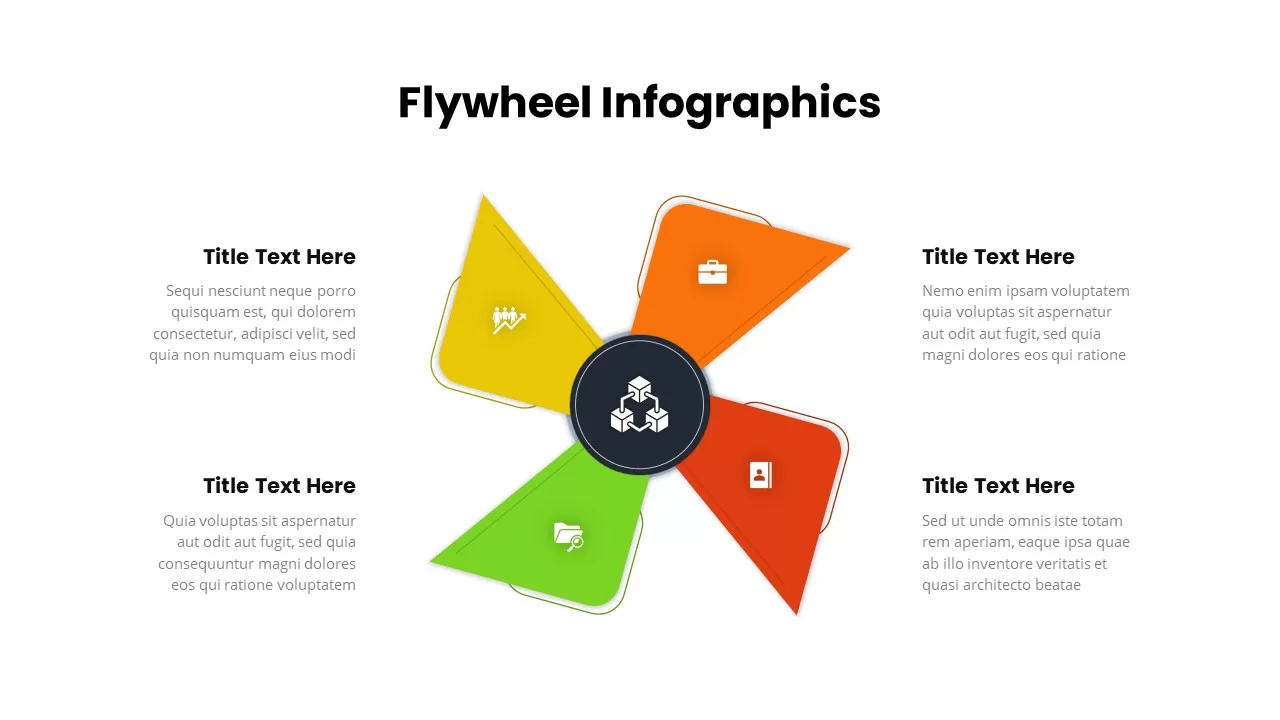
Four-Segment Flywheel Infographic Model Template for PowerPoint & Google Slides
Process
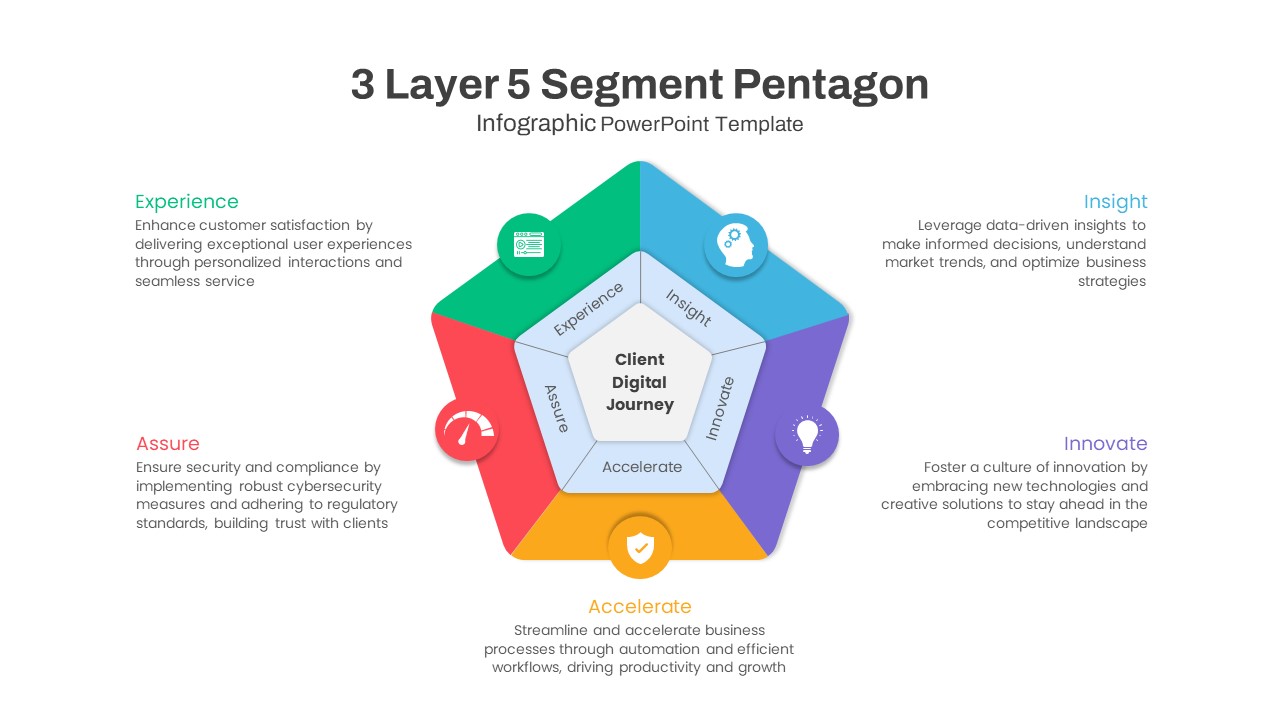
Five-Segment Pentagon Digital Journey Template for PowerPoint & Google Slides
Process
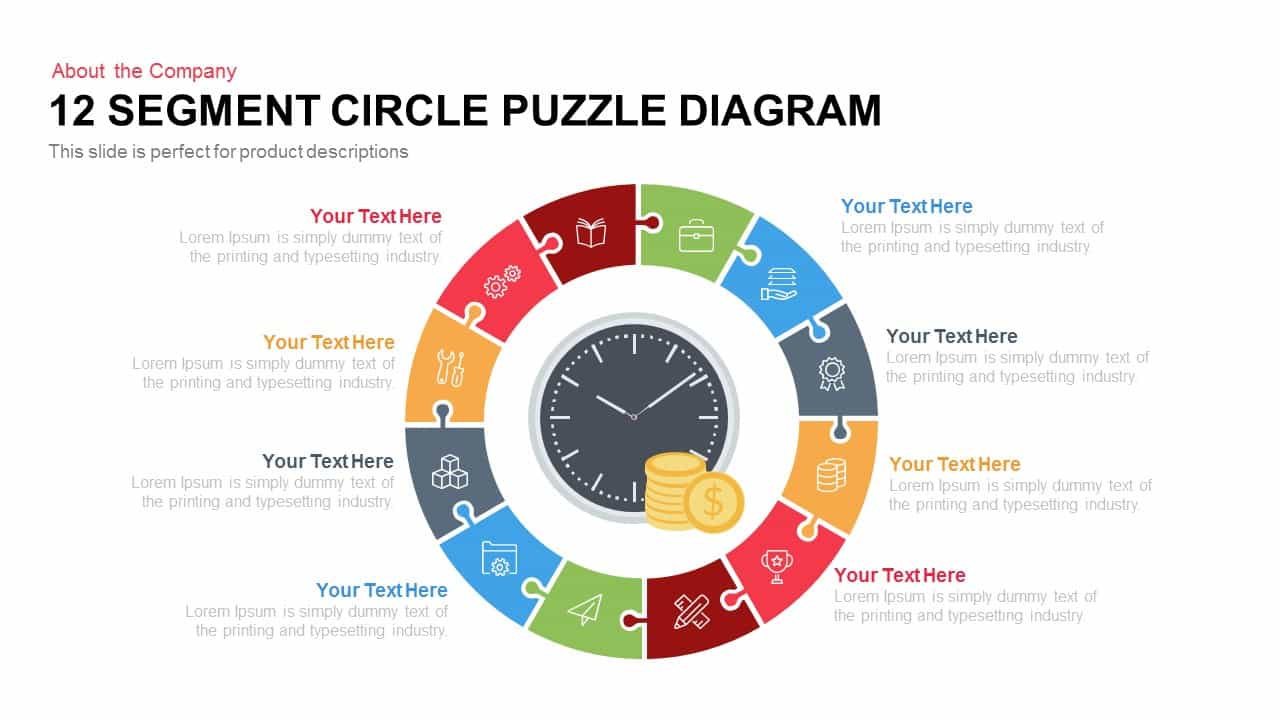
12 Segment Circle Puzzle Diagram Template for PowerPoint
Circular

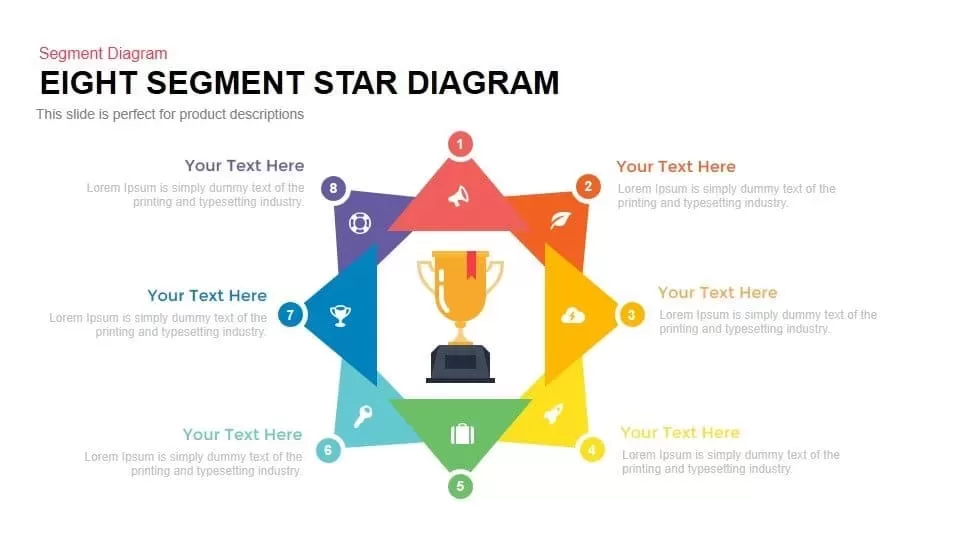
8 Segment Star Diagram Template for PowerPoint
Process
Pie Segment Diagram PowerPoint Template
Pie/Donut
Six Segment Diagram PowerPoint Template
Circular
4 Segment Business Project Template for PowerPoint
Process
Circle Segment Sales Metrics Infographic Template
Circular
Eight Segmented Hemisphere Diagram Template for PowerPoint & Google Slides
Process
Eight Section Circular Diagram Template for PowerPoint & Google Slides
Circular

Eight-Stage Radial Process Flow Diagram Template for PowerPoint & Google Slides
Process
Eight Stage Hourglass Workflow Diagram Template for PowerPoint & Google Slides
Process
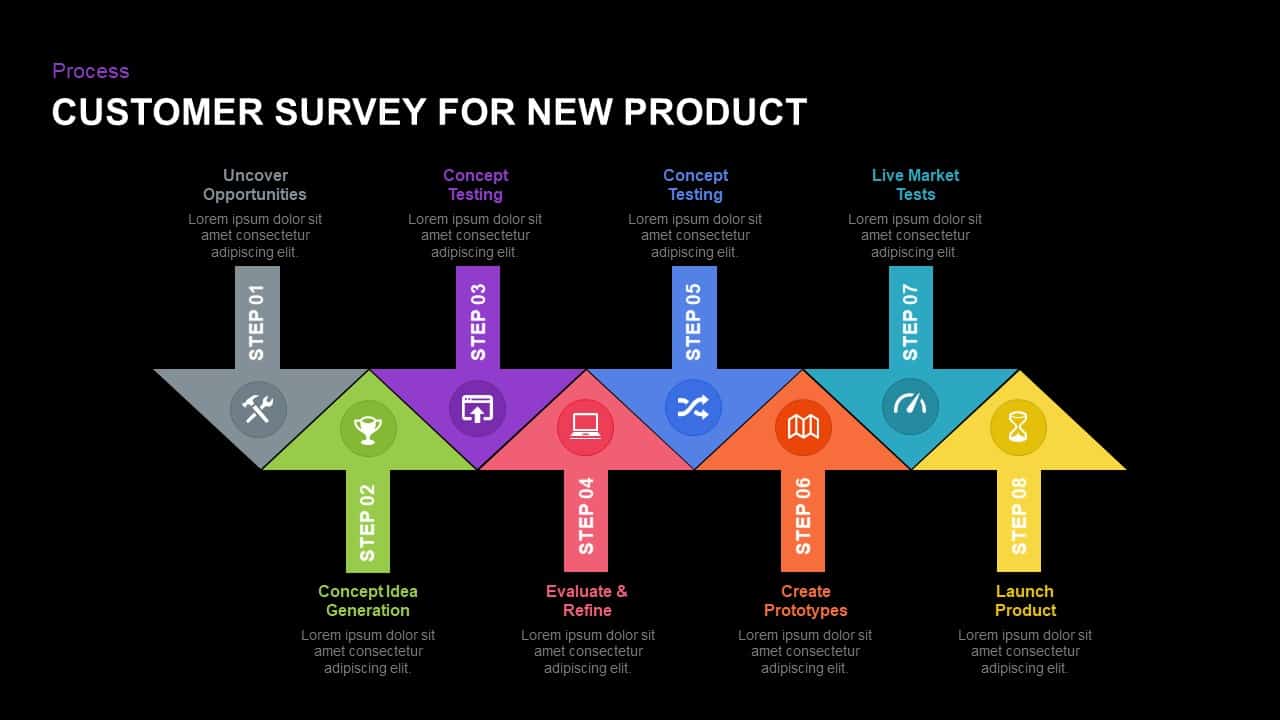
Eight-Step New Product Survey Process Template for PowerPoint & Google Slides
Process
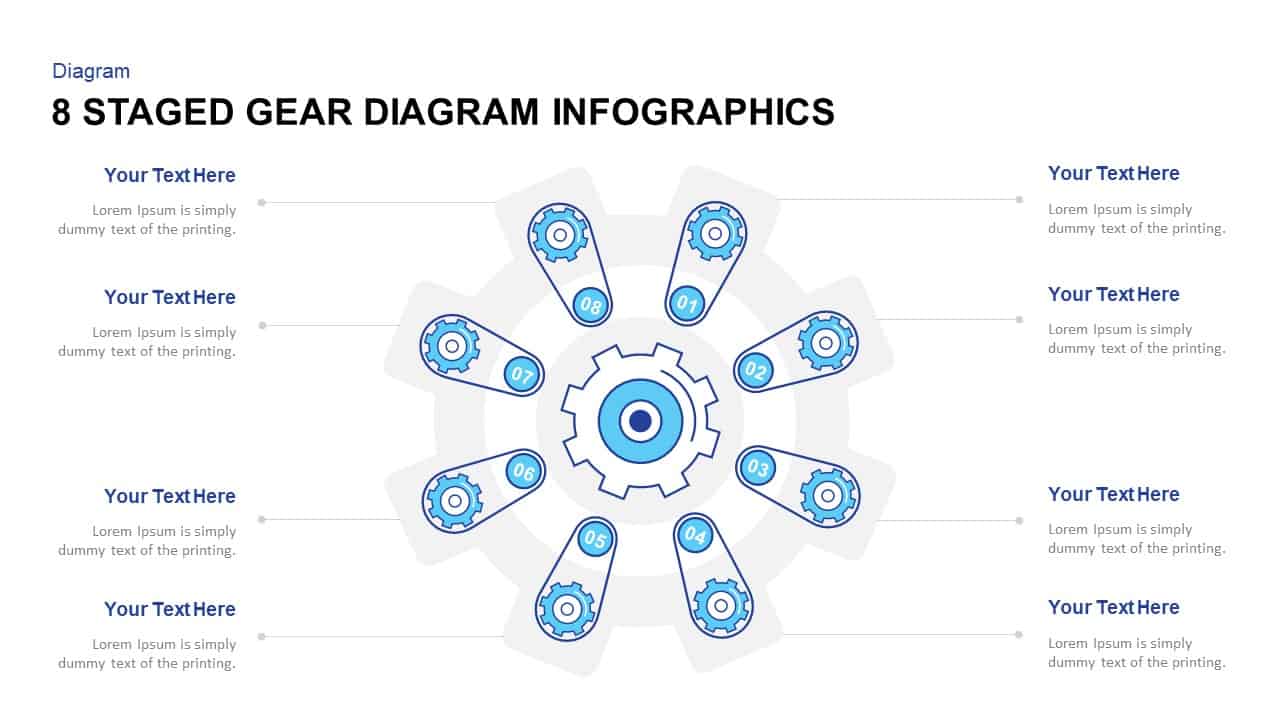
Eight-Stage Gear Diagram Process Template for PowerPoint & Google Slides
Process

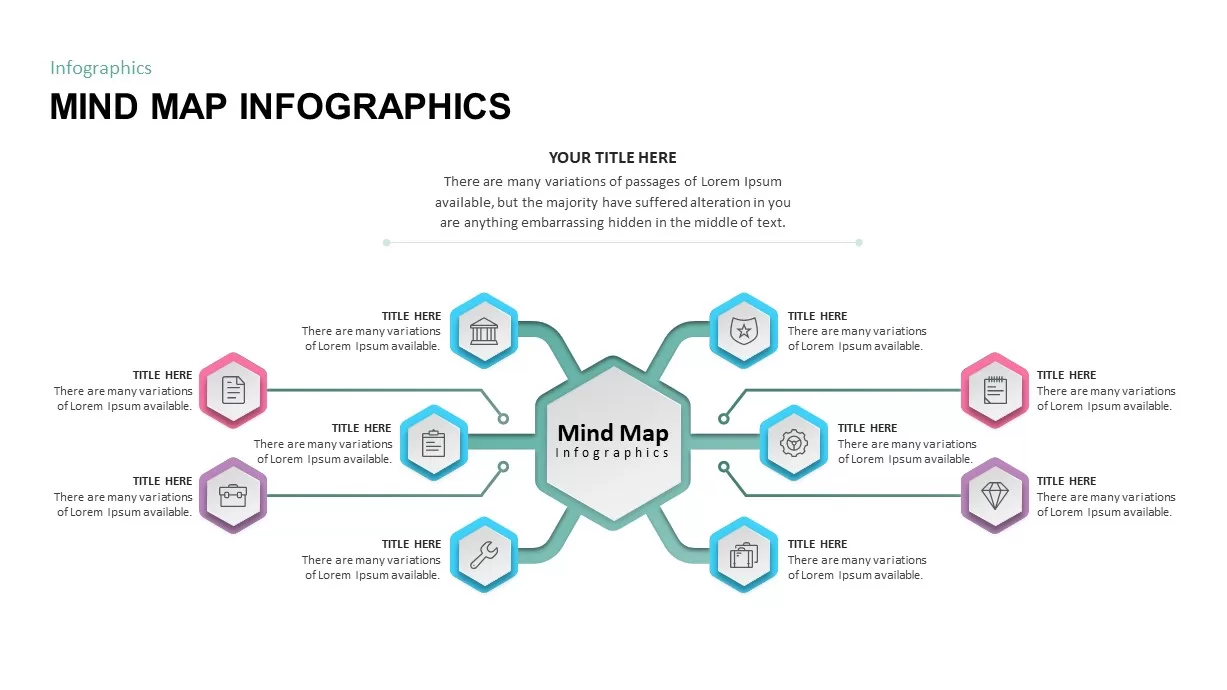
Eight-Node Mind Map Infographic Diagram Template for PowerPoint & Google Slides
Mind Maps
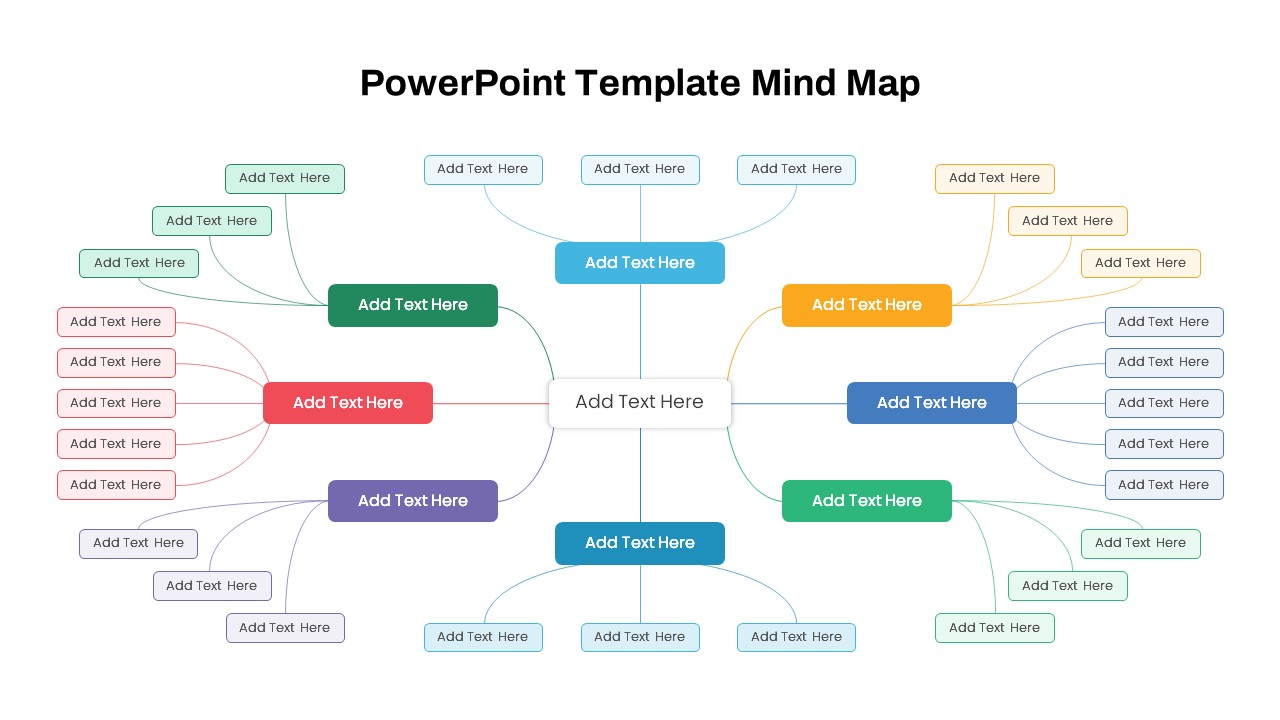
Modern Custom Eight-Branch Mind Map Template for PowerPoint & Google Slides
Mind Maps