Timeline Roadmap Milestone Infographic Template for PowerPoint & Google Slides
Animated Roadmap PowerPoint Template and Google Slides
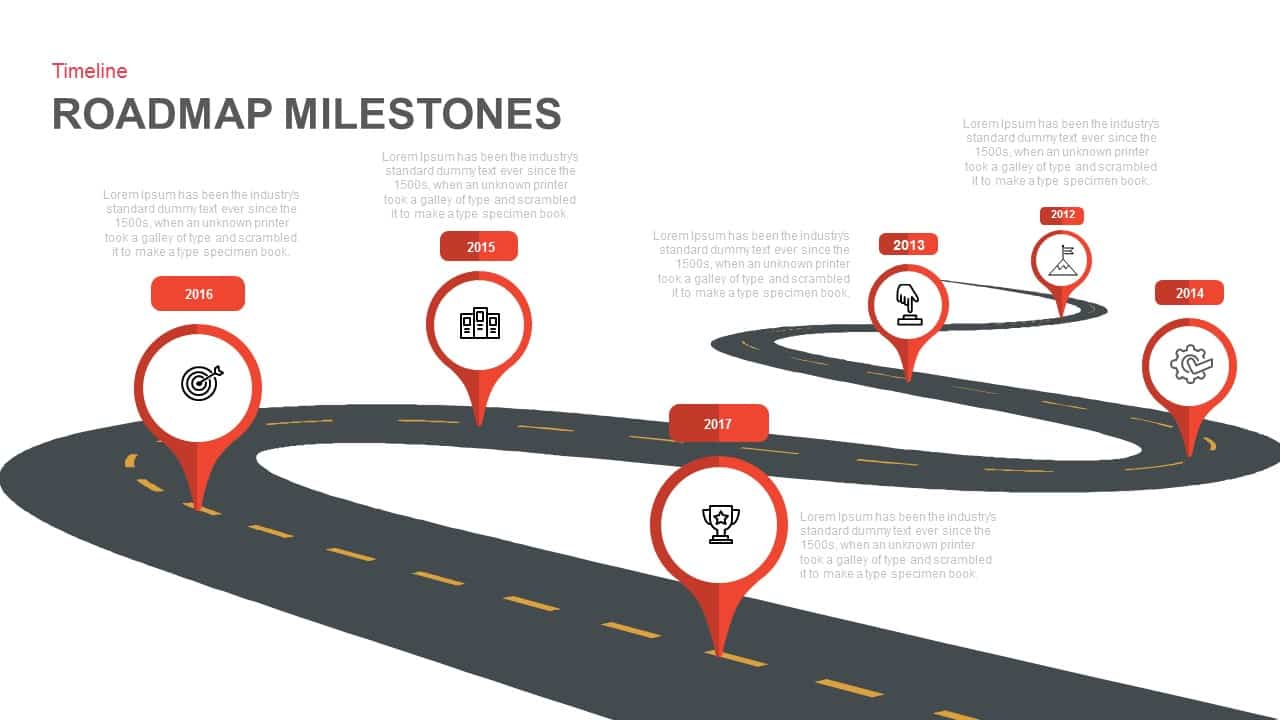
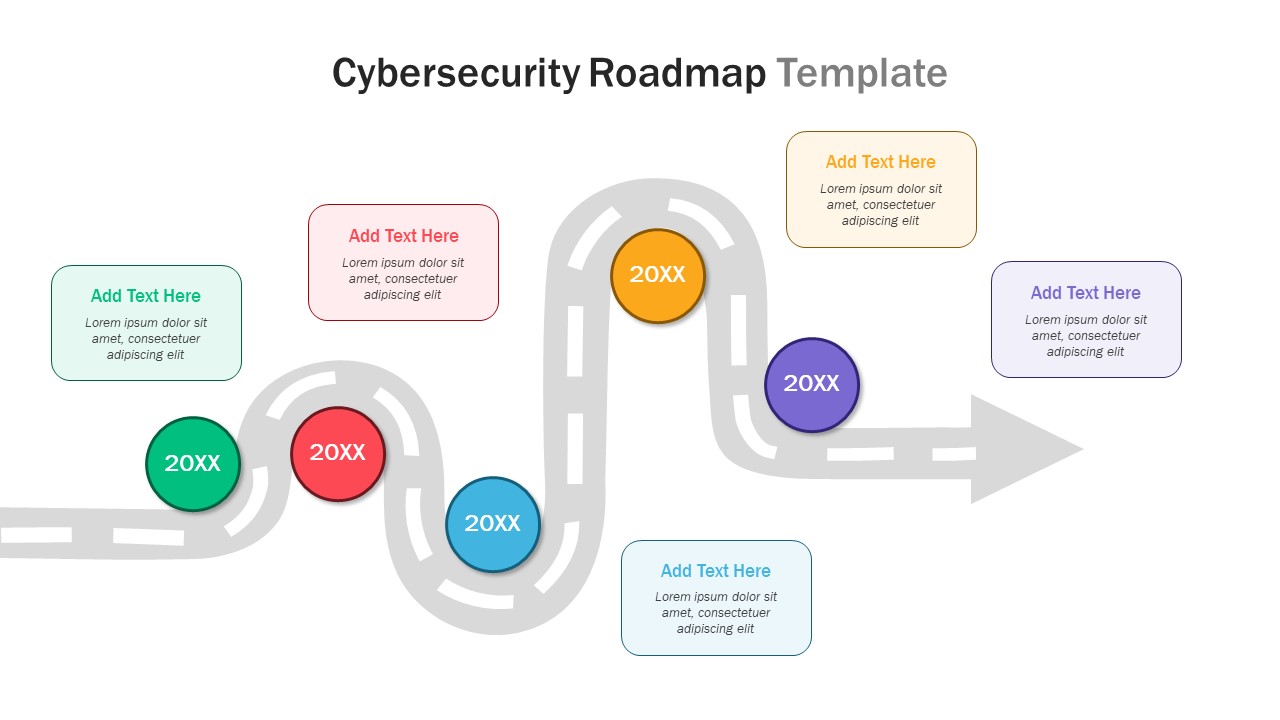
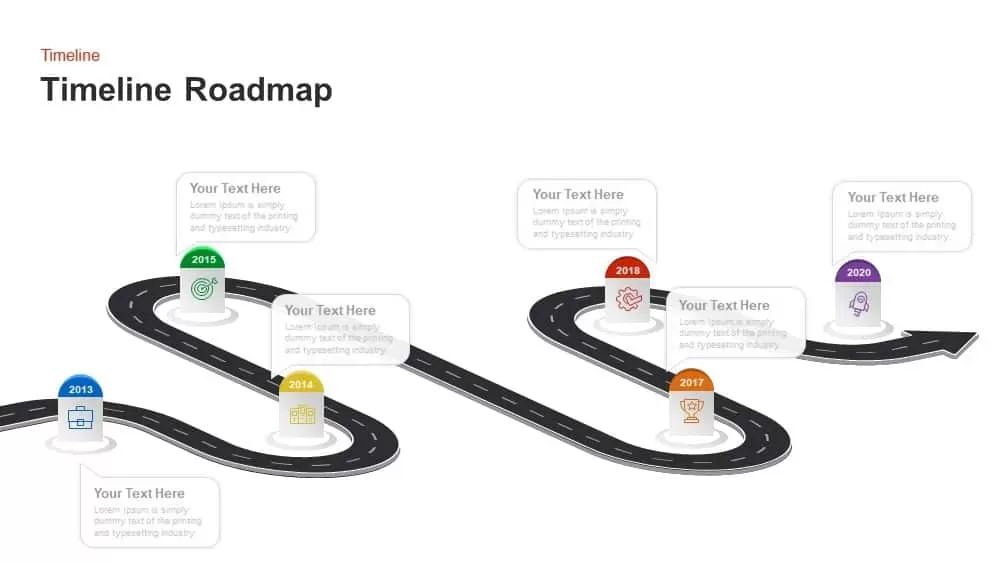
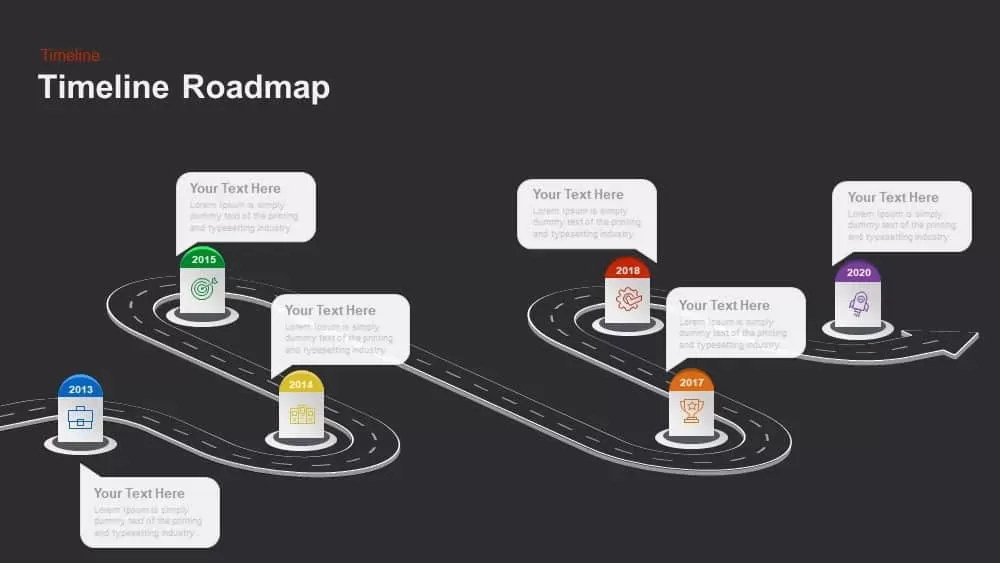
Visualize your project journey with this dynamic timeline roadmap slide, featuring a winding road infographic with six milestone markers—2013 to 2020—each distinguished by color-coded icons. The clean, white background and subtle gray road markings keep focus on editable milestone pods, where you can update years, swap icons, and add custom text. Built on master slides in PowerPoint and Google Slides, all shapes are vector-based for pixel-perfect scaling and effortless recoloring to match your brand palette. Simply drag and drop to reorder milestones, extend the road path, or adjust label positions for future dates. This slide’s intuitive structure streamlines narrative flow, guiding audiences through strategic phases, product launches, or organizational growth stages with clarity and visual appeal. For more structured designs and variations, explore our full library of roadmap templates built for strategy and planning presentations.
The timeline roadmap PowerPoint template contains six milestones in a curved road sequence. Each curve represents milestones and barriers. The curves are considered barriers that hinder the smooth progress of the enterprise. Make a professional PowerPoint presentation using a timeline roadmap template. The roadmap slide can be used to display a business presentation involving the organization’s upcoming events and activities along with past developments. In this format, the concepts can be easily understood by all types of viewers. The curved highway with landmarks is artistically designed, and it will catch the attention. The milestones in curves are symbolically represent barriers of growth and significant achievements. The presenter can illustrate plans and strategies in the place of milestone text placeholders. Apart from this, the past development strategies can be highlighted in chronological order.
Timeline Roadmap Milestone Infographic looks attractive and aesthetically designed. The black highway in the white background seems to be very attractive because the milestones are colored in a seamless combination; the colors are only applied in the upper and central parts of the milestones. This makes the slide is more attractive. The PowerPoint template is suitable for business presentations, such as project proposals, to display the suggested schedule for project design and implementation.
Login to download this file

Item ID
SB00871


Related Templates

Looping Roadmap Milestone Slides Template for PowerPoint & Google Slides
Roadmap
Milestone Roadmap Template for PowerPoint & Google Slides
Roadmap
Business Target Milestone Roadmap Template for PowerPoint & Google Slides
Roadmap
10 Stage Business Milestone Timeline PowerPoint Template for PowerPoint & Google Slides
Timeline
Multi-Color Milestone Timeline Layout Template for PowerPoint & Google Slides
Timeline
PowerPoint Timeline Milestone Template
Timeline
Project Milestone Timeline PowerPoint Template
Timeline
Progress Bar and Milestone Visualization Template for PowerPoint & Google Slides
Timeline
Milestone Progress PowerPoint Template
Business Plan
SEO Ascending Milestone Process PowerPoint Template
Process
Milestone Chart PowerPoint
Timeline
Free Milestone PPT Template
Timeline
Free

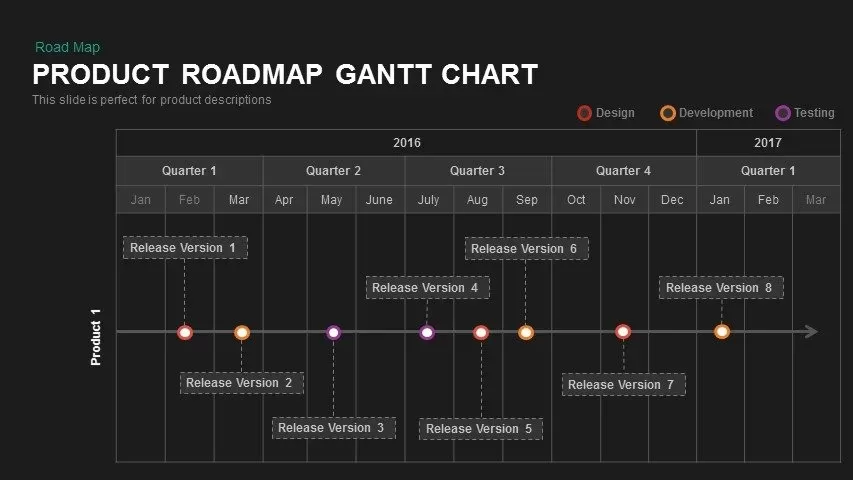
Product Roadmap Gantt Chart Timeline template for PowerPoint & Google Slides
Gantt Chart
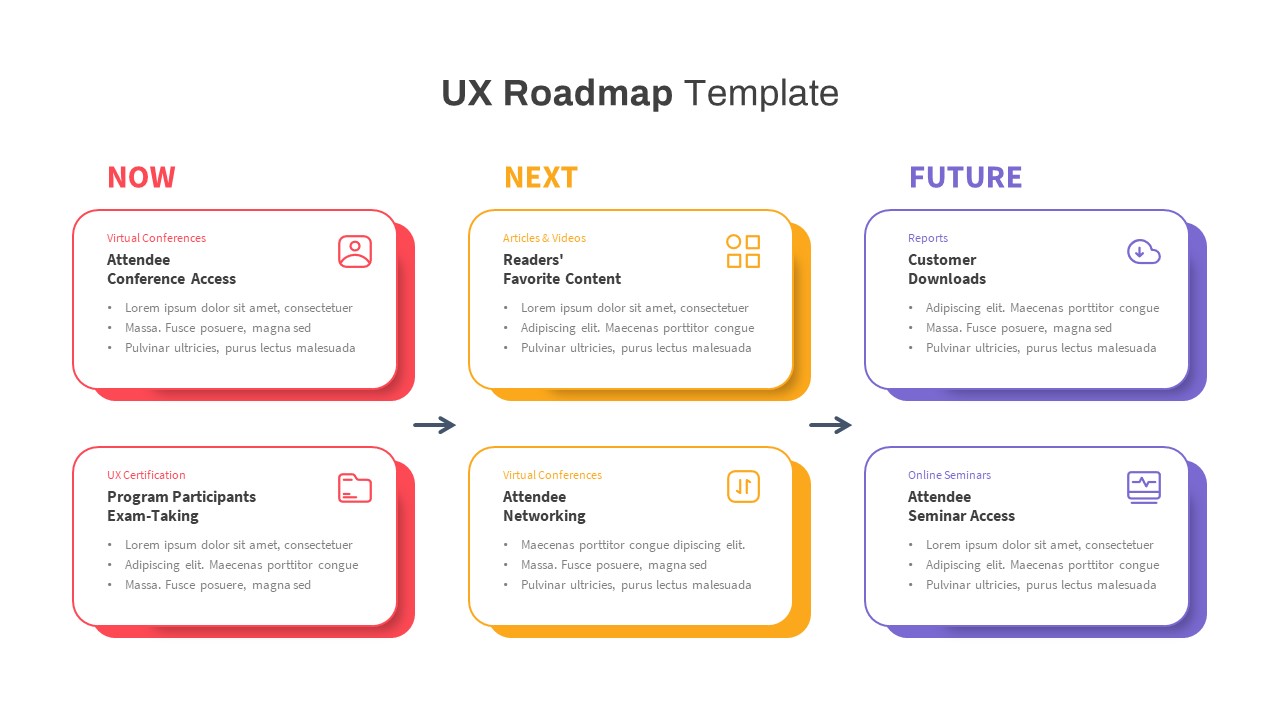
UX Roadmap Timeline Template for PowerPoint & Google Slides
Roadmap
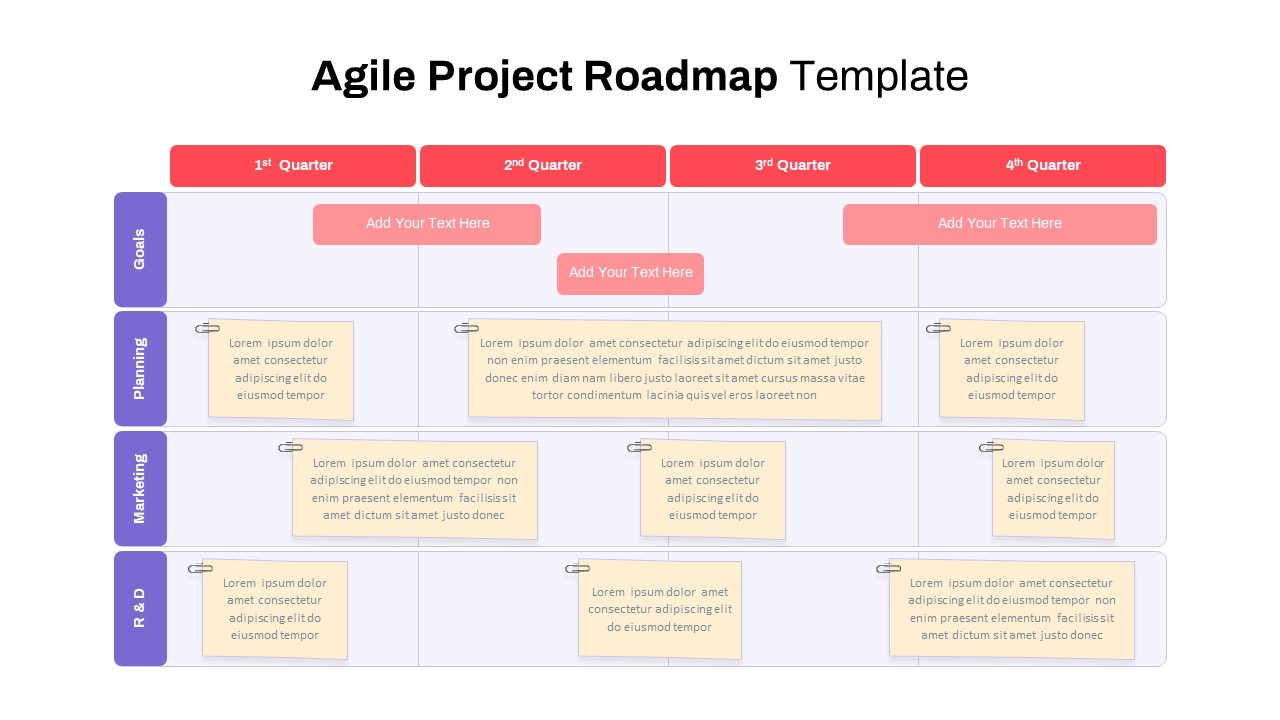
Agile Project Roadmap Timeline Template Pack for PowerPoint & Google Slides
Scrum
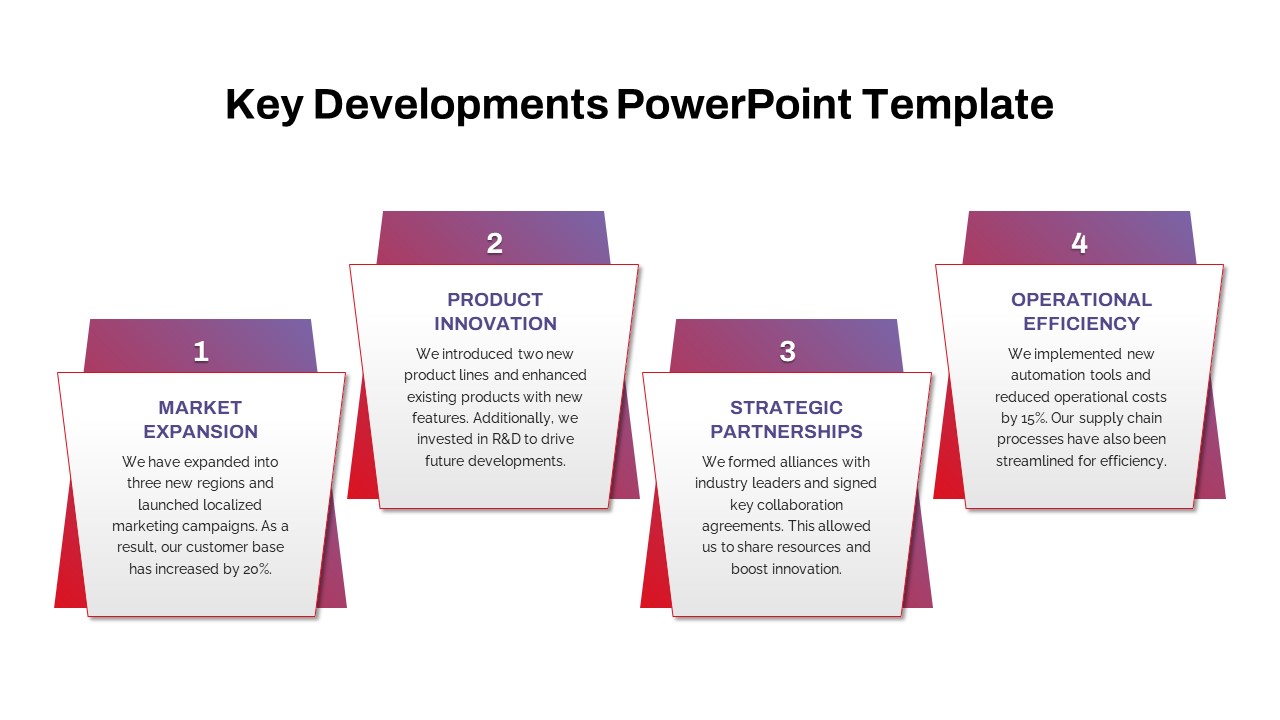
Key Developments Roadmap Timeline Template for PowerPoint & Google Slides
Timeline
Interactive Innovation Timeline Roadmap Template for PowerPoint & Google Slides
Timeline
AI Roadmap & Planning Timeline Template for PowerPoint & Google Slides
Roadmap
Business Launch Timeline Roadmap 5-Phase Template for PowerPoint & Google Slides
Business
Cybersecurity Timeline Roadmap Slide for PowerPoint & Google Slides
Information Technology