Competitive Benchmarking Template for PowerPoint & Google Slides

Competitor Benchmarking Slides
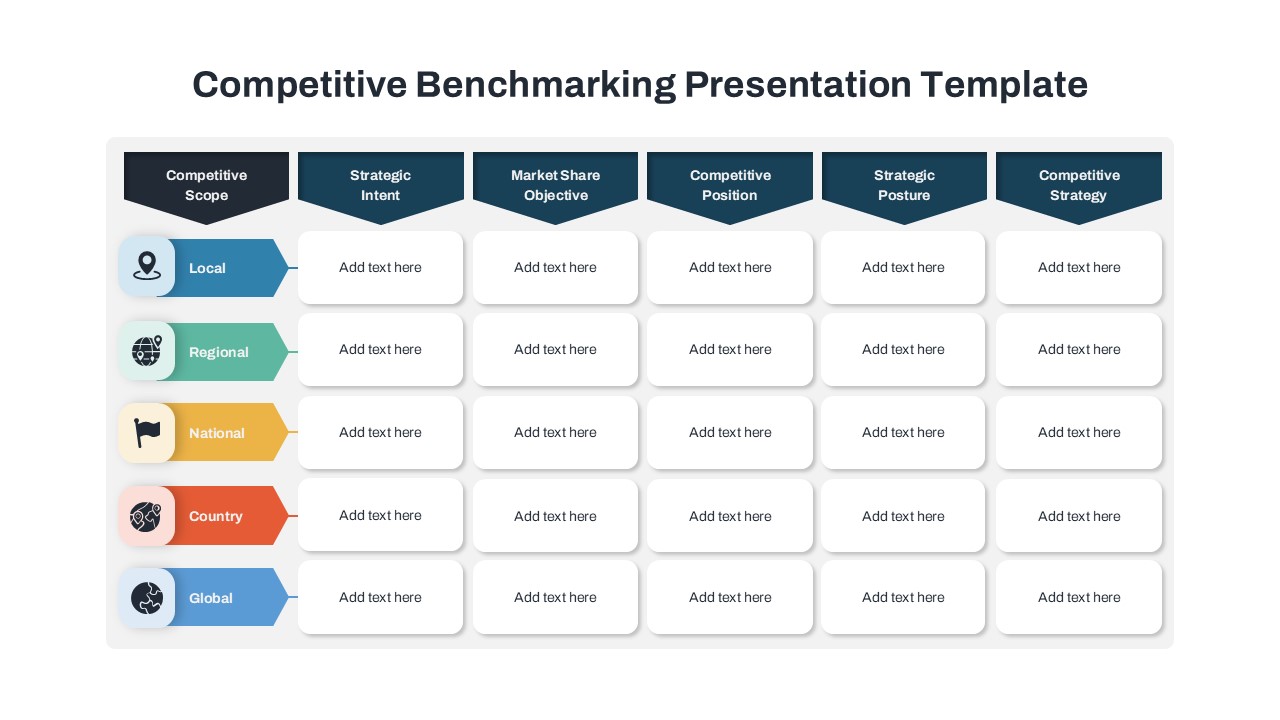
Leverage this competitive benchmarking template and compare multiple market players across key strategic dimensions. The table features six strategic criteria at the top—Competitive Advantage, Strategy, Revenue Generative, Competitive Positioning, Strategic Priorities, and Competitive Overview—and five customizable competitor rows, each marked by a distinct icon and row label. This structured grid layout ensures stakeholders can quickly scan differences side by side, while bold header shapes and sequential row accents guide visual flow. Use the clean, modern design to communicate comparative insights with maximum clarity and impact in boardroom presentations or digital reports.
Fully editable in both PowerPoint and Google Slides, this template relies on master slides, linked placeholders, and vector icons for seamless customization. Modify column headers, update row labels, swap in your own logos or icons, and adjust the color scheme to match corporate branding. Reorder or duplicate rows to emphasize priority competitors or narrow your focus to specific metrics. The high-resolution vector elements maintain crispness at any scale, while optional animations enable step-by-step reveals for dynamic presentations. Streamline your workflow with global style integration to ensure consistency across all slides in your deck.
Key Features of the Competitive Benchmarking Template for PowerPoint
- Strategic Intent – Identifies long-term objectives.
- Market Share & Objective – Displays current market positioning and goals.
- Competitive Position – Compares strengths and weaknesses with competitors.
- Strategic Position – Analyzes where the company stands in terms of strategy.
- Competitive Strategy – Highlights the company’s action plan for competition.
Uses of the Competitive Benchmarking Template
- Compare your business strategy with competitors.
- Identify gaps in market positioning and develop improvement strategies.
- Track performance at different competitive levels.
- Present insights in a visually appealing format to stakeholders.
- Align business objectives with market trends and industry standards.
Who Benefits from This Comparative Benchmarking Template?
- Business Analysts & Strategists – To track competition and optimize strategies.
- Marketing & Sales Teams – To evaluate market share and develop better positioning.
- Startups & SMEs – To assess their growth potential against larger competitors.
- Corporate Executives – To make data-driven decisions.
Easy Editing & Customization
This Competitive Benchmarking Chart PowerPoint Template is fully editable. Users can modify colors, fonts, and content to suit their specific industry and branding. With PowerPoint’s drag-and-drop functionality, customization is quick and seamless.
Download this template today to gain a competitive edge in your industry!
Login to download this file

Item ID
SB04777


Related Templates

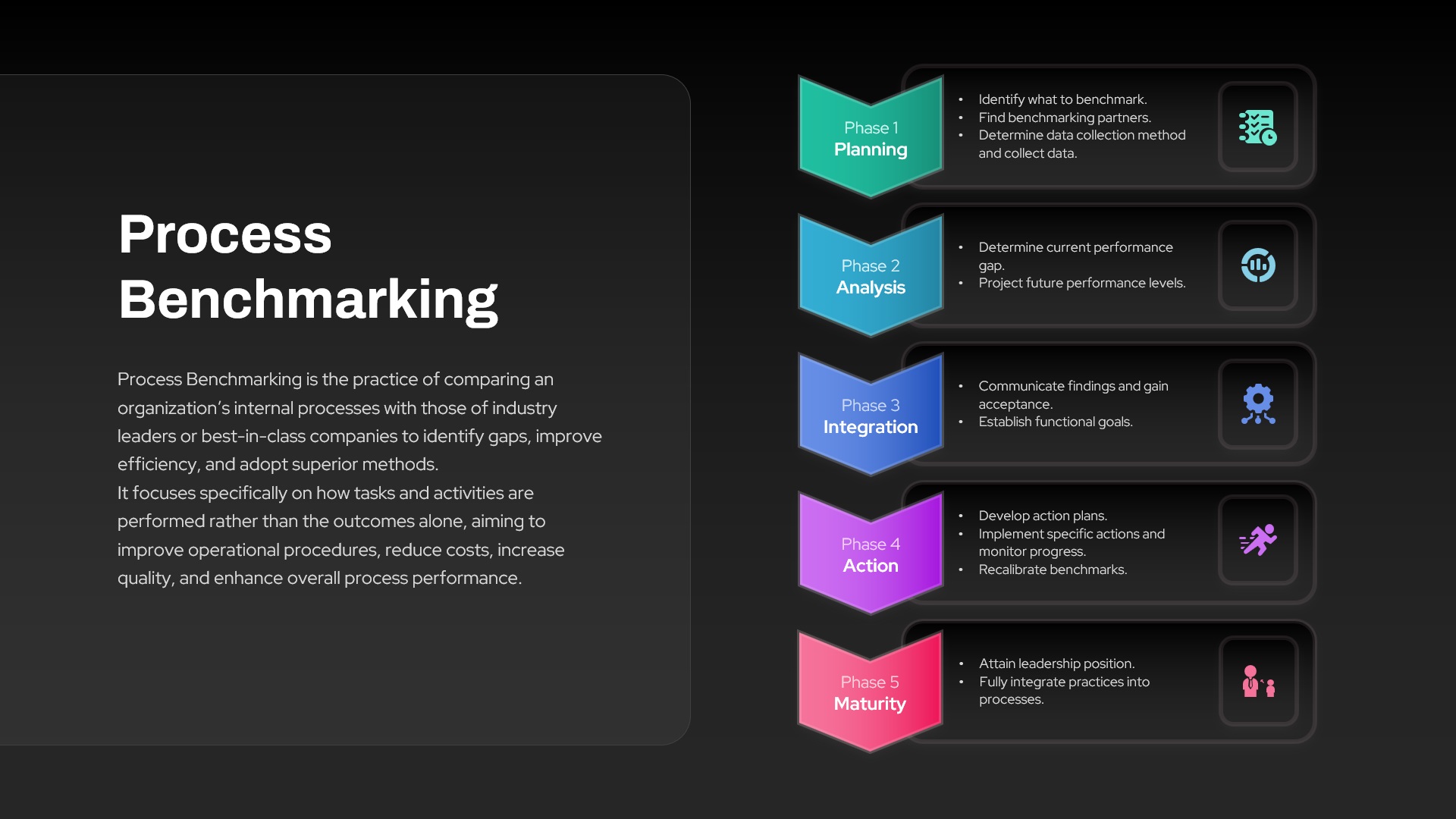
Five-Phase Benchmarking Process PowerPoint Template
Process

Competitive Business Environment Template for PowerPoint & Google Slides
Business
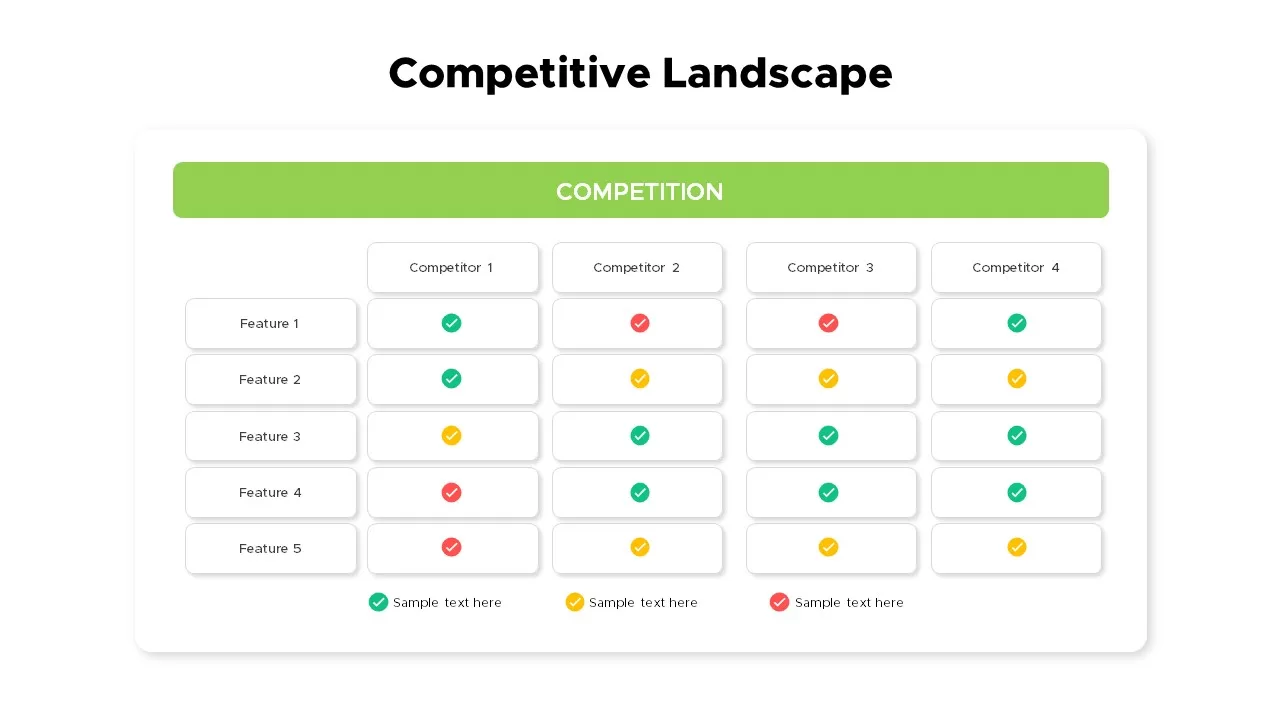
Competitive Landscape Matrix Template for PowerPoint & Google Slides
Comparison
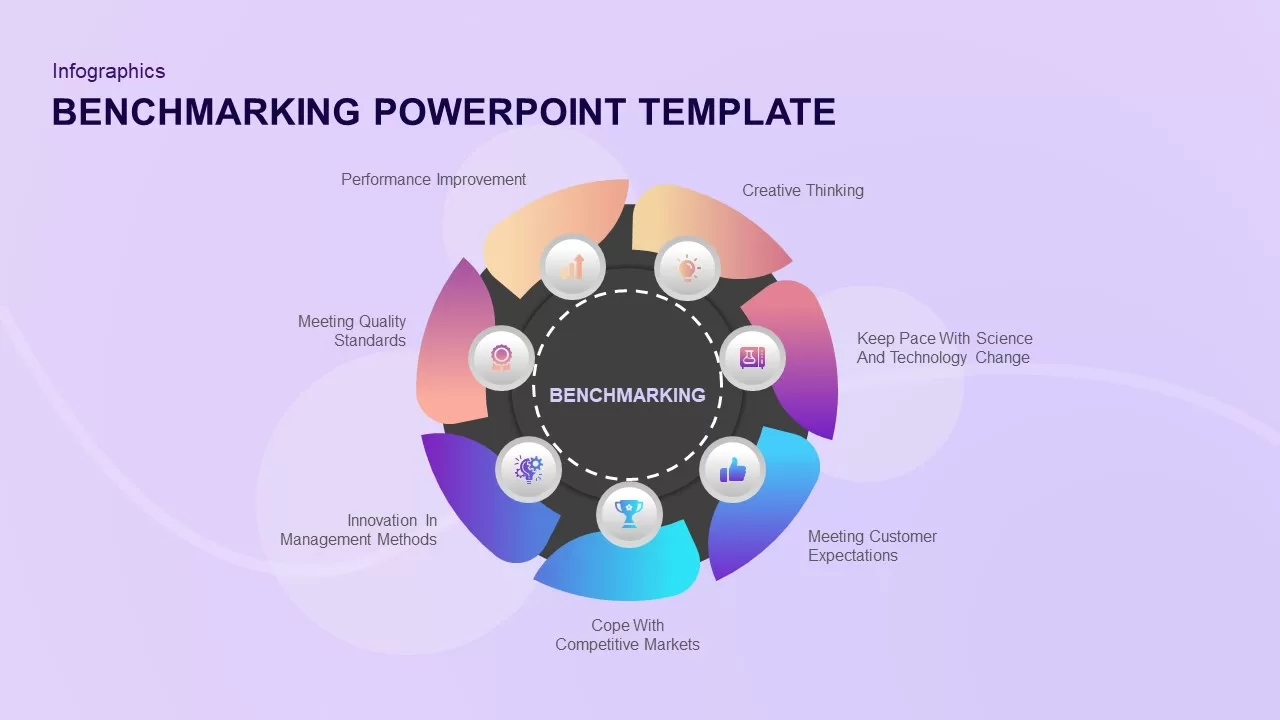
Benchmarking PowerPoint Template
Process
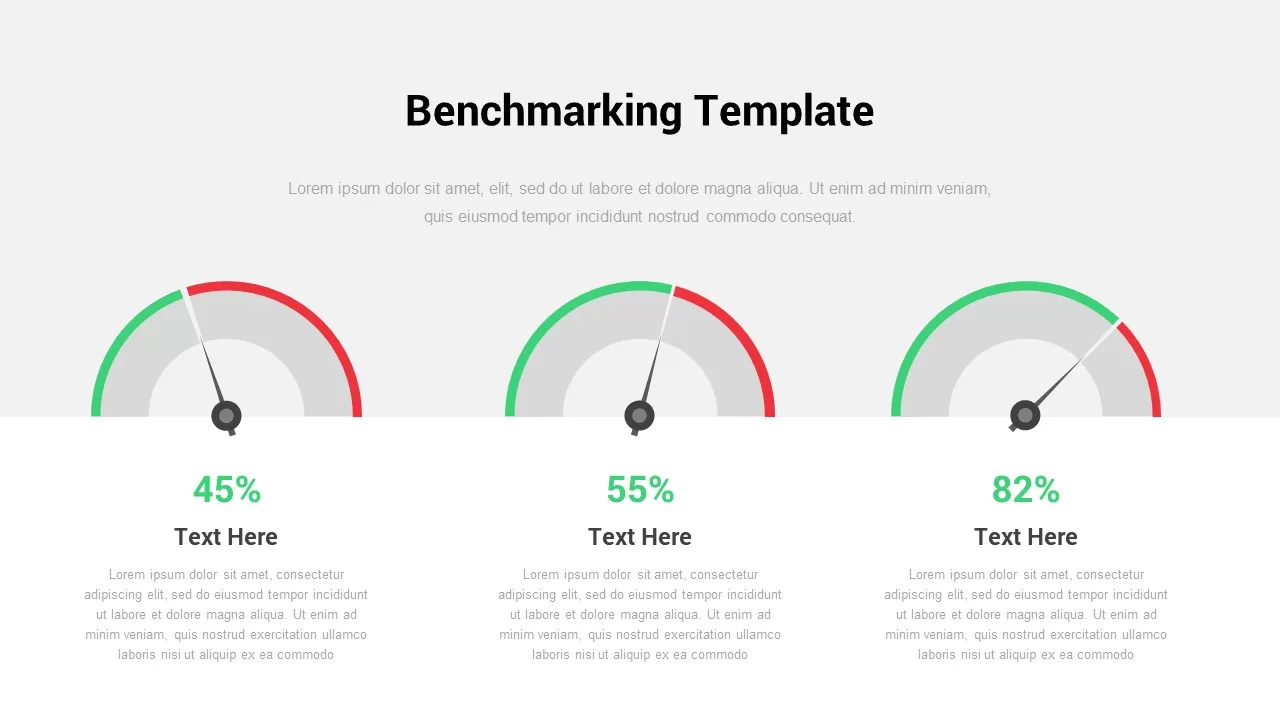
Benchmarking Template for PowerPoint
Pie/Donut
Benchmarking PowerPoint Template
Comparison Chart
Benchmarking Template
Pie/Donut
Benchmarking Presentation Template
Comparison Chart
Competitive Advantage Analysis PowerPoint Template
Business Strategy
Competitive Analysis Framework Template
Business Report
Circular Diagram for Competitive Intelligence Template
Circular
Competitive Battle Card Template
Business
Brand Comparison Chart Template for Product and Competitive Analysis
Comparison Chart
People Strategy Business Competitive Corporate Diagram
Process
Competitive Landscape Slide
Comparison