Two-Stage Semi-Circle Diagram Overview Template for PowerPoint & Google Slides
Two Staged Semi Circle Diagram PowerPoint and Google Slides Template
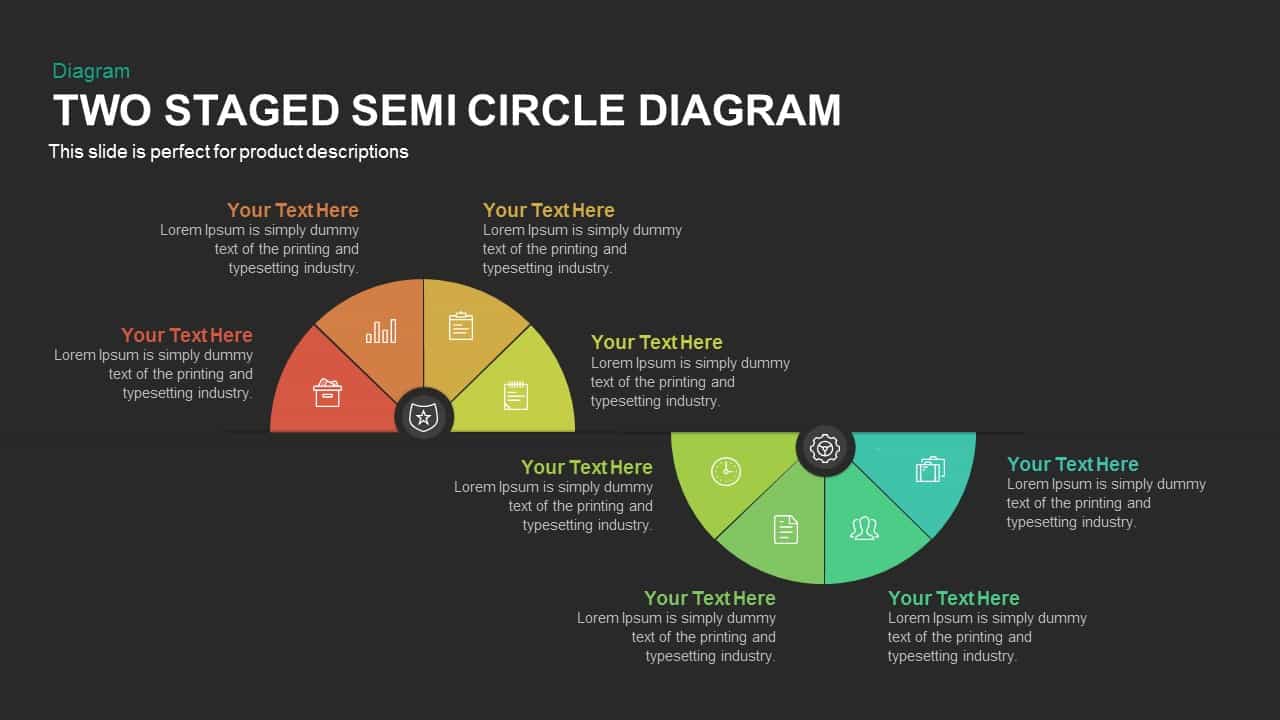
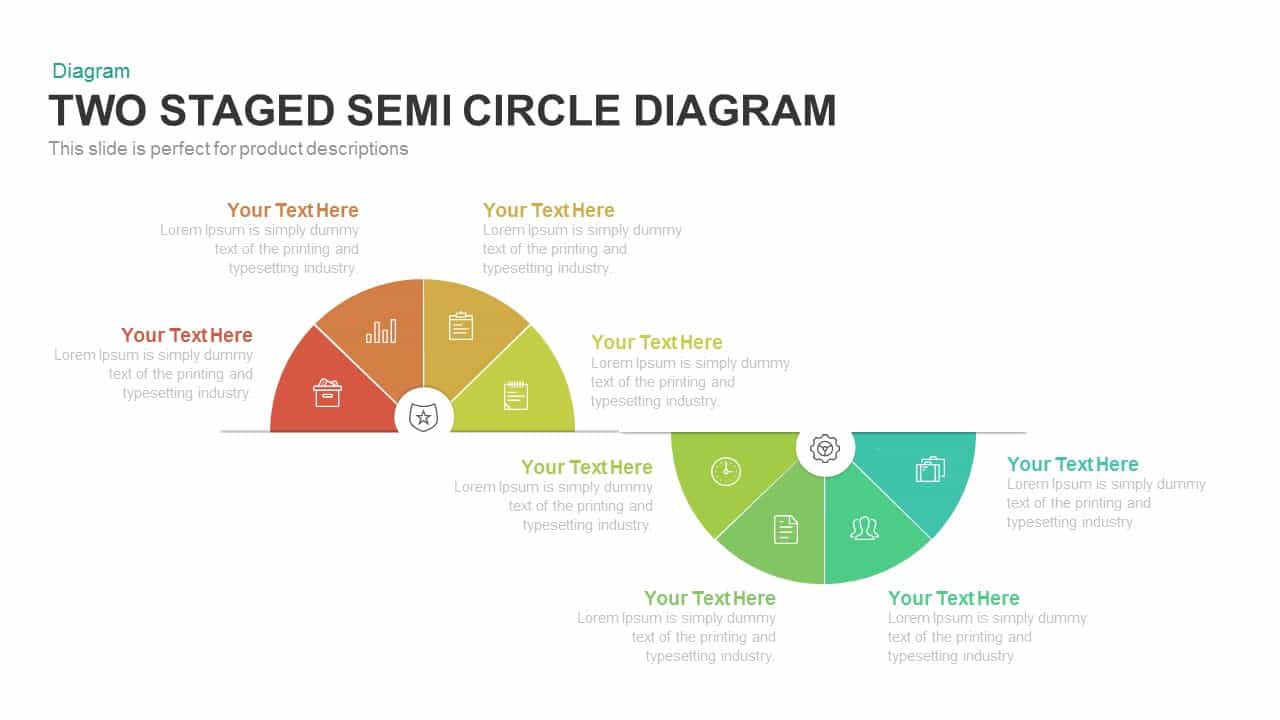
Visualizing continuous business workflows, multi-phase operational cycles, two-part strategic comparisons, or end-to-end project roadmaps requires a smooth, interconnected visual rhythm. A two staged semi circle diagram gives project leads, business strategists, and operations managers an intuitive alternating layout to showcase an eight-step journey across two main operational phases. Plain linear lists often make sequential transitions look flat and disconnected. Utilizing two opposing semicircular hubs linked along a central baseline creates an engaging wave progression that helps executive audiences follow complex processes from initial planning through full implementation.
Key features and benefits of these semi circle process presentation slides include:
- A dual-stage alternating wave layout featuring an upward-facing semicircle on the left and a downward-facing semicircle on the right.
- Eight segmented slices in total, color-coded across a warm-to-cool palette transitioning from coral, orange, and yellow to lime, green, and teal.
- Two central dark anchor badges with line icons representing core milestones or phase leadership (shield star and gear cog).
- Modern line-art vector icons inside each wedge depicting archives, data analytics, checklists, notes, time tracking, documents, team collaboration, and deliverables.
- Well-distributed text placeholders positioned above and below each wedge for clear stage titles and descriptive explanations.
- Sleek dark background theme designed to maximize visual contrast and maintain audience focus during digital presentations.
- Fully customizable vector shapes allowing presenters to modify colors, icons, and text directly within PowerPoint or Google Slides.
- Versatile layout ideal for presenting a two staged semi circle diagram PowerPoint template during process improvement reviews, product lifecycle roadmaps, and agile sprint planning sessions.
Login to download this file

Item ID
SB00583


Related Templates

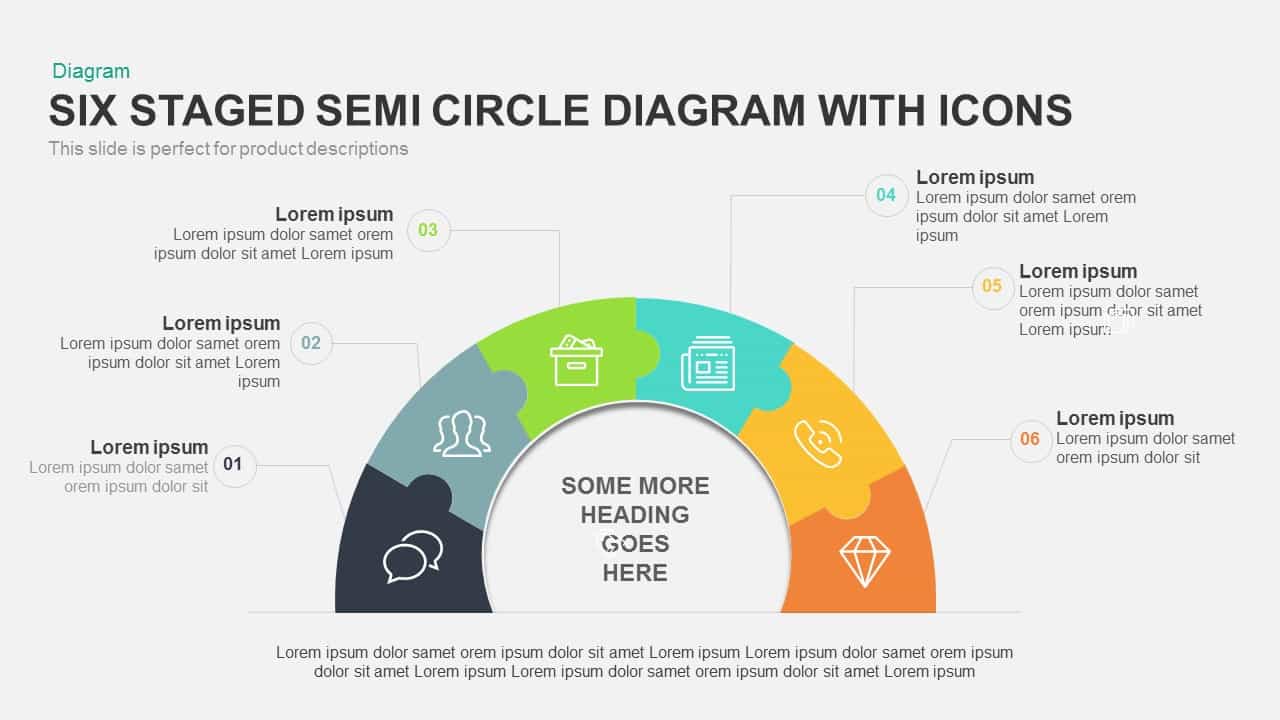
6 Staged Semi Circle Diagram PowerPoint Template with Icons
Circular
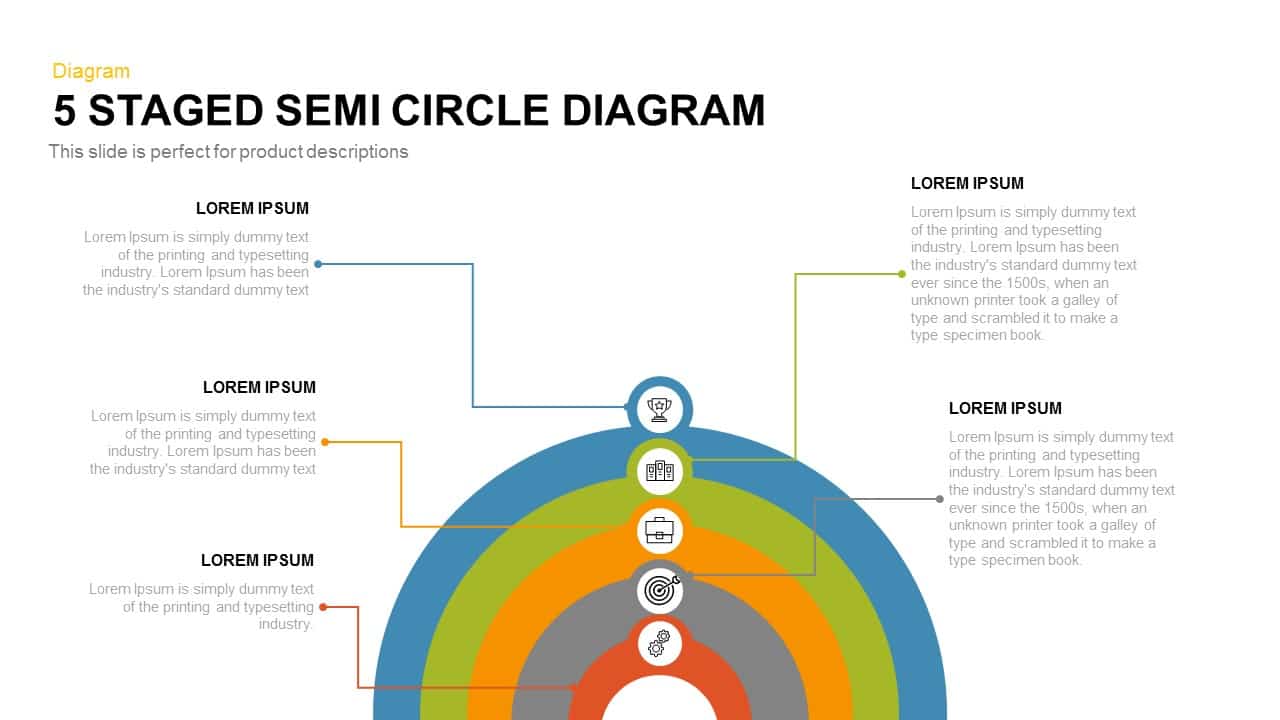
5 Staged Semi Circle Diagram for PowerPoint
Process
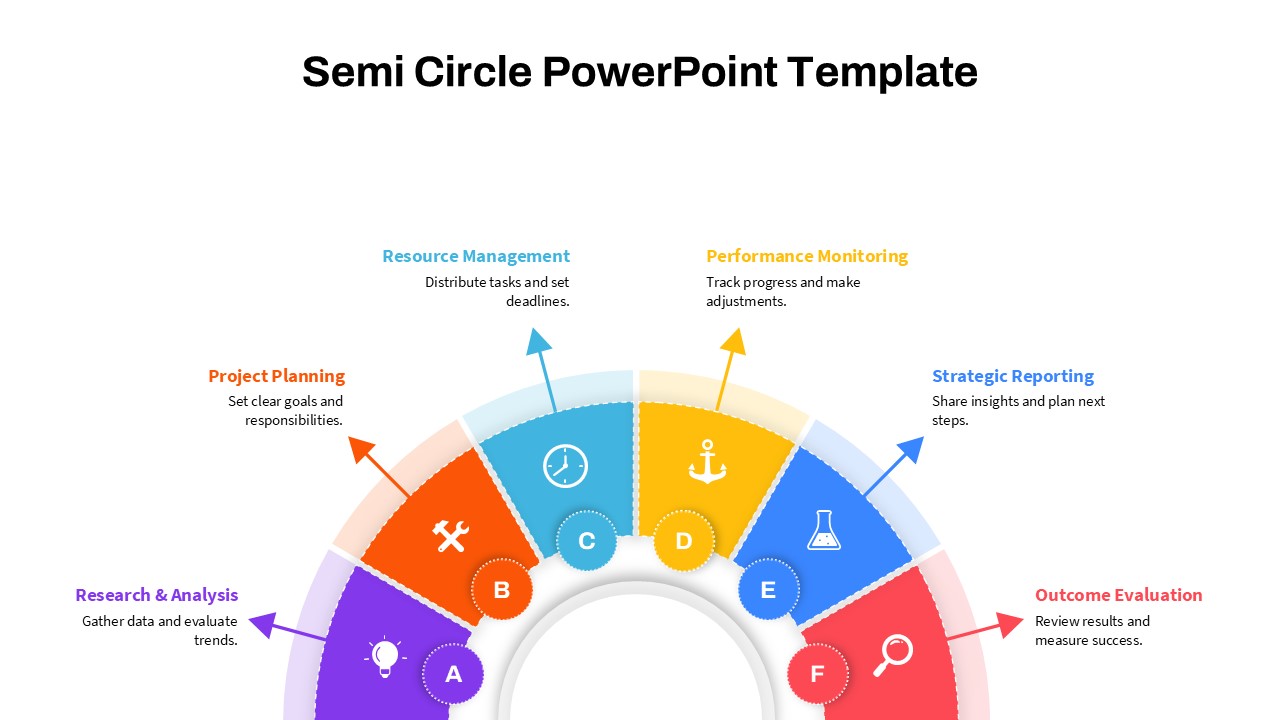
Modern Semi Circle Infographic Template for PowerPoint & Google Slides
Circular
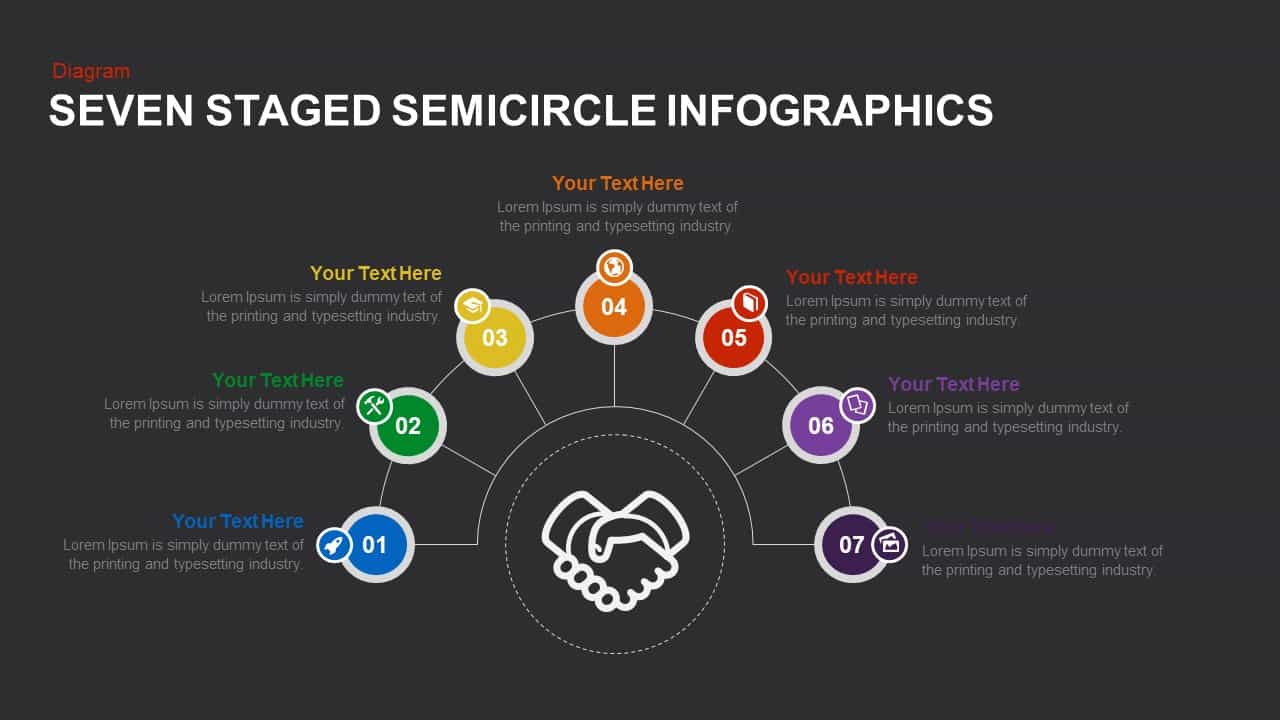
7 Step Semi Circle PowerPoint Template
Process
Semi-Supervised Learning Template for PPT & Google Slides
Machine Learning
Four-Stage Agenda Circle Diagram Slide Template for PowerPoint & Google Slides
Agenda
Circle Spider Diagram Template for PowerPoint and Google Slides
Circular
Modern Nine Circle Network Diagram Template for PowerPoint & Google Slides
Circular
Alternating Circle Timeline Diagram Template for PowerPoint & Google Slides
Timeline
Multi-layout Circle Spoke Diagram Template for PowerPoint & Google Slides
Circular
Editable Twin Circle Process Diagram Template for PowerPoint & Google Slides
Process
Three-Level Sequence Circle Diagram Template for PowerPoint & Google Slides
Circular
Five-Staged Circle Sections Diagram Template for PowerPoint & Google Slides
Circular
Four-Circle Hub and Spoke Diagram Template for PowerPoint & Google Slides
Process
Arrow Circle Flow Diagram PowerPoint Template and Google Slides
Infographics
Six-Circle Process Infographic Diagram Template for PowerPoint & Google Slides
Circular
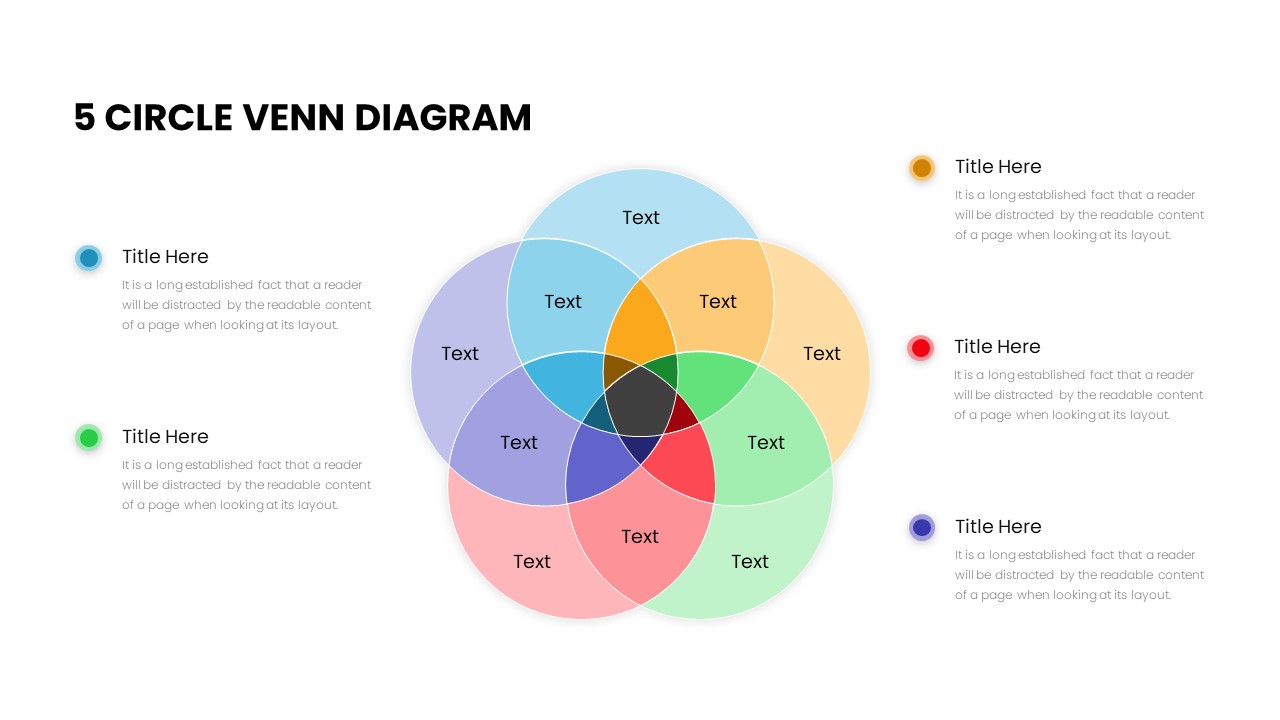
Five Circle Venn Diagram for Template for PowerPoint & Google Slides
Circular

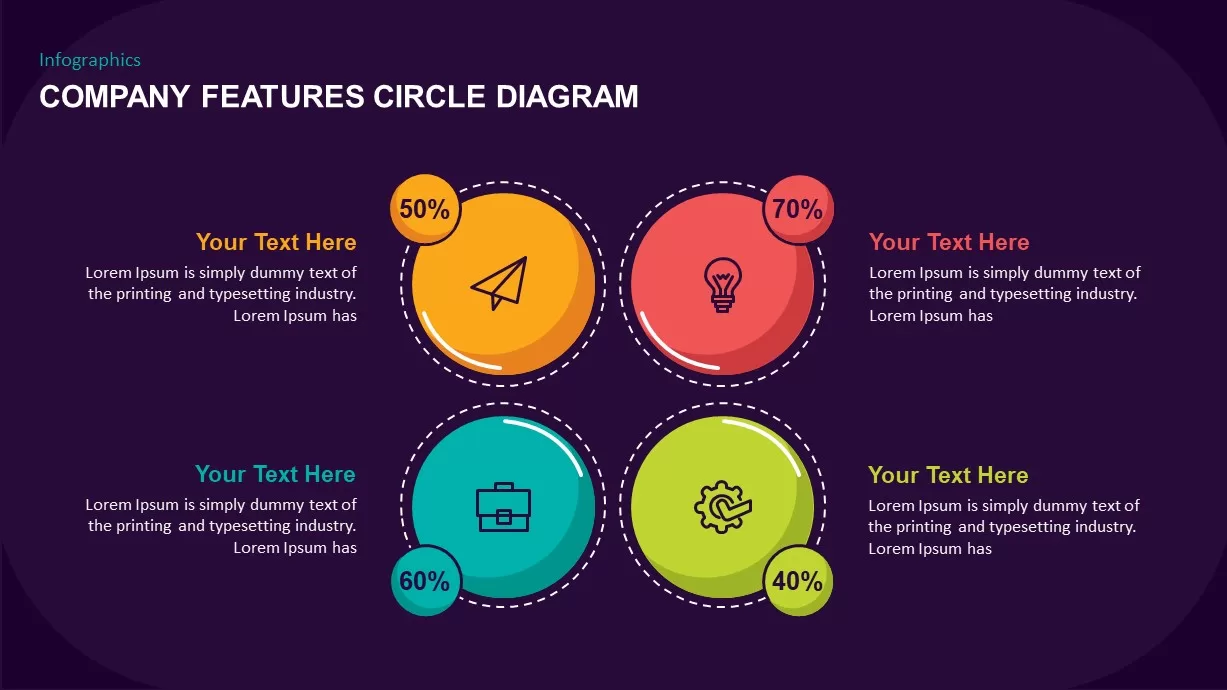
Company Features Circle Diagram for PowerPoint & Google Slides
Process
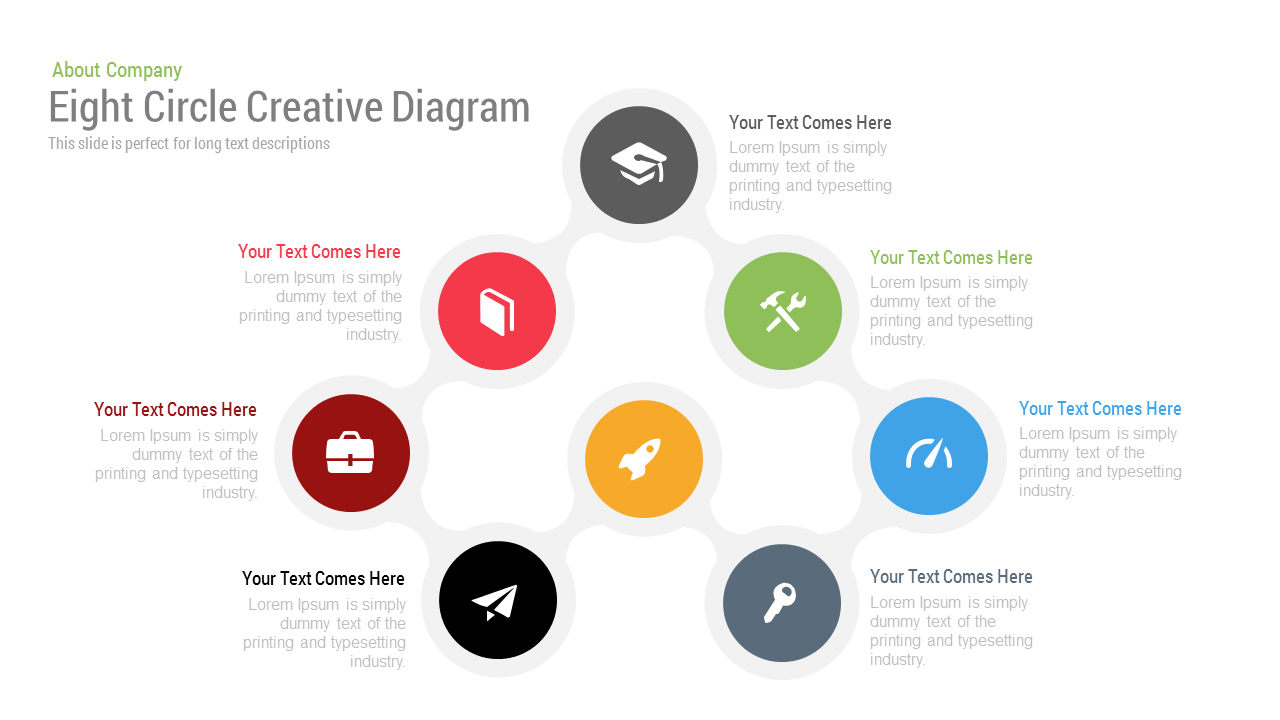
Free Eight Circle Creative Diagram Template for PPT & Google Slides
Circular
Free
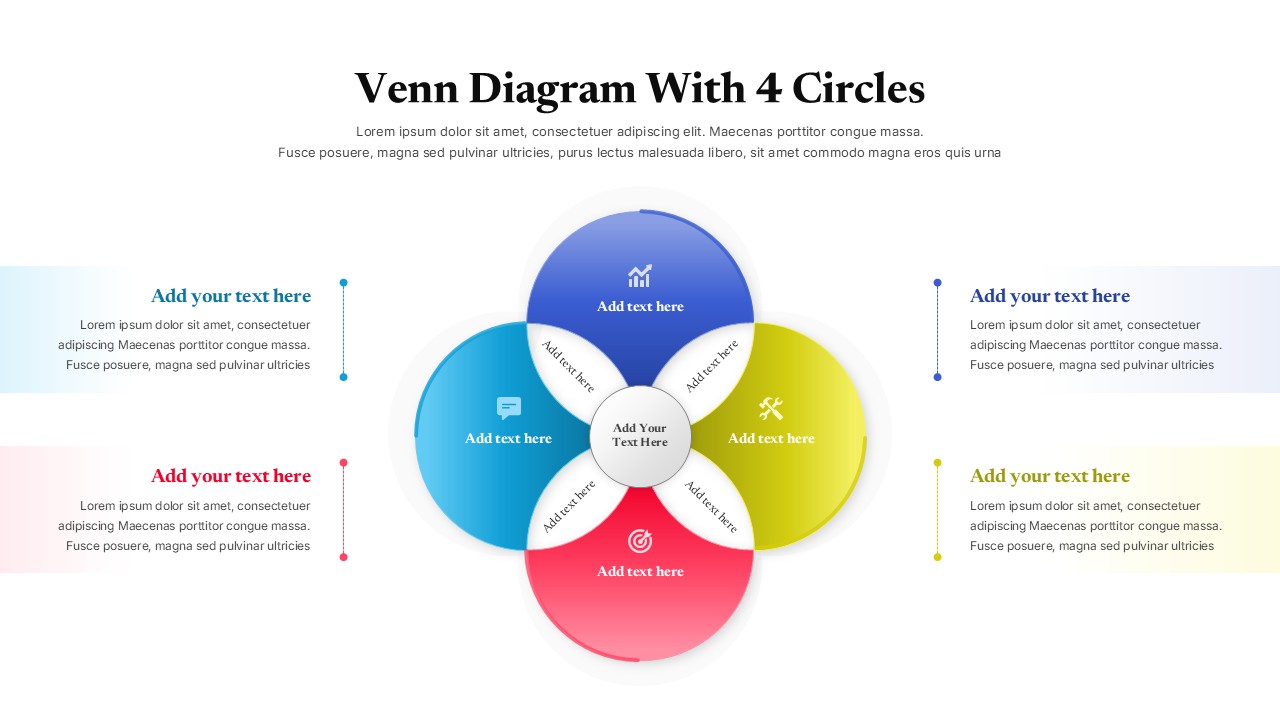
Colorful Four Circle Venn Diagram for PPT and Google Slides
Circular